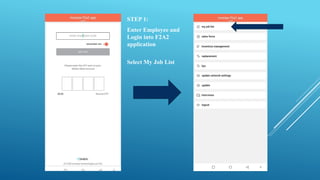
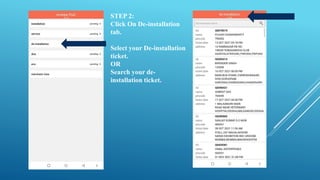
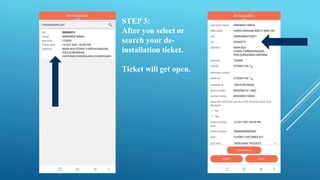
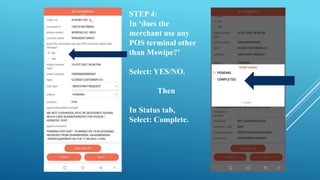
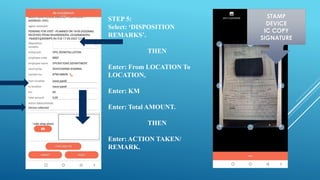
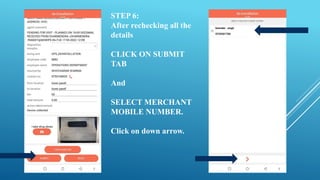
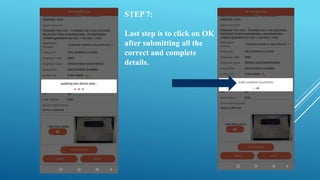
The 7 step document outlines the process for de-installing an F2A2 application. It involves logging into the F2A2 application, selecting a de-installation ticket, providing details about POS terminals and status, entering disposition remarks including location details and amount, submitting the details and merchant mobile number, and clicking OK to complete the de-installation.