Uploading Powerpoint slides to Blogger:
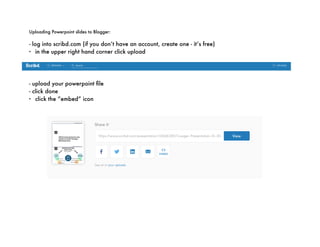
- log into scribd.com (if you don’t have an account, create one - it’s free)
- in the upper right hand corner click upload
- upload your powerpoint file
- click done
- click the “embed” icon
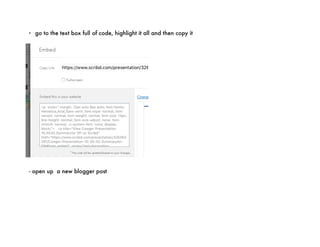
- go to the text box full of code, highlight it all and then copy it
- open up  a new blogger post
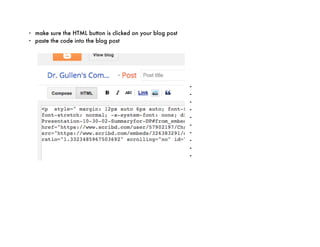
- make sure the HTML button is clicked on your blog post
- paste the code into the blog post
-
-
-
-
-
-
-
-
-
-
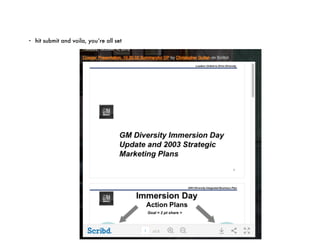
- hit submit and voila, you’re all set

In Class Sample2

  • 1.
    Uploading Powerpoint slidesto Blogger: - log into scribd.com (if you don’t have an account, create one - it’s free) - in the upper right hand corner click upload - upload your powerpoint file - click done - click the “embed” icon
  • 2.
    - go tothe text box full of code, highlight it all and then copy it - open up  a new blogger post
  • 3.
    - make surethe HTML button is clicked on your blog post - paste the code into the blog post - - - - - - - - - -
  • 4.
    - hit submitand voila, you’re all set