H A M S A L A T H A . S
B U B M 1 5 0 1 2
IMAGE PROCESSING
INTRODUCTION
• It is processing of images using mathematical operations
by using any form of signal processing.
• The input is an image, a series of images or a video,
such as a photograph or video frame
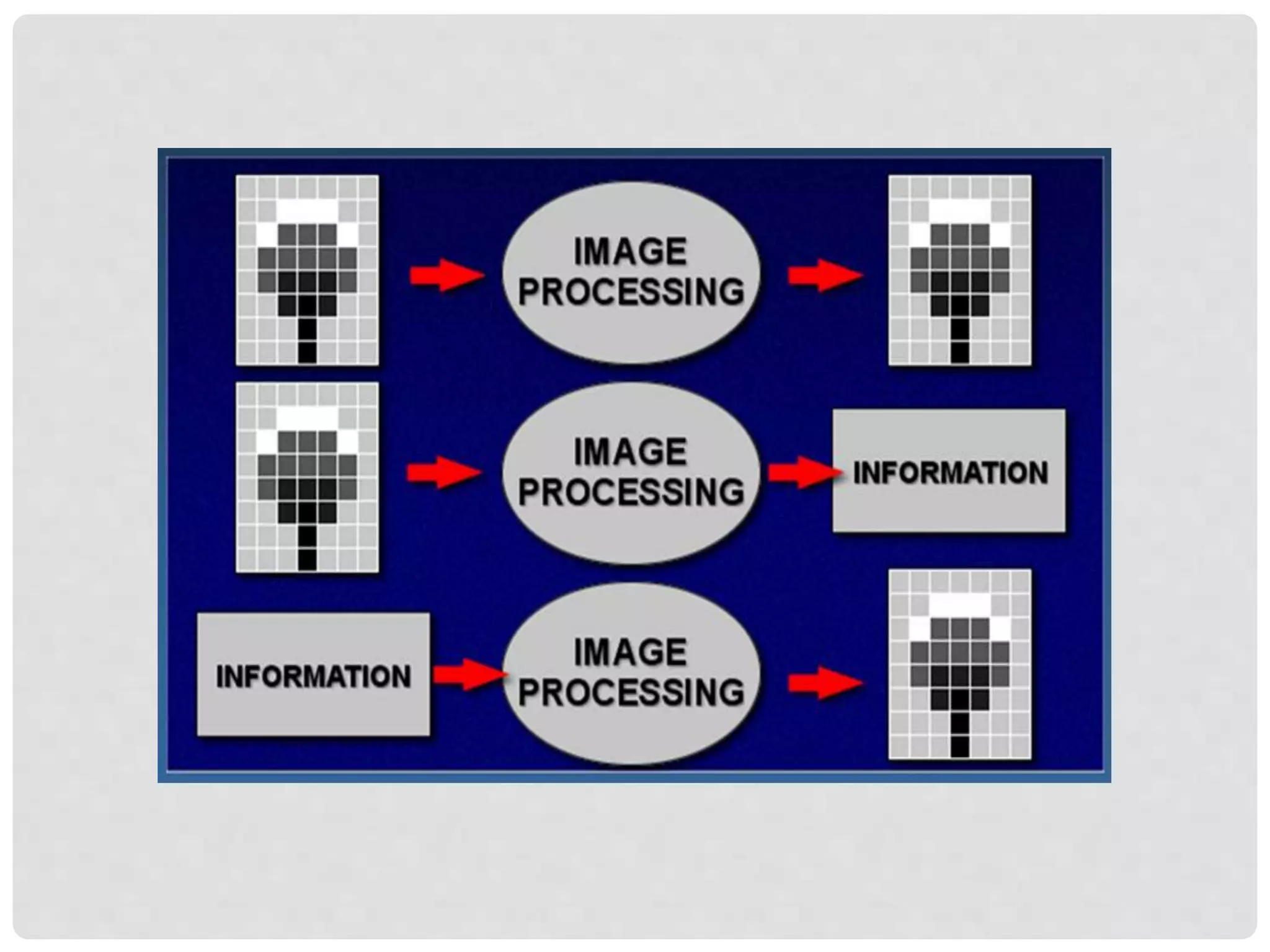
• The output of image processing may be either an image
or a set of characteristics or parameters related to the
image.
WHAT IS THE USE OF IMAGE
PROCESSING?
Image processing is required for two main aspects such as:-
• Improves the visual appearance of the image to a human
viewer.
• Preparing images for the measurement of the features and
structures present.
NEED FOR IMAGE PROCESSING
• Digital image is “invisible” so it must be prepared for
viewing in one or more output devices such as printer ,
monitor etc.
• It can be optimized for the application by enhancing or
altering the appearance of structures.
• It is possible to analyse the image in the computer and
provide clues for the radiologists to detect any
abnormality in the human body.
ACQUIRING IMAGE
• The scientific instruments generally create images rather
than audible tone or emitting any smell.
• In case of space missions to other planets the main
component is cameras as we judge the success of those
missions by the quality of the images returned.
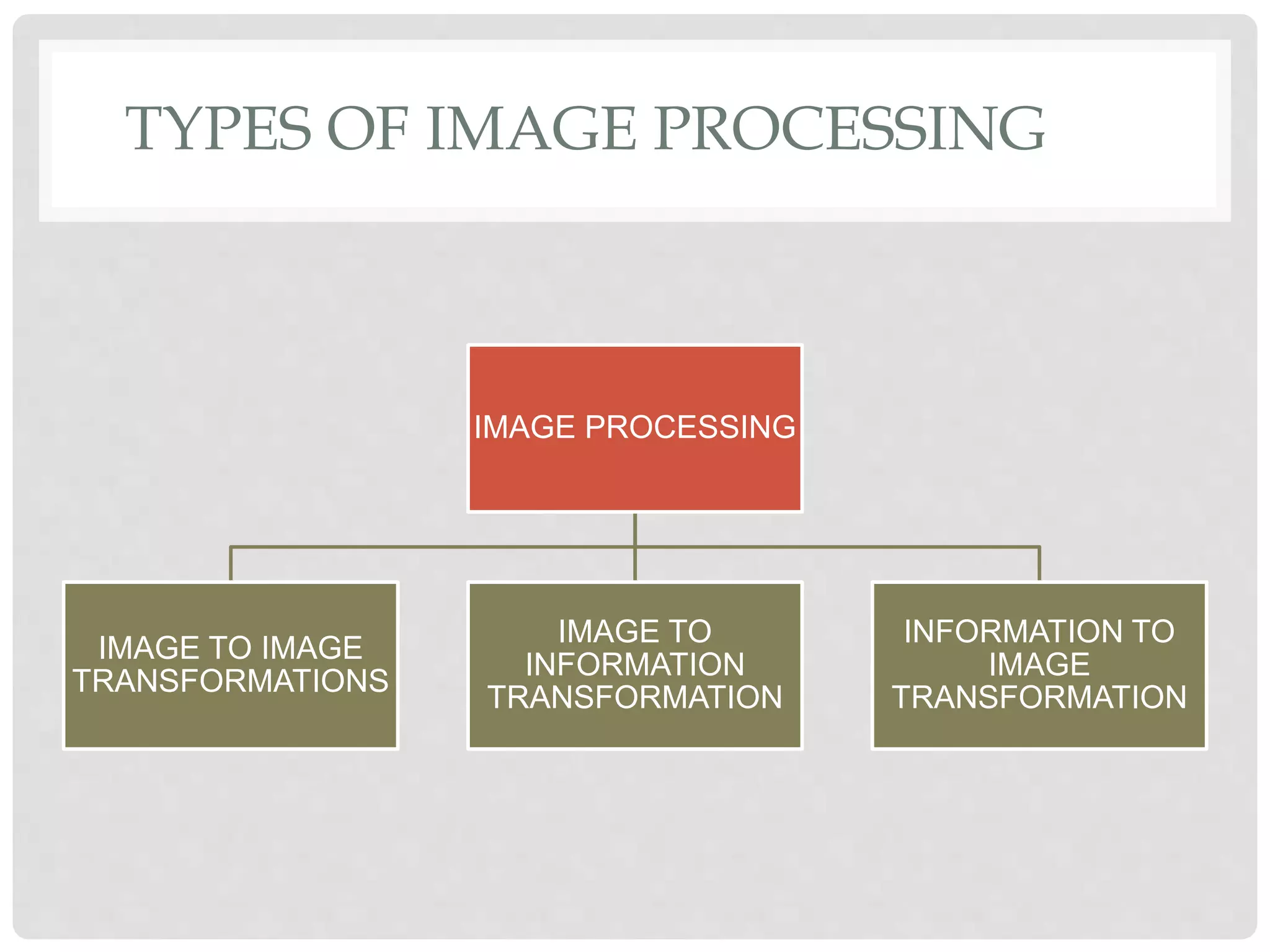
TYPES OF IMAGE PROCESSING
IMAGE PROCESSING
IMAGE TO IMAGE
TRANSFORMATIONS
IMAGE TO
INFORMATION
TRANSFORMATION
INFORMATION TO
IMAGE
TRANSFORMATION
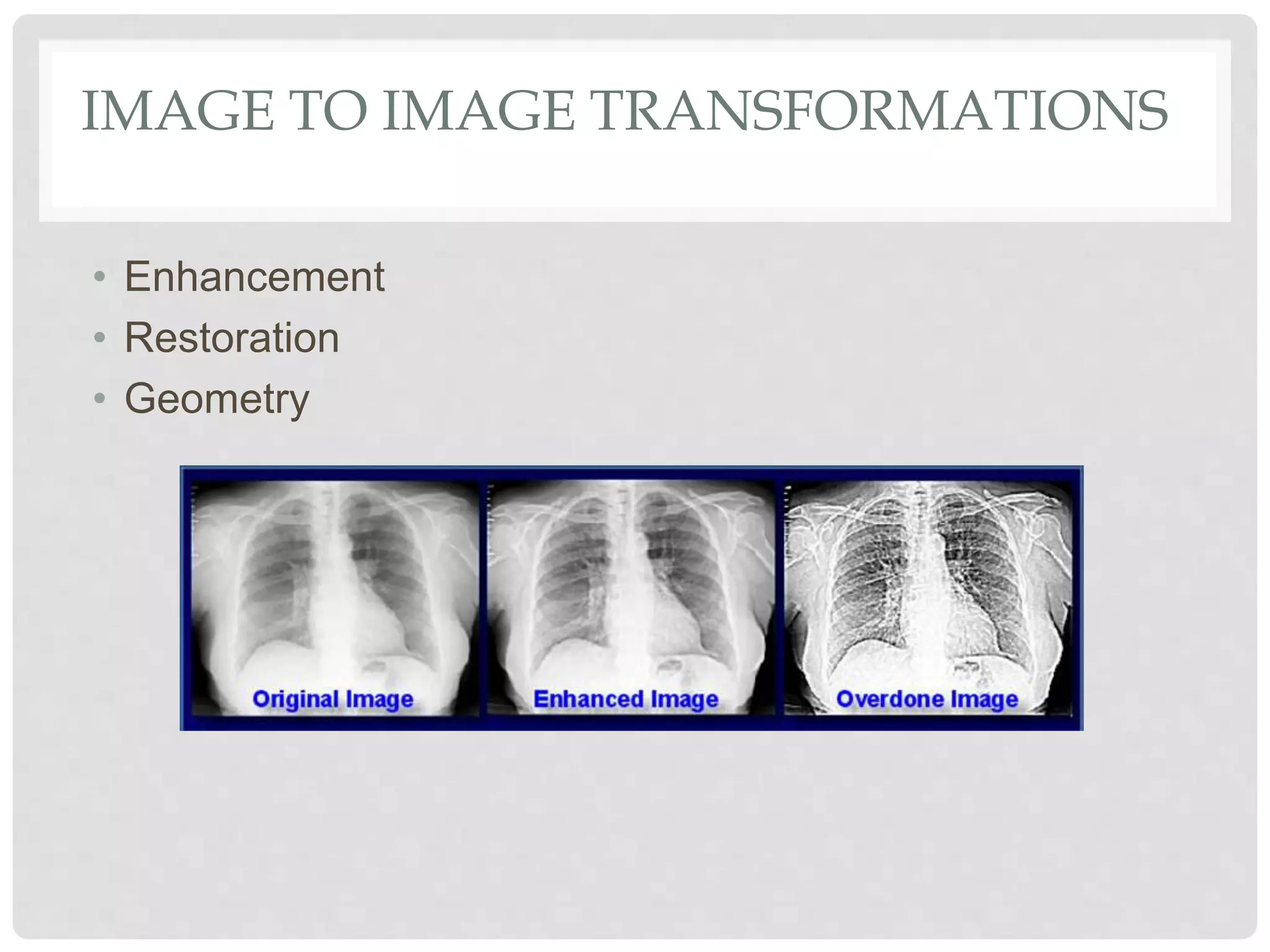
IMAGE TO IMAGE TRANSFORMATIONS
• Enhancement
• Restoration
• Geometry
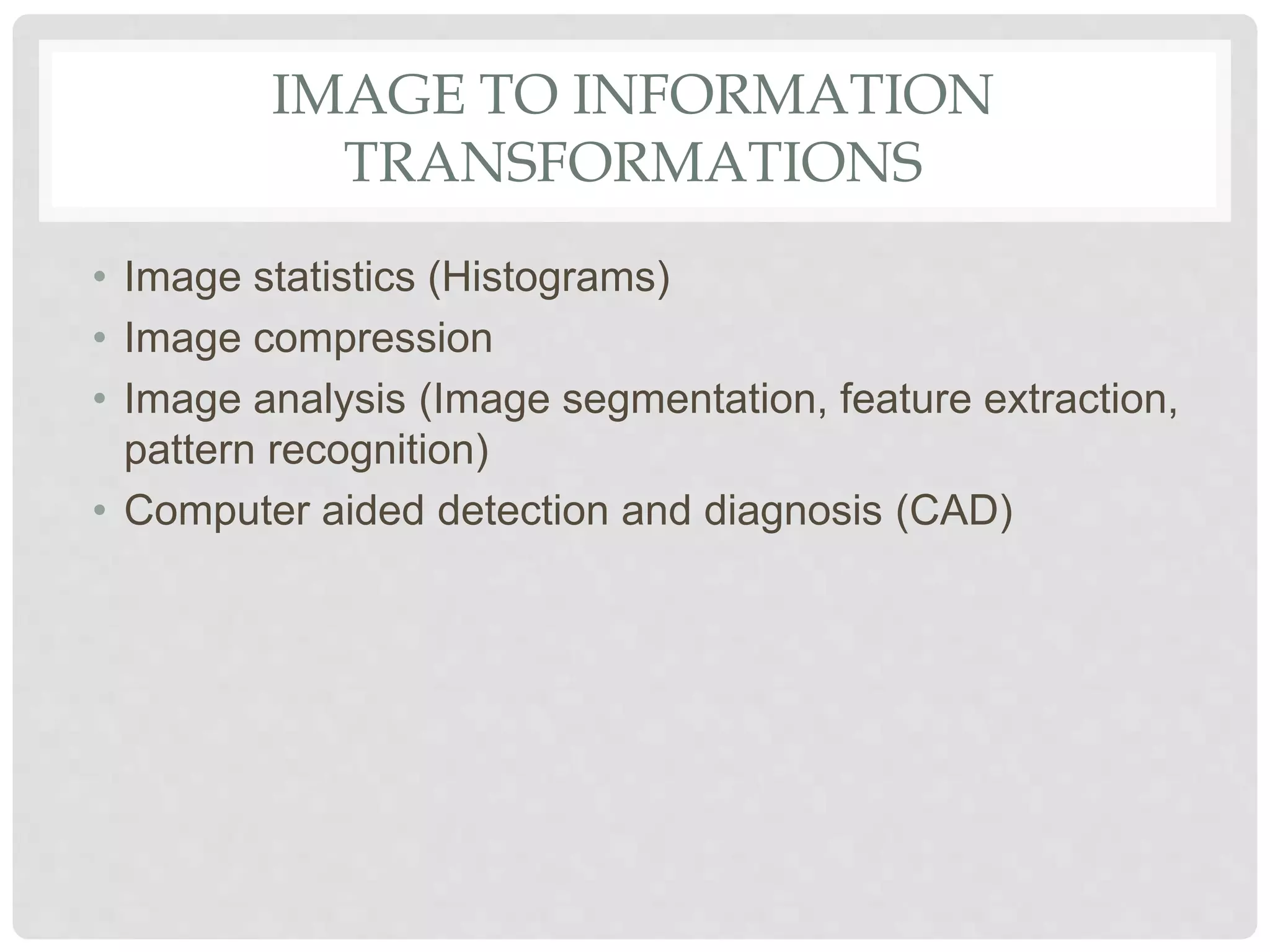
IMAGE TO INFORMATION
TRANSFORMATIONS
• Image statistics (Histograms)
• Image compression
• Image analysis (Image segmentation, feature extraction,
pattern recognition)
• Computer aided detection and diagnosis (CAD)
INFORMATION TO IMAGE
TRANSFORMATIONS
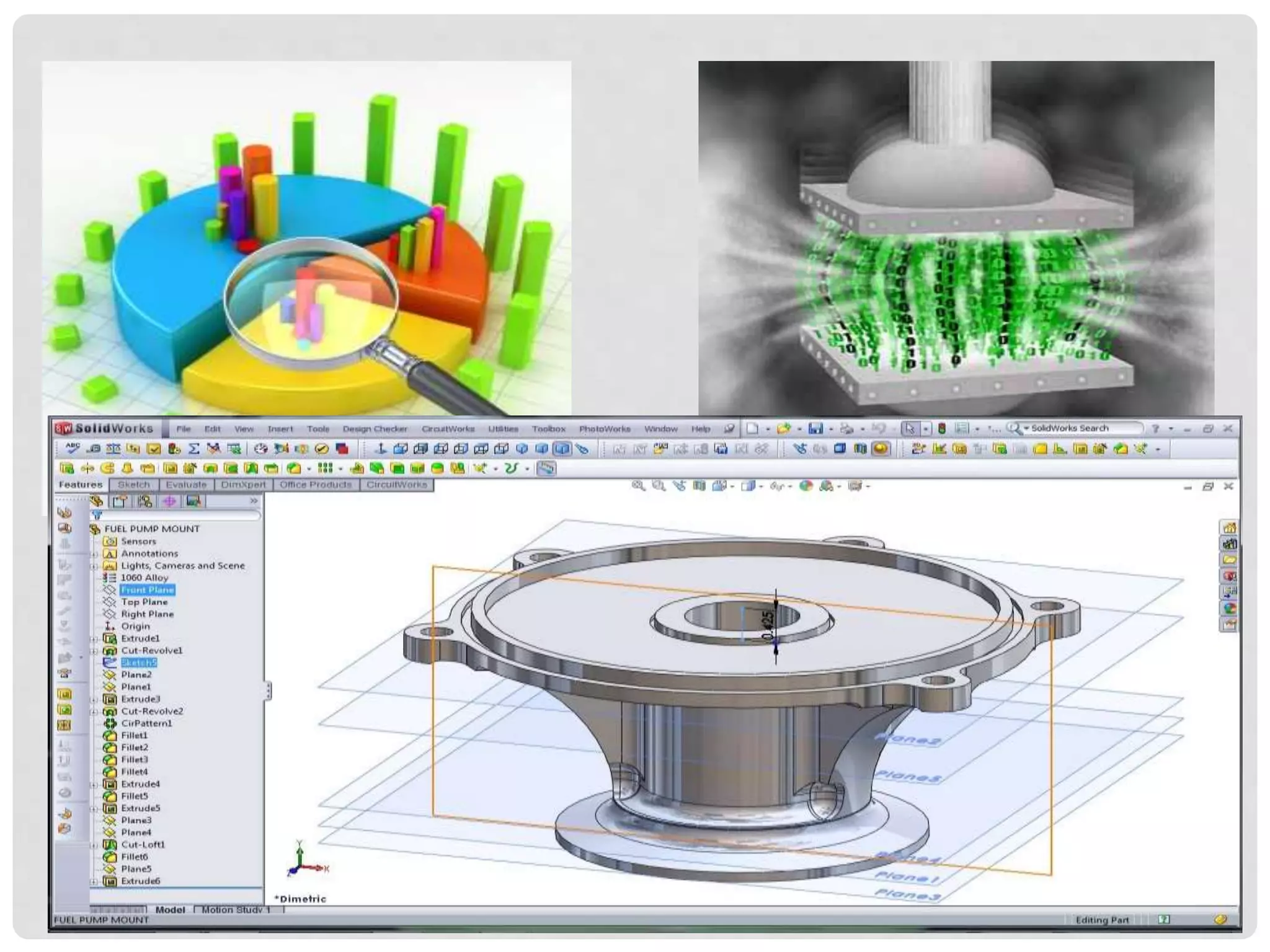
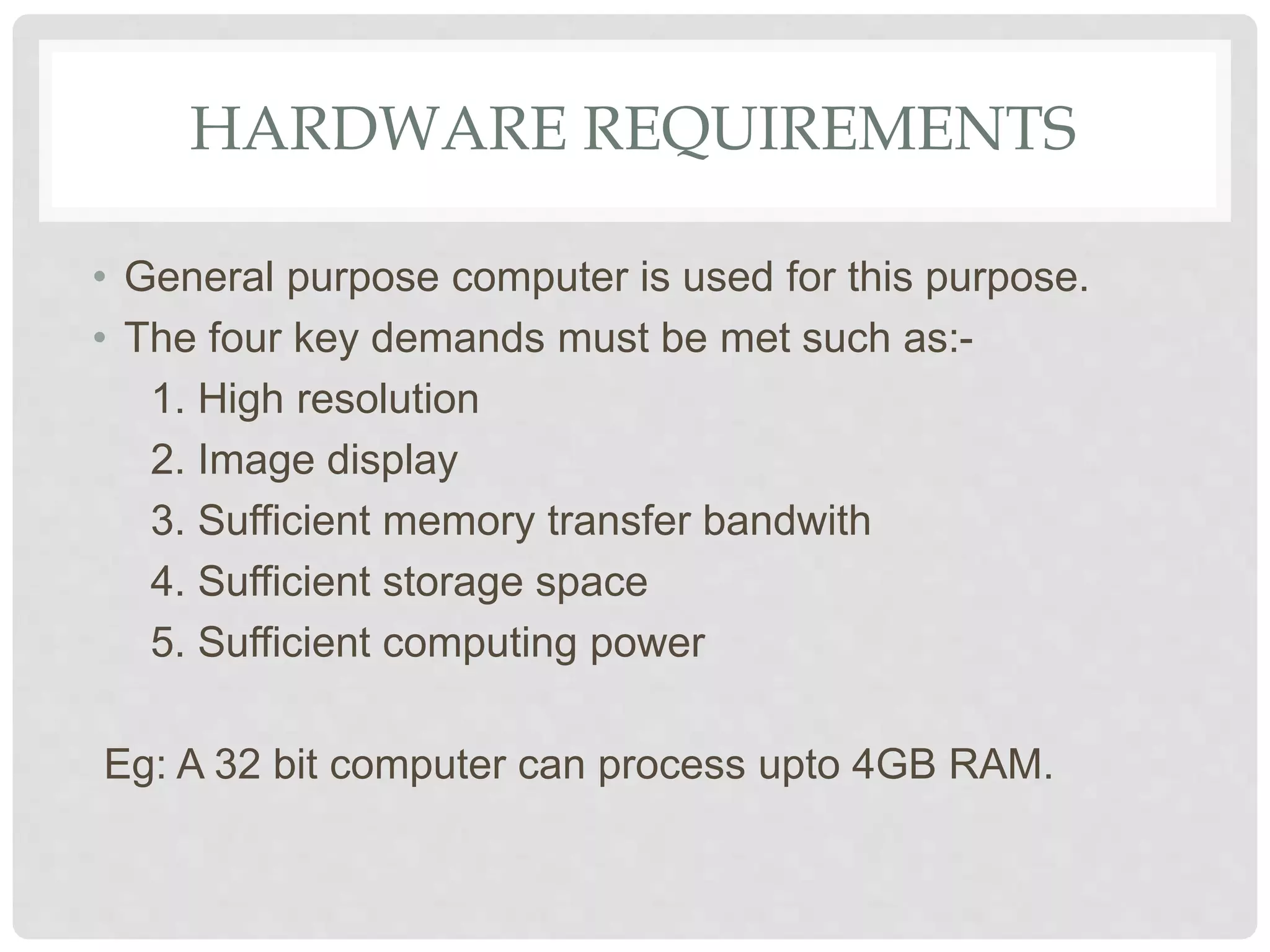
• Decompression of compressed image data.
• Reconstruction of image slices from CT or MRI raw data.
• Computer graphics, Animations and Virtual reality
(synthetic objects).
HARDWARE REQUIREMENTS
• General purpose computer is used for this purpose.
• The four key demands must be met such as:-
1. High resolution
2. Image display
3. Sufficient memory transfer bandwith
4. Sufficient storage space
5. Sufficient computing power
Eg: A 32 bit computer can process upto 4GB RAM.
SOFTWARE REQUIREMENTS
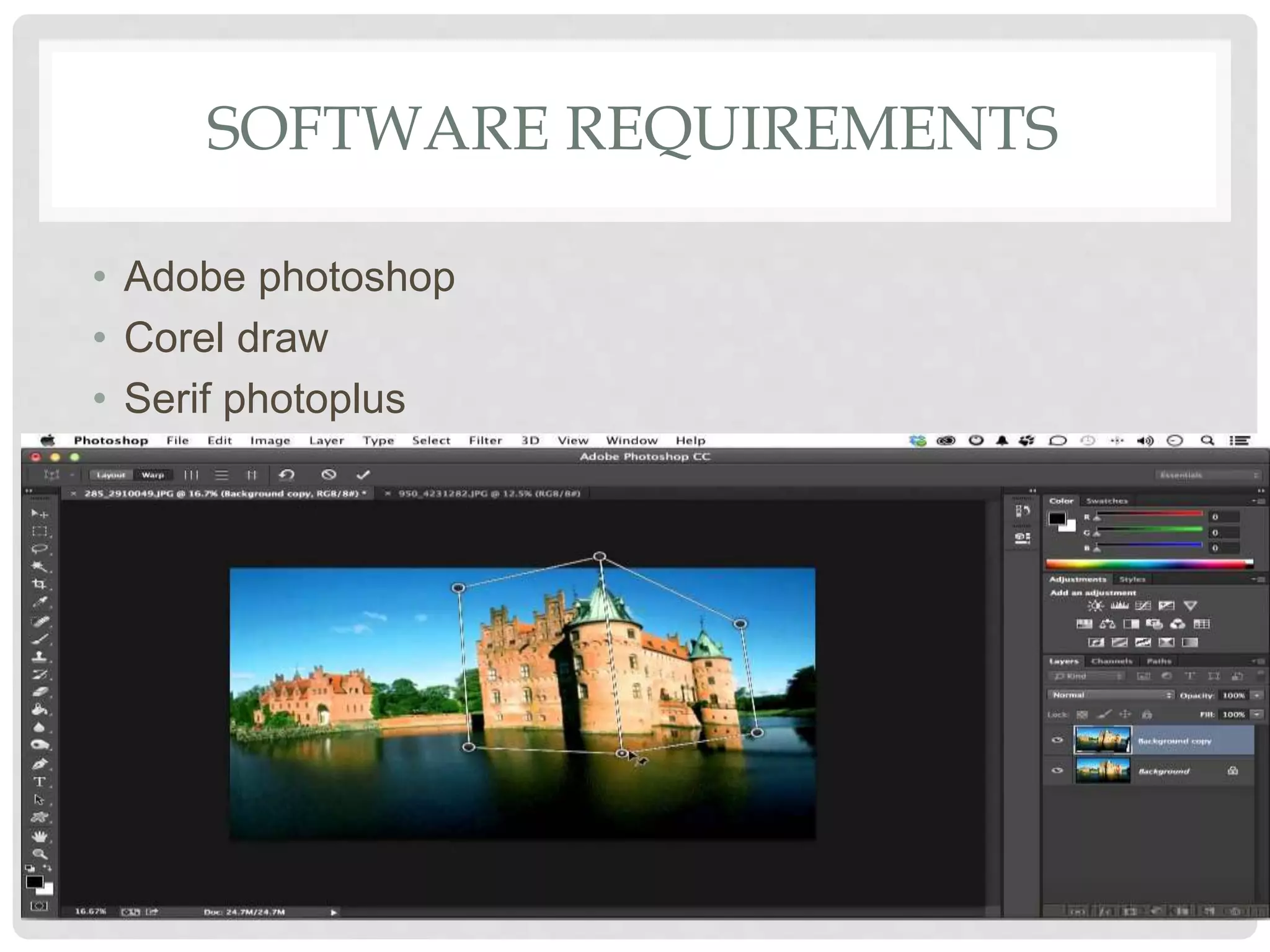
• Adobe photoshop
• Corel draw
• Serif photoplus
Image Processing.pdf

Image Processing.pdf

  • 1.
    H A MS A L A T H A . S B U B M 1 5 0 1 2 IMAGE PROCESSING
  • 2.
    INTRODUCTION • It isprocessing of images using mathematical operations by using any form of signal processing. • The input is an image, a series of images or a video, such as a photograph or video frame • The output of image processing may be either an image or a set of characteristics or parameters related to the image.
  • 3.
    WHAT IS THEUSE OF IMAGE PROCESSING? Image processing is required for two main aspects such as:- • Improves the visual appearance of the image to a human viewer. • Preparing images for the measurement of the features and structures present.
  • 4.
    NEED FOR IMAGEPROCESSING • Digital image is “invisible” so it must be prepared for viewing in one or more output devices such as printer , monitor etc. • It can be optimized for the application by enhancing or altering the appearance of structures. • It is possible to analyse the image in the computer and provide clues for the radiologists to detect any abnormality in the human body.
  • 5.
    ACQUIRING IMAGE • Thescientific instruments generally create images rather than audible tone or emitting any smell. • In case of space missions to other planets the main component is cameras as we judge the success of those missions by the quality of the images returned.
  • 6.
    TYPES OF IMAGEPROCESSING IMAGE PROCESSING IMAGE TO IMAGE TRANSFORMATIONS IMAGE TO INFORMATION TRANSFORMATION INFORMATION TO IMAGE TRANSFORMATION
  • 8.
    IMAGE TO IMAGETRANSFORMATIONS • Enhancement • Restoration • Geometry
  • 9.
    IMAGE TO INFORMATION TRANSFORMATIONS •Image statistics (Histograms) • Image compression • Image analysis (Image segmentation, feature extraction, pattern recognition) • Computer aided detection and diagnosis (CAD)
  • 11.
    INFORMATION TO IMAGE TRANSFORMATIONS •Decompression of compressed image data. • Reconstruction of image slices from CT or MRI raw data. • Computer graphics, Animations and Virtual reality (synthetic objects).
  • 12.
    HARDWARE REQUIREMENTS • Generalpurpose computer is used for this purpose. • The four key demands must be met such as:- 1. High resolution 2. Image display 3. Sufficient memory transfer bandwith 4. Sufficient storage space 5. Sufficient computing power Eg: A 32 bit computer can process upto 4GB RAM.
  • 13.
    SOFTWARE REQUIREMENTS • Adobephotoshop • Corel draw • Serif photoplus