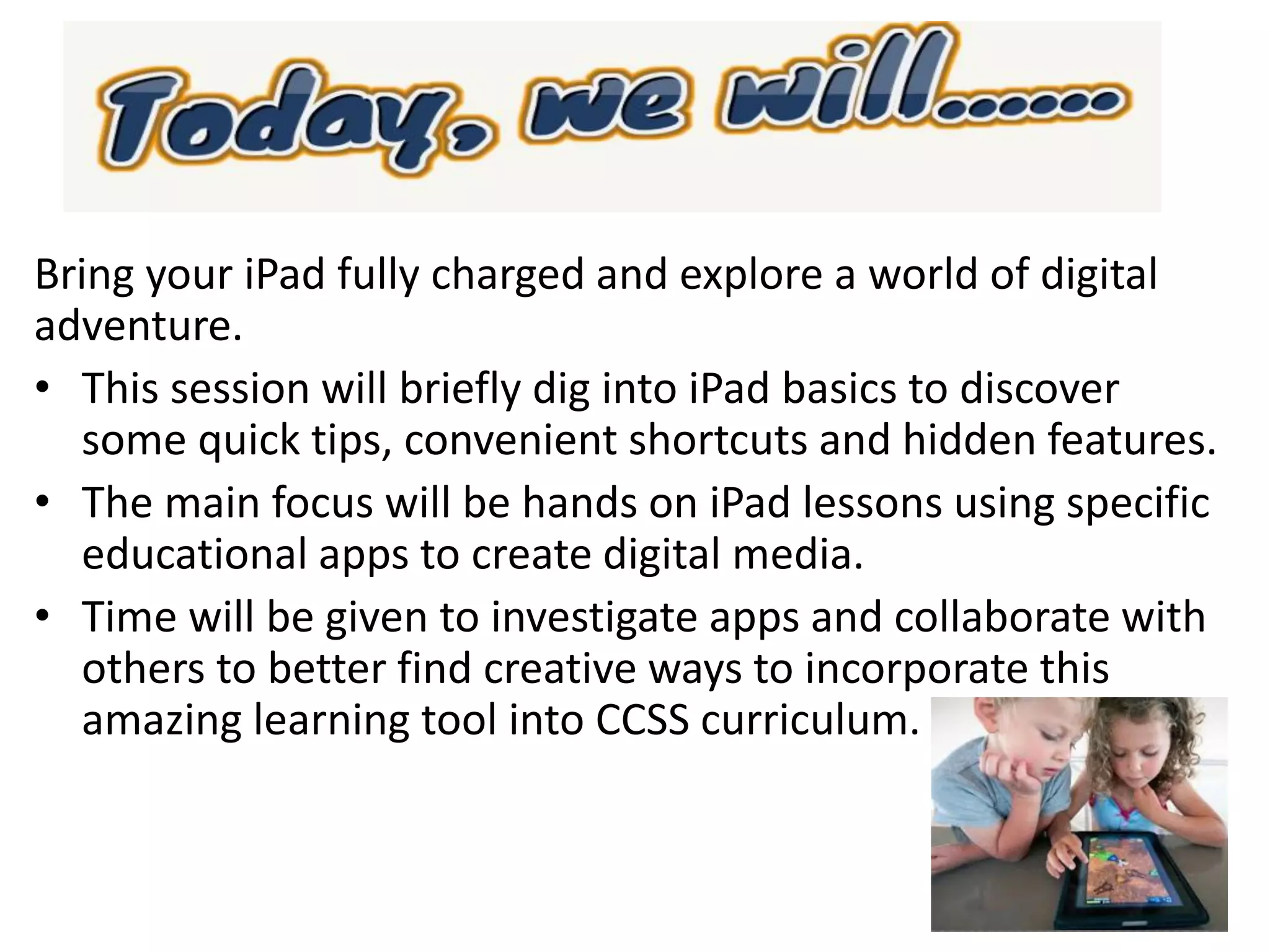
Bring your iPad fully charged and explore a world of digital
adventure.
• This session will briefly dig into iPad basics to discover
some quick tips, convenient shortcuts and hidden features.
• The main focus will be hands on iPad lessons using specific
educational apps to create digital media.
• Time will be given to investigate apps and collaborate with
others to better find creative ways to incorporate this
amazing learning tool into CCSS curriculum.
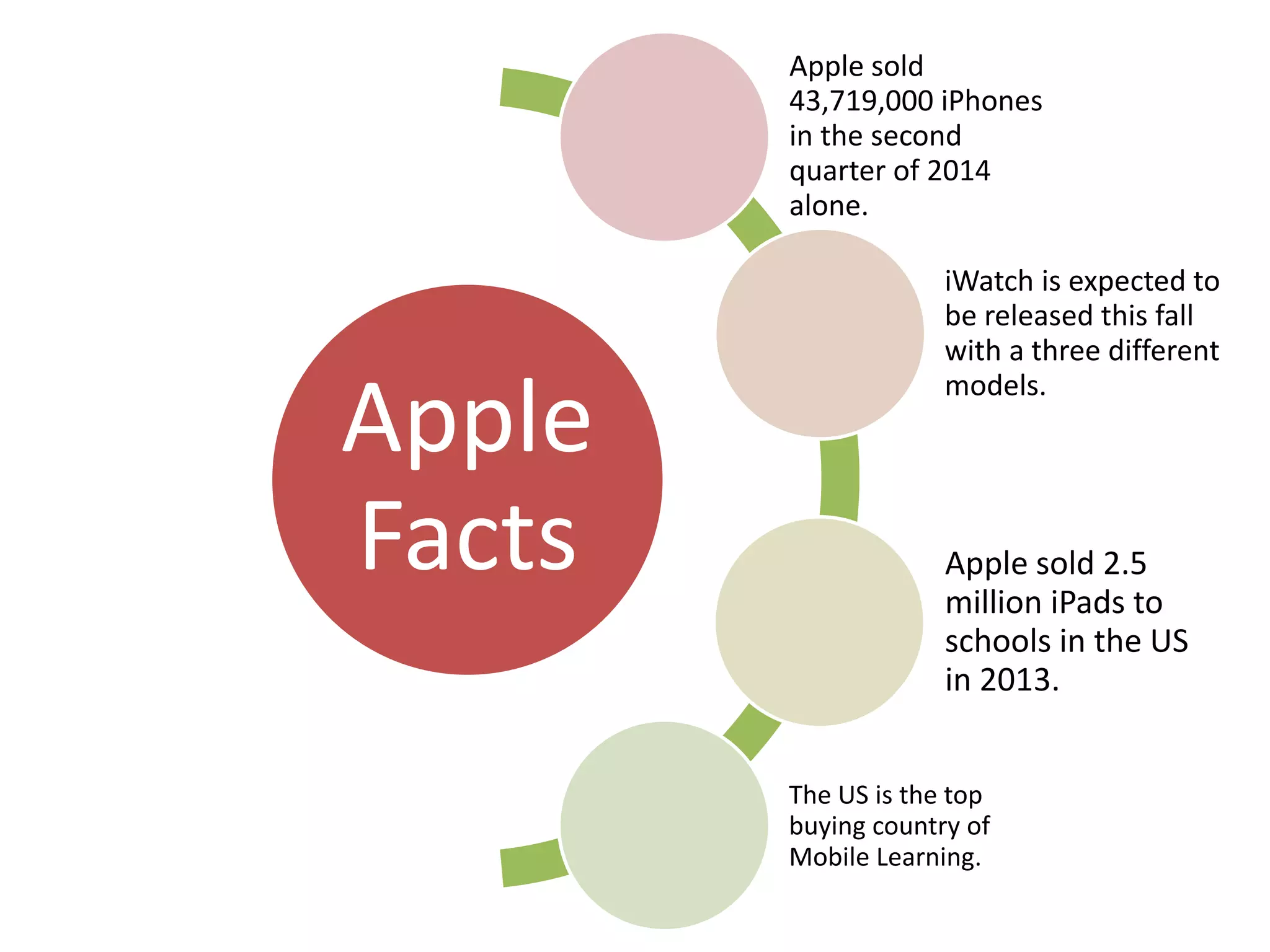
Apple
Facts
Apple sold
43,719,000 iPhones
in the second
quarter of 2014
alone.
iWatch is expected to
be released this fall
with a three different
models.
Apple sold 2.5
million iPads to
schools in the US
in 2013.
The US is the top
buying country of
Mobile Learning.
Life on iPad
https://www.youtube.com/watch?v=B8Le9wvoY00&feature=share&list=PLHFlH
pPjgk713fMv5O4s4Fv7k6yTkXwkV
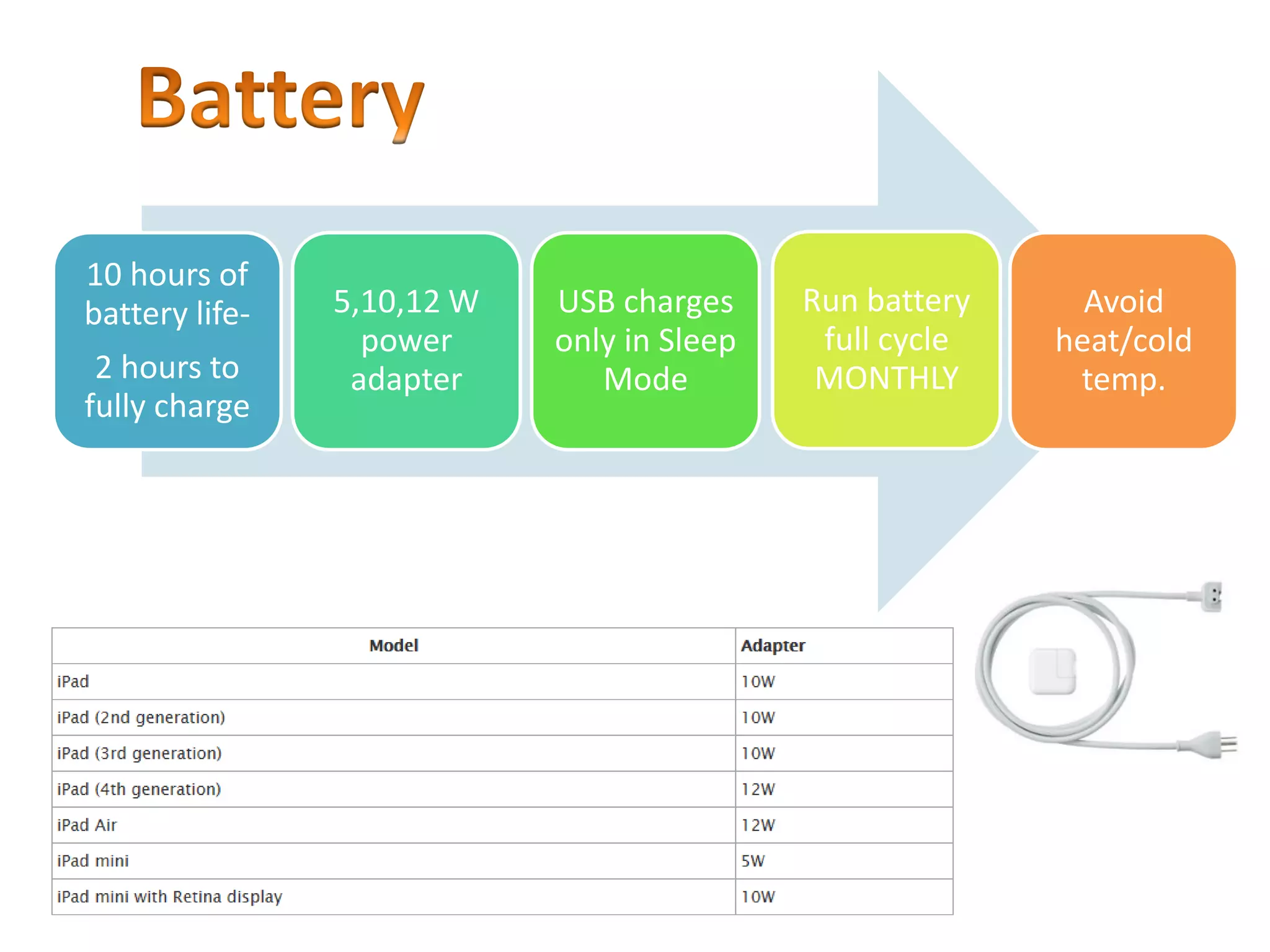
10 hours of
battery life-
2 hours to
fully charge
5,10,12 W
power
adapter
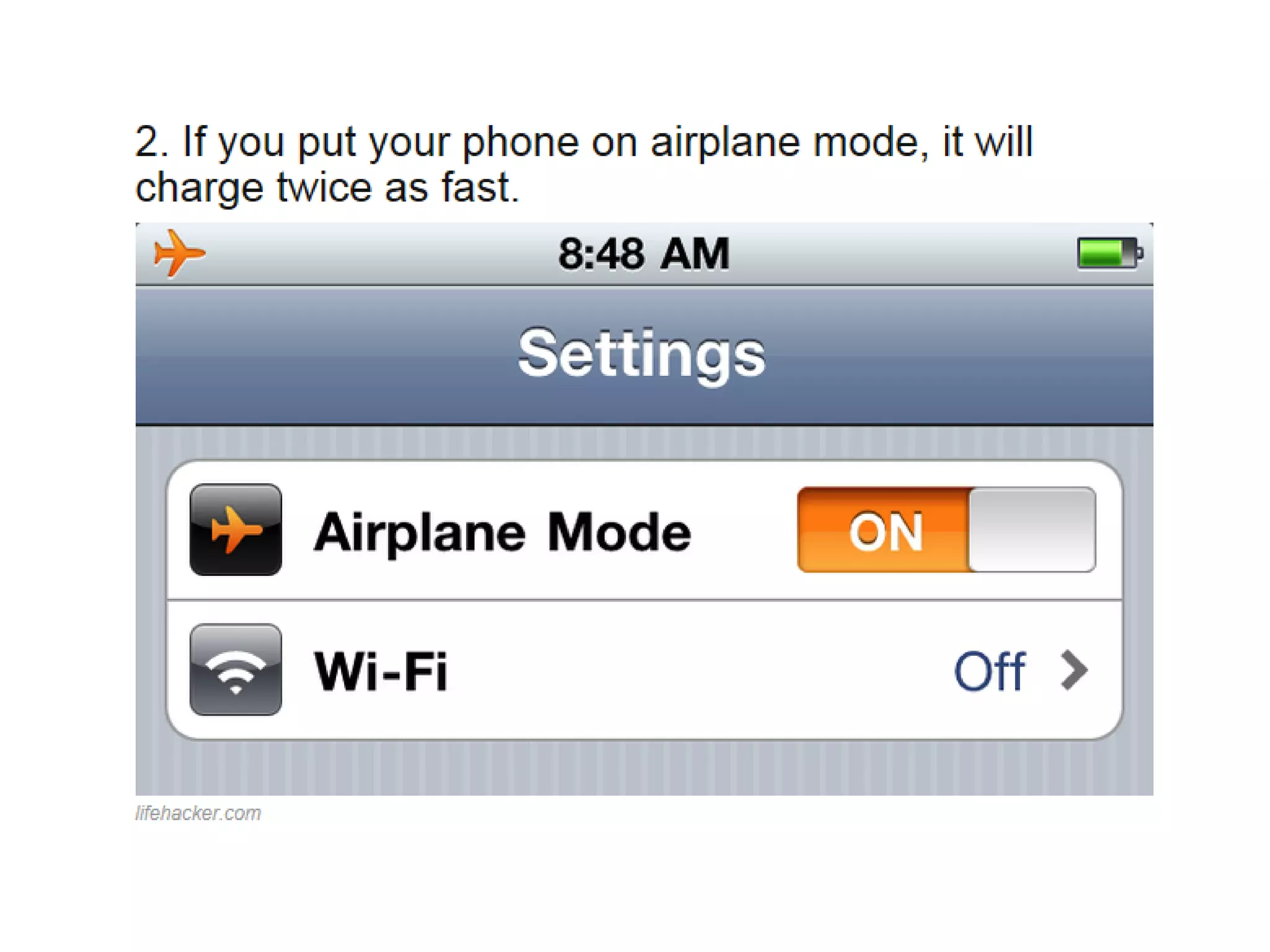
USB charges
only in Sleep
Mode
Run battery
full cycle
MONTHLY
Avoid
heat/cold
temp.
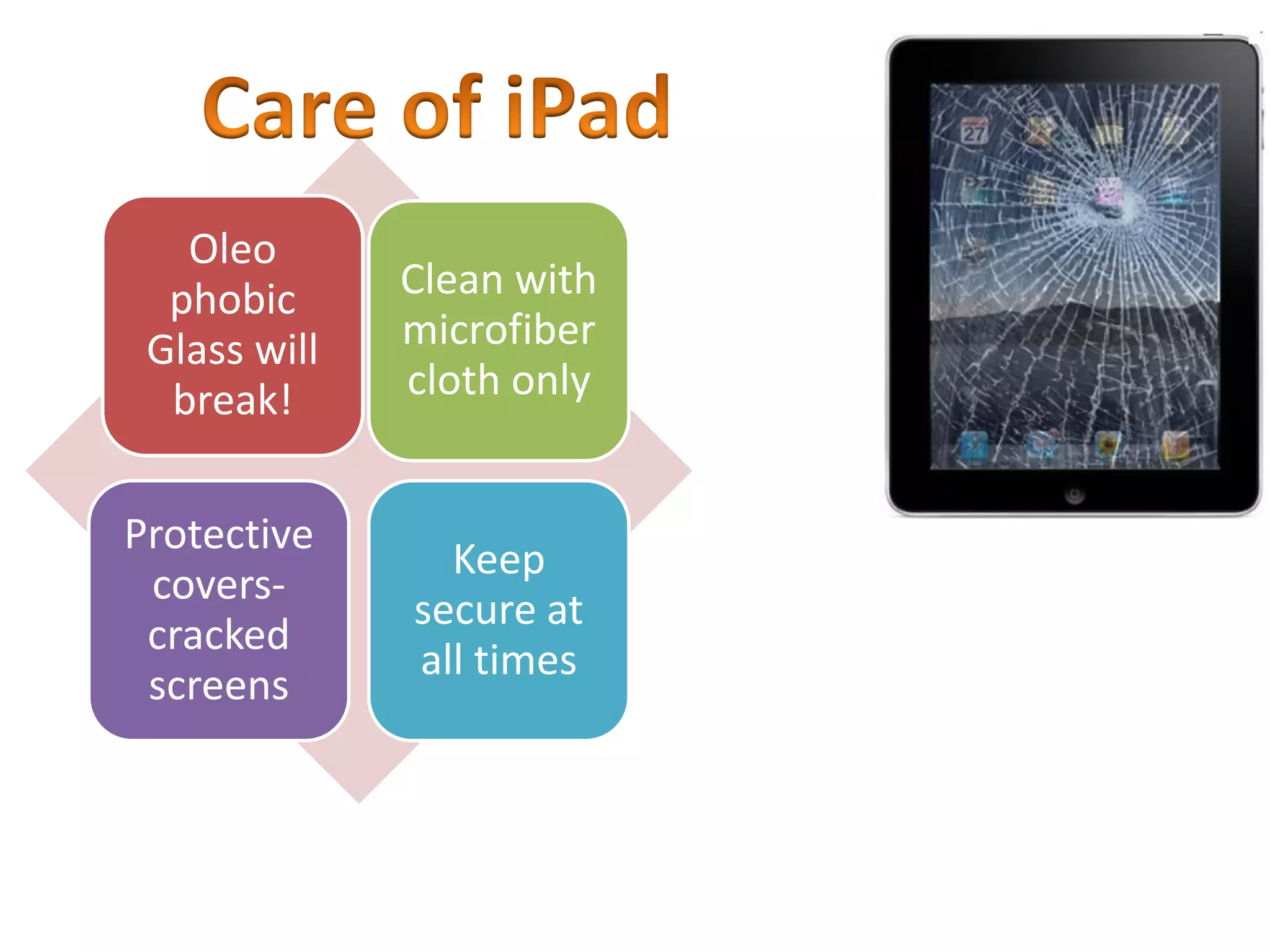
Oleo
phobic
Glass will
break!
Clean with
microfiber
cloth only
Protective
covers-
cracked
screens
Keep
secure at
all times
https://www.youtube.com/watch?v=AYZ2zs9Tftc
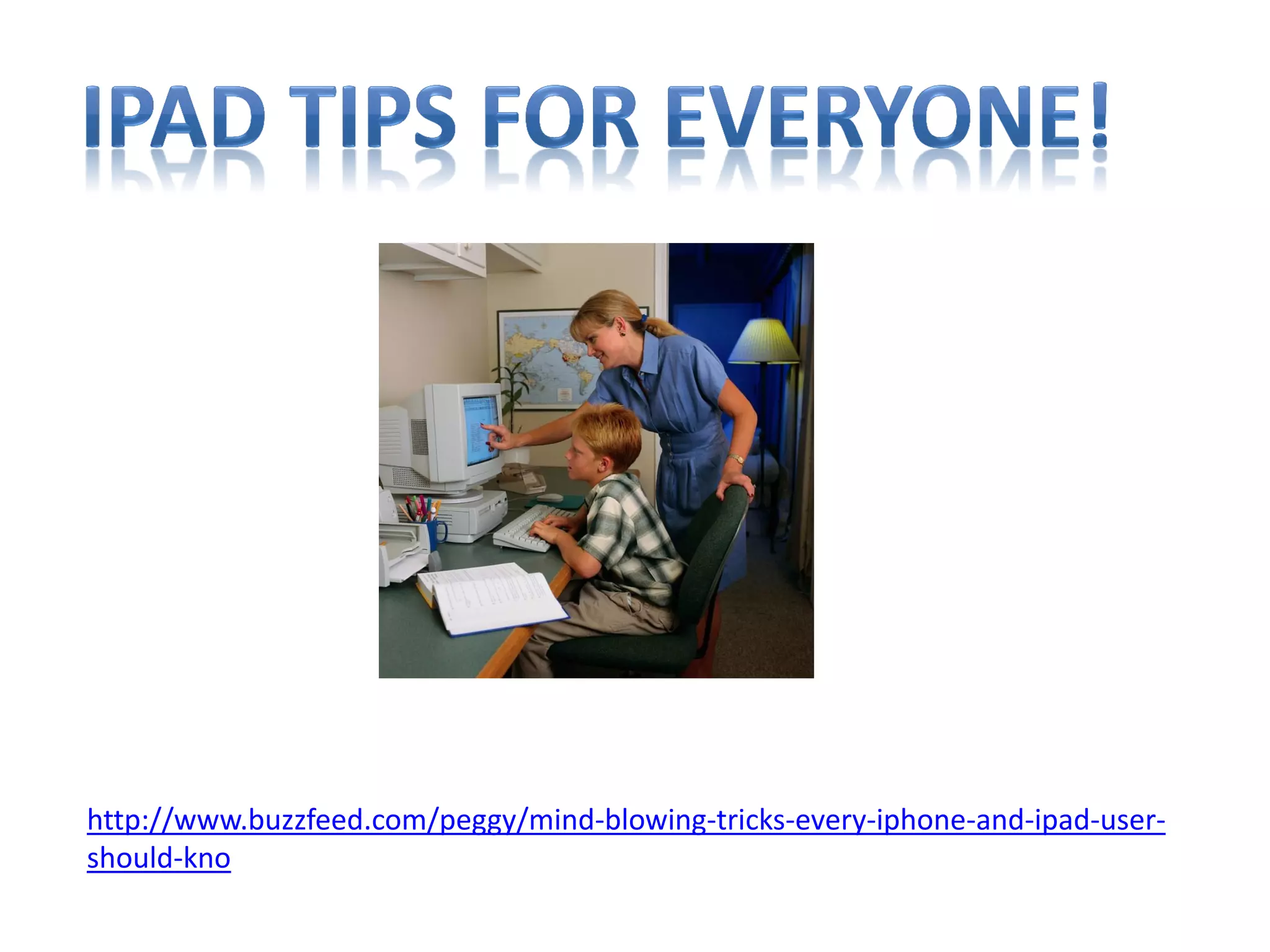
http://www.buzzfeed.com/peggy/mind-blowing-tricks-every-iphone-and-ipad-user-
should-kno
Purchasing apps on district iPads
App Procedures:
• Apps on district devices are not the same as personal
devices---- Each purchased app can only be located on
one device, unlike 5 personal devices!
• Purchasing apps- Must follow district protocol for
Volume Purchase Plan (VPP) Link can be found on
Help Desk
• Free Apps- Install using your district iTunes account
• District iTunes account should be set up using your
district email address as your user name and NO credit
card association
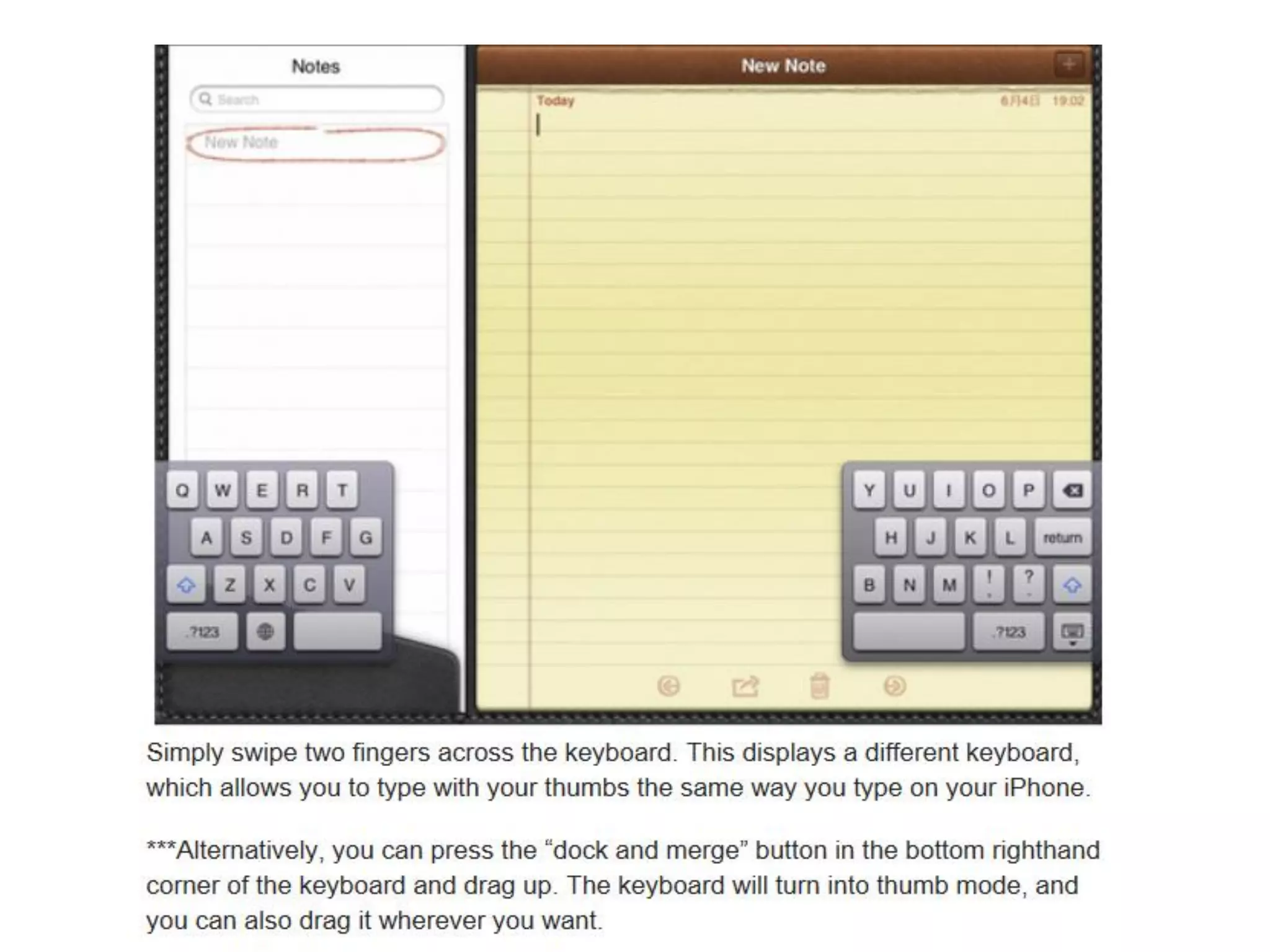
Splitting/Undocki
ng the keyboard
(hidden keys)
Tap and
hold keys
for special
characters
Hidden
apostrophe
Caps lock-
double tap
shift key
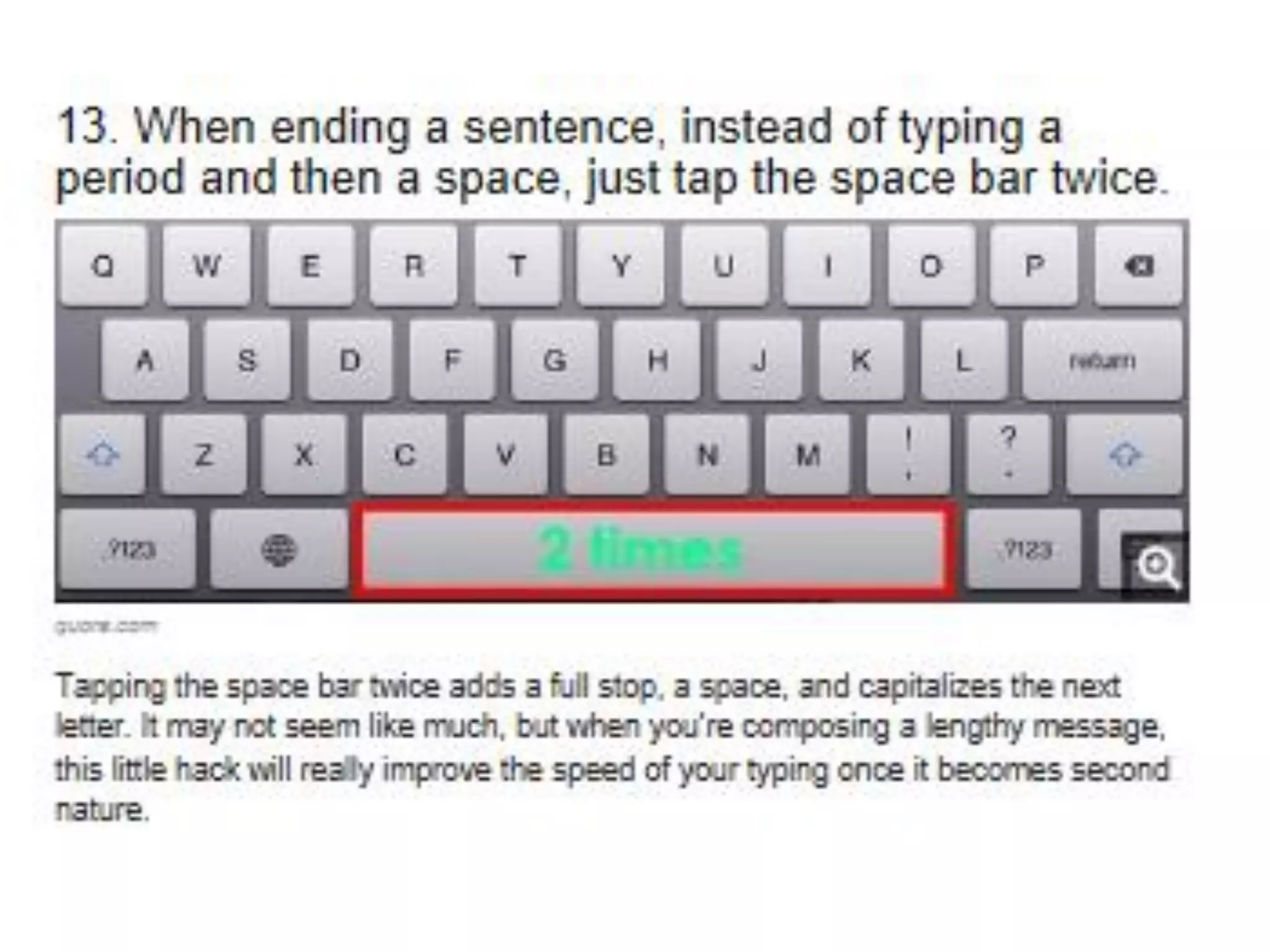
Double tap
space bar at
end of
sentence for
period and
space
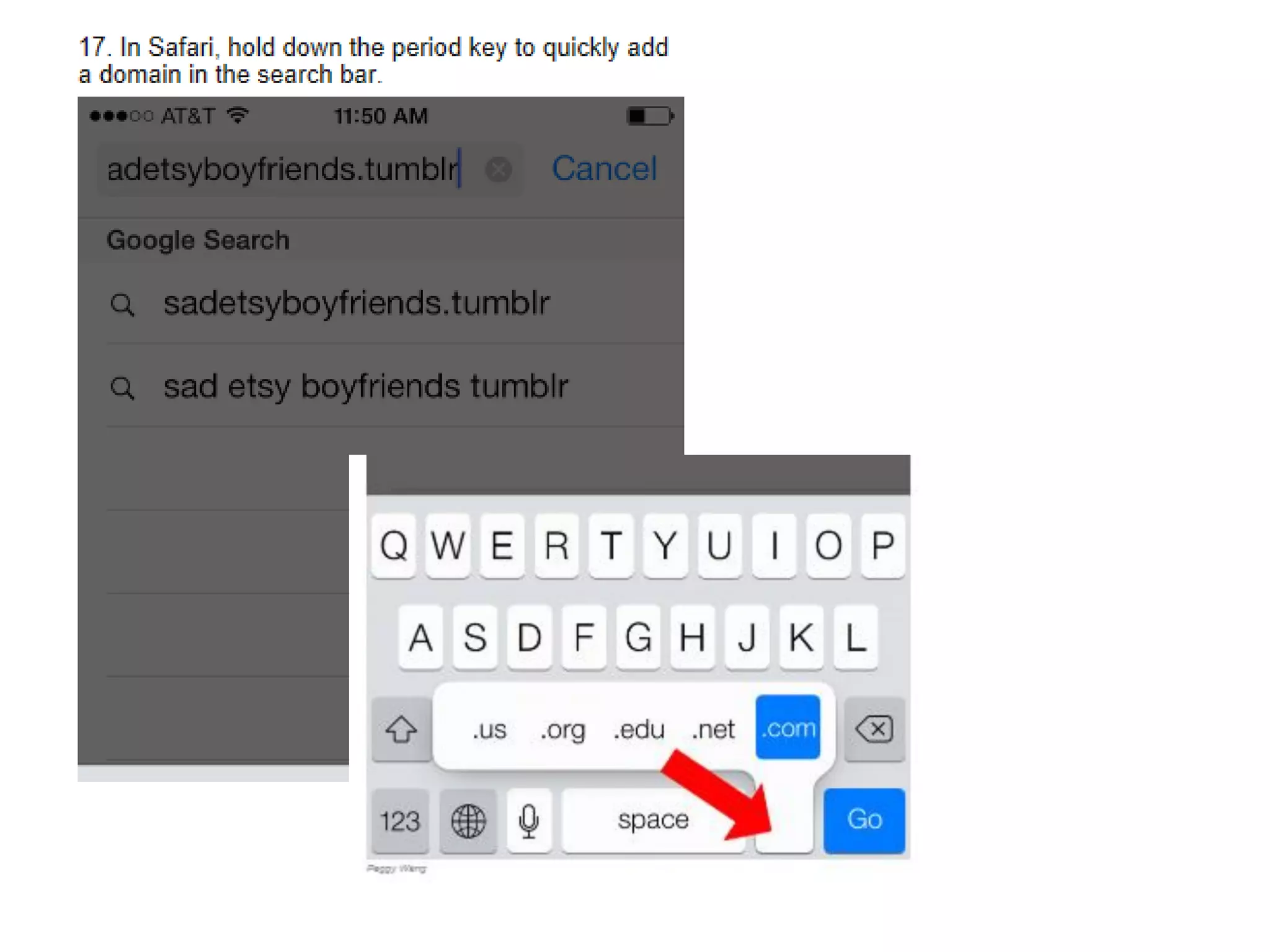
In Safari- .com
key (Tap and
hold for more
options)
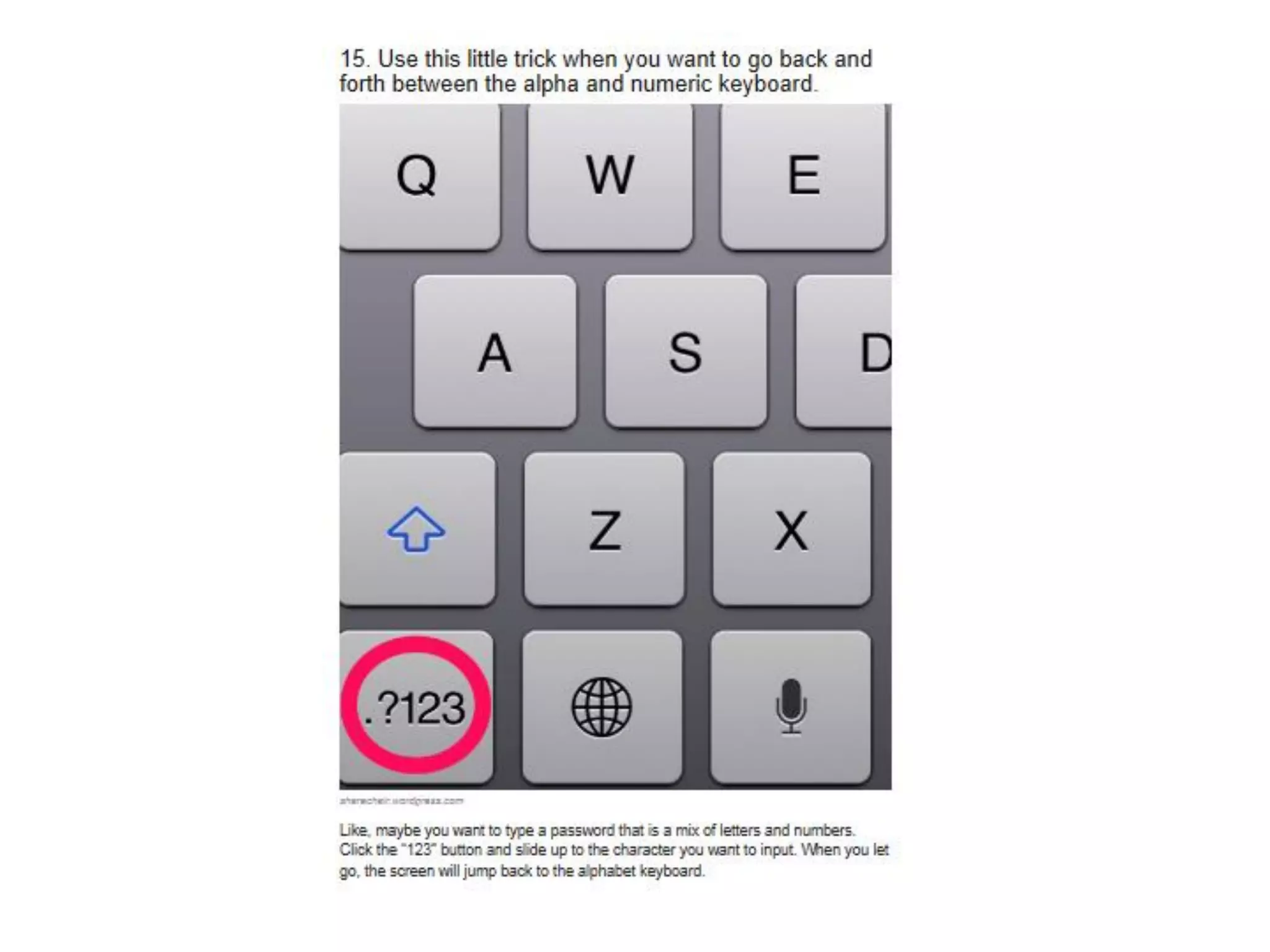
Numeric
keyboard- slide
your finger to the
number you
want.
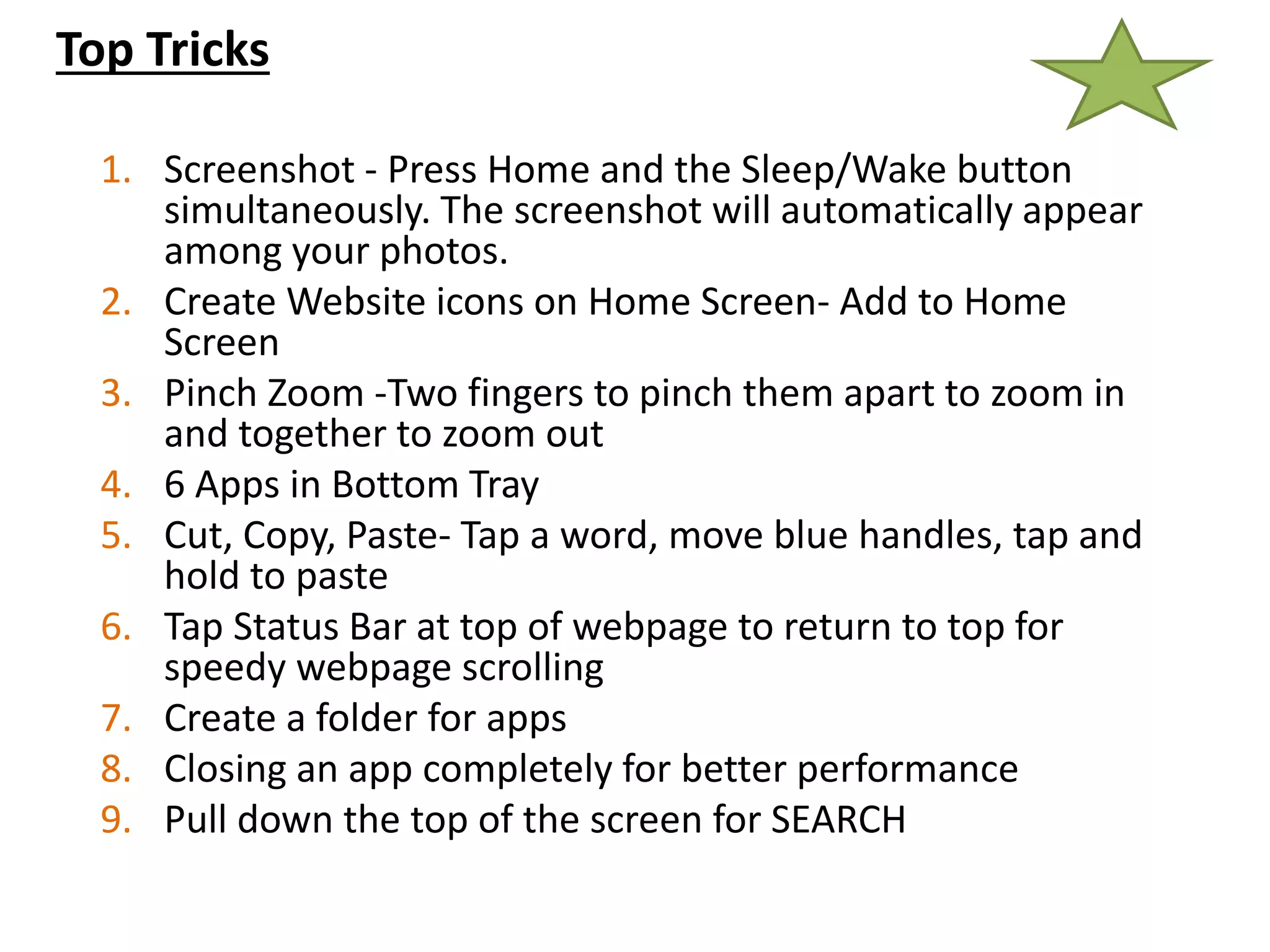
Top Tricks
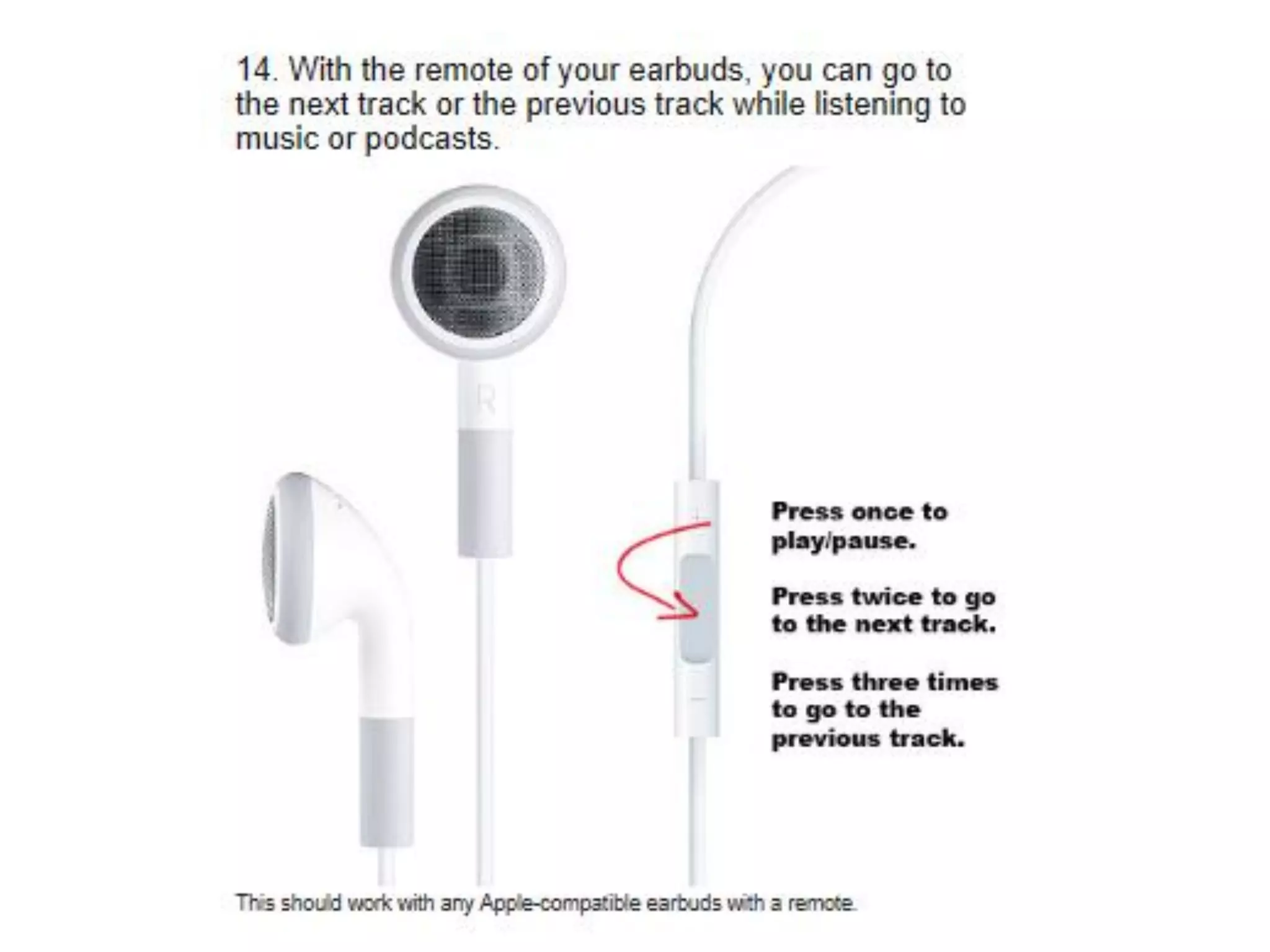
1. Screenshot - Press Home and the Sleep/Wake button
simultaneously. The screenshot will automatically appear
among your photos.
2. Create Website icons on Home Screen- Add to Home
Screen
3. Pinch Zoom -Two fingers to pinch them apart to zoom in
and together to zoom out
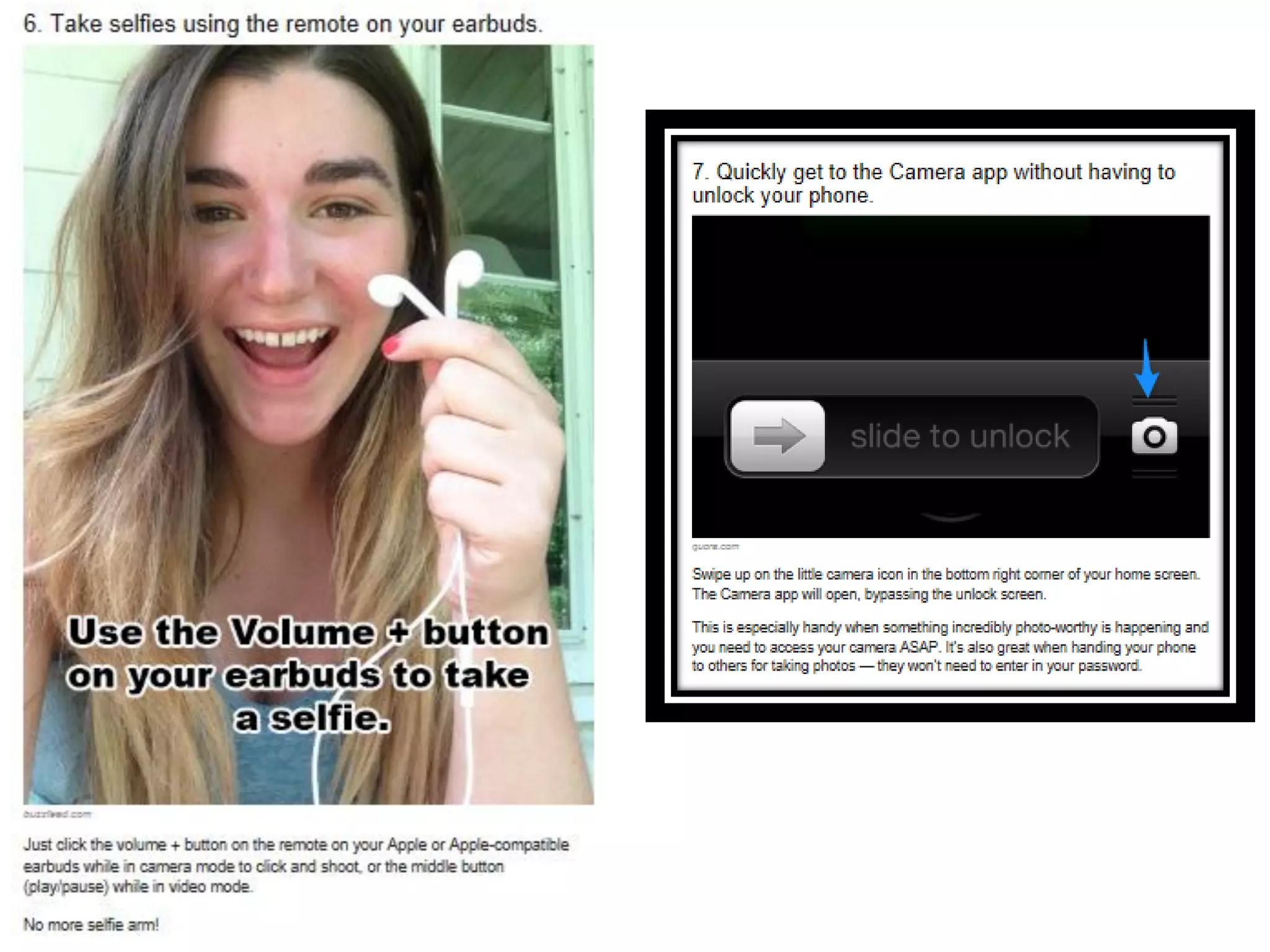
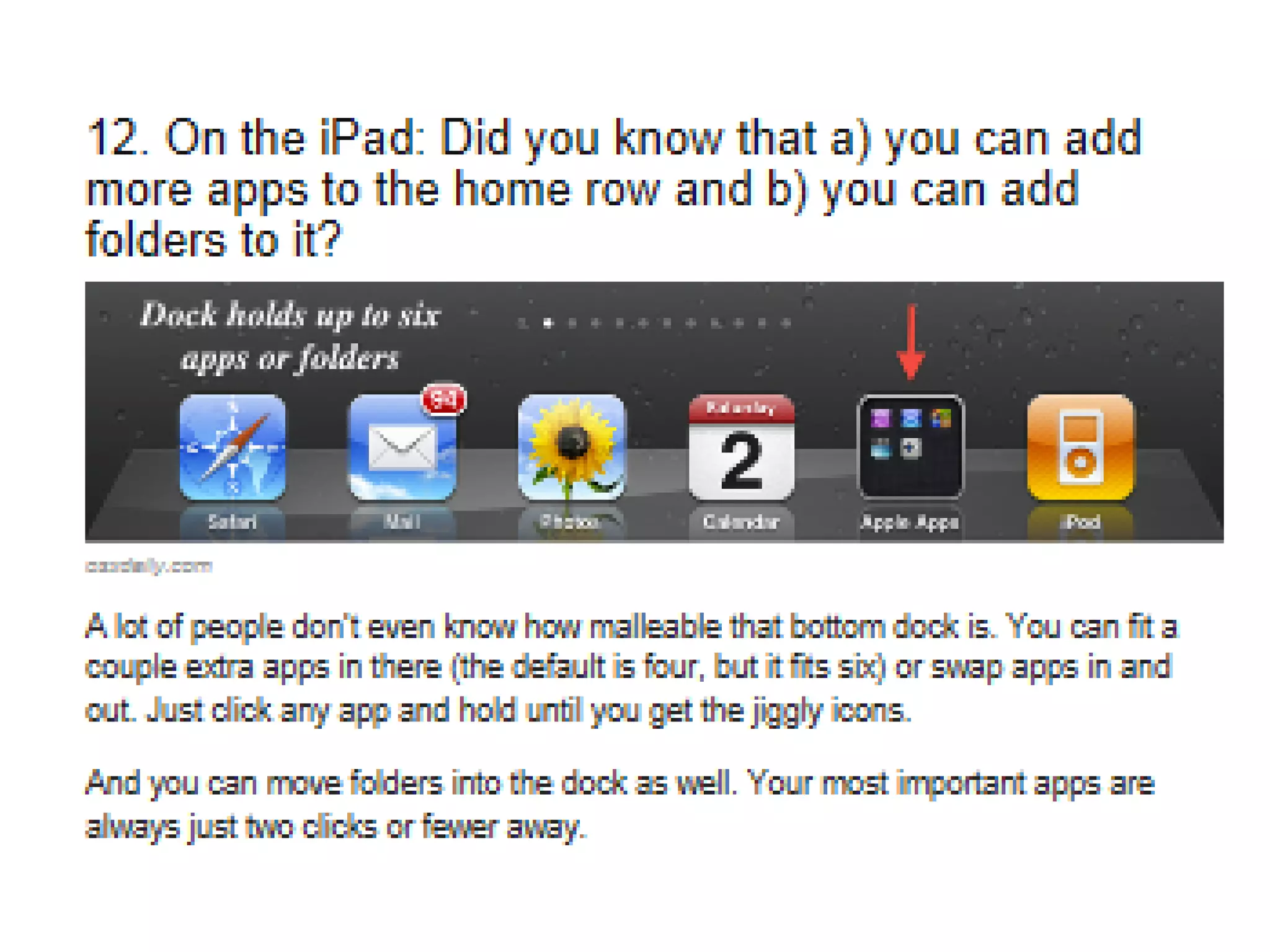
4. 6 Apps in Bottom Tray
5. Cut, Copy, Paste- Tap a word, move blue handles, tap and
hold to paste
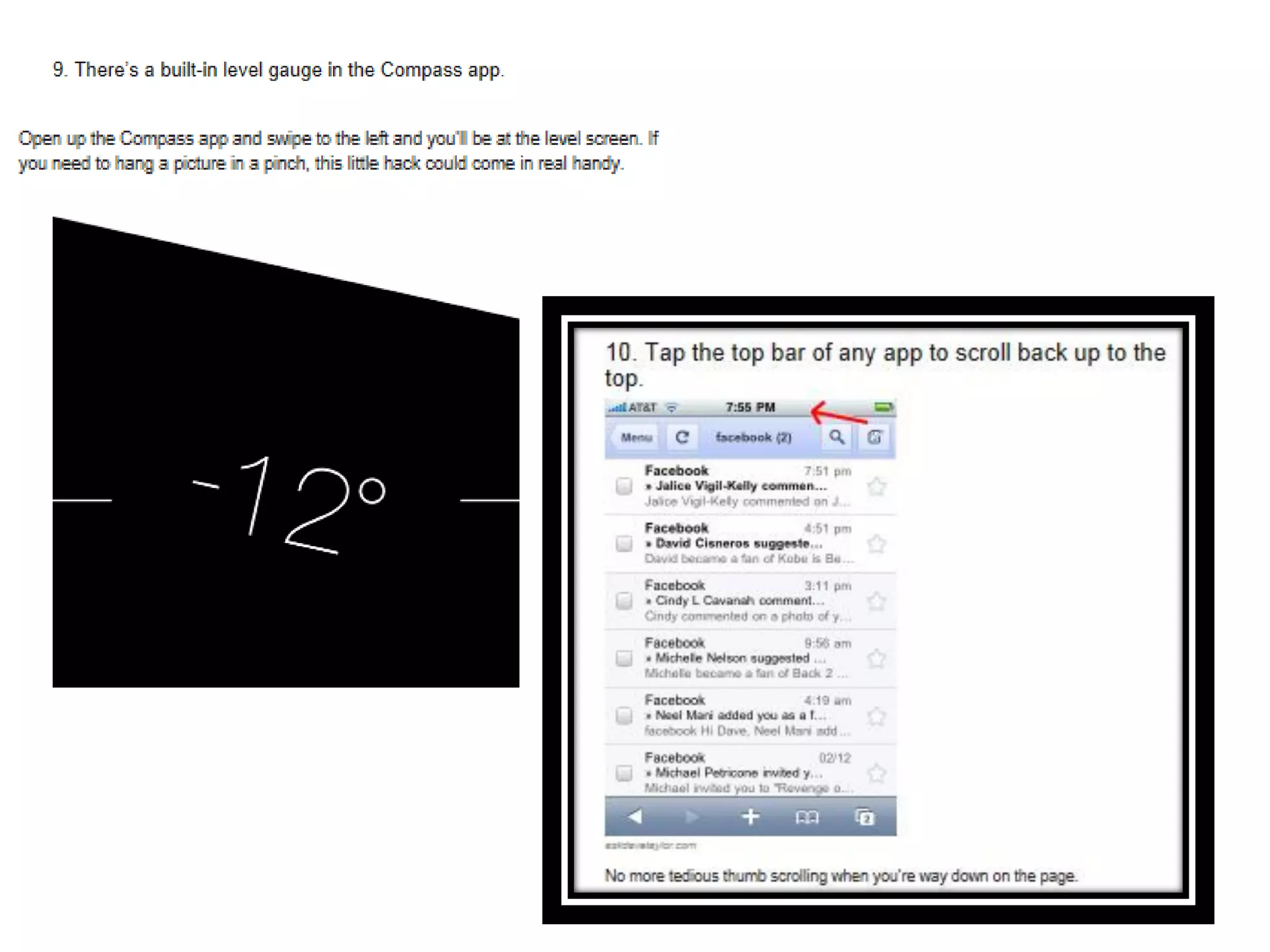
6. Tap Status Bar at top of webpage to return to top for
speedy webpage scrolling
7. Create a folder for apps
8. Closing an app completely for better performance
9. Pull down the top of the screen for SEARCH
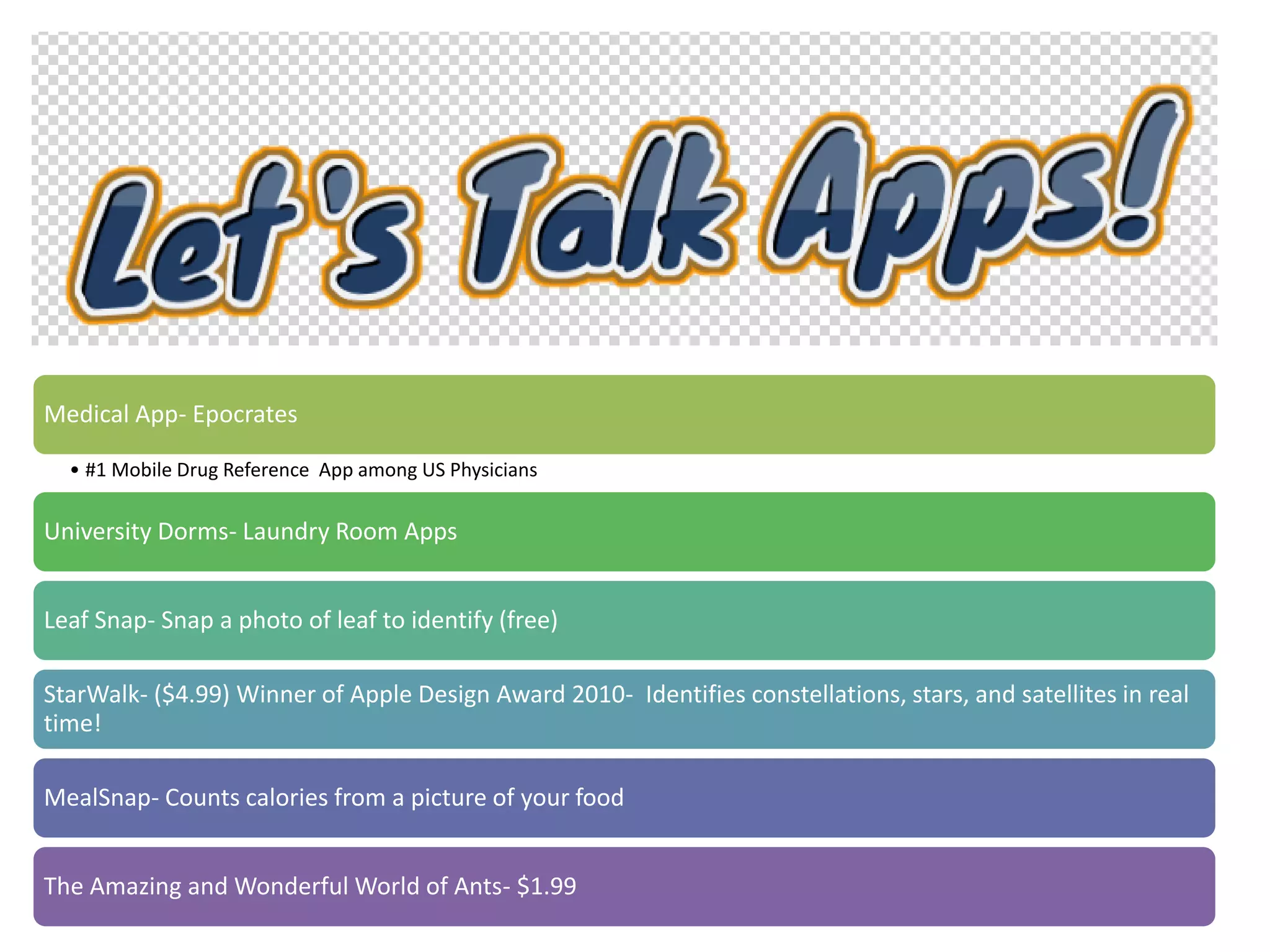
Medical App- Epocrates
• #1 Mobile Drug Reference App among US Physicians
University Dorms- Laundry Room Apps
Leaf Snap- Snap a photo of leaf to identify (free)
StarWalk- ($4.99) Winner of Apple Design Award 2010- Identifies constellations, stars, and satellites in real
time!
MealSnap- Counts calories from a picture of your food
The Amazing and Wonderful World of Ants- $1.99
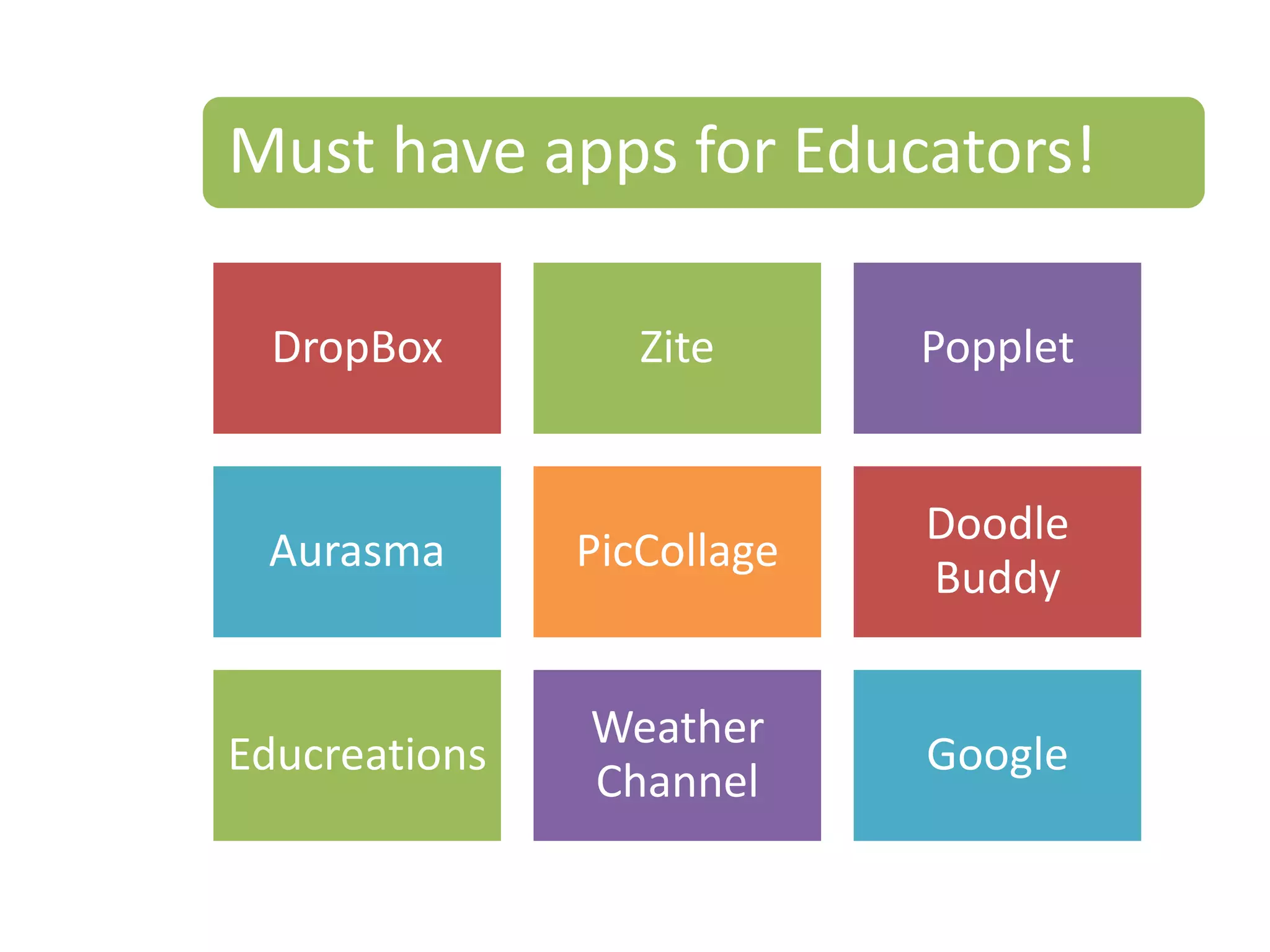
Must have apps for Educators!
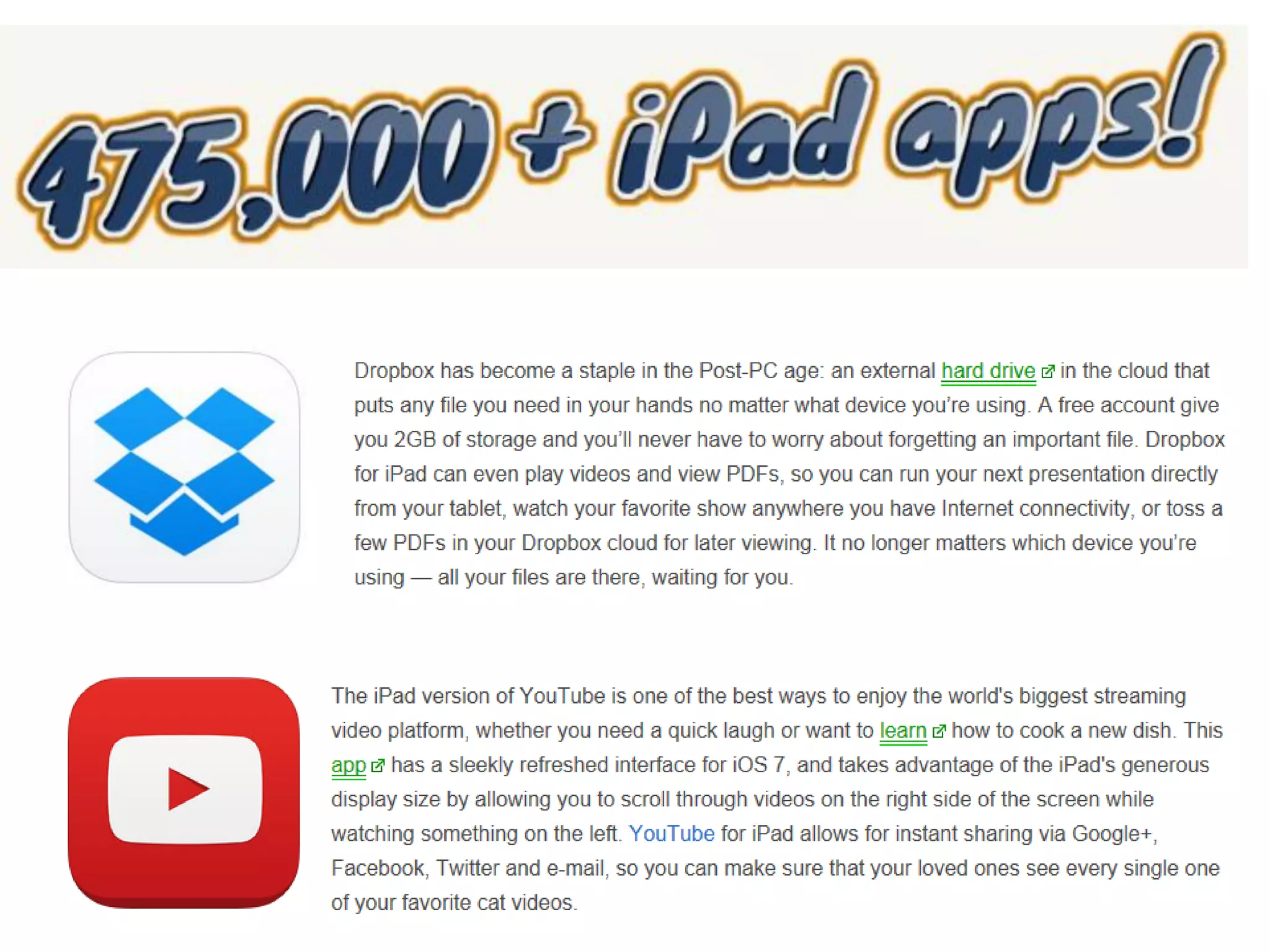
DropBox Zite Popplet
Aurasma PicCollage
Doodle
Buddy
Educreations
Weather
Channel
Google
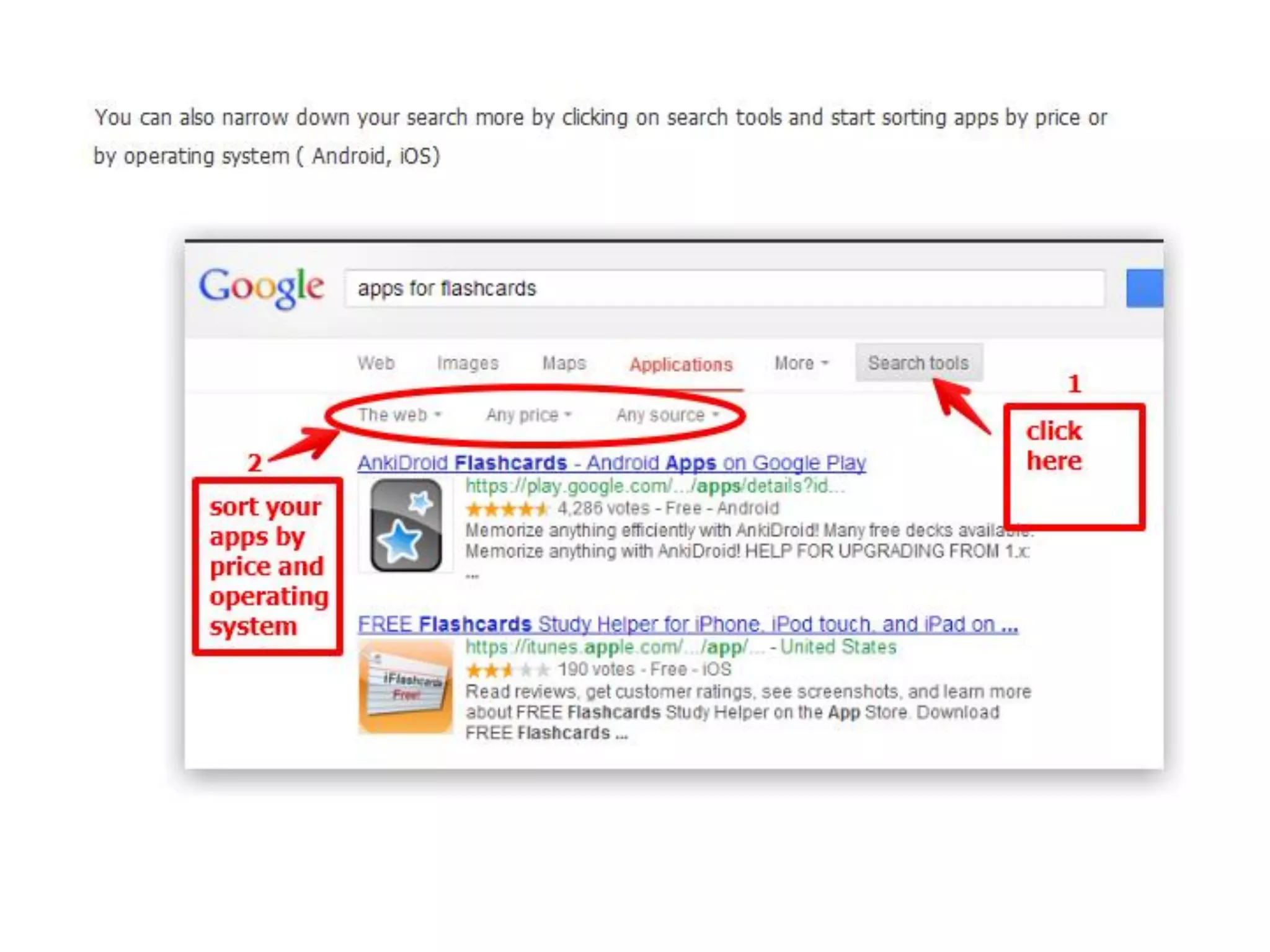
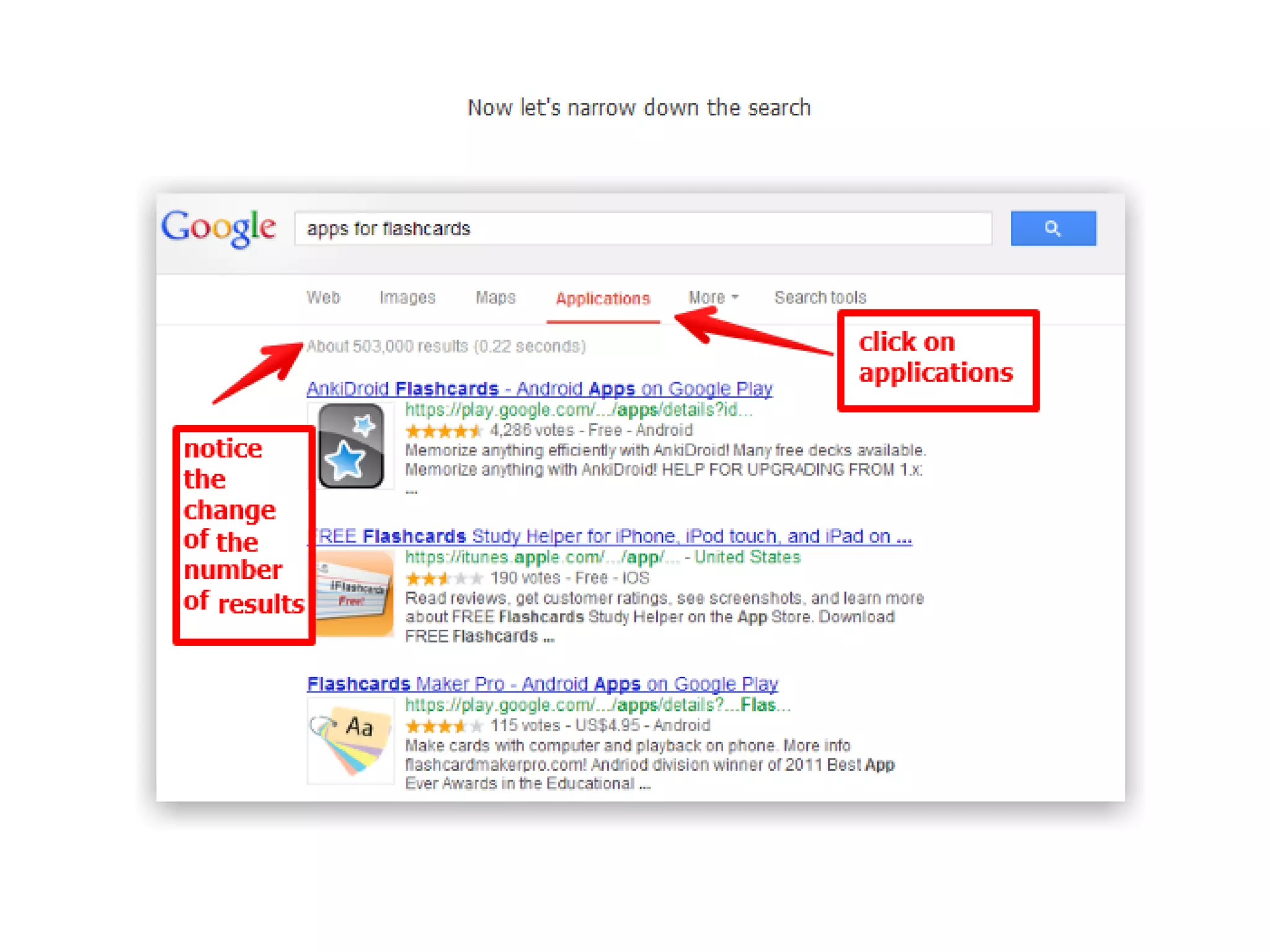
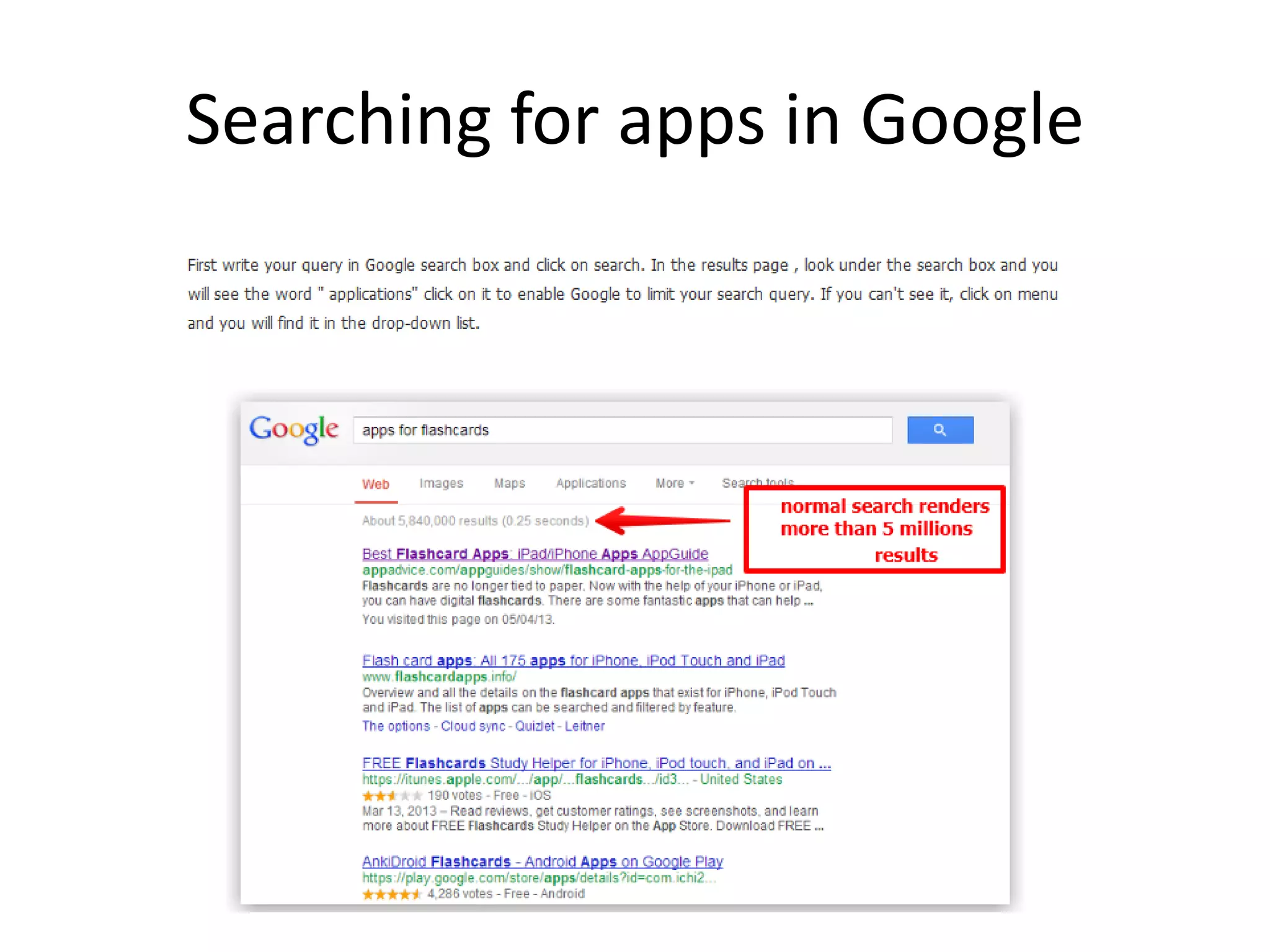
Searching for apps in Google
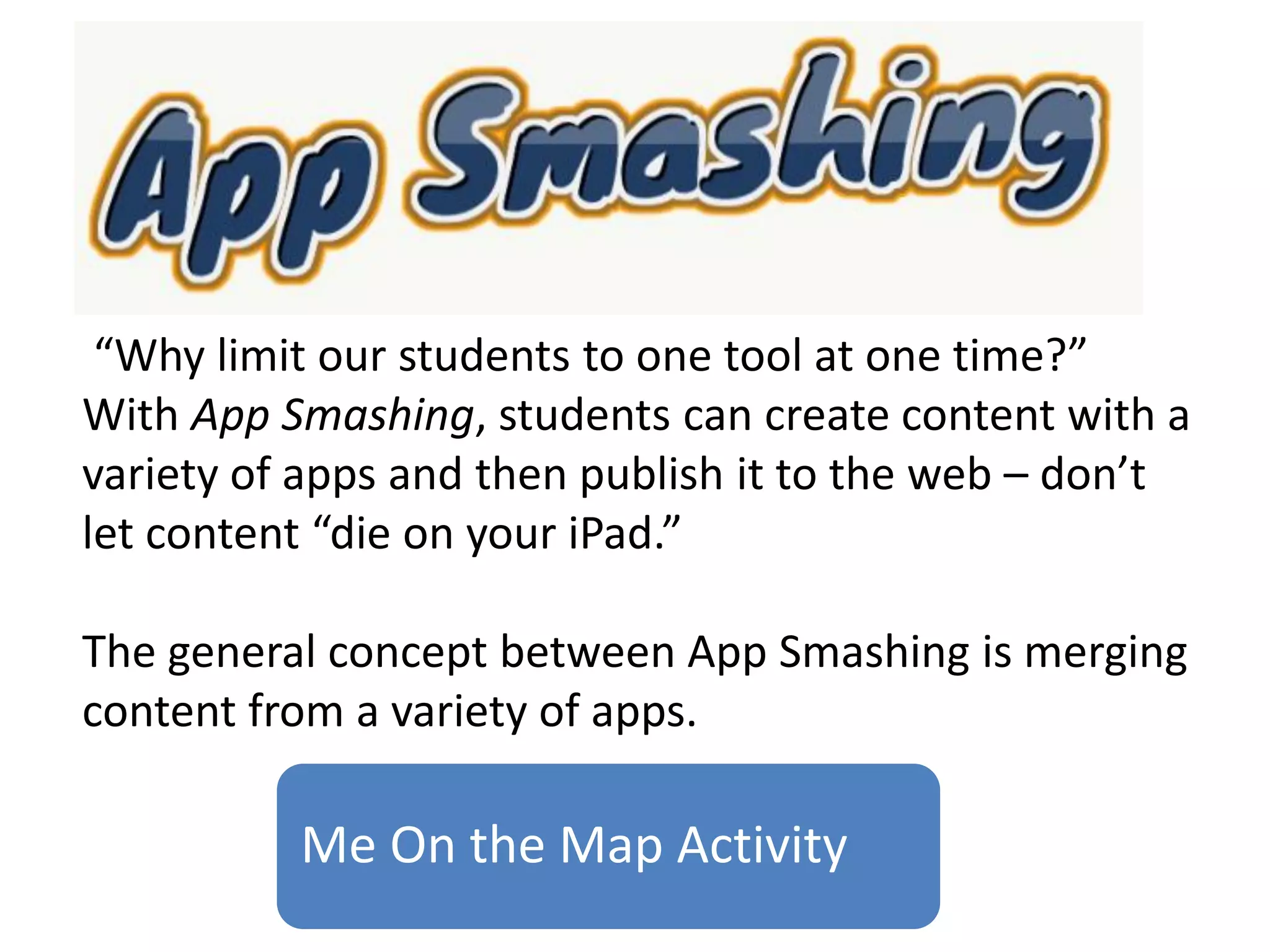
Me On the Map Activity
“Why limit our students to one tool at one time?”
With App Smashing, students can create content with a
variety of apps and then publish it to the web – don’t
let content “die on your iPad.”
The general concept between App Smashing is merging
content from a variety of apps.
https://www.youtube.com/watch?v=T-dC6cTVLHc
https://www.bulbapp.com/u/what-is-app-smashing
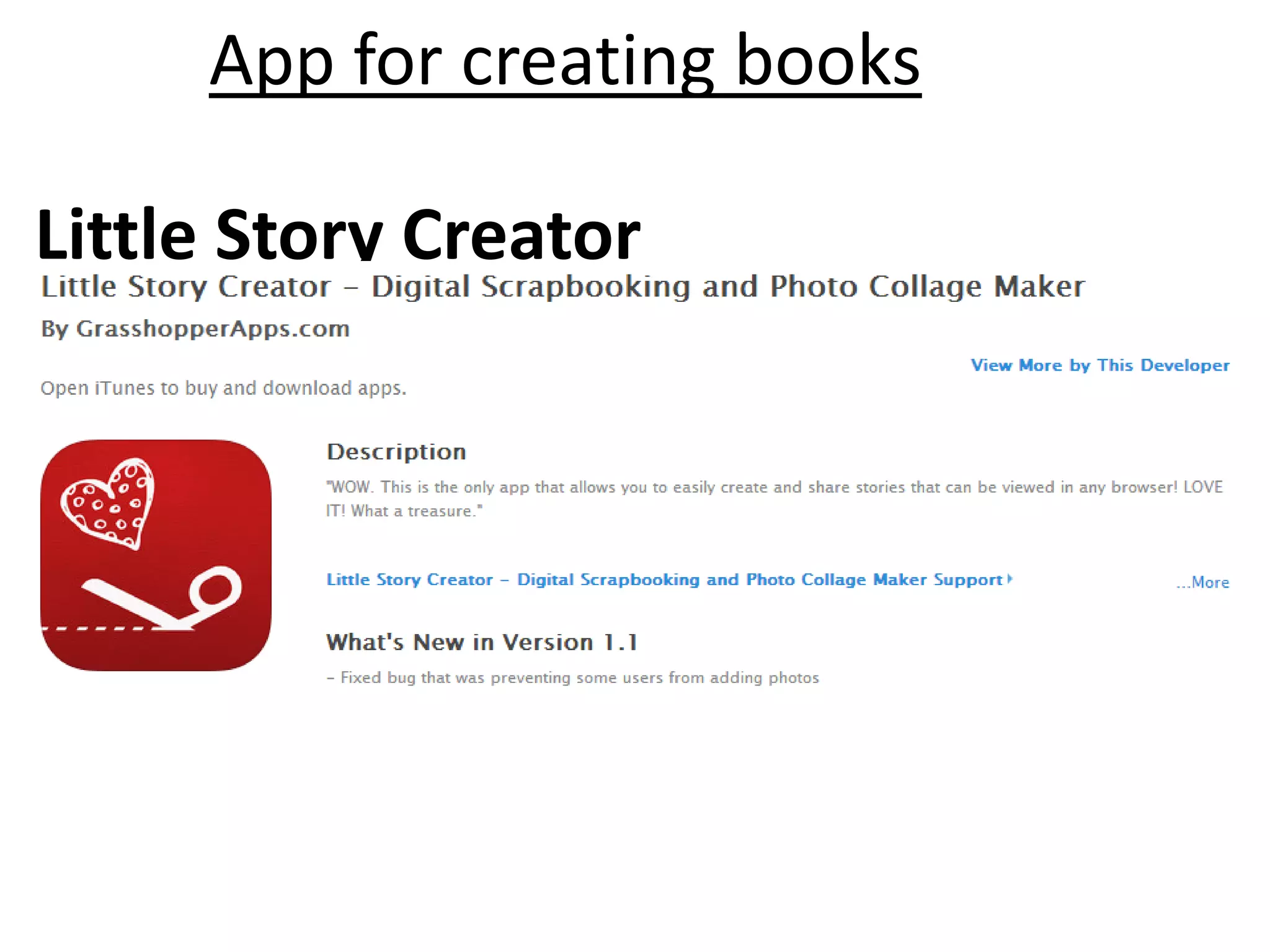
App for creating books
Little Story Creator
• DemiBooks Composer (free)
• Creative Books Builder ($3.99)
• eBook Creator ($3.99)
• eBook Magic ($3.99)
https://www.youtube.com/watch?v=w87fOAG8fjk
WWDC 2014-
June 2014
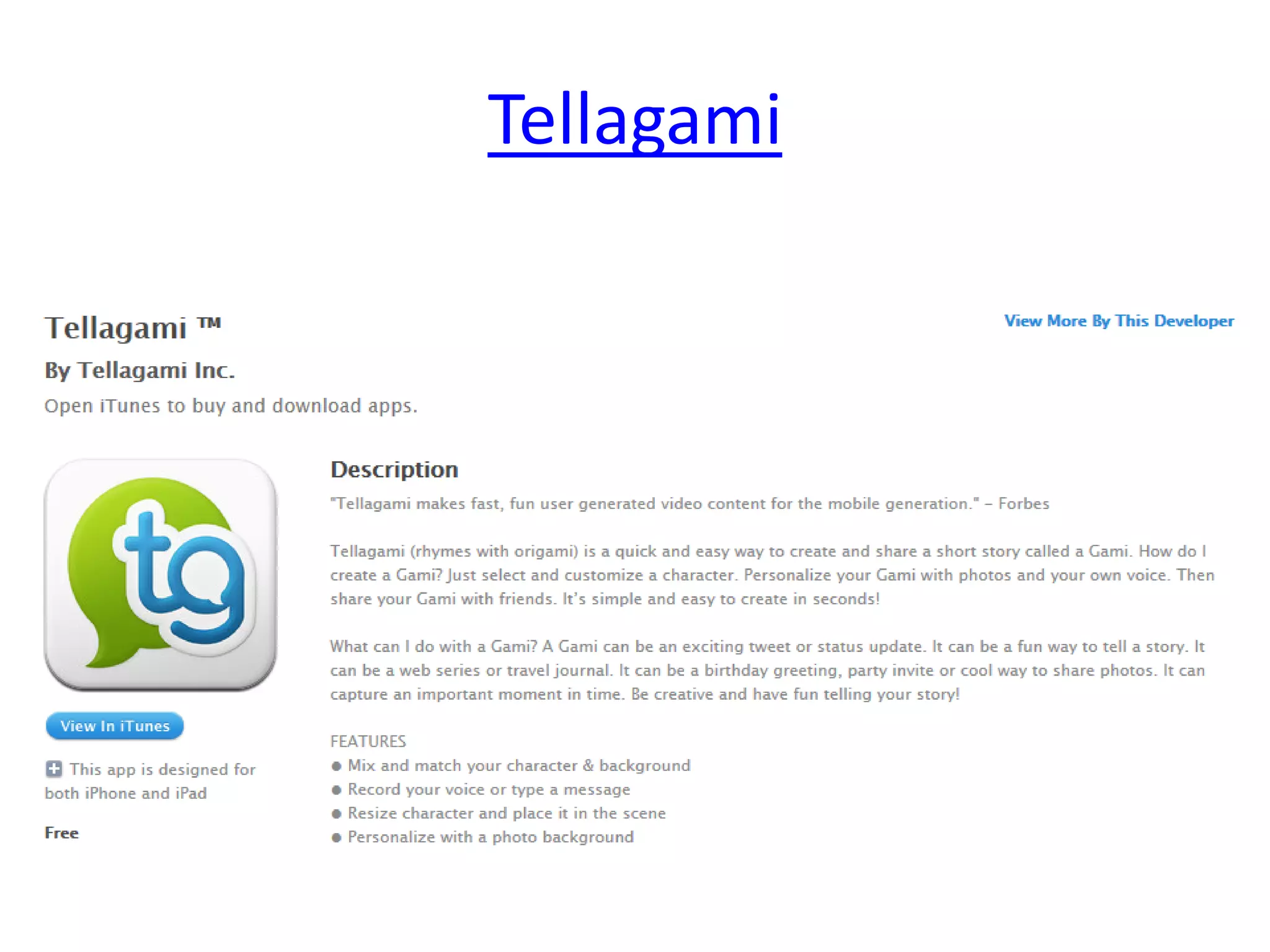
Apps Video
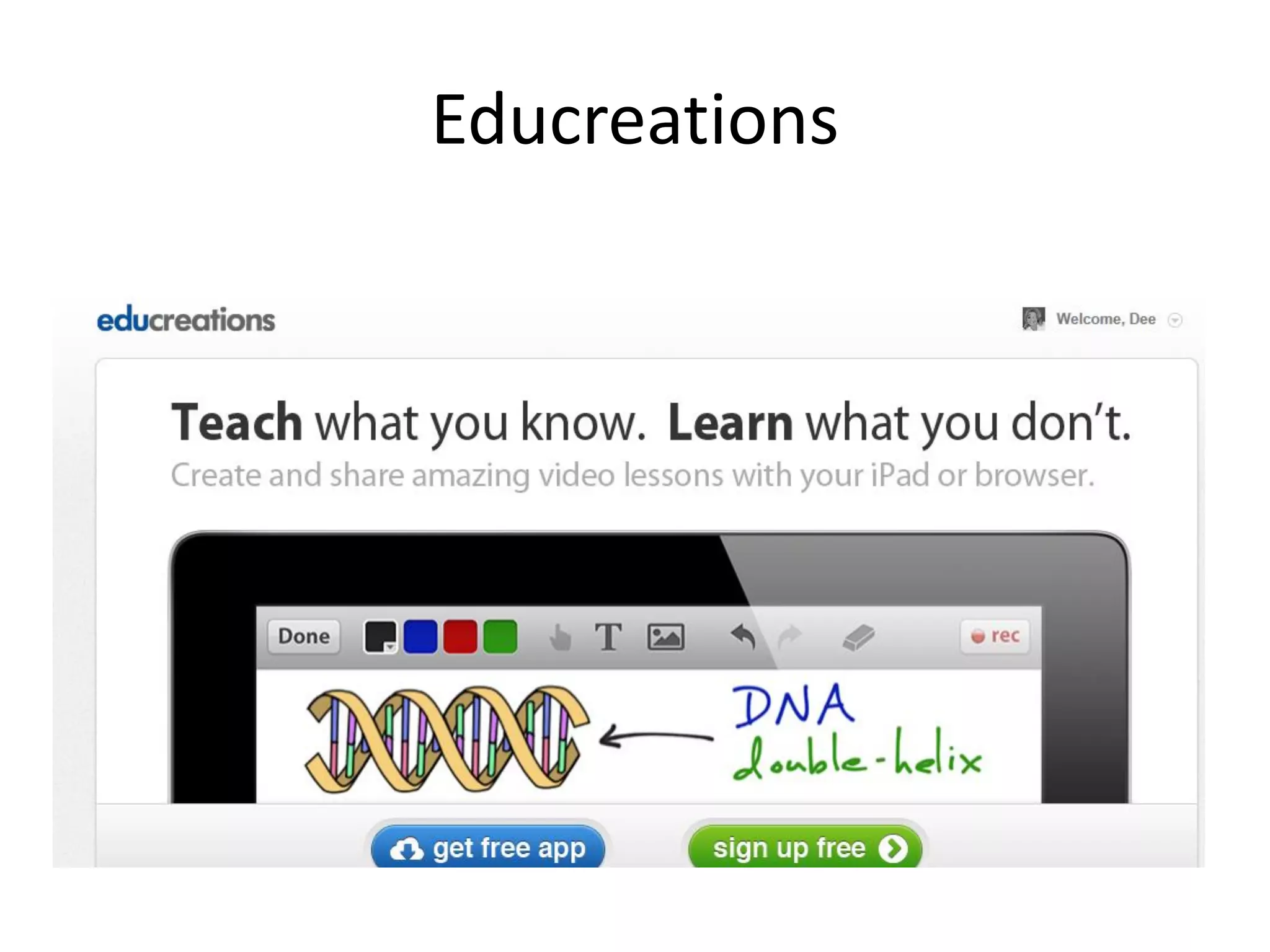
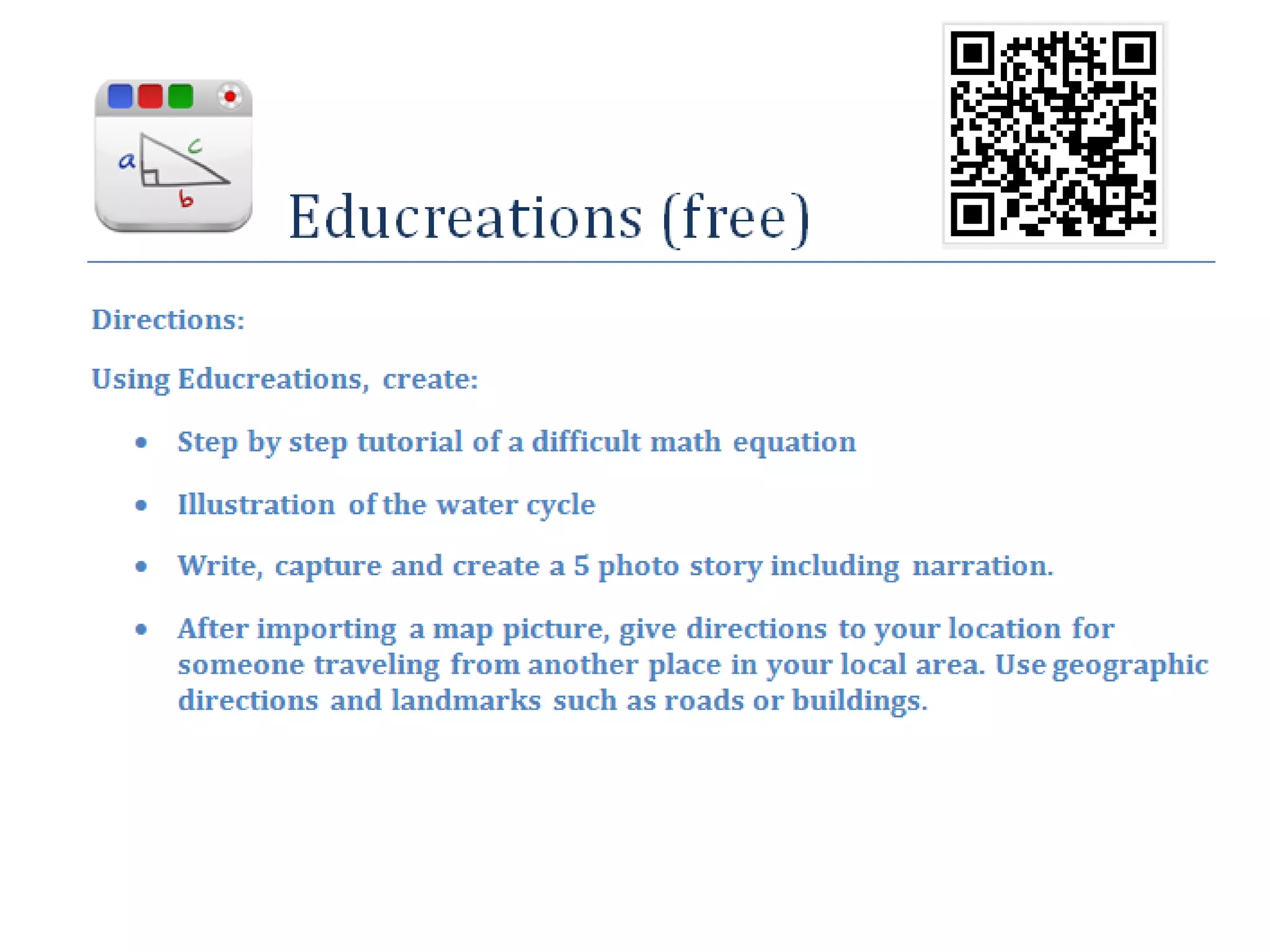
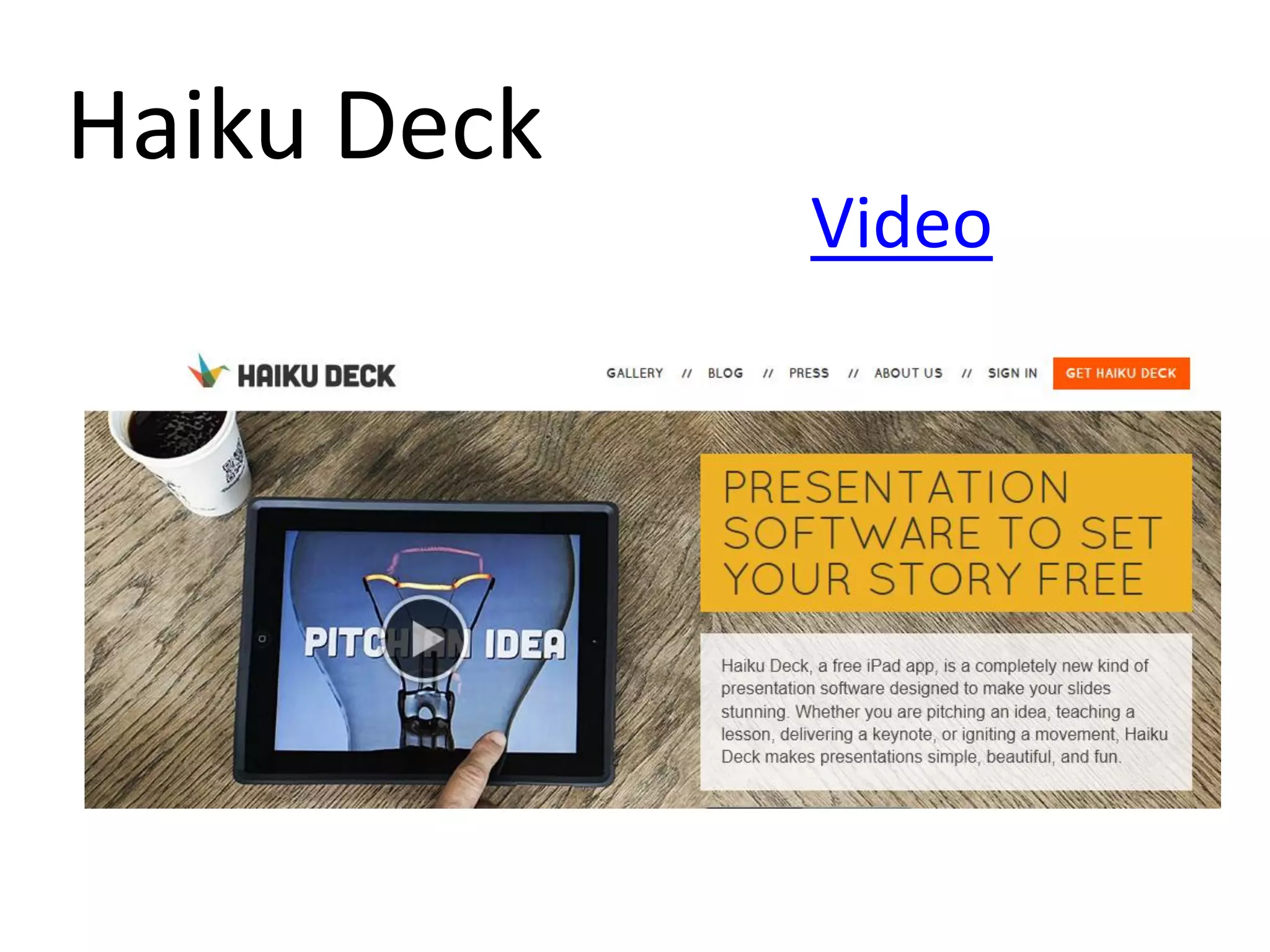
Educreations
Haiku Deck
Video
Tellagami
https://www.youtube.com/watch?v=uHIxYpBW7sc
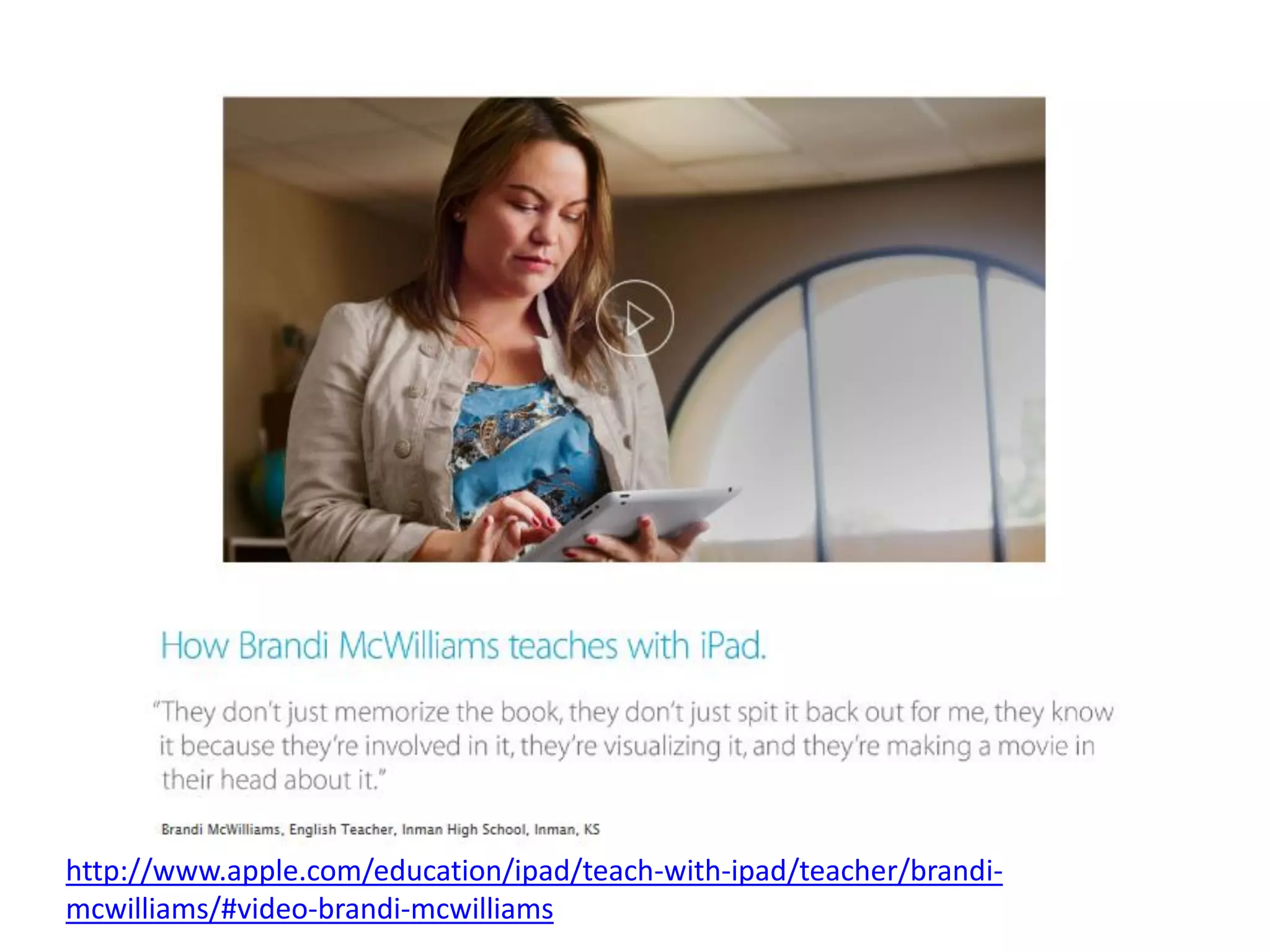
http://www.apple.com/education/ipad/teach-with-ipad/teacher/brandi-
mcwilliams/#video-brandi-mcwilliams
Interactive Book
• Strange and Wonderful World of Ants ($1.99)
• Danny the Dragon Meets Jimmy ($2.99)
• Fantastic Flying Books of Mr. Morris Lessmore ($4.99)
• MeeGenius – Over 300 kids books library (free)
• How My Dog Saved Earth (free)
• A Story Before Bed (free)
• Three Little Pigs: The Wolf’s Story (K-3) (free)
• Toucan Toucan’t (free)
• The Wolf and the Seven Lambs (3D Popup) ($3.99)
• IF Poems ($4.99)
• Read Me Stories (free)
Explore & Share

iPad Crazy Session