Download to read offline

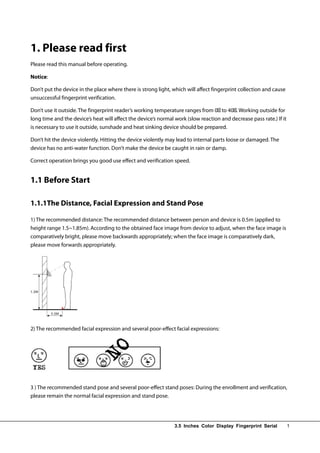
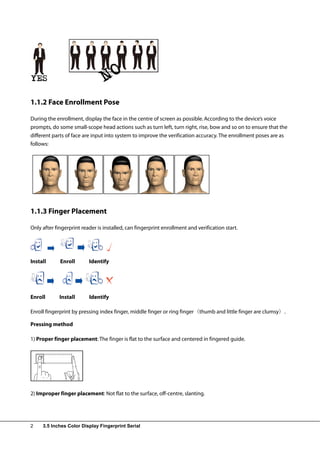
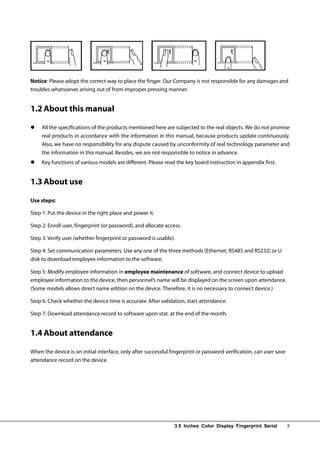
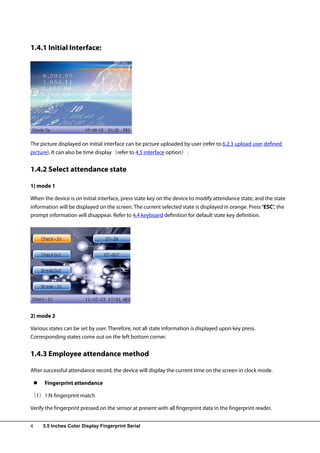
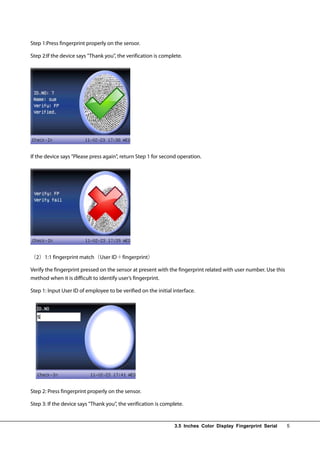
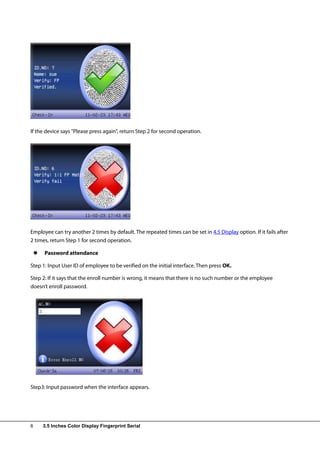
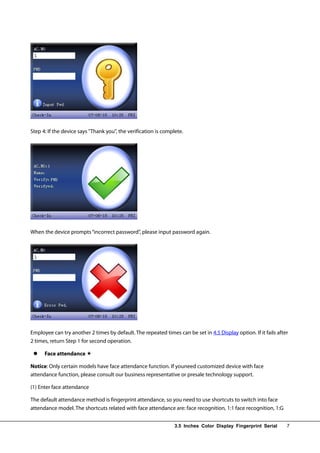
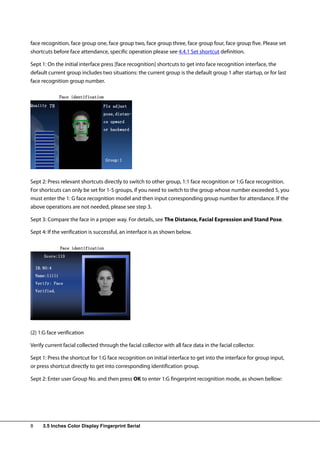
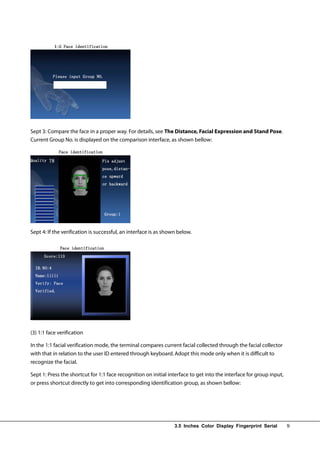
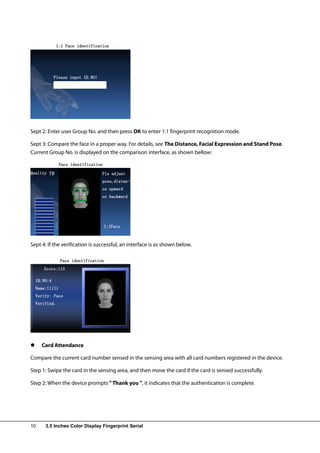
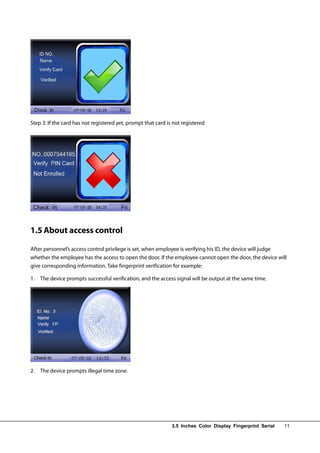
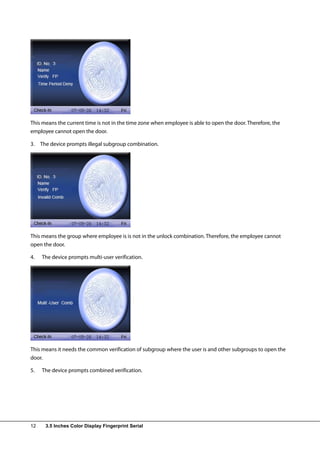
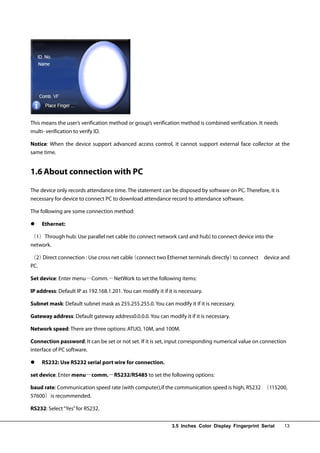
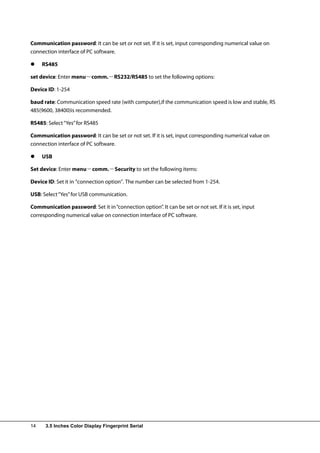
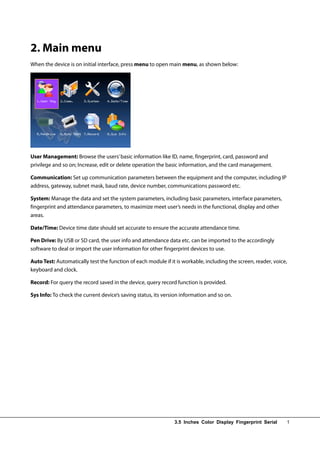
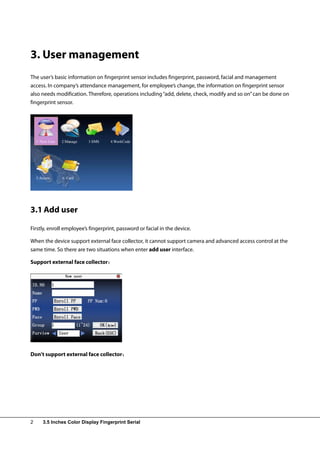
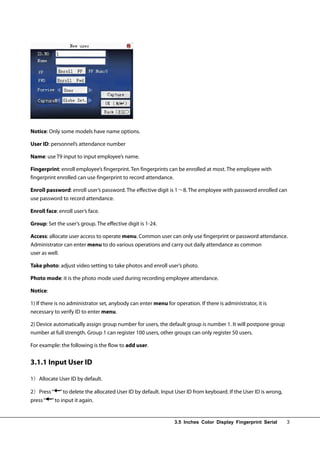
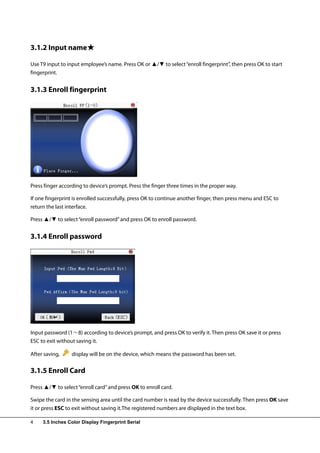
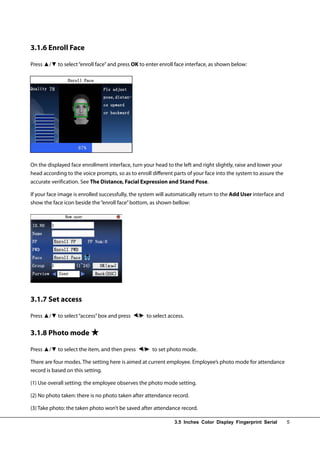
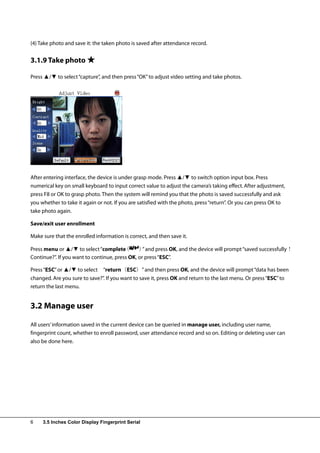
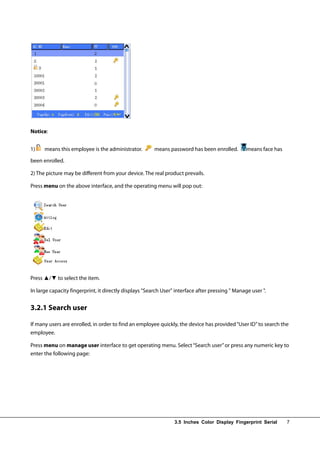
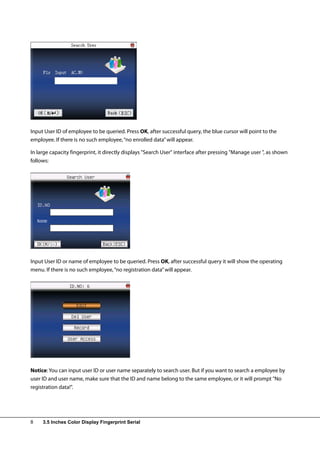
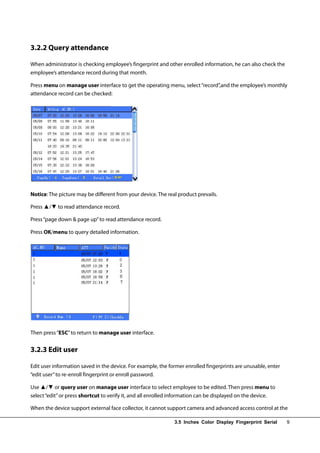
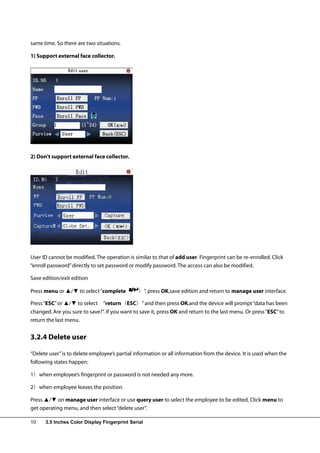
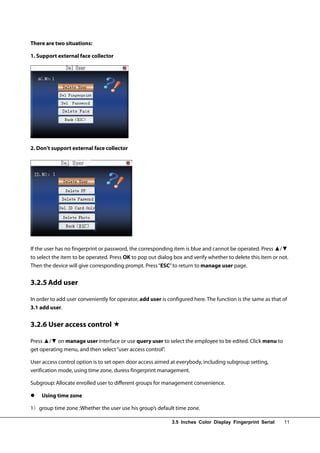
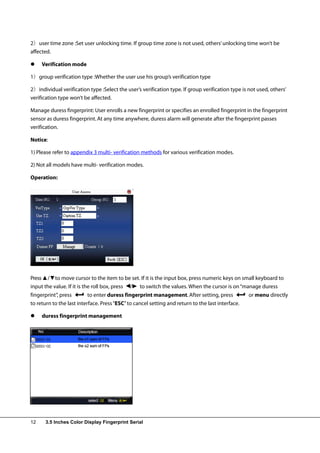
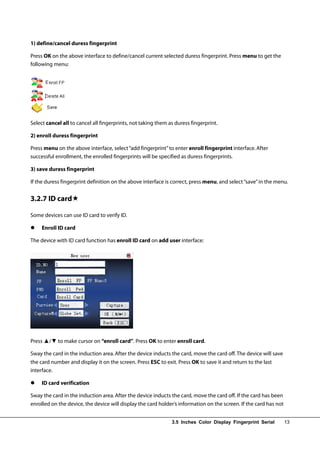
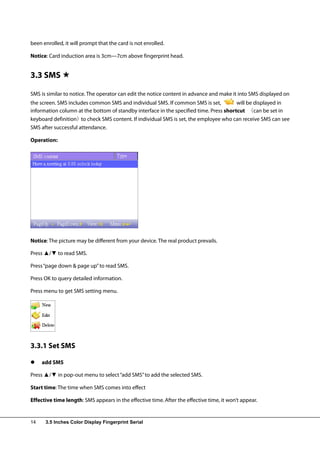
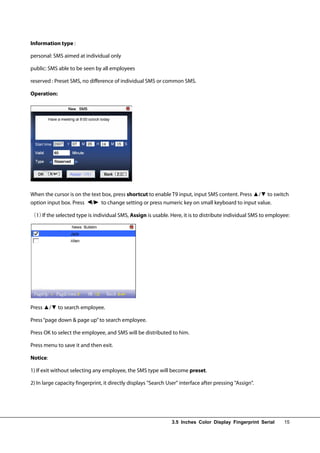
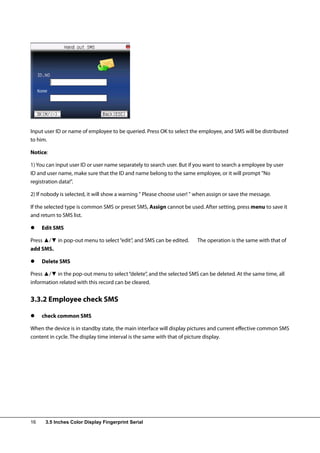
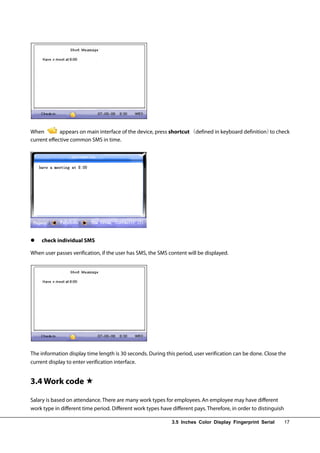
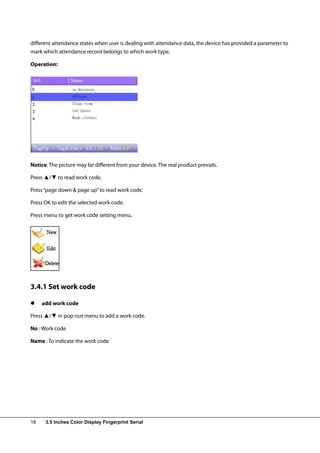
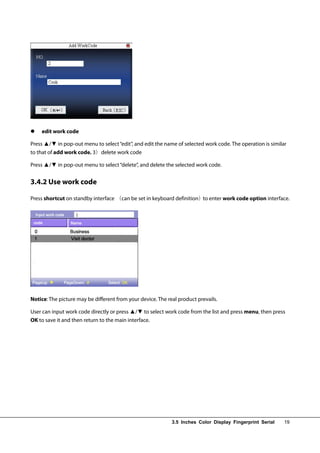
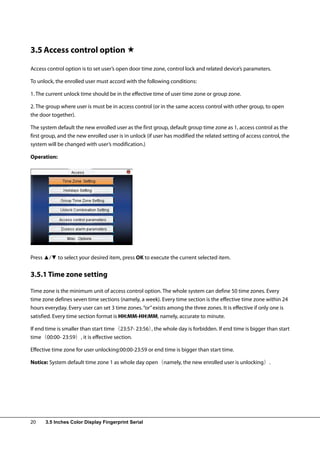
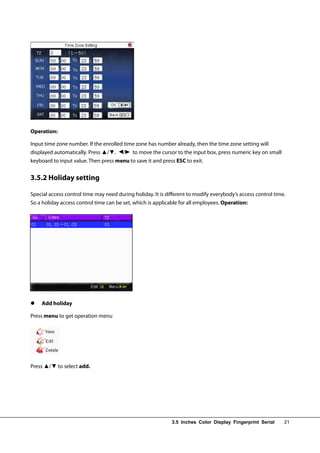
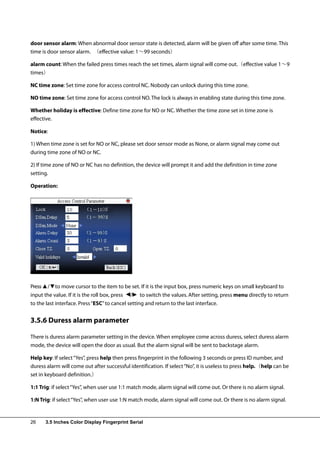
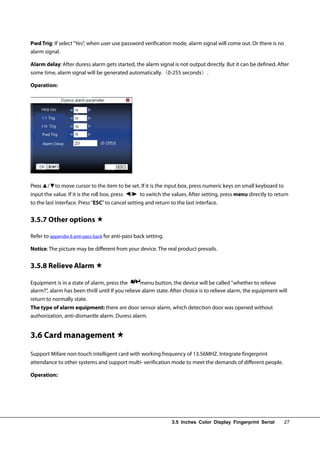
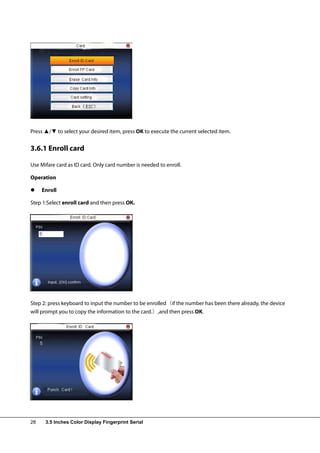
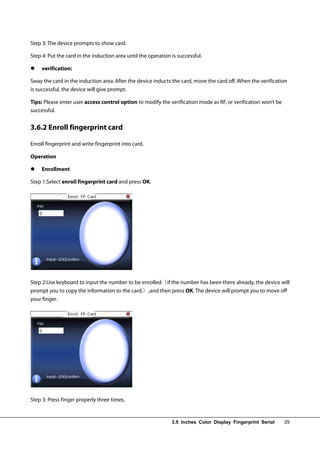
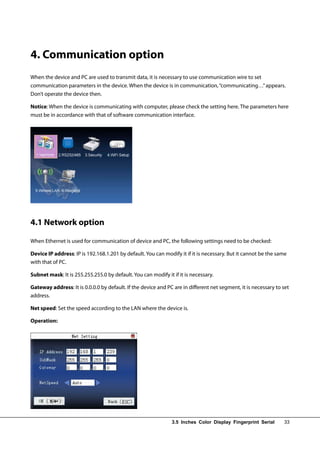
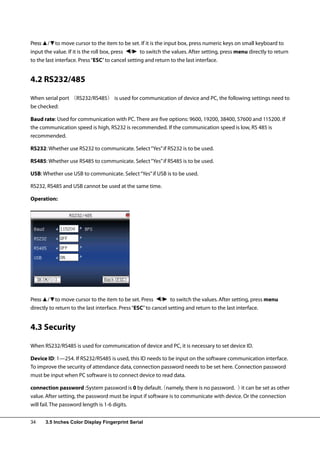
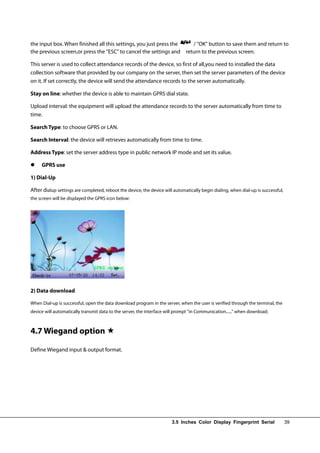
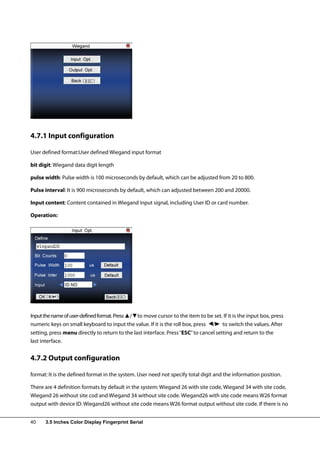
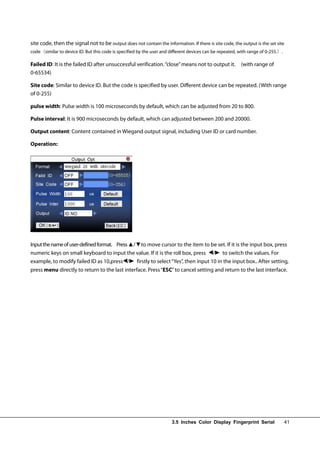
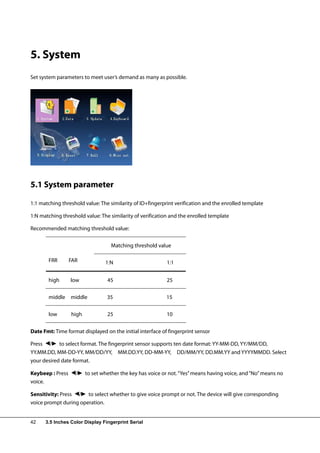
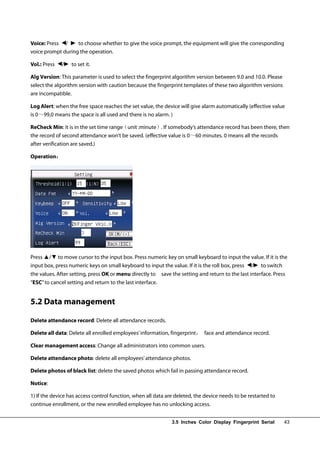
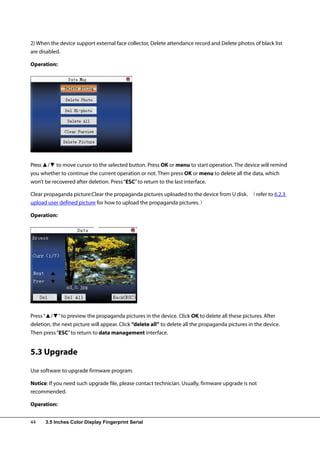
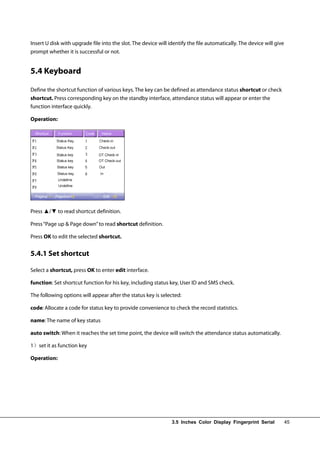
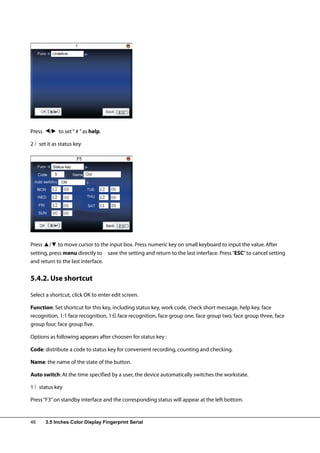
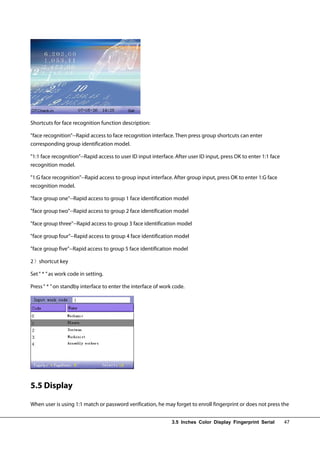
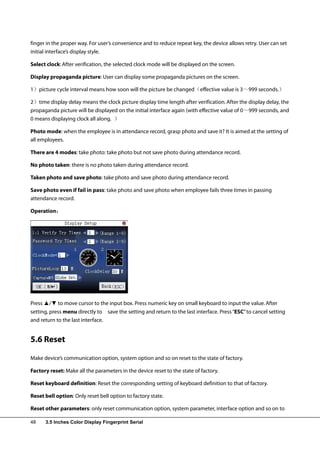
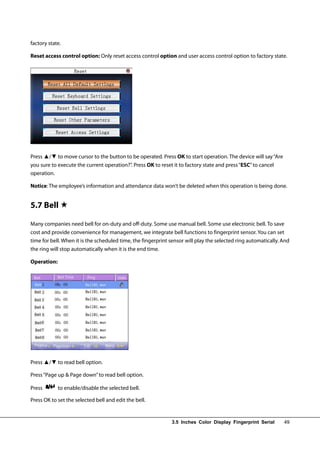
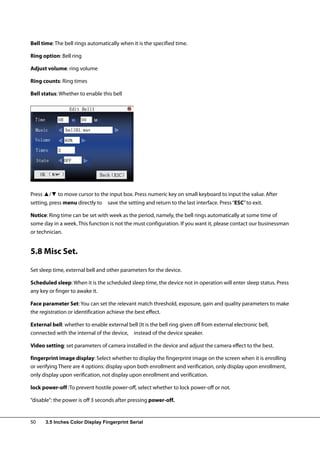
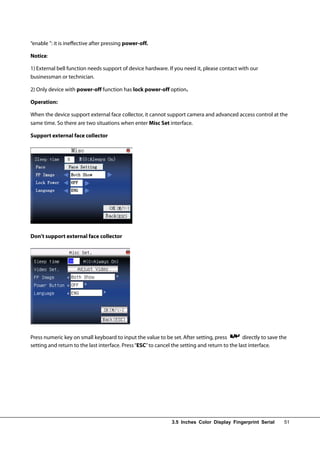
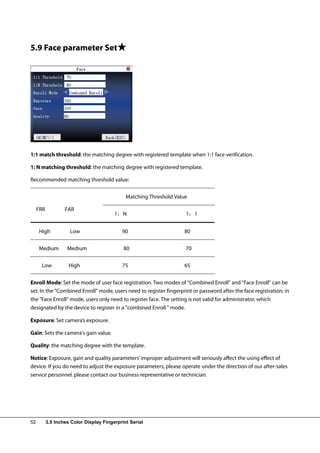
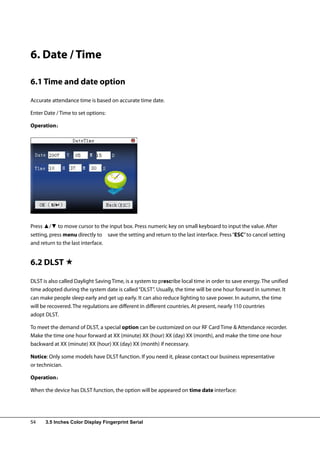
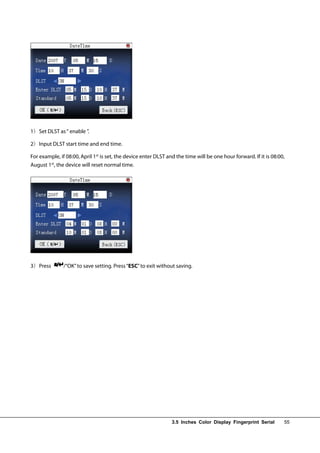
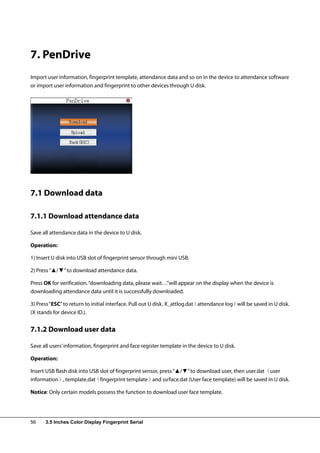
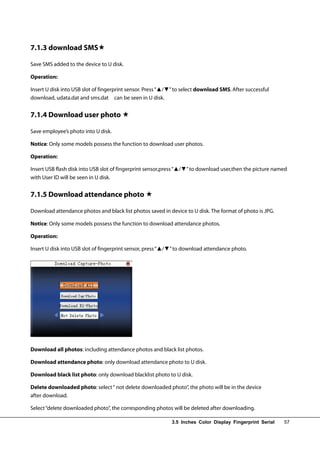
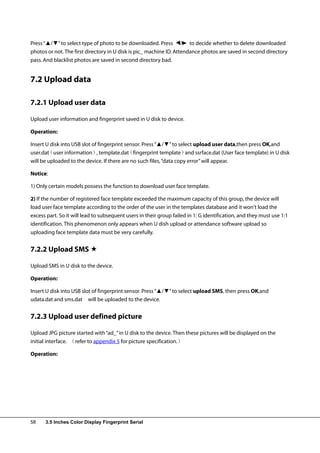
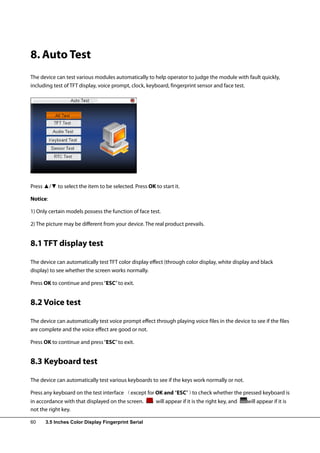
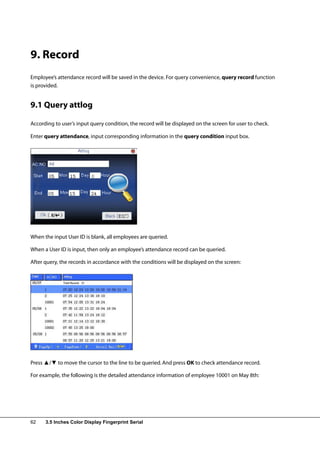
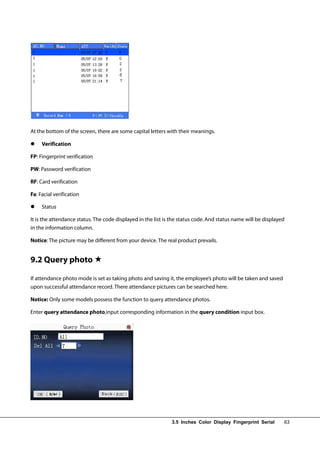
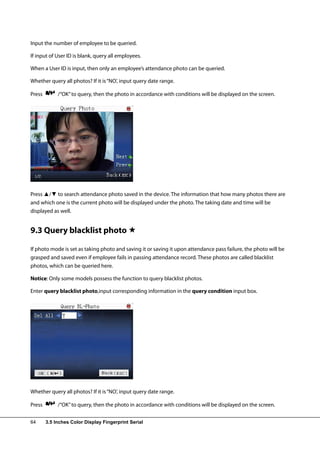
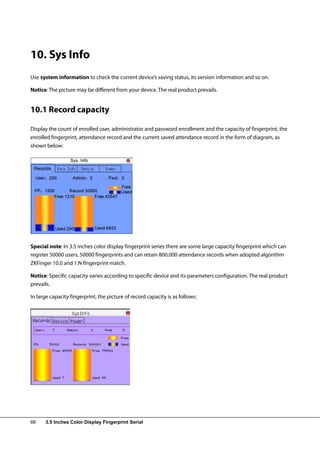
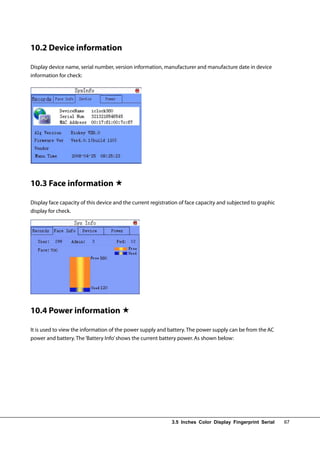
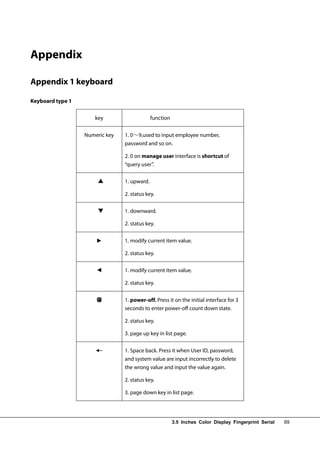
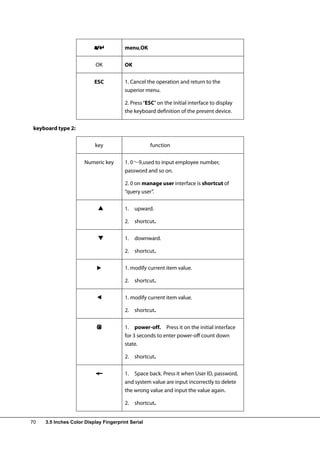
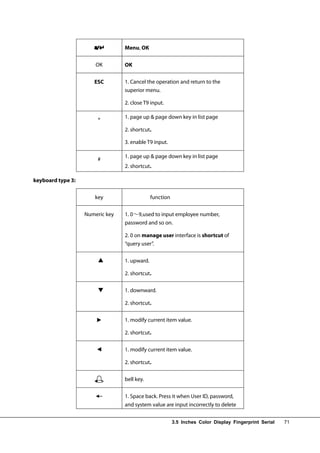
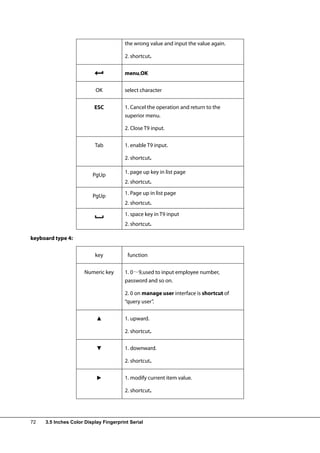
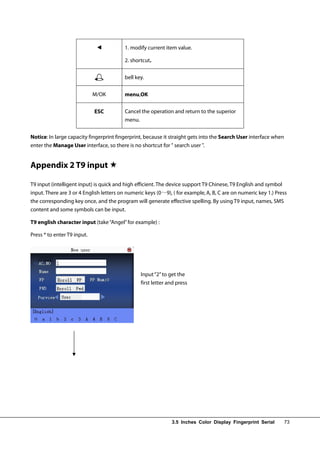
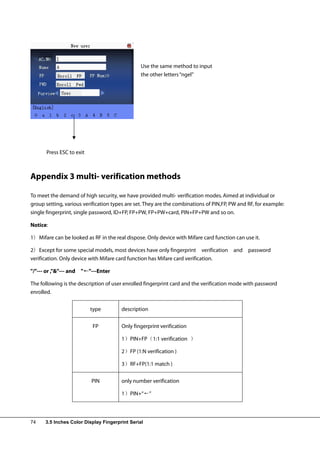
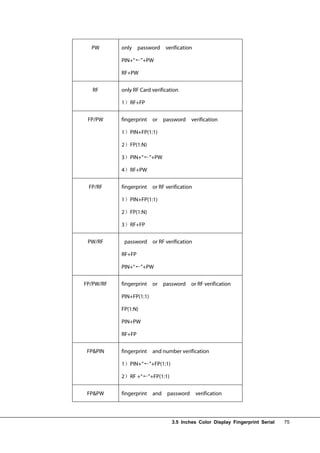
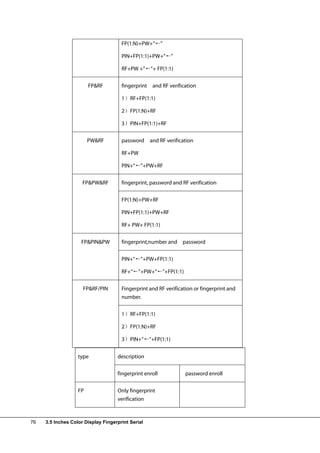
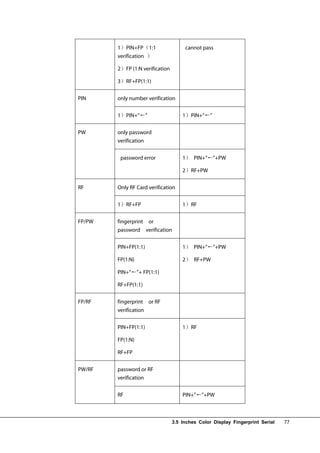
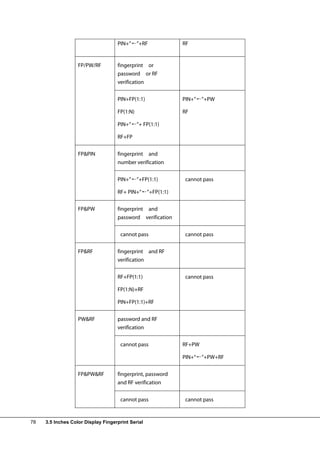
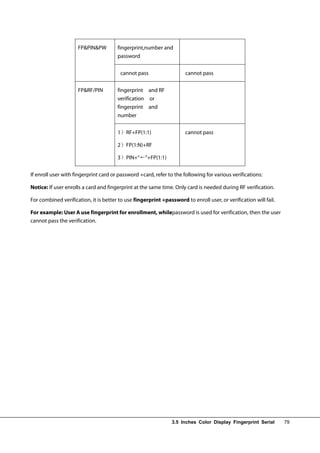
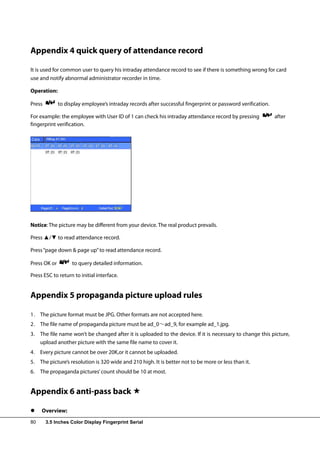
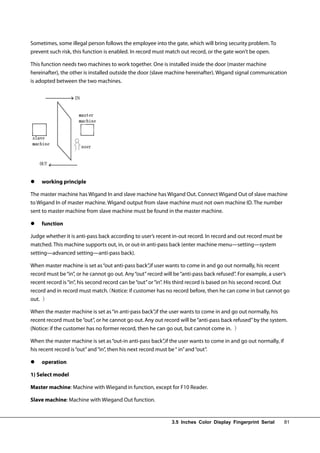
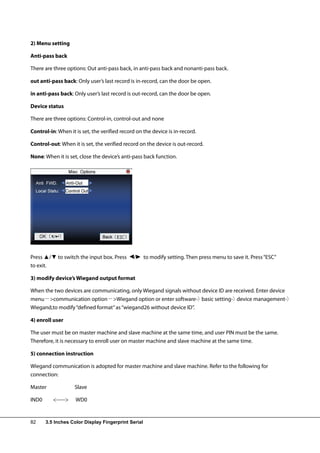
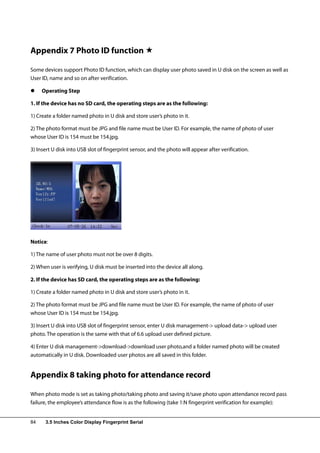
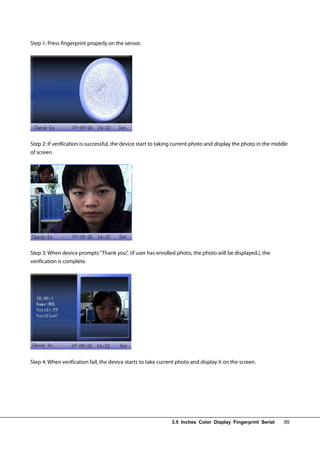
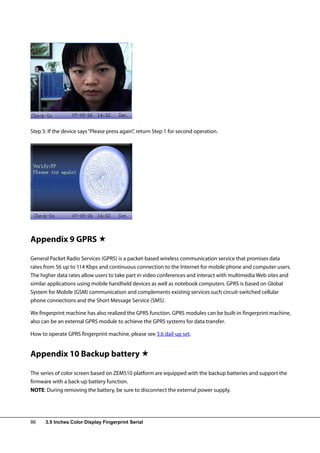
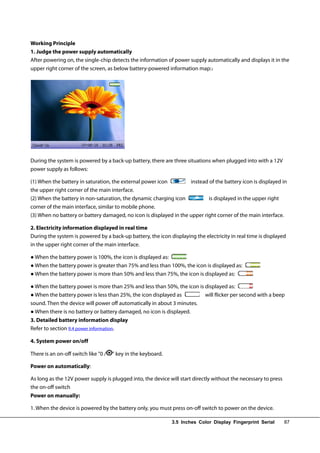
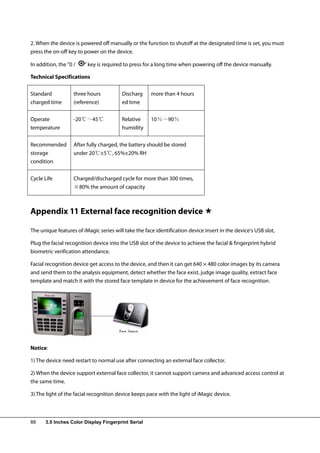
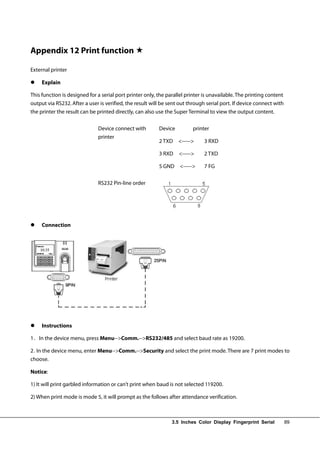
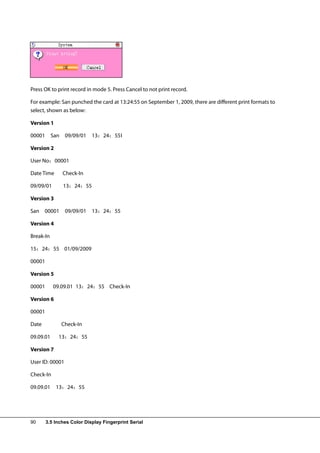

This document provides a user manual for a 3.5-inch color display fingerprint device. The summary is: [1] The manual describes how to enroll and verify users using fingerprint, password, card, or face recognition. It explains proper finger placement for fingerprint authentication and facial poses for face enrollment. [2] Communication settings and connection methods to a PC like Ethernet, RS232, RS485, and USB are outlined. The manual also covers attendance functions, access control privileges, and main menu options. [3] Main menu options include user management, communication settings, system settings, date and time adjustment, USB functions, auto testing, attendance record queries, and system information checks.


