


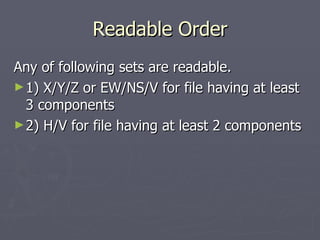
![Data Order If a file having 3 traces or more, and the 1st 3 traces are X, Y, and Z, respectively, H/V ratio can be obtained by checking on the check box in row-22 of [Utility] sheet. Click on the side head with a "?" to show associated hints.](https://image.slidesharecdn.com/hvanalysis-110409064649-phpapp02/85/Horizontal-to-Vertical-Spectral-Ratio-Seismic-Method-9-320.jpg)
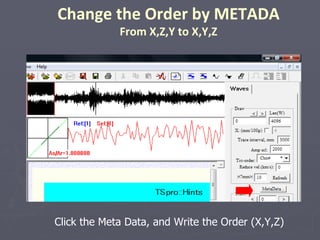
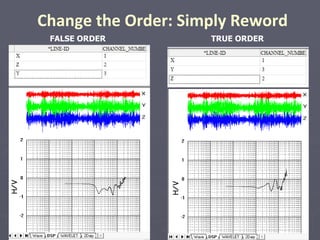
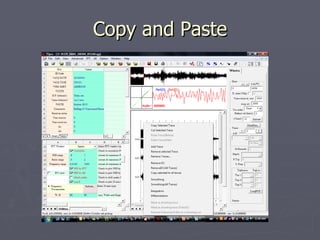
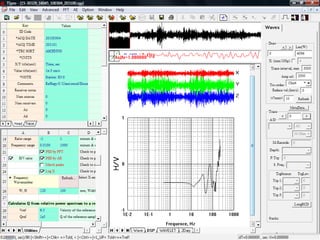
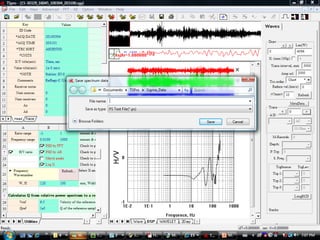
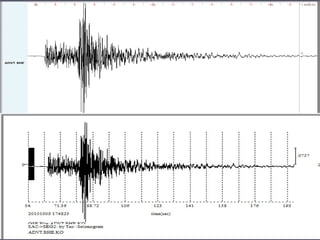

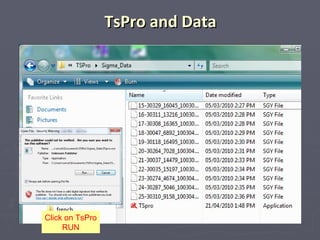
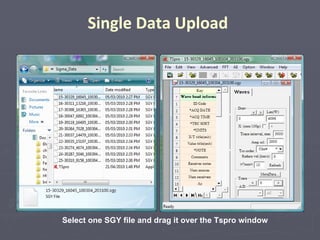
The document provides instructions for calculating horizontal to vertical spectral ratios (H/V ratios) from seismic data using the TsPro software. It explains how to upload seismic data files, set the component order if it is not the standard X, Y, Z, and calculate the H/V ratio if the file has at least two components. The document also describes how to change the component order using the metadata and save the H/V ratio graph.


