HTML5 三种本地存储方式的比较 前端组  罗晴明 2011-12-20
Introduction Manifest Web SQL Database Localstorage IndexedDB(Not supported on iOS)
How to use Manifest Concept Game Test Exam 1.Declare the manifest file in your HTML using the manifest attribute: <html manifest=&quot;path/filename.manifest&quot;> 2.The manifest file has the following requirements: The file must be served with a MIME type of  text/cache-manifest .  The file must have the  same origin (domain and scheme)  as the HTML file that declares it. The first line of the file must consist of the text  CACHE MANIFEST . Subsequent lines may contain section headings, URLs of resources to cache, network URLs, or comments. Section headings consist of a single word, followed by a colon. Legal values are  CACHE: ,  NETWORK: , or  FALLBACK: . Resource URLs can be absolute or relative to the manifest file (not relative to the HTML page that uses the resource). Network URLs may contain an asterisk as a wildcard character. Comments must be on a single line and preceded by the # character.  Comments may appear in any section of the manifest.
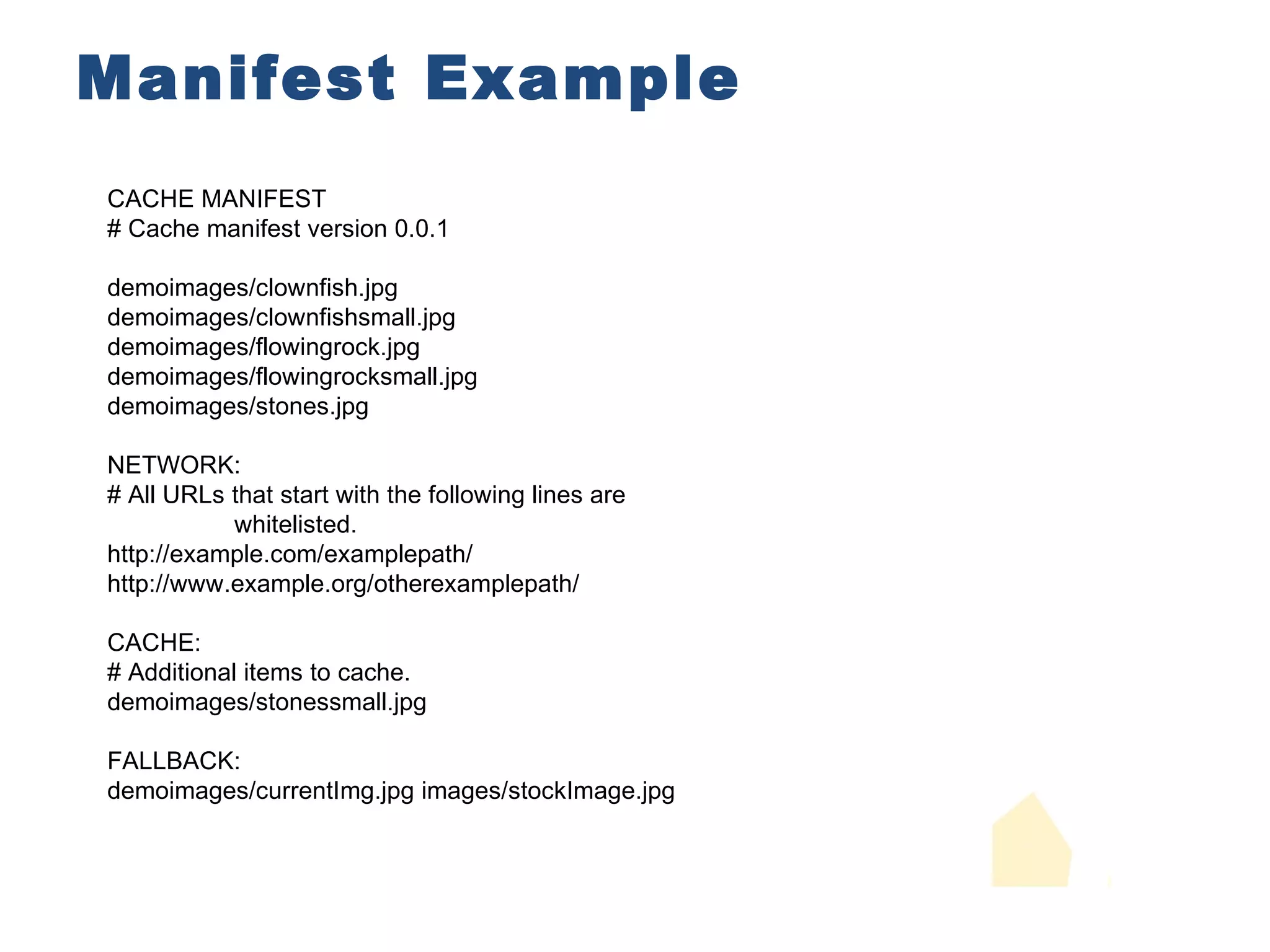
Manifest Example CACHE MANIFEST # Cache manifest version 0.0.1 demoimages/clownfish.jpg demoimages/clownfishsmall.jpg demoimages/flowingrock.jpg demoimages/flowingrocksmall.jpg demoimages/stones.jpg NETWORK: # All URLs that start with the following lines are whitelisted. http://example.com/examplepath/ http://www.example.org/otherexamplepath/ CACHE: # Additional items to cache. demoimages/stonessmall.jpg FALLBACK: demoimages/currentImg.jpg images/stockImage.jpg
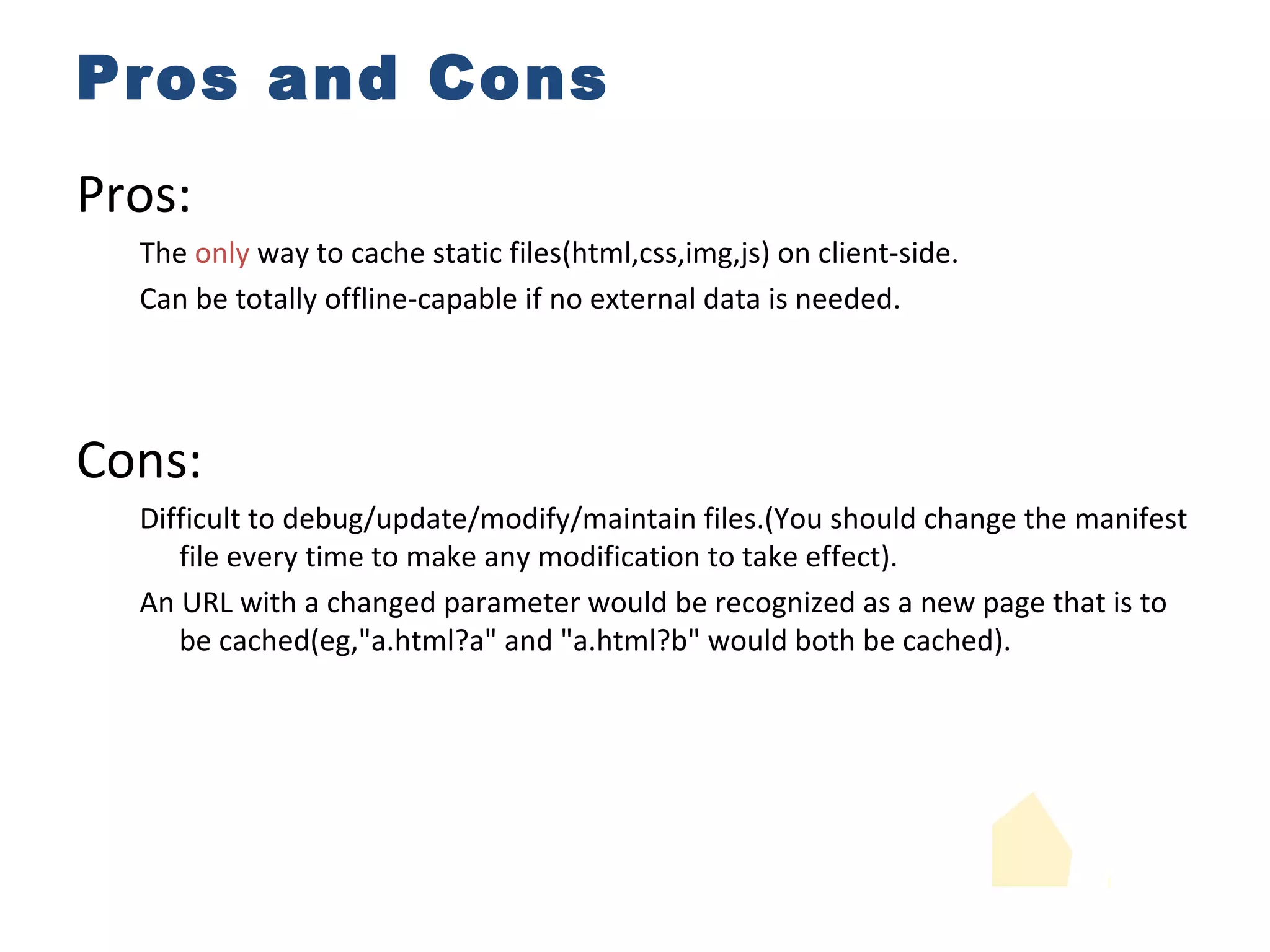
Pros and Cons Pros: The  only  way to cache static files(html,css,img,js) on client-side. Can be totally offline-capable if no external data is needed. Cons: Difficult to debug/update/modify/maintain files.(You should change the manifest file every time to make any modification to take effect). An URL with a changed parameter would be recognized as a new page that is to be cached(eg,&quot;a.html?a&quot; and &quot;a.html?b&quot; would both be cached).
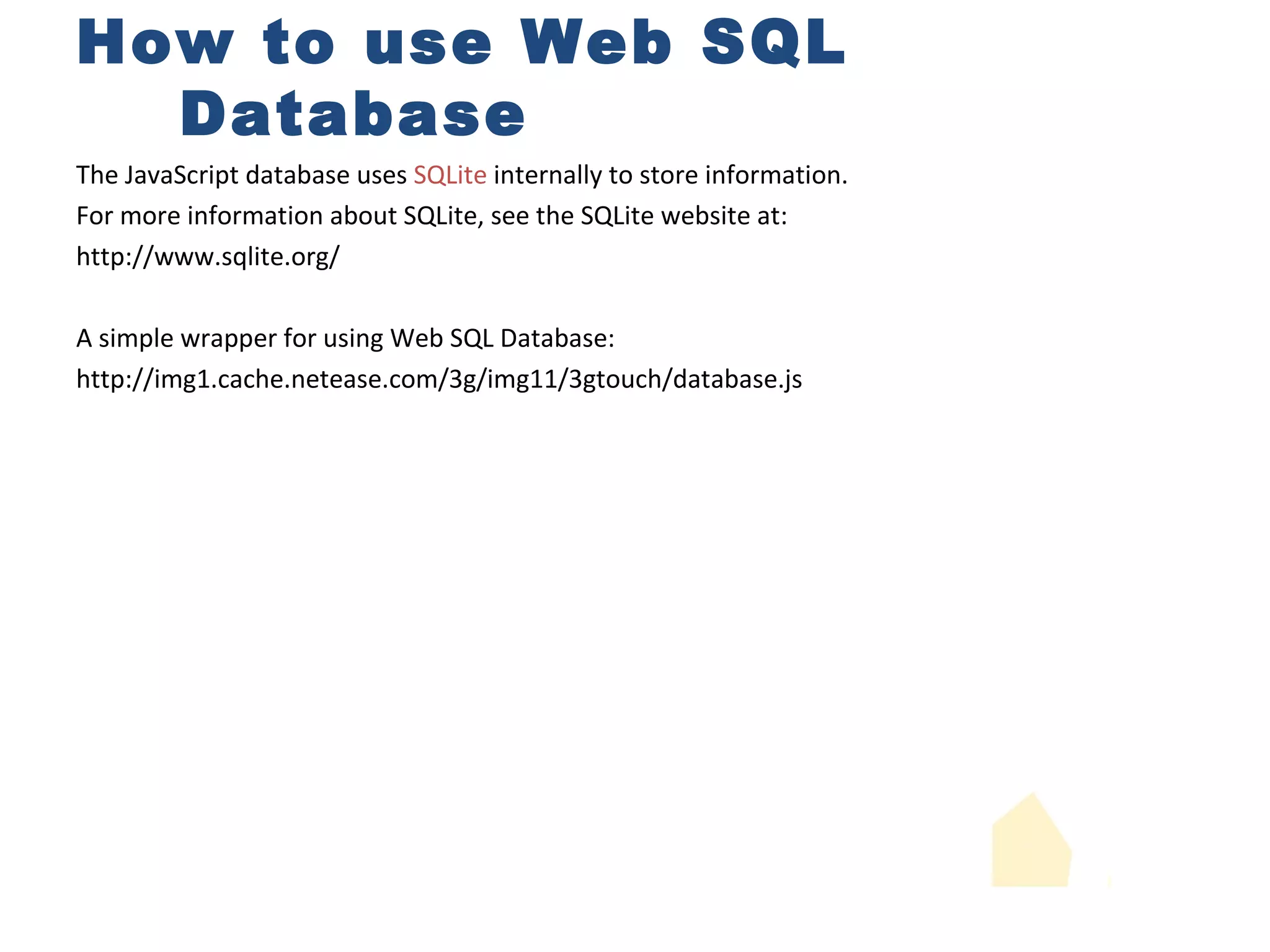
How to use Web SQL Database The JavaScript database uses  SQLite  internally to store information. For more information about SQLite, see the SQLite website at:  http://www.sqlite.org/ A simple wrapper for using Web SQL Database: http://img1.cache.netease.com/3g/img11/3gtouch/database.js
Pros and Cons Pros: The  only  way to cache data with size more than 5MB. It has a full-feathered sqlite database,which is powerful for data maintence. Cons: Increased learning costs for web developers.SQL has nothing in common with javascript or html. Webkit  only.And may be deprecated or even canceled in the future. Can only be used in  asynchronous  way,sometimes not fast enough.
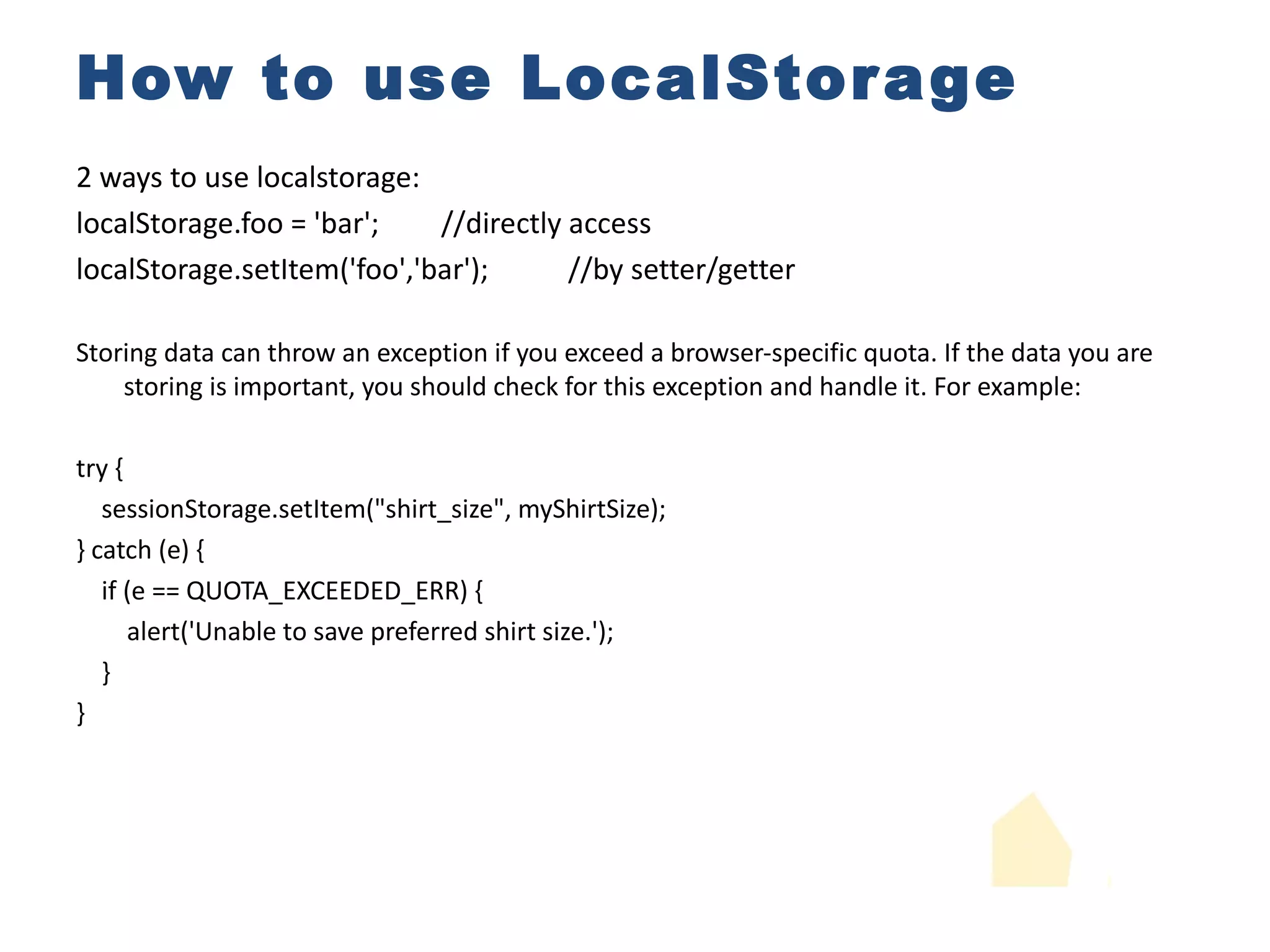
How to use LocalStorage 2 ways to use localstorage: localStorage.foo = 'bar'; //directly access localStorage.setItem('foo','bar'); //by setter/getter Storing data can throw an exception if you exceed a browser-specific quota. If the data you are storing is important, you should check for this exception and handle it. For example: try { sessionStorage.setItem(&quot;shirt_size&quot;, myShirtSize); } catch (e) { if (e == QUOTA_EXCEEDED_ERR) { alert('Unable to save preferred shirt size.'); } }
How to use LocalStorage NTUI.storage = { _s:window.localStorage, _SIZE:50, _i:(function(){ if(!window.localStorage.index) window.localStorage.index = 0; return window.localStorage.index; })(), _m:(function(){ if(!window.localStorage.map) return JSON.parse(window.localStorage.map); })(), save:function(id,data){...}, load:function(id){ var t=this,m=t._m,s=t._s; if(s&&id)return s.getItem(m[id]); } }; return {}; //map and record data id into index //record current index //set size
How to use LocalStorage save:function(id,data){ var t=this,m=t._m,s=t._s,i=t._i; if(s){ if(id&&m[id]){ } else{ s.setItem(i,data); } s.index = i; } } } //save the index //insert new data using new index if(id){ m[id]= i; //map dataid into the index s.map = JSON.stringify(m); //save the map } if(++i===t._SIZE){ i=0; //increase the index and make sure it loops under the specific SIZE s.setItem(m[id],data); //override existed data
Pros and Cons Pros: Light-weight,fast,and easy to use. Supported by most browsers.Best compatibility. Cons: The quota varies between different browsers.And none of them can be called &quot;enough&quot;. Lack of advanced features.Have to manually maintain data size due to such quota.
Thank you !

Html5三种本地存储方式的比较

  • 1.
  • 2.
    Introduction Manifest WebSQL Database Localstorage IndexedDB(Not supported on iOS)
  • 3.
    How to useManifest Concept Game Test Exam 1.Declare the manifest file in your HTML using the manifest attribute: <html manifest=&quot;path/filename.manifest&quot;> 2.The manifest file has the following requirements: The file must be served with a MIME type of text/cache-manifest . The file must have the same origin (domain and scheme) as the HTML file that declares it. The first line of the file must consist of the text CACHE MANIFEST . Subsequent lines may contain section headings, URLs of resources to cache, network URLs, or comments. Section headings consist of a single word, followed by a colon. Legal values are CACHE: , NETWORK: , or FALLBACK: . Resource URLs can be absolute or relative to the manifest file (not relative to the HTML page that uses the resource). Network URLs may contain an asterisk as a wildcard character. Comments must be on a single line and preceded by the # character. Comments may appear in any section of the manifest.
  • 4.
    Manifest Example CACHEMANIFEST # Cache manifest version 0.0.1 demoimages/clownfish.jpg demoimages/clownfishsmall.jpg demoimages/flowingrock.jpg demoimages/flowingrocksmall.jpg demoimages/stones.jpg NETWORK: # All URLs that start with the following lines are whitelisted. http://example.com/examplepath/ http://www.example.org/otherexamplepath/ CACHE: # Additional items to cache. demoimages/stonessmall.jpg FALLBACK: demoimages/currentImg.jpg images/stockImage.jpg
  • 5.
    Pros and ConsPros: The only way to cache static files(html,css,img,js) on client-side. Can be totally offline-capable if no external data is needed. Cons: Difficult to debug/update/modify/maintain files.(You should change the manifest file every time to make any modification to take effect). An URL with a changed parameter would be recognized as a new page that is to be cached(eg,&quot;a.html?a&quot; and &quot;a.html?b&quot; would both be cached).
  • 6.
    How to useWeb SQL Database The JavaScript database uses SQLite internally to store information. For more information about SQLite, see the SQLite website at: http://www.sqlite.org/ A simple wrapper for using Web SQL Database: http://img1.cache.netease.com/3g/img11/3gtouch/database.js
  • 7.
    Pros and ConsPros: The only way to cache data with size more than 5MB. It has a full-feathered sqlite database,which is powerful for data maintence. Cons: Increased learning costs for web developers.SQL has nothing in common with javascript or html. Webkit only.And may be deprecated or even canceled in the future. Can only be used in asynchronous way,sometimes not fast enough.
  • 8.
    How to useLocalStorage 2 ways to use localstorage: localStorage.foo = 'bar'; //directly access localStorage.setItem('foo','bar'); //by setter/getter Storing data can throw an exception if you exceed a browser-specific quota. If the data you are storing is important, you should check for this exception and handle it. For example: try { sessionStorage.setItem(&quot;shirt_size&quot;, myShirtSize); } catch (e) { if (e == QUOTA_EXCEEDED_ERR) { alert('Unable to save preferred shirt size.'); } }
  • 9.
    How to useLocalStorage NTUI.storage = { _s:window.localStorage, _SIZE:50, _i:(function(){ if(!window.localStorage.index) window.localStorage.index = 0; return window.localStorage.index; })(), _m:(function(){ if(!window.localStorage.map) return JSON.parse(window.localStorage.map); })(), save:function(id,data){...}, load:function(id){ var t=this,m=t._m,s=t._s; if(s&&id)return s.getItem(m[id]); } }; return {}; //map and record data id into index //record current index //set size
  • 10.
    How to useLocalStorage save:function(id,data){ var t=this,m=t._m,s=t._s,i=t._i; if(s){ if(id&&m[id]){ } else{ s.setItem(i,data); } s.index = i; } } } //save the index //insert new data using new index if(id){ m[id]= i; //map dataid into the index s.map = JSON.stringify(m); //save the map } if(++i===t._SIZE){ i=0; //increase the index and make sure it loops under the specific SIZE s.setItem(m[id],data); //override existed data
  • 11.
    Pros and ConsPros: Light-weight,fast,and easy to use. Supported by most browsers.Best compatibility. Cons: The quota varies between different browsers.And none of them can be called &quot;enough&quot;. Lack of advanced features.Have to manually maintain data size due to such quota.
  • 12.