HTML iframe
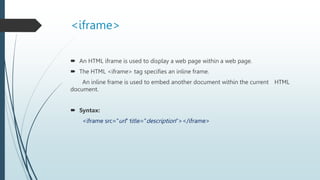
<iframe>
 An HTML iframe is used to display a web page within a web page.
 The HTML <iframe> tag specifies an inline frame.
An inline frame is used to embed another document within the current HTML
document.
 Syntax:
<iframe src="url" title="description"></iframe>
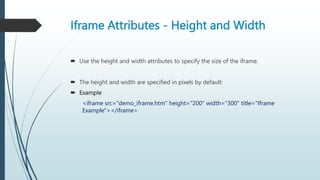
Iframe Attributes - Height and Width
 Use the height and width attributes to specify the size of the iframe.
 The height and width are specified in pixels by default:
 Example
<iframe src="demo_iframe.htm" height="200" width="300" title="Iframe
Example"></iframe>
Iframe - Target for a Link
 An iframe can be used as the target frame for a link.
The target attribute of the link must refer to the name attribute of the iframe:
Example
<iframe src="demo_iframe.htm" name="iframe_a" title="Iframe
Example"></iframe>
<p><a href=“www.google.com"target="iframe_a">Google</a></p>

HTML iframe

  • 1.
  • 2.
    <iframe>  An HTMLiframe is used to display a web page within a web page.  The HTML <iframe> tag specifies an inline frame. An inline frame is used to embed another document within the current HTML document.  Syntax: <iframe src="url" title="description"></iframe>
  • 3.
    Iframe Attributes -Height and Width  Use the height and width attributes to specify the size of the iframe.  The height and width are specified in pixels by default:  Example <iframe src="demo_iframe.htm" height="200" width="300" title="Iframe Example"></iframe>
  • 4.
    Iframe - Targetfor a Link  An iframe can be used as the target frame for a link. The target attribute of the link must refer to the name attribute of the iframe: Example <iframe src="demo_iframe.htm" name="iframe_a" title="Iframe Example"></iframe> <p><a href=“www.google.com"target="iframe_a">Google</a></p>