Download to read offline
![•
Output:INFO 2015-10-03 17:50:45,299 [main]
org.mule.DefaultMuleContext:
•
**************************************
********************************
•
* Application: Database Component
*
•
* OS encoding: Cp1252, Mule encoding: UTF-8
*
•
* *
•
* Agents Running:](https://image.slidesharecdn.com/howtouseforeachcomponent-170327133927/85/Howtouseforeachcomponent-6-320.jpg)
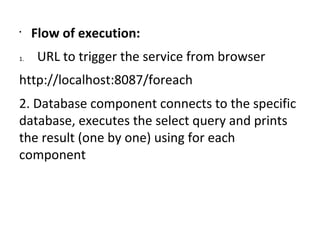

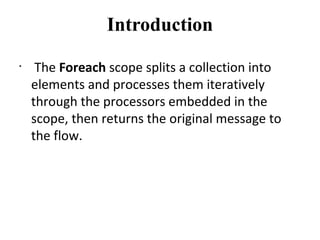
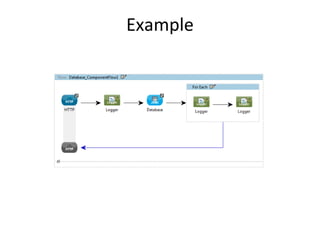
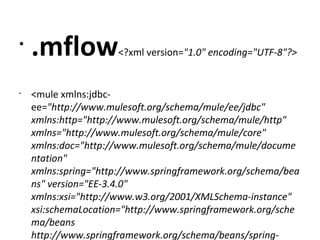
The document discusses how to use the For Each component in Mule applications. The For Each component splits a collection into elements and processes them iteratively through embedded processors, then returns the original message. An example Mule flow is provided that uses a For Each component to connect to a database, execute a SELECT query, and print each result using For Each.


