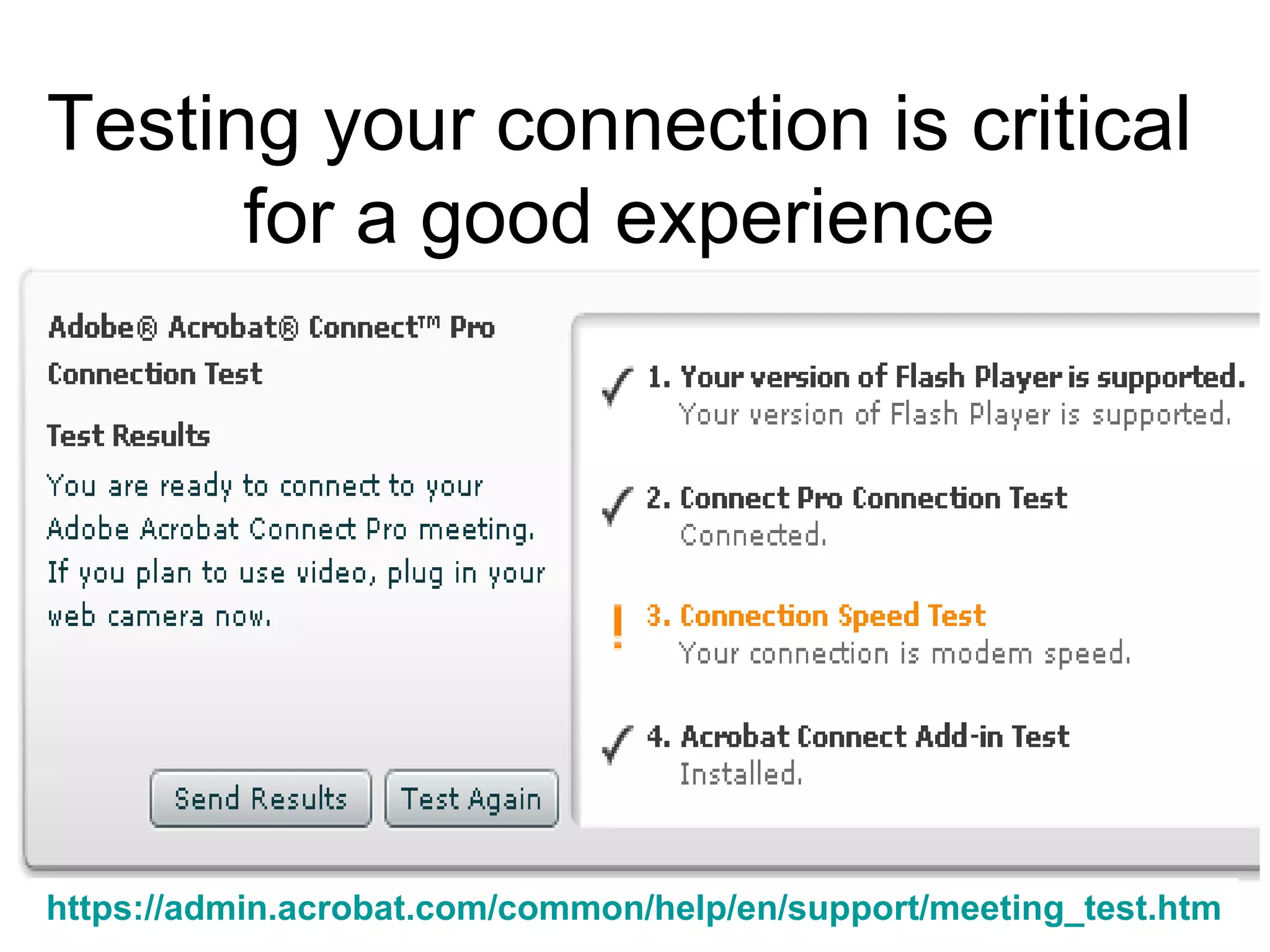
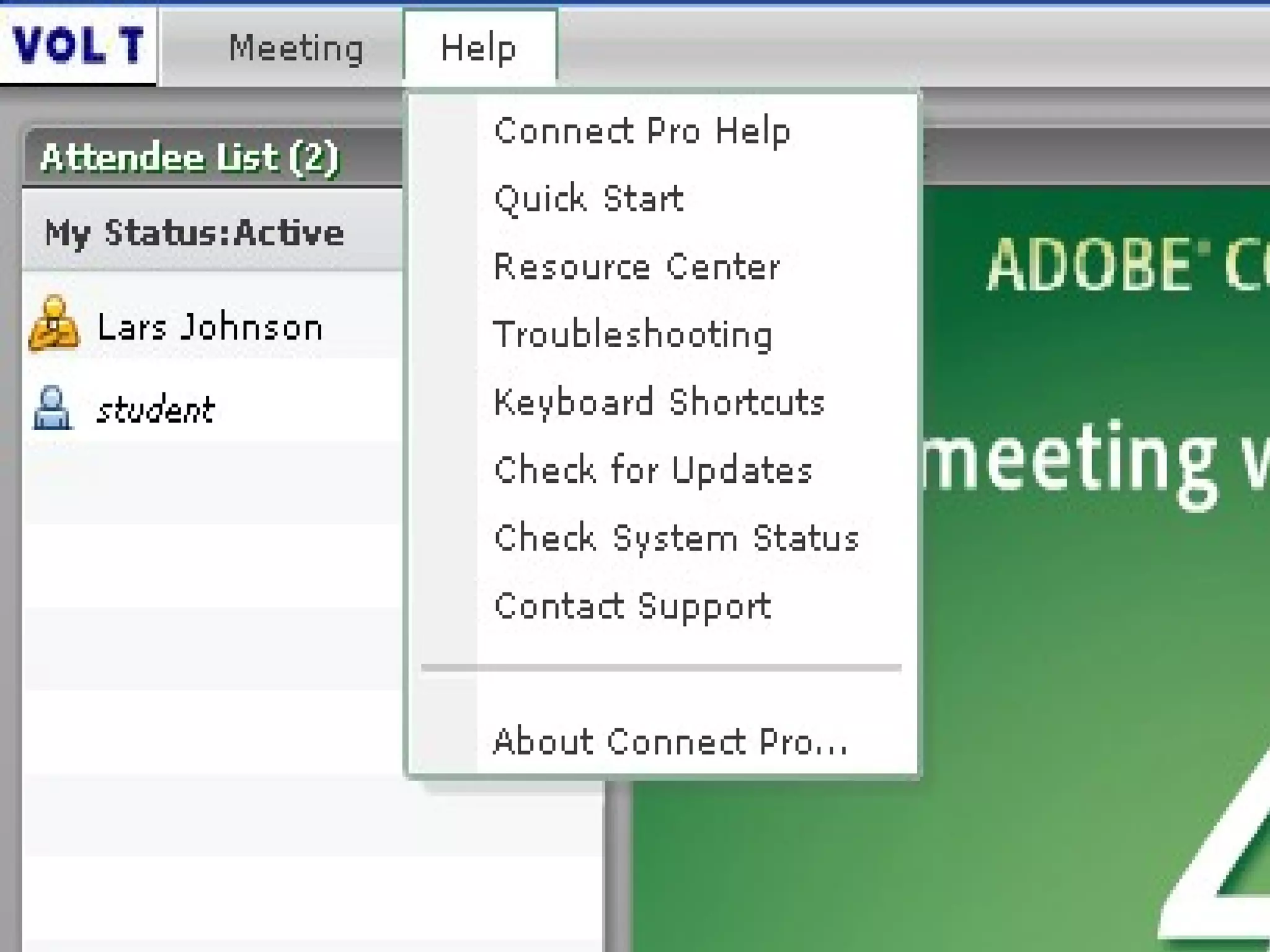
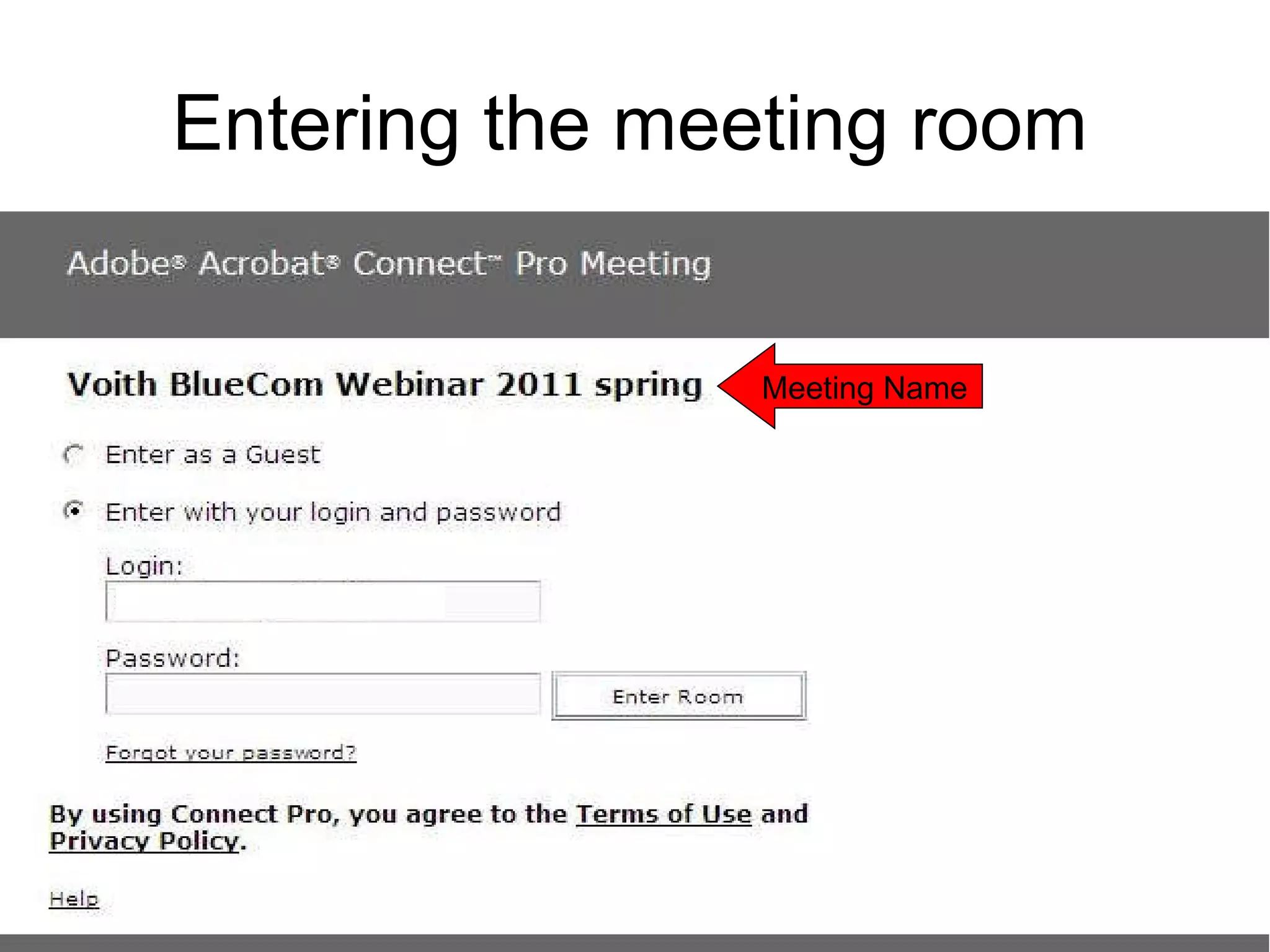
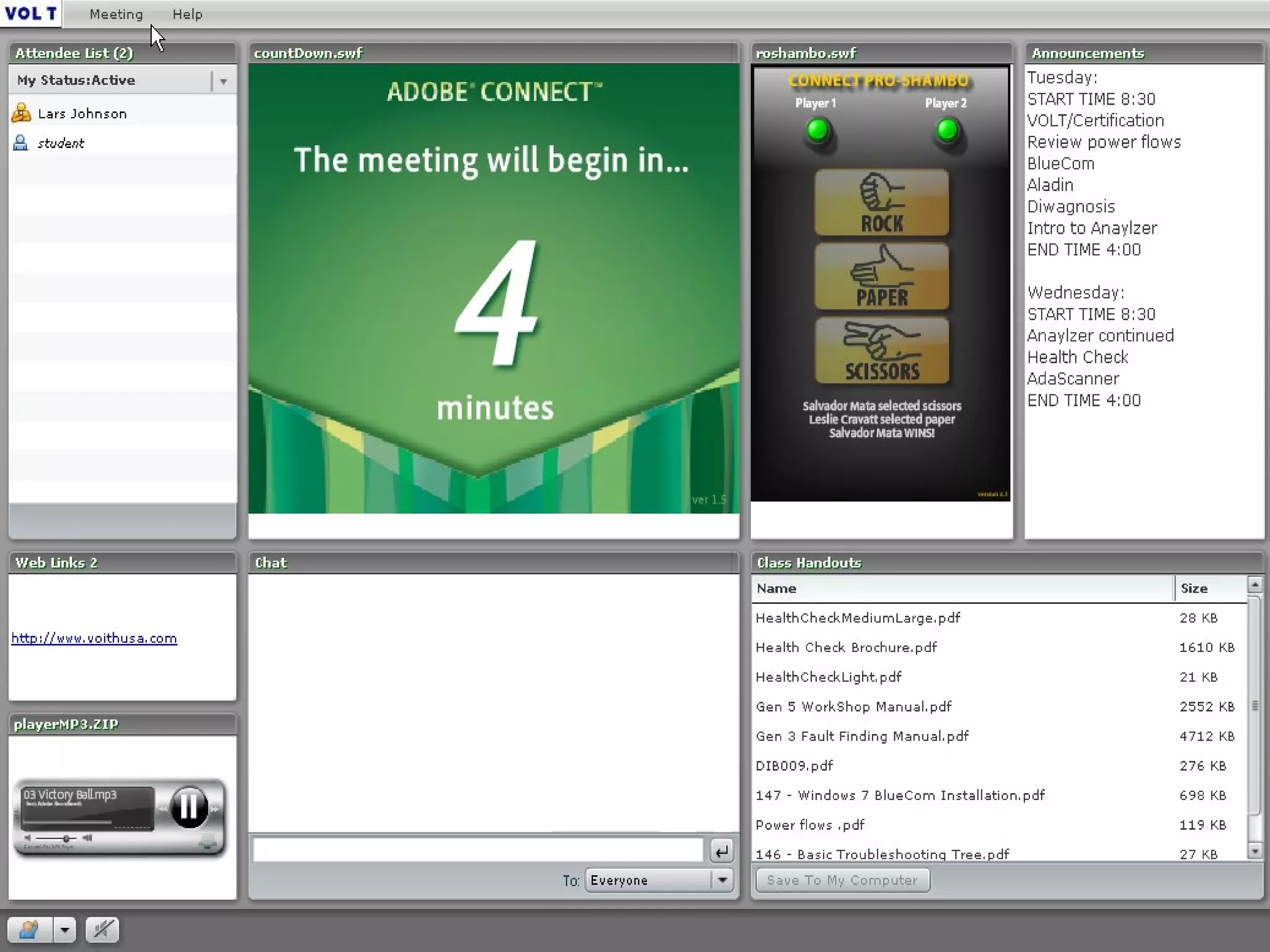
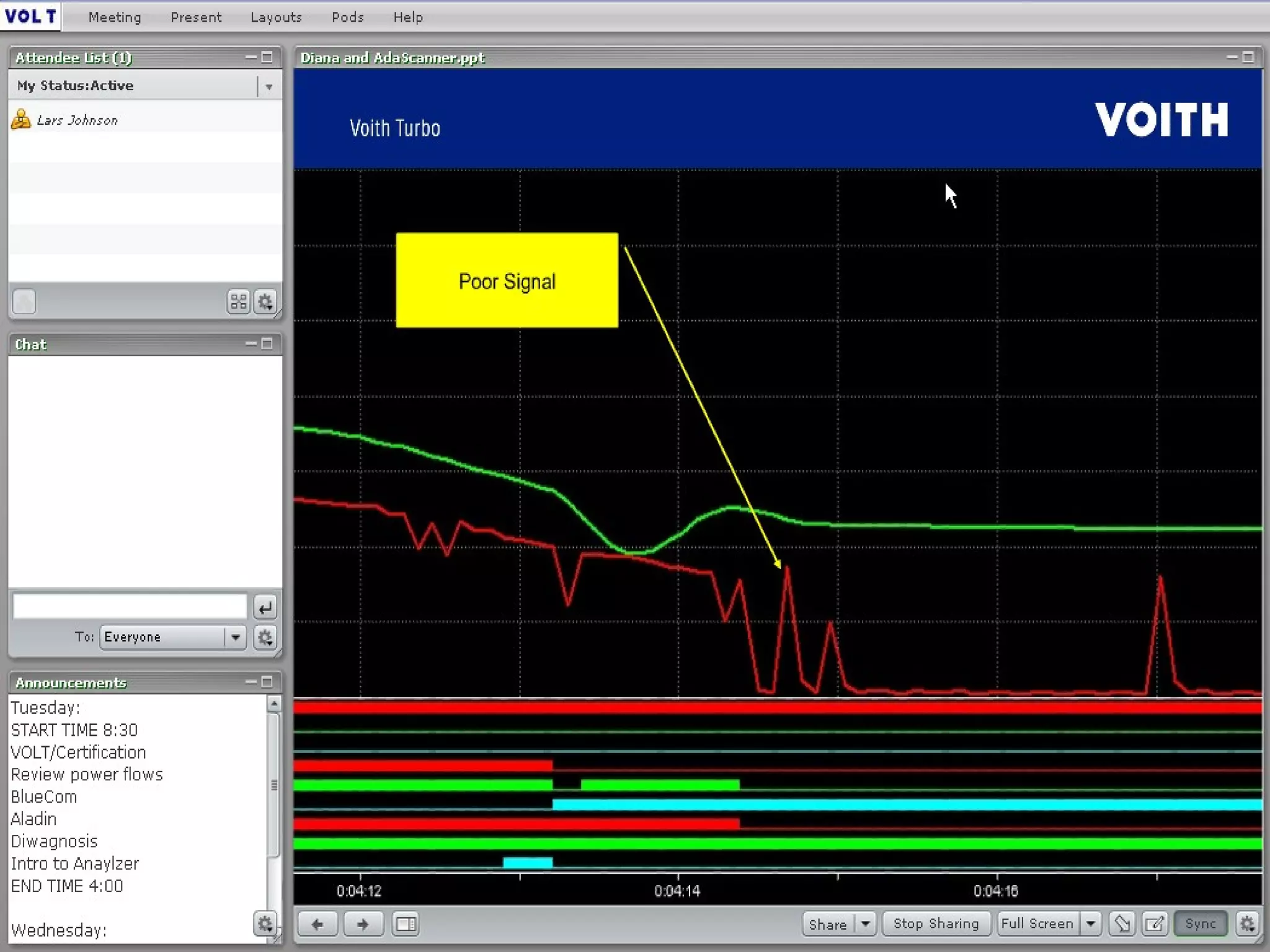
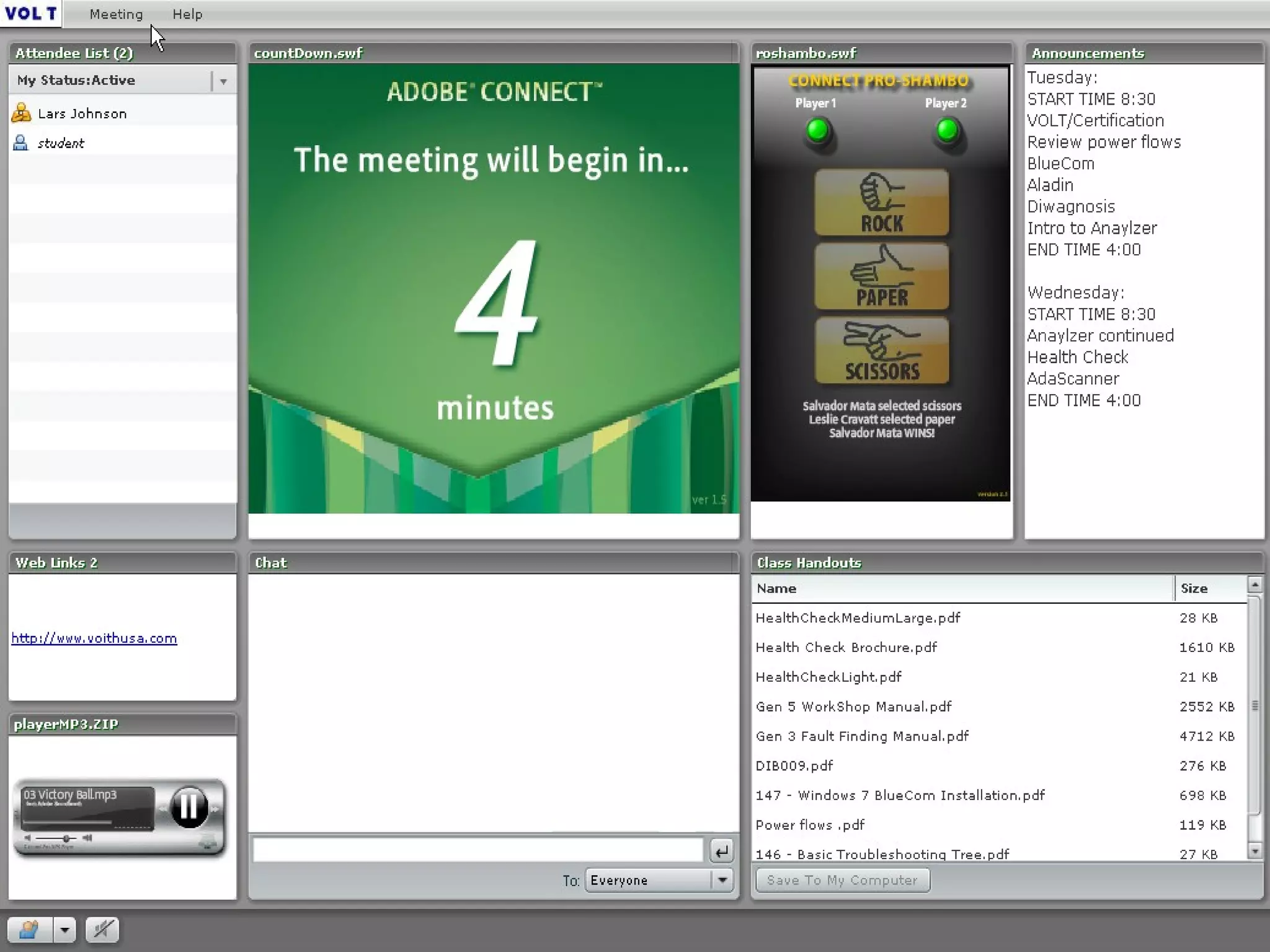
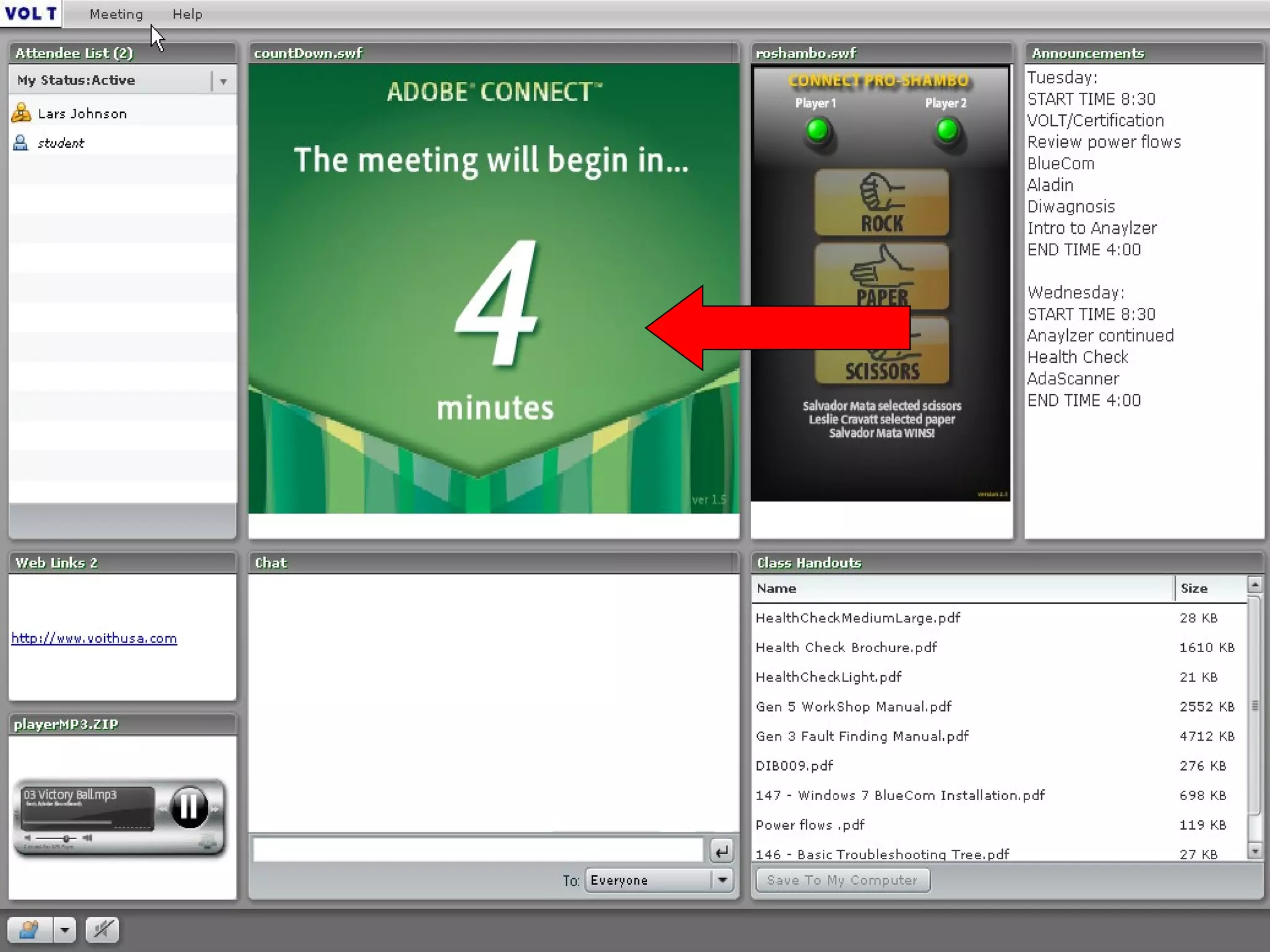
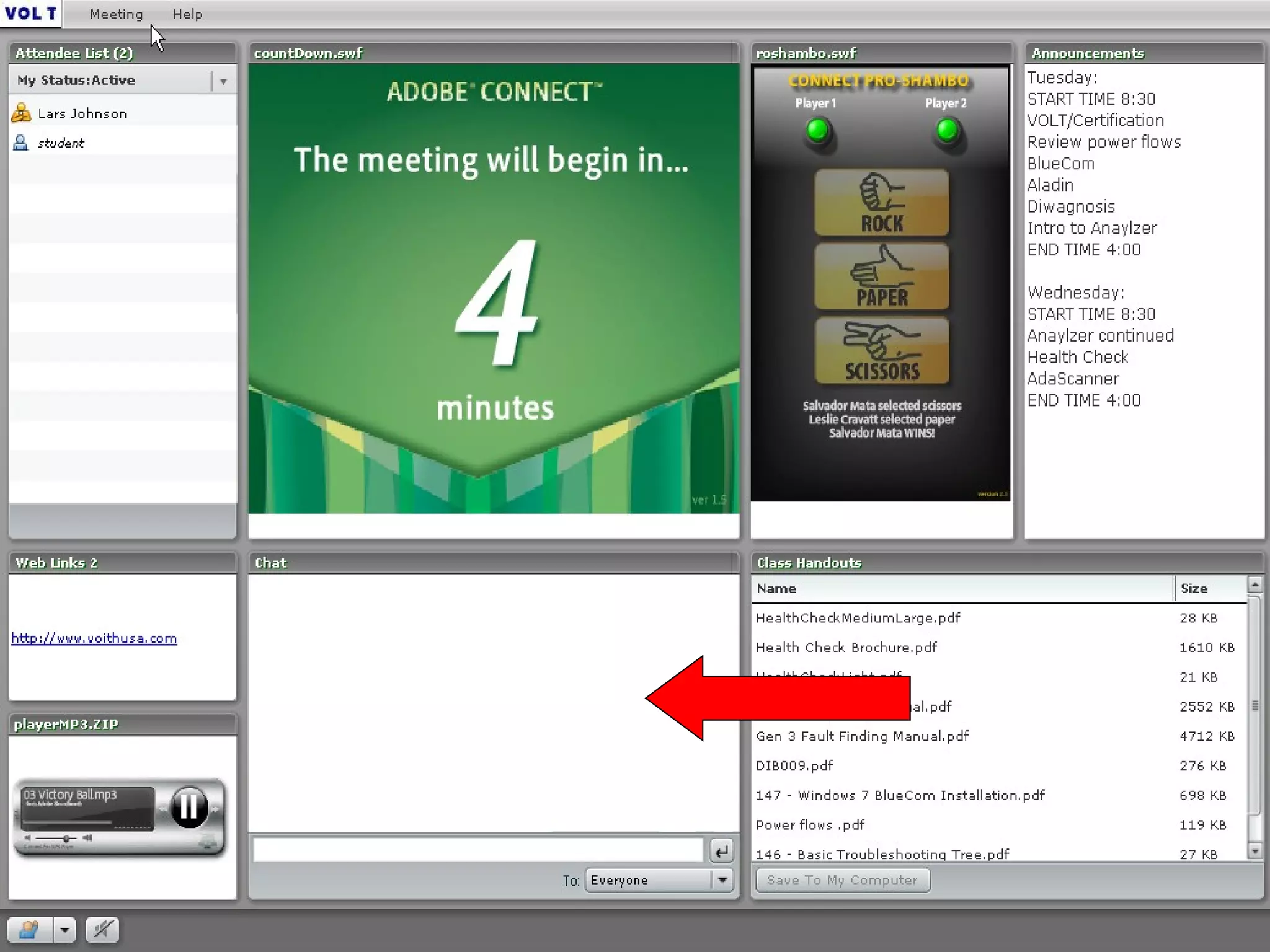
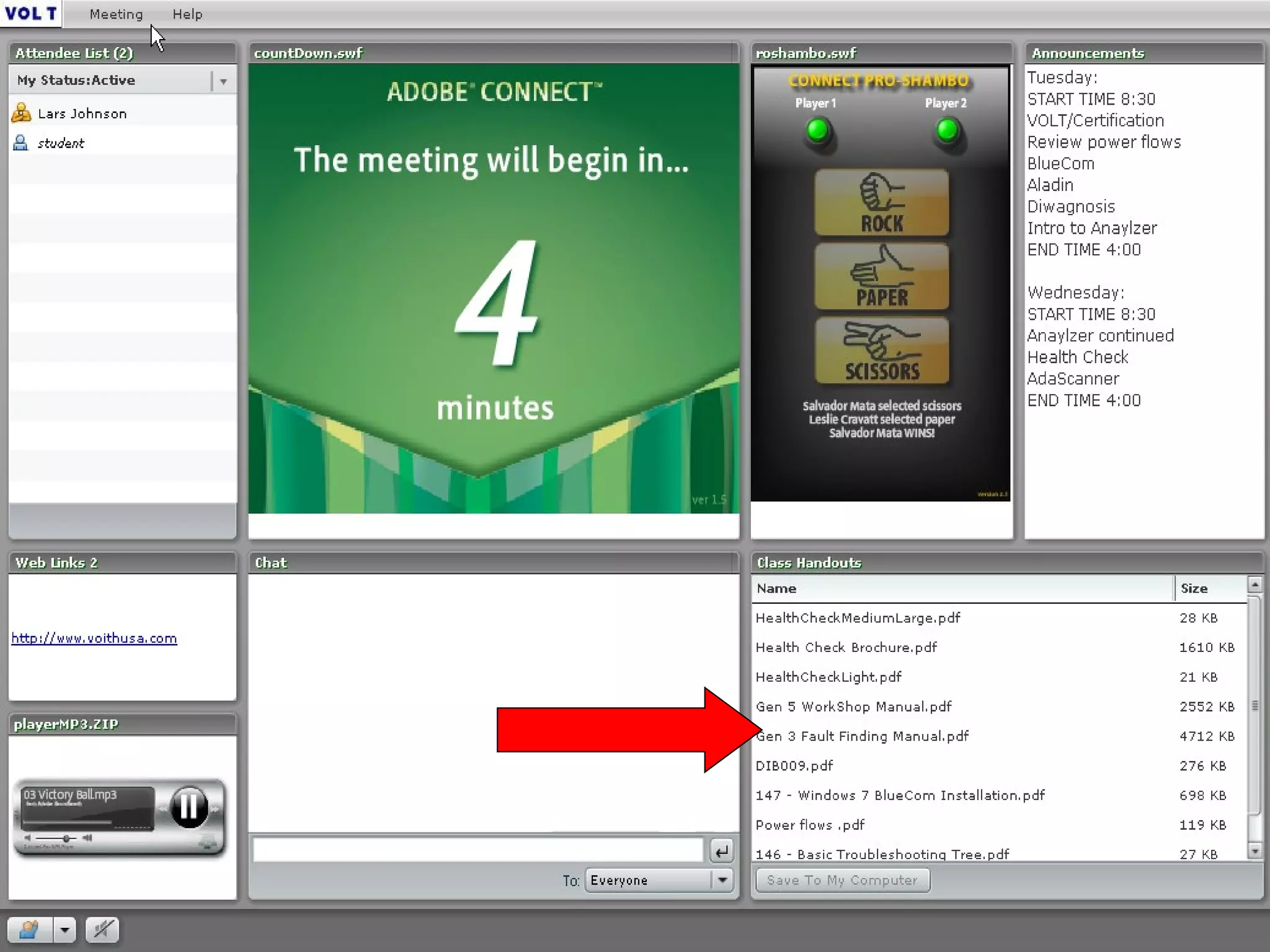
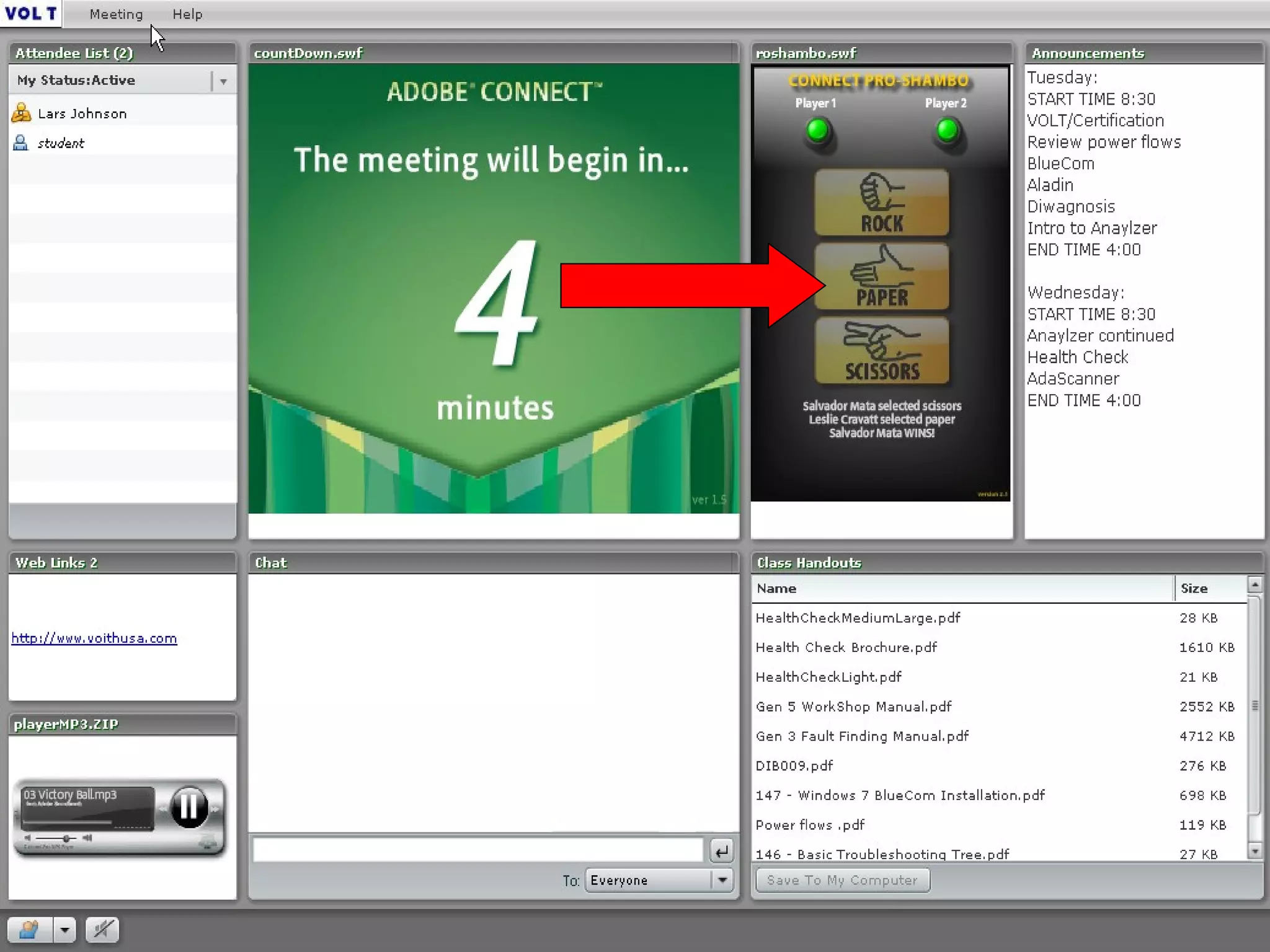
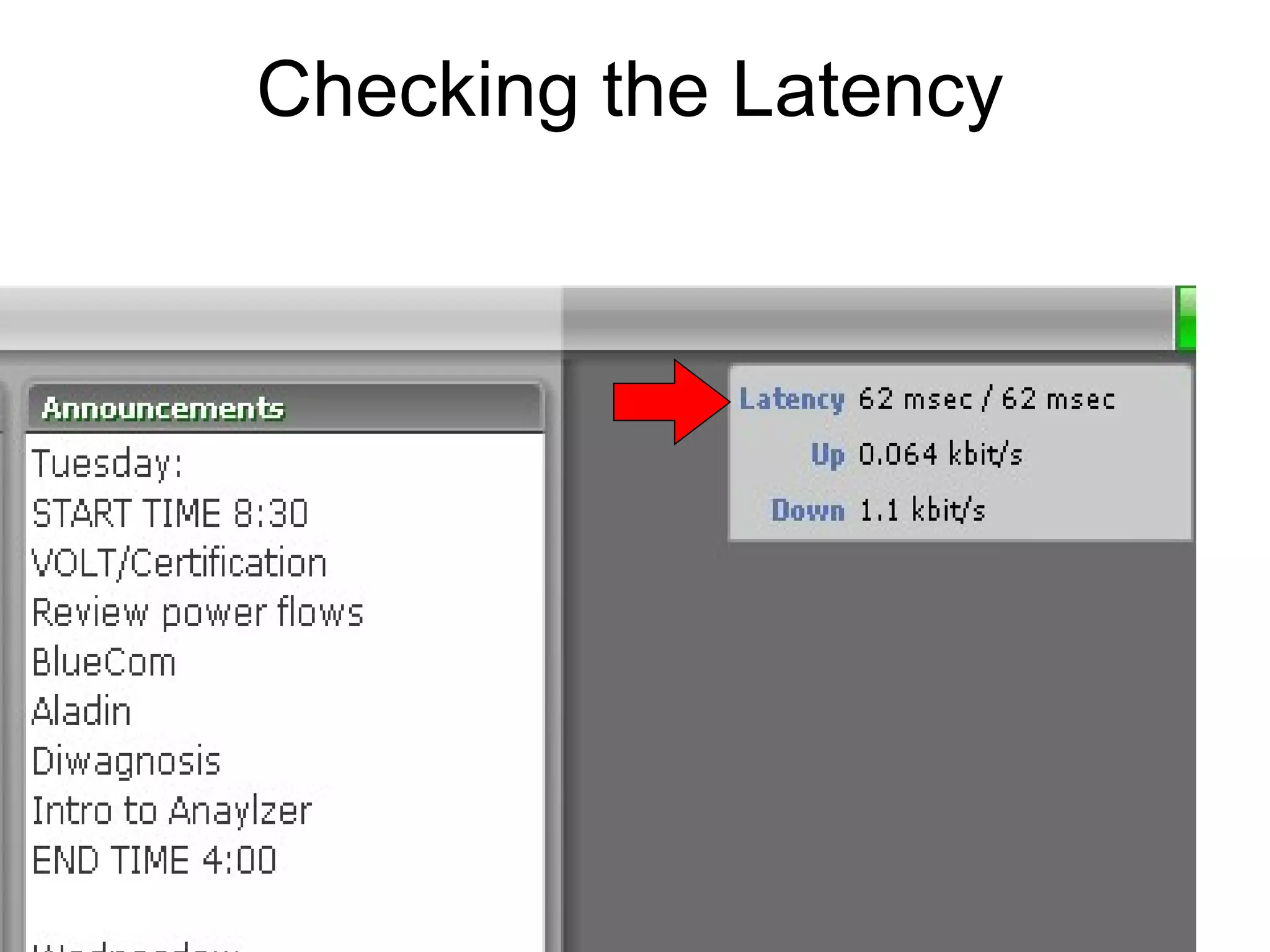
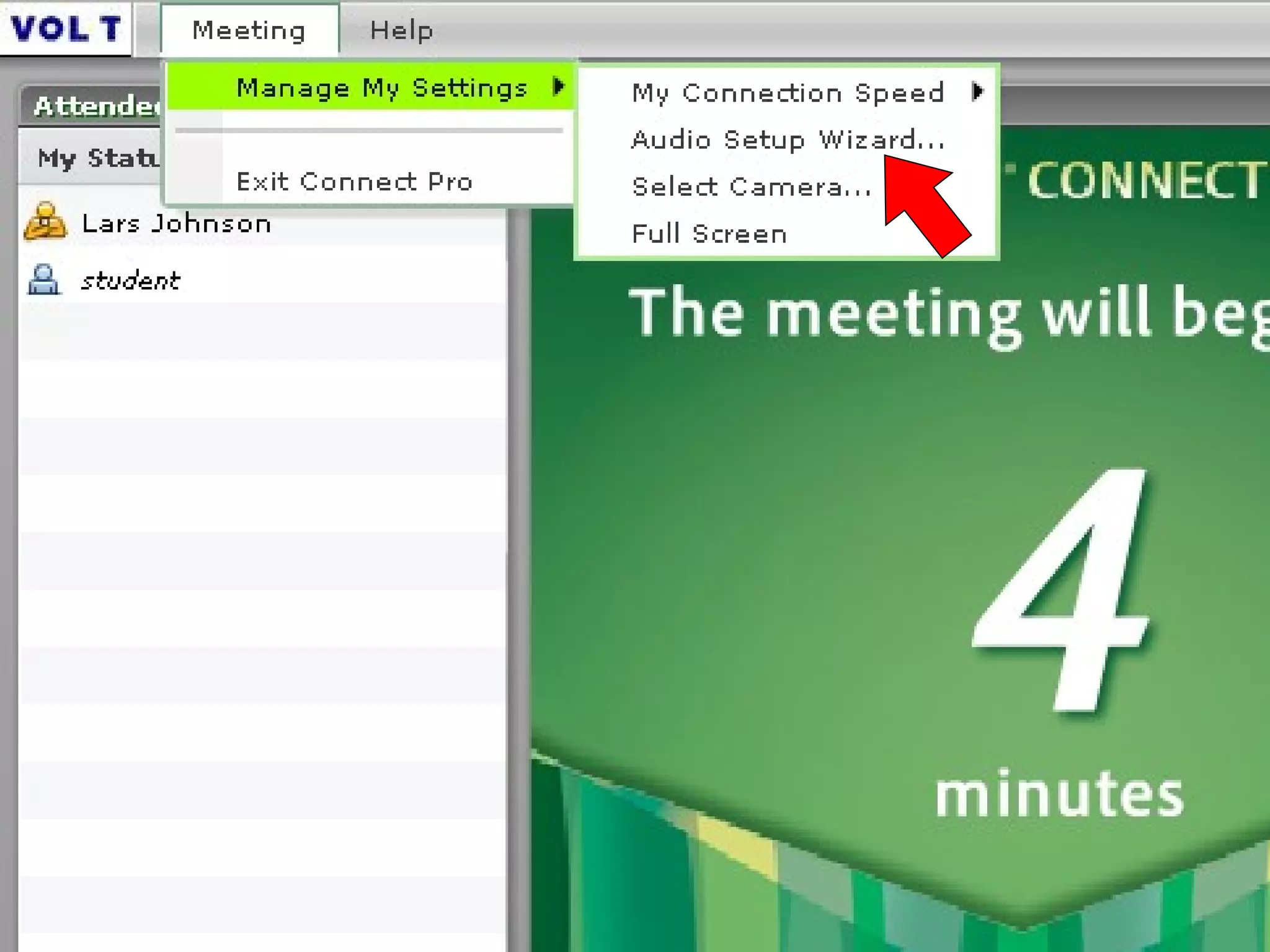
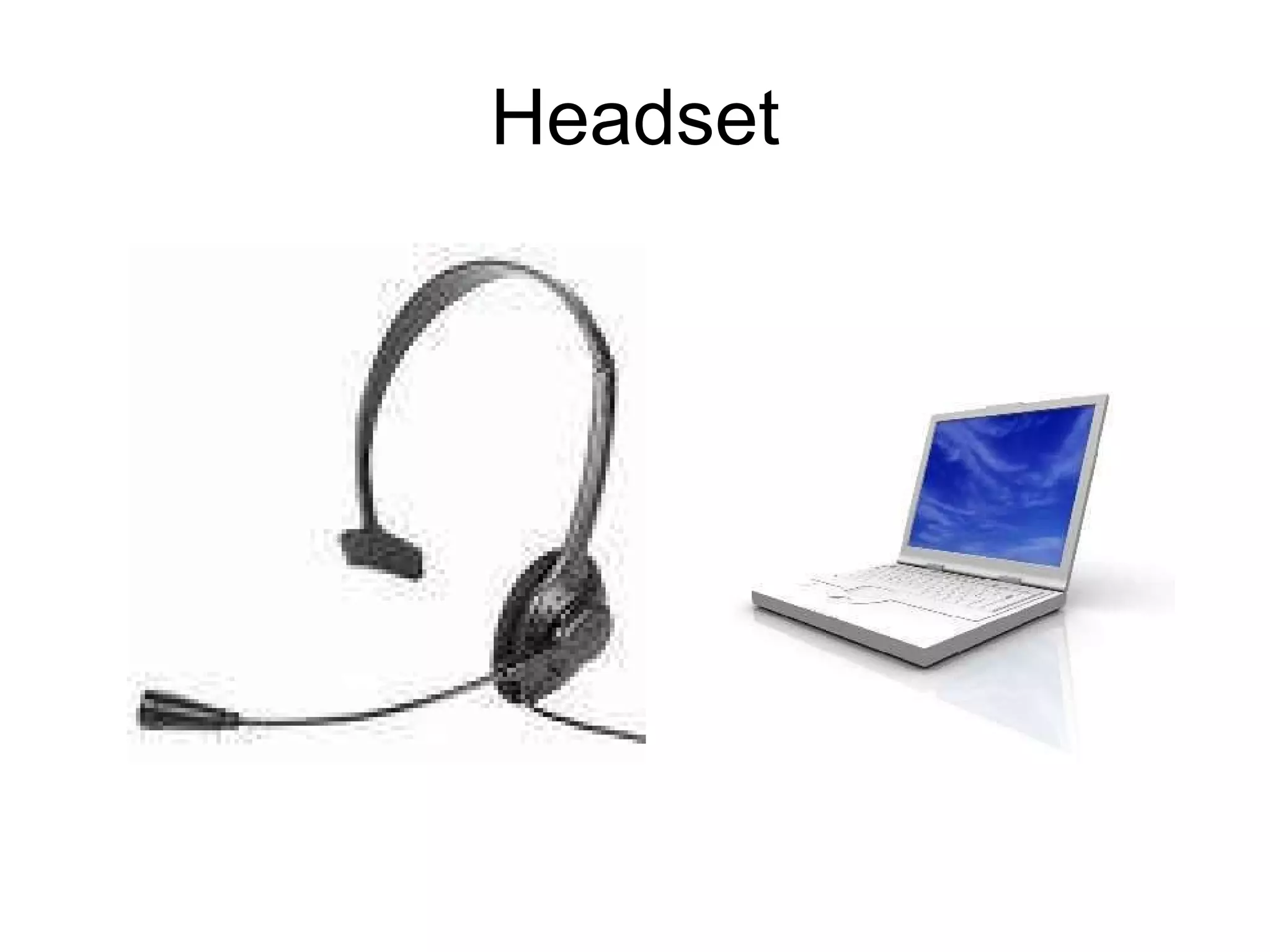
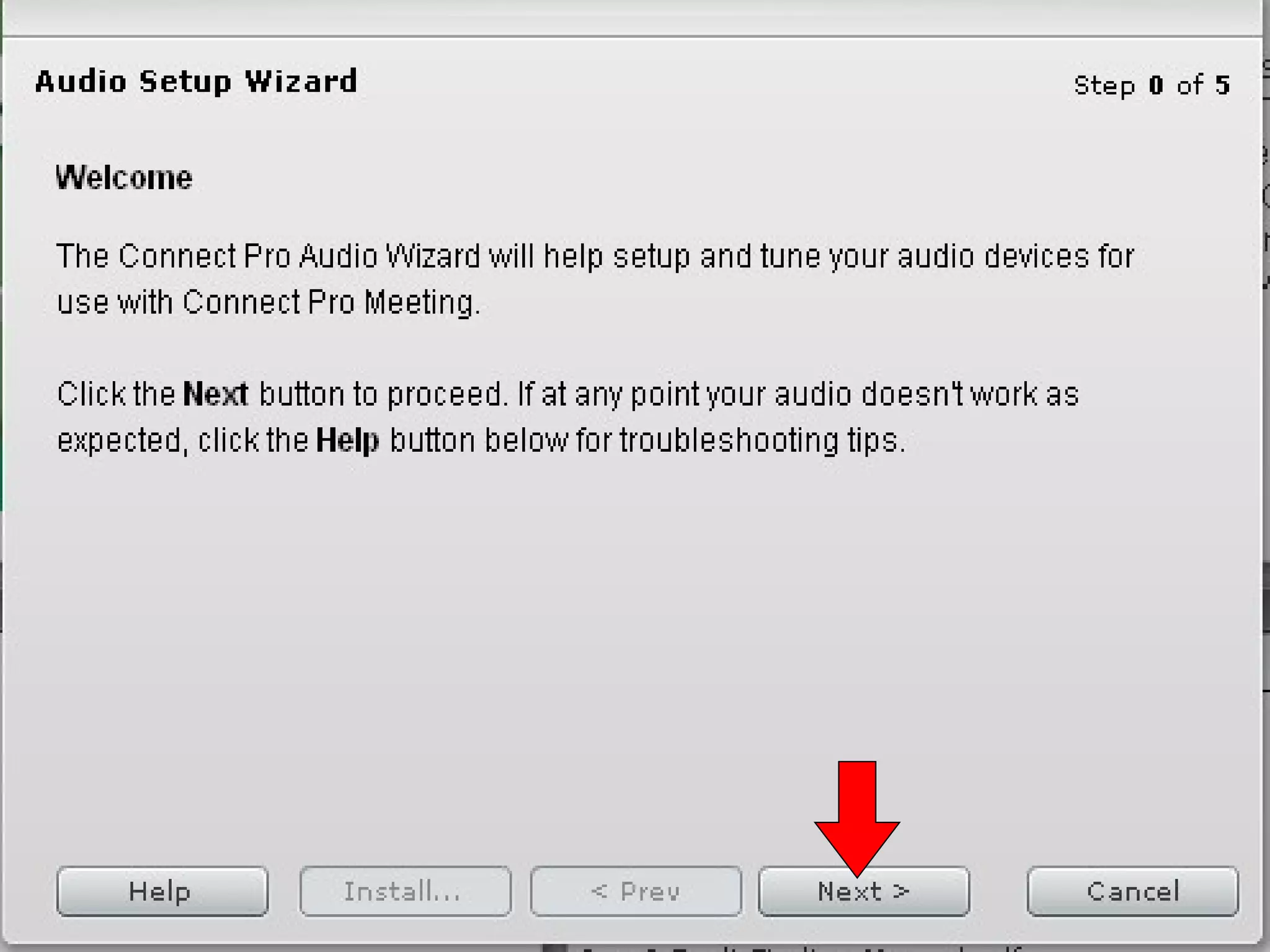
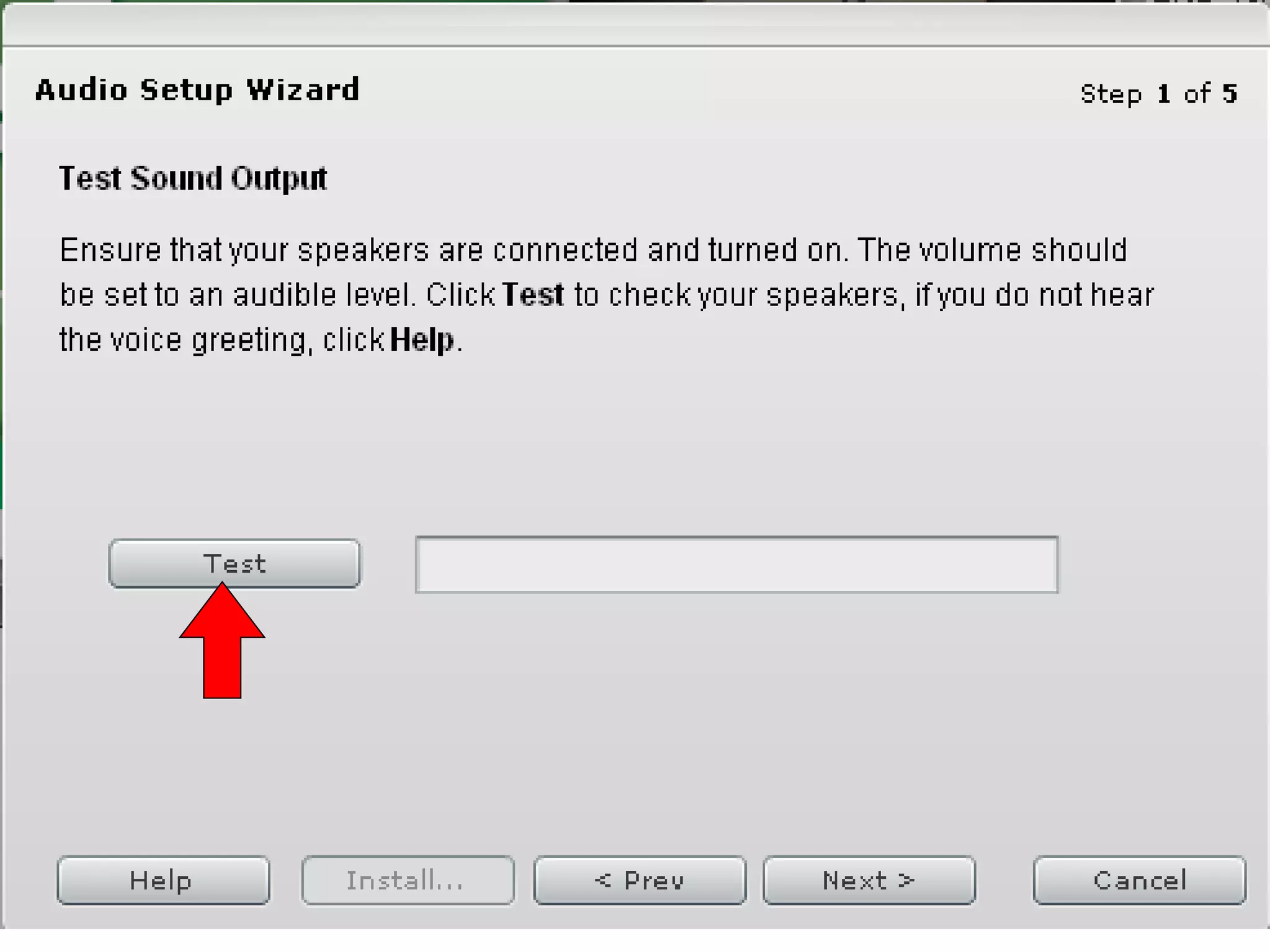
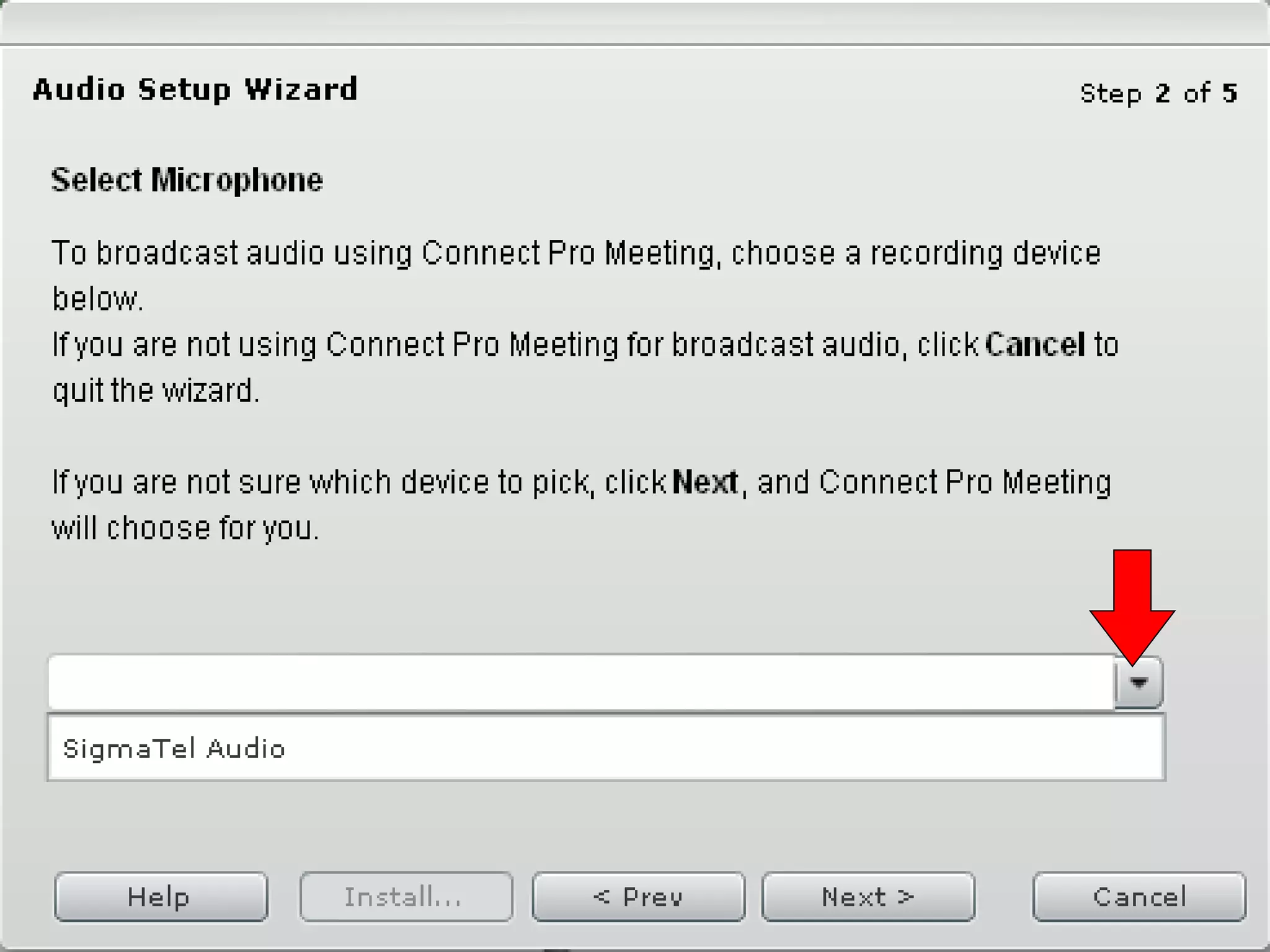
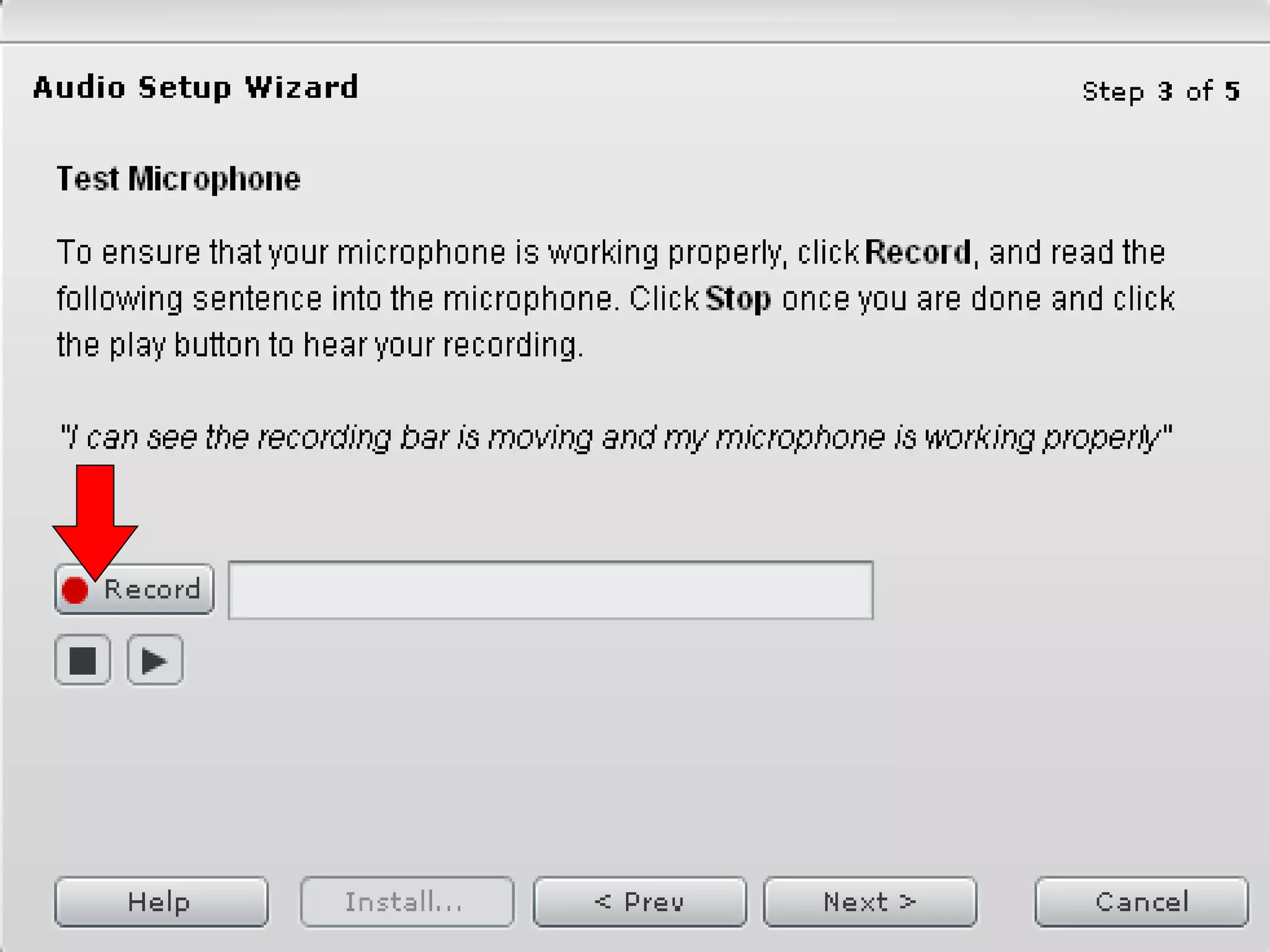
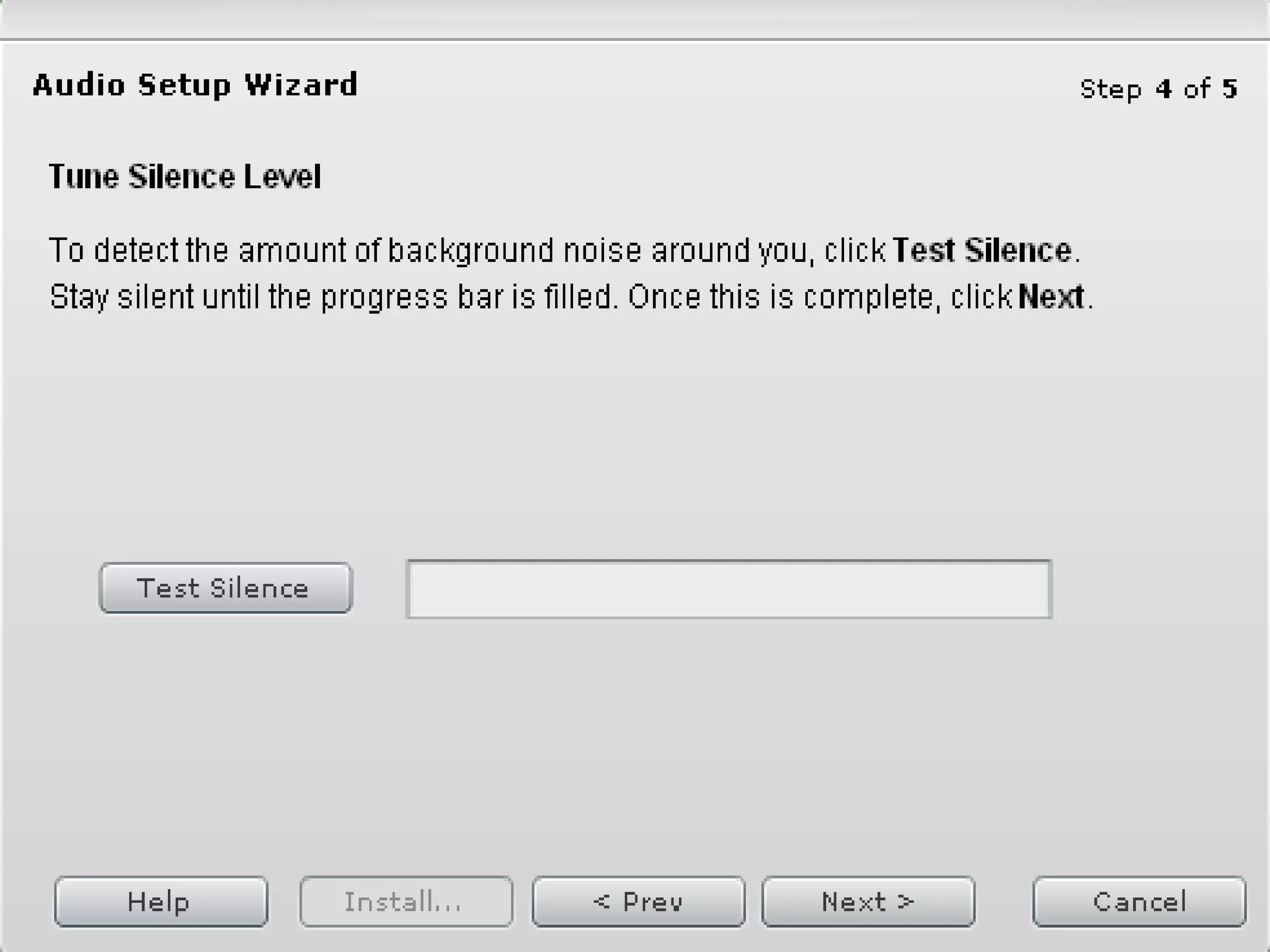
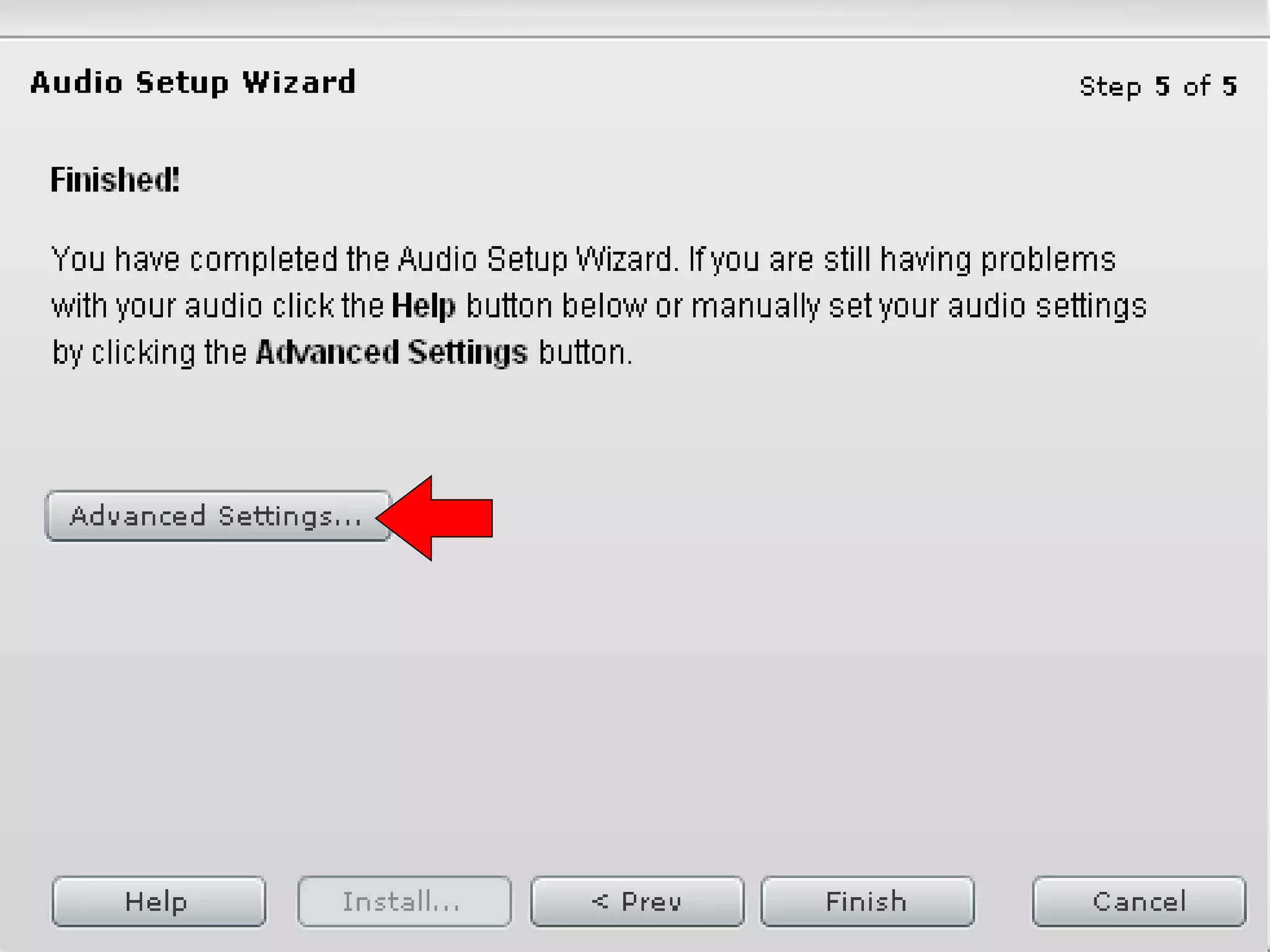
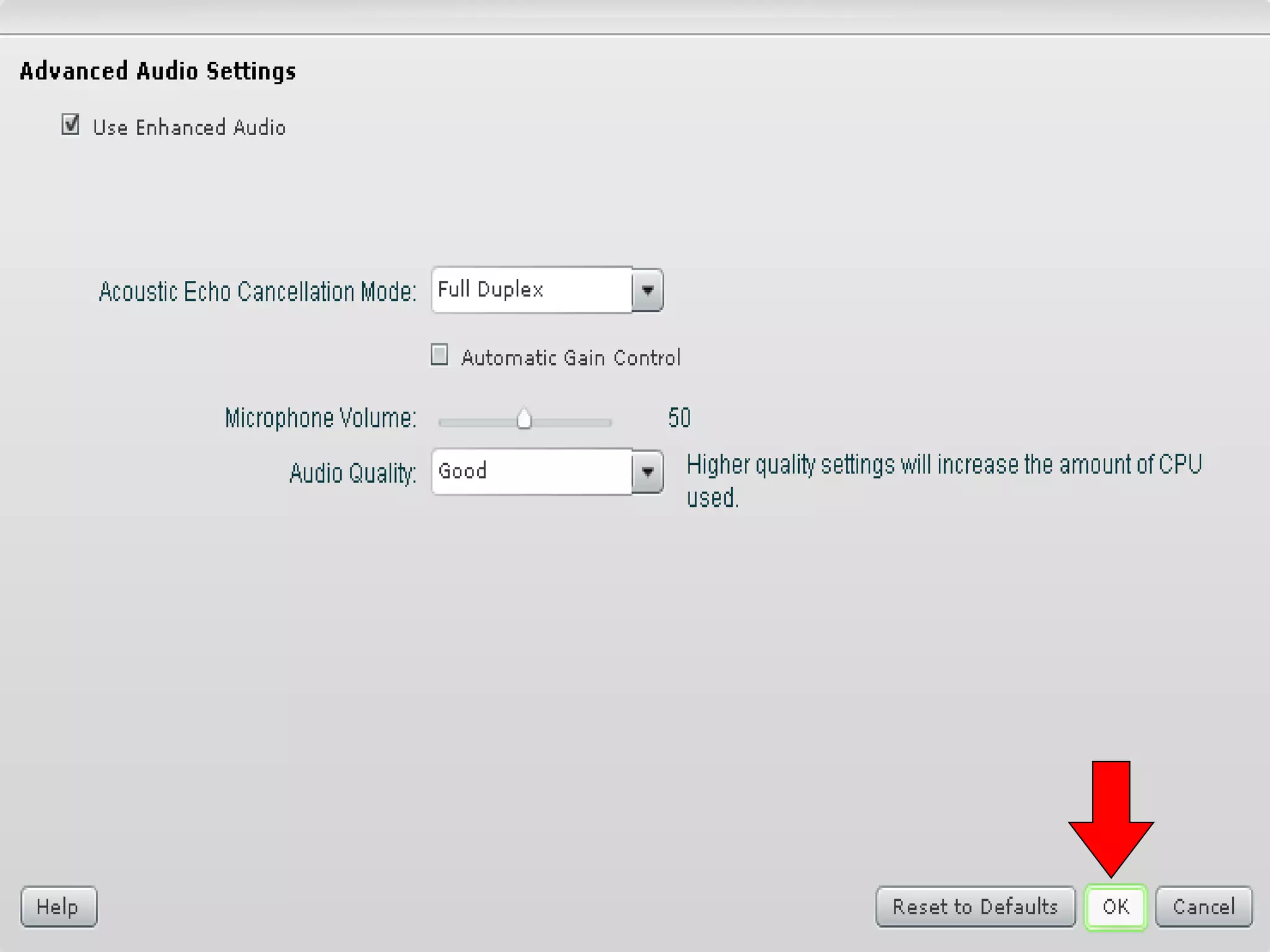
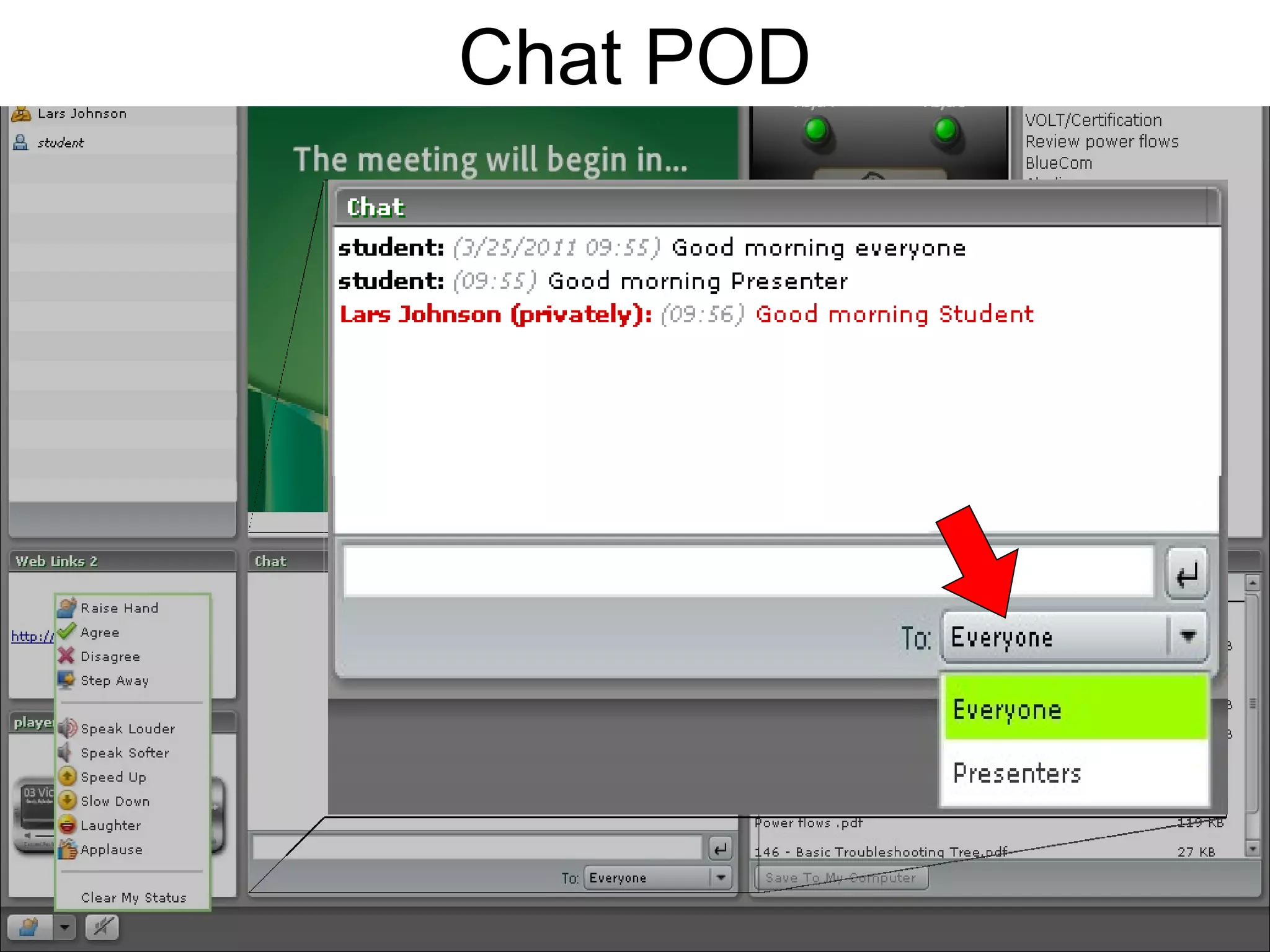
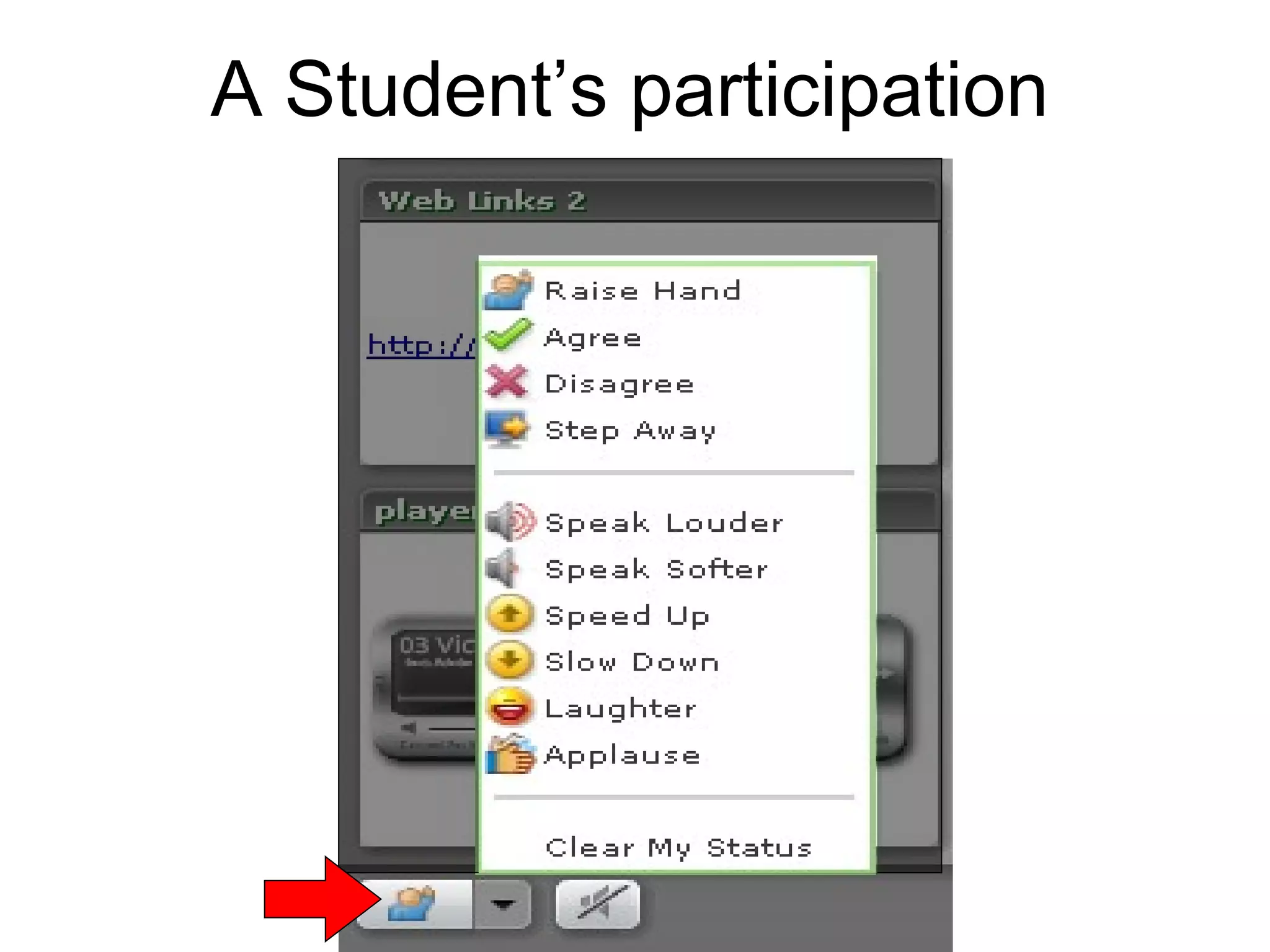
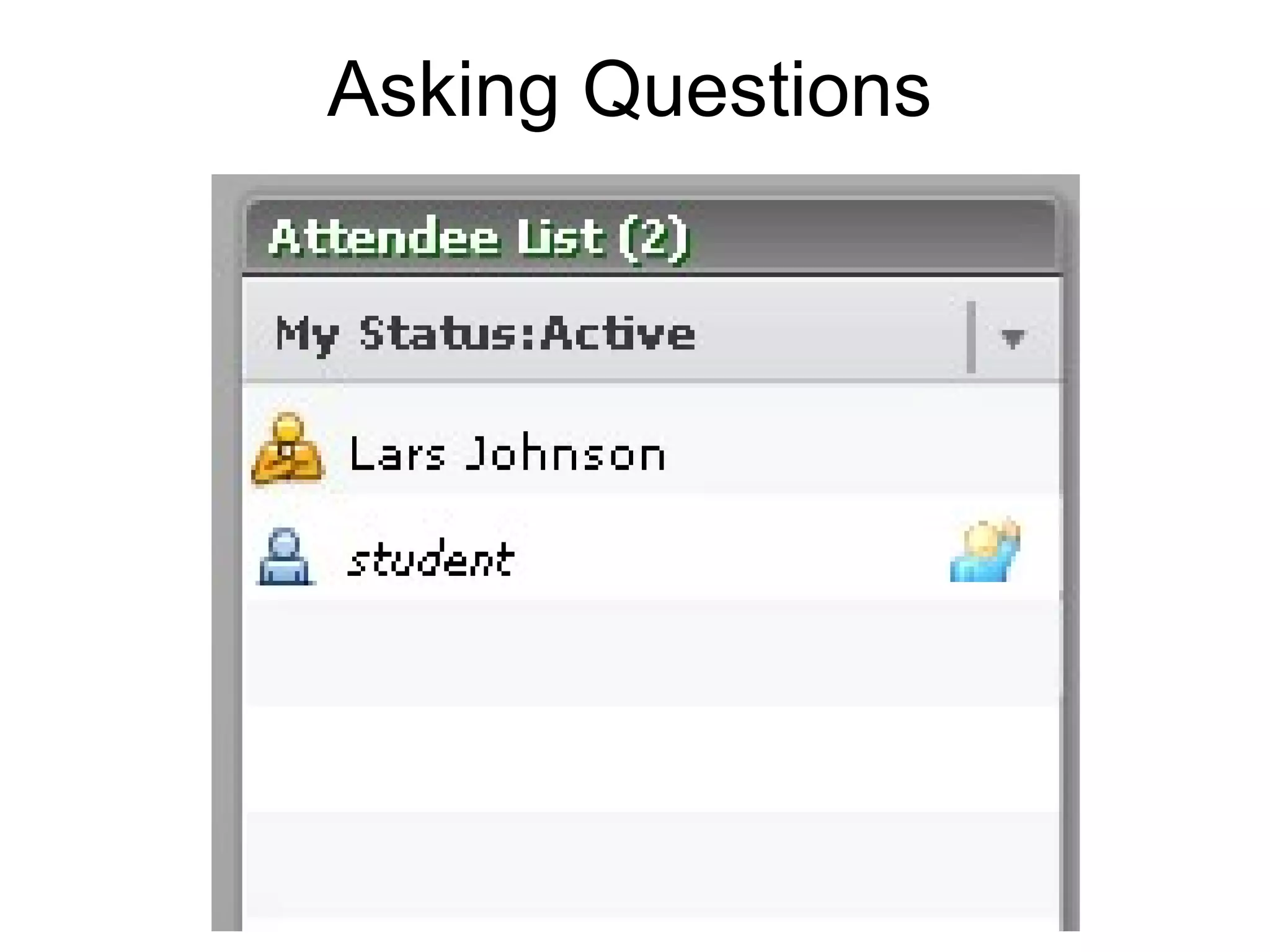
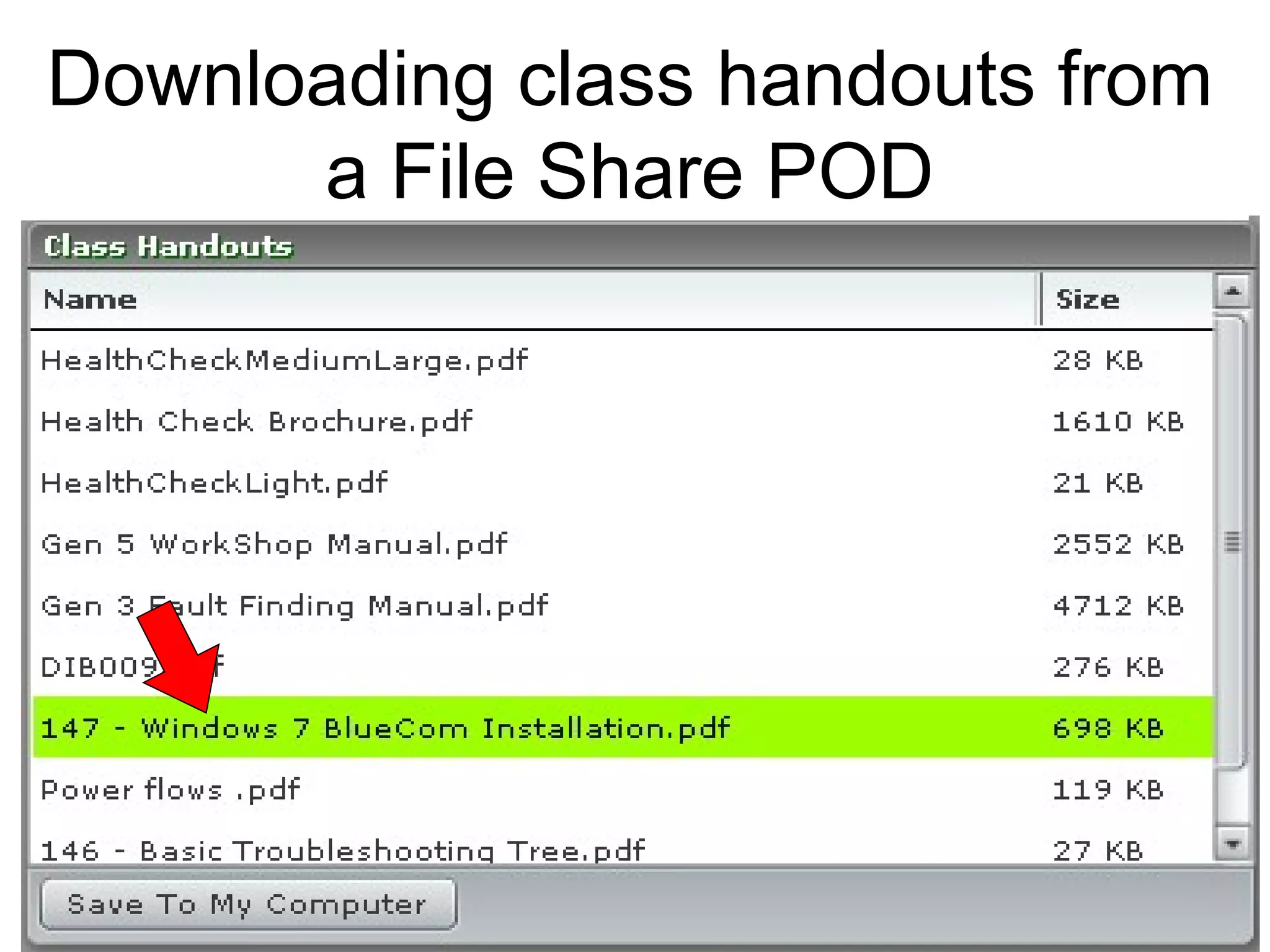
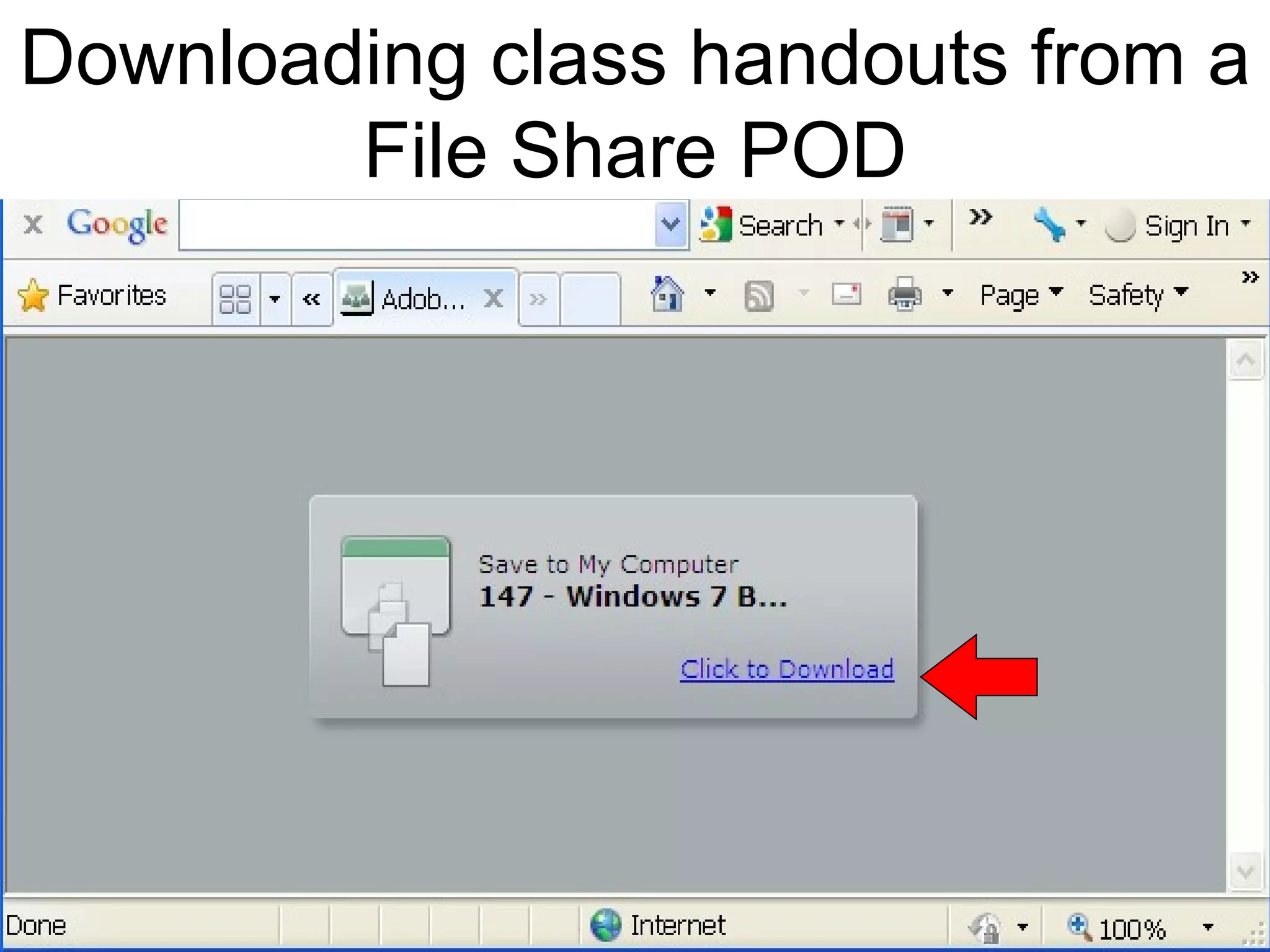
This document provides an overview of the key steps for attending an Adobe Connect meeting, including setting up your connection and audio, signing in as a guest or with a password, testing your connection latency, entering the meeting room, checking headset and chat functions, asking questions, and downloading handouts from file share pods. The main points covered are connecting to the meeting, setting up audio and video, familiarizing yourself with the different pods or sections for communication and file sharing, and ensuring your connection is tested prior to the meeting.