How to write patches for Vim
– Be a patch meister –

VimConf 2013
2013-11-16 K.Takata

1
Profile
●

Name: K.Takata

●

Twitter: @k_takata

●

GitHub: k-takata

●

Bitbucket: k_takata

●

Web: http://homepage3.nifty.com/k-takata/

●

Maintainer of Onigmo (The regex engine of Ruby 2.0)

●

Author of bregonig.dll (Regex DLL used by Sakura Editor, etc.)

●

Vimmer level: Beginner

K.T

I sometimes use cursor keys :-)
●

Merged patches: About 75 patches (since 7.3.668)
2
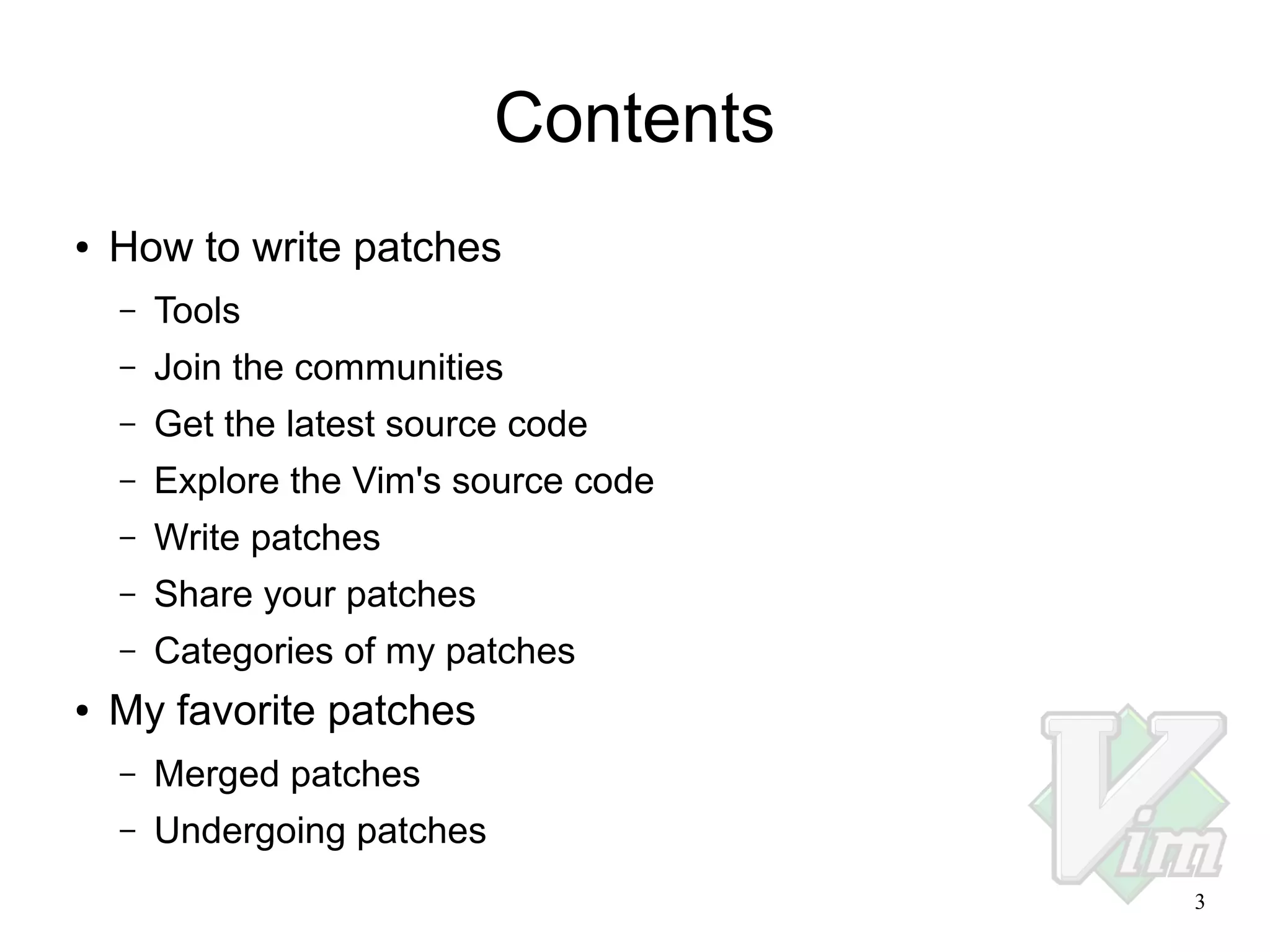
Contents
●

How to write patches
–
–

Join the communities

–

Get the latest source code

–

Explore the Vim's source code

–

Write patches

–

Share your patches

–
●

Tools

Categories of my patches

My favorite patches
–

Merged patches

–

Undergoing patches
3
Tools
●

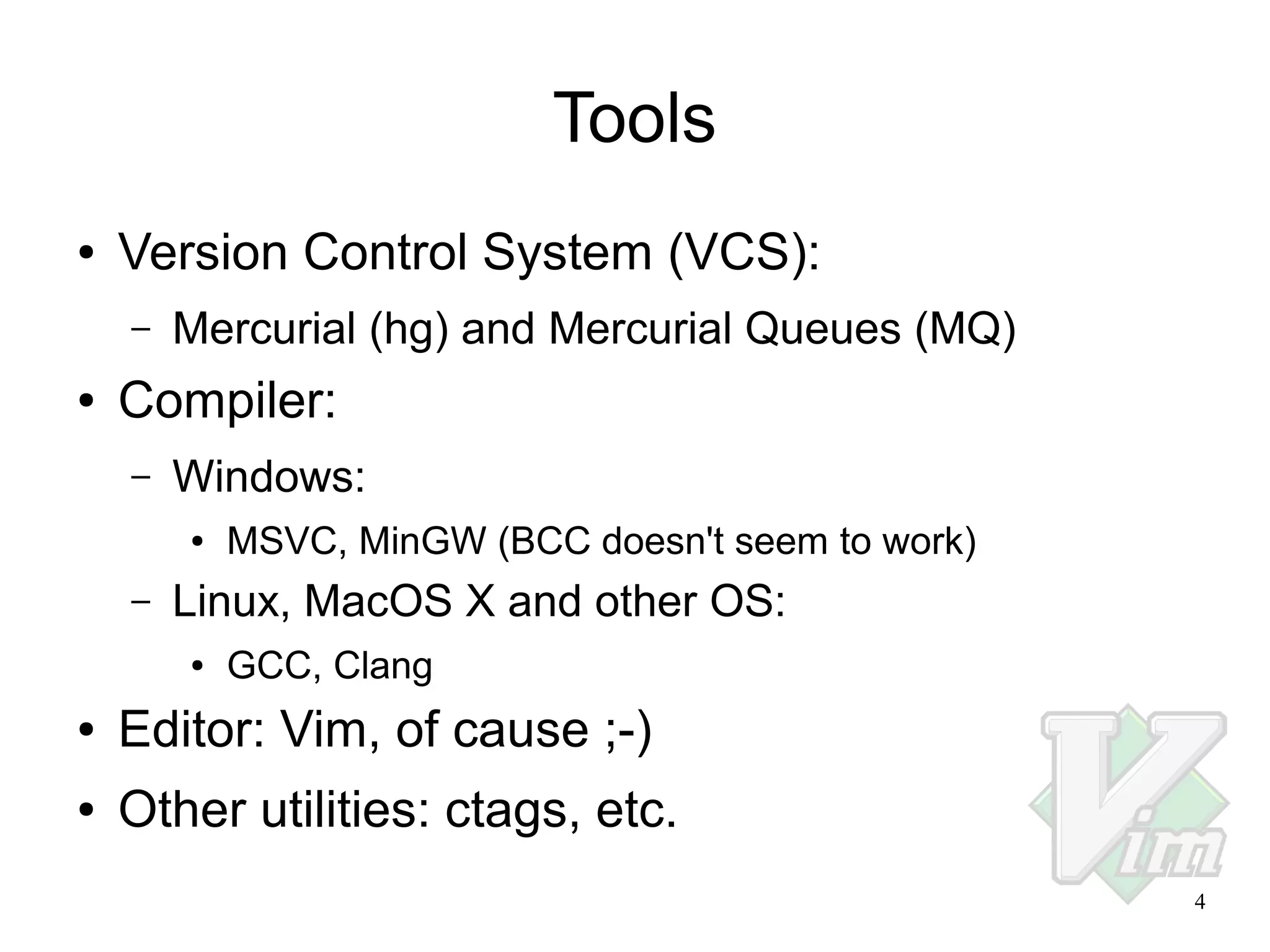
Version Control System (VCS):
–

●

Mercurial (hg) and Mercurial Queues (MQ)

Compiler:
–

Windows:
●

–

MSVC, MinGW (BCC doesn't seem to work)

Linux, MacOS X and other OS:
●

GCC, Clang

●

Editor: Vim, of cause ;-)

●

Other utilities: ctags, etc.
4
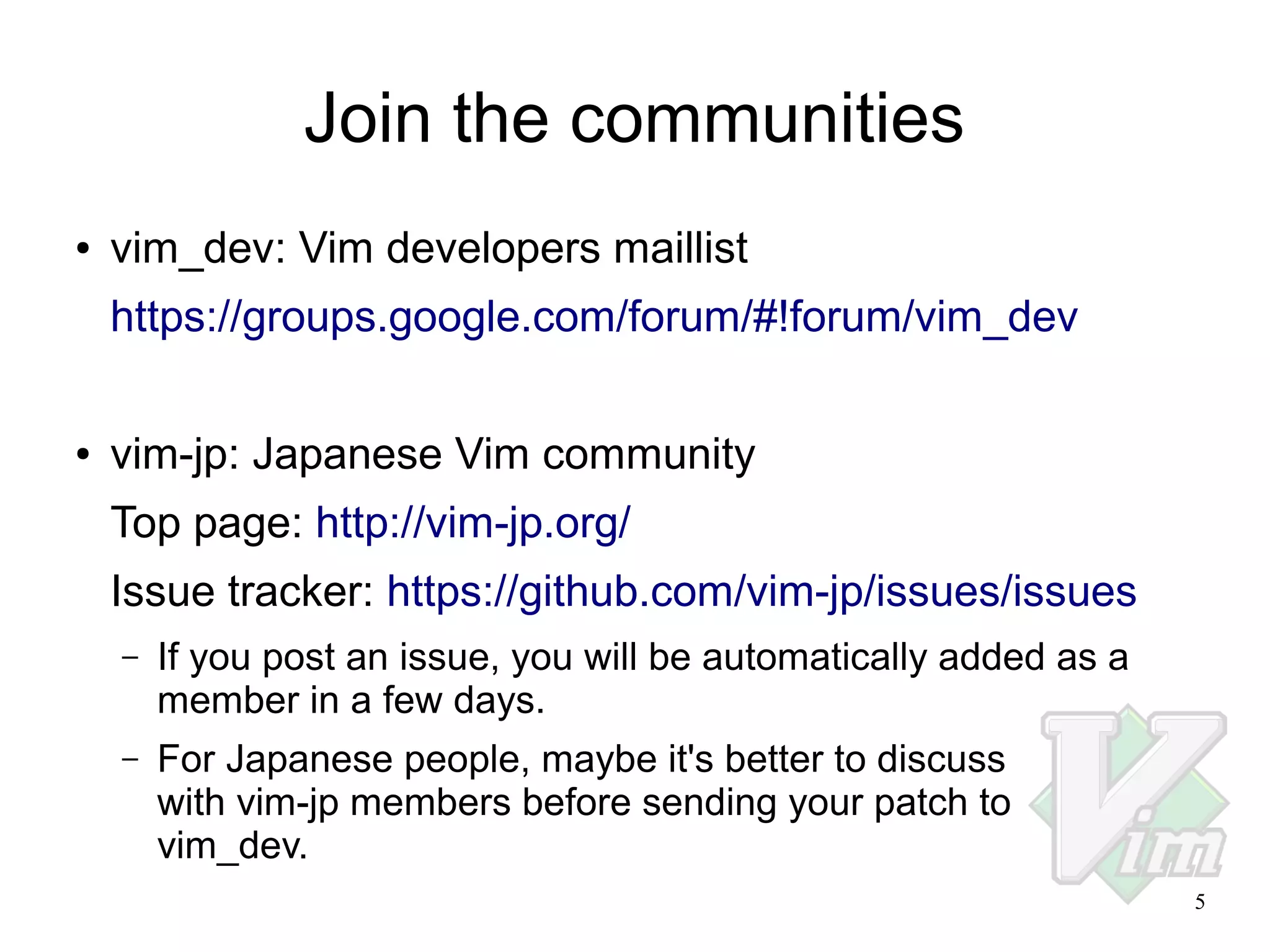
Join the communities
●

vim_dev: Vim developers maillist
https://groups.google.com/forum/#!forum/vim_dev

●

vim-jp: Japanese Vim community
Top page: http://vim-jp.org/
Issue tracker: https://github.com/vim-jp/issues/issues
–

If you post an issue, you will be automatically added as a
member in a few days.

–

For Japanese people, maybe it's better to discuss
with vim-jp members before sending your patch to
vim_dev.
5
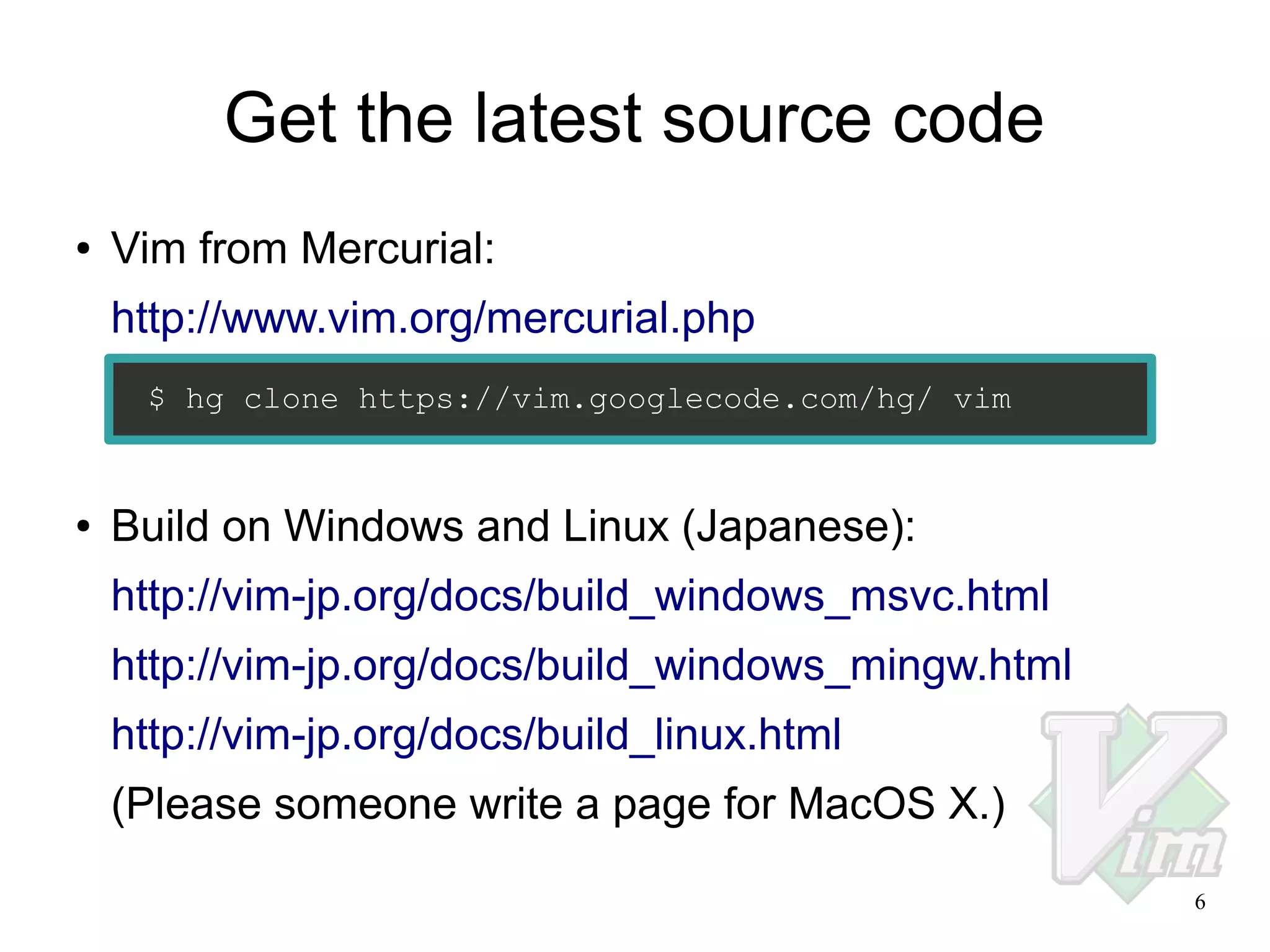
Get the latest source code
●

Vim from Mercurial:
http://www.vim.org/mercurial.php
$ hg clone https://vim.googlecode.com/hg/ vim

●

Build on Windows and Linux (Japanese):
http://vim-jp.org/docs/build_windows_msvc.html
http://vim-jp.org/docs/build_windows_mingw.html
http://vim-jp.org/docs/build_linux.html
(Please someone write a page for MacOS X.)
6
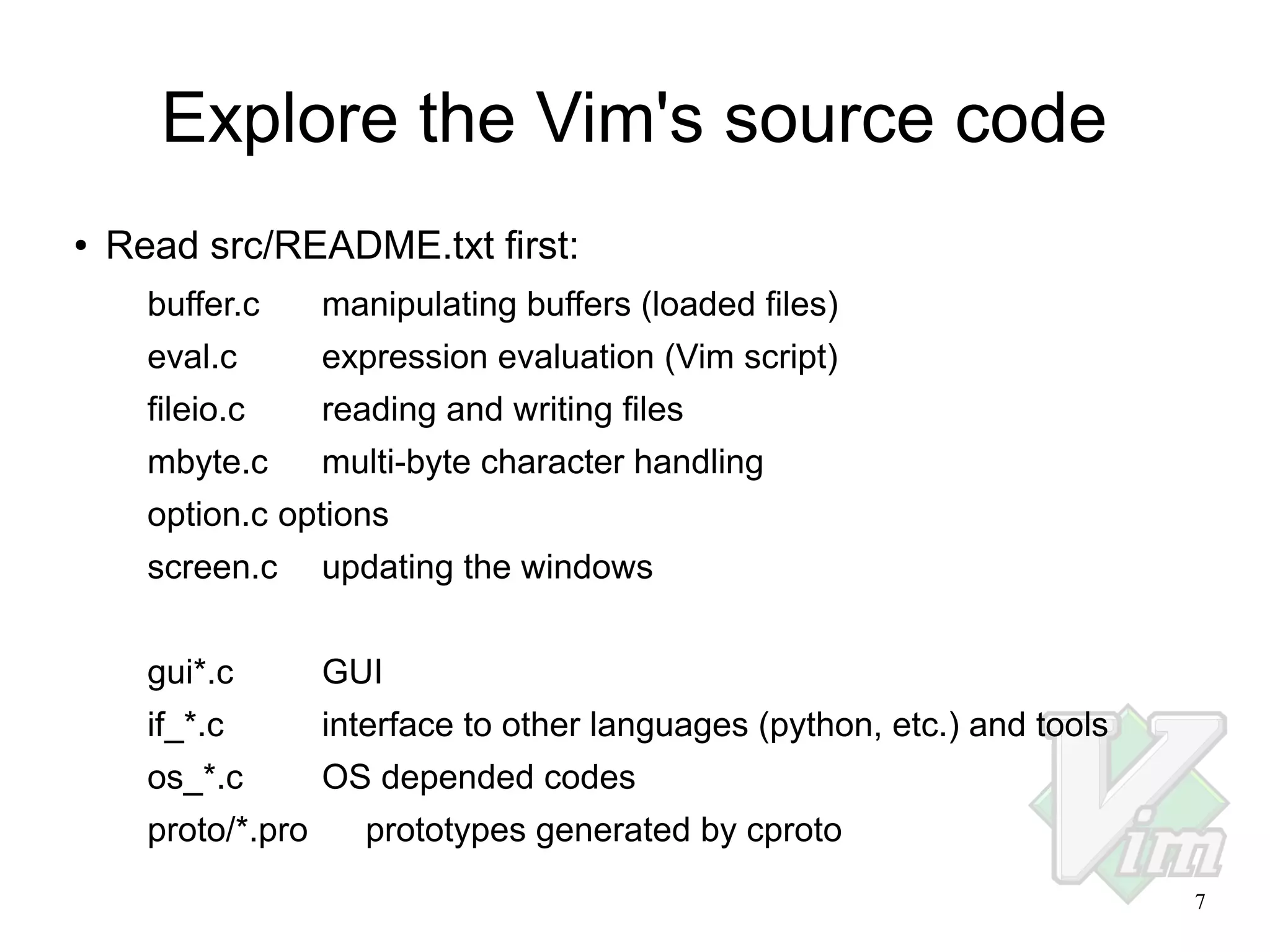
Explore the Vim's source code
●

Read src/README.txt first:
buffer.c

manipulating buffers (loaded files)

eval.c

expression evaluation (Vim script)

fileio.c

reading and writing files

mbyte.c

multi-byte character handling

option.c options
screen.c

updating the windows

gui*.c

GUI

if_*.c

interface to other languages (python, etc.) and tools

os_*.c

OS depended codes

proto/*.pro

prototypes generated by cproto
7
Explore the Vim's source code
●

Use tag jump with Exuberant Ctags:
$ cd src
$ ctags -R

Open a source file with Vim and move the cursor to a symbol, then
type Ctrl-].
For detail:
:help tag
:help window-tag
:help -t
●

If you install Emacs on Ubuntu, ctags may become a symlink to
etags. To fix this, use the following command:
$ sudo update-alternatives --config ctags

A menu will be shown, then select ctags-exuberant.
8
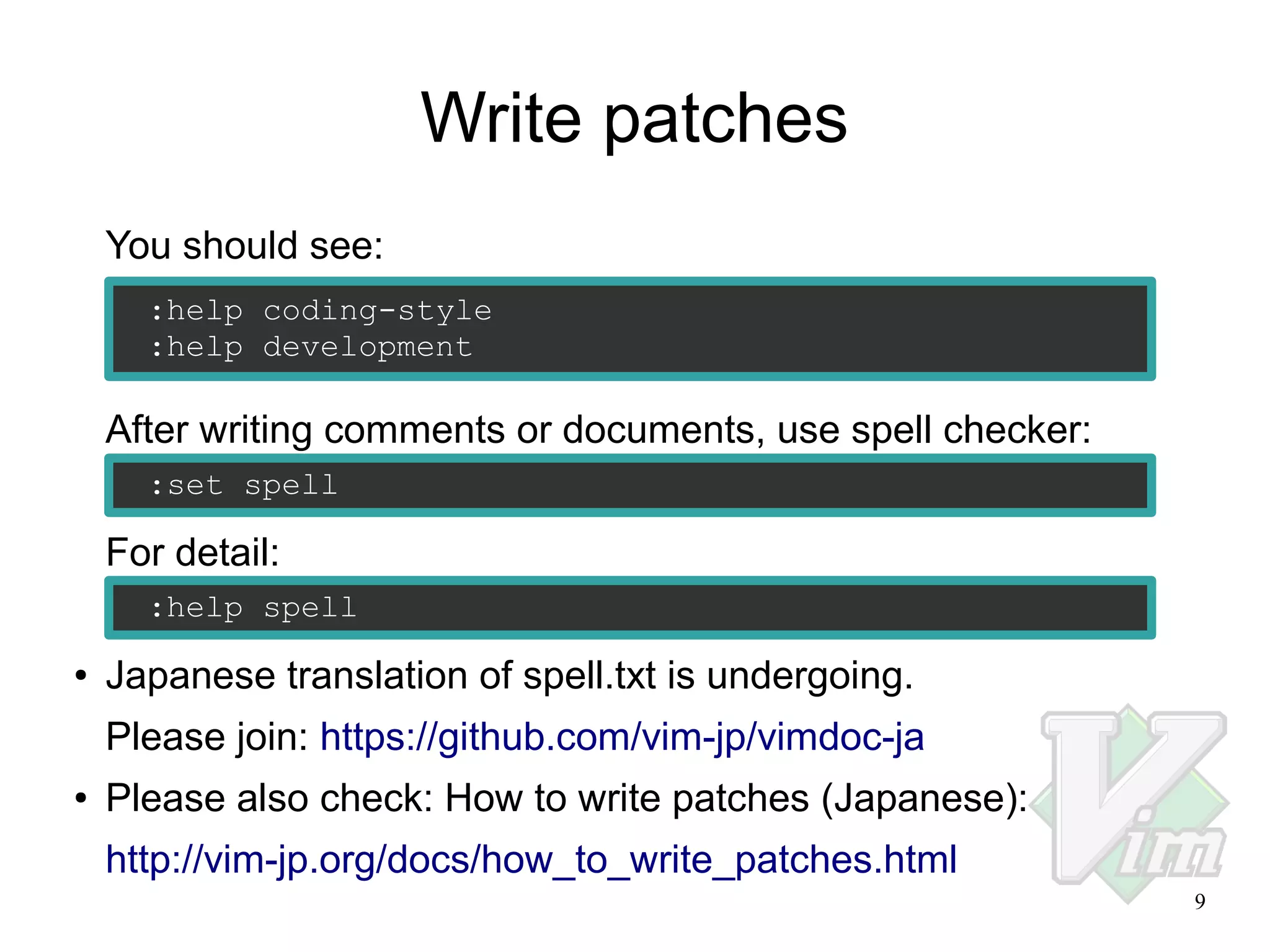
Write patches
You should see:
:help coding-style
:help development

After writing comments or documents, use spell checker:
:set spell

For detail:
:help spell
●

Japanese translation of spell.txt is undergoing.
Please join: https://github.com/vim-jp/vimdoc-ja

●

Please also check: How to write patches (Japanese):
http://vim-jp.org/docs/how_to_write_patches.html
9
Share your patches
●

●

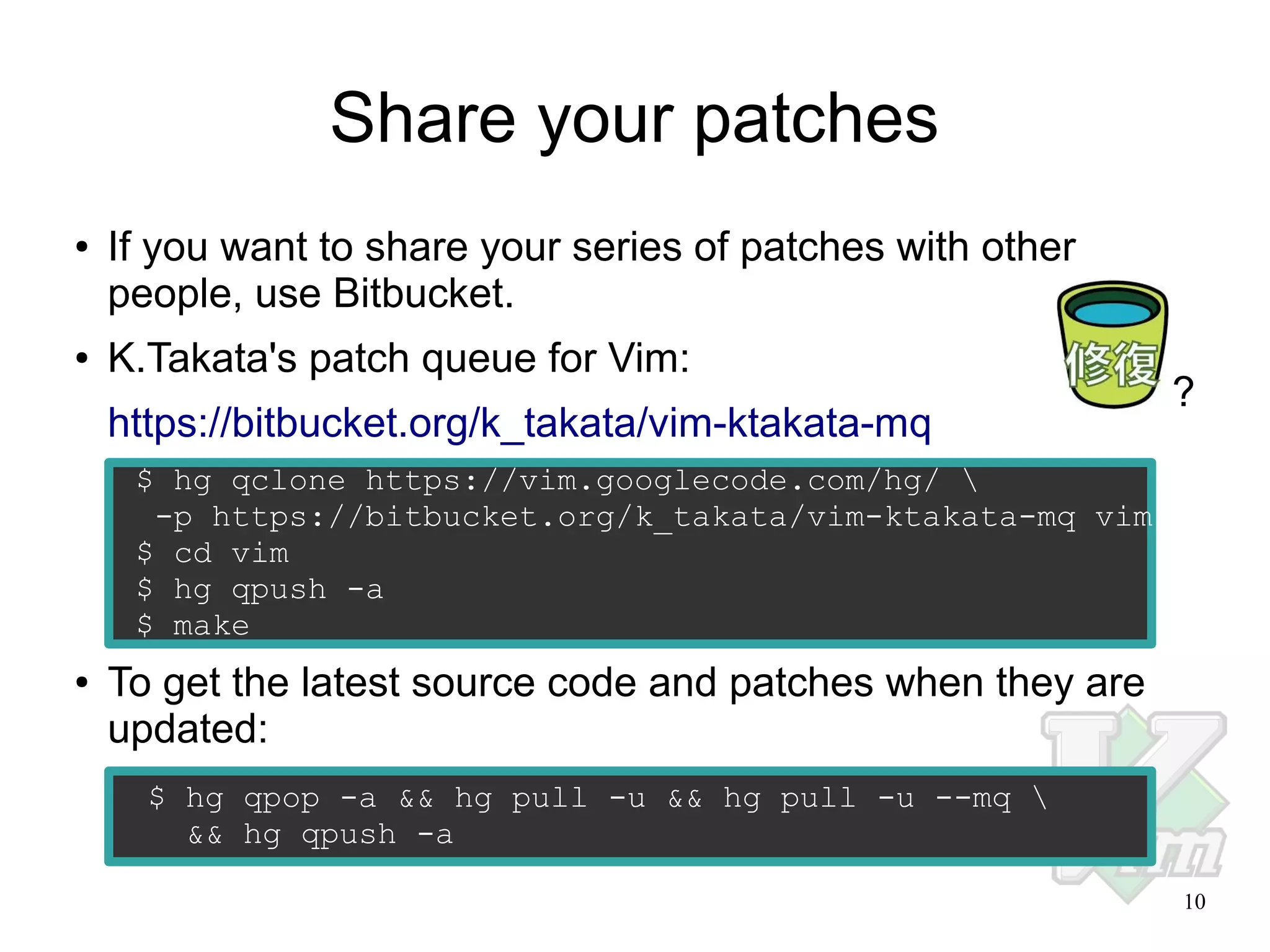
If you want to share your series of patches with other
people, use Bitbucket.
K.Takata's patch queue for Vim:
https://bitbucket.org/k_takata/vim-ktakata-mq

?

$ hg qclone https://vim.googlecode.com/hg/ 
-p https://bitbucket.org/k_takata/vim-ktakata-mq vim
$ cd vim
$ hg qpush -a
$ make
●

To get the latest source code and patches when they are
updated:
$ hg qpop -a && hg pull -u && hg pull -u --mq 
&& hg qpush -a
10
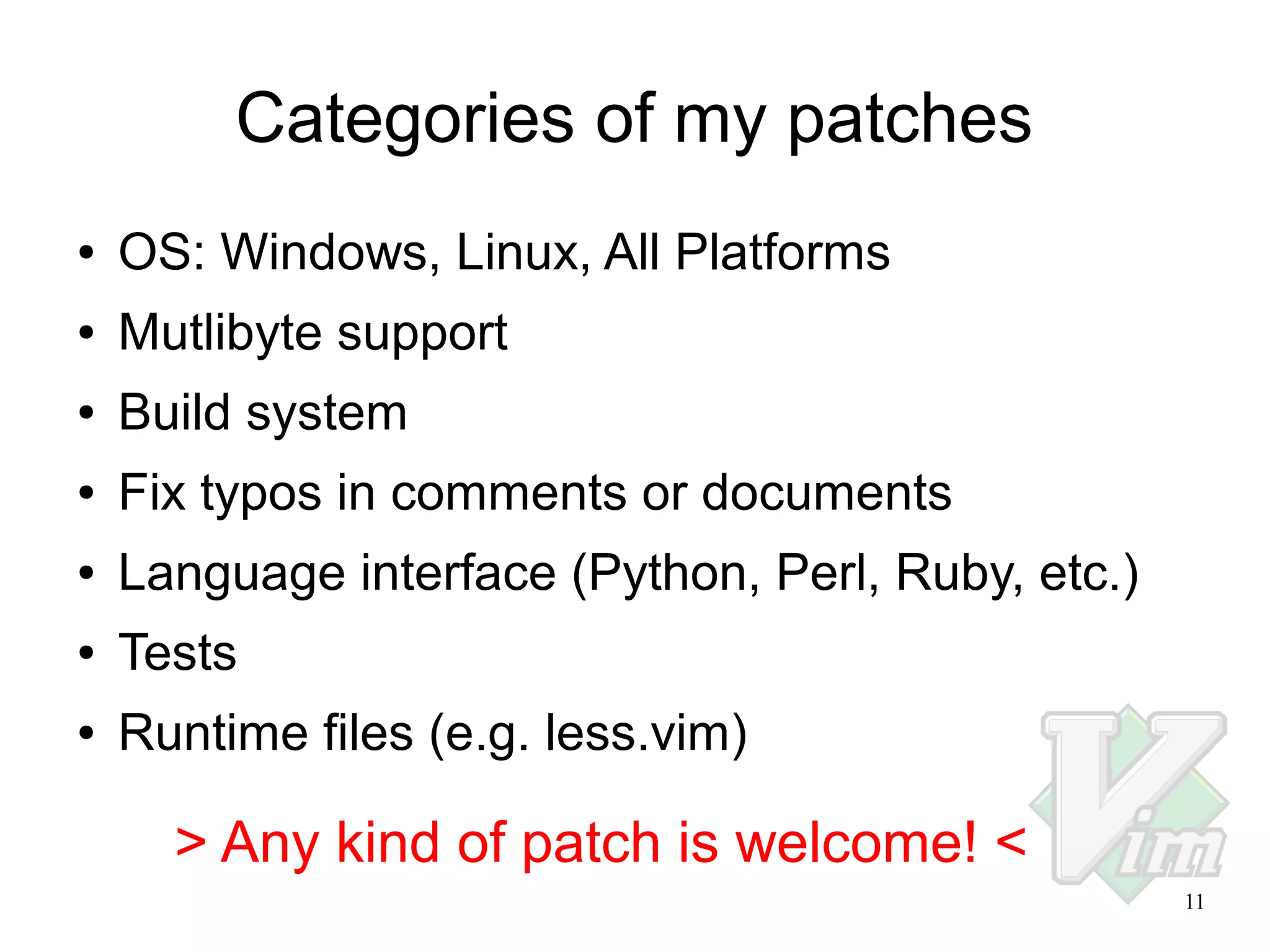
Categories of my patches
●

OS: Windows, Linux, All Platforms

●

Mutlibyte support

●

Build system

●

Fix typos in comments or documents

●

Language interface (Python, Perl, Ruby, etc.)

●

Tests

●

Runtime files (e.g. less.vim)

> Any kind of patch is welcome! <
11
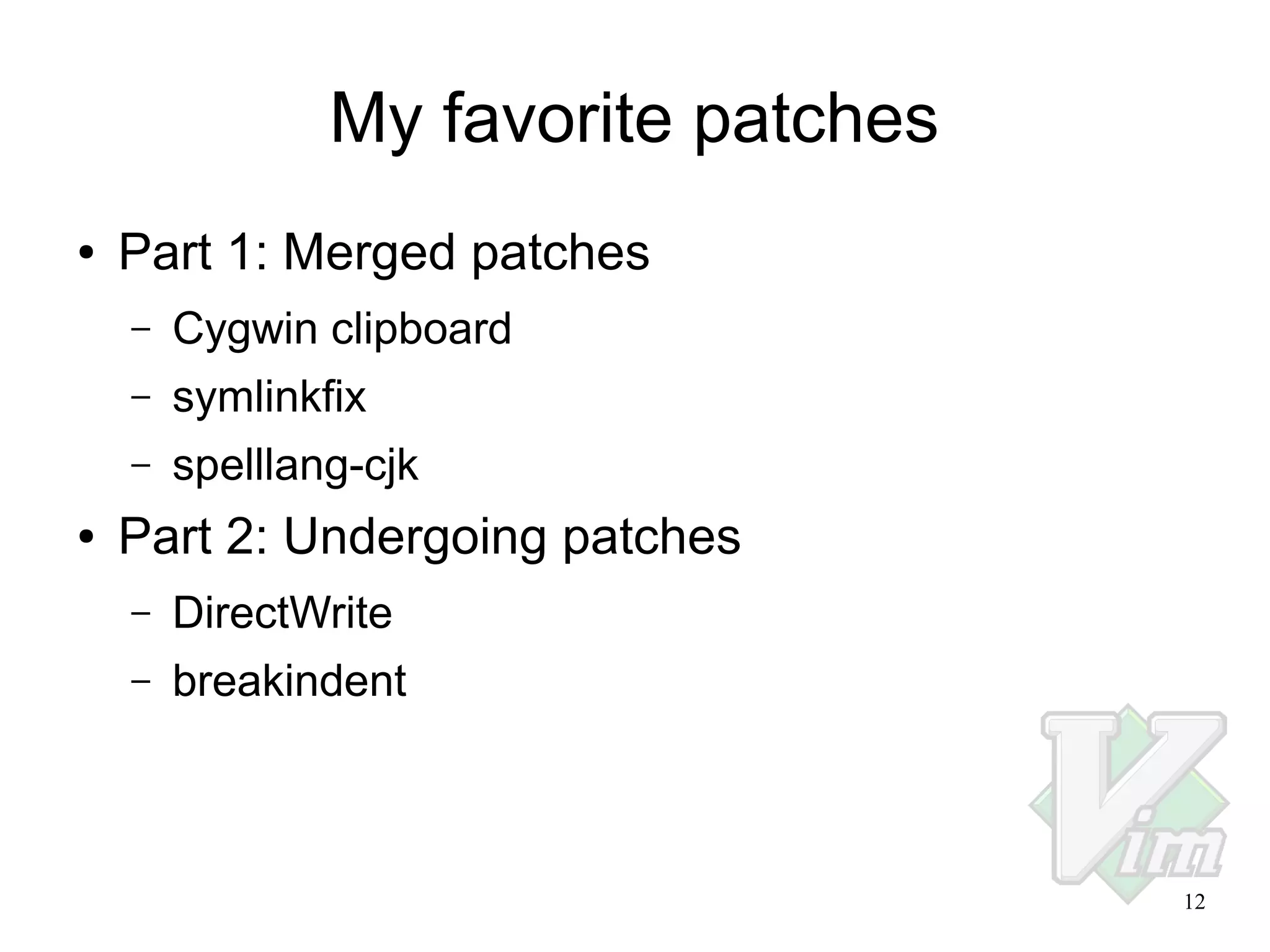
My favorite patches
●

Part 1: Merged patches
–
–

symlinkfix

–
●

Cygwin clipboard
spelllang-cjk

Part 2: Undergoing patches
–

DirectWrite

–

breakindent

12
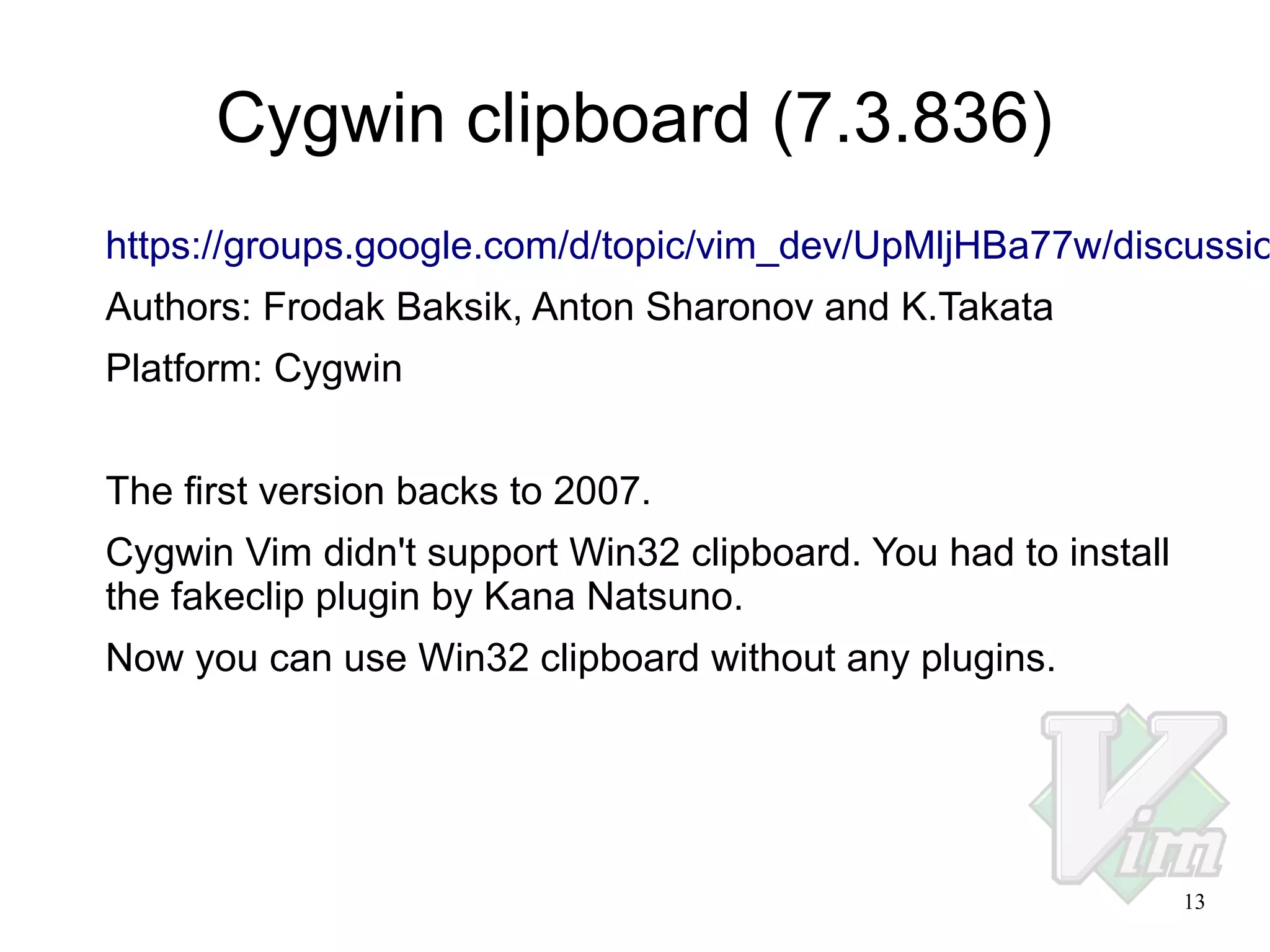
Cygwin clipboard (7.3.836)

https://groups.google.com/d/topic/vim_dev/UpMljHBa77w/discussio
Authors: Frodak Baksik, Anton Sharonov and K.Takata
Platform: Cygwin
The first version backs to 2007.
Cygwin Vim didn't support Win32 clipboard. You had to install
the fakeclip plugin by Kana Natsuno.
Now you can use Win32 clipboard without any plugins.

13
symlinkfix (7.3.1182)
https://github.com/vim-jp/issues/issues/241
Authors: David Pope and K.Takata
Platform: Windows
Windows Vista and later support symlinks but Vim didn't support
them when :set backup backupcopy=auto. (Symlinks became
normal files after editing.)
The original patch didn't support multibyte filenames, so I fixed it.
This was my first patch for the main part of Vim. (I already sent some
patches for runtime files.) It took about a year to be merged.
This patch had a bug and the fix was merged as 7.3.1210.
It took only 15 minutes!!!
14
7.4.088 (spelllang-cjk)
https://github.com/vim-jp/issues/issues/476
Author: K.Takata
Platform: All
This patch was merged this week!
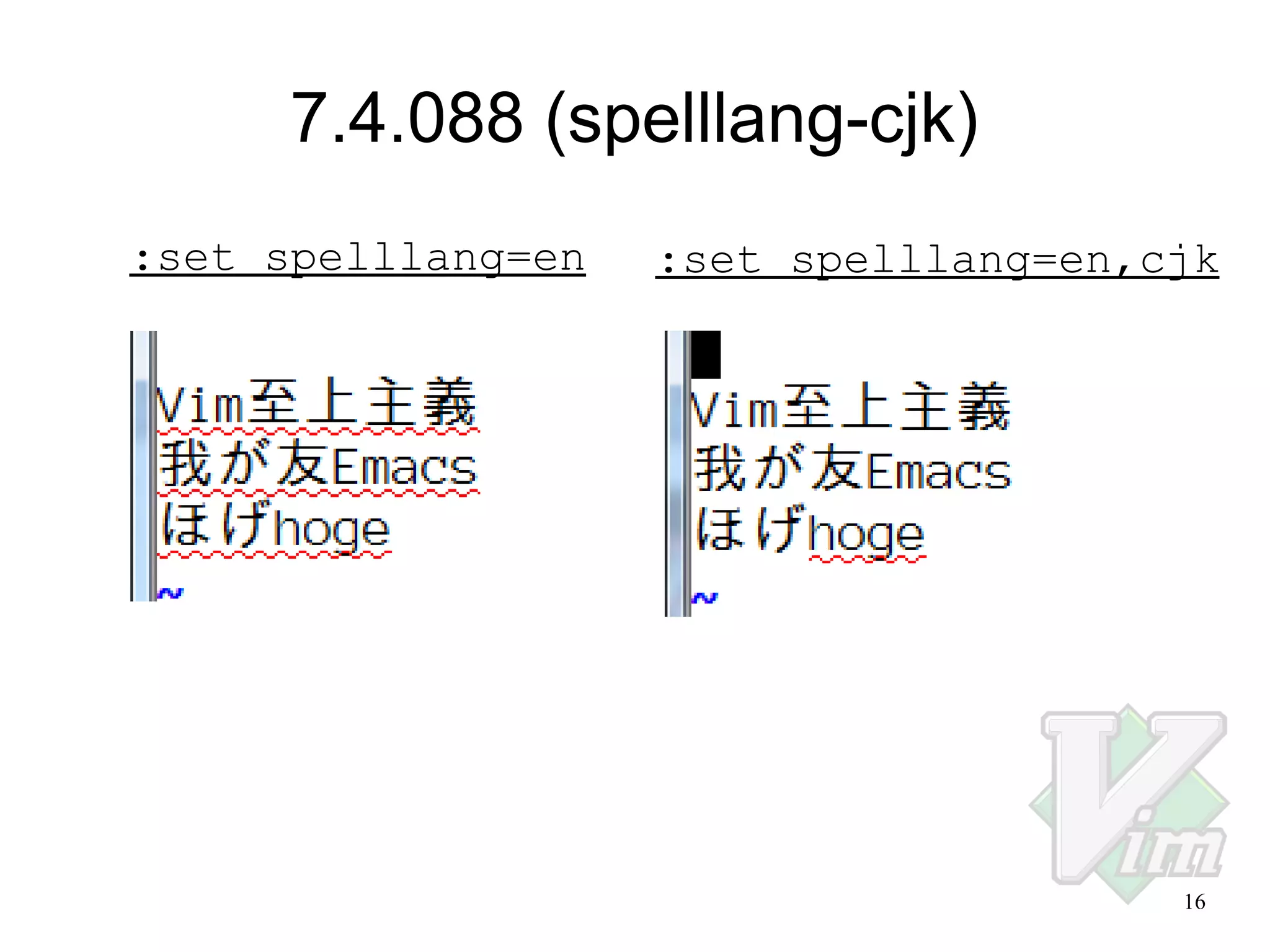
When :set spelllang=en,cjk, CJK
characters are excluded from spell checking.

15
7.4.088 (spelllang-cjk)
:set spelllang=en

:set spelllang=en,cjk

16
DirectWrite
https://github.com/vim-jp/issues/issues/262
https://github.com/vim-jp/issues/issues/337
Authors: MURAOKA Taro and K.Takata
Platform: Windows
Better text rendering using DirectWrite.
:set renderoptions=type:directx
17
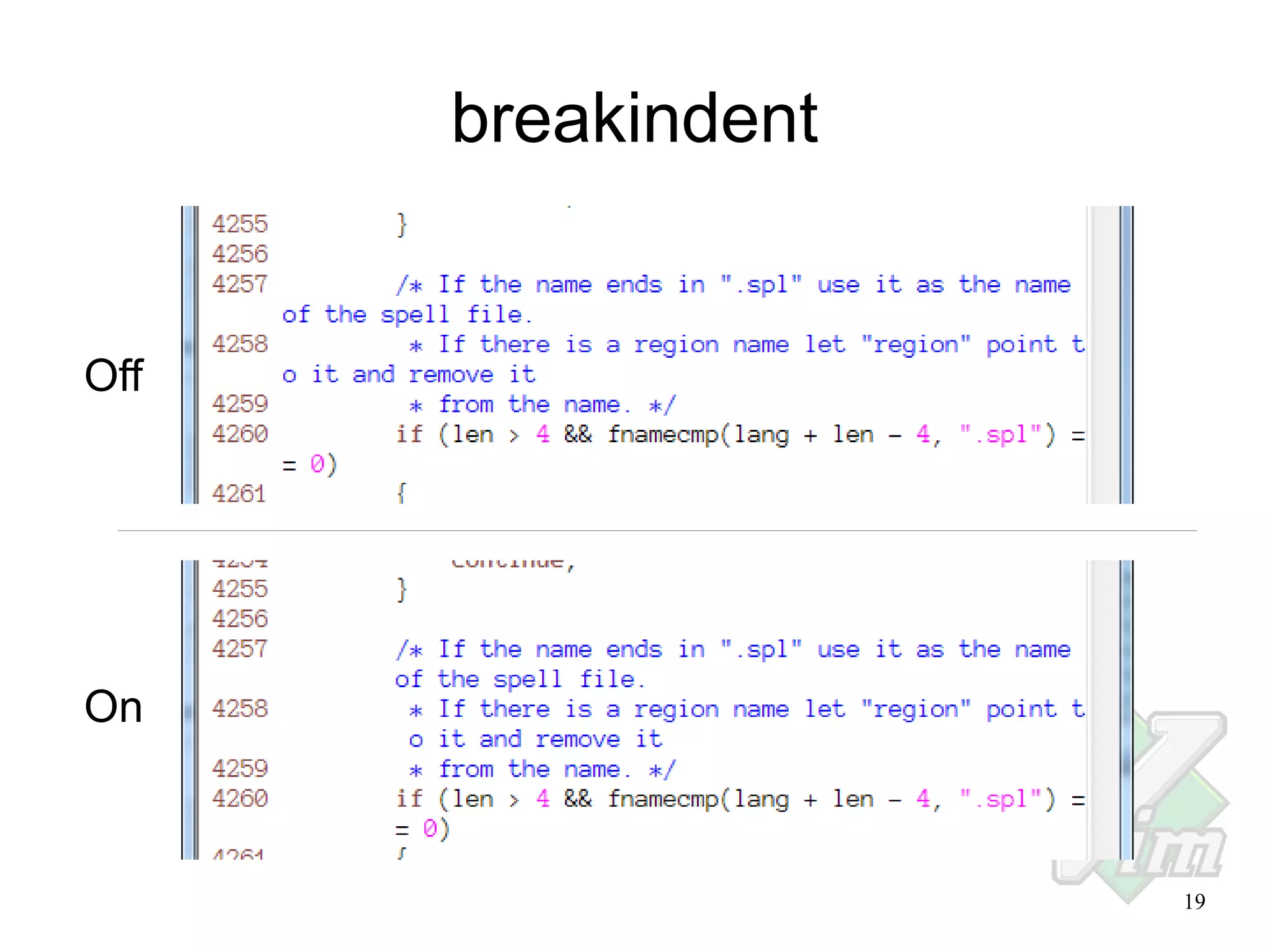
breakindent
https://github.com/vim-jp/issues/issues/114
https://retracile.net/wiki/VimBreakIndent
Authors: Many authors
Platform: All
When :set breakindent, every wrapped line will continue
visually indented.
The first patch was written by Václav Šmilauer in 2004.
I updated the patch for 7.4, and also fixed one FIXME.
TODO:
–

There are still some FIXMEs in screen.c.

–

No test case.
18
breakindent

Off

On

19
Conclusions
●

Build your own Vim.

●

Any kind of patch is welcome. Don't be afraid.

●

Find your favorite patch and improve it.

20
Enjoy Vimming!

21

How to write patches for Vim

  • 1.
    How to writepatches for Vim – Be a patch meister – VimConf 2013 2013-11-16 K.Takata 1
  • 2.
    Profile ● Name: K.Takata ● Twitter: @k_takata ● GitHub:k-takata ● Bitbucket: k_takata ● Web: http://homepage3.nifty.com/k-takata/ ● Maintainer of Onigmo (The regex engine of Ruby 2.0) ● Author of bregonig.dll (Regex DLL used by Sakura Editor, etc.) ● Vimmer level: Beginner K.T I sometimes use cursor keys :-) ● Merged patches: About 75 patches (since 7.3.668) 2
  • 3.
    Contents ● How to writepatches – – Join the communities – Get the latest source code – Explore the Vim's source code – Write patches – Share your patches – ● Tools Categories of my patches My favorite patches – Merged patches – Undergoing patches 3
  • 4.
    Tools ● Version Control System(VCS): – ● Mercurial (hg) and Mercurial Queues (MQ) Compiler: – Windows: ● – MSVC, MinGW (BCC doesn't seem to work) Linux, MacOS X and other OS: ● GCC, Clang ● Editor: Vim, of cause ;-) ● Other utilities: ctags, etc. 4
  • 5.
    Join the communities ● vim_dev:Vim developers maillist https://groups.google.com/forum/#!forum/vim_dev ● vim-jp: Japanese Vim community Top page: http://vim-jp.org/ Issue tracker: https://github.com/vim-jp/issues/issues – If you post an issue, you will be automatically added as a member in a few days. – For Japanese people, maybe it's better to discuss with vim-jp members before sending your patch to vim_dev. 5
  • 6.
    Get the latestsource code ● Vim from Mercurial: http://www.vim.org/mercurial.php $ hg clone https://vim.googlecode.com/hg/ vim ● Build on Windows and Linux (Japanese): http://vim-jp.org/docs/build_windows_msvc.html http://vim-jp.org/docs/build_windows_mingw.html http://vim-jp.org/docs/build_linux.html (Please someone write a page for MacOS X.) 6
  • 7.
    Explore the Vim'ssource code ● Read src/README.txt first: buffer.c manipulating buffers (loaded files) eval.c expression evaluation (Vim script) fileio.c reading and writing files mbyte.c multi-byte character handling option.c options screen.c updating the windows gui*.c GUI if_*.c interface to other languages (python, etc.) and tools os_*.c OS depended codes proto/*.pro prototypes generated by cproto 7
  • 8.
    Explore the Vim'ssource code ● Use tag jump with Exuberant Ctags: $ cd src $ ctags -R Open a source file with Vim and move the cursor to a symbol, then type Ctrl-]. For detail: :help tag :help window-tag :help -t ● If you install Emacs on Ubuntu, ctags may become a symlink to etags. To fix this, use the following command: $ sudo update-alternatives --config ctags A menu will be shown, then select ctags-exuberant. 8
  • 9.
    Write patches You shouldsee: :help coding-style :help development After writing comments or documents, use spell checker: :set spell For detail: :help spell ● Japanese translation of spell.txt is undergoing. Please join: https://github.com/vim-jp/vimdoc-ja ● Please also check: How to write patches (Japanese): http://vim-jp.org/docs/how_to_write_patches.html 9
  • 10.
    Share your patches ● ● Ifyou want to share your series of patches with other people, use Bitbucket. K.Takata's patch queue for Vim: https://bitbucket.org/k_takata/vim-ktakata-mq ? $ hg qclone https://vim.googlecode.com/hg/ -p https://bitbucket.org/k_takata/vim-ktakata-mq vim $ cd vim $ hg qpush -a $ make ● To get the latest source code and patches when they are updated: $ hg qpop -a && hg pull -u && hg pull -u --mq && hg qpush -a 10
  • 11.
    Categories of mypatches ● OS: Windows, Linux, All Platforms ● Mutlibyte support ● Build system ● Fix typos in comments or documents ● Language interface (Python, Perl, Ruby, etc.) ● Tests ● Runtime files (e.g. less.vim) > Any kind of patch is welcome! < 11
  • 12.
    My favorite patches ● Part1: Merged patches – – symlinkfix – ● Cygwin clipboard spelllang-cjk Part 2: Undergoing patches – DirectWrite – breakindent 12
  • 13.
    Cygwin clipboard (7.3.836) https://groups.google.com/d/topic/vim_dev/UpMljHBa77w/discussio Authors:Frodak Baksik, Anton Sharonov and K.Takata Platform: Cygwin The first version backs to 2007. Cygwin Vim didn't support Win32 clipboard. You had to install the fakeclip plugin by Kana Natsuno. Now you can use Win32 clipboard without any plugins. 13
  • 14.
    symlinkfix (7.3.1182) https://github.com/vim-jp/issues/issues/241 Authors: DavidPope and K.Takata Platform: Windows Windows Vista and later support symlinks but Vim didn't support them when :set backup backupcopy=auto. (Symlinks became normal files after editing.) The original patch didn't support multibyte filenames, so I fixed it. This was my first patch for the main part of Vim. (I already sent some patches for runtime files.) It took about a year to be merged. This patch had a bug and the fix was merged as 7.3.1210. It took only 15 minutes!!! 14
  • 15.
    7.4.088 (spelllang-cjk) https://github.com/vim-jp/issues/issues/476 Author: K.Takata Platform:All This patch was merged this week! When :set spelllang=en,cjk, CJK characters are excluded from spell checking. 15
  • 16.
  • 17.
    DirectWrite https://github.com/vim-jp/issues/issues/262 https://github.com/vim-jp/issues/issues/337 Authors: MURAOKA Taroand K.Takata Platform: Windows Better text rendering using DirectWrite. :set renderoptions=type:directx 17
  • 18.
    breakindent https://github.com/vim-jp/issues/issues/114 https://retracile.net/wiki/VimBreakIndent Authors: Many authors Platform:All When :set breakindent, every wrapped line will continue visually indented. The first patch was written by Václav Šmilauer in 2004. I updated the patch for 7.4, and also fixed one FIXME. TODO: – There are still some FIXMEs in screen.c. – No test case. 18
  • 19.
  • 20.
    Conclusions ● Build your ownVim. ● Any kind of patch is welcome. Don't be afraid. ● Find your favorite patch and improve it. 20
  • 21.