

10 Tips for Selecting
       Video
  for Your Patient
 Education Library
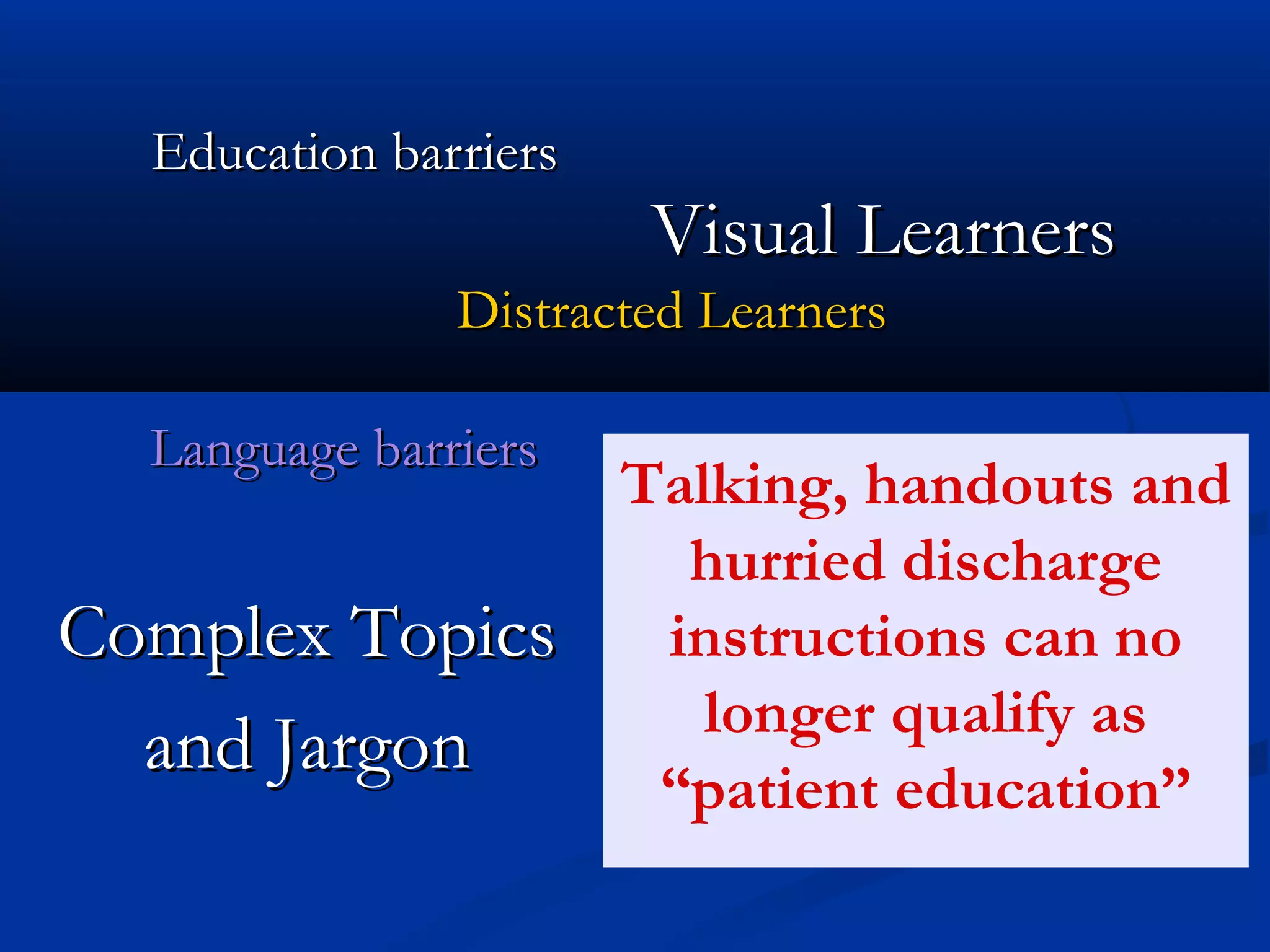
Education barriers
                        Visual Learners
               Distracted Learners

  Language barriers
                       Talking, handouts and
                         hurried discharge
Complex Topics          instructions can no
                          longer qualify as
  and Jargon
                        ā€œpatient educationā€
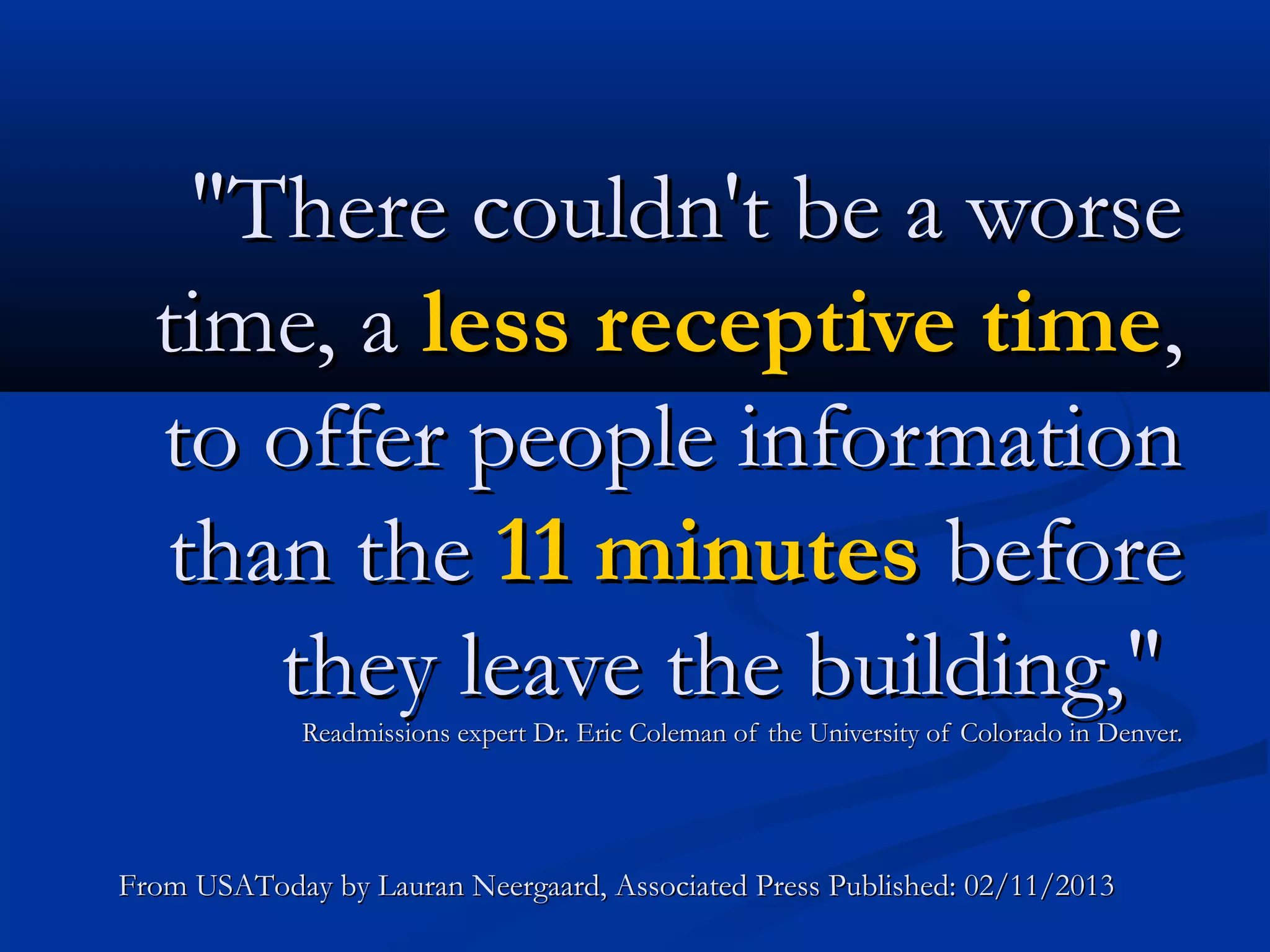
"There couldn't be a worse
  time, a less receptive time,
  to offer people information
  than the 11 minutes before
     they leave the building,"
             Readmissions expert Dr. Eric Coleman of the University of Colorado in Denver.


From USAToday by Lauran Neergaard, Associated Press Published: 02/11/2013
Begin Patient Education
at Admission


          Every patient interaction can be a
            teachable moment using video.
Tips to Select
Appropriate
Video for
Your Patient
Education
Library.
1.   Look for programs
      that are short, less
        than 10 minutes,
        to combat short
         attention spans.
2.
  Look for programs that ā€œrole
 modelā€ desired behaviors that
        patients can relate too.
They must see themselves doing
      this behavior in real life.
3.
Programs should use clear, direct
   and understandable language.

    No complex medical jargon.
4.
Look for videos that include a
        variety of graphics and
 illustrations to explain topics
               in simple terms.
Hospital readmissions are miserable
    for patients, and a huge cost —
     more than $17 billion a year in
  avoidable Medicare bills alone —
    for a nation struggling with the
                price of health care.                                       .


From USAToday by Lauran Neergaard, Associated Press Published: 02/11/2013
5.       Look for videos that
              are interesting or
                   entertaining.

If the presentation is boring the
patient will lose interest quickly.
Avoid videos that move too fast
     for the learner to keep up.


6.
Make sure words stay on the screen
     long enough to read them all.
7.
Programs should be timely and
               contemporary.
     Outdated videos have no

           credibility.
8.
     Look for videos that are
         available in multiple
languages appropriate to your
          patient population.
"Every place is different and
  faces different challenges in
      terms of improving care
  after patients are discharged
            from the hospital,"
                Goodman said.
From USAToday by Lauran Neergaard, Associated Press Published: 02/11/2013
Don’t take a ā€œone size fits allā€
                        approach.


9.
Look for videos that address specific
      educational topics and criteria.
10. Look for videos that
          emphasize what
       ā€œto doā€ rather than
           what not to do.
For More Information on
How to Use Video in Patient
        Education
                  Download these Resources:
            How to Use Video in Patient Education
                 How to Flip Patient Education
              Free Patient Education Resource Kit
   Visit our website for more information on Video on Demand
                 Synergy Broadcast Systems
    16115 Dooley Road * Addison, TX 75001 * 800-601-6991

10 Tips for Selecting Video for Your Patient Education Library

  • 1.
    10 Tips forSelecting Video for Your Patient Education Library
  • 2.
    Education barriers Visual Learners Distracted Learners Language barriers Talking, handouts and hurried discharge Complex Topics instructions can no longer qualify as and Jargon ā€œpatient educationā€
  • 3.
    "There couldn't bea worse time, a less receptive time, to offer people information than the 11 minutes before they leave the building," Readmissions expert Dr. Eric Coleman of the University of Colorado in Denver. From USAToday by Lauran Neergaard, Associated Press Published: 02/11/2013
  • 4.
    Begin Patient Education atAdmission Every patient interaction can be a teachable moment using video.
  • 5.
    Tips to Select Appropriate Videofor Your Patient Education Library.
  • 6.
    1. Look for programs that are short, less than 10 minutes, to combat short attention spans.
  • 7.
    2. Lookfor programs that ā€œrole modelā€ desired behaviors that patients can relate too. They must see themselves doing this behavior in real life.
  • 8.
    3. Programs should useclear, direct and understandable language. No complex medical jargon.
  • 9.
    4. Look for videosthat include a variety of graphics and illustrations to explain topics in simple terms.
  • 10.
    Hospital readmissions aremiserable for patients, and a huge cost — more than $17 billion a year in avoidable Medicare bills alone — for a nation struggling with the price of health care. . From USAToday by Lauran Neergaard, Associated Press Published: 02/11/2013
  • 11.
    5. Look for videos that are interesting or entertaining. If the presentation is boring the patient will lose interest quickly.
  • 12.
    Avoid videos thatmove too fast for the learner to keep up. 6. Make sure words stay on the screen long enough to read them all.
  • 13.
    7. Programs should betimely and contemporary. Outdated videos have no credibility.
  • 14.
    8. Look for videos that are available in multiple languages appropriate to your patient population.
  • 15.
    "Every place isdifferent and faces different challenges in terms of improving care after patients are discharged from the hospital," Goodman said. From USAToday by Lauran Neergaard, Associated Press Published: 02/11/2013
  • 16.
    Don’t take aā€œone size fits allā€ approach. 9. Look for videos that address specific educational topics and criteria.
  • 17.
    10. Look forvideos that emphasize what ā€œto doā€ rather than what not to do.
  • 18.
    For More Informationon How to Use Video in Patient Education Download these Resources: How to Use Video in Patient Education How to Flip Patient Education Free Patient Education Resource Kit Visit our website for more information on Video on Demand Synergy Broadcast Systems 16115 Dooley Road * Addison, TX 75001 * 800-601-6991