Intro
• The usage of Beacon is increasingly getting prevalent especially in segments
such as hospitality and retail to provide special offers in line with various
loyalty programs to its regular customers and the customers get notifications
about unique offers while they are in the premises of casino, restaurant, store
etc. The several challenges are likely to be encountered while utilizing Beacon
power at its best.
• Challenge 1: Difference distance detection ranges for iOS and Andoid
- In the real world scenario, iOS devices and Android devices have remarkable
difference in their Beacon detection ranges.
• Challenge 2: Signal fluctuation
- The consistency of Beacon signals does rely upon various factors and hindrance
in those factors may cause the signal fluctuations eventually affecting the
expected outcomes.
- Team Azilen carries out in-depth research to overcome these challenges and
finally came up with the optimum solution. The challenges and solutions both are
described below with all relevant details.
• iOS works in accordance with iBeacon protocol while Android considers
Beacon as a Bluetooth device. Hence, they both react in a different
manner when it comes to detecting Beacon signals.
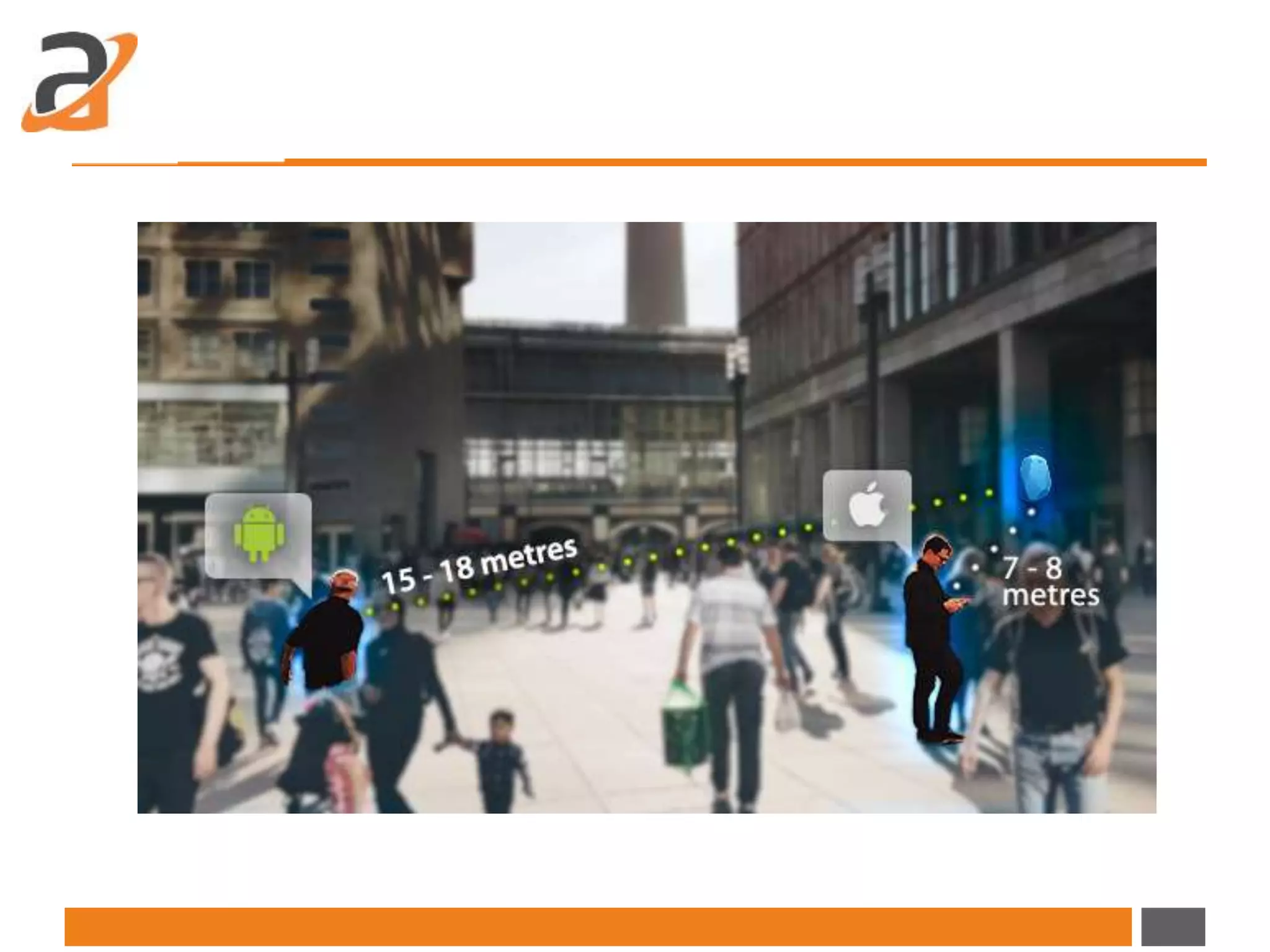
• For example, in general, we can consider that iOS devices detect Beacon
signals at 7 – 8 meters whereas Android devices detect Beacon signals at
15 – 18 meters.
Challenge 1: Difference distance
detection ranges for iOS and Andoid
• => If the Beacon is there at the range of 10 meters, Android device will
start receiving the Beacon’s signals from about 15 to 18 meters and it will
consider the Beacon IN.
• => On the other hand, iOS device considers the Beacon IN when the
proximity in NEAR. iOS is not stable to get NEAR proximity at 10 meters
and gives fluctuated or uncertain experiences in detecting the Beacon.
Solutions:
• We had several experiments with Beacon’s RSSI function in line with
Beacon’s optimum calibration.
• GUI testing and ease of functionality: A robust and open-source software
testing frameworkSelenium automation framework is used for this
purpose.
• Solving execution time issue: Selenium automation framework is
integrated with Saucelabs that just needs the platform configuration for
the test case to run on multiple environments parallel with other test
cases.
• Reduced infrastructure cost: With the integration of tools like Selenium
and Saucelabs with Jenkins server, it offers continuous integration of data
for ease in testing.
Beacon Calibration: Calibration is a process of defining the signal strength
that the Beacon can transmit to the receiver mobile device at the reference
point of 1 meter. The first step in our solution is to calibrate the Beacon as per
requirement.
RSSI: Received Signal Strength Indicator is the strength of the Beacon’s signal
which gets displayed on the signal receiving device. Android works complying
with RSSI. So we defined ideal RSSI value after Beacon’s calibration. We got -
97 to -100 dbm at Beacon’s last spot of range. We defined separate RSSI for
each beacon.
• Consequential Outcomes: We could detect beacon at near about exact
(+/- 1 to 2 meter variation) range of its calibrated region for both Android
and iOS platforms.
Challenge 2: Signal fluctuation
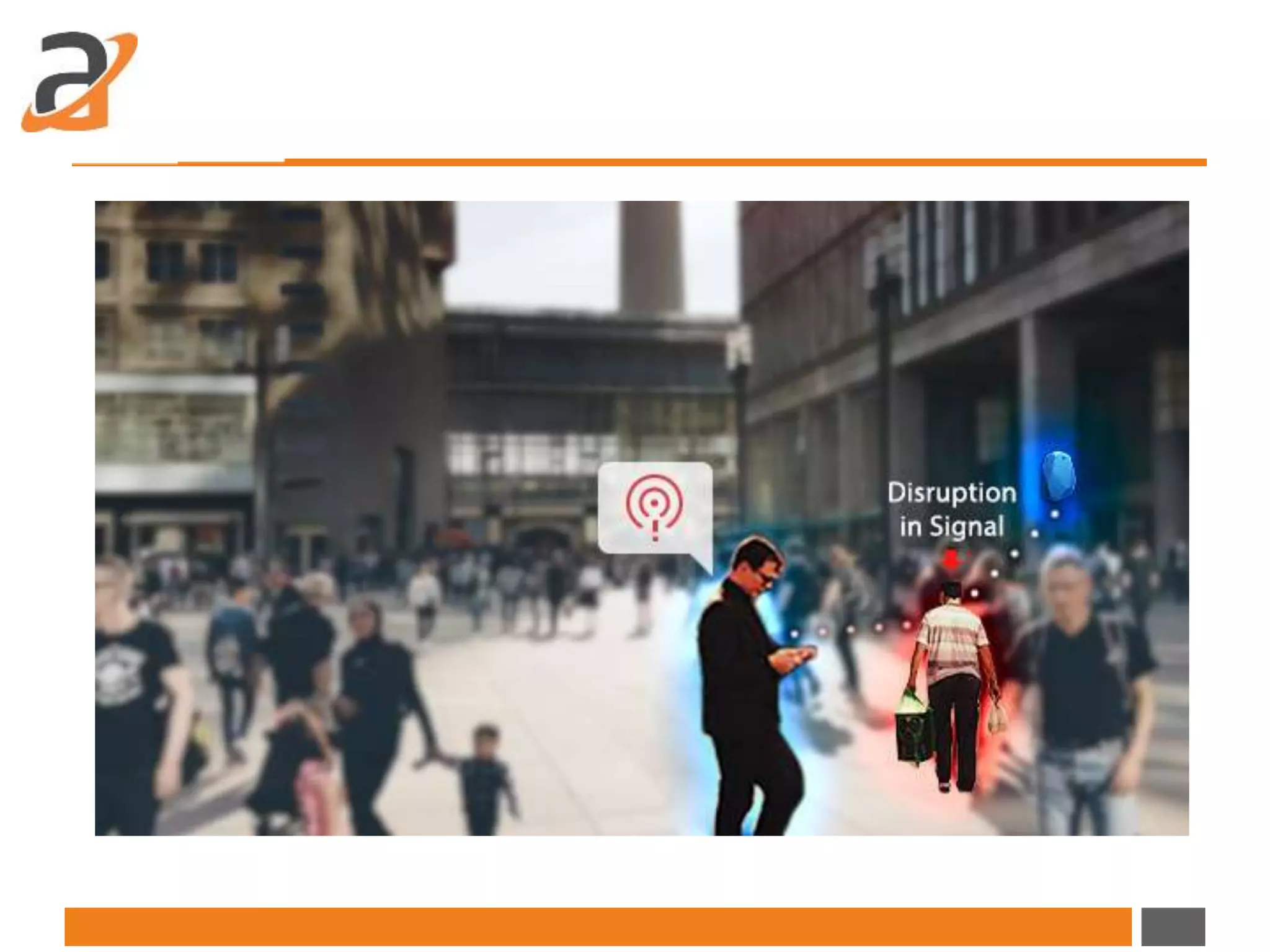
• Up to some extent, the consistency of Beacon signals does rely upon
several factors such as surrounding infrastructure as sizeable metal or
wooden article can cause reflections or attenuations that affect the signal
level. Sometimes, other disruptions occurred or even an object passing
through between the mobile device and the Beacon can cause signal
fluctuation. The mobile device keeps getting OUT and IN due to such
hindrance.
• Solution:
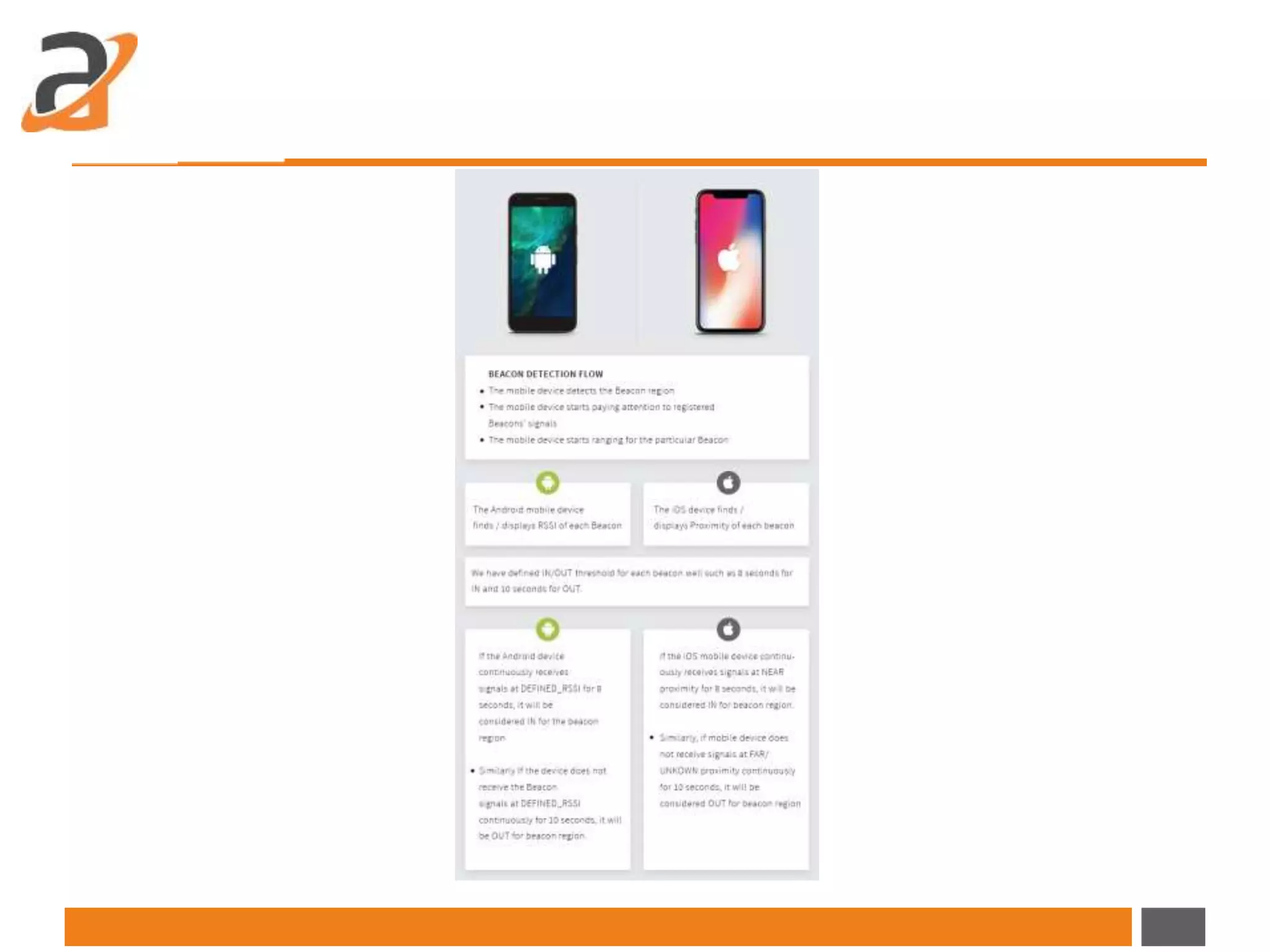
• Beacon IN/OUT cycle: The mobile device continuously receives the signals
for each beacon and update the beacon’s state as IN/OUT as per RSSI and
IN/OUT threshold.
• As discussed earlier we have defined IN/OUT threshold for each beacon as
8 seconds for IN and 10 seconds for OUT. Therefore, if any object comes
between Beacon and the mobile device application will start cycle to
region OUT and on the next interval application will get strong signals so
OUT cycle will reset and keep beacon IN. Thus, based on IN/OUT cycle we
could resolve fluctuation issue.
Conclusion:
• Development experiments often make us realize that sometimes, complex
or complicated sounding challenges can be addressed by very simple
solutions. And this is how; with a straightforward and solution oriented
approach, we could manage to get consistent Beacon behavior for both
Android and iOS even in environment.
Let's Discuss Your Requirement!
info@azilen.com | +1-972-325-2243
Original Source :
http://www.azilen.com/blog/overcome-challenges-in-getting-consistent-
beacon-behavior/
Thanks You
www.azilen.com
Let us know if you have any Question!

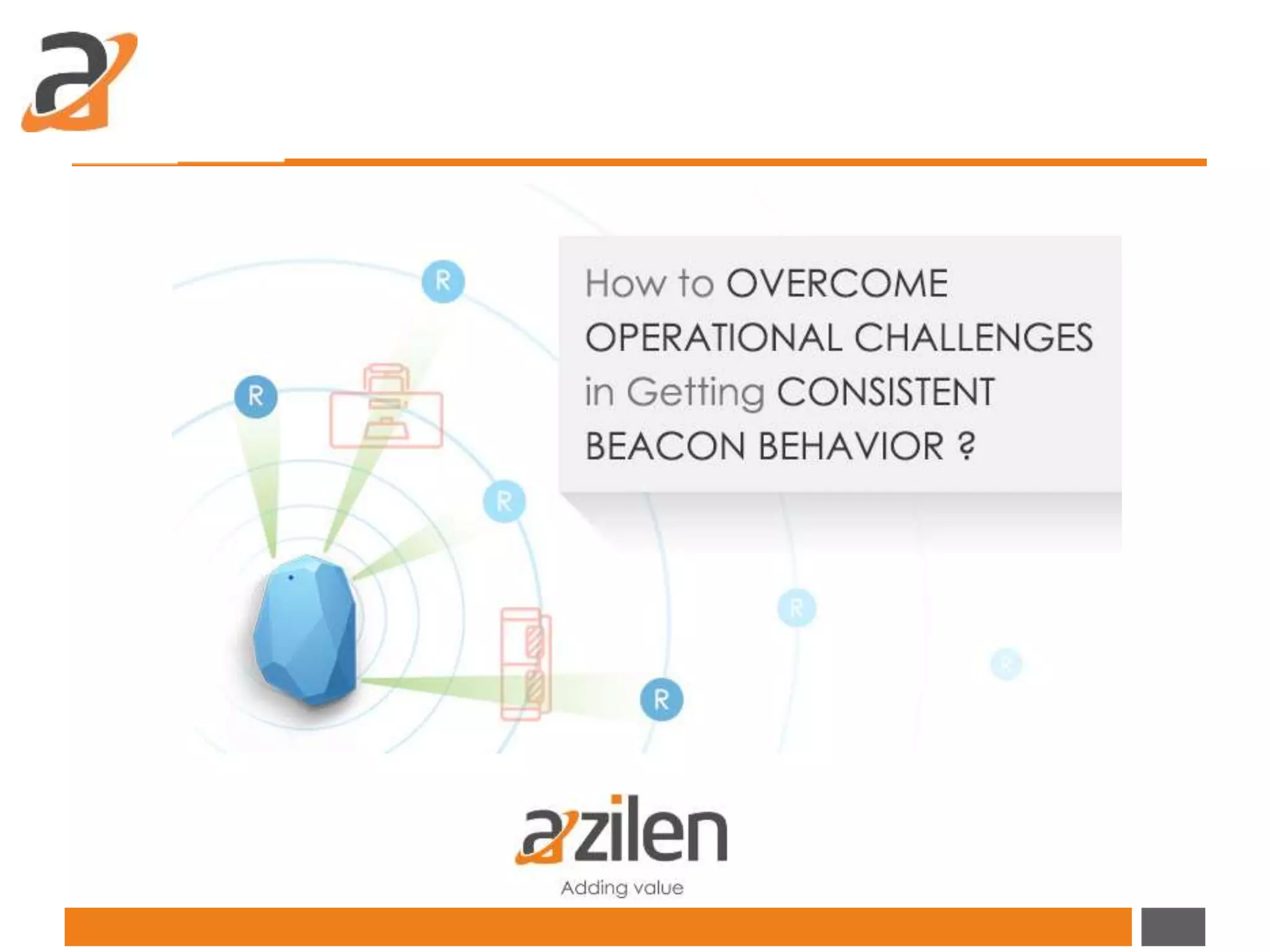
How to overcome operational challenges in getting consistent beacon behavior

  • 2.
    Intro • The usageof Beacon is increasingly getting prevalent especially in segments such as hospitality and retail to provide special offers in line with various loyalty programs to its regular customers and the customers get notifications about unique offers while they are in the premises of casino, restaurant, store etc. The several challenges are likely to be encountered while utilizing Beacon power at its best. • Challenge 1: Difference distance detection ranges for iOS and Andoid - In the real world scenario, iOS devices and Android devices have remarkable difference in their Beacon detection ranges. • Challenge 2: Signal fluctuation - The consistency of Beacon signals does rely upon various factors and hindrance in those factors may cause the signal fluctuations eventually affecting the expected outcomes. - Team Azilen carries out in-depth research to overcome these challenges and finally came up with the optimum solution. The challenges and solutions both are described below with all relevant details.
  • 3.
    • iOS worksin accordance with iBeacon protocol while Android considers Beacon as a Bluetooth device. Hence, they both react in a different manner when it comes to detecting Beacon signals. • For example, in general, we can consider that iOS devices detect Beacon signals at 7 – 8 meters whereas Android devices detect Beacon signals at 15 – 18 meters. Challenge 1: Difference distance detection ranges for iOS and Andoid
  • 5.
    • => Ifthe Beacon is there at the range of 10 meters, Android device will start receiving the Beacon’s signals from about 15 to 18 meters and it will consider the Beacon IN. • => On the other hand, iOS device considers the Beacon IN when the proximity in NEAR. iOS is not stable to get NEAR proximity at 10 meters and gives fluctuated or uncertain experiences in detecting the Beacon. Solutions: • We had several experiments with Beacon’s RSSI function in line with Beacon’s optimum calibration.
  • 6.
    • GUI testingand ease of functionality: A robust and open-source software testing frameworkSelenium automation framework is used for this purpose. • Solving execution time issue: Selenium automation framework is integrated with Saucelabs that just needs the platform configuration for the test case to run on multiple environments parallel with other test cases. • Reduced infrastructure cost: With the integration of tools like Selenium and Saucelabs with Jenkins server, it offers continuous integration of data for ease in testing.
  • 7.
    Beacon Calibration: Calibrationis a process of defining the signal strength that the Beacon can transmit to the receiver mobile device at the reference point of 1 meter. The first step in our solution is to calibrate the Beacon as per requirement. RSSI: Received Signal Strength Indicator is the strength of the Beacon’s signal which gets displayed on the signal receiving device. Android works complying with RSSI. So we defined ideal RSSI value after Beacon’s calibration. We got - 97 to -100 dbm at Beacon’s last spot of range. We defined separate RSSI for each beacon.
  • 9.
    • Consequential Outcomes:We could detect beacon at near about exact (+/- 1 to 2 meter variation) range of its calibrated region for both Android and iOS platforms.
  • 10.
    Challenge 2: Signalfluctuation • Up to some extent, the consistency of Beacon signals does rely upon several factors such as surrounding infrastructure as sizeable metal or wooden article can cause reflections or attenuations that affect the signal level. Sometimes, other disruptions occurred or even an object passing through between the mobile device and the Beacon can cause signal fluctuation. The mobile device keeps getting OUT and IN due to such hindrance.
  • 12.
    • Solution: • BeaconIN/OUT cycle: The mobile device continuously receives the signals for each beacon and update the beacon’s state as IN/OUT as per RSSI and IN/OUT threshold. • As discussed earlier we have defined IN/OUT threshold for each beacon as 8 seconds for IN and 10 seconds for OUT. Therefore, if any object comes between Beacon and the mobile device application will start cycle to region OUT and on the next interval application will get strong signals so OUT cycle will reset and keep beacon IN. Thus, based on IN/OUT cycle we could resolve fluctuation issue.
  • 13.
    Conclusion: • Development experimentsoften make us realize that sometimes, complex or complicated sounding challenges can be addressed by very simple solutions. And this is how; with a straightforward and solution oriented approach, we could manage to get consistent Beacon behavior for both Android and iOS even in environment.
  • 14.
    Let's Discuss YourRequirement! info@azilen.com | +1-972-325-2243
  • 15.
  • 16.
    Thanks You www.azilen.com Let usknow if you have any Question!