Download to read offline
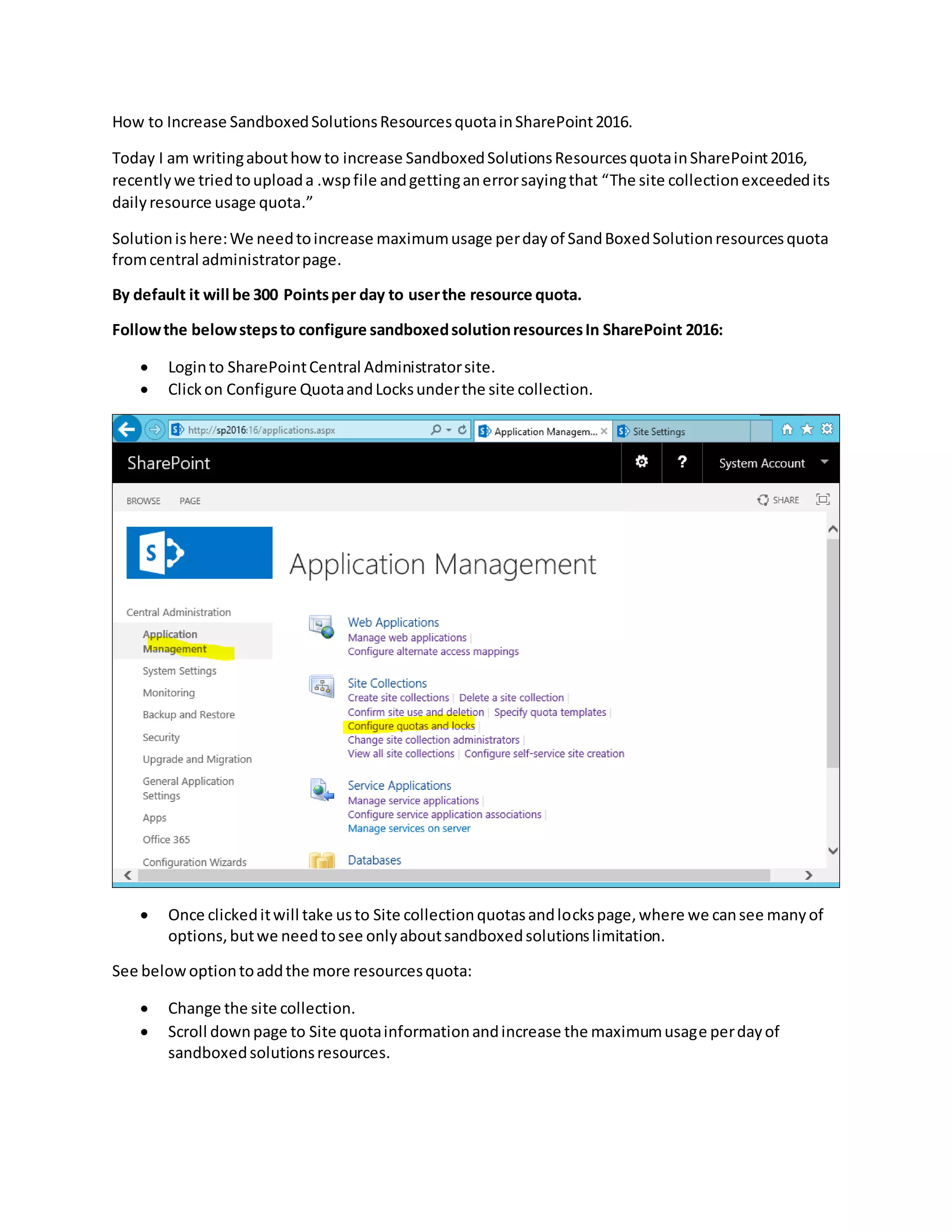
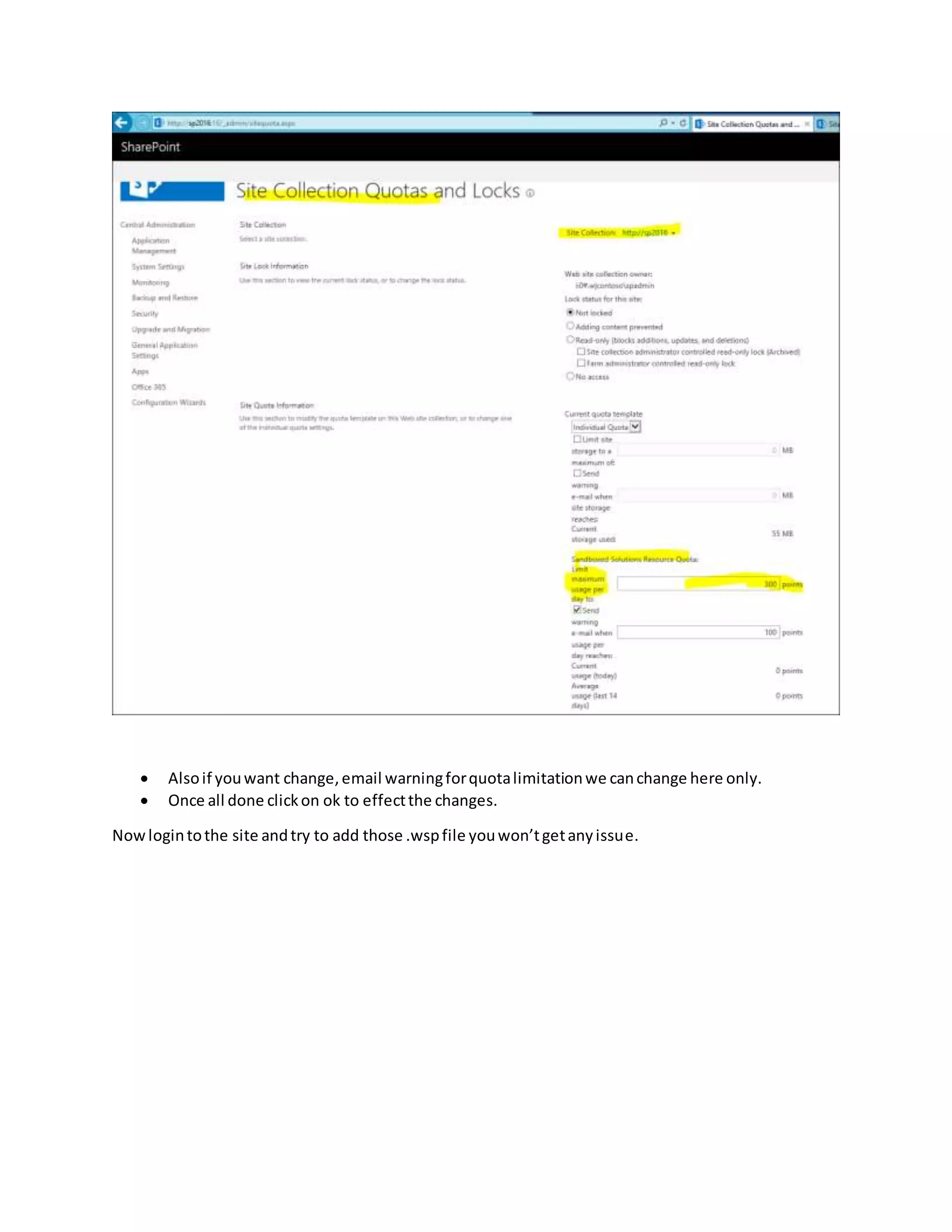

This document provides steps to increase the SandboxedSolutionsResourcesquota in SharePoint 2016. The default quota is 300 points per day, which can be exceeded when uploading certain files. To increase the quota: 1) Log into the SharePoint Central Administration site 2) Click "Configure Quota and Locks" and select the site collection 3) On the Site Collection Quotas and Locks page, increase the "Maximum usage per day of sandboxed solutions resources" value 4) Click OK to apply the changes and allow larger file uploads without exceeding the daily quota


