How To Drive Intelligent Migration
John Challis
Founder and CEO/CTO
john@conceptsearching.com
Twitter @conceptsearch
• Company founded in 2002
• Product launched in 2003
• Focus on management of structured and unstructured information
• Technology Platform
• Delivered as a web service
• Automatic concept identification, content tagging, auto-classification,
taxonomy management
• Only statistical vendor that can extract conceptual metadata
• 2009, 2010, 2011, 2012, 2013 ‘100 Companies that Matter in KM’
(KMWorld Magazine) and Trend Setting product of 2009, 2010, 2011, 2012
• Authority to Operate enterprise wide US Air Force and enterprise wide
NETCON US Army
• Locations: US, UK, and South Africa
• Client base: Fortune 500/1000 organizations
• Managed Partner under Microsoft global ISV Program - ‘go to partner’
for Microsoft for auto-classification and taxonomy management
• Smart Content Framework for Information Governance comprising
• Six Building Blocks for success
• Product Suite: conceptSearch, conceptTaxonomyManager, conceptClassifier,
conceptClassifier for SharePoint, conceptTaxonomyWorkflow, conceptContentTypeUpdater for SharePoint
The Global Leader in
Automated Tagging Solutions
Agenda
• conceptTaxonomyWorkflow
• Intelligent metadata
• Setting up the rules
• Automating the classification process
• Identification and tagging
• Metadata driven actions
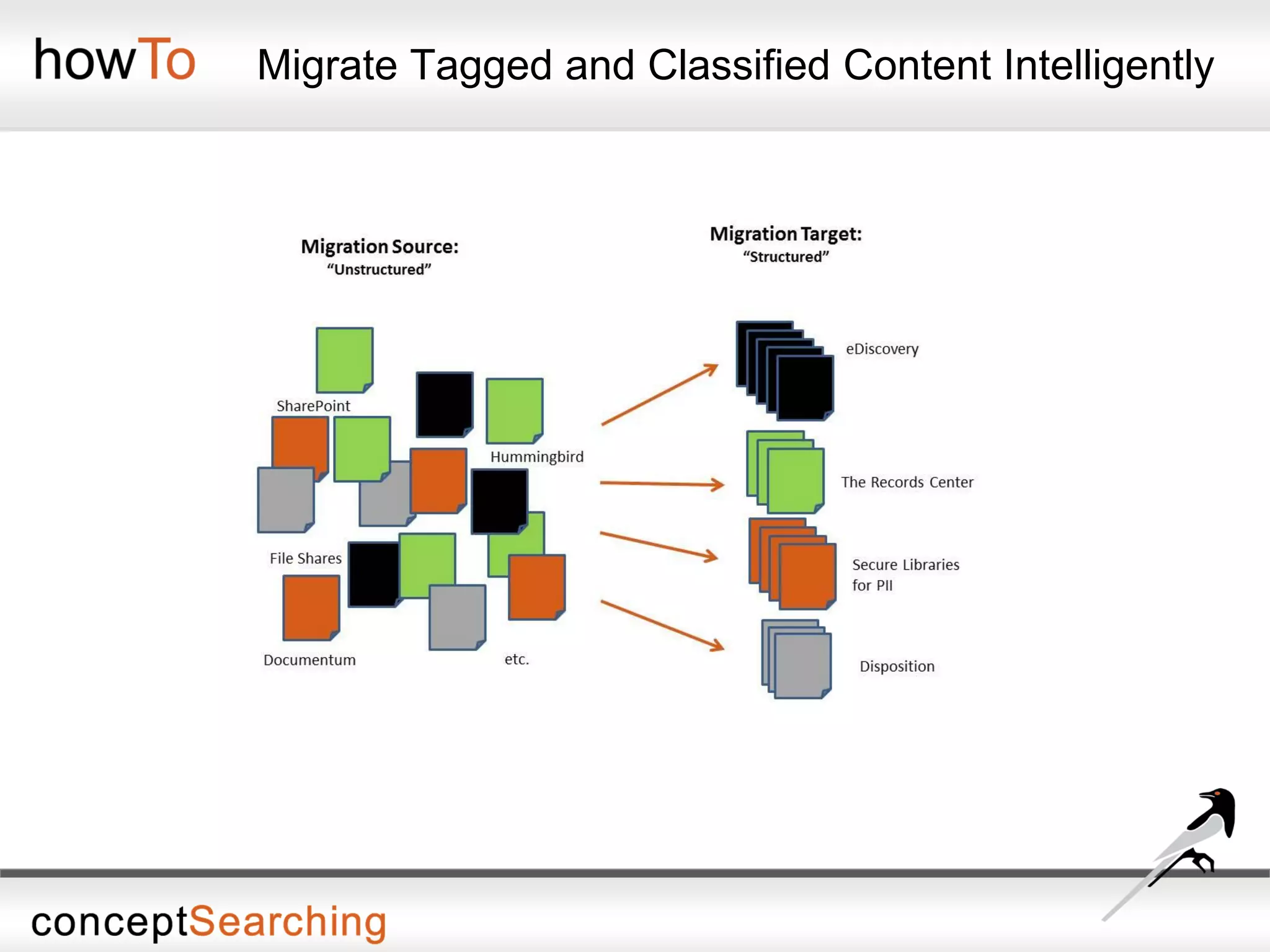
• Moving content to an appropriate repository for storage and preservation
• Automatic intelligent content routing
• Demonstration
• Document migration from file shares to SharePoint
• Concept Searching’s unique statistical concept identification underpins all technologies
• Multi-word suggestion is explicitly more valuable than single term suggestion algorithms
Concept Searching has a unique approach to ensure success
• conceptClassifier will generate conceptual metadata
by extracting multi-word terms that identify ‘triple heart
bypass’ as a concept as opposed to single keywords
• Metadata can be used by any search engine index or
any application/process that uses metadata.
Concept Searching
provides Automatic
Concept Term Extraction
Triple
Baseball
Three
Heart
Organ
Center
Bypass
Highway
Avoid
Unique Approach
The Typical Migration Approach
• Compliance objectives need to be met, and a typical loop hole is in the
migration process
• Simply moving documents from one repository is not enough
• Content that was typically unmanaged will remain unmanaged
• Results in exposing an organization to risk
• Information cannot be managed from inception to deletion without
comprehensive metadata associated with the content
• Migration of unstructured content can be laborious and time consuming
• Documents can exist in multiple places at the same time, different revisions of
the same document exist, some documents should be deleted, and others
should be archived
• There may be records that were never declared, as well as confidential or
privacy information that will not be identified when migrated
• From an information governance approach, mass moving content results
in the same problem of mismanaged content
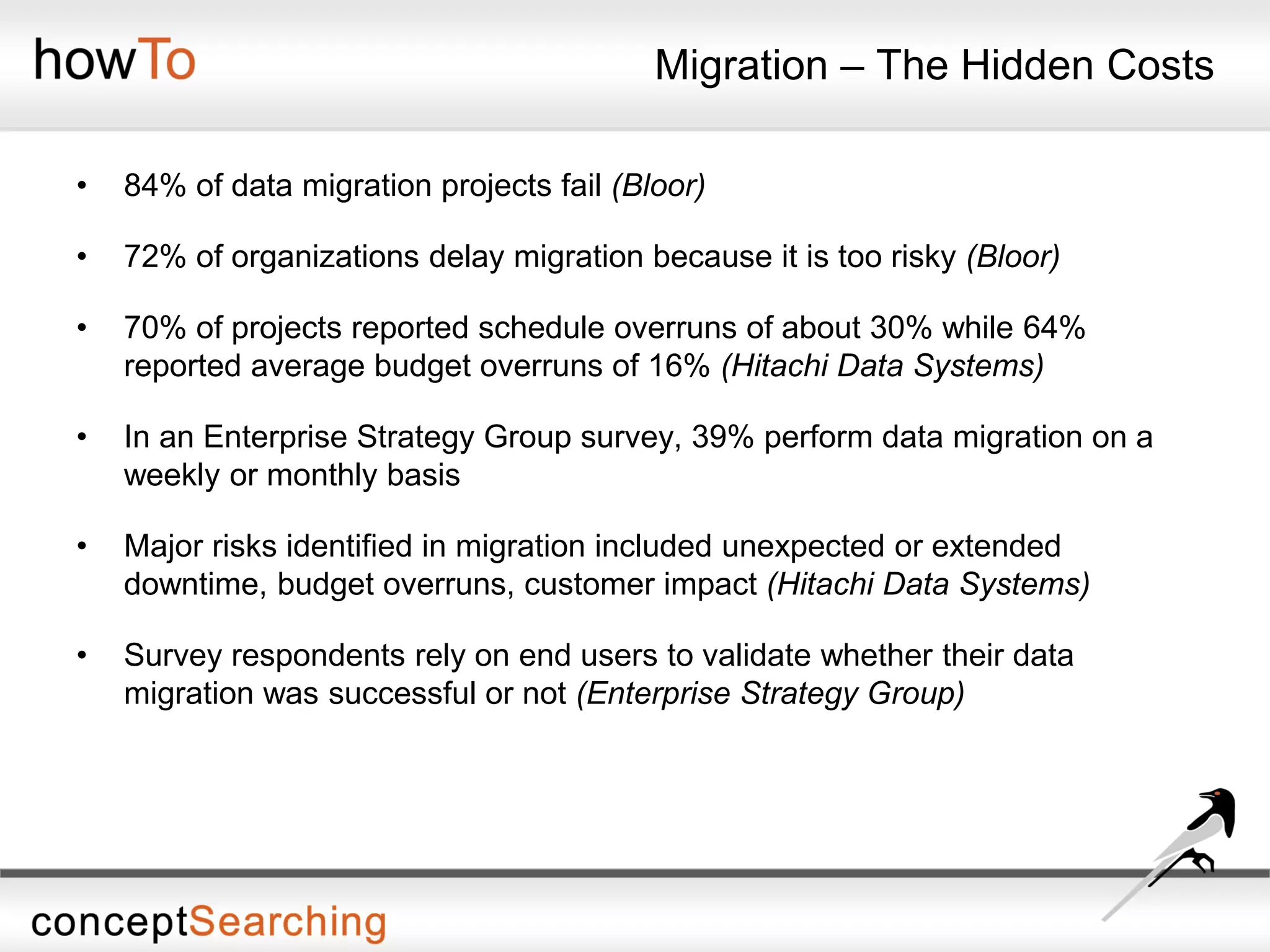
Migration – The Hidden Costs
• 84% of data migration projects fail (Bloor)
• 72% of organizations delay migration because it is too risky (Bloor)
• 70% of projects reported schedule overruns of about 30% while 64%
reported average budget overruns of 16% (Hitachi Data Systems)
• In an Enterprise Strategy Group survey, 39% perform data migration on a
weekly or monthly basis
• Major risks identified in migration included unexpected or extended
downtime, budget overruns, customer impact (Hitachi Data Systems)
• Survey respondents rely on end users to validate whether their data
migration was successful or not (Enterprise Strategy Group)
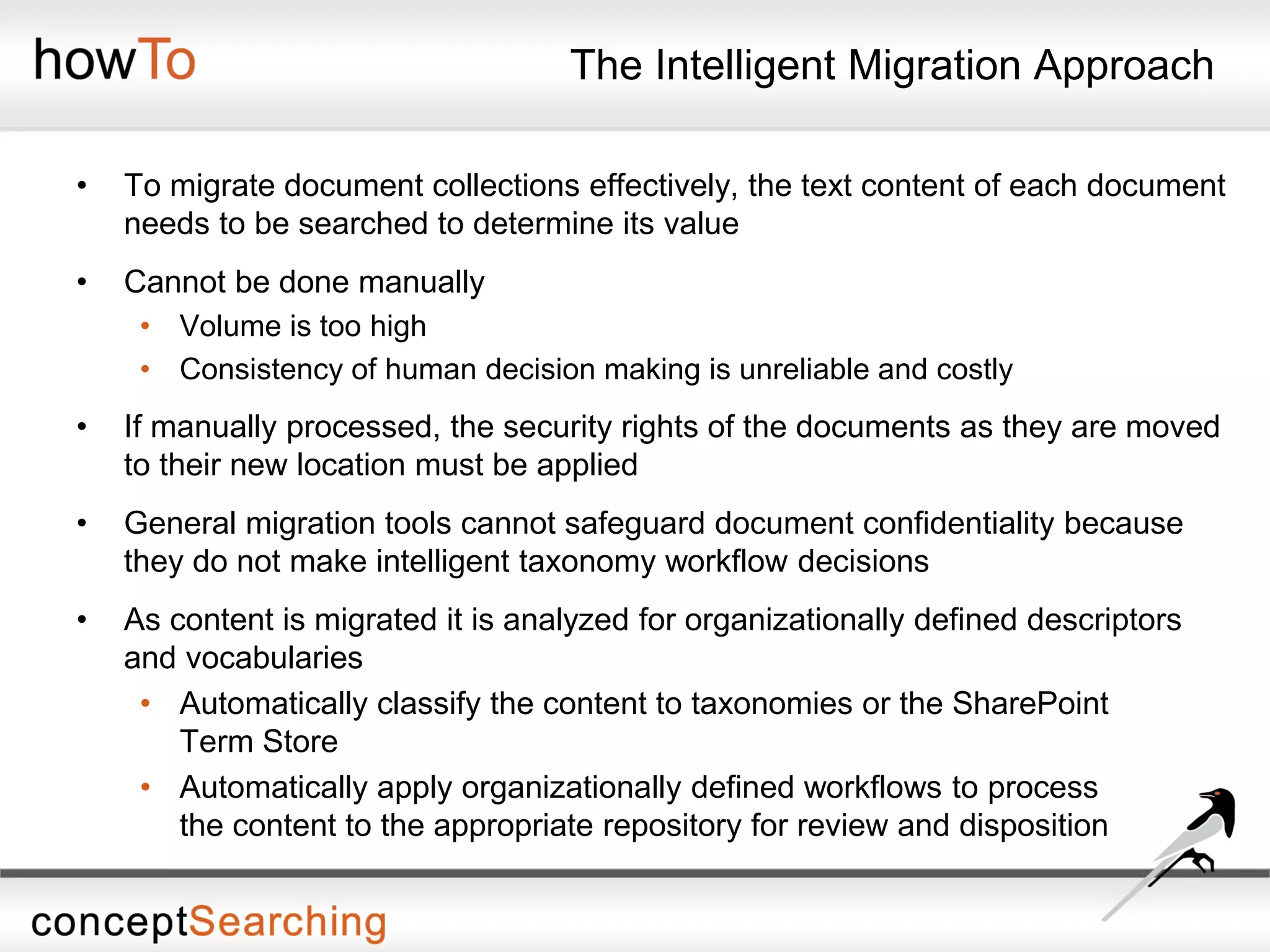
The Intelligent Migration Approach
• To migrate document collections effectively, the text content of each document
needs to be searched to determine its value
• Cannot be done manually
• Volume is too high
• Consistency of human decision making is unreliable and costly
• If manually processed, the security rights of the documents as they are moved
to their new location must be applied
• General migration tools cannot safeguard document confidentiality because
they do not make intelligent taxonomy workflow decisions
• As content is migrated it is analyzed for organizationally defined descriptors
and vocabularies
• Automatically classify the content to taxonomies or the SharePoint
Term Store
• Automatically apply organizationally defined workflows to process
the content to the appropriate repository for review and disposition
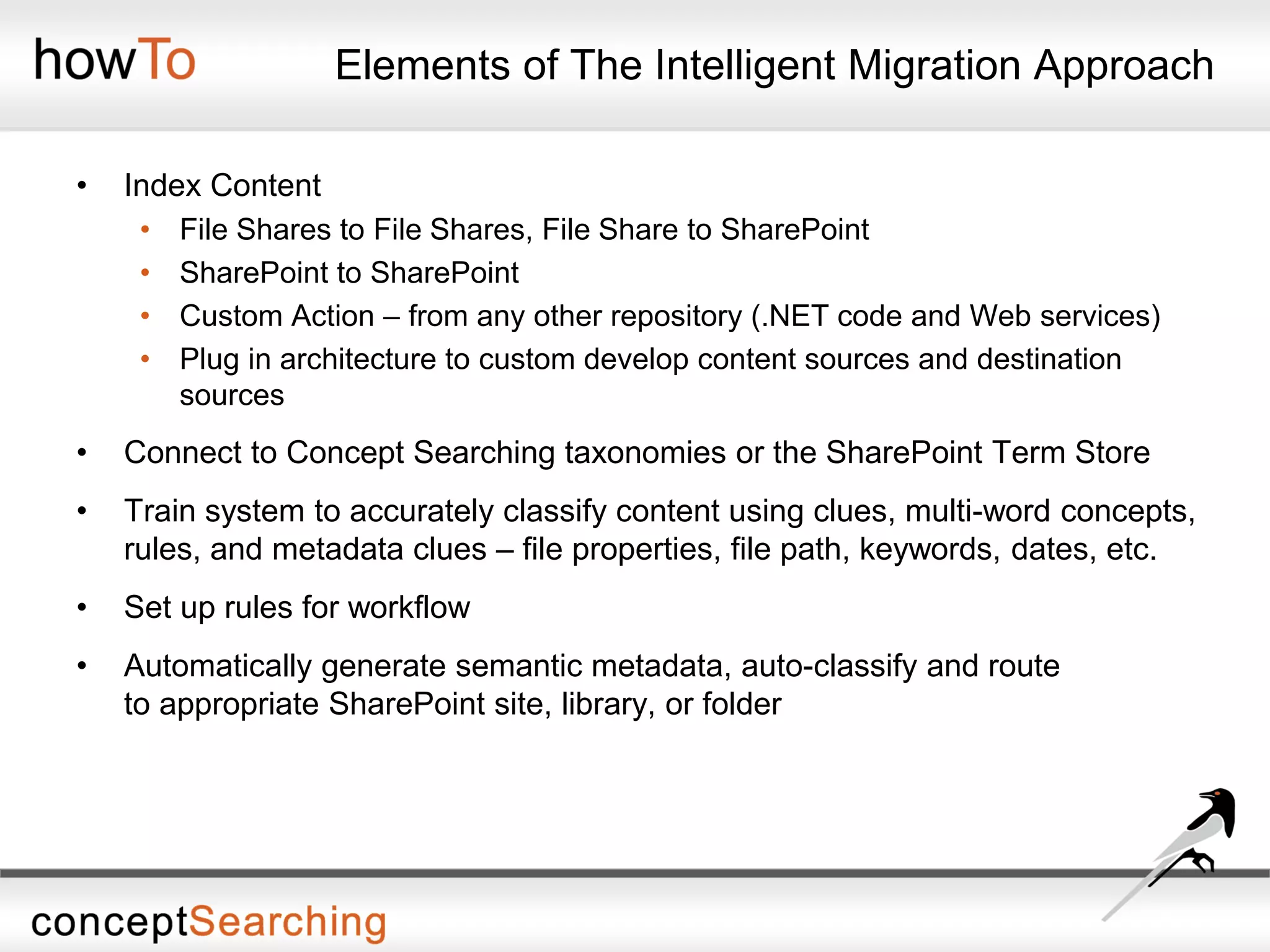
Elements of The Intelligent Migration Approach
• Index Content
• File Shares to File Shares, File Share to SharePoint
• SharePoint to SharePoint
• Custom Action – from any other repository (.NET code and Web services)
• Plug in architecture to custom develop content sources and destination
sources
• Connect to Concept Searching taxonomies or the SharePoint Term Store
• Train system to accurately classify content using clues, multi-word concepts,
rules, and metadata clues – file properties, file path, keywords, dates, etc.
• Set up rules for workflow
• Automatically generate semantic metadata, auto-classify and route
to appropriate SharePoint site, library, or folder
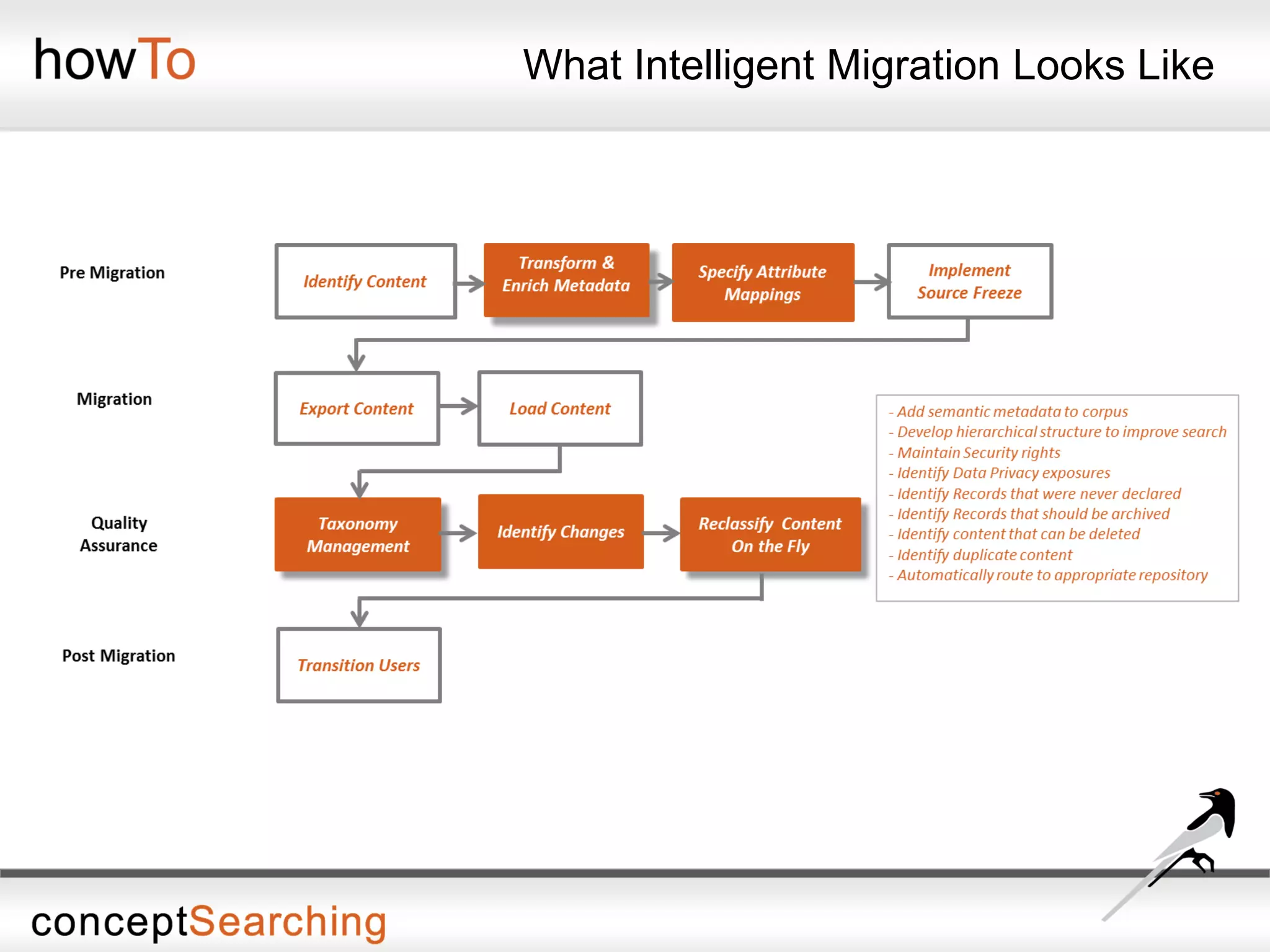
What Intelligent Migration Looks Like
Migrate Tagged and Classified Content Intelligently
Demonstration
Next How To Webinar
How To Manage the Term Store
Date: Wednesday, September 25th
Time: 11:30 - 11:45 AM EDT
Managing the SharePoint Term Store is a manual process. Learn how automate
the process and gain the ability to easily manage the Term Store as organizational
needs change.
• Applying new terms to the Term Store
• Native bi-directional integration
• Using conceptTaxonomyManager to manage the term sets
• Creating classification clues
• Refining the term set
• The search experience with intelligent metadata applied
Speaker: Don Miller, Vice President of Sales at Concept Searching
To Register: https://www3.gotomeeting.com/register/657513742

How To Drive Intelligent Migration Webinar

  • 1.
    How To DriveIntelligent Migration John Challis Founder and CEO/CTO john@conceptsearching.com Twitter @conceptsearch
  • 2.
    • Company foundedin 2002 • Product launched in 2003 • Focus on management of structured and unstructured information • Technology Platform • Delivered as a web service • Automatic concept identification, content tagging, auto-classification, taxonomy management • Only statistical vendor that can extract conceptual metadata • 2009, 2010, 2011, 2012, 2013 ‘100 Companies that Matter in KM’ (KMWorld Magazine) and Trend Setting product of 2009, 2010, 2011, 2012 • Authority to Operate enterprise wide US Air Force and enterprise wide NETCON US Army • Locations: US, UK, and South Africa • Client base: Fortune 500/1000 organizations • Managed Partner under Microsoft global ISV Program - ‘go to partner’ for Microsoft for auto-classification and taxonomy management • Smart Content Framework for Information Governance comprising • Six Building Blocks for success • Product Suite: conceptSearch, conceptTaxonomyManager, conceptClassifier, conceptClassifier for SharePoint, conceptTaxonomyWorkflow, conceptContentTypeUpdater for SharePoint The Global Leader in Automated Tagging Solutions
  • 3.
    Agenda • conceptTaxonomyWorkflow • Intelligentmetadata • Setting up the rules • Automating the classification process • Identification and tagging • Metadata driven actions • Moving content to an appropriate repository for storage and preservation • Automatic intelligent content routing • Demonstration • Document migration from file shares to SharePoint
  • 4.
    • Concept Searching’sunique statistical concept identification underpins all technologies • Multi-word suggestion is explicitly more valuable than single term suggestion algorithms Concept Searching has a unique approach to ensure success • conceptClassifier will generate conceptual metadata by extracting multi-word terms that identify ‘triple heart bypass’ as a concept as opposed to single keywords • Metadata can be used by any search engine index or any application/process that uses metadata. Concept Searching provides Automatic Concept Term Extraction Triple Baseball Three Heart Organ Center Bypass Highway Avoid Unique Approach
  • 5.
    The Typical MigrationApproach • Compliance objectives need to be met, and a typical loop hole is in the migration process • Simply moving documents from one repository is not enough • Content that was typically unmanaged will remain unmanaged • Results in exposing an organization to risk • Information cannot be managed from inception to deletion without comprehensive metadata associated with the content • Migration of unstructured content can be laborious and time consuming • Documents can exist in multiple places at the same time, different revisions of the same document exist, some documents should be deleted, and others should be archived • There may be records that were never declared, as well as confidential or privacy information that will not be identified when migrated • From an information governance approach, mass moving content results in the same problem of mismanaged content
  • 6.
    Migration – TheHidden Costs • 84% of data migration projects fail (Bloor) • 72% of organizations delay migration because it is too risky (Bloor) • 70% of projects reported schedule overruns of about 30% while 64% reported average budget overruns of 16% (Hitachi Data Systems) • In an Enterprise Strategy Group survey, 39% perform data migration on a weekly or monthly basis • Major risks identified in migration included unexpected or extended downtime, budget overruns, customer impact (Hitachi Data Systems) • Survey respondents rely on end users to validate whether their data migration was successful or not (Enterprise Strategy Group)
  • 7.
    The Intelligent MigrationApproach • To migrate document collections effectively, the text content of each document needs to be searched to determine its value • Cannot be done manually • Volume is too high • Consistency of human decision making is unreliable and costly • If manually processed, the security rights of the documents as they are moved to their new location must be applied • General migration tools cannot safeguard document confidentiality because they do not make intelligent taxonomy workflow decisions • As content is migrated it is analyzed for organizationally defined descriptors and vocabularies • Automatically classify the content to taxonomies or the SharePoint Term Store • Automatically apply organizationally defined workflows to process the content to the appropriate repository for review and disposition
  • 8.
    Elements of TheIntelligent Migration Approach • Index Content • File Shares to File Shares, File Share to SharePoint • SharePoint to SharePoint • Custom Action – from any other repository (.NET code and Web services) • Plug in architecture to custom develop content sources and destination sources • Connect to Concept Searching taxonomies or the SharePoint Term Store • Train system to accurately classify content using clues, multi-word concepts, rules, and metadata clues – file properties, file path, keywords, dates, etc. • Set up rules for workflow • Automatically generate semantic metadata, auto-classify and route to appropriate SharePoint site, library, or folder
  • 9.
  • 10.
    Migrate Tagged andClassified Content Intelligently
  • 11.
  • 12.
    Next How ToWebinar How To Manage the Term Store Date: Wednesday, September 25th Time: 11:30 - 11:45 AM EDT Managing the SharePoint Term Store is a manual process. Learn how automate the process and gain the ability to easily manage the Term Store as organizational needs change. • Applying new terms to the Term Store • Native bi-directional integration • Using conceptTaxonomyManager to manage the term sets • Creating classification clues • Refining the term set • The search experience with intelligent metadata applied Speaker: Don Miller, Vice President of Sales at Concept Searching To Register: https://www3.gotomeeting.com/register/657513742