Downloaded 41 times
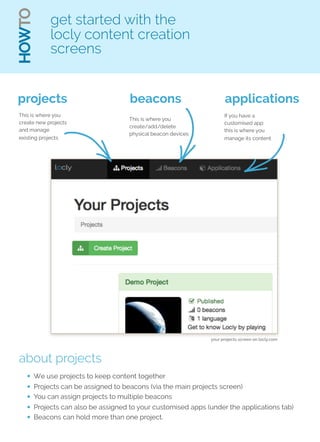
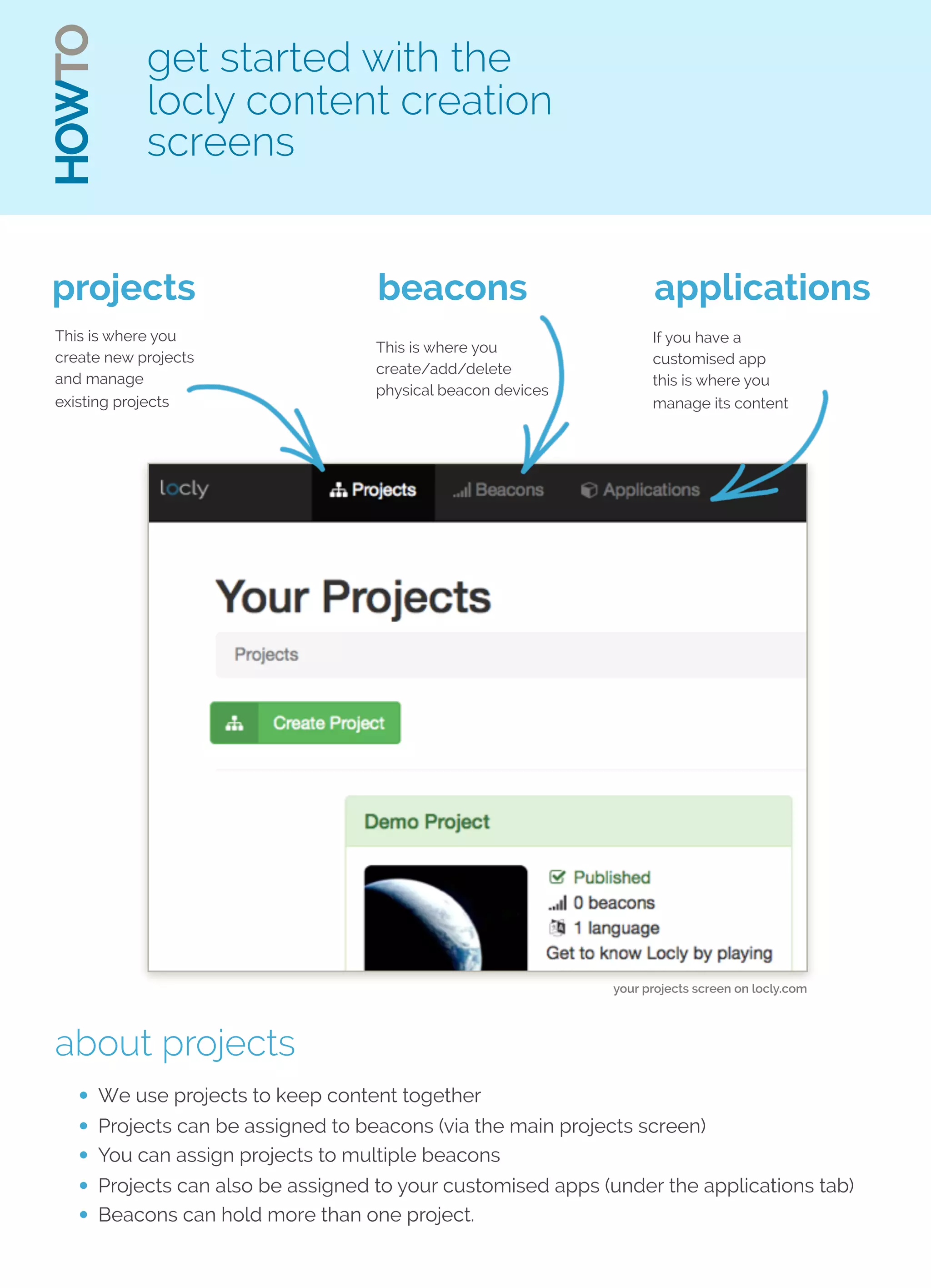
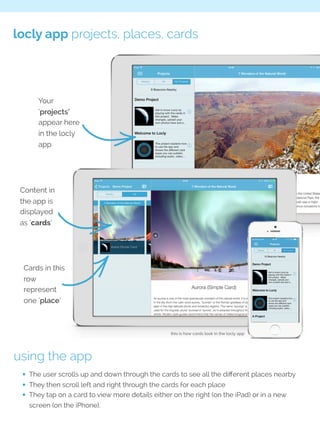
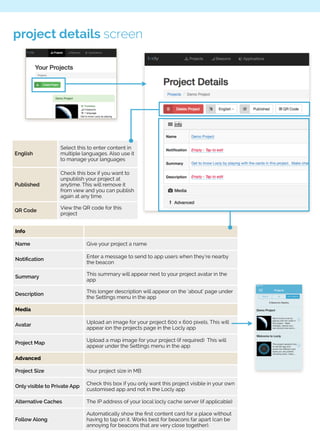
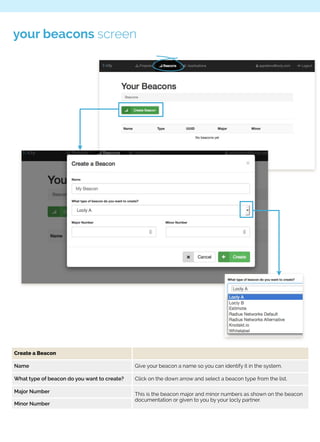
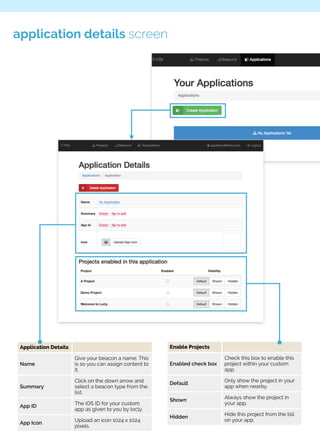
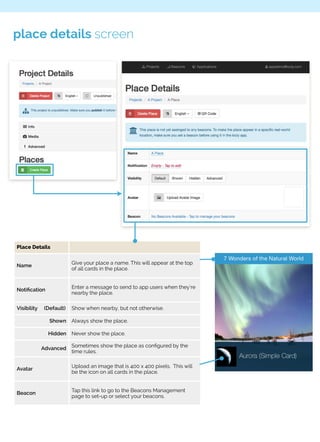
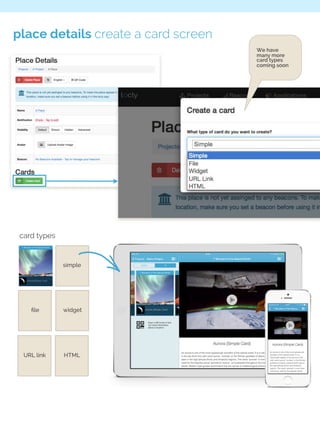
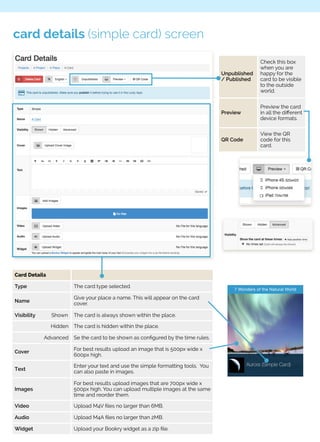
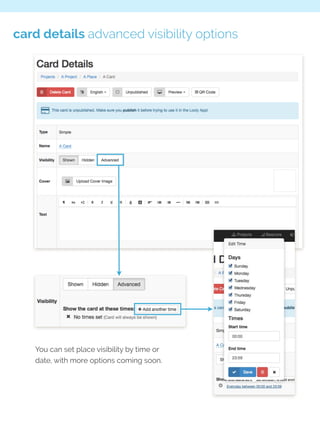
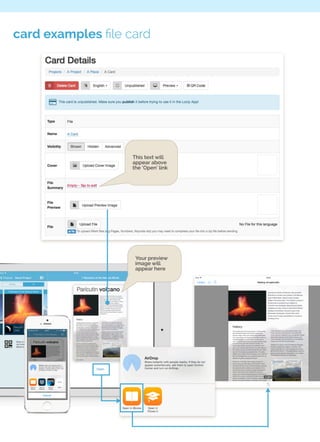
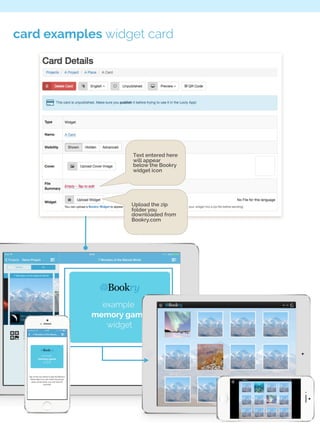
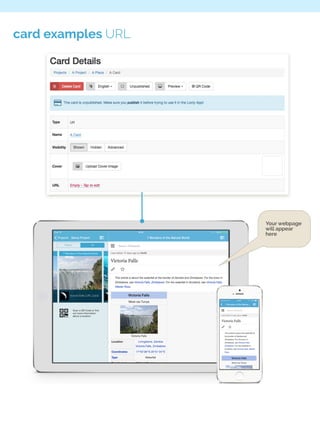
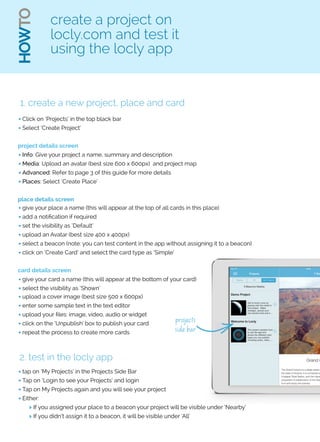

This document provides instructions for creating and managing content on the Locly platform, including creating projects, places, and cards to display interactive content in the Locly app. Projects organize content and can be assigned to beacons or apps. Places contain cards representing different locations, and cards display content like text, images, videos or widgets. The steps outlined include creating a sample project with a place and card, and testing the content in the Locly app.


