Downloaded 160 times
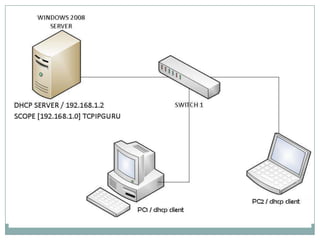
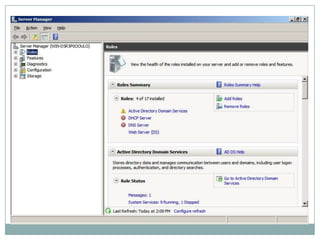
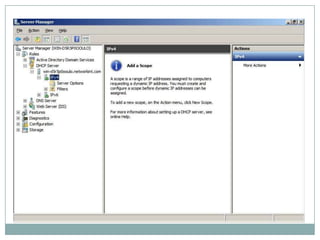
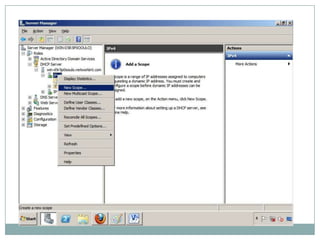
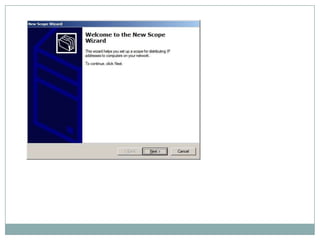
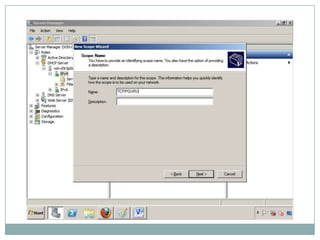
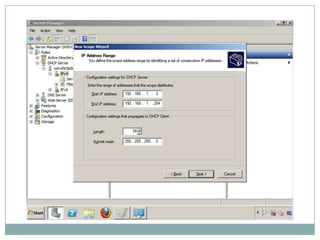
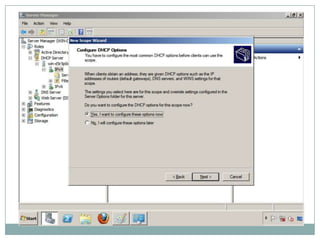
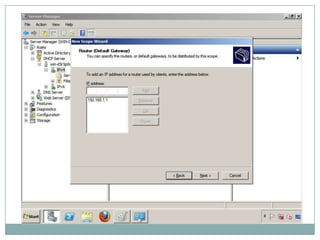
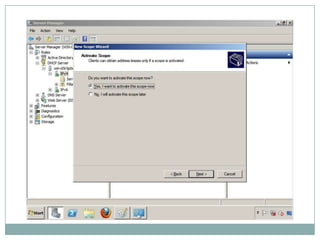
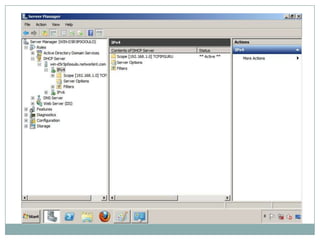
The document describes how to configure a DHCP server scope on a Windows 2008 server to provide IP addresses to clients on the 192.168.1.0 network. It shows screenshots of creating a new scope for that network range to assign IP addresses to devices connecting on that subnet. The scope configuration assigns IP addresses, default gateways, and DNS servers to clients joining the network.


