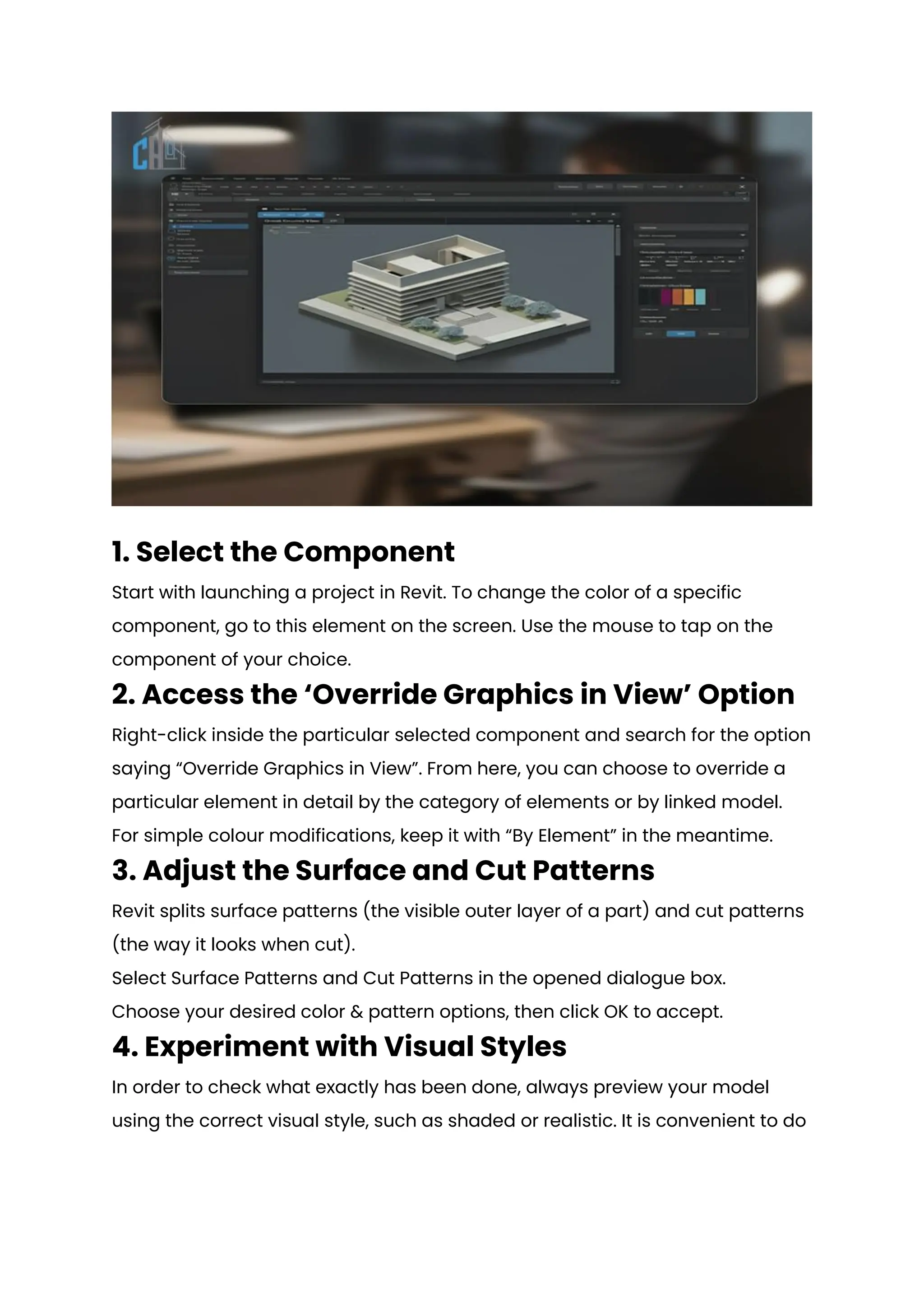
This document provides a comprehensive guide on how to change the color of modeled components in Autodesk Revit, highlighting the importance of customization in architectural design. It outlines step-by-step instructions for basic color adjustments and introduces advanced techniques such as using filters, material assignments, and the Revit API for automation. Additionally, it offers best practices for efficient color customization workflows to enhance project clarity and professionalism.