Over coming the problems of aging
presentation
presentation
By Falak Memon
T.Y. B Optom
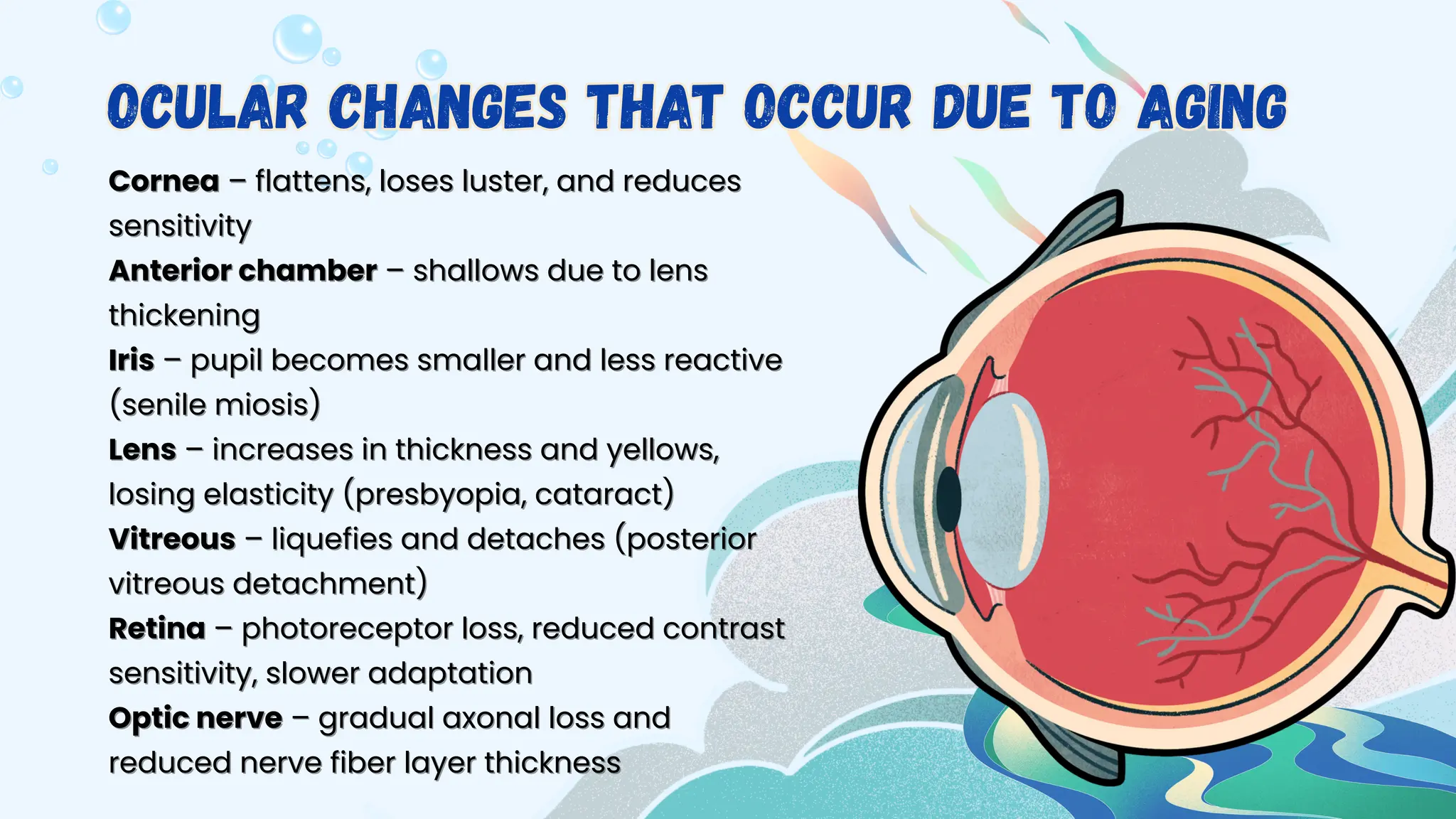
Cornea
Cornea – flattens, loses luster, and reduces
– flattens, loses luster, and reduces
sensitivity
sensitivity
Anterior chamber
Anterior chamber – shallows due to lens
– shallows due to lens
thickening
thickening
Iris
Iris – pupil becomes smaller and less reactive
– pupil becomes smaller and less reactive
(senile miosis)
(senile miosis)
Lens
Lens – increases in thickness and yellows,
– increases in thickness and yellows,
losing elasticity (presbyopia, cataract)
Vitreous
Vitreous – liquefies and detaches (posterior
– liquefies and detaches (posterior
vitreous detachment)
Retina
Retina – photoreceptor loss, reduced contrast
– photoreceptor loss, reduced contrast
sensitivity, slower adaptation
Optic nerve
Optic nerve – gradual axonal loss and
– gradual axonal loss and
reduced nerve fiber layer thickness
Ocular Changes that occur due to aging
These strategies
can be used for
overcoming the
challenges
These strategies
can be used for
overcoming the
challenges
Incr
Increase brightness: Use strong, evenly
ease brightness: Use strong, evenly
distributed light for reading, sewing,
cooking, or other detail work.
Reduce glare: Choose matte finishes for
work surfaces, use lampshades, and
position lights to avoid reflections.
Task lighting: Keep a dedicated light close
to your work (e.g., gooseneck lamp) to
maximize contrast.
maximize contrast.
1
1.
.Optimize lighting
1.Optimize lighting
Use high-con
Use high-contrast tools (black text
trast tools (black text
on white background, bold markers
for labeling).
for labeling).
Color-code objects (e.g., red
handle for scissors, yellow tape for
steps).
steps).
Place light-colored objects on dark
backgrounds and vice versa.
Enhance Visual
Contrast
Enhance Visual
Contrast
K
Keep pathways and work areas clutter-
eep pathways and work areas clutter-
free to aid depth perception and
mobility.
mobility.
Ensure consistent lighting between
rooms to avoid sudden dark–bright
transitions.
transitions.
Use large-print labels, instructions, or
displays.
displays.
Adjust the Work
Environment
Adjust the Work
Environment
Maintain
Maintain a diet rich in leafy greens,
a diet rich in leafy greens,
fish, nuts, and colorful vegetables for
nutrients like lutein, zeaxanthin, and
omega-3s.
omega-3s.
Stay hydrated to help prevent dry
eyes.
eyes.
Wear sunglasses with 100% UVA/UVB
protection outdoors.
Support eye health
Support eye health
F
Follow the 20-20-20 rule: every
ollow the 20-20-20 rule: every
20 minutes, look at something
20 feet away for 20 seconds.
Blink consciously to avoid
dryness, especially during
screen work.
screen work.
Take short breaks to prevent
fatigue.
fatigue.
Protect Your
Eyes
Protect Your
Eyes
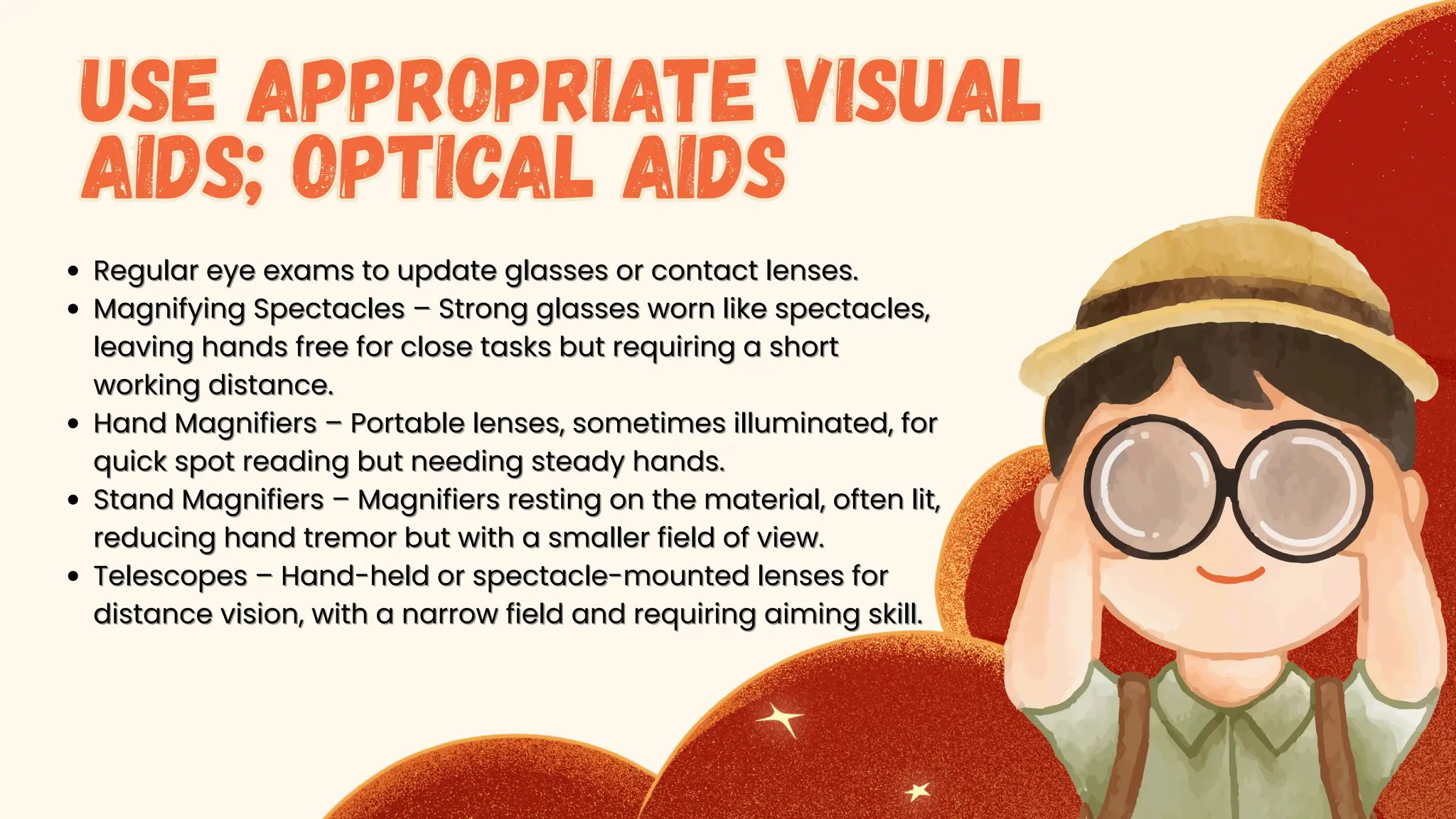
Regular eye exams to update glasses or contact lenses.
Magnifying Spectacles – Strong glasses worn like spectacles,
leaving hands free for close tasks but requiring a short
working distance.
working distance.
Hand Magnifiers – Portable lenses, sometimes illuminated, for
quick spot reading but needing steady hands.
Stand Magnifiers – Magnifiers resting on the material, often lit,
reducing hand tremor but with a smaller field of view.
Telescopes – Hand-held or spectacle-mounted lenses for
distance vision, with a narrow field and requiring aiming skill.
Use Appropriate Visual
Aids; Optical Aids
Use Appropriate Visual
Aids; Optical Aids
High-contr
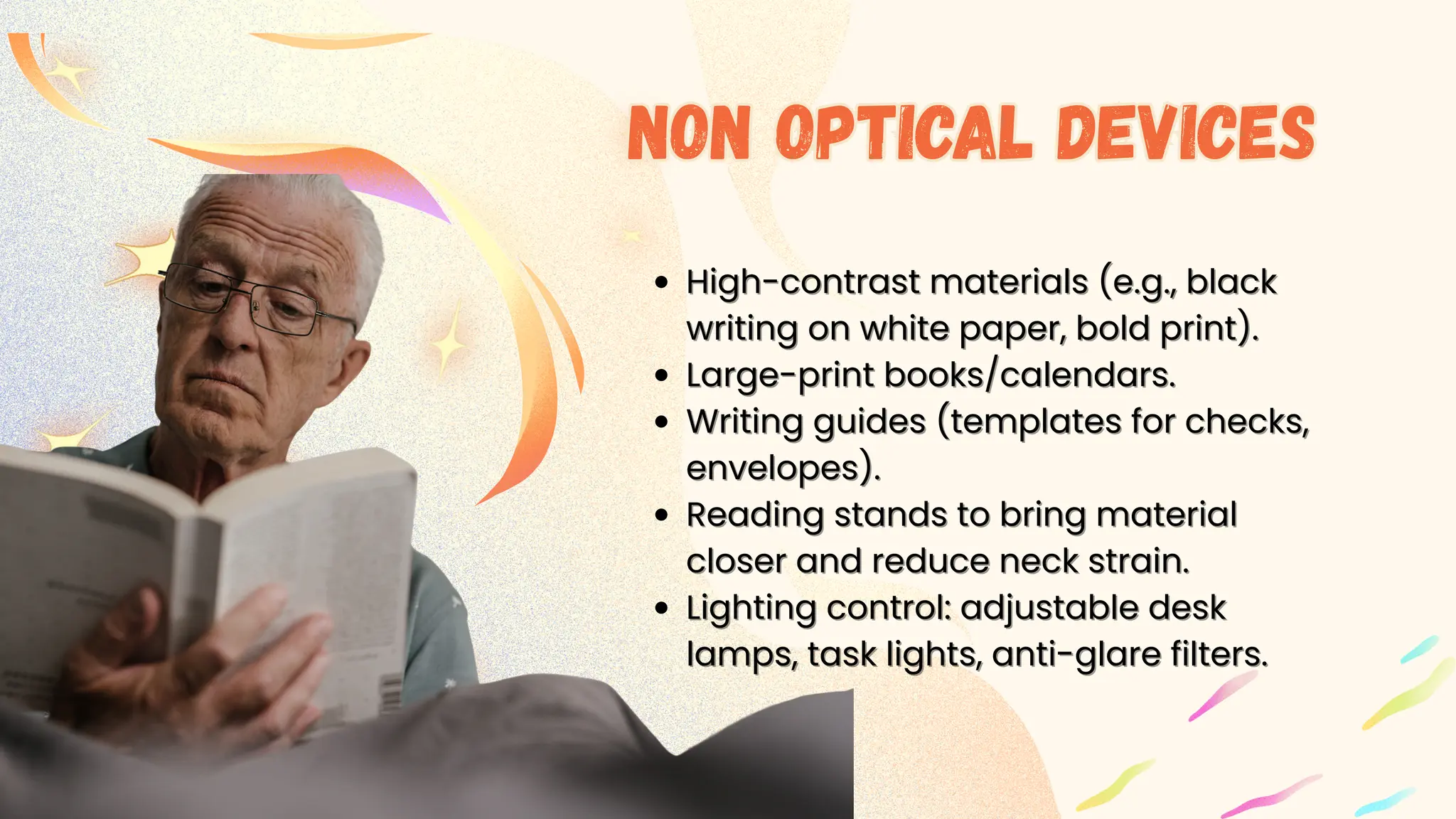
High-contrast materials (e.g., black
ast materials (e.g., black
writing on white paper, bold print).
Large-print books/calendars.
Writing guides (templates for checks,
envelopes).
envelopes).
Reading stands to bring material
closer and reduce neck strain.
Lighting control: adjustable desk
lamps, task lights, anti-glare filters.
Non optical devices
Non optical devices
CCTV/Video Magnifi
CCTV/Video Magnifiers – Stationary devices
ers – Stationary devices
that project text onto a monitor with
adjustable magnification, contrast, and color
inversion for extended reading.
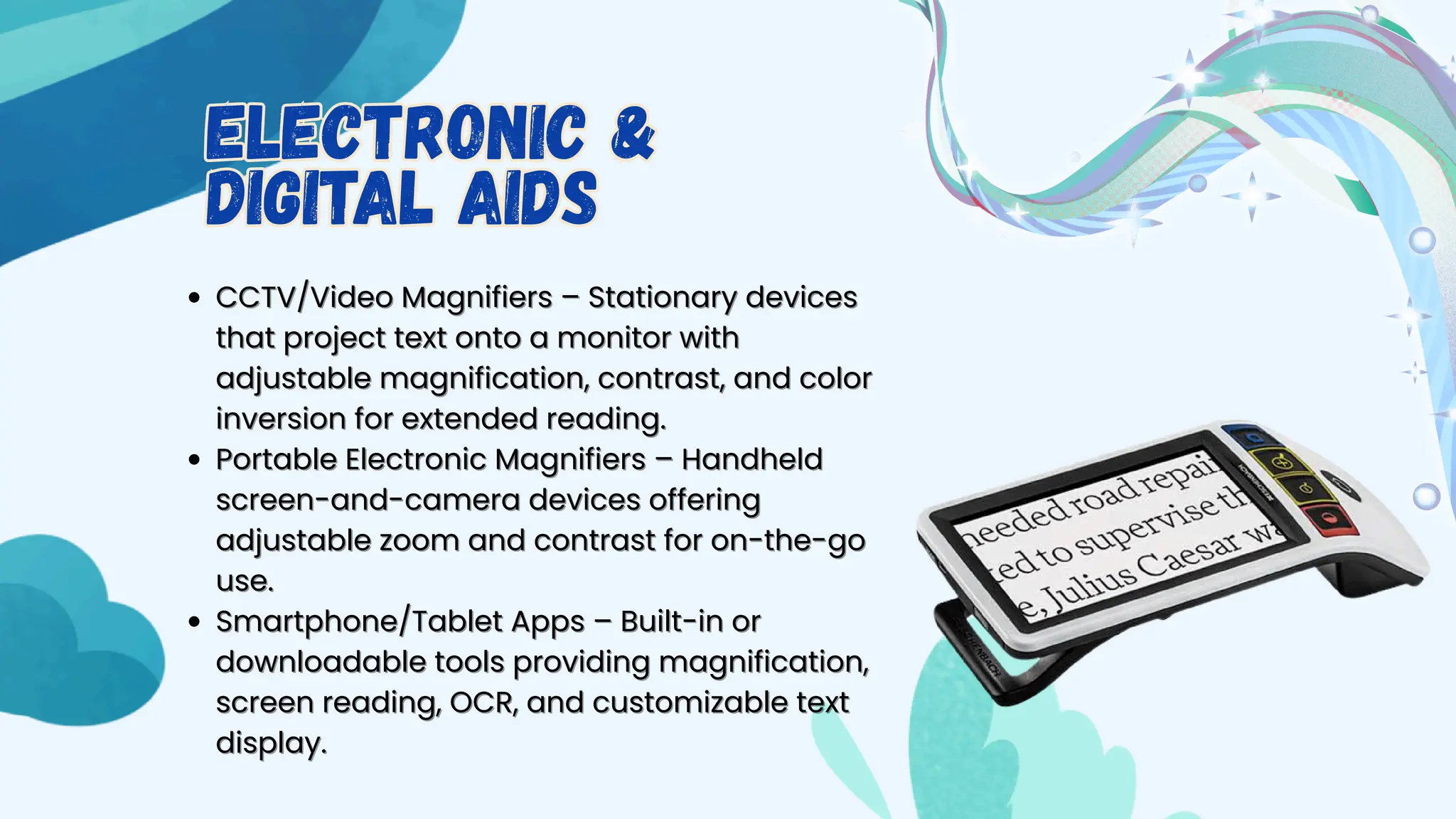
Portable Electronic Magnifiers – Handheld
screen-and-camera devices offering
adjustable zoom and contrast for on-the-go
use.
use.
Smartphone/Tablet Apps – Built-in or
downloadable tools providing magnification,
screen reading, OCR, and customizable text
display.
display.
Electronic &
Digital Aids
Electronic &
Digital Aids
Thank you
Thank you

How to carry on one’s visual task overcoming the problems of ageing

  • 1.
    Over coming theproblems of aging Over coming the problems of aging presentation presentation By Falak Memon T.Y. B Optom
  • 2.
    Cornea Cornea – flattens,loses luster, and reduces – flattens, loses luster, and reduces sensitivity sensitivity Anterior chamber Anterior chamber – shallows due to lens – shallows due to lens thickening thickening Iris Iris – pupil becomes smaller and less reactive – pupil becomes smaller and less reactive (senile miosis) (senile miosis) Lens Lens – increases in thickness and yellows, – increases in thickness and yellows, losing elasticity (presbyopia, cataract) losing elasticity (presbyopia, cataract) Vitreous Vitreous – liquefies and detaches (posterior – liquefies and detaches (posterior vitreous detachment) vitreous detachment) Retina Retina – photoreceptor loss, reduced contrast – photoreceptor loss, reduced contrast sensitivity, slower adaptation sensitivity, slower adaptation Optic nerve Optic nerve – gradual axonal loss and – gradual axonal loss and reduced nerve fiber layer thickness reduced nerve fiber layer thickness Ocular Changes that occur due to aging Ocular Changes that occur due to aging
  • 3.
    These strategies can beused for overcoming the challenges These strategies can be used for overcoming the challenges
  • 4.
    Incr Increase brightness: Usestrong, evenly ease brightness: Use strong, evenly distributed light for reading, sewing, distributed light for reading, sewing, cooking, or other detail work. cooking, or other detail work. Reduce glare: Choose matte finishes for Reduce glare: Choose matte finishes for work surfaces, use lampshades, and work surfaces, use lampshades, and position lights to avoid reflections. position lights to avoid reflections. Task lighting: Keep a dedicated light close Task lighting: Keep a dedicated light close to your work (e.g., gooseneck lamp) to to your work (e.g., gooseneck lamp) to maximize contrast. maximize contrast. 1 1. .Optimize lighting 1.Optimize lighting
  • 5.
    Use high-con Use high-contrasttools (black text trast tools (black text on white background, bold markers on white background, bold markers for labeling). for labeling). Color-code objects (e.g., red Color-code objects (e.g., red handle for scissors, yellow tape for handle for scissors, yellow tape for steps). steps). Place light-colored objects on dark Place light-colored objects on dark backgrounds and vice versa. backgrounds and vice versa. Enhance Visual Contrast Enhance Visual Contrast
  • 6.
    K Keep pathways andwork areas clutter- eep pathways and work areas clutter- free to aid depth perception and free to aid depth perception and mobility. mobility. Ensure consistent lighting between Ensure consistent lighting between rooms to avoid sudden dark–bright rooms to avoid sudden dark–bright transitions. transitions. Use large-print labels, instructions, or Use large-print labels, instructions, or displays. displays. Adjust the Work Environment Adjust the Work Environment
  • 7.
    Maintain Maintain a dietrich in leafy greens, a diet rich in leafy greens, fish, nuts, and colorful vegetables for fish, nuts, and colorful vegetables for nutrients like lutein, zeaxanthin, and nutrients like lutein, zeaxanthin, and omega-3s. omega-3s. Stay hydrated to help prevent dry Stay hydrated to help prevent dry eyes. eyes. Wear sunglasses with 100% UVA/UVB Wear sunglasses with 100% UVA/UVB protection outdoors. protection outdoors. Support eye health Support eye health
  • 8.
    F Follow the 20-20-20rule: every ollow the 20-20-20 rule: every 20 minutes, look at something 20 minutes, look at something 20 feet away for 20 seconds. 20 feet away for 20 seconds. Blink consciously to avoid Blink consciously to avoid dryness, especially during dryness, especially during screen work. screen work. Take short breaks to prevent Take short breaks to prevent fatigue. fatigue. Protect Your Eyes Protect Your Eyes
  • 9.
    Regular eye examsto update glasses or contact lenses. Regular eye exams to update glasses or contact lenses. Magnifying Spectacles – Strong glasses worn like spectacles, Magnifying Spectacles – Strong glasses worn like spectacles, leaving hands free for close tasks but requiring a short leaving hands free for close tasks but requiring a short working distance. working distance. Hand Magnifiers – Portable lenses, sometimes illuminated, for Hand Magnifiers – Portable lenses, sometimes illuminated, for quick spot reading but needing steady hands. quick spot reading but needing steady hands. Stand Magnifiers – Magnifiers resting on the material, often lit, Stand Magnifiers – Magnifiers resting on the material, often lit, reducing hand tremor but with a smaller field of view. reducing hand tremor but with a smaller field of view. Telescopes – Hand-held or spectacle-mounted lenses for Telescopes – Hand-held or spectacle-mounted lenses for distance vision, with a narrow field and requiring aiming skill. distance vision, with a narrow field and requiring aiming skill. Use Appropriate Visual Aids; Optical Aids Use Appropriate Visual Aids; Optical Aids
  • 10.
    High-contr High-contrast materials (e.g.,black ast materials (e.g., black writing on white paper, bold print). writing on white paper, bold print). Large-print books/calendars. Large-print books/calendars. Writing guides (templates for checks, Writing guides (templates for checks, envelopes). envelopes). Reading stands to bring material Reading stands to bring material closer and reduce neck strain. closer and reduce neck strain. Lighting control: adjustable desk Lighting control: adjustable desk lamps, task lights, anti-glare filters. lamps, task lights, anti-glare filters. Non optical devices Non optical devices
  • 11.
    CCTV/Video Magnifi CCTV/Video Magnifiers– Stationary devices ers – Stationary devices that project text onto a monitor with that project text onto a monitor with adjustable magnification, contrast, and color adjustable magnification, contrast, and color inversion for extended reading. inversion for extended reading. Portable Electronic Magnifiers – Handheld Portable Electronic Magnifiers – Handheld screen-and-camera devices offering screen-and-camera devices offering adjustable zoom and contrast for on-the-go adjustable zoom and contrast for on-the-go use. use. Smartphone/Tablet Apps – Built-in or Smartphone/Tablet Apps – Built-in or downloadable tools providing magnification, downloadable tools providing magnification, screen reading, OCR, and customizable text screen reading, OCR, and customizable text display. display. Electronic & Digital Aids Electronic & Digital Aids
  • 12.