This document provides instructions for setting up and using a virtual classroom. It contains the following:
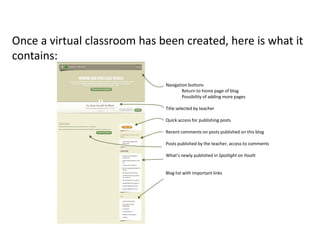
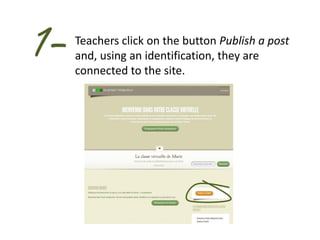
1. Once created, a virtual classroom contains navigation buttons, a title selected by the teacher, quick access to publishing posts, and links to recent comments and posts.
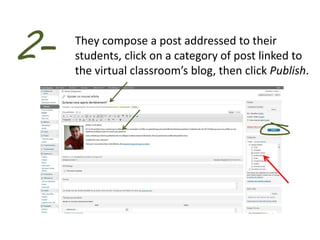
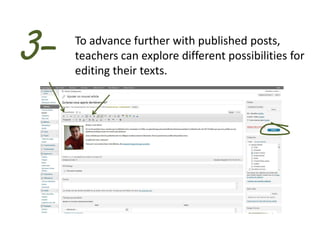
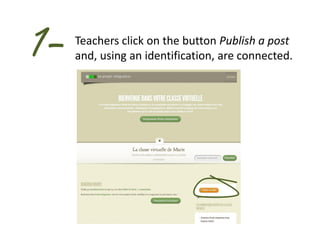
2. To publish a post, teachers click "Publish a post" and log in, then compose and categorize their post before clicking "Publish."
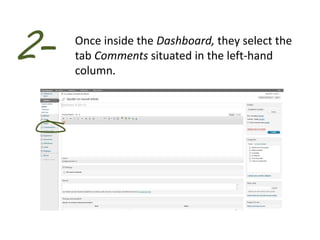
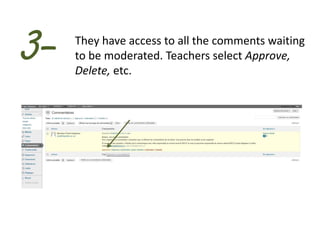
3. Teachers can moderate comments by clicking "Publish a post" to log in, then approving, deleting, or other moderating comments from the "Comments" tab.


![Wikis, podcasts, and_blogs[1]](https://cdn.slidesharecdn.com/ss_thumbnails/wikispodcastsandblogs1-110405124519-phpapp02-thumbnail.jpg?width=640&height=640&fit=bounds)


