
@caspug #spsclt 
Notes from the field 
How Carolinas HealthCare System 
Governs SharePoint
Who am I? 
• Kelly D. Jones 
– Carolinas HealthCare System 
• SharePoint Architect & SP Team Manager 
– 15+ years industry experience; 6+ SharePoint 
• My blog: http://www.KellyDJones.com 
• Twitter: @KellyDJones 
9/29/2014 @caspug #spsclt 2
Please thank our sponsors! 
9/29/2014 @caspug #spsclt 3
Agenda 
• Why this presentation? 
• What is Carolinas HealthCare System? 
• The CHS SharePoint governance story 
– Where we started 
– Where we are 
– Where we’re going 
9/29/2014 @caspug #spsclt 4
Why this presentation? 
• Introductions to governance tend to focus on theory: 
– Governance is the set of policies, roles, responsibilities, and 
processes that control how an organization's business divisions 
and IT teams work together to achieve its goals. – MS Technet 
•• Need for real world examples of tgaomveinrgn athnece wild west 
– Why was governance introduced? 
– How was governance implemented? 
– What problems did governance solve? 
• Is the way we govern the best? Is it all directly applicable 
to you? 
– Probably not. Pick and choose what makes sense. 
9/29/2014 @caspug #spsclt 5
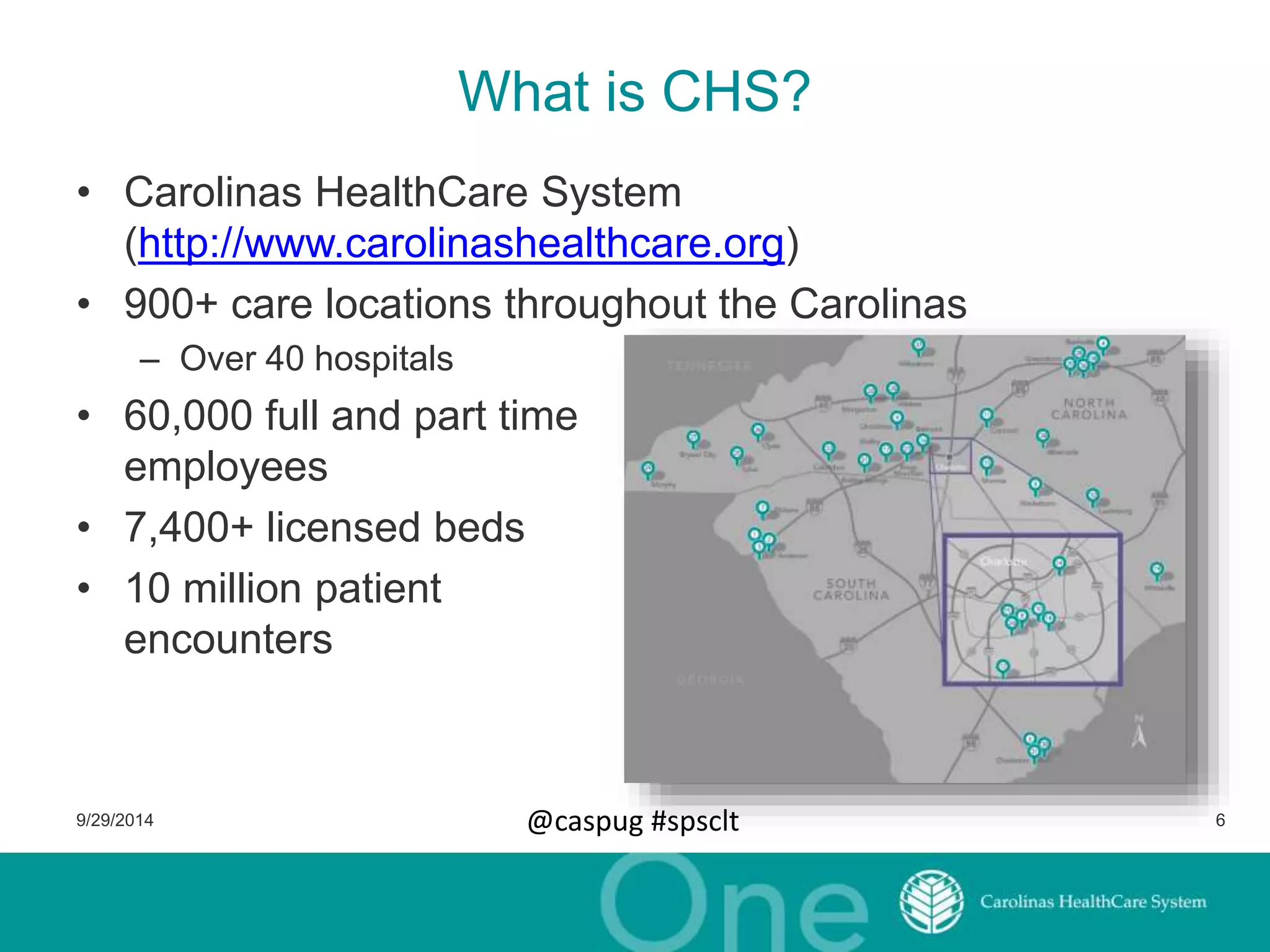
What is CHS? 
• Carolinas HealthCare System 
(http://www.carolinashealthcare.org) 
• 900+ care locations throughout the Carolinas 
– Over 40 hospitals 
• 60,000 full and part time 
employees 
• 7,400+ licensed beds 
• 10 million patient 
encounters 
9/29/2014 @caspug #spsclt 6
CHS – Where we started (2011) 
So what massive SharePoint farm was supporting CHS? 
• Number of servers in farm: 
One. (SharePoint + SQL Server) 
• Version of SharePoint: 
• 70+: 
WSS 3.0 (“free” version of SharePoint 2007) 
Web applications. 
1 site collection had 330+ top level sub sites 
• 2000+ 
Sub sites in 70+ site collections 
9/29/2014 @caspug #spsclt 7
CHS – Where we started (2011) cont. 
• SharePoint 2010 was set up as a POC 
– 1 SharePoint 2010 server 
– 2 SQL Server 2008 servers in a cluster 
• Consulting firm was engaged: 
– Migrate WSS to SP2010 
– Estimated to take six weeks 
That’s me. 
9/29/2014 @caspug #spsclt 8
Migrating to 2010 – Backing into governance 
• How many sites do we have? 
• What functionality is in use? 
• What customizations have been done? 
• Who do we talk to about this site? Who’s the owner? 
9/29/2014 @caspug #spsclt 9
Step 1. Take an inventory 
• Created a list of all web applications, site 
collections, sub sites, solutions 
• Sub sites 
– Site owners 
– Size: amount of data, number 
of lists, number of documents 
– Templates used 
– Is anonymous enabled? 
• Web applications 
– DNS address 
– User policies 
• Site collections 
– Address 
– Site Collection Admins 
– Size 
9/29/2014 @caspug #spsclt 10
Step 2. Store that inventory 
• Output of PowerShell can be XML or CSV 
• Store them in Excel or SharePoint List? 
– We manually imported them from Excel into an SP List 
– Our PowerShell eventually could populate the list directly 
9/29/2014 @caspug #spsclt 11
Step 3. Analyze data: What we found? 
• Fab 40 site templates 
• Lots of sites with “test” as part of title or URL 
• Sites with anonymous access 
• Sites storing sensitive data 
• One site collection with 
– 330+ top level sub sites 
– 2,000+ total sub sites 
– 2,000+ SharePoint groups 
• Users built Word documents that were simply a list of 
links to documents stored in the same SP library 
(views?) 
• 98% of the usage was a glorified file share 
9/29/2014 @caspug #spsclt 12
Step 4. Technical Enforcement 
• Limited site collection administrators to the central 
SharePoint team 
– Gained control of SharePoint Designer options (and disabled it) 
– Gained control of SC features 
– Gained control of branding 
– Gained control of auditing settings 
– Gained control of sandbox solutions 
• Set quotas on site collections 
– Improved database management 
– Improved stability – no more SQL running out of room and 
bringing farm to a halt 
9/29/2014 @caspug #spsclt 13
Step 5. Owner Policy Changes 
• Defined site owners for site collections, not subsites 
– Many options/decisions are at the site collection level 
• Auditing 
• Allowing sensitive data or not 
– Instantly reduced number of owners from thousands to hundreds 
• Identify site owners 
– Found owners by looking in the “Owners” group of the root site 
within a site collection (aka: tag  you’re it!) 
• Categorized owners 
– Data Owners 
– Primary Site Owner 
– Secondary Site Owner 
9/29/2014 @caspug #spsclt 14
Step 6. Site Management List 
• Turned list of site collections into the “Site Management 
List” 
• Track status of site – new, renewed, read only, archived, 
deleted 
• New Site Request and Site Update Forms allows owners 
to: 
– Submit names of new owners 
– Set the data classification (sensitive or not) 
– Can state site no longer needed 
• Renewal process 
– Require owners to update their site info annually 
9/29/2014 @caspug #spsclt 15
Step 7. Information Architecture Changes 
• Split up large site collection 
– Turned each of the 300 into separate site collections 
• Consolidated from 70+ to 1 web application 
– Eliminated vanity URLs 
• Simplified communications about SharePoint 
• Eliminated issues with DNS changes 
– Technical issues with that many web apps 
– Microsoft recommends no more than 10 per farm 
– Microsoft suggests that if you need more than 2-4, you’re doing it 
wrong 
9/29/2014 @caspug #spsclt 16
Step 8. Standard Branding 
• Reinforce CHS brand to all teammates (meeting 
marketing goals) 
• Reminds users this is a CHS property 
• Eliminates garish color schemes 
– Reduces non productive time spent by owners (we hope they 
focus on their content and not the color scheme for the site) 
• Added “alert” functionality 
– SP team can make a message appear on any site with different 
colors 
– Great way to notify about outages or upcoming site moves 
9/29/2014 @caspug #spsclt 17
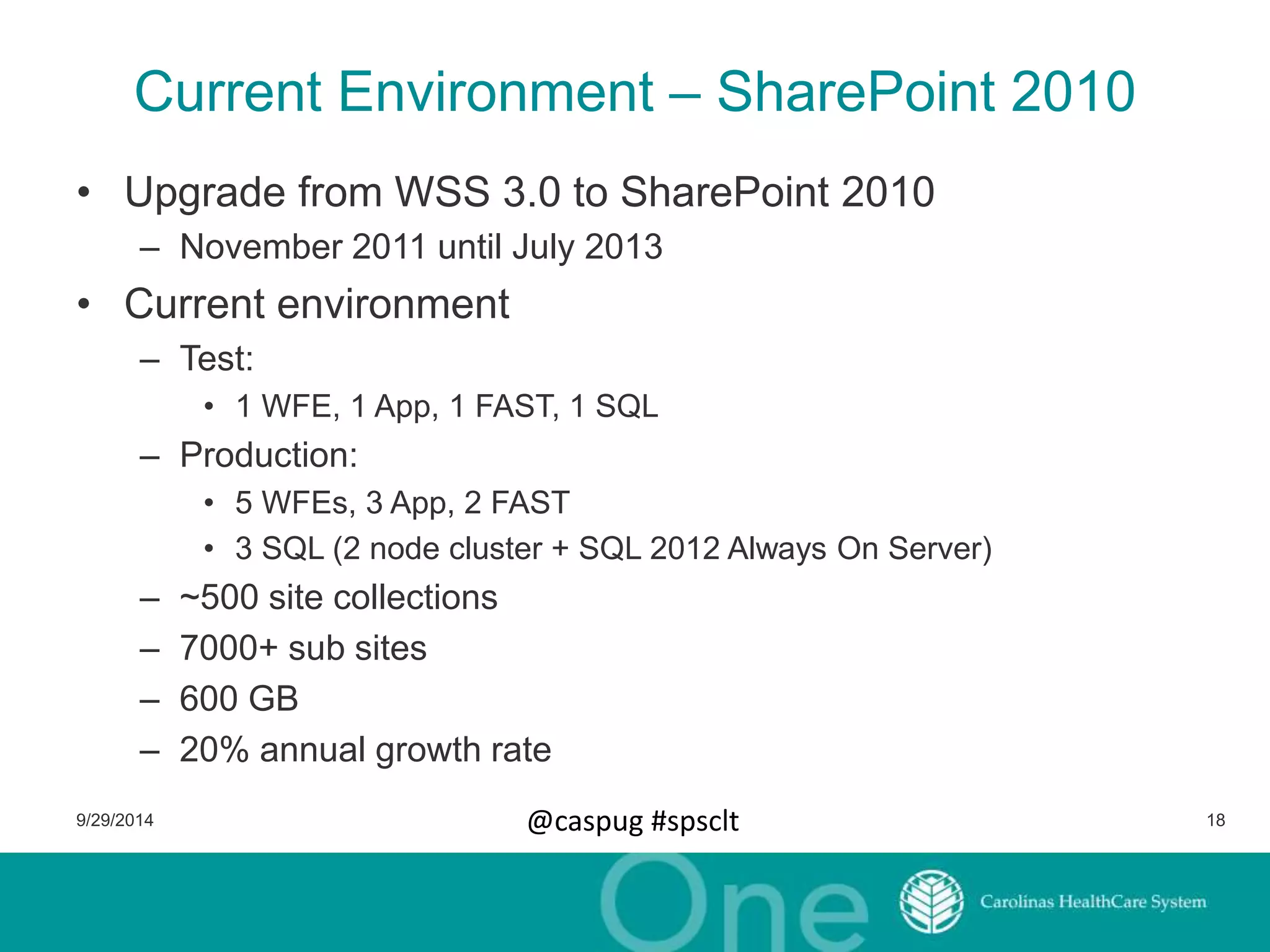
Current Environment – SharePoint 2010 
• Upgrade from WSS 3.0 to SharePoint 2010 
– November 2011 until July 2013 
• Current environment 
– Test: 
• 1 WFE, 1 App, 1 FAST, 1 SQL 
– Production: 
• 5 WFEs, 3 App, 2 FAST 
• 3 SQL (2 node cluster + SQL 2012 Always On Server) 
– ~500 site collections 
– 7000+ sub sites 
– 600 GB 
– 20% annual growth rate 
9/29/2014 @caspug #spsclt 18
Next Environment 
• Office 365 
– CHS decided to go 100% to SharePoint Online in June 2013 
– 38k users licensed with E3 plan 
• Governance changes 
– New issues to address 
– Opportunity to address existing issues 
9/29/2014 @caspug #spsclt 19
New Governance Goals 
• Providing more information to users to increase their 
understanding of our policies 
• Reinforce ownership at the site collection level 
• Address compliance concerns about new functionality 
9/29/2014 @caspug #spsclt 20
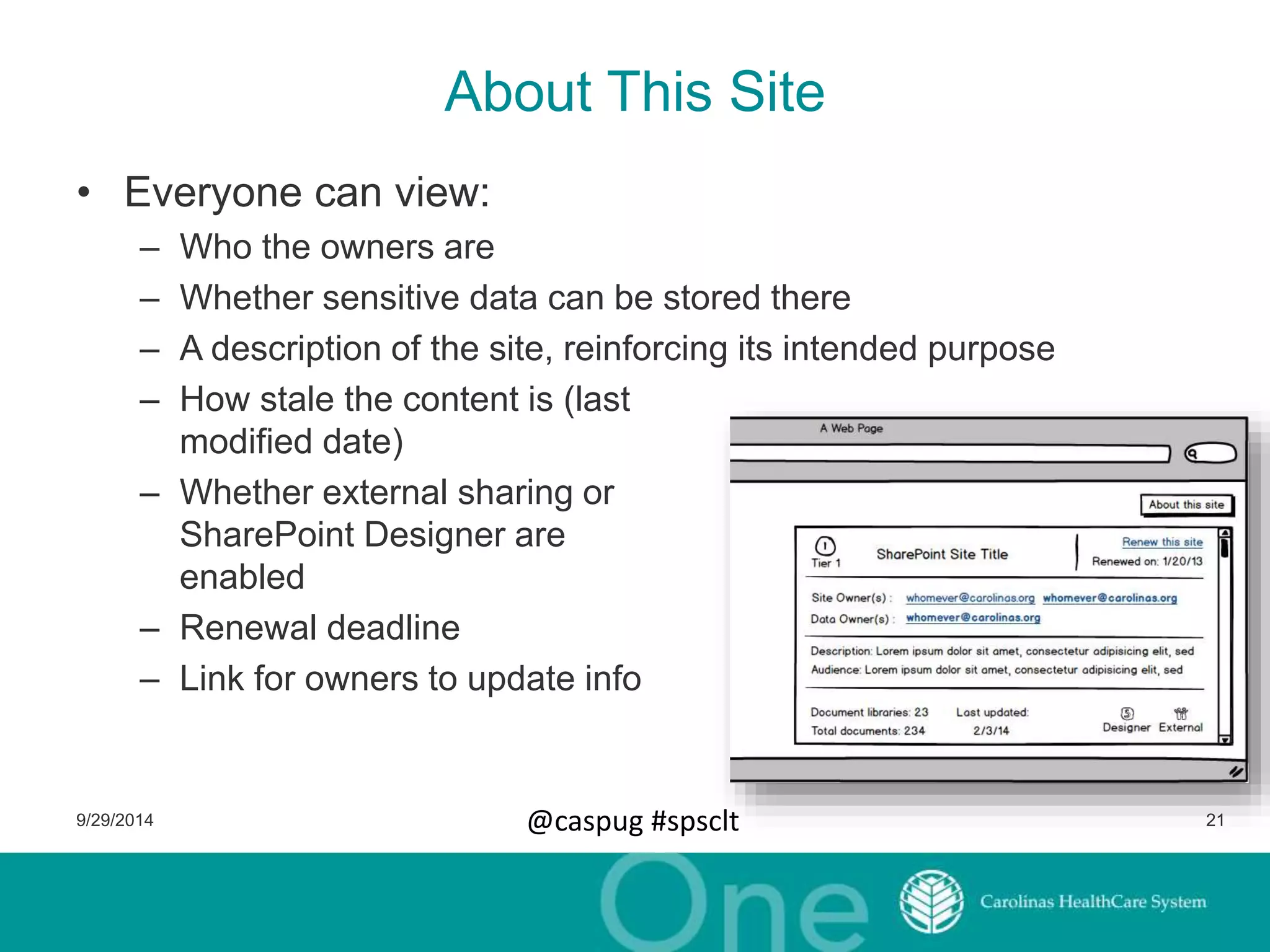
About This Site 
• Everyone can view: 
– Who the owners are 
– Whether sensitive data can be stored there 
– A description of the site, reinforcing its intended purpose 
– How stale the content is (last 
modified date) 
– Whether external sharing or 
SharePoint Designer are 
enabled 
– Renewal deadline 
– Link for owners to update info 
9/29/2014 @caspug #spsclt 21
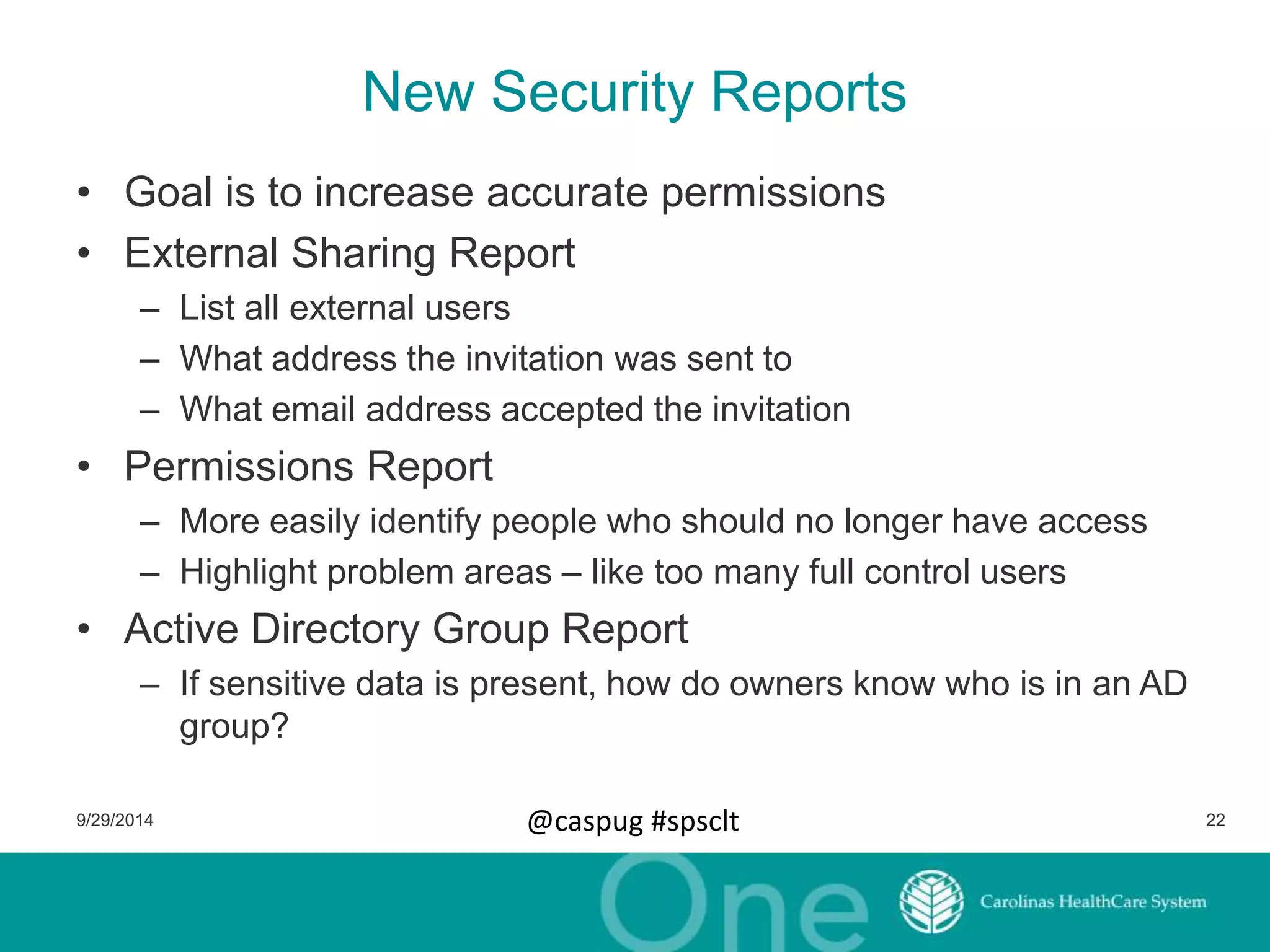
New Security Reports 
• Goal is to increase accurate permissions 
• External Sharing Report 
– List all external users 
– What address the invitation was sent to 
– What email address accepted the invitation 
• Permissions Report 
– More easily identify people who should no longer have access 
– Highlight problem areas – like too many full control users 
• Active Directory Group Report 
– If sensitive data is present, how do owners know who is in an AD 
group? 
9/29/2014 @caspug #spsclt 22
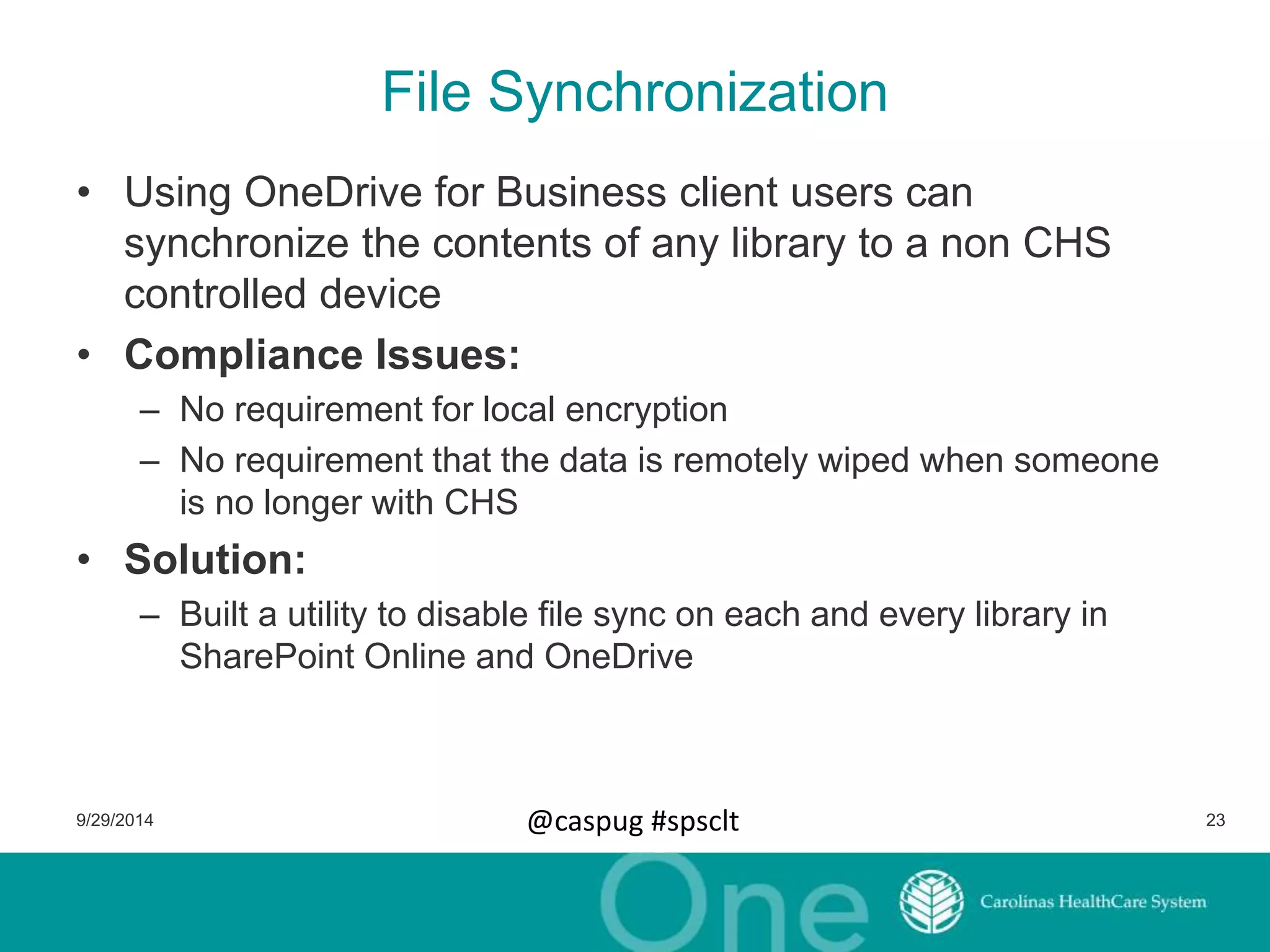
File Synchronization 
• Using OneDrive for Business client users can 
synchronize the contents of any library to a non CHS 
controlled device 
• Compliance Issues: 
– No requirement for local encryption 
– No requirement that the data is remotely wiped when someone 
is no longer with CHS 
• Solution: 
– Built a utility to disable file sync on each and every library in 
SharePoint Online and OneDrive 
9/29/2014 @caspug #spsclt 23
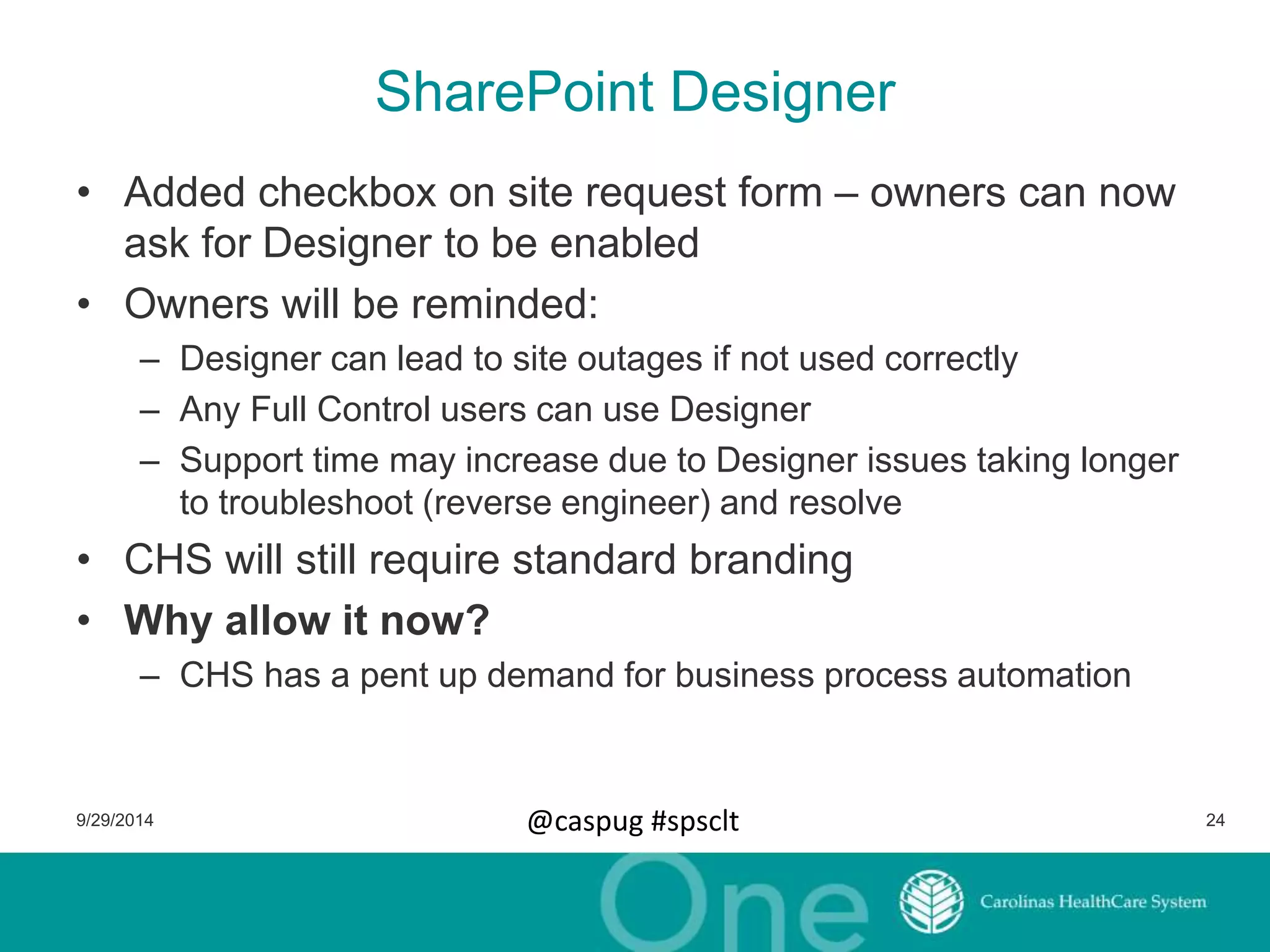
SharePoint Designer 
• Added checkbox on site request form – owners can now 
ask for Designer to be enabled 
• Owners will be reminded: 
– Designer can lead to site outages if not used correctly 
– Any Full Control users can use Designer 
– Support time may increase due to Designer issues taking longer 
to troubleshoot (reverse engineer) and resolve 
• CHS will still require standard branding 
• Why allow it now? 
– CHS has a pent up demand for business process automation 
9/29/2014 @caspug #spsclt 24
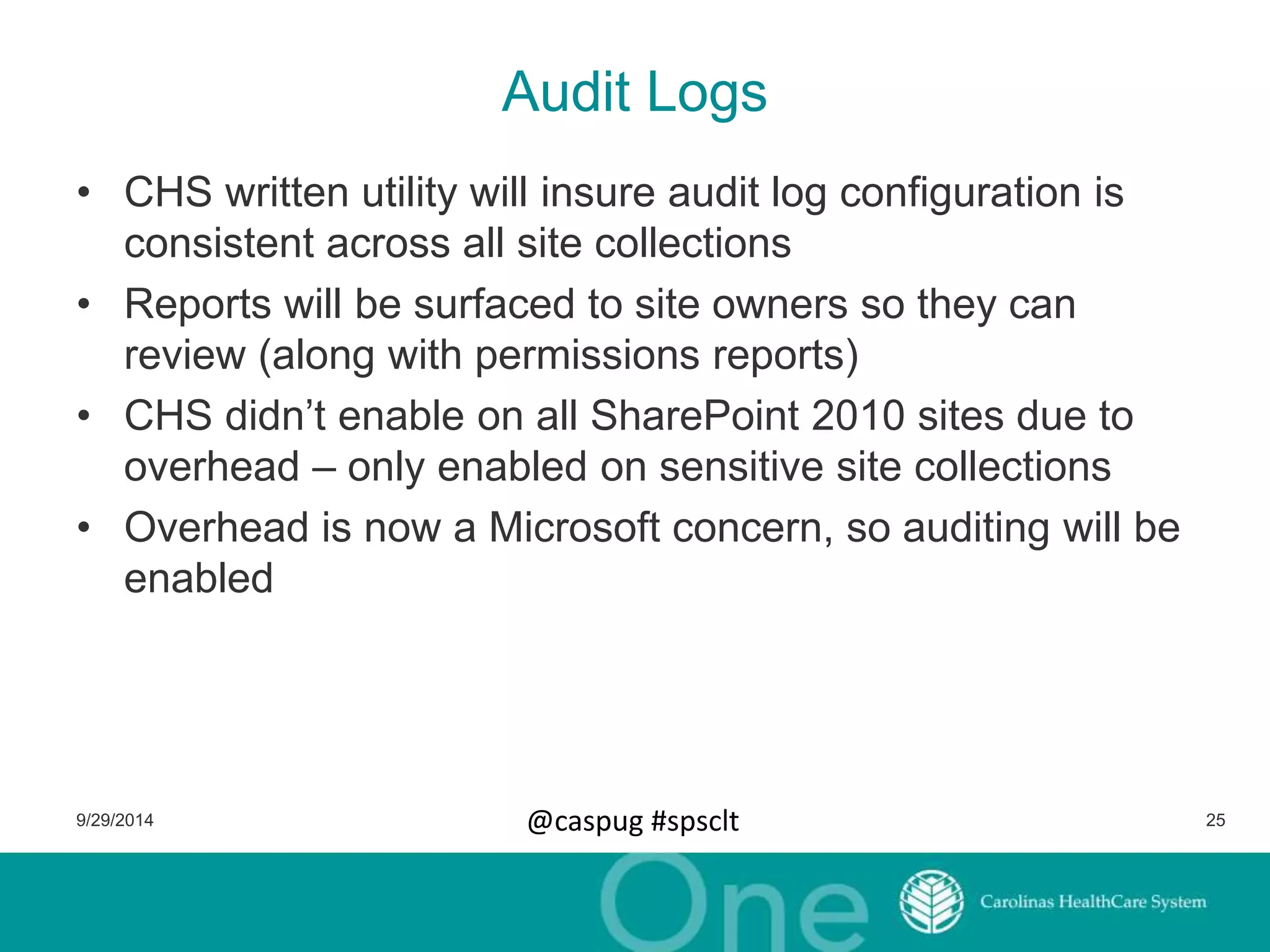
Audit Logs 
• CHS written utility will insure audit log configuration is 
consistent across all site collections 
• Reports will be surfaced to site owners so they can 
review (along with permissions reports) 
• CHS didn’t enable on all SharePoint 2010 sites due to 
overhead – only enabled on sensitive site collections 
• Overhead is now a Microsoft concern, so auditing will be 
enabled 
9/29/2014 @caspug #spsclt 25
One Last Thing 
• Attempting to engage our users at a higher level 
– Not just break/fix 
– Let us help you take advantage of SharePoint 
• Moving quick questions to eLearning (reduce burden on 
help desk) 
• Improving eLearning 
– Rebuilt site to improve usability 
– Added Brainstorm videos 
– Adding SharePoint Team blog to share longer answers to 
commonly asked questions 
• Hosting “Ask Us Anything” sessions 
• Executing projects with our SharePoint Analysts 
9/29/2014 @caspug #spsclt 26
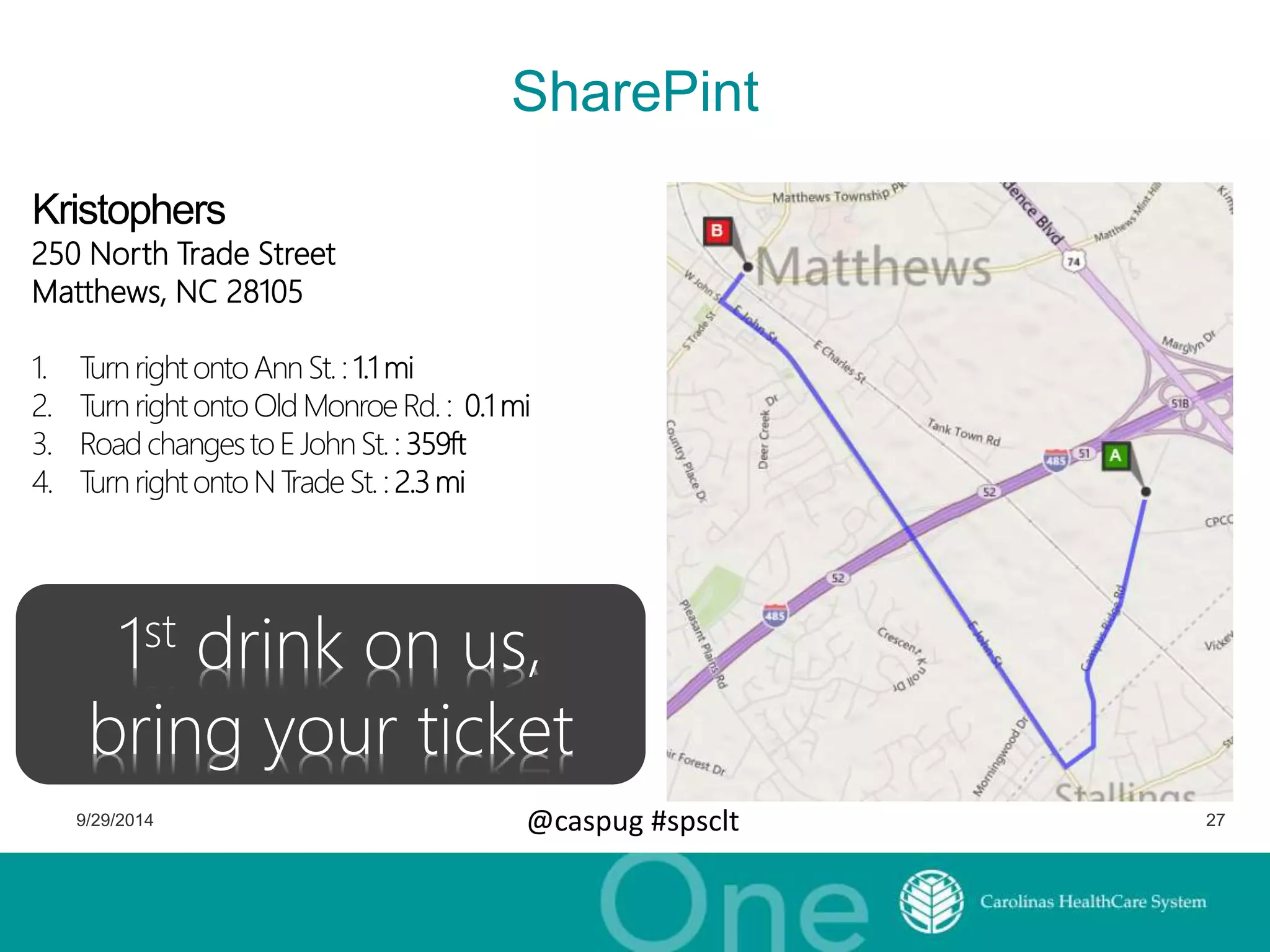
250 North Trade Street 
Matthews, NC 28105 
SharePint 
1st drink on us, 
bring your ticket 
9/29/2014 @caspug #spsclt 27
Thank you! 
Any Questions? 
• Blog: http://www.kellydjones.com 
• Twitter mentions are appreciated: 
@kellydjones 
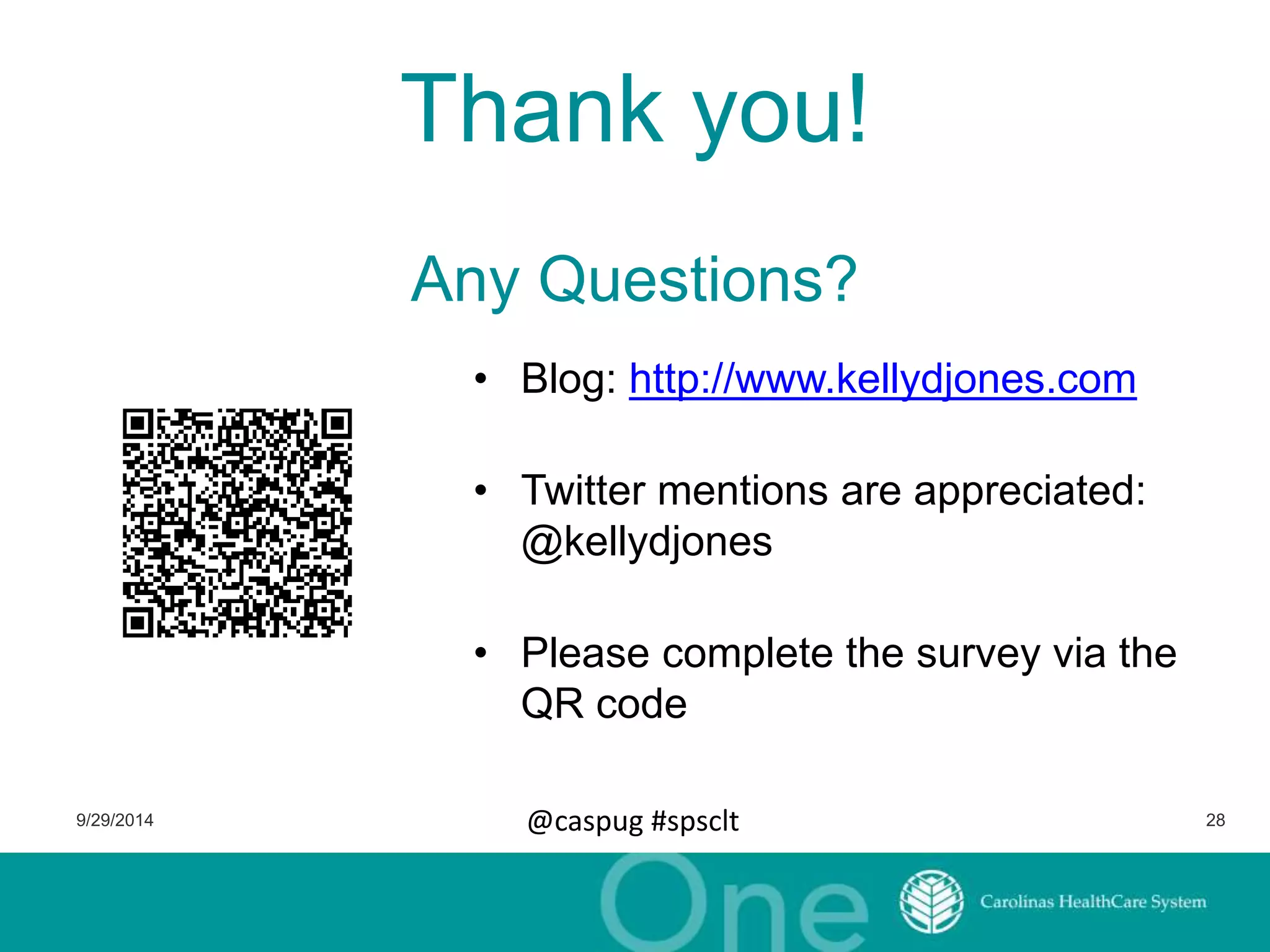
• Please complete the survey via the 
QR code 
9/29/2014 @caspug #spsclt 28

How Carolinas HealthCare System Governs SharePoint

  • 1.
    @caspug #spsclt Notesfrom the field How Carolinas HealthCare System Governs SharePoint
  • 2.
    Who am I? • Kelly D. Jones – Carolinas HealthCare System • SharePoint Architect & SP Team Manager – 15+ years industry experience; 6+ SharePoint • My blog: http://www.KellyDJones.com • Twitter: @KellyDJones 9/29/2014 @caspug #spsclt 2
  • 3.
    Please thank oursponsors! 9/29/2014 @caspug #spsclt 3
  • 4.
    Agenda • Whythis presentation? • What is Carolinas HealthCare System? • The CHS SharePoint governance story – Where we started – Where we are – Where we’re going 9/29/2014 @caspug #spsclt 4
  • 5.
    Why this presentation? • Introductions to governance tend to focus on theory: – Governance is the set of policies, roles, responsibilities, and processes that control how an organization's business divisions and IT teams work together to achieve its goals. – MS Technet •• Need for real world examples of tgaomveinrgn athnece wild west – Why was governance introduced? – How was governance implemented? – What problems did governance solve? • Is the way we govern the best? Is it all directly applicable to you? – Probably not. Pick and choose what makes sense. 9/29/2014 @caspug #spsclt 5
  • 6.
    What is CHS? • Carolinas HealthCare System (http://www.carolinashealthcare.org) • 900+ care locations throughout the Carolinas – Over 40 hospitals • 60,000 full and part time employees • 7,400+ licensed beds • 10 million patient encounters 9/29/2014 @caspug #spsclt 6
  • 7.
    CHS – Wherewe started (2011) So what massive SharePoint farm was supporting CHS? • Number of servers in farm: One. (SharePoint + SQL Server) • Version of SharePoint: • 70+: WSS 3.0 (“free” version of SharePoint 2007) Web applications. 1 site collection had 330+ top level sub sites • 2000+ Sub sites in 70+ site collections 9/29/2014 @caspug #spsclt 7
  • 8.
    CHS – Wherewe started (2011) cont. • SharePoint 2010 was set up as a POC – 1 SharePoint 2010 server – 2 SQL Server 2008 servers in a cluster • Consulting firm was engaged: – Migrate WSS to SP2010 – Estimated to take six weeks That’s me. 9/29/2014 @caspug #spsclt 8
  • 9.
    Migrating to 2010– Backing into governance • How many sites do we have? • What functionality is in use? • What customizations have been done? • Who do we talk to about this site? Who’s the owner? 9/29/2014 @caspug #spsclt 9
  • 10.
    Step 1. Takean inventory • Created a list of all web applications, site collections, sub sites, solutions • Sub sites – Site owners – Size: amount of data, number of lists, number of documents – Templates used – Is anonymous enabled? • Web applications – DNS address – User policies • Site collections – Address – Site Collection Admins – Size 9/29/2014 @caspug #spsclt 10
  • 11.
    Step 2. Storethat inventory • Output of PowerShell can be XML or CSV • Store them in Excel or SharePoint List? – We manually imported them from Excel into an SP List – Our PowerShell eventually could populate the list directly 9/29/2014 @caspug #spsclt 11
  • 12.
    Step 3. Analyzedata: What we found? • Fab 40 site templates • Lots of sites with “test” as part of title or URL • Sites with anonymous access • Sites storing sensitive data • One site collection with – 330+ top level sub sites – 2,000+ total sub sites – 2,000+ SharePoint groups • Users built Word documents that were simply a list of links to documents stored in the same SP library (views?) • 98% of the usage was a glorified file share 9/29/2014 @caspug #spsclt 12
  • 13.
    Step 4. TechnicalEnforcement • Limited site collection administrators to the central SharePoint team – Gained control of SharePoint Designer options (and disabled it) – Gained control of SC features – Gained control of branding – Gained control of auditing settings – Gained control of sandbox solutions • Set quotas on site collections – Improved database management – Improved stability – no more SQL running out of room and bringing farm to a halt 9/29/2014 @caspug #spsclt 13
  • 14.
    Step 5. OwnerPolicy Changes • Defined site owners for site collections, not subsites – Many options/decisions are at the site collection level • Auditing • Allowing sensitive data or not – Instantly reduced number of owners from thousands to hundreds • Identify site owners – Found owners by looking in the “Owners” group of the root site within a site collection (aka: tag  you’re it!) • Categorized owners – Data Owners – Primary Site Owner – Secondary Site Owner 9/29/2014 @caspug #spsclt 14
  • 15.
    Step 6. SiteManagement List • Turned list of site collections into the “Site Management List” • Track status of site – new, renewed, read only, archived, deleted • New Site Request and Site Update Forms allows owners to: – Submit names of new owners – Set the data classification (sensitive or not) – Can state site no longer needed • Renewal process – Require owners to update their site info annually 9/29/2014 @caspug #spsclt 15
  • 16.
    Step 7. InformationArchitecture Changes • Split up large site collection – Turned each of the 300 into separate site collections • Consolidated from 70+ to 1 web application – Eliminated vanity URLs • Simplified communications about SharePoint • Eliminated issues with DNS changes – Technical issues with that many web apps – Microsoft recommends no more than 10 per farm – Microsoft suggests that if you need more than 2-4, you’re doing it wrong 9/29/2014 @caspug #spsclt 16
  • 17.
    Step 8. StandardBranding • Reinforce CHS brand to all teammates (meeting marketing goals) • Reminds users this is a CHS property • Eliminates garish color schemes – Reduces non productive time spent by owners (we hope they focus on their content and not the color scheme for the site) • Added “alert” functionality – SP team can make a message appear on any site with different colors – Great way to notify about outages or upcoming site moves 9/29/2014 @caspug #spsclt 17
  • 18.
    Current Environment –SharePoint 2010 • Upgrade from WSS 3.0 to SharePoint 2010 – November 2011 until July 2013 • Current environment – Test: • 1 WFE, 1 App, 1 FAST, 1 SQL – Production: • 5 WFEs, 3 App, 2 FAST • 3 SQL (2 node cluster + SQL 2012 Always On Server) – ~500 site collections – 7000+ sub sites – 600 GB – 20% annual growth rate 9/29/2014 @caspug #spsclt 18
  • 19.
    Next Environment •Office 365 – CHS decided to go 100% to SharePoint Online in June 2013 – 38k users licensed with E3 plan • Governance changes – New issues to address – Opportunity to address existing issues 9/29/2014 @caspug #spsclt 19
  • 20.
    New Governance Goals • Providing more information to users to increase their understanding of our policies • Reinforce ownership at the site collection level • Address compliance concerns about new functionality 9/29/2014 @caspug #spsclt 20
  • 21.
    About This Site • Everyone can view: – Who the owners are – Whether sensitive data can be stored there – A description of the site, reinforcing its intended purpose – How stale the content is (last modified date) – Whether external sharing or SharePoint Designer are enabled – Renewal deadline – Link for owners to update info 9/29/2014 @caspug #spsclt 21
  • 22.
    New Security Reports • Goal is to increase accurate permissions • External Sharing Report – List all external users – What address the invitation was sent to – What email address accepted the invitation • Permissions Report – More easily identify people who should no longer have access – Highlight problem areas – like too many full control users • Active Directory Group Report – If sensitive data is present, how do owners know who is in an AD group? 9/29/2014 @caspug #spsclt 22
  • 23.
    File Synchronization •Using OneDrive for Business client users can synchronize the contents of any library to a non CHS controlled device • Compliance Issues: – No requirement for local encryption – No requirement that the data is remotely wiped when someone is no longer with CHS • Solution: – Built a utility to disable file sync on each and every library in SharePoint Online and OneDrive 9/29/2014 @caspug #spsclt 23
  • 24.
    SharePoint Designer •Added checkbox on site request form – owners can now ask for Designer to be enabled • Owners will be reminded: – Designer can lead to site outages if not used correctly – Any Full Control users can use Designer – Support time may increase due to Designer issues taking longer to troubleshoot (reverse engineer) and resolve • CHS will still require standard branding • Why allow it now? – CHS has a pent up demand for business process automation 9/29/2014 @caspug #spsclt 24
  • 25.
    Audit Logs •CHS written utility will insure audit log configuration is consistent across all site collections • Reports will be surfaced to site owners so they can review (along with permissions reports) • CHS didn’t enable on all SharePoint 2010 sites due to overhead – only enabled on sensitive site collections • Overhead is now a Microsoft concern, so auditing will be enabled 9/29/2014 @caspug #spsclt 25
  • 26.
    One Last Thing • Attempting to engage our users at a higher level – Not just break/fix – Let us help you take advantage of SharePoint • Moving quick questions to eLearning (reduce burden on help desk) • Improving eLearning – Rebuilt site to improve usability – Added Brainstorm videos – Adding SharePoint Team blog to share longer answers to commonly asked questions • Hosting “Ask Us Anything” sessions • Executing projects with our SharePoint Analysts 9/29/2014 @caspug #spsclt 26
  • 27.
    250 North TradeStreet Matthews, NC 28105 SharePint 1st drink on us, bring your ticket 9/29/2014 @caspug #spsclt 27
  • 28.
    Thank you! AnyQuestions? • Blog: http://www.kellydjones.com • Twitter mentions are appreciated: @kellydjones • Please complete the survey via the QR code 9/29/2014 @caspug #spsclt 28