Download to read offline
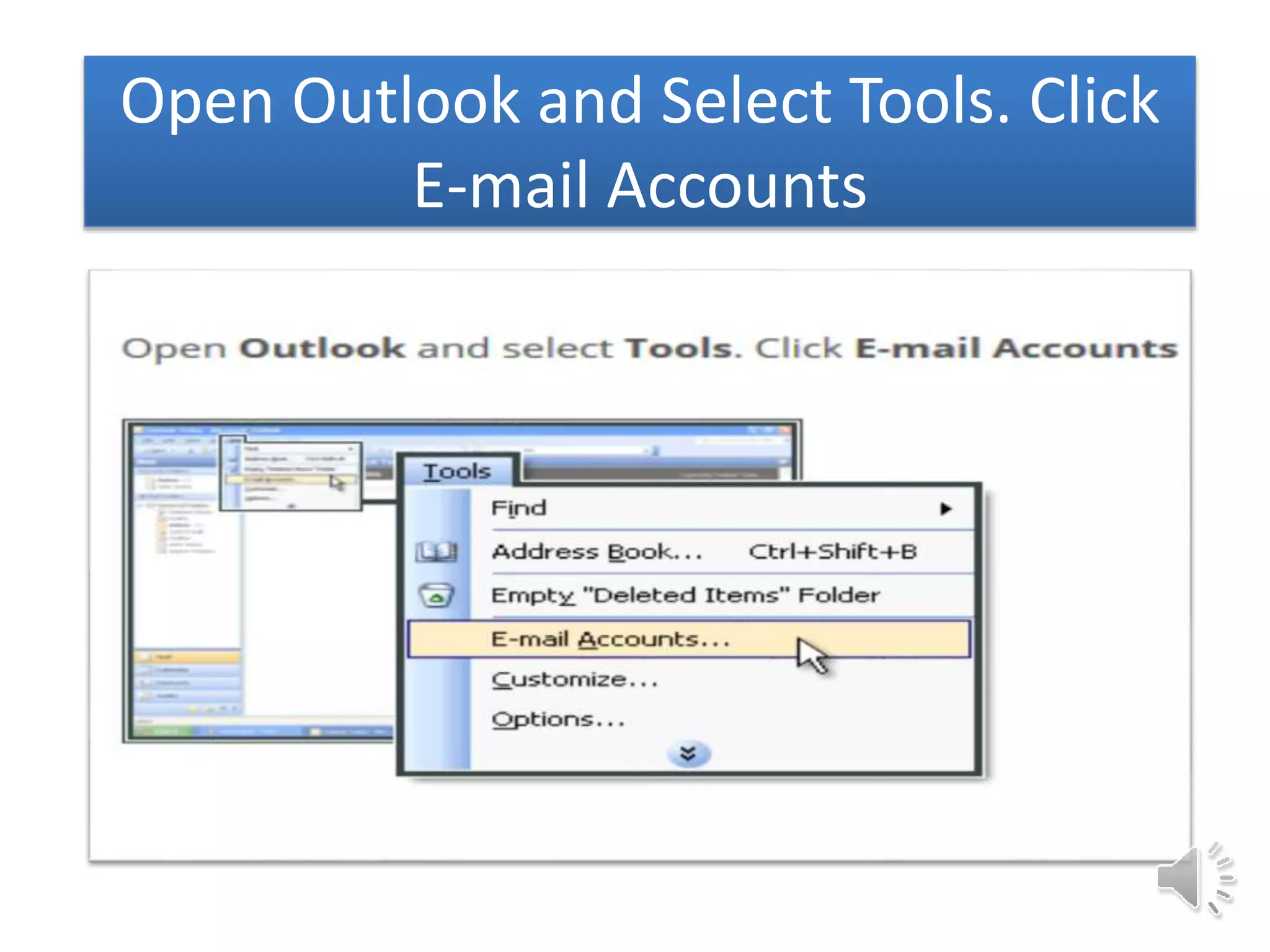
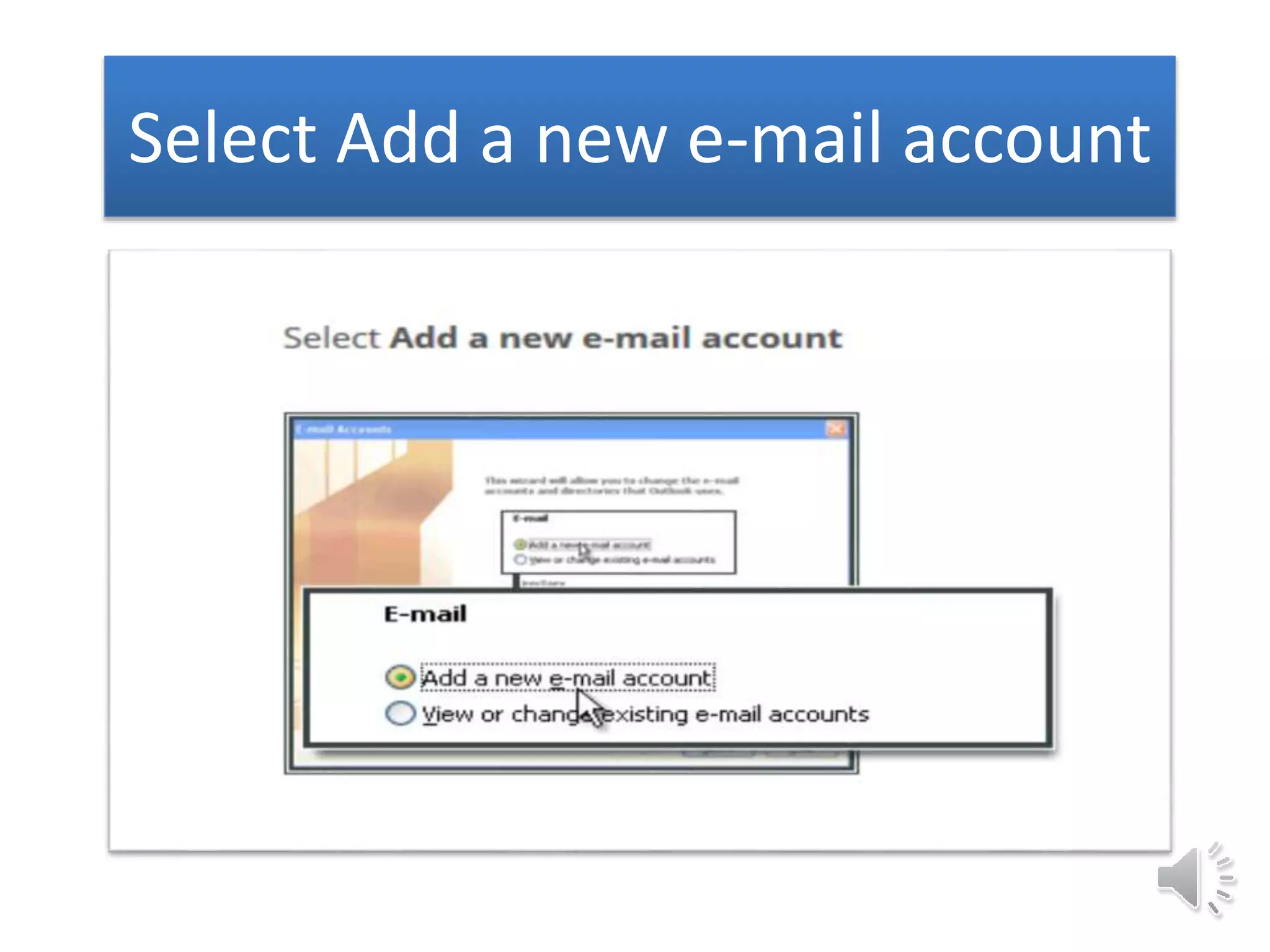
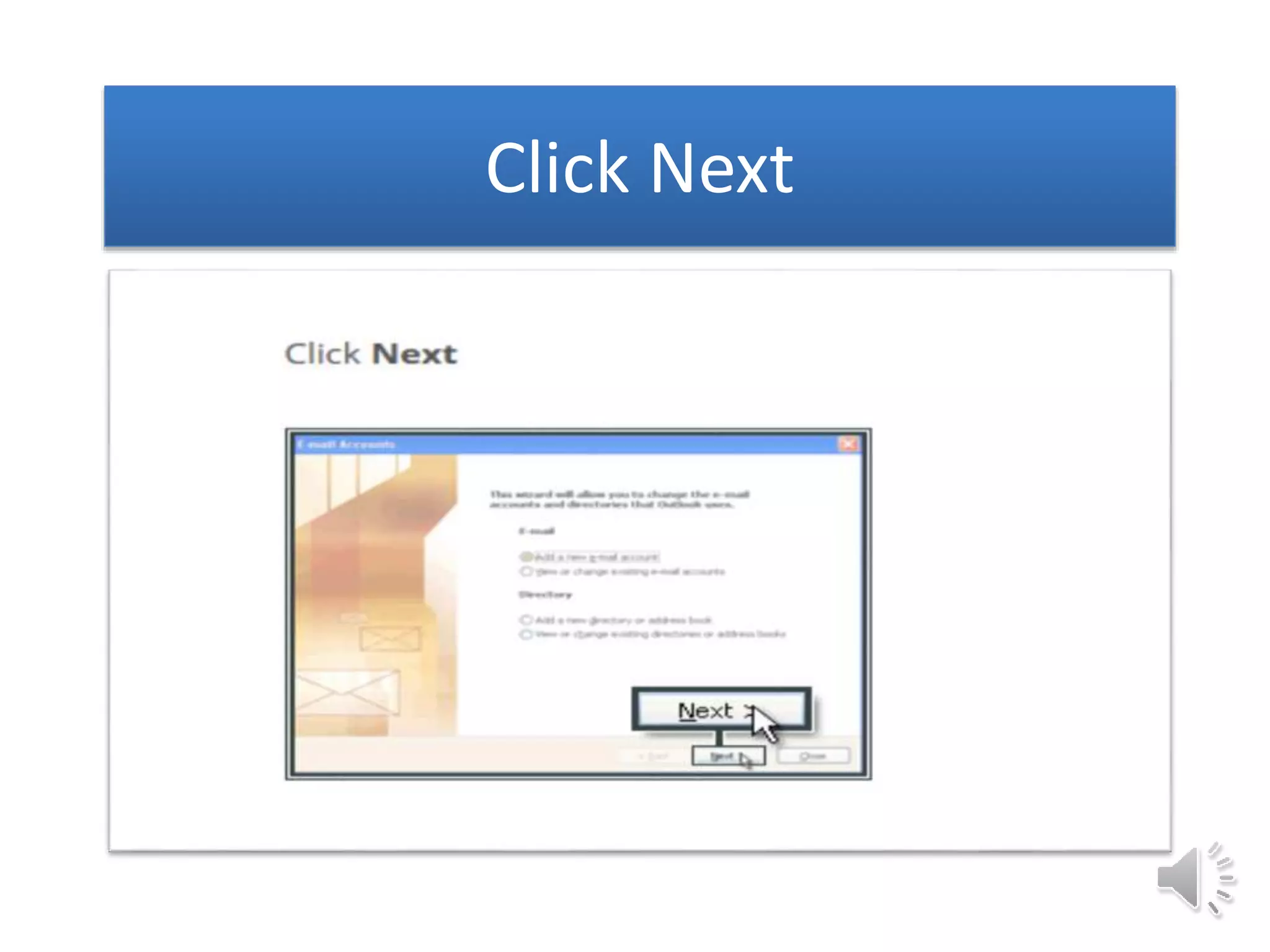
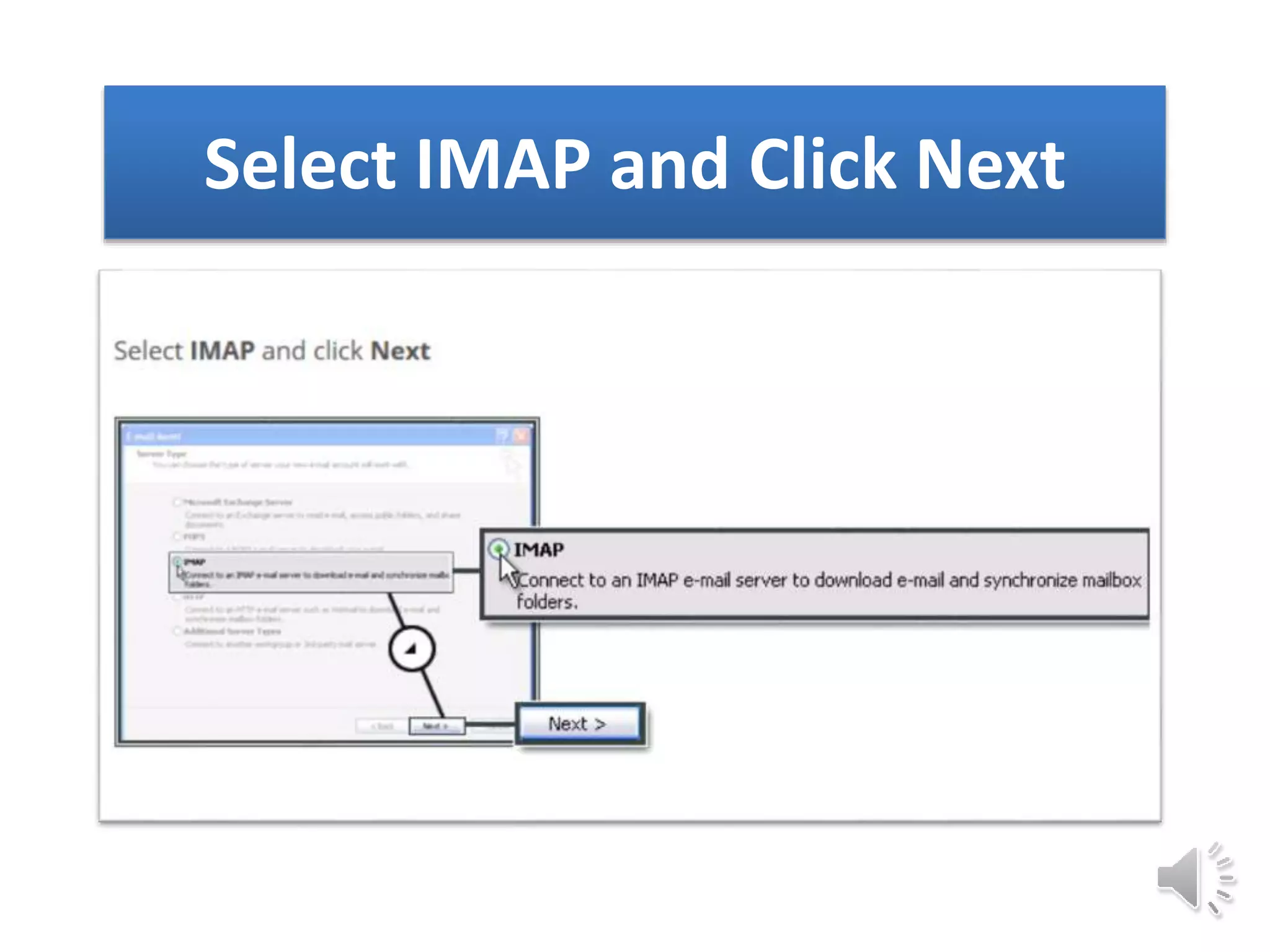
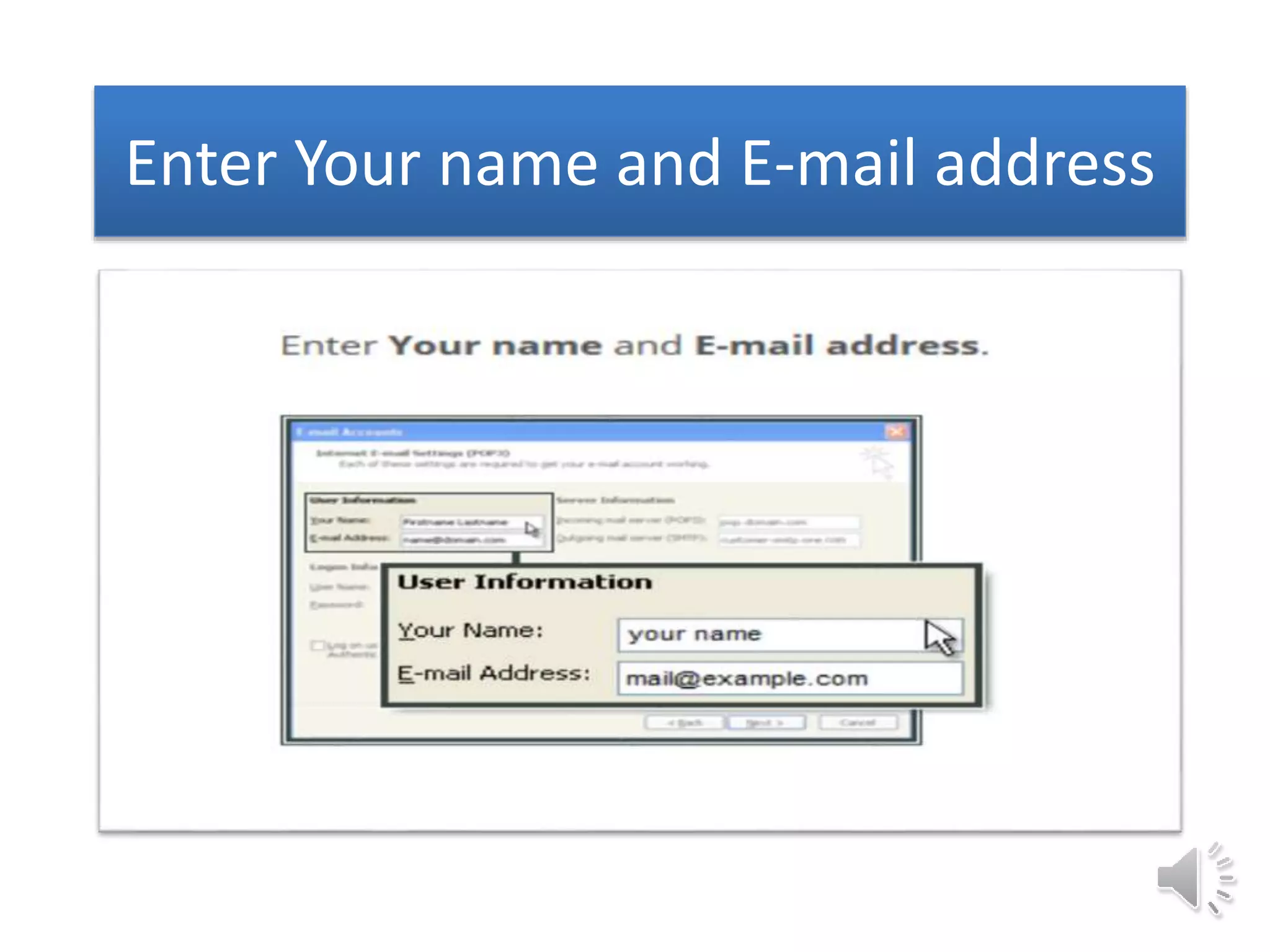
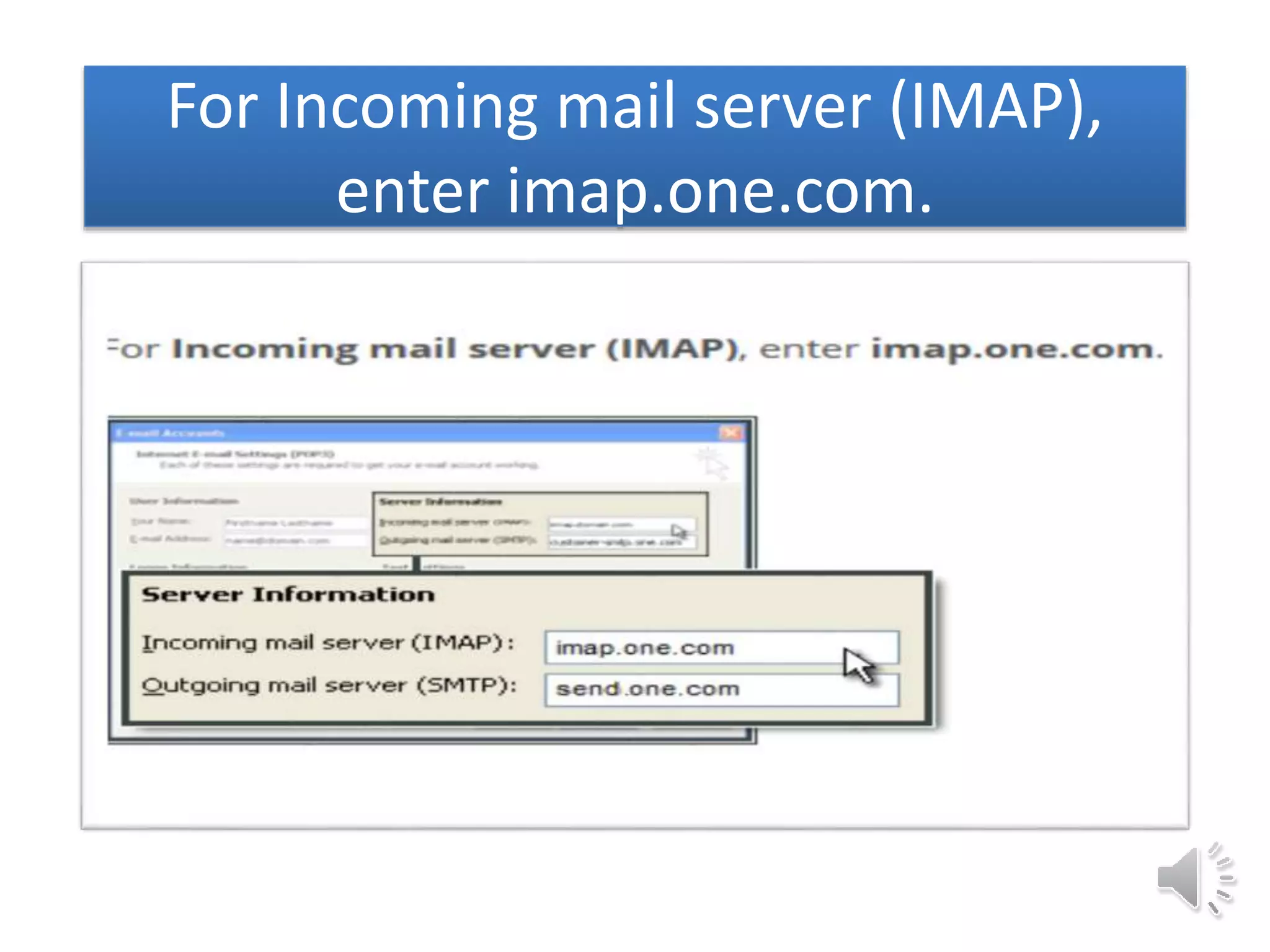
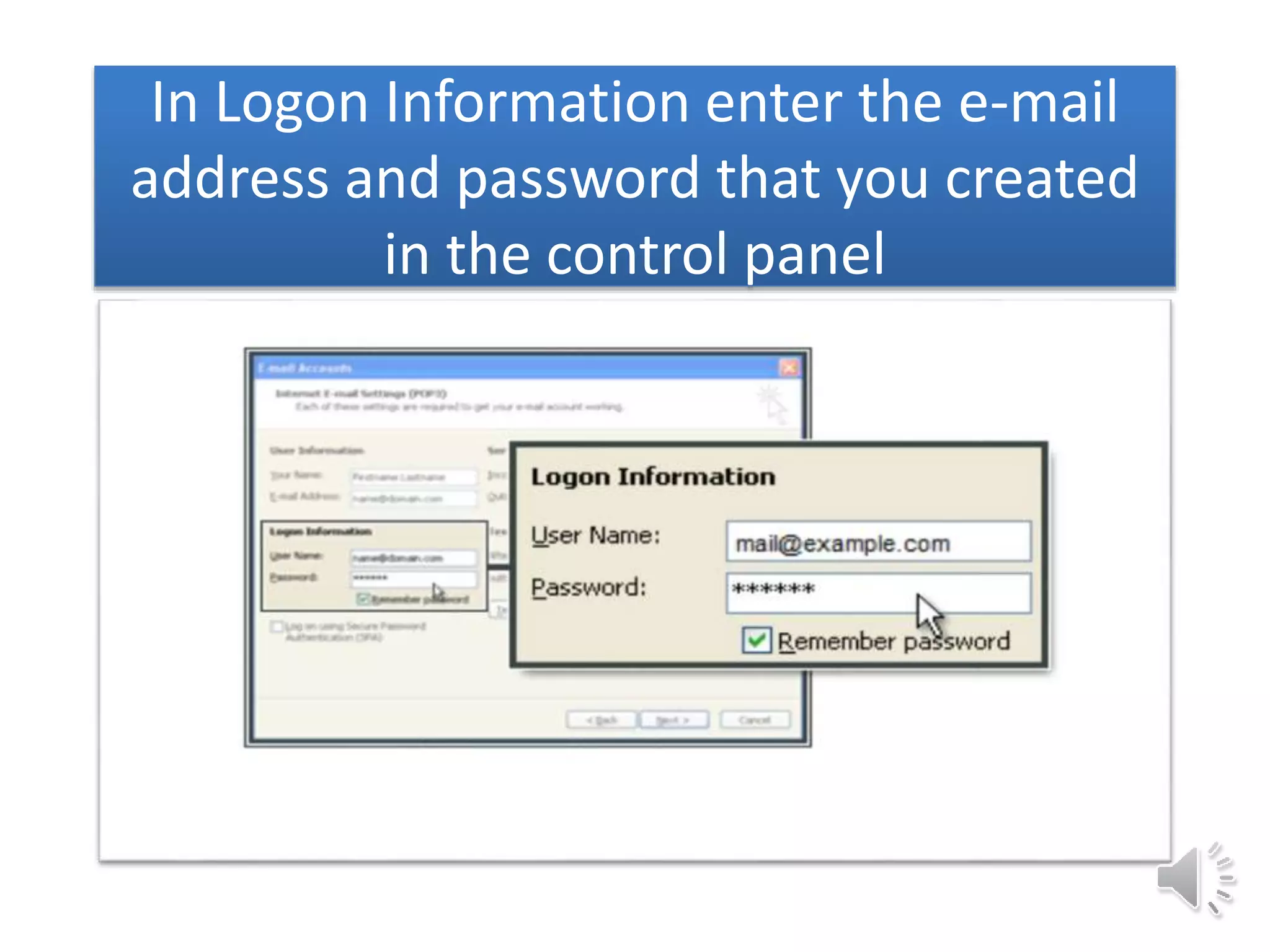
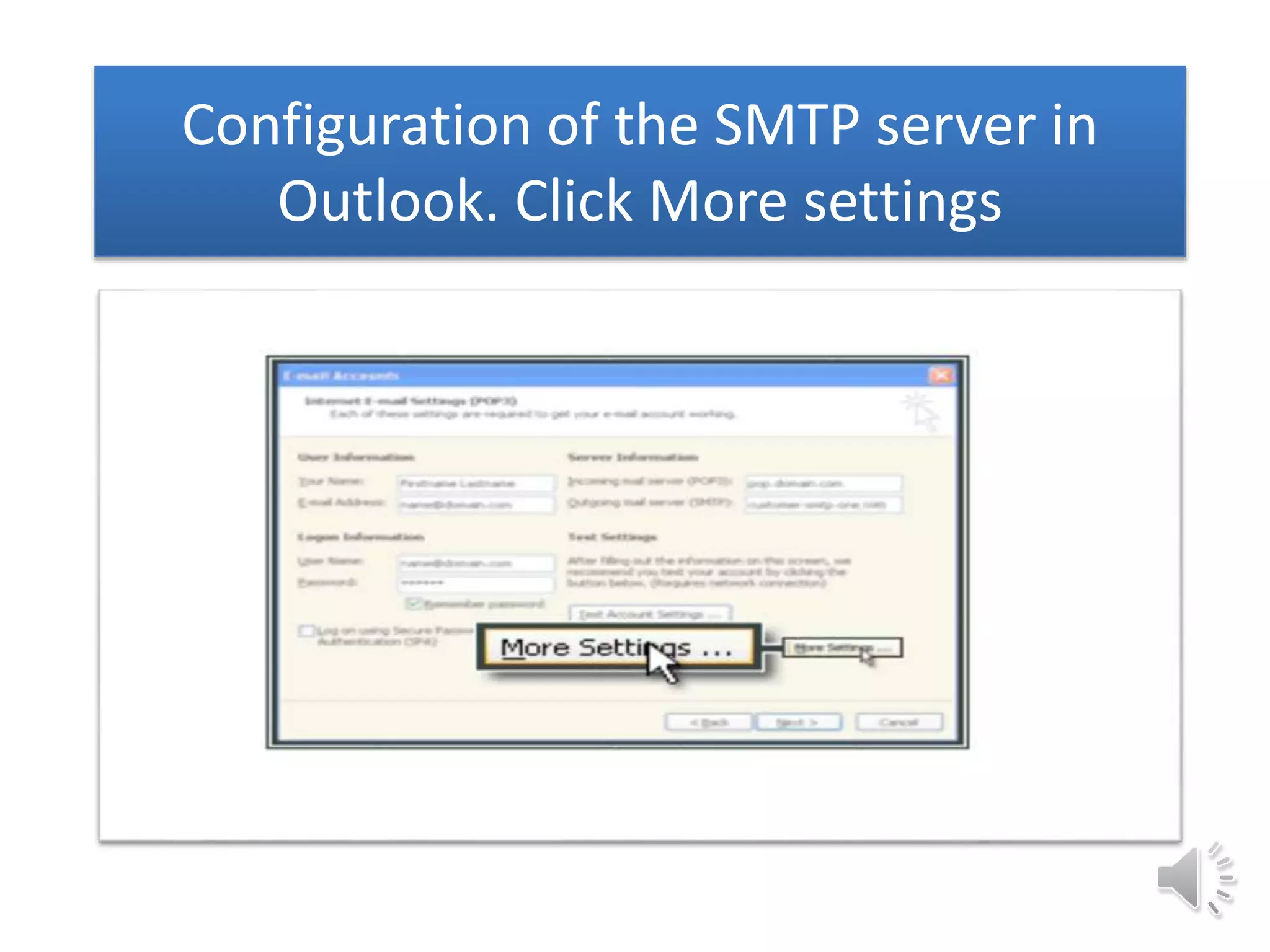
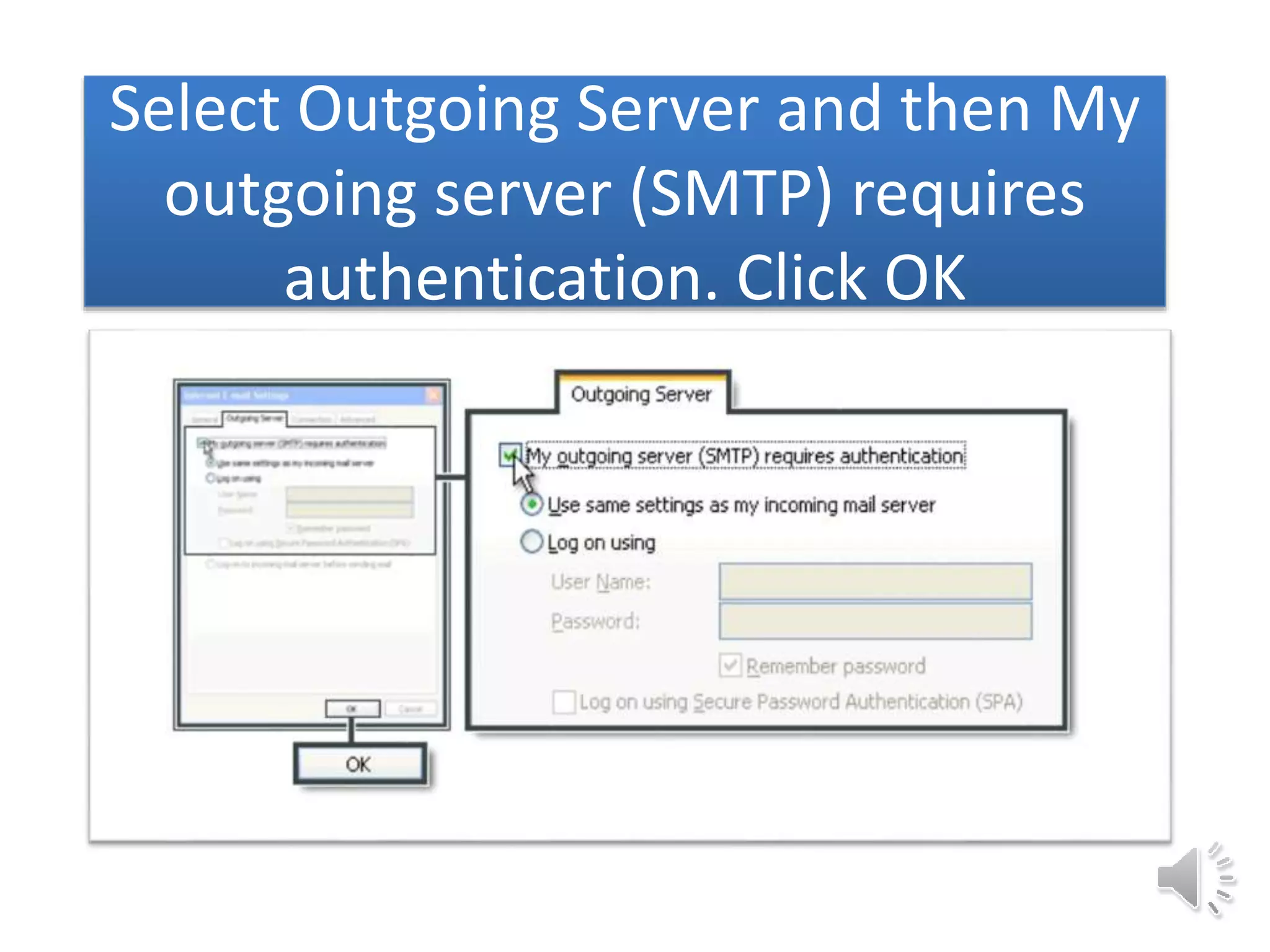
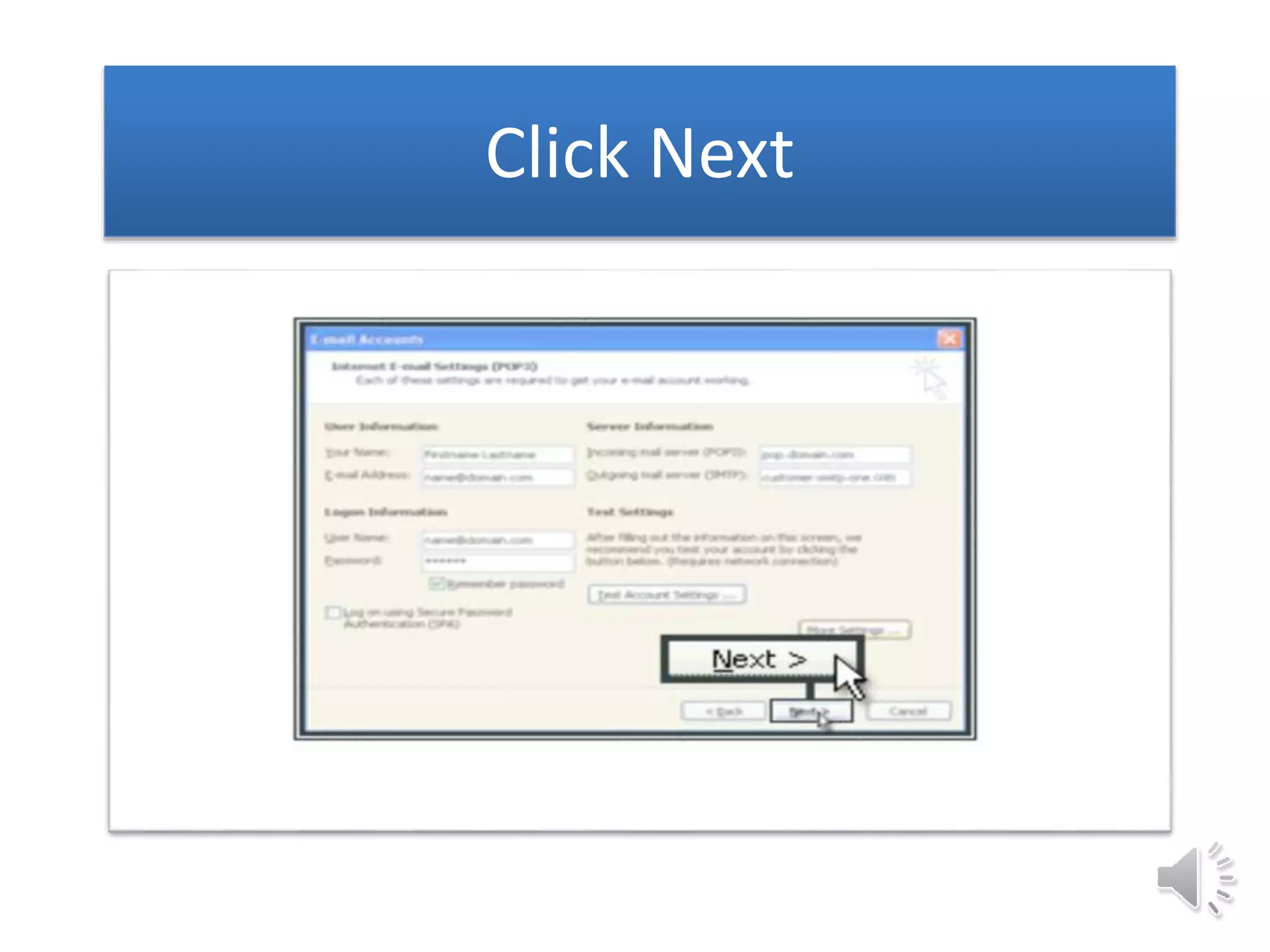
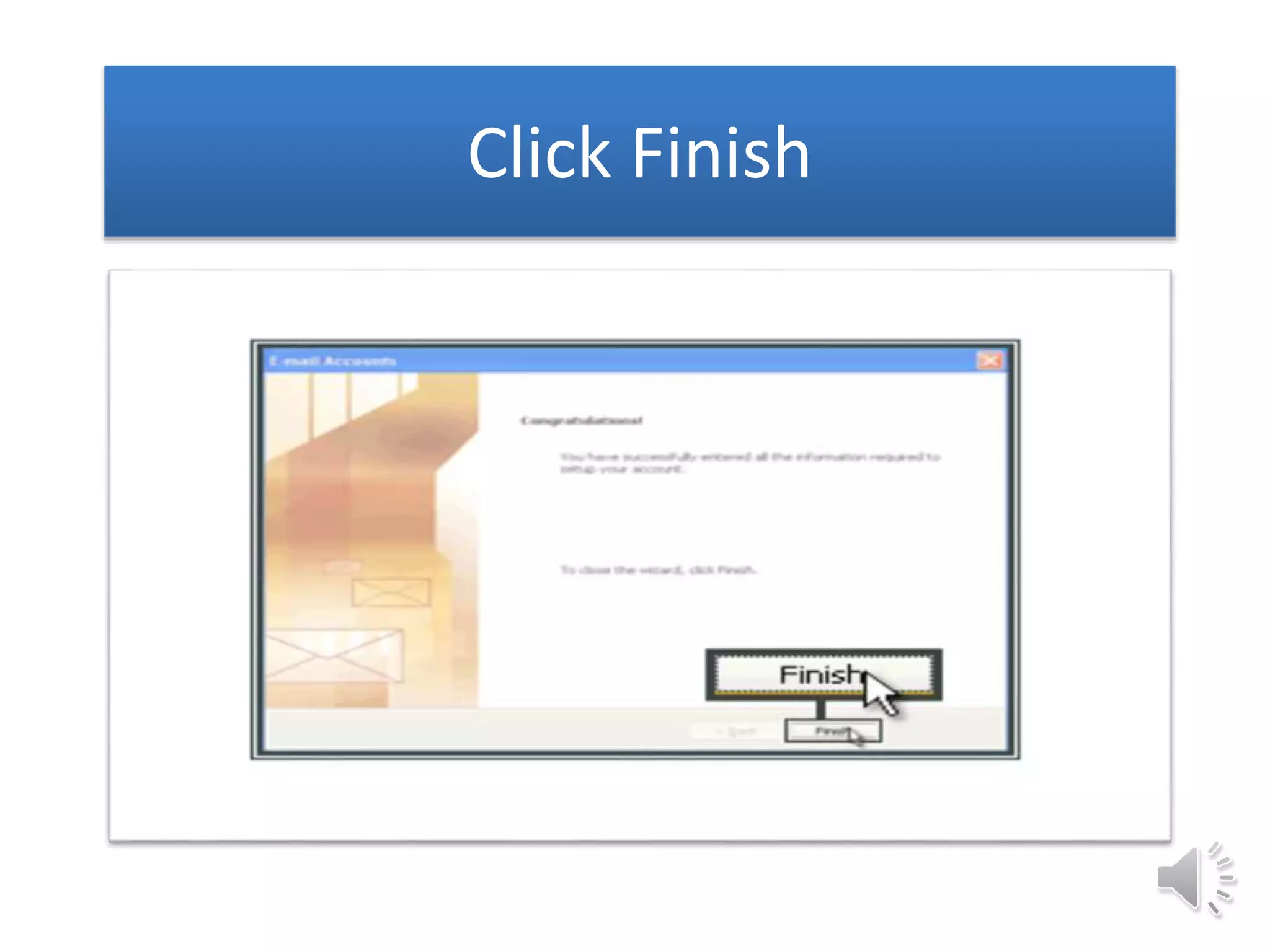
This document provides instructions for setting up Microsoft Outlook 2003 by adding a new email account using IMAP. It outlines steps such as opening Outlook, selecting Tools and Email Accounts, adding a new account and selecting IMAP, entering login information including the IMAP server, SMTP server, and email address and password. It concludes by providing a customer service website and toll-free number for additional support.


![Vibe Coding vs. Spec-Driven Development [Free Meetup]](https://cdn.slidesharecdn.com/ss_thumbnails/vibecodingvsspecdrivendevelopment-251209105622-43f455e7-thumbnail.jpg?width=640&height=640&fit=bounds)


