Download as PDF, PPTX

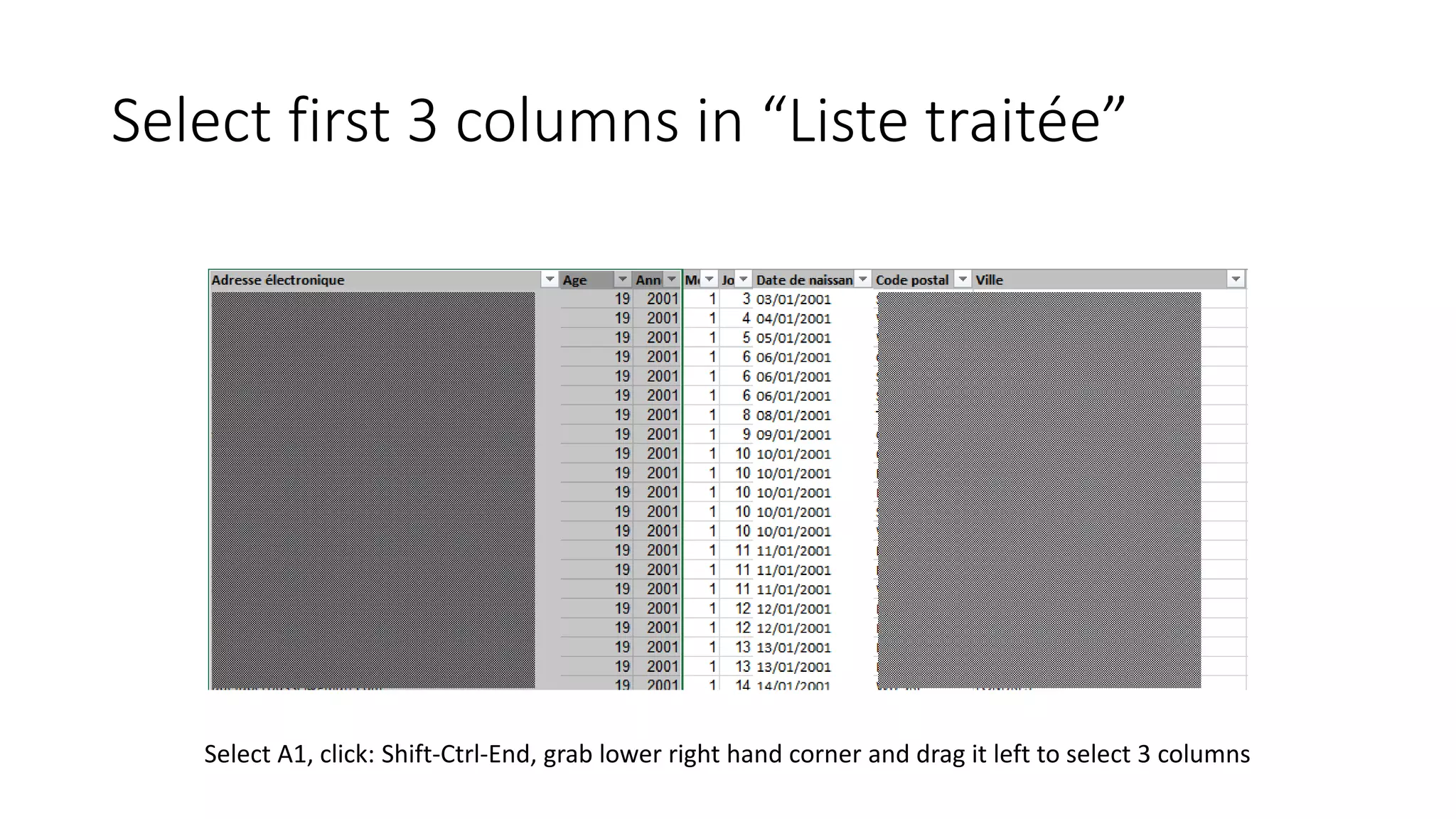
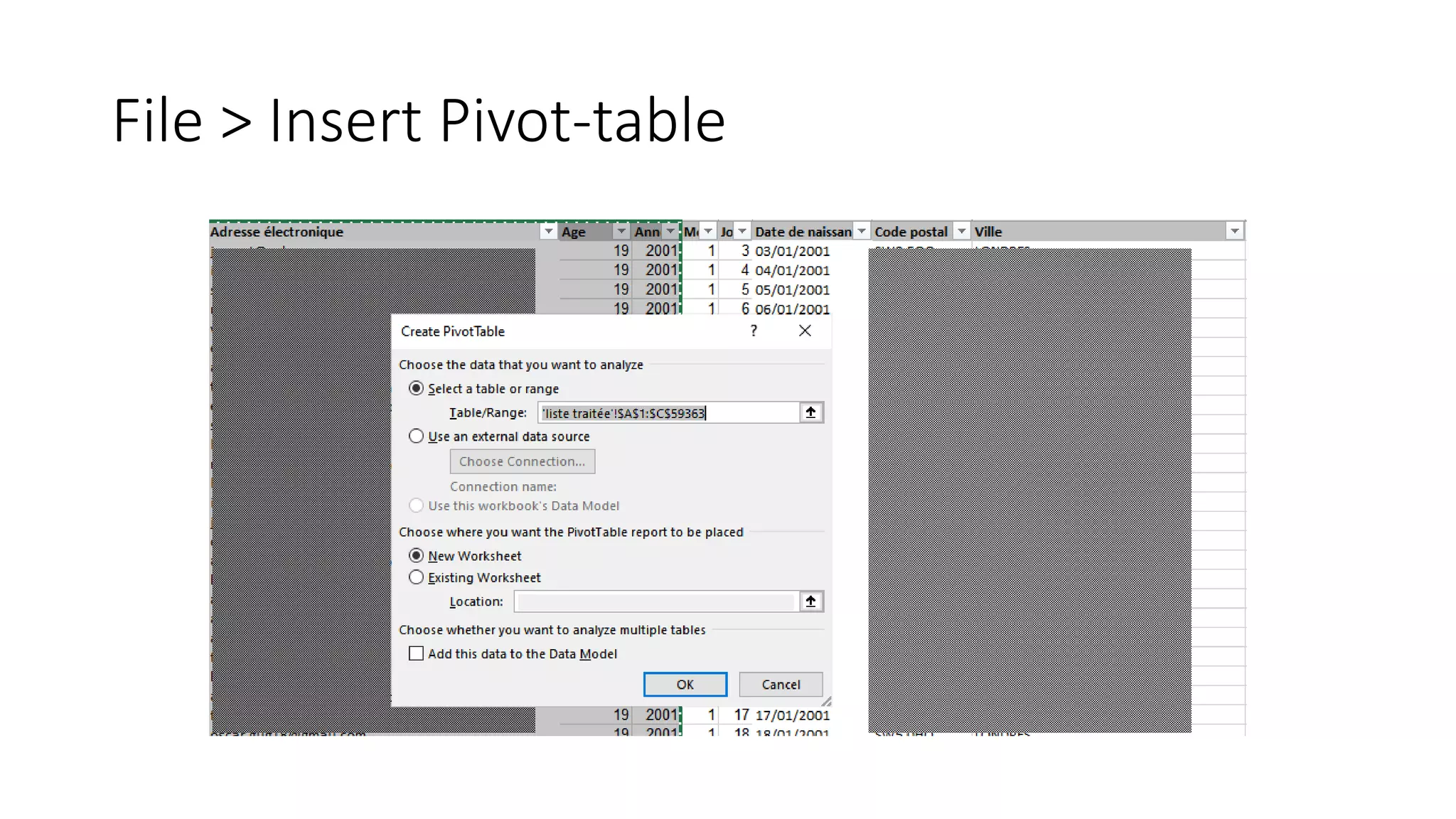
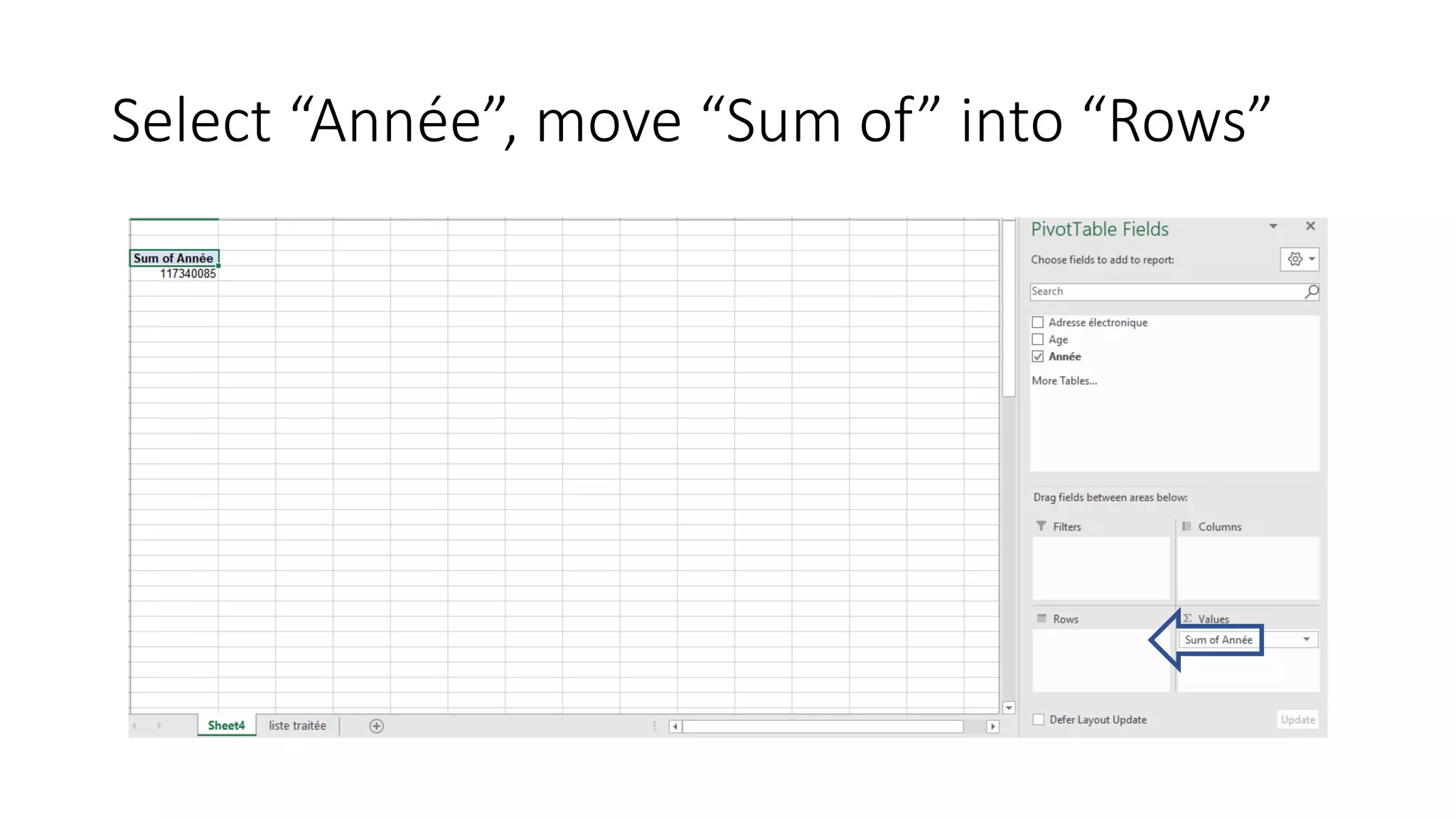
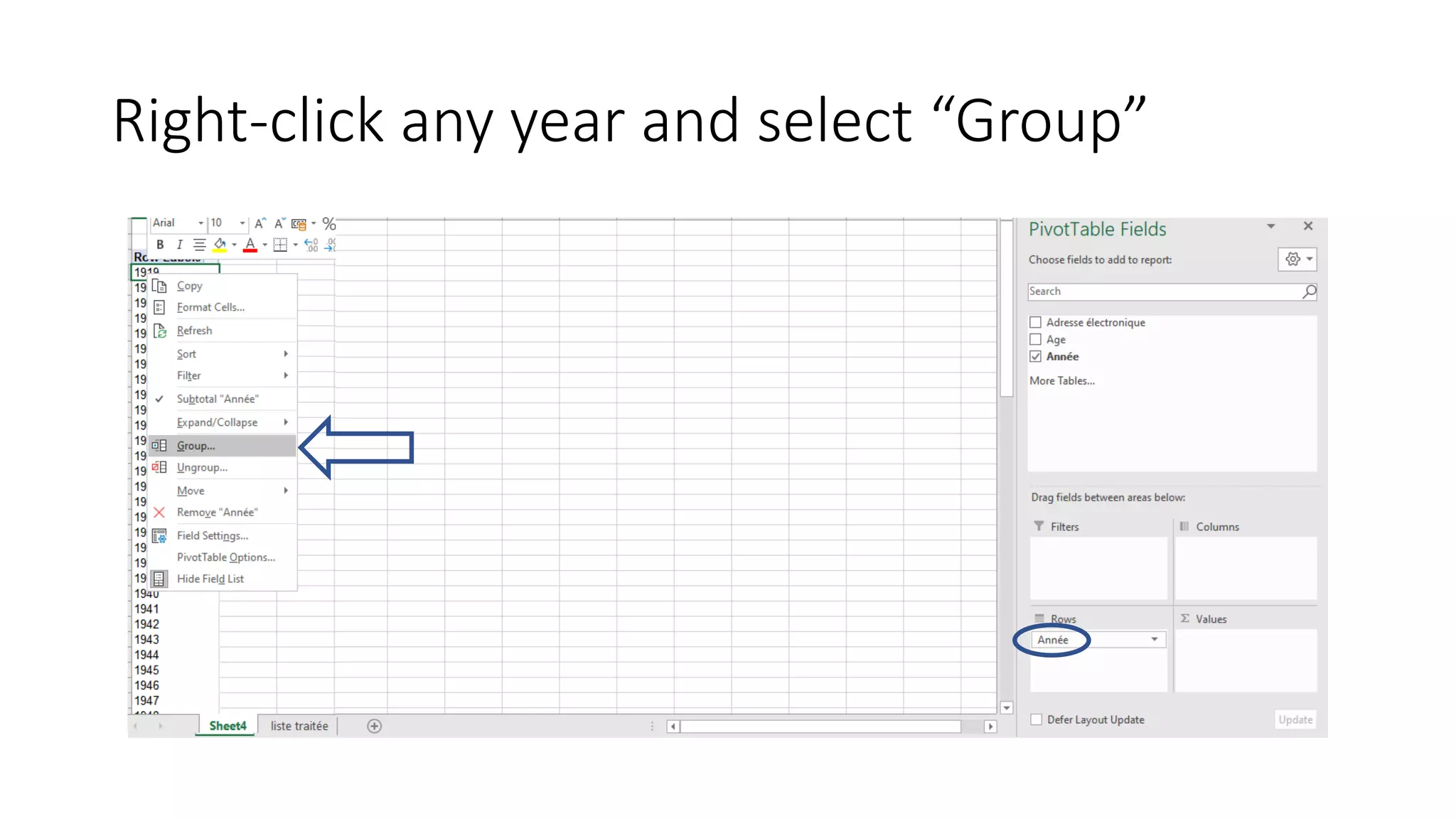
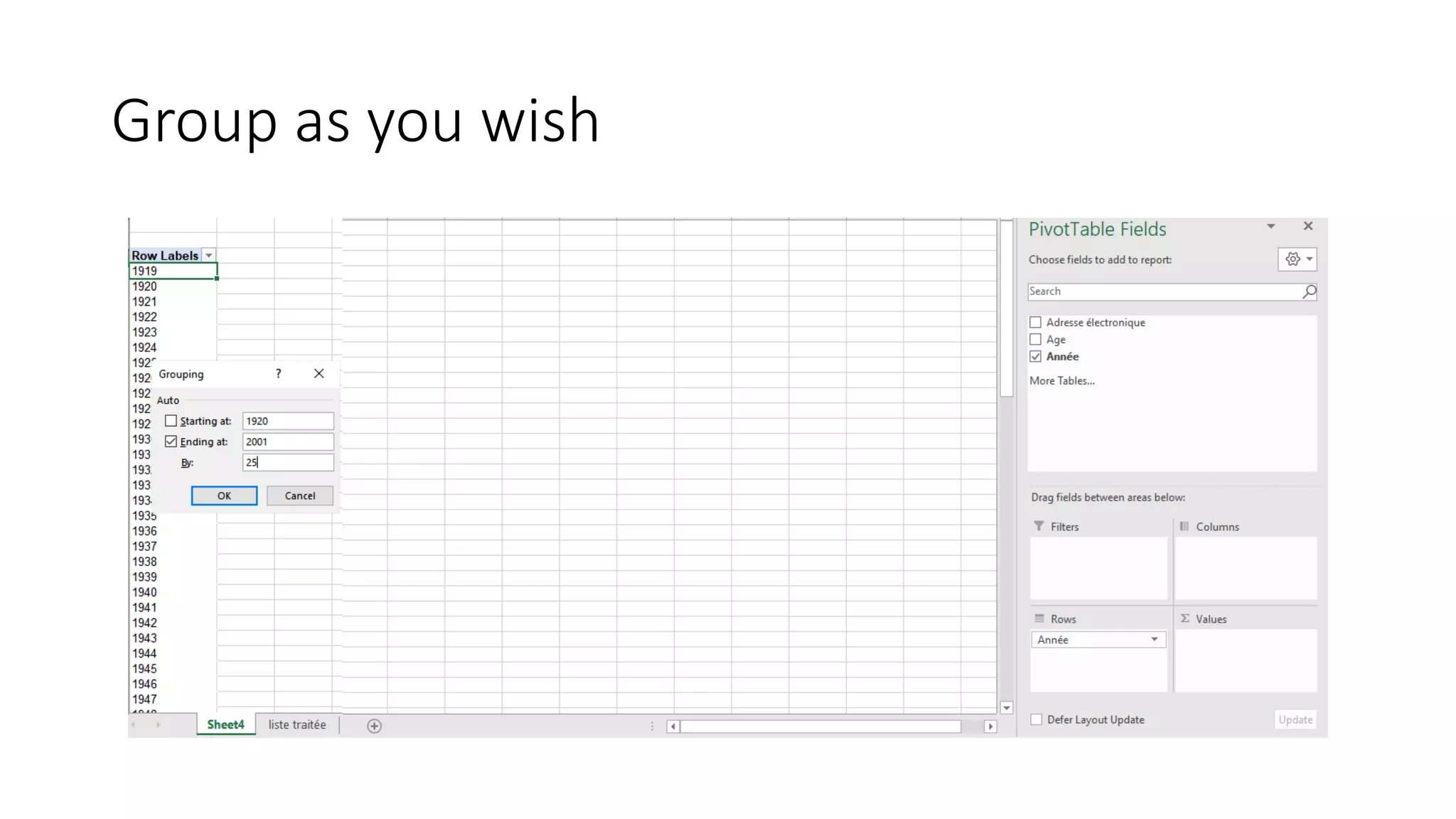
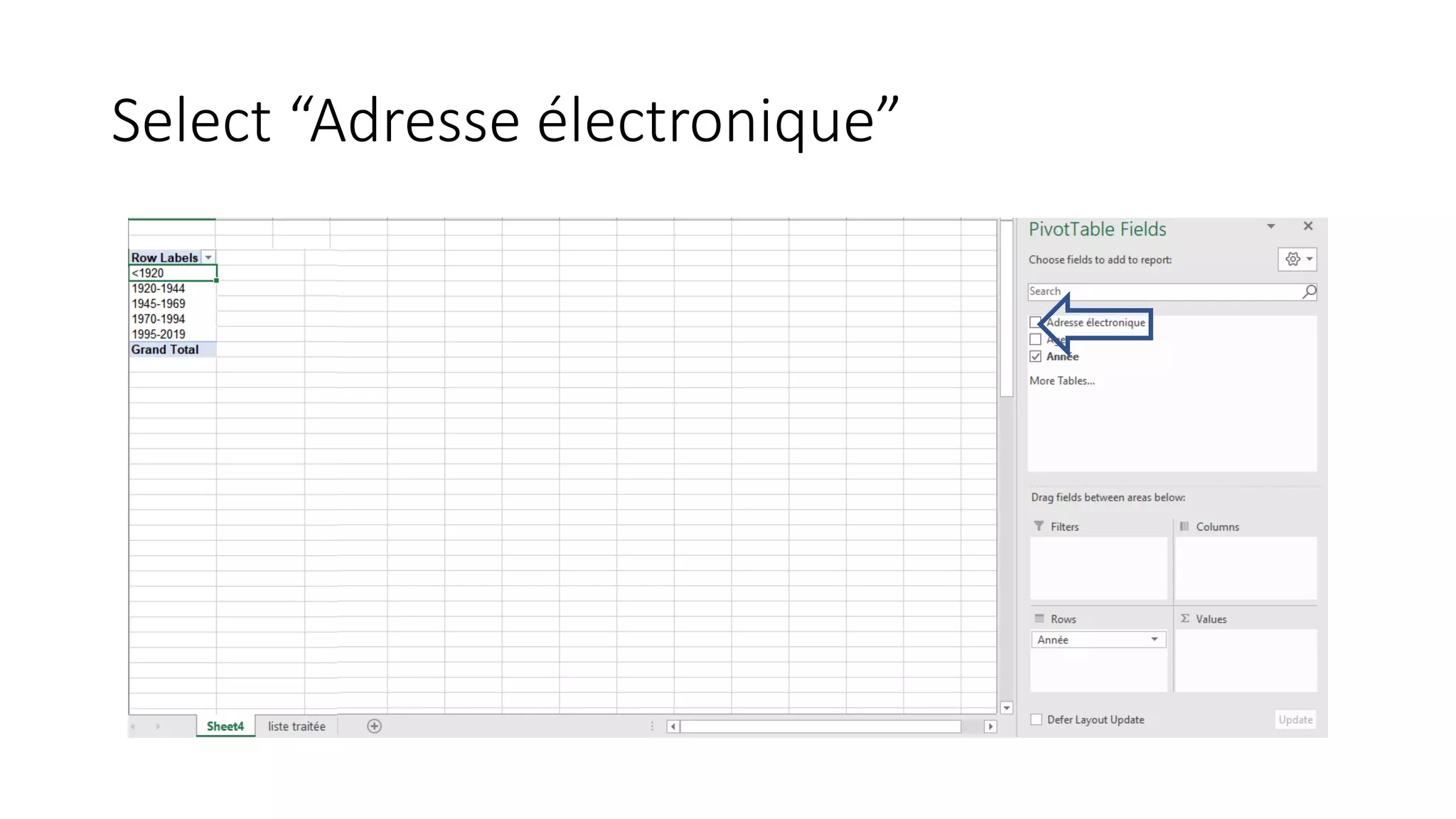
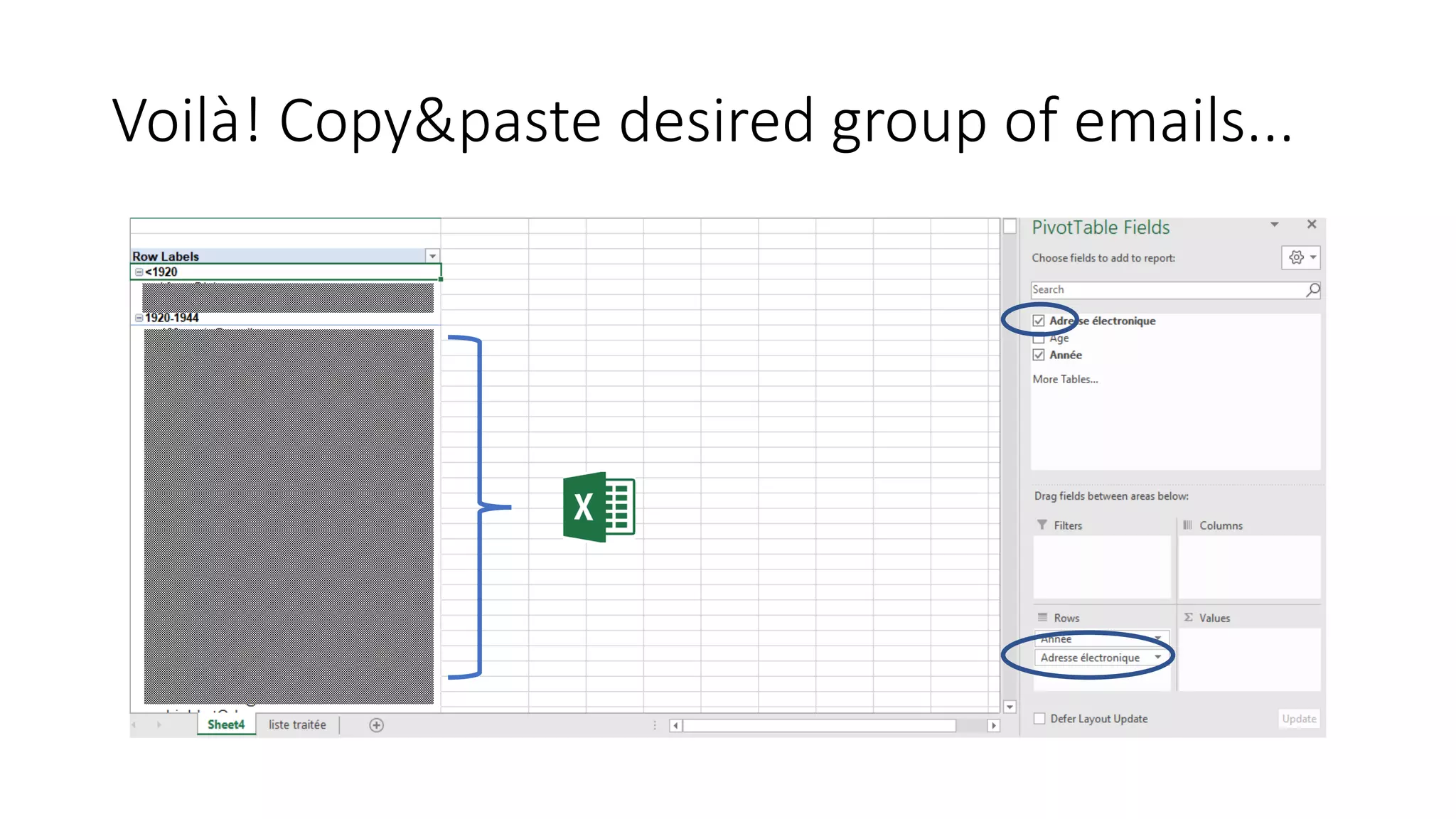

This document provides instructions for grouping data by age using a pivot table. It instructs the user to select the first three columns of a "Liste traitée" sheet, then insert a pivot table and move the "Année" column to the rows field. It then tells the user to right click on any year value and select "Group" to group the years as desired. Finally, it says to select the "Adresse électronique" column to view emails grouped by age.


