Android O &
Android Studio 3.0
#io17extended@mhidaka
@mhidaka
DroidKaigi
TechBooster
技術書典
今日のサマリー
Android Oの新機能
New Launcher Icon
Background Limits
Text & Fonts
Notification
Android Studioの新機能
New Design Tools
Kotlin Support
Android Profiler
Instant Apps
Android Oの新機能
Android O Developer
Preview 3 is now available
https://developer.android.com/preview/overview.html
Android Oの新機能
Android Oの新機能
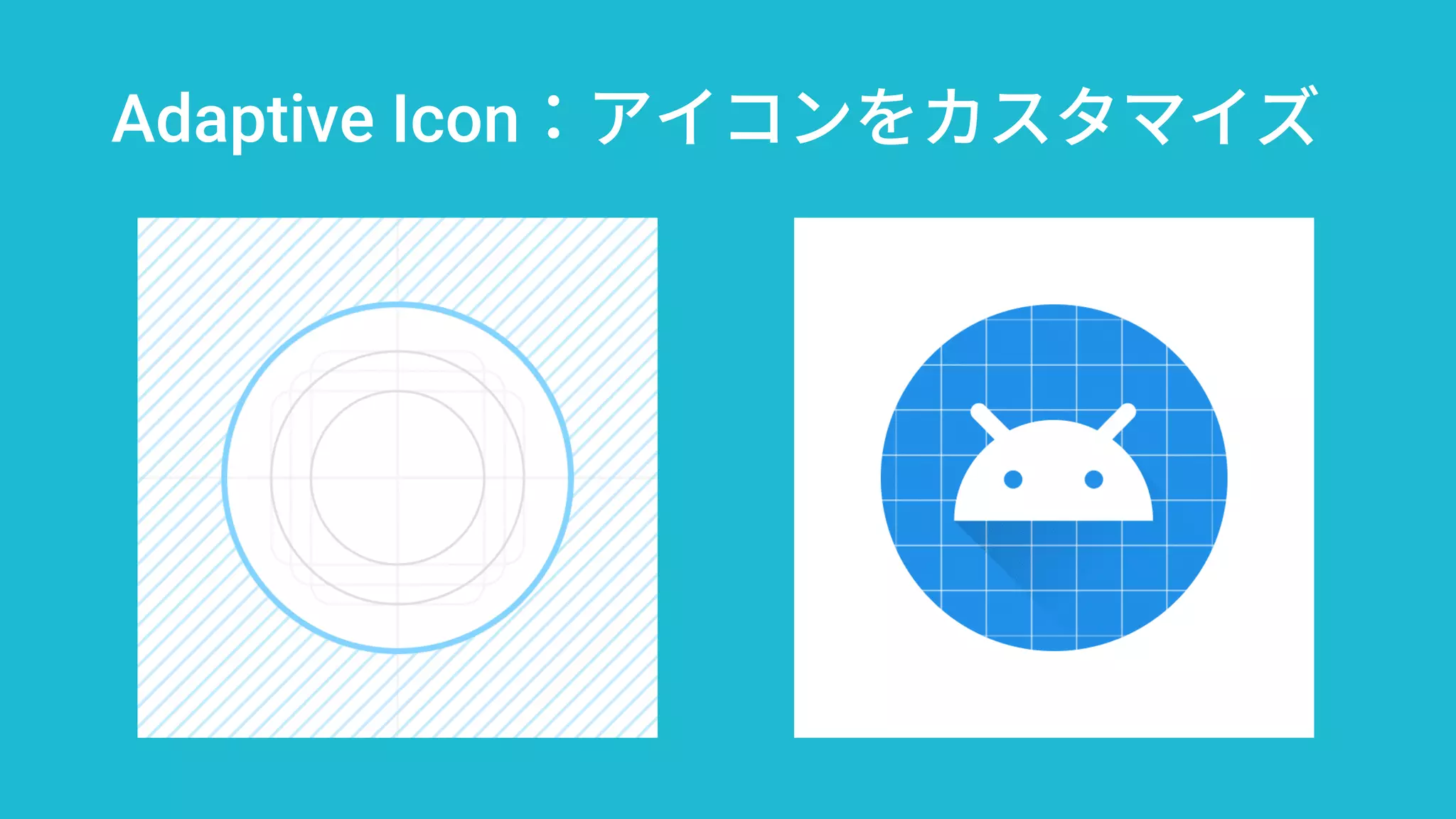
Adaptive Icon:アイコンをカスタマイズ
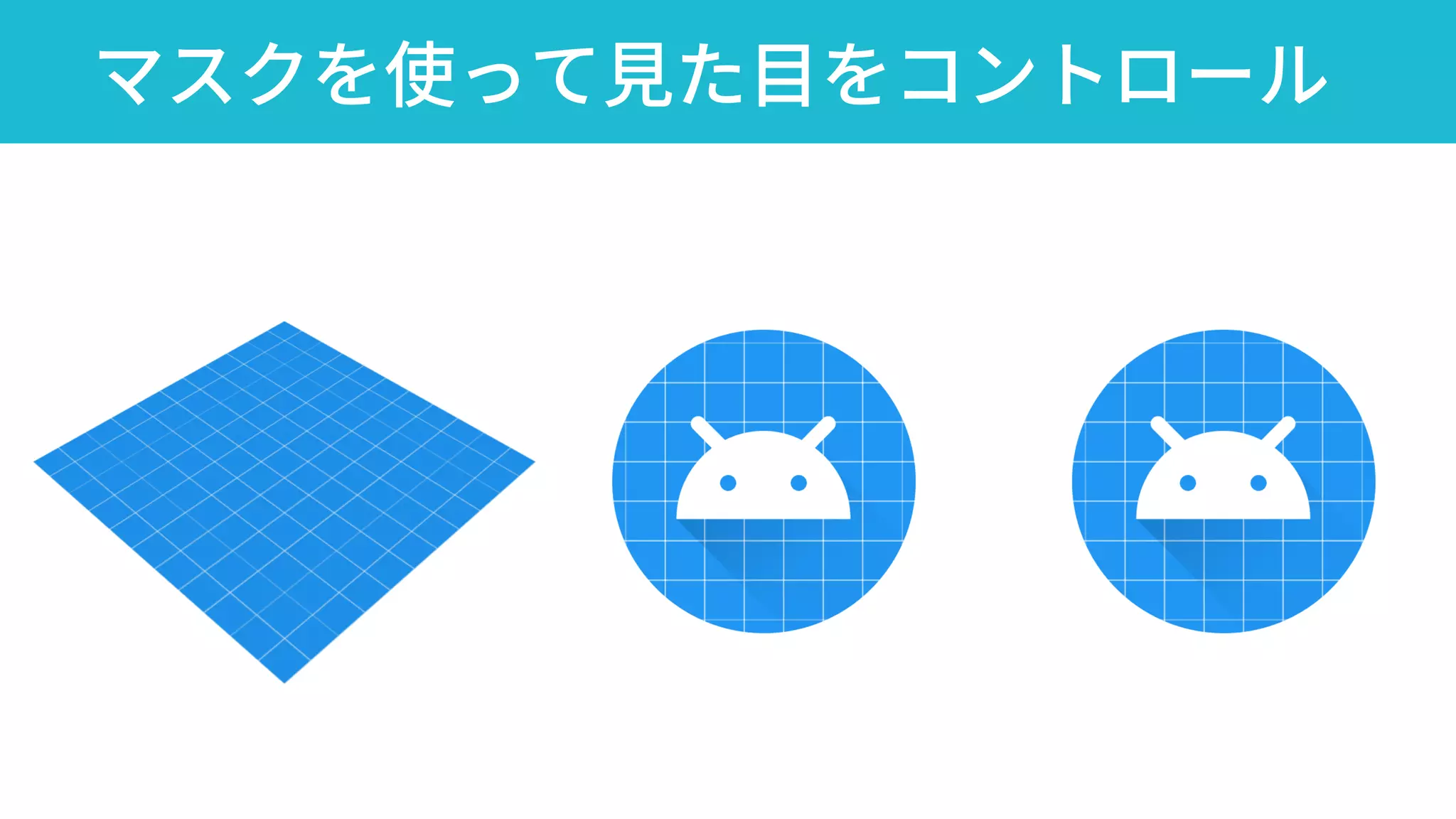
マスクを使って見た目をコントロール
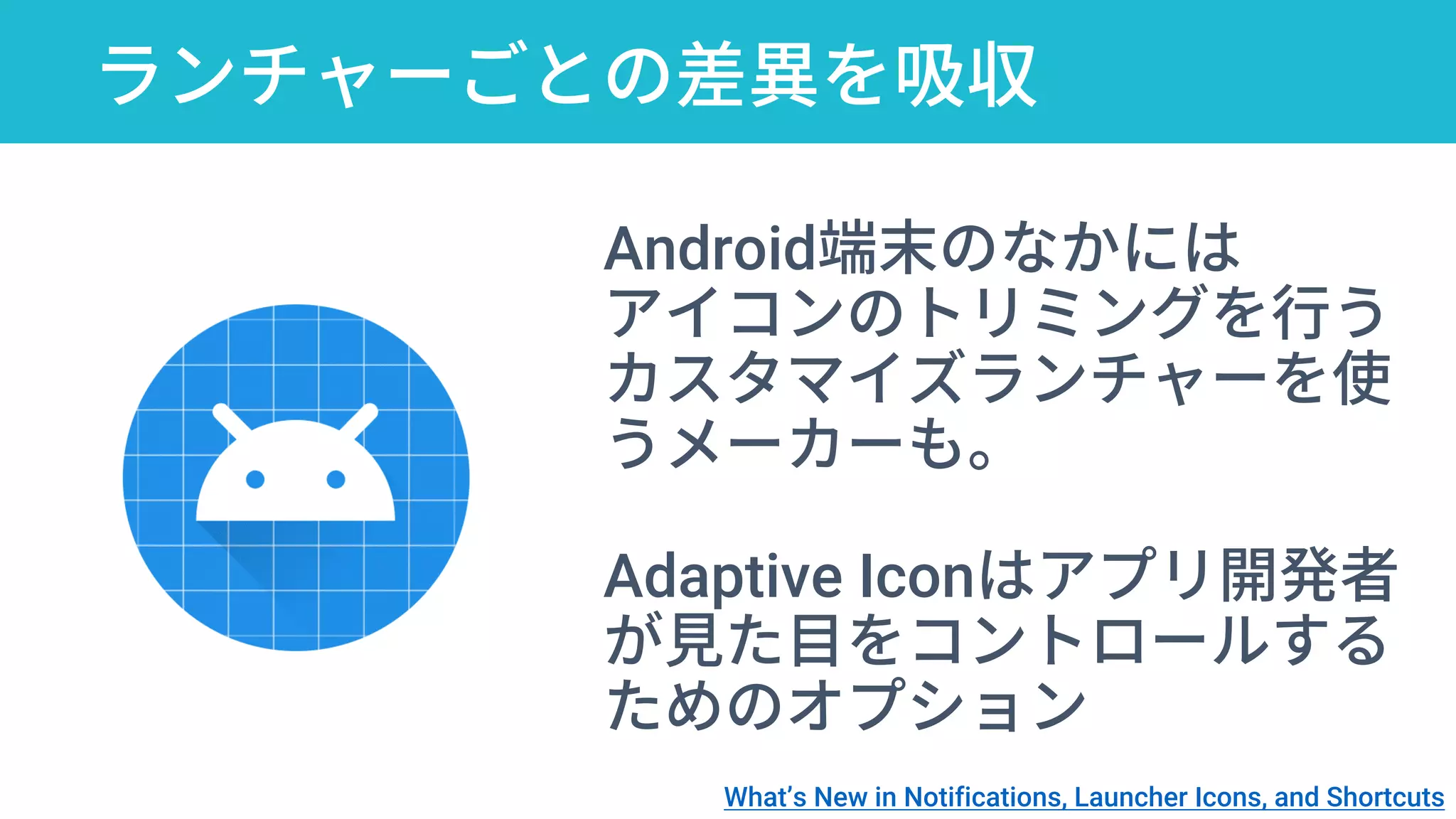
ランチャーごとの差異を吸収
Android端末のなかには
アイコンのトリミングを行う
カスタマイズランチャーを使
うメーカーも。
Adaptive Iconはアプリ開発者
が見た目をコントロールする
ためのオプション
What’s New in Notifications, Launcher Icons, and Shortcuts
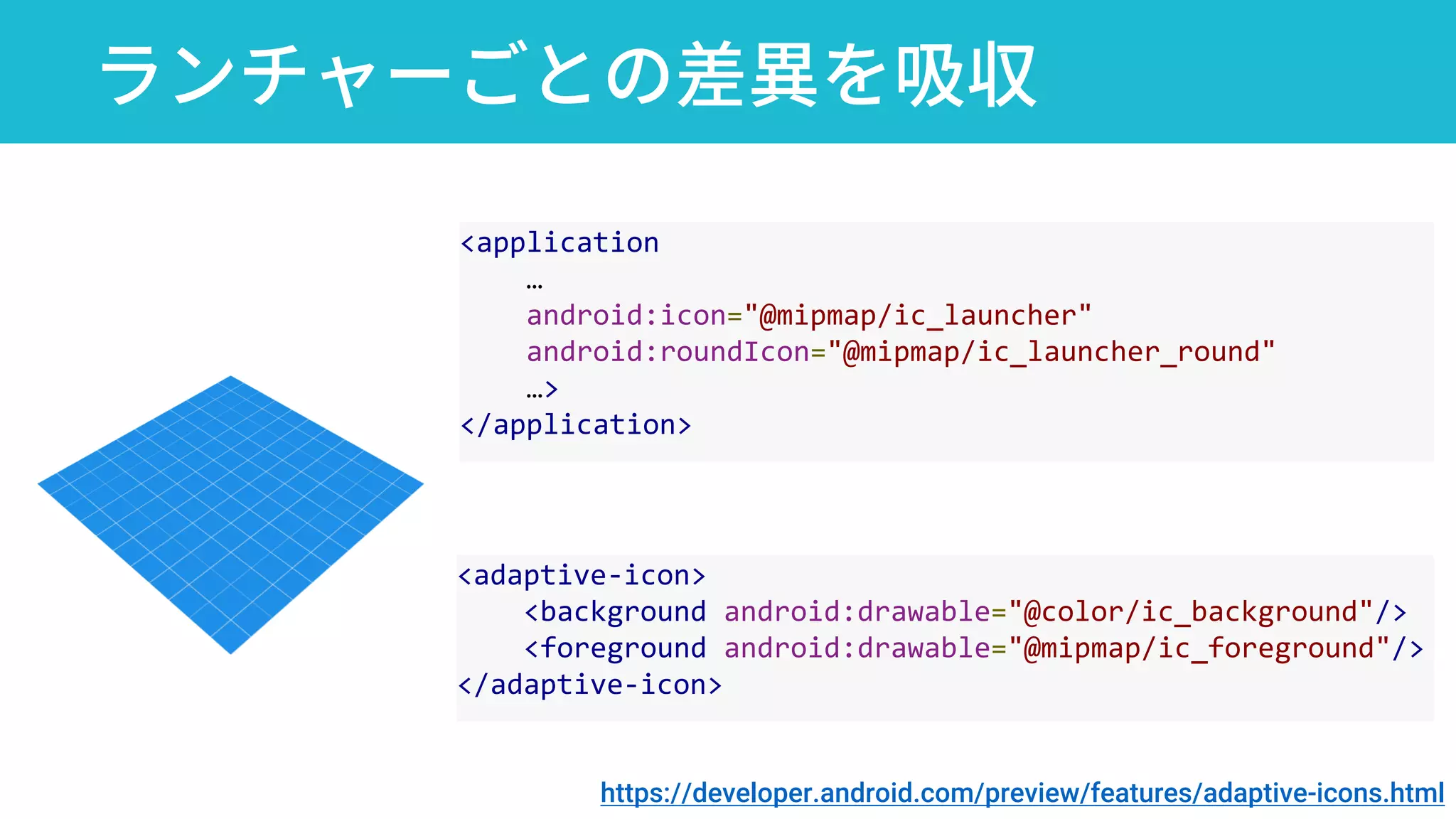
ランチャーごとの差異を吸収
<application
…
android:icon="@mipmap/ic_launcher"
android:roundIcon="@mipmap/ic_launcher_round"
…>
</application>
<adaptive-icon>
<background android:drawable="@color/ic_background"/>
<foreground android:drawable="@mipmap/ic_foreground"/>
</adaptive-icon>
https://developer.android.com/preview/features/adaptive-icons.html
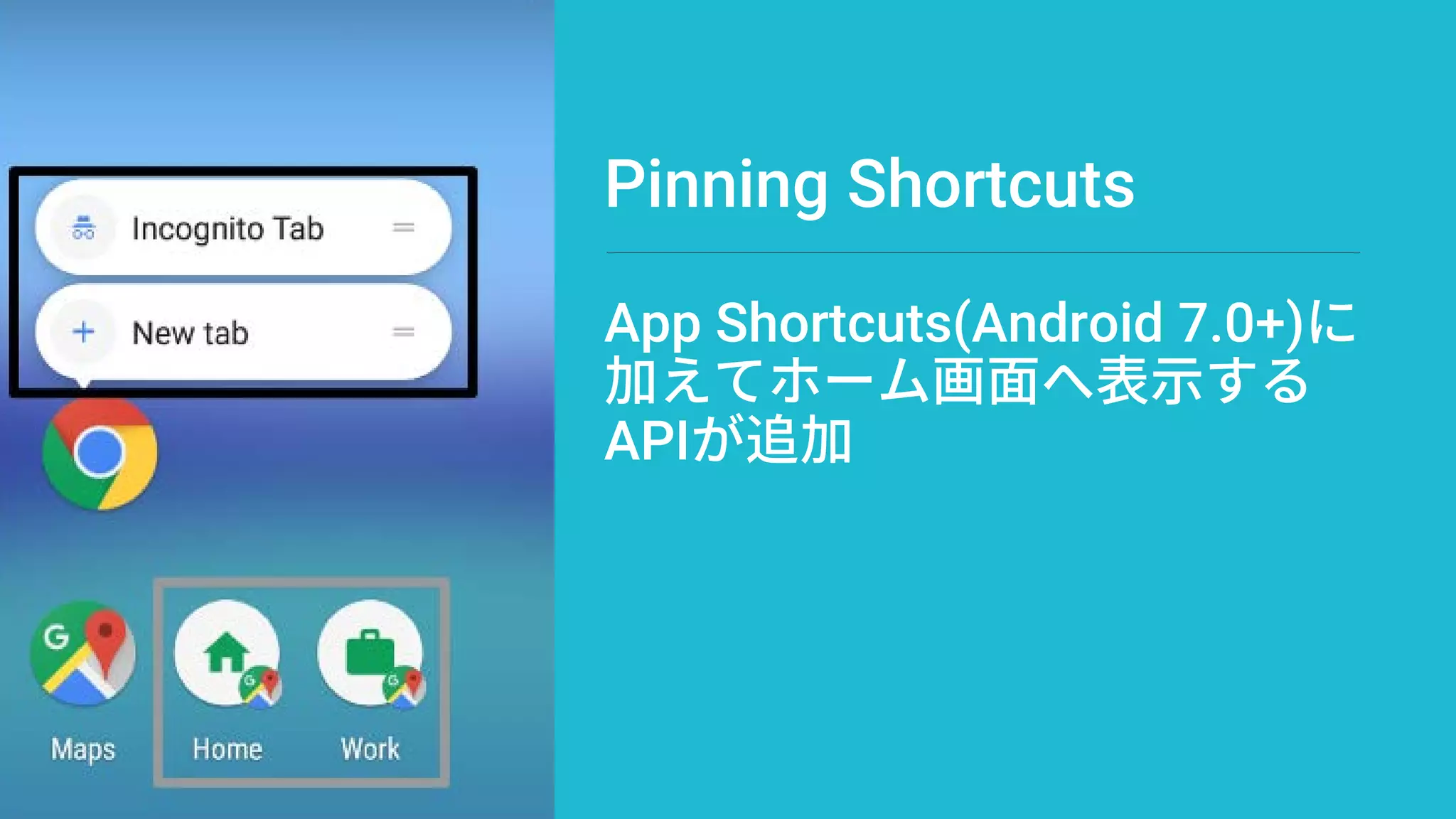
Pinning Shortcuts
App Shortcuts(Android 7.0+)に
加えてホーム画面へ表示する
APIが追加
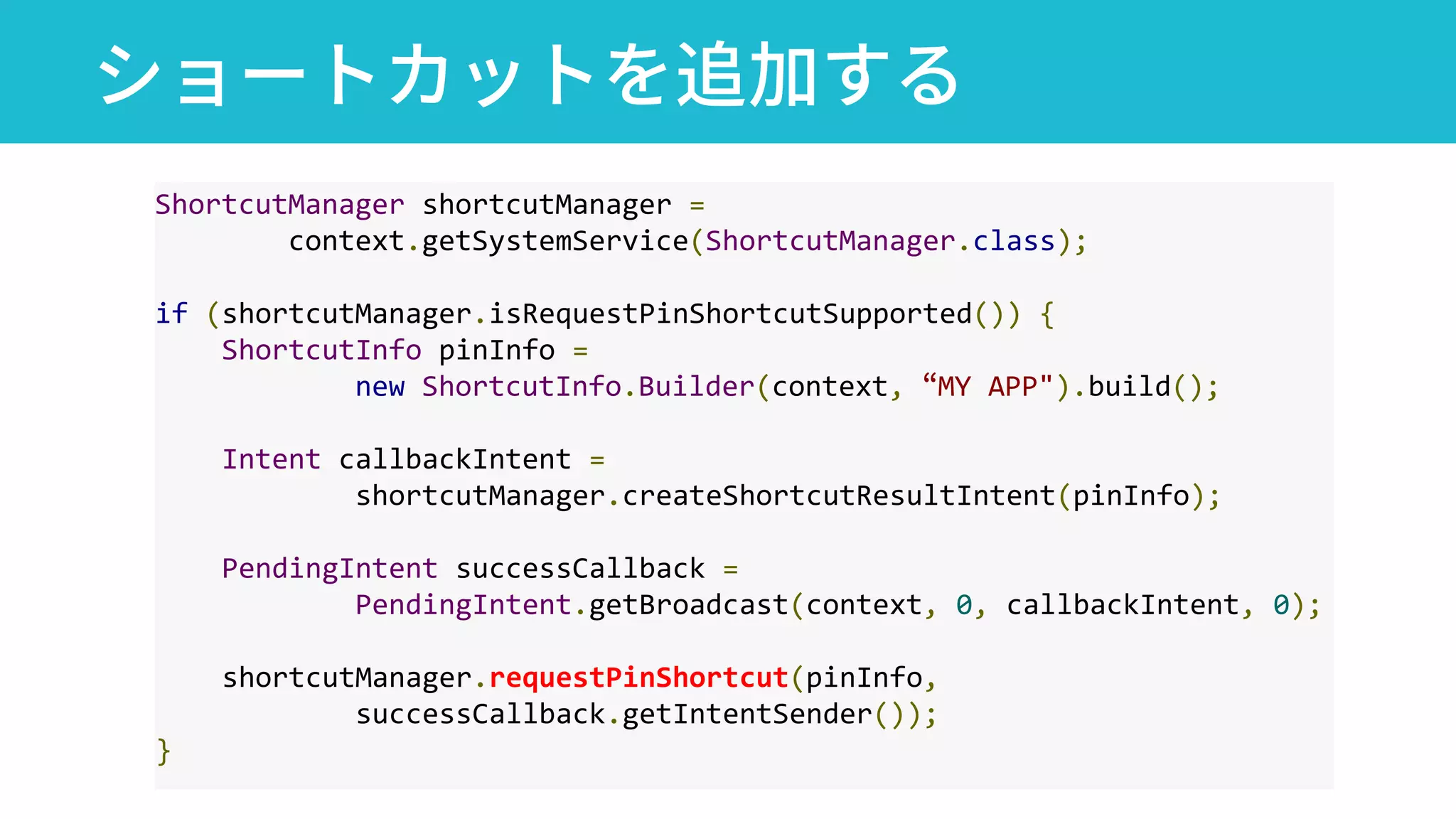
ショートカットを追加する
ShortcutManager shortcutManager =
context.getSystemService(ShortcutManager.class);
if (shortcutManager.isRequestPinShortcutSupported()) {
ShortcutInfo pinInfo =
new ShortcutInfo.Builder(context, “MY APP").build();
Intent callbackIntent =
shortcutManager.createShortcutResultIntent(pinInfo);
PendingIntent successCallback =
PendingIntent.getBroadcast(context, 0, callbackIntent, 0);
shortcutManager.requestPinShortcut(pinInfo,
successCallback.getIntentSender());
}
Android Oの新機能
Background Limitsの導入
スマホの利用シーンが拡大
大量のアプリがある中で
バッテリを節約したい
Background Check and Other Insights into the Android Operating System Framework
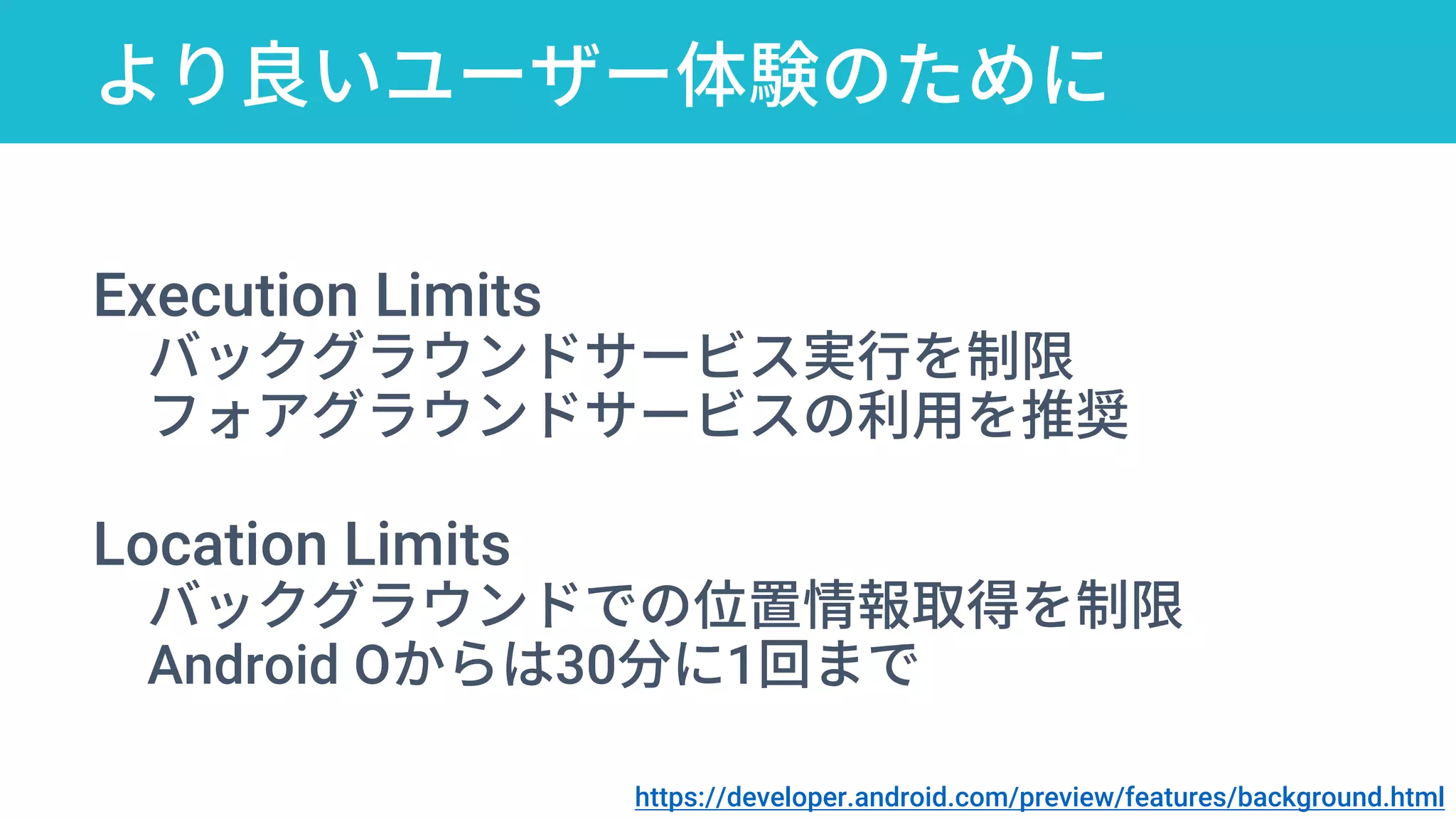
より良いユーザー体験のために
Execution Limits
バックグラウンドサービス実行を制限
フォアグラウンドサービスの利用を推奨
Location Limits
バックグラウンドでの位置情報取得を制限
Android Oからは30分に1回まで
https://developer.android.com/preview/features/background.html
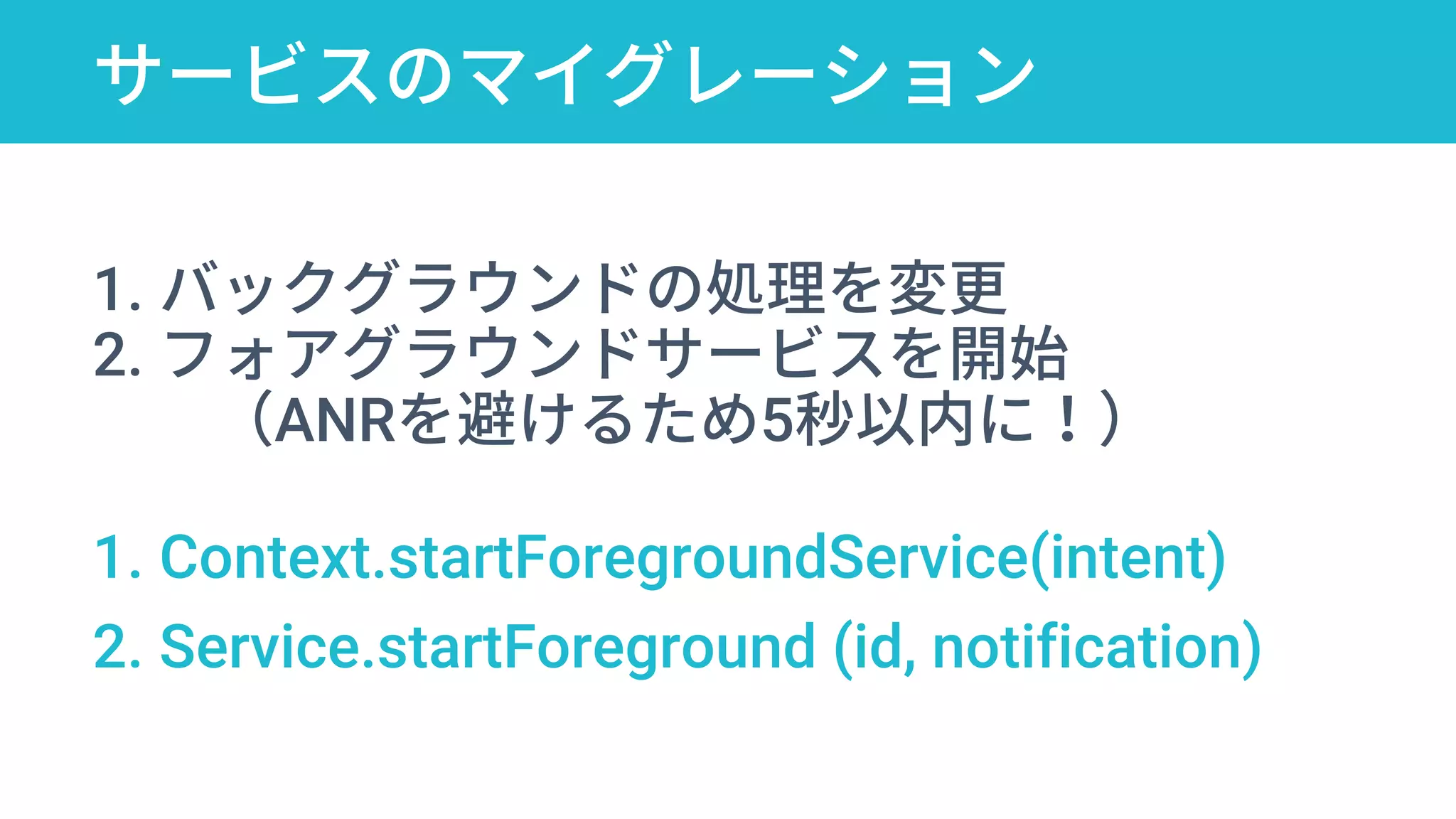
サービスのマイグレーション
startForegroundService
1. バックグラウンドの処理を変更
2. フォアグラウンドサービスを開始
(ANRを避けるため5秒以内に!)
1. Context.startForegroundService(intent)
2. Service.startForeground (id, notification)
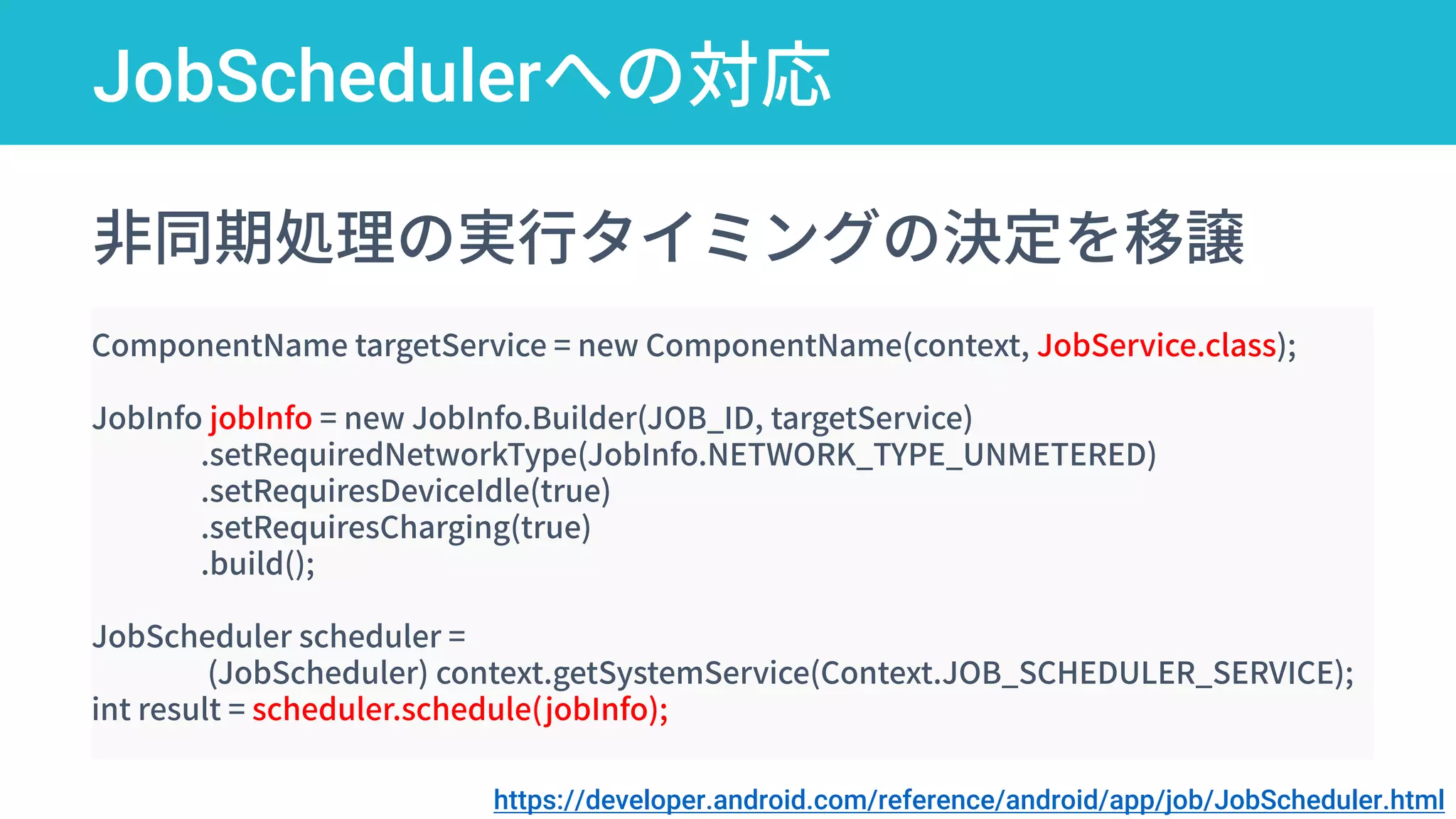
JobSchedulerへの対応
startForegroundService
非同期処理の実行タイミングの決定を移譲
ComponentName targetService = new ComponentName(context, JobService.class);
JobInfo jobInfo = new JobInfo.Builder(JOB_ID, targetService)
.setRequiredNetworkType(JobInfo.NETWORK_TYPE_UNMETERED)
.setRequiresDeviceIdle(true)
.setRequiresCharging(true)
.build();
JobScheduler scheduler =
(JobScheduler) context.getSystemService(Context.JOB_SCHEDULER_SERVICE);
int result = scheduler.schedule(jobInfo);
https://developer.android.com/reference/android/app/job/JobScheduler.html
Android Oの新機能
より便利な入力を実現する機能
選択ミス、入力ミス、
小さいテキスト、大きいテキ
ストなどもっと便利にしたい
・Smart Text Selection
・Autofill APIs
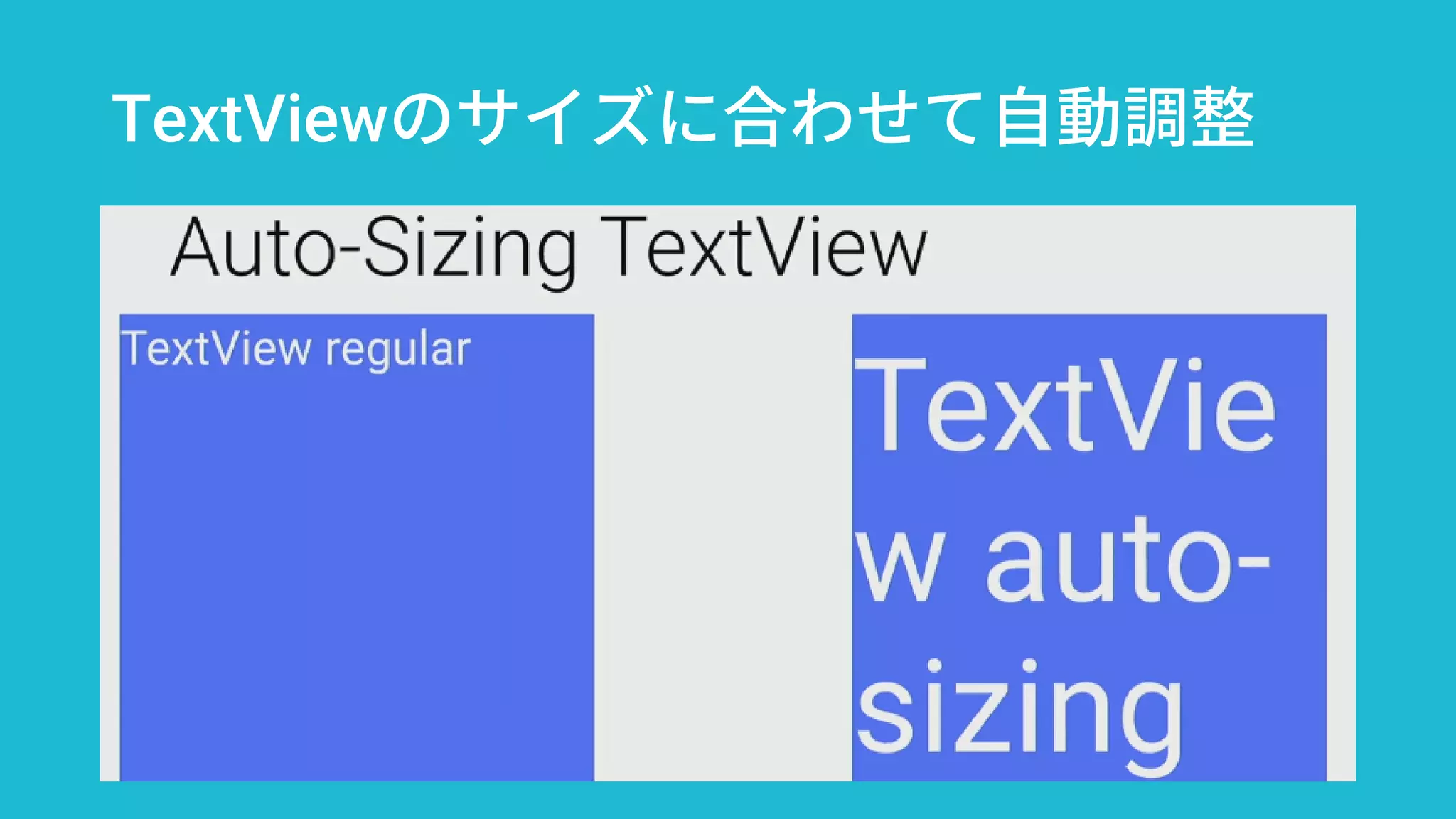
・Auto-sizing TextView
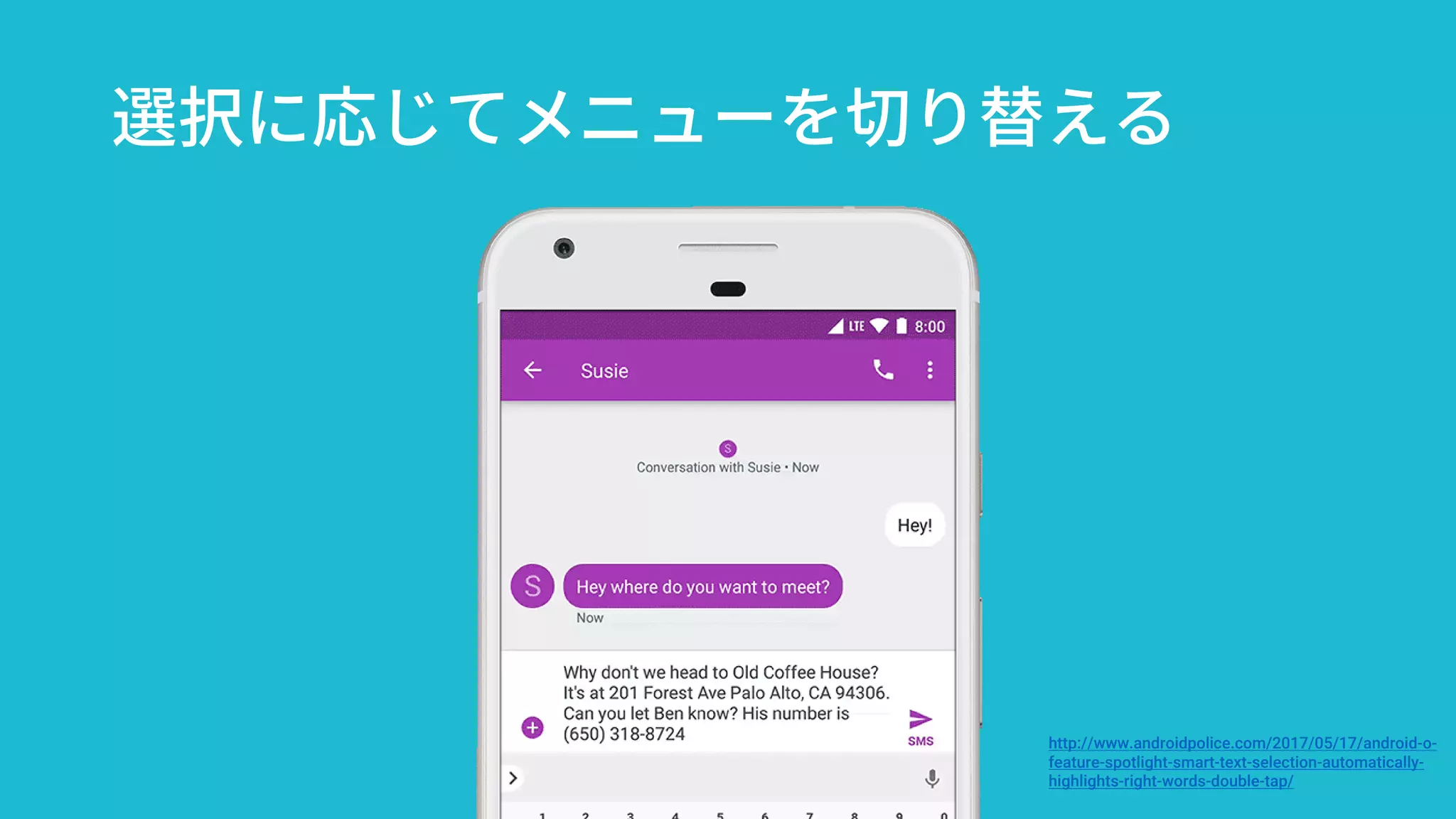
選択に応じてメニューを切り替える
http://www.androidpolice.com/2017/05/17/android-o-
feature-spotlight-smart-text-selection-automatically-
highlights-right-words-double-tap/
Autofill APIsでログインをより簡単に
Autofill APIsは入力のミスを減ら
して便利にする
TextView、EditTextで利用でき、
入力の障壁を下げる
What’s new in Android, Best Practices to Improve Sign-In, Payments, and Forms in Your Apps
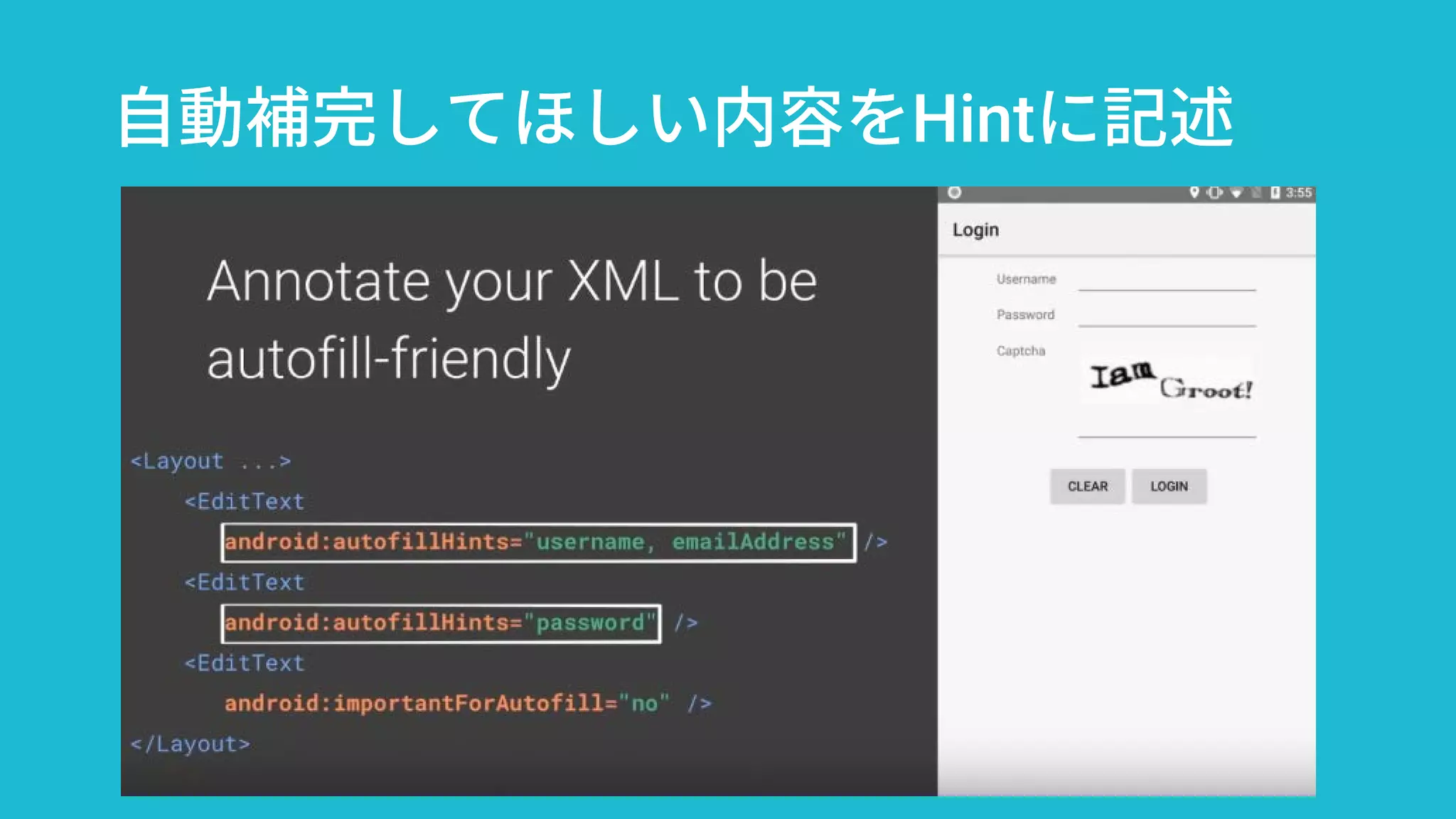
自動補完してほしい内容をHintに記述
TextViewのサイズに合わせて自動調整
フォントの効率化
Fonts in XML
Downloadable Fonts
アプリの表現力向上と
ダウンサイジングに貢献
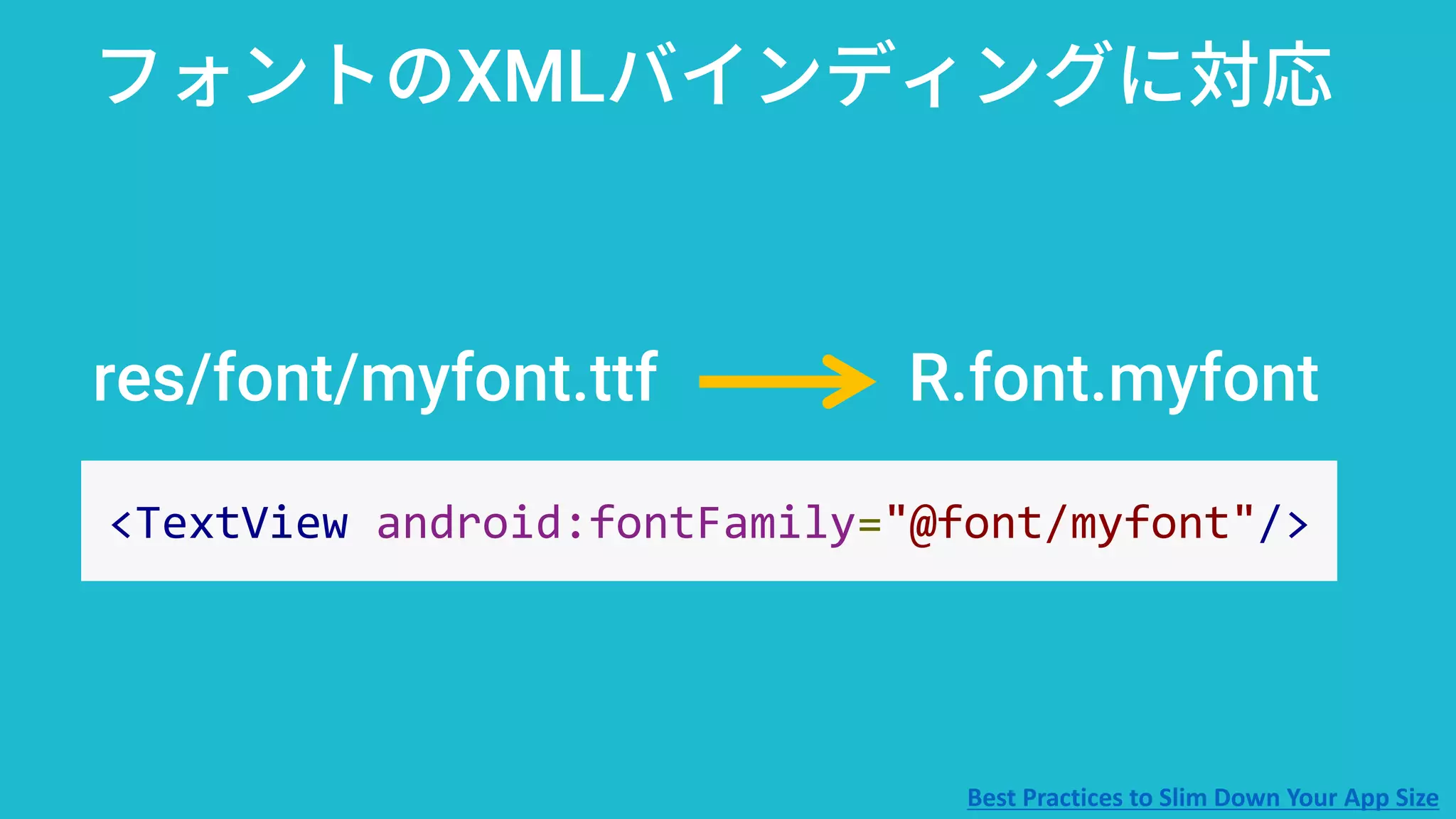
res/font/myfont.ttf R.font.myfont
フォントのXMLバインディングに対応
<TextView android:fontFamily="@font/myfont"/>
Best Practices to Slim Down Your App Size
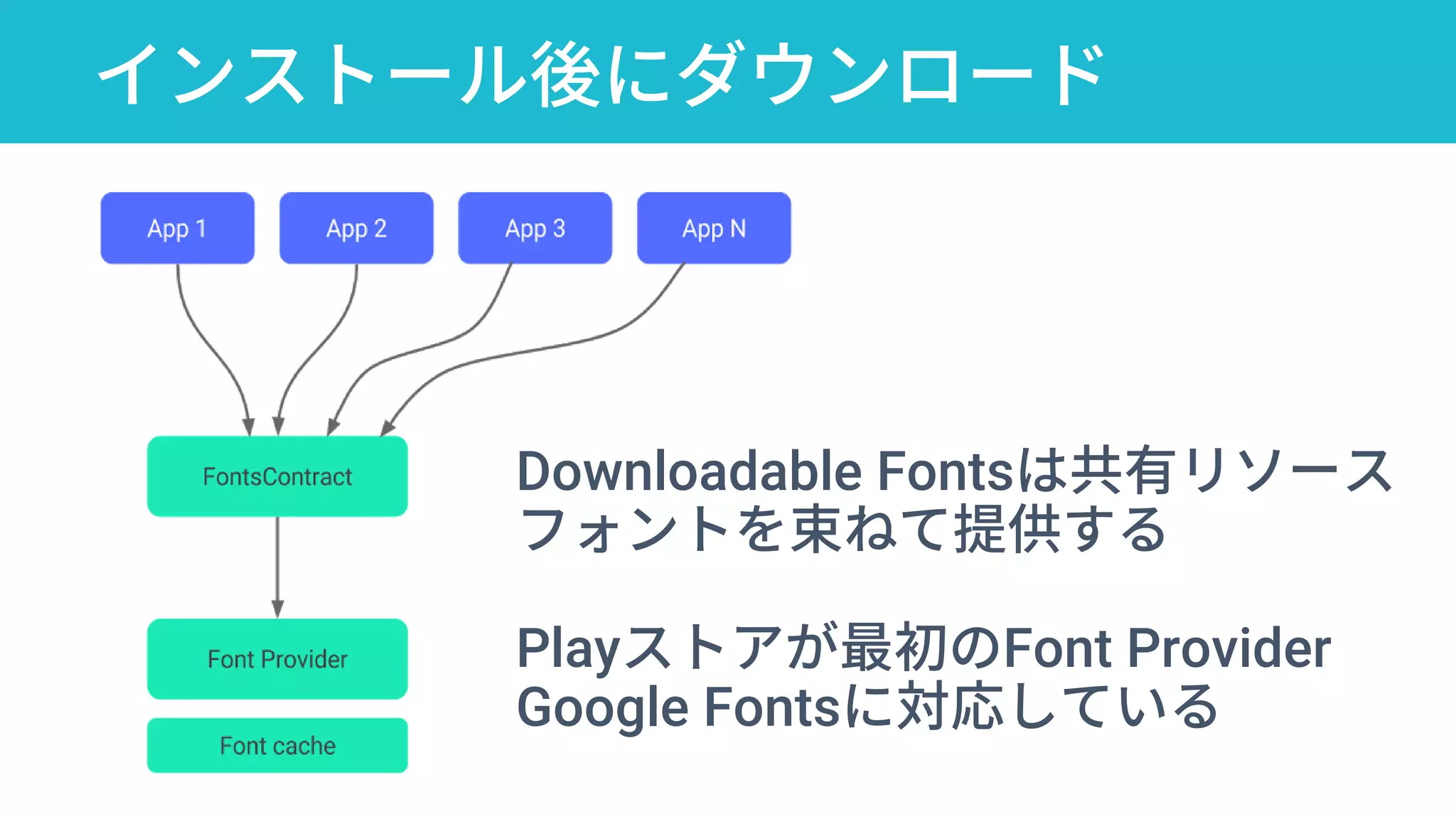
インストール後にダウンロード
Downloadable Fontsは共有リソース
フォントを束ねて提供する
Playストアが最初のFont Provider
Google Fontsに対応している
Android Oの新機能
Notification
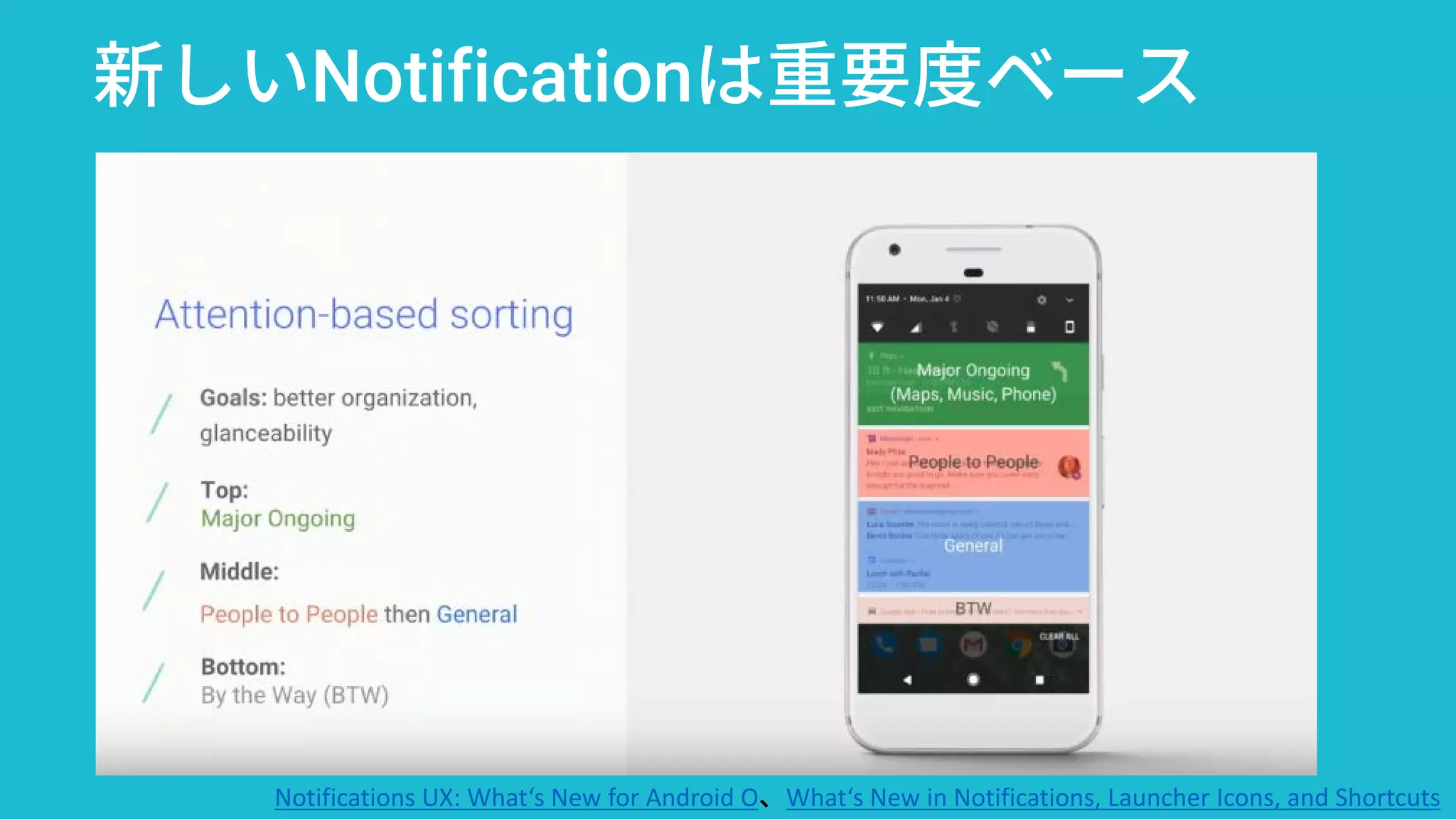
通知バーが重要度ベースで
リニューアル。ユーザーによ
る制御もより細やかに
Notificationデザインガイド
Notification Channels
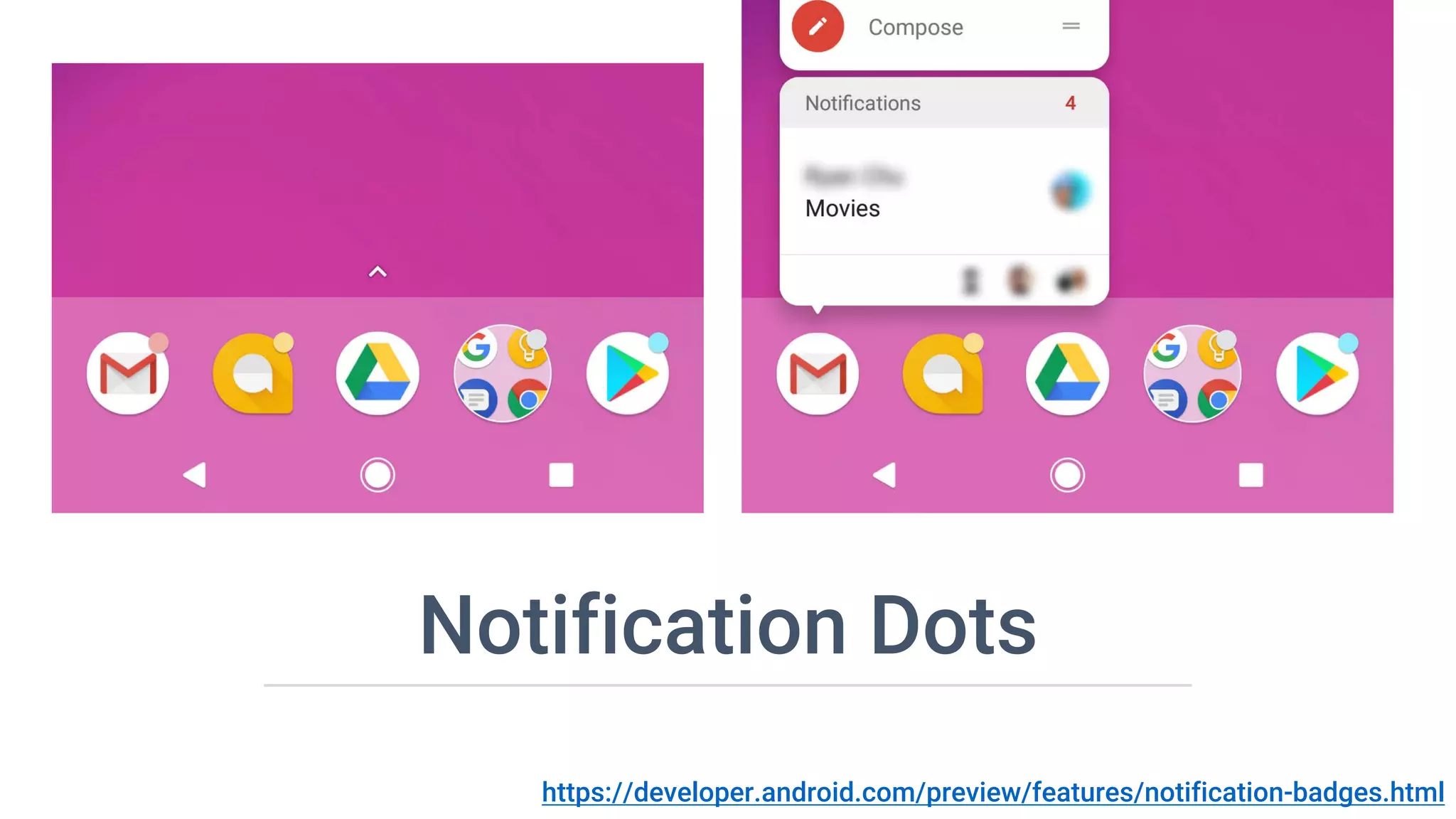
Notification Dots
新しいNotificationは重要度ベース
Notifications UX: What‘s New for Android O、What‘s New in Notifications, Launcher Icons, and Shortcuts
通知の細分化が進む:Channelの作成
NotificationManager mNotificationManager =
(NotificationManager) getSystemService(Context.NOTIFICATION_SERVICE);
String id = “news_feed_channnel”;
CharSequence name = getString(“チャンネル名”);
String description = getString(“チャンネルの説明文”);
int importance = NotificationManager.IMPORTANCE_LOW;
NotificationChannel mChannel = new NotificationChannel(id, name, importance);
// チャンネルの設定
mChannel.setDescription(description);
mChannel.enableLights(true);
mChannel.setLightColor(Color.BLUE);
mChannel.enableVibration(true);
mChannel.setVibrationPattern(new long[]{100, 200});
mNotificationManager.createNotificationChannel(mChannel);
Notification Dots
https://developer.android.com/preview/features/notification-badges.html
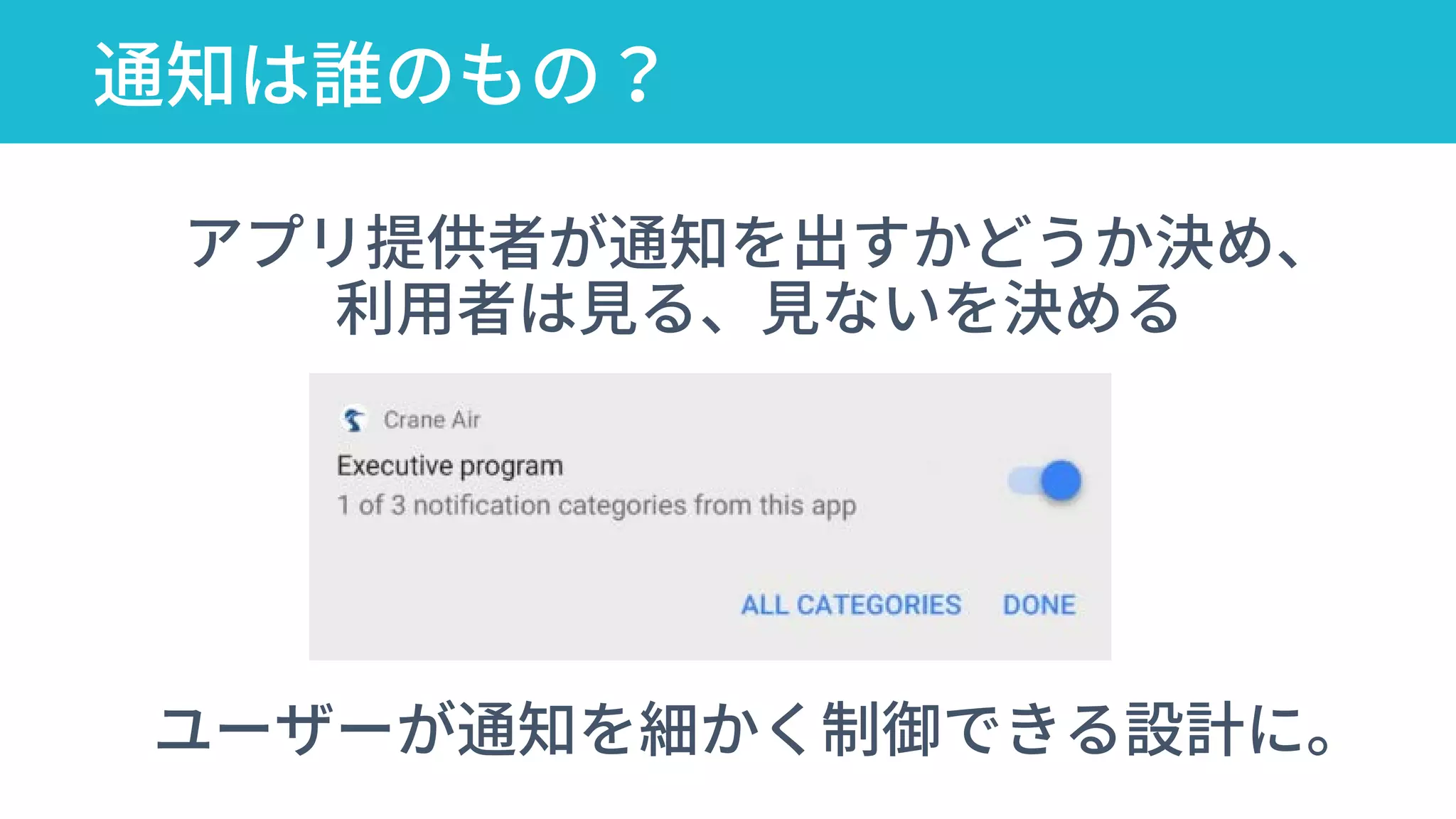
通知は誰のもの?
ユーザーが通知を細かく制御できる設計に。
アプリ提供者が通知を出すかどうか決め、
利用者は見る、見ないを決める
TensorFlow Lite
モバイル向け機械学習プラット
フォーム。
TFのランタイムとして動作
モデルの最適化、専用DSP支援
などでメリット
Android Studio
の新機能
Android Studio 3.0
Canary 3 is now available
https://developer.android.com/studio/preview/index.html
Android Studioの高機能化
IDEとしての機能拡張
・New Design Tools
・Kotlin Support
・Android Profiler
Androidプラットフォーム
・Instant Apps and more
https://developer.android.com/studio/preview/index.html
What’s New in Android Development Tools
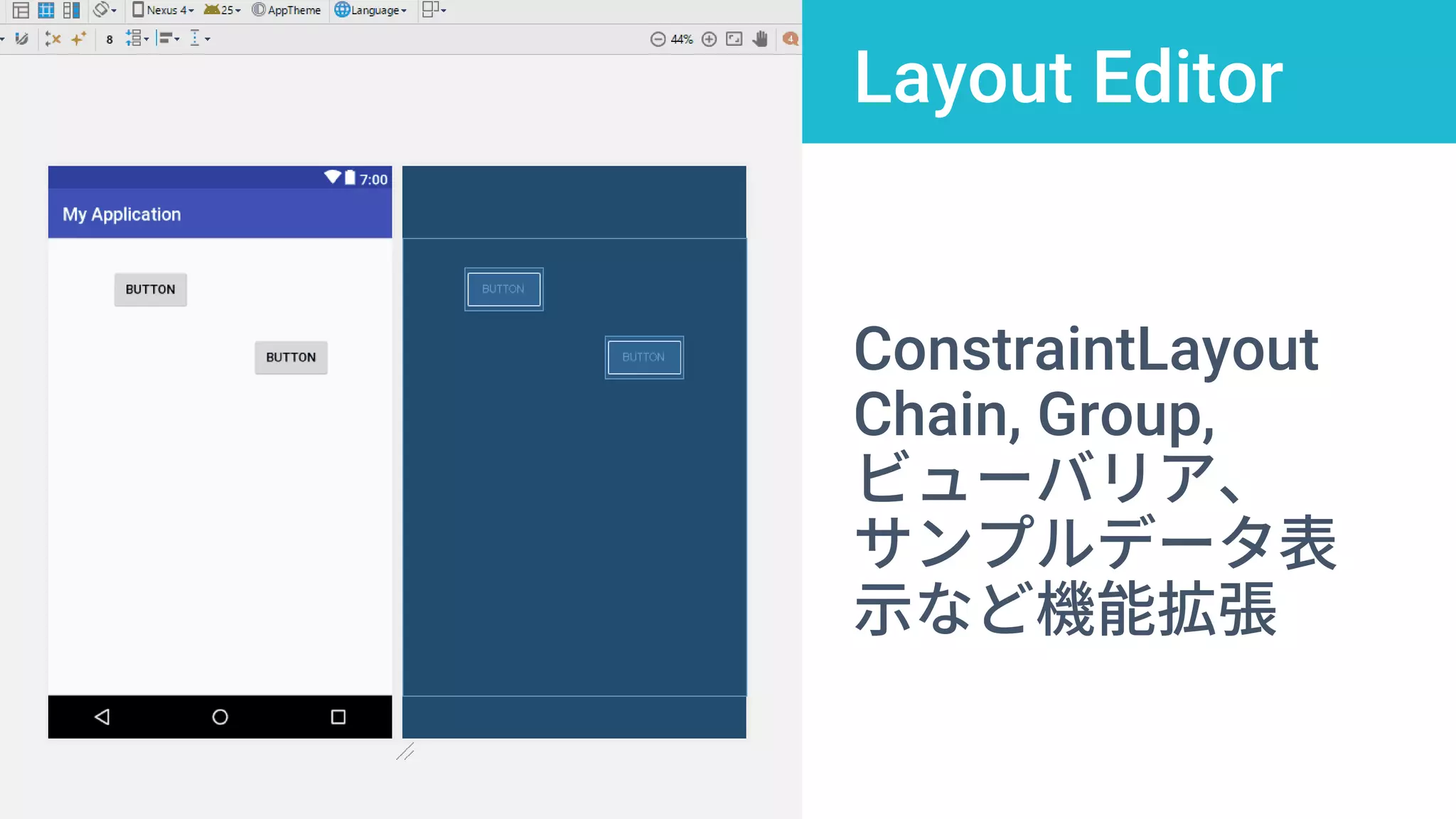
Layout Editor
ConstraintLayout
Chain, Group,
ビューバリア、
サンプルデータ表
示など機能拡張
新しいプログラミング言語:Kotlin
JetBrainsが開発してきた言語。
今後はKotlin財団が管理
Android(Java仮想マシン)だ
けでなくJavaScriptやNativeプ
ラットフォームでも動作
Introduction to Kotlin
KotlinとJavaどちらを使うべきか
好きな方を使ってほしい。どちらもオフィシャルサポー
トがある。ベターJavaとしてのKotlinは開発者の要望が
強い。一方でAndroidフレームワーク内でも使われる
(置き換わる)ものではない。
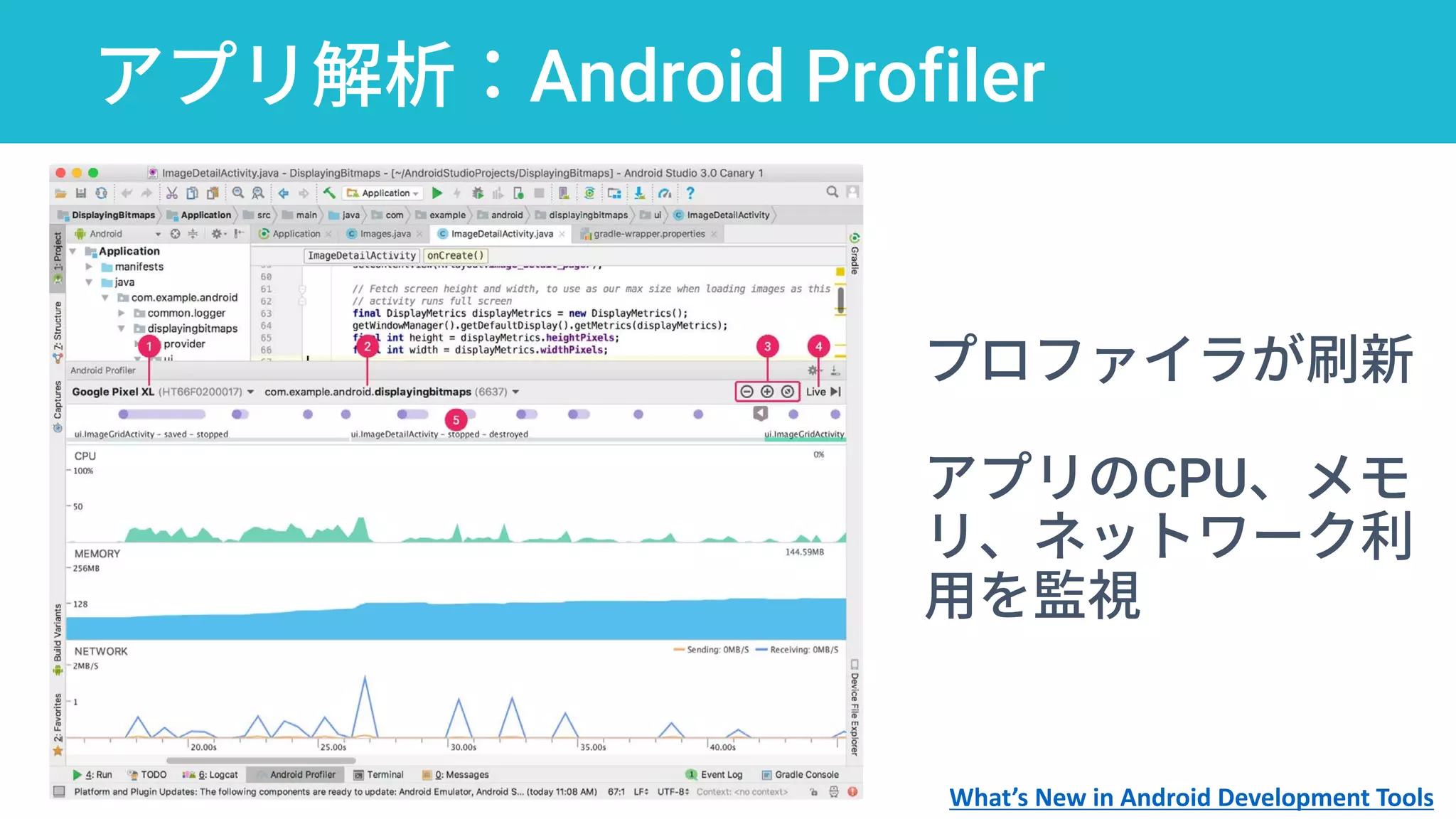
アプリ解析:Android Profiler
プロファイラが刷新
アプリのCPU、メモ
リ、ネットワーク利
用を監視
What’s New in Android Development Tools
プロファイラで見るべき指標
10 Google Play Console Secrets to Optimize
Android Apps for Stellar User Retention
フレームレートに注意。16ms以
内のレンダリングが理想
0.1%のフレームが処理に700ms
かかるJunk Frame。Junkをなく
すことが体験向上に繋がる
10 Google Play Console Secrets to Optimize Android Apps for Stellar User Retention
Android Performance: An Overview、 Android Performance: UI
https://developer.android.com/topic/performance/vitals/render.html
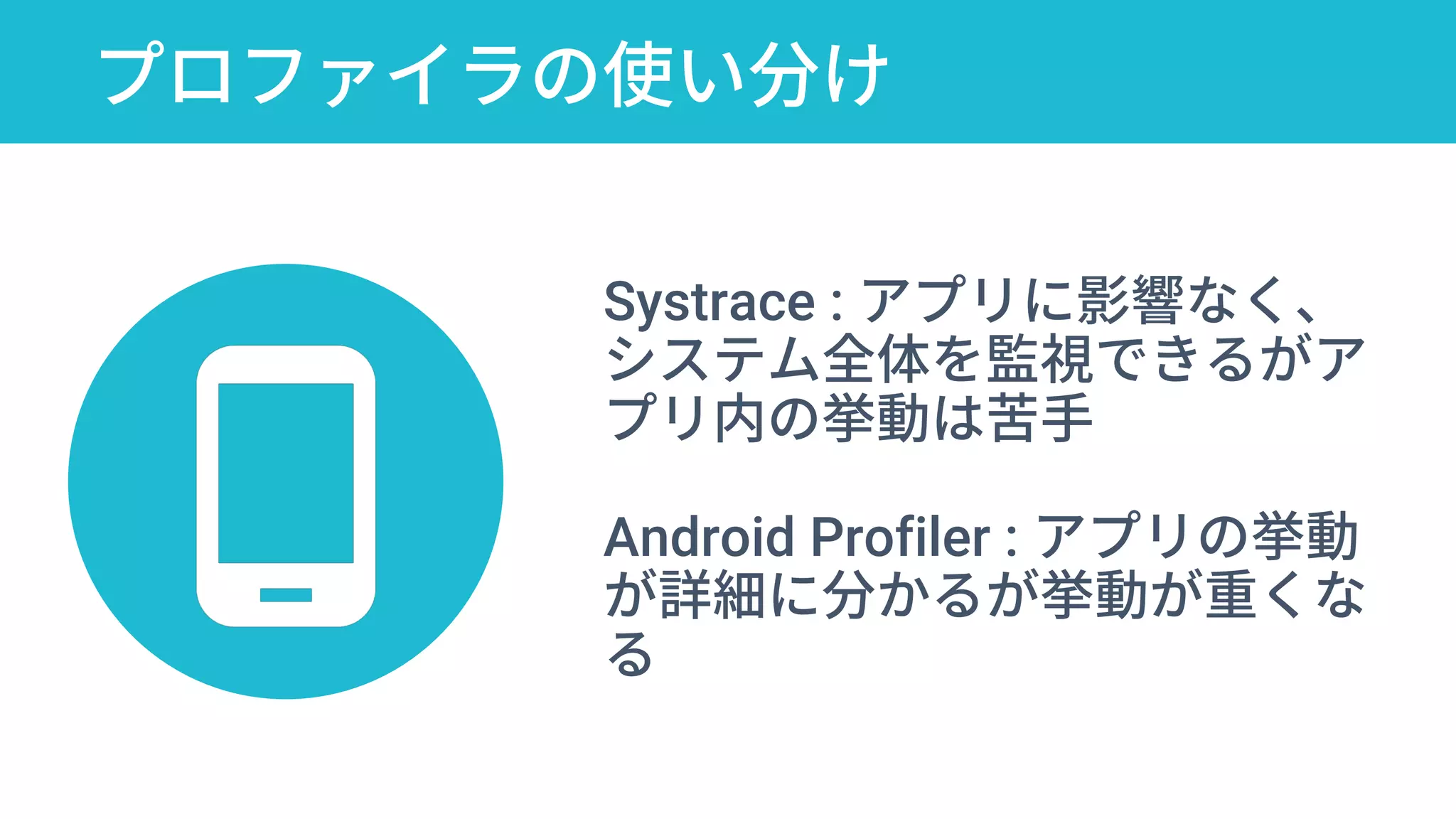
プロファイラの使い分け
10 Google Play Console Secrets to Optimize
Android Apps for Stellar User Retention
Systrace : アプリに影響なく、
システム全体を監視できるがア
プリ内の挙動は苦手
Android Profiler : アプリの挙動
が詳細に分かるが挙動が重くな
る
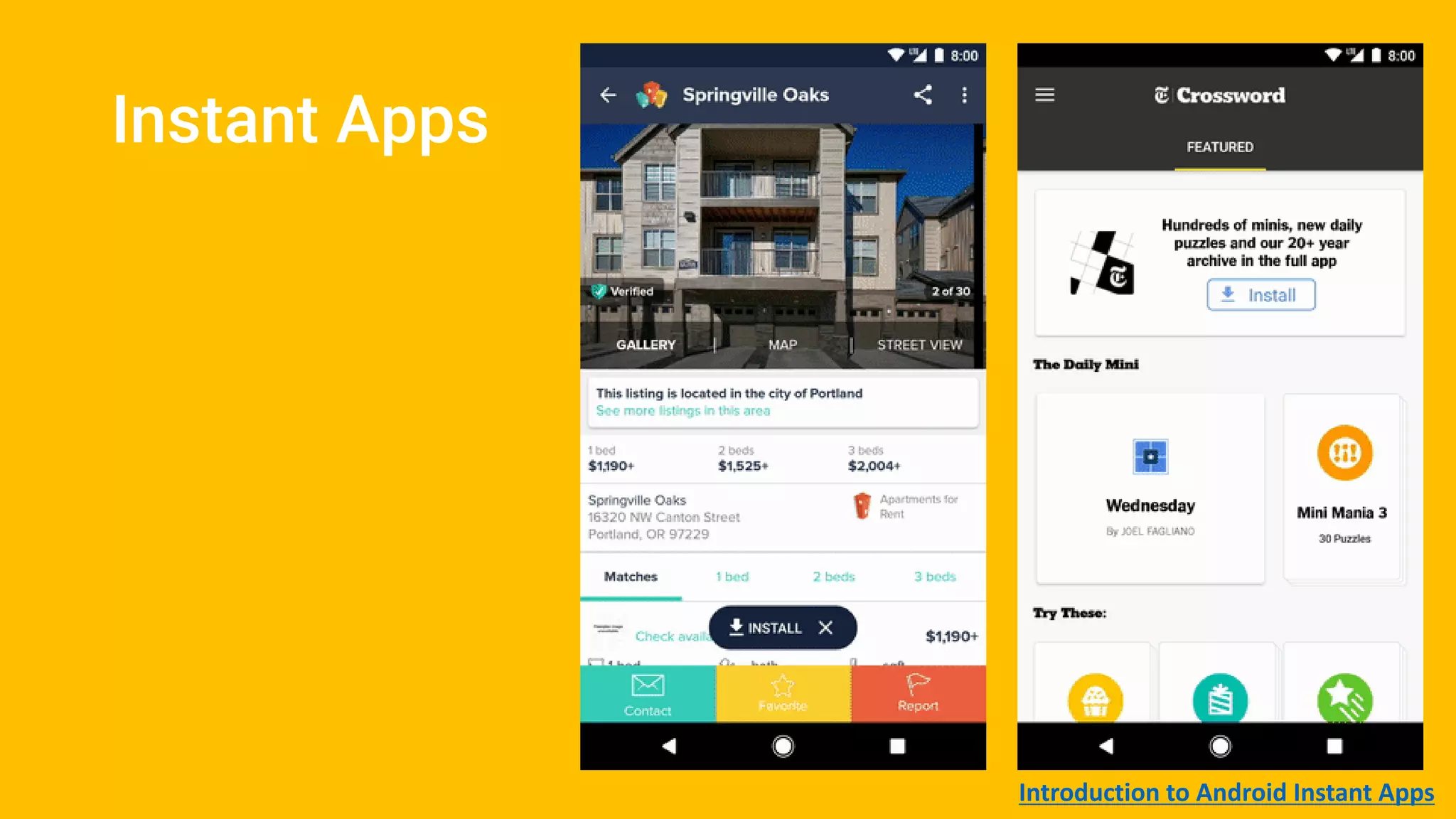
Instant Apps
Introduction to Android Instant Apps
インストール不要なInstant Apps
検索、SNS、メッセージ、
DeepLinkからアクセス可能
アプリの一番の障壁であるイ
ンストールを取り除く
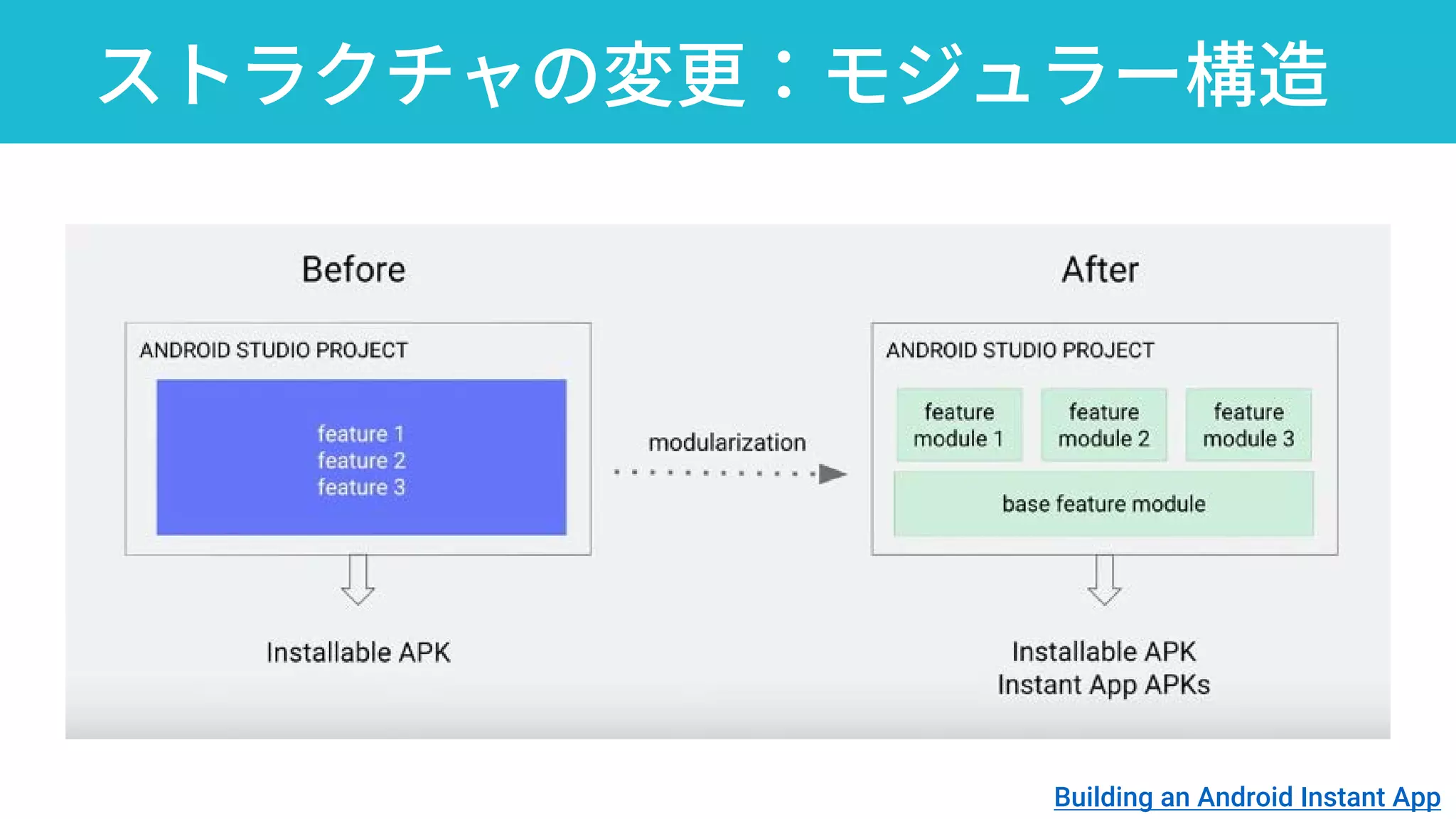
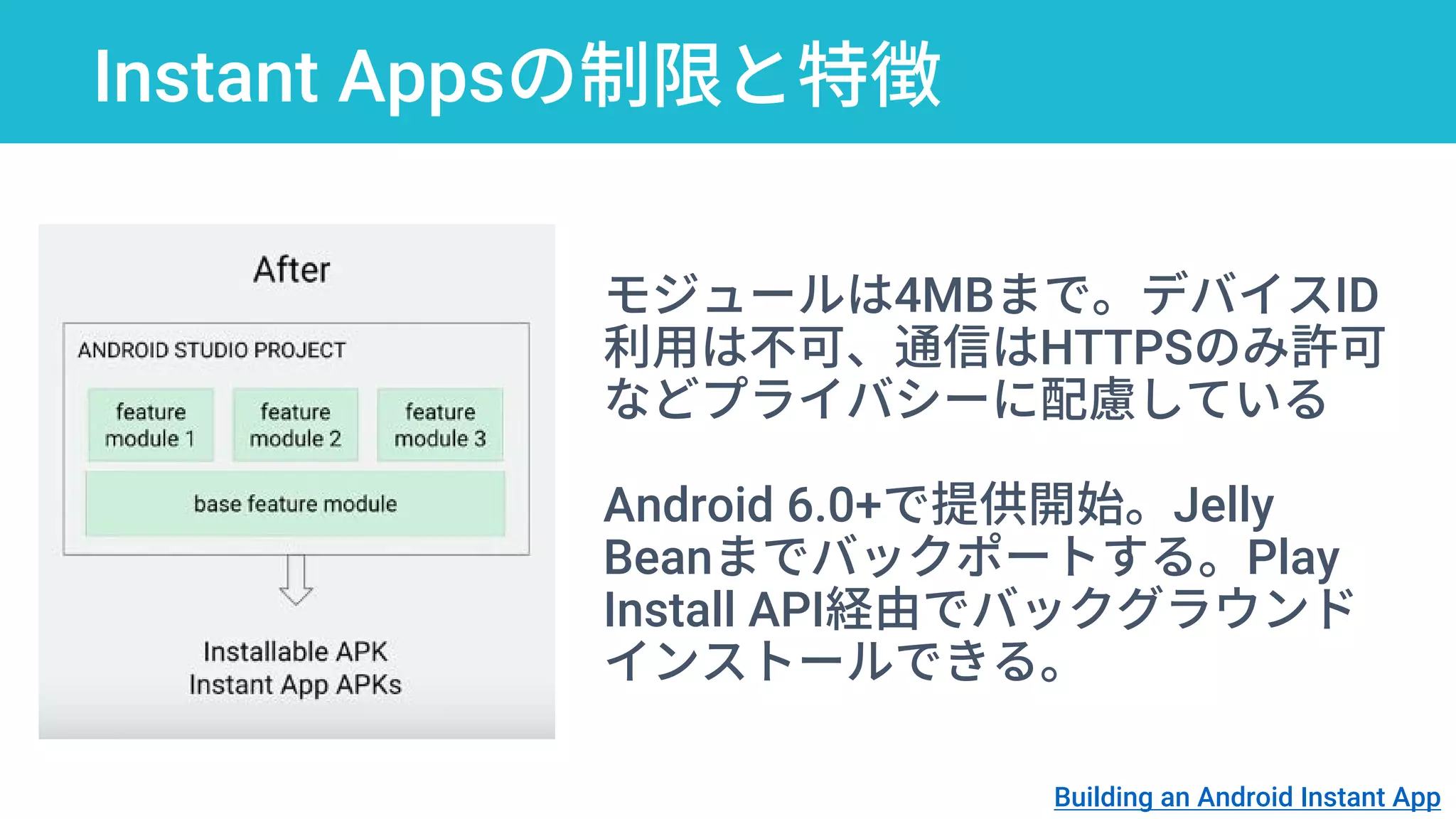
ストラクチャの変更:モジュラー構造
Building an Android Instant App
Instant Appsの制限と特徴
モジュールは4MBまで。デバイスID
利用は不可、通信はHTTPSのみ許可
などプライバシーに配慮している
Android 6.0+で提供開始。Jelly
Beanまでバックポートする。Play
Install API経由でバックグラウンド
インストールできる。
Building an Android Instant App
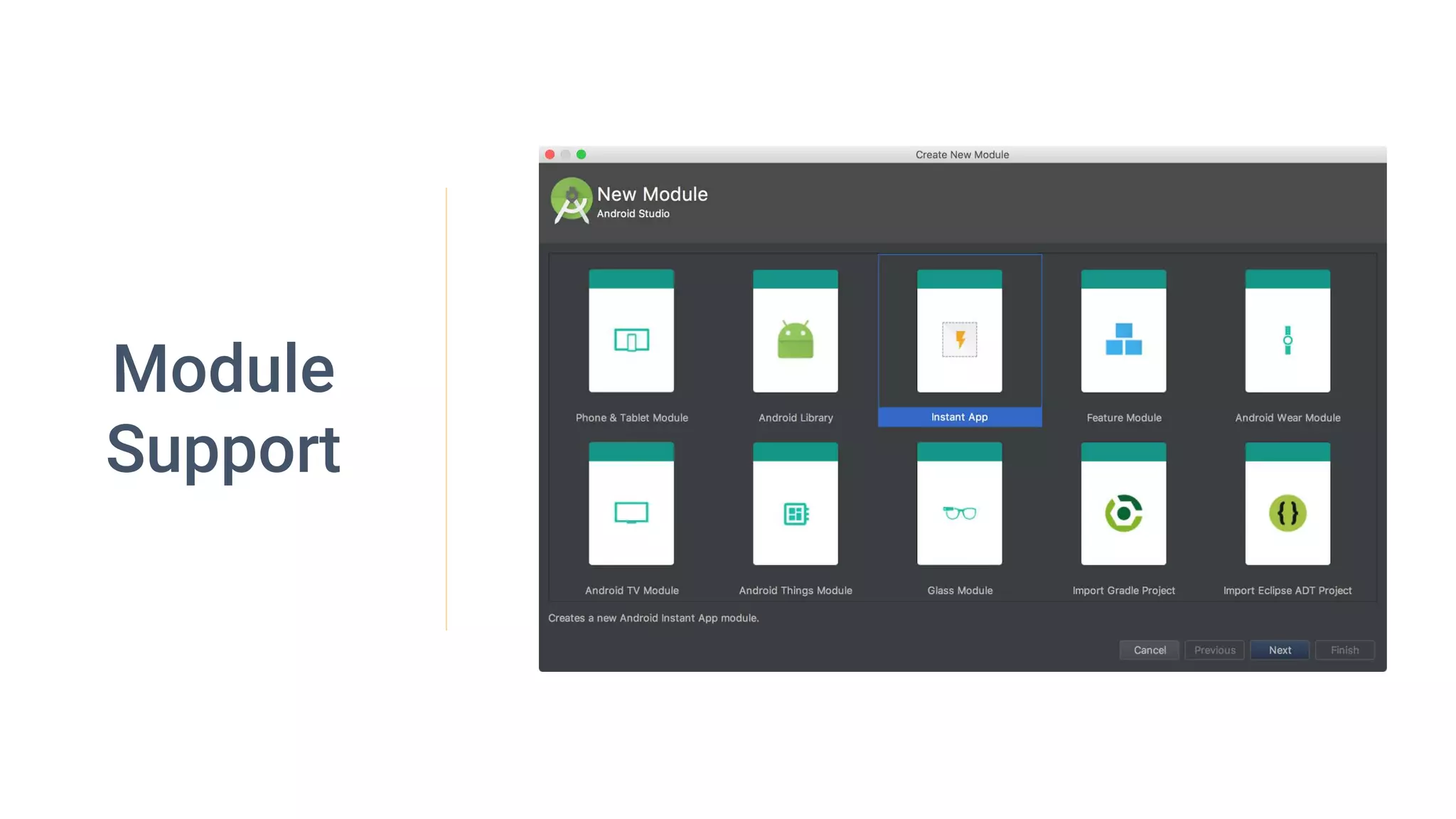
Module
Support
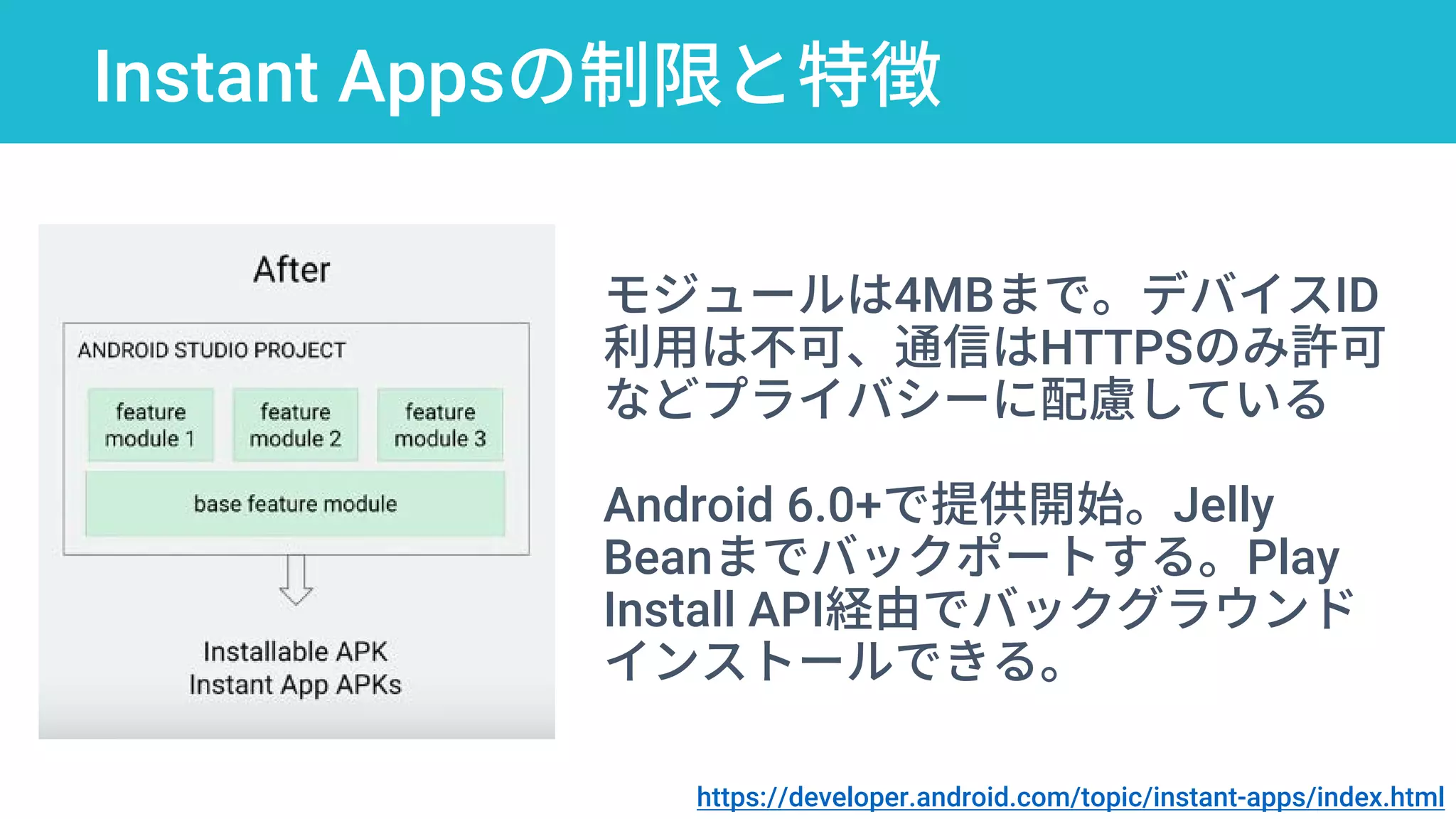
Instant Appsの制限と特徴
https://developer.android.com/topic/instant-apps/index.html
モジュールは4MBまで。デバイスID
利用は不可、通信はHTTPSのみ許可
などプライバシーに配慮している
Android 6.0+で提供開始。Jelly
Beanまでバックポートする。Play
Install API経由でバックグラウンド
インストールできる。
Have Fun!
Android O
Android Studio 3.0
Androidセッションを6/12から techbooster.org
で1日、数本ずつ全部レポートするよ!
今日フォローしきれなかった情報も伝わればい
いな、と思います。ぜひ見てね。
Thank You!
rabbitlog@gmail.com@mhidaka

Google I/O 2017 Extended: Android O And Android Studio