GIT Ready
introduction to git and github
Day 2
Sad story ….
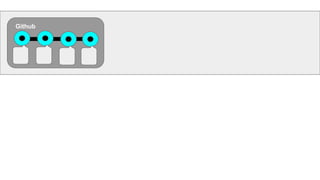
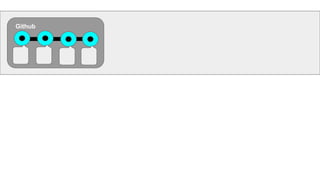
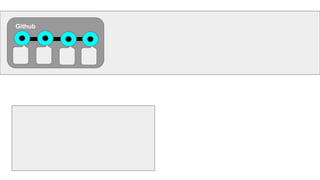
Github
GitHub is a Web-based Git version control
repository hosting service. It is mostly used for

computer code. It offers all of the distributed
version control and source code management
(SCM) functionality of Git as well as adding its
own features. It provides access control and
several collaboration features such as bug
tracking, feature requests, task management, and
wikis for every project.
https://goo.gl/tTJsbh
Facts about github
April 2017
20
million
users
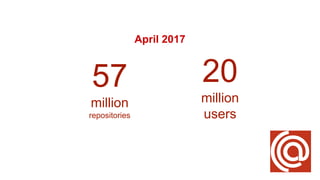
April 2017
20
million
users
57
million
repositories
April 2017
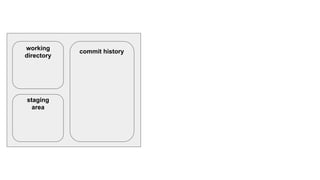
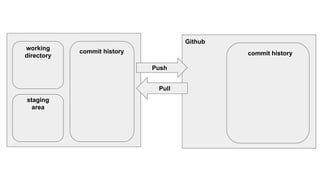
Relation between Git & Github
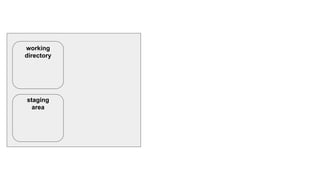
working
directory
staging
area
commit history
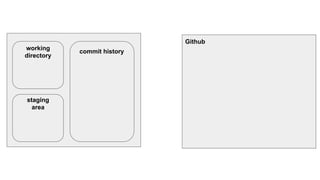
working
directory
staging
area
commit history
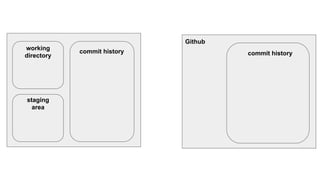
working
directory
staging
area
Github
commit history
working
directory
staging
area
commit history
Github
commit history
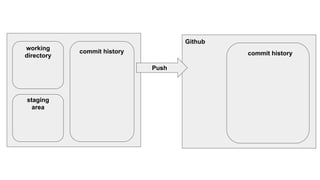
working
directory
staging
area
commit history
Push
Github
commit history
working
directory
staging
area
commit history
Push
Pull
Github
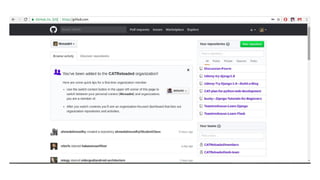
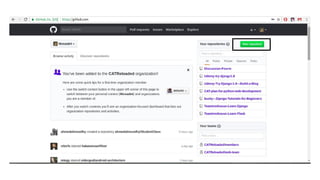
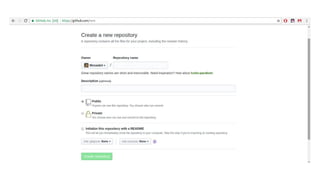
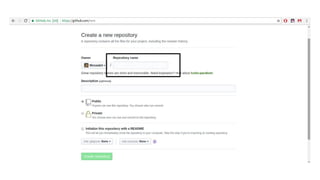
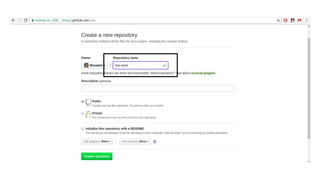
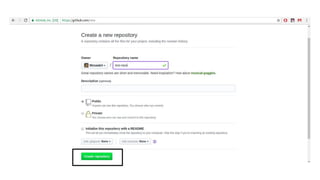
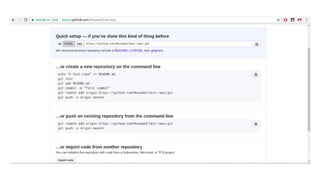
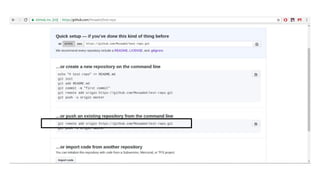
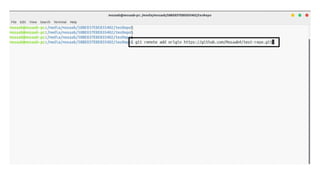
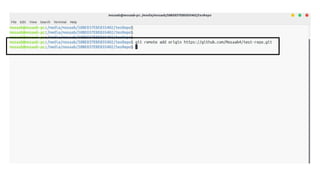
Create your first repository on github
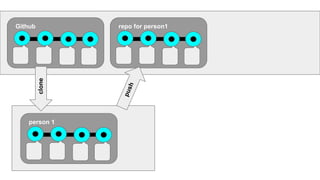
Push your project online
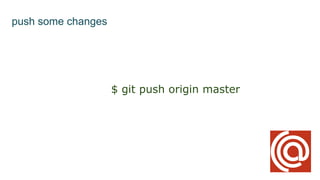
push some changes
$ git push origin master
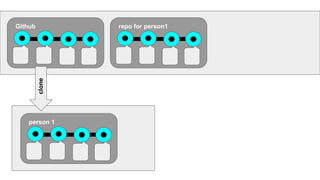
clone some repos
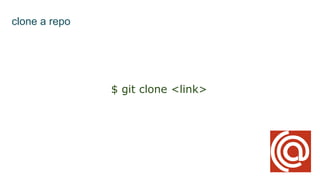
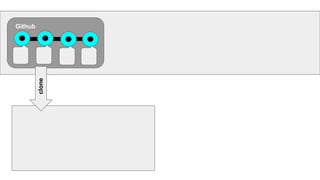
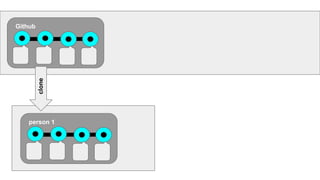
clone a repo
$ git clone <link>
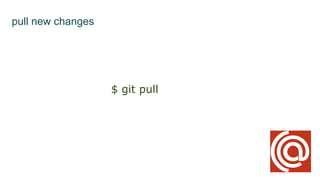
pull new changes
pull new changes
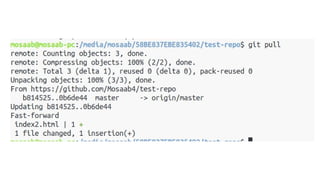
$ git pull
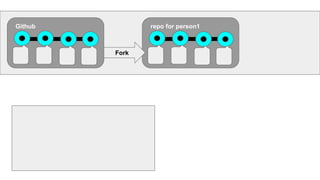
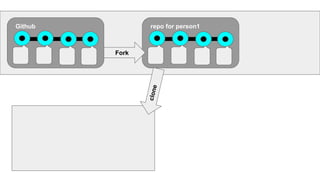
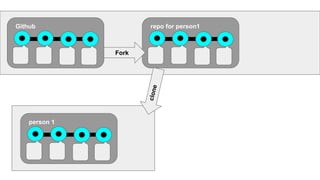
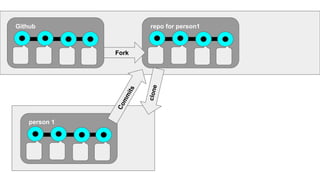
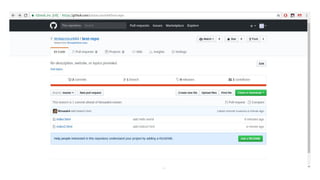
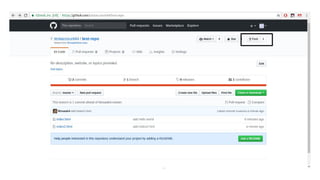
Fork some repos
Github
Github
Github
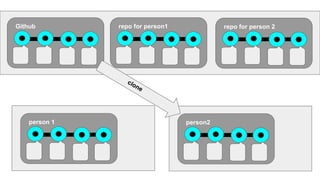
clone
Github
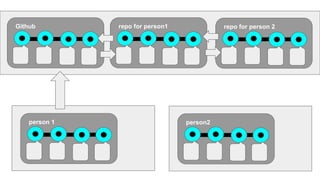
person 1
clone
Github
clone
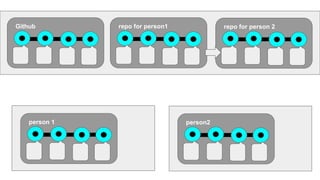
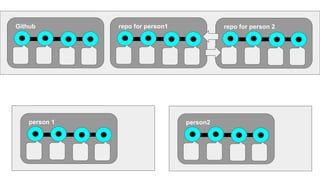
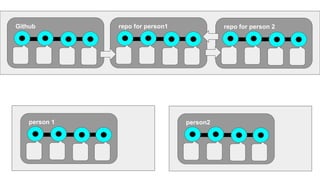
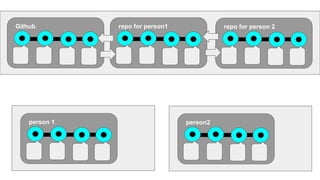
repo for person1
person 1
Github
clone
repo for person1
person 1
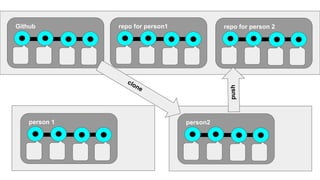
push
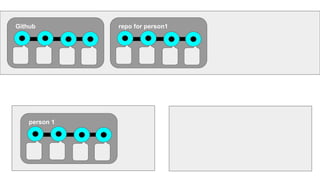
Github repo for person1
person 1
Github repo for person1
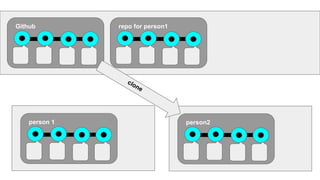
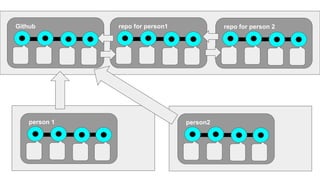
person 1 person2
clone
Github repo for person1
person 1 person2
repo for person 2
clone
Github repo for person1
person 1 person2
repo for person 2
push
clone
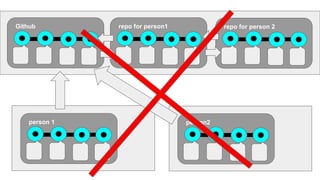
Don’t repeat yourself ?
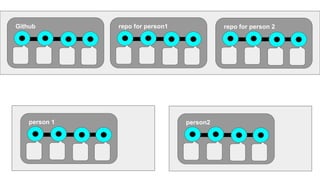
Github repo for person1
person 1 person2
repo for person 2
Github repo for person1
person 1 person2
repo for person 2
Github repo for person1
person 1 person2
repo for person 2
Github repo for person1
person 1 person2
repo for person 2
Github repo for person1
person 1 person2
repo for person 2
Github repo for person1
person 1 person2
repo for person 2
Github repo for person1
person 1 person2
repo for person 2
Github repo for person1
person 1 person2
repo for person 2
Github
Github
Github repo for person1
Fork
Github repo for person1
Fork
clone
person 1
Github repo for person1
Fork
clone
person 1
Github repo for person1
Fork
Commits
clone
person 1
Github repo for person1
Fork
Commits
clone
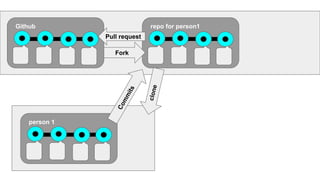
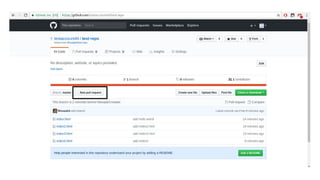
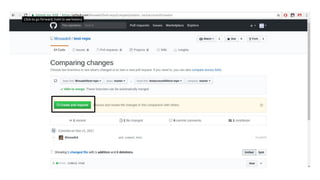
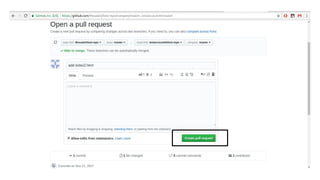
Pull request
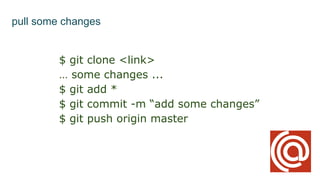
pull some changes
$ git clone <link>
… some changes ...
$ git add *
$ git commit -m “add some changes”
$ git push origin master
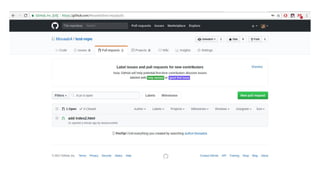
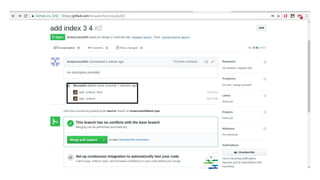
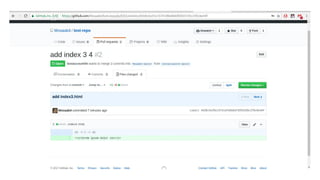
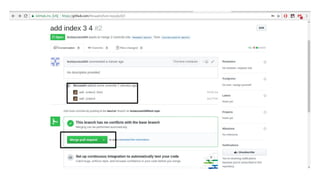
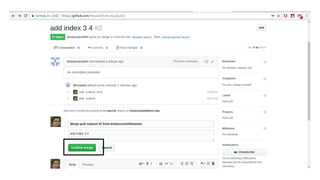
Accept pull requests
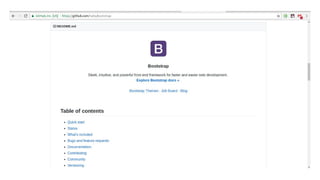
README.md
Markdown
Markdown is often used to format
readme files, for writing messages in
online discussion forums, and to
create rich text using a plain text
editor.
https://goo.gl/SpPbNW
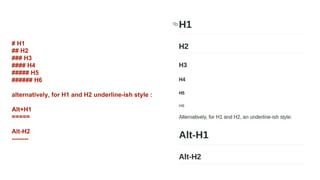
# H1
## H2
### H3
#### H4
##### H5
###### H6
alternatively, for H1 and H2 underline-ish style :
Alt+H1
=====
Alt-H2
--------
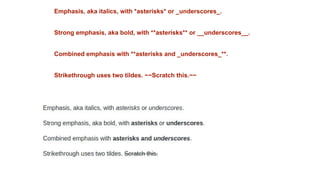
Emphasis, aka italics, with *asterisks* or _underscores_.
Strong emphasis, aka bold, with **asterisks** or __underscores__.
Combined emphasis with **asterisks and _underscores_**.
Strikethrough uses two tildes. ~~Scratch this.~~
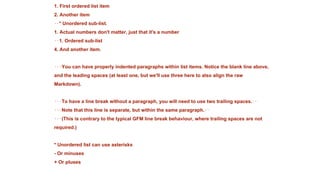
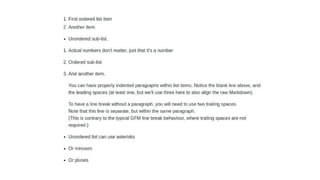
1. First ordered list item
2. Another item
⋅⋅* Unordered sub-list.
1. Actual numbers don't matter, just that it's a number
⋅⋅1. Ordered sub-list
4. And another item.
⋅⋅⋅You can have properly indented paragraphs within list items. Notice the blank line above,
and the leading spaces (at least one, but we'll use three here to also align the raw
Markdown).
⋅⋅⋅To have a line break without a paragraph, you will need to use two trailing spaces.⋅⋅
⋅⋅⋅Note that this line is separate, but within the same paragraph.⋅⋅
⋅⋅⋅(This is contrary to the typical GFM line break behaviour, where trailing spaces are not
required.)
* Unordered list can use asterisks
- Or minuses
+ Or pluses
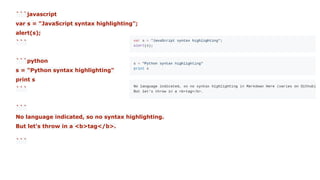
```javascript
var s = "JavaScript syntax highlighting";
alert(s);
```
```python
s = "Python syntax highlighting"
print s
```
```
No language indicated, so no syntax highlighting.
But let's throw in a <b>tag</b>.
```
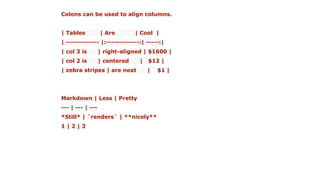
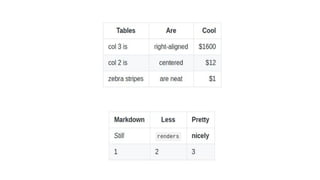
Colons can be used to align columns.
| Tables | Are | Cool |
| ------------- |:-------------:| -----:|
| col 3 is | right-aligned | $1600 |
| col 2 is | centered | $12 |
| zebra stripes | are neat | $1 |
Markdown | Less | Pretty
--- | --- | ---
*Still* | `renders` | **nicely**
1 | 2 | 3
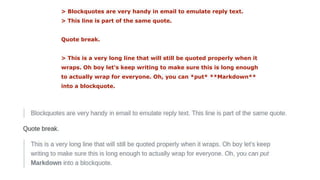
> Blockquotes are very handy in email to emulate reply text.
> This line is part of the same quote.
Quote break.
> This is a very long line that will still be quoted properly when it
wraps. Oh boy let's keep writing to make sure this is long enough
to actually wrap for everyone. Oh, you can *put* **Markdown**
into a blockquote.
Markdown Cheatsheet
Markdown Cheatsheet
https://goo.gl/RWFC79
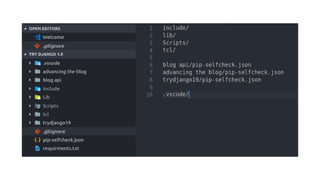
Ignore some files
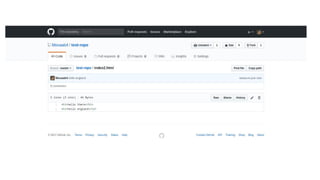
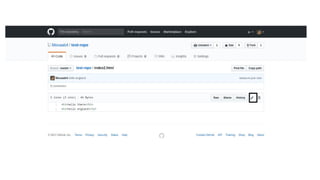
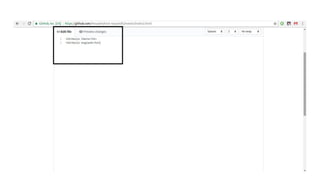
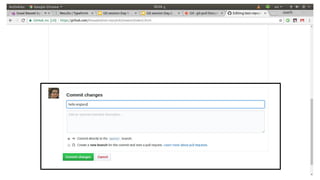
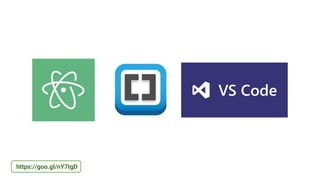
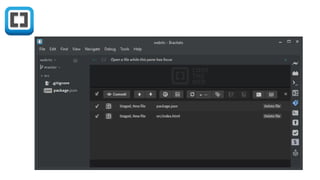
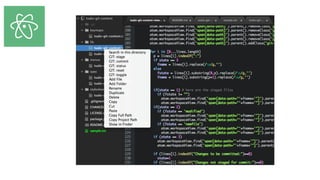
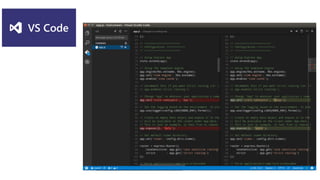
Built-in git text editors
https://goo.gl/nY7tgD
Github student pack
https://goo.gl/Fyz98u
Resources
How to Use Git and GitHub : https://goo.gl/ewk4Ro
Git Tutorials Playlist : https://goo.gl/54B9YH
Git & GitHub : https://goo.gl/xd2ez1
Discussion
Any questions ?
Thank you :”)

Git session day 2