Git
&GitHub
Session
Facilitator
Manee Das Shrestha
Niraj Nath
Version Control
System
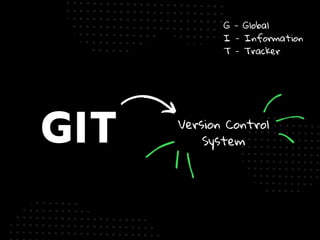
GIT
G - Global
I - Information
T - Tracker
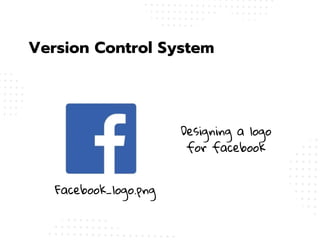
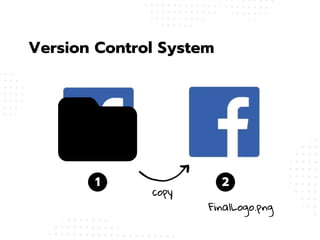
Version Control System
Designing a logo
for facebook
Facebook_logo.png
Version Control System
1 2
copy
FinalLogo.png
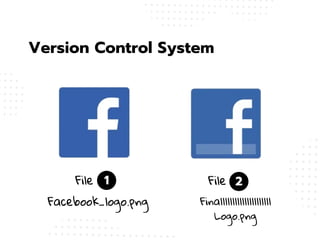
Version Control System
1 2
File File
Finalllllllllllllllllllll
Logo.png
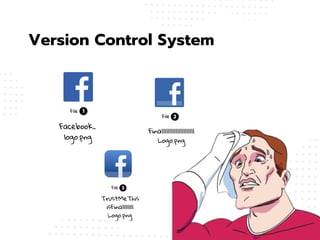
Facebook_logo.png
1
File
Facebook_
logo.png
2
File
Finalllllllllllllllllllll
Logo.png
3
File
TrustMeThis
isFinallllllll
Logo.png
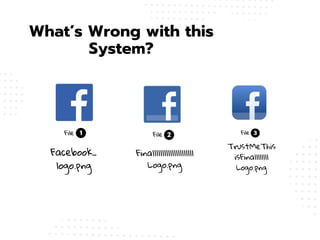
Version Control System
1
File
Facebook_
logo.png
2
File
Finalllllllllllllllllllll
Logo.png
3
File
TrustMeThis
isFinallllllll
Logo.png
What’s Wrong with this
System?
What’s Wrong with this
System?
What’s Wrong with this System?
COnfusion & Clutter
Wasted Storage
NO Change History
NO Tracking
Collaboration Chaos
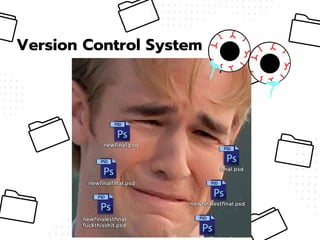
Version Control System
you could just name your project
once and you could take snapshots
of the progress along the way?
WHAT IF
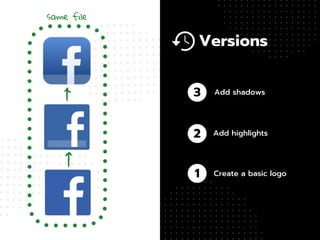
1
2
3
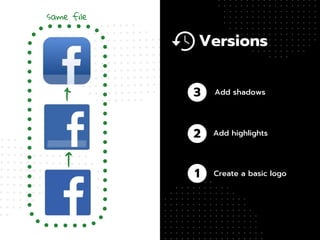
same file
Add shadows
Add highlights
Create a basic logo
Versions
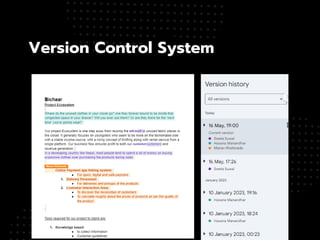
Version Control System
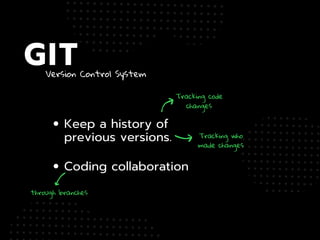
Tracking code
changes
Tracking who
made changes
through branches
GIT
Keep a history of
previous versions.
Coding collaboration
github.com
GITHUB
website that hosts git
repositories on a remote server.
store, share, and collaborate on
your coding projects.
NOW
LETS GET
STARTED
WITH THE TECHNICAL STUFF
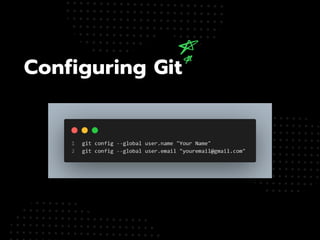
Configuring Git
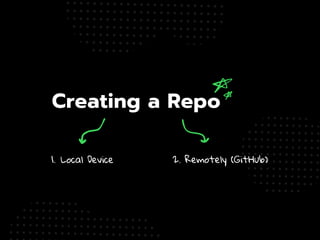
Creating a Repo
1. Local Device 2. Remotely (GitHub)
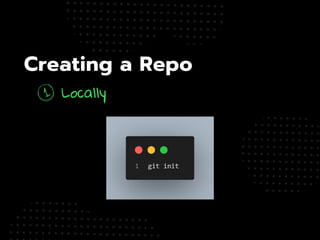
Creating a Repo
Locally
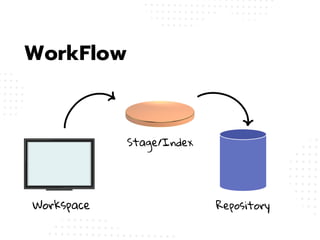
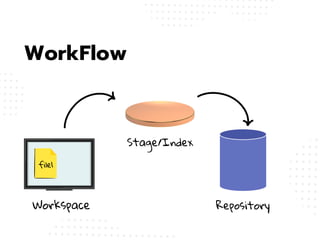
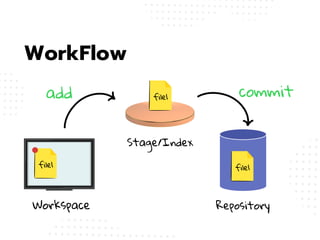
WorkFlow
Workspace
Stage/Index
Repository
WorkFlow
Workspace
Stage/Index
Repository
file1
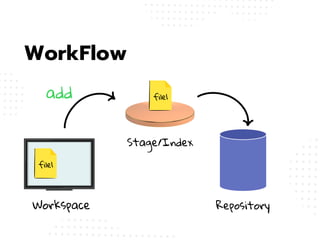
WorkFlow
Workspace
Stage/Index
Repository
file1
file1
add
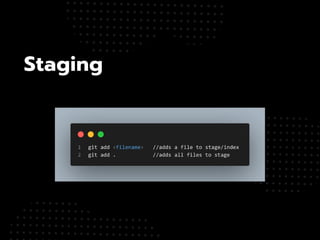
Staging
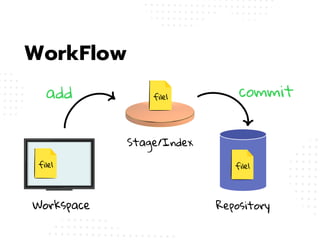
WorkFlow
Workspace
Stage/Index
Repository
file1
file1
file1
add commit
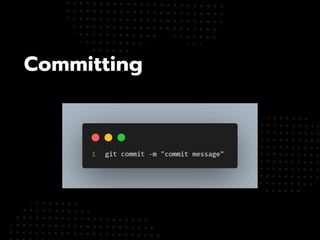
Committing
1
2
3
same file
Add shadows
Add highlights
Create a basic logo
Versions
WorkFlow
Workspace
Stage/Index
Repository
file1
file1
file1
add commit
file1
file1
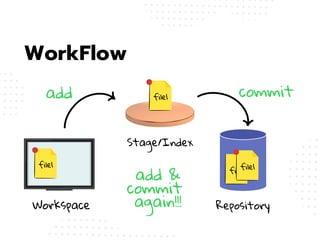
WorkFlow
Workspace
Stage/Index
Repository
file1
file1
add
add &
commit
again!!!
commit
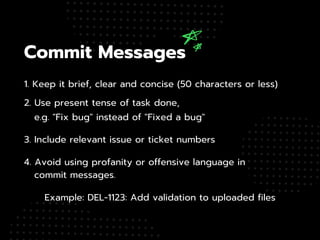
Commit Messages
2. Use present tense of task done,
e.g. "Fix bug" instead of "Fixed a bug"
1. Keep it brief, clear and concise (50 characters or less)
3. Include relevant issue or ticket numbers
Example: DEL-1123: Add validation to uploaded files
4. Avoid using profanity or offensive language in
commit messages.
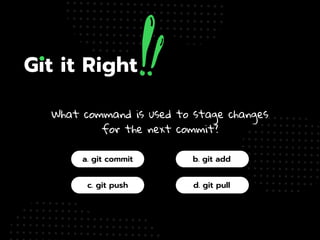
What command is used to stage changes
for the next commit?
a. git commit
c. git push
b. git add
d. git pull
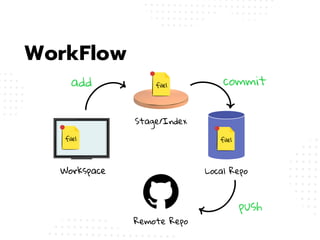
WorkFlow
Workspace
Stage/Index
Local Repo
Remote Repo
file1
file1
file1
add commit
push
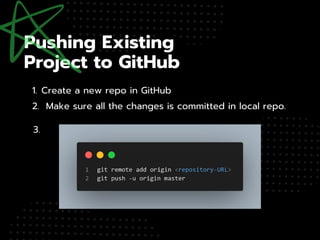
1. Create a new repo in GitHub
3.
2. Make sure all the changes is committed in local repo.
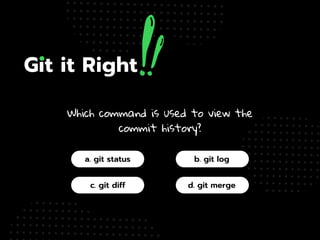
Which command is used to view the
commit history?
a. git status
c. git diff
b. git log
d. git merge
Creating a Repo
Remotely (GitHub)
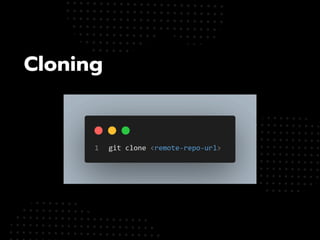
Cloning
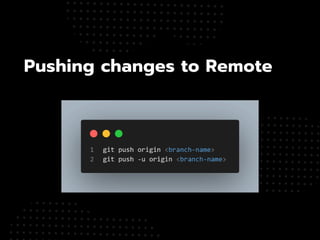
Pushing changes to Remote
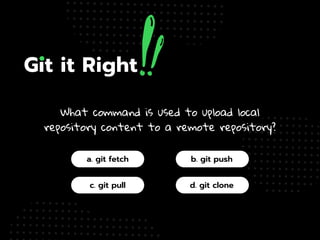
What command is used to upload local
repository content to a remote repository?
a. git fetch
c. git pull
b. git push
d. git clone
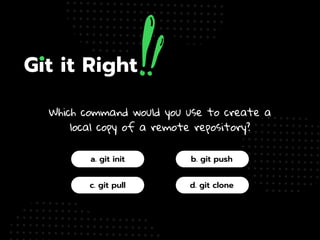
Which command would you use to create a
local copy of a remote repository?
a. git init
c. git pull
b. git push
d. git clone
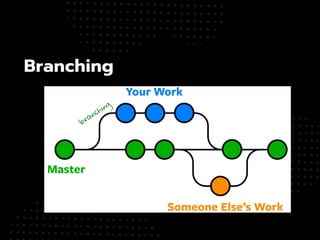
Branching
branching
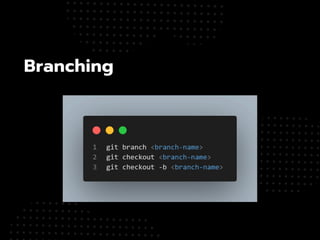
Branching
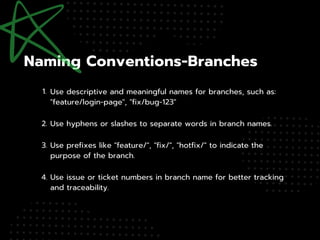
Use descriptive and meaningful names for branches, such as:
"feature/login-page", "fix/bug-123"
Use hyphens or slashes to separate words in branch names.
Use issue or ticket numbers in branch name for better tracking
and traceability.
Use prefixes like "feature/", "fix/", "hotfix/" to indicate the
purpose of the branch.
1.
2.
3.
4.
Creating Pull Requests &
Merging
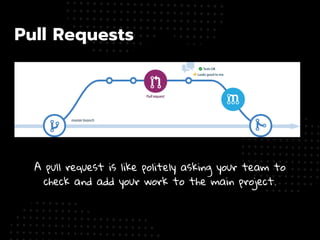
Pull Requests
A pull request is like politely asking your team to
check and add your work to the main project.
1. Facilitates collaboration by allowing developers to
propose changes to a codebase.
2. Enables peer reviews ensuring proposed
changes meet quality standards before merging.
4. Integration with Continuous Integration (CI) systems
automated testing and validation processes.
3. Fosters communication among team members,
with features like comments and reviews.
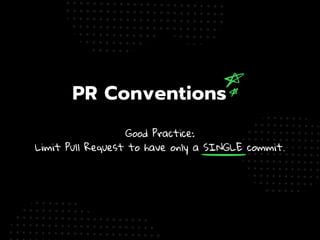
Good Practice:
Limit Pull Request to have only a SINGLE commit.
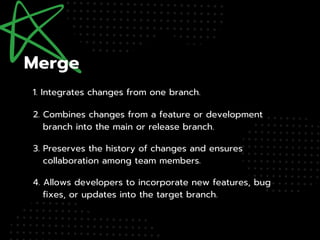
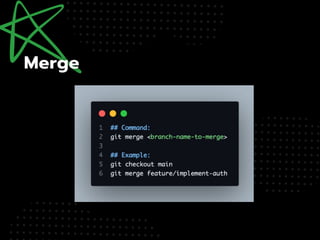
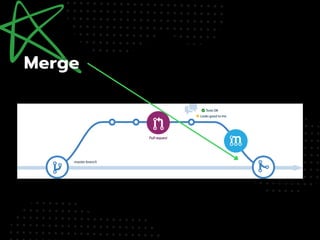
1. Integrates changes from one branch.
2. Combines changes from a feature or development
branch into the main or release branch.
4. Allows developers to incorporate new features, bug
fixes, or updates into the target branch.
3. Preserves the history of changes and ensures
collaboration among team members.
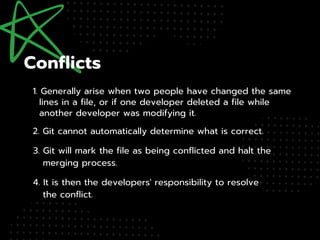
1. Generally arise when two people have changed the same
lines in a file, or if one developer deleted a file while
another developer was modifying it.
2. Git cannot automatically determine what is correct.
4. It is then the developers' responsibility to resolve
the conflict.
3. Git will mark the file as being conflicted and halt the
merging process.

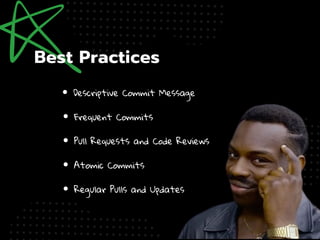
Descriptive Commit Message
Pull Requests and Code Reviews
Frequent Commits
Atomic Commits
Regular Pulls and Updates
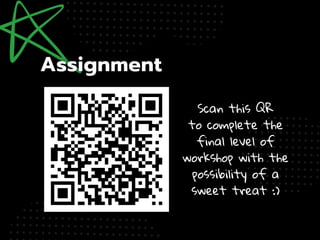
Scan this QR
to complete the
final level of
workshop with the
possibility of a
sweet treat :)
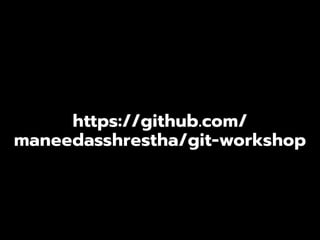
https://github.com/
maneedasshrestha/git-workshop

Git-GitHub-Session(how to use and why ).pdf