
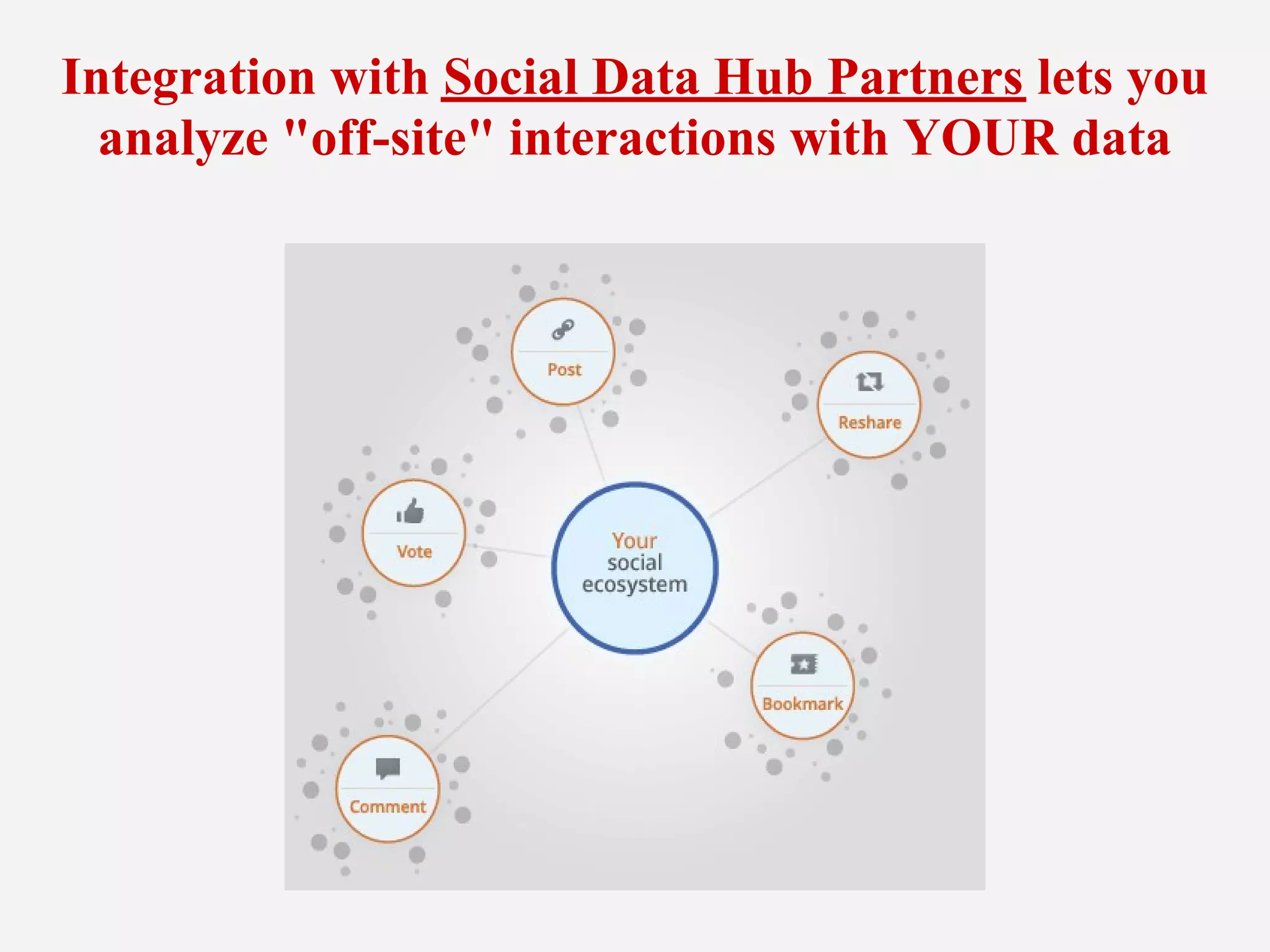
Integration with Social Data Hub Partners lets you
  analyze "off-site" interactions with YOUR data
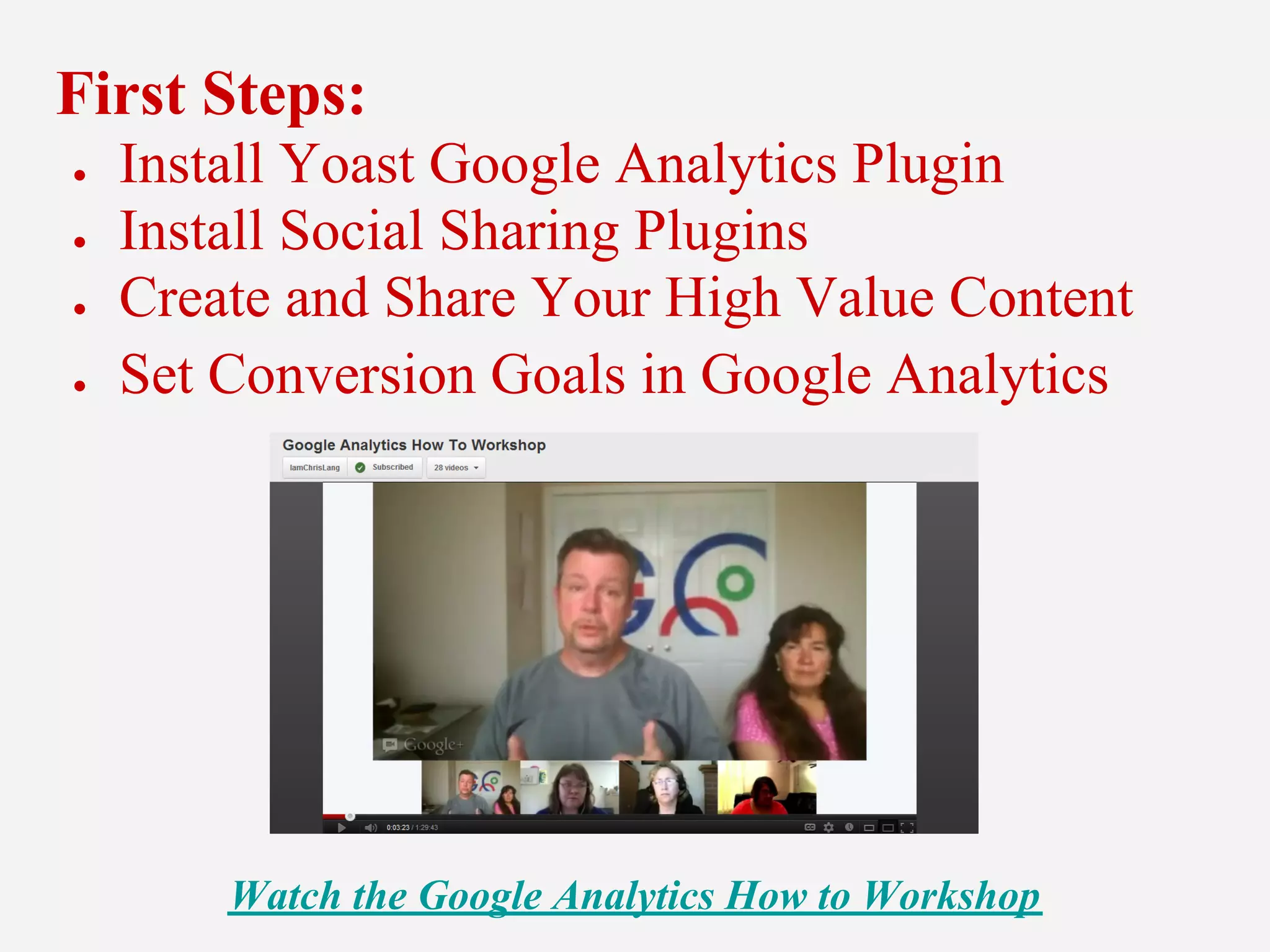
First Steps:
●   Install Yoast Google Analytics Plugin
●   Install Social Sharing Plugins
●   Create and Share Your High Value Content
●   Set Conversion Goals in Google Analytics


        Watch the Google Analytics How to Workshop
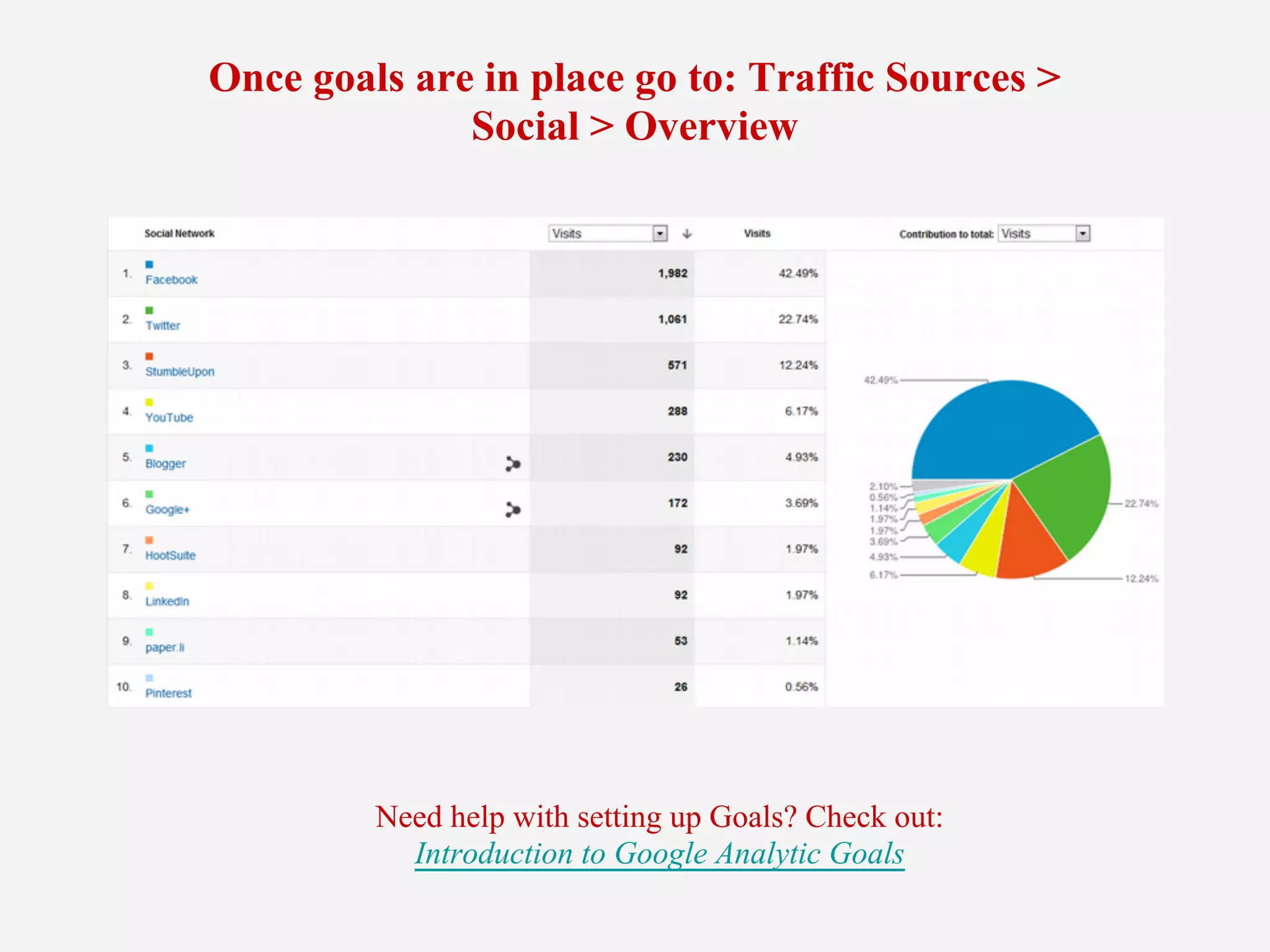
Once goals are in place go to: Traffic Sources >
              Social > Overview


         Need help with setting up Goals? Check out:
           Introduction to Google Analytic Goals
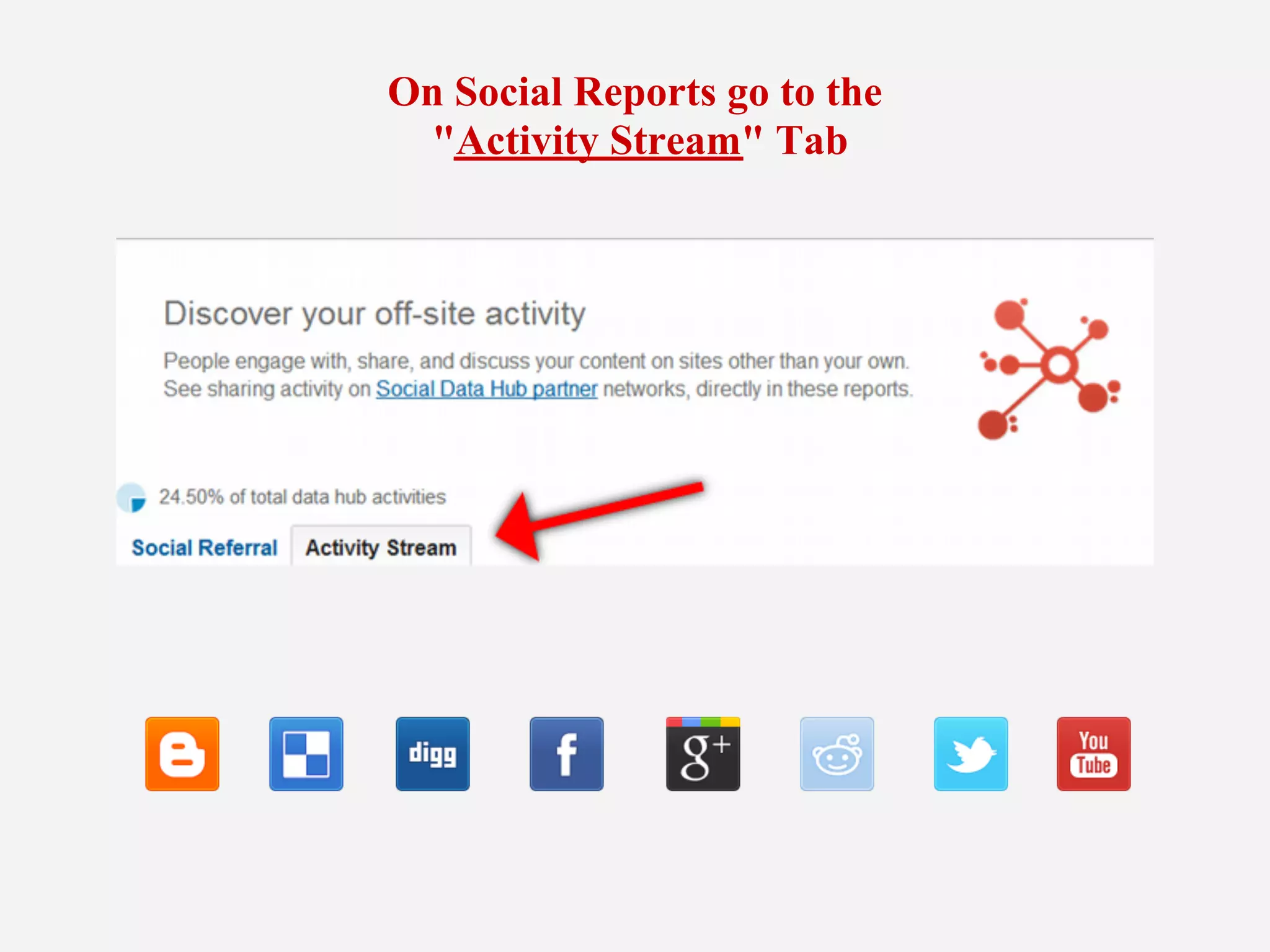
On Social Reports go to the
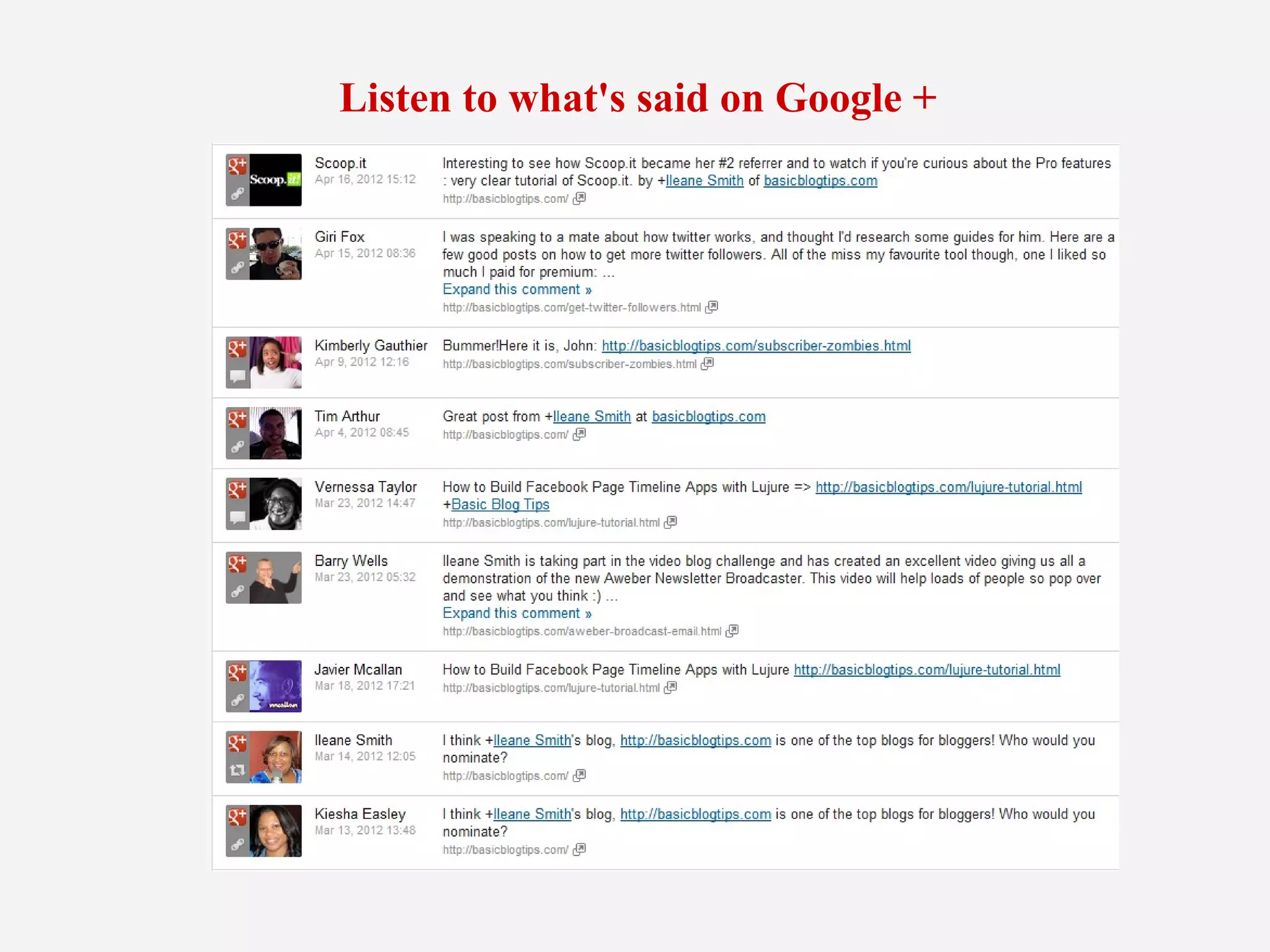
  "Activity Stream" Tab
Listen to what's said on Google +
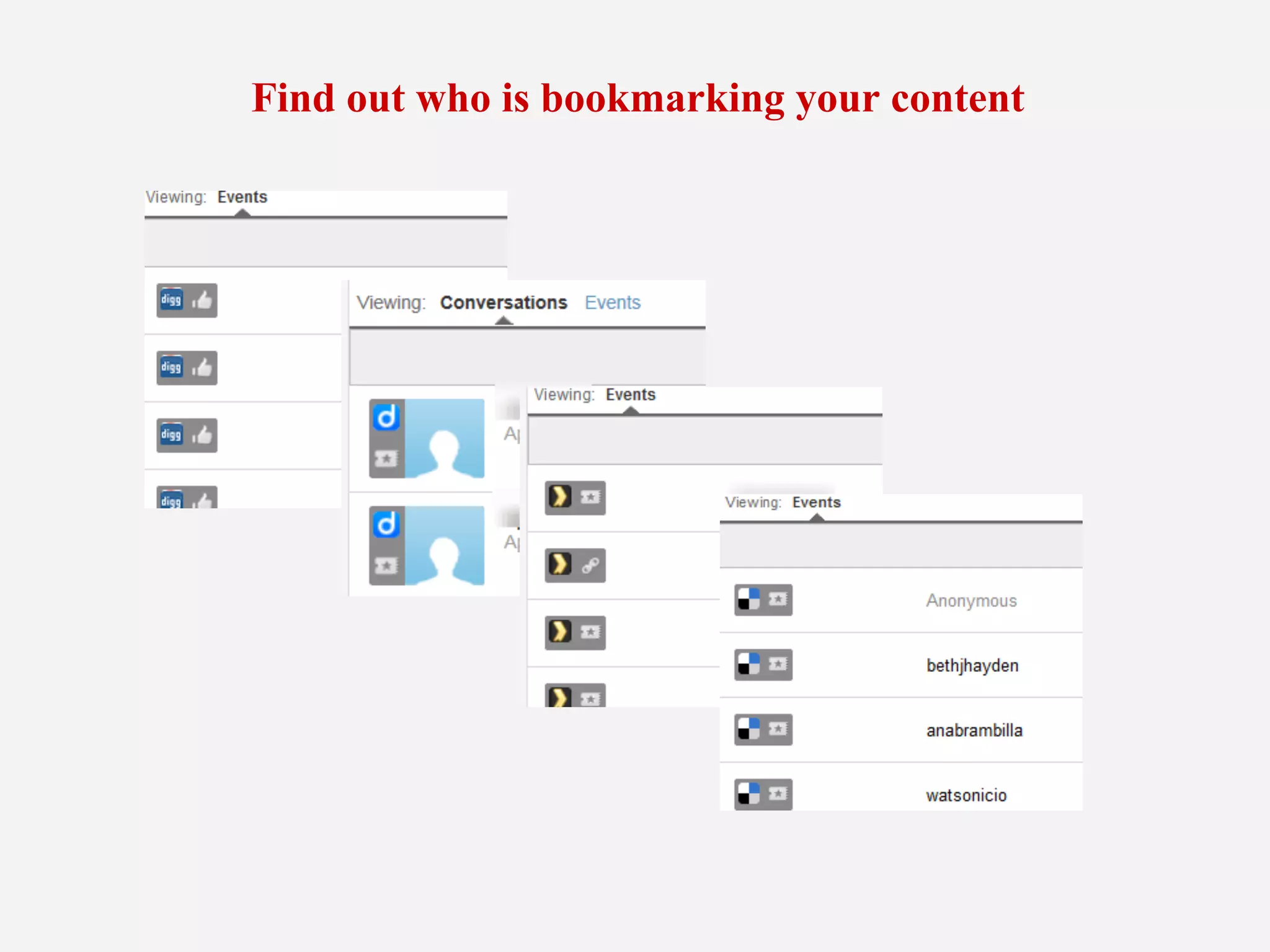
Find out who is bookmarking your content
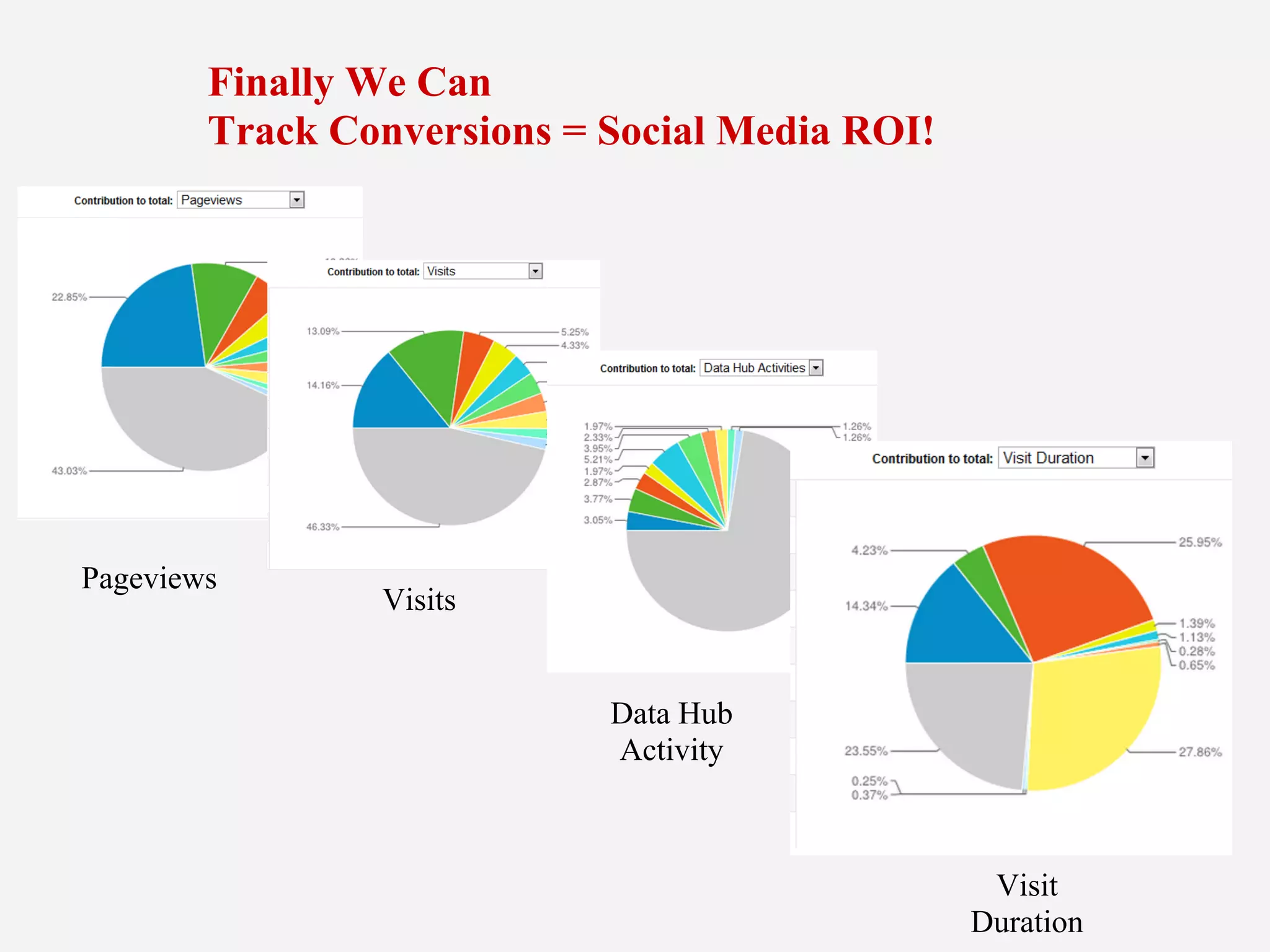
Finally We Can
        Track Conversions = Social Media ROI!


Pageviews
                Visits


                            Data Hub
                            Activity


                                                 Visit
                                                Duration
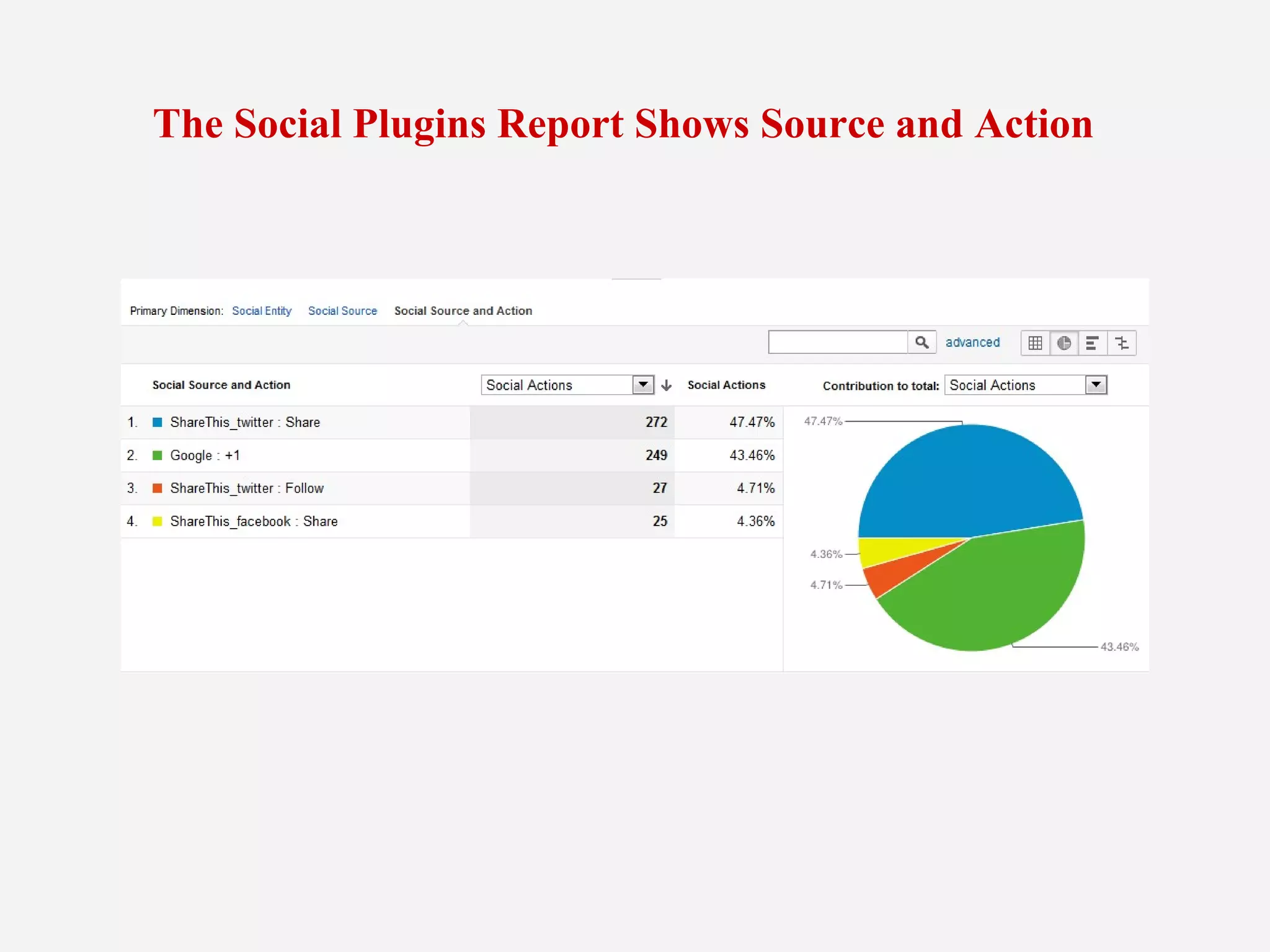
The Social Plugins Report Shows Source and Action
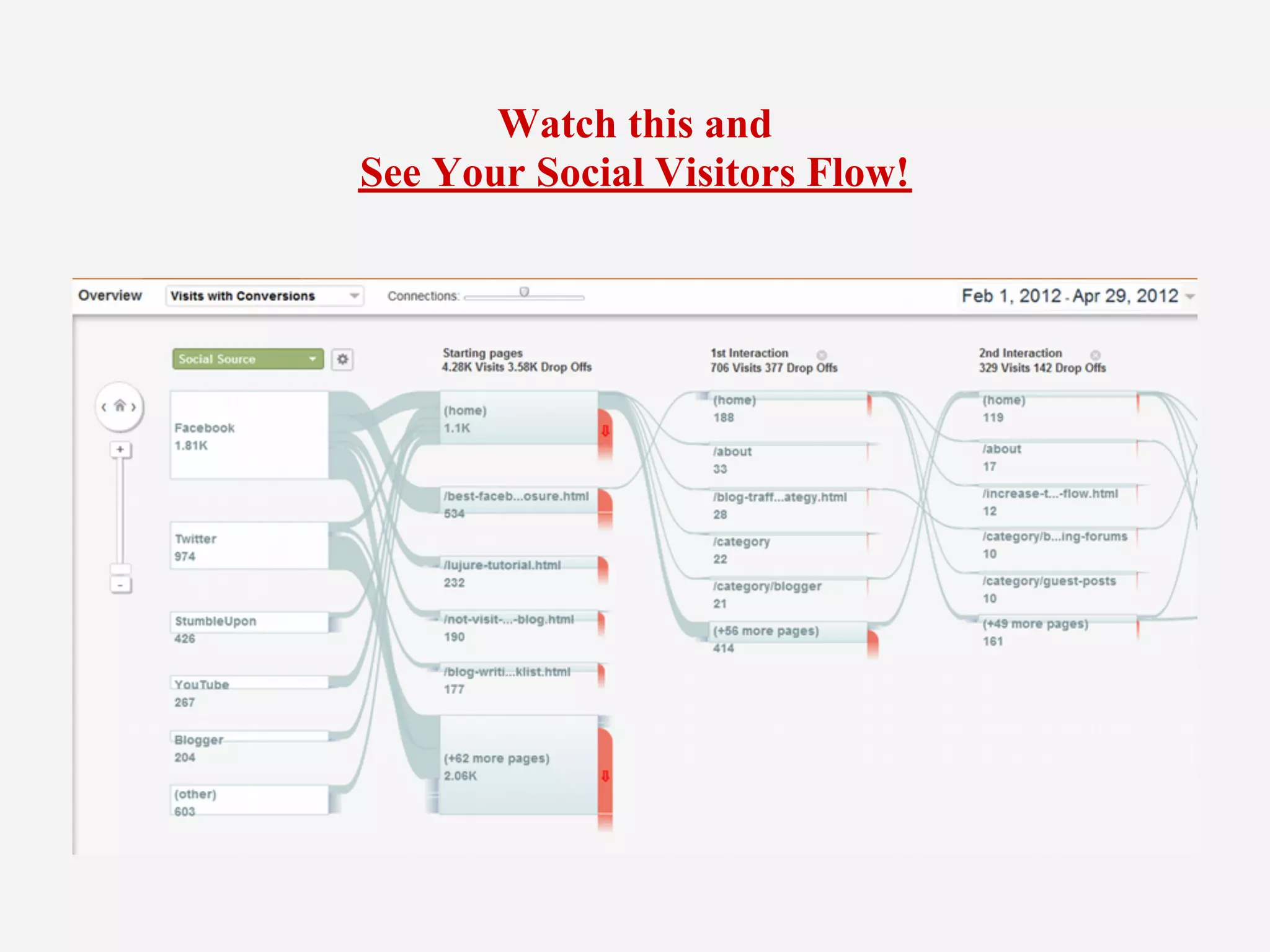
Watch this and
See Your Social Visitors Flow!
Basic Blog Tips
        @Ileane
Basic Blog Tips by email

Get Plugged in to Google Analytics: The New Listening Tool For Social Media ROI

  • 2.
    Integration with SocialData Hub Partners lets you analyze "off-site" interactions with YOUR data
  • 3.
    First Steps: ● Install Yoast Google Analytics Plugin ● Install Social Sharing Plugins ● Create and Share Your High Value Content ● Set Conversion Goals in Google Analytics Watch the Google Analytics How to Workshop
  • 4.
    Once goals arein place go to: Traffic Sources > Social > Overview Need help with setting up Goals? Check out: Introduction to Google Analytic Goals
  • 5.
    On Social Reportsgo to the "Activity Stream" Tab
  • 6.
    Listen to what'ssaid on Google +
  • 7.
    Find out whois bookmarking your content
  • 8.
    Finally We Can Track Conversions = Social Media ROI! Pageviews Visits Data Hub Activity Visit Duration
  • 9.
    The Social PluginsReport Shows Source and Action
  • 10.
    Watch this and SeeYour Social Visitors Flow!
  • 11.
    Basic Blog Tips @Ileane Basic Blog Tips by email