



















Frontend Caching The “new” frontier ZendCon – San Jose, October 2009
Head of R&D at  echolibre , pear extraordinaire,  author and from  Iceland   Head of R&D at  echolibre , pear extraordinaire, published author and an  Icelander   Who is Helgi ? Head of R&D at  echolibre , pear extraordinaire,  author and from  Iceland


80%   of response time is spent downloading content
 
 
“ It all depends on how we look at things, and not how they are in  themselves.” - Carl G. Jung
 
 
Key factor in performance Fewer HTTP Requests Easy to improve on
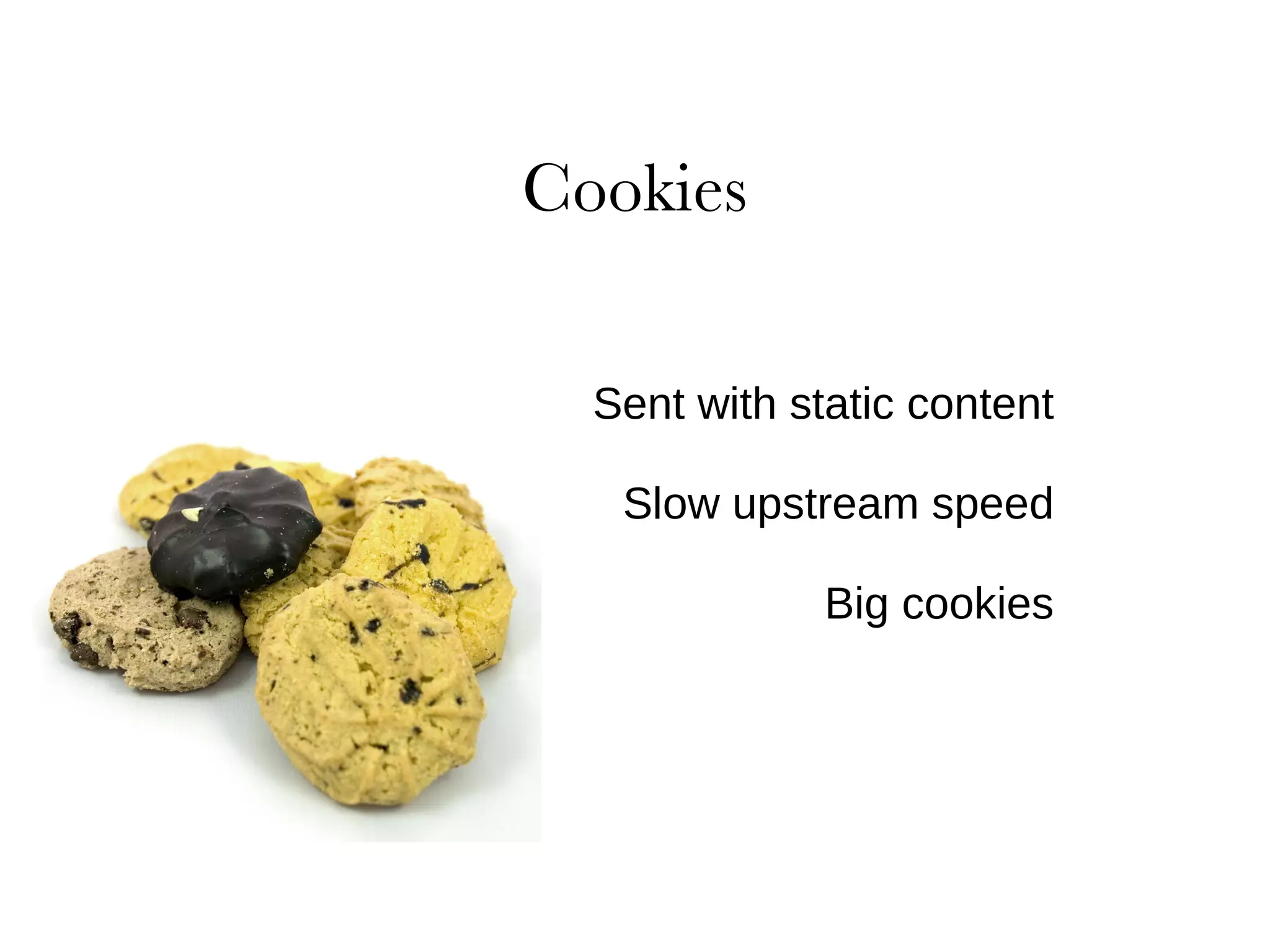
Sent with static content Slow upstream speed Big cookies
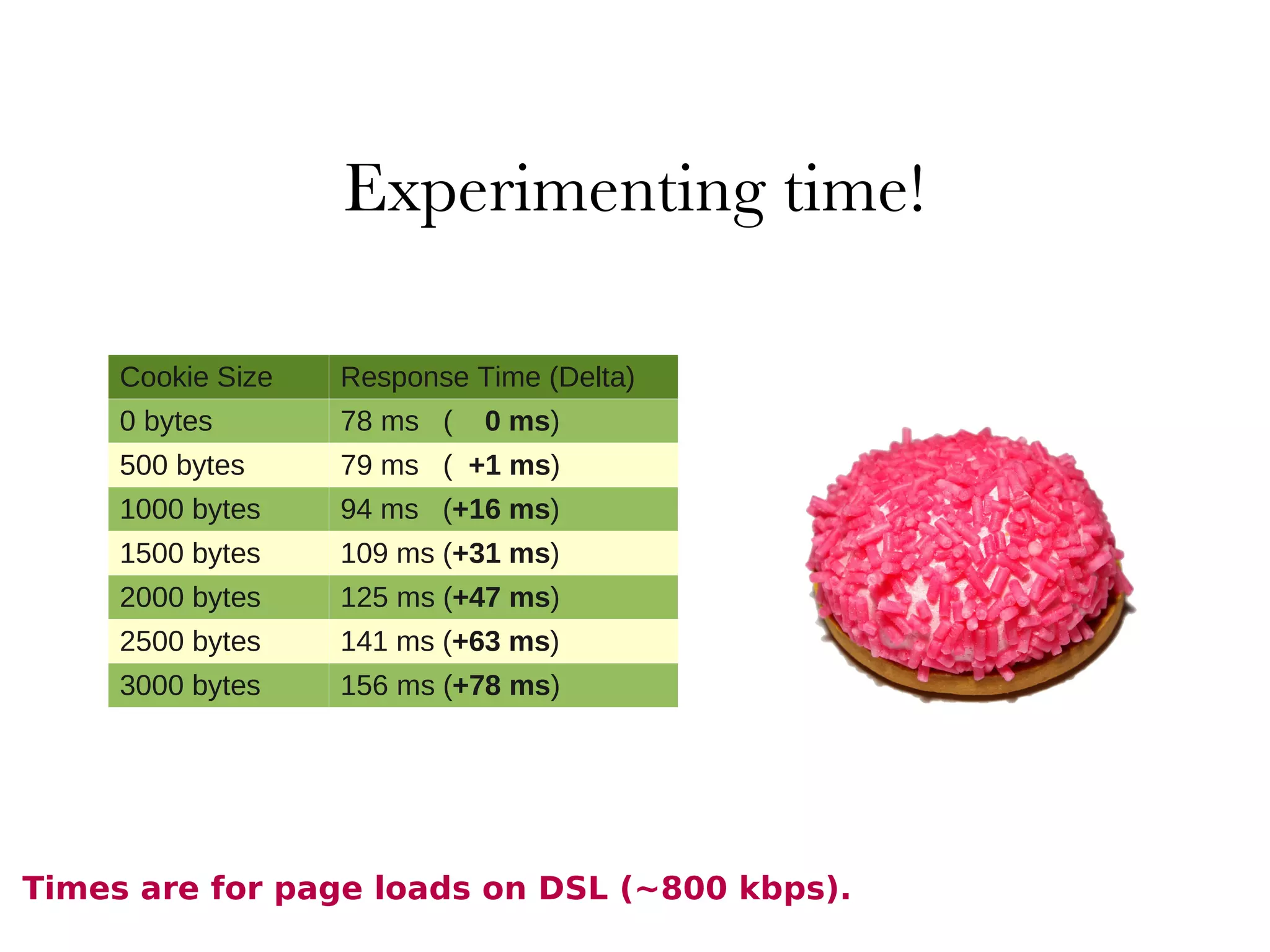
Cookie Size Response Time (Delta) 0 bytes 78 ms  (  0 ms ) 500 bytes 79 ms  (  +1 ms ) 1000 bytes 94 ms  ( +16 ms ) 1500 bytes 109 ms ( +31 ms ) 2000 bytes 125 ms ( +47 ms ) 2500 bytes 141 ms ( +63 ms ) 3000 bytes 156 ms ( +78 ms ) Times are for page loads on DSL (~800 kbps).
Eliminate unnecessary cookies Keep sizes low Appropriate domain levels Set Expires date appropriately
Be aware of max connection limits in browsers CNAME to point multiple sub domains to the same IP
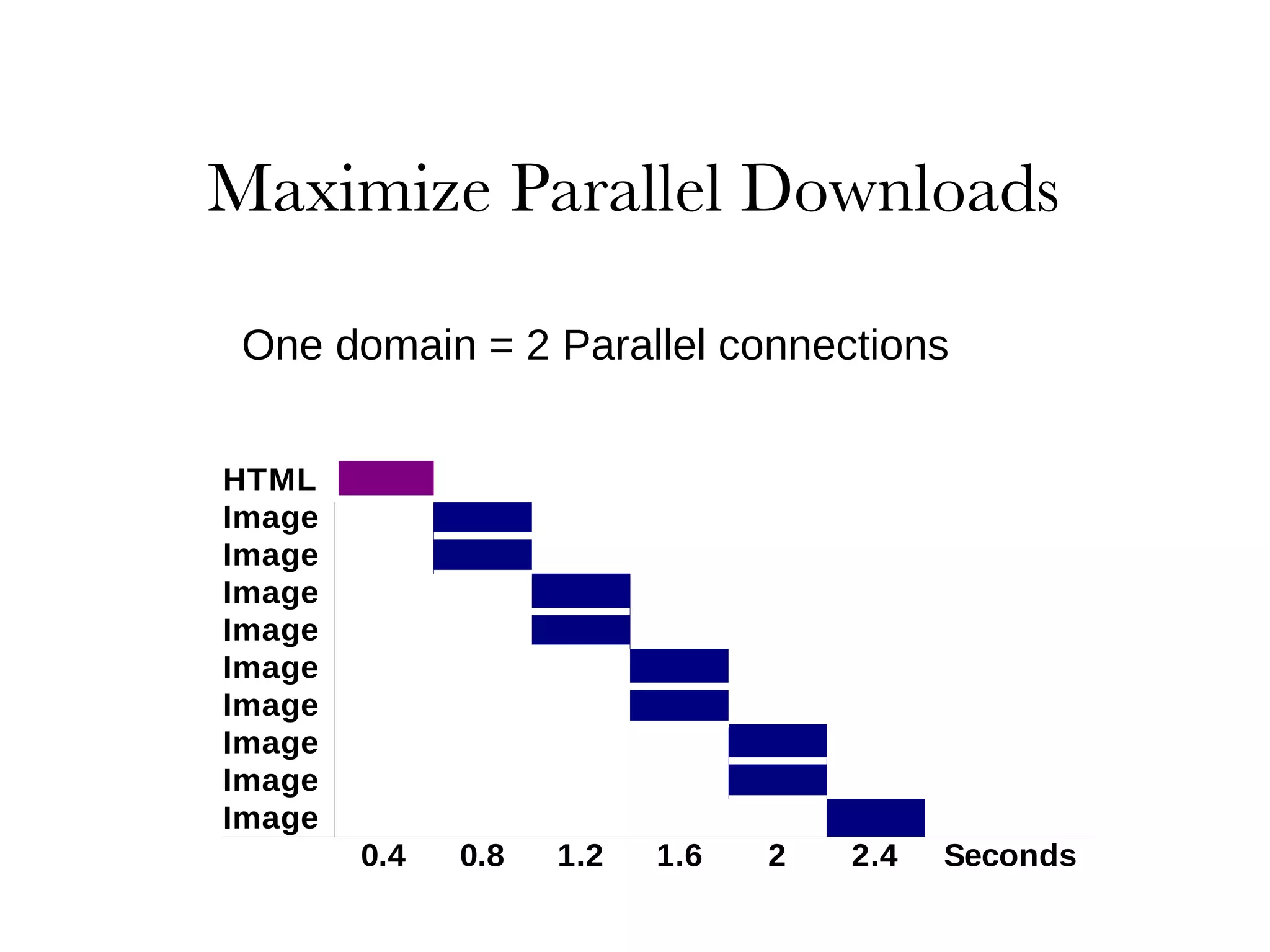
One domain = 2 Parallel connections
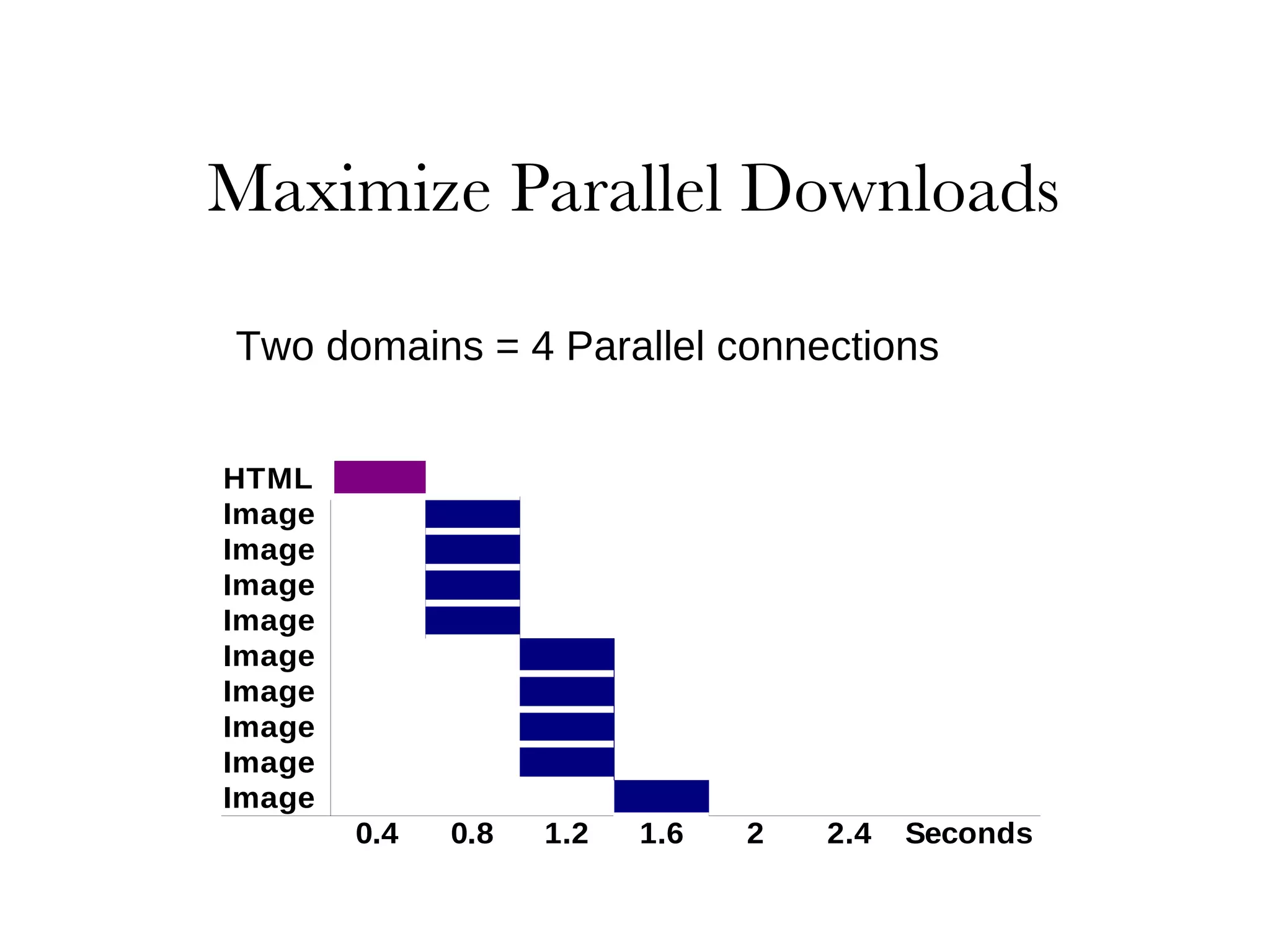
Two domains = 4 Parallel connections
Too many hostnames can cause complications 2 – 4 sub domains is a  good  average
Combining  6  scripts into  1  eliminates  5  requests Challenges:  develop as separate modules
combinations vs. loading more than needed
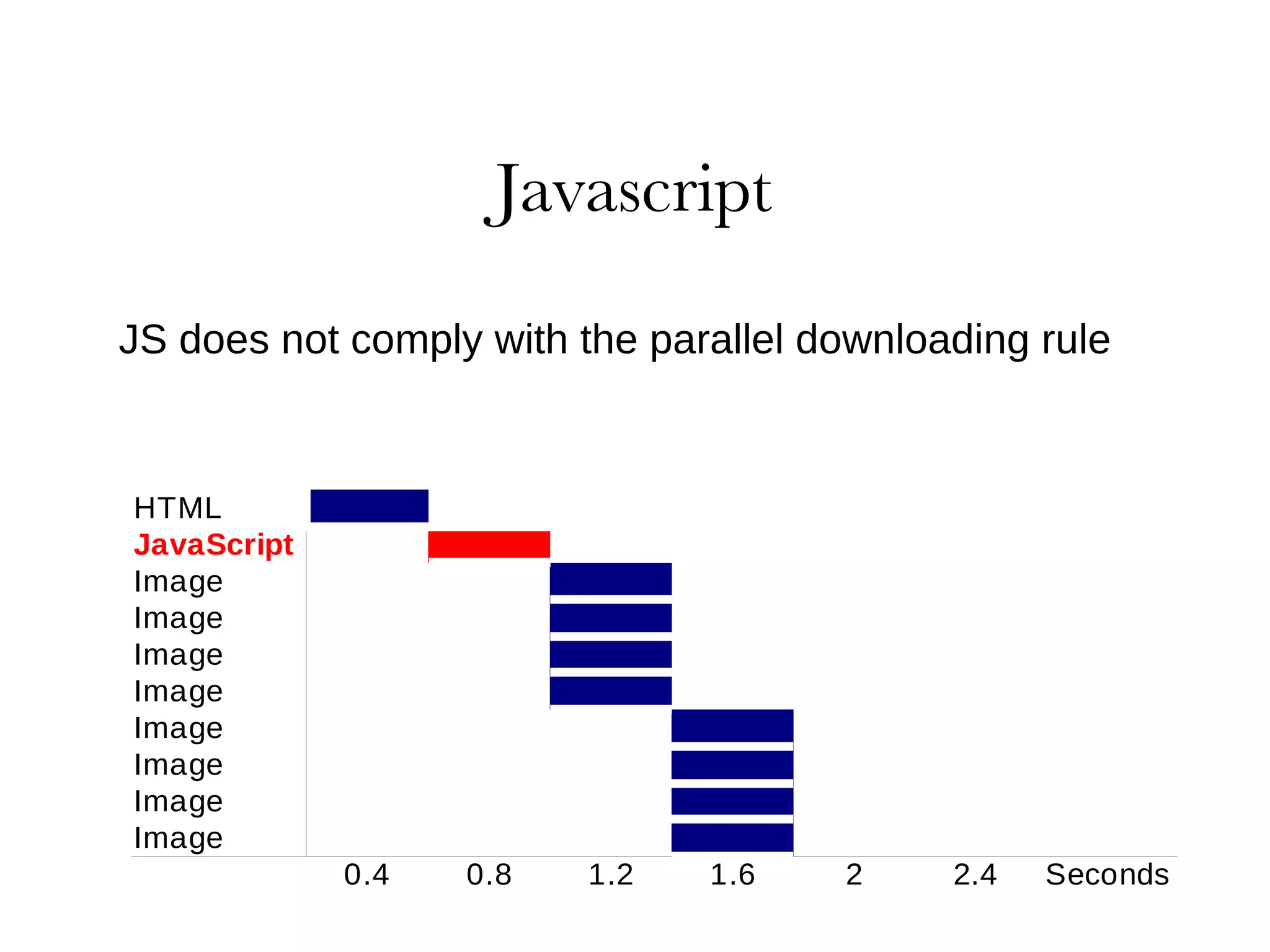
JS does not comply with the parallel downloading rule
script defer  attribute is not a solution blocks rendering and downloads in FF
slight blocking in IE Solution:  move them as low in the page as possible
Crushes the files Strips out all cruft Voodoo magic
JSMin Dojo Shrinksafe Packer YUI Compressor http://short.ie/compression-rates
You  can  affect users download times
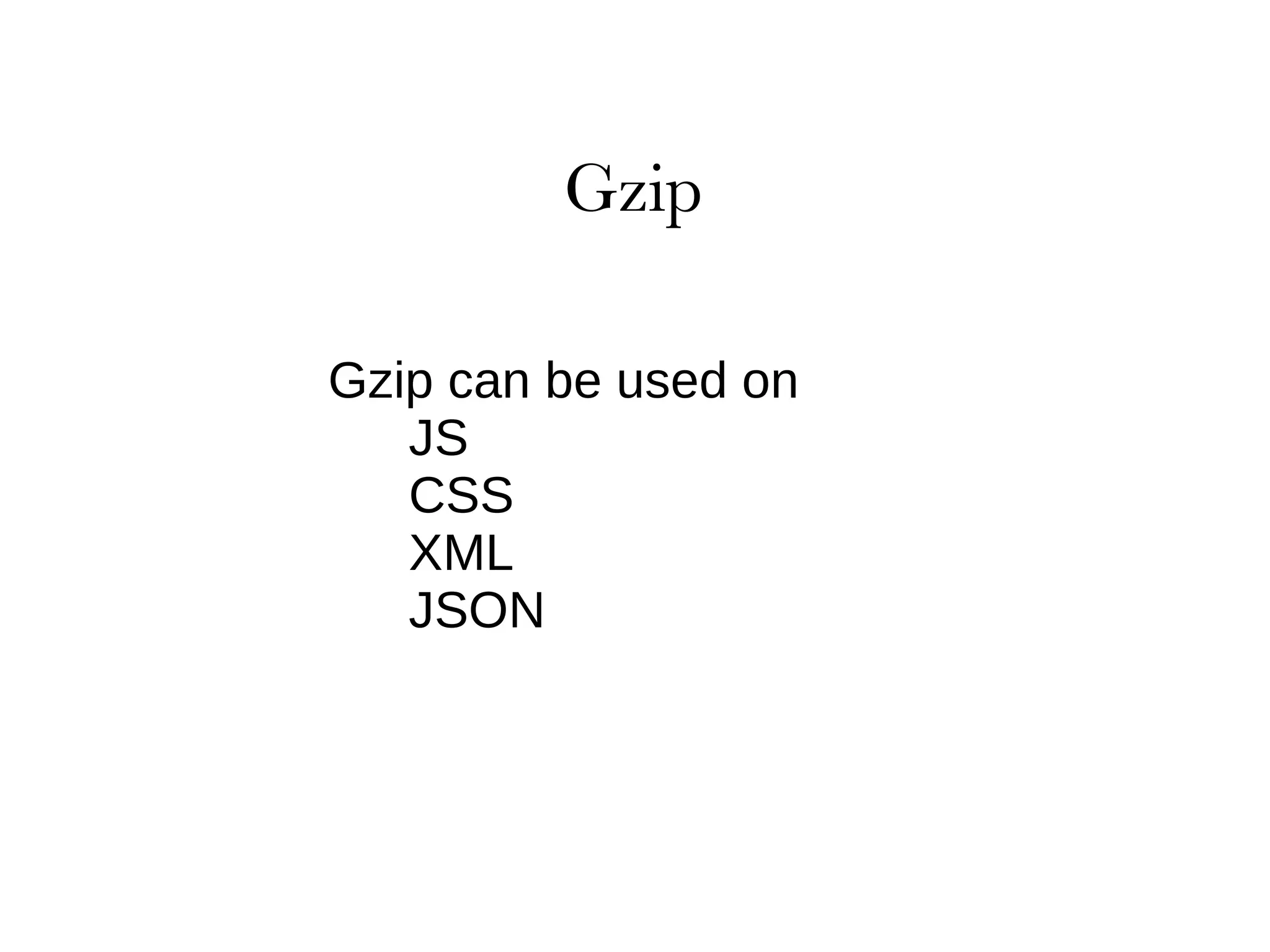
Gzip can be used on JS
CSS
XML
JSON
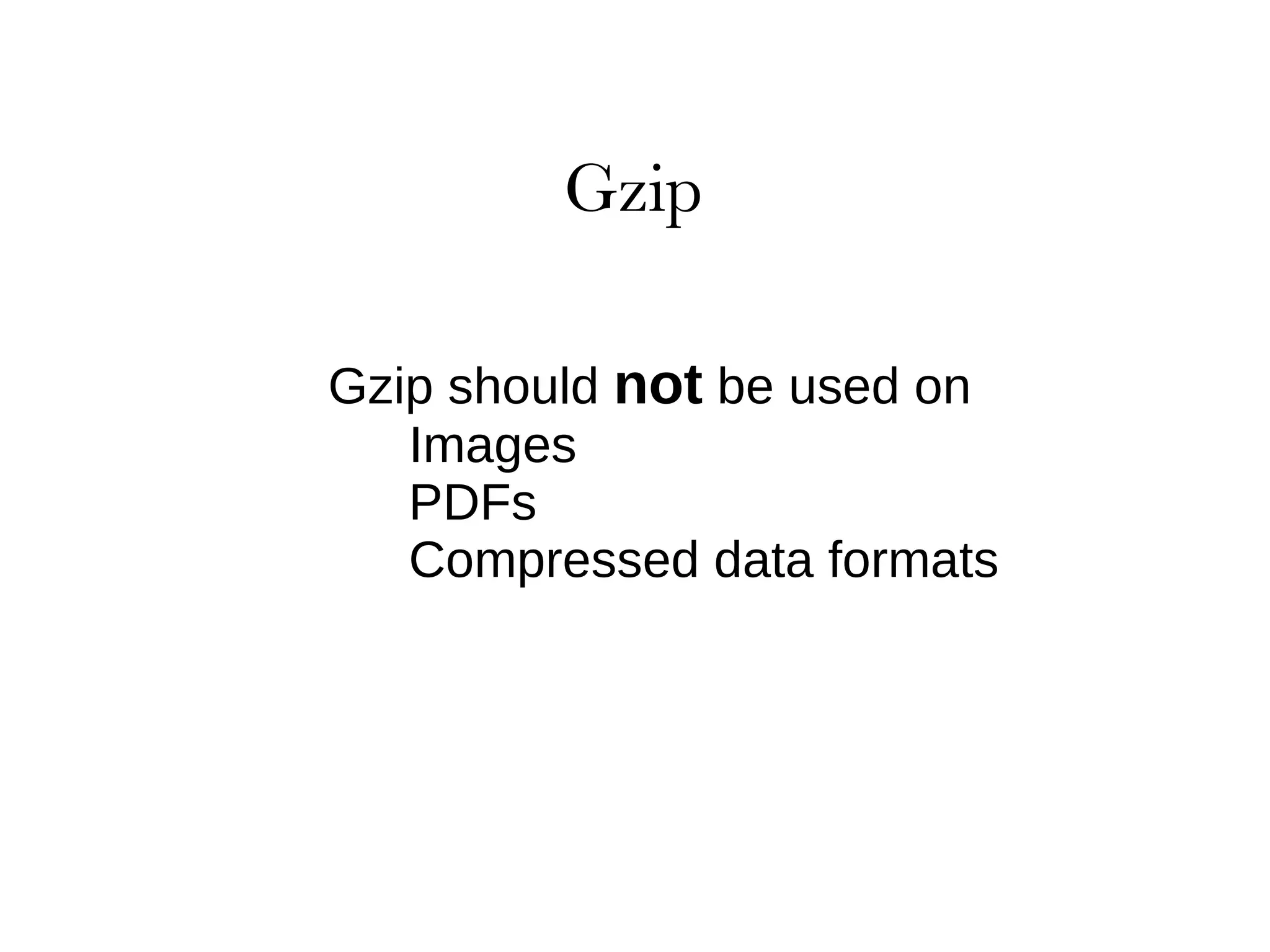
Gzip should  not  be used on Images
PDFs
Compressed data formats
robots.txt favicon
CSS Sprites favicon
Badly optimized Thumbnails PNG can be compacted 50%, no quality loss OptiPNG

Frontend Caching - The "new" frontier

Editor's Notes

  • #10 The user’s perception is more relevant than actual unload-to-onload response time. Definition of "user onload" is undefined or varies from one web page to the next.
  • #13 User needs to download all components Coming for the first time Force refresh of the site Browser automagically cleared the cache based on settings
  • #14 User needs to download all components Coming for the first time Force refresh of the site Browser automagically cleared the cache based on settings
  • #17 Yahoo ran the experiment. Ran against an empty page
  • #19 Older IE: 6 overall, 2 per host Older FF had 24 as overall and 8 per host Newer FF: 30 overall, 15 per host
  • #22 Many host names = more DNS lookups, adds delay Consider the effects of CPU thrashing for the client Lookup times vary across ISPs and geographic locations
  • #23 dynamically combine and cache Combine and minimize before a release
  • #32 Don't use HTMTL attributes to scale Favicon – keep it around, keep it small