PRINCIPAL SOFTWARE ENGINEER
WP Engine
@mikemcalister
Front End: Building Future-Proof
eCommerce Sites
Mike McAlister
3
Over a decade of building on WordPress and the bleeding edge
I live and breathe WordPress
Beautifully-simple
WordPress theme collection
used and trusted by many
Array Themes
Bleeding edge project that
broke ground on what’s
possible with the block
editor
Atomic Blocks
Bringing the power of
Genesis into the block era
with blocks and patterns
Genesis Pro
Teaching WordPress
creators how to turn
themes + plugins into
product businesses
Liftoff Course
4
Block editor and full-site
editing explained
5
When is the right time to jump
into the block editor?
6
When is the right time to jump
into the block editor?
Two years ago!
But now is good, too.
7
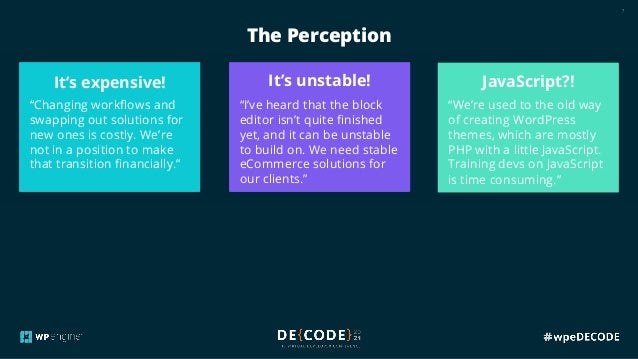
The Perception
The reality:
The longer you wait, the
more expensive and
difficult it’s going to be to
transition to the block
editor and away from 3rd
party solutions.
The reality:
The block editor is stable,
with a robust API that many
are building on. Although
FSE is still refining features,
it’s already impressively
powerful.
The reality:
JavaScript is the new reality
for WordPress +
eCommerce. This opens
the door to new pools of
talented devs who are
ready to shape this new
era.
It’s expensive!
“Changing workflows and
swapping out solutions for
new ones is costly. We’re
not in a position to make
that transition financially.”
It’s unstable!
“I’ve heard that the block
editor isn’t quite finished
yet, and it can be unstable
to build on. We need stable
eCommerce solutions for
our clients.”
JavaScript?!
“We’re used to the old way
of creating WordPress
themes, which are mostly
PHP with a little JavaScript.
Training devs on JavaScript
is time consuming.”
8
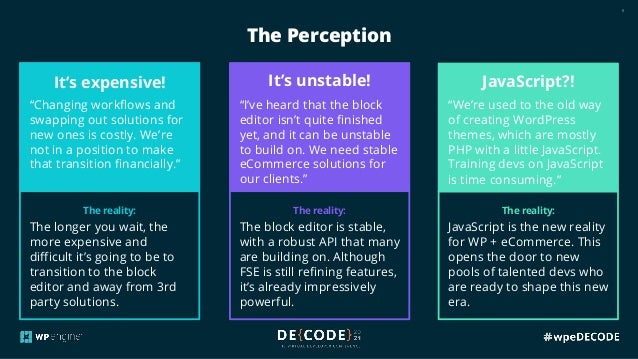
The reality:
The longer you wait, the
more expensive and
difficult it’s going to be to
transition to the block
editor and away from 3rd
party solutions.
The reality:
The block editor is stable,
with a robust API that many
are building on. Although
FSE is still refining features,
it’s already impressively
powerful.
The reality:
JavaScript is the new reality
for WP + eCommerce. This
opens the door to new
pools of talented devs who
are ready to shape this new
era.
The Perception
It’s expensive!
“Changing workflows and
swapping out solutions for
new ones is costly. We’re
not in a position to make
that transition financially.”
It’s unstable!
“I’ve heard that the block
editor isn’t quite finished
yet, and it can be unstable
to build on. We need stable
eCommerce solutions for
our clients.”
JavaScript?!
“We’re used to the old way
of creating WordPress
themes, which are mostly
PHP with a little JavaScript.
Training devs on JavaScript
is time consuming.”
9
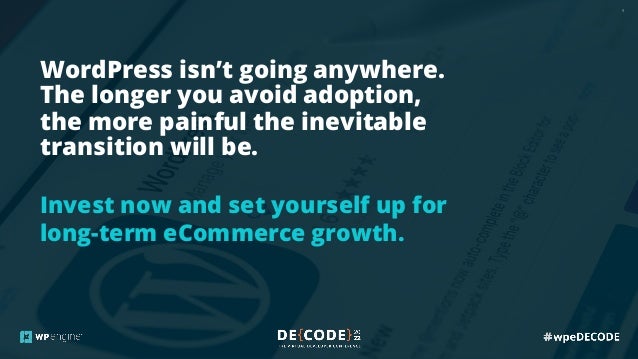
WordPress isn’t going anywhere.
The longer you avoid adoption,
the more painful the inevitable
transition will be.
Invest now and set yourself up for
long-term eCommerce growth.
10
1. More Control
2. Better Performance
3. Save Money
11
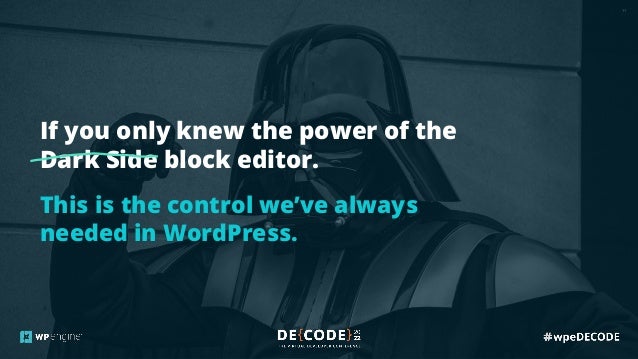
If you only knew the power of the
Dark Side block editor.
This is the control we’ve always
needed in WordPress.
12
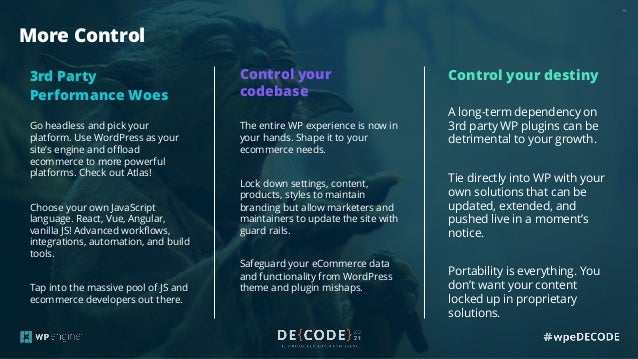
More Control
3rd Party
Performance Woes
Go headless and pick your
platform. Use WordPress as your
site’s engine and offload
ecommerce to more powerful
platforms. Check out Atlas!
Choose your own JavaScript
language. React, Vue, Angular,
vanilla JS! Advanced workflows,
integrations, automation, and build
tools.
Tap into the massive pool of JS and
ecommerce developers out there.
Control your
codebase
The entire WP experience is now in
your hands. Shape it to your
ecommerce needs.
Lock down settings, content,
products, styles to maintain
branding but allow marketers and
maintainers to update the site with
guard rails.
Safeguard your eCommerce data
and functionality from WordPress
theme and plugin mishaps.
Control your destiny
A long-term dependency on
3rd party WP plugins can be
detrimental to your growth.
Tie directly into WP with your
own solutions that can be
updated, extended, and
pushed live in a moment’s
notice.
Portability is everything. You
don’t want your content
locked up in proprietary
solutions.
13
1. More Control
2. Better Performance
3. Save Money
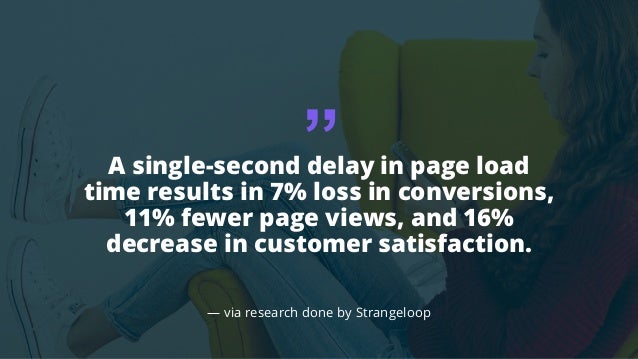
A single-second delay in page load
time results in 7% loss in conversions,
11% fewer page views, and 16%
decrease in customer satisfaction.
— via research done by Strangeloop
“
15
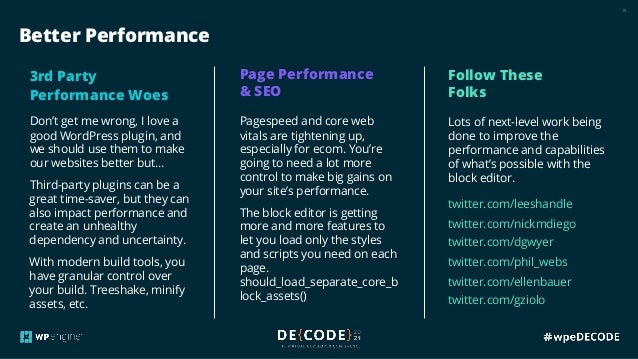
Better Performance
3rd Party
Performance Woes
Don’t get me wrong, I love a
good WordPress plugin, and
we should use them to make
our websites better but…
Third-party plugins can be a
great time-saver, but they can
also impact performance and
create an unhealthy
dependency and uncertainty.
With modern build tools, you
have granular control over
your build. Treeshake, minify
assets, etc.
Page Performance
& SEO
Pagespeed and core web
vitals are tightening up,
especially for ecom. You’re
going to need a lot more
control to make big gains on
your site’s performance.
The block editor is getting
more and more features to
let you load only the styles
and scripts you need on each
page.
should_load_separate_core_b
lock_assets()
Follow These
Folks
Lots of next-level work being
done to improve the
performance and capabilities
of what’s possible with the
block editor.
twitter.com/leeshandle
twitter.com/nickmdiego
twitter.com/dgwyer
twitter.com/phil_webs
twitter.com/ellenbauer
twitter.com/gziolo
16
1. More Control
2. Better Performance
3. Save Money
17
The block editor will save you time
and money in the short and long
term and provide new opportunities
for generating revenue.
18
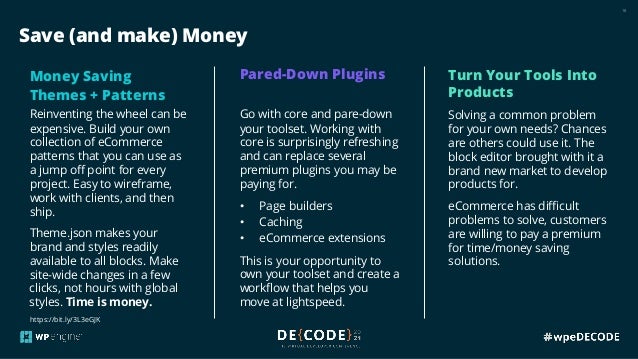
Save (and make) Money
Money Saving
Themes + Patterns
Reinventing the wheel can be
expensive. Build your own
collection of eCommerce
patterns that you can use as
a jump off point for every
project. Easy to wireframe,
work with clients, and then
ship.
Theme.json makes your
brand and styles readily
available to all blocks. Make
site-wide changes in a few
clicks, not hours with global
styles. Time is money.
Pared-Down Plugins
Go with core and pare-down
your toolset. Working with
core is surprisingly refreshing
and can replace several
premium plugins you may be
paying for.
• Page builders
• Caching
• eCommerce extensions
This is your opportunity to
own your toolset and create a
workflow that helps you
move at lightspeed.
Turn Your Tools Into
Products
Solving a common problem
for your own needs? Chances
are others could use it. The
block editor brought with it a
brand new market to develop
products for.
eCommerce has difficult
problems to solve, customers
are willing to pay a premium
for time/money saving
solutions.
https://bit.ly/3L3eGJK
19
There’s more opportunity and
money to be made in WordPress
eCommerce than ever before.
The block editor can help you unlock
that potential and set you up for long
term growth.
20
1.Build something. No more excuses!
https://developer.wordpress.org/block-editor/
https://github.com/WordPress/gutenberg
https://github.com/WordPress/gutenberg-examples
2.Launch something.
3.Repeat.
Where
do I
start?
@mikemcalister
Thank you.
Mike McAlister
Front End: Building Future-Proof eCommerce Sites.pdf

Front End: Building Future-Proof eCommerce Sites.pdf

  • 2.
    PRINCIPAL SOFTWARE ENGINEER WPEngine @mikemcalister Front End: Building Future-Proof eCommerce Sites Mike McAlister
  • 3.
    3 Over a decadeof building on WordPress and the bleeding edge I live and breathe WordPress Beautifully-simple WordPress theme collection used and trusted by many Array Themes Bleeding edge project that broke ground on what’s possible with the block editor Atomic Blocks Bringing the power of Genesis into the block era with blocks and patterns Genesis Pro Teaching WordPress creators how to turn themes + plugins into product businesses Liftoff Course
  • 4.
    4 Block editor andfull-site editing explained
  • 5.
    5 When is theright time to jump into the block editor?
  • 6.
    6 When is theright time to jump into the block editor? Two years ago! But now is good, too.
  • 7.
    7 The Perception The reality: Thelonger you wait, the more expensive and difficult it’s going to be to transition to the block editor and away from 3rd party solutions. The reality: The block editor is stable, with a robust API that many are building on. Although FSE is still refining features, it’s already impressively powerful. The reality: JavaScript is the new reality for WordPress + eCommerce. This opens the door to new pools of talented devs who are ready to shape this new era. It’s expensive! “Changing workflows and swapping out solutions for new ones is costly. We’re not in a position to make that transition financially.” It’s unstable! “I’ve heard that the block editor isn’t quite finished yet, and it can be unstable to build on. We need stable eCommerce solutions for our clients.” JavaScript?! “We’re used to the old way of creating WordPress themes, which are mostly PHP with a little JavaScript. Training devs on JavaScript is time consuming.”
  • 8.
    8 The reality: The longeryou wait, the more expensive and difficult it’s going to be to transition to the block editor and away from 3rd party solutions. The reality: The block editor is stable, with a robust API that many are building on. Although FSE is still refining features, it’s already impressively powerful. The reality: JavaScript is the new reality for WP + eCommerce. This opens the door to new pools of talented devs who are ready to shape this new era. The Perception It’s expensive! “Changing workflows and swapping out solutions for new ones is costly. We’re not in a position to make that transition financially.” It’s unstable! “I’ve heard that the block editor isn’t quite finished yet, and it can be unstable to build on. We need stable eCommerce solutions for our clients.” JavaScript?! “We’re used to the old way of creating WordPress themes, which are mostly PHP with a little JavaScript. Training devs on JavaScript is time consuming.”
  • 9.
    9 WordPress isn’t goinganywhere. The longer you avoid adoption, the more painful the inevitable transition will be. Invest now and set yourself up for long-term eCommerce growth.
  • 10.
    10 1. More Control 2.Better Performance 3. Save Money
  • 11.
    11 If you onlyknew the power of the Dark Side block editor. This is the control we’ve always needed in WordPress.
  • 12.
    12 More Control 3rd Party PerformanceWoes Go headless and pick your platform. Use WordPress as your site’s engine and offload ecommerce to more powerful platforms. Check out Atlas! Choose your own JavaScript language. React, Vue, Angular, vanilla JS! Advanced workflows, integrations, automation, and build tools. Tap into the massive pool of JS and ecommerce developers out there. Control your codebase The entire WP experience is now in your hands. Shape it to your ecommerce needs. Lock down settings, content, products, styles to maintain branding but allow marketers and maintainers to update the site with guard rails. Safeguard your eCommerce data and functionality from WordPress theme and plugin mishaps. Control your destiny A long-term dependency on 3rd party WP plugins can be detrimental to your growth. Tie directly into WP with your own solutions that can be updated, extended, and pushed live in a moment’s notice. Portability is everything. You don’t want your content locked up in proprietary solutions.
  • 13.
    13 1. More Control 2.Better Performance 3. Save Money
  • 14.
    A single-second delayin page load time results in 7% loss in conversions, 11% fewer page views, and 16% decrease in customer satisfaction. — via research done by Strangeloop “
  • 15.
    15 Better Performance 3rd Party PerformanceWoes Don’t get me wrong, I love a good WordPress plugin, and we should use them to make our websites better but… Third-party plugins can be a great time-saver, but they can also impact performance and create an unhealthy dependency and uncertainty. With modern build tools, you have granular control over your build. Treeshake, minify assets, etc. Page Performance & SEO Pagespeed and core web vitals are tightening up, especially for ecom. You’re going to need a lot more control to make big gains on your site’s performance. The block editor is getting more and more features to let you load only the styles and scripts you need on each page. should_load_separate_core_b lock_assets() Follow These Folks Lots of next-level work being done to improve the performance and capabilities of what’s possible with the block editor. twitter.com/leeshandle twitter.com/nickmdiego twitter.com/dgwyer twitter.com/phil_webs twitter.com/ellenbauer twitter.com/gziolo
  • 16.
    16 1. More Control 2.Better Performance 3. Save Money
  • 17.
    17 The block editorwill save you time and money in the short and long term and provide new opportunities for generating revenue.
  • 18.
    18 Save (and make)Money Money Saving Themes + Patterns Reinventing the wheel can be expensive. Build your own collection of eCommerce patterns that you can use as a jump off point for every project. Easy to wireframe, work with clients, and then ship. Theme.json makes your brand and styles readily available to all blocks. Make site-wide changes in a few clicks, not hours with global styles. Time is money. Pared-Down Plugins Go with core and pare-down your toolset. Working with core is surprisingly refreshing and can replace several premium plugins you may be paying for. • Page builders • Caching • eCommerce extensions This is your opportunity to own your toolset and create a workflow that helps you move at lightspeed. Turn Your Tools Into Products Solving a common problem for your own needs? Chances are others could use it. The block editor brought with it a brand new market to develop products for. eCommerce has difficult problems to solve, customers are willing to pay a premium for time/money saving solutions. https://bit.ly/3L3eGJK
  • 19.
    19 There’s more opportunityand money to be made in WordPress eCommerce than ever before. The block editor can help you unlock that potential and set you up for long term growth.
  • 20.
    20 1.Build something. Nomore excuses! https://developer.wordpress.org/block-editor/ https://github.com/WordPress/gutenberg https://github.com/WordPress/gutenberg-examples 2.Launch something. 3.Repeat. Where do I start?
  • 21.