2.0 Research Toolbox: Tools for organizing & sharing resources with studentsMemo CordovaEllie Dworak(Kim Leeder)Sara Seely
RSS: don't botherMemo CordovaBoise State University Albertsons Library
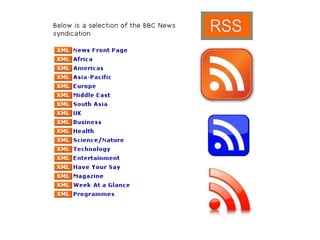
RealSimple Syndication
RSS: don't bother
RSS: don't botherDon’t bother
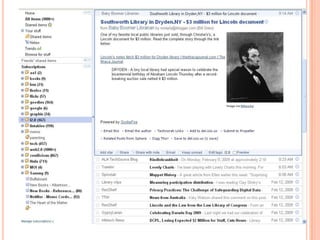
AggregatorsNews readersReaders
http://icanhascheezburger.com/2007/01/11/this-is-relevant-to-my-interests-2/
http://www.youtube.com/watch?v=0klgLsSxGsU
http://flickr.com/photos/jorr81/3273241797/
Google Reader in Plain Englishhttp://www.youtube.com/watch?v=VSPZ2Uu_X3Y
Avoid most adverts Take it with you No $$? No problem! Target & exploit Content is king, but you RULE
Join me! Together we can rule the web!
Partner upIntroduce yourselfHow are you using this?How could you use this?
Del.icio.us social bookmarkingEllie Dworak
So what can I do with this?(besides find neat links)(more to the point, what can my library do with this?)
ideas for using del.icio.us in librariesOrganize bookmarks on a topicCreate a list of popular booksCreate lists that increase discoveryCreate a tag cloud for your websiteGenerate and maintain subject guides
Questions:Turn to your partner
What do you think about delicious?
Can you imagine using it for your library?
What other ideas do you have?Simpler CitationsKim Leeder
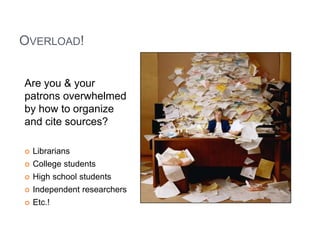
Overload!Are you & your patrons overwhelmed by how to organize and cite sources?LibrariansCollege studentsHigh school studentsIndependent researchersEtc.!
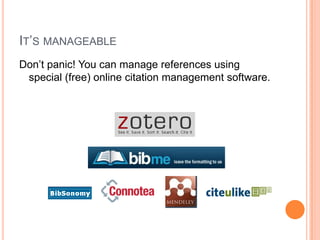
It’s manageableDon’t panic! You can manage references using special (free) online citation management software.
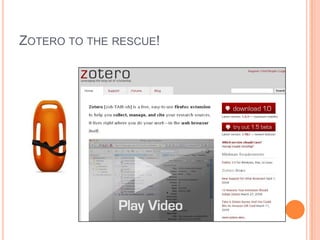
Zotero to the rescue!
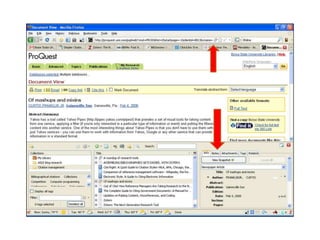
Save & archiveSaves copies of articles and web pages to easily archive information. In many cases Zotero saves the full details of the item - including author, title, publication details - that will be needed to cite it later. These details may easily be edited for accuracy, or filled in where necessary.You’ll have an archived copy of the page in most cases, so no fears about broken links later! (Or fewer fears, anyway...)
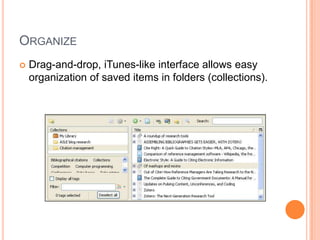
OrganizeDrag-and-drop, iTunes-like interface allows easy organization of saved items in folders (collections).
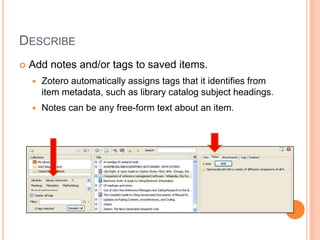
DescribeAdd notes and/or tags to saved items.Zotero automatically assigns tags that it identifies from item metadata, such as library catalog subject headings.Notes can be any free-form text about an item.
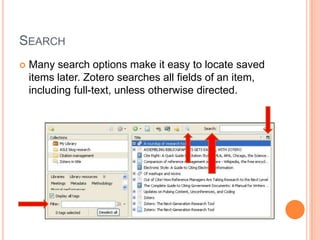
SearchMany search options make it easy to locate saved items later. Zotero searches all fields of an item, including full-text, unless otherwise directed.
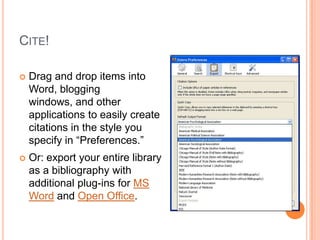
Cite!Drag and drop items into Word, blogging windows, and other applications to easily create citations in the style you specify in “Preferences.”Or: export your entire library as a bibliography with additional plug-ins for MS Word and Open Office.
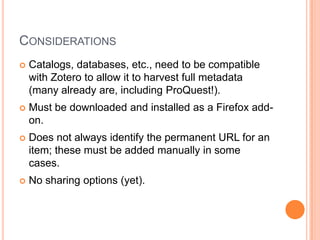
ConsiderationsCatalogs, databases, etc., need to be compatible with Zotero to allow it to harvest full metadata (many already are, including ProQuest!).Must be downloaded and installed as a Firefox add-on.Does not always identify the permanent URL for an item; these must be added manually in some cases.No sharing options (yet).
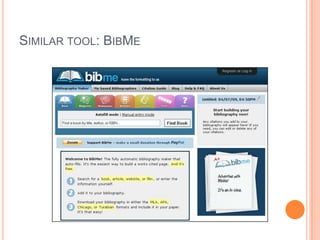
Similar tool: BibMe
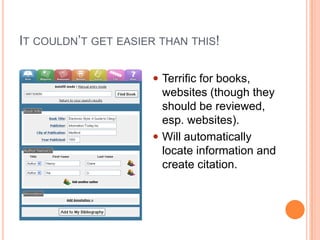
It couldn’t get easier than this!Terrific for books, websites (though they should be reviewed, esp. websites).
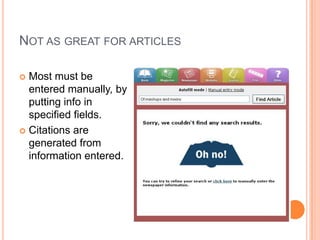
Will automatically locate information and create citation.Not as great for articles	Most must be entered manually, by putting info in specified fields.Citations are generated from information entered.
There are more tools like thisBibSonomy, based on delicious but focused on sharing research linksCiteULikeConnotea, science oriented Mendeley WebAnd many more… see http://en.wikipedia.org/wiki/Comparison_of_reference_management_softwareChoose the one you like best!
Welcome to citation ZenThanks!
Turn to your partner
What do you think about Zotero?
Are you using a citation manager?
Would a citation manager help your patrons?
If so, which one seems best?Jing – What is it?Screen capture toolNarrated streaming videoFixed (enhanced) screen capturesTechSmith productFree software download from http://www.jingproject.com/
J 	Jing – How does it work?
	Jing – How does it work?Visit the Jing websiteDownload software & create accountEquipment: microphone[Demonstration?]Sara R. Seely, CTL 2009
Jing - ConsiderationsJing logo (because it’s free)Requires flash to playNo post-production editingMay become pay-forPerpetual beta – updates a lot5-minute time limit
Jing – alternativesScreenToasterNo download requiredFireshotFirefox Add-on
Jing – Ways I’ve use itShow instead of tellE-mailChatWebsites

Free and Stress Free!

Editor's Notes

  • #22 Tour of social bookmarking using delicious. Cool features. Examples of how you can use this tool.
  • #23 Quick video about delicious
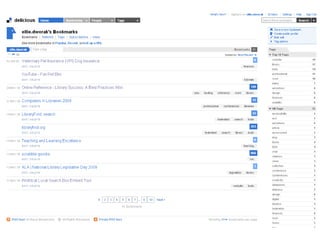
  • #24 Here’s my delicious account
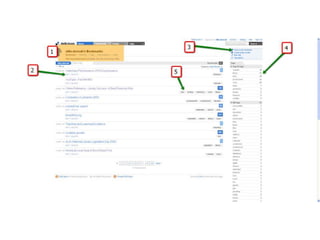
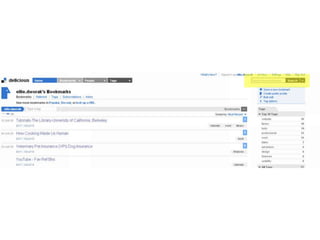
  • #25 My bookmarks! I can get to them from anywhere!Look, I can edit or delete them anytimeI can save a new bookmark from anywhere, or I can download the button for my browser toolbarTags are like key words. I can add as many as I want for each bookmark that I add. On the right is where I can see all my tags.And here are the tags for this particular bookmark.
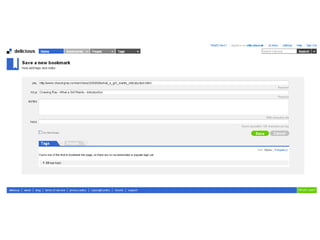
  • #26 Notice that you can change the title and add tags, add a little note, and make it private if you wish. Bookmarks are public by default.
  • #27 I can also search my bookmarks
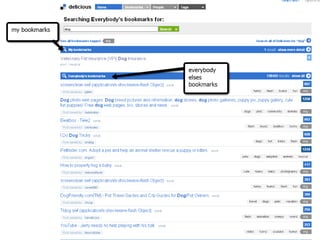
  • #28 Notice that it searches both my bookmarks and everybody else’s public bookmarks, too!From there, I can explore what other users have bookmarked.
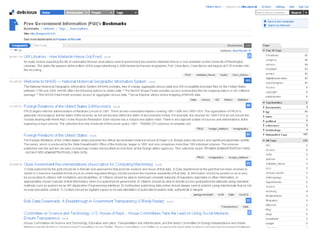
  • #31 Organize bookmarks on a topicNotice that you don’t have to join as “you,” you can set up a subject area accountThis one is on government information. Notice the longer descriptions. http://delicious.com/freegovinfo
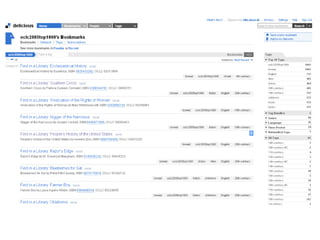
  • #32 Create a list of popular booksIncludes links to catalog records. This could be cool for popular books or books on a topic.http://delicious.com/oclc2005top1000
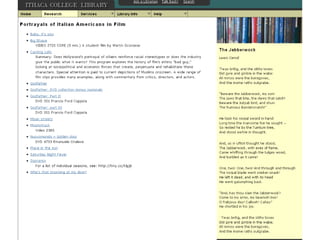
  • #33 Create lists that increase discoveryFaculty wanted subject headings added to film catalog entries that indicated ethnic portrayals. Not appropriate for LCSH but Delicious lists are easy to build and maintain and allow this.
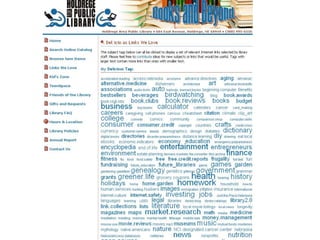
  • #34 Create a tag cloud for your websiteThe bigger, bolder words are those for which this library has more bookmarks.http://www.holdregelibrary.org/delicious_links.html
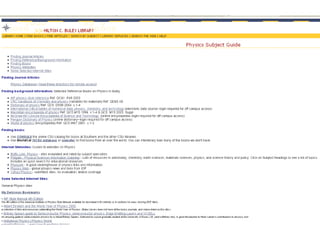
  • #35 Generate and maintain subject guidesNo HTML required, easy to update. Really empower your librarians.http://library.southernct.edu/physbib.htm