Flutter vs Java
Flutter vs Java Graphical User Interface Frameworks
Toma Velev
Senior Flutter Developer @ Prime Holding JSC
https://www.primeholding.com/
Software Developer & Blogger @
https://ProgramTom.Com/Dev/
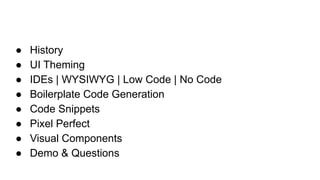
● History
● UI Theming
● IDEs | WYSIWYG | Low Code | No Code
● Boilerplate Code Generation
● Code Snippets
● Pixel Perfect
● Visual Components
● Demo & Questions
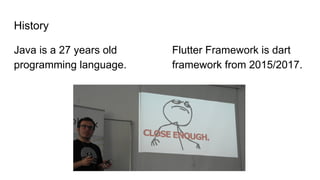
History
Java is a 27 years old
programming language.
Flutter Framework is dart
framework from 2015/2017.
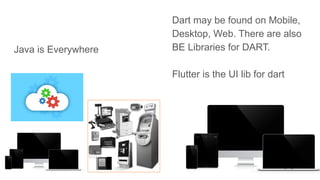
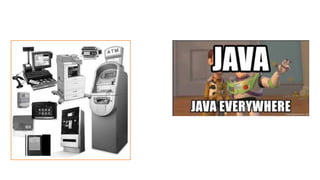
Java is Everywhere
Dart may be found on Mobile,
Desktop, Web. There are also
BE Libraries for DART.
Flutter is the UI lib for dart
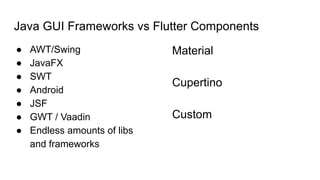
Java GUI Frameworks vs Flutter Components
● AWT/Swing
● JavaFX
● SWT
● Android
● JSF
● GWT / Vaadin
● Endless amounts of libs
and frameworks
Material
Cupertino
Custom
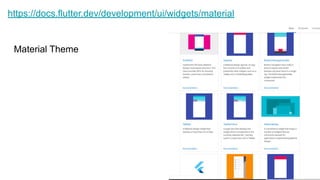
https://docs.flutter.dev/development/ui/widgets/material
Material Theme
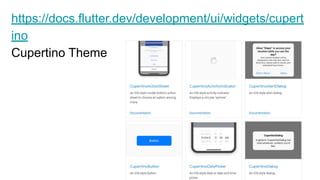
https://docs.flutter.dev/development/ui/widgets/cupert
ino
Cupertino Theme
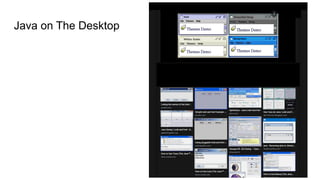
Java on The Desktop
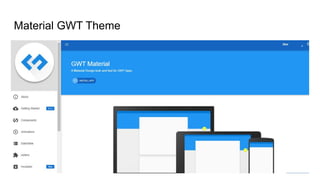
Material GWT Theme
GWT Theming
https://gwtmaterialdesign.github.io/gwt-material-demo/2.0-SN
APSHOT/#!themes
<inherits
name="gwt.material.design.themes.GwtMaterialThemeBlue"
/>
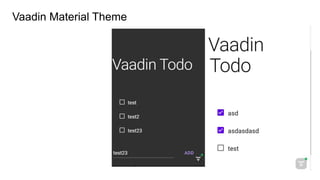
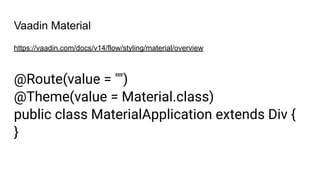
Vaadin Material Theme
Vaadin Material
https://vaadin.com/docs/v14/flow/styling/material/overview
@Route(value = "")
@Theme(value = Material.class)
public class MaterialApplication extends Div {
}
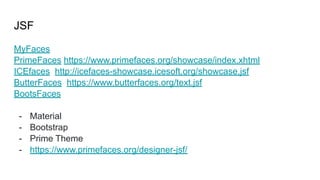
JSF
MyFaces
PrimeFaces https://www.primefaces.org/showcase/index.xhtml
ICEfaces http://icefaces-showcase.icesoft.org/showcase.jsf
ButterFaces https://www.butterfaces.org/text.jsf
BootsFaces
- Material
- Bootstrap
- Prime Theme
- https://www.primefaces.org/designer-jsf/
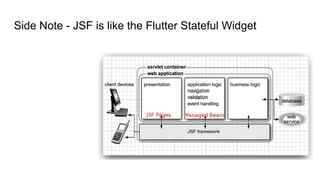
Side Note - JSF is like the Flutter Stateful Widget
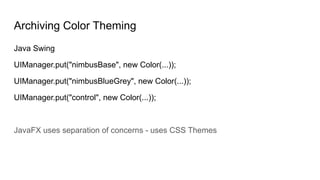
Archiving Color Theming
Java Swing
UIManager.put("nimbusBase", new Color(...));
UIManager.put("nimbusBlueGrey", new Color(...));
UIManager.put("control", new Color(...));
JavaFX uses separation of concerns - uses CSS Themes
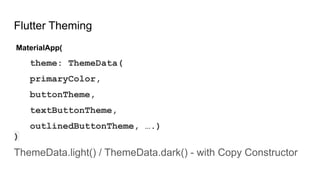
Flutter Theming
MaterialApp(
theme: ThemeData(
primaryColor,
buttonTheme,
textButtonTheme,
outlinedButtonTheme, ….)
)
ThemeData.light() / ThemeData.dark() - with Copy Constructor
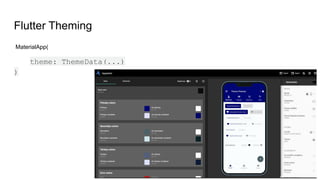
Flutter Theming
MaterialApp(
theme: ThemeData(...)
)
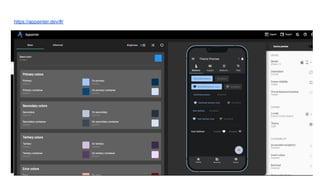
https://appainter.dev/#/
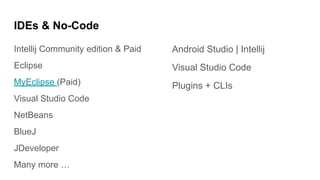
IDEs & No-Code
Intellij Community edition & Paid
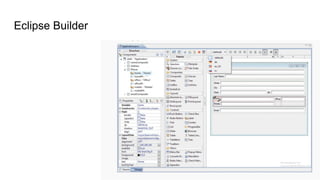
Eclipse
MyEclipse (Paid)
Visual Studio Code
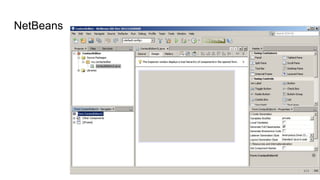
NetBeans
BlueJ
JDeveloper
Many more …
Android Studio | Intellij
Visual Studio Code
Plugins + CLIs
NetBeans
Eclipse Builder
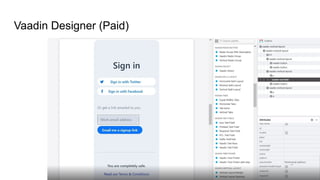
Vaadin Designer (Paid)
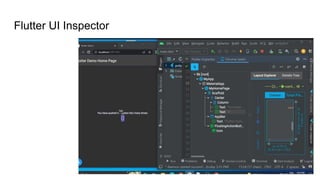
Flutter UI Inspector
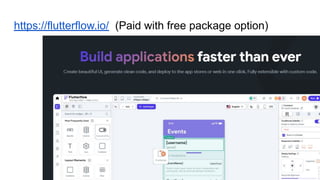
https://flutterflow.io/ (Paid with free package option)
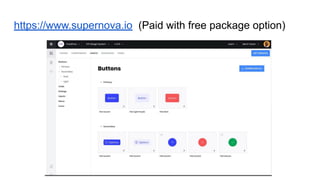
https://www.supernova.io (Paid with free package option)
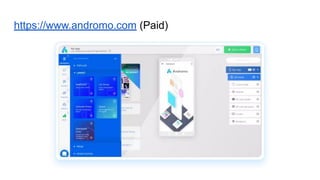
https://www.andromo.com (Paid)
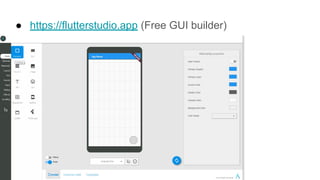
● https://flutterstudio.app (Free GUI builder)
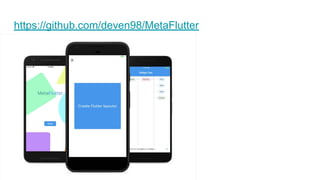
https://github.com/deven98/MetaFlutter
Code Generators
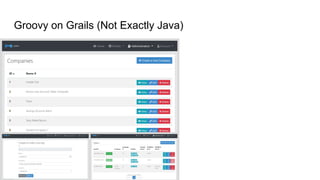
Groovy on Grails (Not Exactly Java)
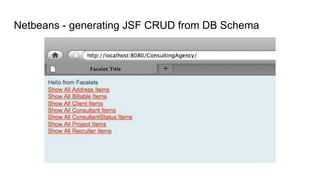
Netbeans - generating JSF CRUD from DB Schema
JHipster
Compile Time Tools - Both Java & Flutter
https://tomavelev.com/GeneratorApp (Discontinued for now)
Code Snippets
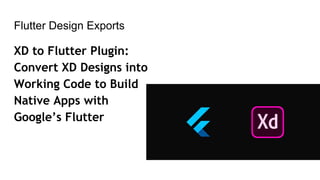
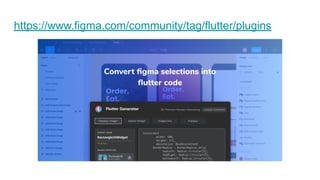
Flutter Design Exports
XD to Flutter Plugin:
Convert XD Designs into
Working Code to Build
Native Apps with
Google’s Flutter
https://www.figma.com/community/tag/flutter/plugins
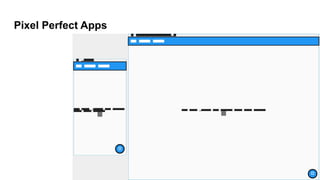
Pixel Perfect Apps
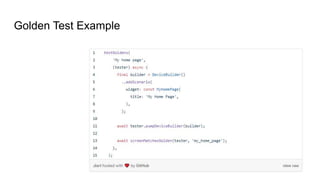
Golden Test Example
Flutter - State Management Options
Stateful/Stateless Widgets - Build-in
Provider
Riverpod
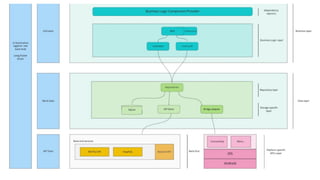
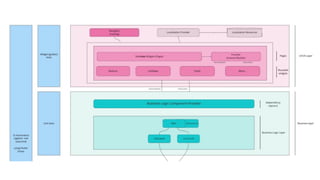
BloC - MVC on Streams
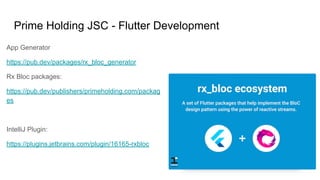
Prime Holding JSC - Flutter Development
App Generator
https://pub.dev/packages/rx_bloc_generator
Rx Bloc packages:
https://pub.dev/publishers/primeholding.com/packag
es
IntelliJ Plugin:
https://plugins.jetbrains.com/plugin/16165-rxbloc
Demo
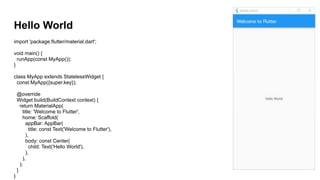
Hello World
import 'package:flutter/material.dart';
void main() {
runApp(const MyApp());
}
class MyApp extends StatelessWidget {
const MyApp({super.key});
@override
Widget build(BuildContext context) {
return MaterialApp(
title: 'Welcome to Flutter',
home: Scaffold(
appBar: AppBar(
title: const Text('Welcome to Flutter'),
),
body: const Center(
child: Text('Hello World'),
),
),
);
}
}
Hello World
import javax.swing.*;
public class HelloWorld {
public static void main(String[] arguments) {
JLabel label = new JLabel("Hello World",
SwingConstants.CENTER);
JFrame.setDefaultLookAndFeelDecorated(tr
ue);
JFrame f = new JFrame("Hello World");
f.setSize(300, 150);
f.setDefaultCloseOperation(
JFrame.EXIT_ON_CLOSE);
f.add(label);
f.setVisible(true);
}
}
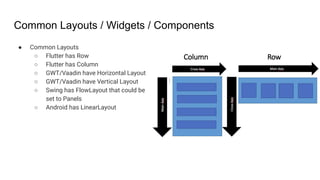
Common Layouts / Widgets / Components
● Common Layouts
○ Flutter has Row
○ Flutter has Column
○ GWT/Vaadin have Horizontal Layout
○ GWT/Vaadin have Vertical Layout
○ Swing has FlowLayout that could be
set to Panels
○ Android has LinearLayout
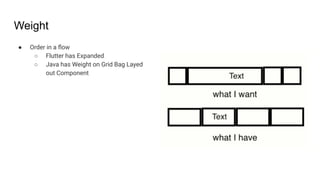
Weight
● Order in a flow
○ Flutter has Expanded
○ Java has Weight on Grid Bag Layed
out Component
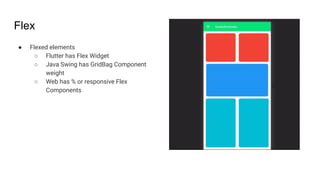
Flex
● Flexed elements
○ Flutter has Flex Widget
○ Java Swing has GridBag Component
weight
○ Web has % or responsive Flex
Components
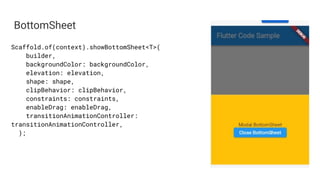
BottomSheet
Scaffold.of(context).showBottomSheet<T>(
builder,
backgroundColor: backgroundColor,
elevation: elevation,
shape: shape,
clipBehavior: clipBehavior,
constraints: constraints,
enableDrag: enableDrag,
transitionAnimationController:
transitionAnimationController,
);
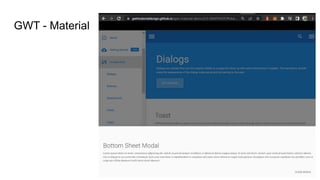
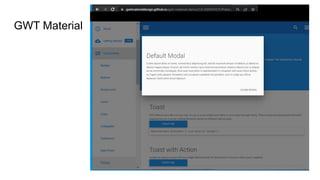
GWT - Material
(Modal) Dialog
AlertDialog(
title: Text('Reset settings?'),
content: Text('This will reset your device to its
default factory settings.'),
actions: [
FlatButton(
textColor: Color(0xFF6200EE),
onPressed: () {},
child: Text('CANCEL'),
),
FlatButton(
textColor: Color(0xFF6200EE),
onPressed: () {},
child: Text('ACCEPT'),
),
],
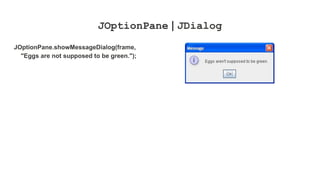
JOptionPane | JDialog
JOptionPane.showMessageDialog(frame,
"Eggs are not supposed to be green.");
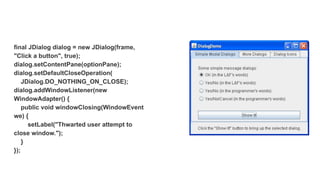
final JDialog dialog = new JDialog(frame,
"Click a button", true);
dialog.setContentPane(optionPane);
dialog.setDefaultCloseOperation(
JDialog.DO_NOTHING_ON_CLOSE);
dialog.addWindowListener(new
WindowAdapter() {
public void windowClosing(WindowEvent
we) {
setLabel("Thwarted user attempt to
close window.");
}
});
GWT Material
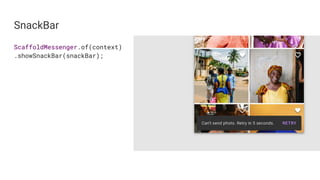
SnackBar
ScaffoldMessenger.of(context)
.showSnackBar(snackBar);
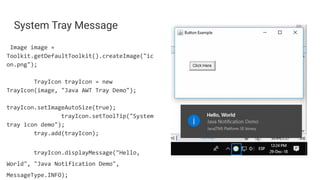
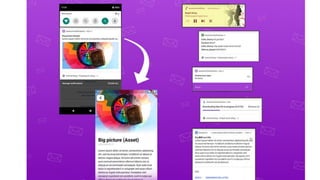
System Tray Message
Image image =
Toolkit.getDefaultToolkit().createImage("ic
on.png");
TrayIcon trayIcon = new
TrayIcon(image, "Java AWT Tray Demo");
trayIcon.setImageAutoSize(true);
trayIcon.setToolTip("System
tray icon demo");
tray.add(trayIcon);
trayIcon.displayMessage("Hello,
World", "Java Notification Demo",
MessageType.INFO);
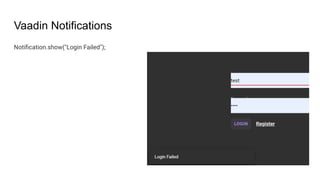
Vaadin Notifications
Notification.show("Login Failed");
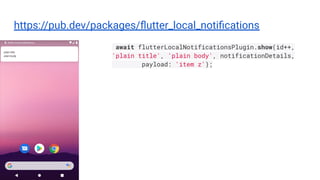
https://pub.dev/packages/flutter_local_notifications
await flutterLocalNotificationsPlugin.show(id++,
'plain title', 'plain body', notificationDetails,
payload: 'item z');
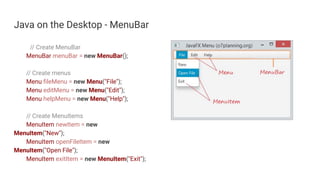
Java on the Desktop - MenuBar
// Create MenuBar
MenuBar menuBar = new MenuBar();
// Create menus
Menu fileMenu = new Menu("File");
Menu editMenu = new Menu("Edit");
Menu helpMenu = new Menu("Help");
// Create MenuItems
MenuItem newItem = new
MenuItem("New");
MenuItem openFileItem = new
MenuItem("Open File");
MenuItem exitItem = new MenuItem("Exit");
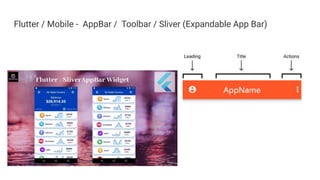
Flutter / Mobile - AppBar / Toolbar / Sliver (Expandable App Bar)
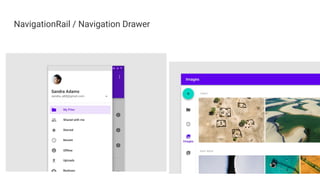
NavigationRail / Navigation Drawer
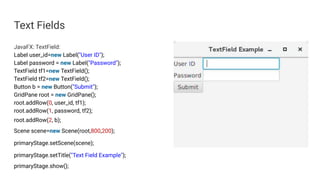
Text Fields
JavaFX: TextField:
Label user_id=new Label("User ID");
Label password = new Label("Password");
TextField tf1=new TextField();
TextField tf2=new TextField();
Button b = new Button("Submit");
GridPane root = new GridPane();
root.addRow(0, user_id, tf1);
root.addRow(1, password, tf2);
root.addRow(2, b);
Scene scene=new Scene(root,800,200);
primaryStage.setScene(scene);
primaryStage.setTitle("Text Field Example");
primaryStage.show();
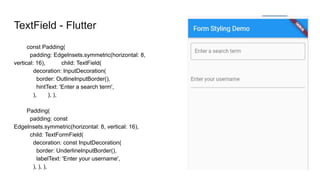
TextField - Flutter
const Padding(
padding: EdgeInsets.symmetric(horizontal: 8,
vertical: 16), child: TextField(
decoration: InputDecoration(
border: OutlineInputBorder(),
hintText: 'Enter a search term',
), ), ),
Padding(
padding: const
EdgeInsets.symmetric(horizontal: 8, vertical: 16),
child: TextFormField(
decoration: const InputDecoration(
border: UnderlineInputBorder(),
labelText: 'Enter your username',
), ), ),
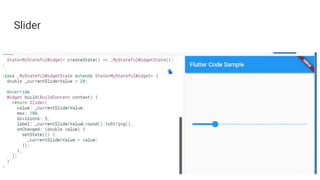
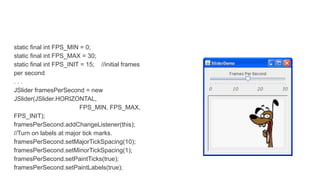
Slider
static final int FPS_MIN = 0;
static final int FPS_MAX = 30;
static final int FPS_INIT = 15; //initial frames
per second
. . .
JSlider framesPerSecond = new
JSlider(JSlider.HORIZONTAL,
FPS_MIN, FPS_MAX,
FPS_INIT);
framesPerSecond.addChangeListener(this);
//Turn on labels at major tick marks.
framesPerSecond.setMajorTickSpacing(10);
framesPerSecond.setMinorTickSpacing(1);
framesPerSecond.setPaintTicks(true);
framesPerSecond.setPaintLabels(true);
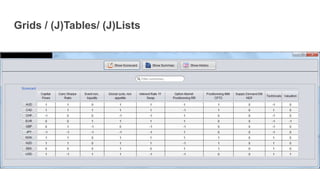
Grids / (J)Tables/ (J)Lists
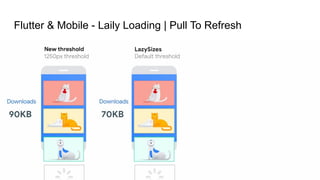
Flutter & Mobile - Laily Loading | Pull To Refresh
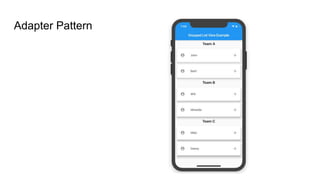
Adapter Pattern
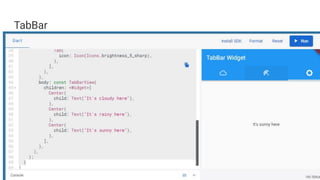
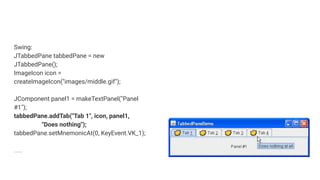
TabBar
Swing:
JTabbedPane tabbedPane = new
JTabbedPane();
ImageIcon icon =
createImageIcon("images/middle.gif");
JComponent panel1 = makeTextPanel("Panel
#1");
tabbedPane.addTab("Tab 1", icon, panel1,
"Does nothing");
tabbedPane.setMnemonicAt(0, KeyEvent.VK_1);
….
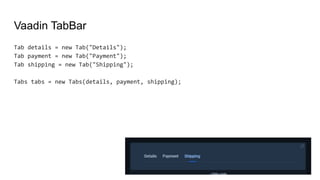
Vaadin TabBar
Tab details = new Tab("Details");
Tab payment = new Tab("Payment");
Tab shipping = new Tab("Shipping");
Tabs tabs = new Tabs(details, payment, shipping);
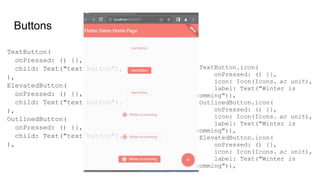
Buttons
TextButton(
onPressed: () {},
child: Text("text button"),
),
ElevatedButton(
onPressed: () {},
child: Text("text button"),
),
OutlinedButton(
onPressed: () {},
child: Text("text button"),
),
TextButton.icon(
onPressed: () {},
icon: Icon(Icons. ac_unit),
label: Text("Winter is
comming")),
OutlinedButton.icon(
onPressed: () {},
icon: Icon(Icons. ac_unit),
label: Text("Winter is
comming")),
ElevatedButton.icon(
onPressed: () {},
icon: Icon(Icons. ac_unit),

label: Text("Winter is
comming")),
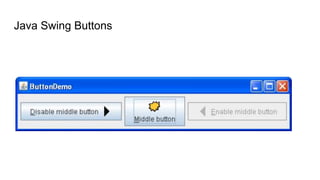
Java Swing Buttons
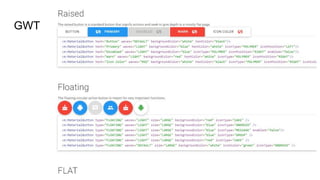
GWT
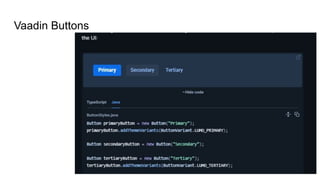
Vaadin Buttons
Embedding Native Views
Both Java & Flutter(Dart) are OOP so
you could easily create Reusable
Components.

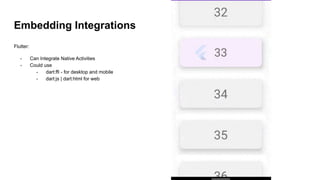
Embedding Integrations
Flutter:
- Can Integrate Native Activities
- Could use
- dart:ffi - for desktop and mobile
- dart:js | dart:html for web
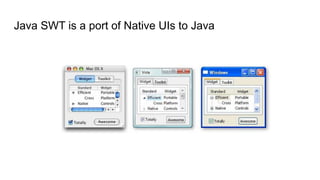
Java SWT is a port of Native UIs to Java
Java Web Integrations
I have a personal achievement of integration mix:
http://delc.fmi.uni-plovdiv.net/
Java Portlet, Grails Framework Back End with Ext JS Front-End
Portlet - with Struts 2 Framework with GWT calling the Ext JS
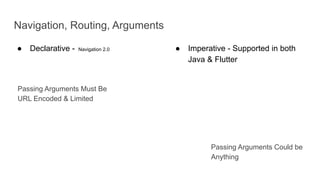
Navigation, Routing, Arguments
● Declarative - Navigation 2.0 ● Imperative - Supported in both
Java & Flutter
Passing Arguments Must Be
URL Encoded & Limited
Passing Arguments Could be
Anything
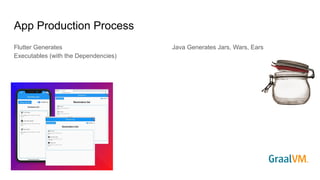
App Production Process
Flutter Generates
Executables (with the Dependencies)
Java Generates Jars, Wars, Ears
Common Animations
- Page Transitions
- Hero
- Animated Switcher
- https://api.flutter.dev/flutter/animation/Curves-class.html
final Animation<double> animation =
CurvedAnimation(
parent: controller,
curve: Curves.ease,
);
Questions?

Flutter vs Java Graphical User Interface Frameworks.pptx