Keyboard Shortcuts for Windows Firefox

By Matthew Elton


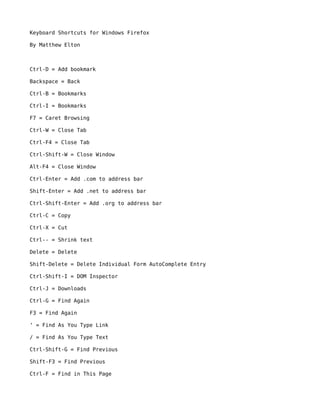
Ctrl-D = Add bookmark

Backspace = Back

Ctrl-B = Bookmarks

Ctrl-I = Bookmarks

F7 = Caret Browsing

Ctrl-W = Close Tab

Ctrl-F4 = Close Tab

Ctrl-Shift-W = Close Window

Alt-F4 = Close Window

Ctrl-Enter = Add .com to address bar

Shift-Enter = Add .net to address bar

Ctrl-Shift-Enter = Add .org to address bar

Ctrl-C = Copy

Ctrl-X = Cut

Ctrl-- = Shrink text

Delete = Delete

Shift-Delete = Delete Individual Form AutoComplete Entry

Ctrl-Shift-I = DOM Inspector

Ctrl-J = Downloads

Ctrl-G = Find Again

F3 = Find Again

‘ = Find As You Type Link

/ = Find As You Type Text

Ctrl-Shift-G = Find Previous

Shift-F3 = Find Previous

Ctrl-F = Find in This Page
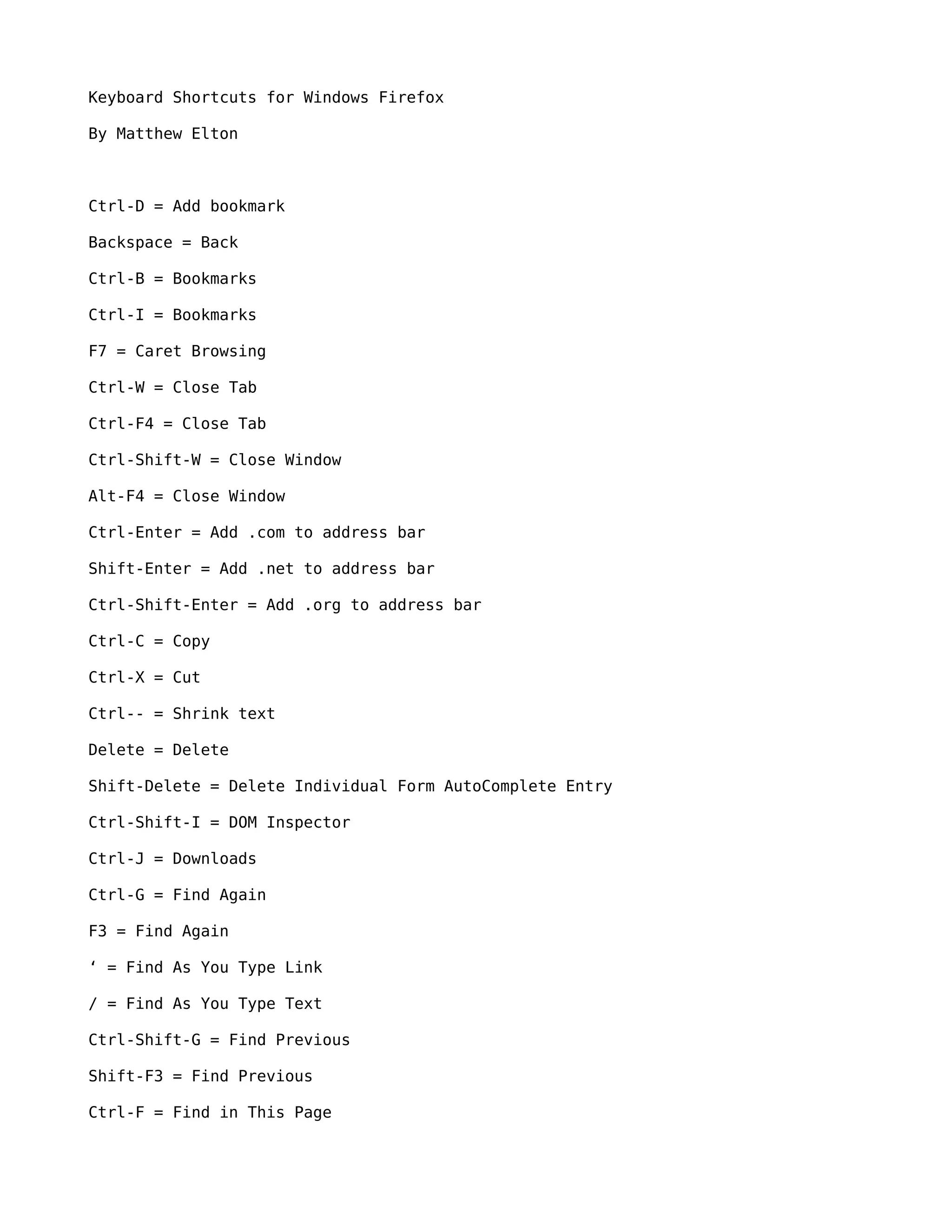
Shift-Backspace = Forward

Alt-Enter = Forward

Down Arrow = Scroll Down

Up Arrow = Scroll Up

Page Down = Scroll Down really fast

Page Up = Scroll Up really fast

End = Go to Bottom of Page

Home = Go to Top of Page

F11 = Full Screen

F1 = Help

Ctrl-H = History

Alt-Home = Go to your homepage

Ctrl-+ = Enlarge text

F6 = Move to Next Frame

Shift-F6 = Move to Previous Frame

Ctrl-M = New Mail Message

Ctrl-T = New Tab

Ctrl-Tab = Next Tab

Ctrl-Page Down = Next Tab

Ctrl-N = New Window

Ctrl-O = Open File

Enter = Activate selected hyperlink

Ctrl-Enter = Open selected hyperlink in a new window

Shift-Enter = Open selected hyperlink in a new window

Alt-Enter = Open address in address bar in a new tab

Ctrl-U = Page source

Ctrl-V = Paste

Ctrl-Shift-Tab = Previous Tab

Ctrl-Page Up = Previous Tab
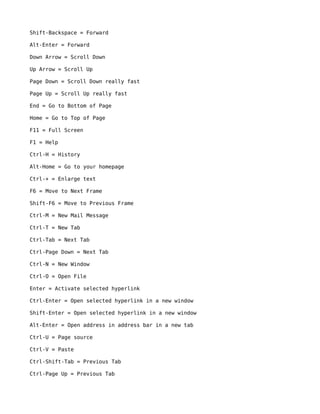
Ctrl-P = Print

Ctrl-Shift-Z = Redo

Ctrl-Y = Redo

F5 = Refresh

Ctrl-R = Refresh

Ctrl-F5 = SuperRefresh (refreshes the page even if no changes have been made to
the page since you last loaded it)

Ctrl-Shift-R = SuperRefresh (refreshes the page even if no changes have been made
to the page since you last loaded it)

Ctrl-0 = Restore text size

Ctrl-S = Save Page As

Alt-Enter = Save target of selected hyperlink as

Ctrl-A = Select All

Ctrl-L = Select Location Bar

Alt-D = Select Location Bar

Down Arrow = Select Next AutoComplete entry in textbox

Up Arrow = Select Previous AutoComplete entry in textbox

Ctrl-Down Arrow = Select Next Search Engine in Search Bar

Ctrl-Up Arrow = Select Previous Search Engine in Search Bar

Ctrl-1 = Select first tab

Ctrl-2 = Select second tab

Ctrl-3 = Select third tab

Ctrl-4 = Select fourth tab

Ctrl-5 = Select fifth tab

Ctrl-6 = Select sixth tab

Ctrl-7 = Select seventh tab

Ctrl-8 = Select eighth tab

Ctrl-9 = Select ninth tab

Escape = Stop loading a page

Ctrl-Z = Undo
Ctrl-K = Web Search

Firefox shortcuts-win

  • 1.
    Keyboard Shortcuts forWindows Firefox By Matthew Elton Ctrl-D = Add bookmark Backspace = Back Ctrl-B = Bookmarks Ctrl-I = Bookmarks F7 = Caret Browsing Ctrl-W = Close Tab Ctrl-F4 = Close Tab Ctrl-Shift-W = Close Window Alt-F4 = Close Window Ctrl-Enter = Add .com to address bar Shift-Enter = Add .net to address bar Ctrl-Shift-Enter = Add .org to address bar Ctrl-C = Copy Ctrl-X = Cut Ctrl-- = Shrink text Delete = Delete Shift-Delete = Delete Individual Form AutoComplete Entry Ctrl-Shift-I = DOM Inspector Ctrl-J = Downloads Ctrl-G = Find Again F3 = Find Again ‘ = Find As You Type Link / = Find As You Type Text Ctrl-Shift-G = Find Previous Shift-F3 = Find Previous Ctrl-F = Find in This Page
  • 2.
    Shift-Backspace = Forward Alt-Enter= Forward Down Arrow = Scroll Down Up Arrow = Scroll Up Page Down = Scroll Down really fast Page Up = Scroll Up really fast End = Go to Bottom of Page Home = Go to Top of Page F11 = Full Screen F1 = Help Ctrl-H = History Alt-Home = Go to your homepage Ctrl-+ = Enlarge text F6 = Move to Next Frame Shift-F6 = Move to Previous Frame Ctrl-M = New Mail Message Ctrl-T = New Tab Ctrl-Tab = Next Tab Ctrl-Page Down = Next Tab Ctrl-N = New Window Ctrl-O = Open File Enter = Activate selected hyperlink Ctrl-Enter = Open selected hyperlink in a new window Shift-Enter = Open selected hyperlink in a new window Alt-Enter = Open address in address bar in a new tab Ctrl-U = Page source Ctrl-V = Paste Ctrl-Shift-Tab = Previous Tab Ctrl-Page Up = Previous Tab
  • 3.
    Ctrl-P = Print Ctrl-Shift-Z= Redo Ctrl-Y = Redo F5 = Refresh Ctrl-R = Refresh Ctrl-F5 = SuperRefresh (refreshes the page even if no changes have been made to the page since you last loaded it) Ctrl-Shift-R = SuperRefresh (refreshes the page even if no changes have been made to the page since you last loaded it) Ctrl-0 = Restore text size Ctrl-S = Save Page As Alt-Enter = Save target of selected hyperlink as Ctrl-A = Select All Ctrl-L = Select Location Bar Alt-D = Select Location Bar Down Arrow = Select Next AutoComplete entry in textbox Up Arrow = Select Previous AutoComplete entry in textbox Ctrl-Down Arrow = Select Next Search Engine in Search Bar Ctrl-Up Arrow = Select Previous Search Engine in Search Bar Ctrl-1 = Select first tab Ctrl-2 = Select second tab Ctrl-3 = Select third tab Ctrl-4 = Select fourth tab Ctrl-5 = Select fifth tab Ctrl-6 = Select sixth tab Ctrl-7 = Select seventh tab Ctrl-8 = Select eighth tab Ctrl-9 = Select ninth tab Escape = Stop loading a page Ctrl-Z = Undo
  • 4.