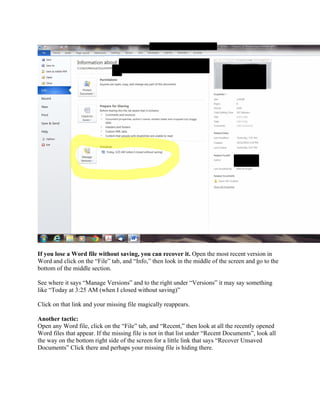
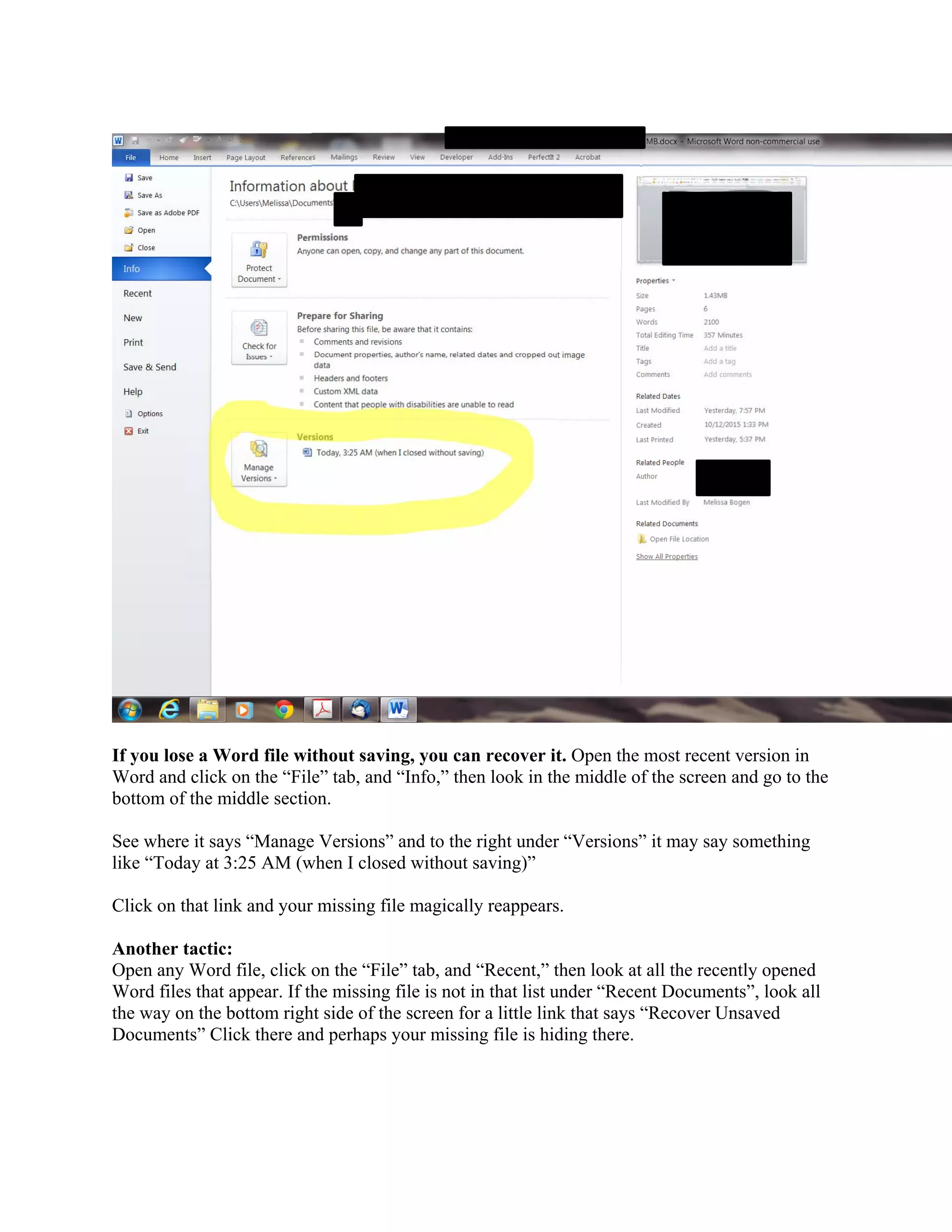
If you close a Word document without saving, you may be able to recover the unsaved version from within Word. By going to File > Info and looking at Manage Versions, you can see previous autosaved versions listed by time and date and click to open the one from before you closed without saving. Alternatively, going to File > Recent may show the missing file, or a link for Recover Unsaved Documents at the bottom of the screen could reveal where it was autosaved.