























Slide 1


Hello,	
  and	
  thanks	
  for	
  coming	
  to	
  Everything	
  You	
  Always	
  Wanted	
  To	
  Know	
  About	
  Digital	
  
Signage	
  But	
  Were	
  Afraid	
  To	
  Ask,	
  my	
  name	
  is	
  Bruce	
  Goldstein	
  and	
  I	
  am	
  a	
  digital	
  signage	
  
consultant.	
  My	
  company	
  Designage	
  offers	
  digital	
  signage	
  consulting	
  services	
  to	
  resellers	
  
and	
  end	
  users	
  interested	
  in	
  using	
  digital	
  signage.	
  For	
  resellers	
  like	
  sign	
  makers	
  or	
  point	
  
of	
  purchase	
  display	
  manufacturers,	
  Designage	
  teaches	
  them	
  how	
  to	
  sell	
  and	
  market	
  
digital	
  signage	
  and	
  services	
  best	
  suited	
  to	
  their	
  company,	
  that	
  helps	
  grow	
  their	
  business.	
  
For	
  end-­‐users	
  we’ll	
  establish	
  objectives	
  and	
  requirements,	
  and	
  recommend	
  solutions	
  to	
  
install	
  to	
  meet	
  those	
  needs	
  as	
  well	
  as	
  help	
  them	
  with	
  the	
  install	
  and	
  operation	
  of	
  the	
  
solution.	
  Now	
  the	
  reason	
  for	
  the	
  title	
  of	
  my	
  presentation,	
  aside	
  from	
  growing	
  up	
  a	
  
Woody	
  Allen	
  fan,	
  has	
  to	
  do	
  with	
  the	
  anxiety	
  people	
  feel	
  about	
  technology,	
  in	
  this	
  case	
  
digital	
  signage	
  technology.	
  By	
  the	
  end	
  of	
  the	
  day	
  I	
  hope	
  to	
  give	
  you	
  a	
  basic	
  
understanding	
  about	
  what	
  digital	
  signage	
  is	
  and	
  how	
  it	
  can	
  help	
  grow	
  your	
  business,	
  as	
  
well	
  as	
  to	
  answer	
  any	
  questions	
  you	
  may	
  have	
  and	
  to	
  eliminate	
  any	
  anxiety	
  you	
  may	
  feel	
  
about	
  digital	
  signage.	
  
Slide 2


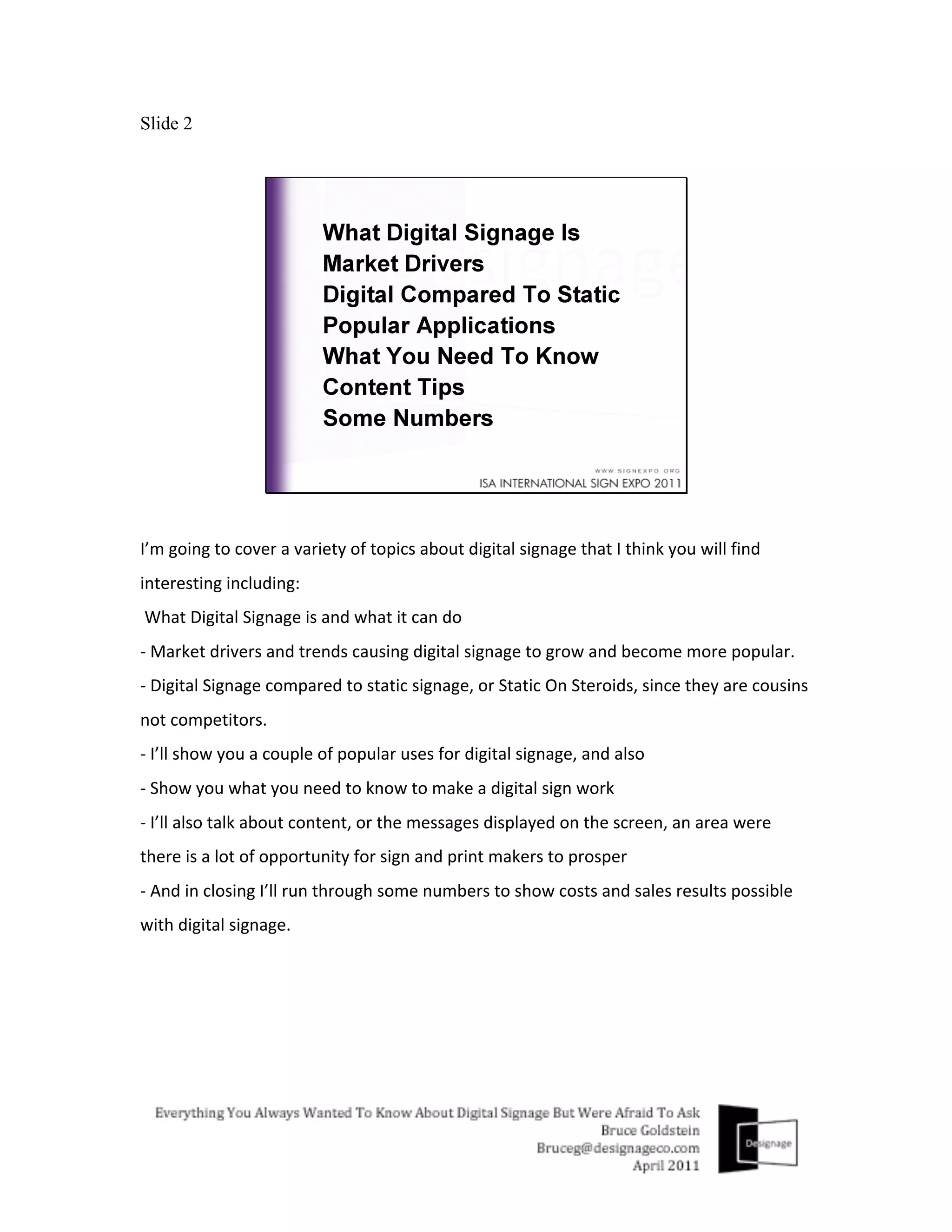
I’m	
  going	
  to	
  cover	
  a	
  variety	
  of	
  topics	
  about	
  digital	
  signage	
  that	
  I	
  think	
  you	
  will	
  find	
  
interesting	
  including:	
  
	
  What	
  Digital	
  Signage	
  is	
  and	
  what	
  it	
  can	
  do	
  
-­‐	
  Market	
  drivers	
  and	
  trends	
  causing	
  digital	
  signage	
  to	
  grow	
  and	
  become	
  more	
  popular.	
  
-­‐	
  Digital	
  Signage	
  compared	
  to	
  static	
  signage,	
  or	
  Static	
  On	
  Steroids,	
  since	
  they	
  are	
  cousins	
  
not	
  competitors.	
  
-­‐	
  I’ll	
  show	
  you	
  a	
  couple	
  of	
  popular	
  uses	
  for	
  digital	
  signage,	
  and	
  also	
  
-­‐	
  Show	
  you	
  what	
  you	
  need	
  to	
  know	
  to	
  make	
  a	
  digital	
  sign	
  work	
  
-­‐	
  I’ll	
  also	
  talk	
  about	
  content,	
  or	
  the	
  messages	
  displayed	
  on	
  the	
  screen,	
  an	
  area	
  were	
  
there	
  is	
  a	
  lot	
  of	
  opportunity	
  for	
  sign	
  and	
  print	
  makers	
  to	
  prosper	
  
-­‐	
  And	
  in	
  closing	
  I’ll	
  run	
  through	
  some	
  numbers	
  to	
  show	
  costs	
  and	
  sales	
  results	
  possible	
  
with	
  digital	
  signage.	


Slide 3


Let	
  me	
  start	
  by	
  defining	
  digital	
  signage.	
  Simply	
  speaking,	
  Digital	
  Signage	
  is	
  an	
  electronic	
  
sign.	
  Kind	
  of	
  like	
  an	
  upgrade	
  to	
  existing	
  sign,	
  but	
  because	
  it	
  is	
  electronic	
  it	
  has	
  some	
  of	
  
the	
  following	
  capabilities.	
  It	
  can…	
  
Slide 4


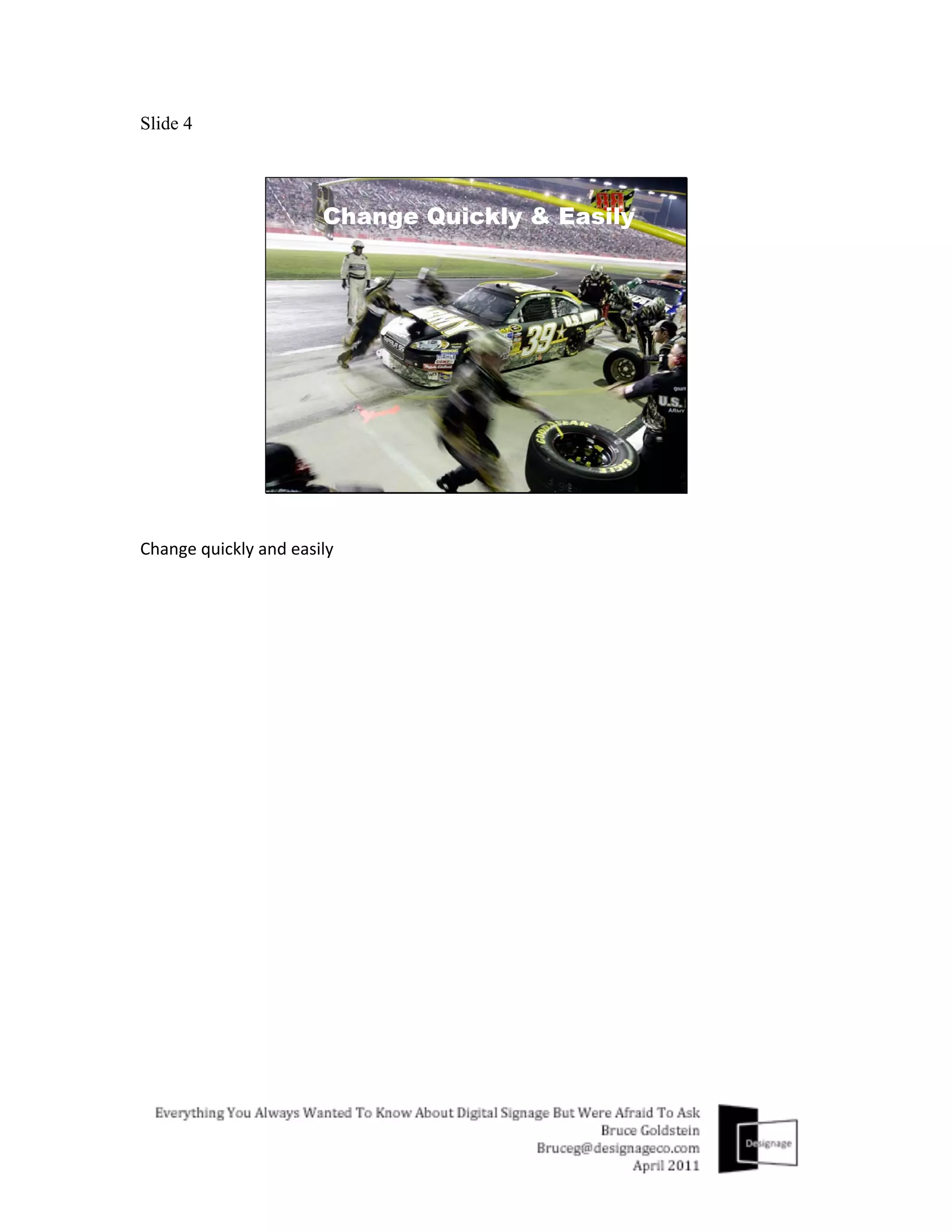
Change	
  quickly	
  and	
  easily	
  
Slide 5


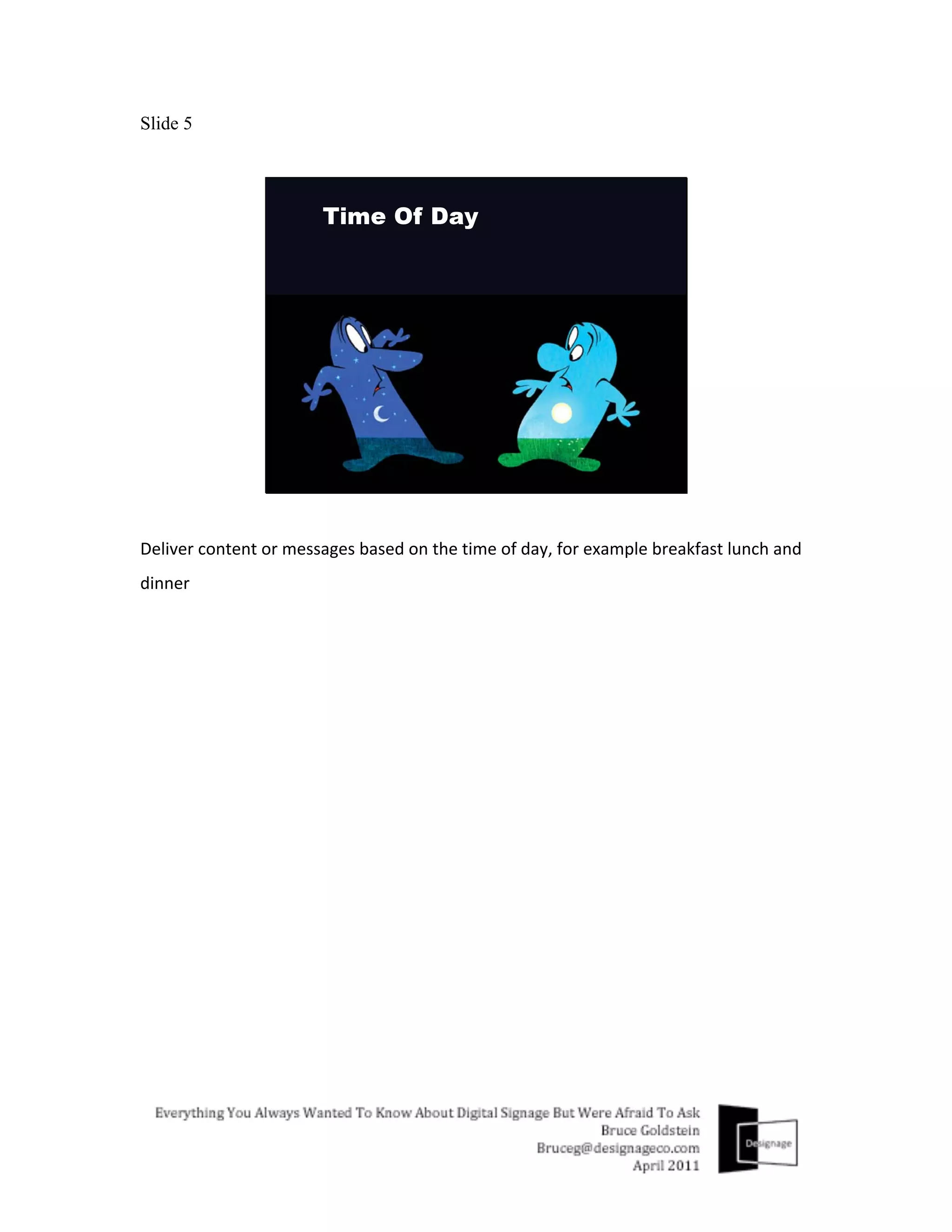
Deliver	
  content	
  or	
  messages	
  based	
  on	
  the	
  time	
  of	
  day,	
  for	
  example	
  breakfast	
  lunch	
  and	
  
dinner	
  
Slide 6


Deliver	
  content	
  or	
  messages	
  based	
  on	
  the	
  day	
  of	
  the	
  week,	
  for	
  example	
  a	
  2	
  for	
  Tuesday	
  
promotion	
  
Slide 7


Deliver	
  content	
  or	
  messages	
  based	
  on	
  a	
  promotional	
  schedule,	
  for	
  example	
  a	
  holiday	
  
sale	
  
Slide 8


In	
  addition	
  you	
  can	
  change	
  the	
  sign	
  based	
  on	
  shopper	
  demographics	
  that	
  frequent	
  a	
  
store	
  in	
  the	
  morning	
  as	
  opposed	
  to	
  those	
  that	
  frequent	
  it	
  in	
  the	
  evening.	


Slide 9


Or	
  change	
  the	
  sign	
  based	
  on	
  its	
  location	
  
Slide 10


Or	
  the	
  season	
  were	
  in,	
  promoting	
  more	
  hot	
  beverages	
  than	
  cold	
  for	
  example	


Slide 11


And	
  because	
  a	
  digital	
  sign	
  has	
  the	
  ability	
  to	
  make	
  these	
  kinds	
  of	
  changes.	
  It	
  can	
  help…	
  
Slide 12


Increase	
  sales,	
  average	
  spends,	
  gross	
  revenue,	
  etc.	
  of	
  a	
  particular	
  business	
  using	
  digital	
  
signage.	
  
Slide 13


Optimize	
  the	
  variety	
  of	
  kinds	
  of	
  products	
  being	
  sold.	
  Perhaps	
  20	
  brands	
  of	
  mustard	
  isn’t	
  
necessary?	
  
Slide 14


And	
  without	
  giving	
  away	
  free	
  candy,	
  but	
  by	
  educating	
  customers	
  with	
  informative	
  
content	
  or	
  messaging,	
  it	
  can	
  increase	
  the	
  frequency	
  of	
  their	
  visits.	
  
Slide 15


Overall,	
  it	
  can	
  provide	
  customers	
  with	
  a	
  more	
  enjoyable	
  and	
  exciting	
  shopping	
  
experience	
  
Slide 16


And	
  if	
  a	
  hometown	
  team	
  just	
  won	
  a	
  championship,	
  you	
  can	
  honor	
  them	
  the	
  next	
  day	
  
without	
  any	
  priority	
  shipping	
  charges	
  incurred,	
  
Slide 17


In	
  addition	
  to	
  these	
  capabilities	
  and	
  improvements,	
  the	
  digital	
  signage	
  market	
  will	
  
continue	
  to	
  grow	
  as	
  a	
  result	
  of	
  the	
  following	
  market	
  drivers	
  or	
  trends…	
  
Slide 18


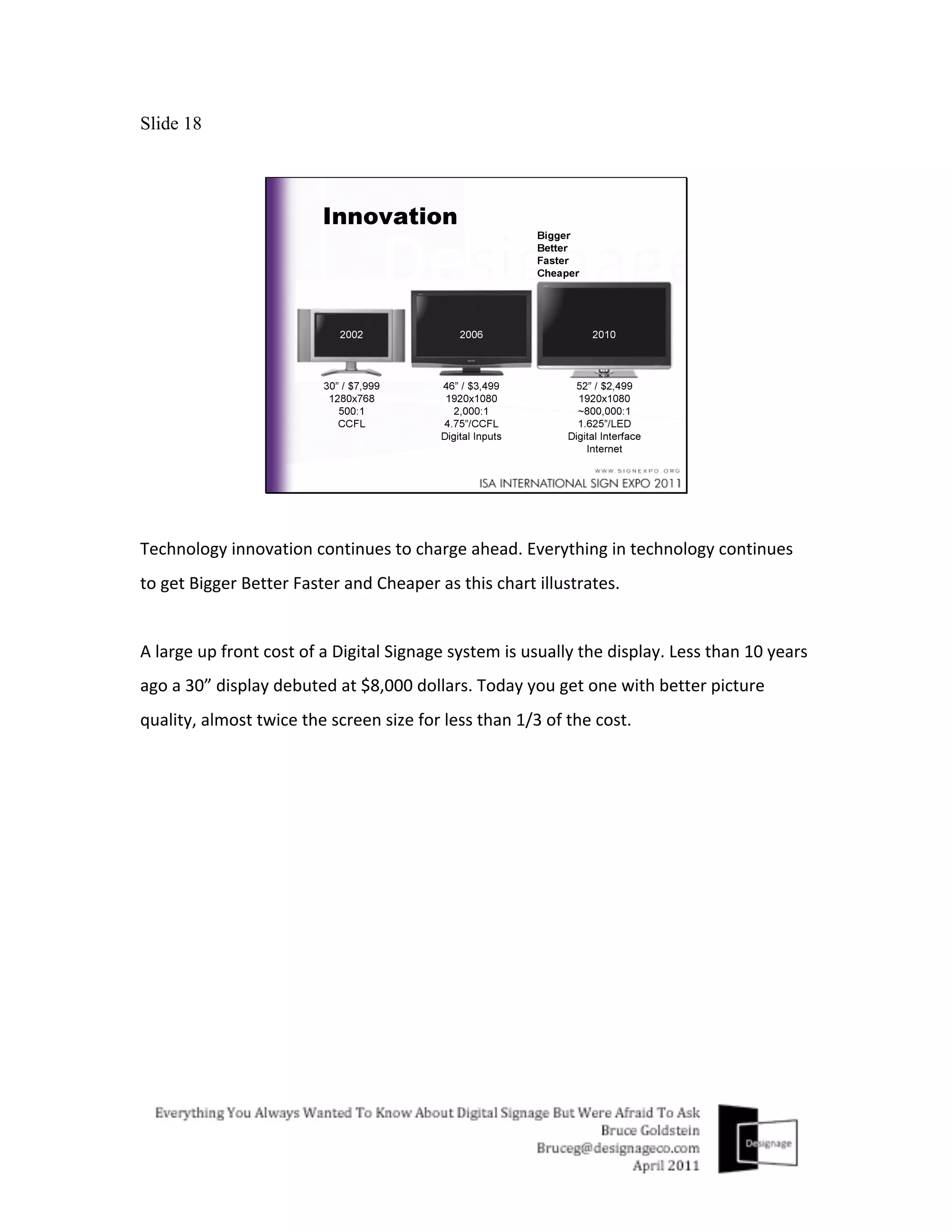
Technology	
  innovation	
  continues	
  to	
  charge	
  ahead.	
  Everything	
  in	
  technology	
  continues	
  
to	
  get	
  Bigger	
  Better	
  Faster	
  and	
  Cheaper	
  as	
  this	
  chart	
  illustrates.	


A	
  large	
  up	
  front	
  cost	
  of	
  a	
  Digital	
  Signage	
  system	
  is	
  usually	
  the	
  display.	
  Less	
  than	
  10	
  years	
  
ago	
  a	
  30”	
  display	
  debuted	
  at	
  $8,000	
  dollars.	
  Today	
  you	
  get	
  one	
  with	
  better	
  picture	
  
quality,	
  almost	
  twice	
  the	
  screen	
  size	
  for	
  less	
  than	
  1/3	
  of	
  the	
  cost.	


Slide 19


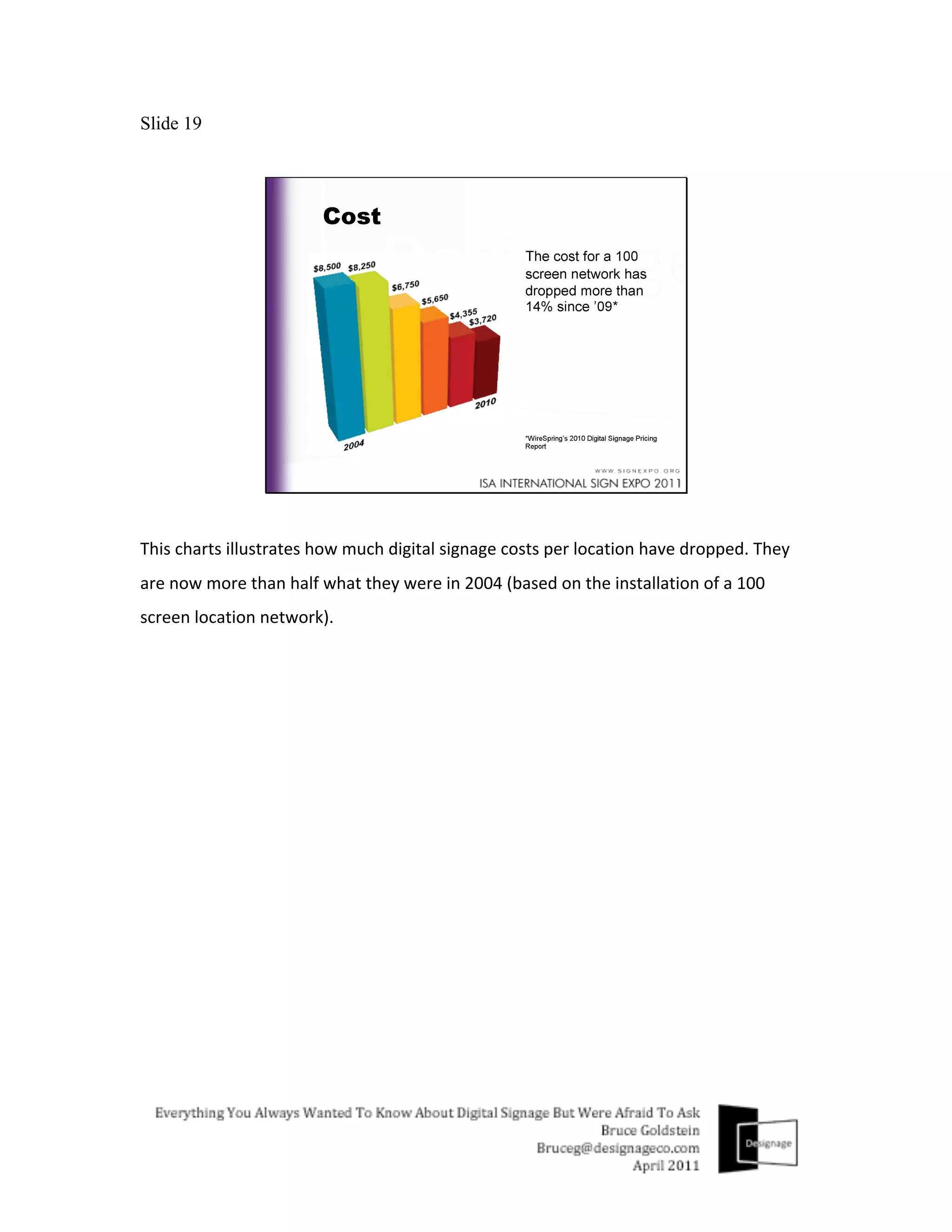
This	
  charts	
  illustrates	
  how	
  much	
  digital	
  signage	
  costs	
  per	
  location	
  have	
  dropped.	
  They	
  
are	
  now	
  more	
  than	
  half	
  what	
  they	
  were	
  in	
  2004	
  (based	
  on	
  the	
  installation	
  of	
  a	
  100	
  
screen	
  location	
  network).	
  
Slide 20


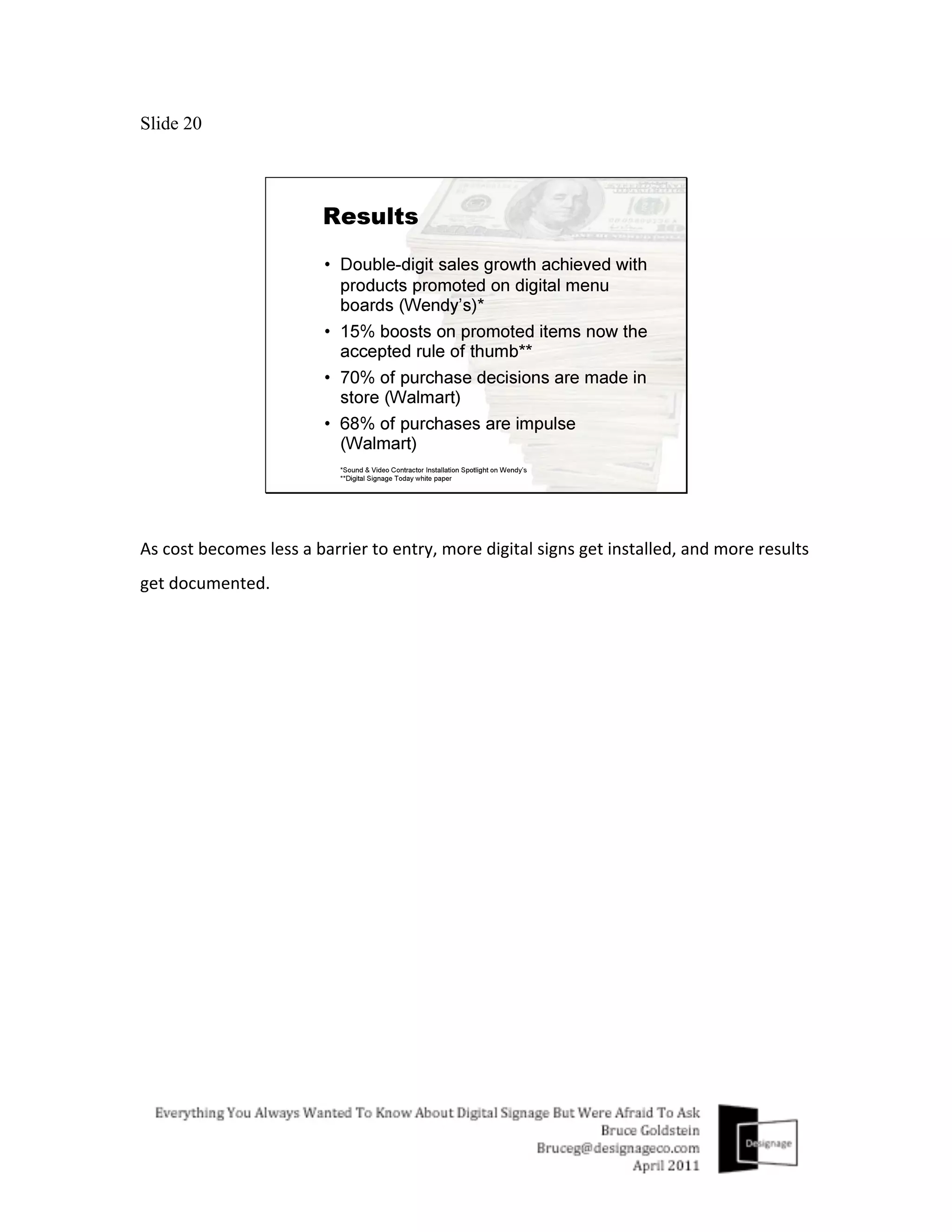
As	
  cost	
  becomes	
  less	
  a	
  barrier	
  to	
  entry,	
  more	
  digital	
  signs	
  get	
  installed,	
  and	
  more	
  results	
  
get	
  documented.	
  
Slide 21


And	
  leading	
  market	
  research	
  firms	
  analyze	
  these	
  results	
  and	
  trends,	
  and	
  release	
  healthy	
  
industry	
  forecasts	
  as	
  a	
  result.	
  A	
  few	
  notable	
  ones	
  are	
  shown	
  here…	


Slide 22


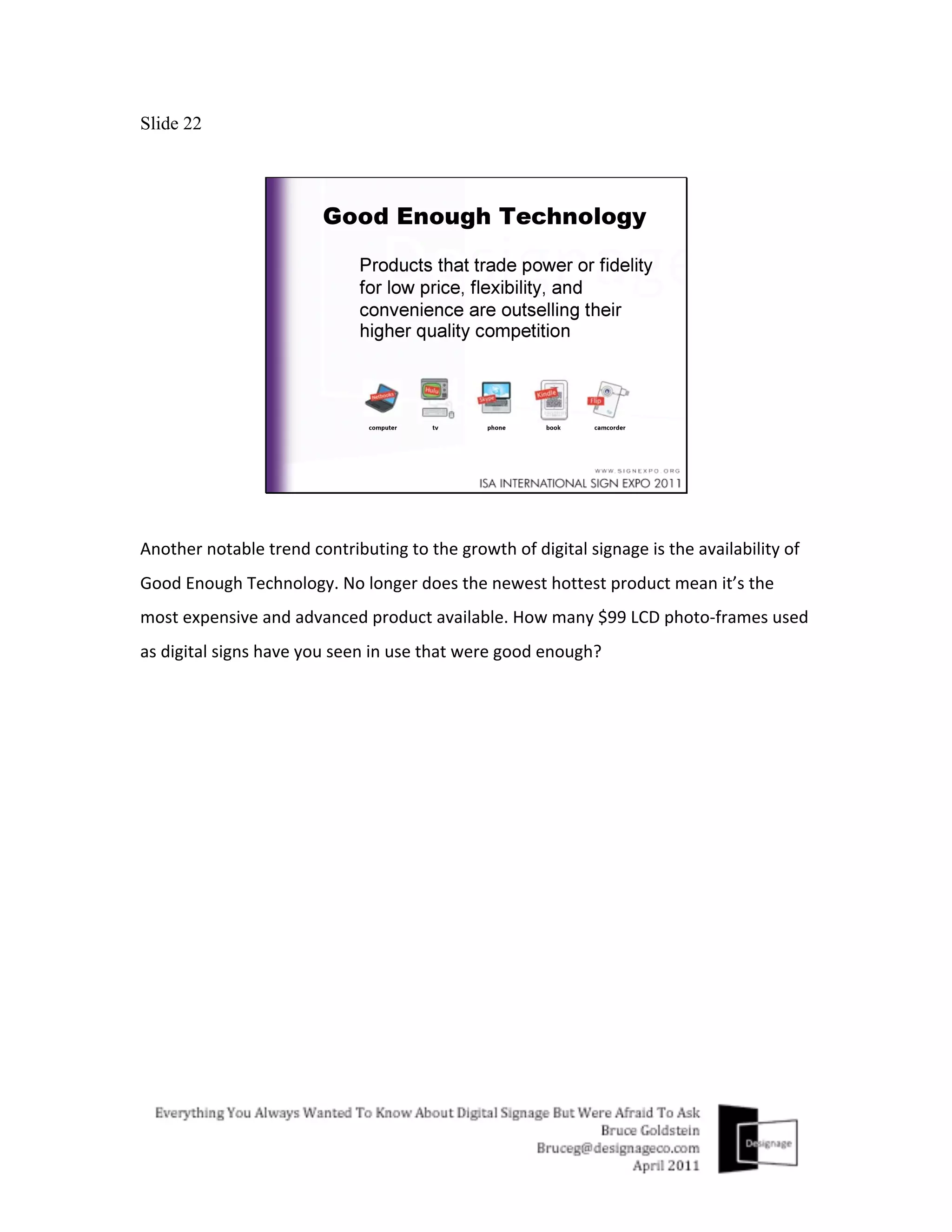
Another	
  notable	
  trend	
  contributing	
  to	
  the	
  growth	
  of	
  digital	
  signage	
  is	
  the	
  availability	
  of	
  
Good	
  Enough	
  Technology.	
  No	
  longer	
  does	
  the	
  newest	
  hottest	
  product	
  mean	
  it’s	
  the	
  
most	
  expensive	
  and	
  advanced	
  product	
  available.	
  How	
  many	
  $99	
  LCD	
  photo-­‐frames	
  used	
  
as	
  digital	
  signs	
  have	
  you	
  seen	
  in	
  use	
  that	
  were	
  good	
  enough?	


Slide 23


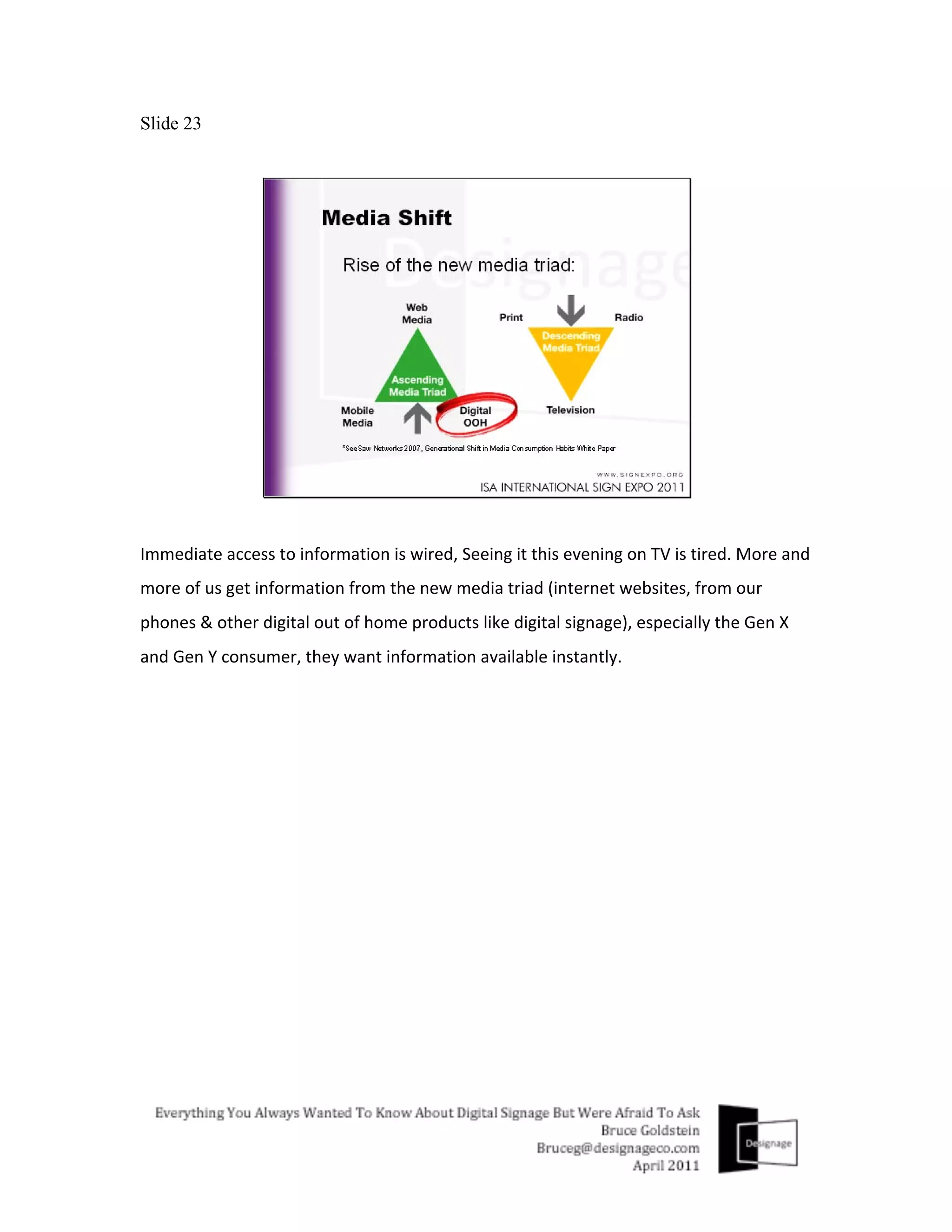
Immediate	
  access	
  to	
  information	
  is	
  wired,	
  Seeing	
  it	
  this	
  evening	
  on	
  TV	
  is	
  tired.	
  More	
  and	
  
more	
  of	
  us	
  get	
  information	
  from	
  the	
  new	
  media	
  triad	
  (internet	
  websites,	
  from	
  our	
  
phones	
  &	
  other	
  digital	
  out	
  of	
  home	
  products	
  like	
  digital	
  signage),	
  especially	
  the	
  Gen	
  X	
  
and	
  Gen	
  Y	
  consumer,	
  they	
  want	
  information	
  available	
  instantly.	
  
Slide 24


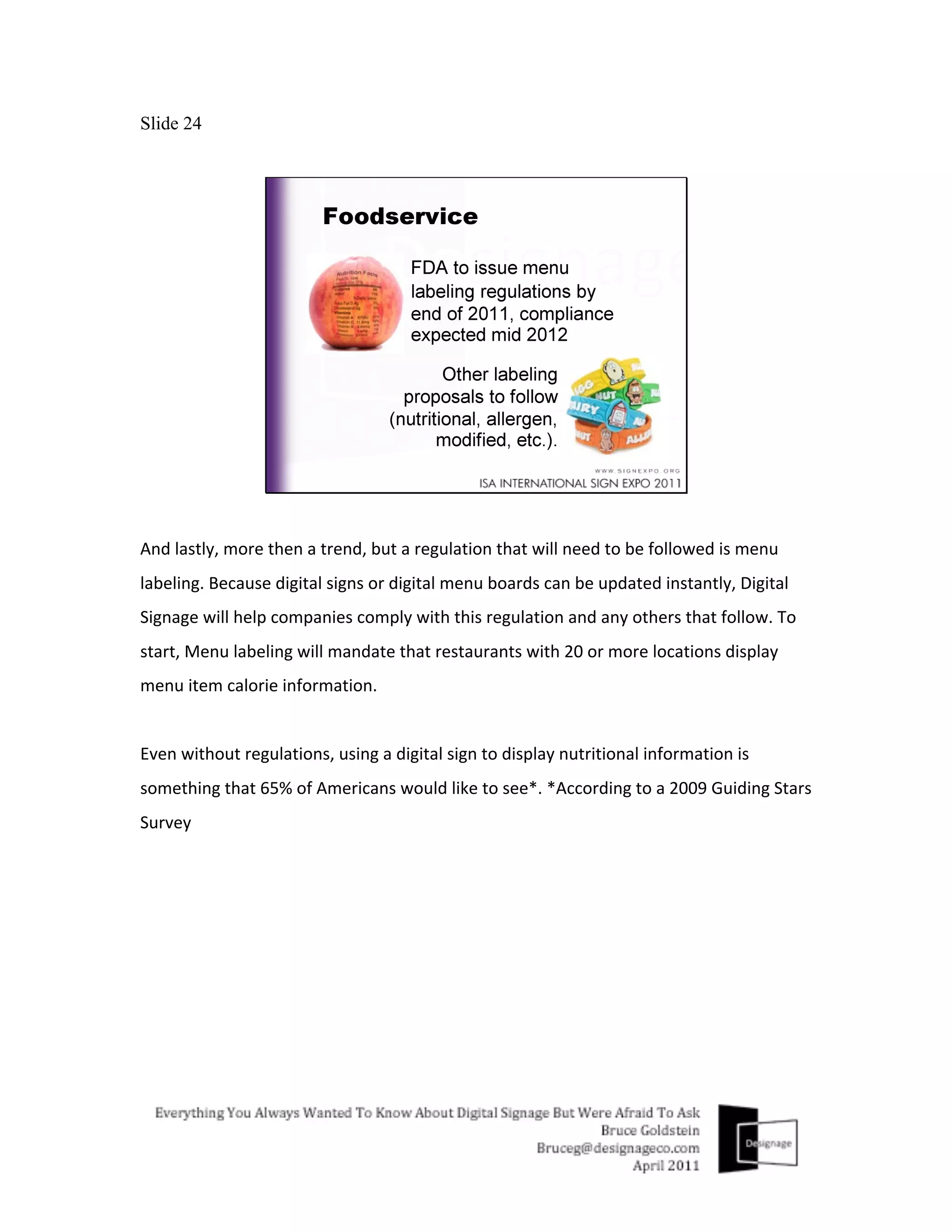
And	
  lastly,	
  more	
  then	
  a	
  trend,	
  but	
  a	
  regulation	
  that	
  will	
  need	
  to	
  be	
  followed	
  is	
  menu	
  
labeling.	
  Because	
  digital	
  signs	
  or	
  digital	
  menu	
  boards	
  can	
  be	
  updated	
  instantly,	
  Digital	
  
Signage	
  will	
  help	
  companies	
  comply	
  with	
  this	
  regulation	
  and	
  any	
  others	
  that	
  follow.	
  To	
  
start,	
  Menu	
  labeling	
  will	
  mandate	
  that	
  restaurants	
  with	
  20	
  or	
  more	
  locations	
  display	
  
menu	
  item	
  calorie	
  information.	


Even	
  without	
  regulations,	
  using	
  a	
  digital	
  sign	
  to	
  display	
  nutritional	
  information	
  is	
  
something	
  that	
  65%	
  of	
  Americans	
  would	
  like	
  to	
  see*.	
  *According	
  to	
  a	
  2009	
  Guiding	
  Stars	
  
Survey	
  	
  
Slide 25


This	
  next	
  set	
  of	
  slides	
  highlights	
  the	
  advantages	
  and	
  capabilities	
  digital	
  signage	
  has	
  
compared	
  to	
  regular	
  signs...Keep	
  in	
  mind,	
  static	
  signs	
  and	
  digital	
  signs	
  are	
  
complimentary	
  business	
  partners,	
  they	
  are	
  cousins	
  not	
  competitors.	
  Having	
  the	
  ability	
  
to	
  offer	
  digital	
  signage	
  strengthens	
  a	
  companies	
  product	
  and	
  services	
  offering,	
  it	
  does	
  
not	
  cannibalize	
  it.	
  And	
  if	
  you	
  can	
  also	
  offer	
  value	
  added	
  services	
  like	
  content	
  design	
  for	
  
digital	
  signage,	
  it	
  will	
  give	
  you	
  a	
  clear	
  advantage	
  over	
  most	
  other	
  companies	
  already	
  
selling	
  digital	
  signage	
  products	
  into	
  the	
  marketplace	
  today	
  (I’ll	
  talk	
  a	
  bit	
  more	
  about	
  this	
  
later).	
  	
  
Slide 26


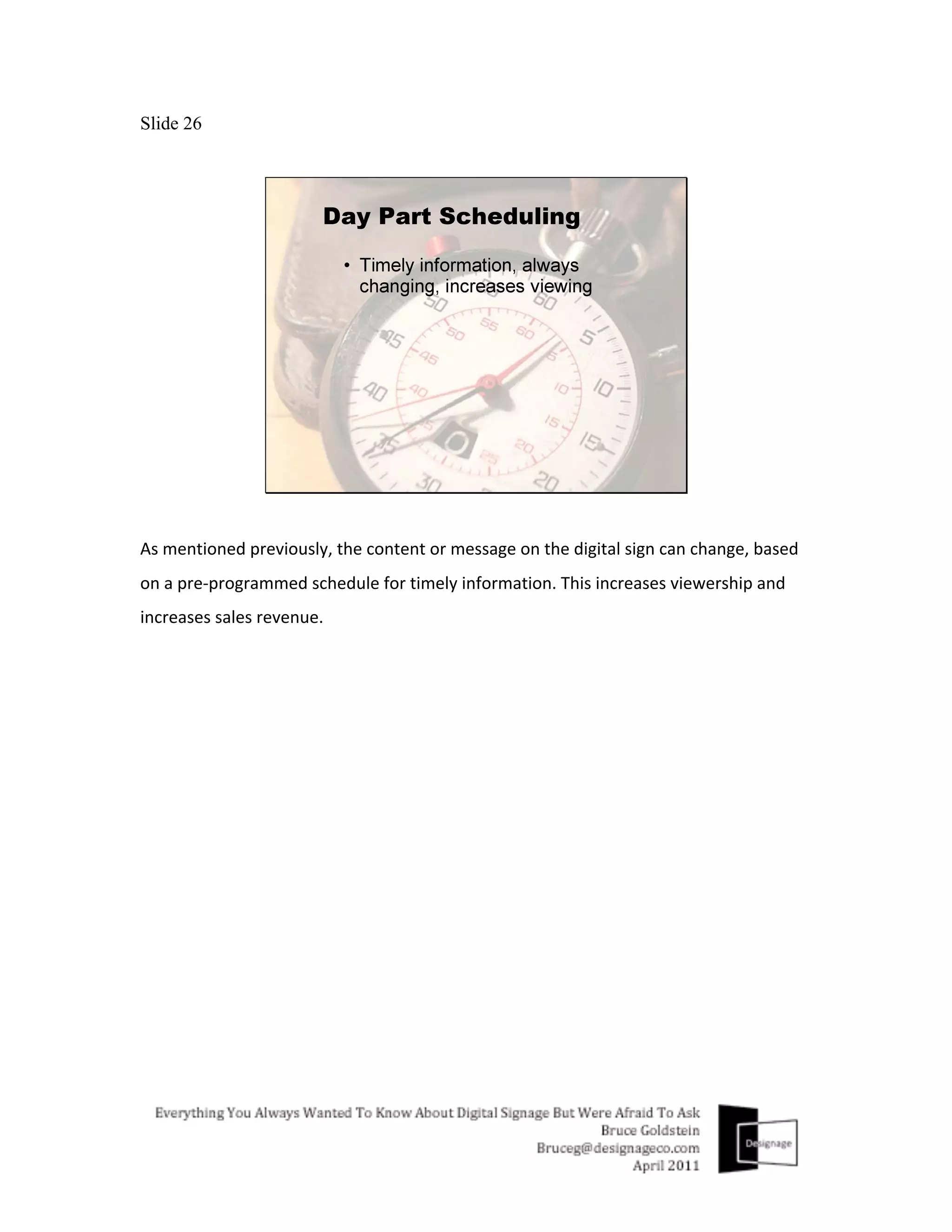
As	
  mentioned	
  previously,	
  the	
  content	
  or	
  message	
  on	
  the	
  digital	
  sign	
  can	
  change,	
  based	
  
on	
  a	
  pre-­‐programmed	
  schedule	
  for	
  timely	
  information.	
  This	
  increases	
  viewership	
  and	
  
increases	
  sales	
  revenue.	
  
Slide 27


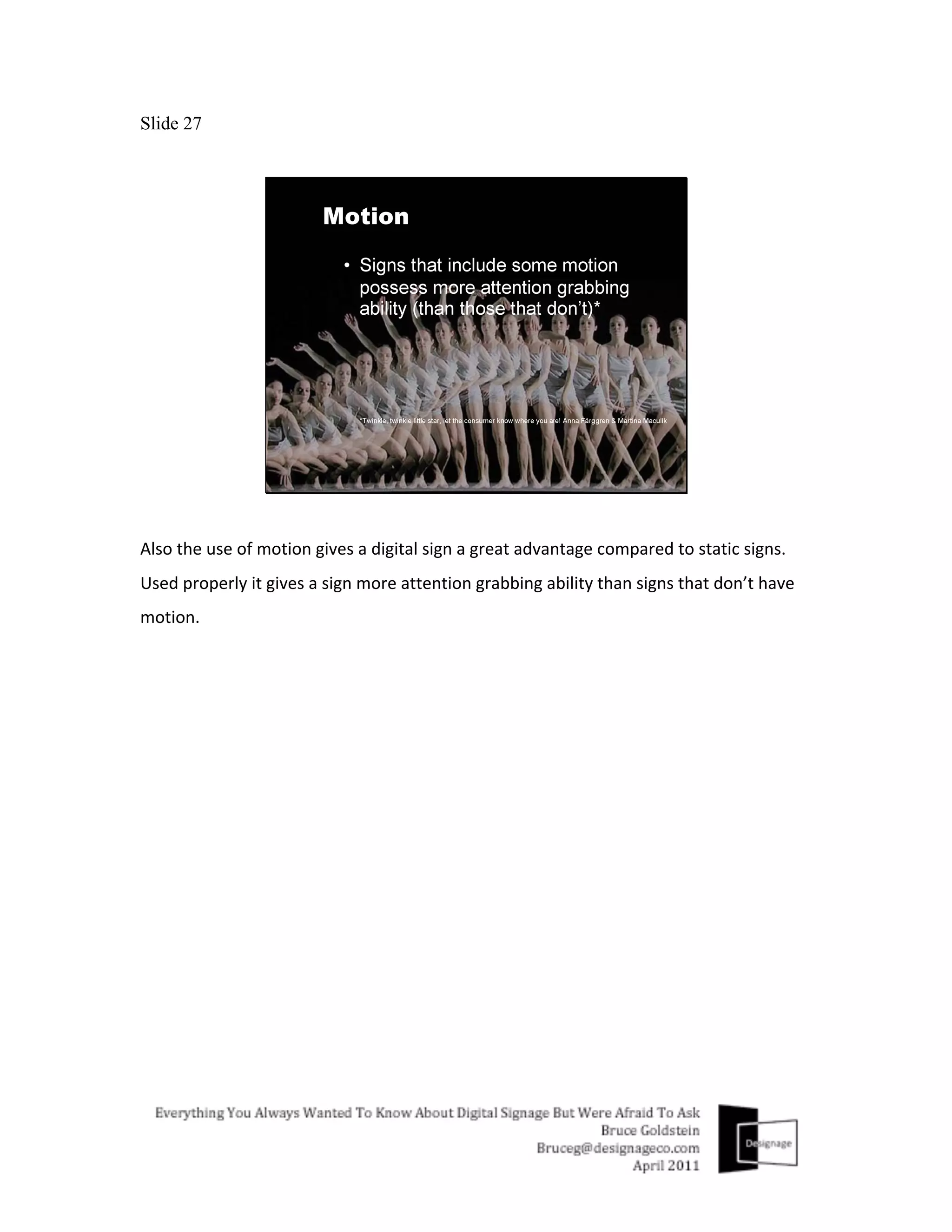
Also	
  the	
  use	
  of	
  motion	
  gives	
  a	
  digital	
  sign	
  a	
  great	
  advantage	
  compared	
  to	
  static	
  signs.	
  
Used	
  properly	
  it	
  gives	
  a	
  sign	
  more	
  attention	
  grabbing	
  ability	
  than	
  signs	
  that	
  don’t	
  have	
  
motion.	
  
Slide 28


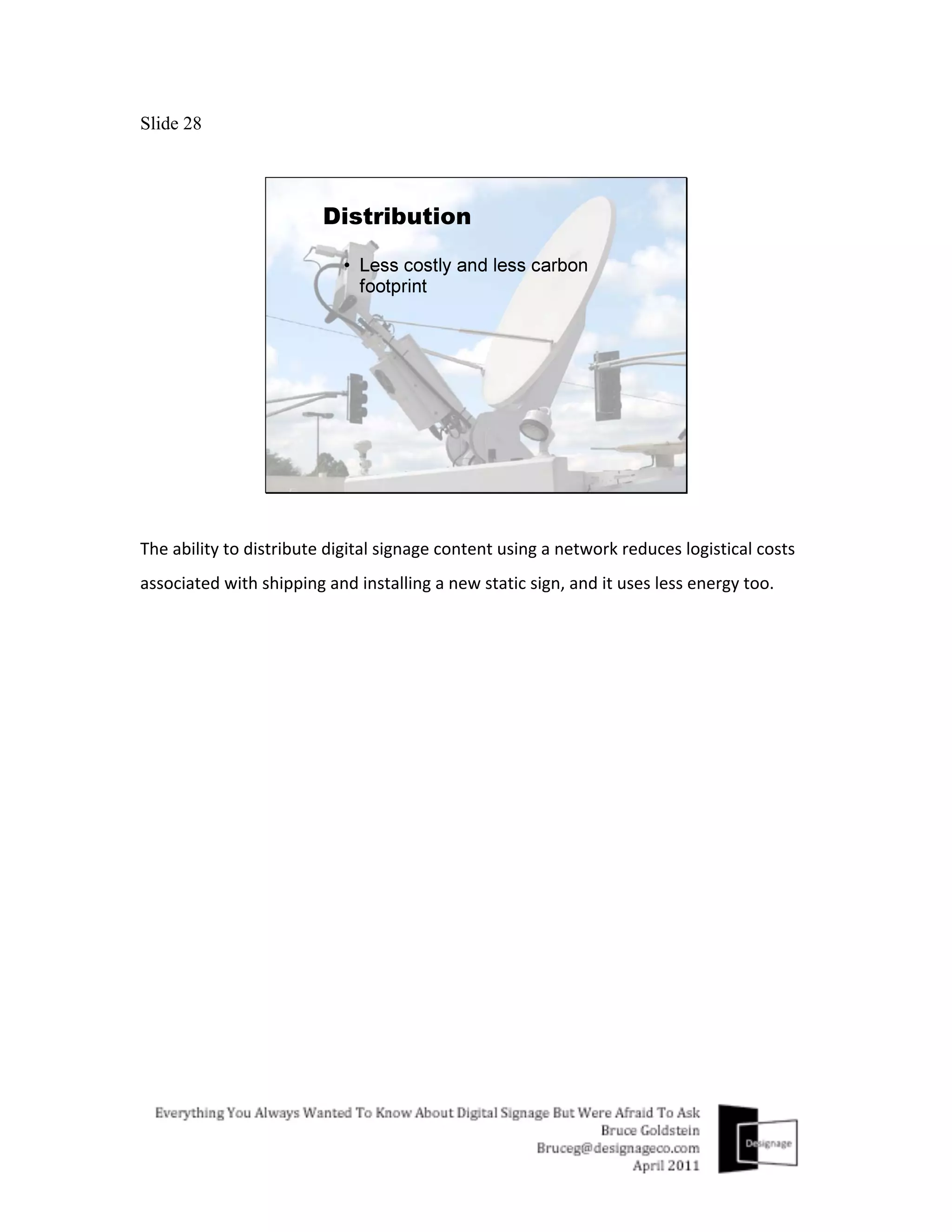
The	
  ability	
  to	
  distribute	
  digital	
  signage	
  content	
  using	
  a	
  network	
  reduces	
  logistical	
  costs	
  
associated	
  with	
  shipping	
  and	
  installing	
  a	
  new	
  static	
  sign,	
  and	
  it	
  uses	
  less	
  energy	
  too.	
  
Slide 29


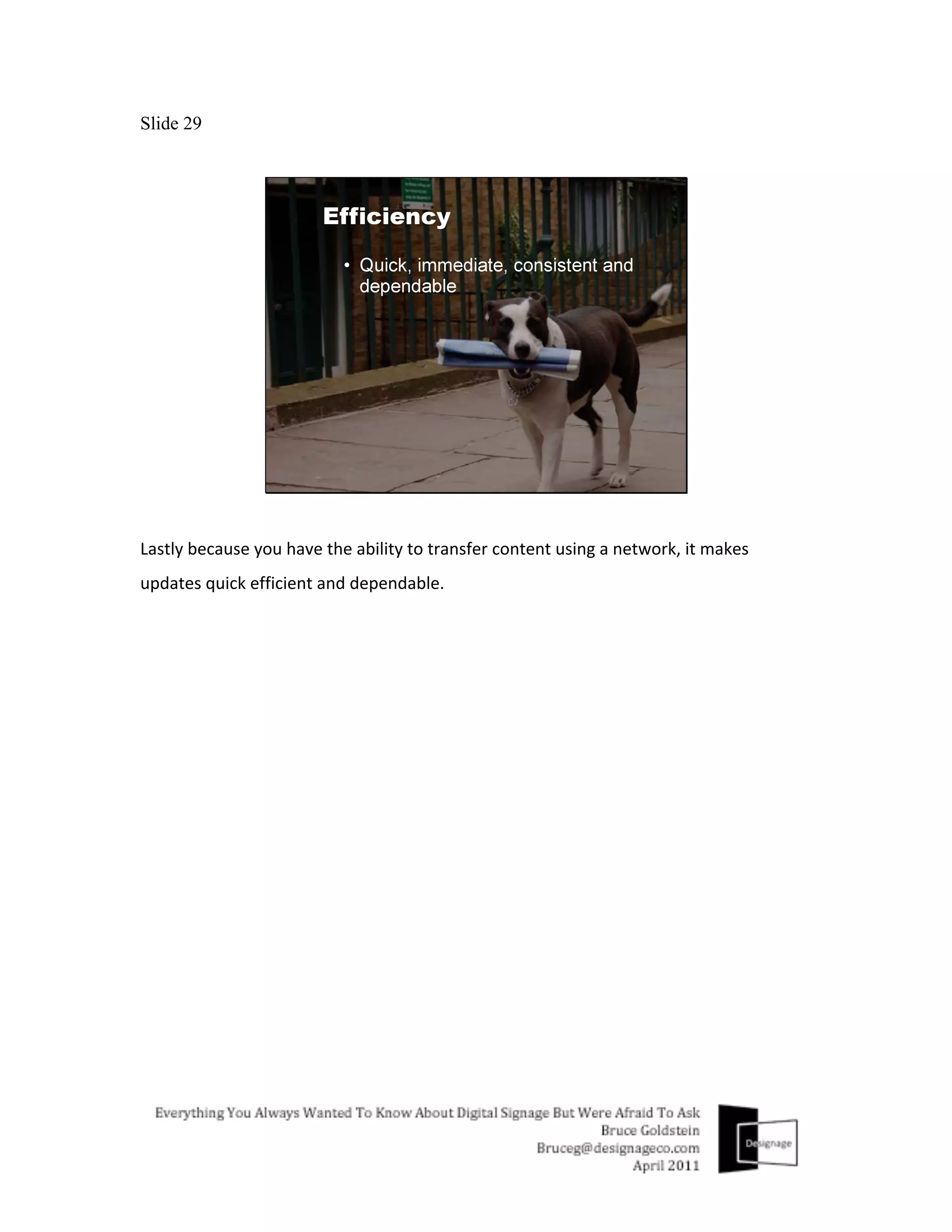
Lastly	
  because	
  you	
  have	
  the	
  ability	
  to	
  transfer	
  content	
  using	
  a	
  network,	
  it	
  makes	
  
updates	
  quick	
  efficient	
  and	
  dependable.	
  
Slide 30


The	
  next	
  several	
  slides	
  will	
  highlight	
  several	
  popular	
  applications	
  or	
  ways	
  digital	
  signage	
  
is	
  being	
  used	
  today.	


Slide 31


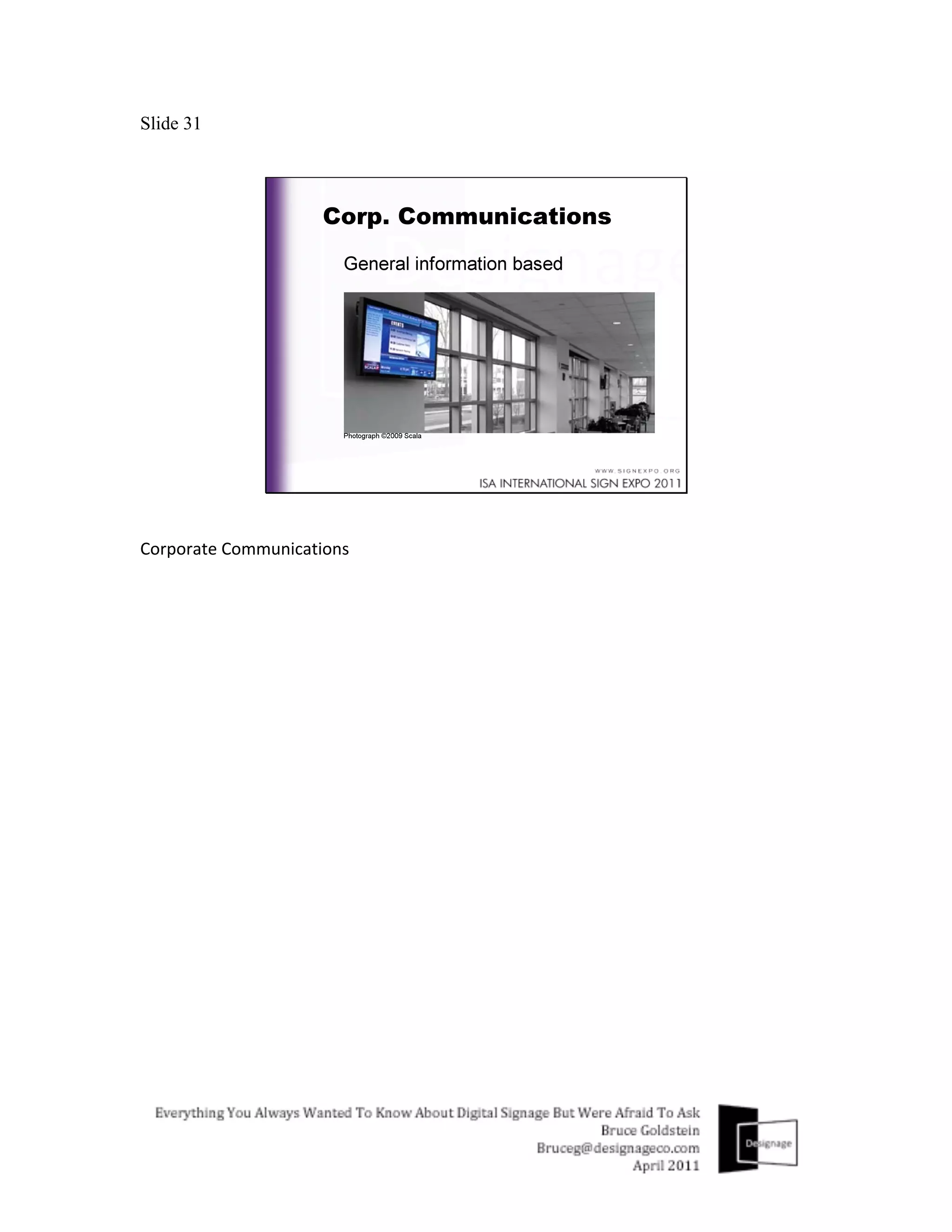
Corporate	
  Communications	


Slide 32


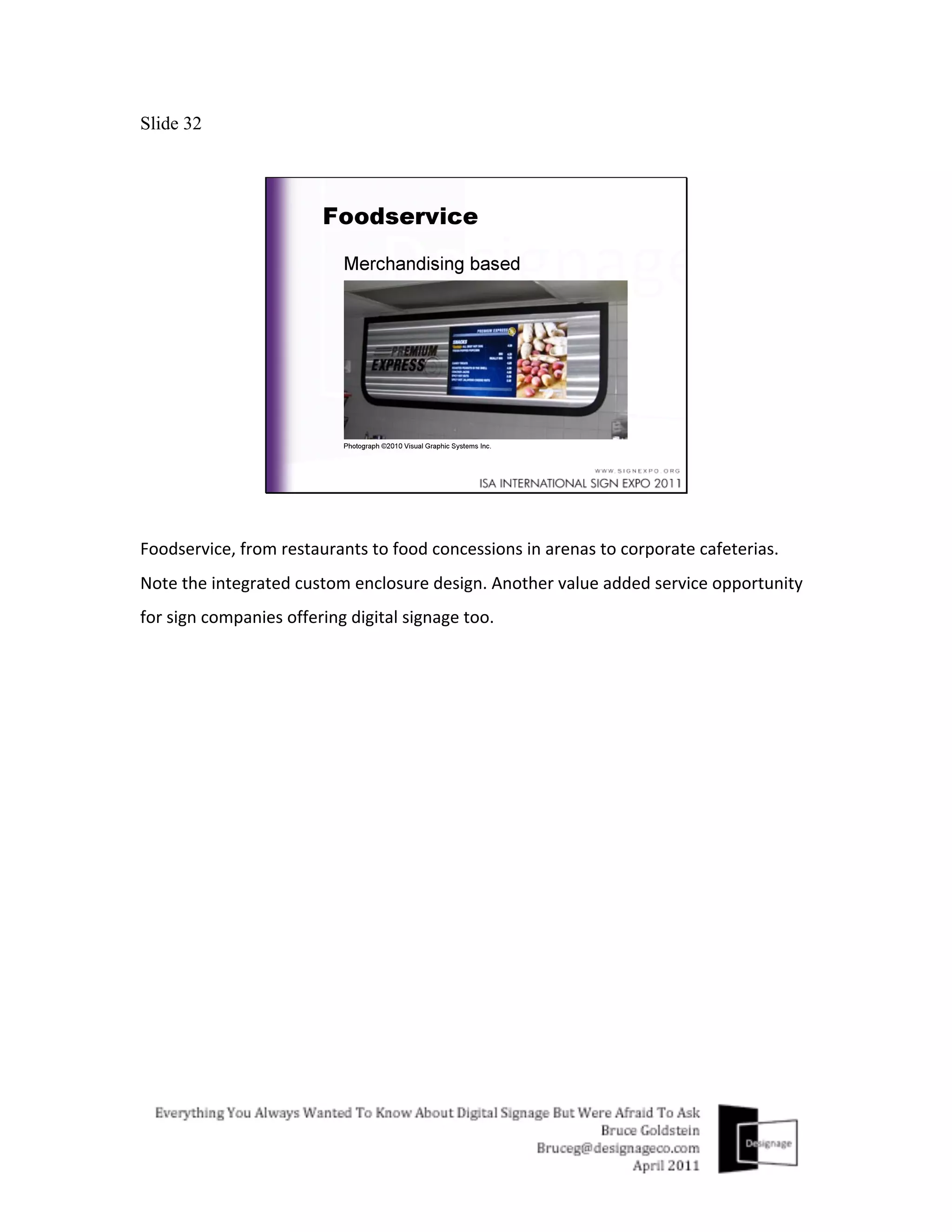
Foodservice,	
  from	
  restaurants	
  to	
  food	
  concessions	
  in	
  arenas	
  to	
  corporate	
  cafeterias.	
  
Note	
  the	
  integrated	
  custom	
  enclosure	
  design.	
  Another	
  value	
  added	
  service	
  opportunity	
  
for	
  sign	
  companies	
  offering	
  digital	
  signage	
  too.	


Slide 33


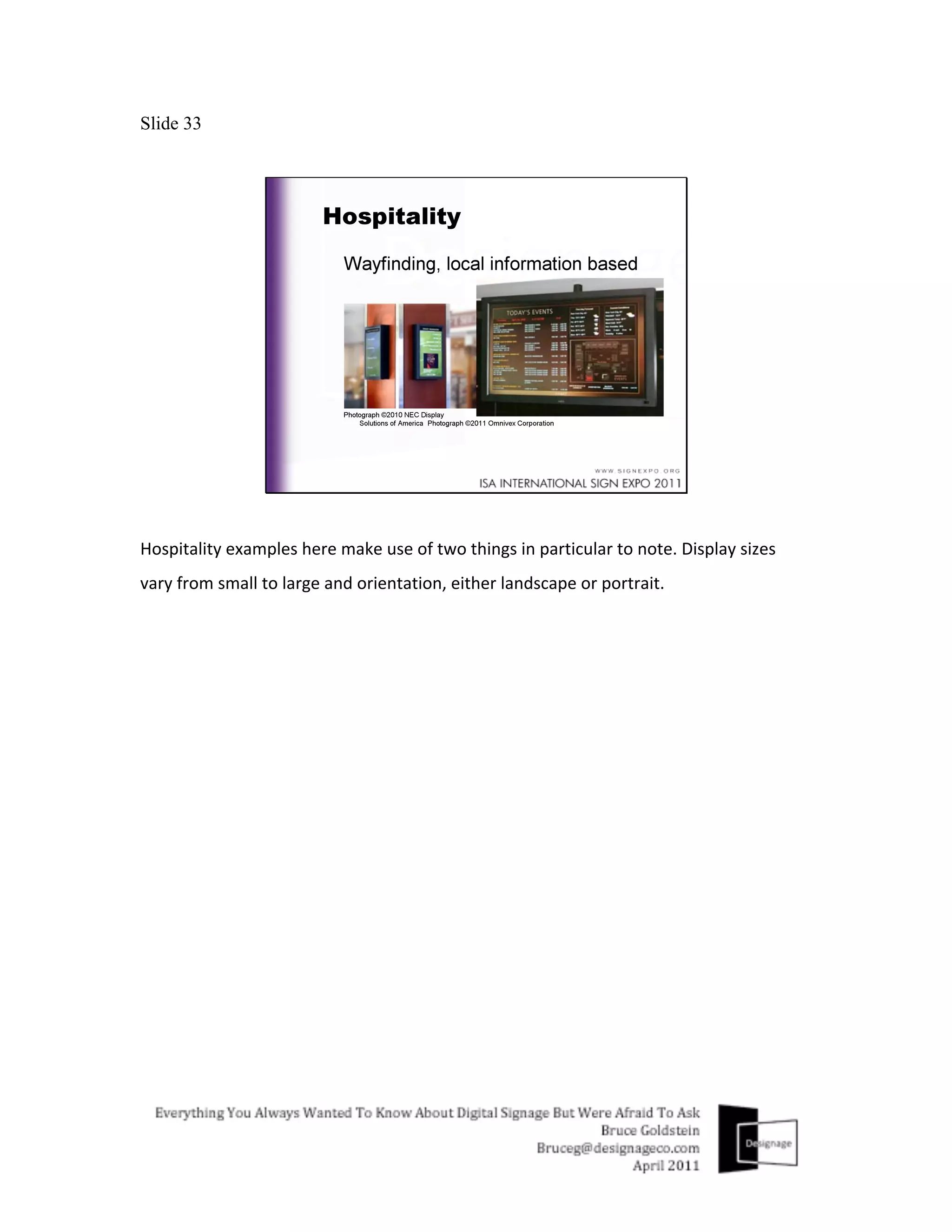
Hospitality	
  examples	
  here	
  make	
  use	
  of	
  two	
  things	
  in	
  particular	
  to	
  note.	
  Display	
  sizes	
  
vary	
  from	
  small	
  to	
  large	
  and	
  orientation,	
  either	
  landscape	
  or	
  portrait.	
  
Slide 34


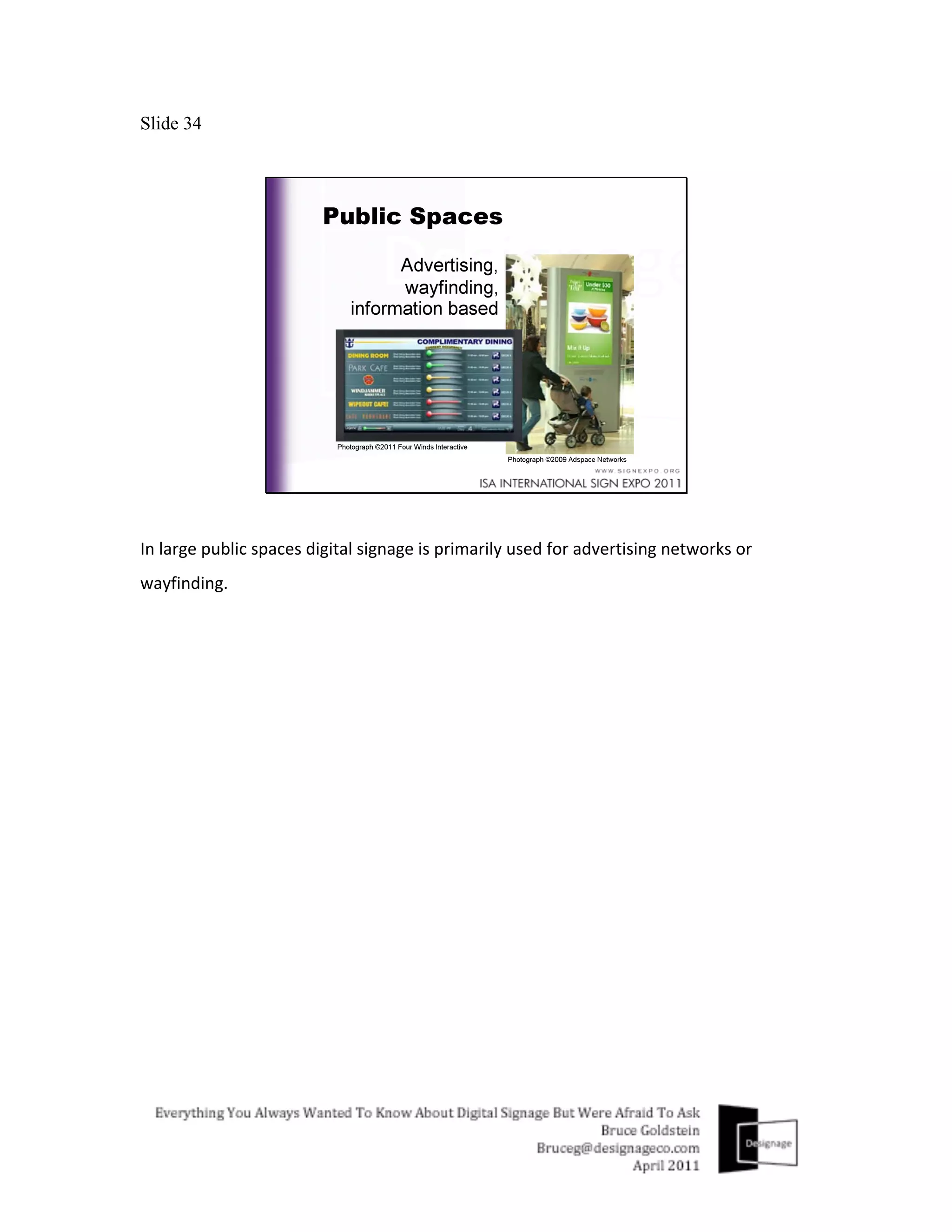
In	
  large	
  public	
  spaces	
  digital	
  signage	
  is	
  primarily	
  used	
  for	
  advertising	
  networks	
  or	
  
wayfinding.	
  
Slide 35


In	
  retail	
  most	
  digital	
  signage	
  is	
  used	
  to	
  increase	
  the	
  average	
  spend	
  of	
  their	
  customers	
  
and	
  to	
  improve	
  effectiveness	
  of	
  limited	
  time	
  offers.	
  Note	
  again	
  display	
  sizes	
  in	
  use	
  vary	
  
as	
  well	
  as	
  orientation.	
  
Slide 36


Now	
  I’ll	
  dig	
  in	
  a	
  little	
  deeper	
  and	
  review	
  the	
  5	
  main	
  areas	
  of	
  what	
  makes	
  a	
  digital	
  
signage	
  solution	
  work.	


Keep	
  in	
  mind	
  that	
  this	
  is	
  an	
  area	
  where	
  a	
  digital	
  signage	
  consultant	
  can	
  get	
  involved	
  to	
  
help	
  educate	
  you	
  about	
  all	
  the	
  different	
  possibilities.	
  If	
  this	
  is	
  something	
  you	
  don’t	
  
have	
  the	
  resources	
  for,	
  or	
  you	
  would	
  rather	
  not	
  do	
  yourself	
  a	
  digital	
  signage	
  
consultant	
  can	
  assist	
  you.	
  	
  
Slide 37


The	
  display	
  is	
  one	
  of	
  the	
  most	
  expensive	
  up	
  front	
  costs	
  and	
  there	
  are	
  many	
  products	
  to	
  
choose	
  from.	
  As	
  a	
  result,	
  manufacturers	
  use	
  specifications	
  primarily	
  to	
  have	
  better	
  
numbers	
  then	
  their	
  competitors.	
  Unfortunately,	
  no	
  standardized	
  testing	
  exists	
  for	
  things	
  
like	
  contrast,	
  response	
  time	
  and	
  brightness.	
  So	
  rather	
  than	
  getting	
  caught	
  up	
  in	
  these	
  
numbers	
  think	
  more	
  about	
  things	
  like	
  reliability,	
  screen	
  size	
  and	
  resolution.	
  
Slide 38


There	
  also	
  exists	
  a	
  large	
  variety	
  of	
  inexpensive	
  consumer	
  grade	
  LCDs	
  too.	
  Their	
  prices	
  
are	
  appealing,	
  but	
  keep	
  in	
  mind	
  they	
  are	
  different	
  then	
  commercial	
  grade	
  LCD.	
  
Consumer	
  grade	
  can	
  work	
  though.	
  If	
  the	
  amount	
  of	
  hours	
  of	
  use	
  per	
  day	
  is	
  low,	
  and	
  the	
  
product	
  is	
  being	
  used	
  in	
  a	
  well	
  ventilated	
  space,	
  and	
  priced	
  right,	
  they	
  can	
  be	
  almost	
  
disposable.	
  Meaning,	
  if	
  replacing	
  it	
  for	
  your	
  client	
  12-­‐24	
  months	
  later	
  is	
  not	
  too	
  costly,	
  
then	
  go	
  with	
  consumer.	
  However	
  commercial	
  grade	
  LCDs	
  are	
  used	
  for	
  most	
  digital	
  
signage	
  solutions	
  and	
  here	
  is	
  why…	
  
Slide 39


Commercial	
  grade	
  LCDs	
  come	
  with	
  a	
  5	
  year	
  on-­‐site	
  warranty	
  and	
  are	
  built	
  to	
  withstand	
  
extended	
  use	
  (24/7/365)	
  in	
  harsh	
  environments	
  and	
  in	
  landscape	
  or	
  portrait	
  mode.	
  They	
  
also	
  recognize	
  more	
  TV	
  and	
  PC	
  output	
  resolutions,	
  have	
  outputs	
  and	
  can	
  disable	
  or	
  lock-­‐
out	
  the	
  use	
  of	
  any	
  external	
  buttons.	
  
Slide 40


If	
  the	
  display	
  puts	
  the	
  “sign”	
  in	
  digital	
  signage,	
  then	
  the	
  media	
  player	
  helps	
  put	
  the	
  
“digital”	
  in	
  it.	
  The	
  heart	
  and	
  brain	
  of	
  digital	
  signage	
  technology	
  resides	
  in	
  the	
  media	
  
player	
  and	
  whether	
  it	
  is	
  a	
  PC	
  media	
  player	
  or	
  a	
  Dedicated	
  media	
  player,	
  it	
  is	
  responsible	
  
for	
  receiving	
  and	
  outputting	
  the	
  content	
  onto	
  the	
  display.	
  
Slide 41


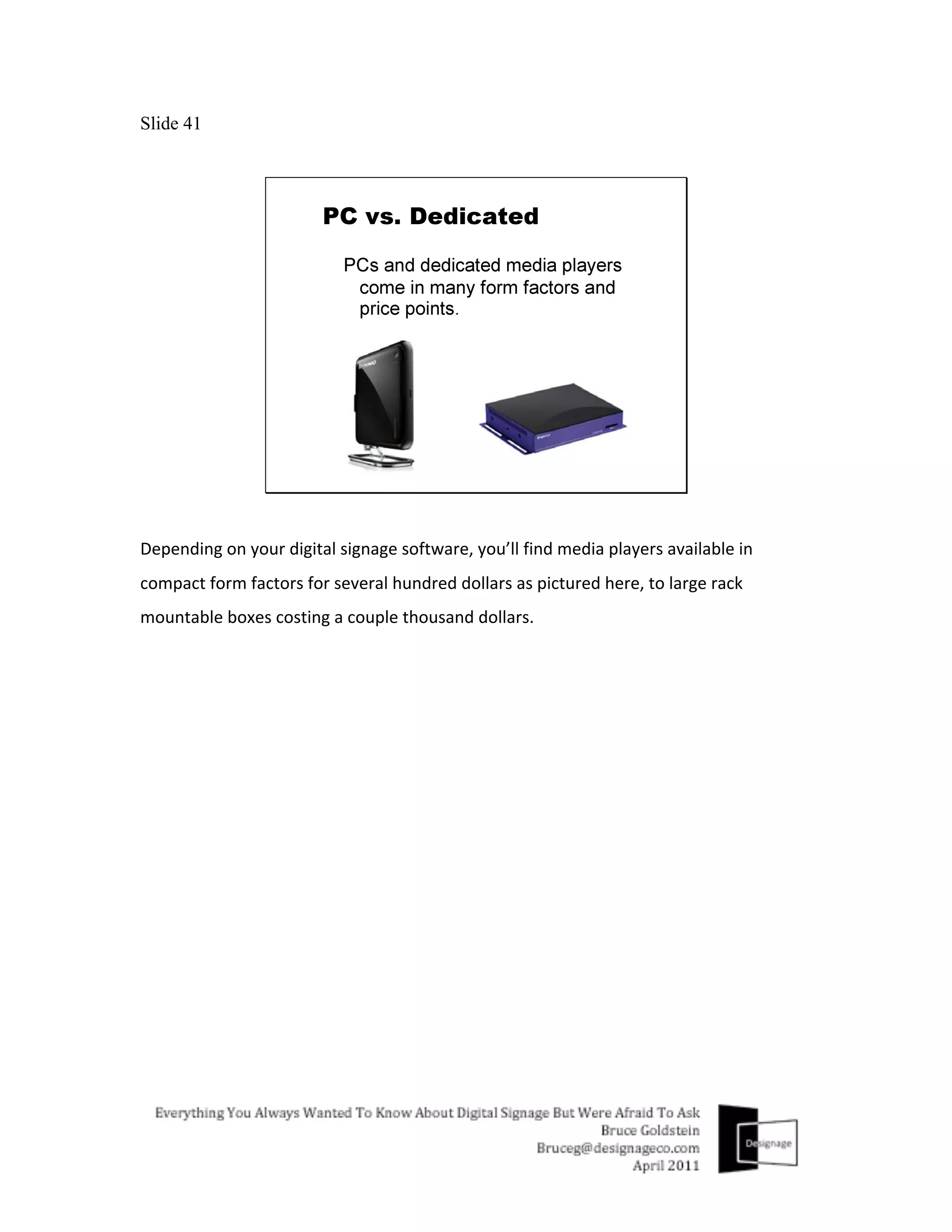
Depending	
  on	
  your	
  digital	
  signage	
  software,	
  you’ll	
  find	
  media	
  players	
  available	
  in	
  
compact	
  form	
  factors	
  for	
  several	
  hundred	
  dollars	
  as	
  pictured	
  here,	
  to	
  large	
  rack	
  
mountable	
  boxes	
  costing	
  a	
  couple	
  thousand	
  dollars.	
  
Slide 42


PCs	
  and	
  Dedicated	
  media	
  players	
  contain	
  the	
  digital	
  signage	
  software	
  that	
  plays	
  
different	
  media	
  files.	
  PCs	
  are	
  usually	
  more	
  compatible	
  with	
  a	
  variety	
  of	
  digital	
  signage	
  
software	
  and	
  offer	
  a	
  variety	
  of	
  configurations	
  while	
  Dedicated	
  media	
  players	
  are	
  
optimized	
  for	
  a	
  specific	
  type	
  of	
  software.	
  One	
  is	
  not	
  necessarily	
  better	
  than	
  the	
  other,	
  
and	
  it	
  is	
  best	
  to	
  let	
  the	
  software	
  you	
  decide	
  to	
  use	
  determine	
  which	
  type	
  of	
  media	
  
player	
  to	
  use.	
  
Slide 43


While	
  there	
  are	
  hundreds	
  of	
  digital	
  signage	
  software	
  solutions	
  to	
  choose	
  from,	
  most	
  all	
  
offer	
  the	
  core	
  capabilities,	
  to	
  create	
  a	
  playlist,	
  a	
  playback	
  schedule	
  and	
  the	
  ability	
  to	
  
distribute	
  this	
  information	
  along	
  with	
  the	
  content	
  over	
  a	
  network	
  or	
  with	
  a	
  removable	
  
storage	
  device	
  to	
  the	
  media	
  player.	
  So	
  how	
  to	
  compare?	
  Now	
  keep	
  in	
  mind	
  as	
  I	
  
mentioned	
  earlier,	
  If	
  this	
  is	
  something	
  you	
  do	
  not	
  have	
  the	
  time	
  or	
  resources	
  to	
  do,	
  
bringing	
  in	
  a	
  digital	
  signage	
  consultant	
  to	
  assist	
  you	
  here	
  could	
  be	
  a	
  good	
  idea.	
  
Concentrate	
  more	
  on	
  researching	
  the	
  reputation	
  and	
  growth	
  of	
  the	
  company	
  that	
  
makes	
  the	
  software	
  instead,	
  by	
  doing	
  some	
  of	
  the	
  following…	


Slide 44


Kick	
  the	
  tires	
  and	
  test	
  the	
  software.	
  Make	
  sure	
  the	
  features	
  you	
  or	
  your	
  client	
  need	
  are	
  
available.	
  Evaluate	
  things	
  like	
  ease-­‐of-­‐use	
  and	
  the	
  software	
  companies	
  customer	
  service	
  
and	
  support.	
  	
  
Slide 45


Check	
  their	
  track	
  record	
  as	
  well…It’s	
  not	
  just	
  about	
  their	
  latest	
  big	
  win	
  or	
  pr	
  campaign,	
  
but	
  also	
  about	
  how	
  long	
  they	
  have	
  been	
  around,	
  what	
  is	
  the	
  size	
  of	
  their	
  installed	
  based	
  
and	
  what	
  kind	
  of	
  reputation	
  do	
  they	
  have?	
  
Slide 46


Work	
  directly	
  with	
  them...are	
  they	
  easy	
  to	
  work	
  with,	
  responsive,	
  dependable,	
  well	
  
organized?	
  
Slide 47


Get	
  References	
  and	
  contact	
  them…Find	
  out	
  more	
  about	
  the	
  company	
  from	
  actual	
  end-­‐
users.	
  Sometimes	
  things	
  are	
  not	
  always	
  as	
  they	
  seem.	
  Being	
  well	
  informed	
  about	
  the	
  
company	
  and	
  how	
  they	
  support	
  the	
  product	
  you	
  want	
  to	
  use	
  will	
  ensure	
  you	
  are	
  making	
  
a	
  wise	
  investment	
  or	
  not.	
  
Slide 48


The	
  next	
  area	
  to	
  discuss	
  is	
  distribution.	
  Getting	
  content	
  or	
  messaging	
  along	
  with	
  its	
  
playlist	
  and	
  play	
  back	
  schedule	
  from	
  point	
  A	
  to	
  point	
  B.	


Slide 49


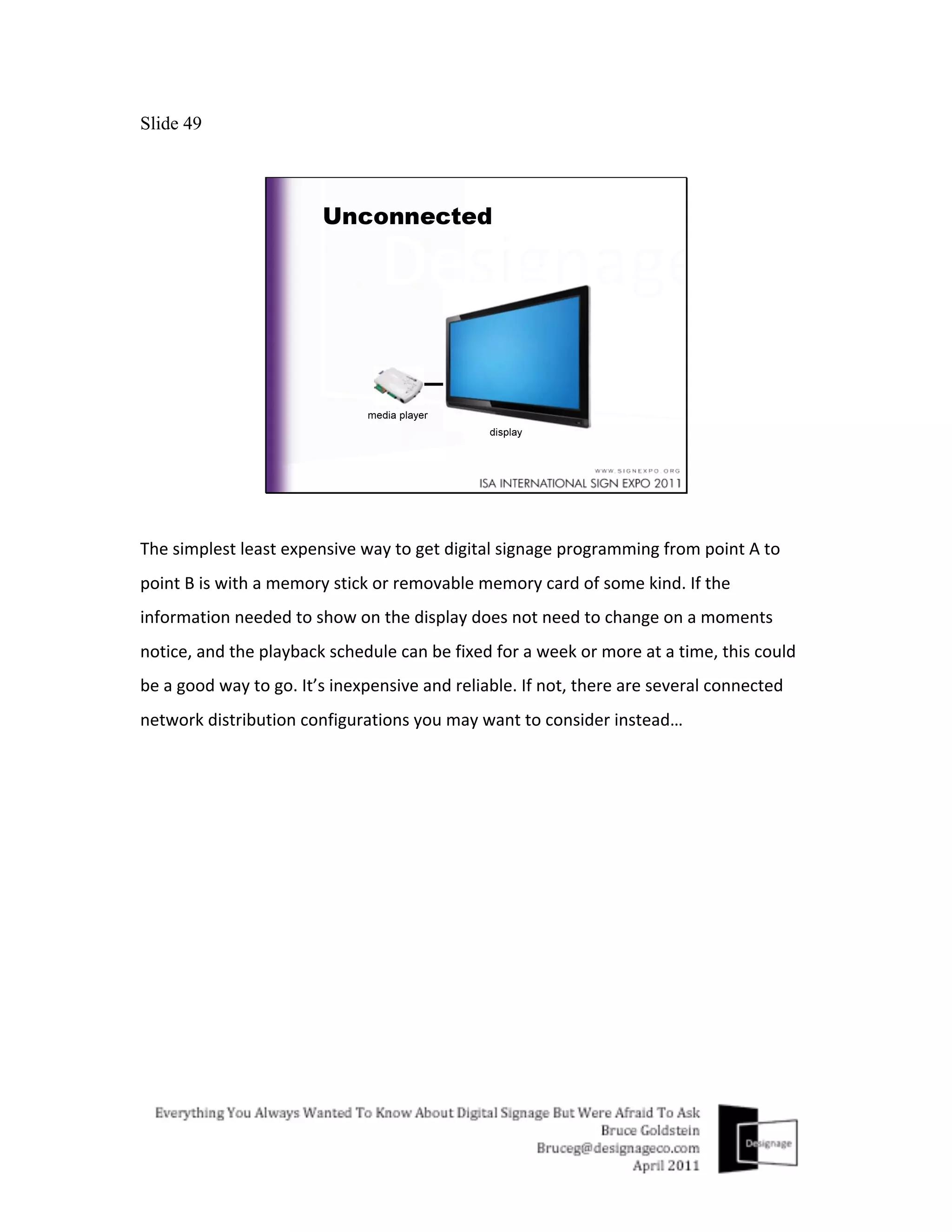
The	
  simplest	
  least	
  expensive	
  way	
  to	
  get	
  digital	
  signage	
  programming	
  from	
  point	
  A	
  to	
  
point	
  B	
  is	
  with	
  a	
  memory	
  stick	
  or	
  removable	
  memory	
  card	
  of	
  some	
  kind.	
  If	
  the	
  
information	
  needed	
  to	
  show	
  on	
  the	
  display	
  does	
  not	
  need	
  to	
  change	
  on	
  a	
  moments	
  
notice,	
  and	
  the	
  playback	
  schedule	
  can	
  be	
  fixed	
  for	
  a	
  week	
  or	
  more	
  at	
  a	
  time,	
  this	
  could	
  
be	
  a	
  good	
  way	
  to	
  go.	
  It’s	
  inexpensive	
  and	
  reliable.	
  If	
  not,	
  there	
  are	
  several	
  connected	
  
network	
  distribution	
  configurations	
  you	
  may	
  want	
  to	
  consider	
  instead…	
  
Slide 50


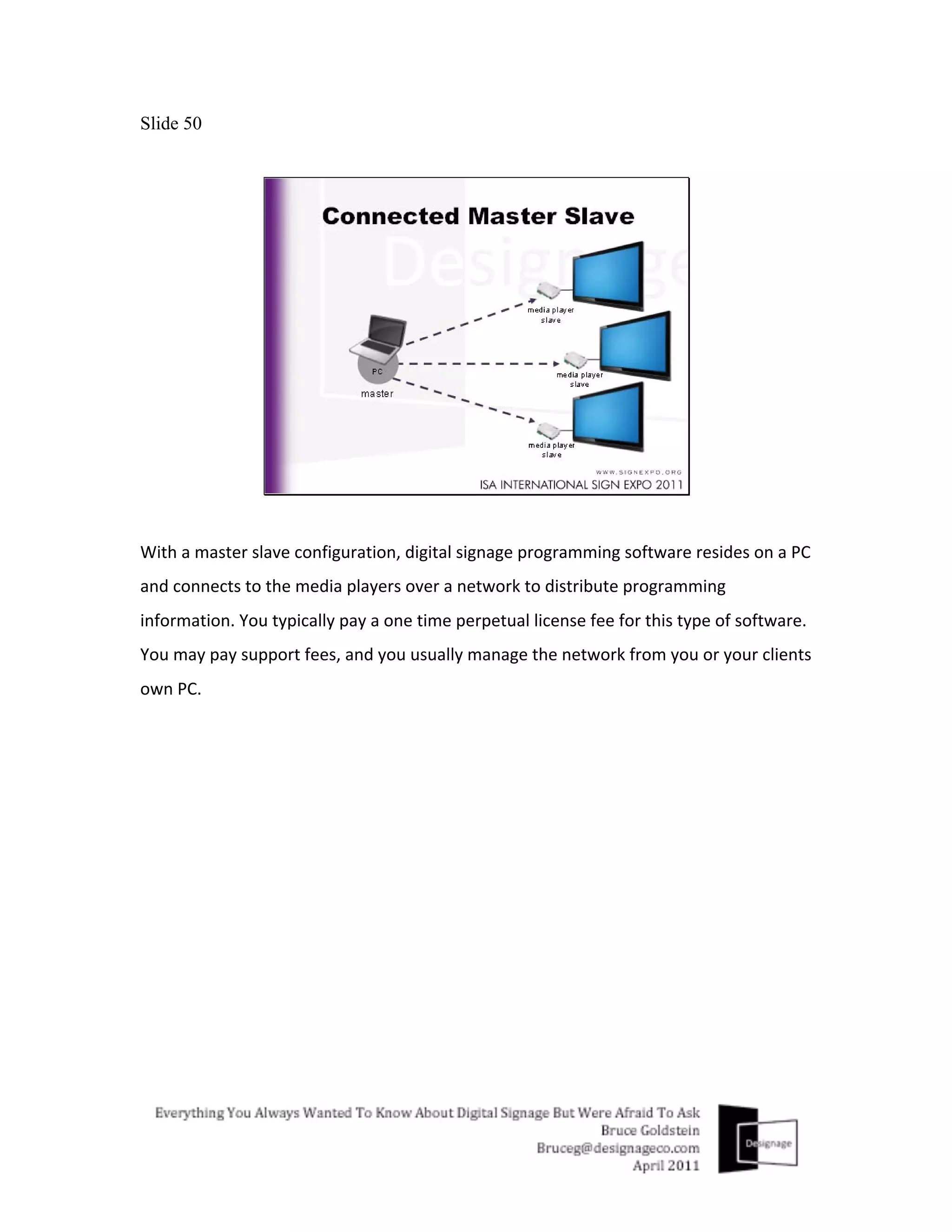
With	
  a	
  master	
  slave	
  configuration,	
  digital	
  signage	
  programming	
  software	
  resides	
  on	
  a	
  PC	
  
and	
  connects	
  to	
  the	
  media	
  players	
  over	
  a	
  network	
  to	
  distribute	
  programming	
  
information.	
  You	
  typically	
  pay	
  a	
  one	
  time	
  perpetual	
  license	
  fee	
  for	
  this	
  type	
  of	
  software.	
  
You	
  may	
  pay	
  support	
  fees,	
  and	
  you	
  usually	
  manage	
  the	
  network	
  from	
  you	
  or	
  your	
  clients	
  
own	
  PC.	
  
Slide 51


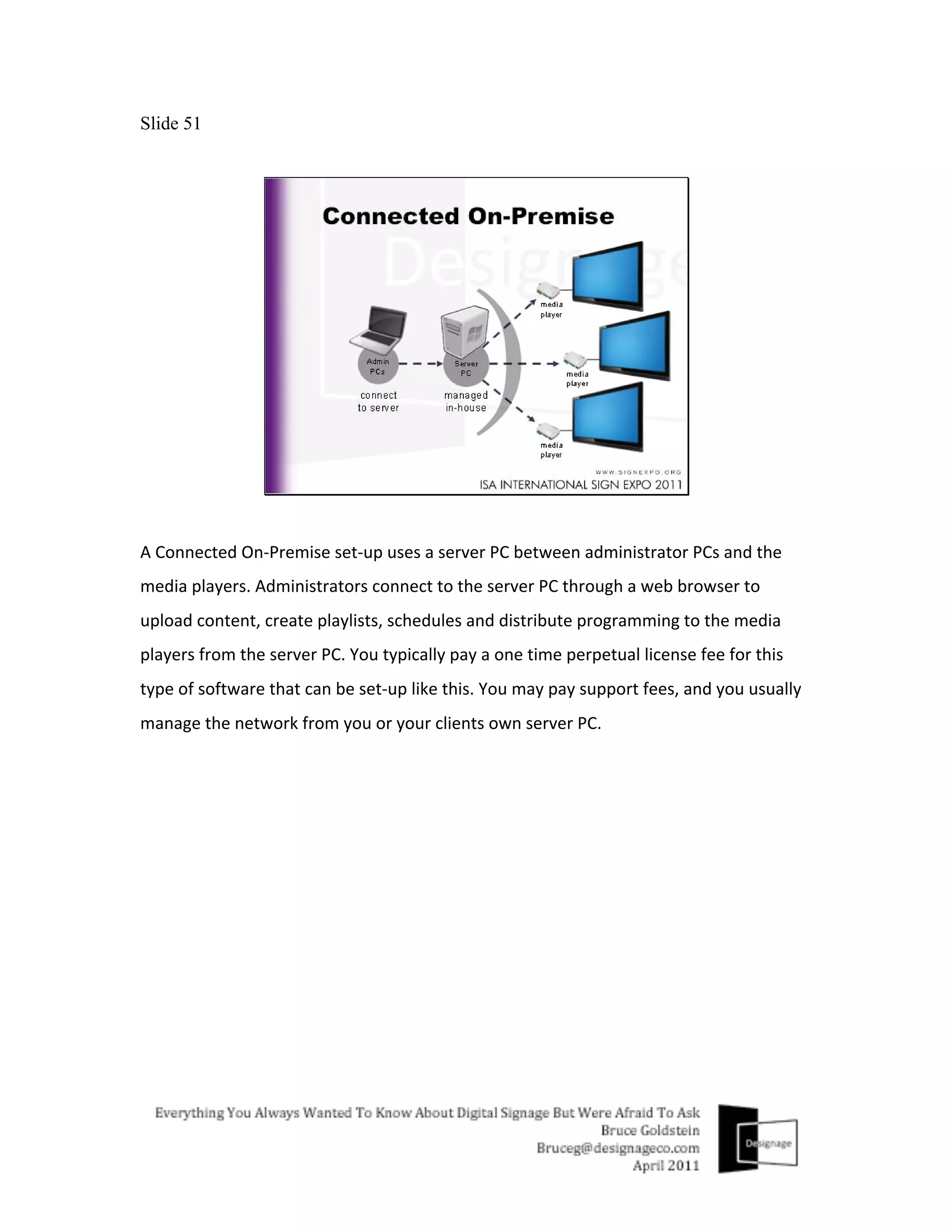
A	
  Connected	
  On-­‐Premise	
  set-­‐up	
  uses	
  a	
  server	
  PC	
  between	
  administrator	
  PCs	
  and	
  the	
  
media	
  players.	
  Administrators	
  connect	
  to	
  the	
  server	
  PC	
  through	
  a	
  web	
  browser	
  to	
  
upload	
  content,	
  create	
  playlists,	
  schedules	
  and	
  distribute	
  programming	
  to	
  the	
  media	
  
players	
  from	
  the	
  server	
  PC.	
  You	
  typically	
  pay	
  a	
  one	
  time	
  perpetual	
  license	
  fee	
  for	
  this	
  
type	
  of	
  software	
  that	
  can	
  be	
  set-­‐up	
  like	
  this.	
  You	
  may	
  pay	
  support	
  fees,	
  and	
  you	
  usually	
  
manage	
  the	
  network	
  from	
  you	
  or	
  your	
  clients	
  own	
  server	
  PC.	


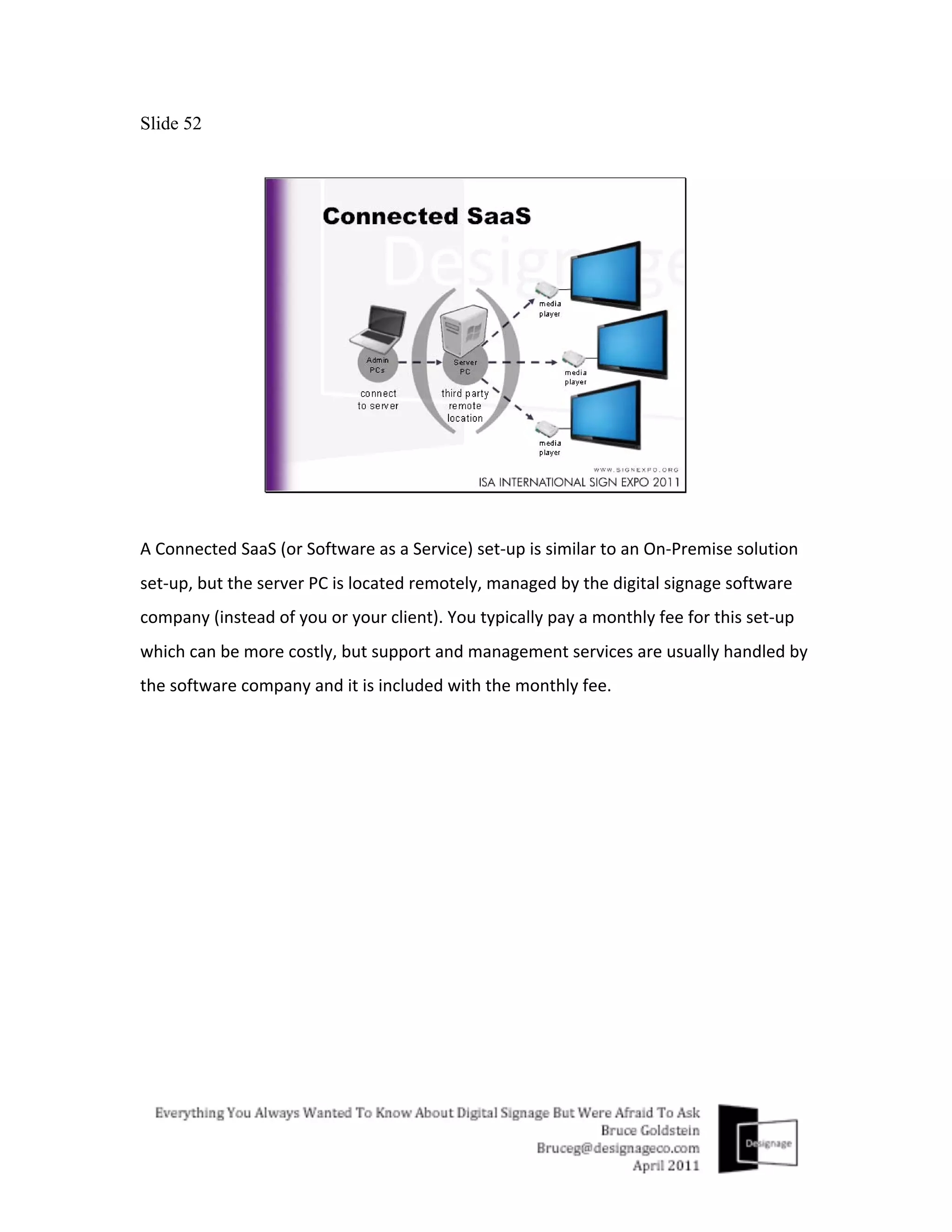
Slide 52


A	
  Connected	
  SaaS	
  (or	
  Software	
  as	
  a	
  Service)	
  set-­‐up	
  is	
  similar	
  to	
  an	
  On-­‐Premise	
  solution	
  
set-­‐up,	
  but	
  the	
  server	
  PC	
  is	
  located	
  remotely,	
  managed	
  by	
  the	
  digital	
  signage	
  software	
  
company	
  (instead	
  of	
  you	
  or	
  your	
  client).	
  You	
  typically	
  pay	
  a	
  monthly	
  fee	
  for	
  this	
  set-­‐up	
  
which	
  can	
  be	
  more	
  costly,	
  but	
  support	
  and	
  management	
  services	
  are	
  usually	
  handled	
  by	
  
the	
  software	
  company	
  and	
  it	
  is	
  included	
  with	
  the	
  monthly	
  fee.	
  
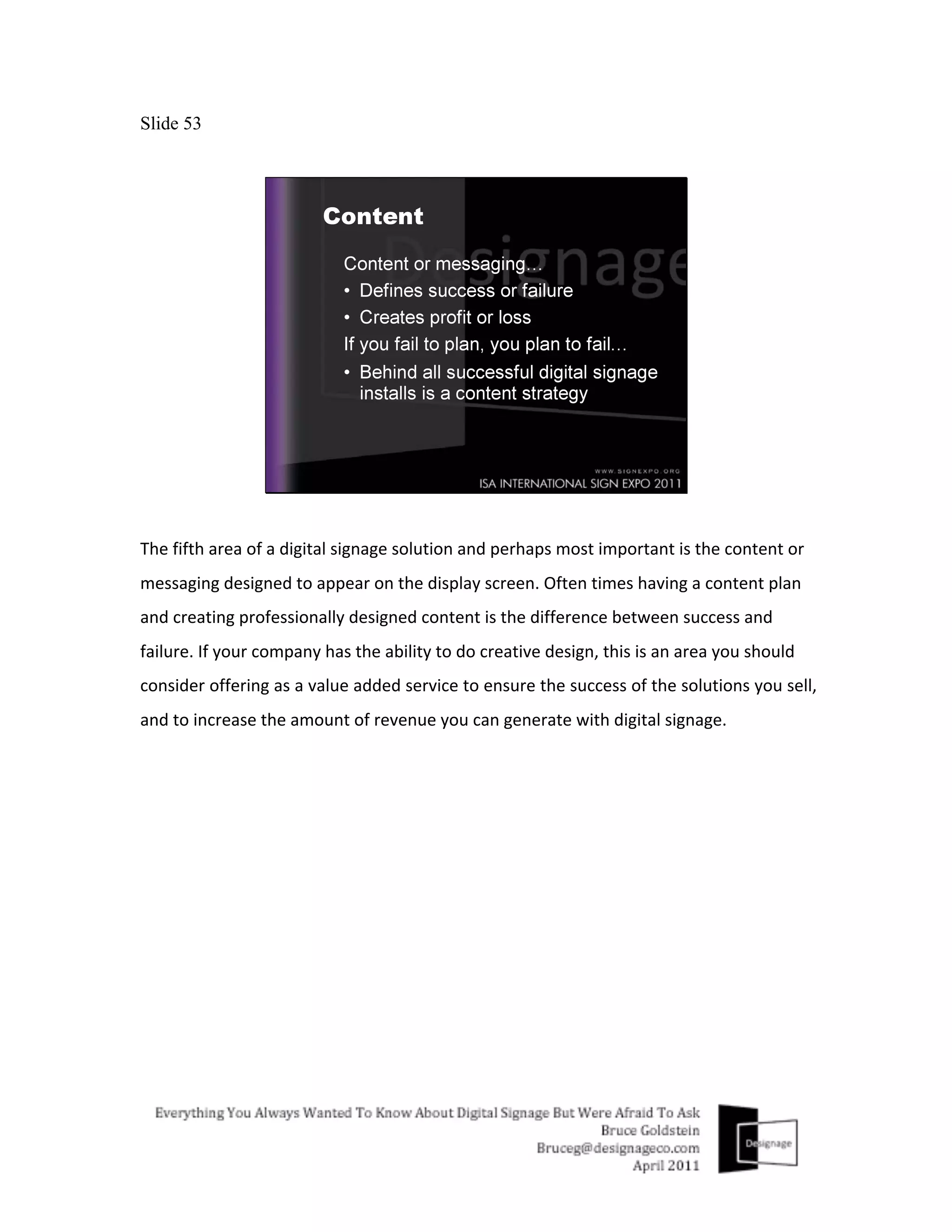
Slide 53


The	
  fifth	
  area	
  of	
  a	
  digital	
  signage	
  solution	
  and	
  perhaps	
  most	
  important	
  is	
  the	
  content	
  or	
  
messaging	
  designed	
  to	
  appear	
  on	
  the	
  display	
  screen.	
  Often	
  times	
  having	
  a	
  content	
  plan	
  
and	
  creating	
  professionally	
  designed	
  content	
  is	
  the	
  difference	
  between	
  success	
  and	
  
failure.	
  If	
  your	
  company	
  has	
  the	
  ability	
  to	
  do	
  creative	
  design,	
  this	
  is	
  an	
  area	
  you	
  should	
  
consider	
  offering	
  as	
  a	
  value	
  added	
  service	
  to	
  ensure	
  the	
  success	
  of	
  the	
  solutions	
  you	
  sell,	
  
and	
  to	
  increase	
  the	
  amount	
  of	
  revenue	
  you	
  can	
  generate	
  with	
  digital	
  signage.	
  	
  
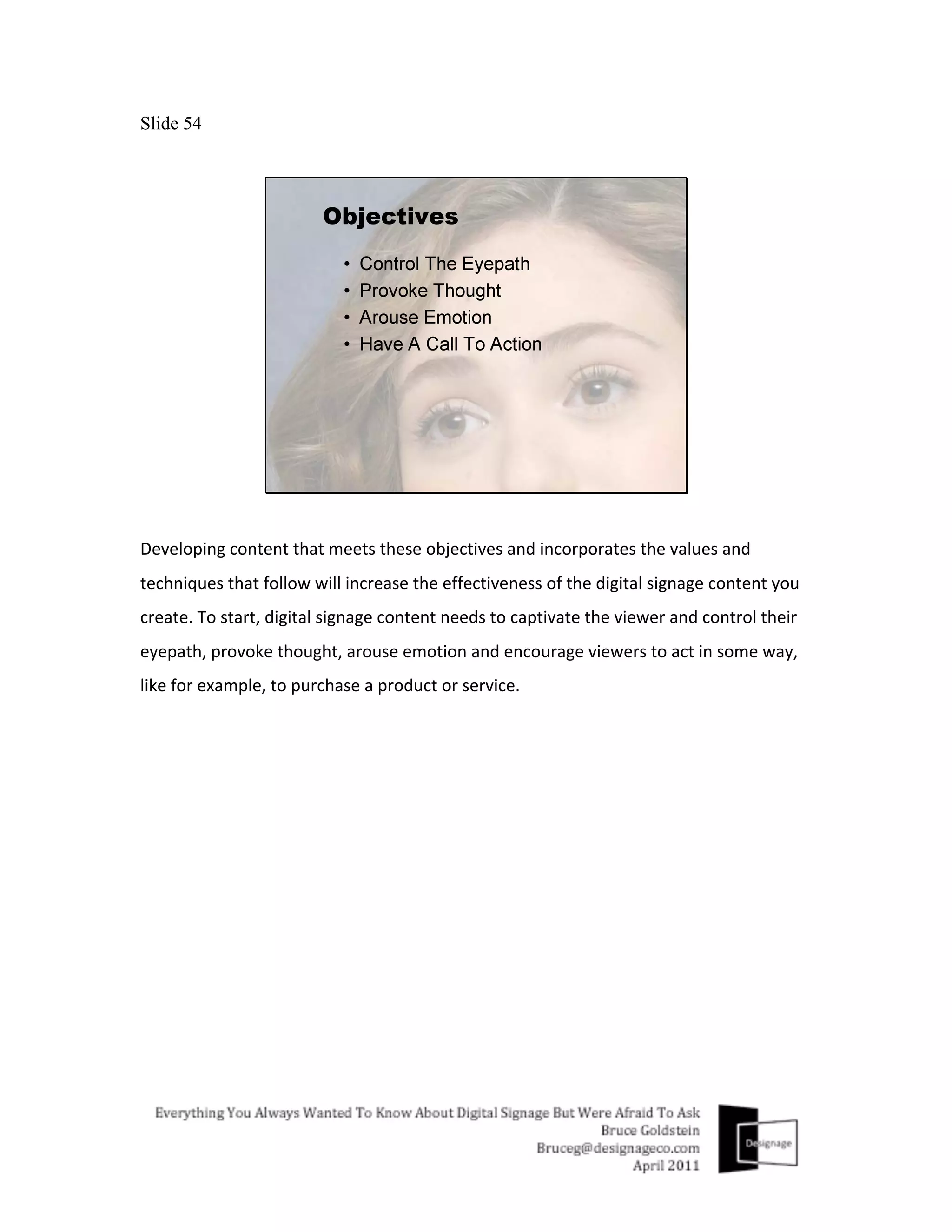
Slide 54


Developing	
  content	
  that	
  meets	
  these	
  objectives	
  and	
  incorporates	
  the	
  values	
  and	
  
techniques	
  that	
  follow	
  will	
  increase	
  the	
  effectiveness	
  of	
  the	
  digital	
  signage	
  content	
  you	
  
create.	
  To	
  start,	
  digital	
  signage	
  content	
  needs	
  to	
  captivate	
  the	
  viewer	
  and	
  control	
  their	
  
eyepath,	
  provoke	
  thought,	
  arouse	
  emotion	
  and	
  encourage	
  viewers	
  to	
  act	
  in	
  some	
  way,	
  
like	
  for	
  example,	
  to	
  purchase	
  a	
  product	
  or	
  service.	
  
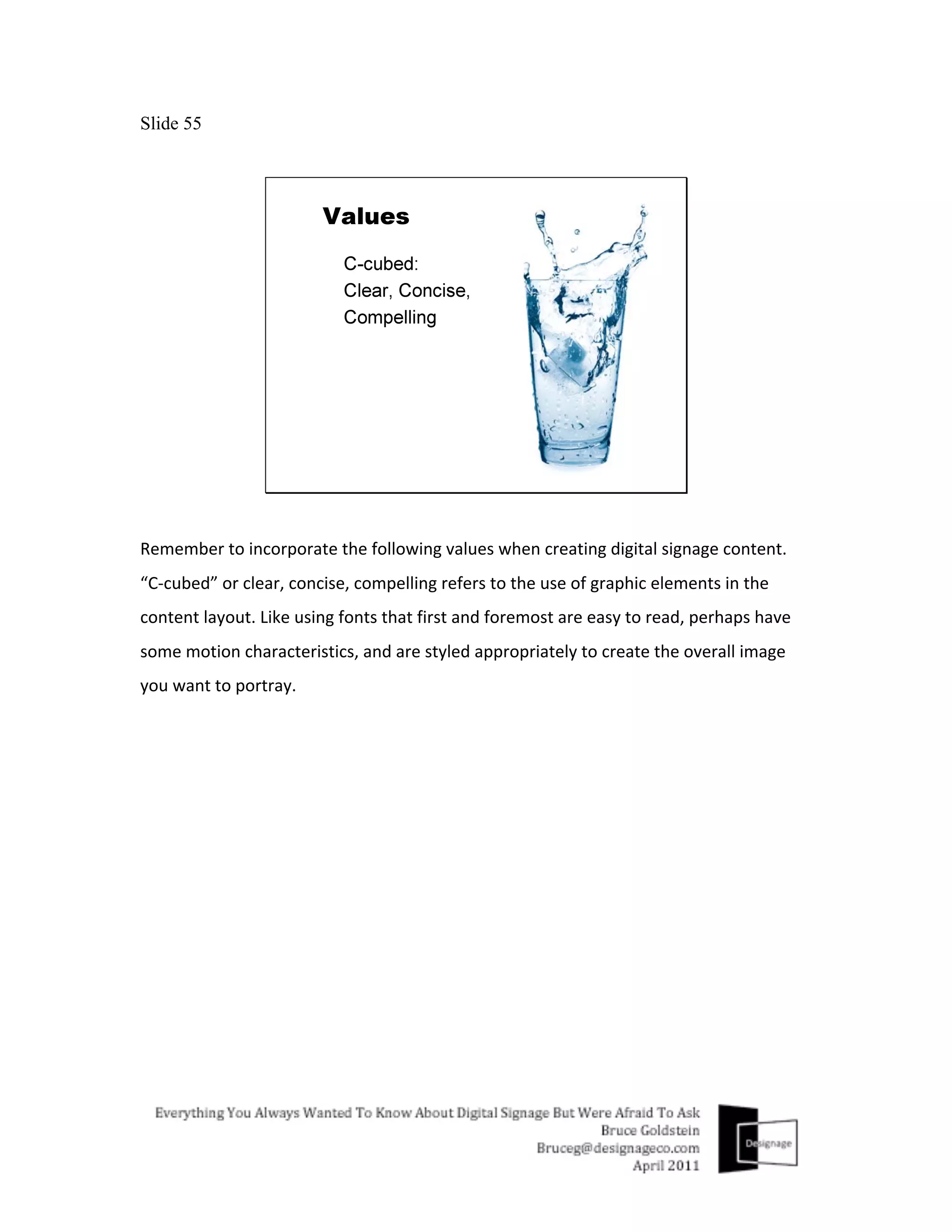
Slide 55


Remember	
  to	
  incorporate	
  the	
  following	
  values	
  when	
  creating	
  digital	
  signage	
  content.	
  
“C-­‐cubed”	
  or	
  clear,	
  concise,	
  compelling	
  refers	
  to	
  the	
  use	
  of	
  graphic	
  elements	
  in	
  the	
  
content	
  layout.	
  Like	
  using	
  fonts	
  that	
  first	
  and	
  foremost	
  are	
  easy	
  to	
  read,	
  perhaps	
  have	
  
some	
  motion	
  characteristics,	
  and	
  are	
  styled	
  appropriately	
  to	
  create	
  the	
  overall	
  image	
  
you	
  want	
  to	
  portray.	
  
Slide 56


With	
  the	
  exception	
  of	
  long	
  dwell	
  times	
  associated	
  with	
  digital	
  signage	
  used	
  in	
  places	
  like	
  
waiting	
  rooms	
  or	
  at	
  banks,	
  most	
  viewers	
  only	
  glance	
  at	
  digital	
  signs	
  for	
  only	
  a	
  few	
  
seconds	
  at	
  a	
  time,	
  so	
  the	
  shorter	
  and	
  simpler	
  the	
  content	
  run	
  time	
  and	
  message	
  the	
  
better,	
  so	
  Keep	
  It	
  Simple.	


Slide 57


And	
  with	
  short	
  viewing	
  time	
  and	
  attention	
  spans	
  for	
  that	
  matter	
  the	
  larger	
  fonts	
  and	
  
images	
  you	
  can	
  use	
  to	
  visualize	
  the	
  message	
  the	
  better	
  and	
  more	
  effective.	
  Bigger	
  Is	
  
Better.	


Slide 58


Now	
  a	
  little	
  about	
  techniques	
  you	
  can	
  use	
  to	
  help	
  meet	
  the	
  objectives	
  of	
  successful	
  
digital	
  signage	
  content.	
  
Slide 59


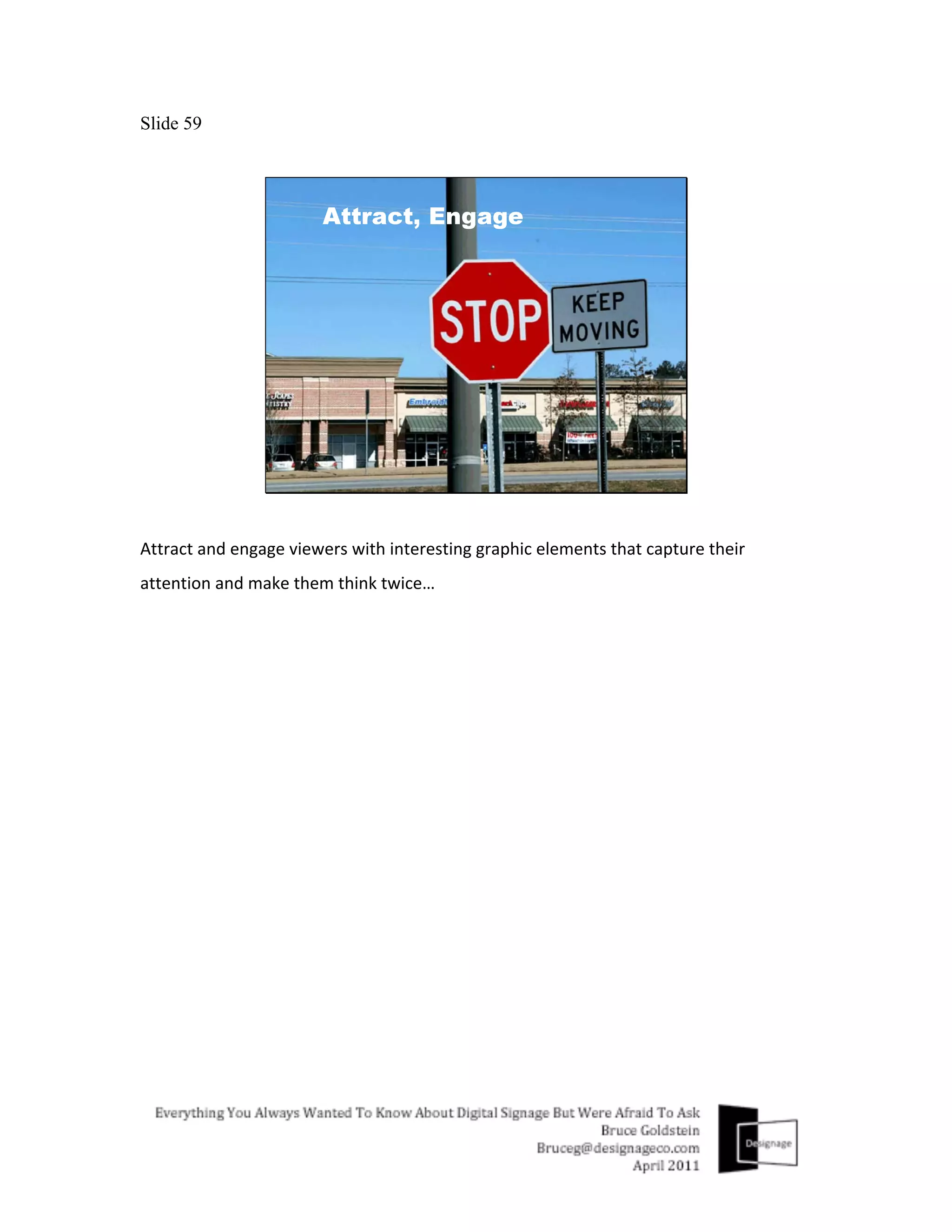
Attract	
  and	
  engage	
  viewers	
  with	
  interesting	
  graphic	
  elements	
  that	
  capture	
  their	
  
attention	
  and	
  make	
  them	
  think	
  twice…	
  
Slide 60


Use	
  contrast	
  to	
  focus	
  your	
  viewers	
  eye	
  and	
  attention,	
  not	
  like	
  this,	
  but	
  like	
  this…	


Slide 61
Slide 62


Bleeding	
  images	
  off	
  of	
  the	
  edges	
  of	
  your	
  sign	
  makes	
  images	
  feel	
  bigger	
  and	
  more	
  
dynamic,	
  and	
  food	
  more	
  scrumptious…	
  
Slide 63
Slide 64


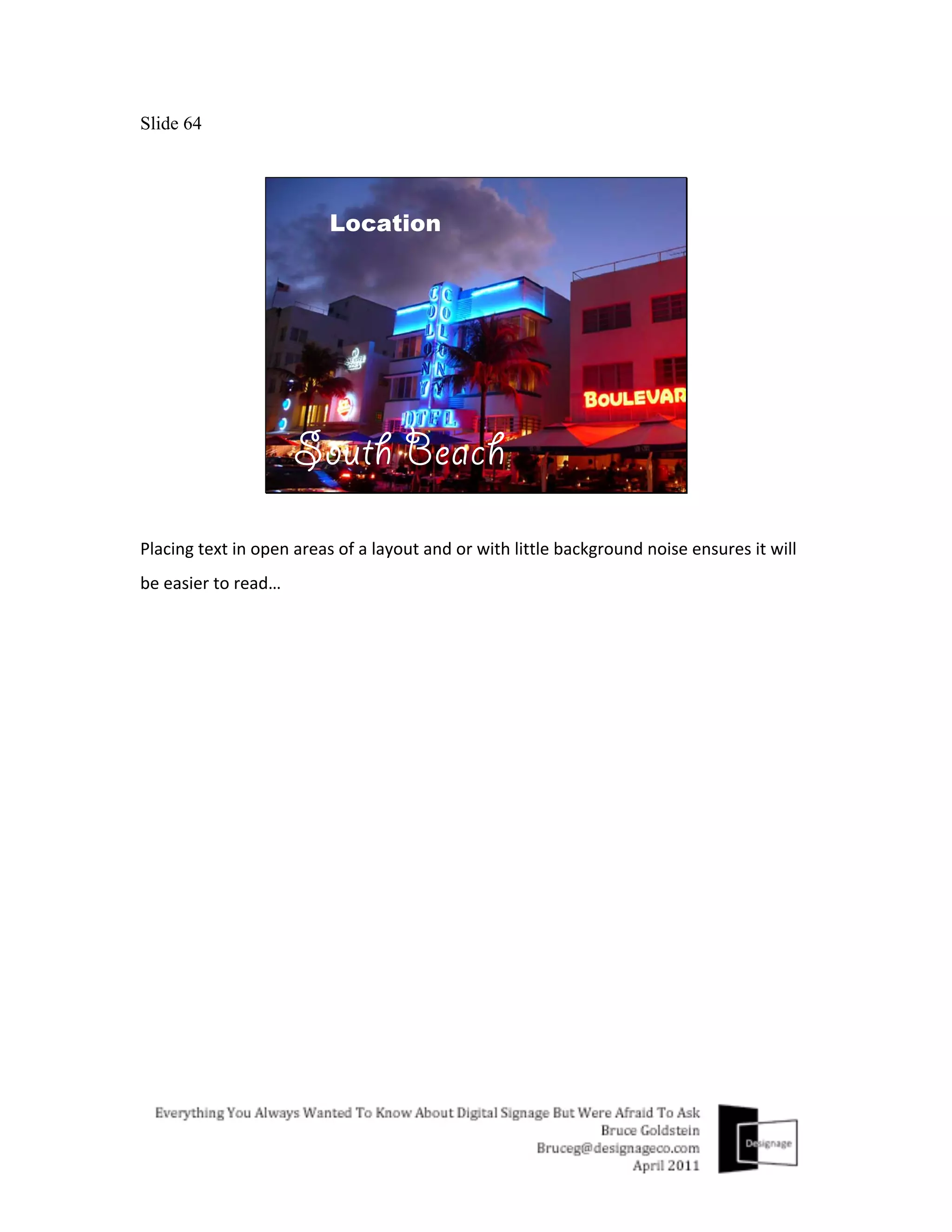
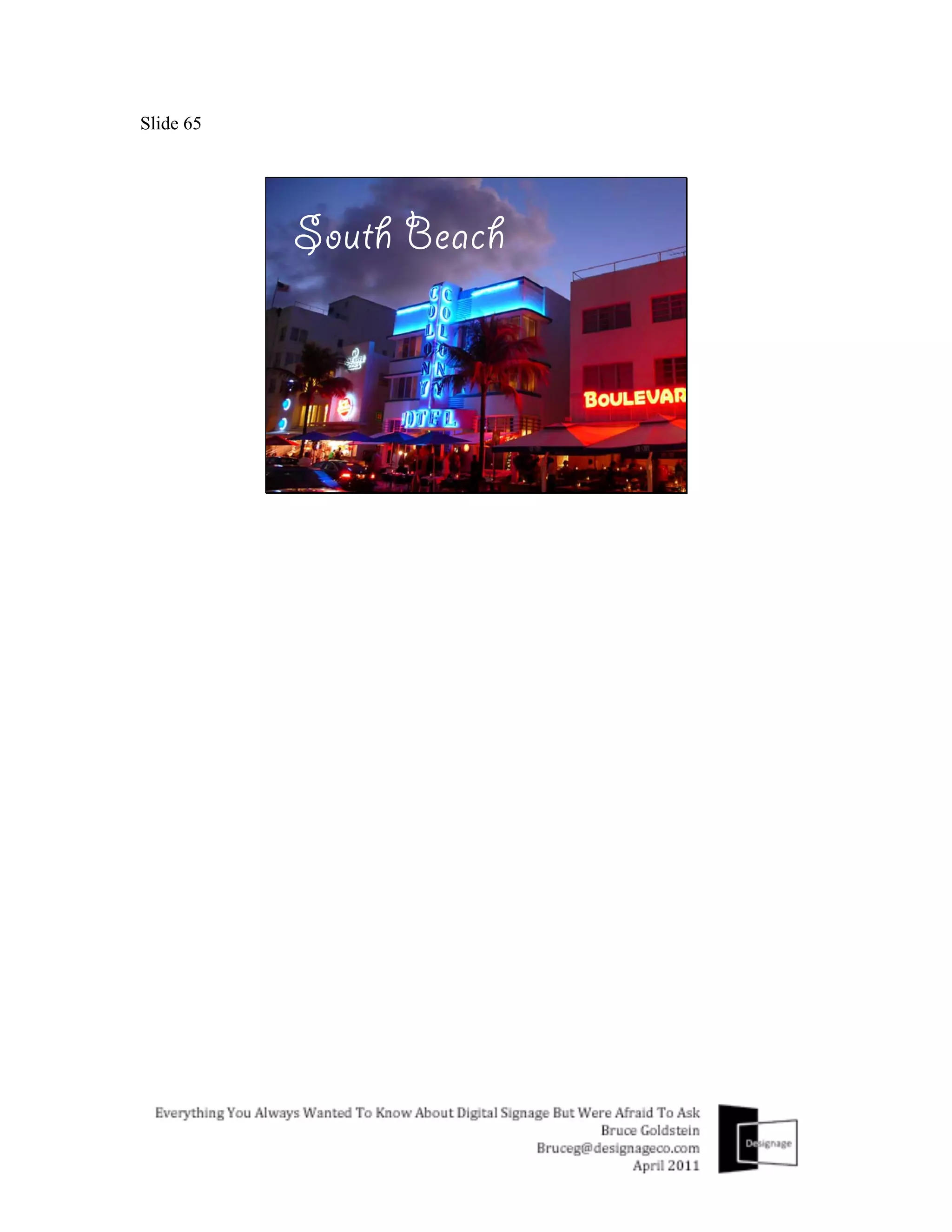
Placing	
  text	
  in	
  open	
  areas	
  of	
  a	
  layout	
  and	
  or	
  with	
  little	
  background	
  noise	
  ensures	
  it	
  will	
  
be	
  easier	
  to	
  read…	


Slide 65
Slide 66


Fix	
  your	
  focus.	
  Draw	
  your	
  viewers	
  eyes	
  to	
  the	
  area	
  of	
  a	
  layout	
  you	
  want	
  them	
  to	
  by	
  
playing	
  with	
  focus,	
  like	
  this…	


Slide 67
Slide 68


Placing	
  the	
  focal	
  point	
  of	
  your	
  image	
  or	
  layout	
  along	
  the	
  intersection	
  of	
  an	
  equally	
  
spaced	
  3x3	
  grid	
  can	
  help	
  create	
  more	
  energy	
  and	
  interest	
  in	
  the	
  total	
  layout.	
  So,	
  instead	
  
of	
  going	
  with	
  something	
  like	
  this.	
  Try	
  this	
  instead…	


Slide 69
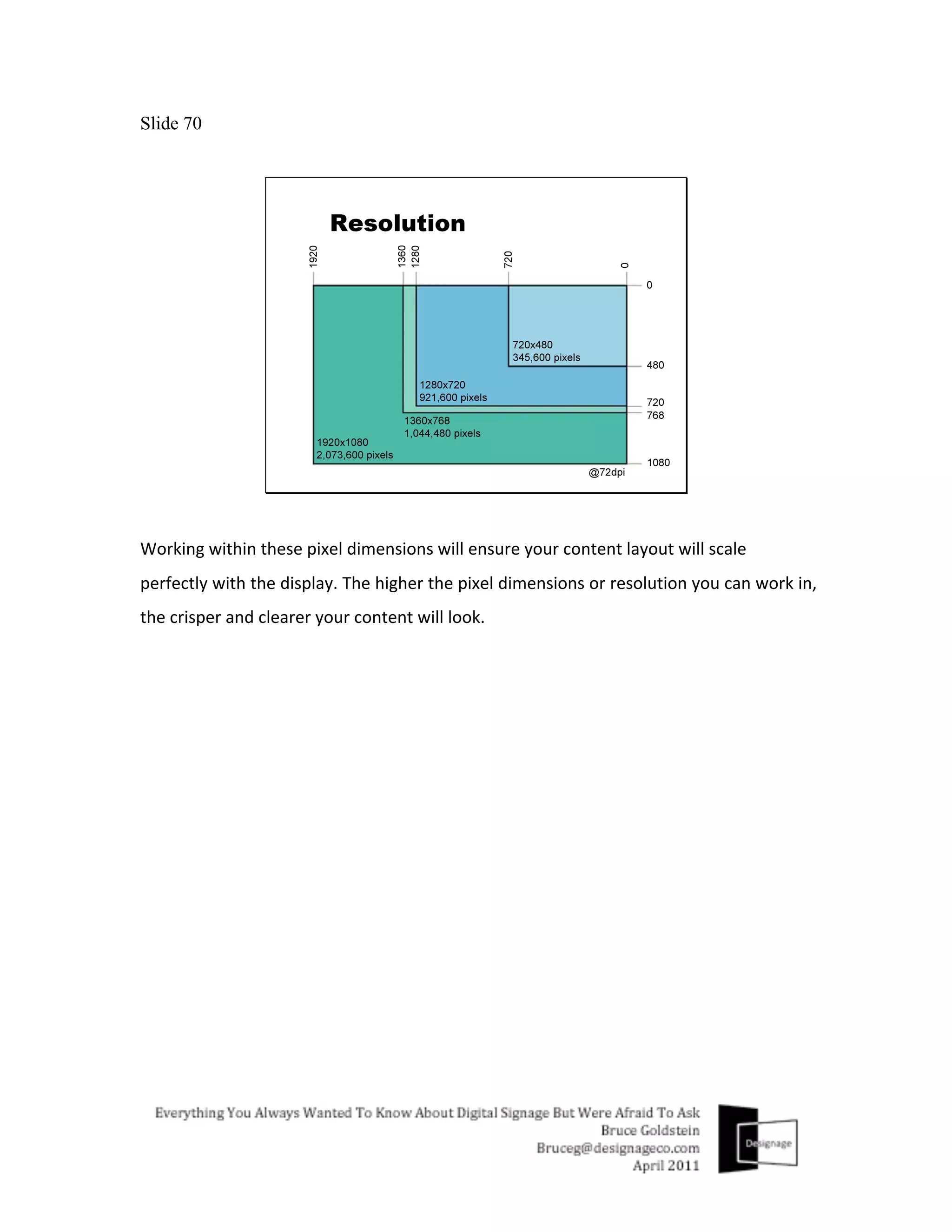
Slide 70


Working	
  within	
  these	
  pixel	
  dimensions	
  will	
  ensure	
  your	
  content	
  layout	
  will	
  scale	
  
perfectly	
  with	
  the	
  display.	
  The	
  higher	
  the	
  pixel	
  dimensions	
  or	
  resolution	
  you	
  can	
  work	
  in,	
  
the	
  crisper	
  and	
  clearer	
  your	
  content	
  will	
  look.	


Slide 71


If	
  this	
  is	
  the	
  aspect	
  ratio	
  of	
  the	
  image	
  you	
  have	
  to	
  work	
  with	
  and	
  you	
  need	
  to	
  fill	
  the	
  
space,	
  do	
  it	
  creatively,	
  but	
  don’t	
  do	
  it	
  like	
  this…	


Slide 72


Skewing	
  and	
  distorting	
  graphic	
  elements	
  and	
  images,	
  cheapen	
  content	
  quality,	
  and	
  
decreases	
  effectiveness.	


Slide 73


The	
  final	
  topic	
  today	
  is	
  related	
  to	
  numbers.	
  Costs,	
  revenue	
  opportunities	
  and	
  return	
  on	
  
investment.	
  The	
  revenue	
  opportunity	
  here	
  being	
  digital	
  signage	
  content	
  creation	
  
services.	
  
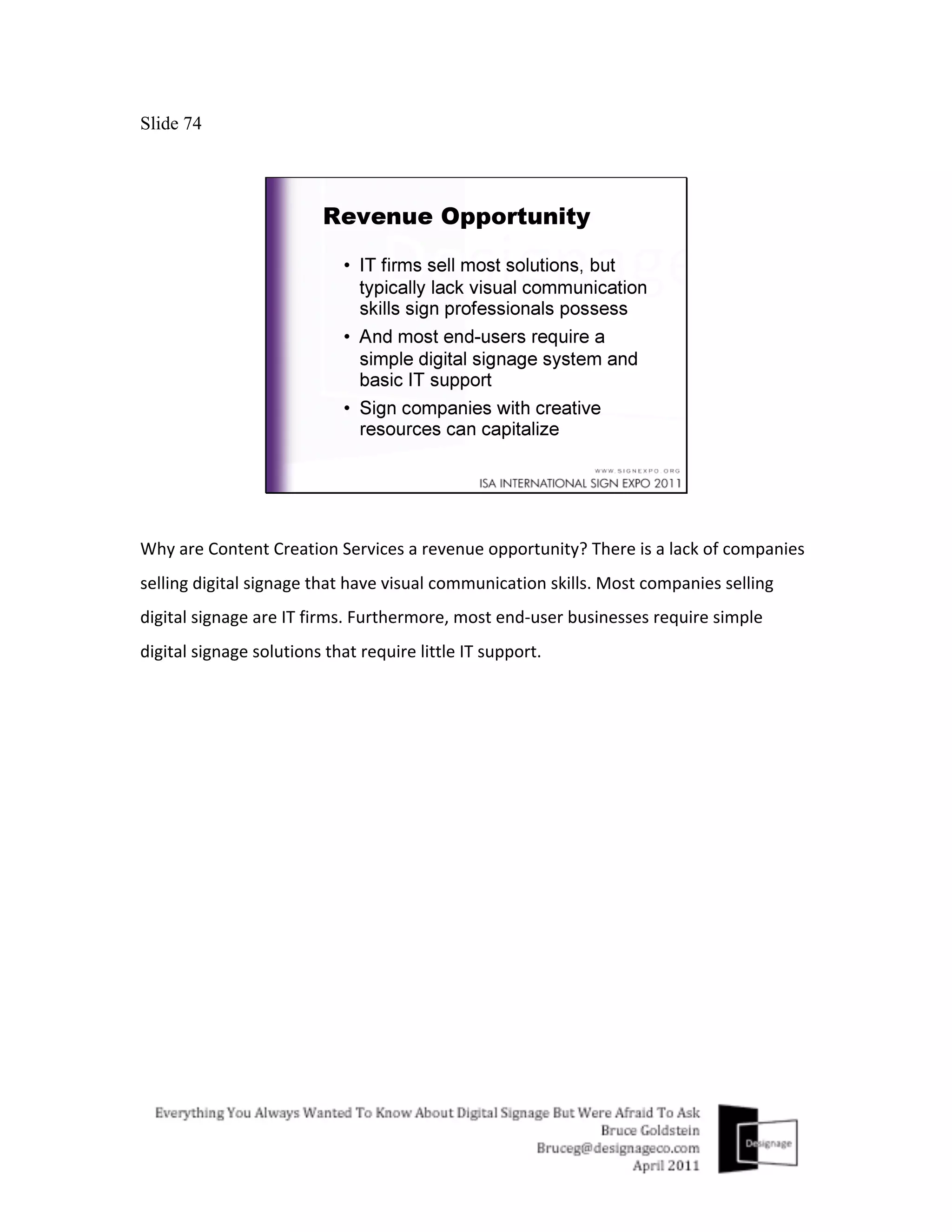
Slide 74


Why	
  are	
  Content	
  Creation	
  Services	
  a	
  revenue	
  opportunity?	
  There	
  is	
  a	
  lack	
  of	
  companies	
  
selling	
  digital	
  signage	
  that	
  have	
  visual	
  communication	
  skills.	
  Most	
  companies	
  selling	
  
digital	
  signage	
  are	
  IT	
  firms.	
  Furthermore,	
  most	
  end-­‐user	
  businesses	
  require	
  simple	
  
digital	
  signage	
  solutions	
  that	
  require	
  little	
  IT	
  support.	
  
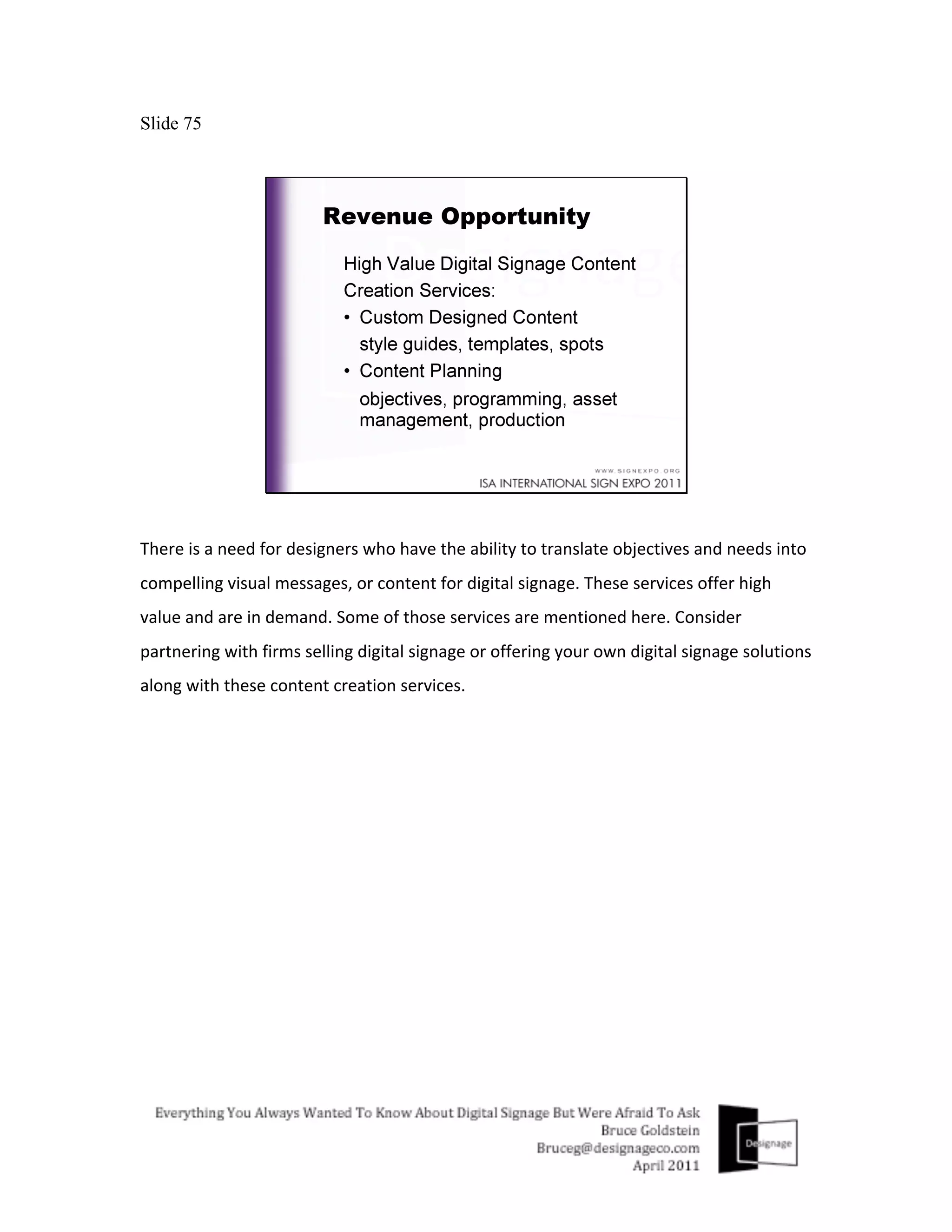
Slide 75


There	
  is	
  a	
  need	
  for	
  designers	
  who	
  have	
  the	
  ability	
  to	
  translate	
  objectives	
  and	
  needs	
  into	
  
compelling	
  visual	
  messages,	
  or	
  content	
  for	
  digital	
  signage.	
  These	
  services	
  offer	
  high	
  
value	
  and	
  are	
  in	
  demand.	
  Some	
  of	
  those	
  services	
  are	
  mentioned	
  here.	
  Consider	
  
partnering	
  with	
  firms	
  selling	
  digital	
  signage	
  or	
  offering	
  your	
  own	
  digital	
  signage	
  solutions	
  
along	
  with	
  these	
  content	
  creation	
  services.	


Slide 76


Now	
  for	
  a	
  look	
  at	
  some	
  estimated	
  costs…A	
  simple	
  digital	
  sign	
  does	
  not	
  have	
  to	
  be	
  
expensive.	
  For	
  example,	
  a	
  countertop	
  digital	
  sign,	
  placed	
  in	
  front	
  of	
  the	
  customer	
  at	
  the	
  
point	
  of	
  sale	
  can	
  cost	
  $2,000.	
  $500	
  of	
  which	
  is	
  generated	
  for	
  1	
  years	
  worth	
  of	
  content	
  
creation	
  services	
  (or	
  $42/month).	
  
Slide 77


A	
  little	
  more	
  expensive	
  solution	
  with	
  a	
  larger	
  LCD	
  wall	
  mounted	
  in	
  a	
  retail	
  store	
  can	
  cost	
  
around	
  $4,000,	
  with	
  a	
  $700	
  content	
  creation	
  service	
  fee	
  for	
  1	
  years	
  worth	
  of	
  content	
  
creation	
  services	
  (or	
  $58/month).	
  
Slide 78


Now	
  justifying	
  the	
  cost	
  with	
  a	
  simple	
  ROI.	
  This	
  one	
  has	
  been	
  created	
  based	
  on	
  achieving	
  
a	
  very	
  reasonable	
  5%	
  or	
  $12,500	
  gross	
  sales	
  lift/year,	
  through	
  the	
  use	
  of	
  the	
  inexpensive	
  
$2,000	
  countertop	
  digital	
  sign.	
  At	
  that	
  rate	
  the	
  sign	
  could	
  pay	
  for	
  itself	
  within	
  8	
  months	
  
($250,000	
  divided	
  by	
  360	
  days	
  =	
  $700/day)	
  (based	
  on	
  a	
  $5	
  average	
  sale,	
  140	
  orders/day,	
  
operating	
  360	
  days/year).	
  (Gross	
  sales	
  lift	
  equals	
  $12,500/year,	
  $35/day,	
  $.25/order).	


So	
  you	
  see	
  how	
  a	
  quick	
  return	
  on	
  your	
  customers	
  investment	
  in	
  a	
  digital	
  sign	
  can	
  be	
  
achieved,	
  while	
  also	
  achieving	
  a	
  recurring	
  revenue	
  for	
  your	
  business	
  through	
  digital	
  
signage	
  content	
  creation	
  services.	
  
Slide 79


So	
  to	
  summarize	
  in	
  brief	
  in	
  closing.	
  keep	
  in	
  mind	
  some	
  of	
  these	
  key	
  take-­‐aways:	
  
-­‐	
  Digital	
  signage	
  is	
  complimentary	
  to	
  existing	
  sign	
  products	
  and	
  businesses,	
  it	
  is	
  not	
  a	
  
competitor	
  
-­‐	
  Like	
  existing	
  signs	
  you	
  create	
  today,	
  digital	
  signage	
  content	
  must	
  be	
  clear,	
  concise	
  and	
  
compelling	
  too.	
  And	
  should	
  always	
  change	
  and	
  be	
  kept	
  up	
  to	
  date.	
  
-­‐	
  If	
  you’re	
  thinking	
  about	
  offering	
  digital	
  signage,	
  consider	
  offering	
  digital	
  signage	
  
content	
  creation	
  services	
  as	
  well.	
  
Slide 80


Thank	
  you	
  for	
  your	
  time	
  and	
  please	
  feel	
  free	
  to	
  contact	
  me	
  to	
  discuss	
  how	
  I	
  can	
  assist	
  
you	
  with	
  any	
  of	
  your	
  digital	
  signage	
  needs.	
  Designage	
  offers	
  creative	
  as	
  well	
  as	
  technical	
  
expertise	
  to	
  help	
  develop	
  your	
  digital	
  signage	
  business.	
  My	
  email	
  address	
  is	
  
bruceg@designageco.com	
  or	
  you	
  can	
  call	
  me	
  at	
  201.400.8373.	
  
Slide 81


Please	
  feel	
  free	
  to	
  give	
  me	
  one	
  of	
  your	
  business	
  cards	
  if	
  you	
  would	
  like	
  to	
  receive	
  a	
  copy	
  
of	
  this	
  presentation	
  along	
  with	
  all	
  of	
  my	
  notes.	
  Thank	
  you.	
  
Slide 82

Everything You Always Wanted To Know About Digital Signage But Were Afraid To Ask

  • 1.
    Slide 1 Hello,  and  thanks  for  coming  to  Everything  You  Always  Wanted  To  Know  About  Digital   Signage  But  Were  Afraid  To  Ask,  my  name  is  Bruce  Goldstein  and  I  am  a  digital  signage   consultant.  My  company  Designage  offers  digital  signage  consulting  services  to  resellers   and  end  users  interested  in  using  digital  signage.  For  resellers  like  sign  makers  or  point   of  purchase  display  manufacturers,  Designage  teaches  them  how  to  sell  and  market   digital  signage  and  services  best  suited  to  their  company,  that  helps  grow  their  business.   For  end-­‐users  we’ll  establish  objectives  and  requirements,  and  recommend  solutions  to   install  to  meet  those  needs  as  well  as  help  them  with  the  install  and  operation  of  the   solution.  Now  the  reason  for  the  title  of  my  presentation,  aside  from  growing  up  a   Woody  Allen  fan,  has  to  do  with  the  anxiety  people  feel  about  technology,  in  this  case   digital  signage  technology.  By  the  end  of  the  day  I  hope  to  give  you  a  basic   understanding  about  what  digital  signage  is  and  how  it  can  help  grow  your  business,  as   well  as  to  answer  any  questions  you  may  have  and  to  eliminate  any  anxiety  you  may  feel   about  digital  signage.  
  • 2.
    Slide 2 I’m  going  to  cover  a  variety  of  topics  about  digital  signage  that  I  think  you  will  find   interesting  including:    What  Digital  Signage  is  and  what  it  can  do   -­‐  Market  drivers  and  trends  causing  digital  signage  to  grow  and  become  more  popular.   -­‐  Digital  Signage  compared  to  static  signage,  or  Static  On  Steroids,  since  they  are  cousins   not  competitors.   -­‐  I’ll  show  you  a  couple  of  popular  uses  for  digital  signage,  and  also   -­‐  Show  you  what  you  need  to  know  to  make  a  digital  sign  work   -­‐  I’ll  also  talk  about  content,  or  the  messages  displayed  on  the  screen,  an  area  were   there  is  a  lot  of  opportunity  for  sign  and  print  makers  to  prosper   -­‐  And  in  closing  I’ll  run  through  some  numbers  to  show  costs  and  sales  results  possible   with  digital  signage.    
  • 3.
    Slide 3 Let  me  start  by  defining  digital  signage.  Simply  speaking,  Digital  Signage  is  an  electronic   sign.  Kind  of  like  an  upgrade  to  existing  sign,  but  because  it  is  electronic  it  has  some  of   the  following  capabilities.  It  can…  
  • 4.
    Slide 4 Change  quickly  and  easily  
  • 5.
    Slide 5 Deliver  content  or  messages  based  on  the  time  of  day,  for  example  breakfast  lunch  and   dinner  
  • 6.
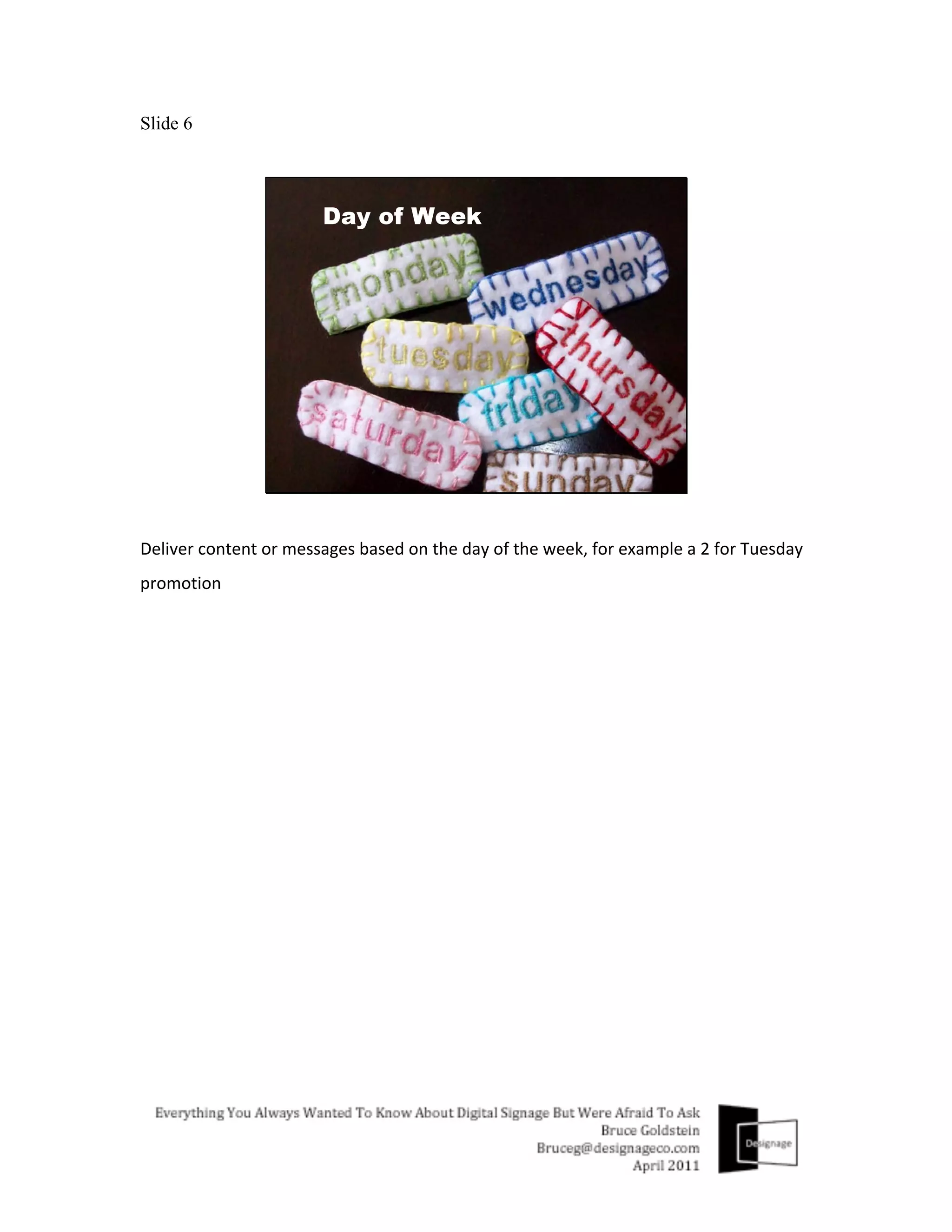
    Slide 6 Deliver  content  or  messages  based  on  the  day  of  the  week,  for  example  a  2  for  Tuesday   promotion  
  • 7.
    Slide 7 Deliver  content  or  messages  based  on  a  promotional  schedule,  for  example  a  holiday   sale  
  • 8.
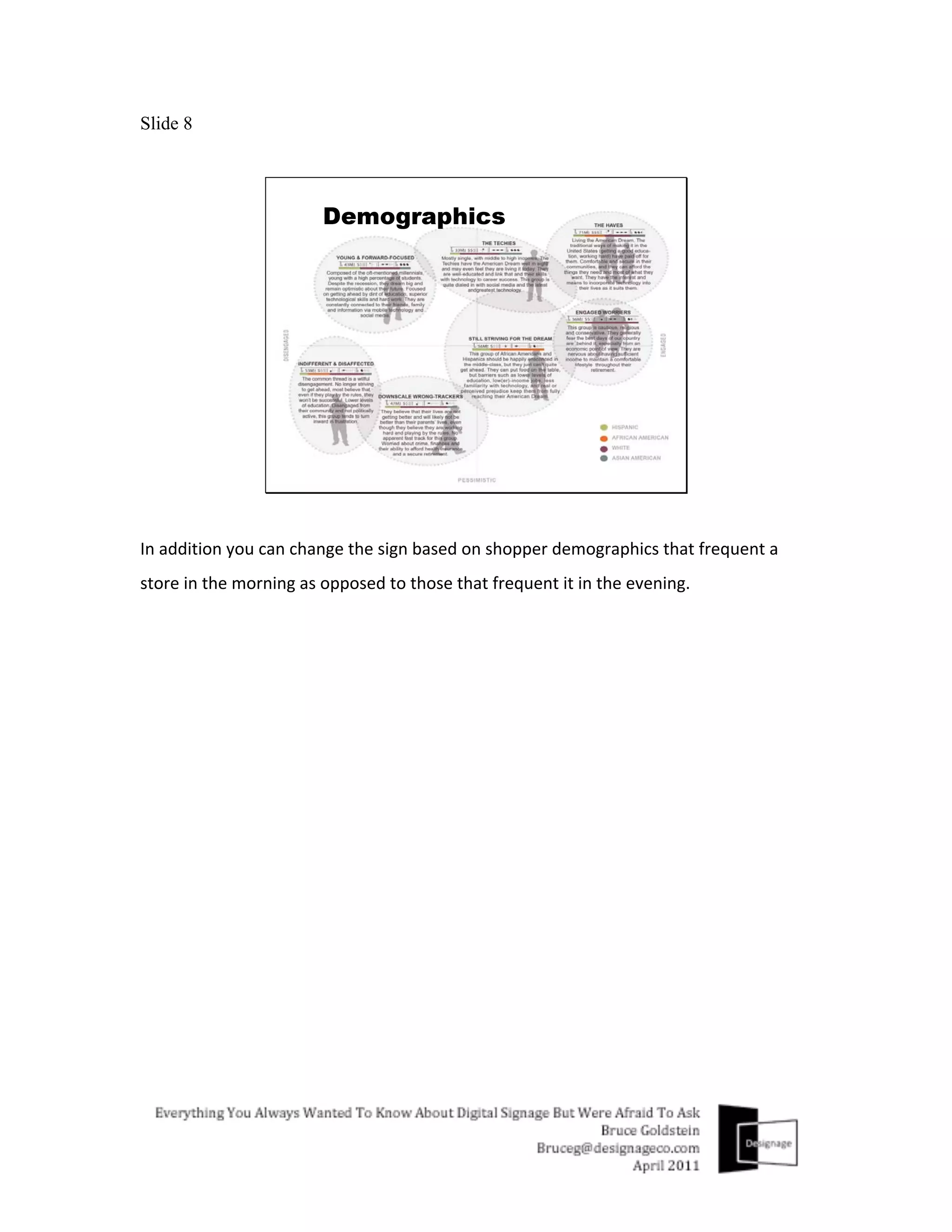
    Slide 8 In  addition  you  can  change  the  sign  based  on  shopper  demographics  that  frequent  a   store  in  the  morning  as  opposed  to  those  that  frequent  it  in  the  evening.      
  • 9.
    Slide 9 Or  change  the  sign  based  on  its  location  
  • 10.
    Slide 10 Or  the  season  were  in,  promoting  more  hot  beverages  than  cold  for  example      
  • 11.
    Slide 11 And  because  a  digital  sign  has  the  ability  to  make  these  kinds  of  changes.  It  can  help…  
  • 12.
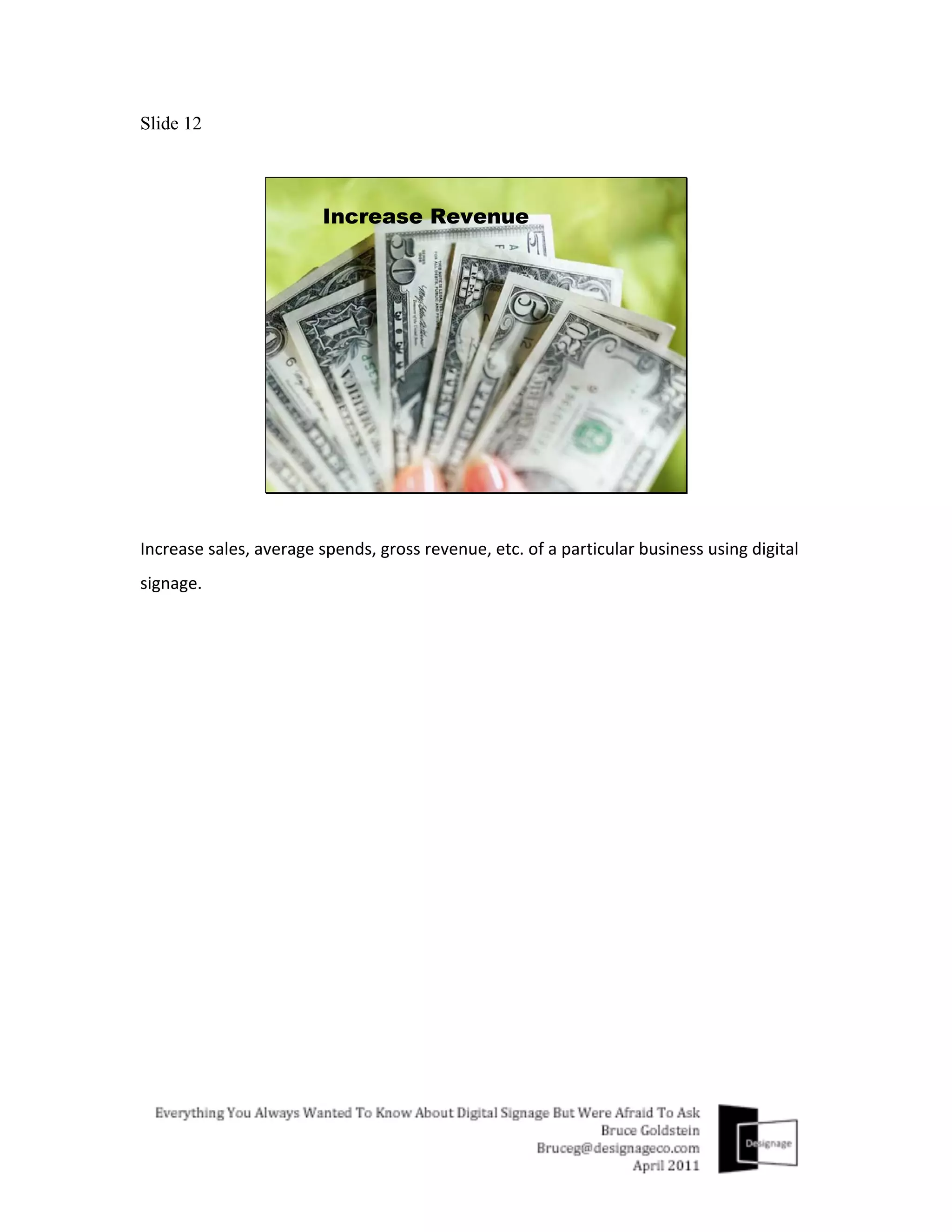
    Slide 12 Increase  sales,  average  spends,  gross  revenue,  etc.  of  a  particular  business  using  digital   signage.  
  • 13.
    Slide 13 Optimize  the  variety  of  kinds  of  products  being  sold.  Perhaps  20  brands  of  mustard  isn’t   necessary?  
  • 14.
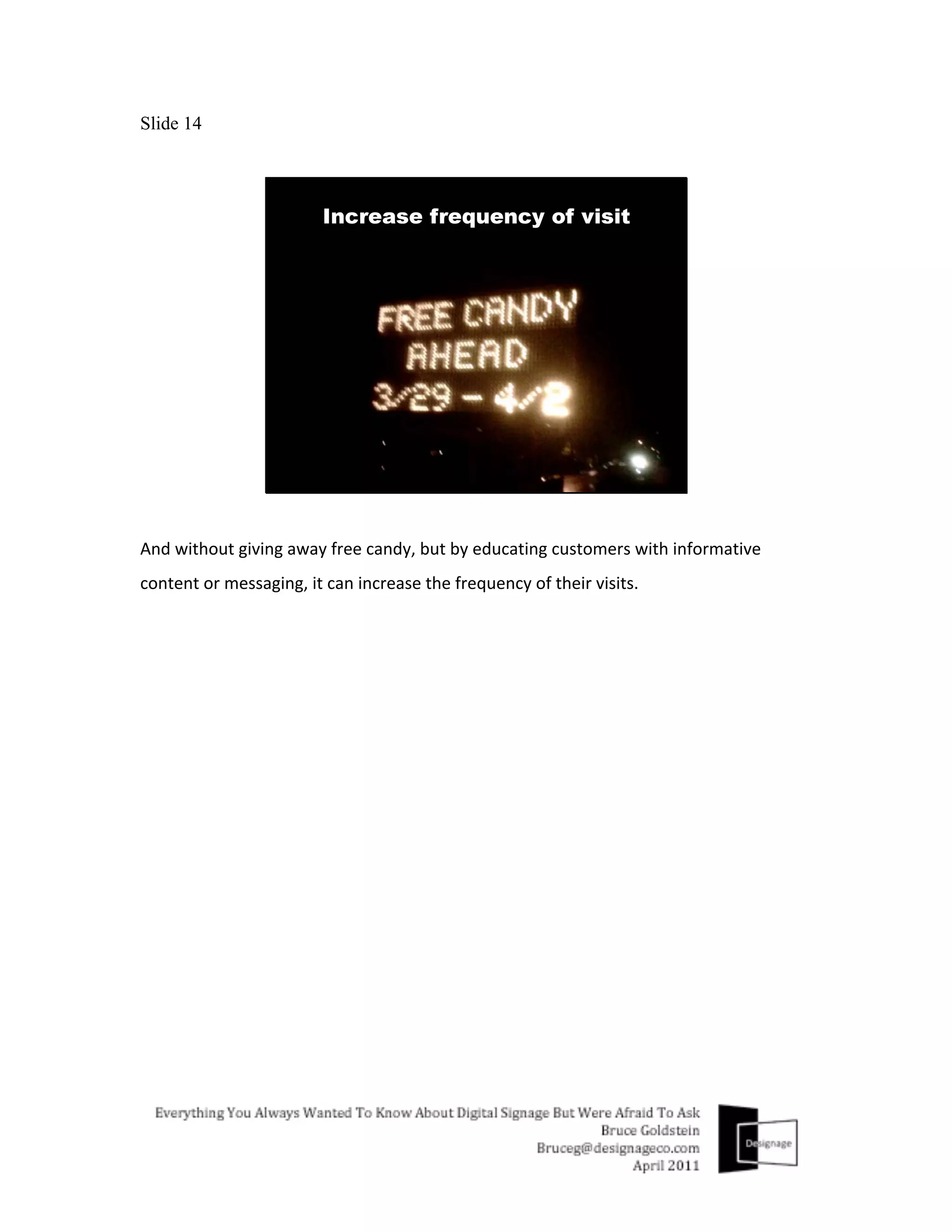
    Slide 14 And  without  giving  away  free  candy,  but  by  educating  customers  with  informative   content  or  messaging,  it  can  increase  the  frequency  of  their  visits.  
  • 15.
    Slide 15 Overall,  it  can  provide  customers  with  a  more  enjoyable  and  exciting  shopping   experience  
  • 16.
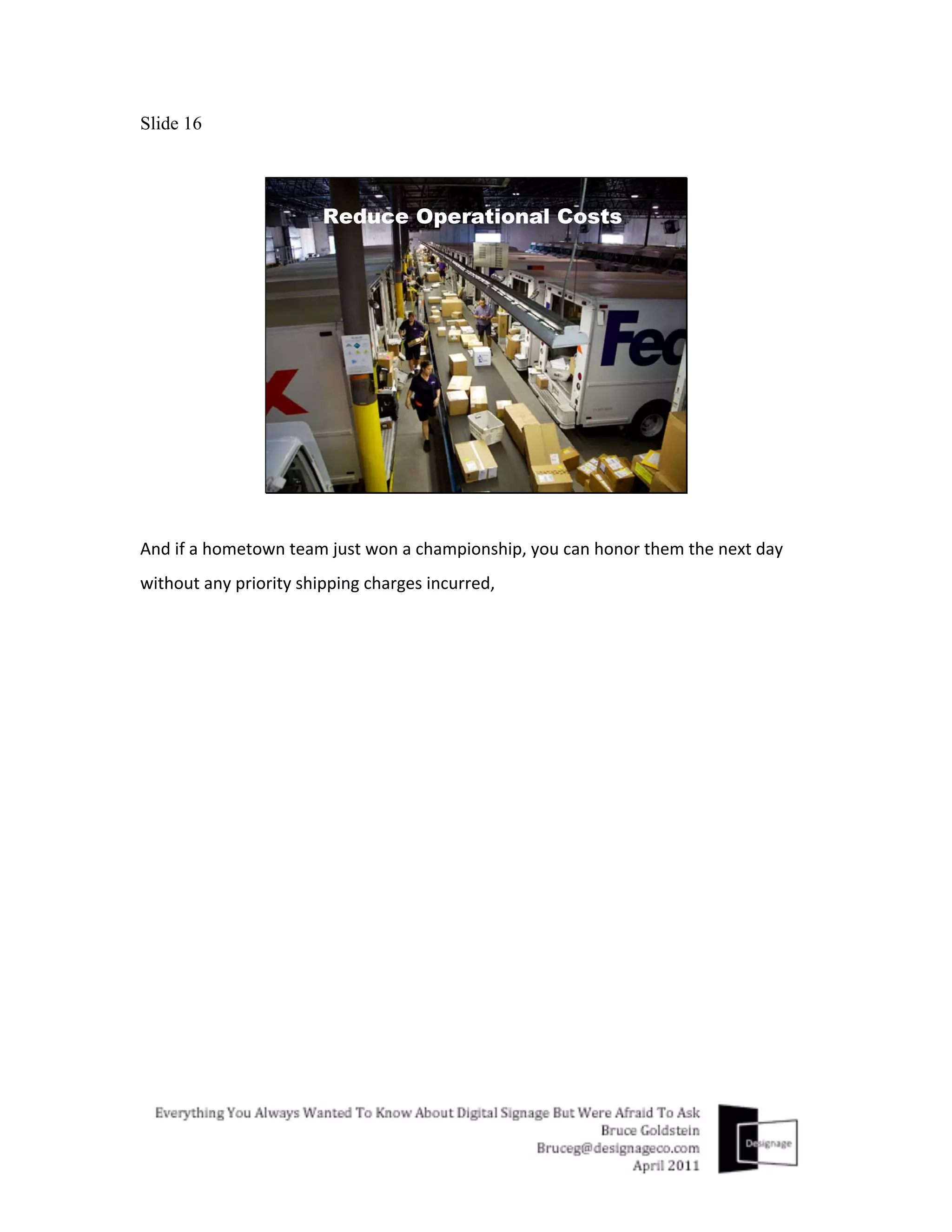
    Slide 16 And  if  a  hometown  team  just  won  a  championship,  you  can  honor  them  the  next  day   without  any  priority  shipping  charges  incurred,  
  • 17.
    Slide 17 In  addition  to  these  capabilities  and  improvements,  the  digital  signage  market  will   continue  to  grow  as  a  result  of  the  following  market  drivers  or  trends…  
  • 18.
    Slide 18 Technology  innovation  continues  to  charge  ahead.  Everything  in  technology  continues   to  get  Bigger  Better  Faster  and  Cheaper  as  this  chart  illustrates.     A  large  up  front  cost  of  a  Digital  Signage  system  is  usually  the  display.  Less  than  10  years   ago  a  30”  display  debuted  at  $8,000  dollars.  Today  you  get  one  with  better  picture   quality,  almost  twice  the  screen  size  for  less  than  1/3  of  the  cost.    
  • 19.
    Slide 19 This  charts  illustrates  how  much  digital  signage  costs  per  location  have  dropped.  They   are  now  more  than  half  what  they  were  in  2004  (based  on  the  installation  of  a  100   screen  location  network).  
  • 20.
    Slide 20 As  cost  becomes  less  a  barrier  to  entry,  more  digital  signs  get  installed,  and  more  results   get  documented.  
  • 21.
    Slide 21 And  leading  market  research  firms  analyze  these  results  and  trends,  and  release  healthy   industry  forecasts  as  a  result.  A  few  notable  ones  are  shown  here…    
  • 22.
    Slide 22 Another  notable  trend  contributing  to  the  growth  of  digital  signage  is  the  availability  of   Good  Enough  Technology.  No  longer  does  the  newest  hottest  product  mean  it’s  the   most  expensive  and  advanced  product  available.  How  many  $99  LCD  photo-­‐frames  used   as  digital  signs  have  you  seen  in  use  that  were  good  enough?    
  • 23.
    Slide 23 Immediate  access  to  information  is  wired,  Seeing  it  this  evening  on  TV  is  tired.  More  and   more  of  us  get  information  from  the  new  media  triad  (internet  websites,  from  our   phones  &  other  digital  out  of  home  products  like  digital  signage),  especially  the  Gen  X   and  Gen  Y  consumer,  they  want  information  available  instantly.  
  • 24.
    Slide 24 And  lastly,  more  then  a  trend,  but  a  regulation  that  will  need  to  be  followed  is  menu   labeling.  Because  digital  signs  or  digital  menu  boards  can  be  updated  instantly,  Digital   Signage  will  help  companies  comply  with  this  regulation  and  any  others  that  follow.  To   start,  Menu  labeling  will  mandate  that  restaurants  with  20  or  more  locations  display   menu  item  calorie  information.       Even  without  regulations,  using  a  digital  sign  to  display  nutritional  information  is   something  that  65%  of  Americans  would  like  to  see*.  *According  to  a  2009  Guiding  Stars   Survey    
  • 25.
    Slide 25 This  next  set  of  slides  highlights  the  advantages  and  capabilities  digital  signage  has   compared  to  regular  signs...Keep  in  mind,  static  signs  and  digital  signs  are   complimentary  business  partners,  they  are  cousins  not  competitors.  Having  the  ability   to  offer  digital  signage  strengthens  a  companies  product  and  services  offering,  it  does   not  cannibalize  it.  And  if  you  can  also  offer  value  added  services  like  content  design  for   digital  signage,  it  will  give  you  a  clear  advantage  over  most  other  companies  already   selling  digital  signage  products  into  the  marketplace  today  (I’ll  talk  a  bit  more  about  this   later).    
  • 26.
    Slide 26 As  mentioned  previously,  the  content  or  message  on  the  digital  sign  can  change,  based   on  a  pre-­‐programmed  schedule  for  timely  information.  This  increases  viewership  and   increases  sales  revenue.  
  • 27.
    Slide 27 Also  the  use  of  motion  gives  a  digital  sign  a  great  advantage  compared  to  static  signs.   Used  properly  it  gives  a  sign  more  attention  grabbing  ability  than  signs  that  don’t  have   motion.  
  • 28.
    Slide 28 The  ability  to  distribute  digital  signage  content  using  a  network  reduces  logistical  costs   associated  with  shipping  and  installing  a  new  static  sign,  and  it  uses  less  energy  too.  
  • 29.
    Slide 29 Lastly  because  you  have  the  ability  to  transfer  content  using  a  network,  it  makes   updates  quick  efficient  and  dependable.  
  • 30.
    Slide 30 The  next  several  slides  will  highlight  several  popular  applications  or  ways  digital  signage   is  being  used  today.    
  • 31.
  • 32.
    Slide 32 Foodservice,  from  restaurants  to  food  concessions  in  arenas  to  corporate  cafeterias.   Note  the  integrated  custom  enclosure  design.  Another  value  added  service  opportunity   for  sign  companies  offering  digital  signage  too.    
  • 33.
    Slide 33 Hospitality  examples  here  make  use  of  two  things  in  particular  to  note.  Display  sizes   vary  from  small  to  large  and  orientation,  either  landscape  or  portrait.  
  • 34.
    Slide 34 In  large  public  spaces  digital  signage  is  primarily  used  for  advertising  networks  or   wayfinding.  
  • 35.
    Slide 35 In  retail  most  digital  signage  is  used  to  increase  the  average  spend  of  their  customers   and  to  improve  effectiveness  of  limited  time  offers.  Note  again  display  sizes  in  use  vary   as  well  as  orientation.  
  • 36.
    Slide 36 Now  I’ll  dig  in  a  little  deeper  and  review  the  5  main  areas  of  what  makes  a  digital   signage  solution  work.     Keep  in  mind  that  this  is  an  area  where  a  digital  signage  consultant  can  get  involved  to   help  educate  you  about  all  the  different  possibilities.  If  this  is  something  you  don’t   have  the  resources  for,  or  you  would  rather  not  do  yourself  a  digital  signage   consultant  can  assist  you.    
  • 37.
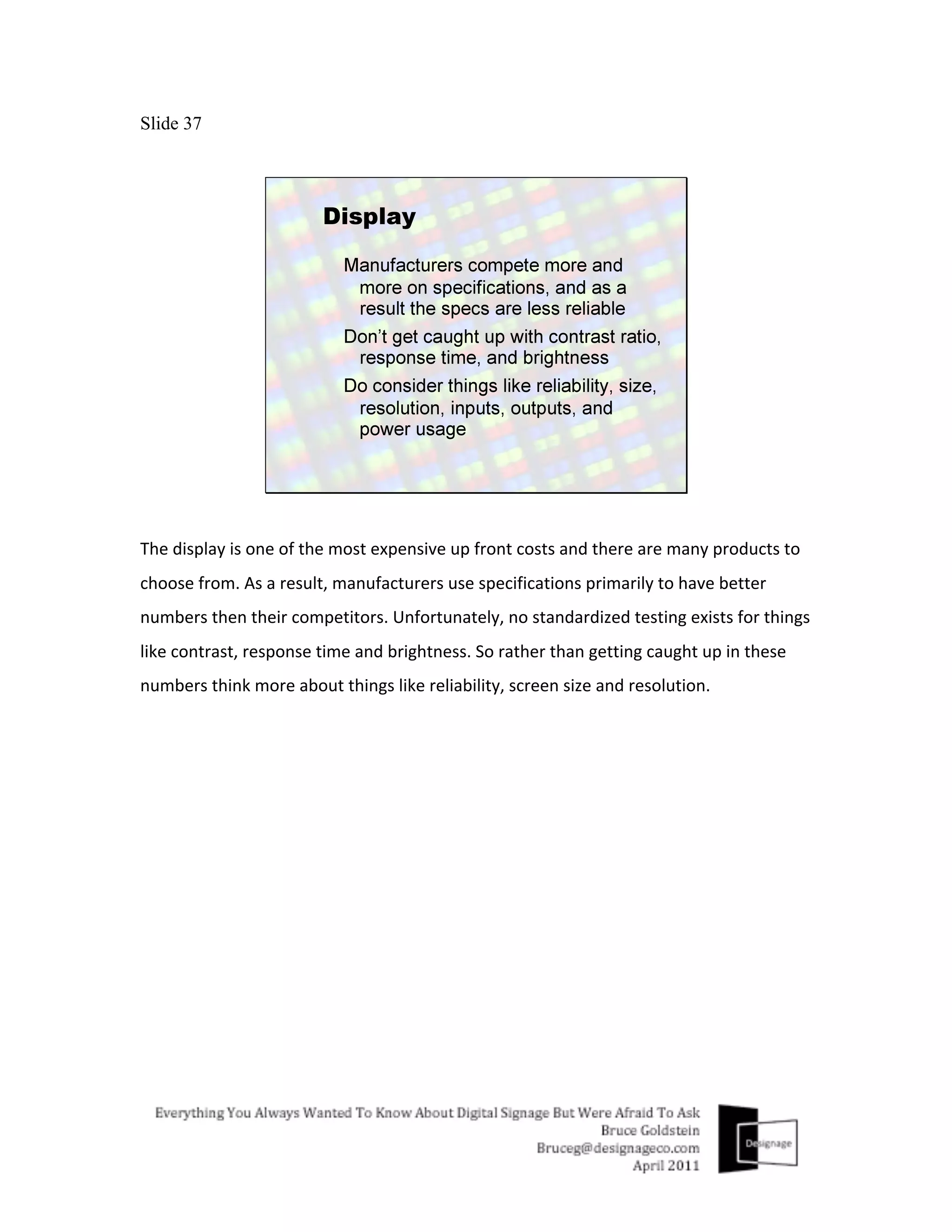
    Slide 37 The  display  is  one  of  the  most  expensive  up  front  costs  and  there  are  many  products  to   choose  from.  As  a  result,  manufacturers  use  specifications  primarily  to  have  better   numbers  then  their  competitors.  Unfortunately,  no  standardized  testing  exists  for  things   like  contrast,  response  time  and  brightness.  So  rather  than  getting  caught  up  in  these   numbers  think  more  about  things  like  reliability,  screen  size  and  resolution.  
  • 38.
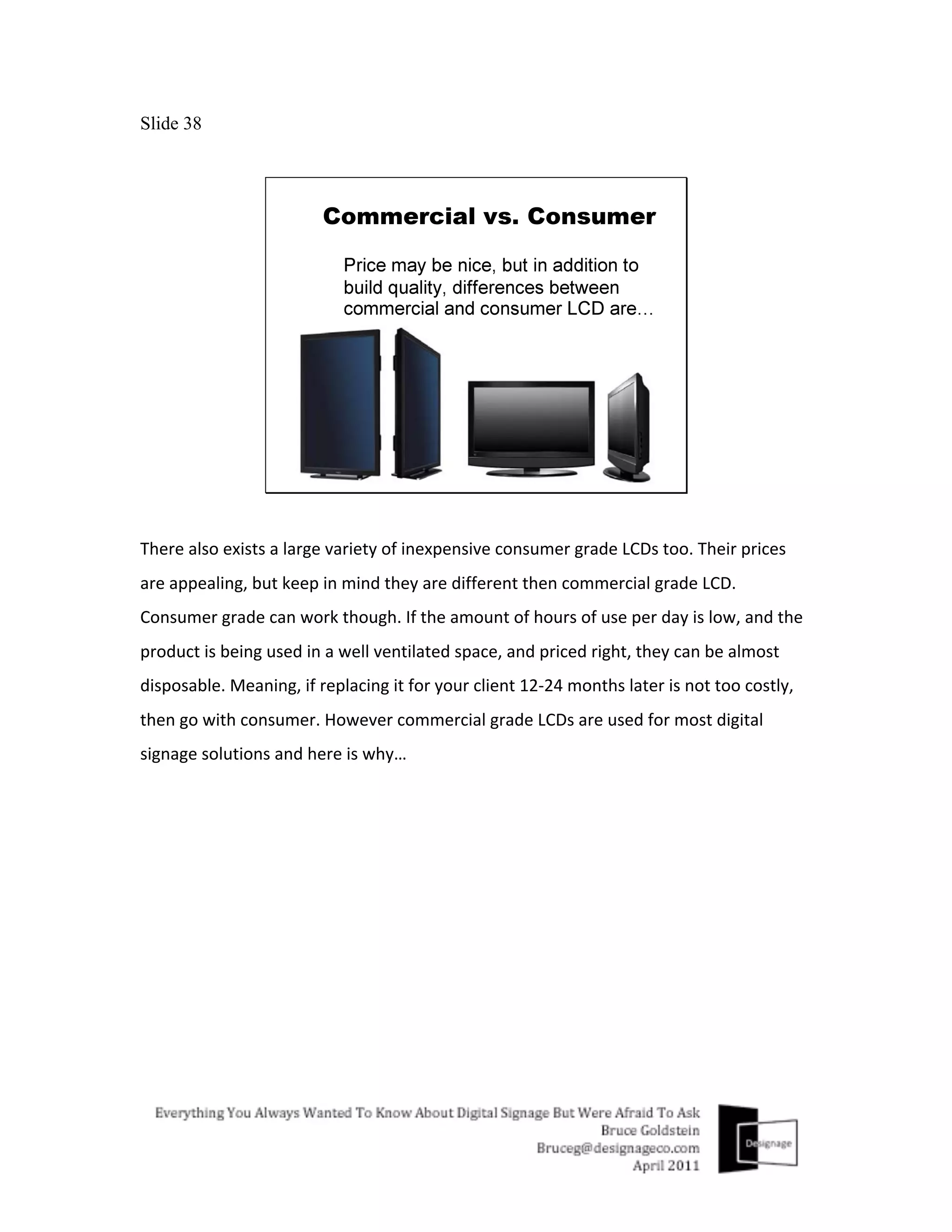
    Slide 38 There  also  exists  a  large  variety  of  inexpensive  consumer  grade  LCDs  too.  Their  prices   are  appealing,  but  keep  in  mind  they  are  different  then  commercial  grade  LCD.   Consumer  grade  can  work  though.  If  the  amount  of  hours  of  use  per  day  is  low,  and  the   product  is  being  used  in  a  well  ventilated  space,  and  priced  right,  they  can  be  almost   disposable.  Meaning,  if  replacing  it  for  your  client  12-­‐24  months  later  is  not  too  costly,   then  go  with  consumer.  However  commercial  grade  LCDs  are  used  for  most  digital   signage  solutions  and  here  is  why…  
  • 39.
    Slide 39 Commercial  grade  LCDs  come  with  a  5  year  on-­‐site  warranty  and  are  built  to  withstand   extended  use  (24/7/365)  in  harsh  environments  and  in  landscape  or  portrait  mode.  They   also  recognize  more  TV  and  PC  output  resolutions,  have  outputs  and  can  disable  or  lock-­‐ out  the  use  of  any  external  buttons.  
  • 40.
    Slide 40 If  the  display  puts  the  “sign”  in  digital  signage,  then  the  media  player  helps  put  the   “digital”  in  it.  The  heart  and  brain  of  digital  signage  technology  resides  in  the  media   player  and  whether  it  is  a  PC  media  player  or  a  Dedicated  media  player,  it  is  responsible   for  receiving  and  outputting  the  content  onto  the  display.  
  • 41.
    Slide 41 Depending  on  your  digital  signage  software,  you’ll  find  media  players  available  in   compact  form  factors  for  several  hundred  dollars  as  pictured  here,  to  large  rack   mountable  boxes  costing  a  couple  thousand  dollars.  
  • 42.
    Slide 42 PCs  and  Dedicated  media  players  contain  the  digital  signage  software  that  plays   different  media  files.  PCs  are  usually  more  compatible  with  a  variety  of  digital  signage   software  and  offer  a  variety  of  configurations  while  Dedicated  media  players  are   optimized  for  a  specific  type  of  software.  One  is  not  necessarily  better  than  the  other,   and  it  is  best  to  let  the  software  you  decide  to  use  determine  which  type  of  media   player  to  use.  
  • 43.
    Slide 43 While  there  are  hundreds  of  digital  signage  software  solutions  to  choose  from,  most  all   offer  the  core  capabilities,  to  create  a  playlist,  a  playback  schedule  and  the  ability  to   distribute  this  information  along  with  the  content  over  a  network  or  with  a  removable   storage  device  to  the  media  player.  So  how  to  compare?  Now  keep  in  mind  as  I   mentioned  earlier,  If  this  is  something  you  do  not  have  the  time  or  resources  to  do,   bringing  in  a  digital  signage  consultant  to  assist  you  here  could  be  a  good  idea.   Concentrate  more  on  researching  the  reputation  and  growth  of  the  company  that   makes  the  software  instead,  by  doing  some  of  the  following…    
  • 44.
    Slide 44 Kick  the  tires  and  test  the  software.  Make  sure  the  features  you  or  your  client  need  are   available.  Evaluate  things  like  ease-­‐of-­‐use  and  the  software  companies  customer  service   and  support.    
  • 45.
    Slide 45 Check  their  track  record  as  well…It’s  not  just  about  their  latest  big  win  or  pr  campaign,   but  also  about  how  long  they  have  been  around,  what  is  the  size  of  their  installed  based   and  what  kind  of  reputation  do  they  have?  
  • 46.
    Slide 46 Work  directly  with  them...are  they  easy  to  work  with,  responsive,  dependable,  well   organized?  
  • 47.
    Slide 47 Get  References  and  contact  them…Find  out  more  about  the  company  from  actual  end-­‐ users.  Sometimes  things  are  not  always  as  they  seem.  Being  well  informed  about  the   company  and  how  they  support  the  product  you  want  to  use  will  ensure  you  are  making   a  wise  investment  or  not.  
  • 48.
    Slide 48 The  next  area  to  discuss  is  distribution.  Getting  content  or  messaging  along  with  its   playlist  and  play  back  schedule  from  point  A  to  point  B.    
  • 49.
    Slide 49 The  simplest  least  expensive  way  to  get  digital  signage  programming  from  point  A  to   point  B  is  with  a  memory  stick  or  removable  memory  card  of  some  kind.  If  the   information  needed  to  show  on  the  display  does  not  need  to  change  on  a  moments   notice,  and  the  playback  schedule  can  be  fixed  for  a  week  or  more  at  a  time,  this  could   be  a  good  way  to  go.  It’s  inexpensive  and  reliable.  If  not,  there  are  several  connected   network  distribution  configurations  you  may  want  to  consider  instead…  
  • 50.
    Slide 50 With  a  master  slave  configuration,  digital  signage  programming  software  resides  on  a  PC   and  connects  to  the  media  players  over  a  network  to  distribute  programming   information.  You  typically  pay  a  one  time  perpetual  license  fee  for  this  type  of  software.   You  may  pay  support  fees,  and  you  usually  manage  the  network  from  you  or  your  clients   own  PC.  
  • 51.
    Slide 51 A  Connected  On-­‐Premise  set-­‐up  uses  a  server  PC  between  administrator  PCs  and  the   media  players.  Administrators  connect  to  the  server  PC  through  a  web  browser  to   upload  content,  create  playlists,  schedules  and  distribute  programming  to  the  media   players  from  the  server  PC.  You  typically  pay  a  one  time  perpetual  license  fee  for  this   type  of  software  that  can  be  set-­‐up  like  this.  You  may  pay  support  fees,  and  you  usually   manage  the  network  from  you  or  your  clients  own  server  PC.    
  • 52.
    Slide 52 A  Connected  SaaS  (or  Software  as  a  Service)  set-­‐up  is  similar  to  an  On-­‐Premise  solution   set-­‐up,  but  the  server  PC  is  located  remotely,  managed  by  the  digital  signage  software   company  (instead  of  you  or  your  client).  You  typically  pay  a  monthly  fee  for  this  set-­‐up   which  can  be  more  costly,  but  support  and  management  services  are  usually  handled  by   the  software  company  and  it  is  included  with  the  monthly  fee.  
  • 53.
    Slide 53 The  fifth  area  of  a  digital  signage  solution  and  perhaps  most  important  is  the  content  or   messaging  designed  to  appear  on  the  display  screen.  Often  times  having  a  content  plan   and  creating  professionally  designed  content  is  the  difference  between  success  and   failure.  If  your  company  has  the  ability  to  do  creative  design,  this  is  an  area  you  should   consider  offering  as  a  value  added  service  to  ensure  the  success  of  the  solutions  you  sell,   and  to  increase  the  amount  of  revenue  you  can  generate  with  digital  signage.    
  • 54.
    Slide 54 Developing  content  that  meets  these  objectives  and  incorporates  the  values  and   techniques  that  follow  will  increase  the  effectiveness  of  the  digital  signage  content  you   create.  To  start,  digital  signage  content  needs  to  captivate  the  viewer  and  control  their   eyepath,  provoke  thought,  arouse  emotion  and  encourage  viewers  to  act  in  some  way,   like  for  example,  to  purchase  a  product  or  service.  
  • 55.
    Slide 55 Remember  to  incorporate  the  following  values  when  creating  digital  signage  content.   “C-­‐cubed”  or  clear,  concise,  compelling  refers  to  the  use  of  graphic  elements  in  the   content  layout.  Like  using  fonts  that  first  and  foremost  are  easy  to  read,  perhaps  have   some  motion  characteristics,  and  are  styled  appropriately  to  create  the  overall  image   you  want  to  portray.  
  • 56.
    Slide 56 With  the  exception  of  long  dwell  times  associated  with  digital  signage  used  in  places  like   waiting  rooms  or  at  banks,  most  viewers  only  glance  at  digital  signs  for  only  a  few   seconds  at  a  time,  so  the  shorter  and  simpler  the  content  run  time  and  message  the   better,  so  Keep  It  Simple.    
  • 57.
    Slide 57 And  with  short  viewing  time  and  attention  spans  for  that  matter  the  larger  fonts  and   images  you  can  use  to  visualize  the  message  the  better  and  more  effective.  Bigger  Is   Better.    
  • 58.
    Slide 58 Now  a  little  about  techniques  you  can  use  to  help  meet  the  objectives  of  successful   digital  signage  content.  
  • 59.
    Slide 59 Attract  and  engage  viewers  with  interesting  graphic  elements  that  capture  their   attention  and  make  them  think  twice…  
  • 60.
    Slide 60 Use  contrast  to  focus  your  viewers  eye  and  attention,  not  like  this,  but  like  this…    
  • 61.
  • 62.
    Slide 62 Bleeding  images  off  of  the  edges  of  your  sign  makes  images  feel  bigger  and  more   dynamic,  and  food  more  scrumptious…  
  • 63.
  • 64.
    Slide 64 Placing  text  in  open  areas  of  a  layout  and  or  with  little  background  noise  ensures  it  will   be  easier  to  read…    
  • 65.
  • 66.
    Slide 66 Fix  your  focus.  Draw  your  viewers  eyes  to  the  area  of  a  layout  you  want  them  to  by   playing  with  focus,  like  this…    
  • 67.
  • 68.
    Slide 68 Placing  the  focal  point  of  your  image  or  layout  along  the  intersection  of  an  equally   spaced  3x3  grid  can  help  create  more  energy  and  interest  in  the  total  layout.  So,  instead   of  going  with  something  like  this.  Try  this  instead…    
  • 69.
  • 70.
    Slide 70 Working  within  these  pixel  dimensions  will  ensure  your  content  layout  will  scale   perfectly  with  the  display.  The  higher  the  pixel  dimensions  or  resolution  you  can  work  in,   the  crisper  and  clearer  your  content  will  look.    
  • 71.
    Slide 71 If  this  is  the  aspect  ratio  of  the  image  you  have  to  work  with  and  you  need  to  fill  the   space,  do  it  creatively,  but  don’t  do  it  like  this…    
  • 72.
    Slide 72 Skewing  and  distorting  graphic  elements  and  images,  cheapen  content  quality,  and   decreases  effectiveness.    
  • 73.
    Slide 73 The  final  topic  today  is  related  to  numbers.  Costs,  revenue  opportunities  and  return  on   investment.  The  revenue  opportunity  here  being  digital  signage  content  creation   services.  
  • 74.
    Slide 74 Why  are  Content  Creation  Services  a  revenue  opportunity?  There  is  a  lack  of  companies   selling  digital  signage  that  have  visual  communication  skills.  Most  companies  selling   digital  signage  are  IT  firms.  Furthermore,  most  end-­‐user  businesses  require  simple   digital  signage  solutions  that  require  little  IT  support.  
  • 75.
    Slide 75 There  is  a  need  for  designers  who  have  the  ability  to  translate  objectives  and  needs  into   compelling  visual  messages,  or  content  for  digital  signage.  These  services  offer  high   value  and  are  in  demand.  Some  of  those  services  are  mentioned  here.  Consider   partnering  with  firms  selling  digital  signage  or  offering  your  own  digital  signage  solutions   along  with  these  content  creation  services.    
  • 76.
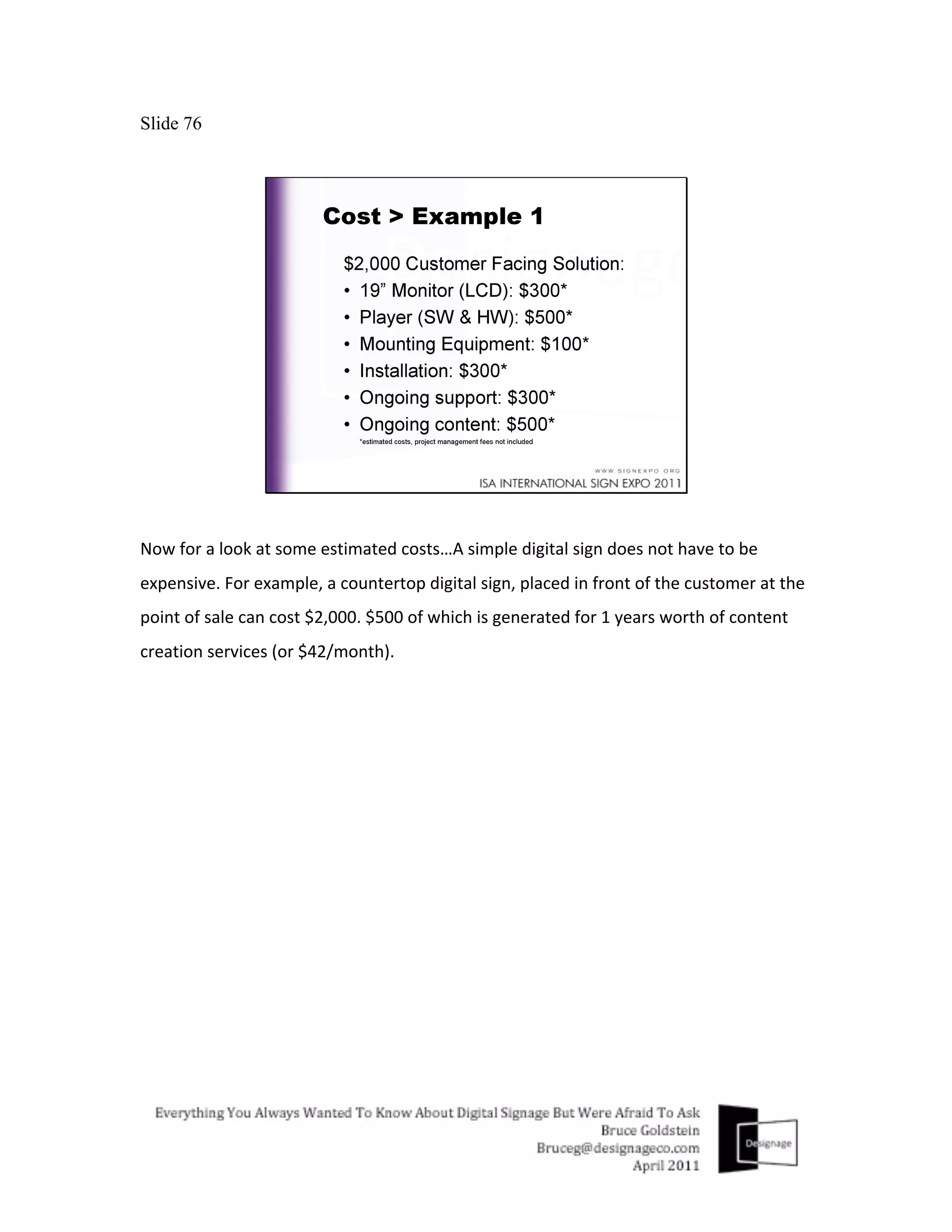
    Slide 76 Now  for  a  look  at  some  estimated  costs…A  simple  digital  sign  does  not  have  to  be   expensive.  For  example,  a  countertop  digital  sign,  placed  in  front  of  the  customer  at  the   point  of  sale  can  cost  $2,000.  $500  of  which  is  generated  for  1  years  worth  of  content   creation  services  (or  $42/month).  
  • 77.
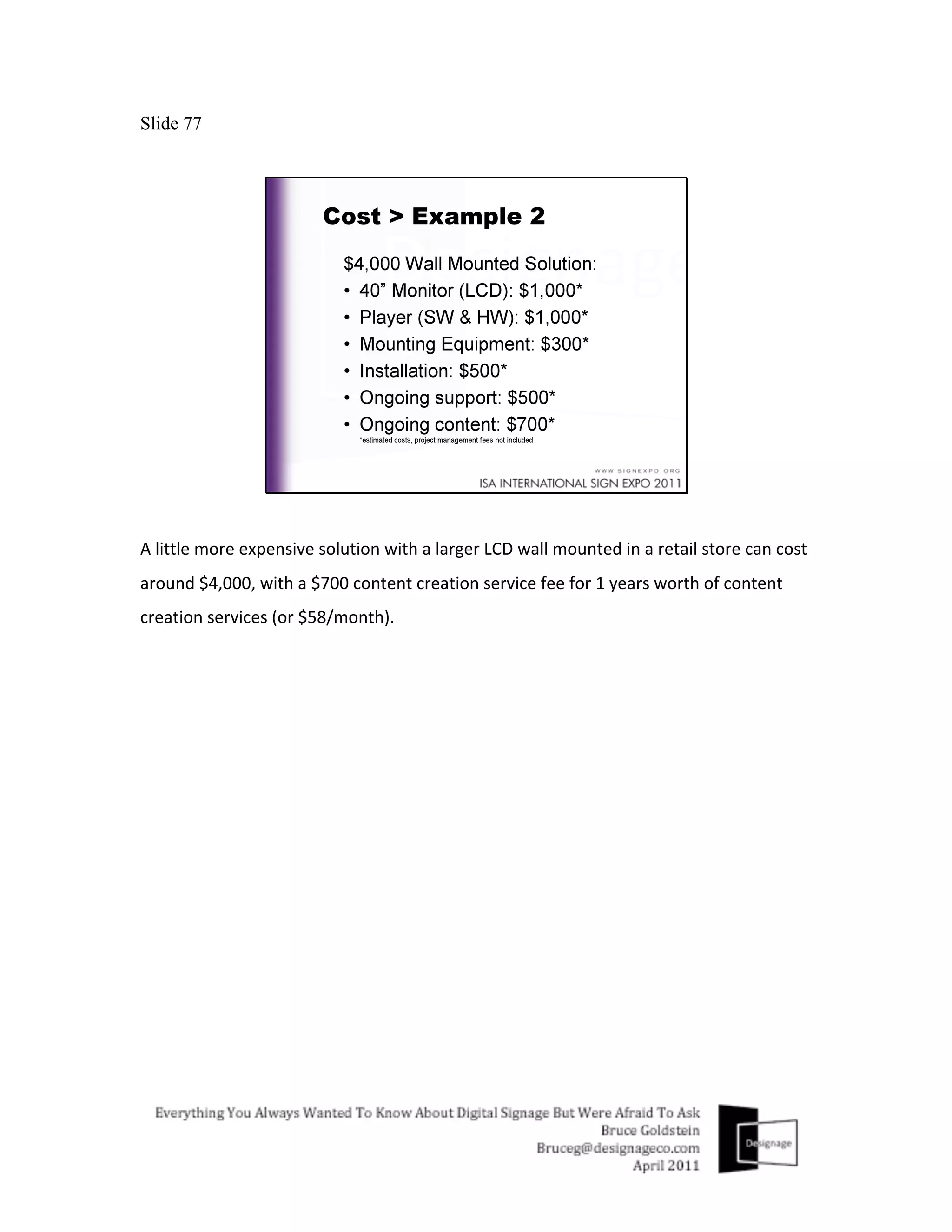
    Slide 77 A  little  more  expensive  solution  with  a  larger  LCD  wall  mounted  in  a  retail  store  can  cost   around  $4,000,  with  a  $700  content  creation  service  fee  for  1  years  worth  of  content   creation  services  (or  $58/month).  
  • 78.
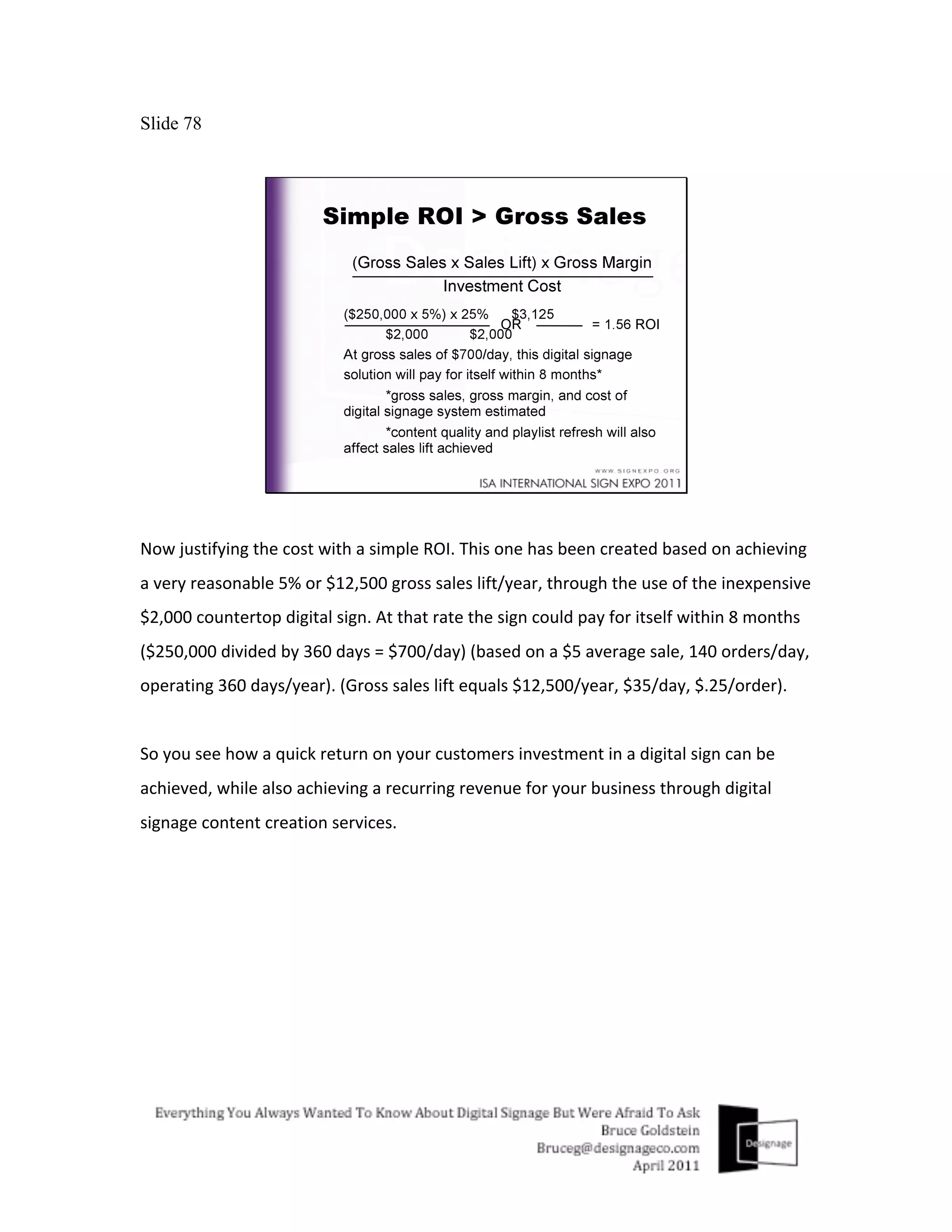
    Slide 78 Now  justifying  the  cost  with  a  simple  ROI.  This  one  has  been  created  based  on  achieving   a  very  reasonable  5%  or  $12,500  gross  sales  lift/year,  through  the  use  of  the  inexpensive   $2,000  countertop  digital  sign.  At  that  rate  the  sign  could  pay  for  itself  within  8  months   ($250,000  divided  by  360  days  =  $700/day)  (based  on  a  $5  average  sale,  140  orders/day,   operating  360  days/year).  (Gross  sales  lift  equals  $12,500/year,  $35/day,  $.25/order).     So  you  see  how  a  quick  return  on  your  customers  investment  in  a  digital  sign  can  be   achieved,  while  also  achieving  a  recurring  revenue  for  your  business  through  digital   signage  content  creation  services.  
  • 79.
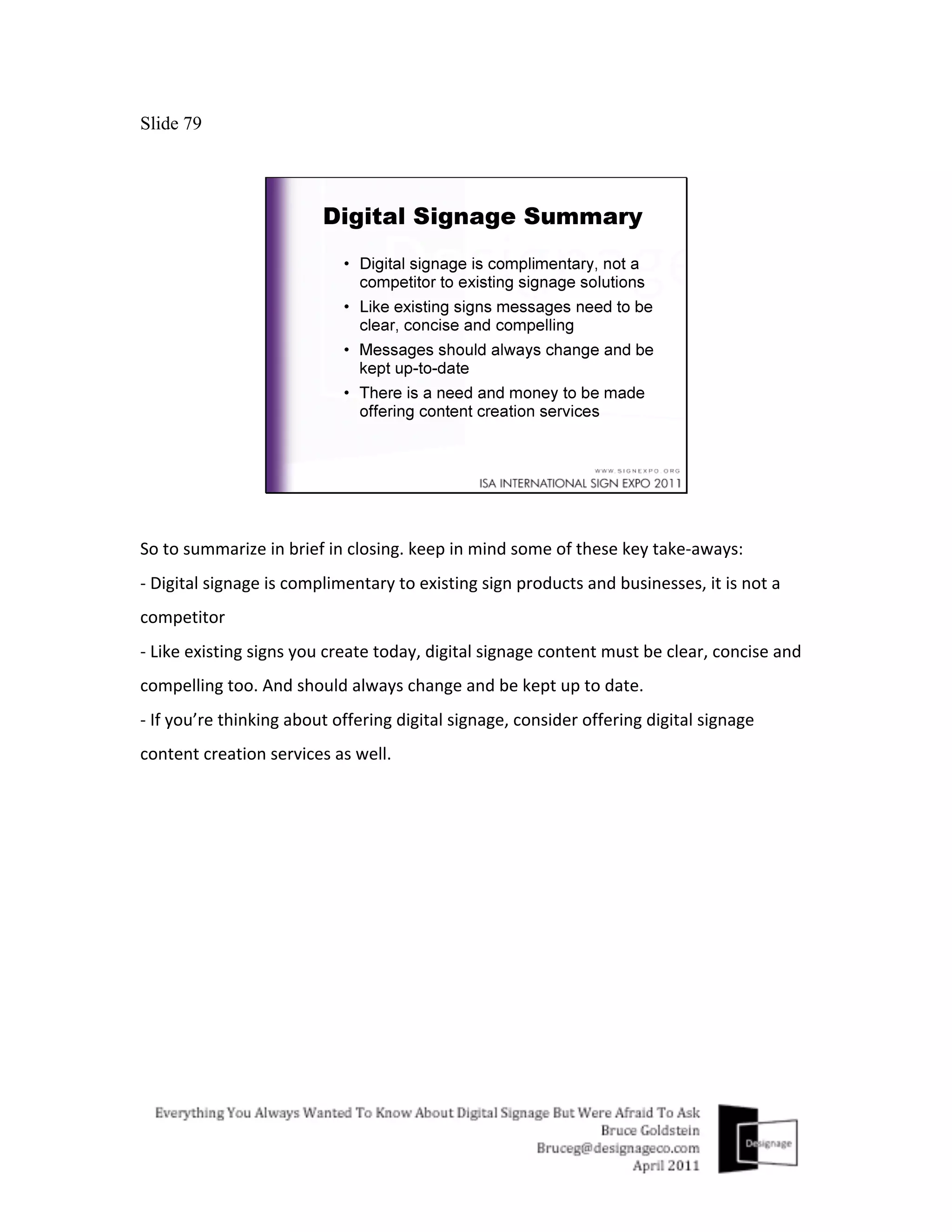
    Slide 79 So  to  summarize  in  brief  in  closing.  keep  in  mind  some  of  these  key  take-­‐aways:   -­‐  Digital  signage  is  complimentary  to  existing  sign  products  and  businesses,  it  is  not  a   competitor   -­‐  Like  existing  signs  you  create  today,  digital  signage  content  must  be  clear,  concise  and   compelling  too.  And  should  always  change  and  be  kept  up  to  date.   -­‐  If  you’re  thinking  about  offering  digital  signage,  consider  offering  digital  signage   content  creation  services  as  well.  
  • 80.
    Slide 80 Thank  you  for  your  time  and  please  feel  free  to  contact  me  to  discuss  how  I  can  assist   you  with  any  of  your  digital  signage  needs.  Designage  offers  creative  as  well  as  technical   expertise  to  help  develop  your  digital  signage  business.  My  email  address  is   bruceg@designageco.com  or  you  can  call  me  at  201.400.8373.  
  • 81.
    Slide 81 Please  feel  free  to  give  me  one  of  your  business  cards  if  you  would  like  to  receive  a  copy   of  this  presentation  along  with  all  of  my  notes.  Thank  you.  
  • 82.