JavaScript Training
Goal Trainers Format
• Lecture
• Exercises
• Ask Questions!
• bitovi/js-training
Default Actions
Event Default Action
submit Sends a post request with form data
click
On an anchor element, sets the window.location to the
element's href attribute
mousedown Selects text
contextmenu Opens the browser’s context menu
keydown/keypress Text is written into an input or tab to the next tabindex
Stopping actions
event.preventDefault() will stop the default
action from being executed.
var click_handler = function(ev) {
//stops window.location from being set
ev.preventDefault();
};
Basic Event Data
Event Data
breeds.addEventListener('click', function(ev) {
//click, keypress, etc
ev.type;
//element event was invoked on
ev.target;
//current element in propagation
ev.currentTarget;
ev.timestamp;
ev.bubbles;
ev.cancelable;
ev.eventPhase;
}, false);
Mouse Events
breeds.addEventListener('click', function(ev) {
//true if modifier was pressed
ev.altKey;
ev.ctrlKey;
ev.metaKey;
ev.shiftKey;
//which button was pressed
ev.button;
//secondary target element, such as a mouseover
ev.relatedTarget;
}, false);
Key Events
breeds.addEventListener('click', function(ev) {
//numeric key code
ev.keyCode;
//character representation of key pressed
ev.charCode;
}, false);
Propagation and Delegation
Event Propagation
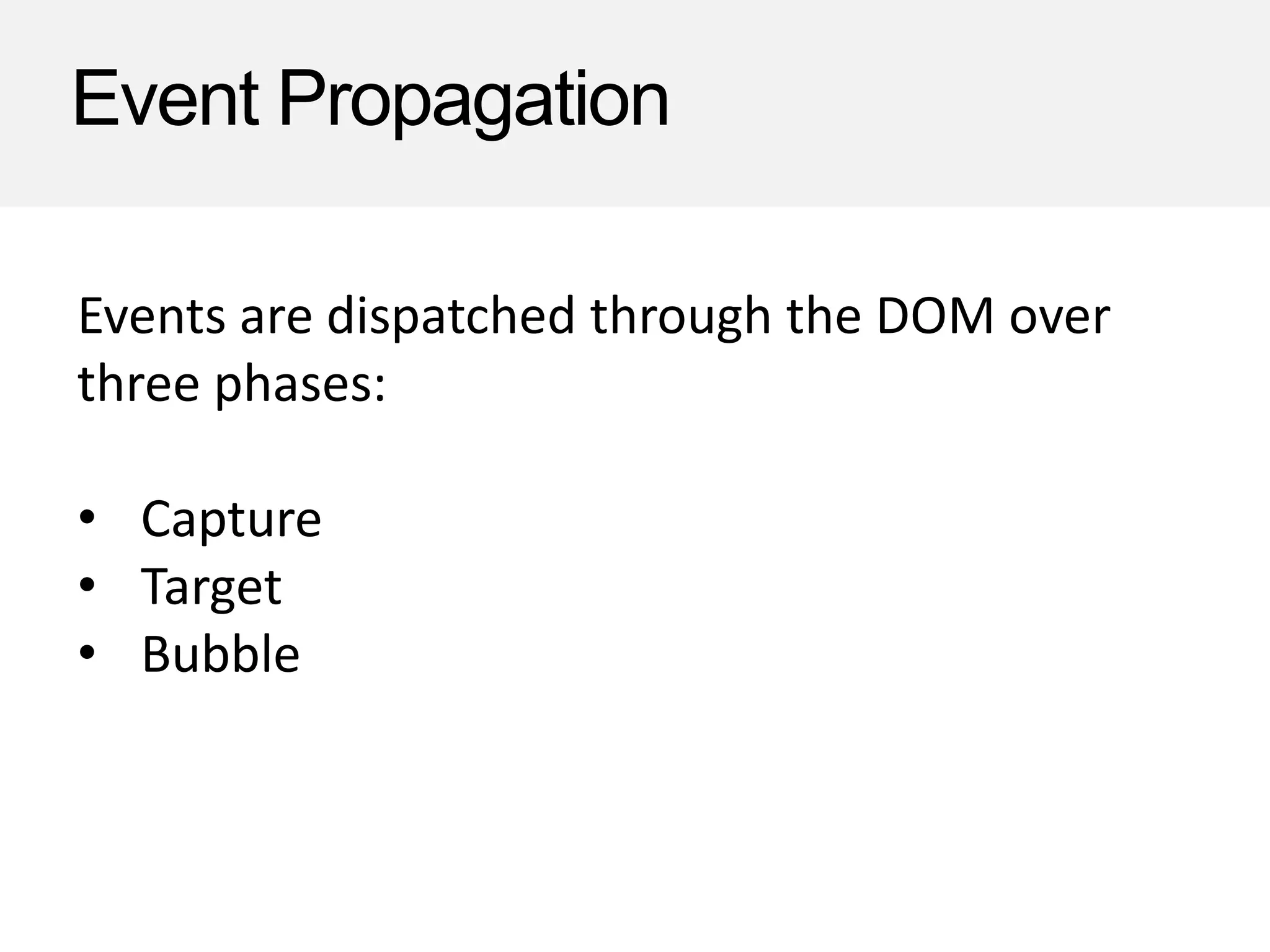
Events are dispatched through the DOM over
three phases:
• Capture
• Target
• Bubble
Event Propagation
window
document
body
div
a
Capture Phase
Bubble Phase
Target Phase
Stopping Propagation
event.stopPropagation() will stop the event from being
triggered on subsequent elements.
var handler = function(ev) {
//stops clicks from passing to the next element
//in the hierarchy
ev.stopPropagation();
//Note: this sample would stop bubbling
};
stopImmediatePropagation
event.stopImmediatePropagation() will stop the event
from being triggered on subsequent handlers.
element.addEventListener('click', function(ev) {
ev.stopImmediatePropagation();
console.log('I will be called');
});
element.addEventListener('click', function(ev) {
console.log('I will not be called');
});
Demo
Event Delegation
Register a handler on a
parent element check the
target
window
document
body
div
a
Event Delegation
Register a handler on a parent element and do work if target
element is the right type.
document.body.addEventListener("click",
function(ev){
if(ev.target.nodeName === "A") {
console.log("clicked on an anchor!");
// do stuff!
}
}, false);
Delegation
Advantages?
Future elements already set up
Performance
Event Delegation with jQuery
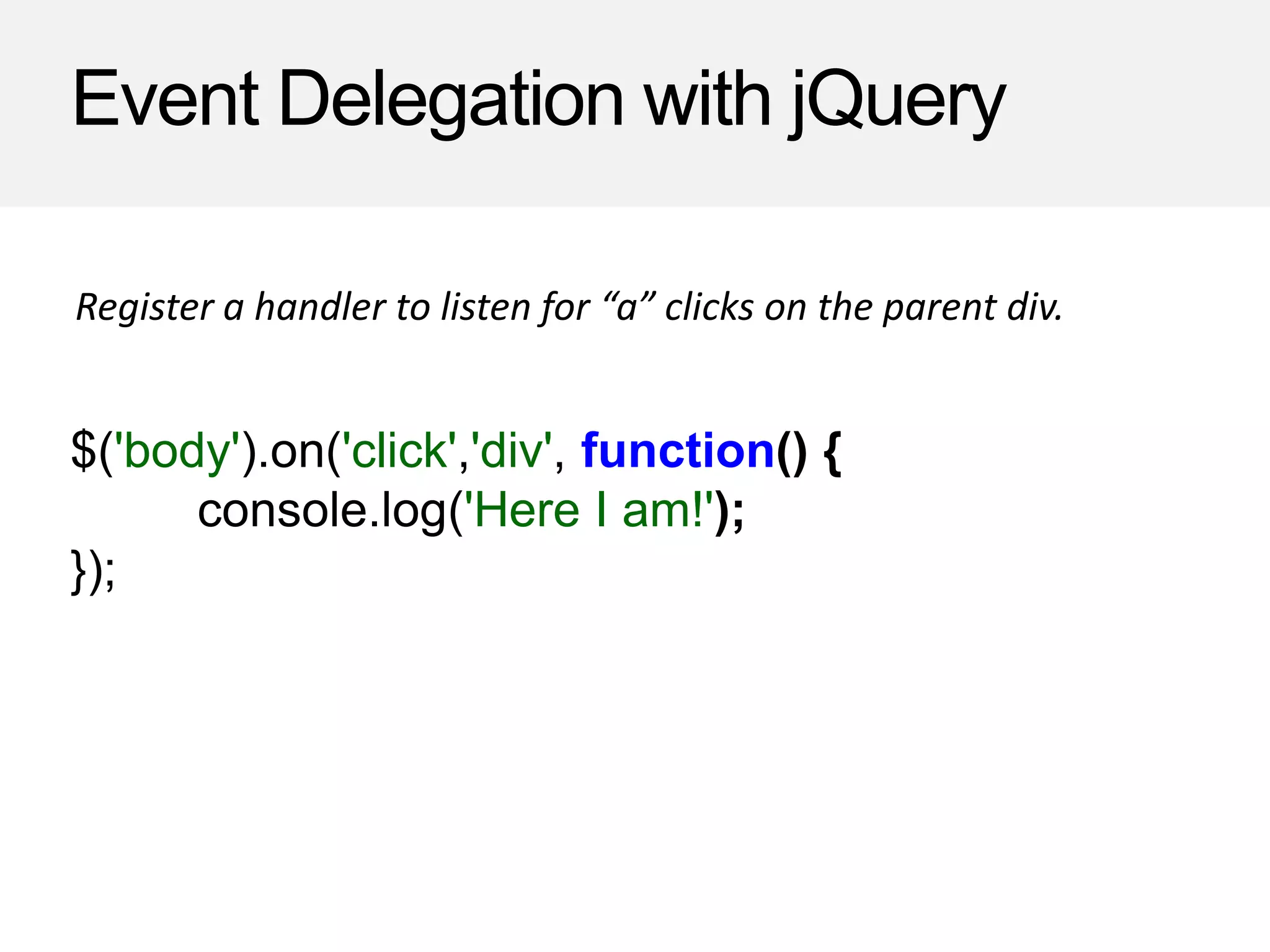
$('body').on('click','div', function() {
console.log('Here I am!');
});
Register a handler to listen for “a” clicks on the parent div.
$('body').on('click','div',…
window
document
body
div
a
1. Now that the event has triggered
the handler, loop from target to
currentTarget to find matches for the
selector.
2. The first node will be the target <a>.
<a> does not match our selector "div",
so check with <a>’s parentNode.
3. <div> matches our selector, so
invoke the handler.
4. Once currentTarget is reached,
continue bubbling
>
>
Here I am!
Event Delegation with jQuery
has: function(selector) {
var elements = [];
$.each(this, function(i, el) {
if(el.matches(selector)) {
elements.push(el);
}
});
return $( elements );
}
To check the selector of a DOM element, we will use a
$.fn.has() helper method.
Note: Be sure to check out the answer key for a browser compatible version of this method.
Event Delegation with jQuery
on: function(eventType, selector, handler) {
return this.bind(eventType, function( ev ){
var cur = ev.target;
do {
if ($([ cur ]).has(selector).length) {
handler.call(cur, ev);
}
cur = cur.parentNode;
} while (cur && cur !== ev.currentTarget);
});
},
A simple $.fn.on() function.
Note: Be sure to check out the answer to handle a corresponding off().
Gotchas
• Order of dispatching events per element isn’t the same
cross browser
• To remove an event, need reference to the original
function
• Mouseover an internal element causes a mouseout on
the containing element.
mouse out
OUT
Gotchas
You can also register event handlers with the DOM
0/DOM 1 approaches:
<a href="javascript://" onclick="alert('hello!')">Click</a>
DOM 0:
DOM 1:
document.querySelector('a').onclick = function() {
alert('hello!');
};
But don't.

Events - Part 2

  • 1.
    JavaScript Training Goal TrainersFormat • Lecture • Exercises • Ask Questions! • bitovi/js-training
  • 2.
    Default Actions Event DefaultAction submit Sends a post request with form data click On an anchor element, sets the window.location to the element's href attribute mousedown Selects text contextmenu Opens the browser’s context menu keydown/keypress Text is written into an input or tab to the next tabindex
  • 3.
    Stopping actions event.preventDefault() willstop the default action from being executed. var click_handler = function(ev) { //stops window.location from being set ev.preventDefault(); };
  • 4.
  • 5.
    Event Data breeds.addEventListener('click', function(ev){ //click, keypress, etc ev.type; //element event was invoked on ev.target; //current element in propagation ev.currentTarget; ev.timestamp; ev.bubbles; ev.cancelable; ev.eventPhase; }, false);
  • 6.
    Mouse Events breeds.addEventListener('click', function(ev){ //true if modifier was pressed ev.altKey; ev.ctrlKey; ev.metaKey; ev.shiftKey; //which button was pressed ev.button; //secondary target element, such as a mouseover ev.relatedTarget; }, false);
  • 7.
    Key Events breeds.addEventListener('click', function(ev){ //numeric key code ev.keyCode; //character representation of key pressed ev.charCode; }, false);
  • 8.
  • 9.
    Event Propagation Events aredispatched through the DOM over three phases: • Capture • Target • Bubble
  • 10.
  • 11.
    Stopping Propagation event.stopPropagation() willstop the event from being triggered on subsequent elements. var handler = function(ev) { //stops clicks from passing to the next element //in the hierarchy ev.stopPropagation(); //Note: this sample would stop bubbling };
  • 12.
    stopImmediatePropagation event.stopImmediatePropagation() will stopthe event from being triggered on subsequent handlers. element.addEventListener('click', function(ev) { ev.stopImmediatePropagation(); console.log('I will be called'); }); element.addEventListener('click', function(ev) { console.log('I will not be called'); });
  • 13.
  • 14.
    Event Delegation Register ahandler on a parent element check the target window document body div a
  • 15.
    Event Delegation Register ahandler on a parent element and do work if target element is the right type. document.body.addEventListener("click", function(ev){ if(ev.target.nodeName === "A") { console.log("clicked on an anchor!"); // do stuff! } }, false);
  • 16.
  • 17.
  • 18.
    Event Delegation withjQuery $('body').on('click','div', function() { console.log('Here I am!'); }); Register a handler to listen for “a” clicks on the parent div.
  • 19.
    $('body').on('click','div',… window document body div a 1. Now thatthe event has triggered the handler, loop from target to currentTarget to find matches for the selector. 2. The first node will be the target <a>. <a> does not match our selector "div", so check with <a>’s parentNode. 3. <div> matches our selector, so invoke the handler. 4. Once currentTarget is reached, continue bubbling > > Here I am!
  • 20.
    Event Delegation withjQuery has: function(selector) { var elements = []; $.each(this, function(i, el) { if(el.matches(selector)) { elements.push(el); } }); return $( elements ); } To check the selector of a DOM element, we will use a $.fn.has() helper method. Note: Be sure to check out the answer key for a browser compatible version of this method.
  • 21.
    Event Delegation withjQuery on: function(eventType, selector, handler) { return this.bind(eventType, function( ev ){ var cur = ev.target; do { if ($([ cur ]).has(selector).length) { handler.call(cur, ev); } cur = cur.parentNode; } while (cur && cur !== ev.currentTarget); }); }, A simple $.fn.on() function. Note: Be sure to check out the answer to handle a corresponding off().
  • 22.
    Gotchas • Order ofdispatching events per element isn’t the same cross browser • To remove an event, need reference to the original function • Mouseover an internal element causes a mouseout on the containing element. mouse out OUT
  • 23.
    Gotchas You can alsoregister event handlers with the DOM 0/DOM 1 approaches: <a href="javascript://" onclick="alert('hello!')">Click</a> DOM 0: DOM 1: document.querySelector('a').onclick = function() { alert('hello!'); }; But don't.

Editor's Notes

  • #5 js/demo/events.html
  • #9 js/demo/events.html