ETS hot tips & Tricks
Presenter – Simon Harvey
Introduction - Overview
1. ETS and IOT – why its important
2. How to put in a secure device without passwords
3. ETS New products tips – Context help
4. ETS – Workspaces & Channels
5. ETS – Building Functions & Linking
6. ETS – Hold control and select & Copy parameters and
flags
7. Copy and paste
8. Copy and paste – creating device group addresses
9. Import and export excel
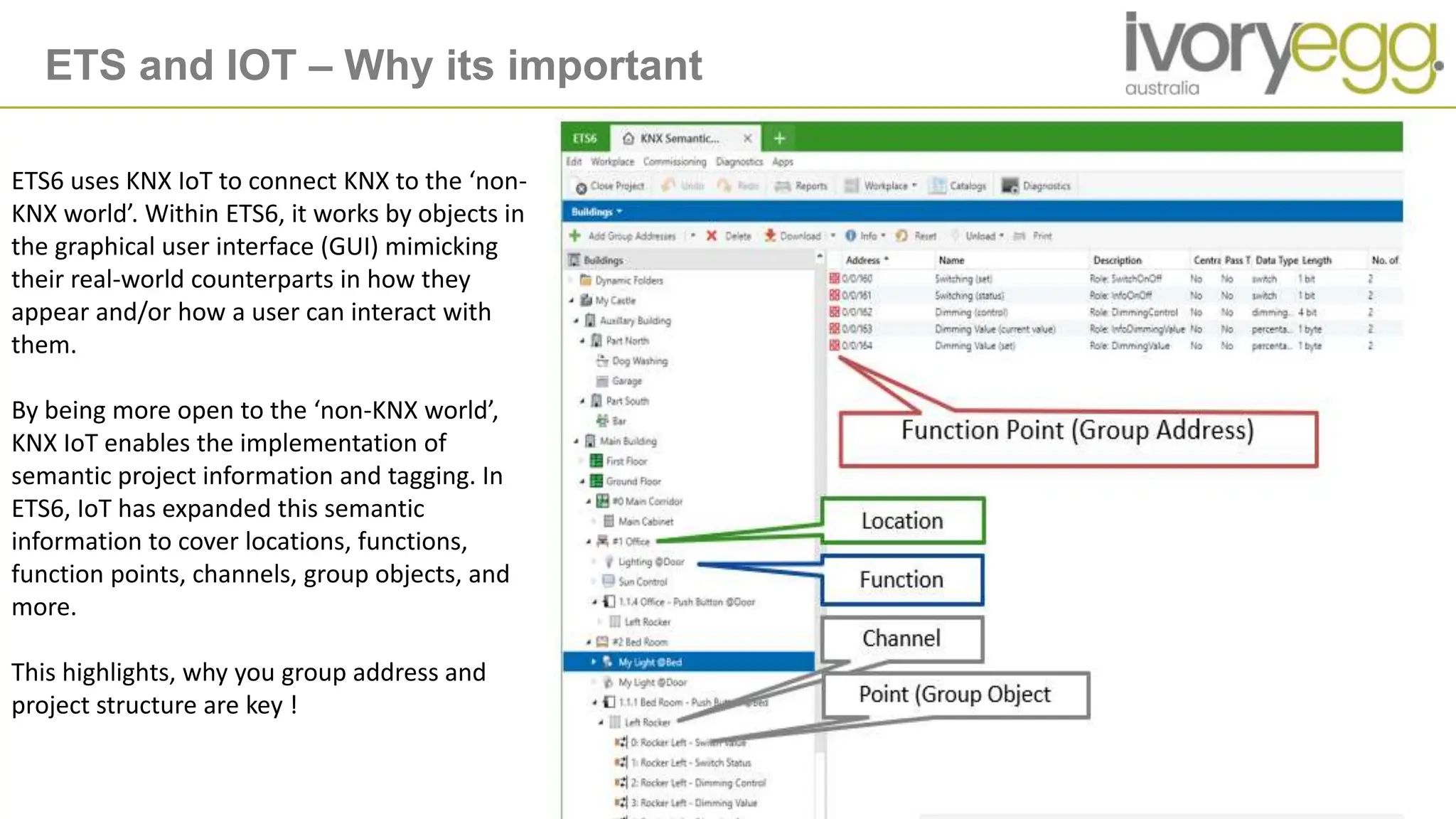
ETS and IOT – Why its important
ETS6 uses KNX IoT to connect KNX to the ‘non-
KNX world’. Within ETS6, it works by objects in
the graphical user interface (GUI) mimicking
their real-world counterparts in how they
appear and/or how a user can interact with
them.
By being more open to the ‘non-KNX world’,
KNX IoT enables the implementation of
semantic project information and tagging. In
ETS6, IoT has expanded this semantic
information to cover locations, functions,
function points, channels, group objects, and
more.
This highlights, why you group address and
project structure are key !
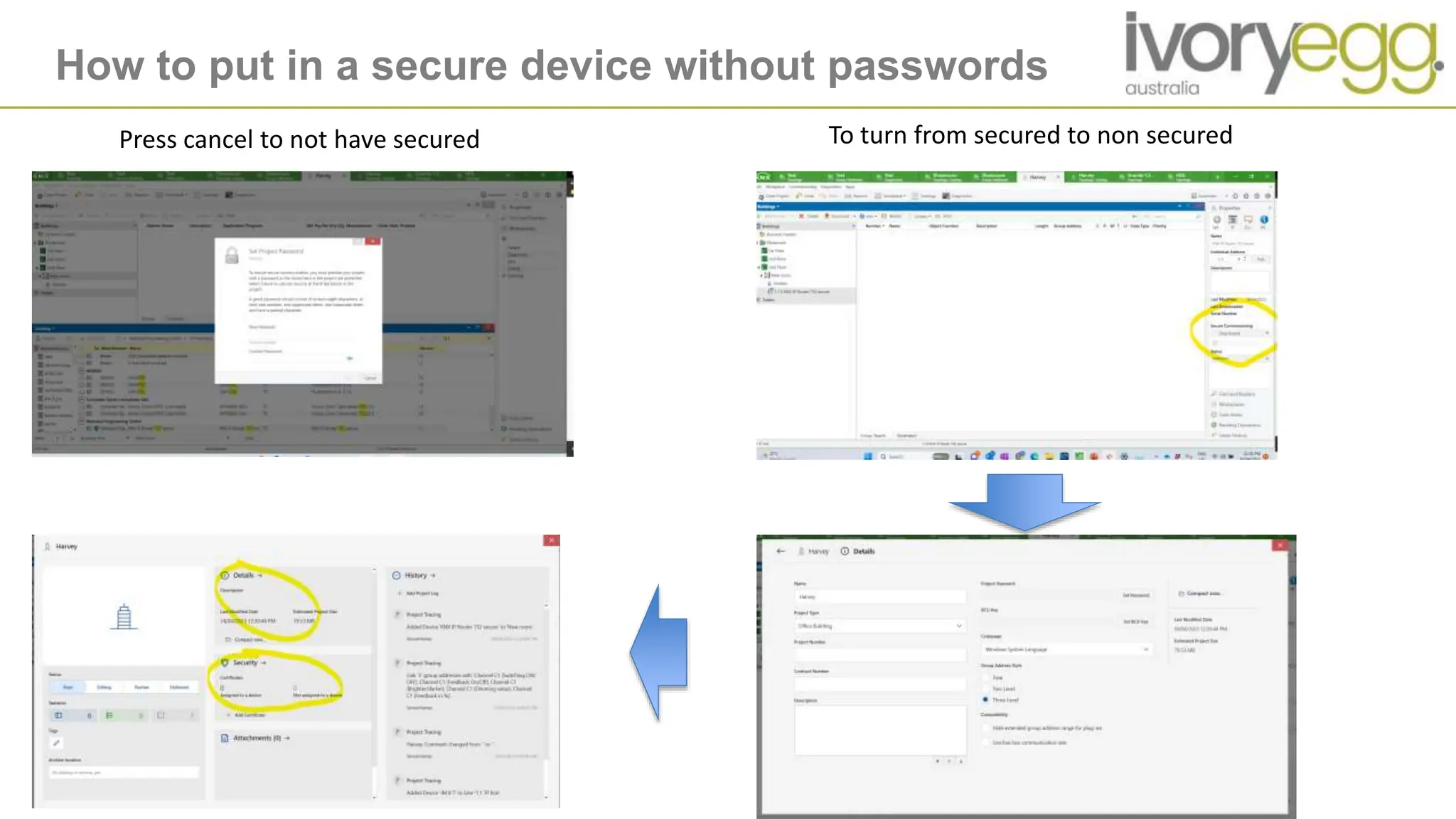
How to put in a secure device without passwords
Press cancel to not have secured To turn from secured to non secured
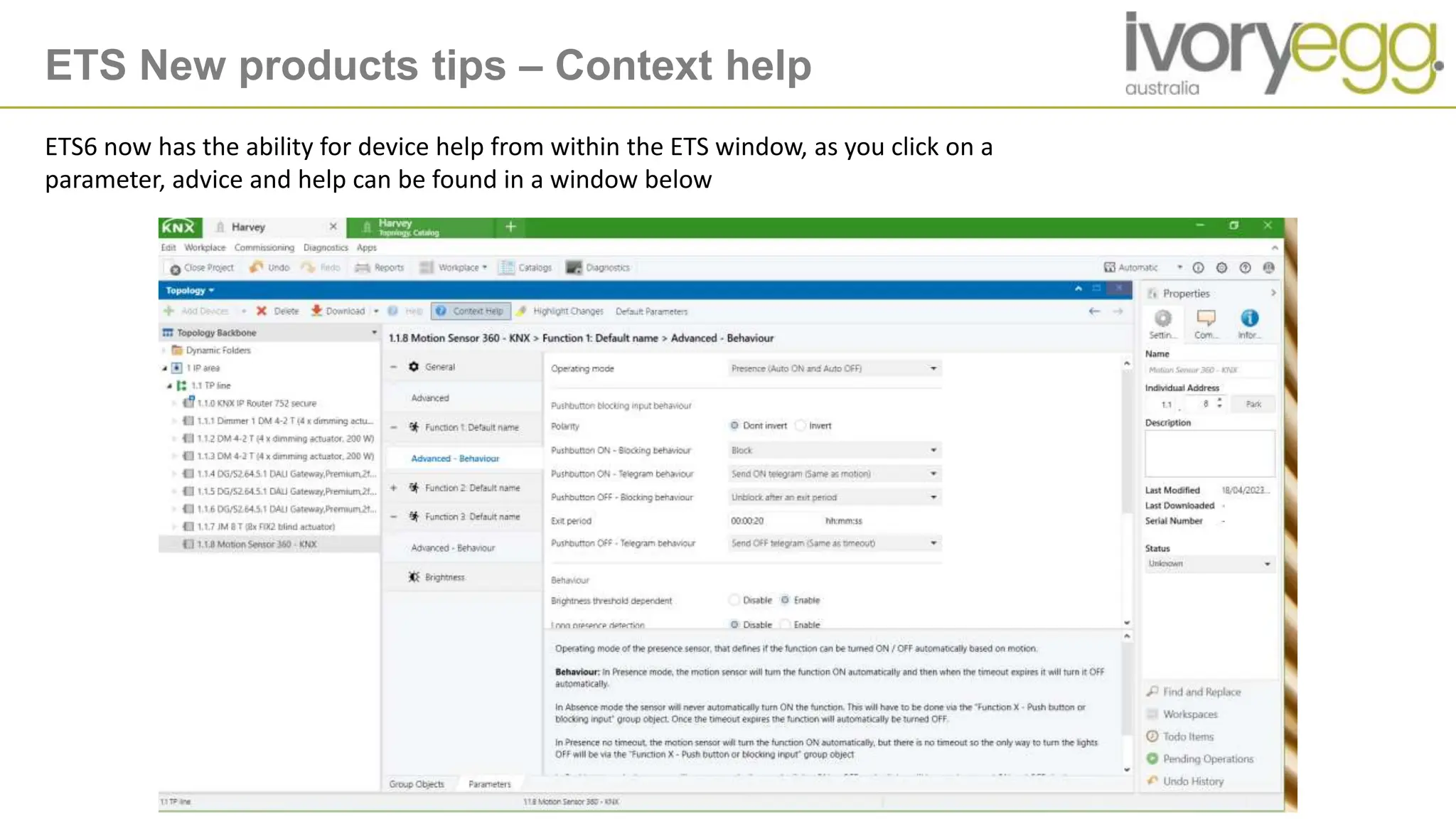
ETS New products tips – Context help
ETS6 now has the ability for device help from within the ETS window, as you click on a
parameter, advice and help can be found in a window below
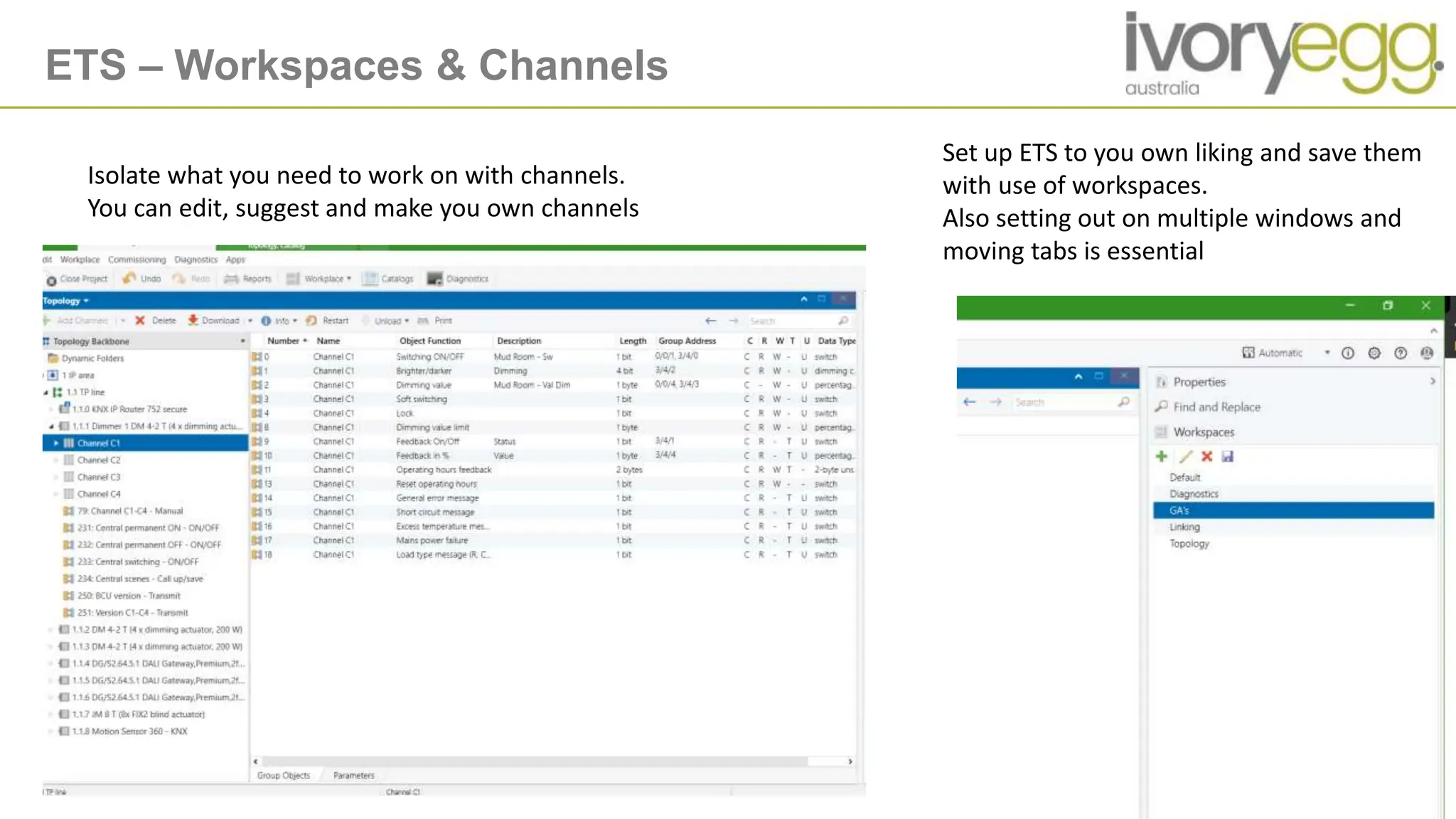
ETS – Workspaces & Channels
Set up ETS to you own liking and save them
with use of workspaces.
Also setting out on multiple windows and
moving tabs is essential
Isolate what you need to work on with channels.
You can edit, suggest and make you own channels
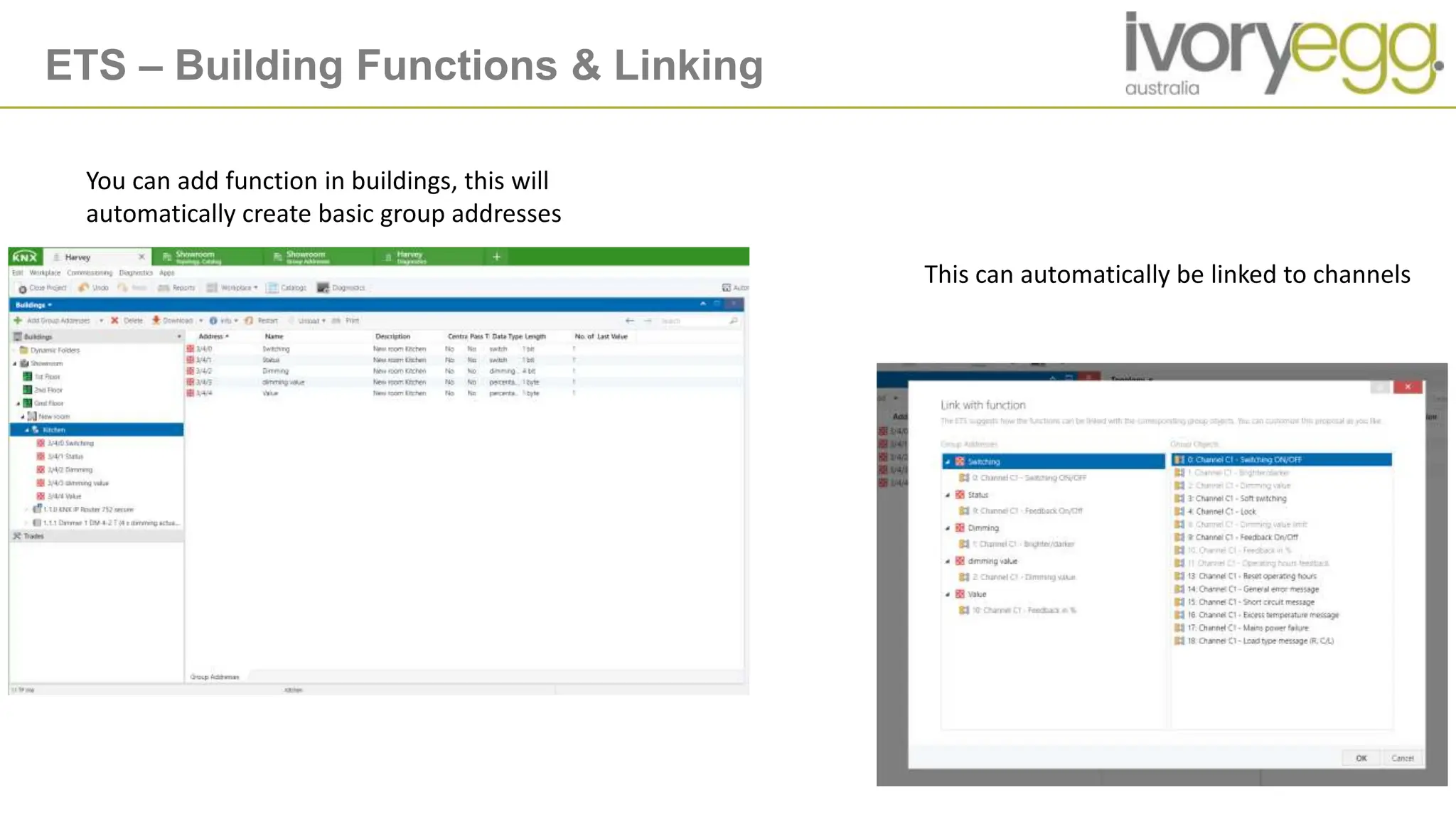
ETS – Building Functions & Linking
You can add function in buildings, this will
automatically create basic group addresses
This can automatically be linked to channels
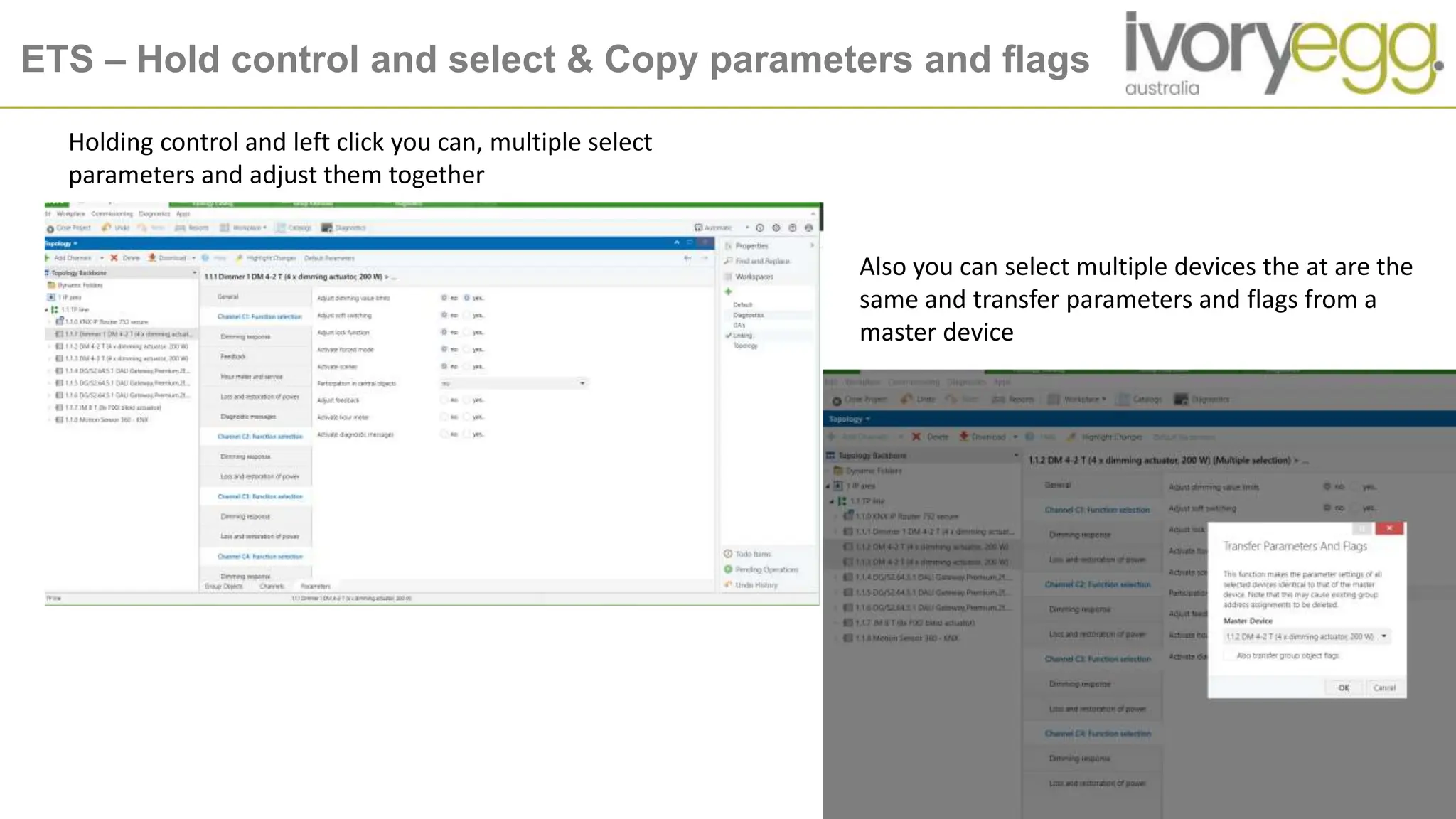
ETS – Hold control and select & Copy parameters and flags
Holding control and left click you can, multiple select
parameters and adjust them together
Also you can select multiple devices the at are the
same and transfer parameters and flags from a
master device
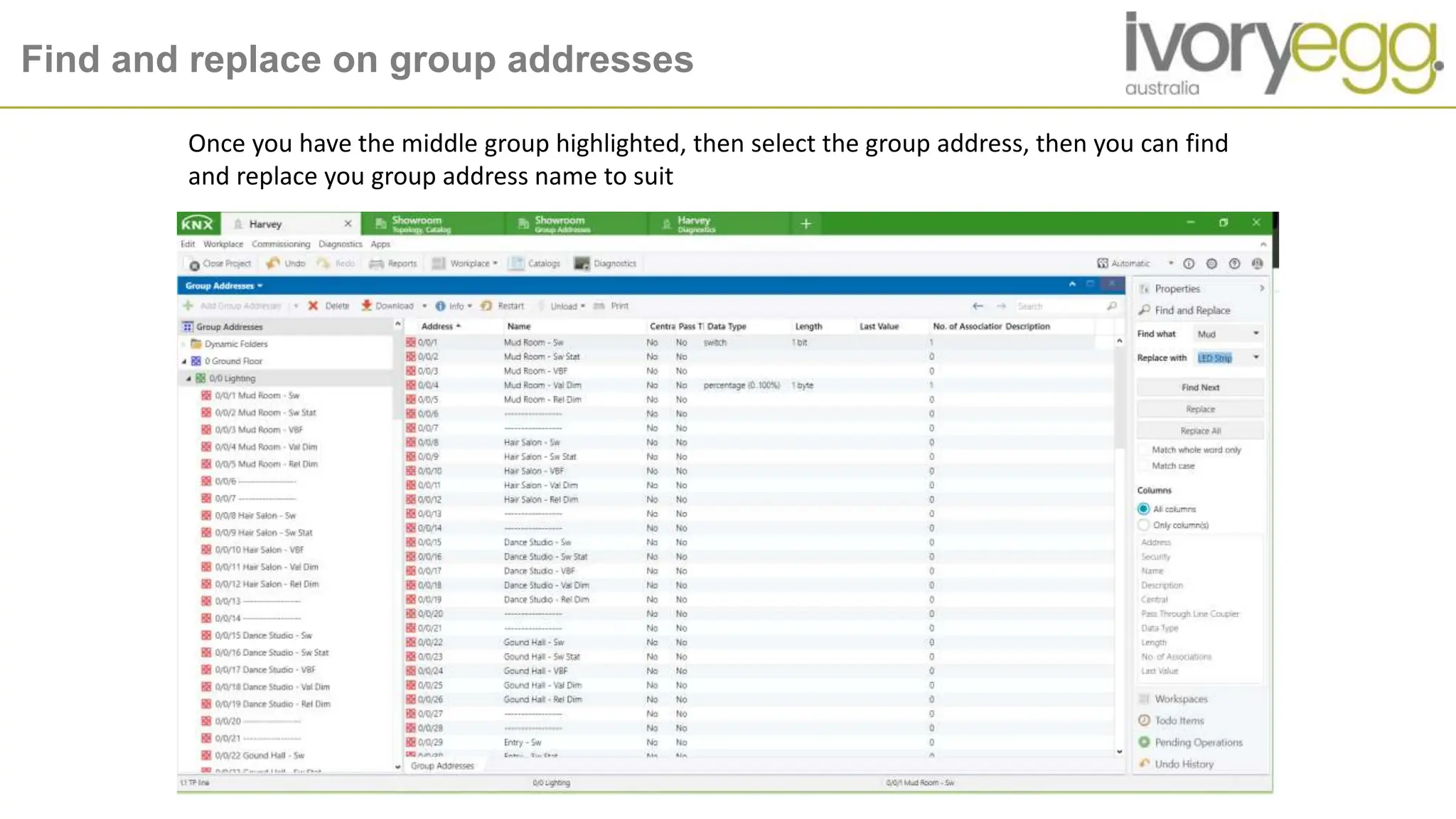
Find and replace on group addresses
Once you have the middle group highlighted, then select the group address, then you can find
and replace you group address name to suit
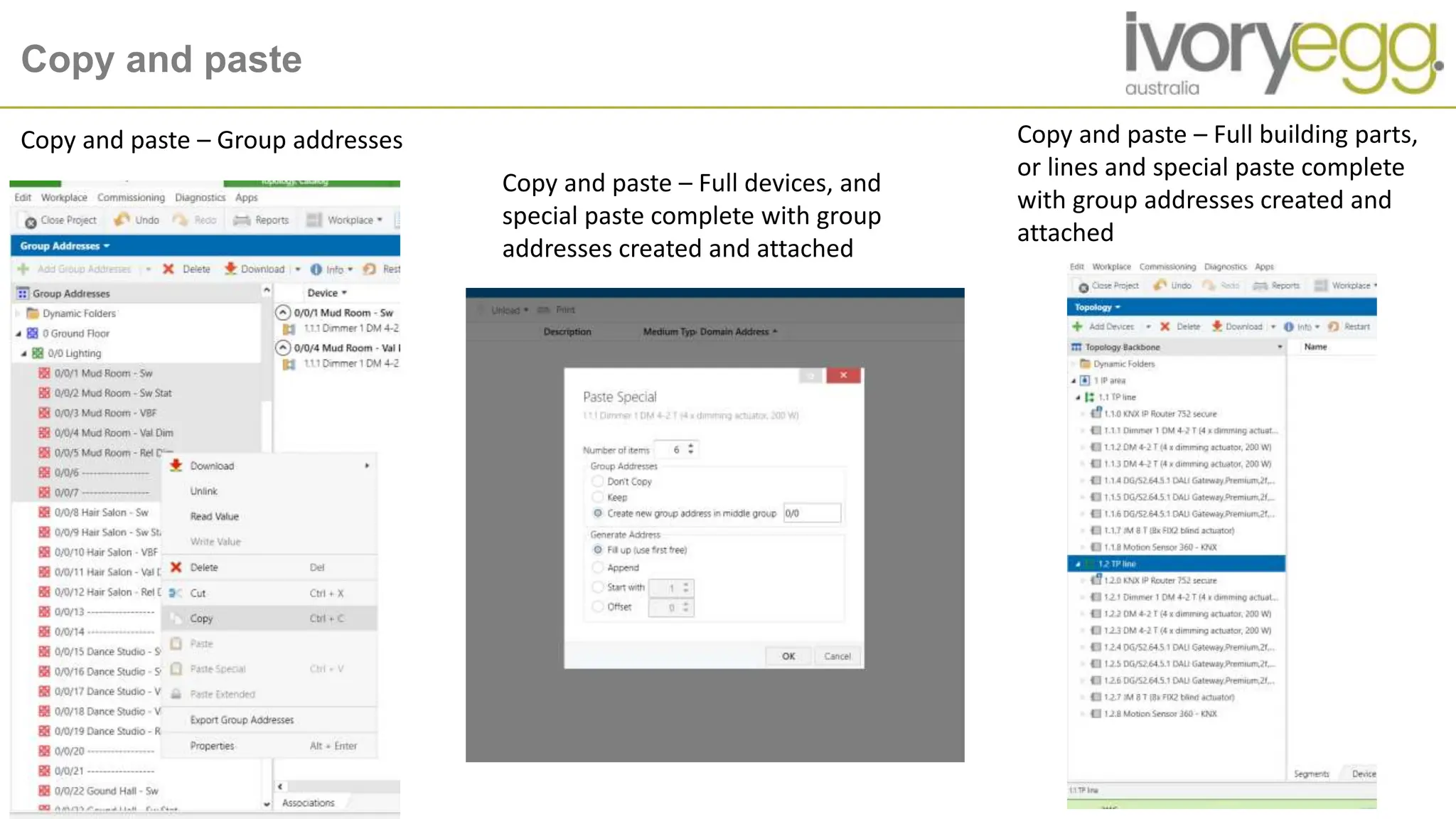
Copy and paste
Copy and paste – Group addresses
Copy and paste – Full devices, and
special paste complete with group
addresses created and attached
Copy and paste – Full building parts,
or lines and special paste complete
with group addresses created and
attached
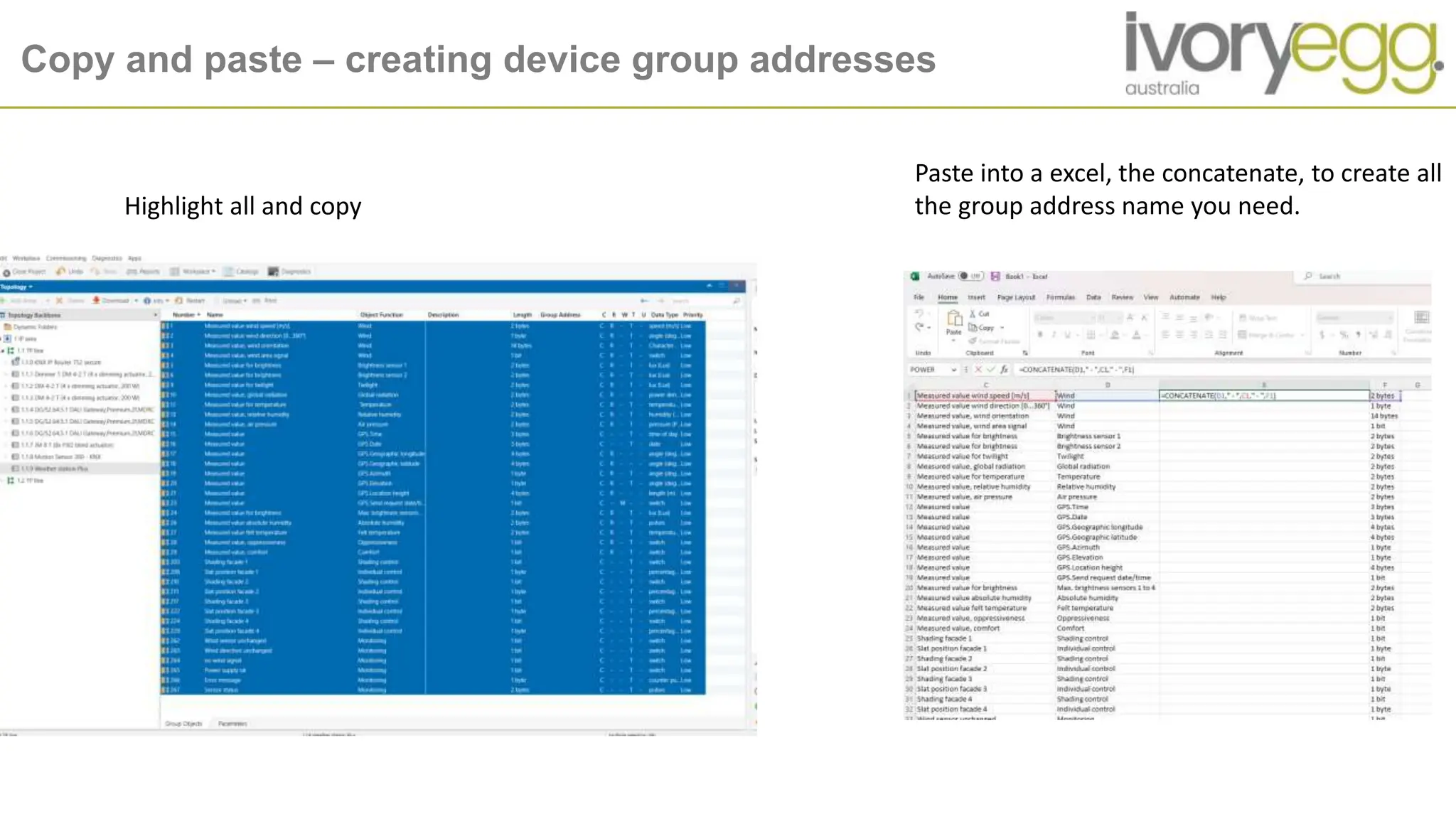
Copy and paste – creating device group addresses
Highlight all and copy
Paste into a excel, the concatenate, to create all
the group address name you need.
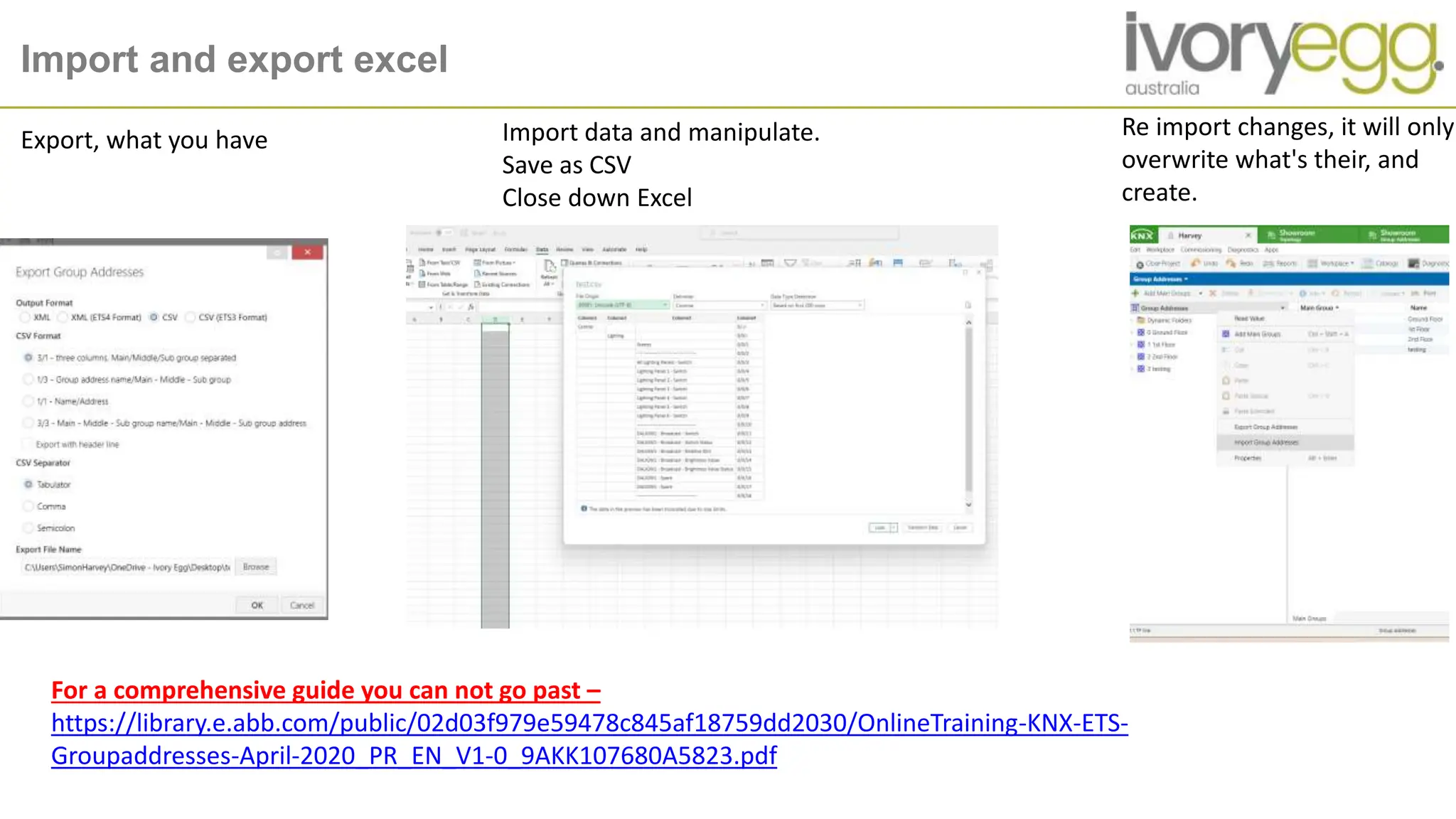
Import and export excel
Export, what you have Import data and manipulate.
Save as CSV
Close down Excel
Re import changes, it will only
overwrite what's their, and
create.
For a comprehensive guide you can not go past –
https://library.e.abb.com/public/02d03f979e59478c845af18759dd2030/OnlineTraining-KNX-ETS-
Groupaddresses-April-2020_PR_EN_V1-0_9AKK107680A5823.pdf
ETS App - My Product Templates
QUESTIONS ?
OUR STRATEGY
Become the leading national trade supplier of integrated technology solutions for buildings;
where suppliers and customers want to trade with us because we assist and support them to SIMPLY achieve their objectives

ETS Hot Tips & Tricks - Slides

  • 1.
    ETS hot tips& Tricks Presenter – Simon Harvey
  • 2.
    Introduction - Overview 1.ETS and IOT – why its important 2. How to put in a secure device without passwords 3. ETS New products tips – Context help 4. ETS – Workspaces & Channels 5. ETS – Building Functions & Linking 6. ETS – Hold control and select & Copy parameters and flags 7. Copy and paste 8. Copy and paste – creating device group addresses 9. Import and export excel
  • 3.
    ETS and IOT– Why its important ETS6 uses KNX IoT to connect KNX to the ‘non- KNX world’. Within ETS6, it works by objects in the graphical user interface (GUI) mimicking their real-world counterparts in how they appear and/or how a user can interact with them. By being more open to the ‘non-KNX world’, KNX IoT enables the implementation of semantic project information and tagging. In ETS6, IoT has expanded this semantic information to cover locations, functions, function points, channels, group objects, and more. This highlights, why you group address and project structure are key !
  • 4.
    How to putin a secure device without passwords Press cancel to not have secured To turn from secured to non secured
  • 5.
    ETS New productstips – Context help ETS6 now has the ability for device help from within the ETS window, as you click on a parameter, advice and help can be found in a window below
  • 6.
    ETS – Workspaces& Channels Set up ETS to you own liking and save them with use of workspaces. Also setting out on multiple windows and moving tabs is essential Isolate what you need to work on with channels. You can edit, suggest and make you own channels
  • 7.
    ETS – BuildingFunctions & Linking You can add function in buildings, this will automatically create basic group addresses This can automatically be linked to channels
  • 8.
    ETS – Holdcontrol and select & Copy parameters and flags Holding control and left click you can, multiple select parameters and adjust them together Also you can select multiple devices the at are the same and transfer parameters and flags from a master device
  • 9.
    Find and replaceon group addresses Once you have the middle group highlighted, then select the group address, then you can find and replace you group address name to suit
  • 10.
    Copy and paste Copyand paste – Group addresses Copy and paste – Full devices, and special paste complete with group addresses created and attached Copy and paste – Full building parts, or lines and special paste complete with group addresses created and attached
  • 11.
    Copy and paste– creating device group addresses Highlight all and copy Paste into a excel, the concatenate, to create all the group address name you need.
  • 12.
    Import and exportexcel Export, what you have Import data and manipulate. Save as CSV Close down Excel Re import changes, it will only overwrite what's their, and create. For a comprehensive guide you can not go past – https://library.e.abb.com/public/02d03f979e59478c845af18759dd2030/OnlineTraining-KNX-ETS- Groupaddresses-April-2020_PR_EN_V1-0_9AKK107680A5823.pdf
  • 13.
    ETS App -My Product Templates
  • 14.
    QUESTIONS ? OUR STRATEGY Becomethe leading national trade supplier of integrated technology solutions for buildings; where suppliers and customers want to trade with us because we assist and support them to SIMPLY achieve their objectives