Download as PDF, PPTX


![<?php
require __DIR__ . '/../vendor/autoload.php';
$dotenv = new DotenvDotenv('../');
$dotenv->overload();
$dotenv->required(['DB_DNS', 'DB_NAME', 'DB_USER', 'DB_PASS']);/**/
phpinfo();
/*$_ENV['DB_NAME'] = 'env';
$_ENV['DB_USER'] = 'env';
$_ENV['DB_PASS'] = '12345EnvP@ss';
$dsn = "mysql:dbname=" . $_ENV['DB_NAME'];/**/
try {
$db = new PDO($_ENV['DB_DNS'], getenv('DB_USER'),
getenv('DB_PASS'));
$db->setAttribute(PDO::ATTR_ERRMODE,PDO::ERRMODE_EXCEPTION);
} catch (Exception $e) {
echo $e->getMessage();
exit;
}
var_dump($db->query("SELECT * FROM custom_vars")->fetchAll());](https://image.slidesharecdn.com/envpres-180117040502/85/Environmental-Variables-6-320.jpg)
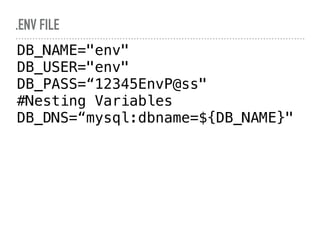
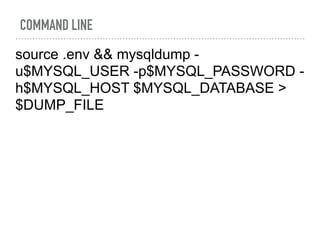

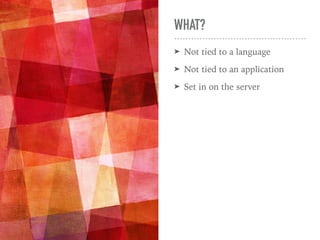
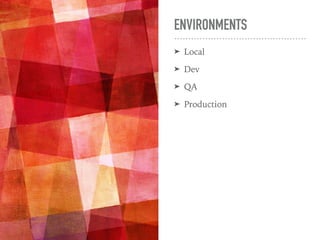
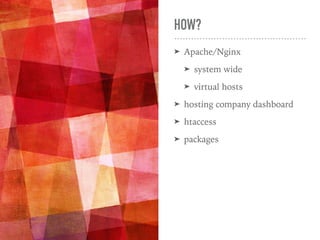
The document explains environmental variables that are server-specific and not tied to a programming language or application. It discusses their purpose, such as managing different credentials for security, and demonstrates how to use them within PHP code, including loading a .env file and establishing a database connection. Additionally, it provides examples of commands related to managing these variables from the command line.


![Demystifying Object-Oriented Programming - PHP[tek] 2017](https://cdn.slidesharecdn.com/ss_thumbnails/demystifyingoop-170523183857-thumbnail.jpg?width=640&height=640&fit=bounds)


