EMAIL
MARKETING
Using GetResponse
DecoderBreg.wordpress.com
GOOD DAY
DecoderBreg.wordpress.com
I WILL TEACH YOU ON
HOW CREATE EMAIL
CATCHER USING
GETRESPONSE
DecoderBreg.wordpress.com
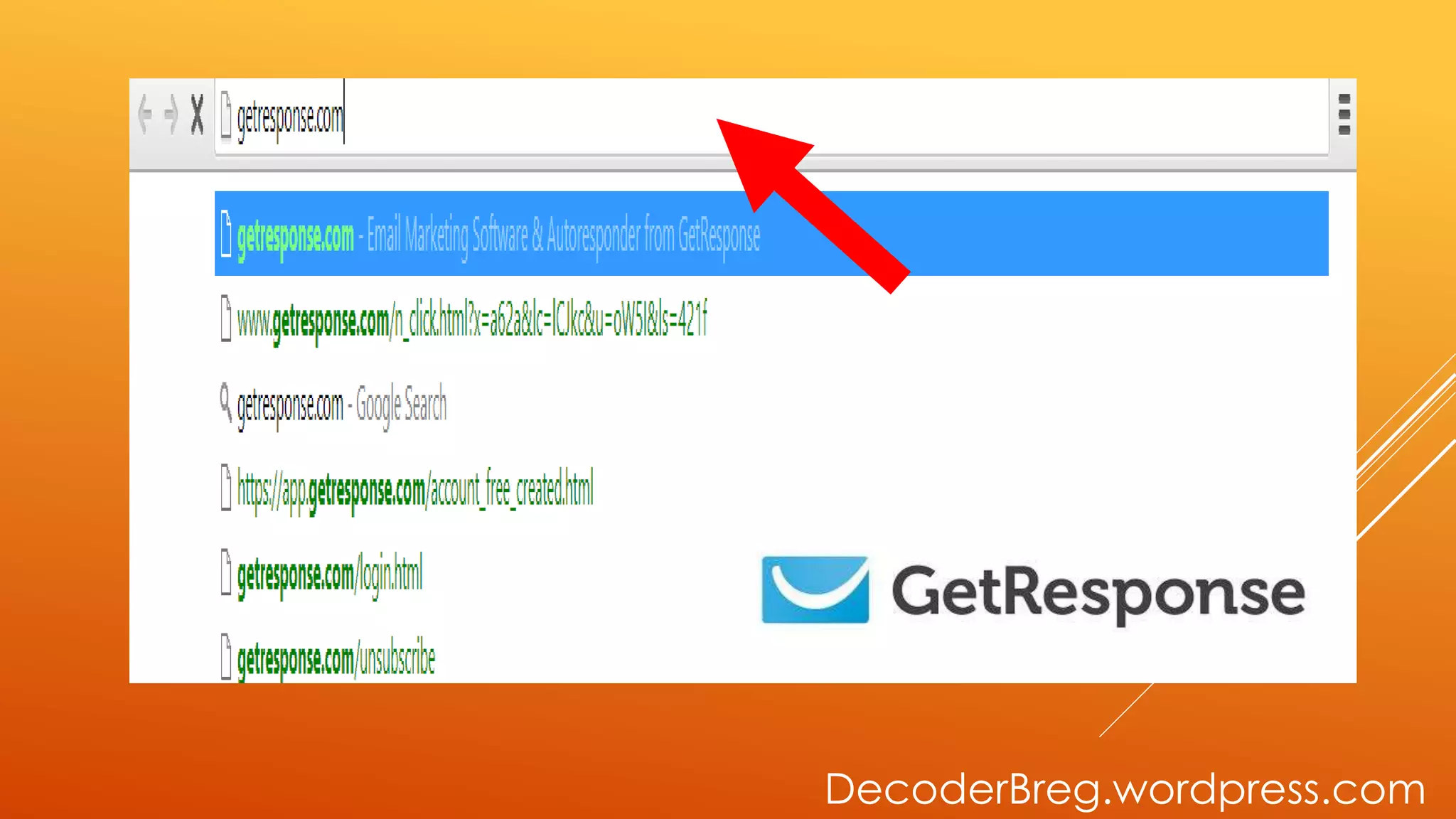
GO TO
GETRESPONSE.COM
DecoderBreg.wordpress.com
GETRESPONSE
HOME PAGE
WILL SHOW
DecoderBreg.wordpress.com
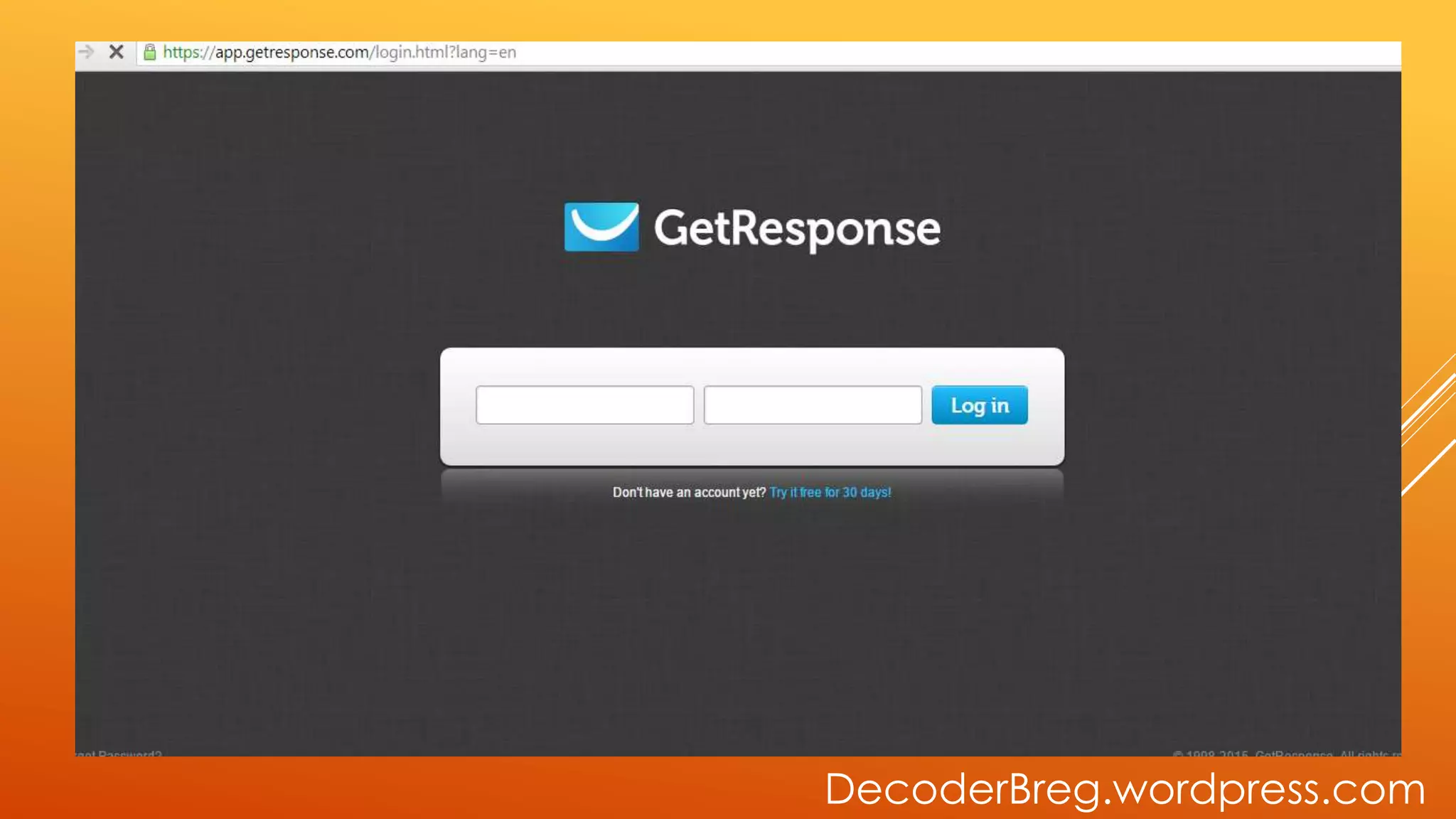
GO TO LOG-IN
DecoderBreg.wordpress.com
LOG-IN PAGE
WILL SHOW.
DecoderBreg.wordpress.com
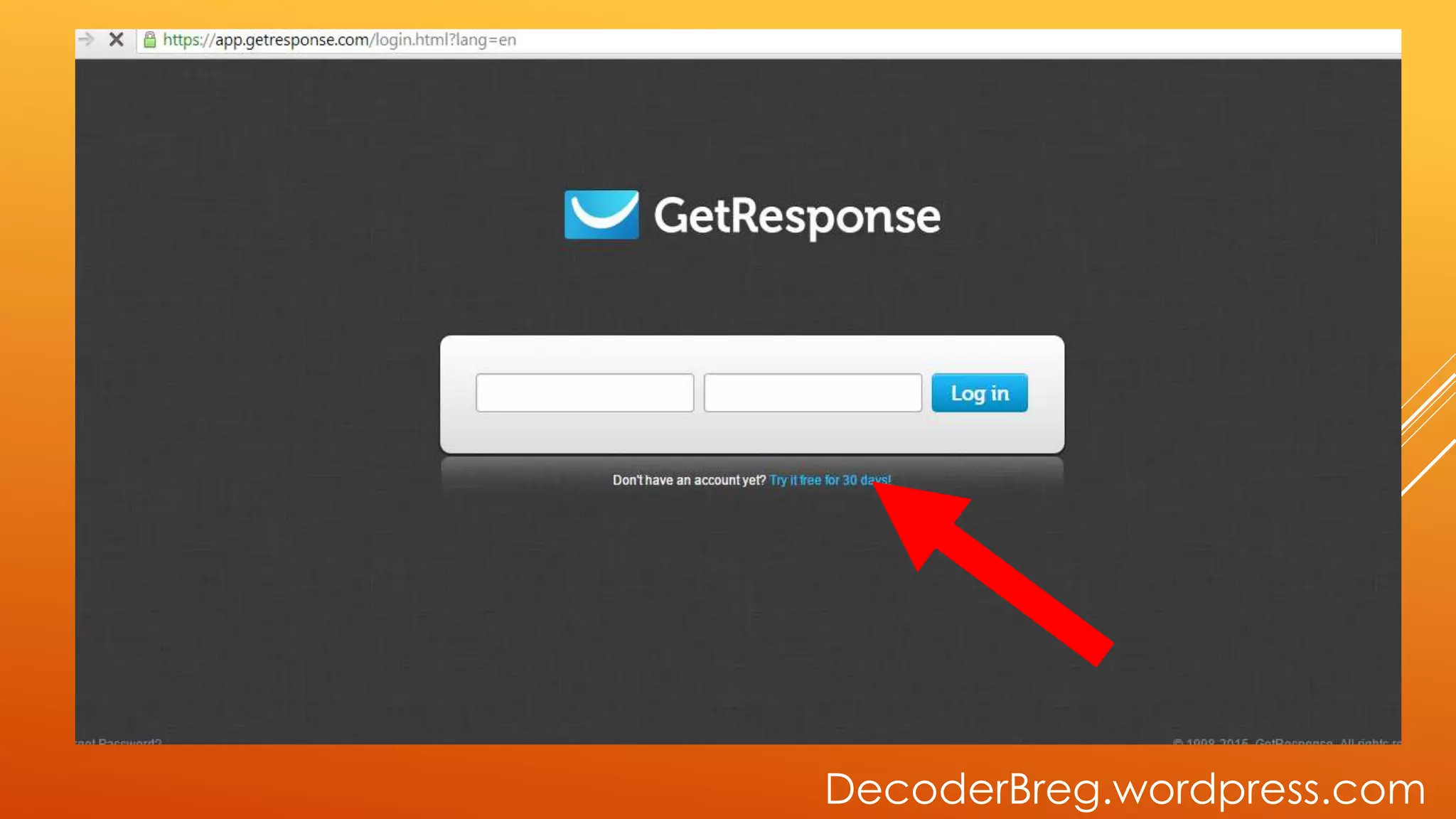
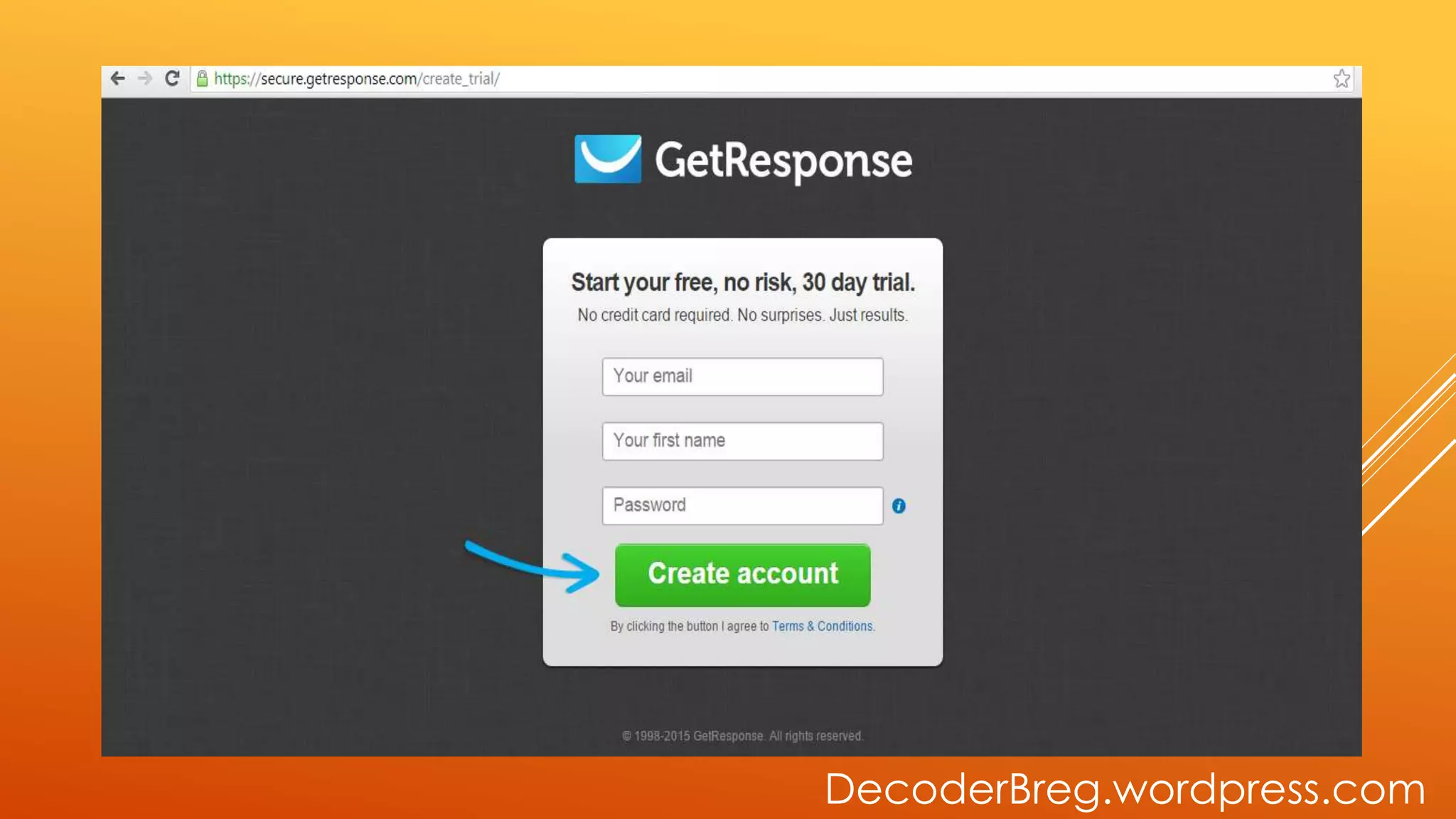
GO TO 30
DAYS TRIAL
DecoderBreg.wordpress.com
CREATE
ACCOUNT PAGE
WILL SHOW
DecoderBreg.wordpress.com
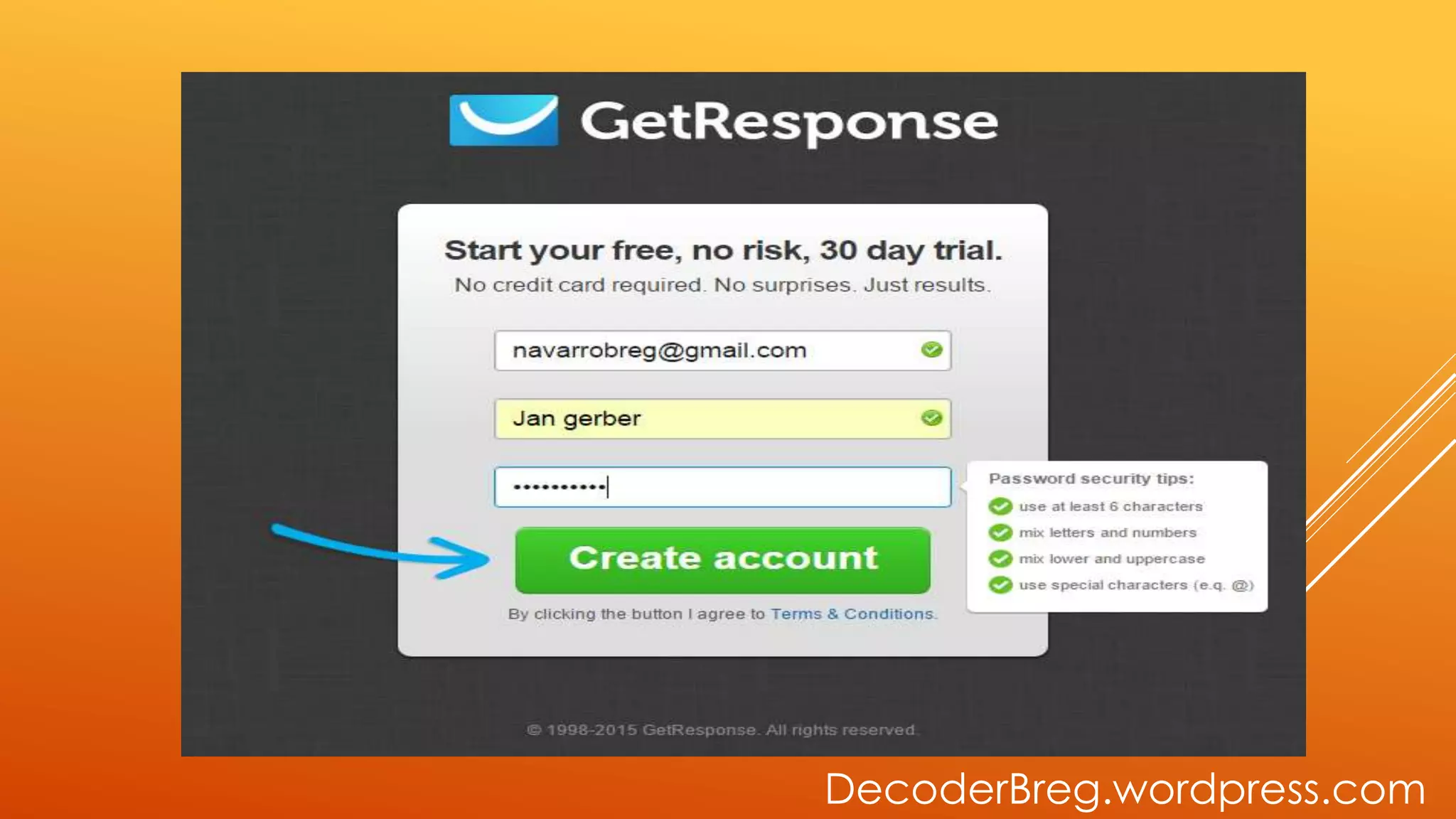
FILL UP THE
INFORMATION
NEEDED
DecoderBreg.wordpress.com
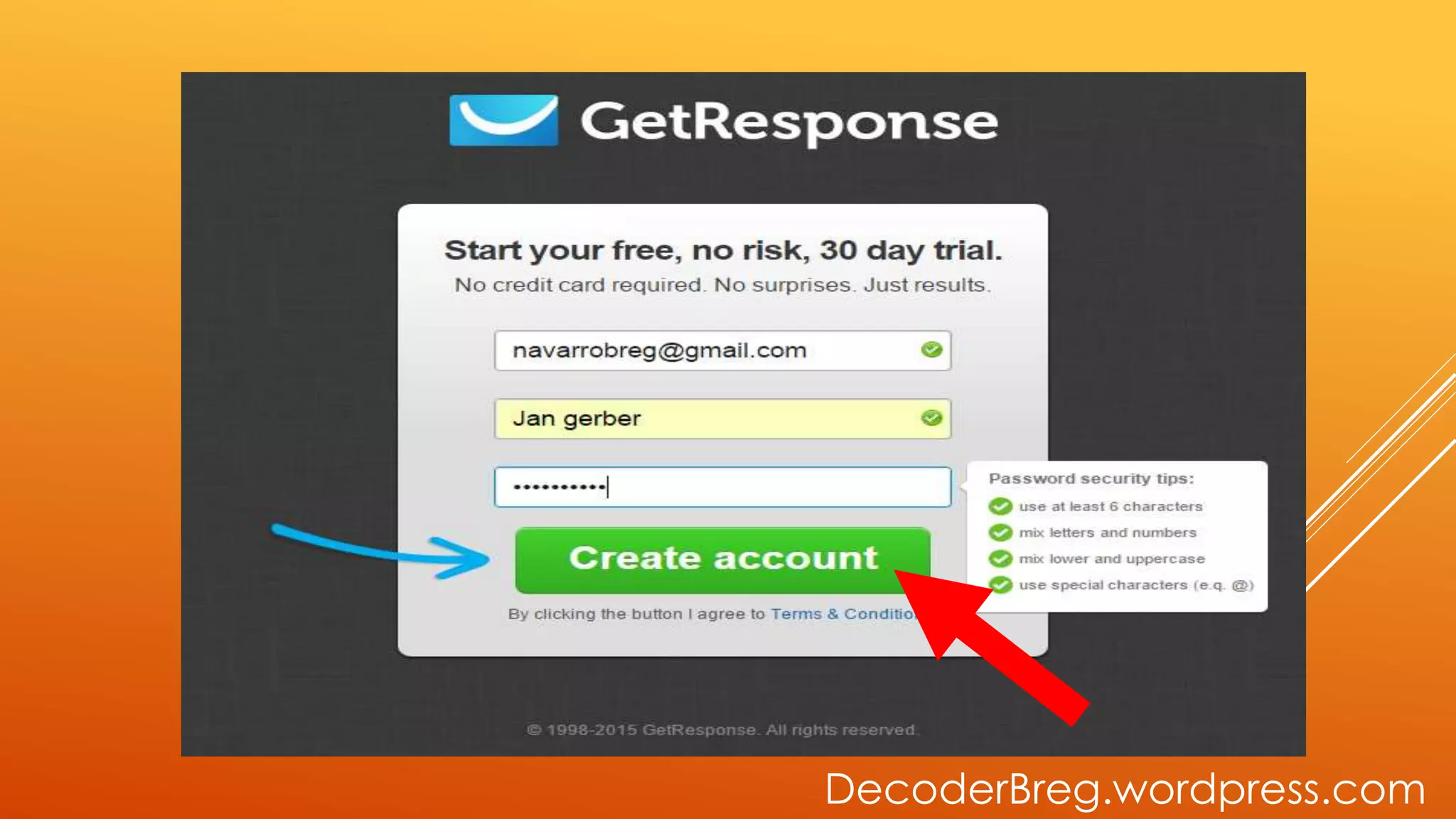
CLICK CREATE
ACCOUNT
DecoderBreg.wordpress.com
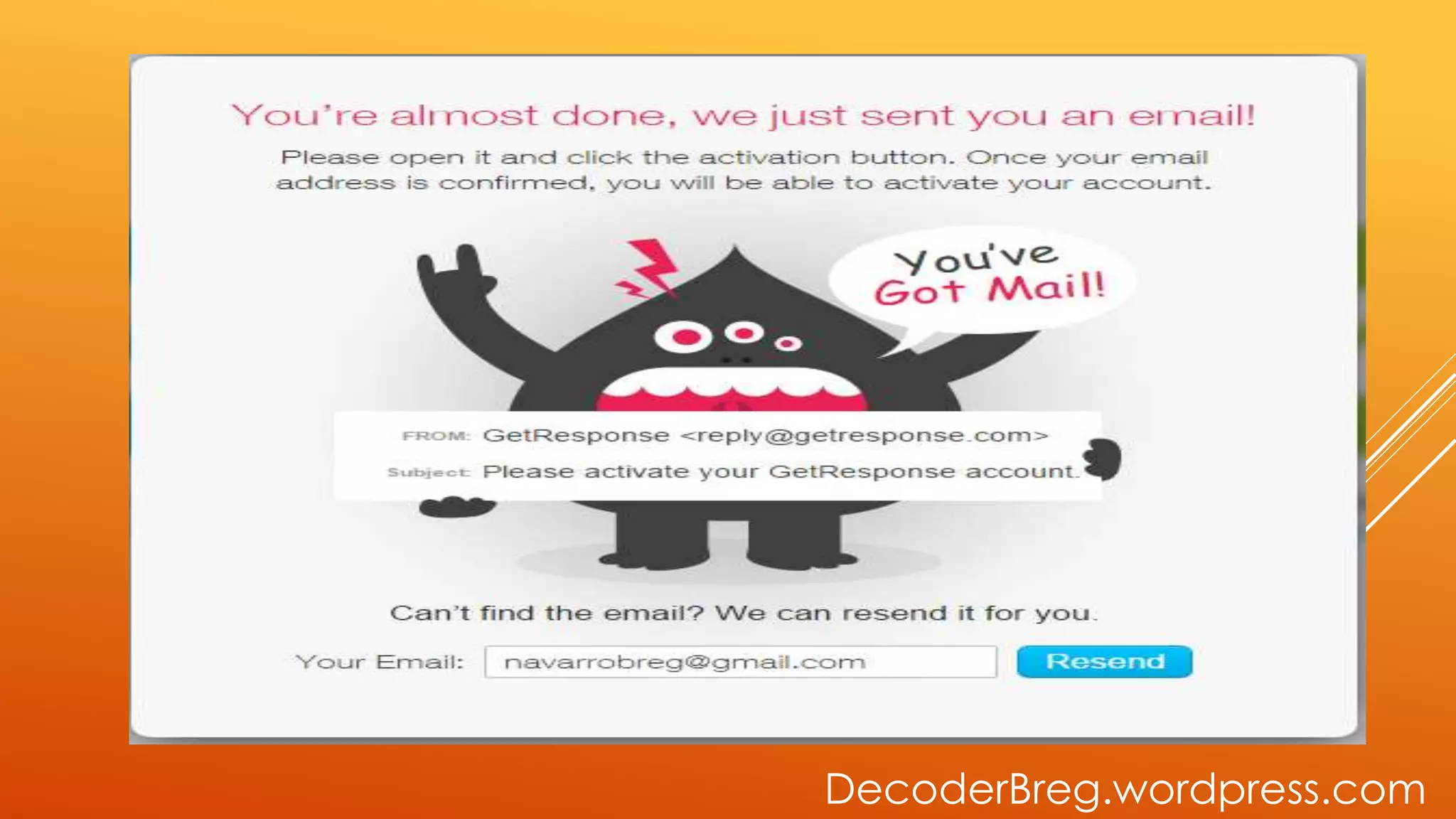
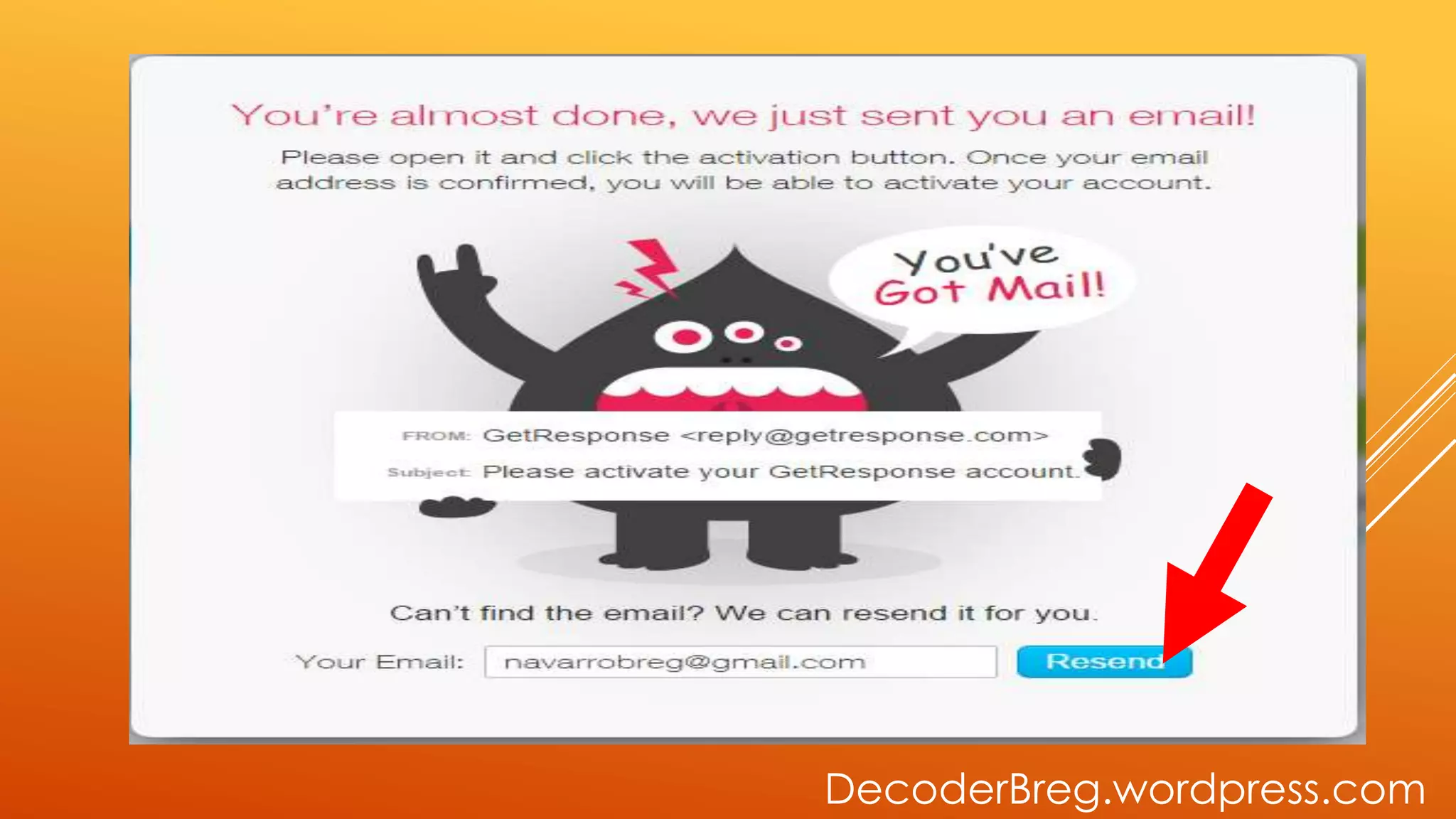
CONFIRM YOUR
ACCOUNT IN
GMAIL
DecoderBreg.wordpress.com
GO TO RESEND
DecoderBreg.wordpress.com
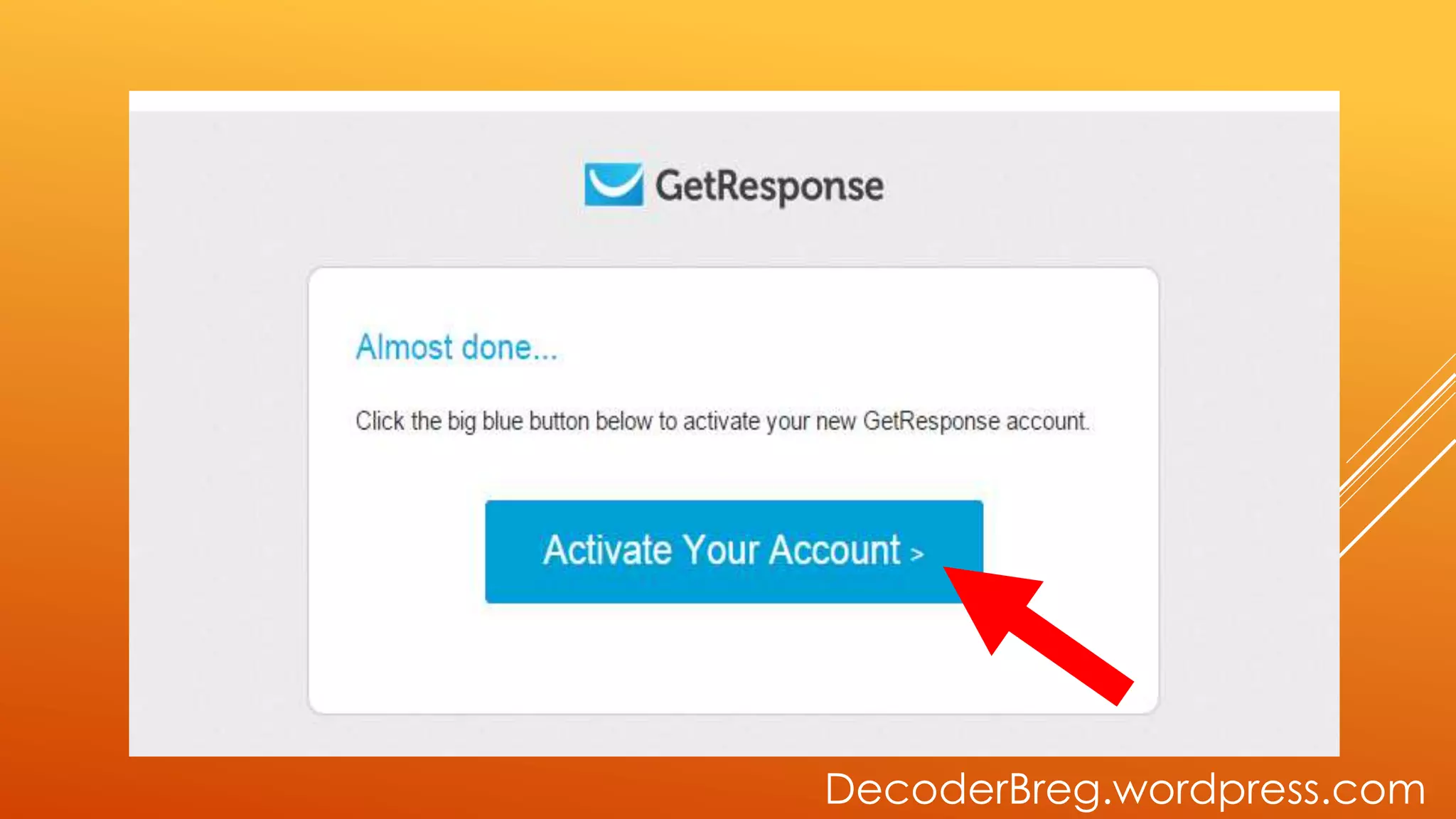
ACTIVATE YOUR
ACCOUNT
DecoderBreg.wordpress.com
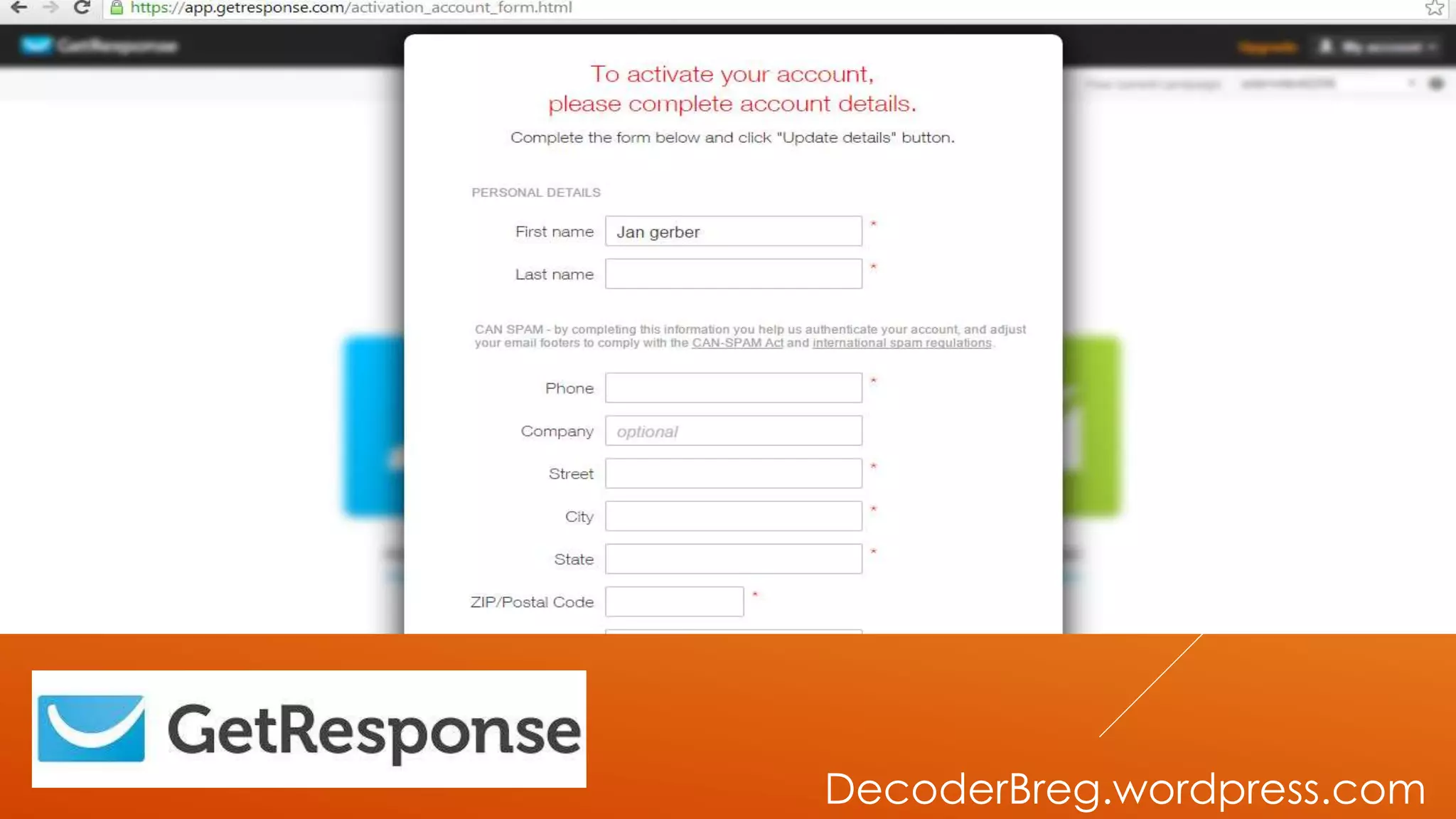
ACTIVATE YOUR
ACCOUNT
DecoderBreg.wordpress.com
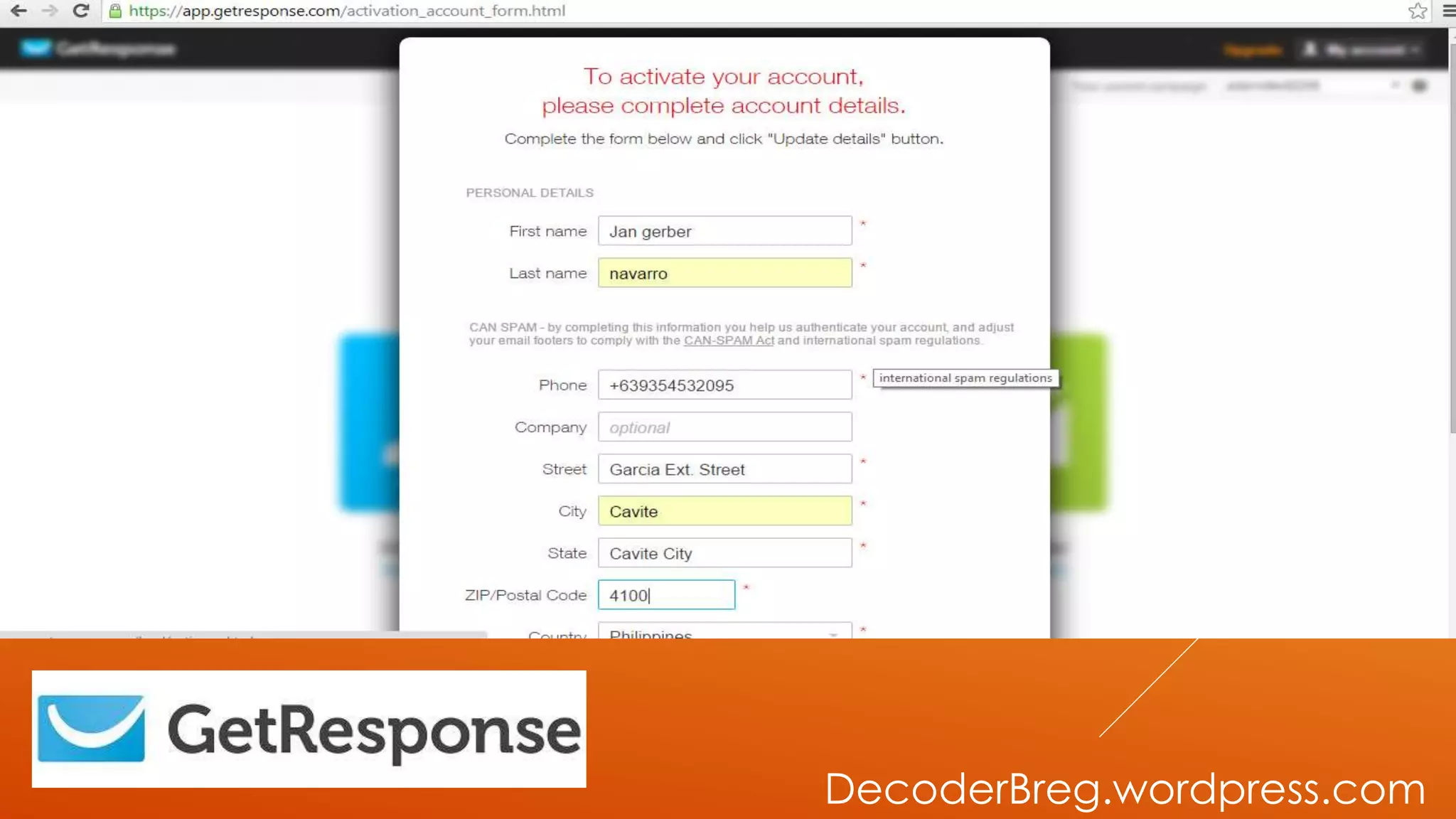
FILL UP THE
INFORMATION
NEEDED
DecoderBreg.wordpress.com
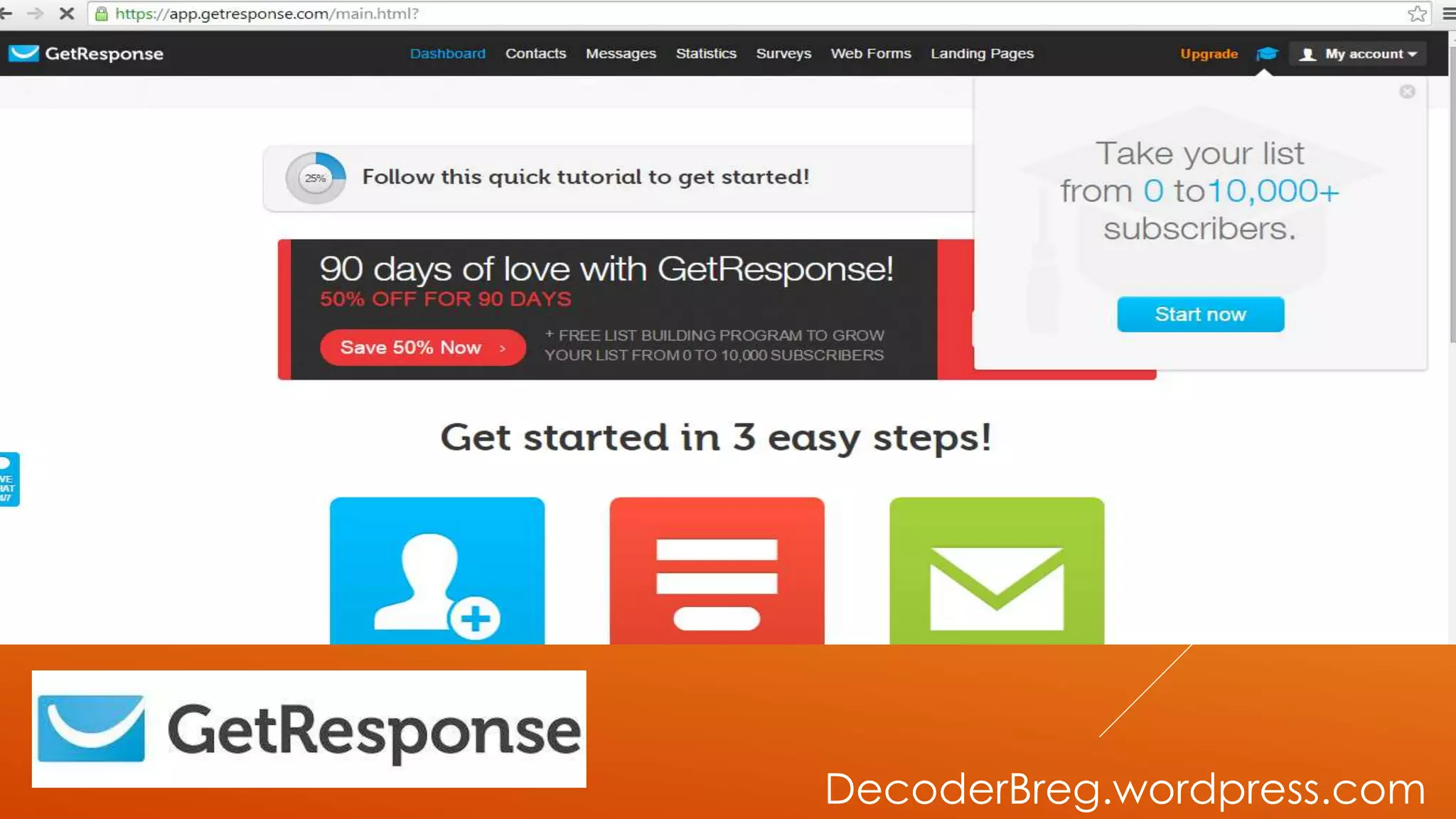
HOMEPAGE OF
GETRESPONSE
WILL SHOW.
DecoderBreg.wordpress.com
LET’S CREATE A
CAMPAIGN
DecoderBreg.wordpress.com
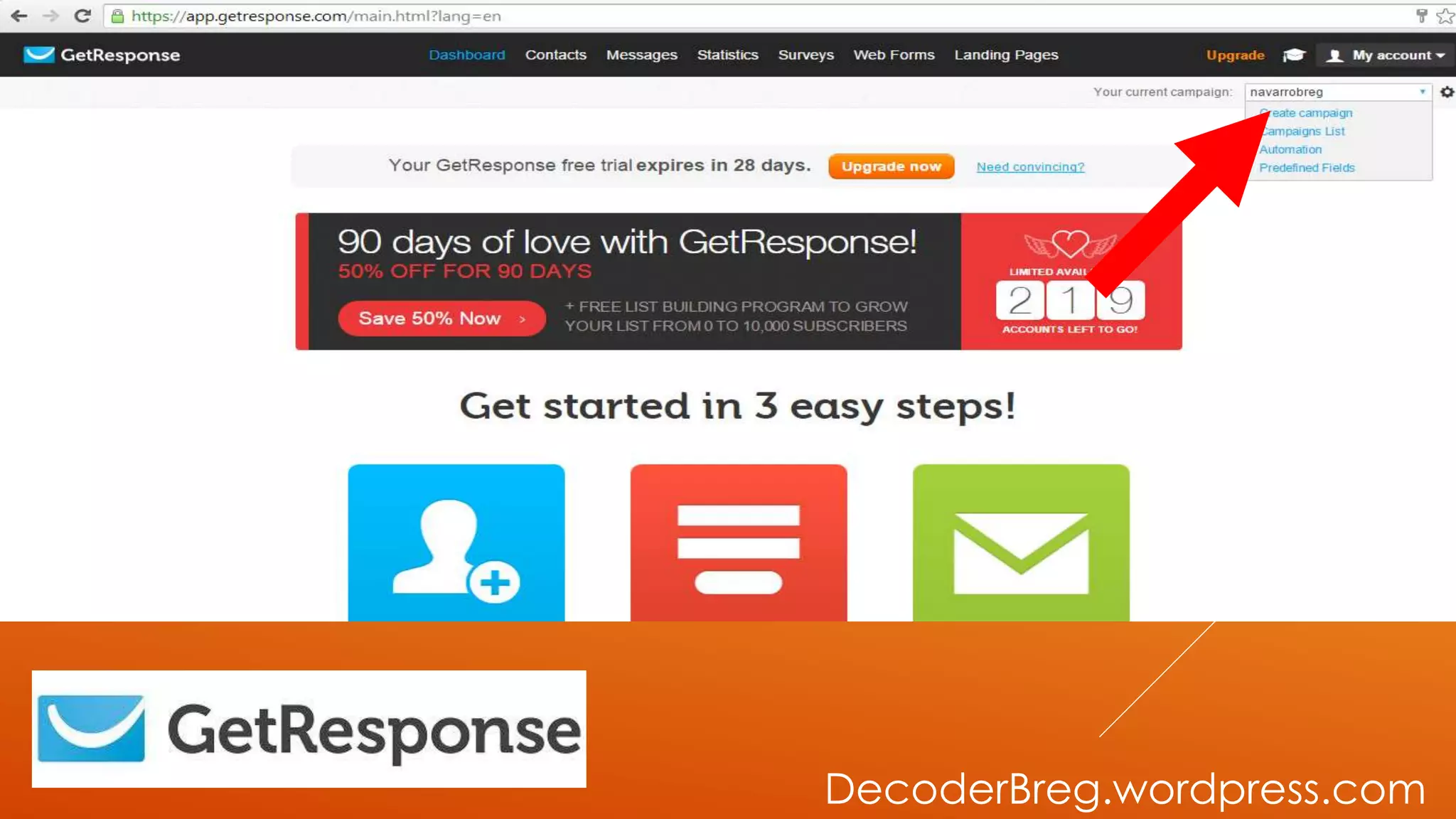
GO TO CREATE
CAMPAIGN
DecoderBreg.wordpress.com
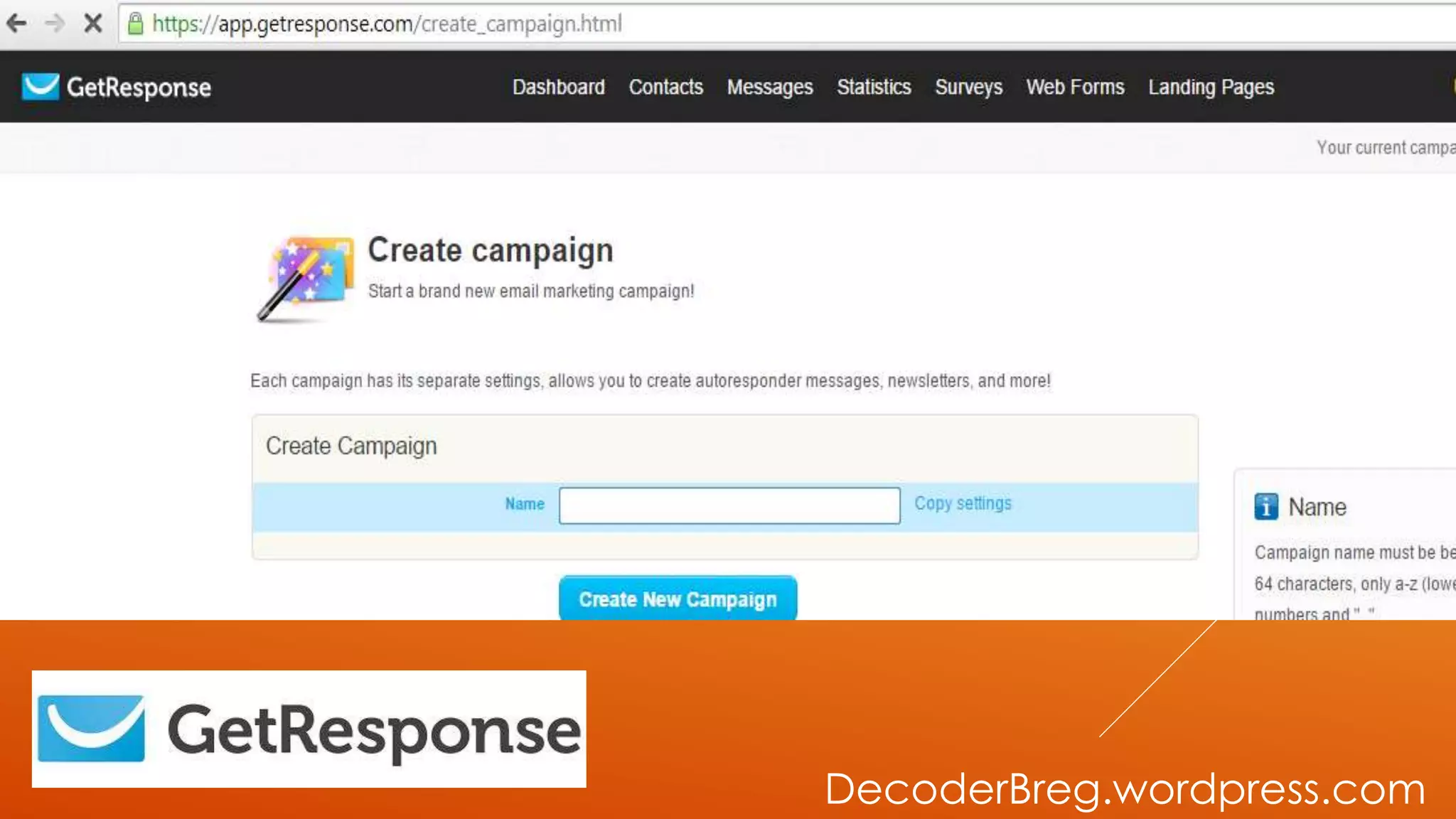
CREATE
CAMPAIGN PAGE
WILL APPEAR
DecoderBreg.wordpress.com
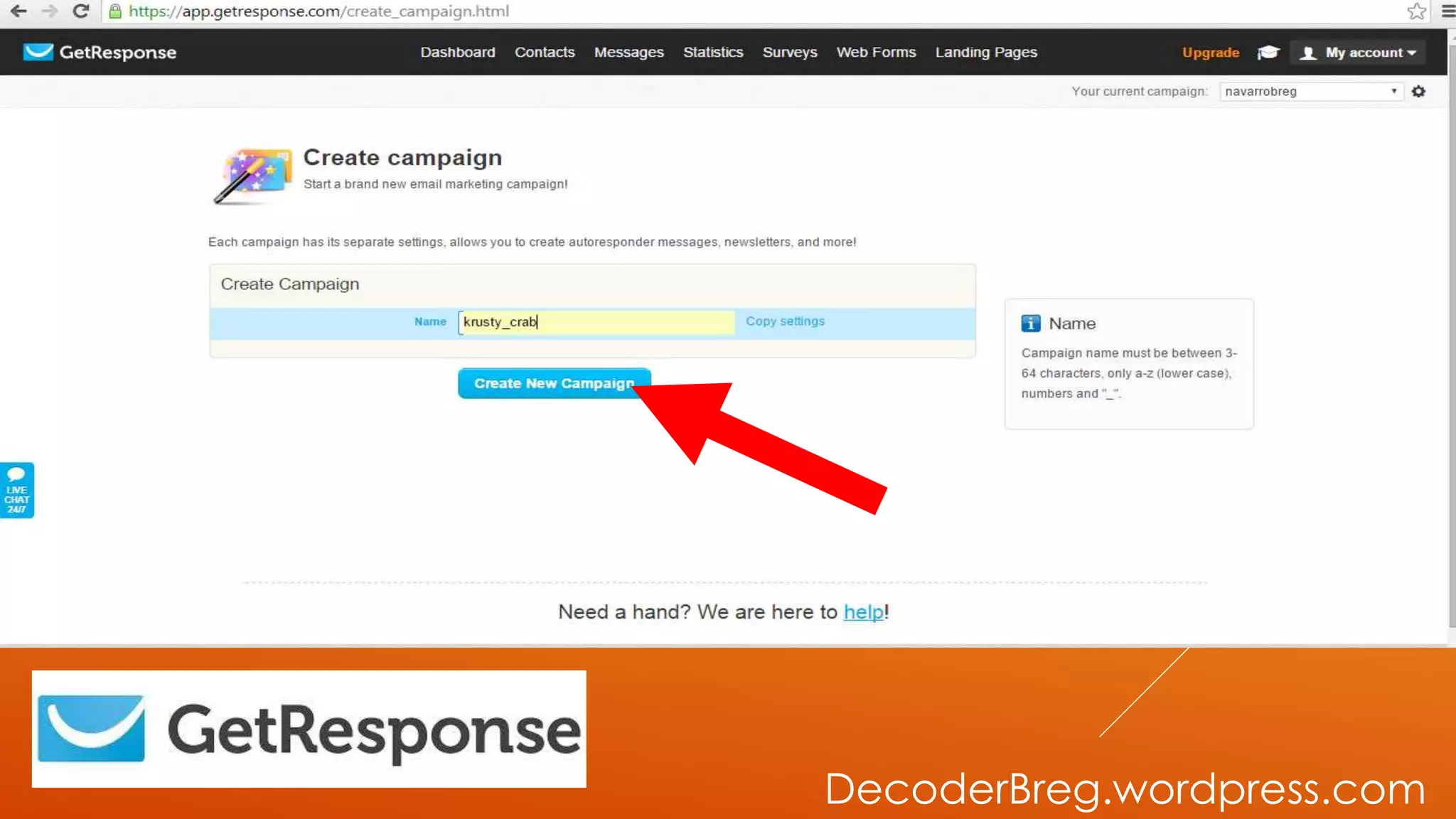
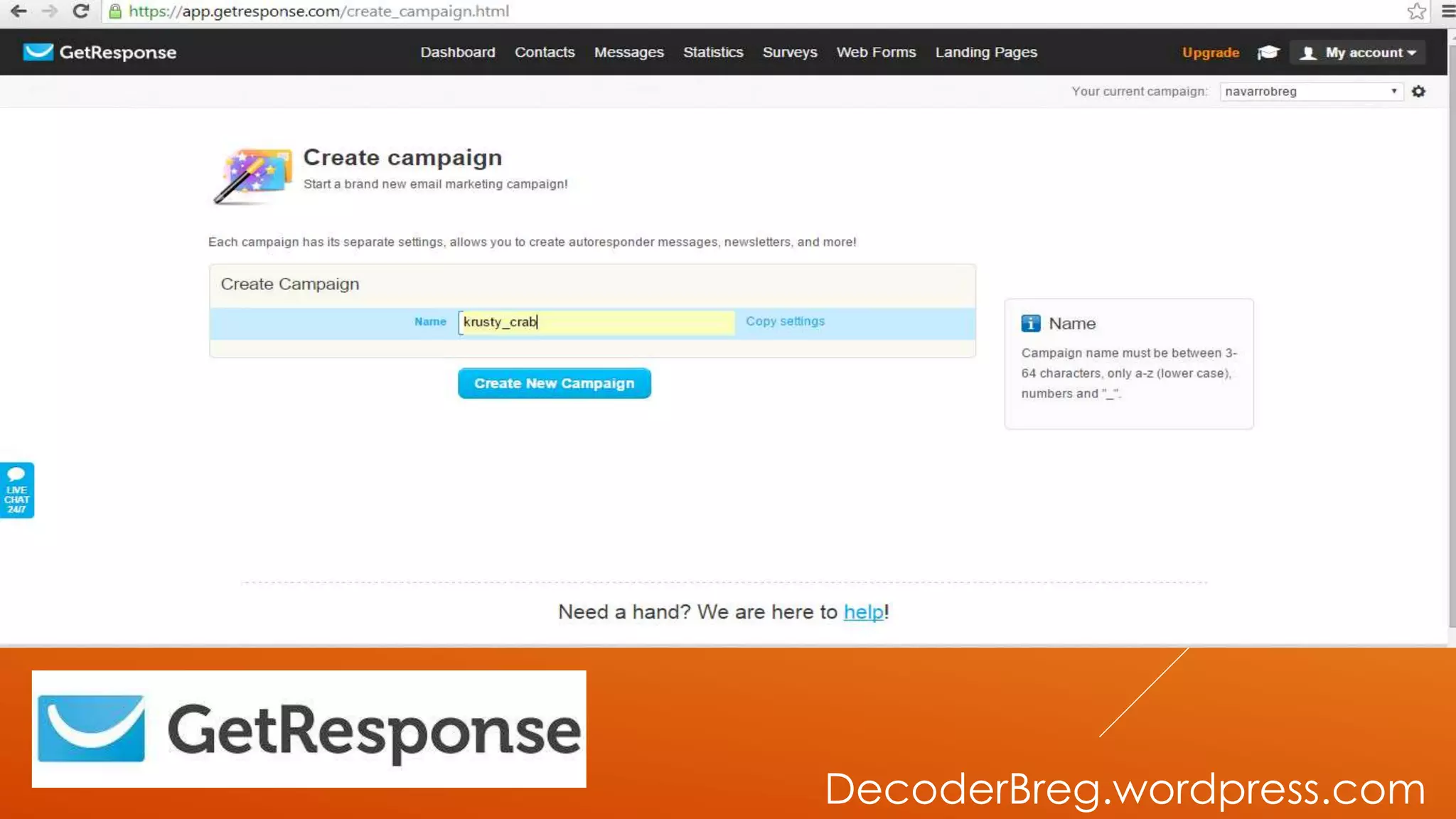
LET’S NAME
OUR CAMPAIGN
DecoderBreg.wordpress.com
GO TO CREATE
CAMPAIGN
DecoderBreg.wordpress.com
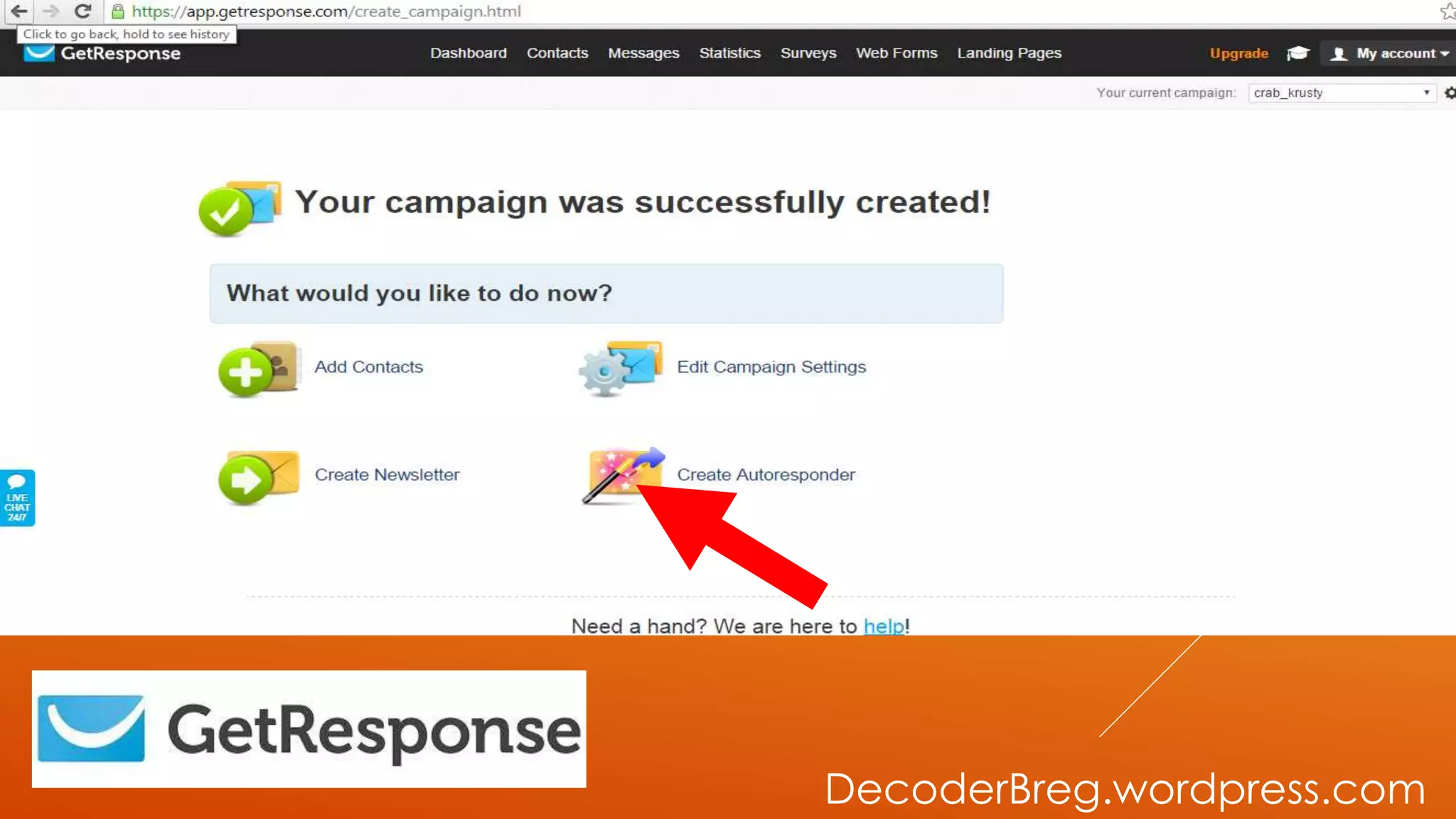
LET’S CREATE
AUTORESPONDER
DecoderBreg.wordpress.com
GO TO CREATE
AUTORESPONDER
DecoderBreg.wordpress.com
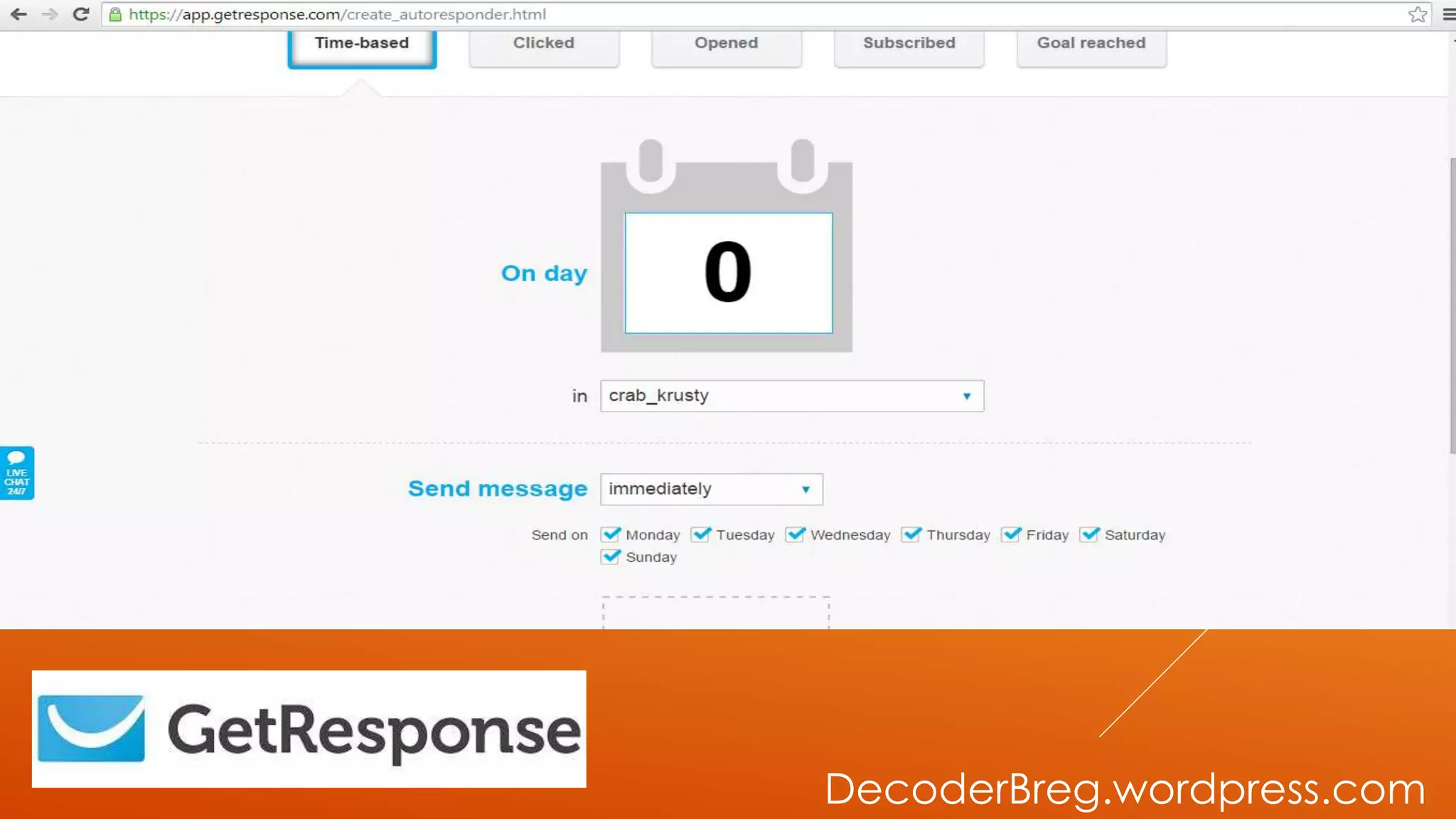
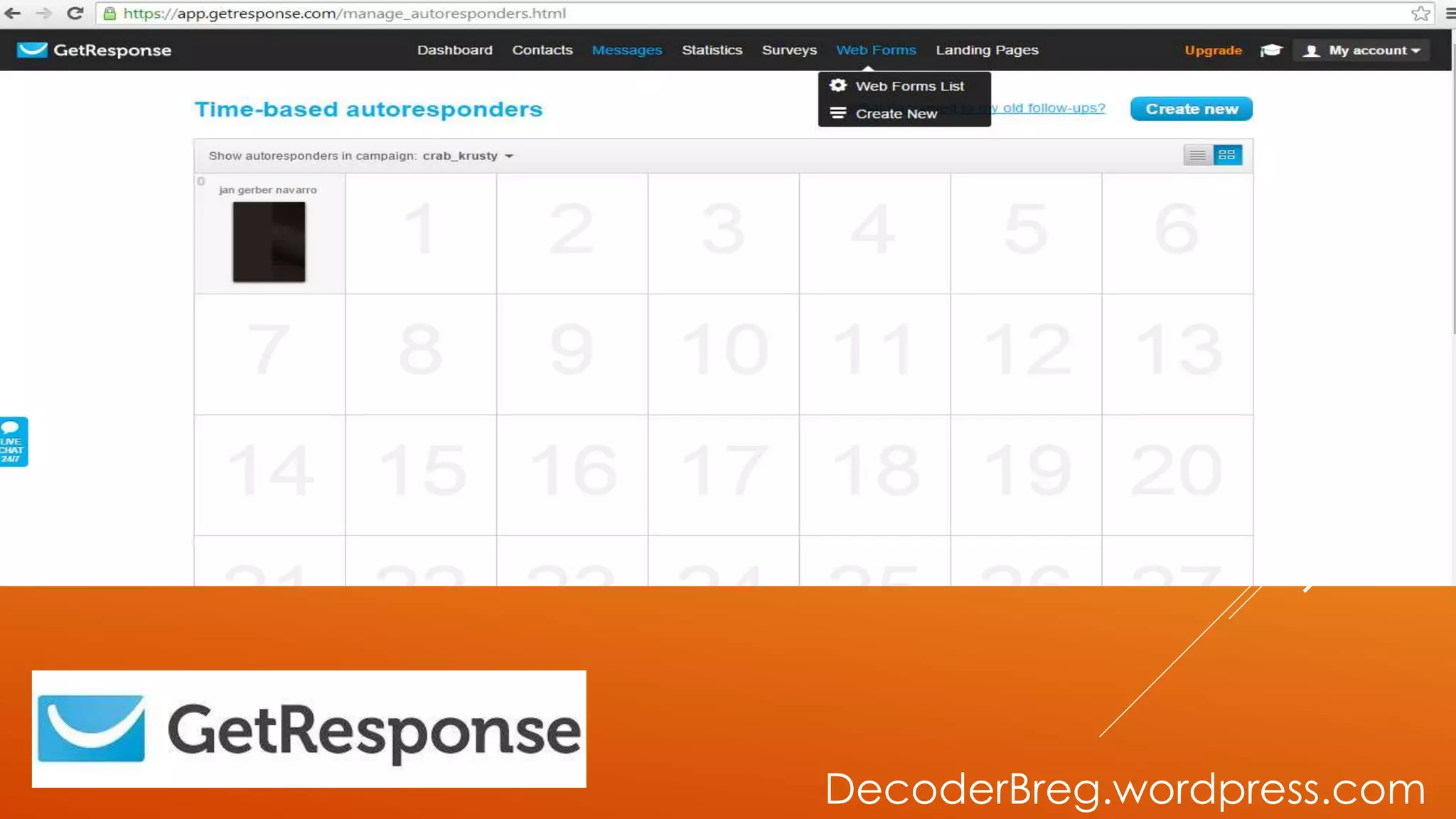
CREATE
AUTORESPONDER
PAGE WILL SHOW.
DecoderBreg.wordpress.com
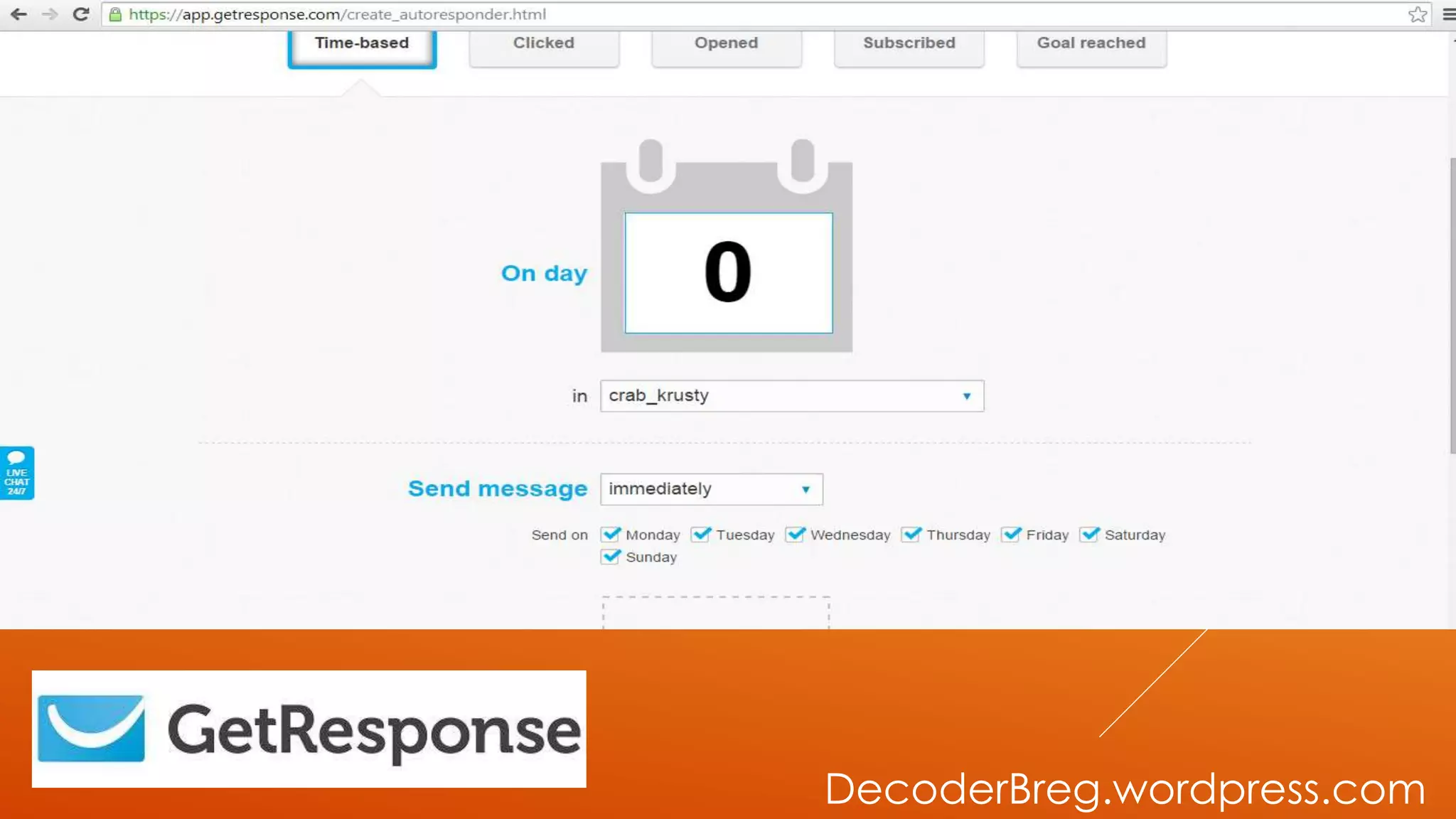
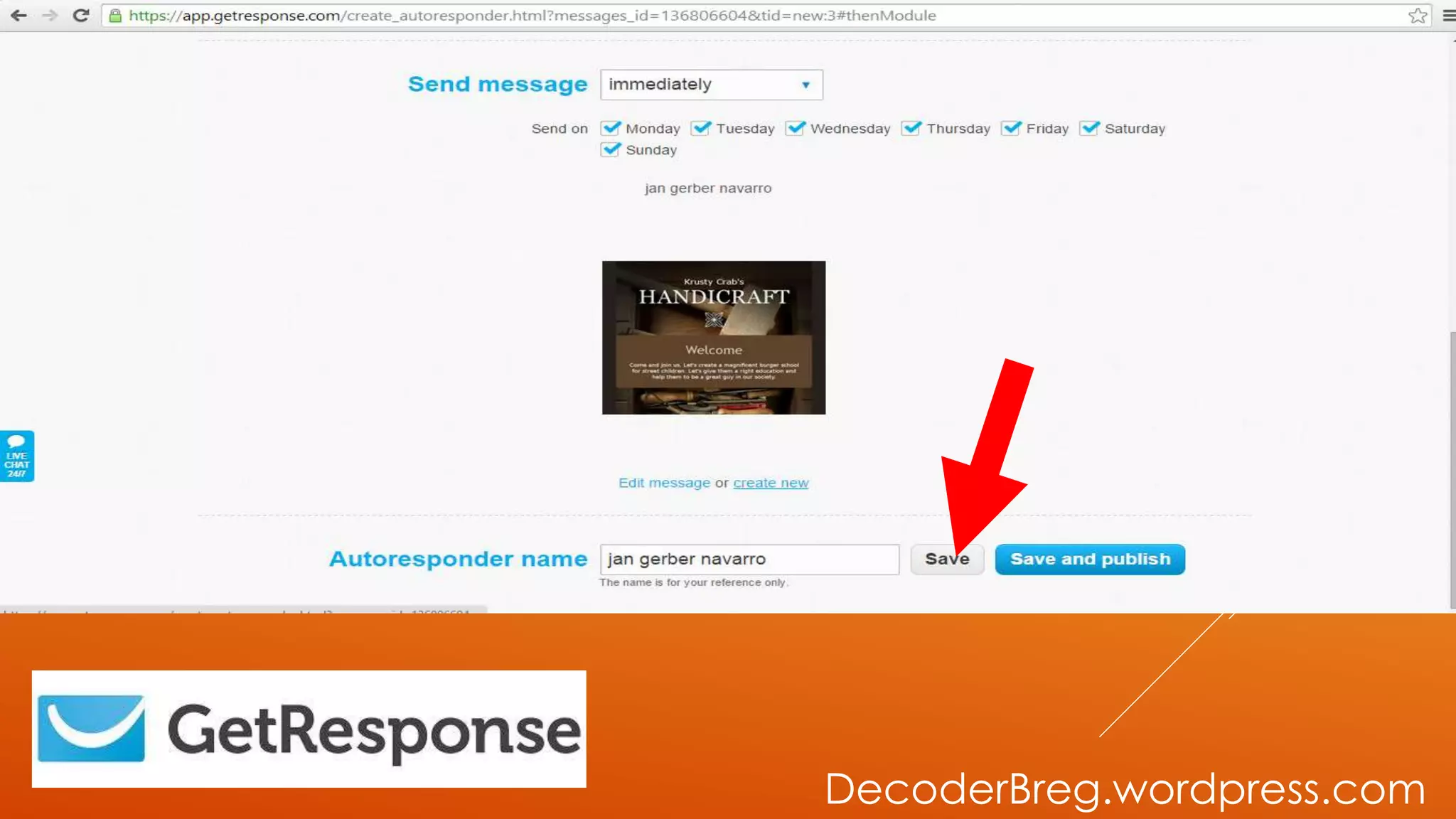
JUST MAKE SURE
THAT YOUR
SEND MESSAGE..
DecoderBreg.wordpress.com
..ARE ALL MARK UP.
DecoderBreg.wordpress.com
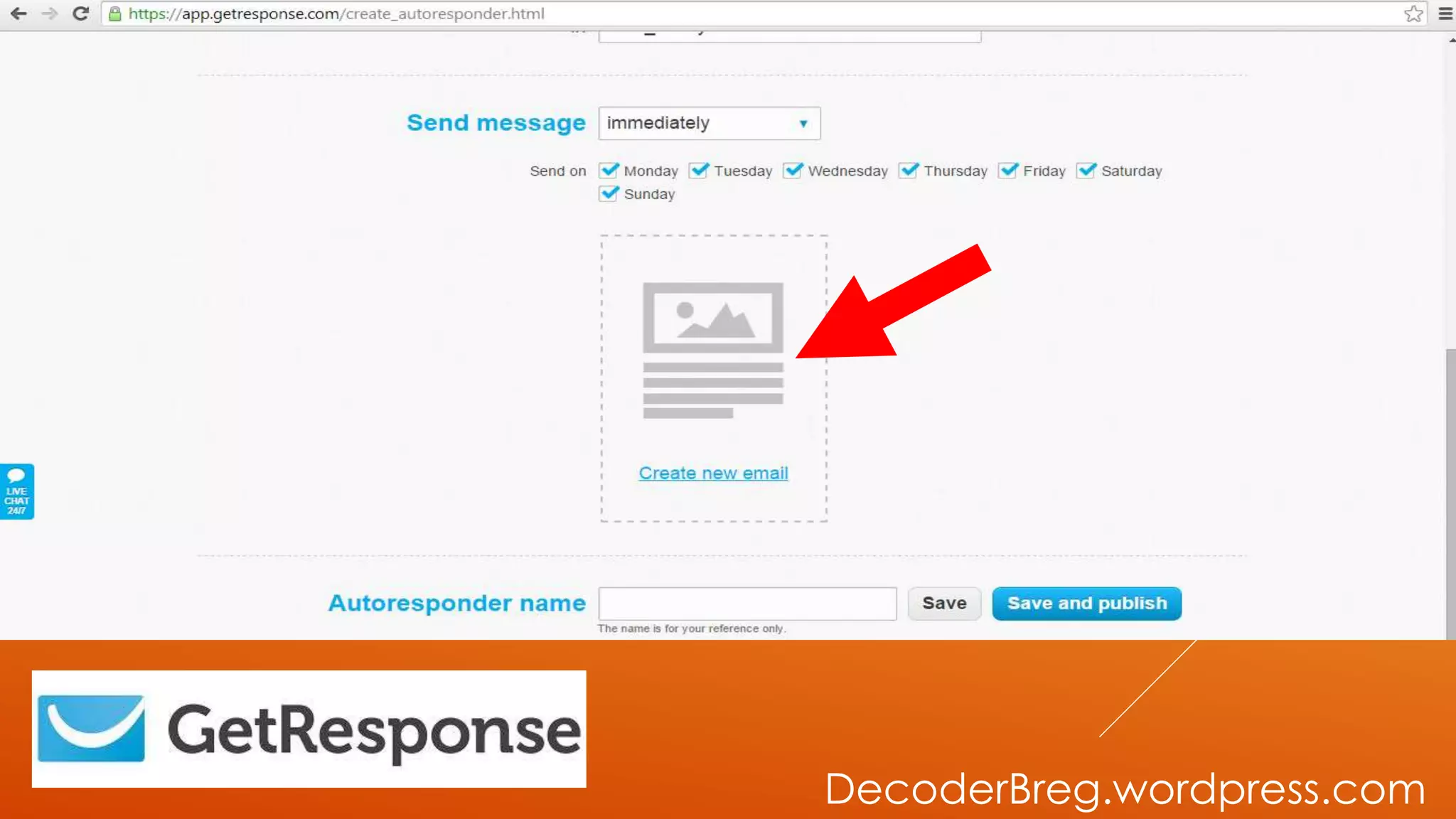
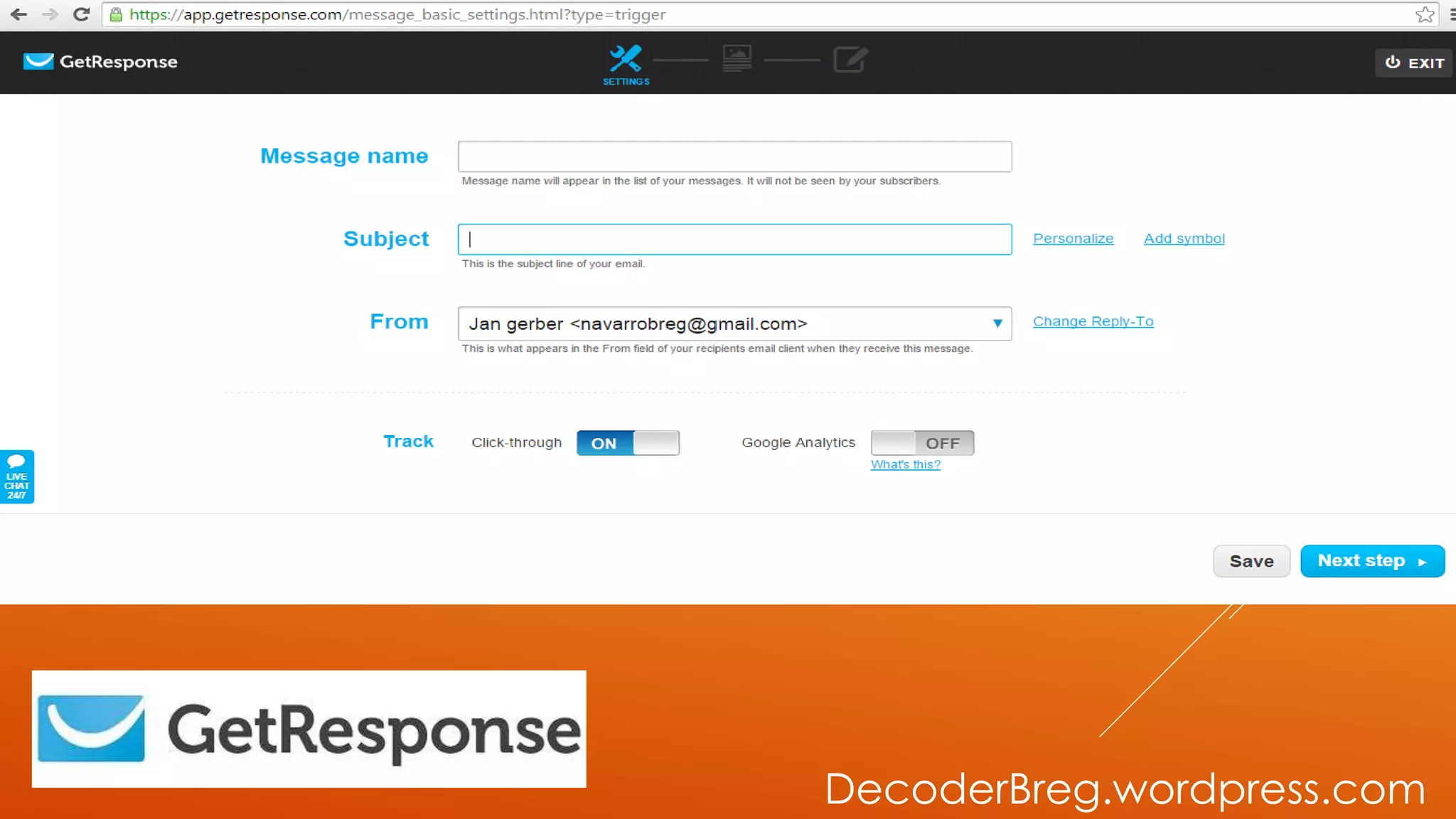
CLICK NEW
EMAIL..
DecoderBreg.wordpress.com
FILL UP THE
INFORMATION
NEEDED
DecoderBreg.wordpress.com
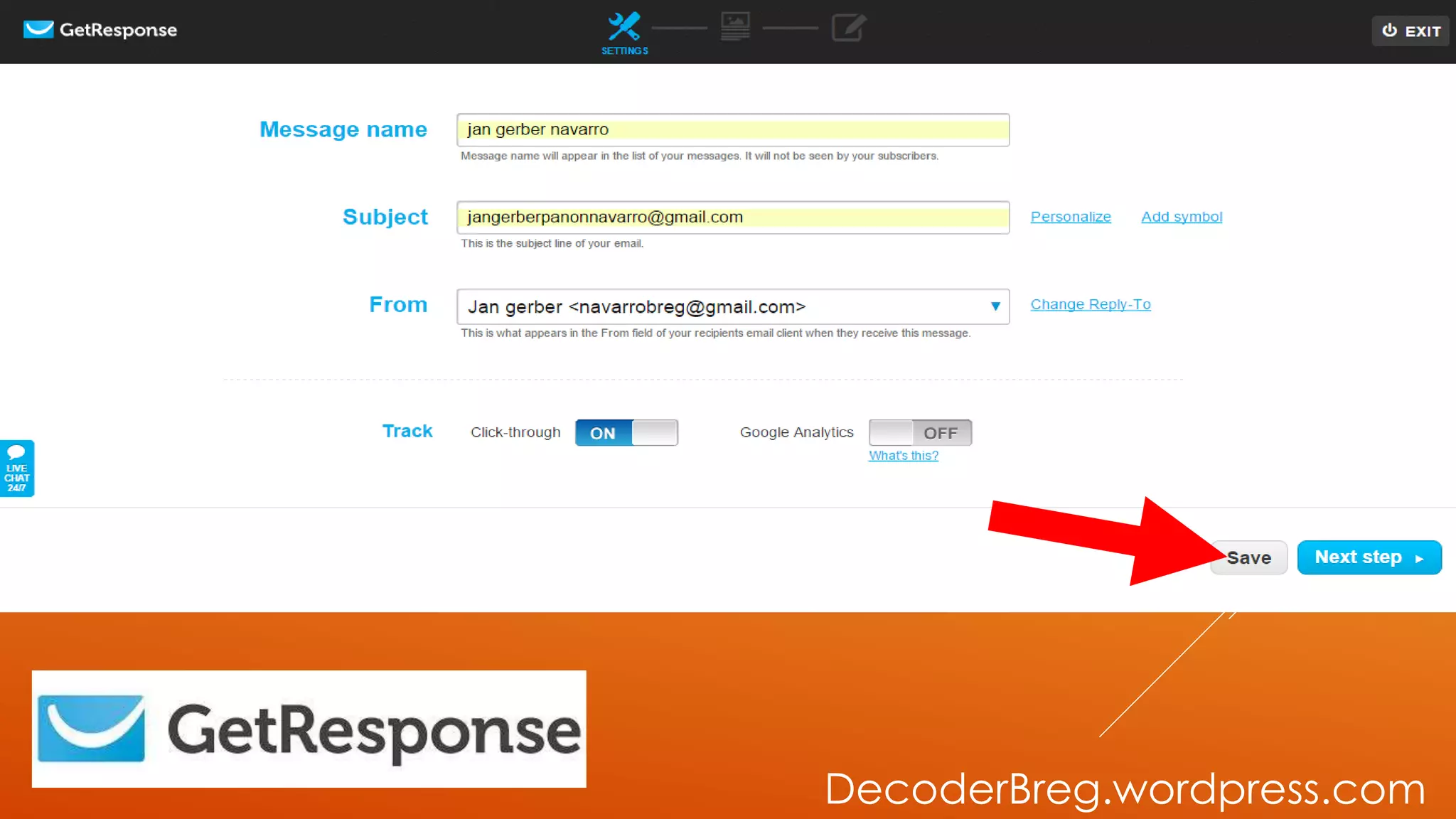
THEN SAVE
DecoderBreg.wordpress.com
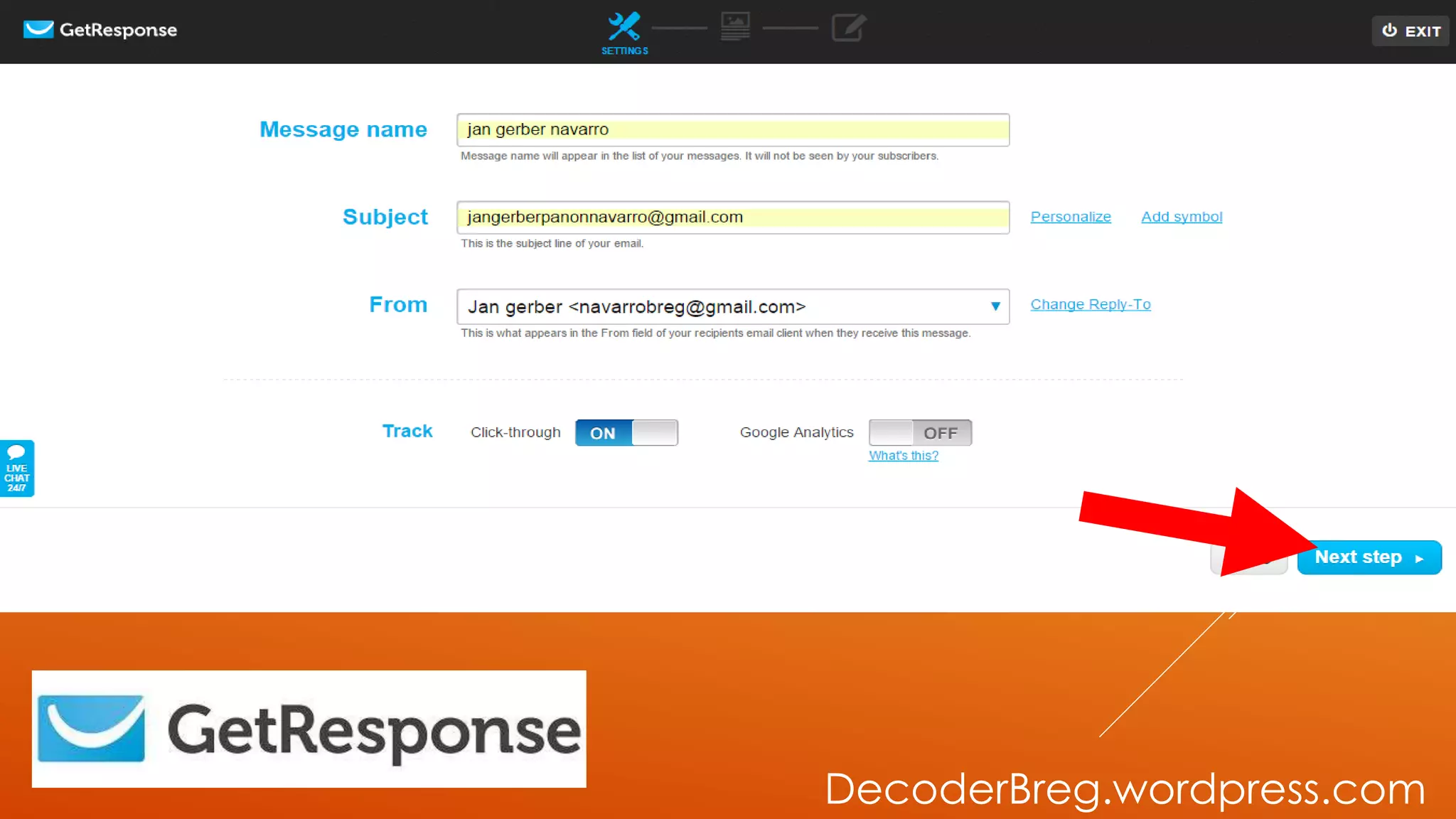
CLICK NEXT STEP
DecoderBreg.wordpress.com
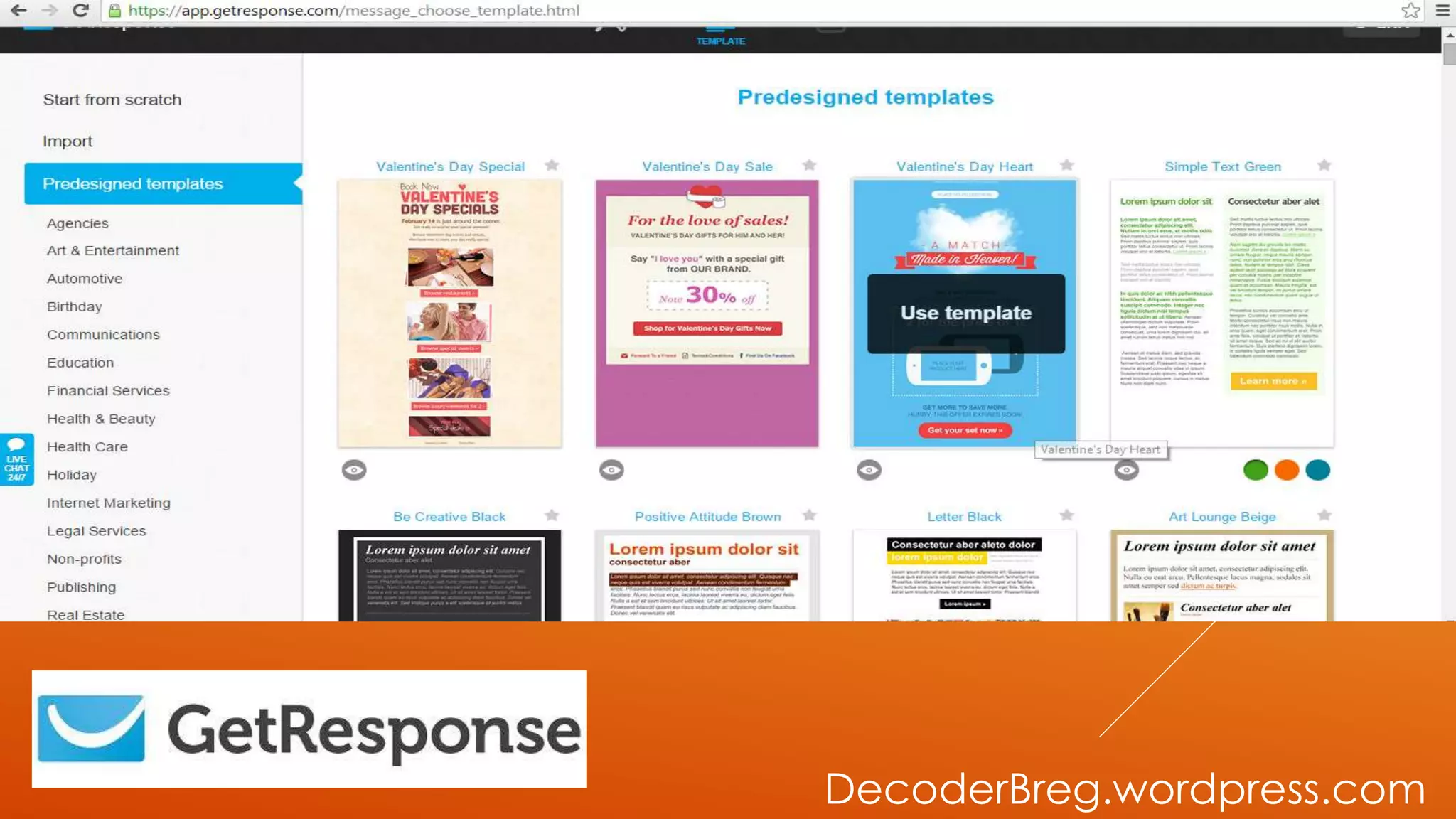
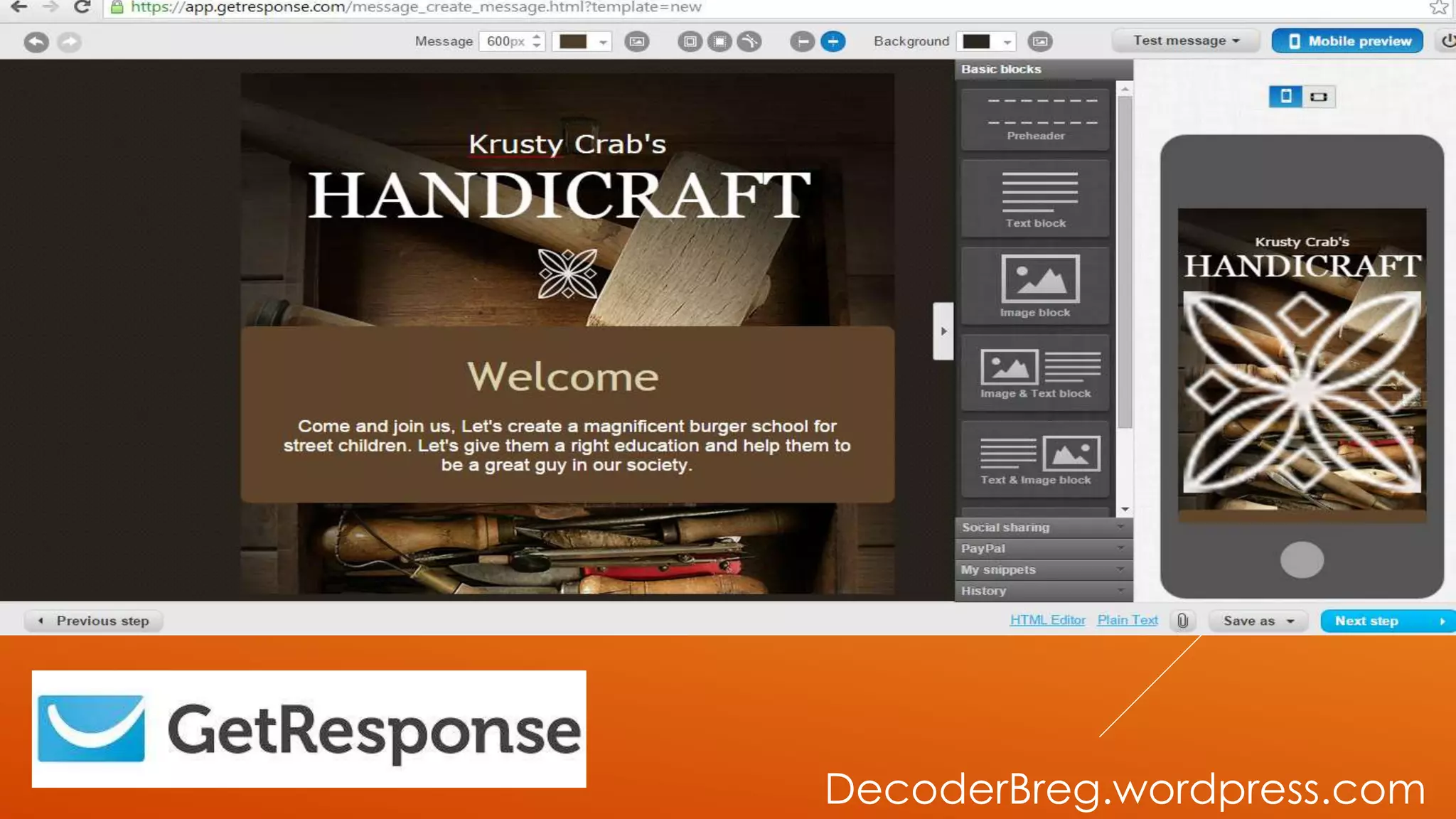
CHOOSE YOUR
PREDESIGNED
TEMPLATE
DecoderBreg.wordpress.com
LET’S START
CUSTOMIZE OUR
TEMPLATES.
DecoderBreg.wordpress.com
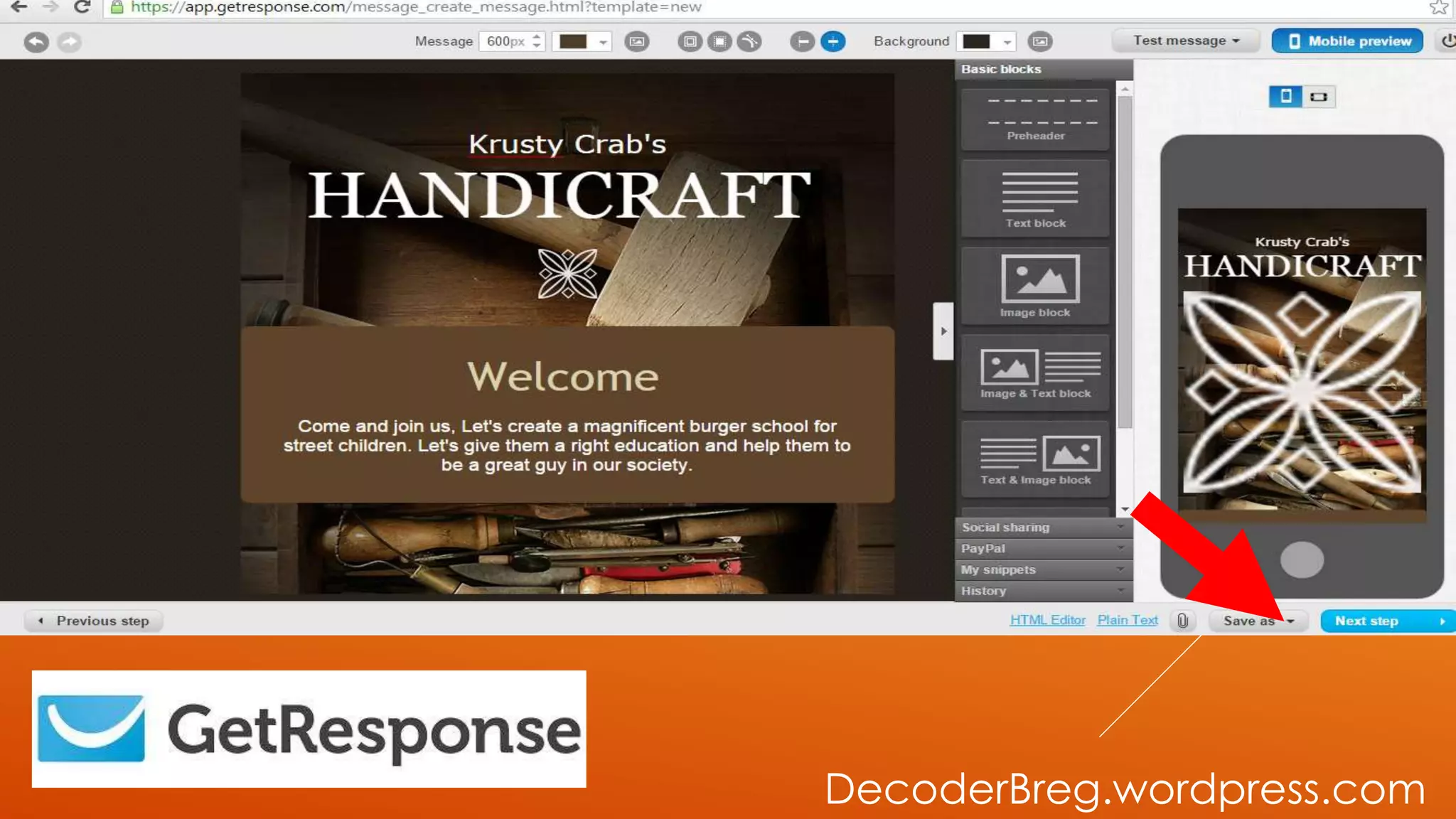
THEN SAVE AS
DRAFT
DecoderBreg.wordpress.com
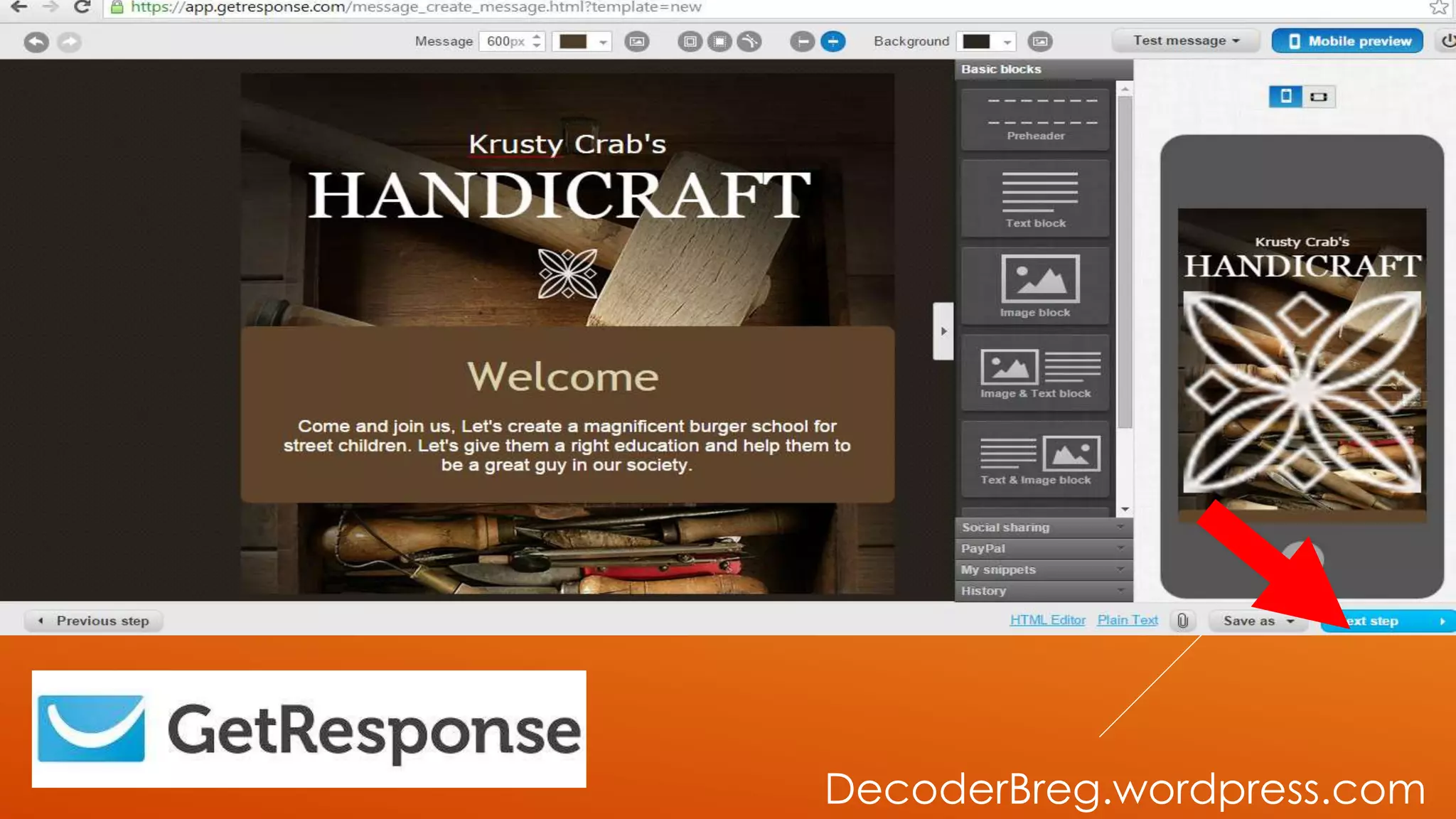
THEN NEXT
STEP
DecoderBreg.wordpress.com
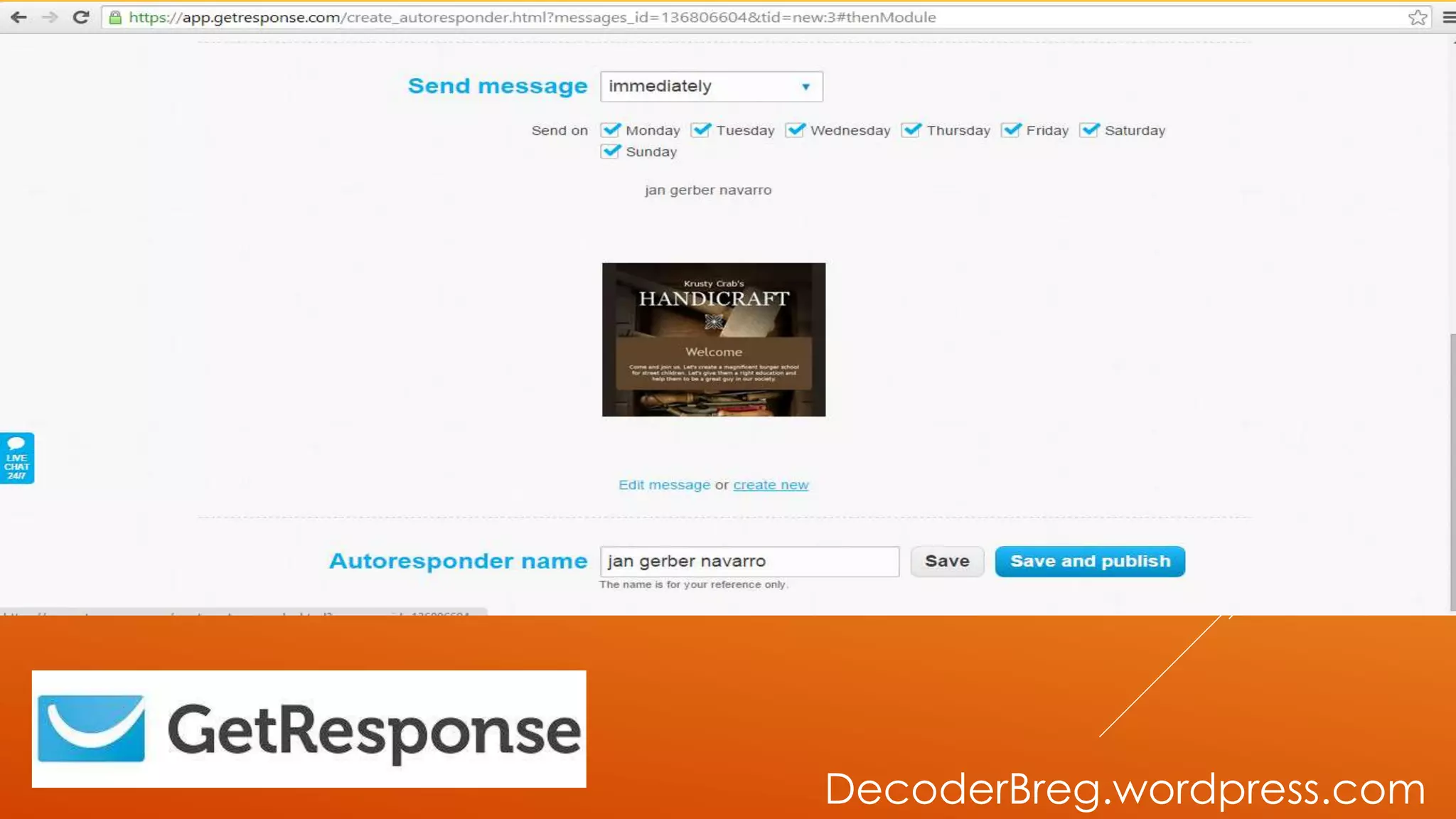
THIS WILL BE
THE OUTCOME.
DecoderBreg.wordpress.com
THEN SAVE
DecoderBreg.wordpress.com
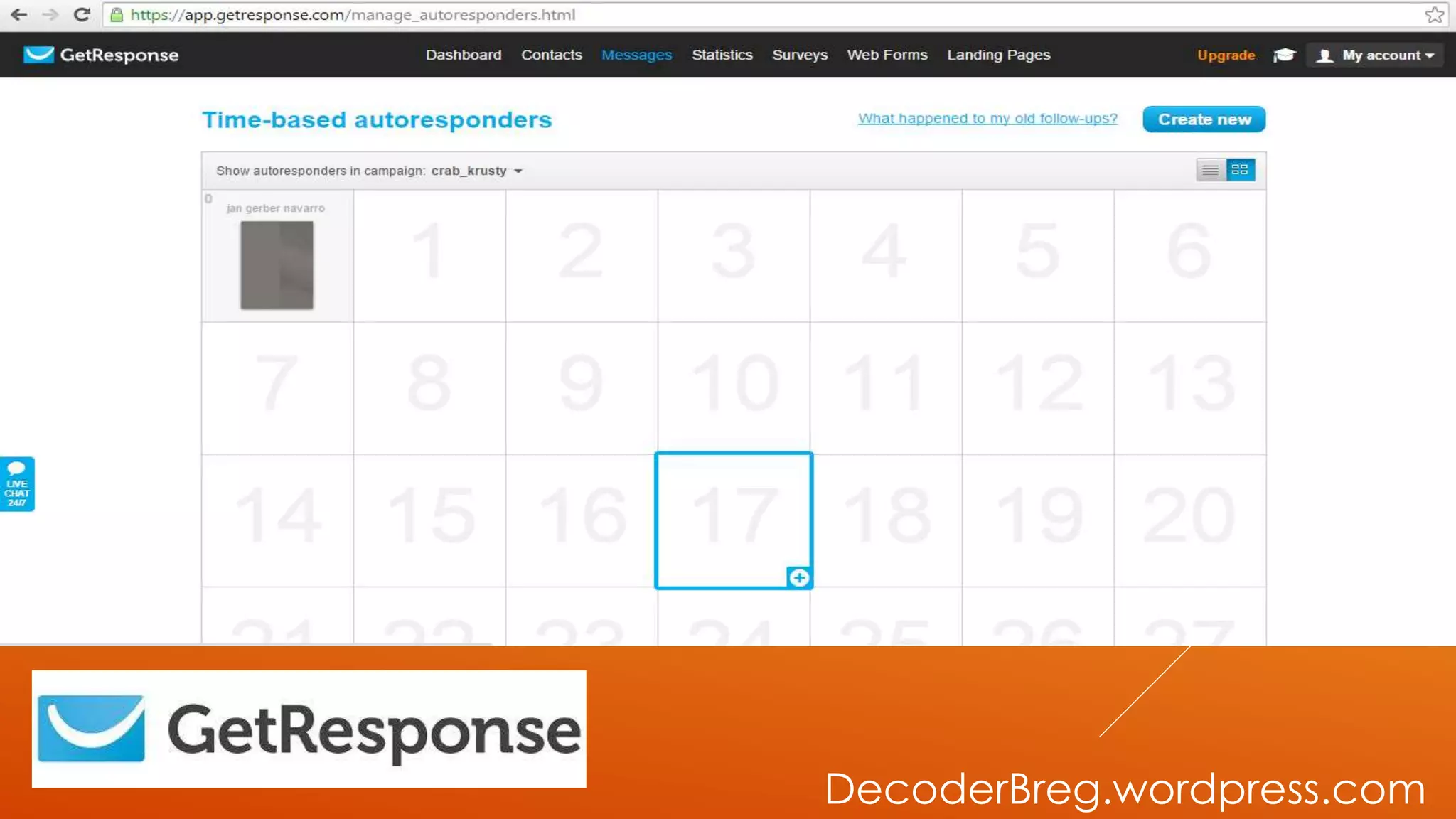
TIME-BASED
AUTORESPONDER PAGE
WILL SHOW.
DecoderBreg.wordpress.com
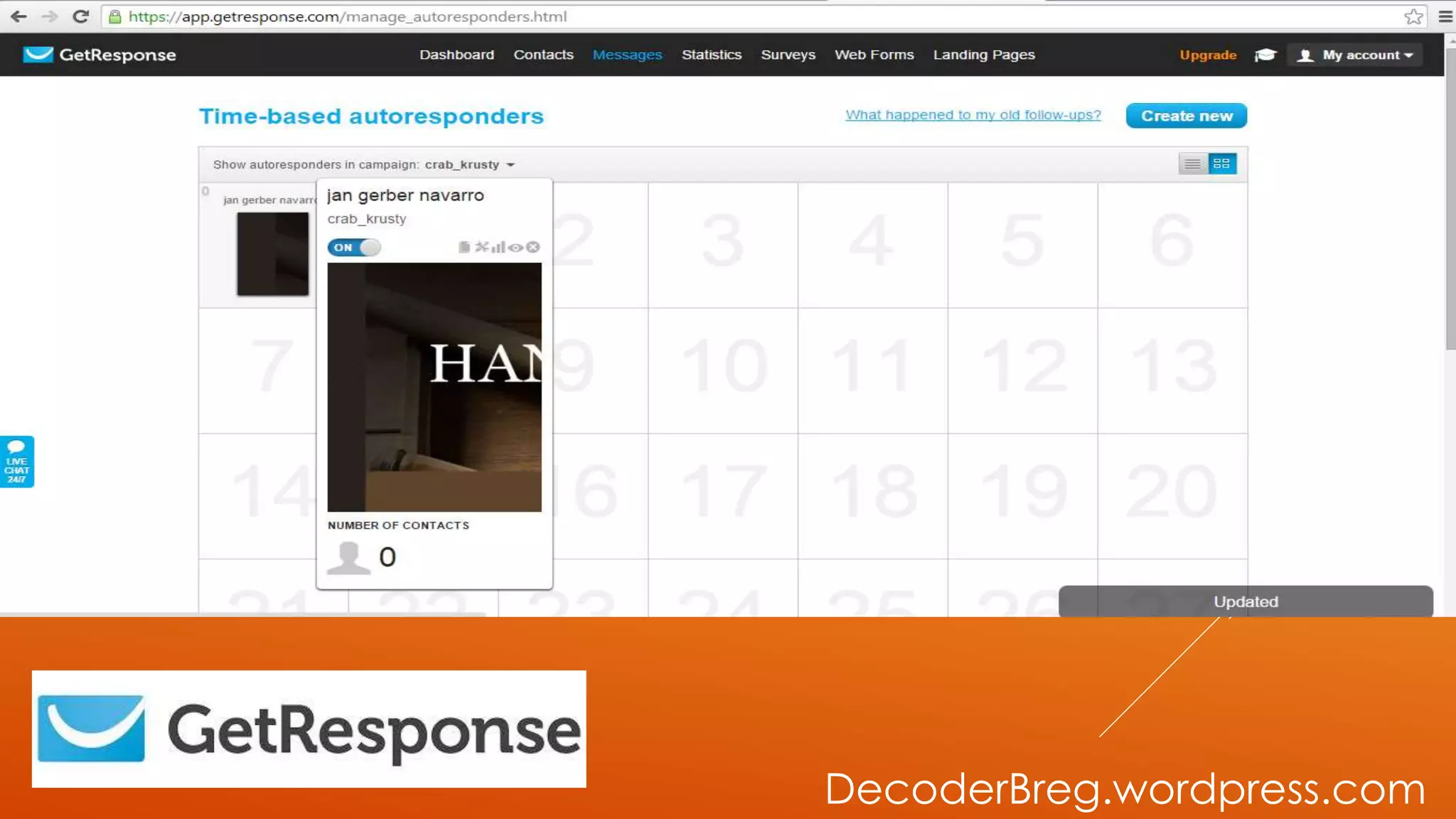
JUST MAKE SURE YOUR
AUTORESPONDER IS
ACTIVE.
DecoderBreg.wordpress.com
DONE!
DecoderBreg.wordpress.com
NOW LET’S
CREATE A
WEBFORM
DecoderBreg.wordpress.com
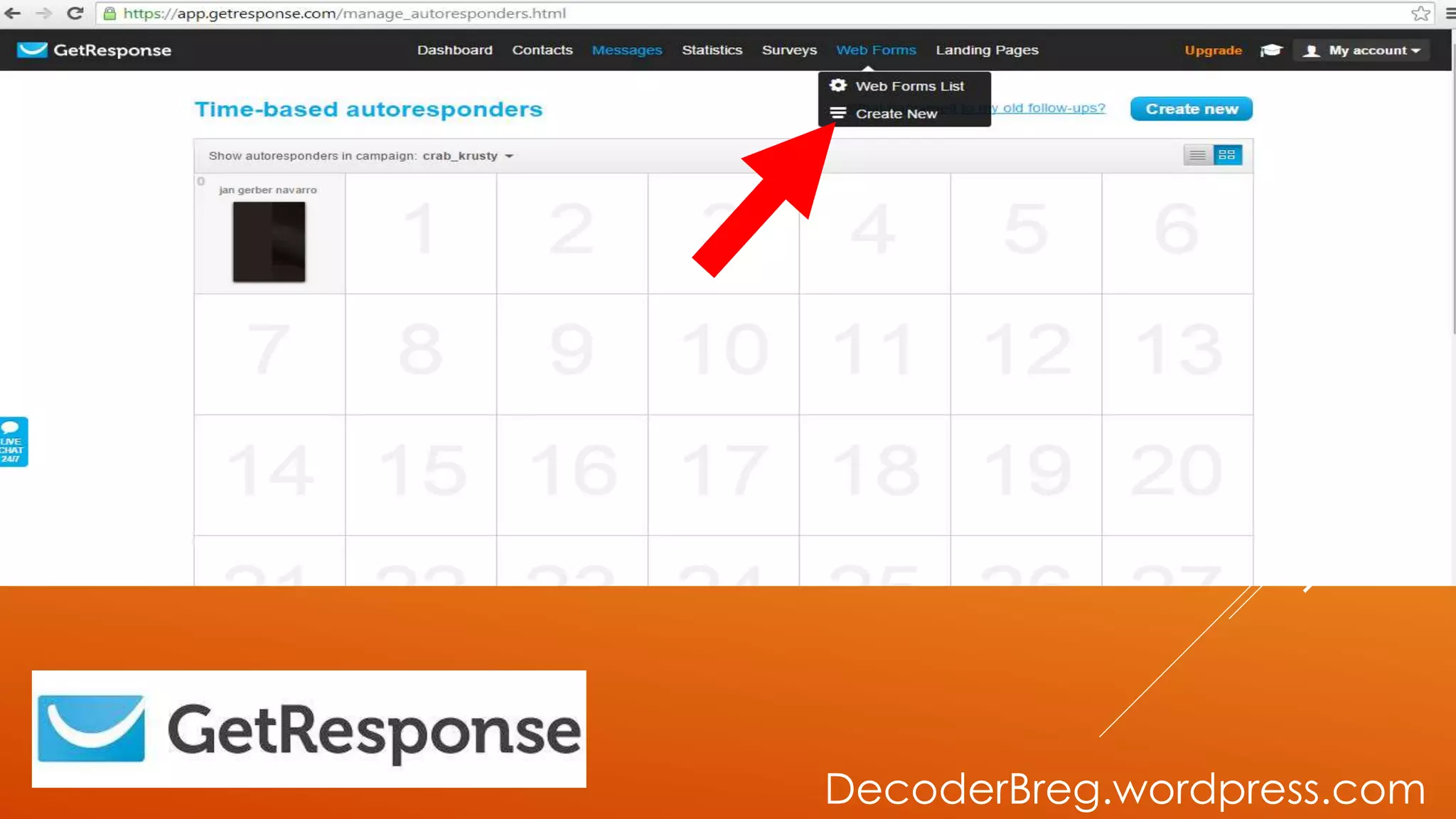
GO TO WEB
FORMS
DecoderBreg.wordpress.com
THEN CREATE
NEW
DecoderBreg.wordpress.com
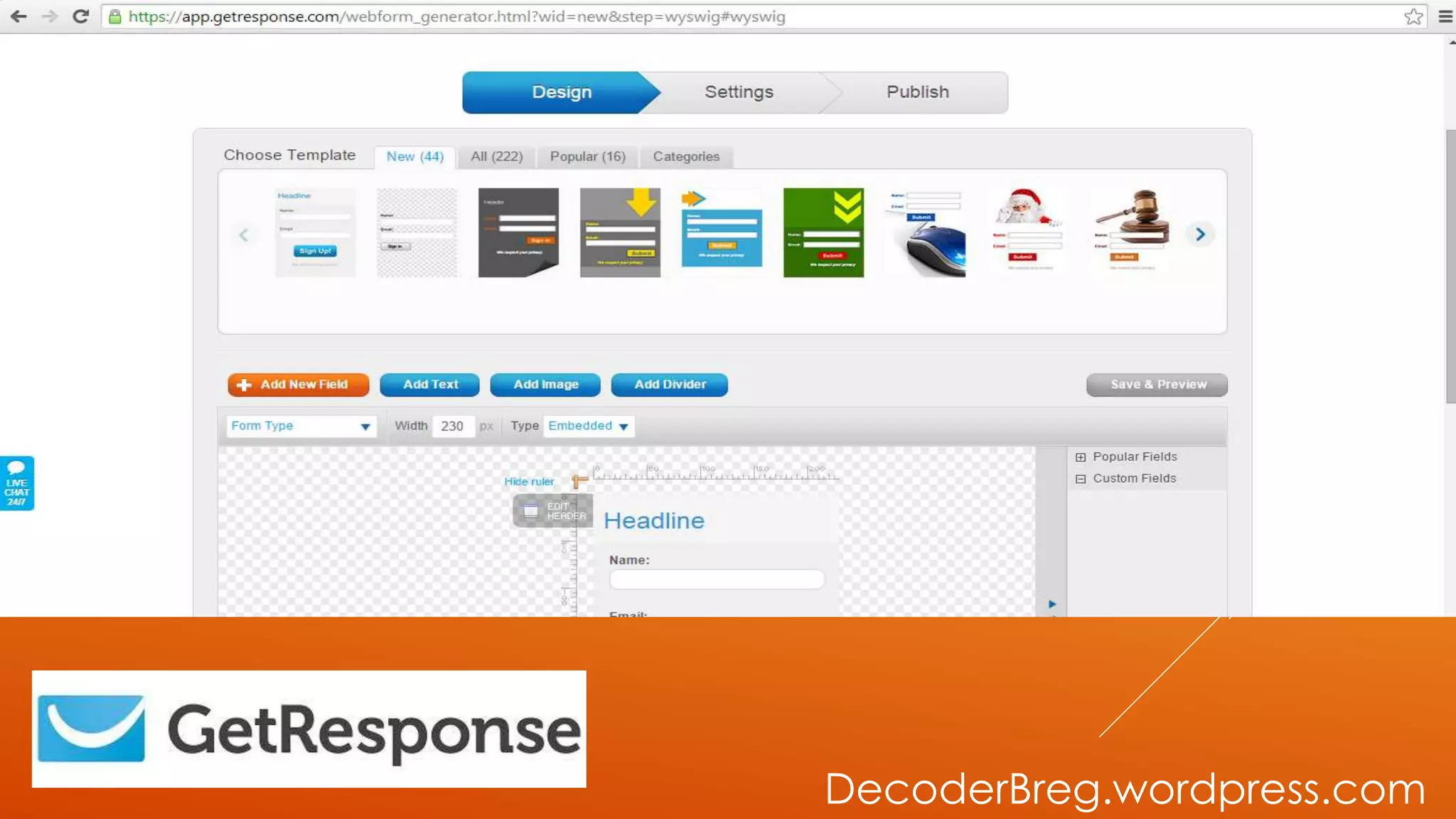
LET’S CHOOSE A
TEMPLATE
DecoderBreg.wordpress.com
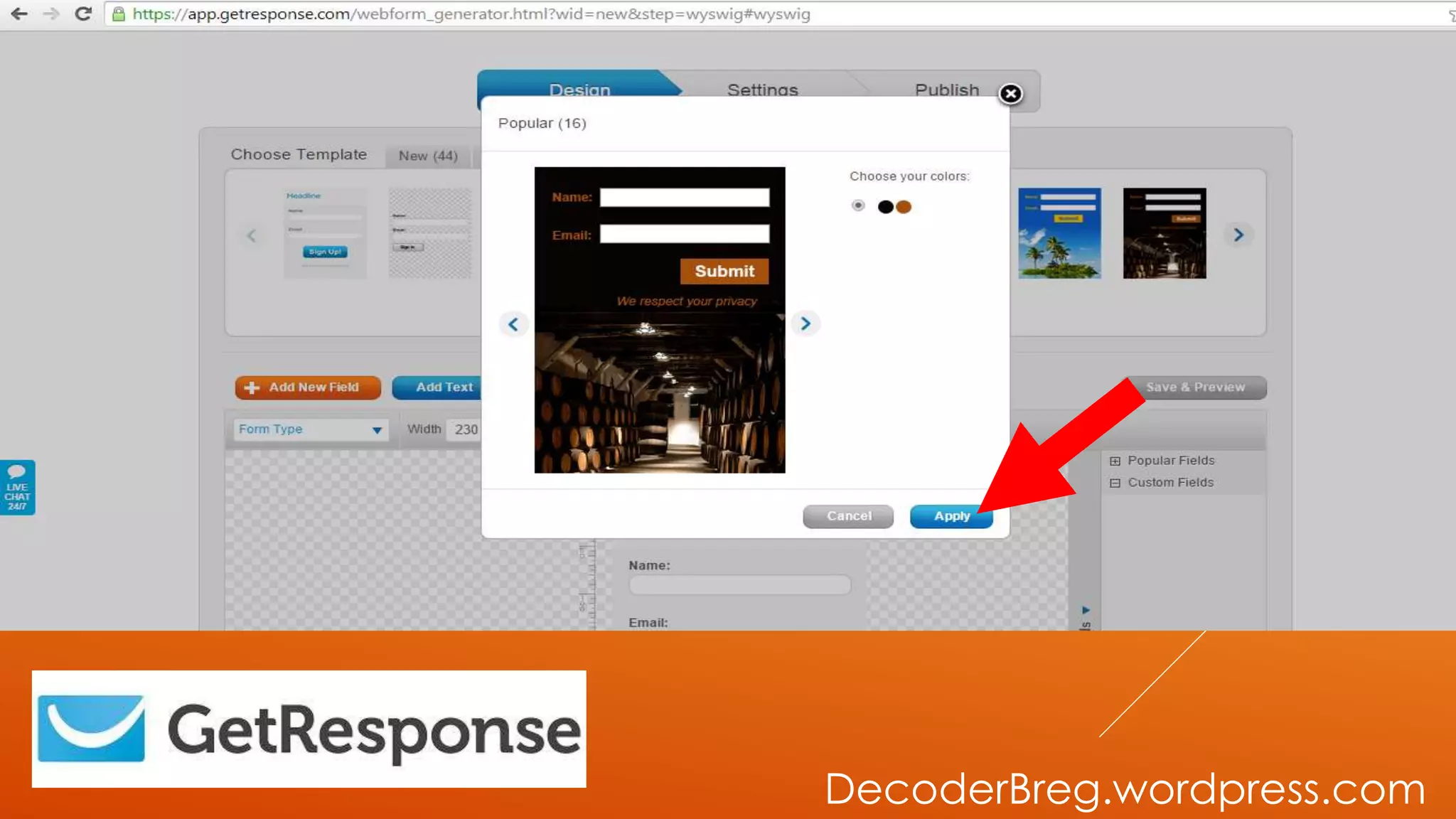
THEN CLICK
“APPLY”
DecoderBreg.wordpress.com
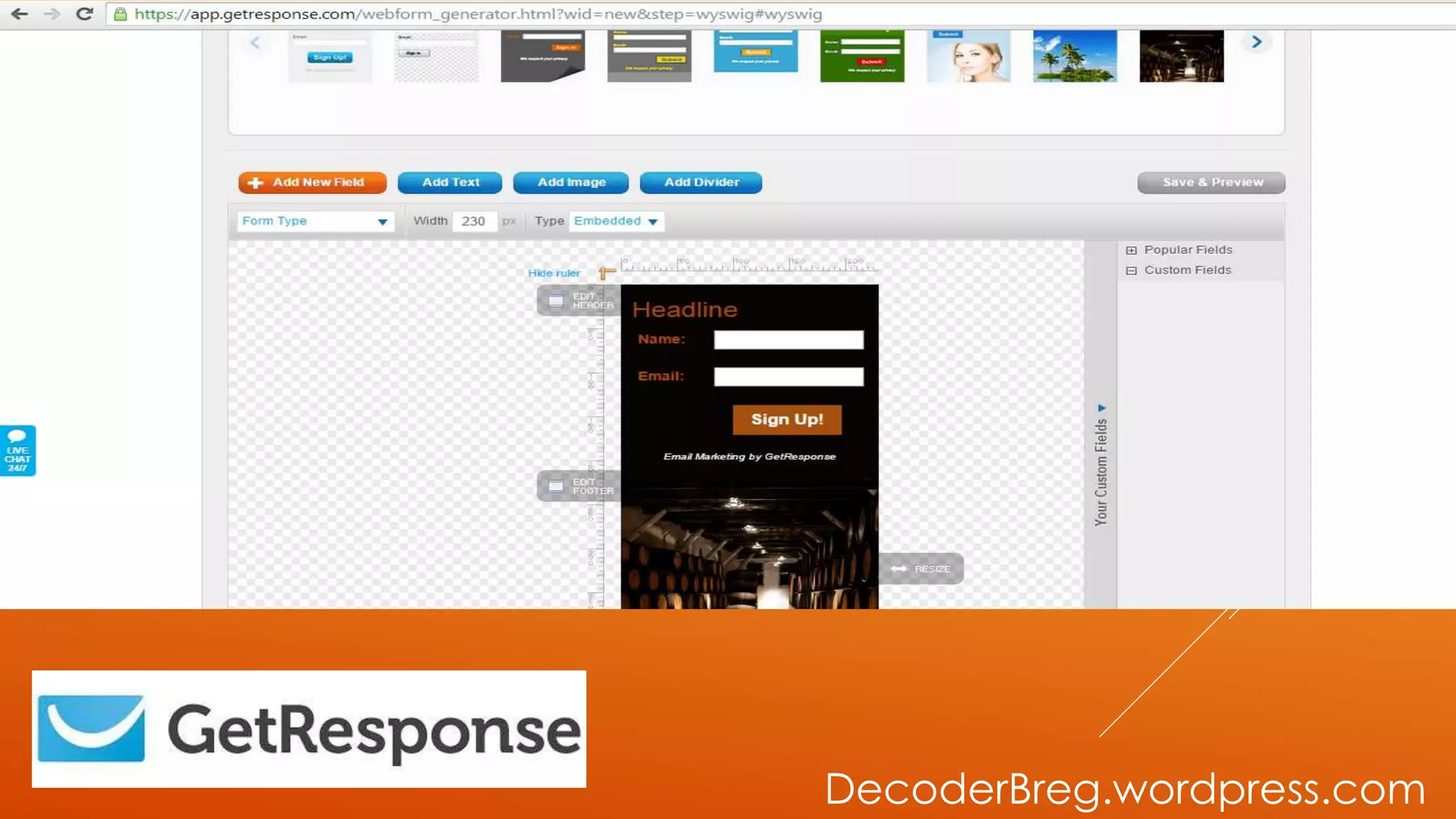
LET’S
CUSTOMIZE THE
TEMPLATE
DecoderBreg.wordpress.com
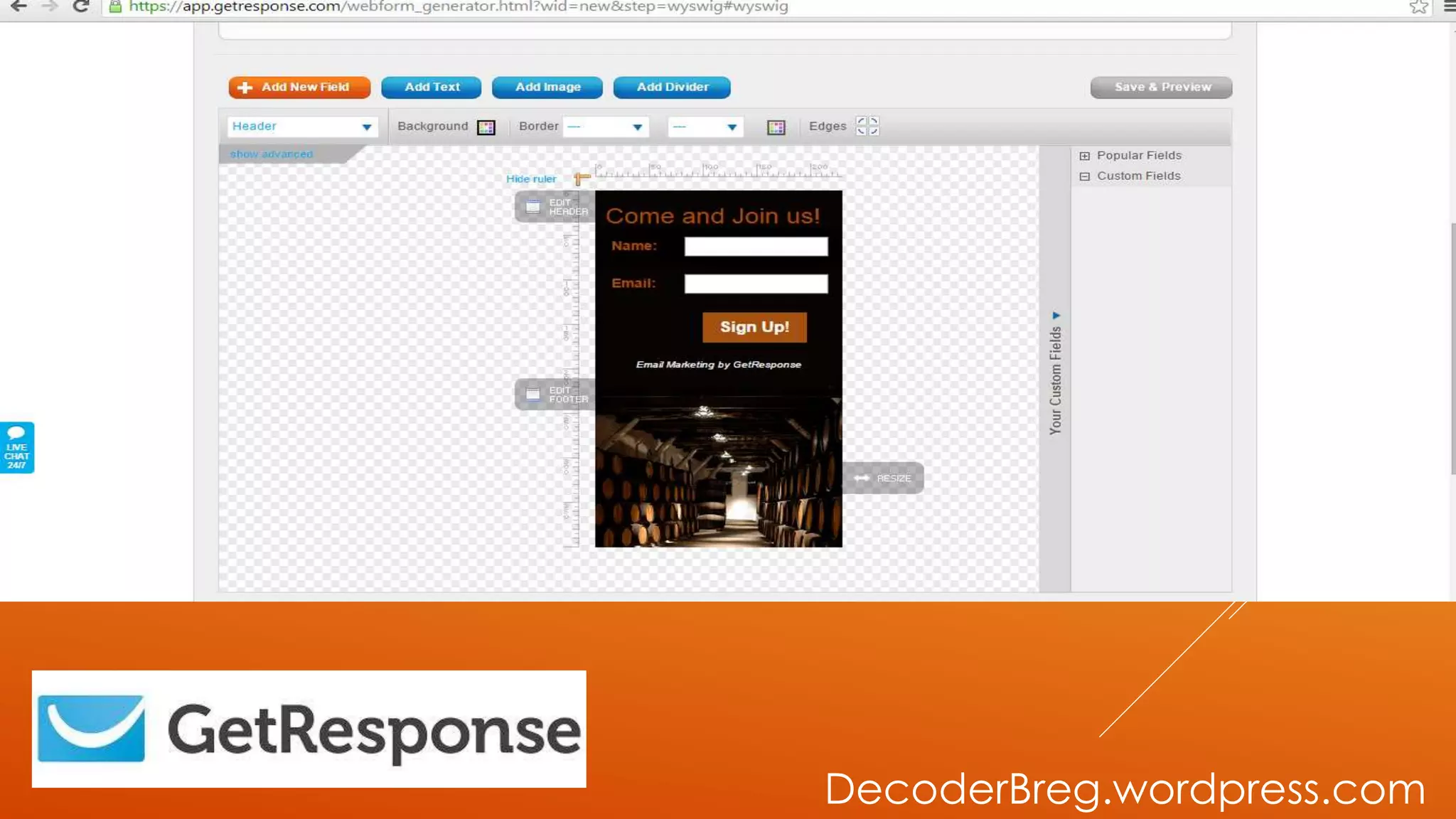
THIS WILL BE
THE OUTCOME.
DecoderBreg.wordpress.com
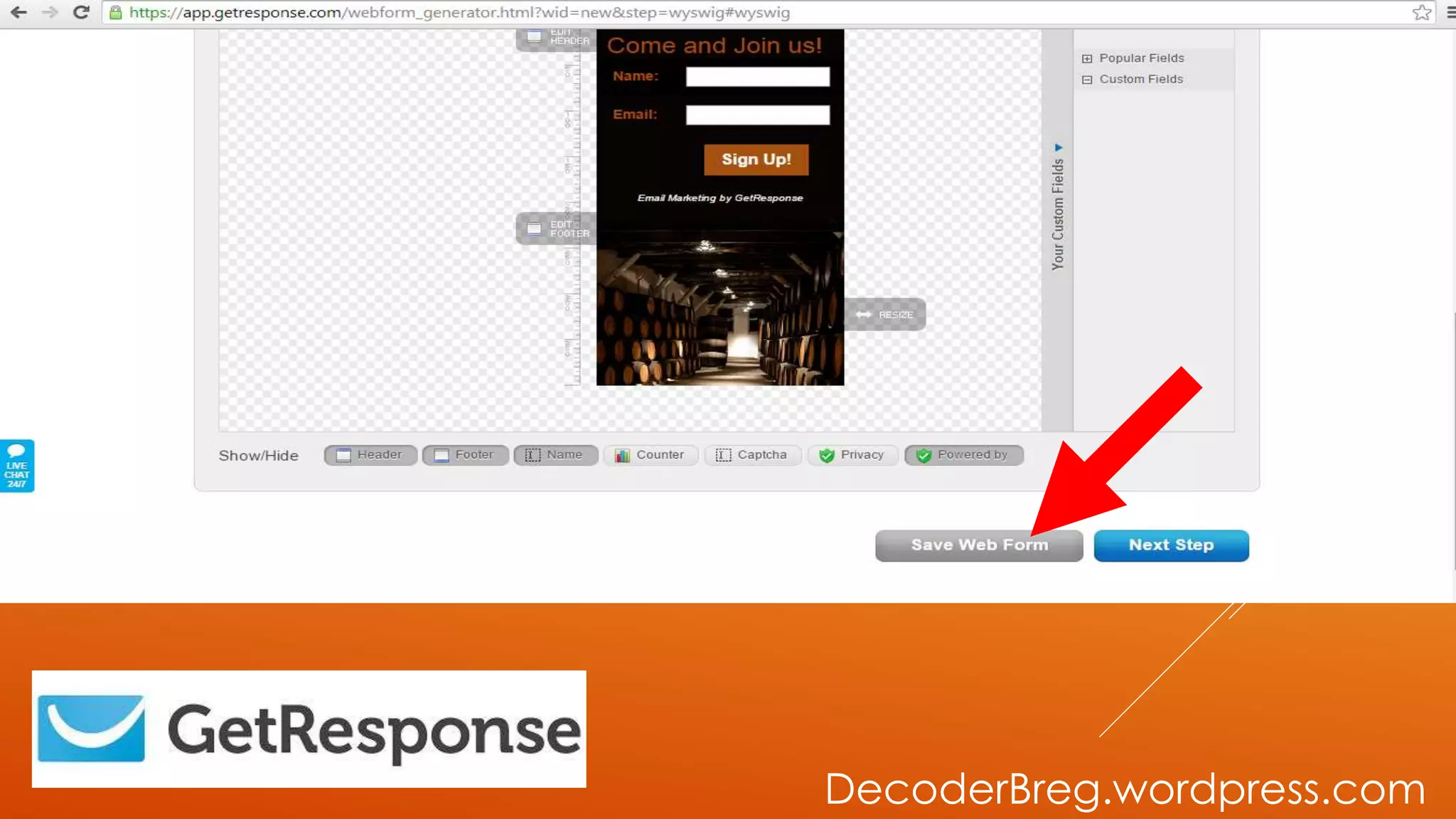
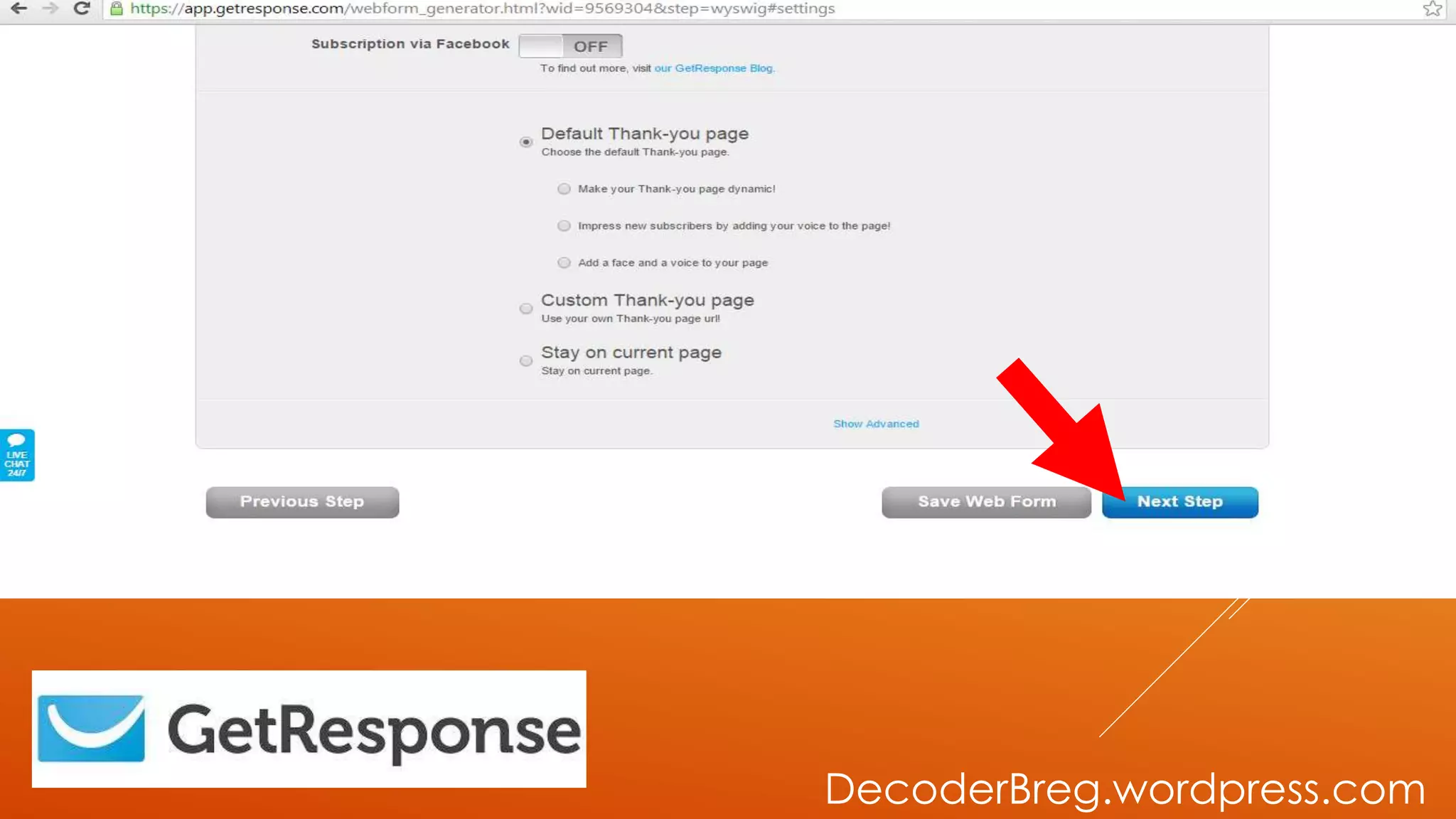
THEN SAVE WEB
FORM
DecoderBreg.wordpress.com
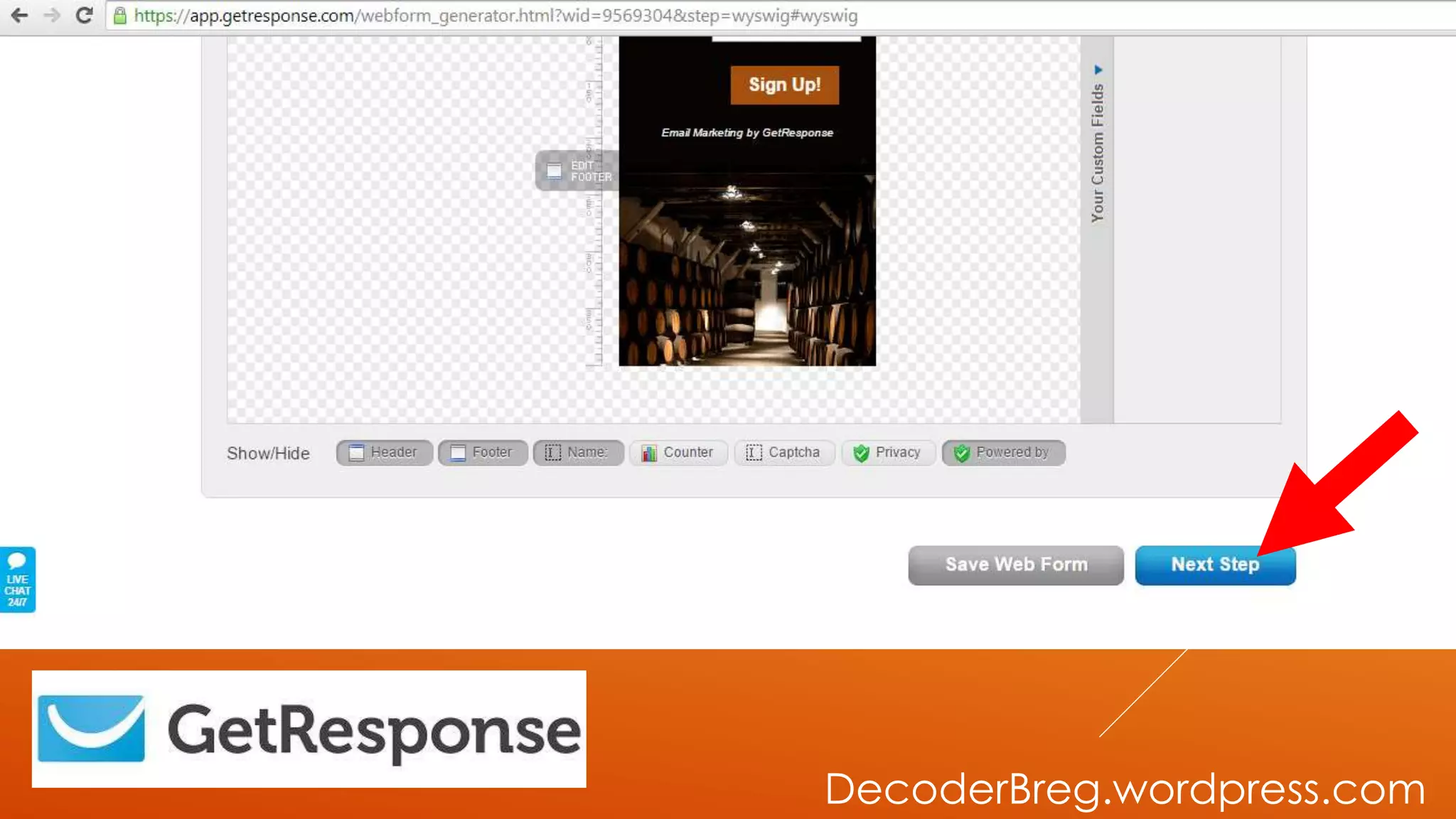
THEN NEXT STEP
DecoderBreg.wordpress.com
THEN NEXT STEP
DecoderBreg.wordpress.com
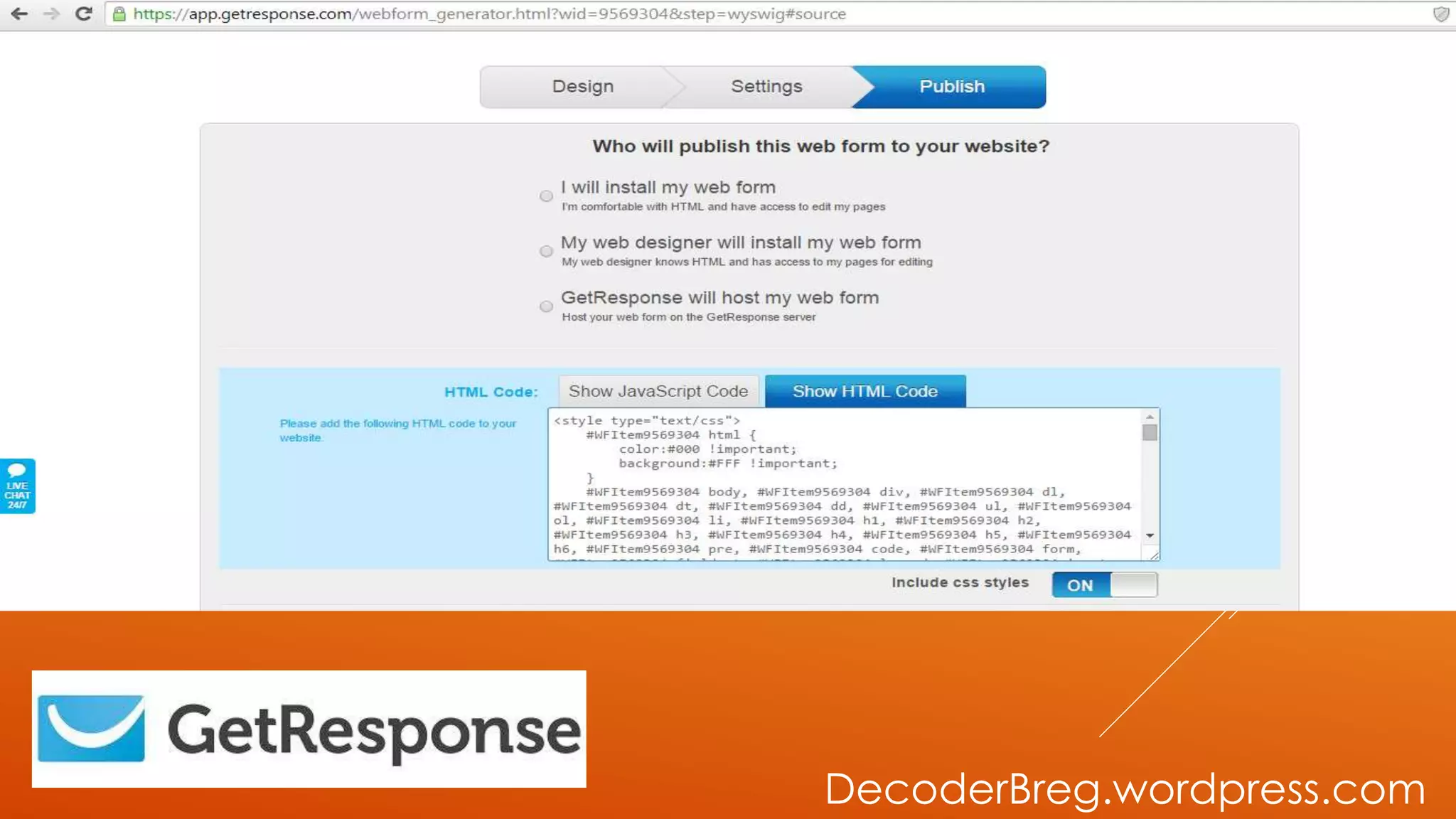
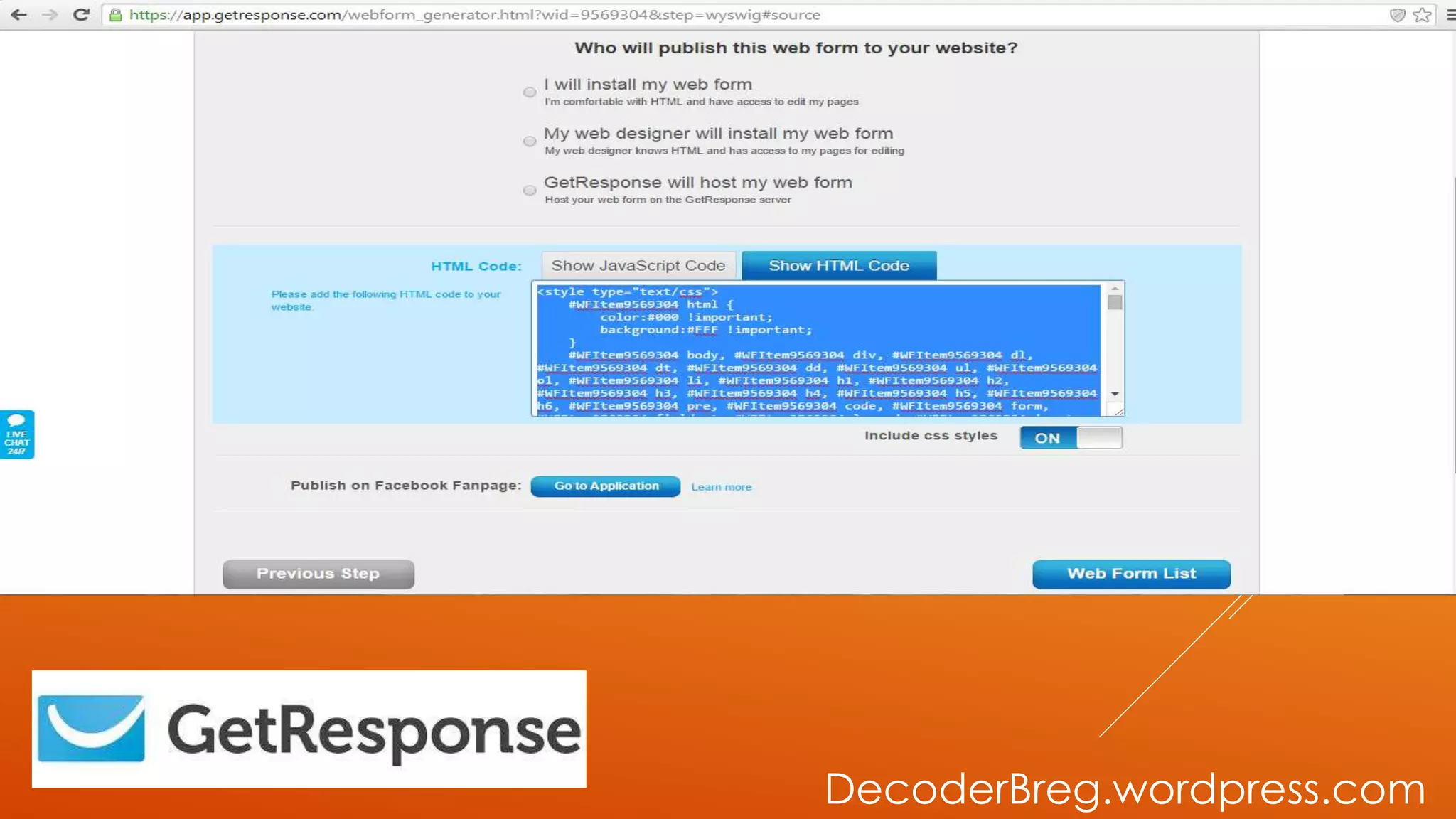
SWITCH IT TO
HTML CODE
DecoderBreg.wordpress.com
THEN COPY THE
SOURCE CODE
OF HTML
DecoderBreg.wordpress.com
LET’S USE
WOOBOX
APPLICATION
DecoderBreg.wordpress.com
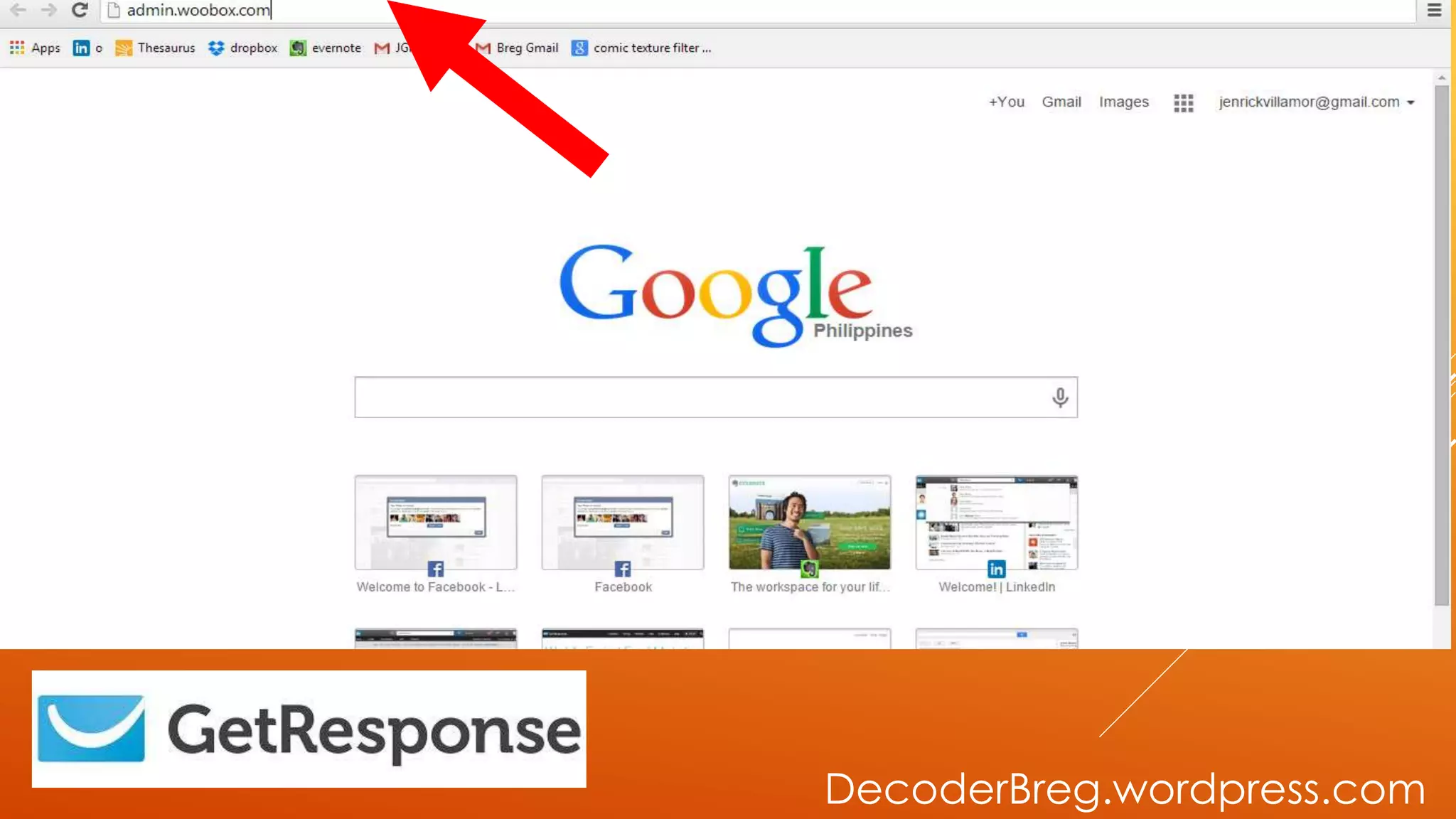
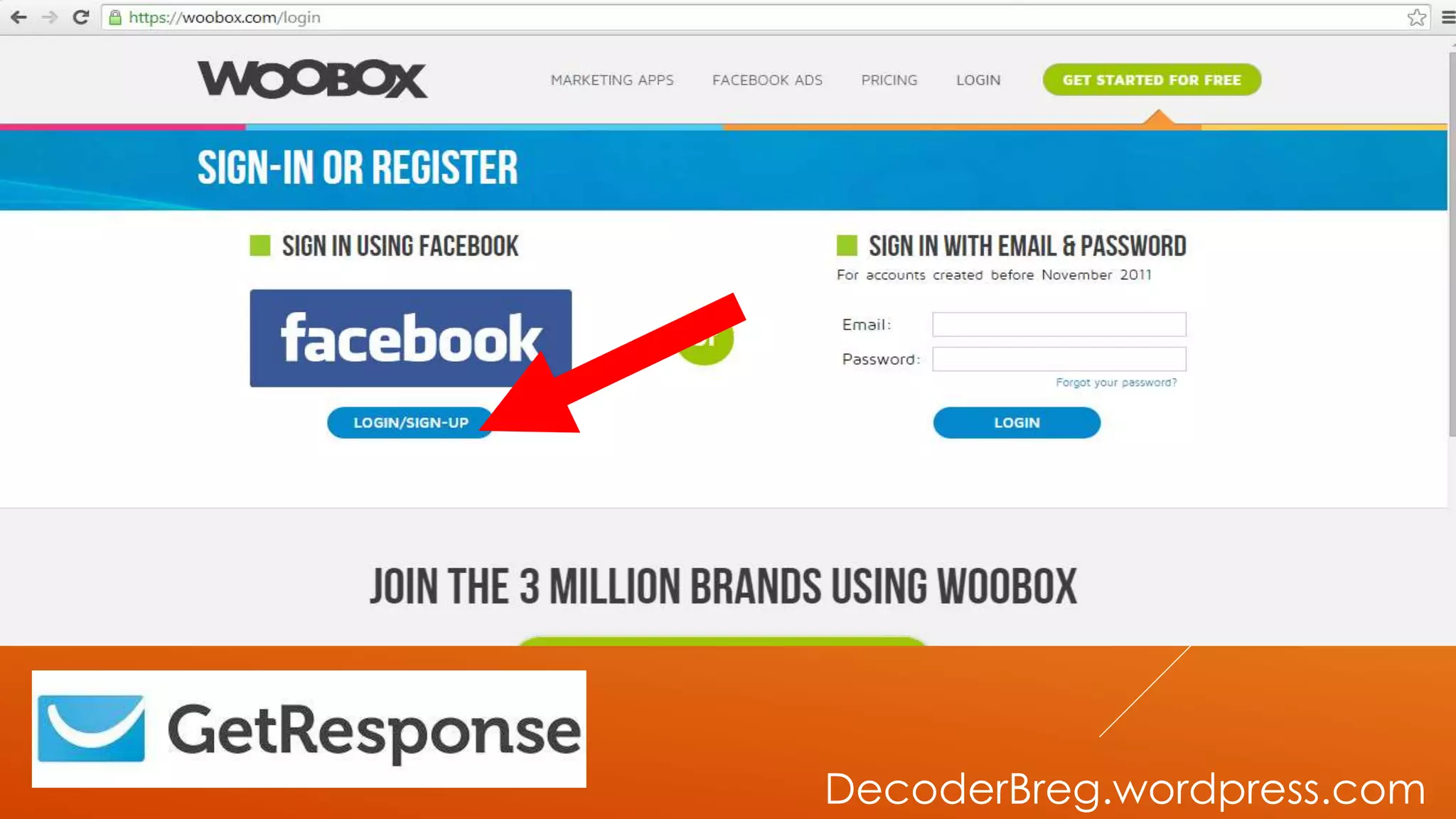
GO TO
ADMIN.WOOBOX.COM
DecoderBreg.wordpress.com
LOG IN USING
YOUR FB
DecoderBreg.wordpress.com
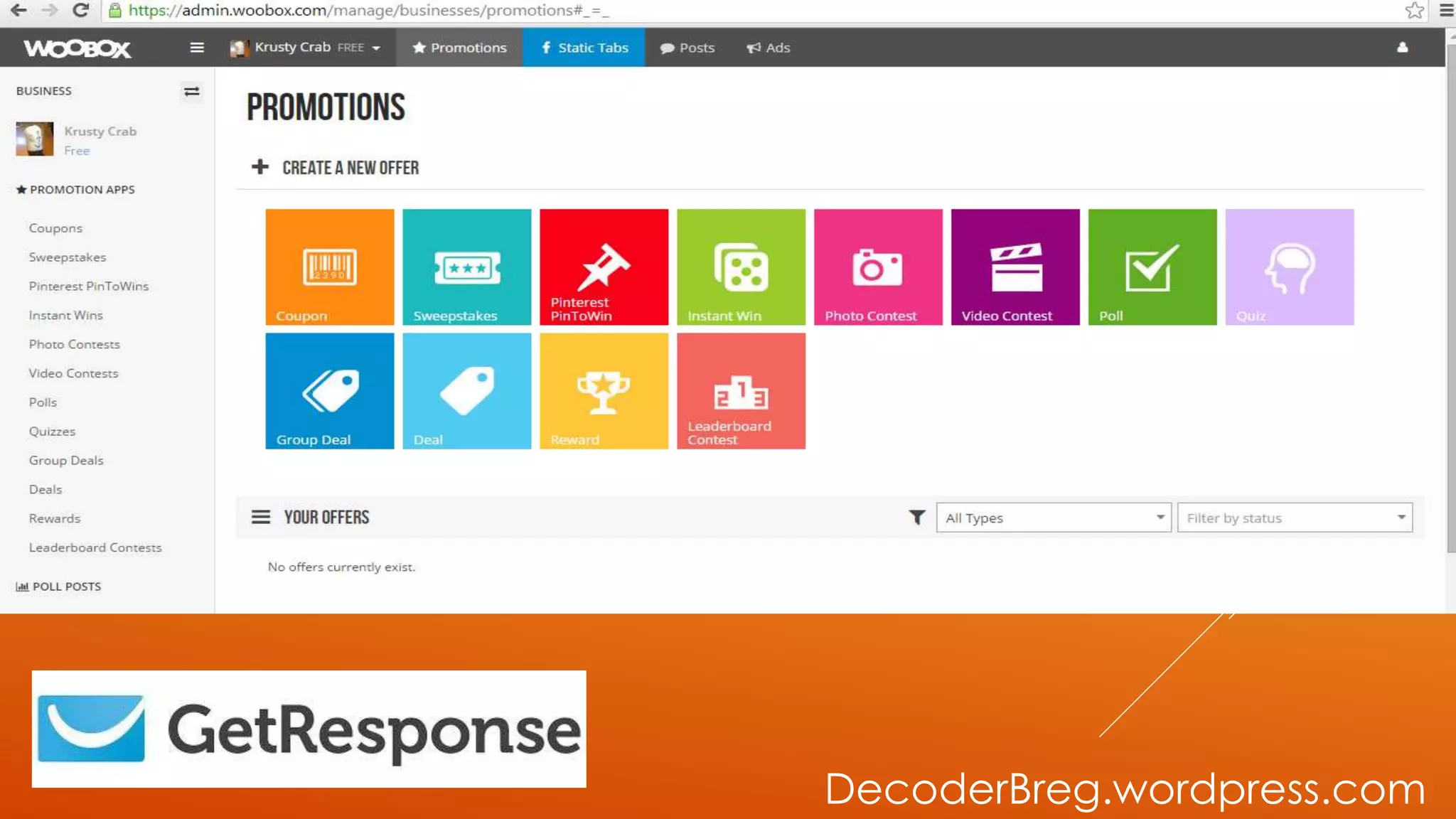
GO TO STATIC
TABS
DecoderBreg.wordpress.com
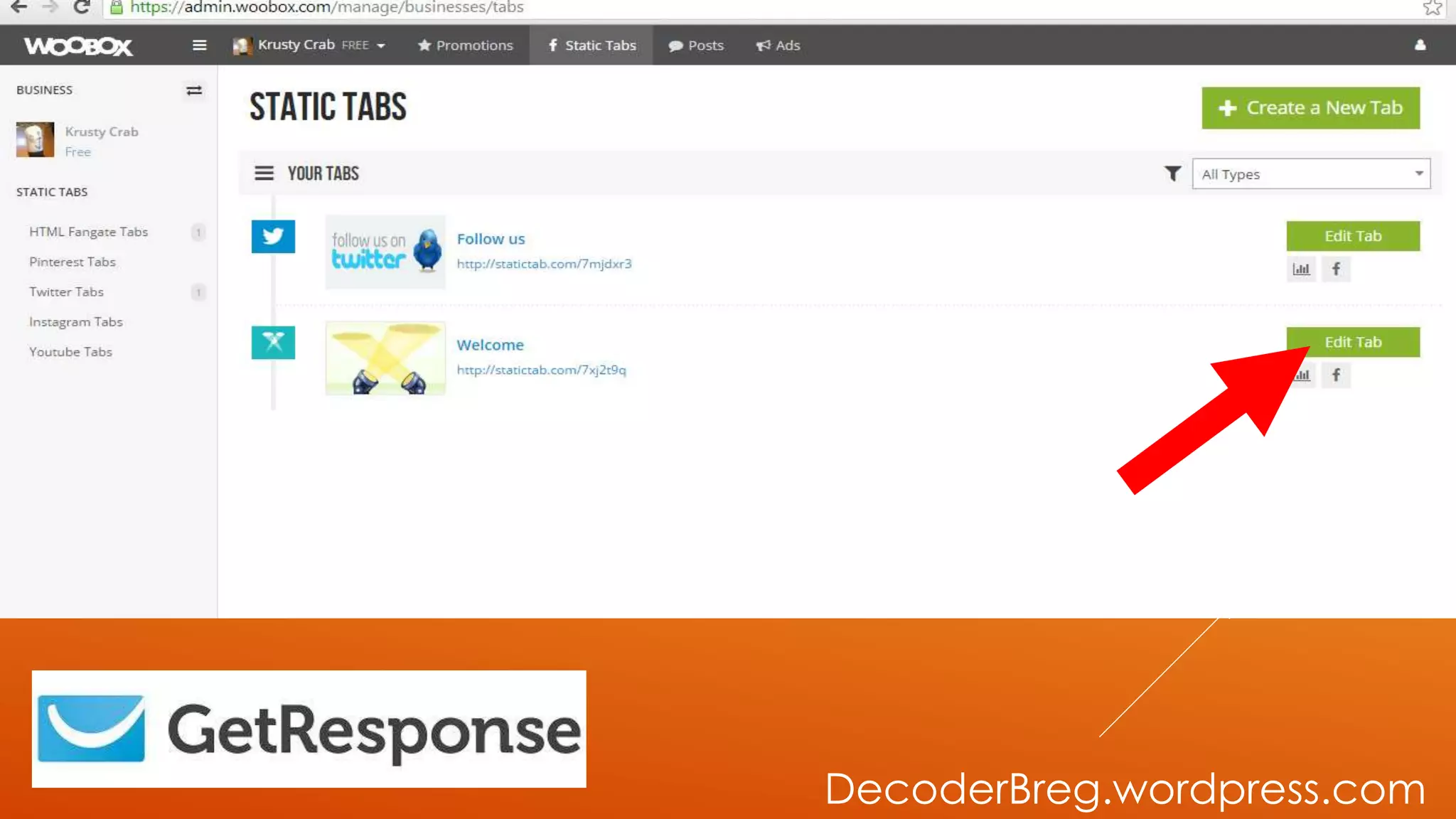
THEN GO TO
EDIT TAB
DecoderBreg.wordpress.com
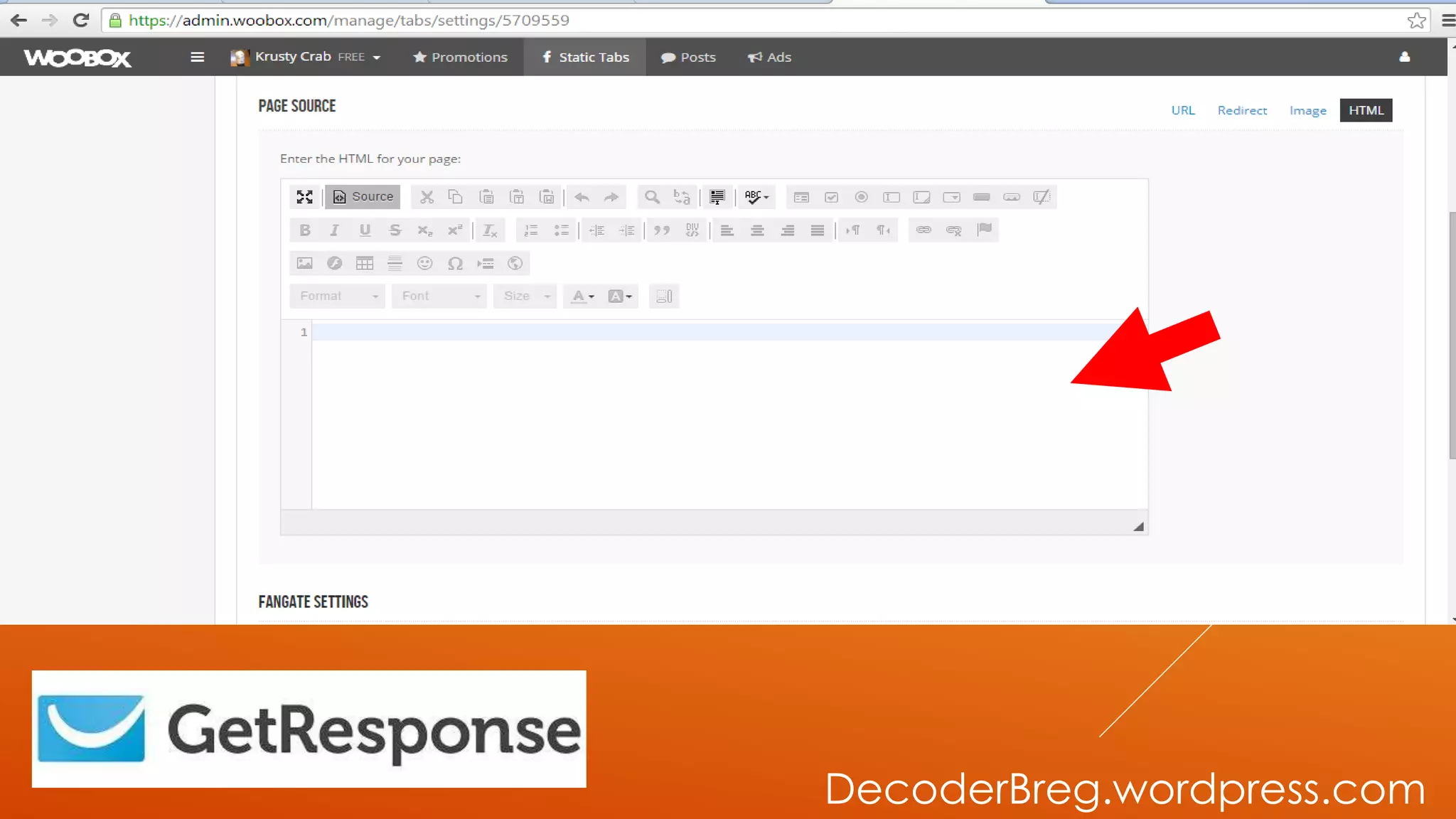
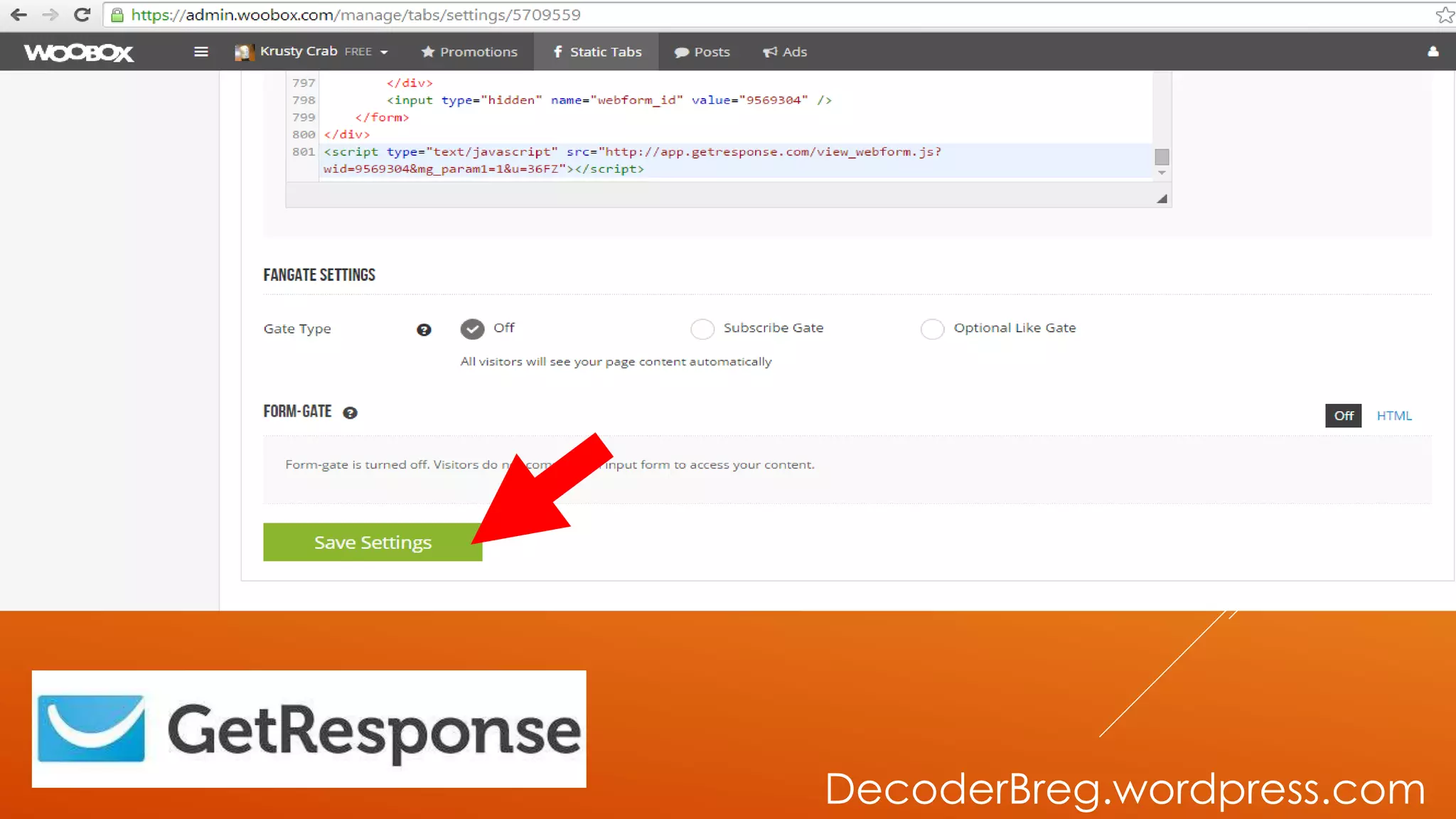
THEN PASTE THE
SOURCE CODE
HERE
DecoderBreg.wordpress.com
THEN SAVE
SETTINGS
DecoderBreg.wordpress.com
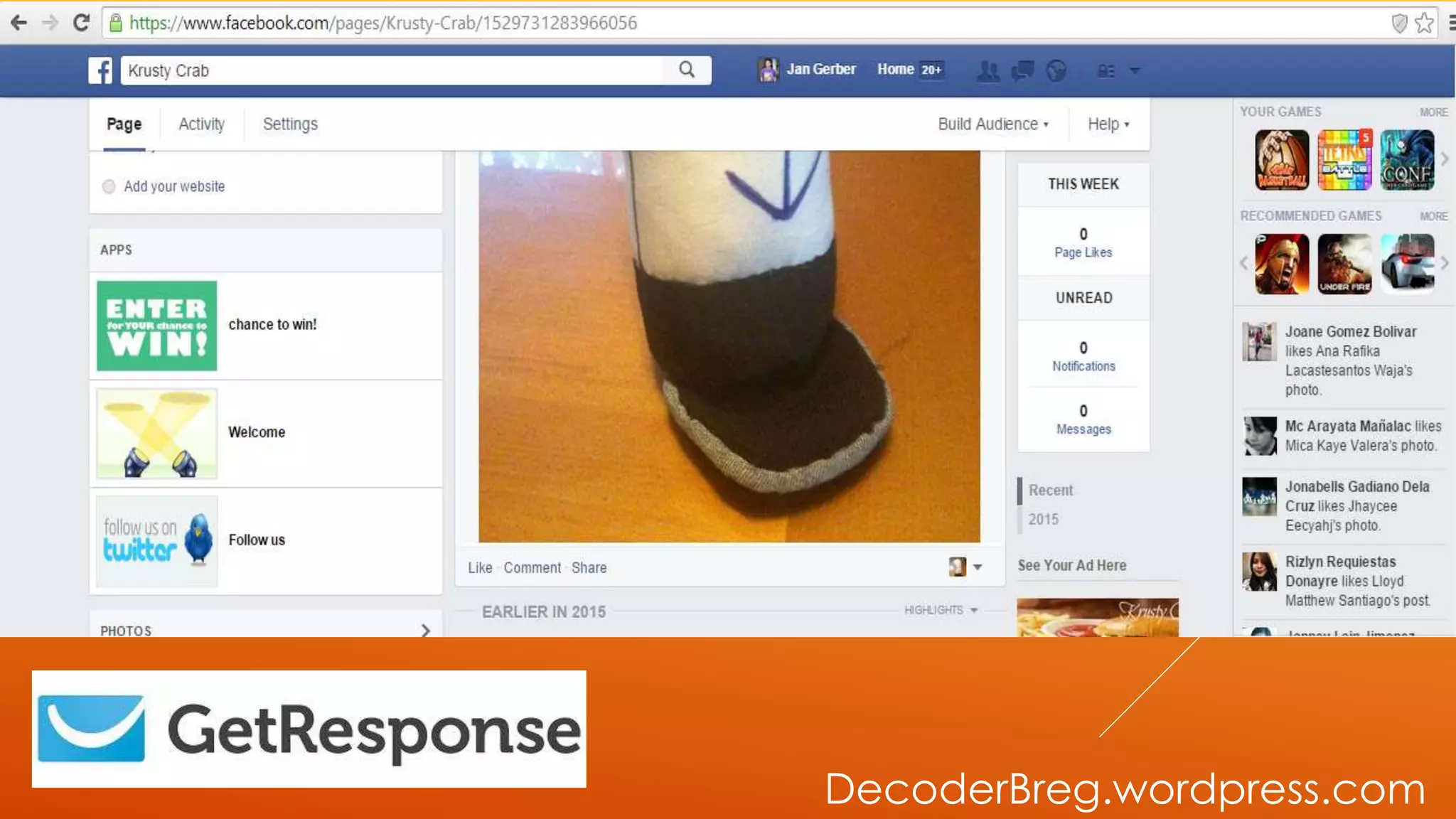
LET’S GO OUR FB
FANPAGE
DecoderBreg.wordpress.com
LET’S CHANGE THA
IMAGE AND THE
TITLE OF OUR TAB
DecoderBreg.wordpress.com
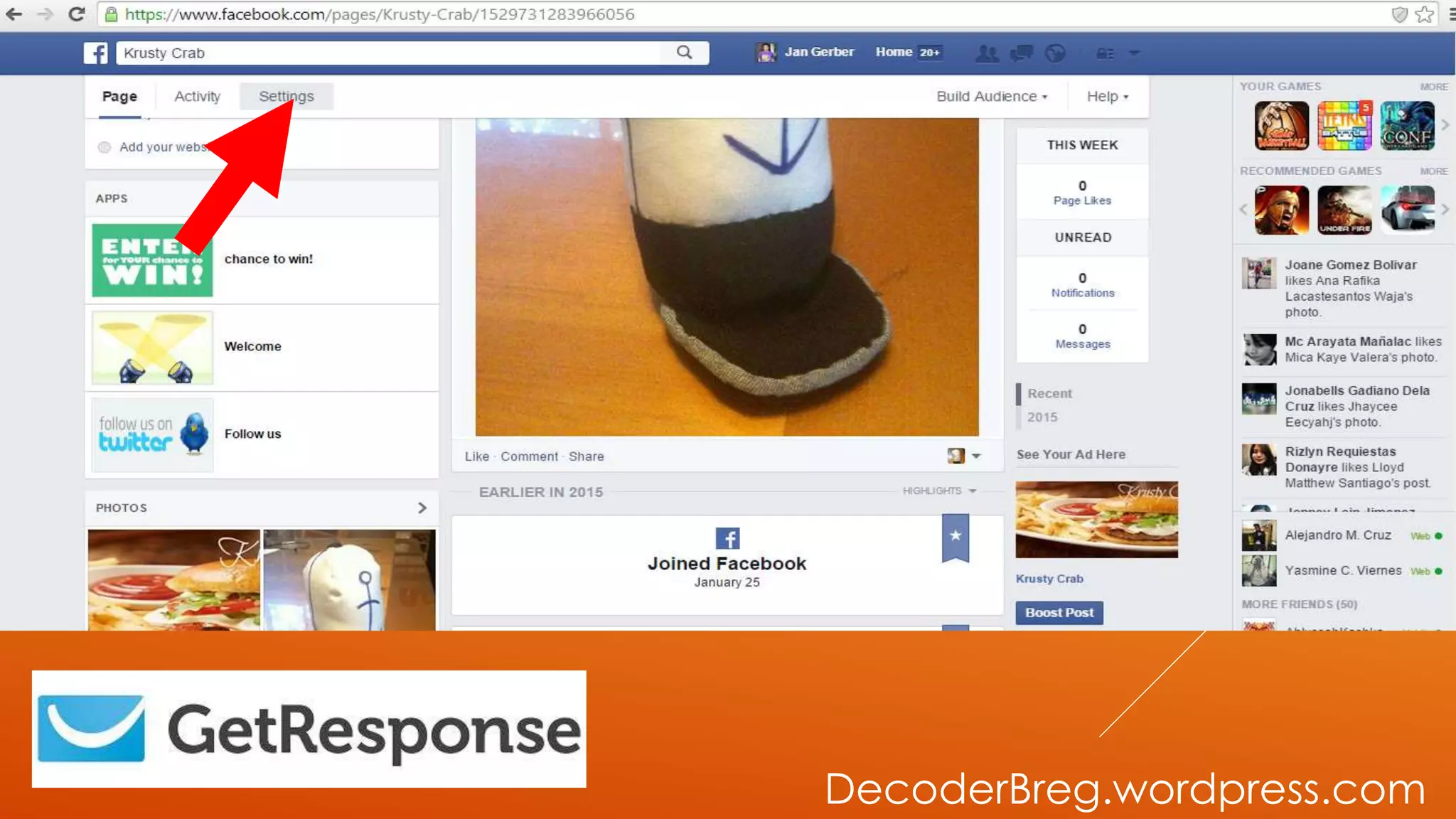
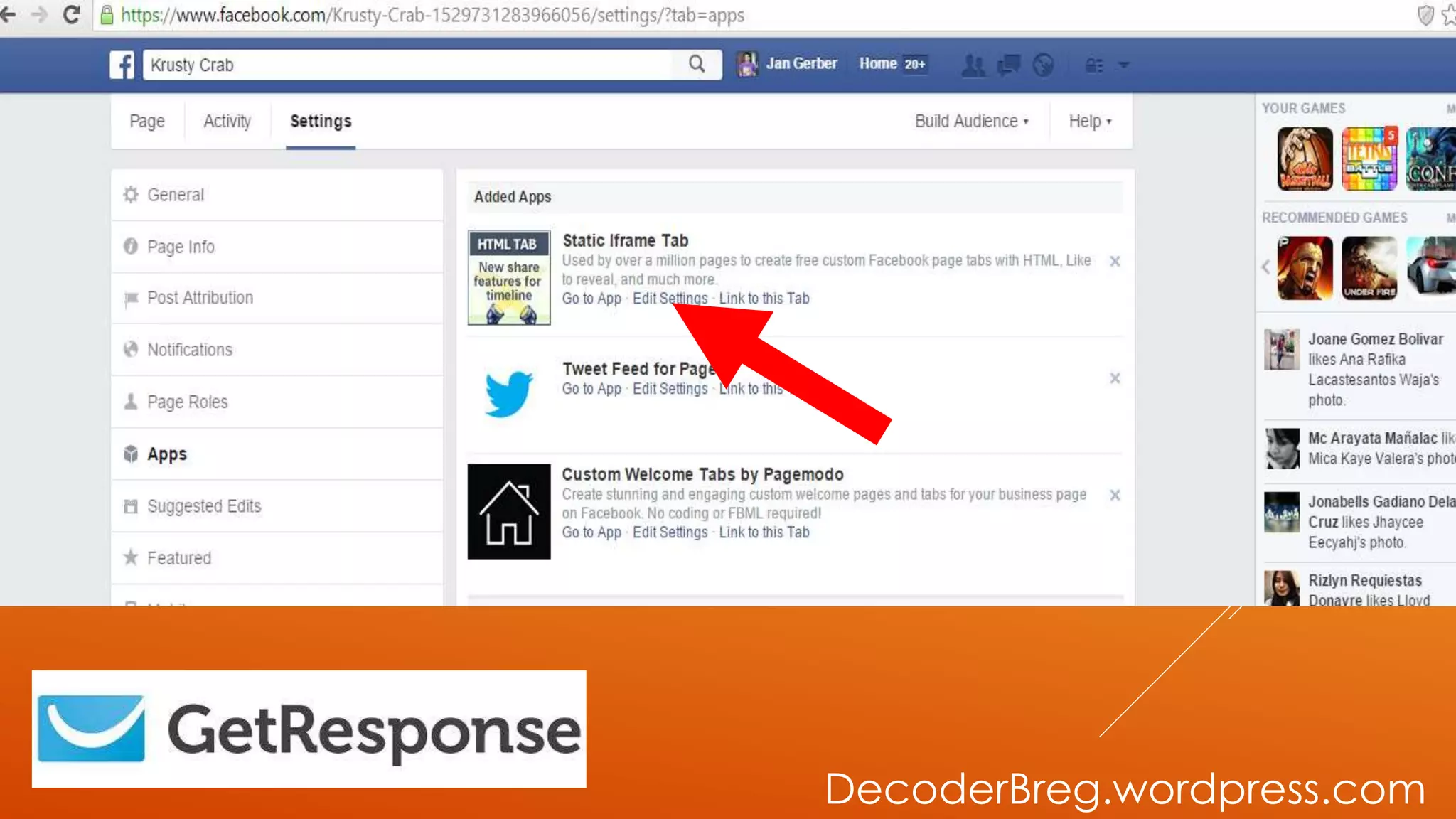
GO TO SETTING
DecoderBreg.wordpress.com
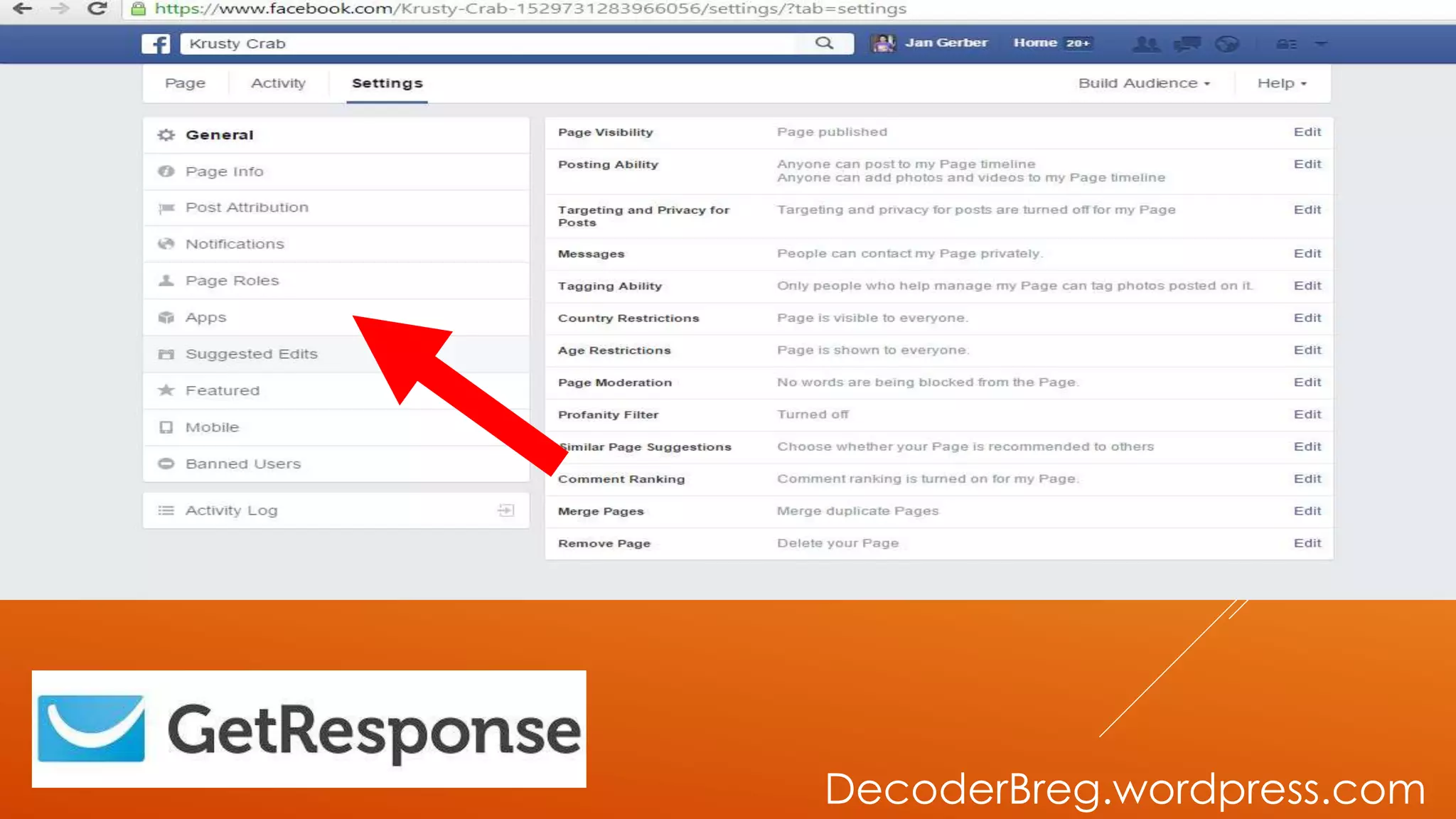
GO TO APP
DecoderBreg.wordpress.com
THEN GO TO
EDIT SETTINGS
DecoderBreg.wordpress.com
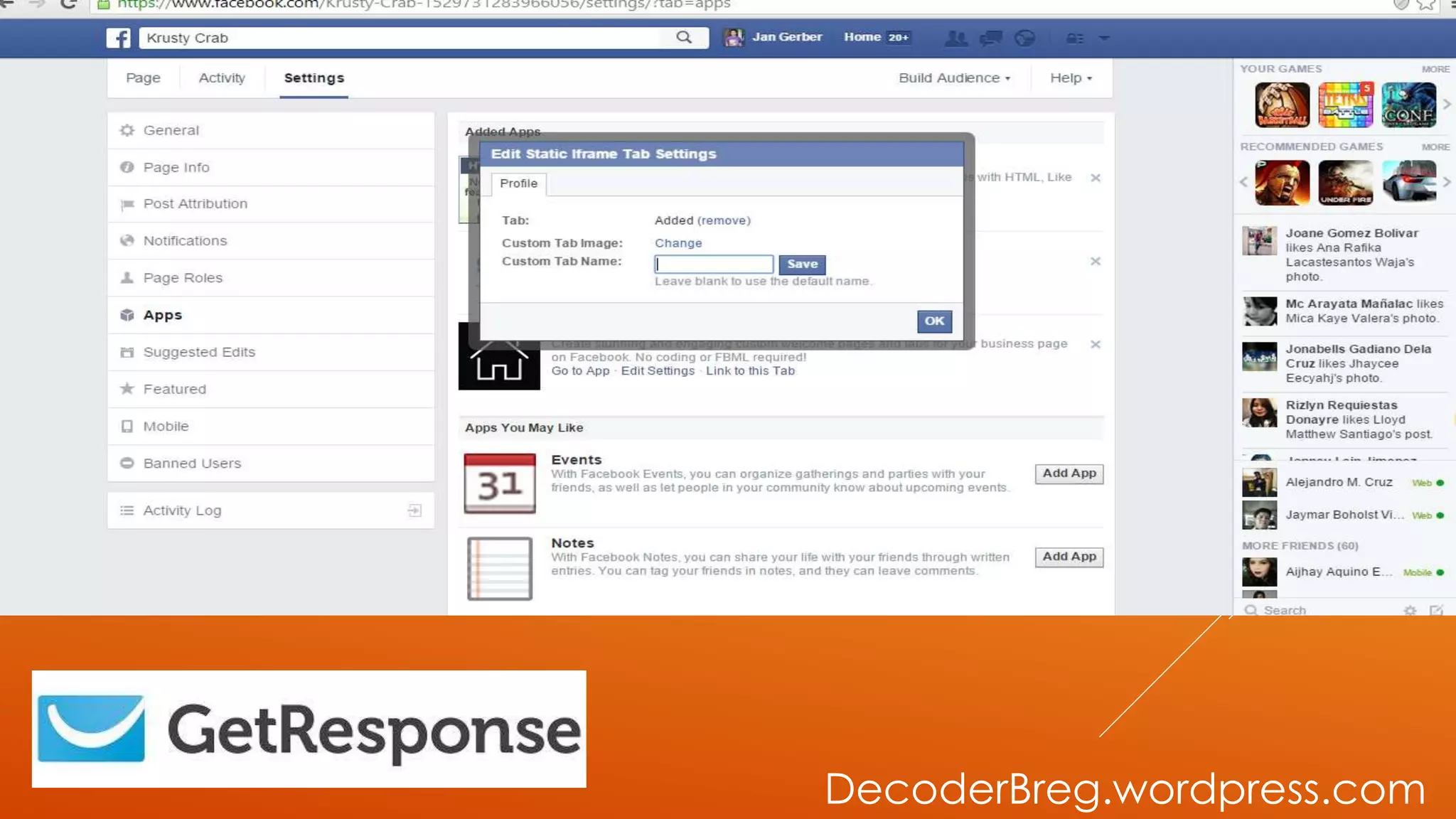
EDIT SETTING BOX
WILL POP-UP
DecoderBreg.wordpress.com
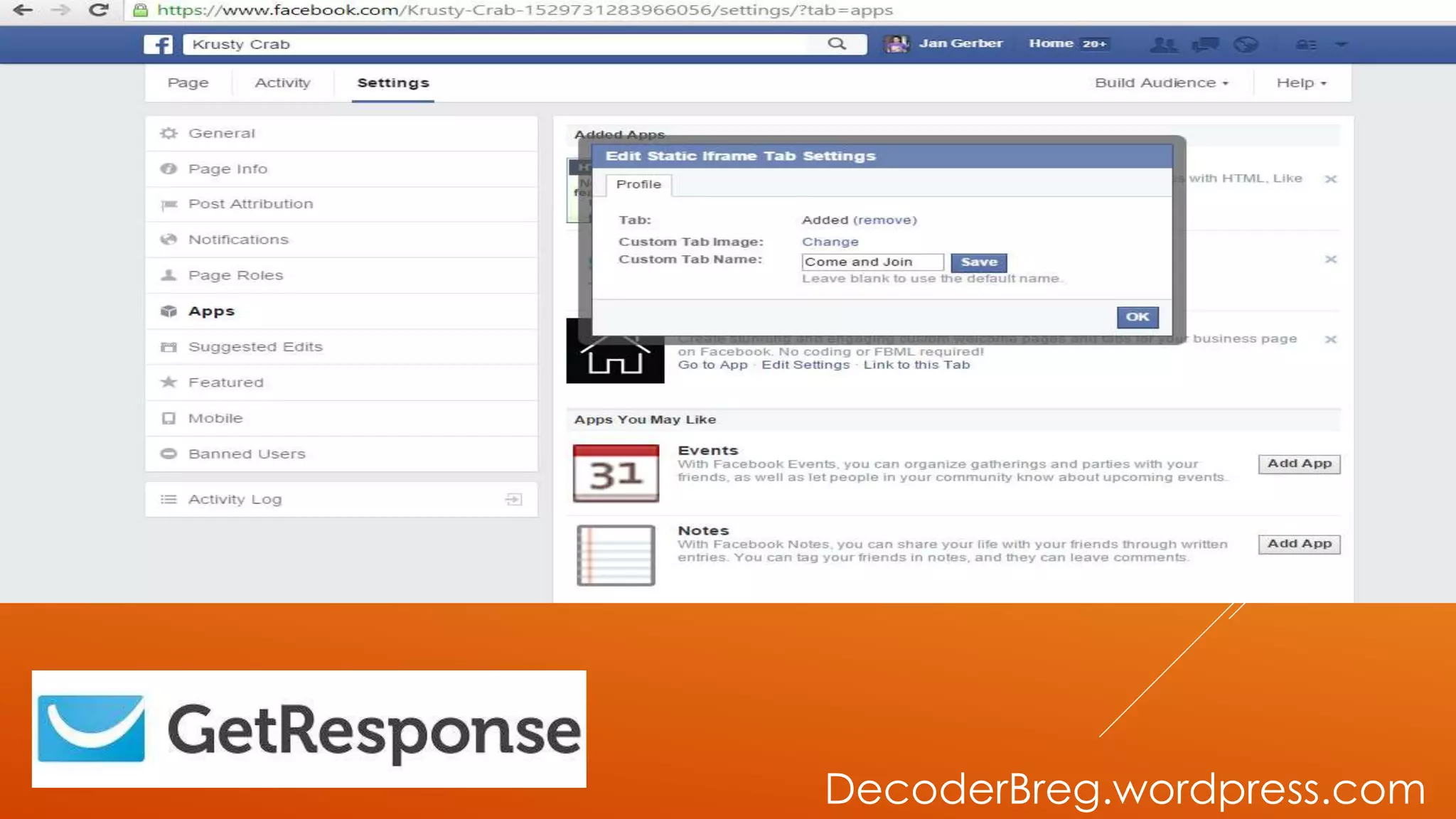
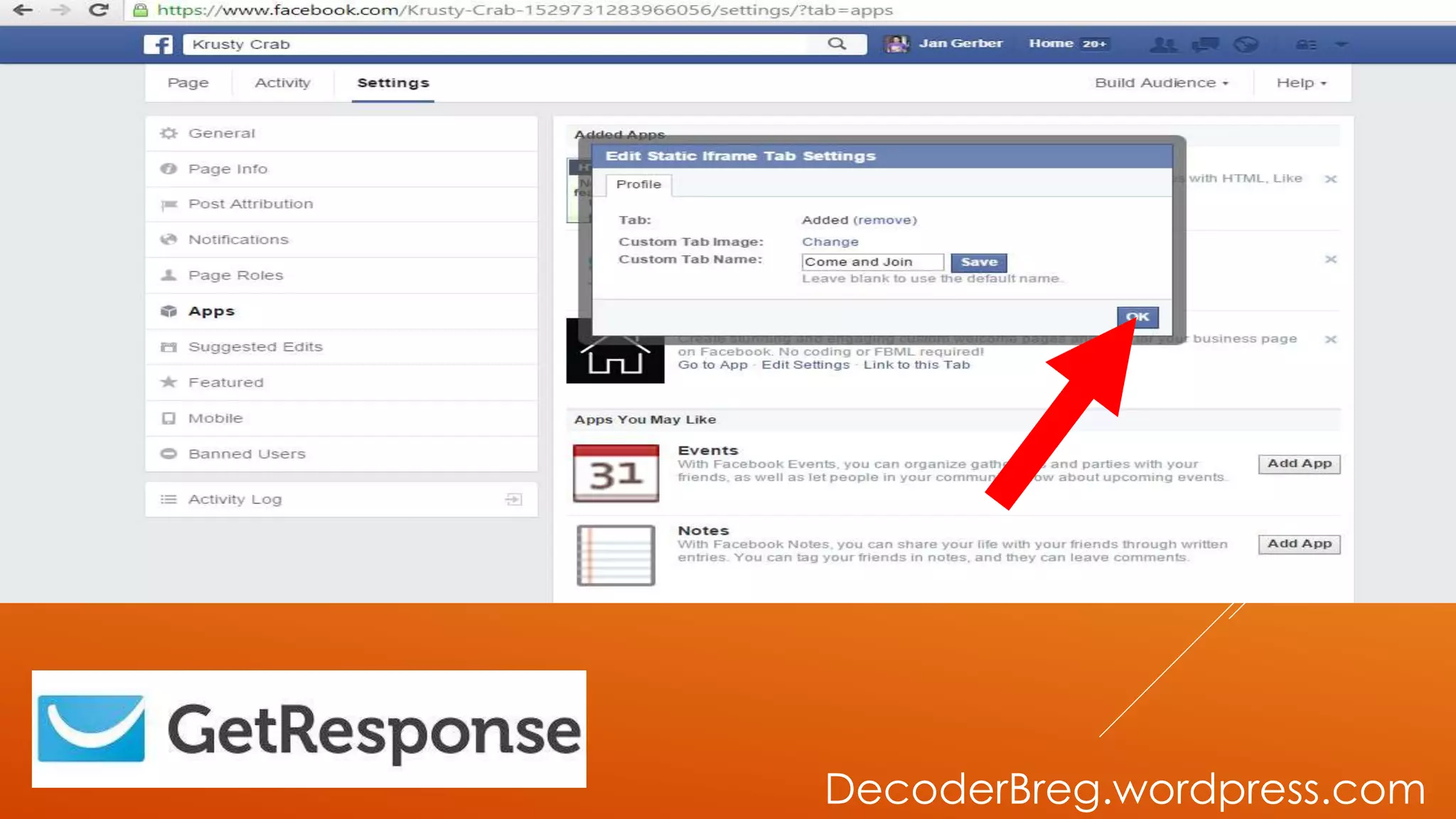
LET’S EDIT AND
ADD IMAGE IN
OUR TABS
DecoderBreg.wordpress.com
IF YOU’RE DONE
CUSTOMIZING
YOUR TABS
DecoderBreg.wordpress.com
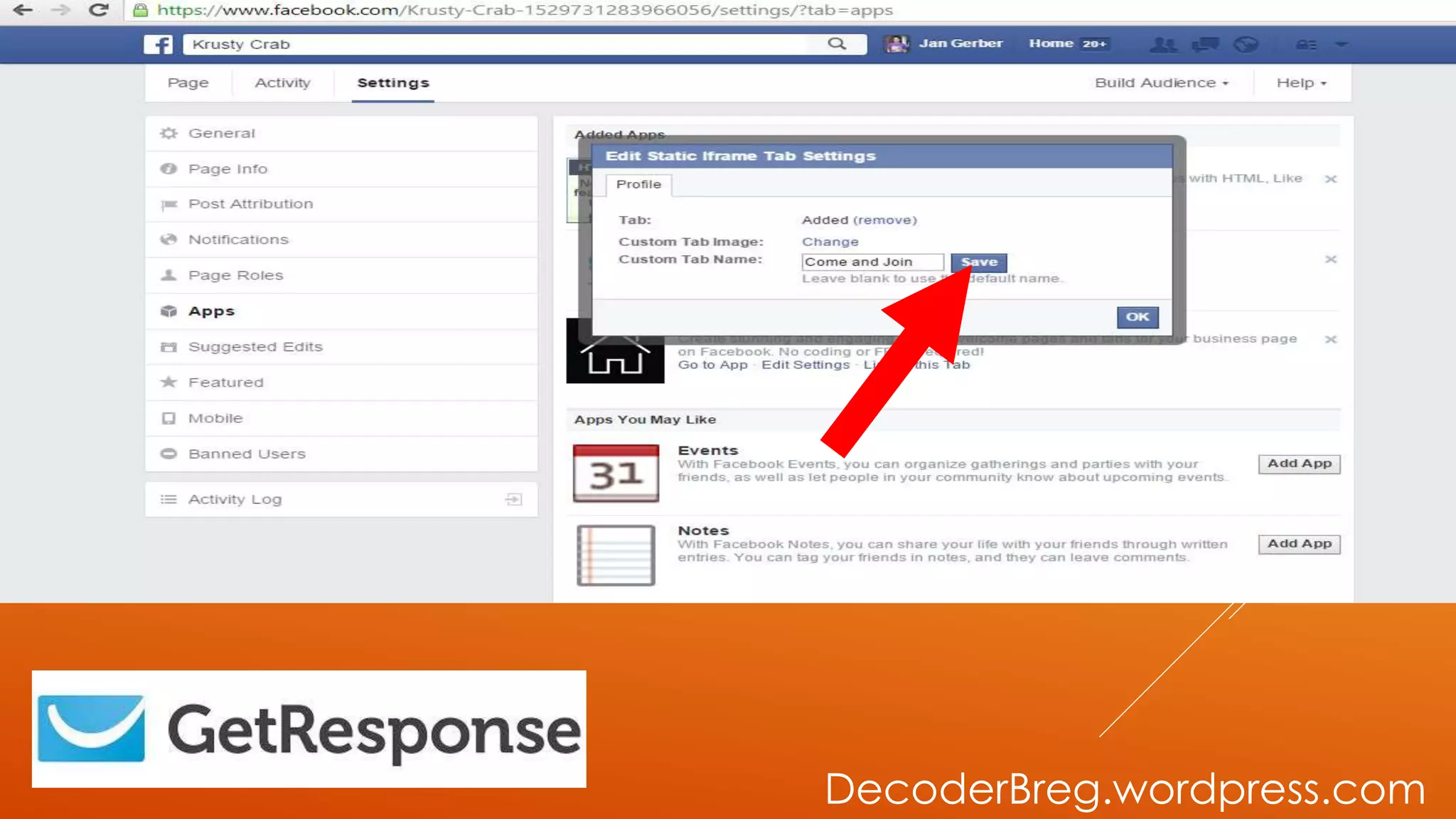
CLICK SAVE
DecoderBreg.wordpress.com
THEN CLICK
OKAY
DecoderBreg.wordpress.com
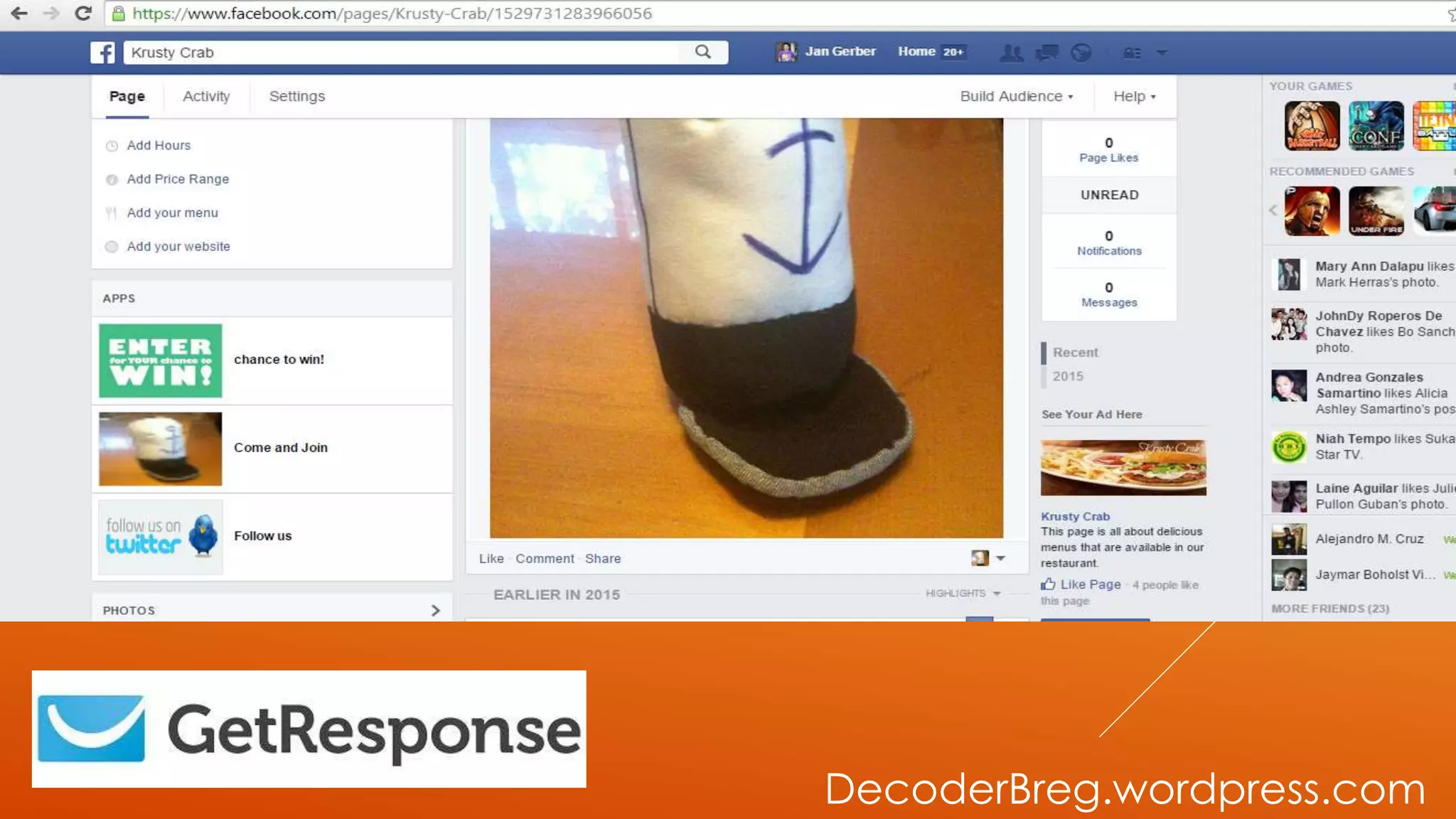
THIS WILL BE
THE OUTPUT OF
OUR TUTORIAL
DecoderBreg.wordpress.com
DONE!
DecoderBreg.wordpress.com
THIS IS HOW EMAIL
MARKETING WORKS.
DecoderBreg.wordpress.com
IF YOU HAVE
QUESTION,SUGGESTIO
N AND COMMENTS
DecoderBreg.wordpress.com
JUST CONTACT ME AT
JANGERBERPANONNAVARRO@GMAIL.COM
DecoderBreg.wordpress.com
THANK YOU!
DecoderBreg.wordpress.com

Email marketing using get response