Communication across distancesis usually
done by writing a letter and sending it
through the post office.This process usually
takes days up to weeks of waiting for the mail to
be delivered, especially if the destination is in
another country. Another way to communicate
with a family member working overseas is
through phone calls. Communication through
phone is real time, but this can be very costly.
Many OFWs prefer the latter just to ease their
homesickness and worries.
4.
ELECTRONIC MAIL (EMAIL)
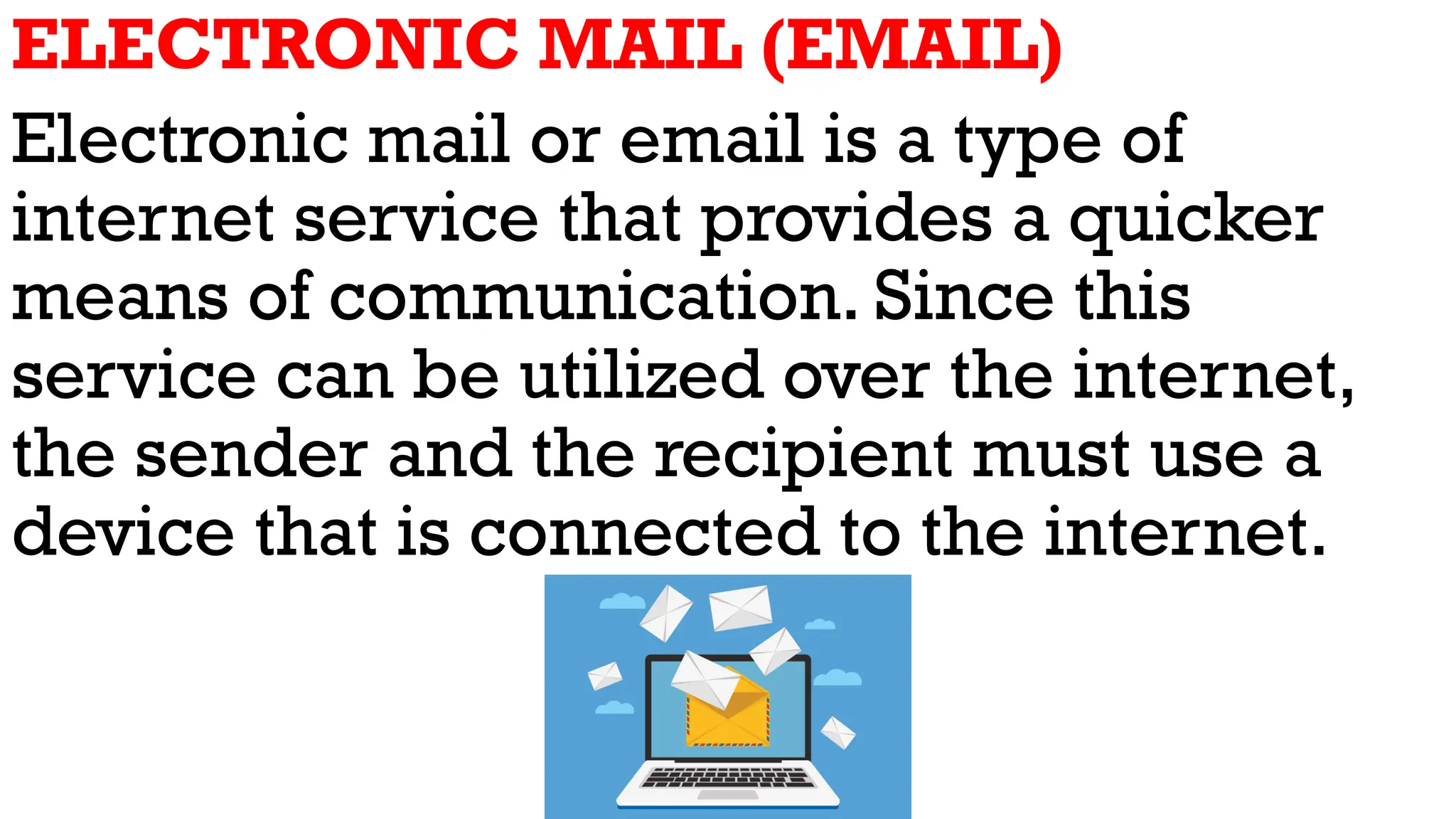
Electronicmail or email is a type of
internet service that provides a quicker
means of communication. Since this
service can be utilized over the internet,
the sender and the recipient must use a
device that is connected to the internet.
5.
The advantage ofusing an email as a
means of communication is that it is
inexpensive and can be sent to any person
across the globe. In addition, the recipient
of the email can read and answer your
email at their most convenient time. If both
the sender and the receiver are logged on,
it will be like communicating in real time.
6.
1. Gmail -a Google application that allows
users to send and receive messages. It
offers 15 gigabytes (GB) of free storage. It
also includes instant messaging and video
chat.
7.
2. Hotmail offersfree email and
practically unlimited storage accessible on
web.
8.
3. Yahoo Mailis said to be one of the best
email services in terms of security and
privacy. It offers 1 terabyte (TB) of storage
and is linked to Flickr.
9.
4. Outlook thefree webmail service from
Microsoft. It offers 15 gigabytes of free
storage in OneDrive. It supports social
media integration and it is customizable.
This email service provider is used by
many companies and organizations.
10.
5. Inbox -is a web-based email service
that offers the best spam filtering features.
Once you sign in, you will be given 5
gigabytes Webmail account and 30
gigabytes (GB) of Online Storage, and you
can send mail of size 20 megabytes (MB).
11.
6. iCloud -is a free email service from
Apple and is well known for sending large
files.You can send files of large size and
recipients can download it easily.
Email system hasthree components-mail
application or mail client, mail server, and
mailbox.
1. Mail application or Mail client - This allows
you to read, manage, and compose emails.
Examples: Microsoft Outlook, Eudora,
Thunderbird, Pegasus, Gmail
2. Mail server - This is a device that receives,
stores, and sends the email.
3. Mailbox This is a folder that contains all your
emails.
14.
INSTANT MESSAGING (IM)
Instantmessaging is an exchange of
messages through a software application in
real time. A computer or any smartphone can
be used to send instant messages. Just like
an email, you can send messages to one or
more persons in your contact list. If the
receiver is connected to the internet, you can
have a live conversation.You may exchange
text messages, graphics, and video clips.
15.
ETIQUETTE FOR E-MAILAND INSTANT
MESSAGING
1. Use the subject line when sending an
email.The subject line tells what the email
message is about. It will be easier to look
for that message again.
2. Do not send messages that are abusive
and defamatory. It does not feel good to
send or receive messages that contain foul
or vulgar language.
16.
3. Do notsend chain messages or junk mails
to people. Many messages are forwarded in
good faith but are unnecessary. Note that
messages such as chain letters or spam
mails can fi people's inboxes.
4. Do not consider the messages you send as
confidential. Never assume that the recipient
of your message is the only person who will
read it. If you will send a confidential file, it
will be better to have it password protected.
17.
5. Remember thelaw. Always consider laws
about defamation, copyright, obscenity,
and misrepresentation.
6. Make your message as short as possible.
This will make your email easy to read.
7. Review your email. Before sending your
message, make sure that spellings and
grammar are checked. If everything is fine,
then you can send the email.
18.
Internet users shouldfollow these guidelines to practice
good etiquette:
1. Use the subject line when sending an email.
2. Do not send messages that are abusive and
defamatory.
3. Do not send chain messages or junk mails to people.
4. Do not consider the messages you send as confidenti
al.
5. Remember the law.
6. Make your message as short as possible.
7. Review your email.