Presented by: Praduman Singh
COMPUTER SCIENCE ENGINEERING (2018-22)
Today’s Agenda
 About Elastic Transcoder
 Components
 Service highlights
 Steps to transcode media files
 Theory into practice
 Q/A
What is Elastic Transcoder ?
o Elastic Transcoder is an aws services used to convert the media files
stored in an s3 bucket into the media files in different formats supported
by different devices.
o It is a media transcoder in the cloud.
o It converts the different formats of media that will play on smartphones,
tablets, PC’s, etc.
o It provides transcoding presets for popular output format like 1080p,
720p, web etc.
o If you use Elastic Transcoder on aws, then you need to pay based on the
minutes that you transcode and the resolution at which you transcode.
Components of Elastic Transcoder
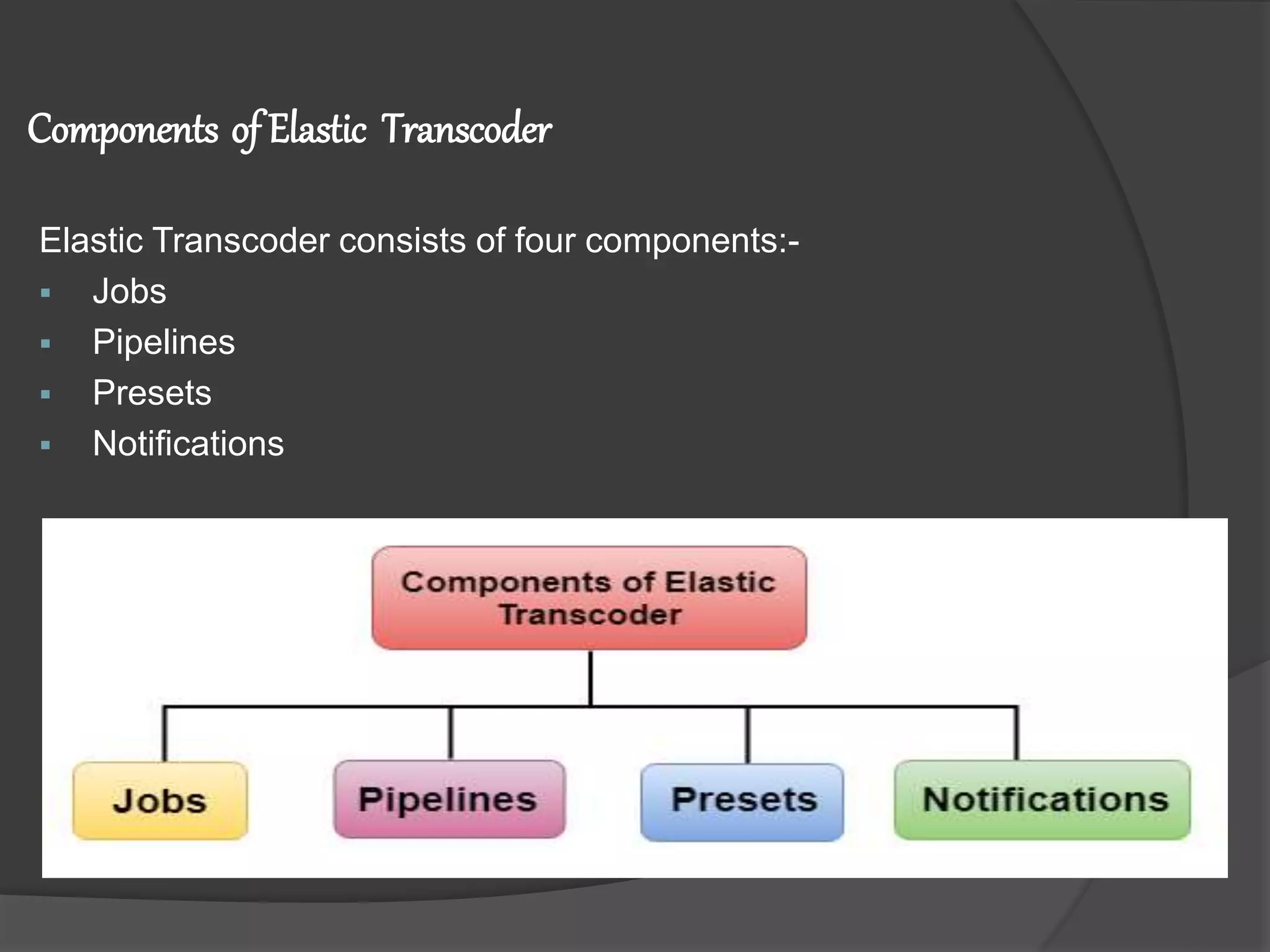
Elastic Transcoder consists of four components:-
 Jobs
 Pipelines
 Presets
 Notifications
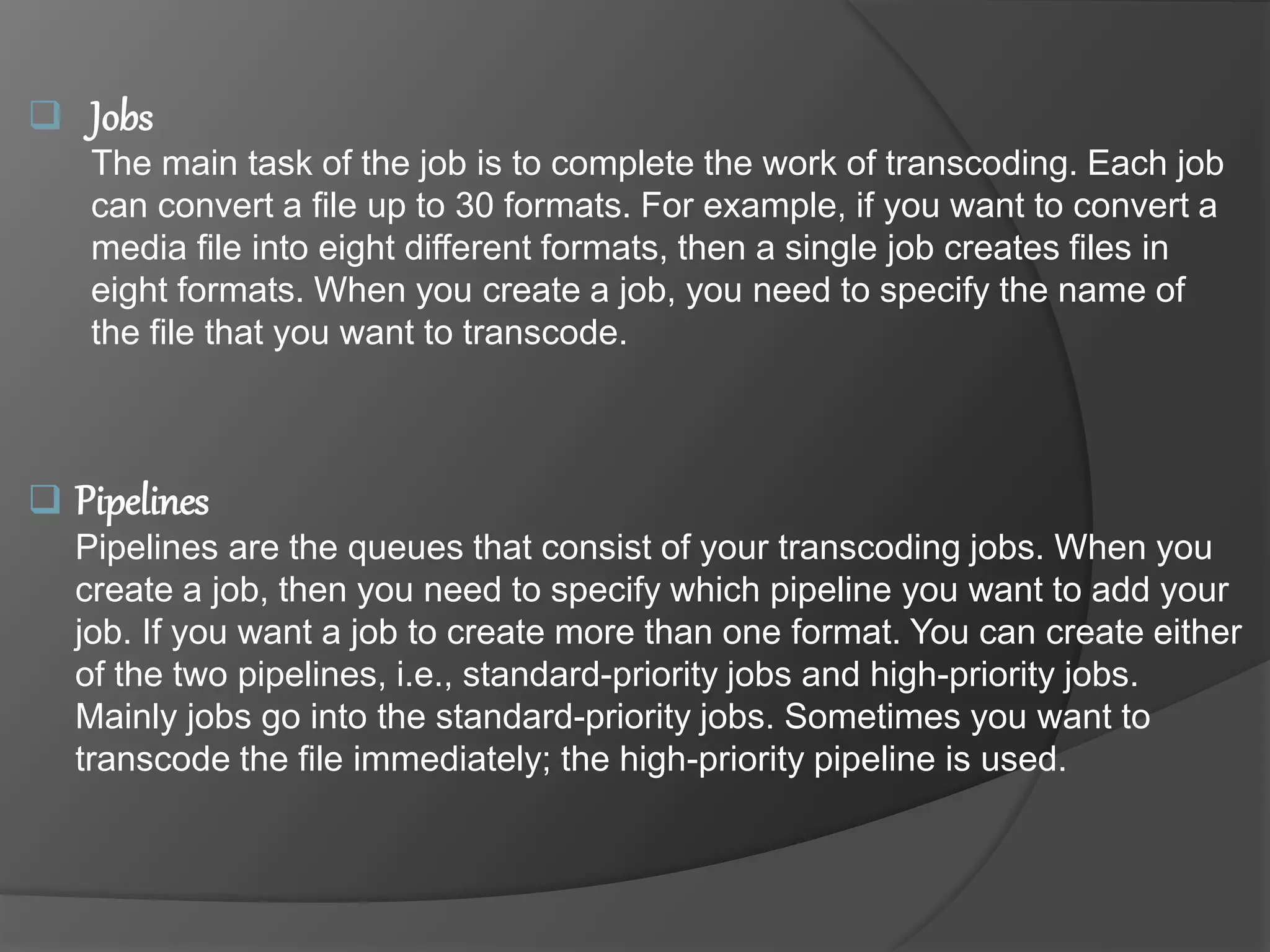
 Jobs
The main task of the job is to complete the work of transcoding. Each job
can convert a file up to 30 formats. For example, if you want to convert a
media file into eight different formats, then a single job creates files in
eight formats. When you create a job, you need to specify the name of
the file that you want to transcode.
 Pipelines
Pipelines are the queues that consist of your transcoding jobs. When you
create a job, then you need to specify which pipeline you want to add your
job. If you want a job to create more than one format. You can create either
of the two pipelines, i.e., standard-priority jobs and high-priority jobs.
Mainly jobs go into the standard-priority jobs. Sometimes you want to
transcode the file immediately; the high-priority pipeline is used.
 Presets
Presets are the templates that contain the settings for transcoding the
media file from one format to another format. Elastic transcoder consists
of some default presets for common formats. You can also create your
own presets that are not included in the default presets. You need to
specify a preset that you want to use when you create a job.
 Notifications
Notification is an optional field which you can configure with the Elastic
Transcoder. Notification Service is a service that keeps you updated with
the status of your job: when Elastic Transcoder starts processing your job,
when Elastic Transcoder finishes its job, whether the Elastic Transcoder
encounters an error condition or not. You can configure Notifications when
you create a pipeline.
Service Highlights
 Easy to Use
Amazon Elastic Transcoder is designed to be easy to use. You can get
started by using the AWS Management Console, the service API or the
SDKs. System transcoding presets make it easy to get transcoding settings
right the first time.
 Cost Effective
Amazon Elastic Transcoder uses a content duration-based pricing model:
you pay based on the length of the output, in minutes, of the media you are
transcoding. For example, if your video's transcoded output is 30 minutes in
duration, you will pay for 30 minutes of transcoding.
 Secure
Your content is under your control: your assets are in your own Amazon S3
buckets, which you give us access to through IAM roles. This makes it
simple to fit seamlessly into your current security and identity framework
without giving up control.
 Seamless Delivery
Using Amazon Elastic Transcoder, Amazon S3 and Amazon CloudFront, you
can store, transcode and deliver your content. By setting the S3 permissions
for your CloudFront distribution in Amazon Elastic Transcoder, it is now a
simple one step process to transcode content with Amazon Elastic
Transcoder
Steps to Transcode video on AWS
 Login to AWS account
 Create a bucket for Input and Output
 Create pipeline in Elastic Transcoder
 Create Jobs
 Search in Job section
 Go to bucket for output file
A Quick Recap
 Elastic Transcoder is an aws services used to convert the media files
stored in an s3 bucket into the media files in different formats supported
by different devices.
 Four components- Jobs, Pipelines, Presets, Notifications
 Service highlights- East to use, Cost effective, Secure, Seamless delivery.
 Steps follow on AWS-
1. Create S3 Bucket and upload a video file
2. Create a Pipeline
3. Create Jobs
4. Search in Jobs section
5. Go to S3 bucket for Output file
Elastic Transcoder on AWS

Elastic Transcoder on AWS

  • 1.
    Presented by: PradumanSingh COMPUTER SCIENCE ENGINEERING (2018-22)
  • 2.
    Today’s Agenda  AboutElastic Transcoder  Components  Service highlights  Steps to transcode media files  Theory into practice  Q/A
  • 3.
    What is ElasticTranscoder ? o Elastic Transcoder is an aws services used to convert the media files stored in an s3 bucket into the media files in different formats supported by different devices. o It is a media transcoder in the cloud. o It converts the different formats of media that will play on smartphones, tablets, PC’s, etc. o It provides transcoding presets for popular output format like 1080p, 720p, web etc. o If you use Elastic Transcoder on aws, then you need to pay based on the minutes that you transcode and the resolution at which you transcode.
  • 4.
    Components of ElasticTranscoder Elastic Transcoder consists of four components:-  Jobs  Pipelines  Presets  Notifications
  • 5.
     Jobs The maintask of the job is to complete the work of transcoding. Each job can convert a file up to 30 formats. For example, if you want to convert a media file into eight different formats, then a single job creates files in eight formats. When you create a job, you need to specify the name of the file that you want to transcode.  Pipelines Pipelines are the queues that consist of your transcoding jobs. When you create a job, then you need to specify which pipeline you want to add your job. If you want a job to create more than one format. You can create either of the two pipelines, i.e., standard-priority jobs and high-priority jobs. Mainly jobs go into the standard-priority jobs. Sometimes you want to transcode the file immediately; the high-priority pipeline is used.
  • 6.
     Presets Presets arethe templates that contain the settings for transcoding the media file from one format to another format. Elastic transcoder consists of some default presets for common formats. You can also create your own presets that are not included in the default presets. You need to specify a preset that you want to use when you create a job.  Notifications Notification is an optional field which you can configure with the Elastic Transcoder. Notification Service is a service that keeps you updated with the status of your job: when Elastic Transcoder starts processing your job, when Elastic Transcoder finishes its job, whether the Elastic Transcoder encounters an error condition or not. You can configure Notifications when you create a pipeline.
  • 7.
    Service Highlights  Easyto Use Amazon Elastic Transcoder is designed to be easy to use. You can get started by using the AWS Management Console, the service API or the SDKs. System transcoding presets make it easy to get transcoding settings right the first time.  Cost Effective Amazon Elastic Transcoder uses a content duration-based pricing model: you pay based on the length of the output, in minutes, of the media you are transcoding. For example, if your video's transcoded output is 30 minutes in duration, you will pay for 30 minutes of transcoding.
  • 8.
     Secure Your contentis under your control: your assets are in your own Amazon S3 buckets, which you give us access to through IAM roles. This makes it simple to fit seamlessly into your current security and identity framework without giving up control.  Seamless Delivery Using Amazon Elastic Transcoder, Amazon S3 and Amazon CloudFront, you can store, transcode and deliver your content. By setting the S3 permissions for your CloudFront distribution in Amazon Elastic Transcoder, it is now a simple one step process to transcode content with Amazon Elastic Transcoder
  • 9.
    Steps to Transcodevideo on AWS  Login to AWS account  Create a bucket for Input and Output  Create pipeline in Elastic Transcoder  Create Jobs  Search in Job section  Go to bucket for output file
  • 11.
    A Quick Recap Elastic Transcoder is an aws services used to convert the media files stored in an s3 bucket into the media files in different formats supported by different devices.  Four components- Jobs, Pipelines, Presets, Notifications  Service highlights- East to use, Cost effective, Secure, Seamless delivery.  Steps follow on AWS- 1. Create S3 Bucket and upload a video file 2. Create a Pipeline 3. Create Jobs 4. Search in Jobs section 5. Go to S3 bucket for Output file