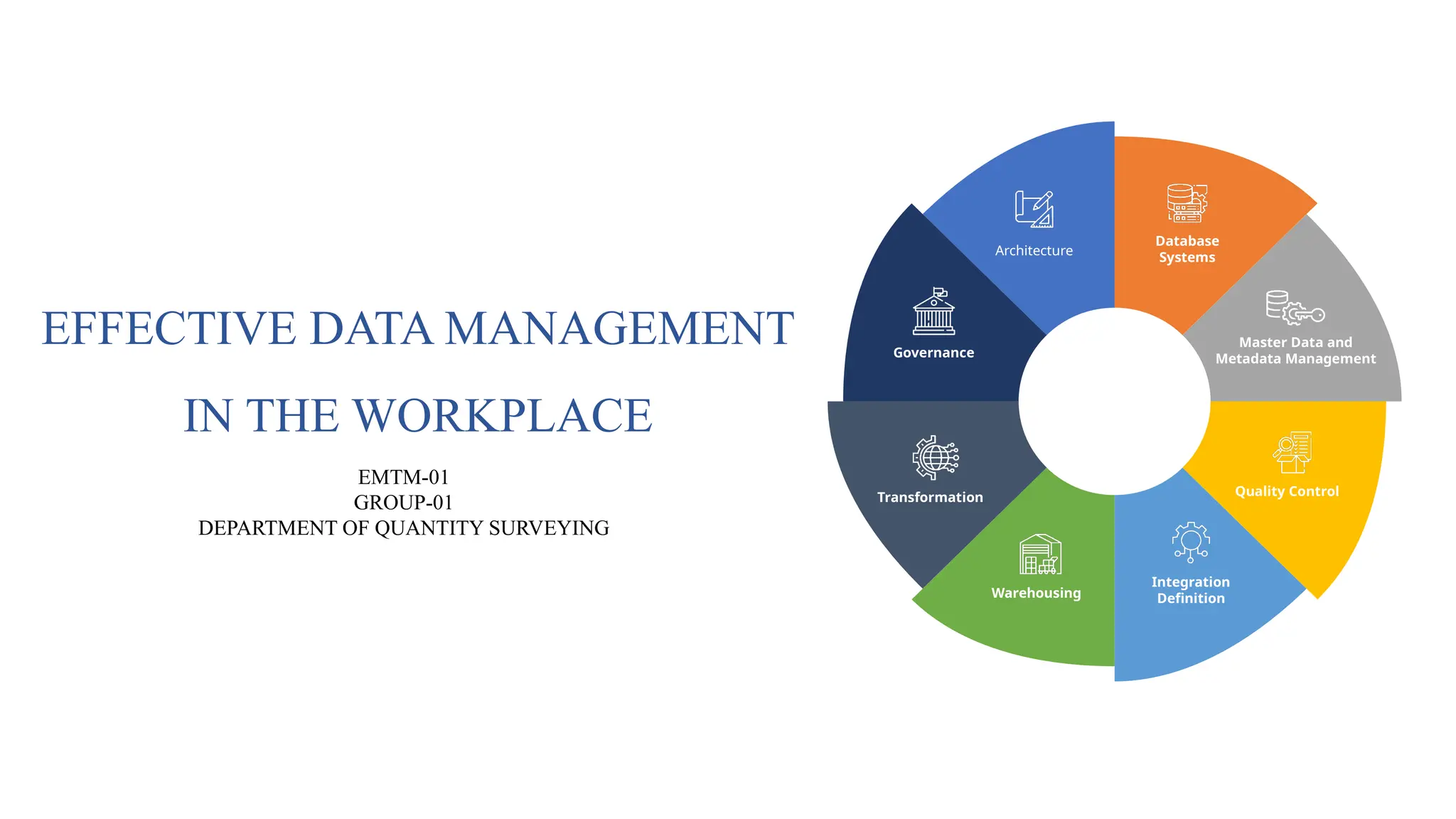
EFFECTIVE DATA MANAGEMENT
INTHE WORKPLACE
Governance
Architecture
Database
Systems
Master Data and
Metadata Management
Quality Control
Integration
Definition
Warehousing
Transformation
EMTM-01
GROUP-01
DEPARTMENT OF QUANTITY SURVEYING
2.
What is DataManagement?
• The process of collecting, storing, organizing, processing, and securing data to
ensure it is useful and accessible.
Why is Data Management Important?
• Ensures data is accurate, organized, and protected from misuse.
• Essential for compliance with legal requirements (e.g., GDPR, HIPAA).
• Facilitates decision-making by providing easy access to reliable data
3.
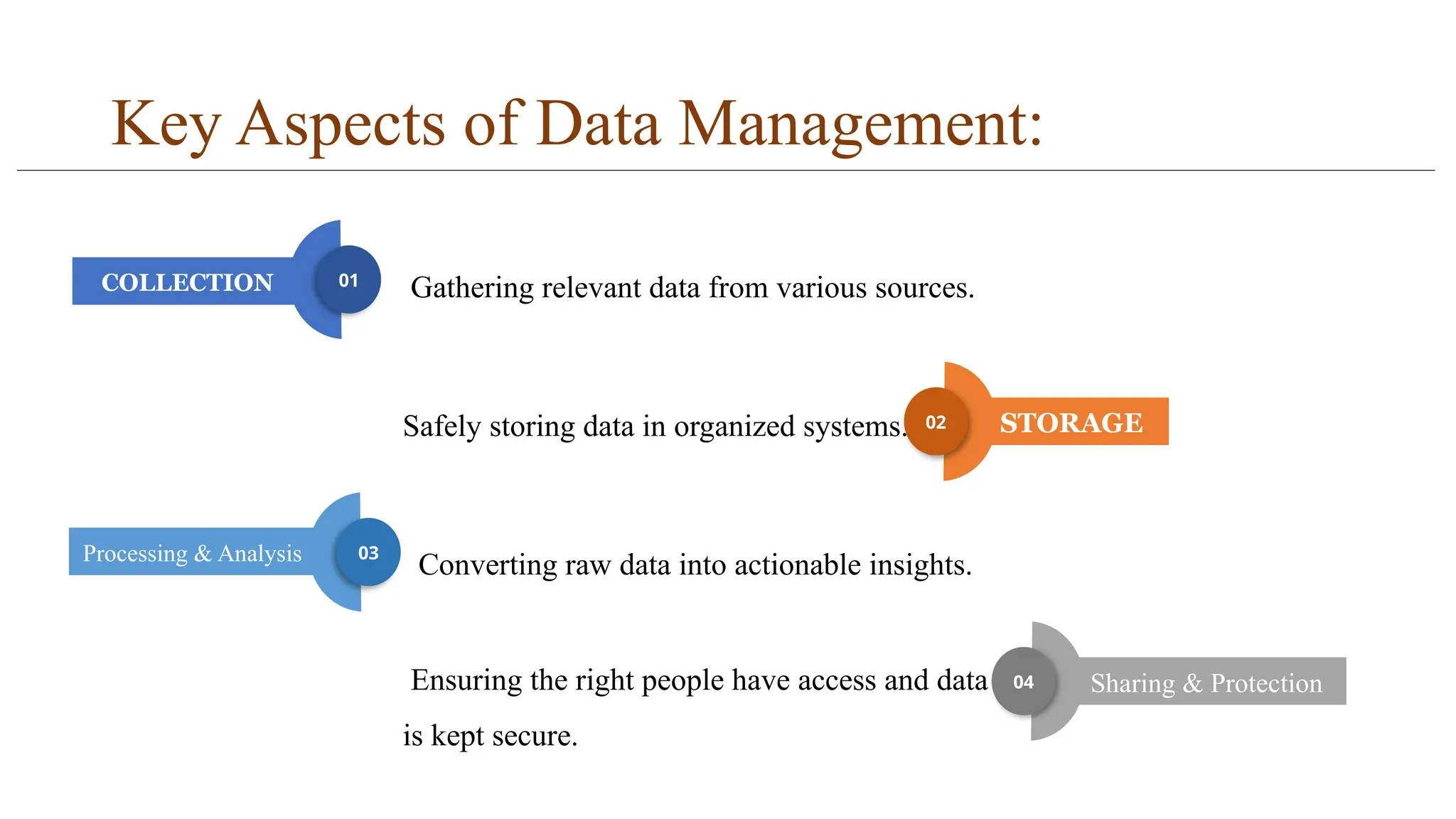
Key Aspects ofData Management:
Gathering relevant data from various sources.
Safely storing data in organized systems.
Converting raw data into actionable insights.
Ensuring the right people have access and data
is kept secure.
COLLECTION 01
STORAGE
02
Processing & Analysis 03
Sharing & Protection
04
4.
Importance of StructuredData Management
(Part 1)
• Better Decisions: When data is organized, it’s easier to understand and helps people
make smarter choices.
• Works Faster: Structured data helps businesses run more smoothly and saves time.
• Fewer Mistakes: It reduces errors because the data follows a clear format.
5.
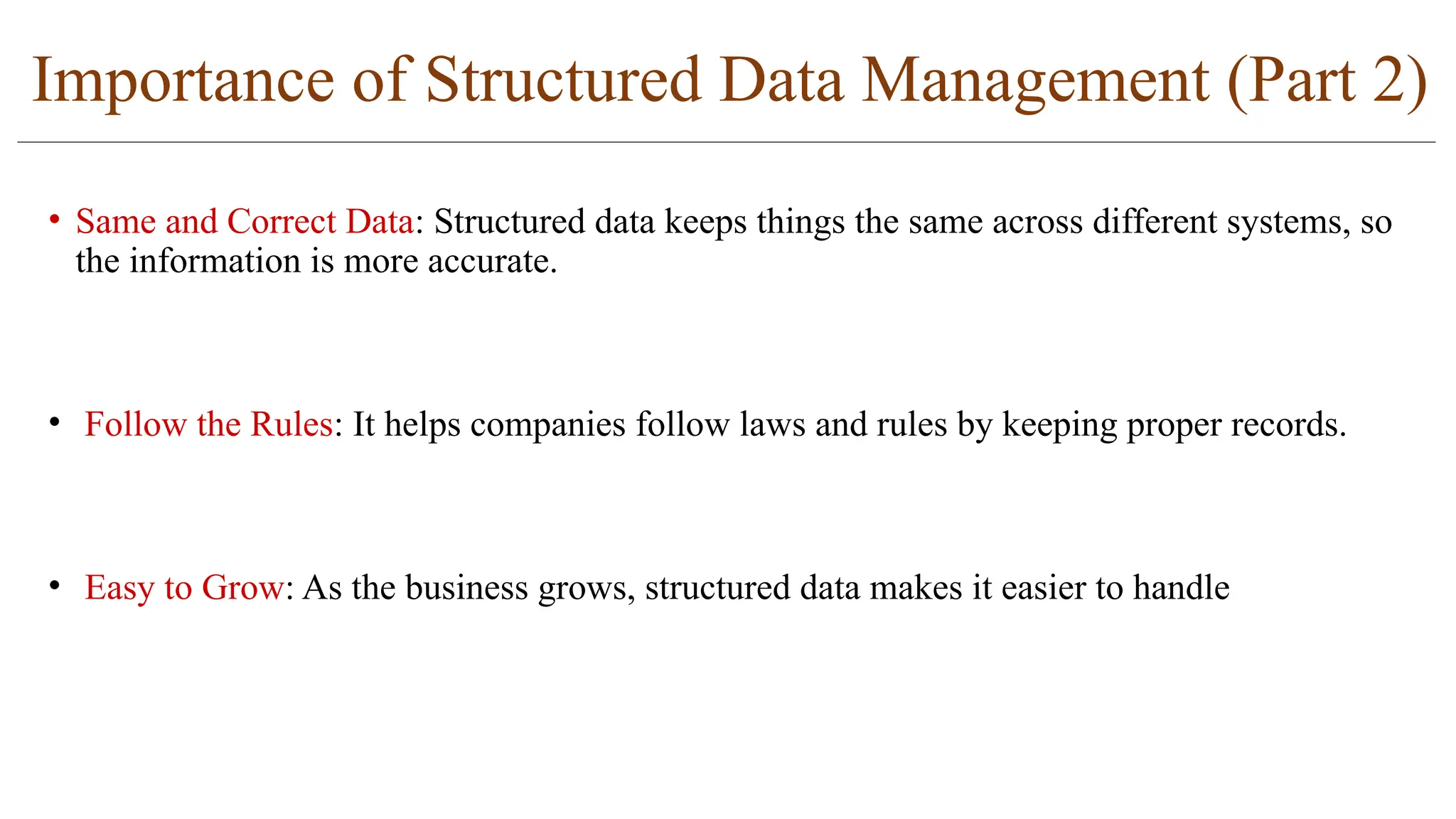
Importance of StructuredData Management (Part 2)
• Same and Correct Data: Structured data keeps things the same across different systems, so
the information is more accurate.
• Follow the Rules: It helps companies follow laws and rules by keeping proper records.
• Easy to Grow: As the business grows, structured data makes it easier to handle
6.
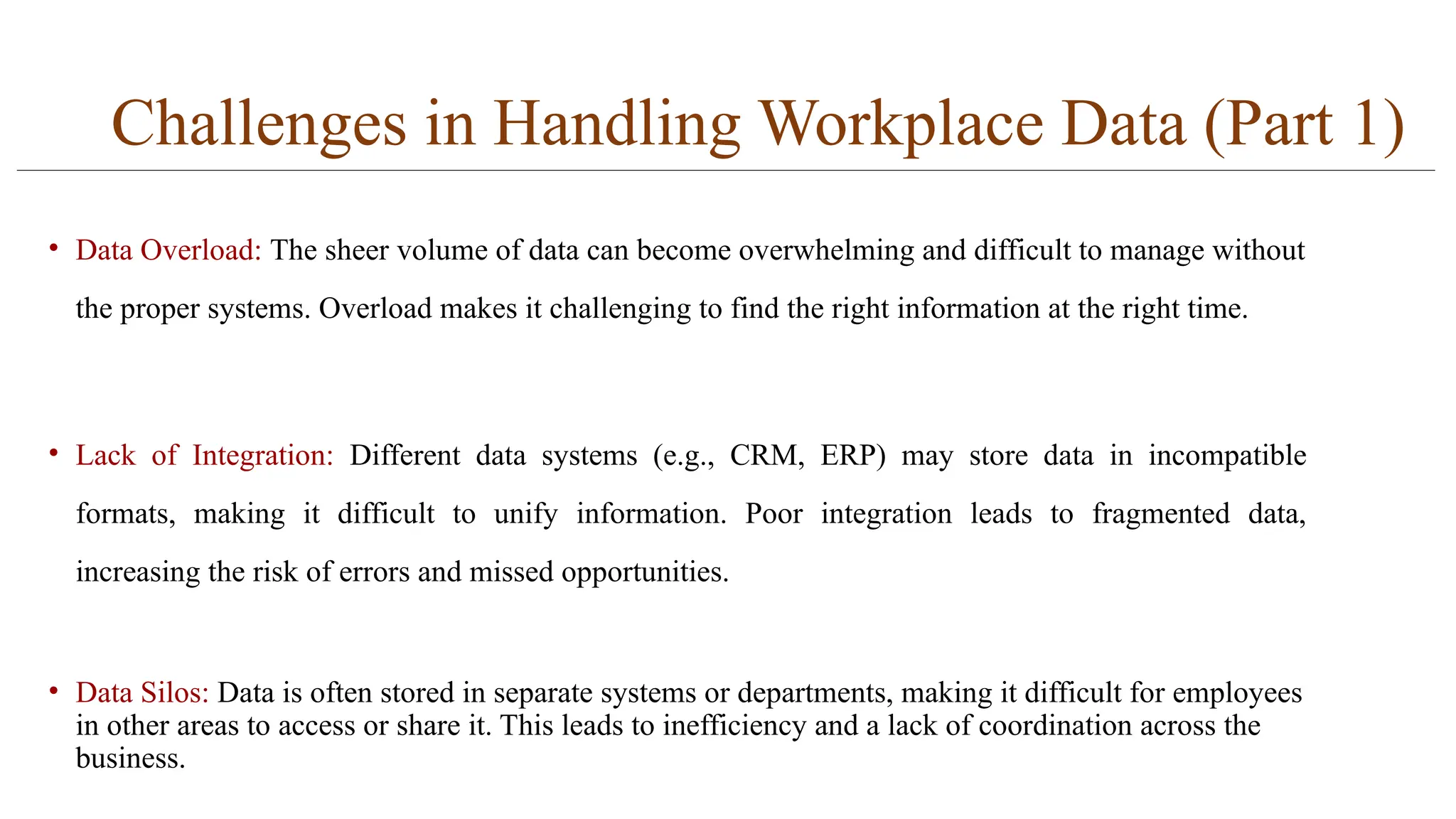
Challenges in HandlingWorkplace Data (Part 1)
• Data Overload: The sheer volume of data can become overwhelming and difficult to manage without
the proper systems. Overload makes it challenging to find the right information at the right time.
• Lack of Integration: Different data systems (e.g., CRM, ERP) may store data in incompatible
formats, making it difficult to unify information. Poor integration leads to fragmented data,
increasing the risk of errors and missed opportunities.
• Data Silos: Data is often stored in separate systems or departments, making it difficult for employees
in other areas to access or share it. This leads to inefficiency and a lack of coordination across the
business.
7.
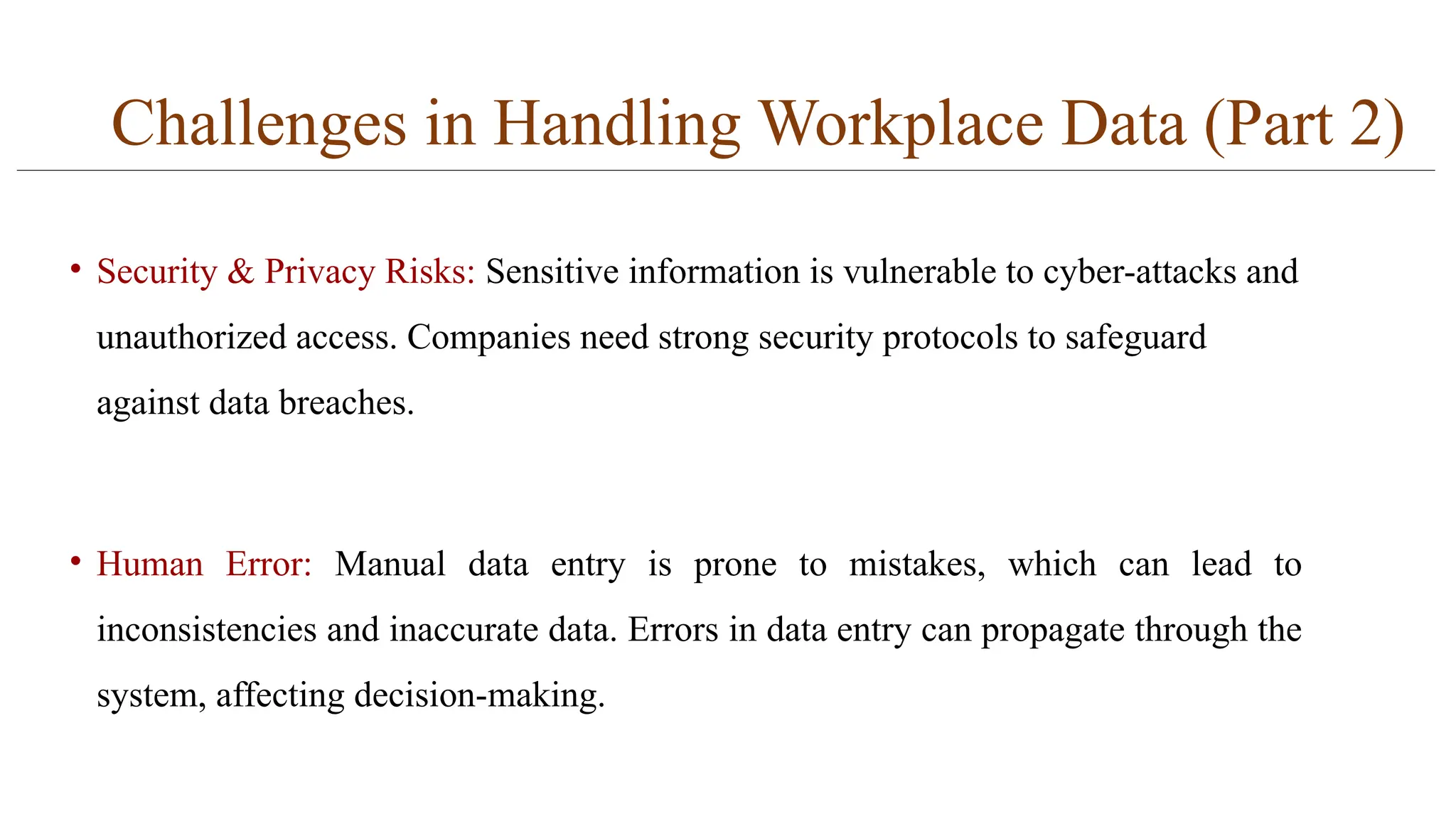
Challenges in HandlingWorkplace Data (Part 2)
• Security & Privacy Risks: Sensitive information is vulnerable to cyber-attacks and
unauthorized access. Companies need strong security protocols to safeguard
against data breaches.
• Human Error: Manual data entry is prone to mistakes, which can lead to
inconsistencies and inaccurate data. Errors in data entry can propagate through the
system, affecting decision-making.
8.
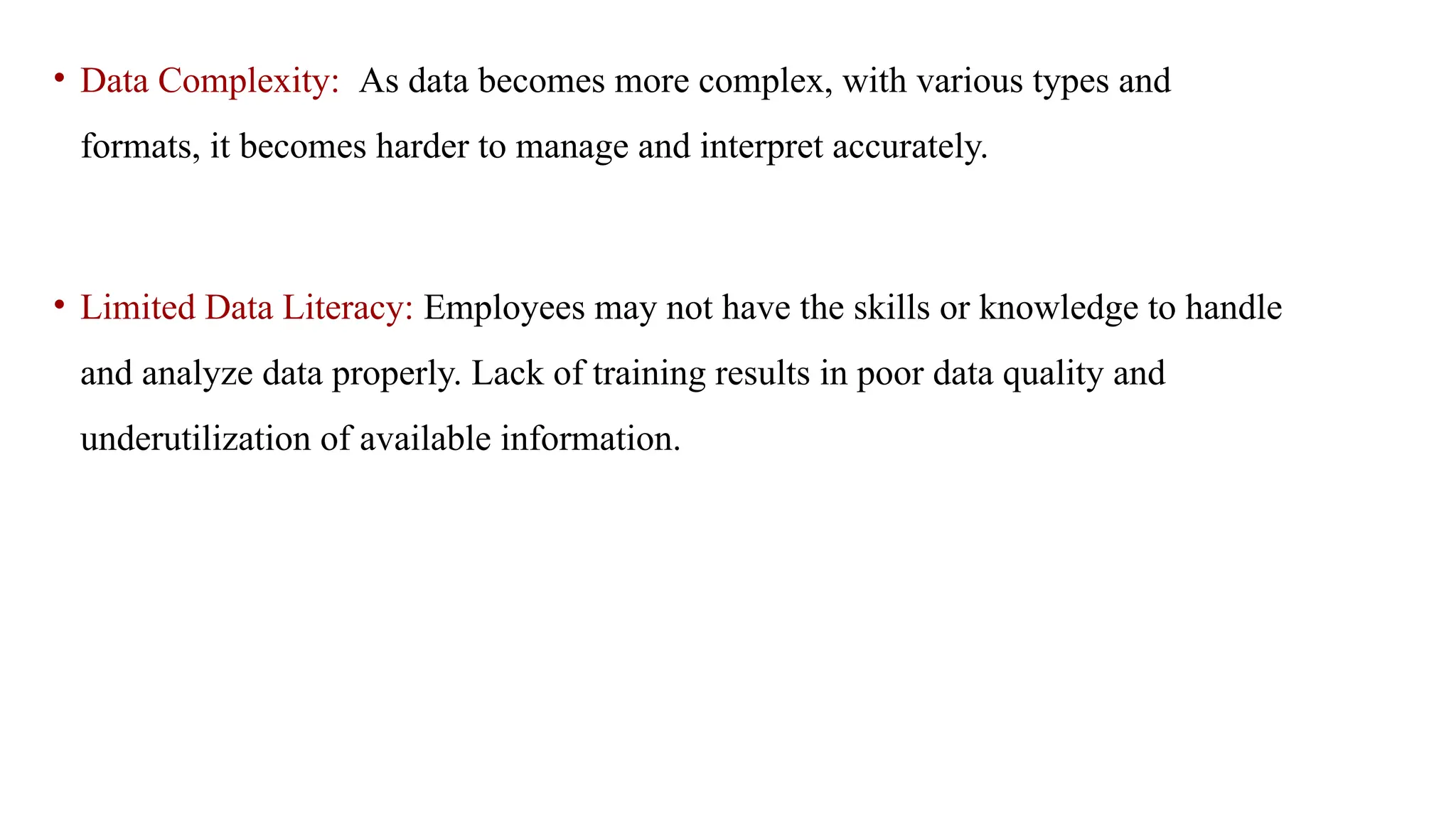
• Data Complexity:As data becomes more complex, with various types and
formats, it becomes harder to manage and interpret accurately.
• Limited Data Literacy: Employees may not have the skills or knowledge to handle
and analyze data properly. Lack of training results in poor data quality and
underutilization of available information.
9.
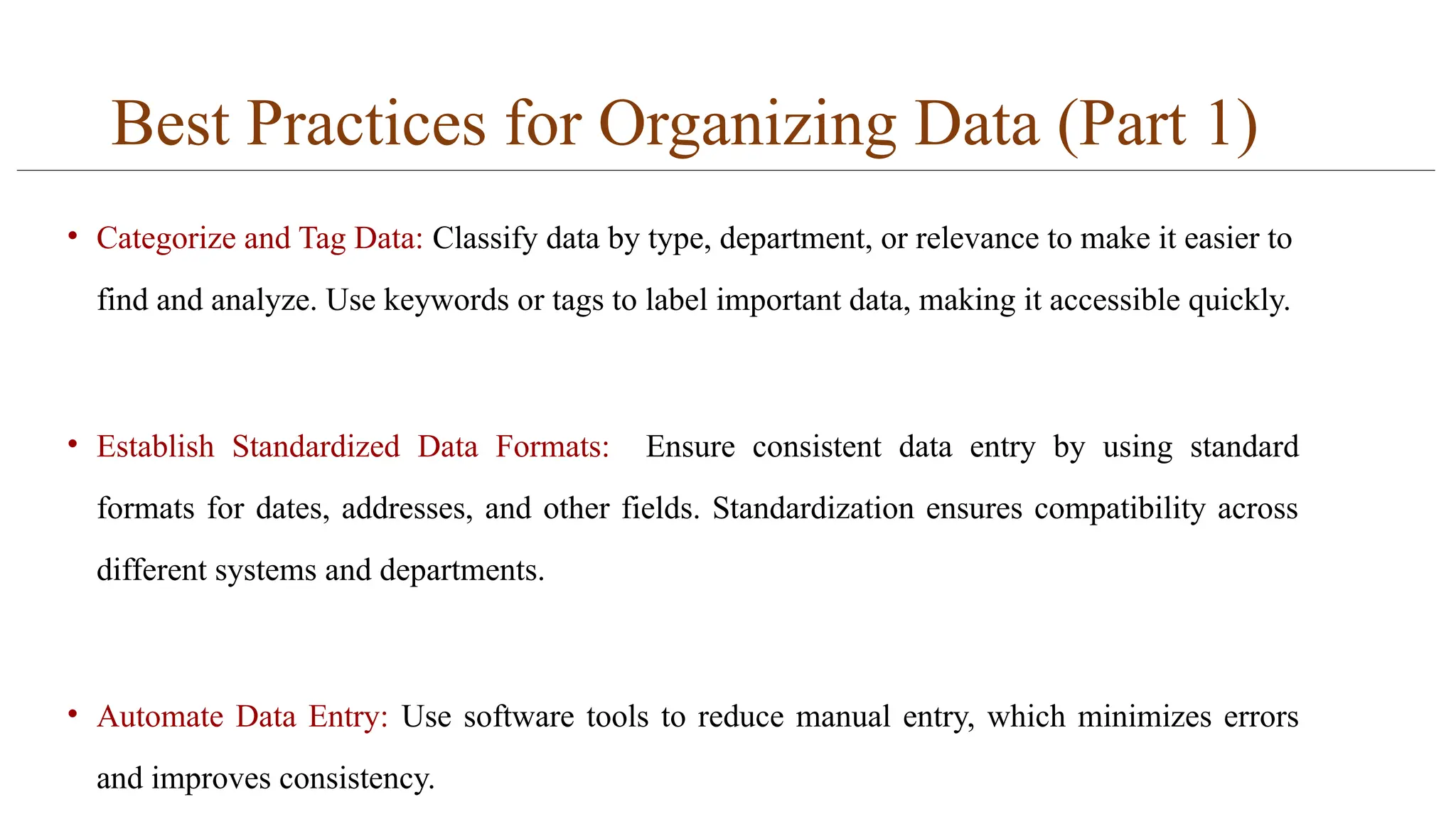
Best Practices forOrganizing Data (Part 1)
• Categorize and Tag Data: Classify data by type, department, or relevance to make it easier to
find and analyze. Use keywords or tags to label important data, making it accessible quickly.
• Establish Standardized Data Formats: Ensure consistent data entry by using standard
formats for dates, addresses, and other fields. Standardization ensures compatibility across
different systems and departments.
• Automate Data Entry: Use software tools to reduce manual entry, which minimizes errors
and improves consistency.
10.
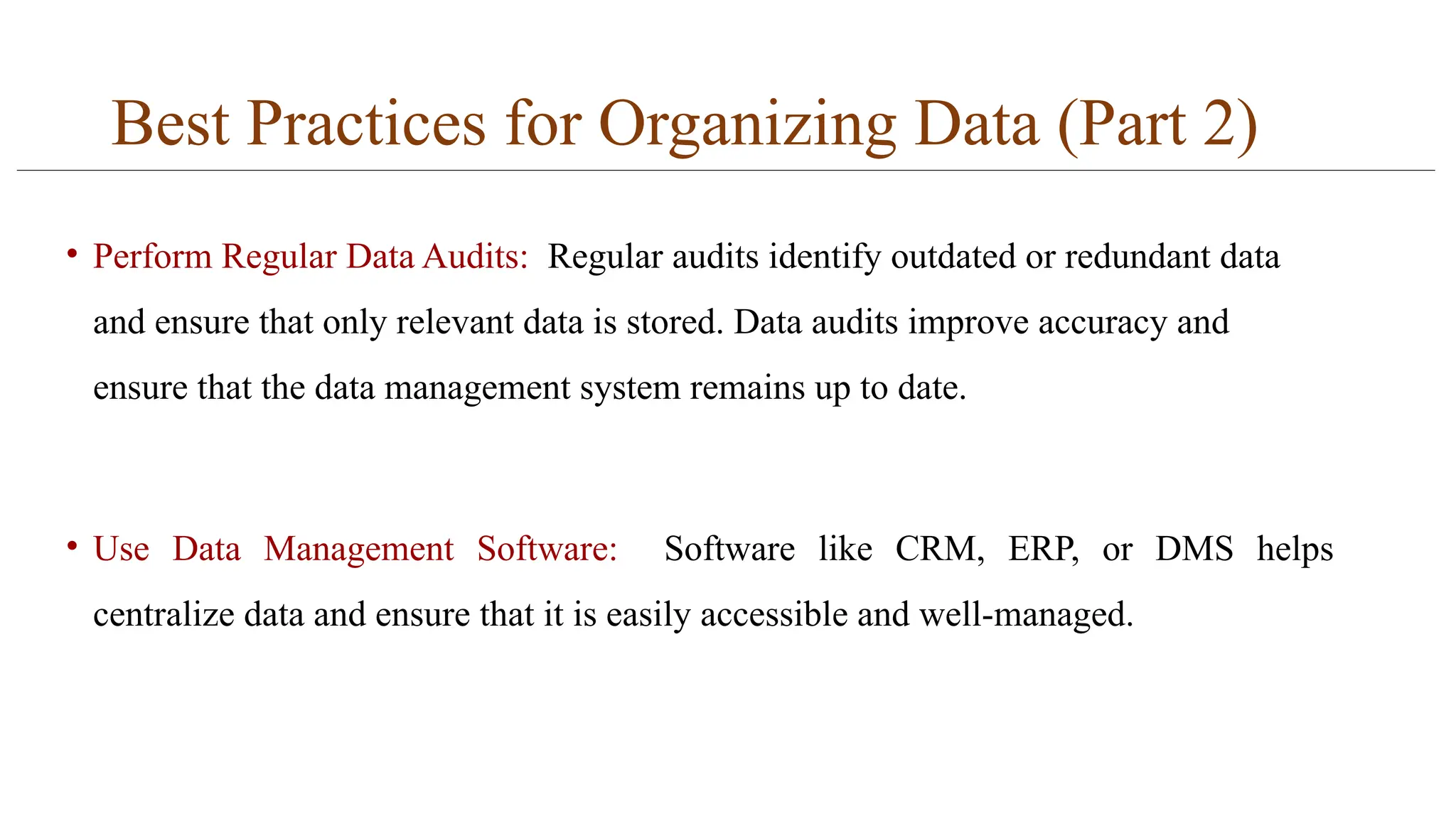
Best Practices forOrganizing Data (Part 2)
• Perform Regular Data Audits: Regular audits identify outdated or redundant data
and ensure that only relevant data is stored. Data audits improve accuracy and
ensure that the data management system remains up to date.
• Use Data Management Software: Software like CRM, ERP, or DMS helps
centralize data and ensure that it is easily accessible and well-managed.
11.
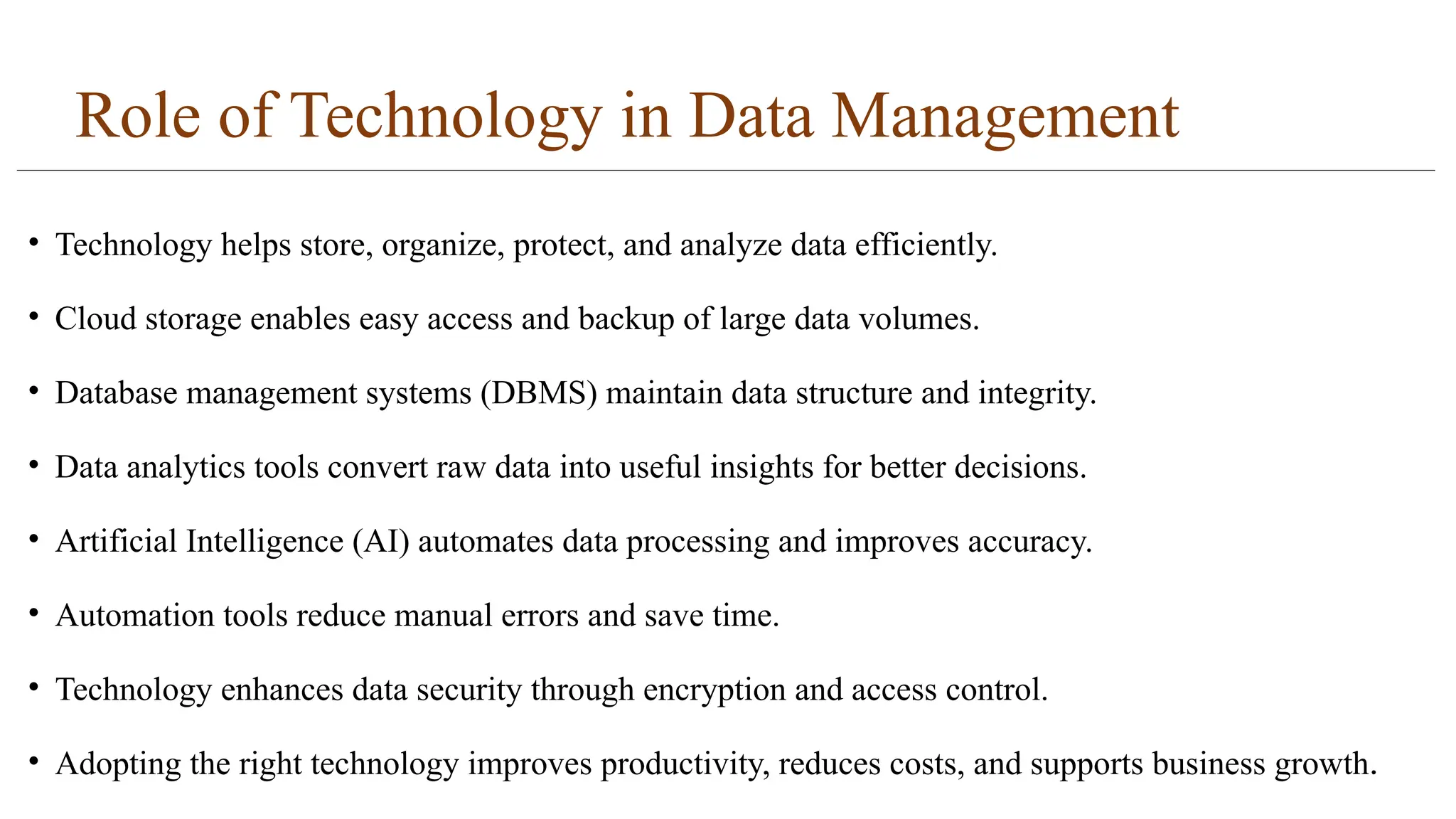
Role of Technologyin Data Management
• Technology helps store, organize, protect, and analyze data efficiently.
• Cloud storage enables easy access and backup of large data volumes.
• Database management systems (DBMS) maintain data structure and integrity.
• Data analytics tools convert raw data into useful insights for better decisions.
• Artificial Intelligence (AI) automates data processing and improves accuracy.
• Automation tools reduce manual errors and save time.
• Technology enhances data security through encryption and access control.
• Adopting the right technology improves productivity, reduces costs, and supports business growth.
12.
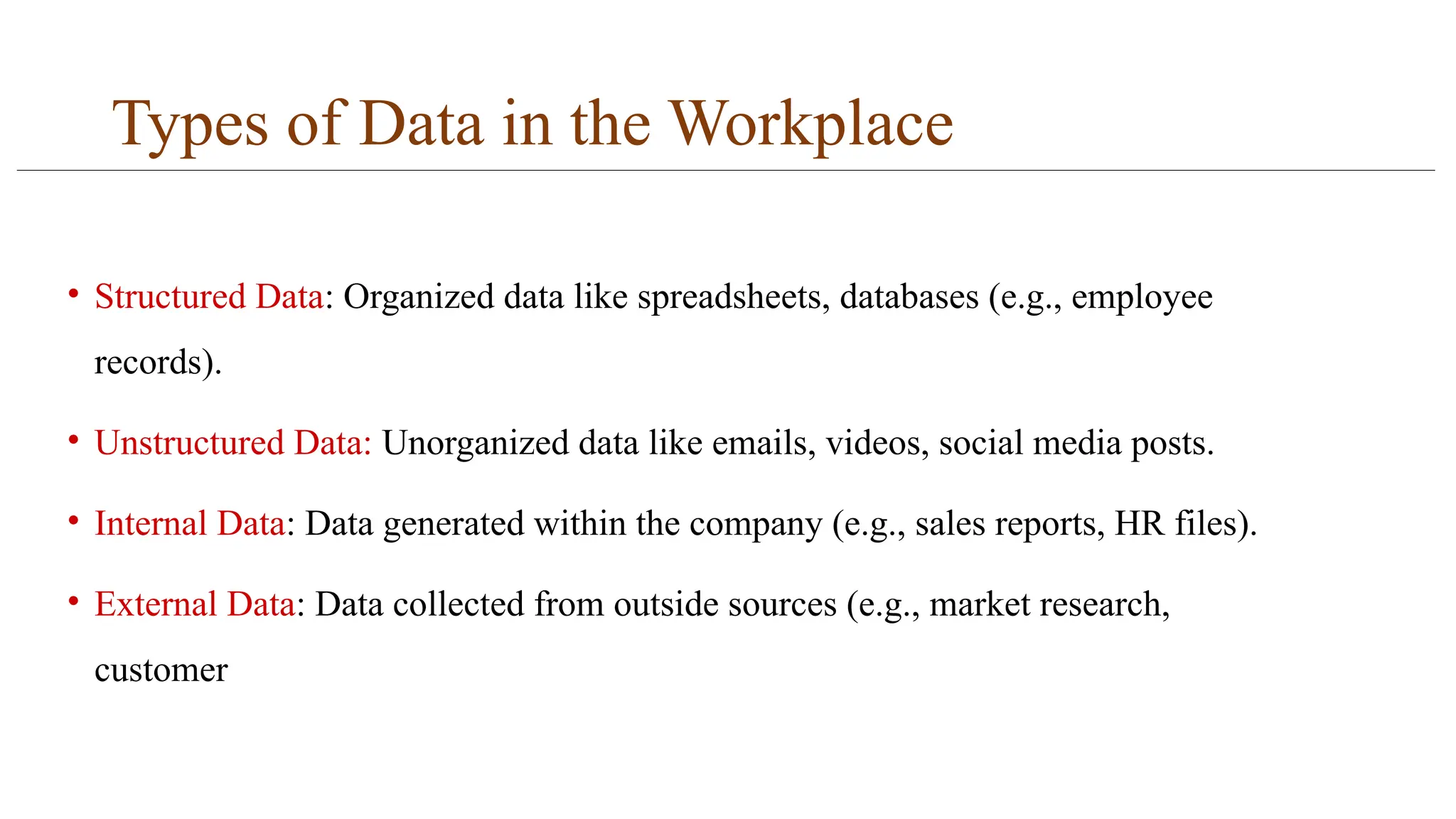
Types of Datain the Workplace
• Structured Data: Organized data like spreadsheets, databases (e.g., employee
records).
• Unstructured Data: Unorganized data like emails, videos, social media posts.
• Internal Data: Data generated within the company (e.g., sales reports, HR files).
• External Data: Data collected from outside sources (e.g., market research,
customer
13.
Best Practices forStoring Data Content:
• Cloud Storage vs. On-Premises Storage: Cloud storage provides scalability and cost-
effectiveness, whereas on-premises storage offers more control over data. Businesses
must choose the best option based on their needs.
• Backup Systems: Backing up data regularly prevents loss in case of system failure or
disaster.
• Disaster Recovery Plan: A clear recovery plan ensures that data can be restored quickly
in the event of a disaster.
14.
Security Measures forData Management
• Encryption: Protects sensitive data by converting it into unreadable code that can
only be accessed by authorized users.
• Access Control: Restricts data access based on roles and responsibilities, ensuring
only authorized personnel can view or edit sensitive data.
• Multi-Factor Authentication (MFA): Adds an extra layer of security by requiring
users to provide multiple forms of identification before accessing data.



![[DSC Europe 25] Dragan Vucic - Building the Learning Organization - How AI Tr...](https://cdn.slidesharecdn.com/ss_thumbnails/8brigo2sbu6qur6gxrra-7-251205085715-6ae07d24-thumbnail.jpg?width=640&height=640&fit=bounds)
![[DSC Europe 25] Jim Sterne - Adopting Generative AI Capabilities Into the Ent...](https://cdn.slidesharecdn.com/ss_thumbnails/sxhpofuorcagxsaulkmt-3-251204082258-7e66bc48-thumbnail.jpg?width=640&height=640&fit=bounds)
![[DSC Europe 25] Boris Perkovic - Lost in performance.pptx](https://cdn.slidesharecdn.com/ss_thumbnails/uq5hrp7vsuahqkxzifux-1-251204082258-fd2ee09d-thumbnail.jpg?width=640&height=640&fit=bounds)


![[DSC Europe 25] Bogdan Daniel Maruneac - AI - It starts with you.pptx](https://cdn.slidesharecdn.com/ss_thumbnails/odov3snhrcqs9hx5ny2n-4-251205085715-f1daacfe-thumbnail.jpg?width=640&height=640&fit=bounds)


![[DSC Europe 25] Dragana Ilic - AI for Big Data in Astronomy.pptx](https://cdn.slidesharecdn.com/ss_thumbnails/8palya86qaatvjhva1ms-2-dragana-ilic-ai-ilic-251208151906-652b819c-thumbnail.jpg?width=640&height=640&fit=bounds)


![[DSC Europe 25] Max Talanov - Non digital NNs.pptx](https://cdn.slidesharecdn.com/ss_thumbnails/wif8tr3gtua74qvtopke-non-digital-nns-251205090438-26b0eea6-thumbnail.jpg?width=640&height=640&fit=bounds)