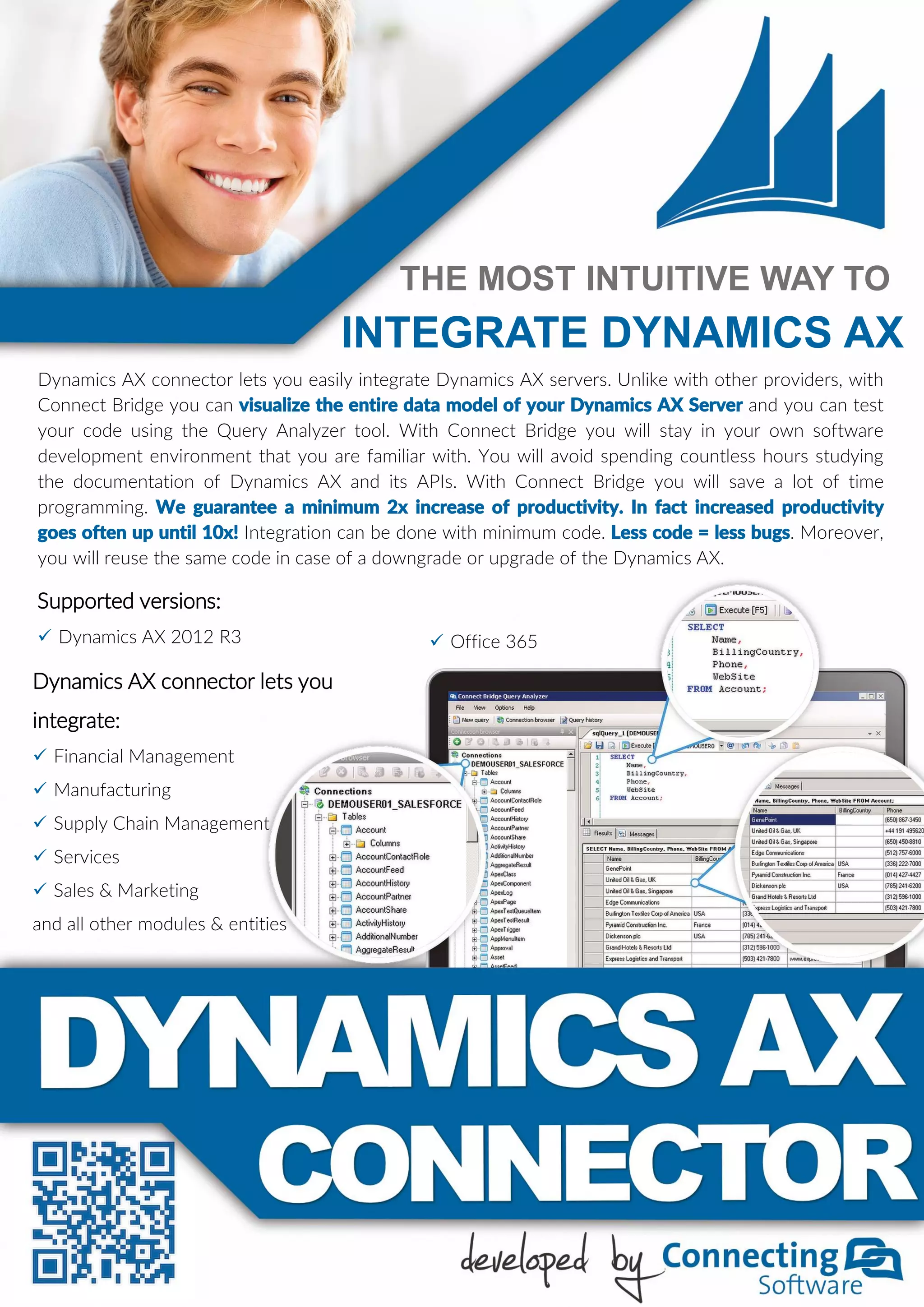
Dynamics AX connector lets you easily integrate Dynamics AX servers. Unlike with other providers, with
Connect Bridge you can visualize the entire data model of your Dynamics AX Server and you can test
your code using the Query Analyzer tool. With Connect Bridge you will stay in your own software
development environment that you are familiar with. You will avoid spending countless hours studying
the documentation of Dynamics AX and its APIs. With Connect Bridge you will save a lot of time
programming. We guarantee a minimum 2x increase of productivity. In fact increased productivity
goes often up until 10x! Integration can be done with minimum code. Less code = less bugs. Moreover,
you will reuse the same code in case of a downgrade or upgrade of the Dynamics AX.
Dynamics AX connector lets you
integrate:
 Financial Management
 Manufacturing
 Supply Chain Management
 Services
 Sales & Marketing
and all other modules & entities
THE MOST INTUITIVE WAY TO
INTEGRATE DYNAMICS AX
Supported versions:
 Dynamics AX 2012 R3  Office 365
EXAMPLE CODE
SELECT * FROM [DirPerson] WHERE [Name] LIKE 'A%';
CREATE records – create definition for group of vendors
UPDATE PurchTable SET Email = 'someone@contoso.com'
WHERE [PurchId] = 'DAT-008414';
DELETE FROM [CustTable] WHERE [AccountNum] = 'SampleAcc';
INSERT INTO [VendGroup] ([Name], [VendGroup]) VALUES ('Sample
Vendor Group', 'VndGrp_123');
READ records – get list of all people which name starts with ‘A’
UPDATE records – update email for specific purchase order
DELETE records – remove customer(s) with specific account number
USA
3801 E Florida Avenue
Denver, CO 80210
Phone: (+1) 720-285-2100
Austria
Handelskai 340/5
1020 Vienna
Phone: (+43) 1-370-7200
INTEGRATION OPTIONS
USING API / WEBSERVICES USING CONNECT BRIDGE
Code complexity ☓ HIGH  MEDIUM
Time to market ☓ LONG  SHORT
Code update & maintenance ☓ EVERY NEW VERSION  NO NEED
Amount of bugs ☓ HIGH  LOW
Multiple versions of software ☓ EXTRA CODE  SAME CODE
SCENARIO 1 - Connect your data warehouse with your Dynamics AX for data exchange.
SCENARIO 2 - Connect from your CRM to Dynamics AX for complex business processes or
simple synchronizations of the accounts, prices, contacts, addresses and other entities and
records.
SCENARIO 3 - Let your old custom developed company software such as AS400, MS Access,
Excel, File Maker exchange data with your Dynamics AX.
SCENARIO 3 – Create or integrate your own application with Dynamics AX.
Get/create/edit/delete any data from Dynamics AX.
SCENARIO 3 - Get your contacts from Dynamics AX and build powerful marketing campaigns.
POSSIBLE SCENARIOS
FEATURES
Encrypted, secured, multiple versions and multiple systems at the same time, cloud, on-premise,
hybrid. Can be used with apps written in any programming language such as: Java, C#, C, C++,
Ruby, Python, Perl, Visual Basic, Objective-C, JavaScript, jQuery, ASP.NET…

Dynamics AX Integration

  • 1.
    Dynamics AX connectorlets you easily integrate Dynamics AX servers. Unlike with other providers, with Connect Bridge you can visualize the entire data model of your Dynamics AX Server and you can test your code using the Query Analyzer tool. With Connect Bridge you will stay in your own software development environment that you are familiar with. You will avoid spending countless hours studying the documentation of Dynamics AX and its APIs. With Connect Bridge you will save a lot of time programming. We guarantee a minimum 2x increase of productivity. In fact increased productivity goes often up until 10x! Integration can be done with minimum code. Less code = less bugs. Moreover, you will reuse the same code in case of a downgrade or upgrade of the Dynamics AX. Dynamics AX connector lets you integrate:  Financial Management  Manufacturing  Supply Chain Management  Services  Sales & Marketing and all other modules & entities THE MOST INTUITIVE WAY TO INTEGRATE DYNAMICS AX Supported versions:  Dynamics AX 2012 R3  Office 365
  • 2.
    EXAMPLE CODE SELECT *FROM [DirPerson] WHERE [Name] LIKE 'A%'; CREATE records – create definition for group of vendors UPDATE PurchTable SET Email = 'someone@contoso.com' WHERE [PurchId] = 'DAT-008414'; DELETE FROM [CustTable] WHERE [AccountNum] = 'SampleAcc'; INSERT INTO [VendGroup] ([Name], [VendGroup]) VALUES ('Sample Vendor Group', 'VndGrp_123'); READ records – get list of all people which name starts with ‘A’ UPDATE records – update email for specific purchase order DELETE records – remove customer(s) with specific account number USA 3801 E Florida Avenue Denver, CO 80210 Phone: (+1) 720-285-2100 Austria Handelskai 340/5 1020 Vienna Phone: (+43) 1-370-7200 INTEGRATION OPTIONS USING API / WEBSERVICES USING CONNECT BRIDGE Code complexity ☓ HIGH  MEDIUM Time to market ☓ LONG  SHORT Code update & maintenance ☓ EVERY NEW VERSION  NO NEED Amount of bugs ☓ HIGH  LOW Multiple versions of software ☓ EXTRA CODE  SAME CODE SCENARIO 1 - Connect your data warehouse with your Dynamics AX for data exchange. SCENARIO 2 - Connect from your CRM to Dynamics AX for complex business processes or simple synchronizations of the accounts, prices, contacts, addresses and other entities and records. SCENARIO 3 - Let your old custom developed company software such as AS400, MS Access, Excel, File Maker exchange data with your Dynamics AX. SCENARIO 3 – Create or integrate your own application with Dynamics AX. Get/create/edit/delete any data from Dynamics AX. SCENARIO 3 - Get your contacts from Dynamics AX and build powerful marketing campaigns. POSSIBLE SCENARIOS FEATURES Encrypted, secured, multiple versions and multiple systems at the same time, cloud, on-premise, hybrid. Can be used with apps written in any programming language such as: Java, C#, C, C++, Ruby, Python, Perl, Visual Basic, Objective-C, JavaScript, jQuery, ASP.NET…