Do Not Fear the Command Line
Peter Chittum
Developer Evangelist
pchittum@salesforce.com
@pchittum
You are smarter than it!
Do Not Fear the
Command Line
You Are Smarter Than It
Peter Chittum, Developer Evangelist
@pchittum
Forward-Looking Statements
Statement under the Private Securities Litigation Reform Act of 1995:
This presentation may contain forward-looking statements that involve risks, uncertainties, and assumptions. If any such uncertainties materialize or if any
of the assumptions proves incorrect, the results of salesforce.com, inc. could differ materially from the results expressed or implied by the forward-looking
statements we make. All statements other than statements of historical fact could be deemed forward-looking, including any projections of product or
service availability, subscriber growth, earnings, revenues, or other financial items and any statements regarding strategies or plans of management for
future operations, statements of belief, any statements concerning new, planned, or upgraded services or technology developments and customer contracts
or use of our services.
The risks and uncertainties referred to above include – but are not limited to – risks associated with developing and delivering new functionality for our
service, new products and services, our new business model, our past operating losses, possible fluctuations in our operating results and rate of growth,
interruptions or delays in our Web hosting, breach of our security measures, the outcome of any litigation, risks associated with completed and any possible
mergers and acquisitions, the immature market in which we operate, our relatively limited operating history, our ability to expand, retain, and motivate our
employees and manage our growth, new releases of our service and successful customer deployment, our limited history reselling non-salesforce.com
products, and utilization and selling to larger enterprise customers. Further information on potential factors that could affect the financial results of
salesforce.com, inc. is included in our annual report on Form 10-K for the most recent fiscal year and in our quarterly report on Form 10-Q for the most
recent fiscal quarter. These documents and others containing important disclosures are available on the SEC Filings section of the Investor Information
section of our Web site.
Any unreleased services or features referenced in this or other presentations, press releases or public statements are not currently available and may not
be delivered on time or at all. Customers who purchase our services should make the purchase decisions based upon features that are currently available.
Salesforce.com, inc. assumes no obligation and does not intend to update these forward-looking statements.
Any Computer User
You Want To Use Command Line
You Are Not Sure Where to Start
Who are you?
Not an exhaustive "How To"
How command line apps work
Understand what you can do
What to Expect
I'm using a Mac
Overview of Command Lines
How Commands Work
More Powerful Stuff
Salesforce CLIs
Where To Go Next (git, npm, brew, grep)
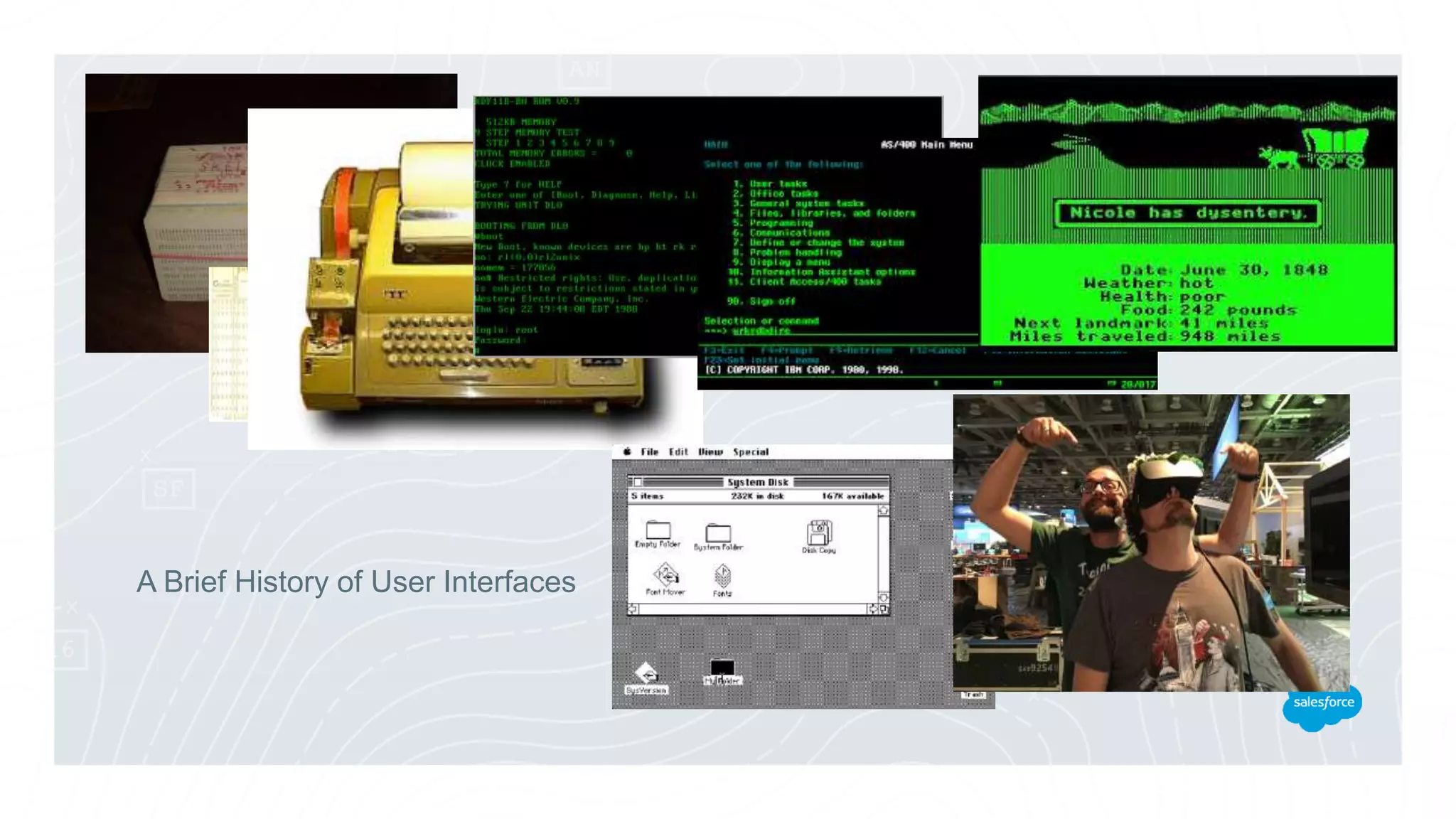
A Brief History of User Interfaces
Your most important tool
Pros
Low Resource Usage
Concise and Powerful
Expert Friendly
Automate with Scripting
Cons
Unintuitive
Commands not Obvious
Not Visually Rich
Beginner Unfriendly
The command line is an app
The command line executes commands
Commands are little apps
You write them instead of clicking on them.
Overview of Command Lines
How Commands Work
More Powerful Stuff
Salesforce CLIs
Where To Go Next
How a command works
Input
(STDIN, FILE)
Output
(STDOUT)
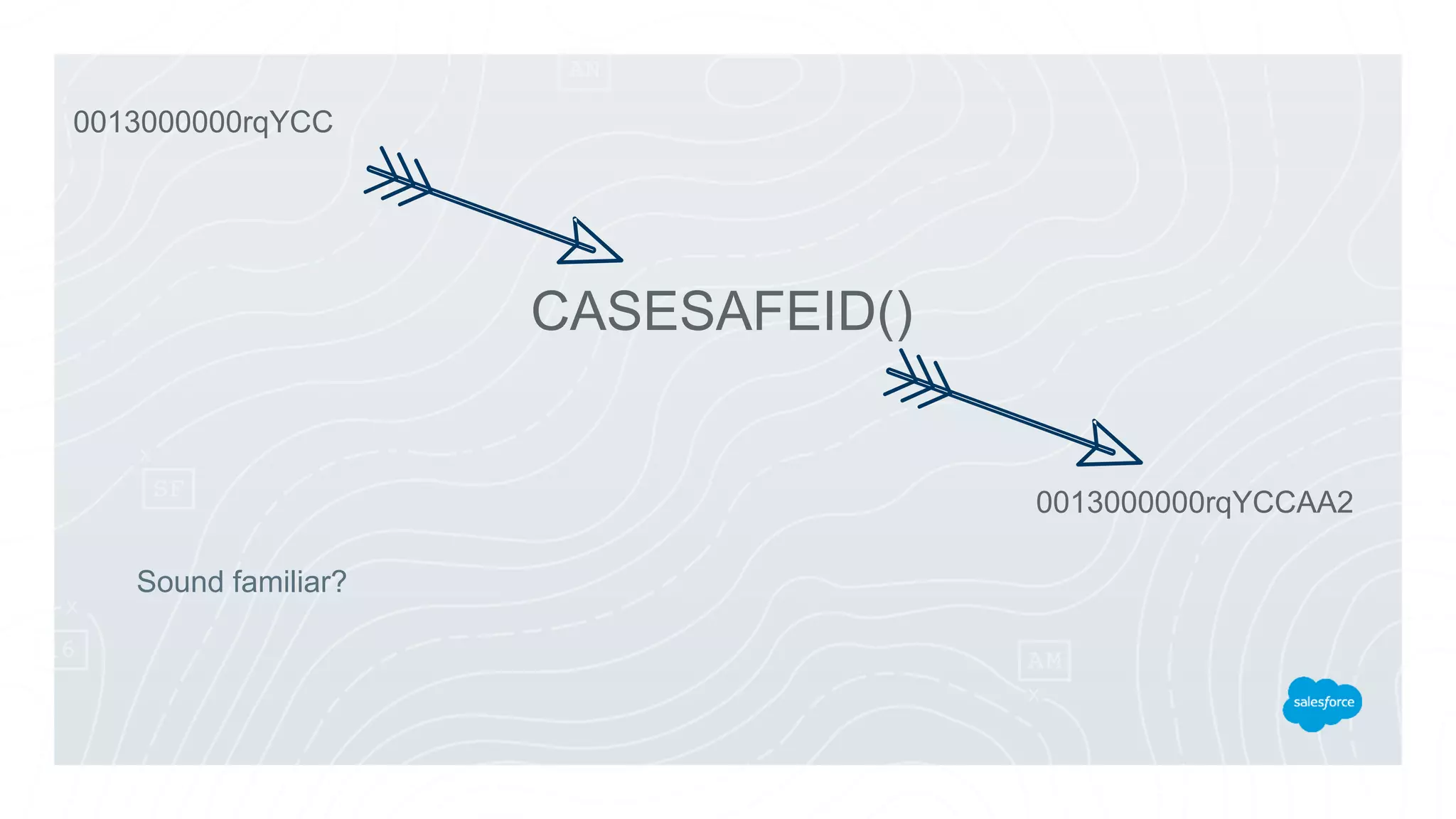
Sound familiar?
0013000000rqYCC
CASESAFEID()
0013000000rqYCCAA2
There are also parameters
Input Output
Parameters
Semicolon: Do one thing ; then do another
;
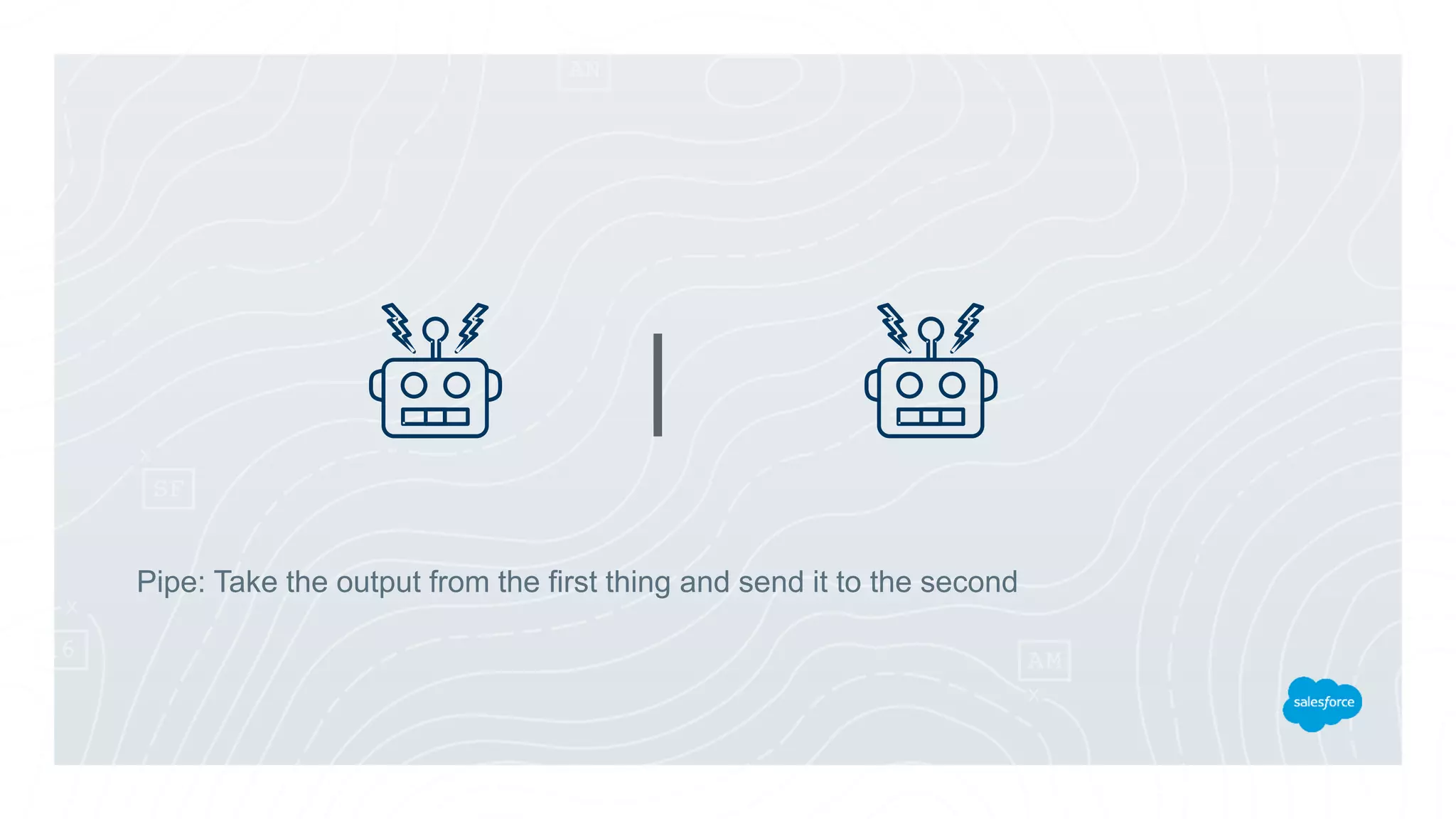
Pipe: Take the output from the first thing and send it to the second
|
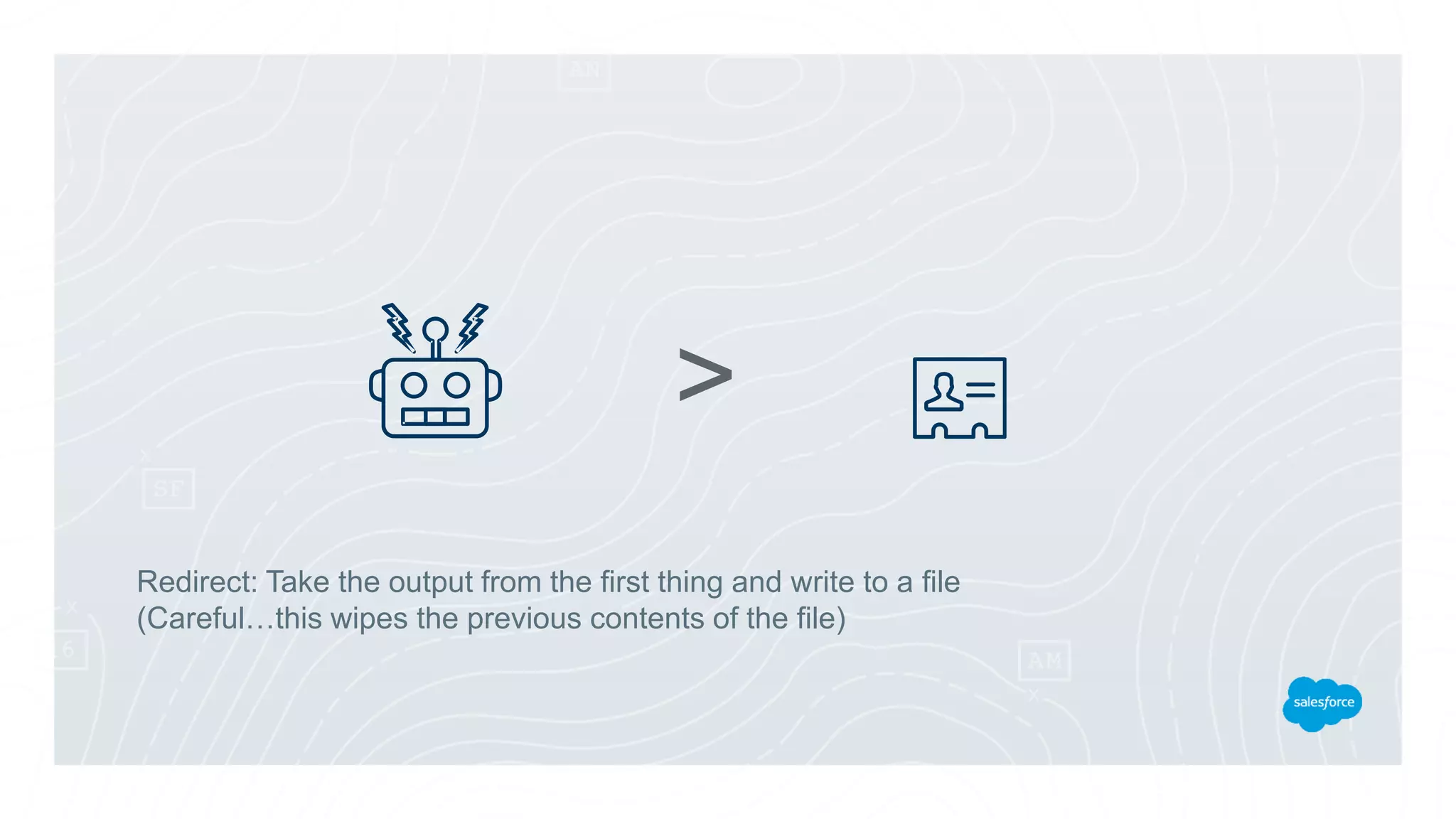
Redirect: Take the output from the first thing and write to a file
(Careful…this wipes the previous contents of the file)
>
Append: Take the output from the first thing and write to the end of a file
>>
bash (Windows 10)
cygwin
cmd
powershell
What if I'm using Windows?
Demo
Files, Folders, Input, Output
Overview of Command Lines
How Commands Work
More Powerful Stuff
Salesforce CLIs
Where To Go Next
alias
Create a shortcut for a more complicated command
cat, head, tail
Meow…
Just kidding...different ways to read a file
dog
Just kidding…there is no dog...unless you make an alias called "dog"
And you can do that
wc
Not the loo…
word count
counts stuff
find
Look for files
grep
Search in files
(global regular expression print)
sed
Modify data in a stream
(stream editor)
awk
Basic programming language for Unix systems
(not an acronym, and not covering today…)
curl
Web request
(Windows, use iwr)
Demo
Files, Folders, Input, Output
Overview of Command Lines
How Commands Work
More Powerful Stuff
Salesforce CLIs
Where To Go Next
> curl https://blixtar-dev-
ed.my.salesforce.com/services/data/v39.0/query?q=SELECT+Id,Name+FROM+Accou
nt+LIMIT+1 -H 'Authorization: Bearer
00D24000000IwtW!AQ4AQMiGG9NfUlO5njwZpODWCazHSUFRgM26olREehLfu9GP
qq1JWSTxwUfgncjdET.13_G0dPm5SobOPuj_F0.vvlU9Ih44'
{"totalSize":1,"done":true,"records":[{"attributes":{"type":"Account","url":"/services/data/v
39.0/sobjects/Account/001240000050EByAAM"},"Id":"001240000050EByAAM","Name"
:"DVLA"}]}
The trouble with curl
force-cli
Open source CLI project
Toolbelt for talking to Salesforce's APIs
Salesforce DX CLI
To replace force-cli. Fully supported cli tool.
Lightning CLI
Static Code Analysis for Lightning Components
Heroku CLI
Formerly Heroku toolbelt
Demo
Files, Folders, Input, Output
Overview of Command Lines
How Commands Work
More Powerful Stuff
Salesforce CLIs
Where To Go Next
Windows is case insensitive
Unix file permissions
sudo versus Run As Administrator
Mac/Unix v Windows
Powershell, CMD, cygwin (Windows shells)
Z shell (popular powerful Unix shell)
Package managers (brew, chocolatey, npm)
Automating (cron, shell scripts)
Source Control (git)
Task Runners (gulp, grunt, …)
awk (Unix programming language)
REPLs (interactive mode programming)
All the other stuff
Brief History of Command Lines
http://bit.ly/brief-history-cmd-lines
Windows and Unix Command Line Equivalents:
http://bit.ly/win2unixcmd
Q & A
Remember to tell us what you think in the event survey
www.LondonsCalling.net/survey/
Peter Chittum
Developer Evangelist
pchittum@salesforce.com
@pchittum
Thank You
Peter Chittum
Developer Evangelist
pchittum@salesforce.com
@pchittum
Remember to tell us what you think in the event survey
www.LondonsCalling.net/survey/

Don't Fear the Command Line

  • 1.
    Do Not Fearthe Command Line Peter Chittum Developer Evangelist pchittum@salesforce.com @pchittum You are smarter than it!
  • 2.
    Do Not Fearthe Command Line You Are Smarter Than It Peter Chittum, Developer Evangelist @pchittum
  • 3.
    Forward-Looking Statements Statement underthe Private Securities Litigation Reform Act of 1995: This presentation may contain forward-looking statements that involve risks, uncertainties, and assumptions. If any such uncertainties materialize or if any of the assumptions proves incorrect, the results of salesforce.com, inc. could differ materially from the results expressed or implied by the forward-looking statements we make. All statements other than statements of historical fact could be deemed forward-looking, including any projections of product or service availability, subscriber growth, earnings, revenues, or other financial items and any statements regarding strategies or plans of management for future operations, statements of belief, any statements concerning new, planned, or upgraded services or technology developments and customer contracts or use of our services. The risks and uncertainties referred to above include – but are not limited to – risks associated with developing and delivering new functionality for our service, new products and services, our new business model, our past operating losses, possible fluctuations in our operating results and rate of growth, interruptions or delays in our Web hosting, breach of our security measures, the outcome of any litigation, risks associated with completed and any possible mergers and acquisitions, the immature market in which we operate, our relatively limited operating history, our ability to expand, retain, and motivate our employees and manage our growth, new releases of our service and successful customer deployment, our limited history reselling non-salesforce.com products, and utilization and selling to larger enterprise customers. Further information on potential factors that could affect the financial results of salesforce.com, inc. is included in our annual report on Form 10-K for the most recent fiscal year and in our quarterly report on Form 10-Q for the most recent fiscal quarter. These documents and others containing important disclosures are available on the SEC Filings section of the Investor Information section of our Web site. Any unreleased services or features referenced in this or other presentations, press releases or public statements are not currently available and may not be delivered on time or at all. Customers who purchase our services should make the purchase decisions based upon features that are currently available. Salesforce.com, inc. assumes no obligation and does not intend to update these forward-looking statements.
  • 4.
    Any Computer User YouWant To Use Command Line You Are Not Sure Where to Start Who are you?
  • 5.
    Not an exhaustive"How To" How command line apps work Understand what you can do What to Expect
  • 6.
  • 7.
    Overview of CommandLines How Commands Work More Powerful Stuff Salesforce CLIs Where To Go Next (git, npm, brew, grep)
  • 8.
    A Brief Historyof User Interfaces
  • 9.
  • 10.
    Pros Low Resource Usage Conciseand Powerful Expert Friendly Automate with Scripting Cons Unintuitive Commands not Obvious Not Visually Rich Beginner Unfriendly
  • 11.
  • 12.
    The command lineexecutes commands
  • 13.
    Commands are littleapps You write them instead of clicking on them.
  • 14.
    Overview of CommandLines How Commands Work More Powerful Stuff Salesforce CLIs Where To Go Next
  • 15.
    How a commandworks Input (STDIN, FILE) Output (STDOUT)
  • 16.
  • 17.
    There are alsoparameters Input Output Parameters
  • 18.
    Semicolon: Do onething ; then do another ;
  • 19.
    Pipe: Take theoutput from the first thing and send it to the second |
  • 20.
    Redirect: Take theoutput from the first thing and write to a file (Careful…this wipes the previous contents of the file) >
  • 21.
    Append: Take theoutput from the first thing and write to the end of a file >>
  • 22.
  • 23.
  • 24.
    Overview of CommandLines How Commands Work More Powerful Stuff Salesforce CLIs Where To Go Next
  • 25.
    alias Create a shortcutfor a more complicated command
  • 26.
    cat, head, tail Meow… Justkidding...different ways to read a file
  • 27.
    dog Just kidding…there isno dog...unless you make an alias called "dog" And you can do that
  • 28.
    wc Not the loo… wordcount counts stuff
  • 29.
  • 30.
    grep Search in files (globalregular expression print)
  • 31.
    sed Modify data ina stream (stream editor)
  • 32.
    awk Basic programming languagefor Unix systems (not an acronym, and not covering today…)
  • 33.
  • 34.
  • 35.
    Overview of CommandLines How Commands Work More Powerful Stuff Salesforce CLIs Where To Go Next
  • 36.
    > curl https://blixtar-dev- ed.my.salesforce.com/services/data/v39.0/query?q=SELECT+Id,Name+FROM+Accou nt+LIMIT+1-H 'Authorization: Bearer 00D24000000IwtW!AQ4AQMiGG9NfUlO5njwZpODWCazHSUFRgM26olREehLfu9GP qq1JWSTxwUfgncjdET.13_G0dPm5SobOPuj_F0.vvlU9Ih44' {"totalSize":1,"done":true,"records":[{"attributes":{"type":"Account","url":"/services/data/v 39.0/sobjects/Account/001240000050EByAAM"},"Id":"001240000050EByAAM","Name" :"DVLA"}]} The trouble with curl
  • 37.
    force-cli Open source CLIproject Toolbelt for talking to Salesforce's APIs
  • 38.
    Salesforce DX CLI Toreplace force-cli. Fully supported cli tool.
  • 39.
    Lightning CLI Static CodeAnalysis for Lightning Components
  • 40.
  • 41.
  • 42.
    Overview of CommandLines How Commands Work More Powerful Stuff Salesforce CLIs Where To Go Next
  • 43.
    Windows is caseinsensitive Unix file permissions sudo versus Run As Administrator Mac/Unix v Windows
  • 44.
    Powershell, CMD, cygwin(Windows shells) Z shell (popular powerful Unix shell) Package managers (brew, chocolatey, npm) Automating (cron, shell scripts) Source Control (git) Task Runners (gulp, grunt, …) awk (Unix programming language) REPLs (interactive mode programming) All the other stuff
  • 45.
    Brief History ofCommand Lines http://bit.ly/brief-history-cmd-lines Windows and Unix Command Line Equivalents: http://bit.ly/win2unixcmd
  • 46.
    Q & A Rememberto tell us what you think in the event survey www.LondonsCalling.net/survey/ Peter Chittum Developer Evangelist pchittum@salesforce.com @pchittum
  • 47.
    Thank You Peter Chittum DeveloperEvangelist pchittum@salesforce.com @pchittum Remember to tell us what you think in the event survey www.LondonsCalling.net/survey/