Download to read offline
![9
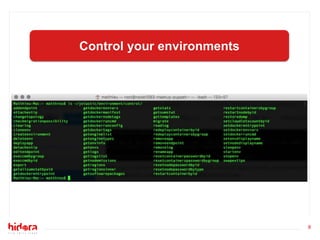
Create our docker!
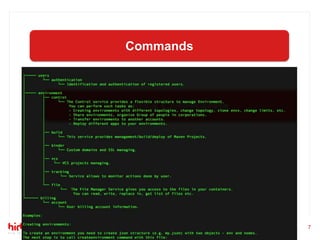
~/jelastic/environment/control/createenvironment
--env '{"shortdomain" : « test-du-meetup» }'
--nodes '[{"nodeType" : "docker",
"fixedCloudlets" : 1, "flexibleCloudlets" : 32, "docker" : {
"image" : "matthieurobin/centos-puppet-agent"}}]'](https://image.slidesharecdn.com/2-meetuppresentation-170215164755/85/Docker-Puppet-Automatisation-on-Hidora-9-320.jpg)
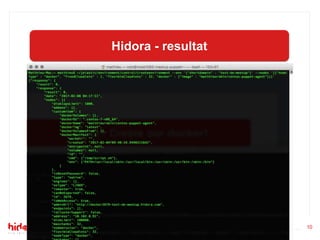
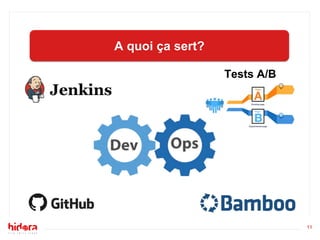
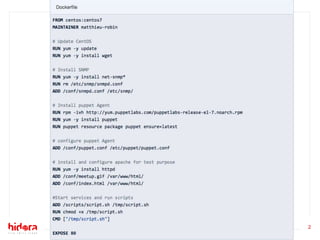
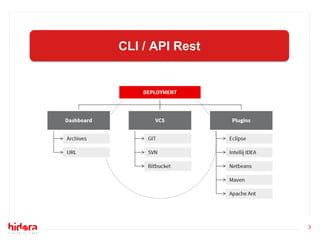
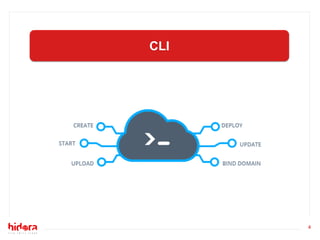
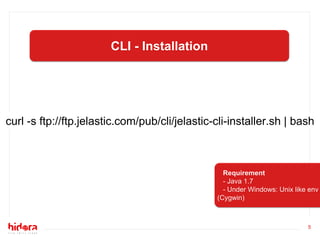
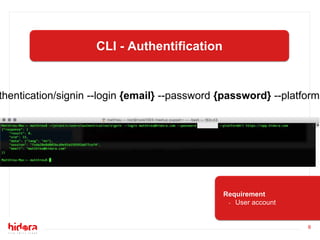
The document discusses using Docker and Puppet Agent together with the Jelastic cloud platform. It provides instructions on installing the Jelastic CLI using curl, authenticating with a user account, and creating a Docker environment with the CLI createenvironment command to run Puppet Agent and enable capabilities like A/B testing.


