user experience agency
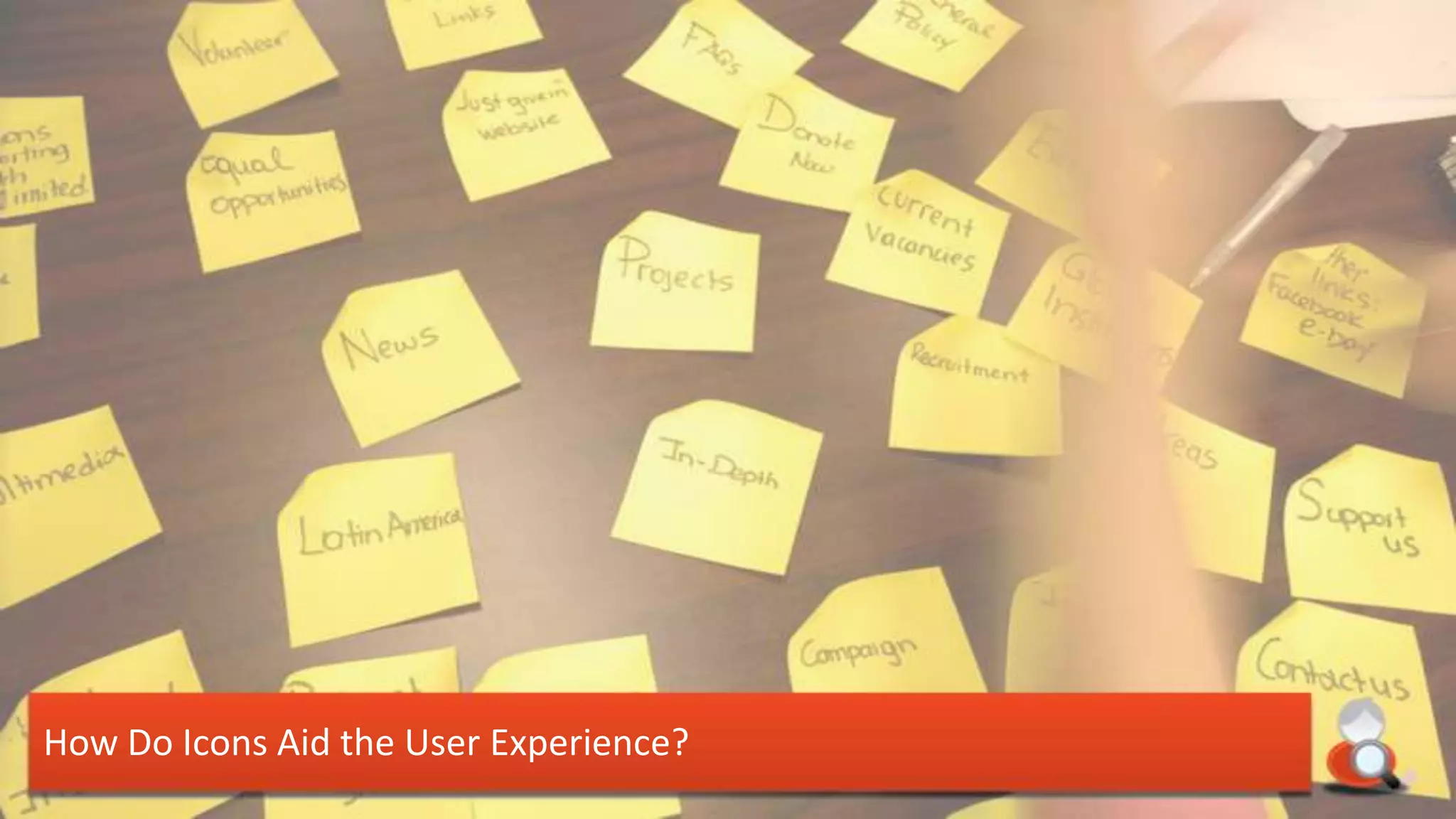
How Do Icons Aid the User Experience?
Research

What’s the History of Iconography?
• Icons have long been the best
    method for human interaction
•   Objects, occasions, and events have
    long been summarised with icons
•   They underpin religion & culture
    around the world and are
    understood by all
•   They provide instant communication
    for all viewers

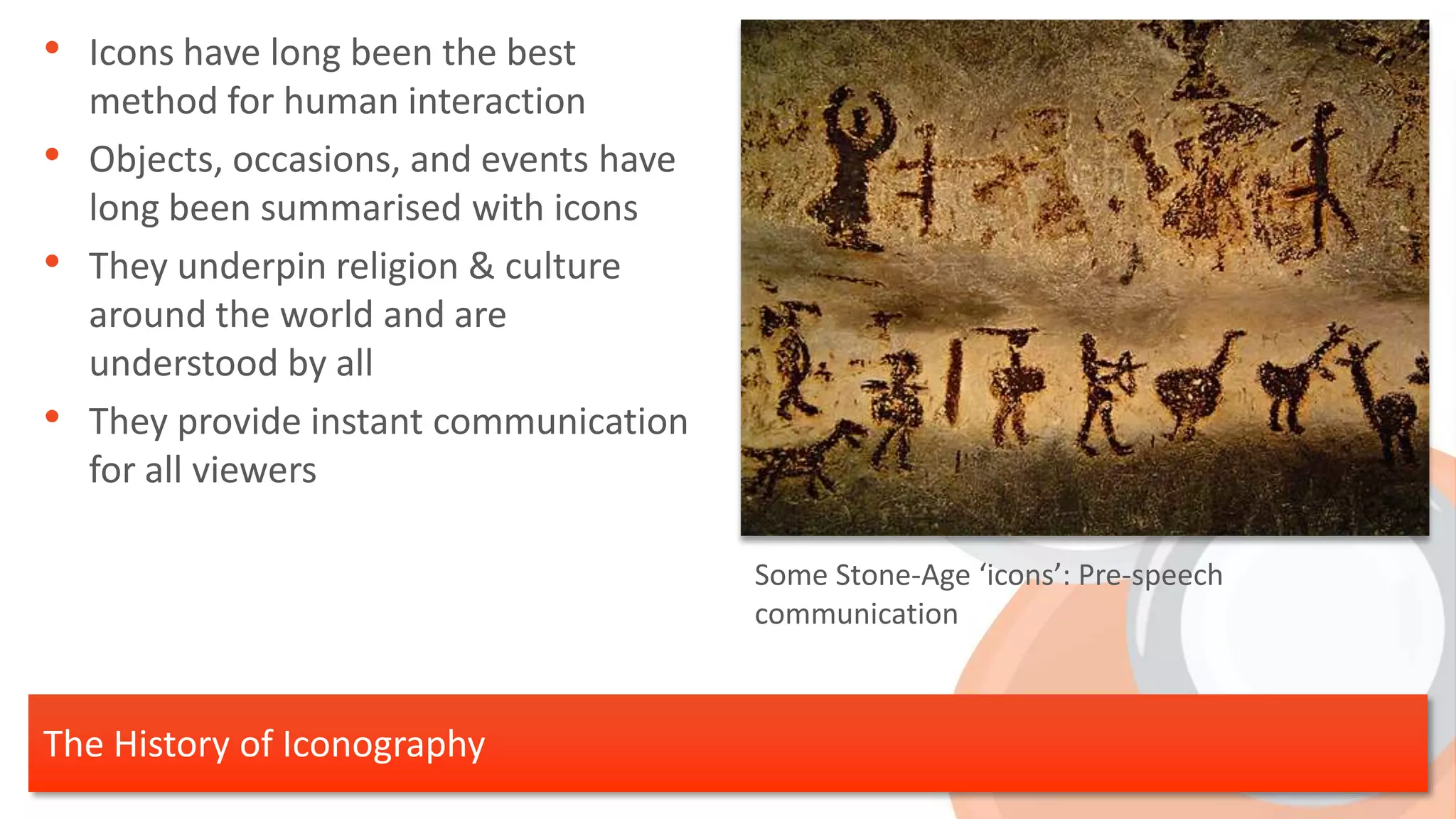
                                          Some Stone-Age ‘icons’: Pre-speech
                                          communication


The History of Iconography
• Icons have this same effect in the
  field of web design:
    1.   They communicate instantly
    2.   They can explain actions
    3.   They attract attention and draw the eye
    4.   They speak in a universal language
    5.   They make analysis and comprehension
         simple and clear


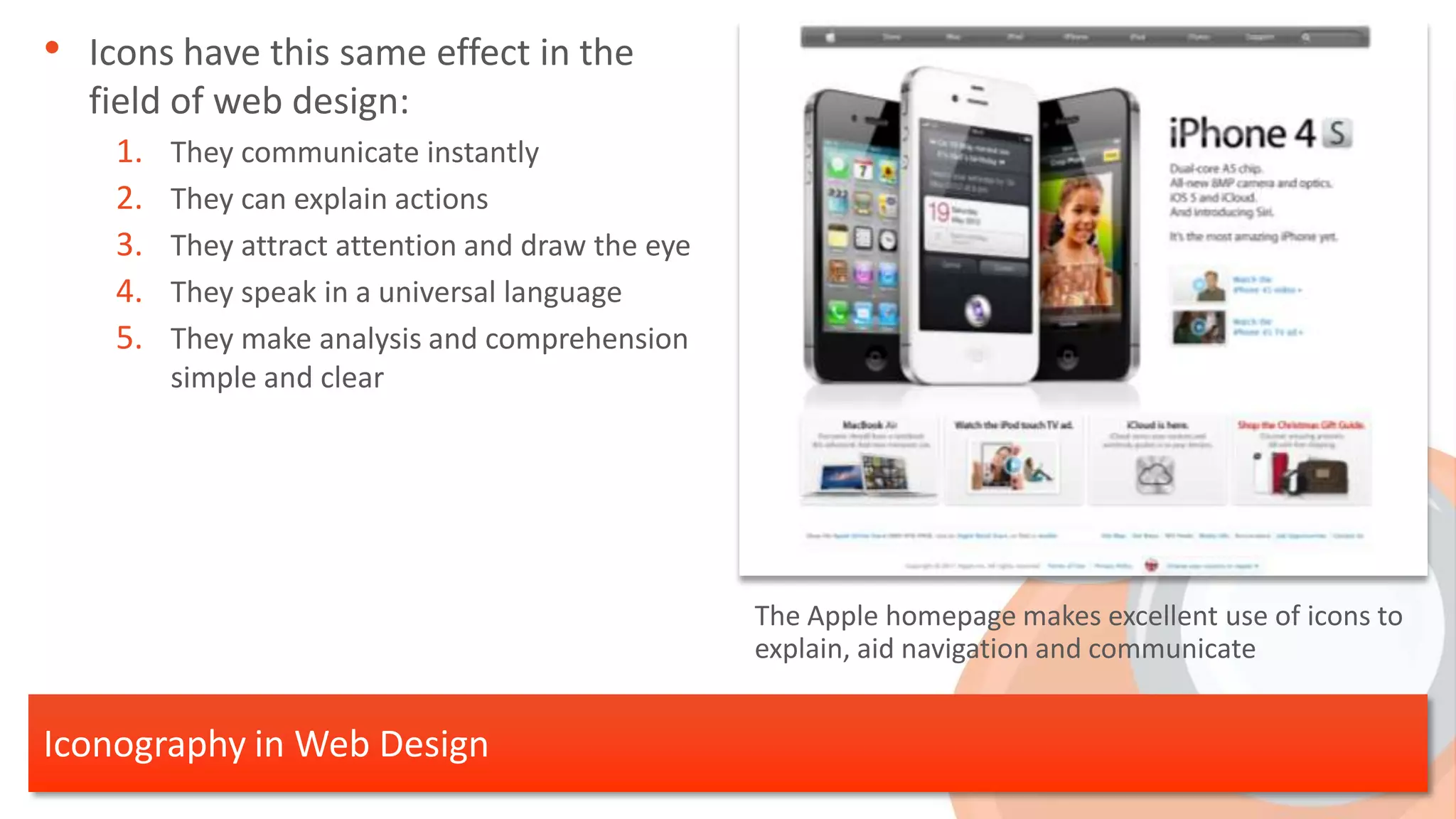
                                                   The Apple homepage makes excellent use of icons to
                                                   explain, aid navigation and communicate


Iconography in Web Design
Research

What are the Benefits of Using Icons?
• Websites are easily scanned
• Features within each page are
    instantly explained
•   Sections and separate elements are
    easily pulled out so that the user can
    jump to the content of interest
•   This improves navigation and user
    enjoyment


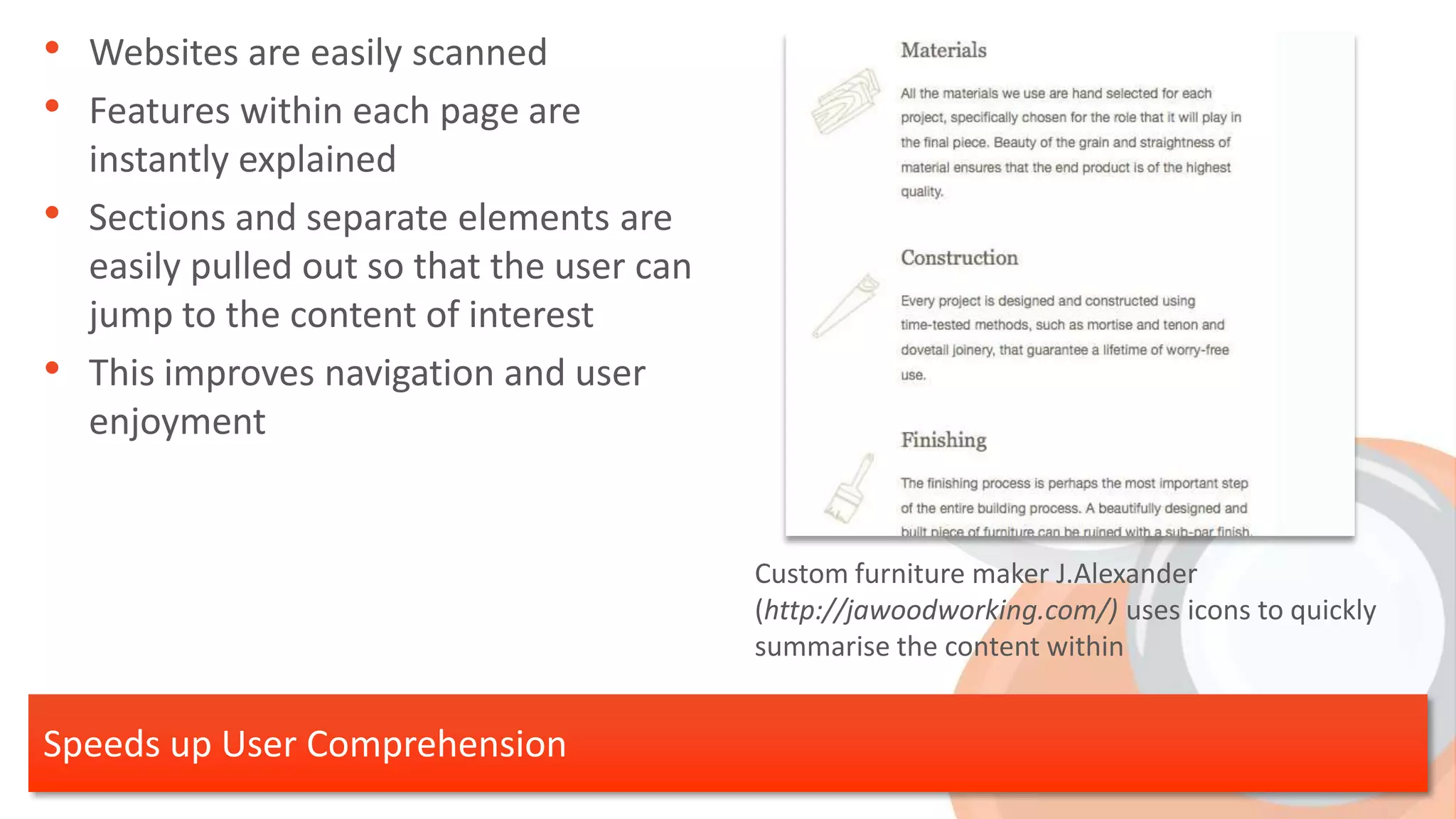
                                             Custom furniture maker J.Alexander
                                             (http://jawoodworking.com/) uses icons to quickly
                                             summarise the content within


Speeds up User Comprehension
• Navigational elements can be
    converted to icons
•   This speeds up a users experience on
    the site, as well as demystifying it
•   Recognisable icons can jump out to a
    user through familiarity
•   More information can be processed
    in less time

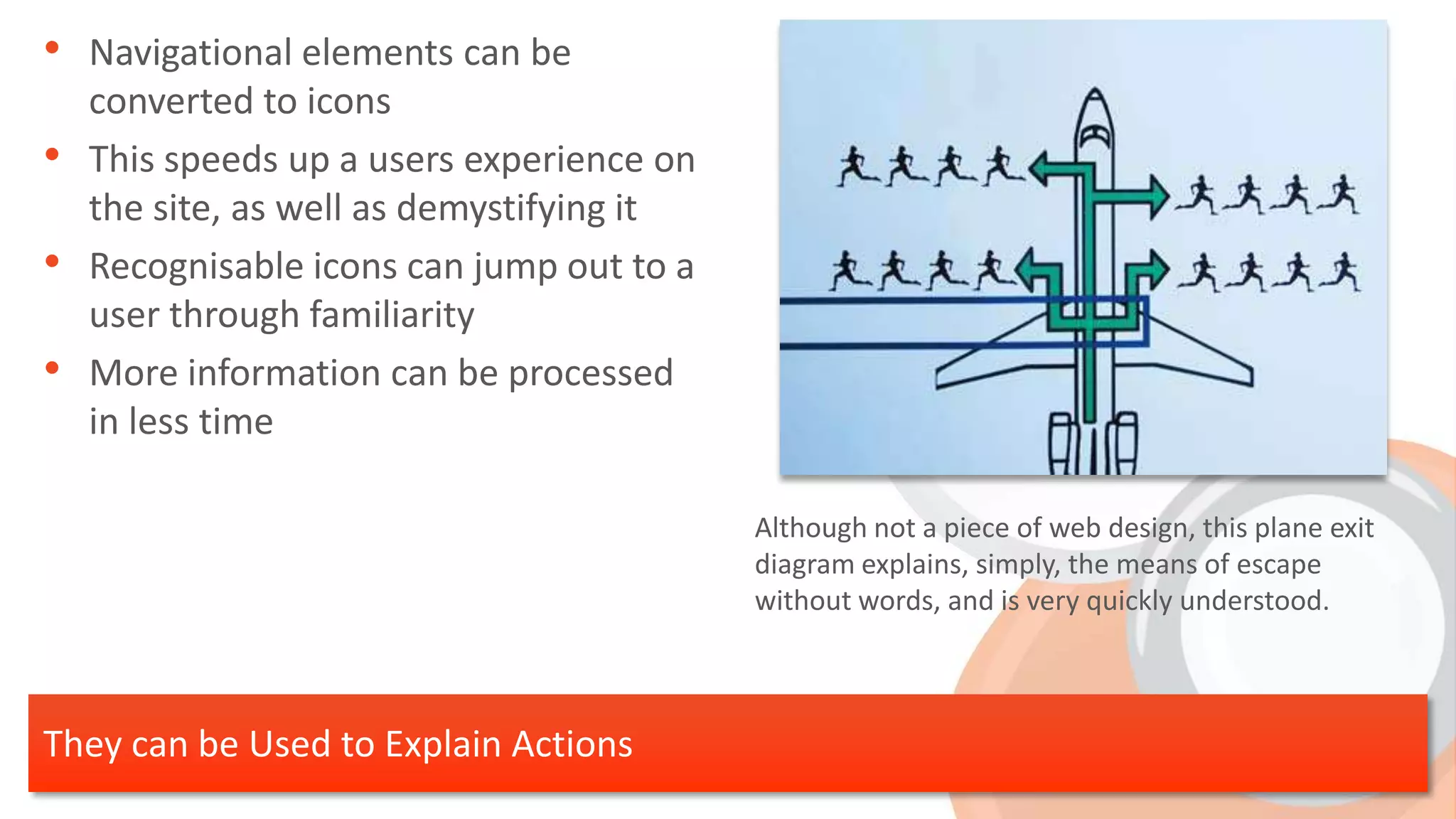
                                           Although not a piece of web design, this plane exit
                                           diagram explains, simply, the means of escape
                                           without words, and is very quickly understood.


They can be Used to Explain Actions
• Specific areas of web pages can be
    pulled out with icons
•   This usually applies to call-to-actions
    that present the main site
    message, such as download, contact
    etc.
•   These need to be familiar so that
    users know what to be drawn to!


                                              Instantloop (http://www.instantloop.com) make use
                                              of an enormous telephone to draw the users eye to
                                              the main call-to-action


Attracts attention to Important Elements
• Icons are universal
• Messages can be conveyed to your
    audiences no matter what language
    they speak
•   It is important to remember,
    however, that not all images are the
    same to everyone:


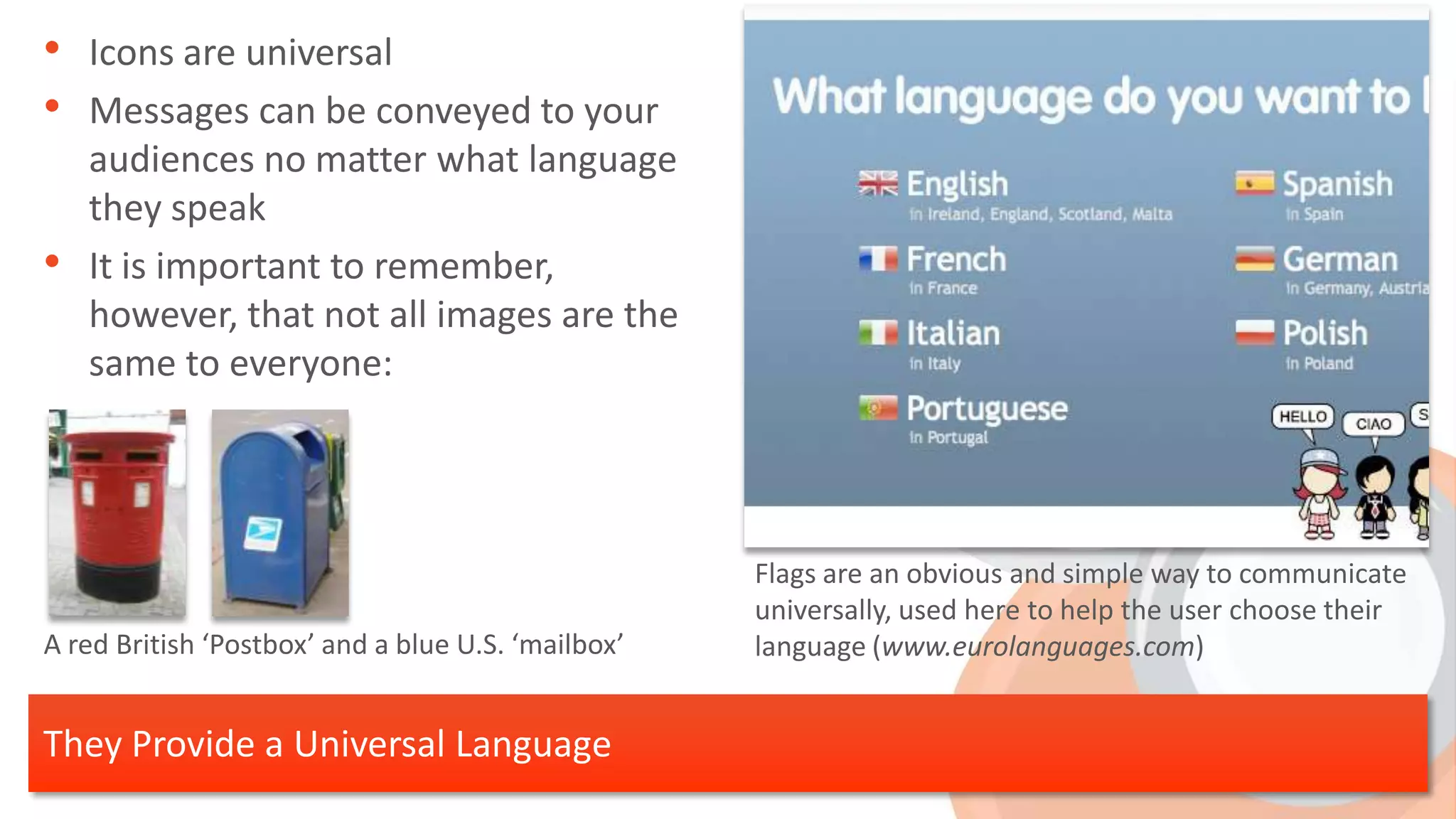
                                                    Flags are an obvious and simple way to communicate
                                                    universally, used here to help the user choose their
A red British ‘Postbox’ and a blue U.S. ‘mailbox’   language (www.eurolanguages.com)


They Provide a Universal Language
• Graphics can make the maths much
    easier to digest
•   Tables, charts and other graphics are
    very quick to grasp
•   Other icons for analysis and
    comparison include; ticks and
    crosses, arrows, smiley faces etc.


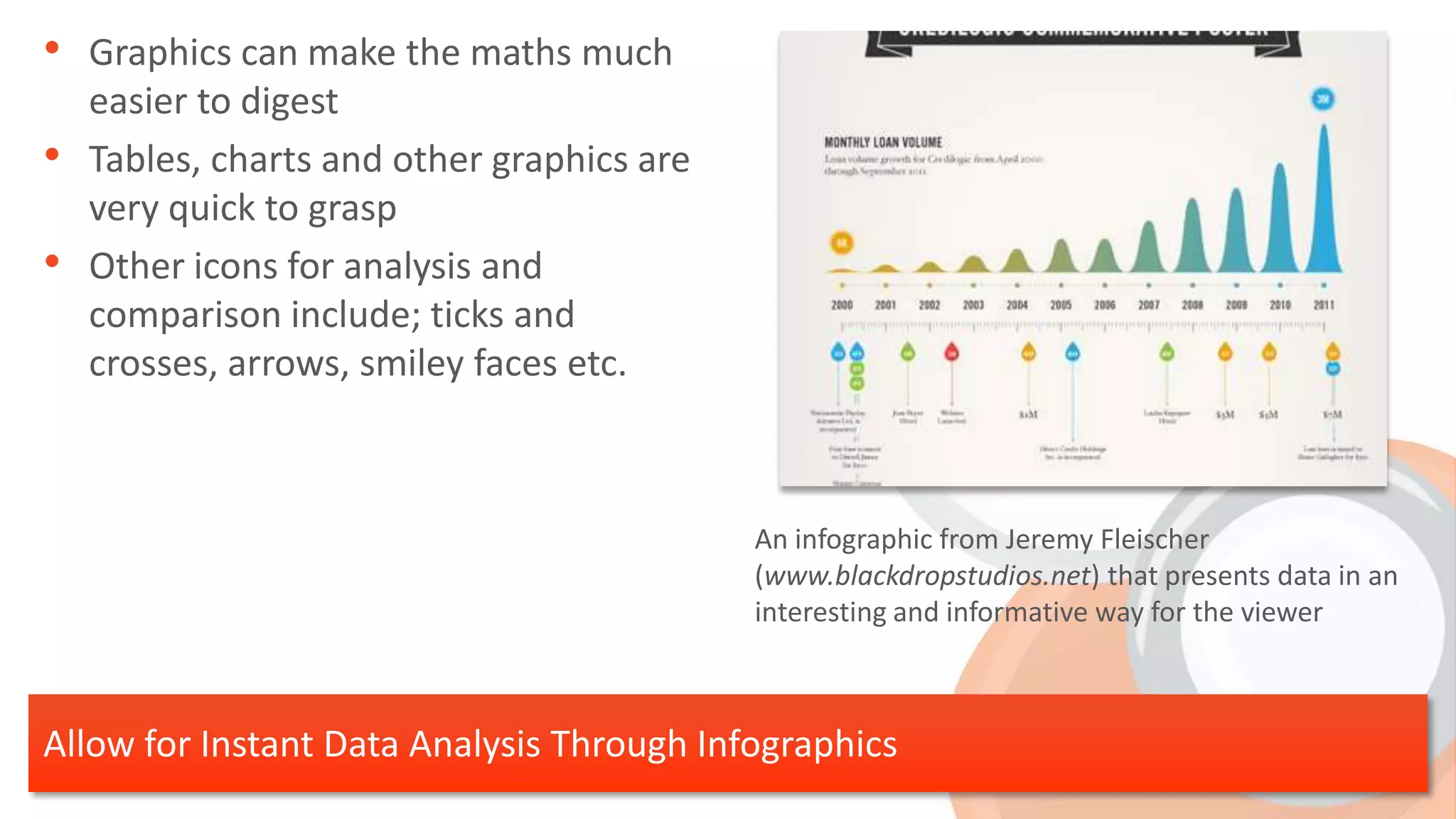
                                            An infographic from Jeremy Fleischer
                                            (www.blackdropstudios.net) that presents data in an
                                            interesting and informative way for the viewer


Allow for Instant Data Analysis Through Infographics
Design

What Makes for Good Icon Design?
• Icons need to work in conjunction
    with other graphics on your site
•   Within this, icons sets need to have
    an over-riding style and theme.
•   Planning out a whole set of icons
    beforehand (sometimes even
    future-proofing sets with icons your
    client might not have even thought
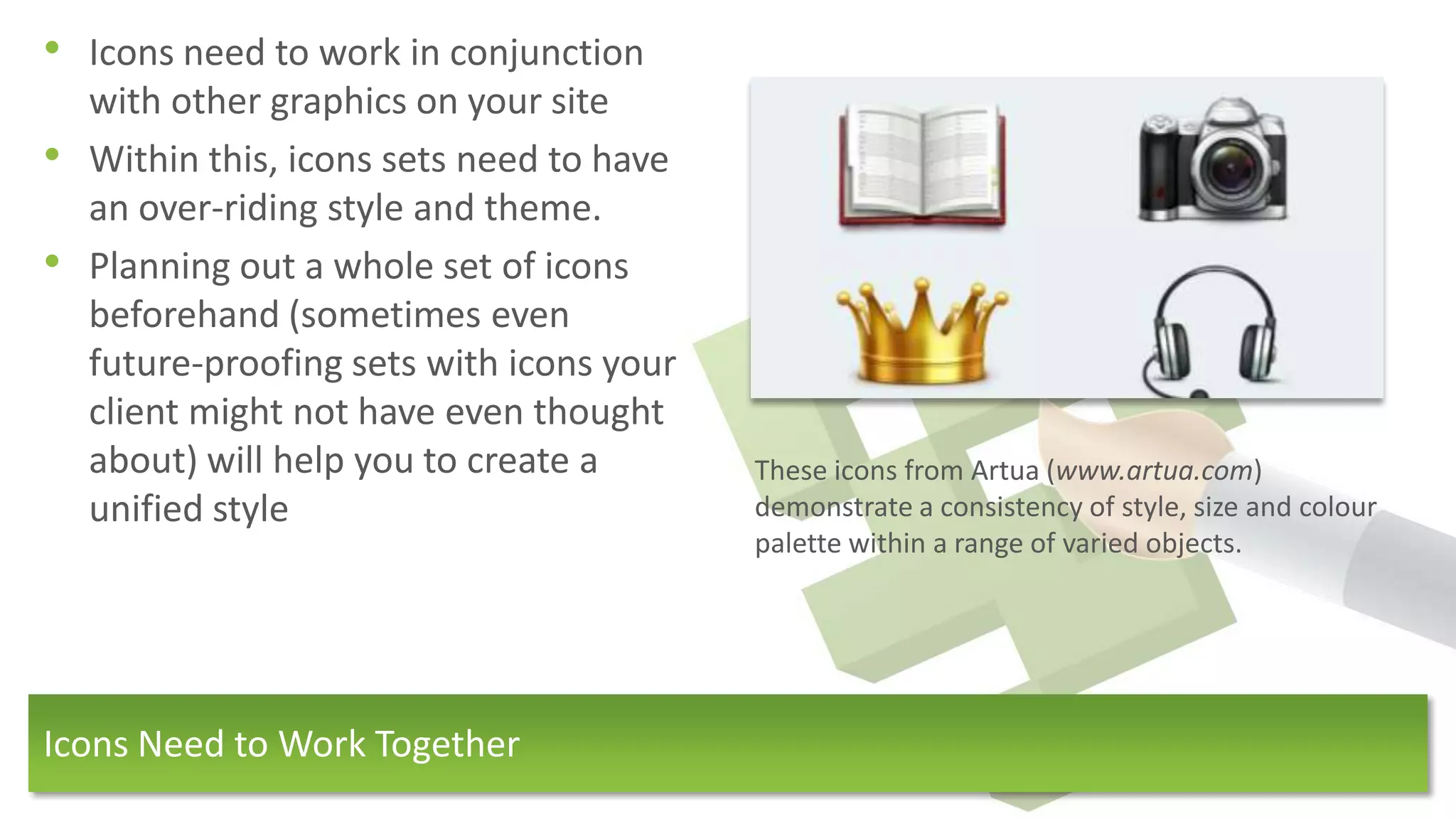
    about) will help you to create a       These icons from Artua (www.artua.com)
    unified style                          demonstrate a consistency of style, size and colour
                                           palette within a range of varied objects.


Icons Need to Work Together
• Icons should not contain any text,
• This immediately restricts your icons
    to the language the text is in
•   With smaller icons, text is hard to
    read
•   Avoid use of elements that appear
    elsewhere on your site, such as
    menus and other interface elements,
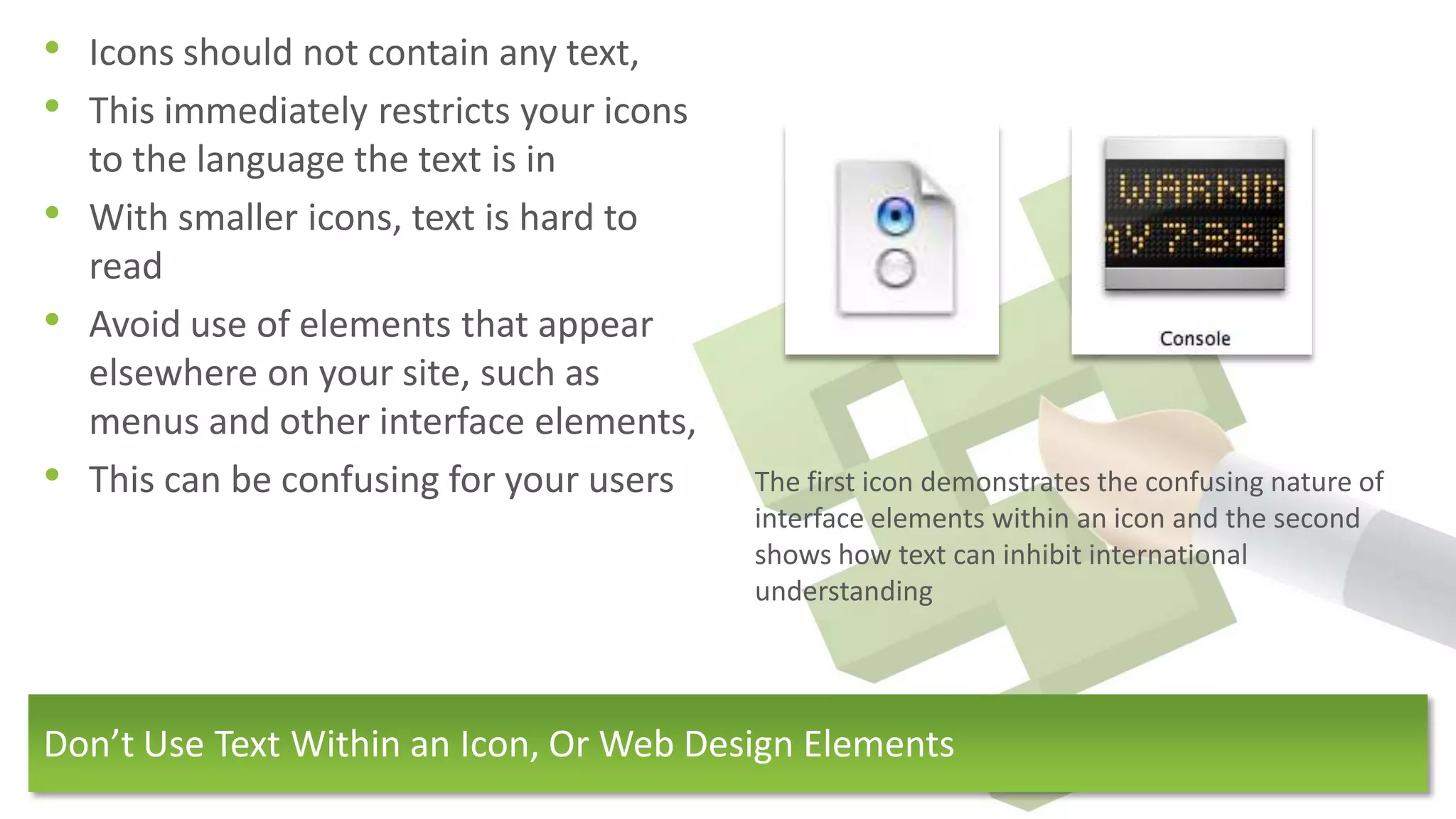
•   This can be confusing for your users   The first icon demonstrates the confusing nature of
                                           interface elements within an icon and the second
                                           shows how text can inhibit international
                                           understanding


Don’t Use Text Within an Icon, Or Web Design Elements
• All icons within a set should look
    unique
•   A uniform style does not mean that
    the icons should look identical
•   Confusion can arise when two icons
    look similar


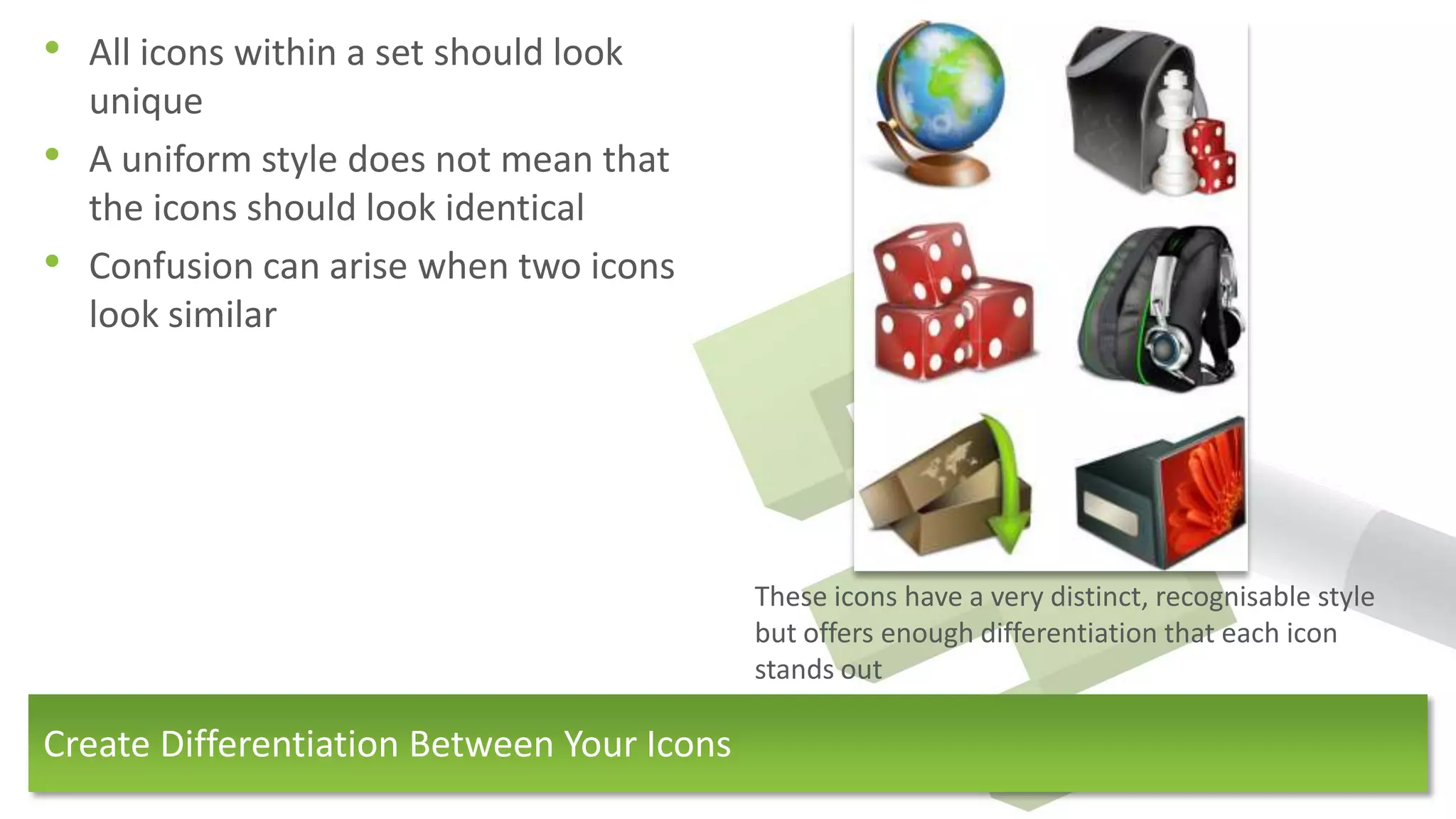
                                            These icons have a very distinct, recognisable style
                                            but offers enough differentiation that each icon
                                            stands out

Create Differentiation Between Your Icons
Evaluate

In Conclusion
• Why are icons excellent for                   • What makes a well designed icon?
  improving user experience?                        1. Well designed icons are familiar and
    1. Icons are essential for                         eye-catching
         good, simple, clear web design             2. They are different enough to not
    2.   They promote                                  confuse a viewer, but still work in
         understanding, regardless of spoken           harmony
         language                                   3. They are a separate, independent
    3.   They speed up understanding and               element separate from text or other
         perception                                    interface elements, helping then to pop
                                                       off the screen.
    4.   They draw the eye to key areas and
         calls-to-action
    5.   They can aid navigation around a web
         page


How Do Icons Aid The User Experience?
Implement

How We’ve Put Icons Into Action
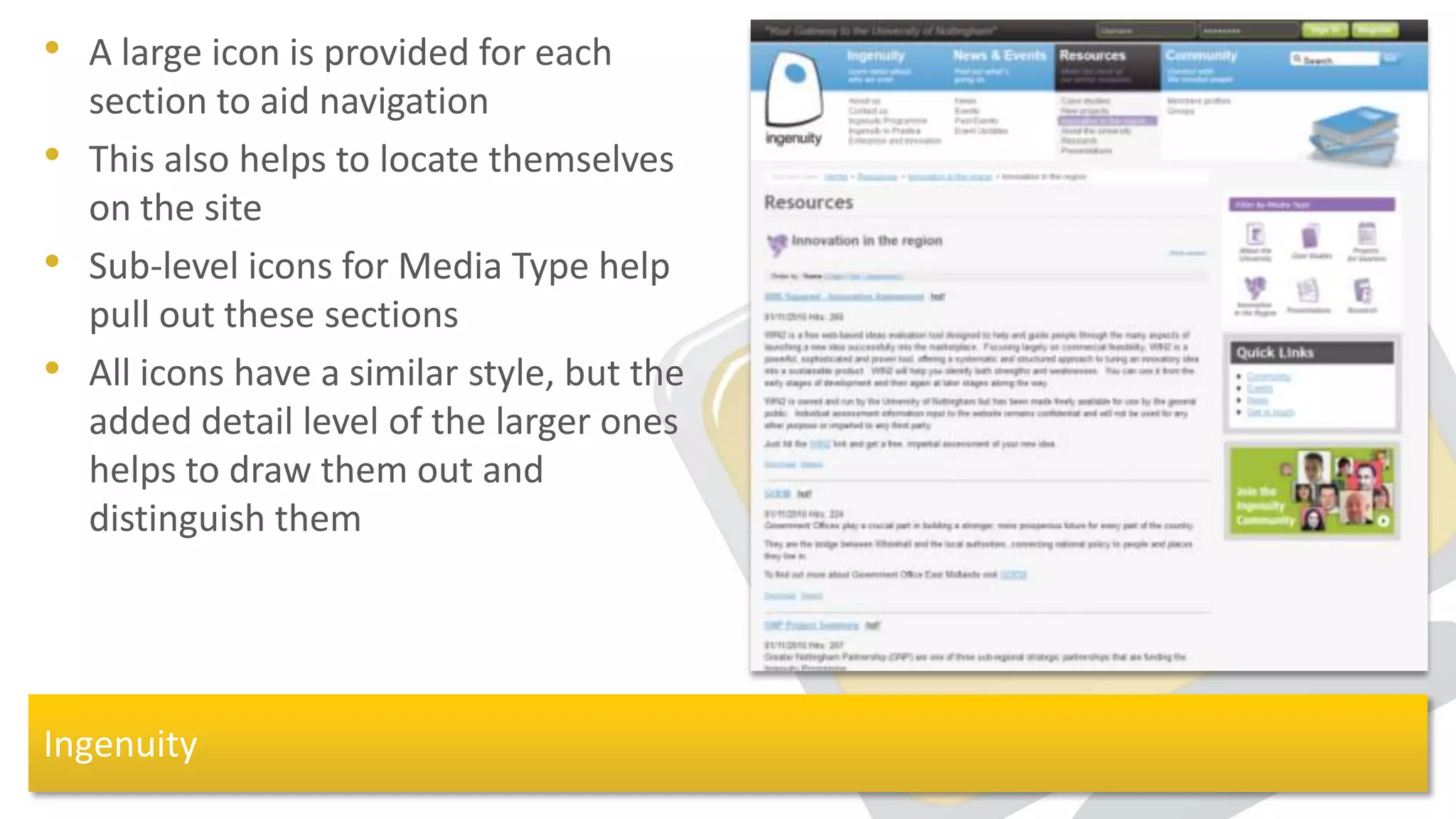
• A large icon is provided for each
    section to aid navigation
•   This also helps to locate themselves
    on the site
•   Sub-level icons for Media Type help
    pull out these sections
•   All icons have a similar style, but the
    added detail level of the larger ones
    helps to draw them out and
    distinguish them


Ingenuity
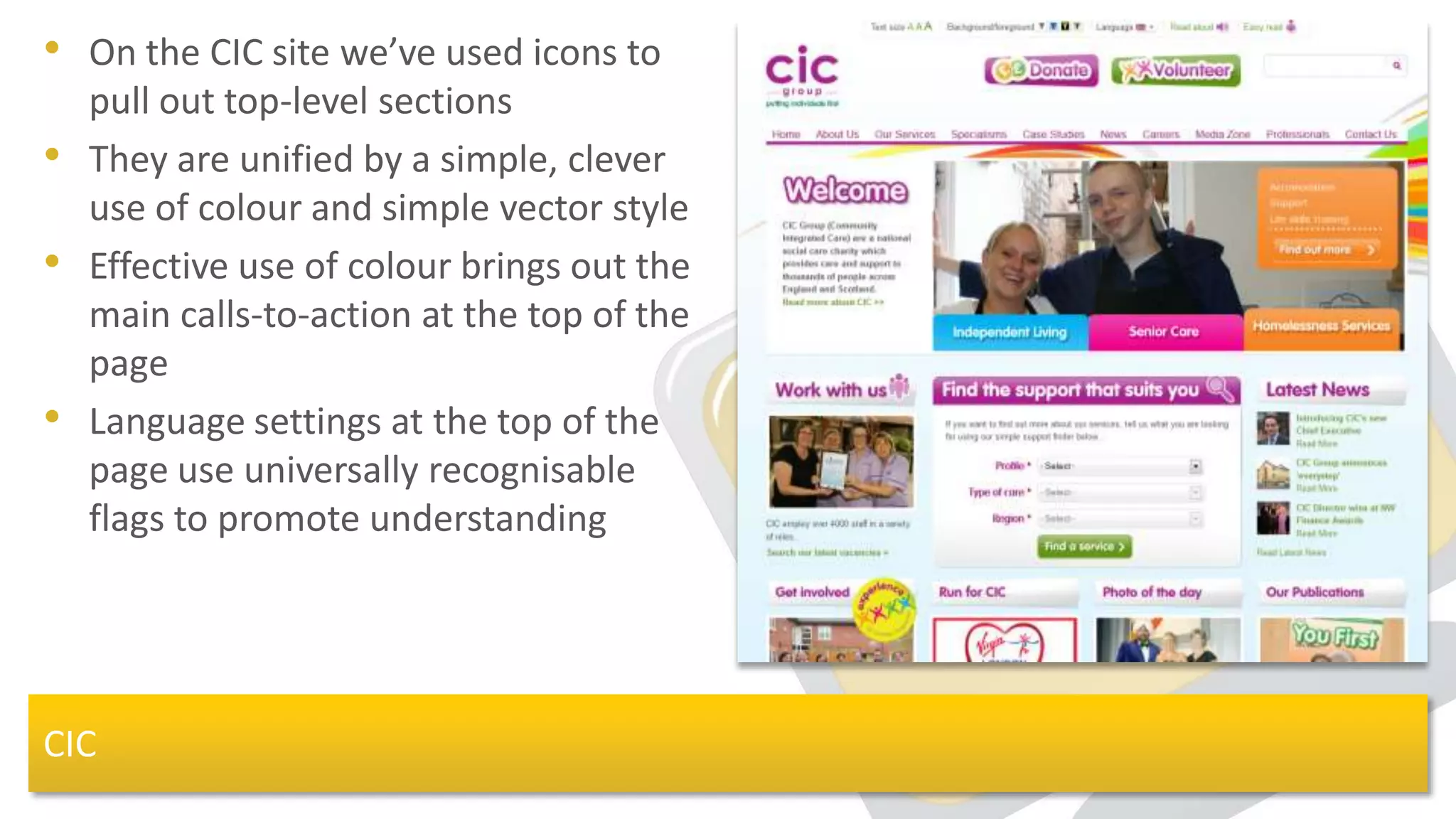
• On the CIC site we’ve used icons to
    pull out top-level sections
•   They are unified by a simple, clever
    use of colour and simple vector style
•   Effective use of colour brings out the
    main calls-to-action at the top of the
    page
•   Language settings at the top of the
    page use universally recognisable
    flags to promote understanding


CIC
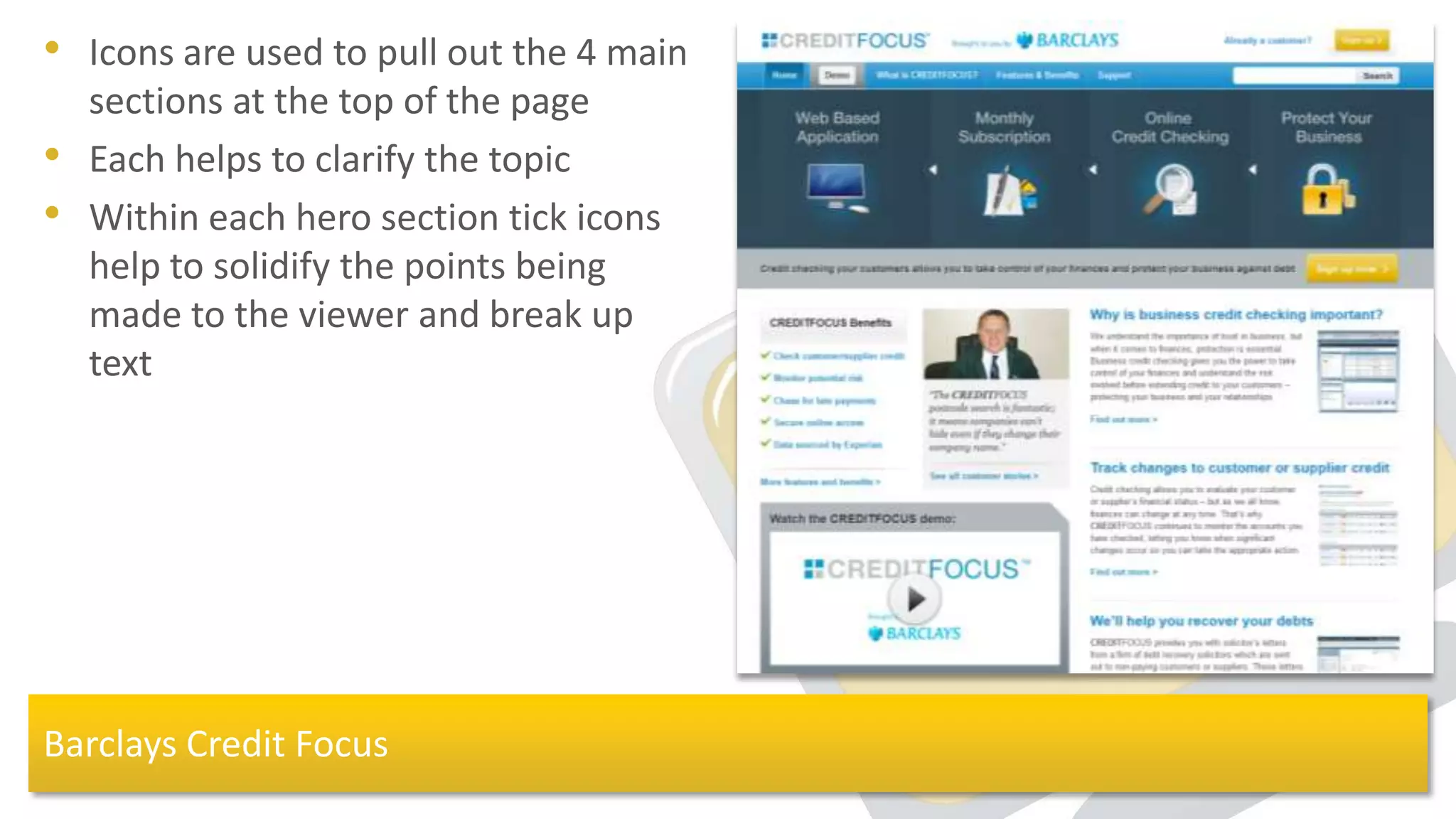
• Icons are used to pull out the 4 main
    sections at the top of the page
•   Each helps to clarify the topic
•   Within each hero section tick icons
    help to solidify the points being
    made to the viewer and break up
    text


Barclays Credit Focus
Thank you!


Tom Wallis
Graphic Designer

zabisco.com

Do Icons Aid The User Experience

  • 1.
  • 2.
    How Do IconsAid the User Experience?
  • 3.
  • 4.
    • Icons havelong been the best method for human interaction • Objects, occasions, and events have long been summarised with icons • They underpin religion & culture around the world and are understood by all • They provide instant communication for all viewers Some Stone-Age ‘icons’: Pre-speech communication The History of Iconography
  • 5.
    • Icons havethis same effect in the field of web design: 1. They communicate instantly 2. They can explain actions 3. They attract attention and draw the eye 4. They speak in a universal language 5. They make analysis and comprehension simple and clear The Apple homepage makes excellent use of icons to explain, aid navigation and communicate Iconography in Web Design
  • 6.
    Research What are theBenefits of Using Icons?
  • 7.
    • Websites areeasily scanned • Features within each page are instantly explained • Sections and separate elements are easily pulled out so that the user can jump to the content of interest • This improves navigation and user enjoyment Custom furniture maker J.Alexander (http://jawoodworking.com/) uses icons to quickly summarise the content within Speeds up User Comprehension
  • 8.
    • Navigational elementscan be converted to icons • This speeds up a users experience on the site, as well as demystifying it • Recognisable icons can jump out to a user through familiarity • More information can be processed in less time Although not a piece of web design, this plane exit diagram explains, simply, the means of escape without words, and is very quickly understood. They can be Used to Explain Actions
  • 9.
    • Specific areasof web pages can be pulled out with icons • This usually applies to call-to-actions that present the main site message, such as download, contact etc. • These need to be familiar so that users know what to be drawn to! Instantloop (http://www.instantloop.com) make use of an enormous telephone to draw the users eye to the main call-to-action Attracts attention to Important Elements
  • 10.
    • Icons areuniversal • Messages can be conveyed to your audiences no matter what language they speak • It is important to remember, however, that not all images are the same to everyone: Flags are an obvious and simple way to communicate universally, used here to help the user choose their A red British ‘Postbox’ and a blue U.S. ‘mailbox’ language (www.eurolanguages.com) They Provide a Universal Language
  • 11.
    • Graphics canmake the maths much easier to digest • Tables, charts and other graphics are very quick to grasp • Other icons for analysis and comparison include; ticks and crosses, arrows, smiley faces etc. An infographic from Jeremy Fleischer (www.blackdropstudios.net) that presents data in an interesting and informative way for the viewer Allow for Instant Data Analysis Through Infographics
  • 12.
    Design What Makes forGood Icon Design?
  • 13.
    • Icons needto work in conjunction with other graphics on your site • Within this, icons sets need to have an over-riding style and theme. • Planning out a whole set of icons beforehand (sometimes even future-proofing sets with icons your client might not have even thought about) will help you to create a These icons from Artua (www.artua.com) unified style demonstrate a consistency of style, size and colour palette within a range of varied objects. Icons Need to Work Together
  • 14.
    • Icons shouldnot contain any text, • This immediately restricts your icons to the language the text is in • With smaller icons, text is hard to read • Avoid use of elements that appear elsewhere on your site, such as menus and other interface elements, • This can be confusing for your users The first icon demonstrates the confusing nature of interface elements within an icon and the second shows how text can inhibit international understanding Don’t Use Text Within an Icon, Or Web Design Elements
  • 15.
    • All iconswithin a set should look unique • A uniform style does not mean that the icons should look identical • Confusion can arise when two icons look similar These icons have a very distinct, recognisable style but offers enough differentiation that each icon stands out Create Differentiation Between Your Icons
  • 16.
  • 17.
    • Why areicons excellent for • What makes a well designed icon? improving user experience? 1. Well designed icons are familiar and 1. Icons are essential for eye-catching good, simple, clear web design 2. They are different enough to not 2. They promote confuse a viewer, but still work in understanding, regardless of spoken harmony language 3. They are a separate, independent 3. They speed up understanding and element separate from text or other perception interface elements, helping then to pop off the screen. 4. They draw the eye to key areas and calls-to-action 5. They can aid navigation around a web page How Do Icons Aid The User Experience?
  • 18.
    Implement How We’ve PutIcons Into Action
  • 19.
    • A largeicon is provided for each section to aid navigation • This also helps to locate themselves on the site • Sub-level icons for Media Type help pull out these sections • All icons have a similar style, but the added detail level of the larger ones helps to draw them out and distinguish them Ingenuity
  • 20.
    • On theCIC site we’ve used icons to pull out top-level sections • They are unified by a simple, clever use of colour and simple vector style • Effective use of colour brings out the main calls-to-action at the top of the page • Language settings at the top of the page use universally recognisable flags to promote understanding CIC
  • 21.
    • Icons areused to pull out the 4 main sections at the top of the page • Each helps to clarify the topic • Within each hero section tick icons help to solidify the points being made to the viewer and break up text Barclays Credit Focus
  • 22.
    Thank you! Tom Wallis GraphicDesigner zabisco.com