10 Useful Asciidoctor Tips 
Andres Almiray 
Canoo Engineering AG 
#devoxx #asciidoctor_tips @aalmiray
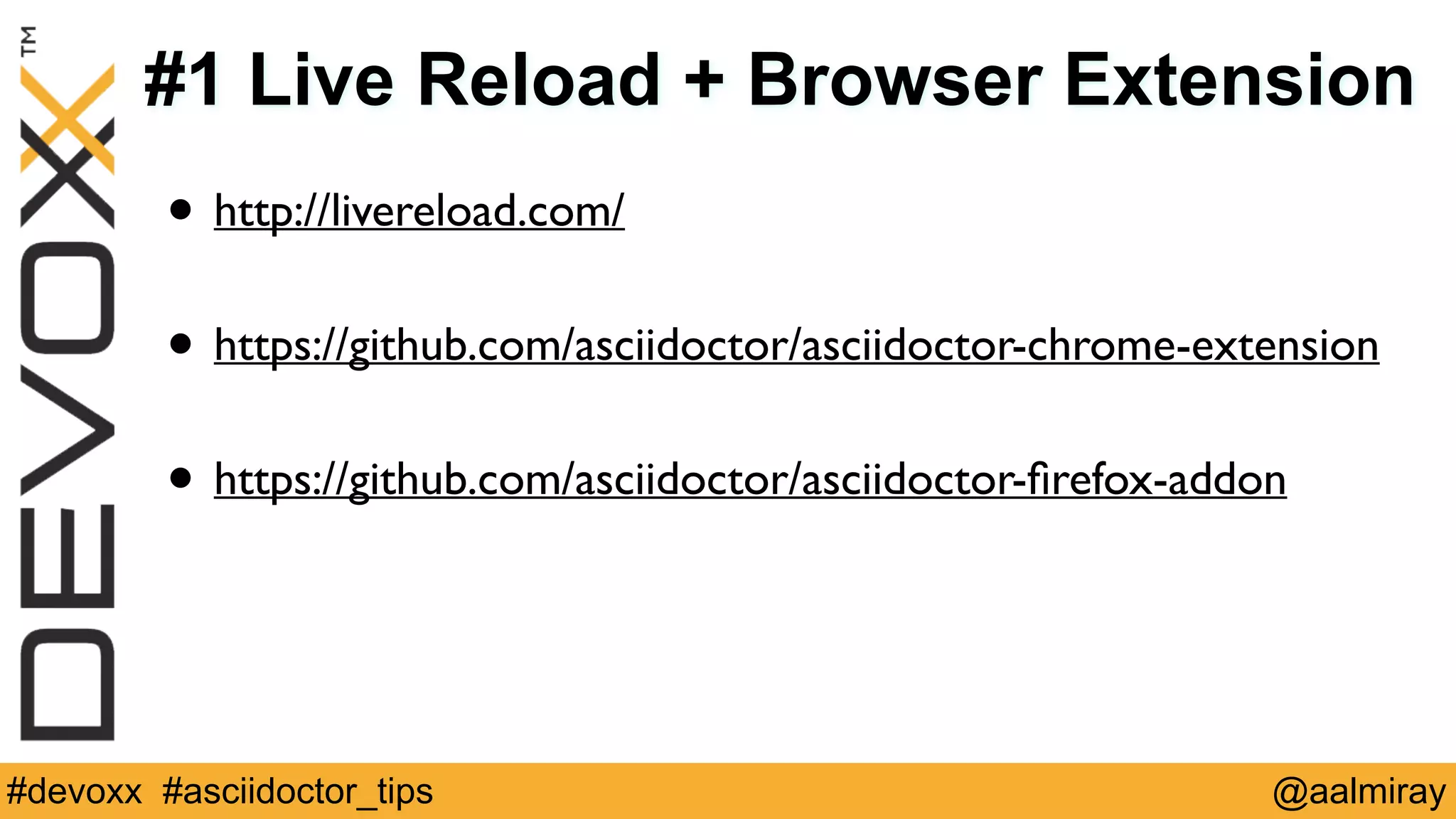
#1 Live Reload + Browser Extension 
• http://livereload.com/ 
! 
• https://github.com/asciidoctor/asciidoctor-chrome-extension 
! 
• https://github.com/asciidoctor/asciidoctor-firefox-addon 
#devoxx #asciidoctor_tips @aalmiray
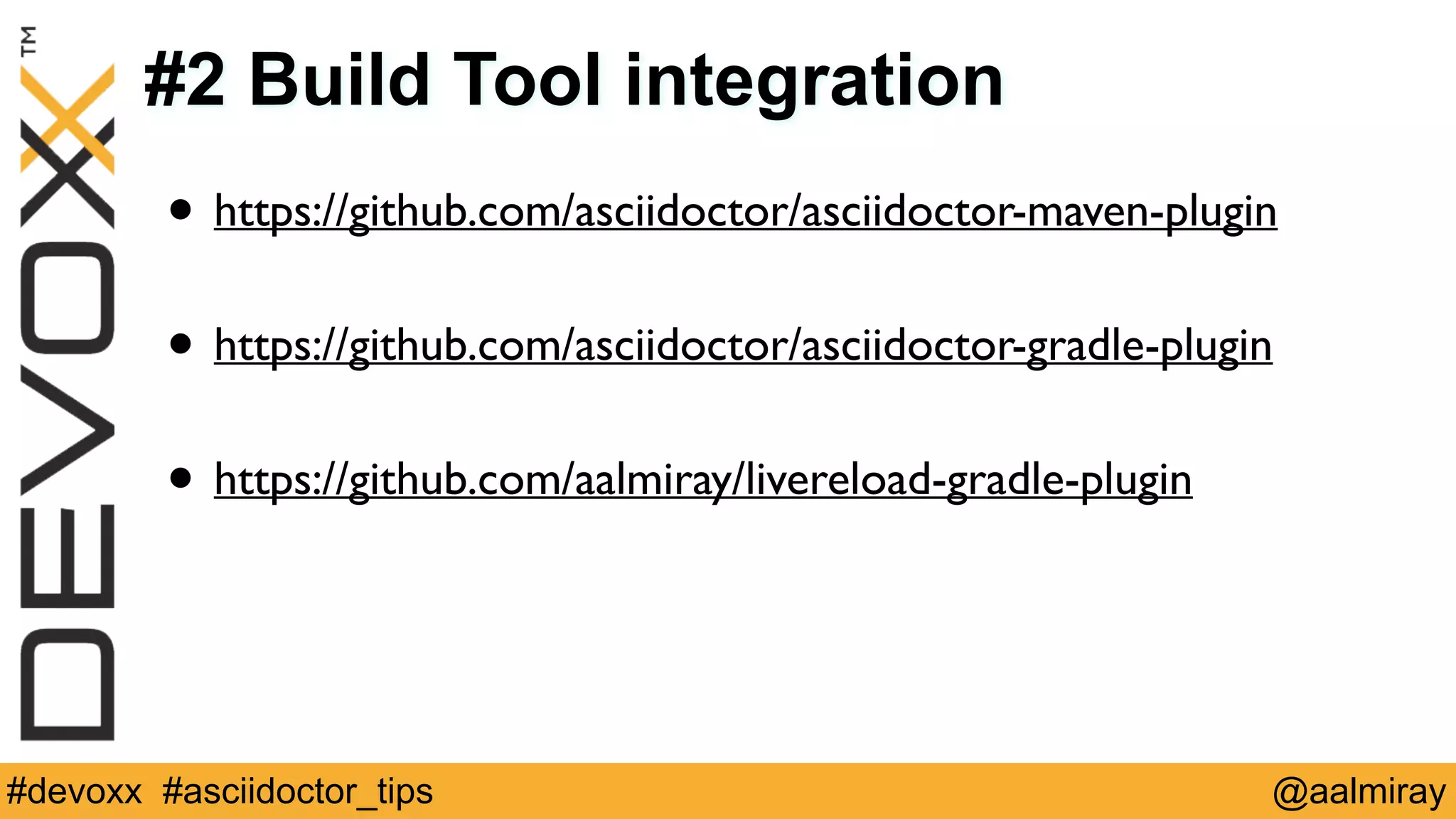
#2 Build Tool integration 
• https://github.com/asciidoctor/asciidoctor-maven-plugin 
! 
• https://github.com/asciidoctor/asciidoctor-gradle-plugin 
! 
• https://github.com/aalmiray/livereload-gradle-plugin 
#devoxx #asciidoctor_tips @aalmiray
#3 Provide a _links.adoc file 
• Use an attribute per link 
• Include the _links.adoc file at the beginning of your index file 
// 
_links.adoc 
:link_gradle: 
http://www.gradle.org/[Gradle, 
window="_blank"] 
:link_maven: 
http://maven.apache.org/[Maven, 
window="_blank"] 
// 
index.adoc 
include::_links.adoc[] 
! 
Asciidoctor 
has 
great 
integration 
with 
{link_gradle} 
and 
{link_maven}. 
#devoxx #asciidoctor_tips @aalmiray
#4 Blank lines at top and bottom 
• Simplifies including files into others 
// 
without 
blank 
lines 
// 
with 
blank 
lines 
// 
index.adoc 
// 
index.adoc 
! 
! 
include::chapter1.adoc[] 
! 
include::chapter2.adoc[] 
include::chapter3.adoc[] 
! 
include::chapter3.adoc[] 
#devoxx #asciidoctor_tips @aalmiray
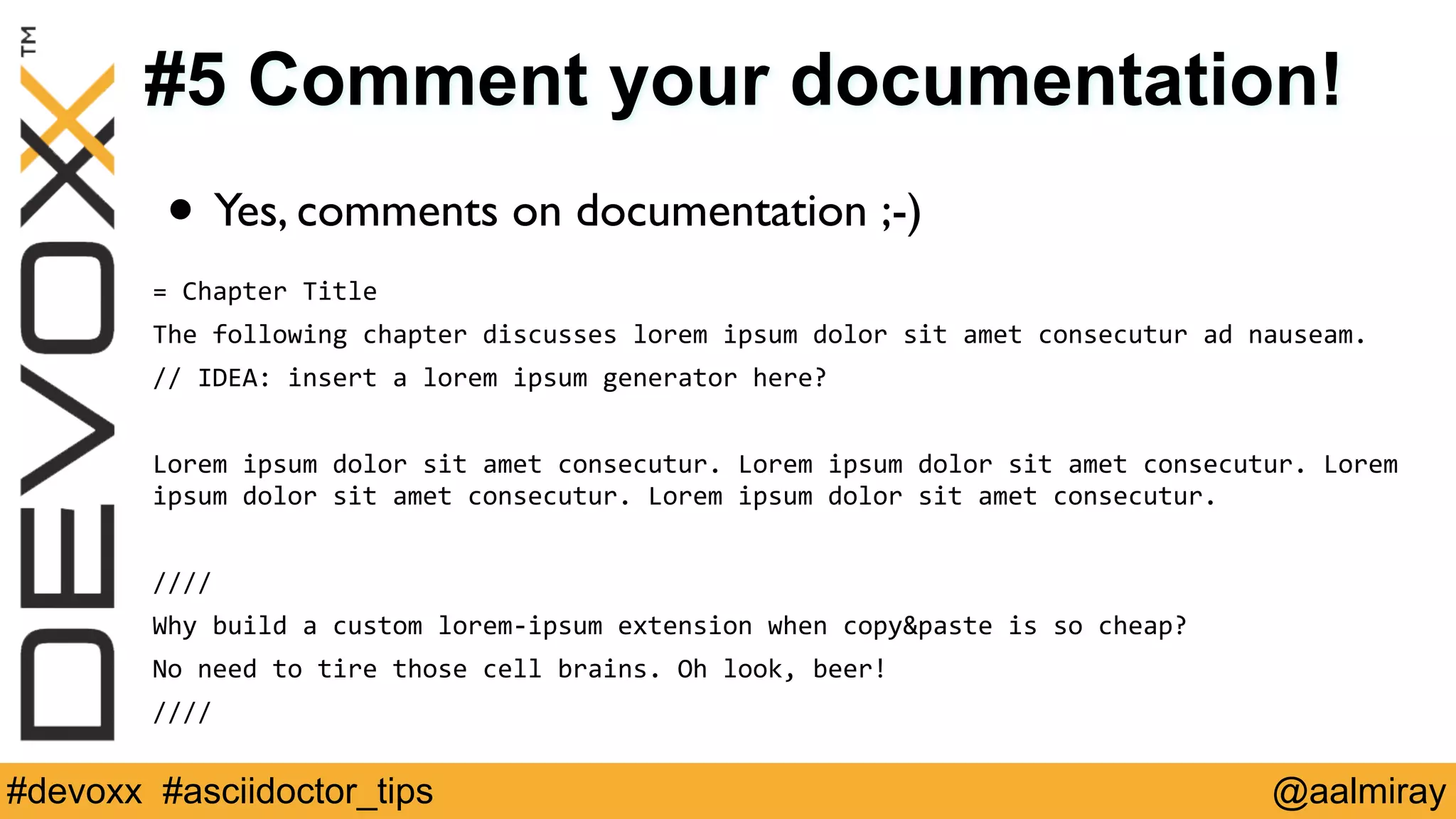
#5 Comment your documentation! 
• Yes, comments on documentation ;-) 
= 
Chapter 
Title 
The 
following 
chapter 
discusses 
lorem 
ipsum 
dolor 
sit 
amet 
consecutur 
ad 
nauseam. 
// 
IDEA: 
insert 
a 
lorem 
ipsum 
generator 
here? 
! 
Lorem 
ipsum 
dolor 
sit 
amet 
consecutur. 
Lorem 
ipsum 
dolor 
sit 
amet 
consecutur. 
Lorem 
ipsum 
dolor 
sit 
amet 
consecutur. 
Lorem 
ipsum 
dolor 
sit 
amet 
consecutur. 
! 
//// 
Why 
build 
a 
custom 
lorem-­‐ipsum 
extension 
when 
copy&paste 
is 
so 
cheap? 
No 
need 
to 
tire 
those 
cell 
brains. 
Oh 
look, 
beer! 
//// 
#devoxx #asciidoctor_tips @aalmiray
#6 Use conditional blocks 
• ifdef::attribute_name[] checks if attribute has a value 
• ifndef::attribute_name[] performs the opposite check 
• ifeval::[{attribute_name} > 2] evaluates the attribute 
! 
• You can surround blocks if ifdef/ifndef/ifeval & endif 
• These are great for conditionally rendering content based on 
build variables (see tip #2). 
#devoxx #asciidoctor_tips @aalmiray
#7 Callouts in paragraphs 
• Apply the following inside any paragraph 
[conum,data-value=2]_2_ 
where 2 can be any number 
! 
• Reverse engineered from 
<em class="conum">2</em> 
#devoxx #asciidoctor_tips @aalmiray
#8 Include Raw Content 
• Either use the pass:[] macro or the ++++ block 
pass:[<iframe 
src=“http://secr.et/not/a/malicious/page/honest.html”></iframe>] 
! 
++++ 
<script 
type="text/javascript"> 
var 
pageTracker 
= 
_gat._getTracker("XX-­‐123456-­‐1"); 
pageTracker._initData(); 
pageTracker._trackPageview(); 
</script> 
++++ 
#devoxx #asciidoctor_tips @aalmiray
#9 The Include Macro is Awesome 
• Include any file. 
• Apply call outs in source code. Use standard code comments 
• Change indentation; include certain lines, tags 
.src/main/java/sample/Foo.java 
[source,java,linenums,options="nowrap"] 
-­‐-­‐-­‐-­‐ 
include::{rootdir}/src/main/java/sample/Foo.java[lines=16..-­‐1] 
-­‐-­‐-­‐-­‐ 
<1> 
Define 
the 
class 
<2> 
Properties 
<3> 
Business 
methods 
#devoxx #asciidoctor_tips @aalmiray
#10 Follow Mr. HAKI’s blog 
• @mrhaki blogs periodically at 
http://mrhaki.blogspot.ch/search/label/Asciidoc 
! 
• Lots of useful tricks and exercises on brand new features 
#devoxx #asciidoctor_tips @aalmiray
10 Useful Asciidoctor Tips 
Andres Almiray 
Canoo Engineering AG 
#devoxx #asciidoctor_tips @aalmiray

10 Useful Asciidoctor Tips

  • 1.
    10 Useful AsciidoctorTips Andres Almiray Canoo Engineering AG #devoxx #asciidoctor_tips @aalmiray
  • 2.
  • 3.
    #1 Live Reload+ Browser Extension • http://livereload.com/ ! • https://github.com/asciidoctor/asciidoctor-chrome-extension ! • https://github.com/asciidoctor/asciidoctor-firefox-addon #devoxx #asciidoctor_tips @aalmiray
  • 4.
    #2 Build Toolintegration • https://github.com/asciidoctor/asciidoctor-maven-plugin ! • https://github.com/asciidoctor/asciidoctor-gradle-plugin ! • https://github.com/aalmiray/livereload-gradle-plugin #devoxx #asciidoctor_tips @aalmiray
  • 5.
    #3 Provide a_links.adoc file • Use an attribute per link • Include the _links.adoc file at the beginning of your index file // _links.adoc :link_gradle: http://www.gradle.org/[Gradle, window="_blank"] :link_maven: http://maven.apache.org/[Maven, window="_blank"] // index.adoc include::_links.adoc[] ! Asciidoctor has great integration with {link_gradle} and {link_maven}. #devoxx #asciidoctor_tips @aalmiray
  • 6.
    #4 Blank linesat top and bottom • Simplifies including files into others // without blank lines // with blank lines // index.adoc // index.adoc ! ! include::chapter1.adoc[] include::chapter1.adoc[] ! include::chapter2.adoc[] include::chapter2.adoc[] include::chapter3.adoc[] ! include::chapter3.adoc[] #devoxx #asciidoctor_tips @aalmiray
  • 7.
    #5 Comment yourdocumentation! • Yes, comments on documentation ;-) = Chapter Title The following chapter discusses lorem ipsum dolor sit amet consecutur ad nauseam. // IDEA: insert a lorem ipsum generator here? ! Lorem ipsum dolor sit amet consecutur. Lorem ipsum dolor sit amet consecutur. Lorem ipsum dolor sit amet consecutur. Lorem ipsum dolor sit amet consecutur. ! //// Why build a custom lorem-­‐ipsum extension when copy&paste is so cheap? No need to tire those cell brains. Oh look, beer! //// #devoxx #asciidoctor_tips @aalmiray
  • 8.
    #6 Use conditionalblocks • ifdef::attribute_name[] checks if attribute has a value • ifndef::attribute_name[] performs the opposite check • ifeval::[{attribute_name} > 2] evaluates the attribute ! • You can surround blocks if ifdef/ifndef/ifeval & endif • These are great for conditionally rendering content based on build variables (see tip #2). #devoxx #asciidoctor_tips @aalmiray
  • 9.
    #7 Callouts inparagraphs • Apply the following inside any paragraph [conum,data-value=2]_2_ where 2 can be any number ! • Reverse engineered from <em class="conum">2</em> #devoxx #asciidoctor_tips @aalmiray
  • 10.
    #8 Include RawContent • Either use the pass:[] macro or the ++++ block pass:[<iframe src=“http://secr.et/not/a/malicious/page/honest.html”></iframe>] ! ++++ <script type="text/javascript"> var pageTracker = _gat._getTracker("XX-­‐123456-­‐1"); pageTracker._initData(); pageTracker._trackPageview(); </script> ++++ #devoxx #asciidoctor_tips @aalmiray
  • 11.
    #9 The IncludeMacro is Awesome • Include any file. • Apply call outs in source code. Use standard code comments • Change indentation; include certain lines, tags .src/main/java/sample/Foo.java [source,java,linenums,options="nowrap"] -­‐-­‐-­‐-­‐ include::{rootdir}/src/main/java/sample/Foo.java[lines=16..-­‐1] -­‐-­‐-­‐-­‐ <1> Define the class <2> Properties <3> Business methods #devoxx #asciidoctor_tips @aalmiray
  • 12.
    #10 Follow Mr.HAKI’s blog • @mrhaki blogs periodically at http://mrhaki.blogspot.ch/search/label/Asciidoc ! • Lots of useful tricks and exercises on brand new features #devoxx #asciidoctor_tips @aalmiray
  • 13.
    10 Useful AsciidoctorTips Andres Almiray Canoo Engineering AG #devoxx #asciidoctor_tips @aalmiray