
Enjoy sublime plugin
임형주
Why plugin?
• sublime은 가볍고 edit 기능 막강. 하지만…
• IDE(IntelliJ, eclipse, netbeans)
• 다른 도구와 의 통합(VCS, REPL, lint, new language)
• 나만의 plugin
plugin
• Install Package control
• Ctrl + ` or view > show console
• https://sublime.wbond.net/installation
plugin
• Install package 에서 원하는 것을 찾아서 install..
• 너무 많다!
• https://sublime.wbond.net/
EditorConfig
• consistent coding styles for different editor and IDE
• support sublime, web storm, IntelliJ, Atom, Vim..
• http://editorconfig.org/
• https://github.com/sindresorhus/editorconfig-
sublime#readme
Git Gutter
• git diff for sublime
• Jumping between changes
• show untracked file
• http://www.jisaacks.com/gitgutter
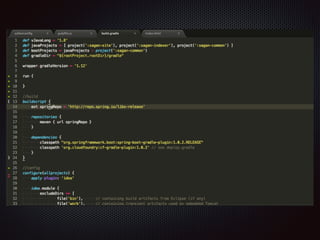
Git Gutter
• git diff for sublime
• Jumping between changes
• show untracked file
• http://www.jisaacks.com/gitgutter
Git
• git plugin for sublime
• git command 를 메뉴로 사용가능
• git log, git graph..
• https://github.com/kemayo/sublime-text-2-git
(commercial)
package control
• Popular
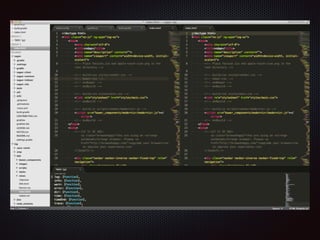
Origami
• origami - manage layout easily
• clone, carry file
• create, destroy pane
package control
• Popular
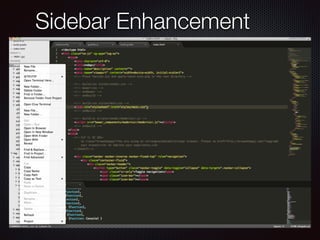
Sidebar Enhancement
advanced new file
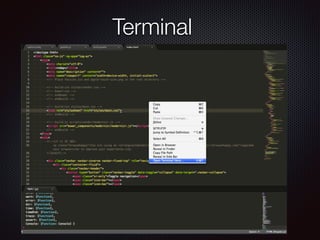
Terminal
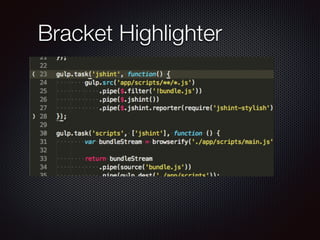
Bracket Highlighter
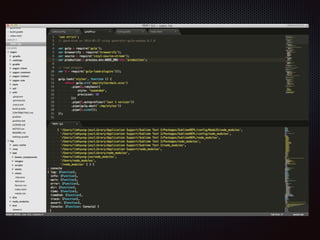
Sublime REPL
!
• run an interpreter inside ST2
• evaluate in REPL
• Transfer in REPL
package control
• Popular
sublime code intel
!
• Code intelligence plugin
• support a lot of language(javascript, python, ruby,
css, HTML..)
• Jump to Symbol Definition
• Imports autocomplete
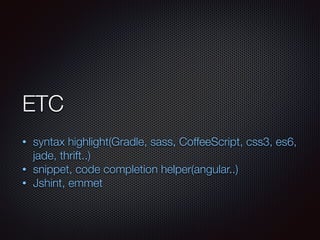
ETC
!
• syntax highlight(Gradle, sass, CoffeeScript, css3, es6,
jade, thrift..)
• snippet, code completion helper(angular..)
• Jshint, emmet

enjoy sublime plugin