Developing a TYPO3 Template Strategy


           BUSY NOGGIN DIGITAL
            serious websites for those who mean business
‣Concepts
              ‣Strategy
              ‣Tactics/Techniques


BUSY NOGGIN
DIGITAL
A Solid        ‣ Speeds up development
Template       ‣ Provides a base for efficient
                 future development
Strategy
               ‣ Makes it easier to involve
                 multiple developers


 BUSY NOGGIN
 DIGITAL
Last Man Wins


BUSY NOGGIN
DIGITAL
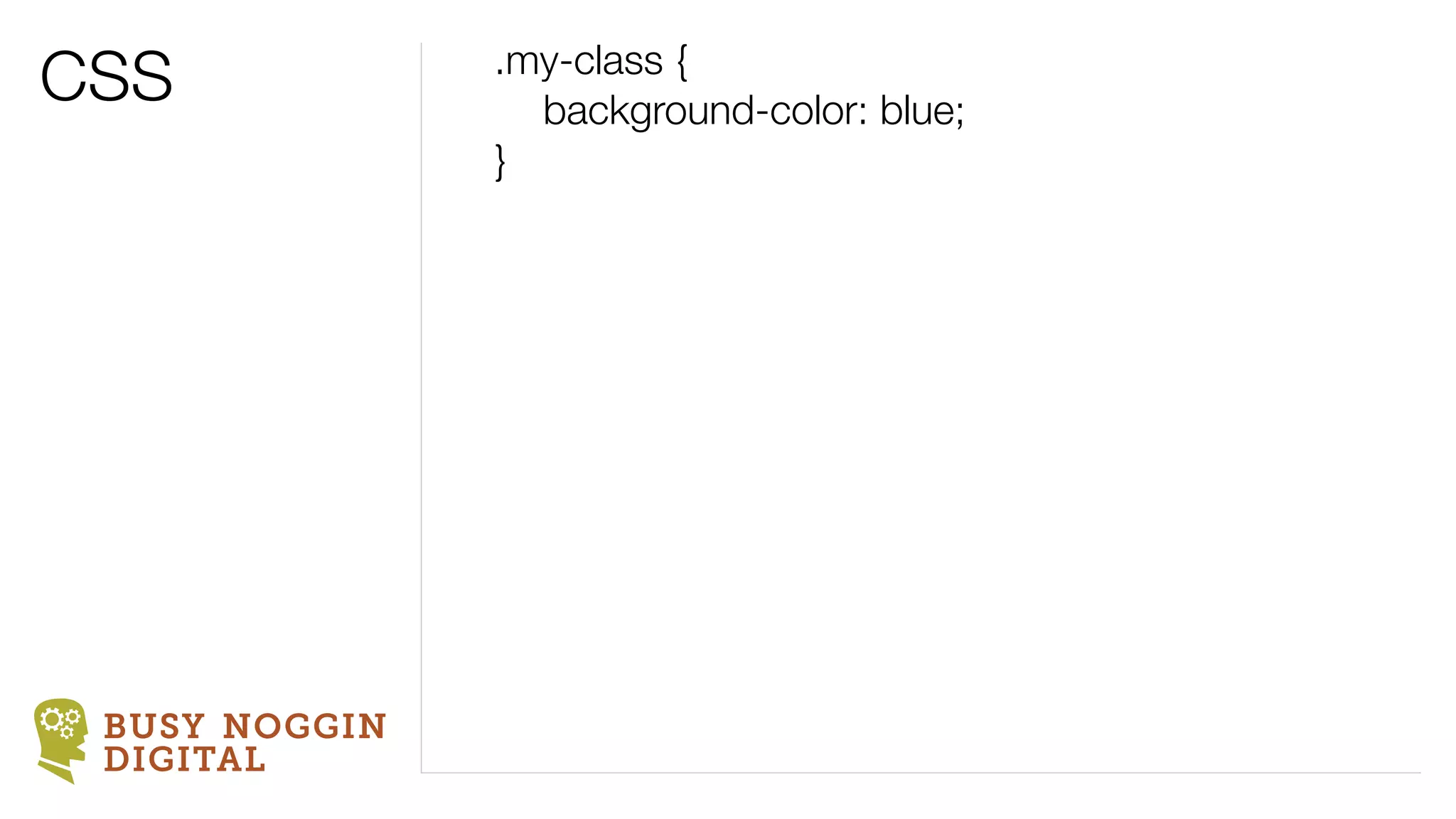
CSS            .my-class {
               	 background-color: blue;
               }


 BUSY NOGGIN
 DIGITAL
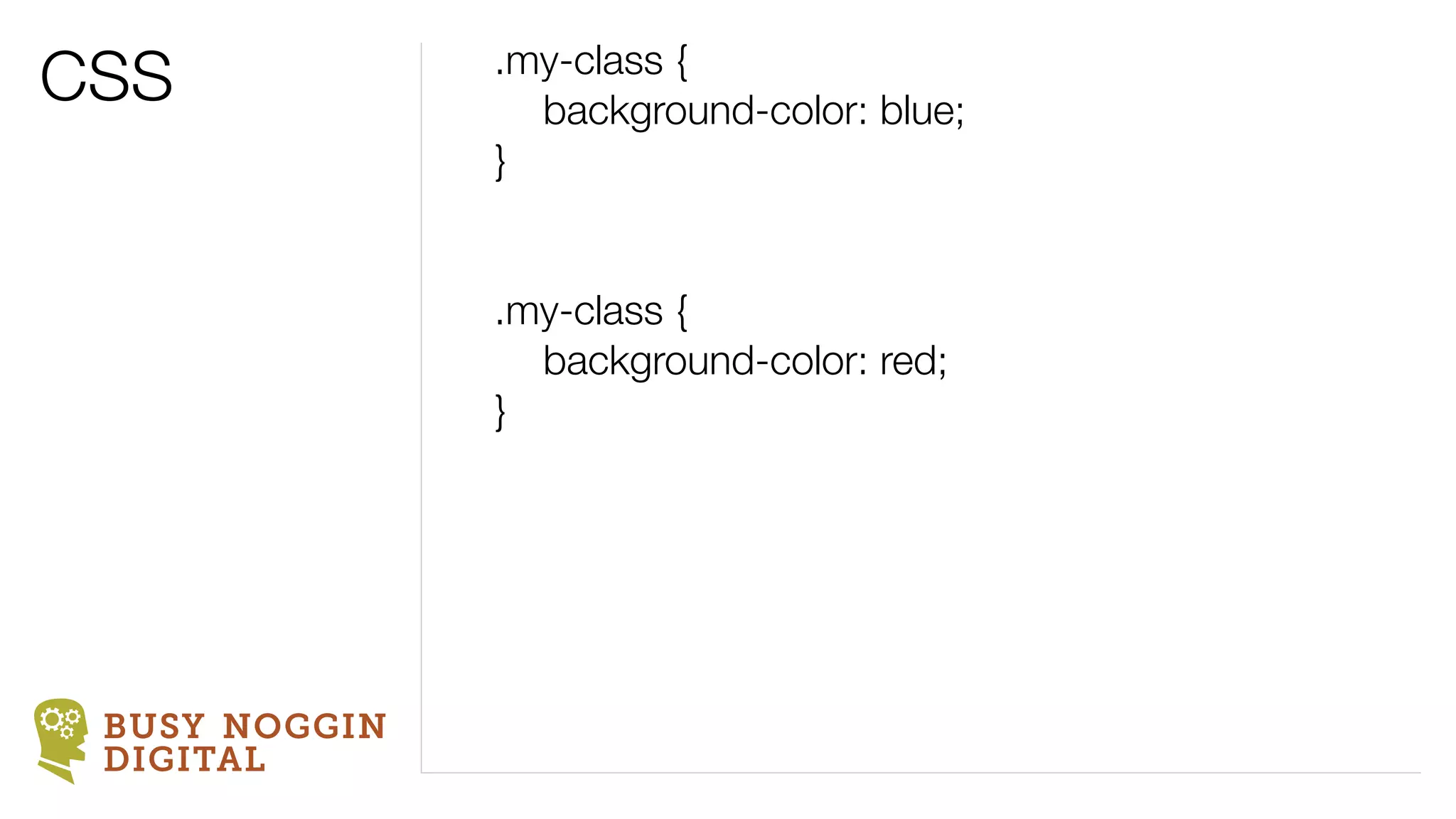
CSS            .my-class {
               	 background-color: blue;
               }


               .my-class {
               	 background-color: red;
               }


 BUSY NOGGIN
 DIGITAL
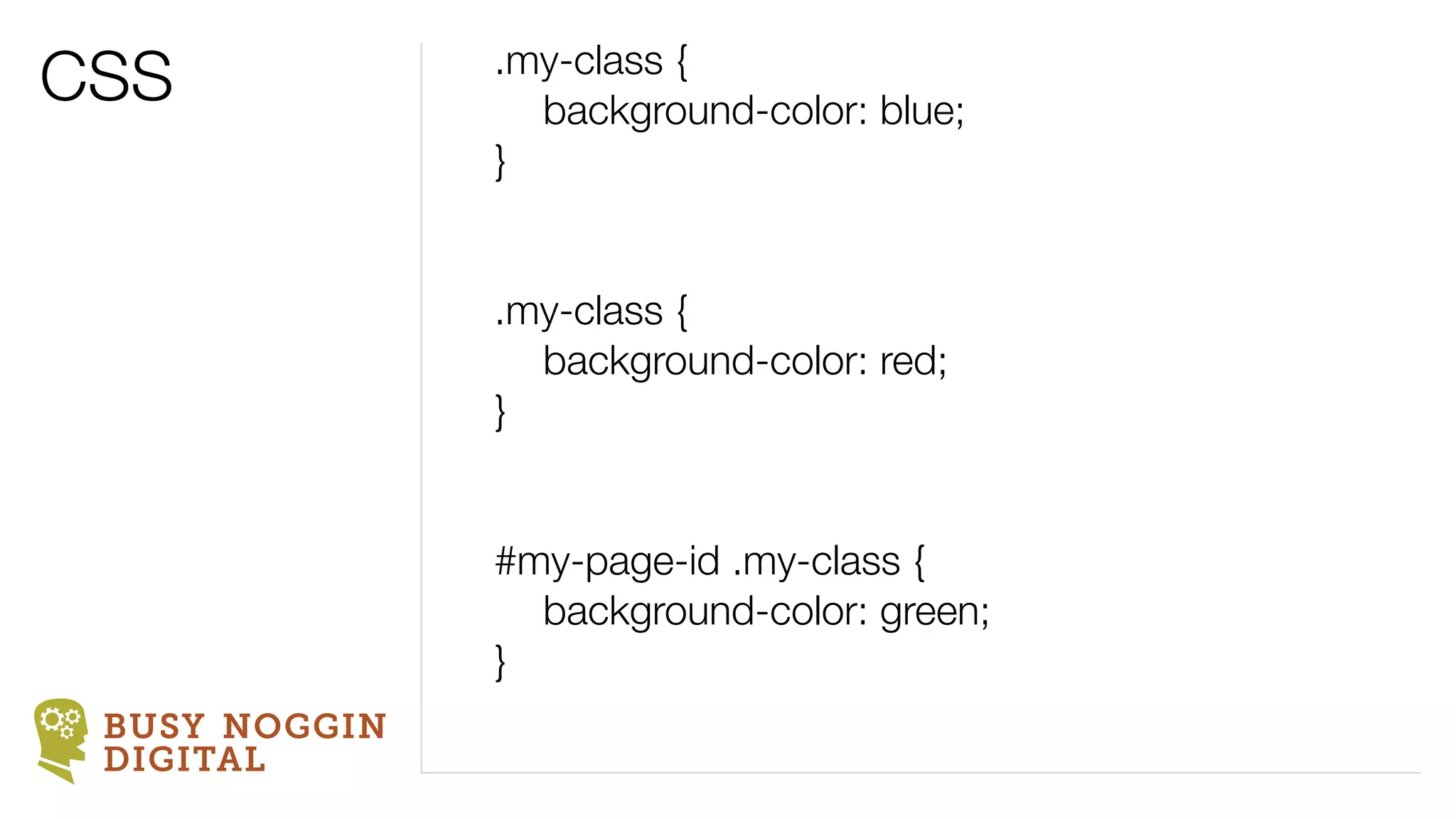
CSS            .my-class {
               	 background-color: blue;
               }


               .my-class {
               	 background-color: red;
               }


               #my-page-id .my-class {
               	 background-color: green;
               }
 BUSY NOGGIN
 DIGITAL
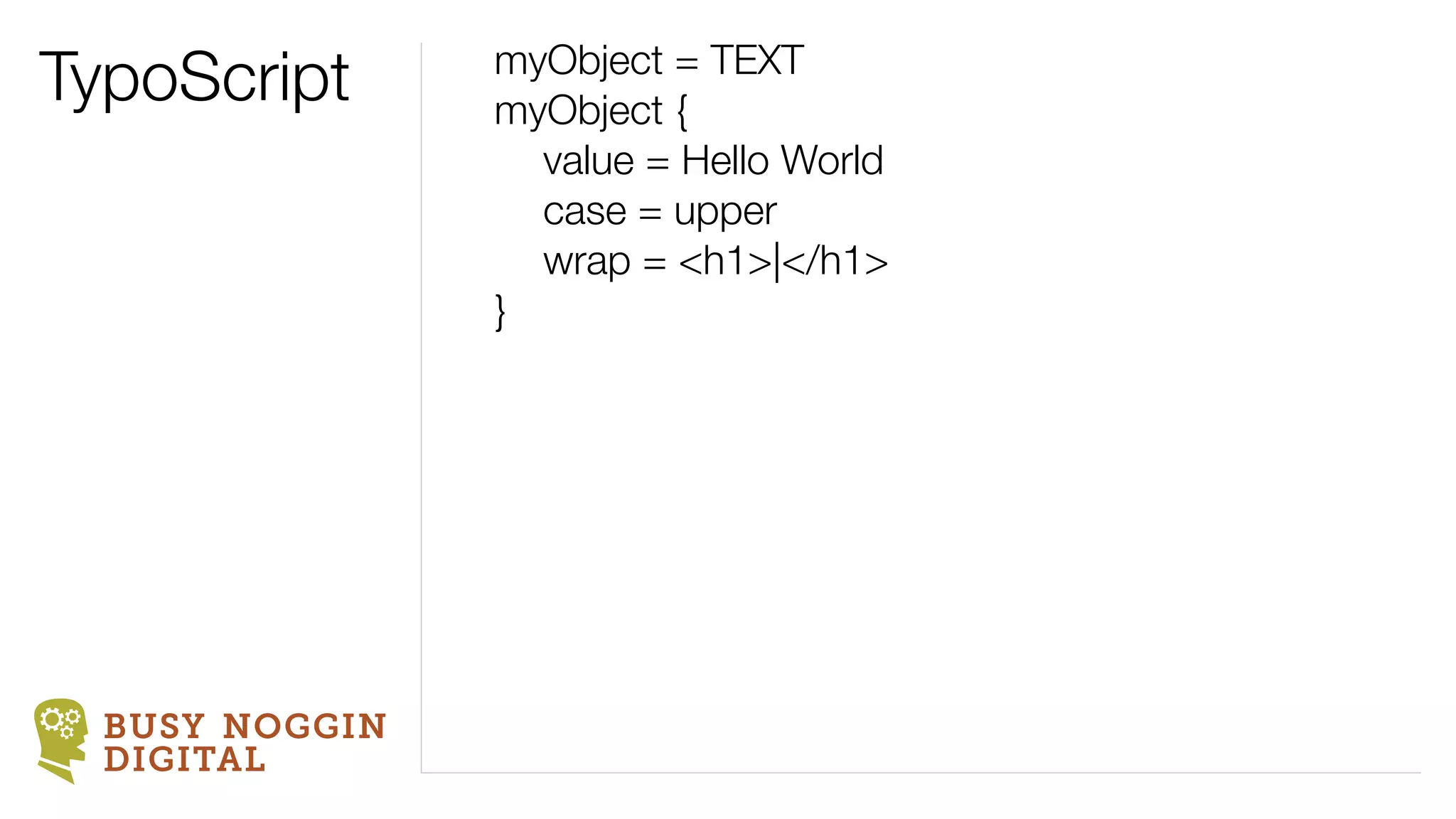
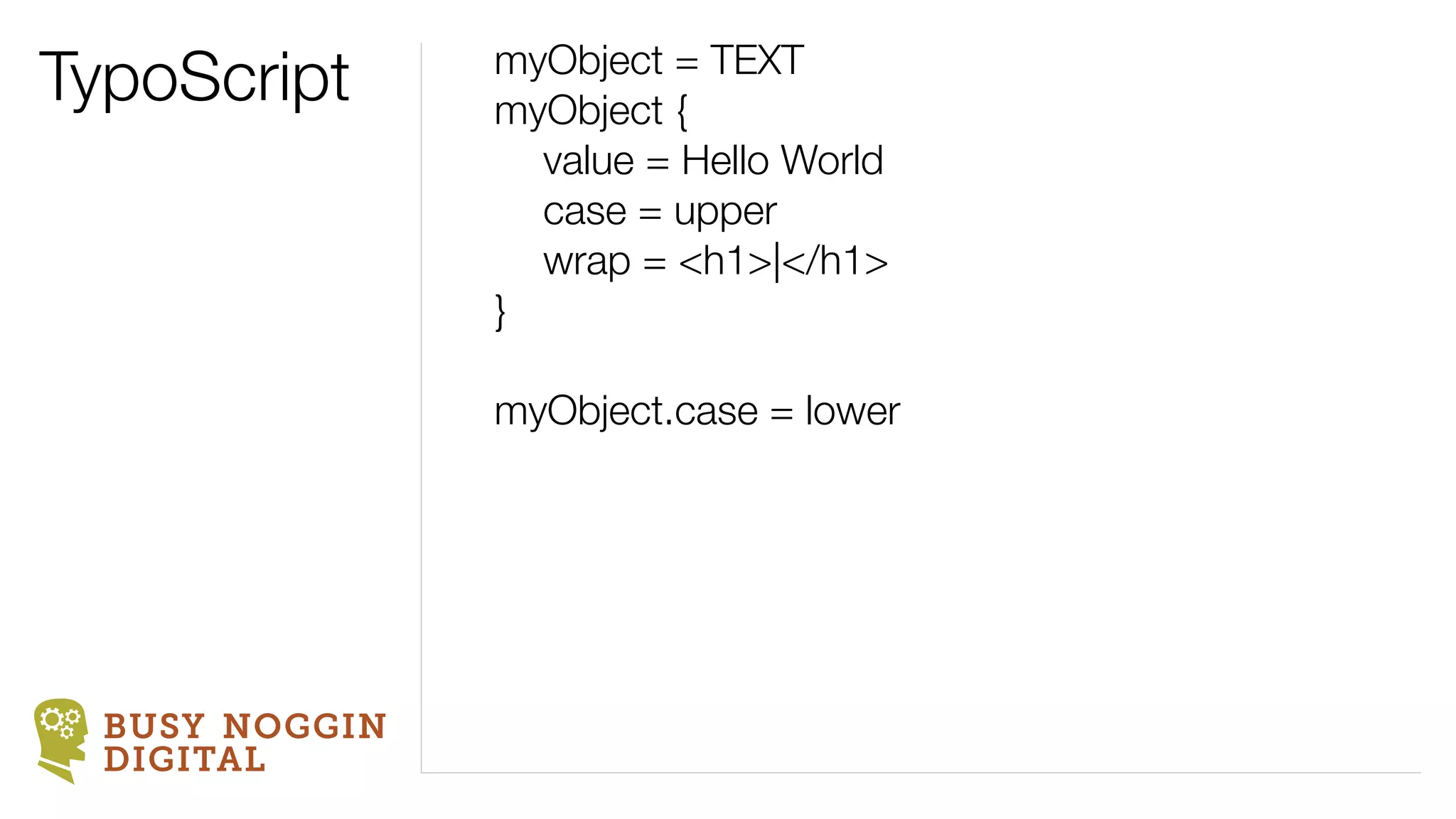
TypoScript      myObject = TEXT
                myObject {
                	 value = Hello World
                	 case = upper
                	 wrap = <h1>|</h1>
                }


  BUSY NOGGIN
  DIGITAL
TypoScript      myObject = TEXT
                myObject {
                	 value = Hello World
                	 case = upper
                	 wrap = <h1>|</h1>
                }

                myObject.case = lower


  BUSY NOGGIN
  DIGITAL
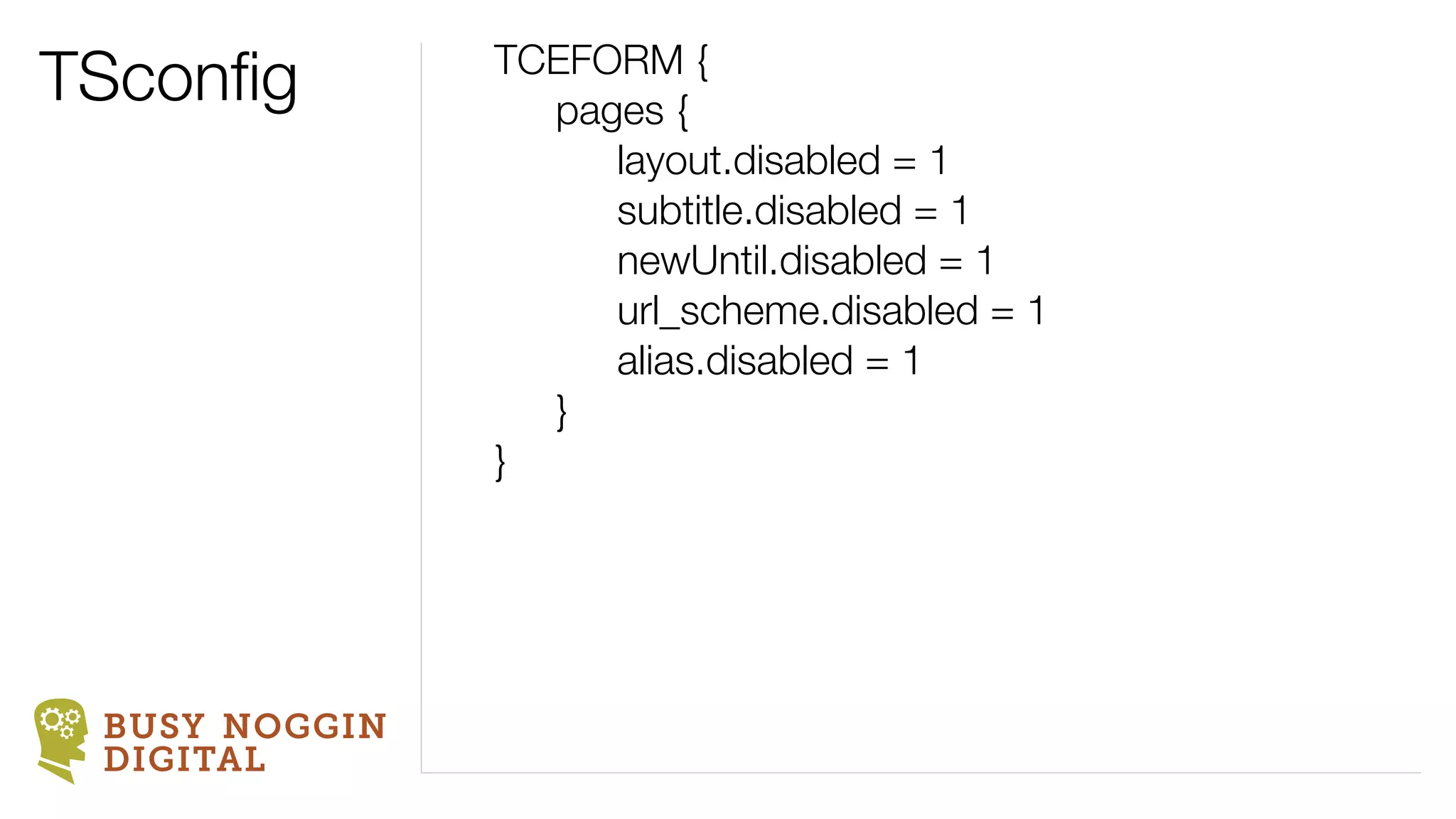
TSconfig        TCEFORM {
                 pages {
                    layout.disabled = 1
                    subtitle.disabled = 1
                    newUntil.disabled = 1
                    url_scheme.disabled = 1
                    alias.disabled = 1
                 }
               }


 BUSY NOGGIN
 DIGITAL
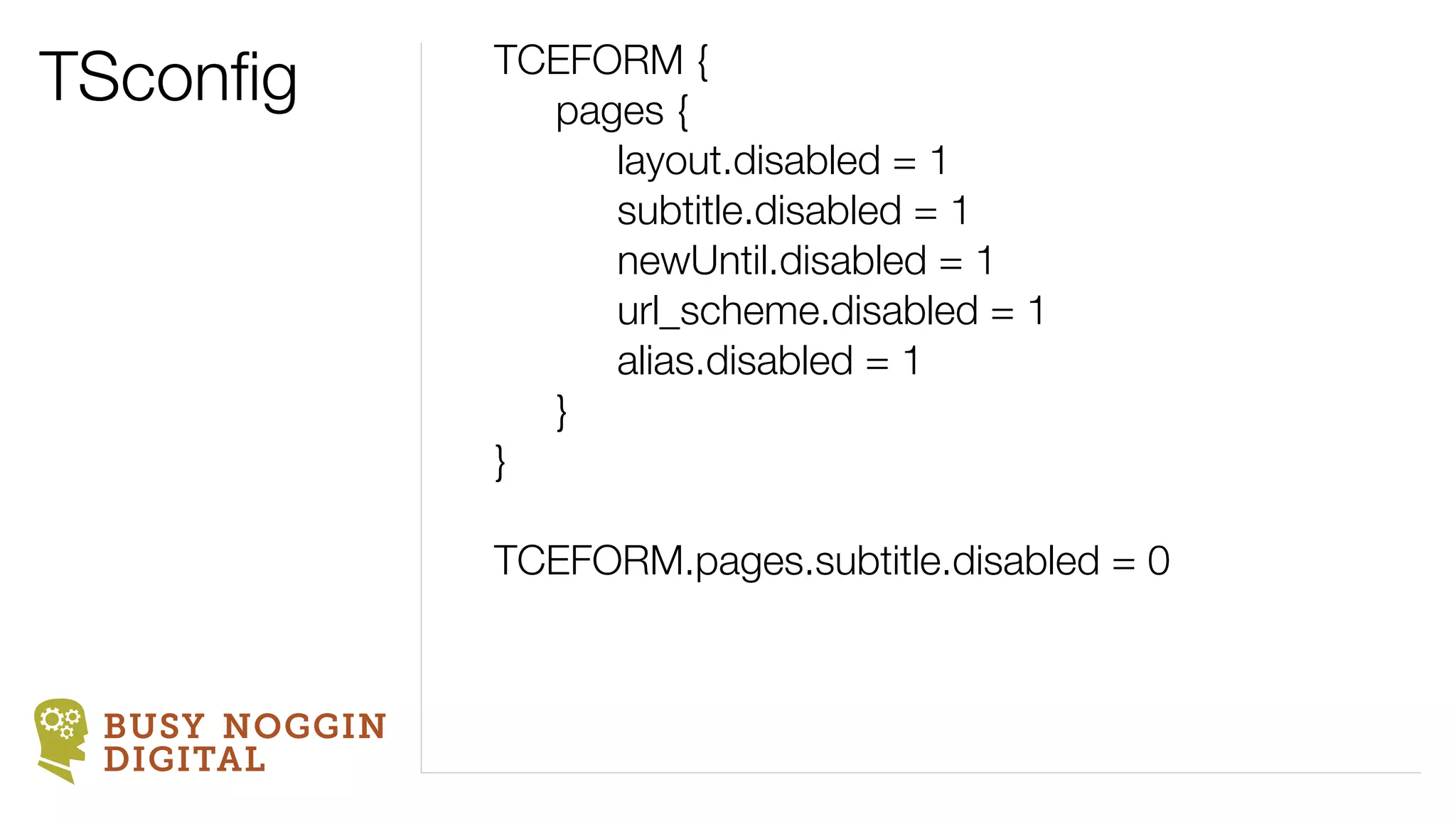
TSconfig        TCEFORM {
                 pages {
                    layout.disabled = 1
                    subtitle.disabled = 1
                    newUntil.disabled = 1
                    url_scheme.disabled = 1
                    alias.disabled = 1
                 }
               }

               TCEFORM.pages.subtitle.disabled = 0


 BUSY NOGGIN
 DIGITAL
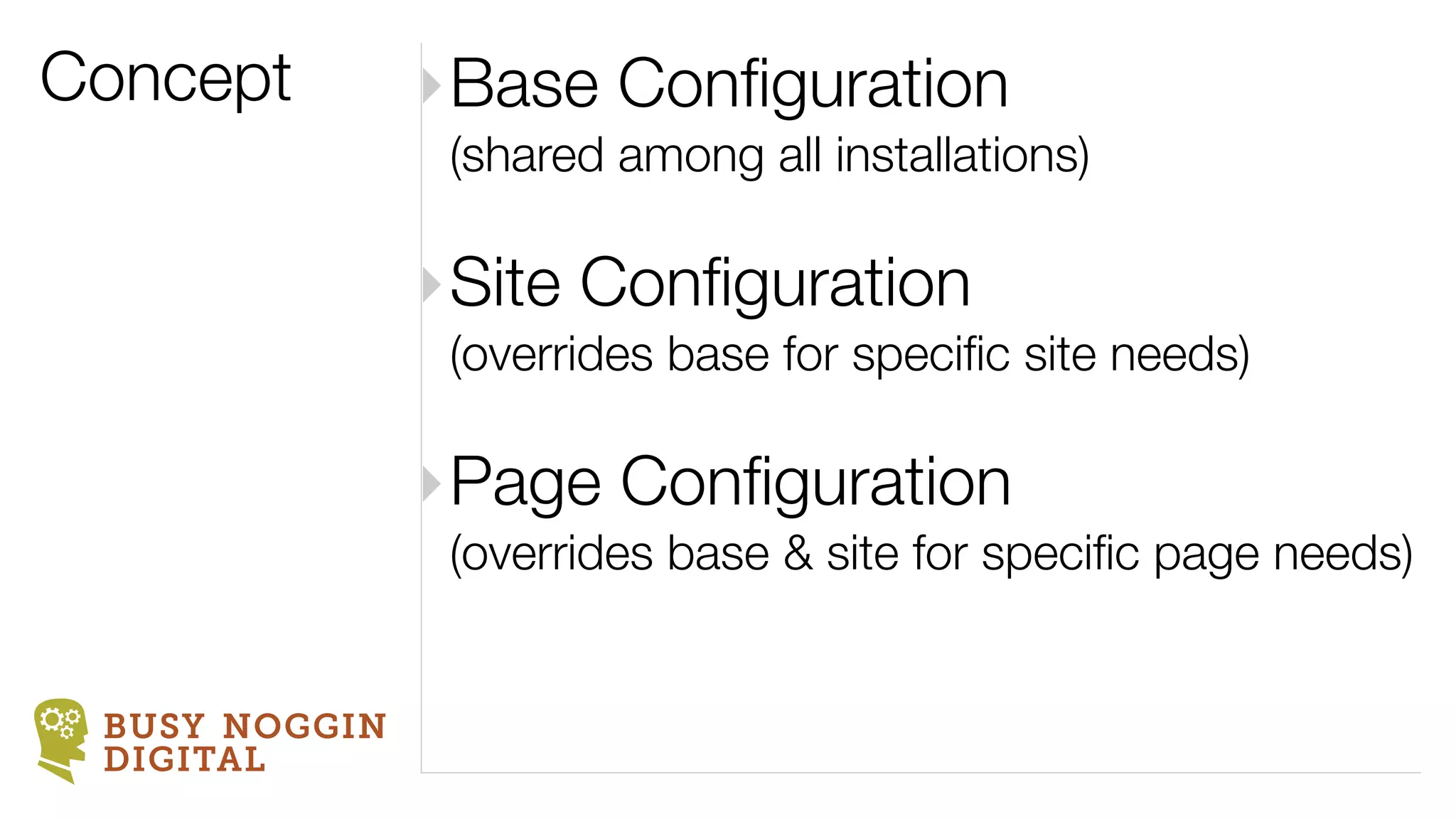
Concept        ‣Base Configuration
                (shared among all installations)

               ‣Site Configuration
                (overrides base for specific site needs)

               ‣Page Configuration
                (overrides base & site for specific page needs)


 BUSY NOGGIN
 DIGITAL
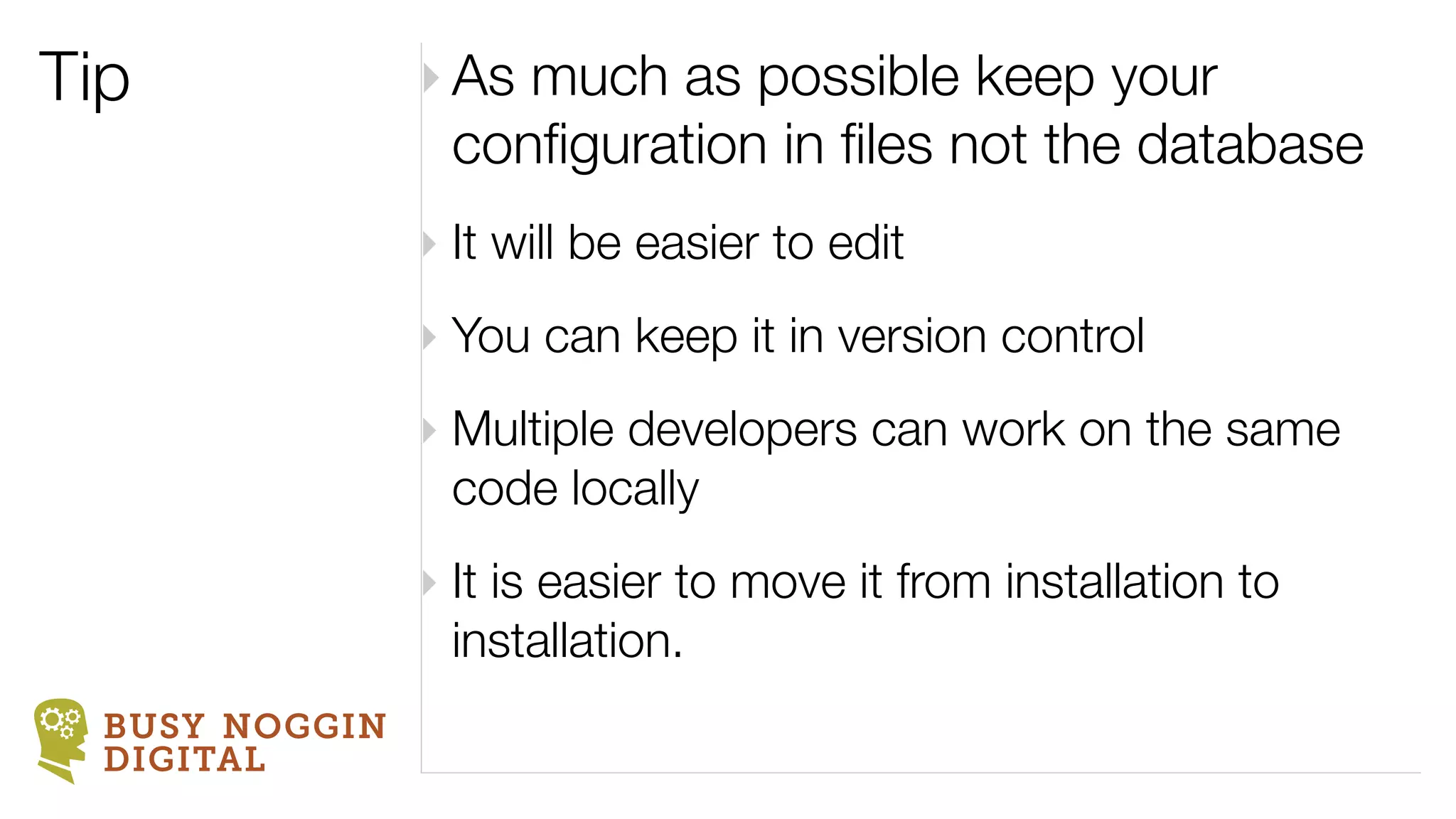
Tip             ‣ As much as possible keep your
                  configuration in files not the database
                ‣ It will be easier to edit
                ‣ You can keep it in version control
                ‣ Multiple developers can work on the same
                  code locally
                ‣ It is easier to move it from installation to
                  installation.
  BUSY NOGGIN
  DIGITAL
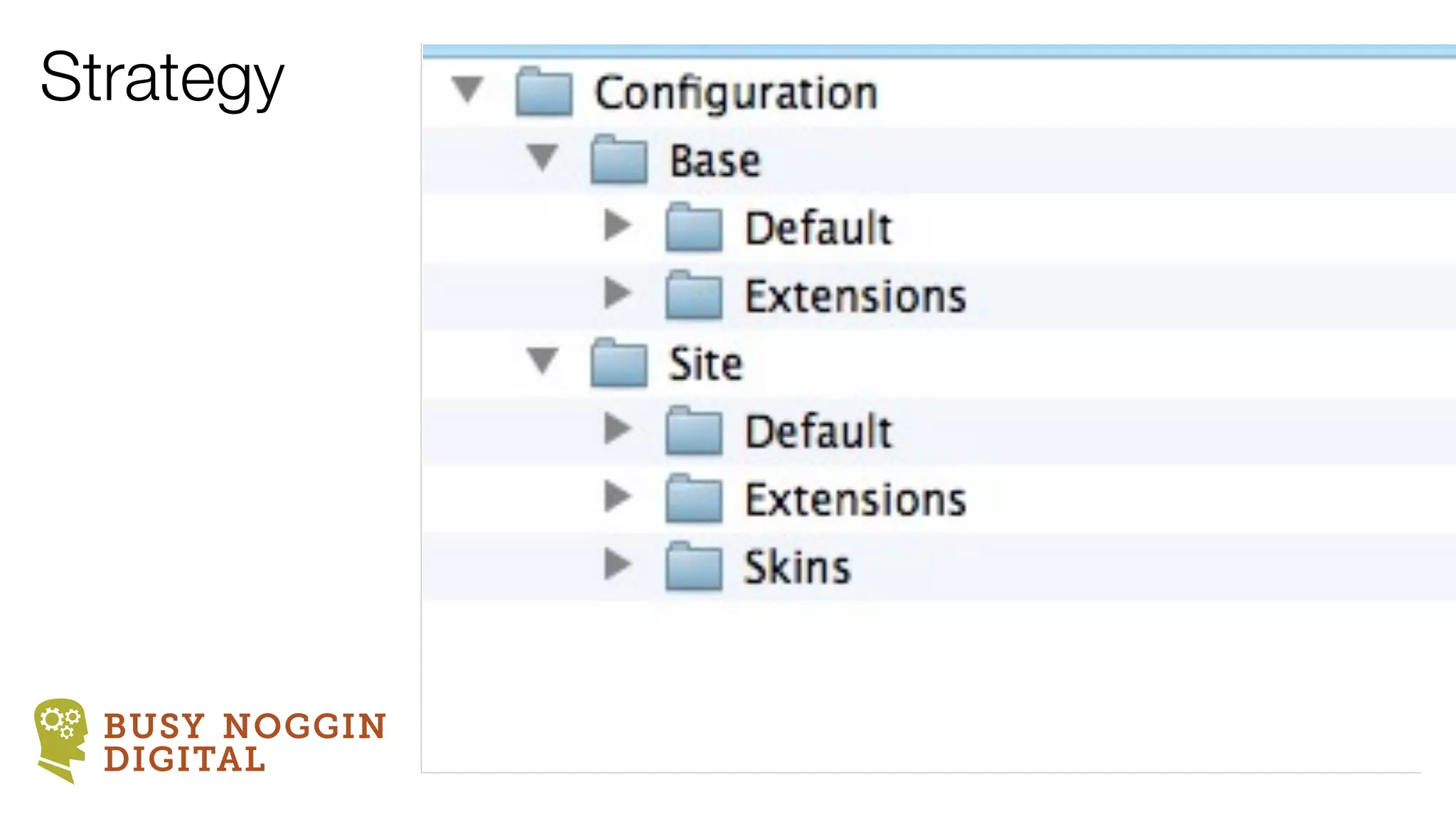
Strategy


  BUSY NOGGIN
  DIGITAL
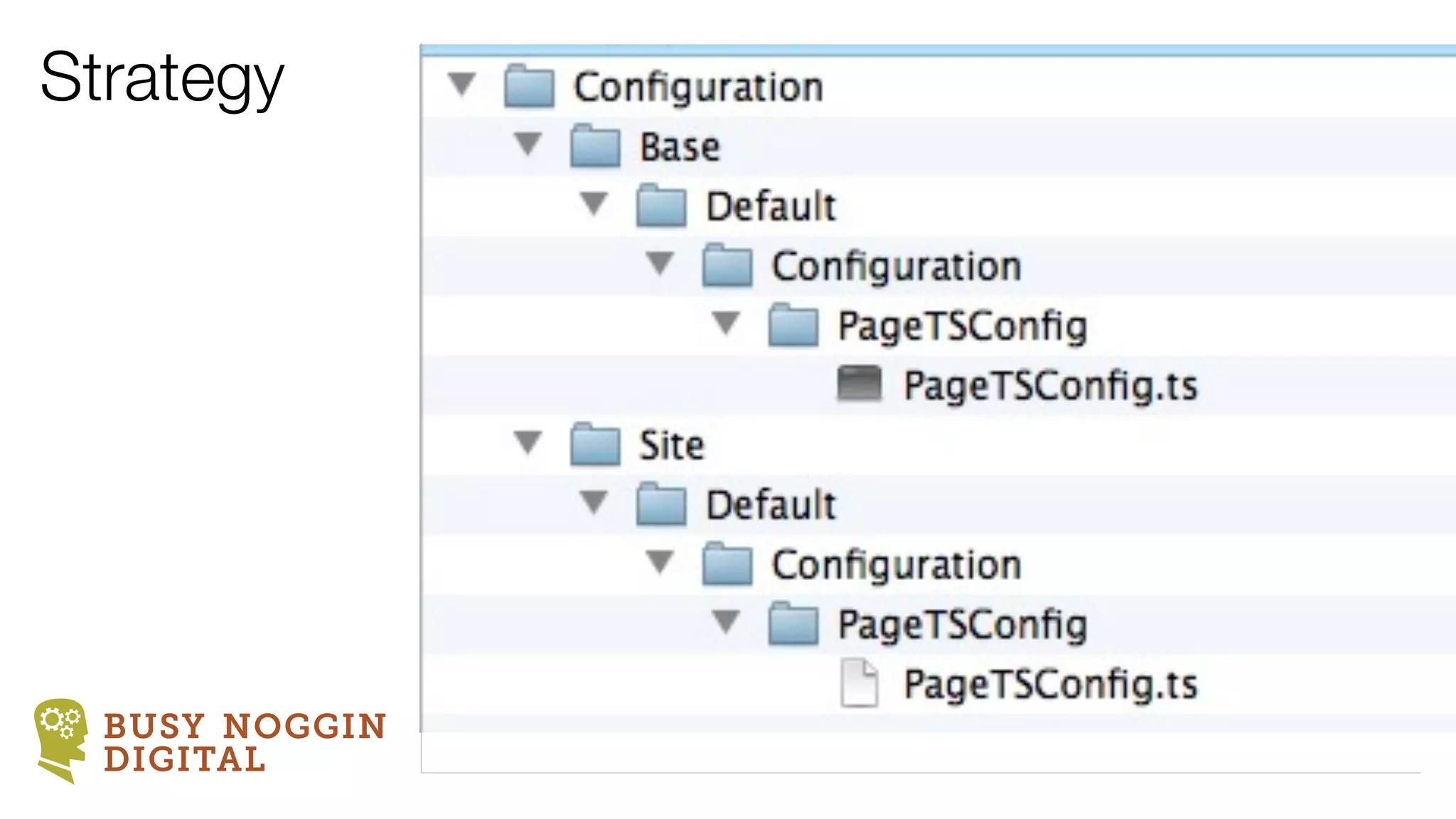
Strategy


  BUSY NOGGIN
  DIGITAL
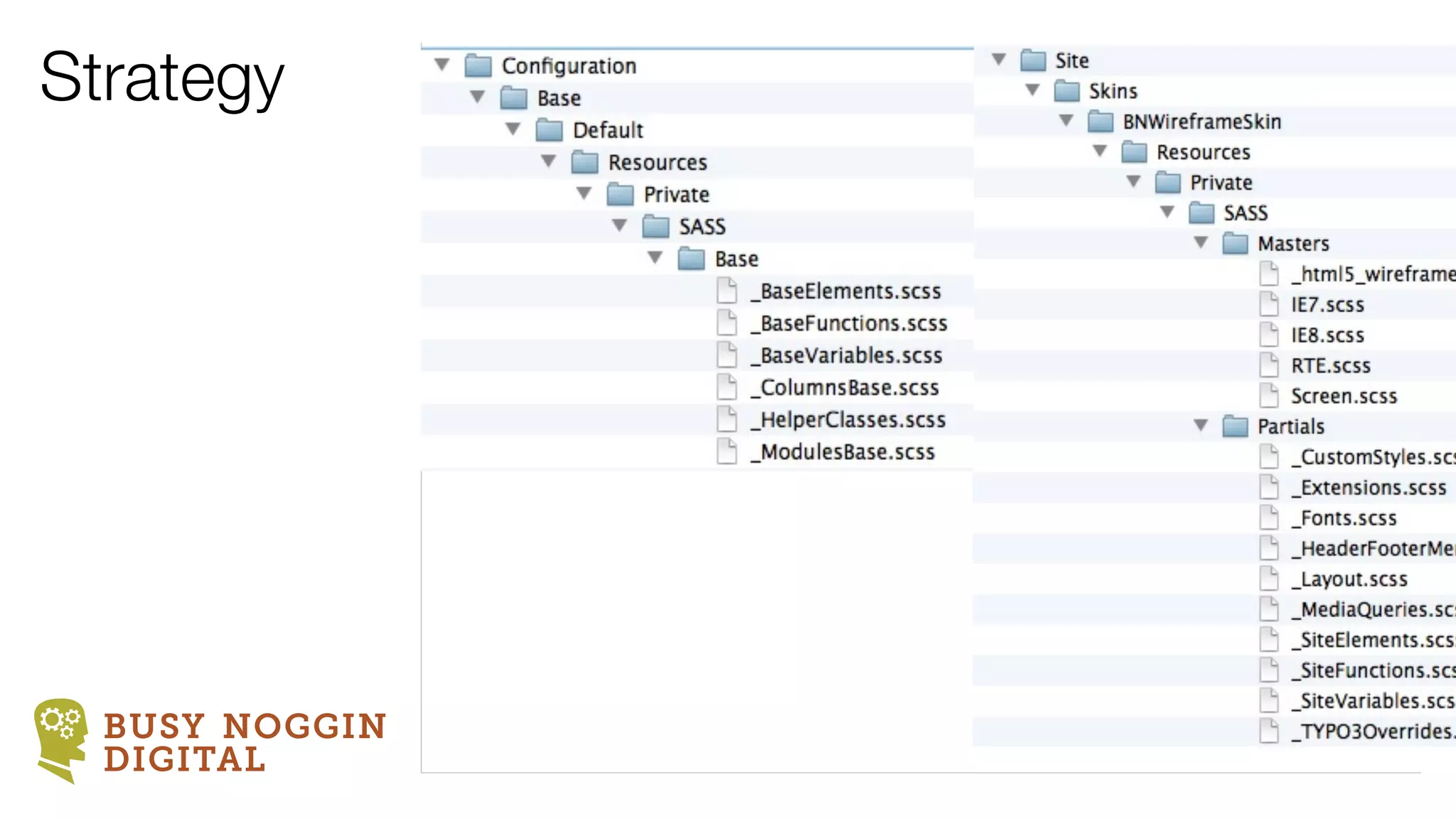
Strategy


  BUSY NOGGIN
  DIGITAL
A TYPO3 template strategy
              does not start with TYPO3

         It all begins with front-end code


BUSY NOGGIN
DIGITAL
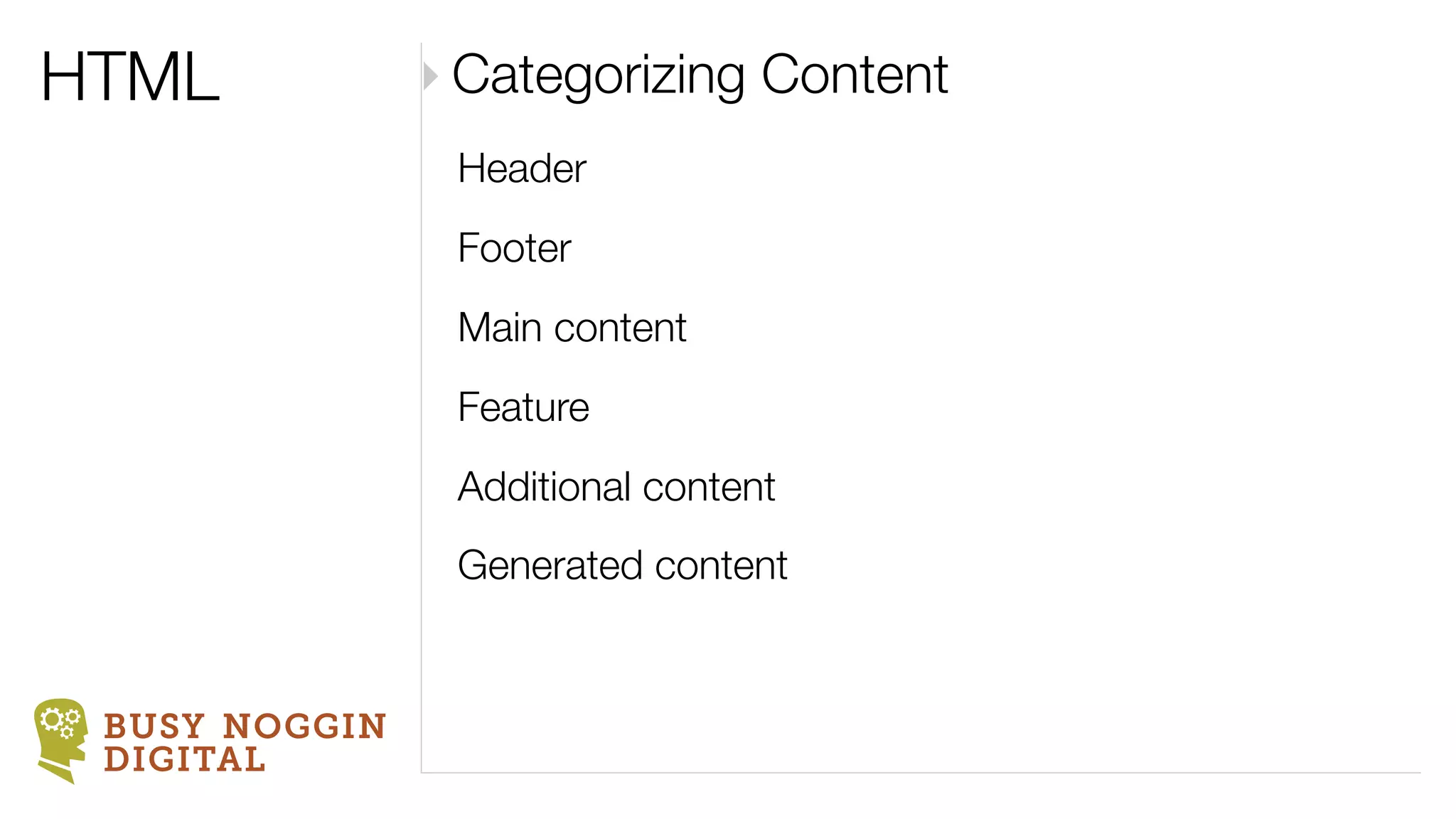
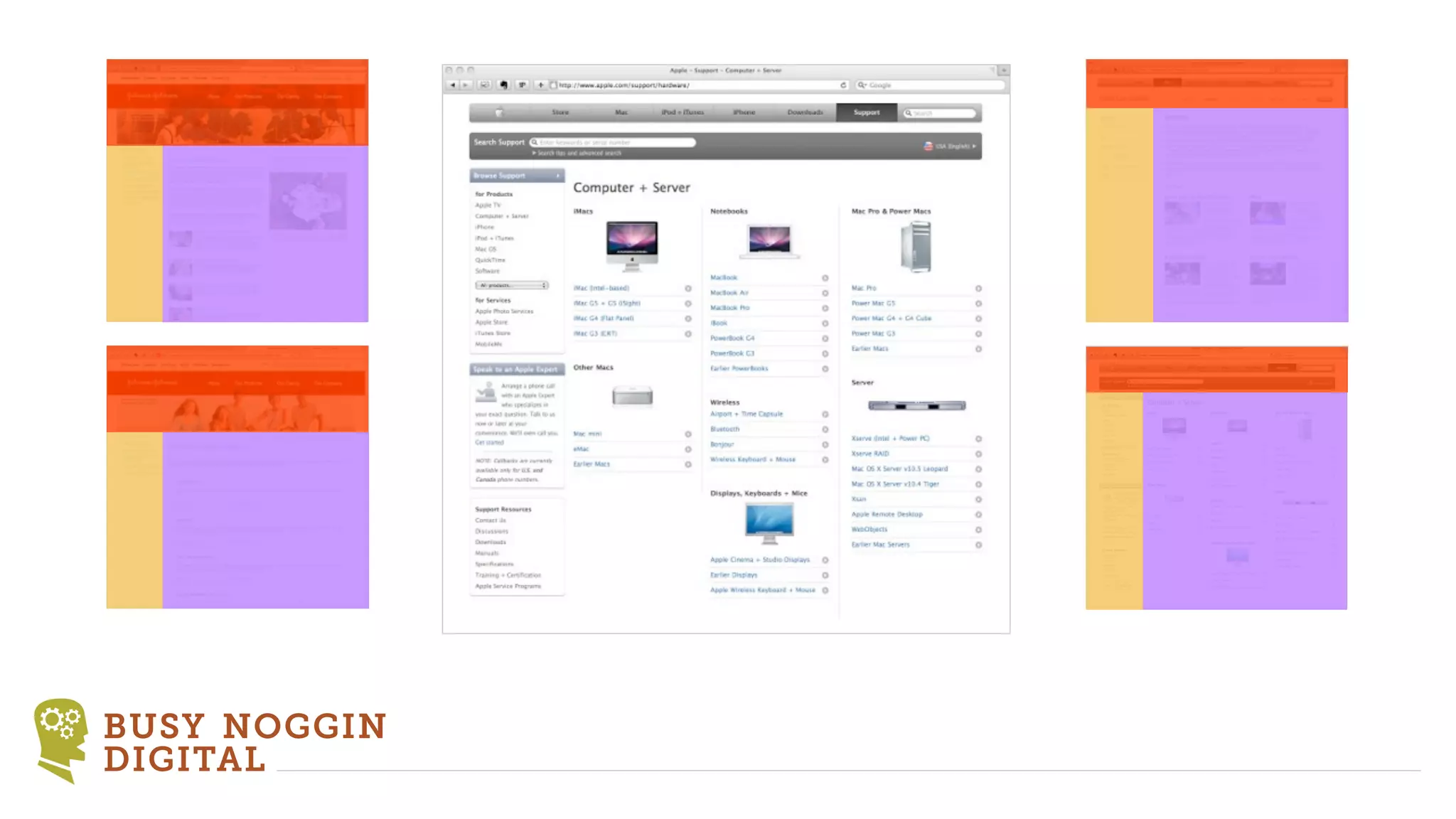
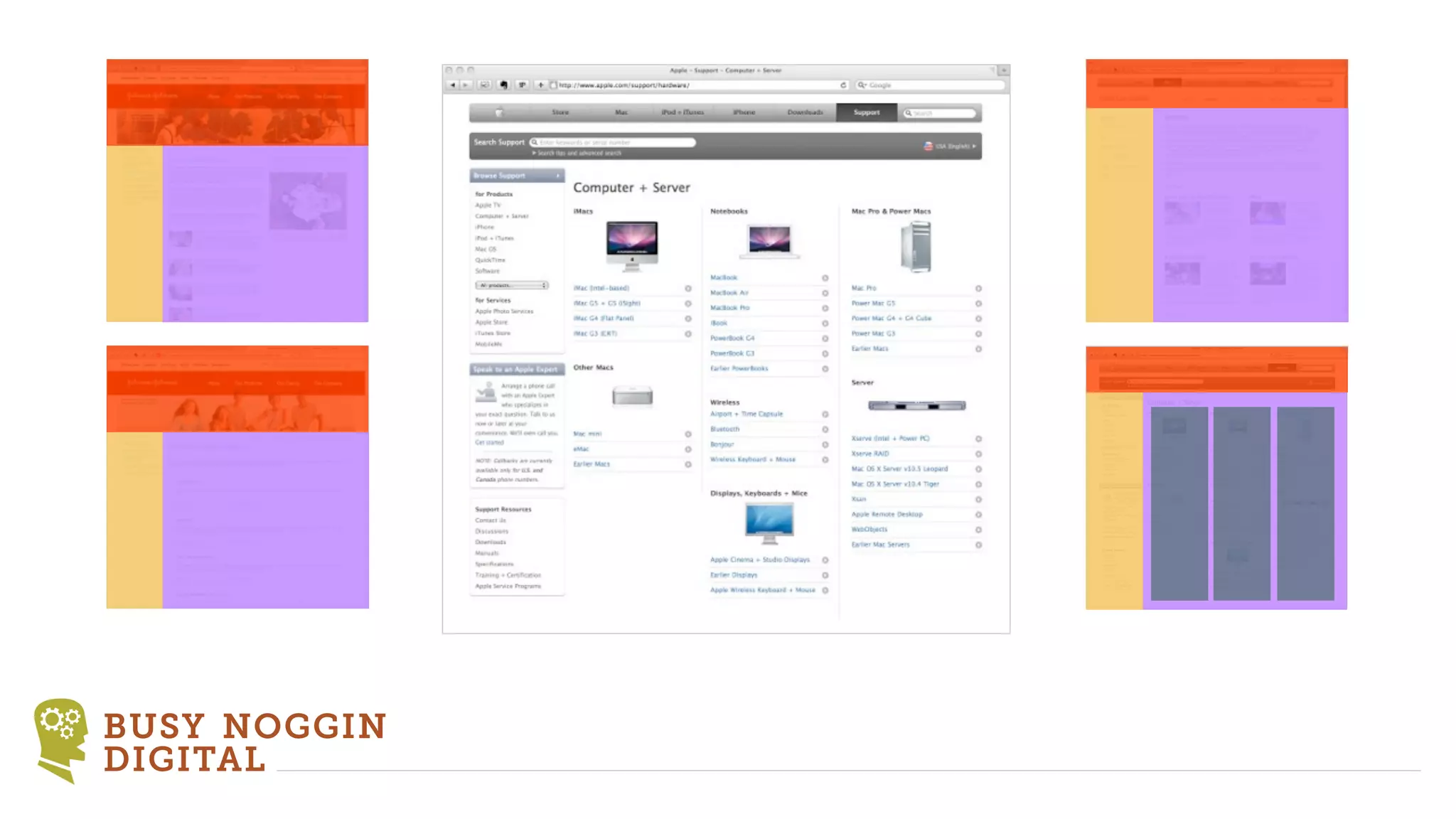
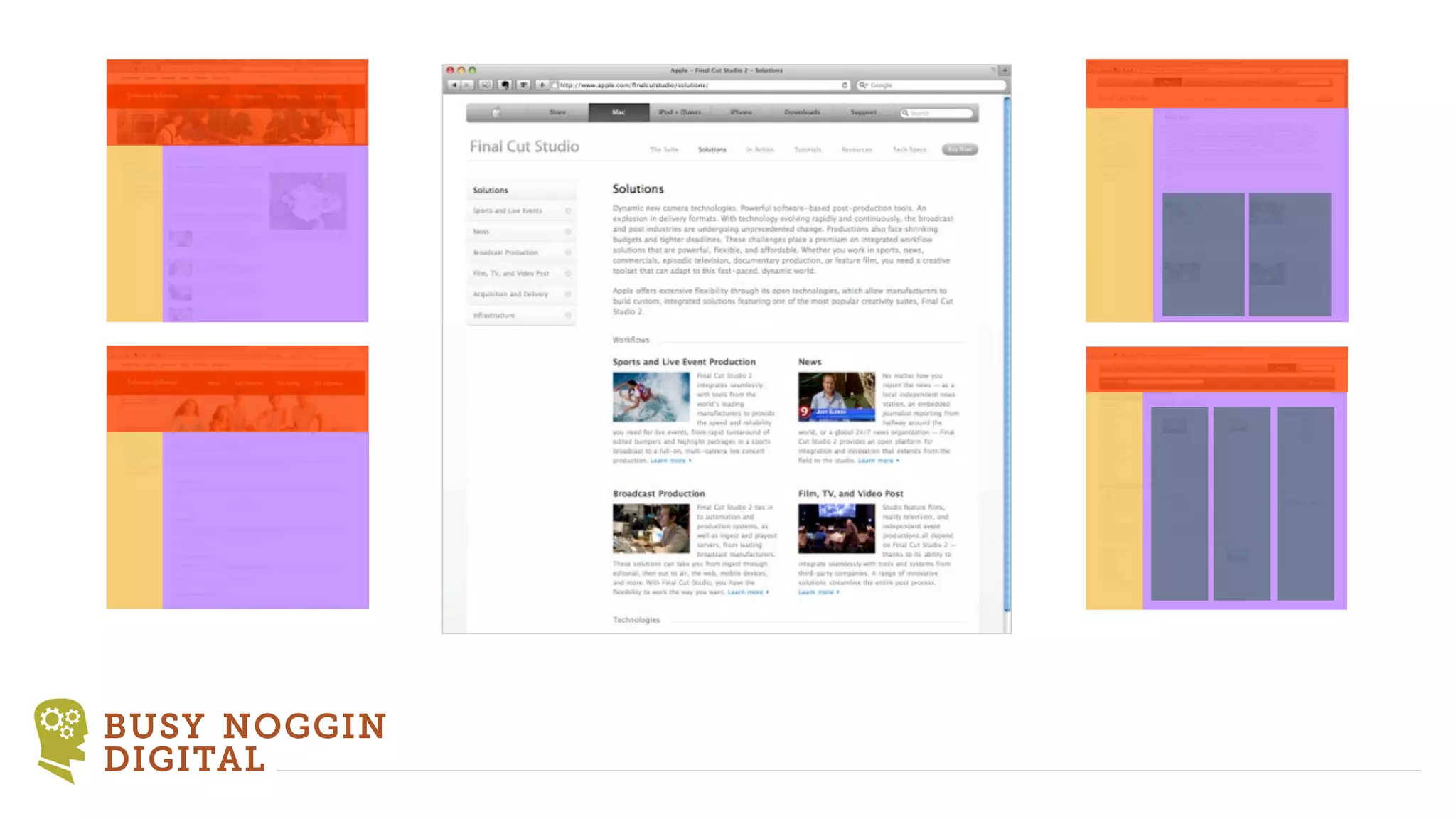
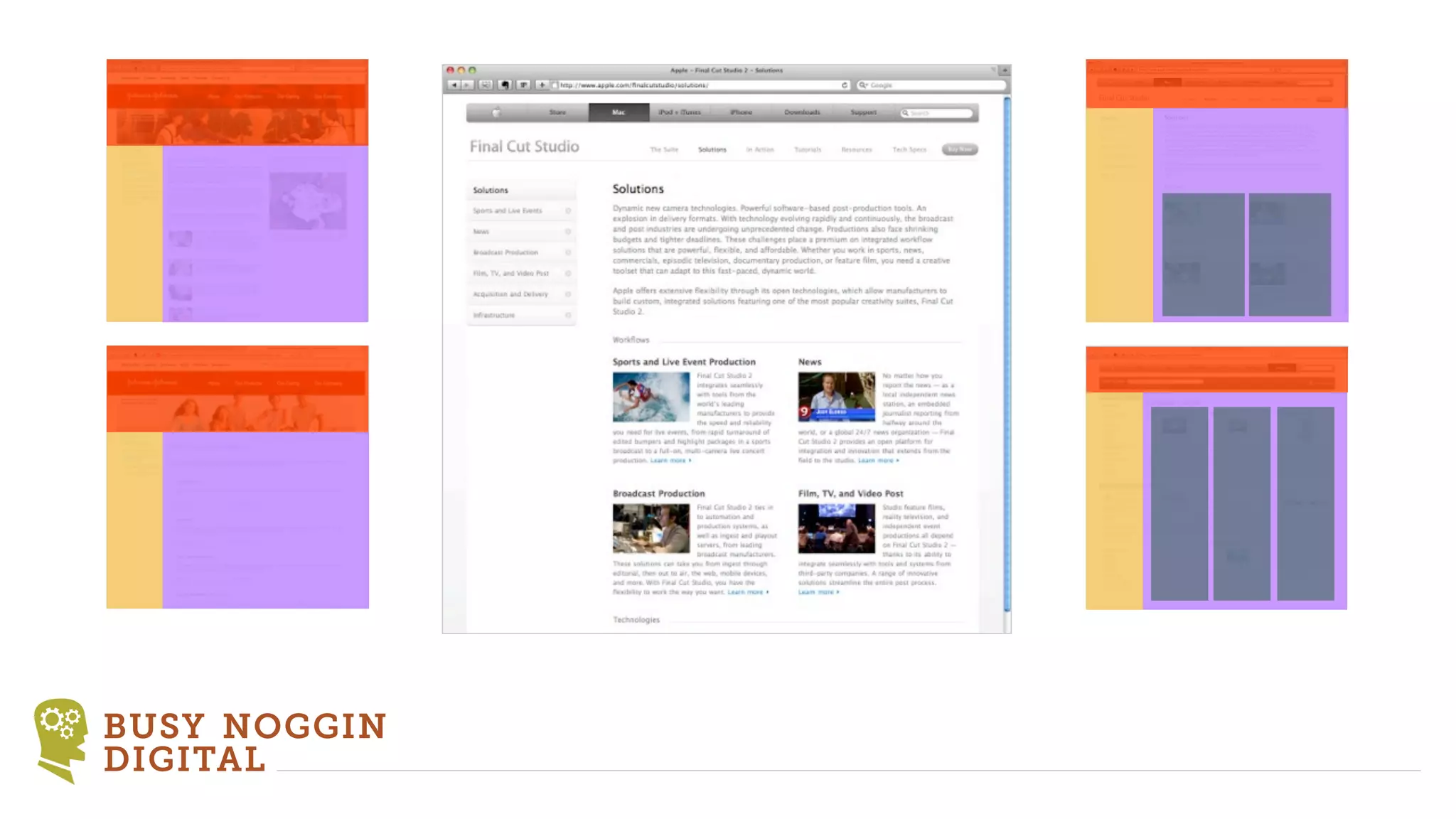
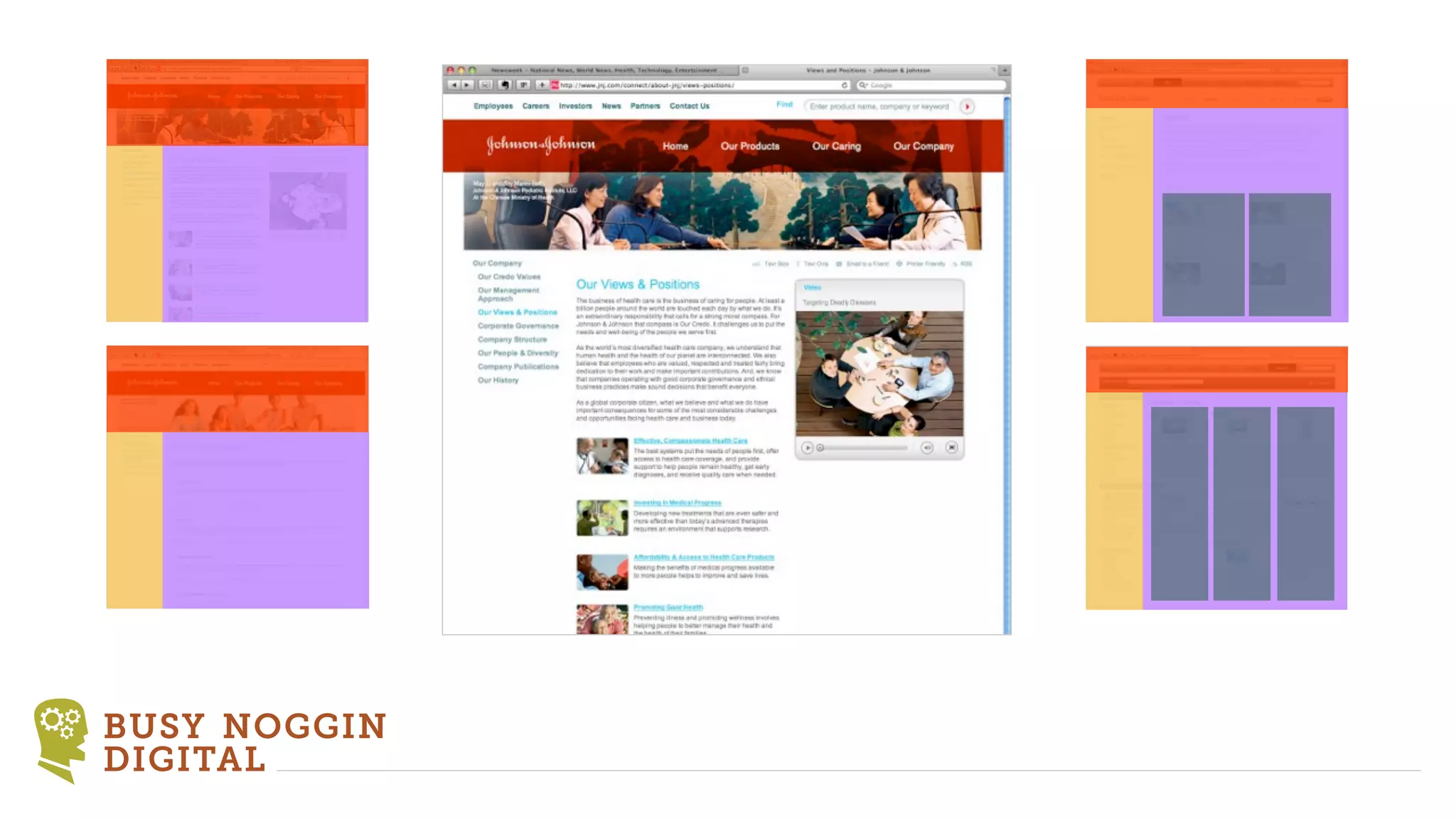
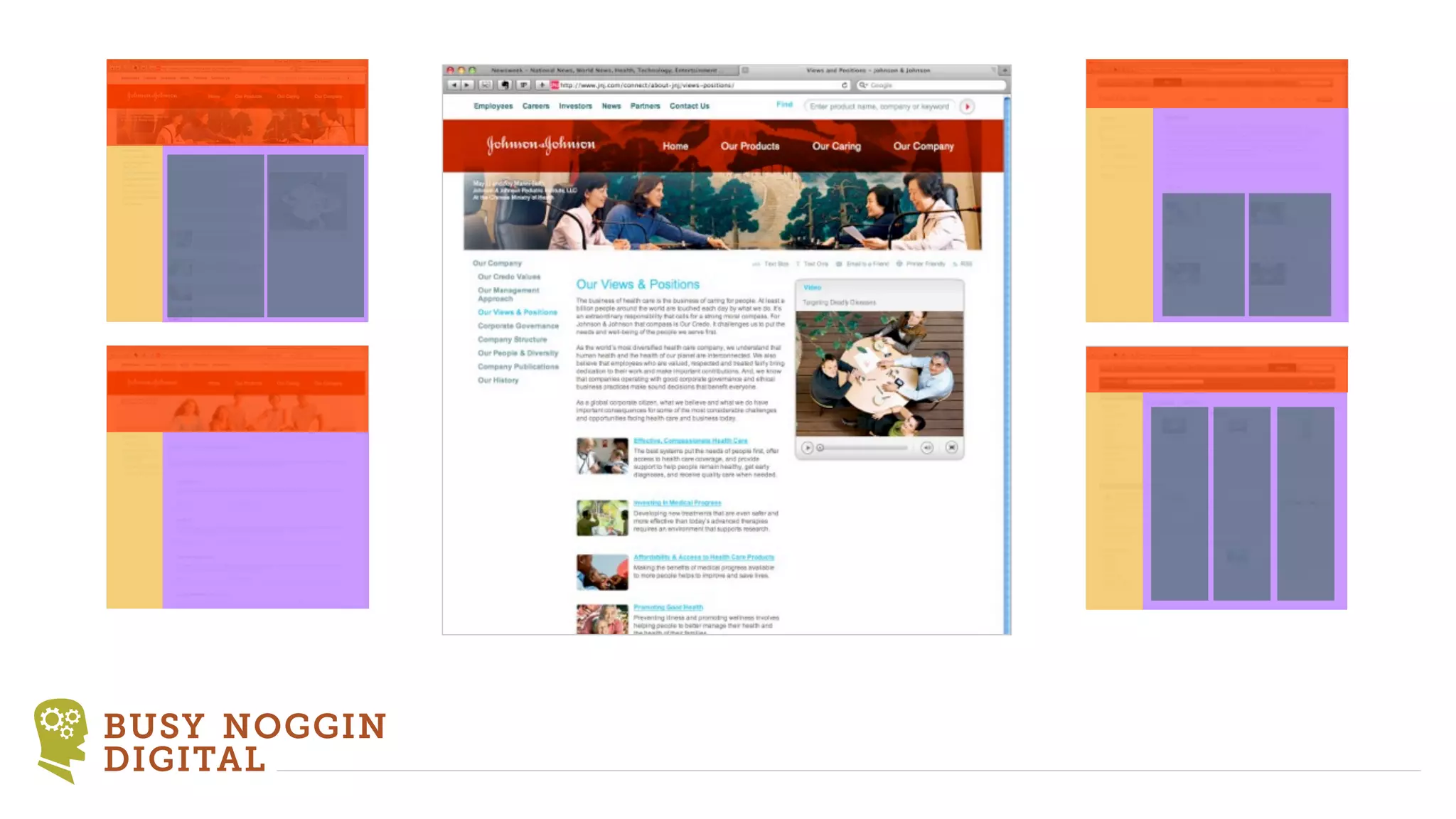
HTML           ‣ Categorizing Content
                Header
                Footer
                Main content
                Feature
                Additional content
                Generated content


 BUSY NOGGIN
 DIGITAL
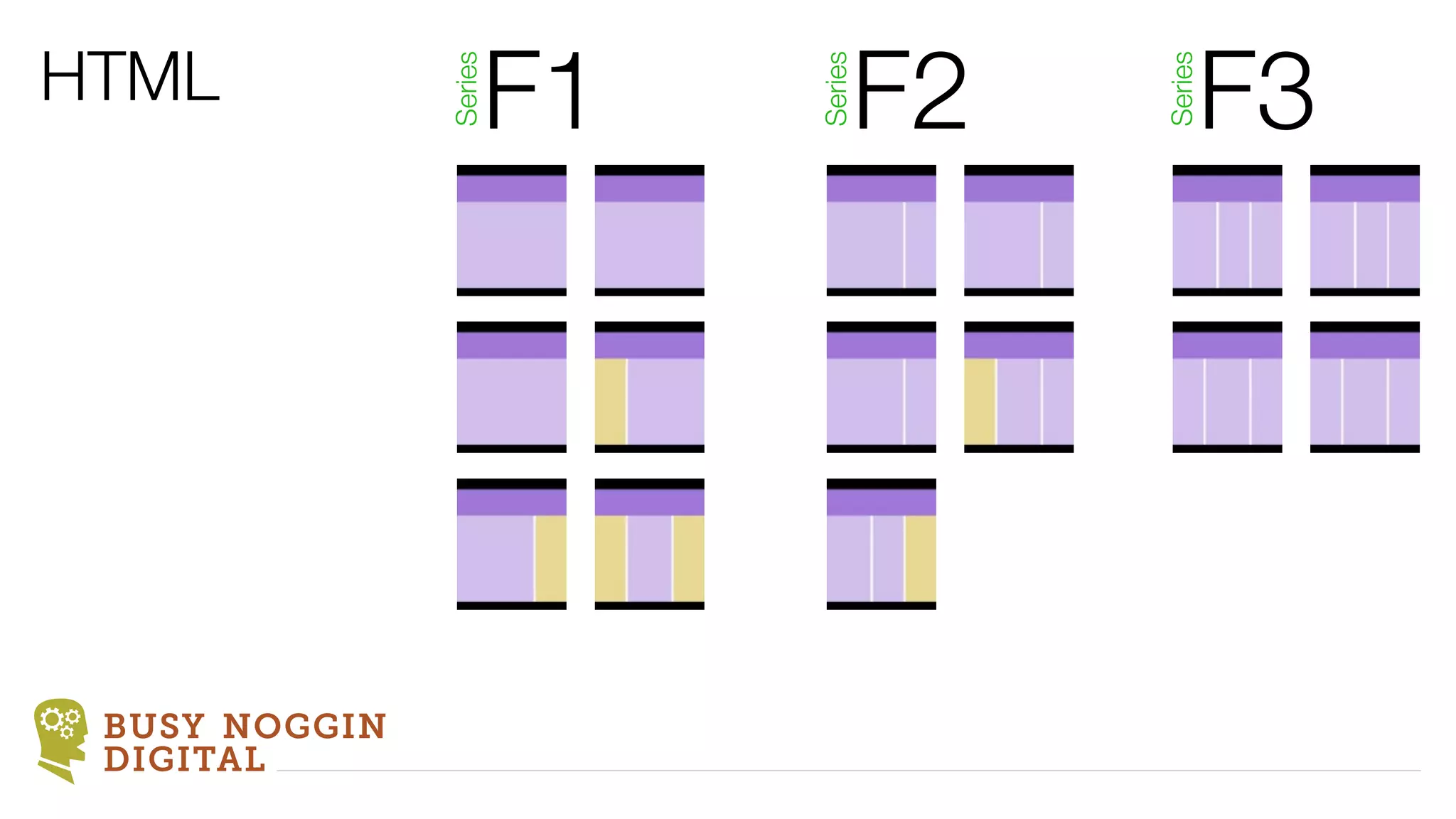
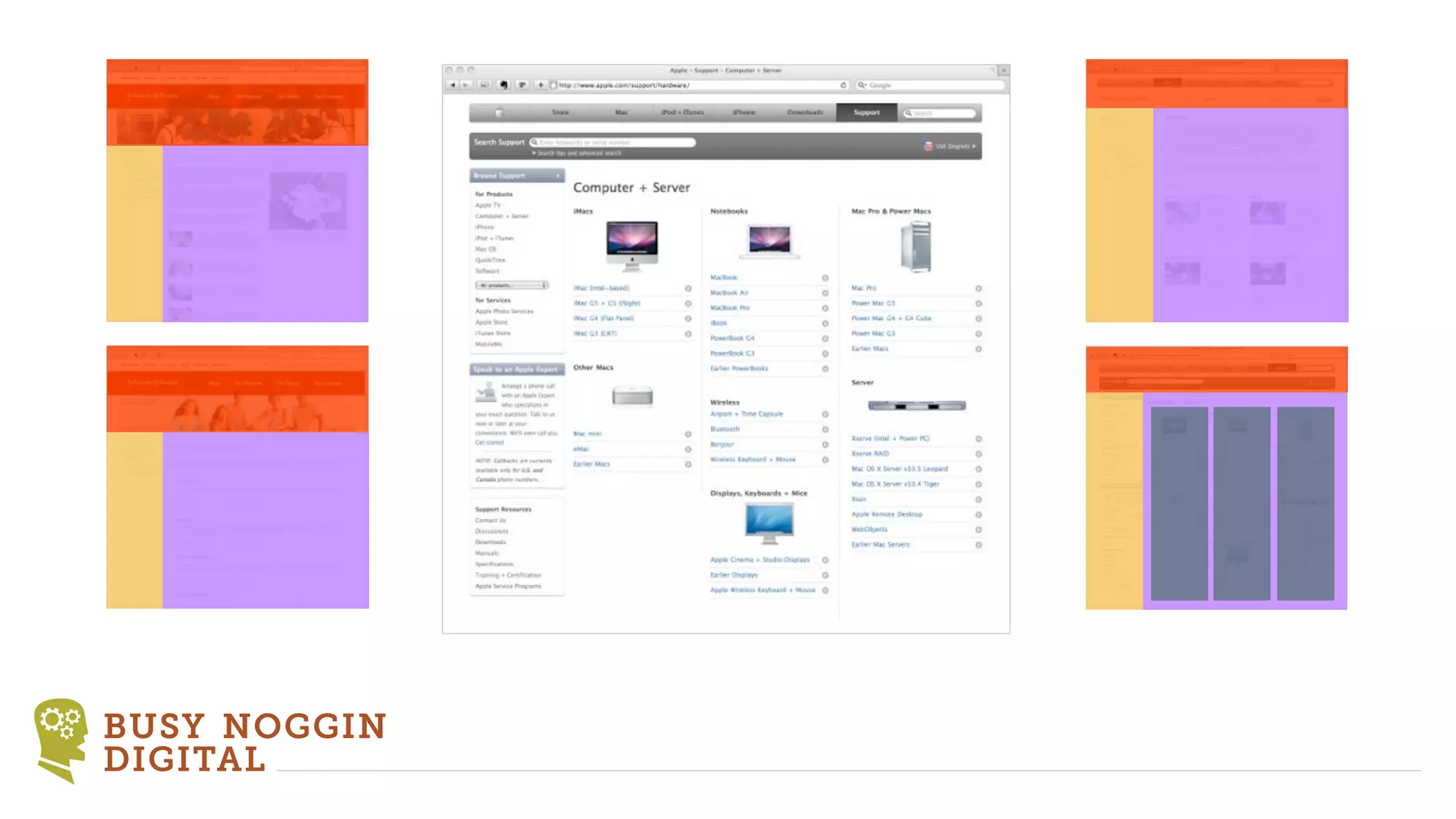
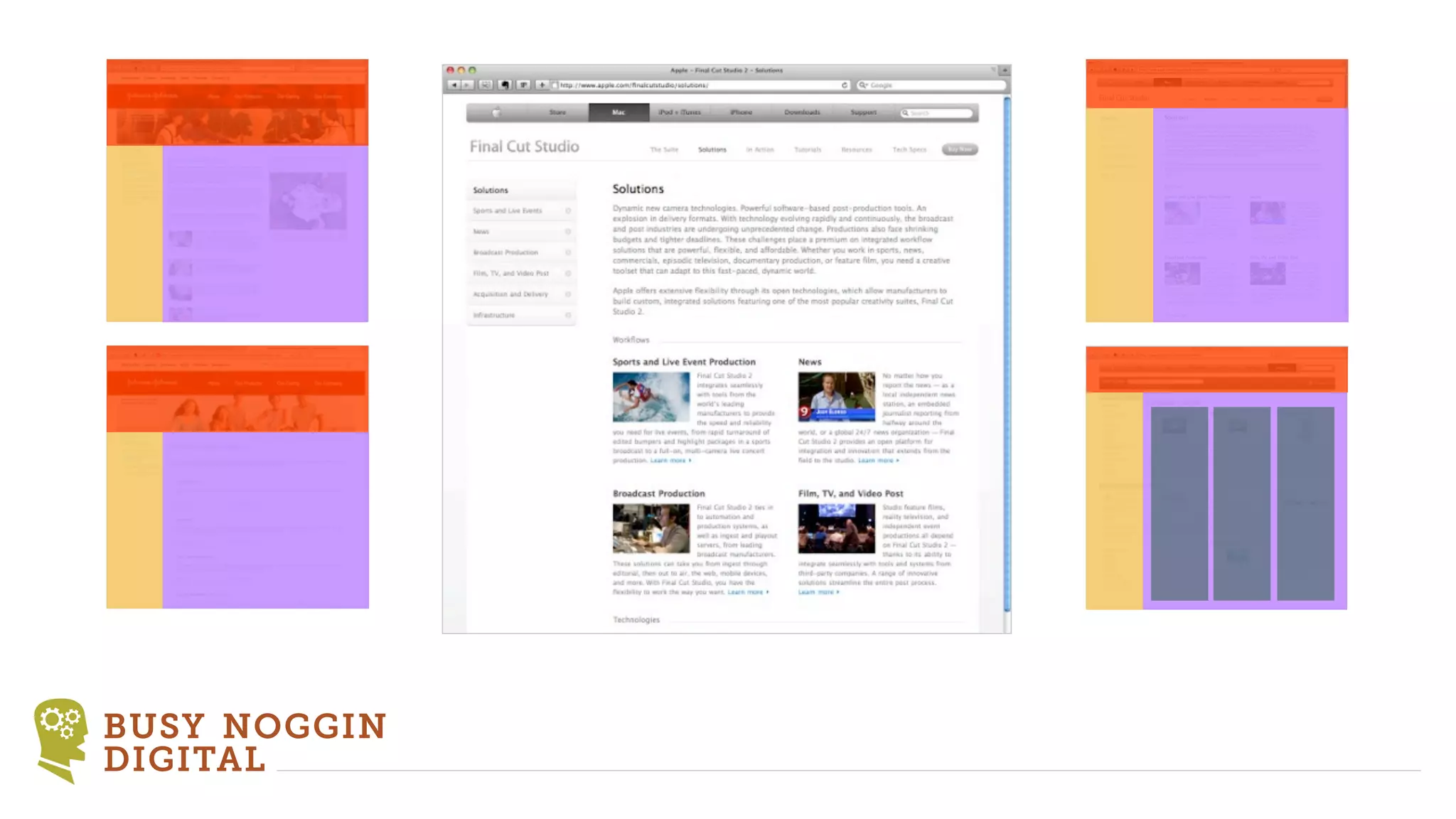
HTML                F1        F2        F3


               Series


                         Series


                                   Series
 BUSY NOGGIN
 DIGITAL
BUSY NOGGIN
DIGITAL
BUSY NOGGIN
DIGITAL
BUSY NOGGIN
DIGITAL
BUSY NOGGIN
DIGITAL
BUSY NOGGIN
DIGITAL
BUSY NOGGIN
DIGITAL
BUSY NOGGIN
DIGITAL
BUSY NOGGIN
DIGITAL
BUSY NOGGIN
DIGITAL
BUSY NOGGIN
DIGITAL
BUSY NOGGIN
DIGITAL
BUSY NOGGIN
DIGITAL
BUSY NOGGIN
DIGITAL
BUSY NOGGIN
DIGITAL
BUSY NOGGIN
DIGITAL
BUSY NOGGIN
DIGITAL
BUSY NOGGIN
DIGITAL
BUSY NOGGIN
DIGITAL
BUSY NOGGIN
DIGITAL
BUSY NOGGIN
DIGITAL
BUSY NOGGIN
DIGITAL
BUSY NOGGIN
DIGITAL
BUSY NOGGIN
DIGITAL
BUSY NOGGIN
DIGITAL
BUSY NOGGIN
DIGITAL
BUSY NOGGIN
DIGITAL
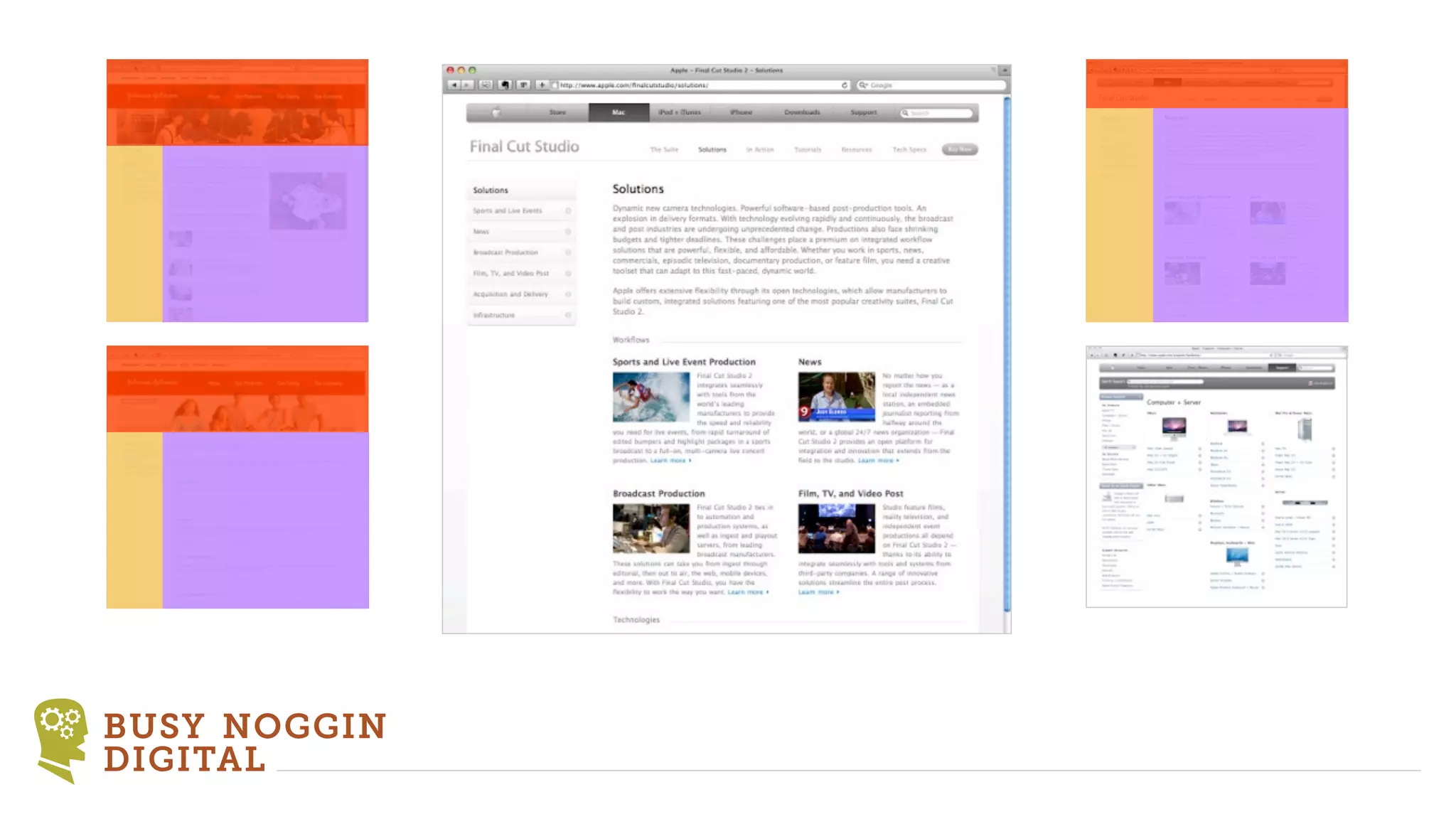
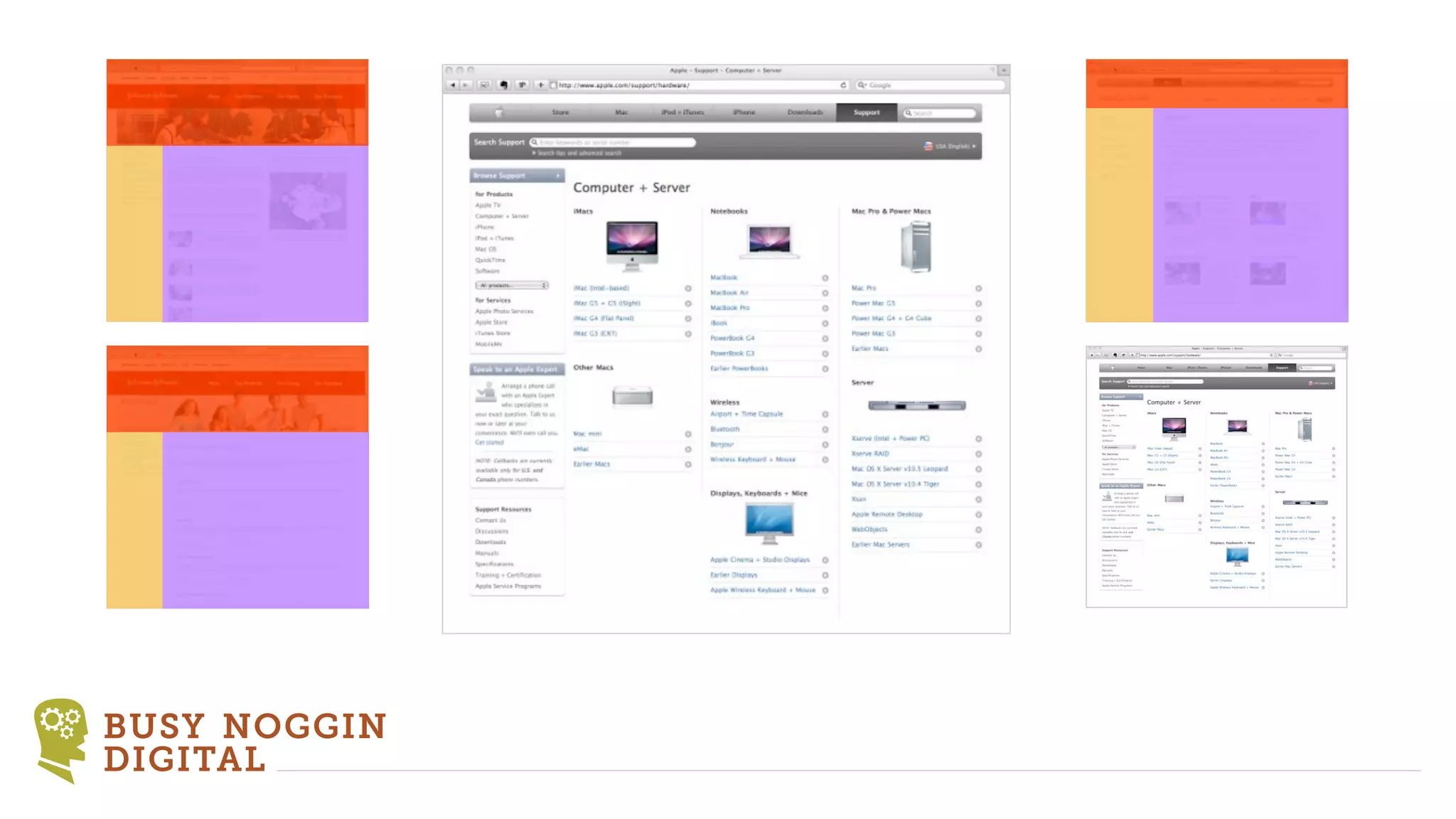
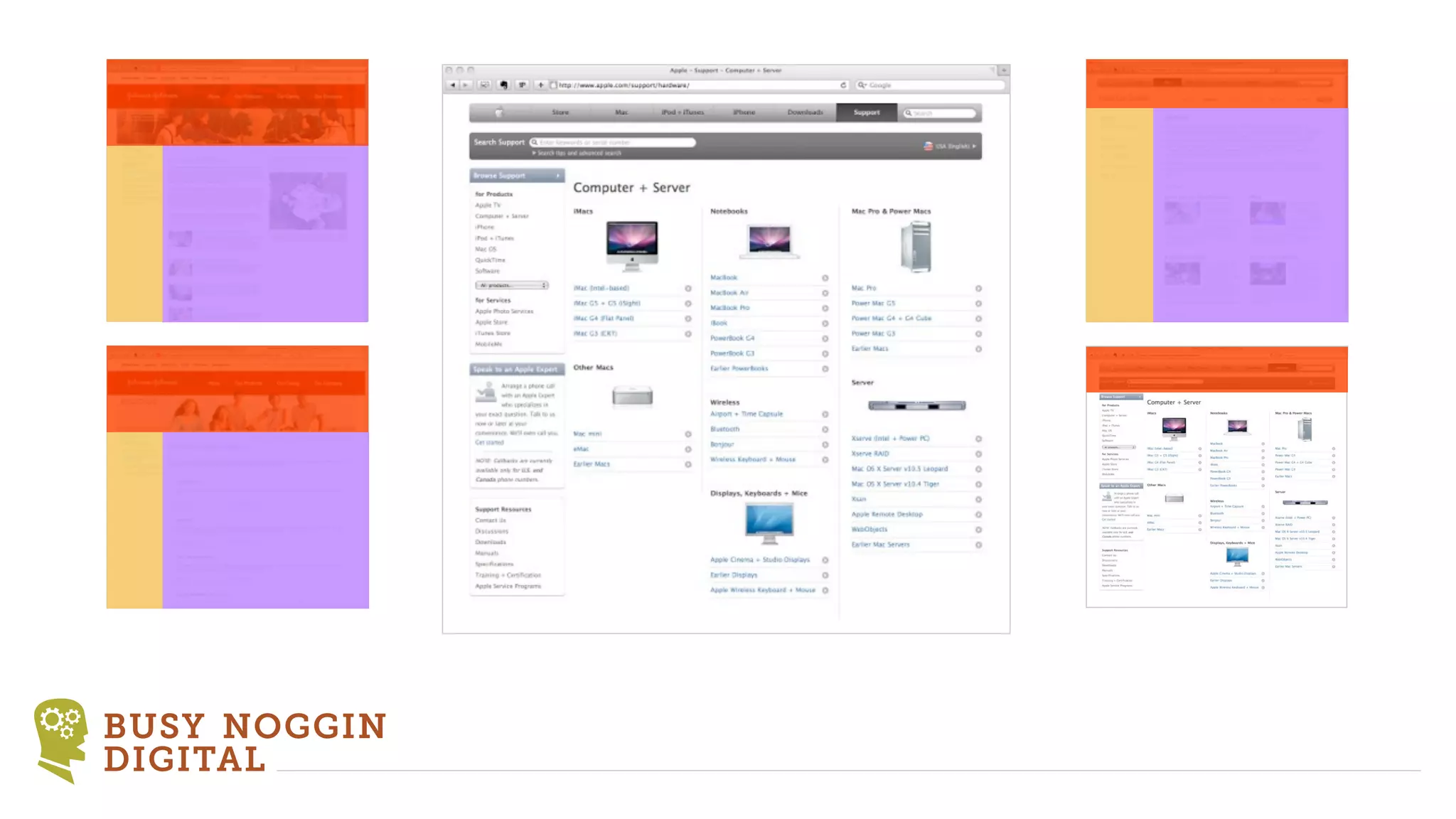
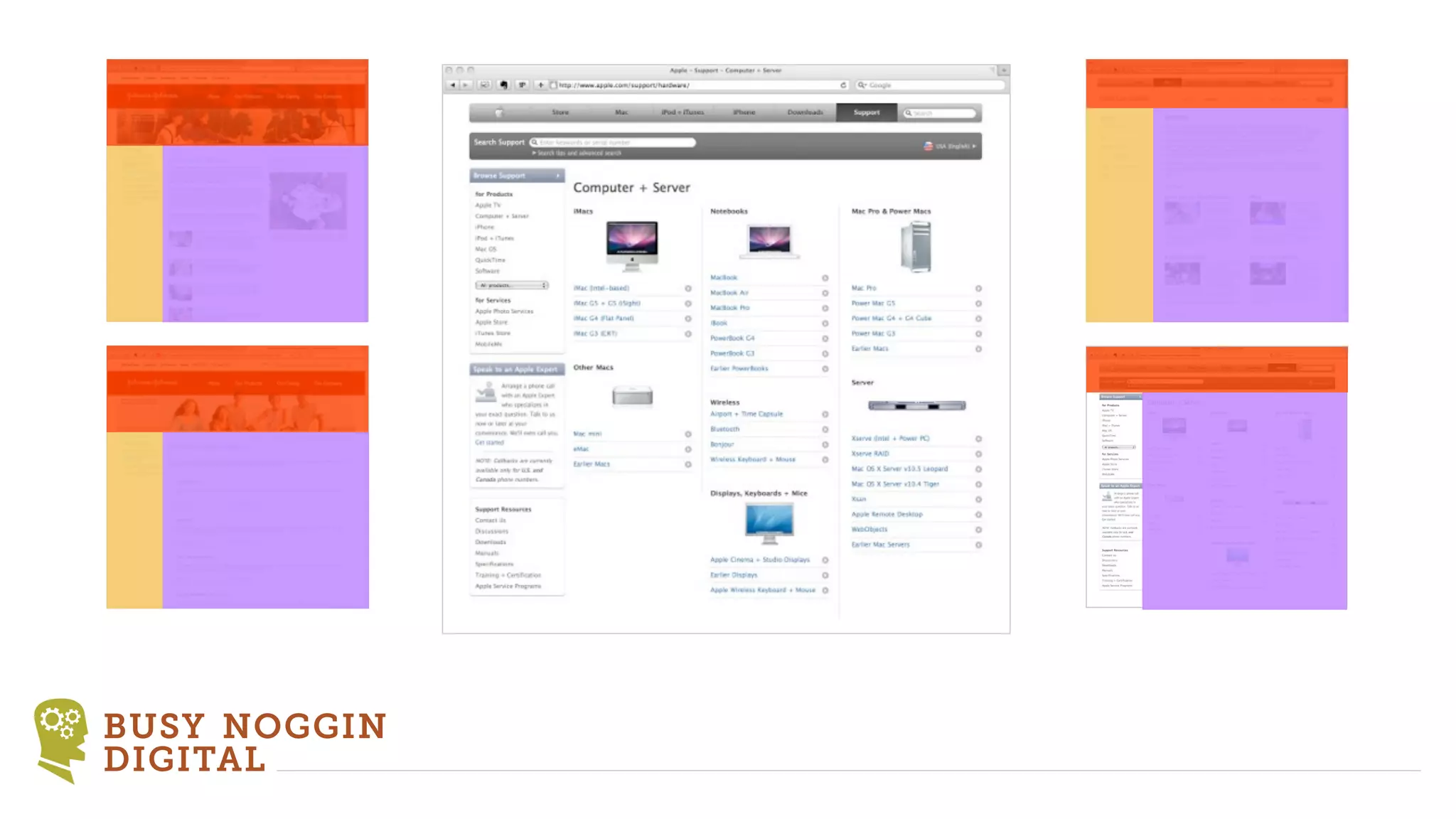
HTML           ‣ Visualize in blocks according to function
               ‣ Recognize patterns
               ‣ Code pages and common snippets
                 to fit the patterns
               ‣ Standardize your markup conventions


 BUSY NOGGIN
 DIGITAL
CSS            ‣ Use the CSS cascade and inheritance
                 and “last man standing”
               ‣ Use common selectors but within the context
                 of a parent selector. Class names like .title,
                 description, .more-link, etc. But define as
                 “.news .title” and “.power-mail .title”
               ‣ Look into the use of CSS frameworks but not
                 at the expense of understanding CSS.
               ‣ Think about using Less or SASS.
 BUSY NOGGIN
 DIGITAL
TYPO3          ‣ Understand the TYPO3 template approaches
                 and differences between them.
               ‣ Pure TypoScript
               ‣ Auto Parser (Modern Template Building)
               ‣ TemplaVoila
               ‣ Fluid


 BUSY NOGGIN
 DIGITAL
TYPO3          ‣ Your template strategy must include how you
                 will handle:
               ‣ Page templates
               ‣ Special content elements
               ‣ Extension templates


 BUSY NOGGIN
 DIGITAL
TYPO3          ‣ Choose a TYPO3 template approach that fits
                 you. Combine them when it makes sense.


 BUSY NOGGIN
 DIGITAL
Developing a TYPO3 Template Strategy


           BUSY NOGGIN DIGITAL
            serious websites for those who mean business

Developing a typo3 template strategy

  • 1.
    Developing a TYPO3Template Strategy BUSY NOGGIN DIGITAL serious websites for those who mean business
  • 2.
    ‣Concepts ‣Strategy ‣Tactics/Techniques BUSY NOGGIN DIGITAL
  • 3.
    A Solid ‣ Speeds up development Template ‣ Provides a base for efficient future development Strategy ‣ Makes it easier to involve multiple developers BUSY NOGGIN DIGITAL
  • 4.
    Last Man Wins BUSYNOGGIN DIGITAL
  • 5.
    CSS .my-class { background-color: blue; } BUSY NOGGIN DIGITAL
  • 6.
    CSS .my-class { background-color: blue; } .my-class { background-color: red; } BUSY NOGGIN DIGITAL
  • 7.
    CSS .my-class { background-color: blue; } .my-class { background-color: red; } #my-page-id .my-class { background-color: green; } BUSY NOGGIN DIGITAL
  • 8.
    TypoScript myObject = TEXT myObject { value = Hello World case = upper wrap = <h1>|</h1> } BUSY NOGGIN DIGITAL
  • 9.
    TypoScript myObject = TEXT myObject { value = Hello World case = upper wrap = <h1>|</h1> } myObject.case = lower BUSY NOGGIN DIGITAL
  • 10.
    TSconfig TCEFORM { pages { layout.disabled = 1 subtitle.disabled = 1 newUntil.disabled = 1 url_scheme.disabled = 1 alias.disabled = 1 } } BUSY NOGGIN DIGITAL
  • 11.
    TSconfig TCEFORM { pages { layout.disabled = 1 subtitle.disabled = 1 newUntil.disabled = 1 url_scheme.disabled = 1 alias.disabled = 1 } } TCEFORM.pages.subtitle.disabled = 0 BUSY NOGGIN DIGITAL
  • 12.
    Concept ‣Base Configuration (shared among all installations) ‣Site Configuration (overrides base for specific site needs) ‣Page Configuration (overrides base & site for specific page needs) BUSY NOGGIN DIGITAL
  • 13.
    Tip ‣ As much as possible keep your configuration in files not the database ‣ It will be easier to edit ‣ You can keep it in version control ‣ Multiple developers can work on the same code locally ‣ It is easier to move it from installation to installation. BUSY NOGGIN DIGITAL
  • 14.
    Strategy BUSYNOGGIN DIGITAL
  • 15.
    Strategy BUSYNOGGIN DIGITAL
  • 16.
    Strategy BUSYNOGGIN DIGITAL
  • 17.
    A TYPO3 templatestrategy does not start with TYPO3 It all begins with front-end code BUSY NOGGIN DIGITAL
  • 18.
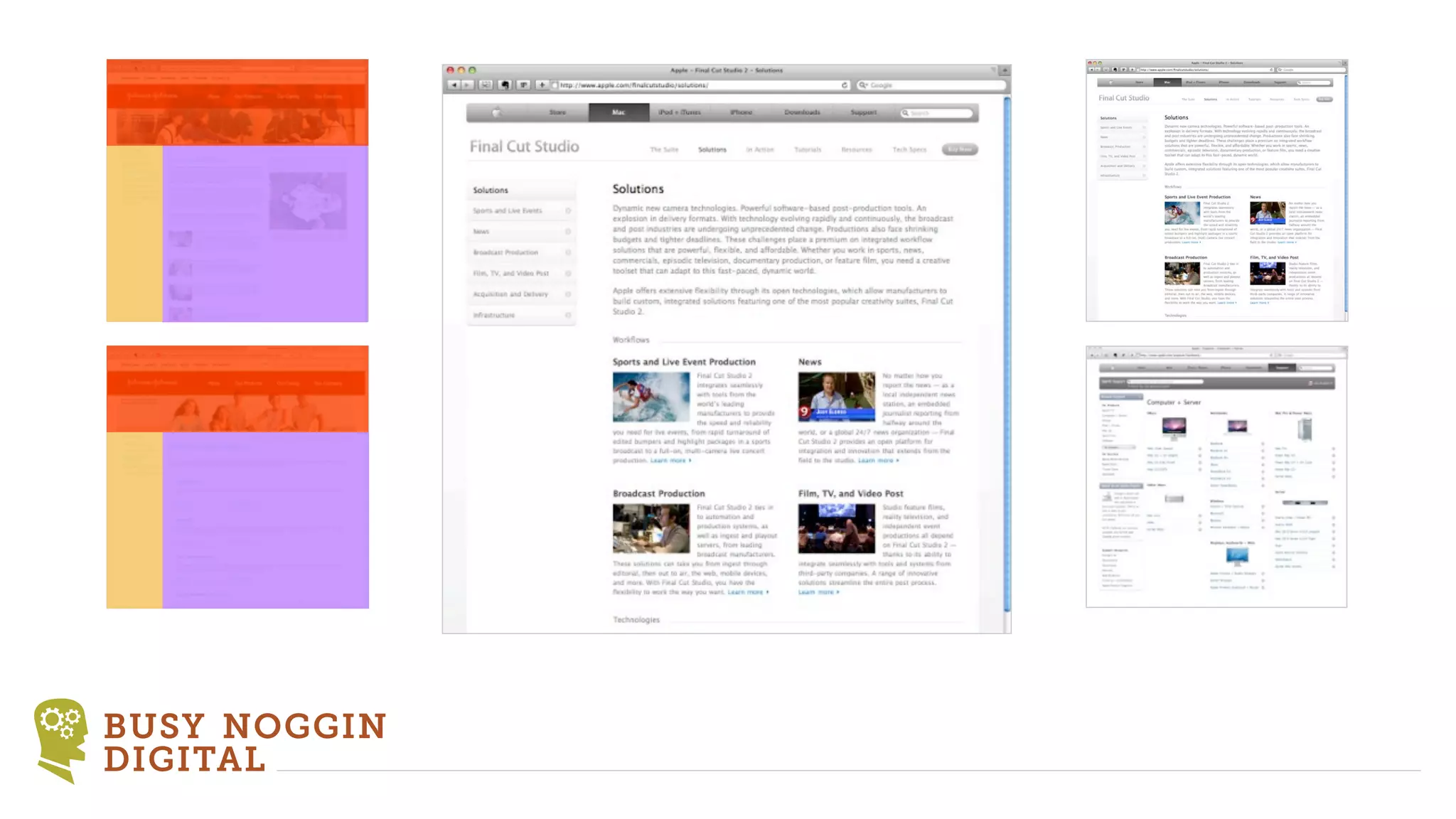
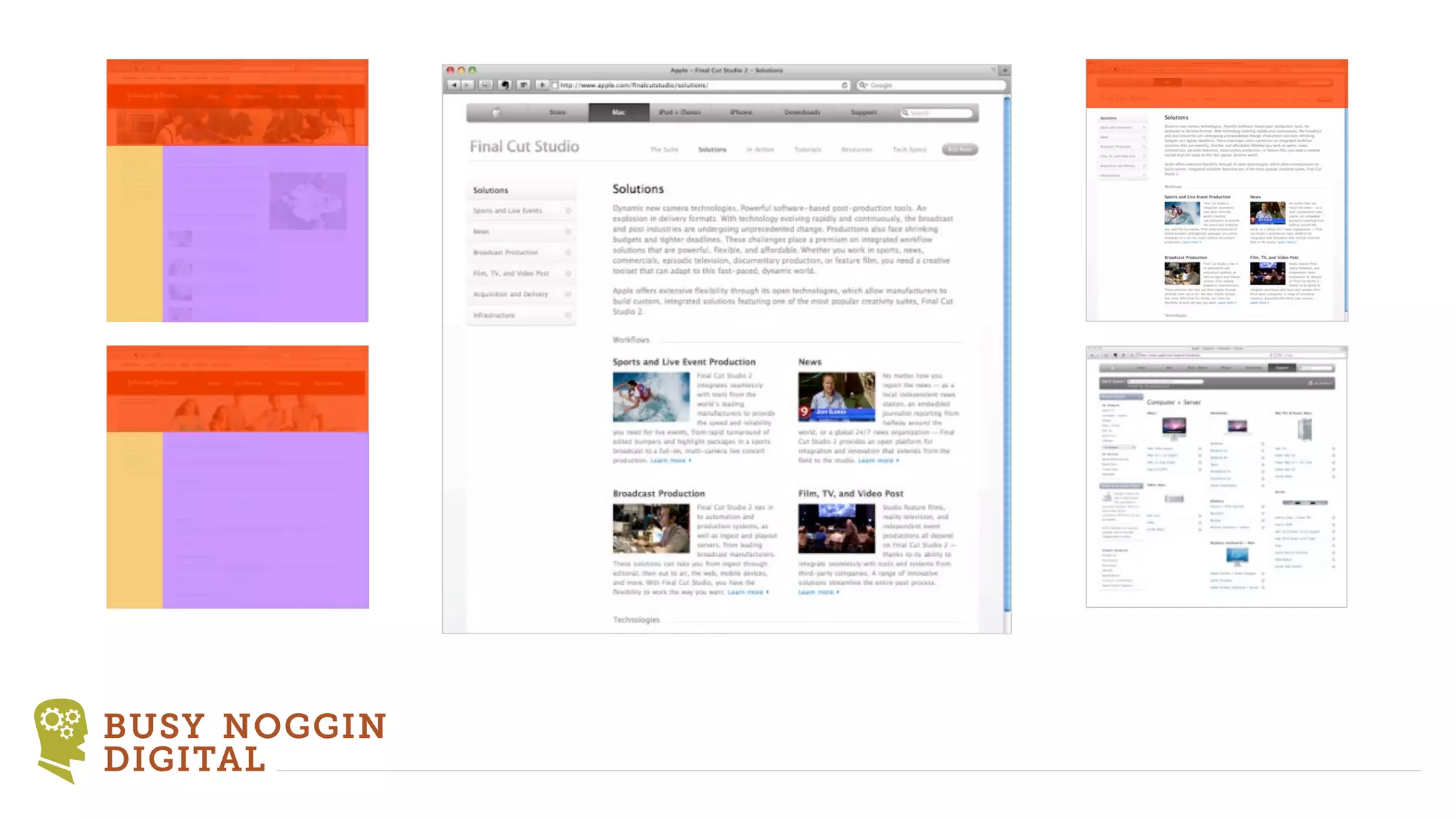
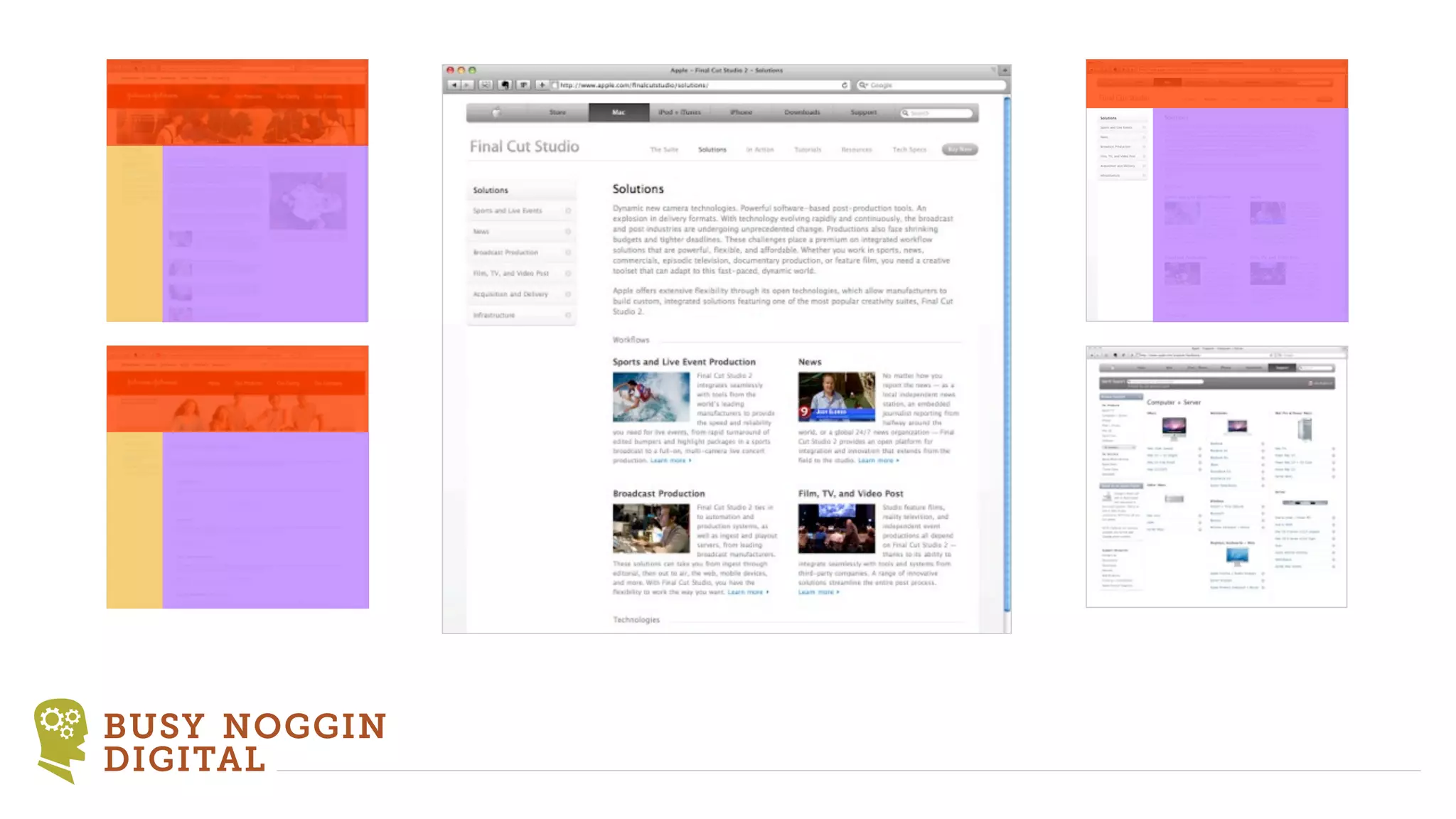
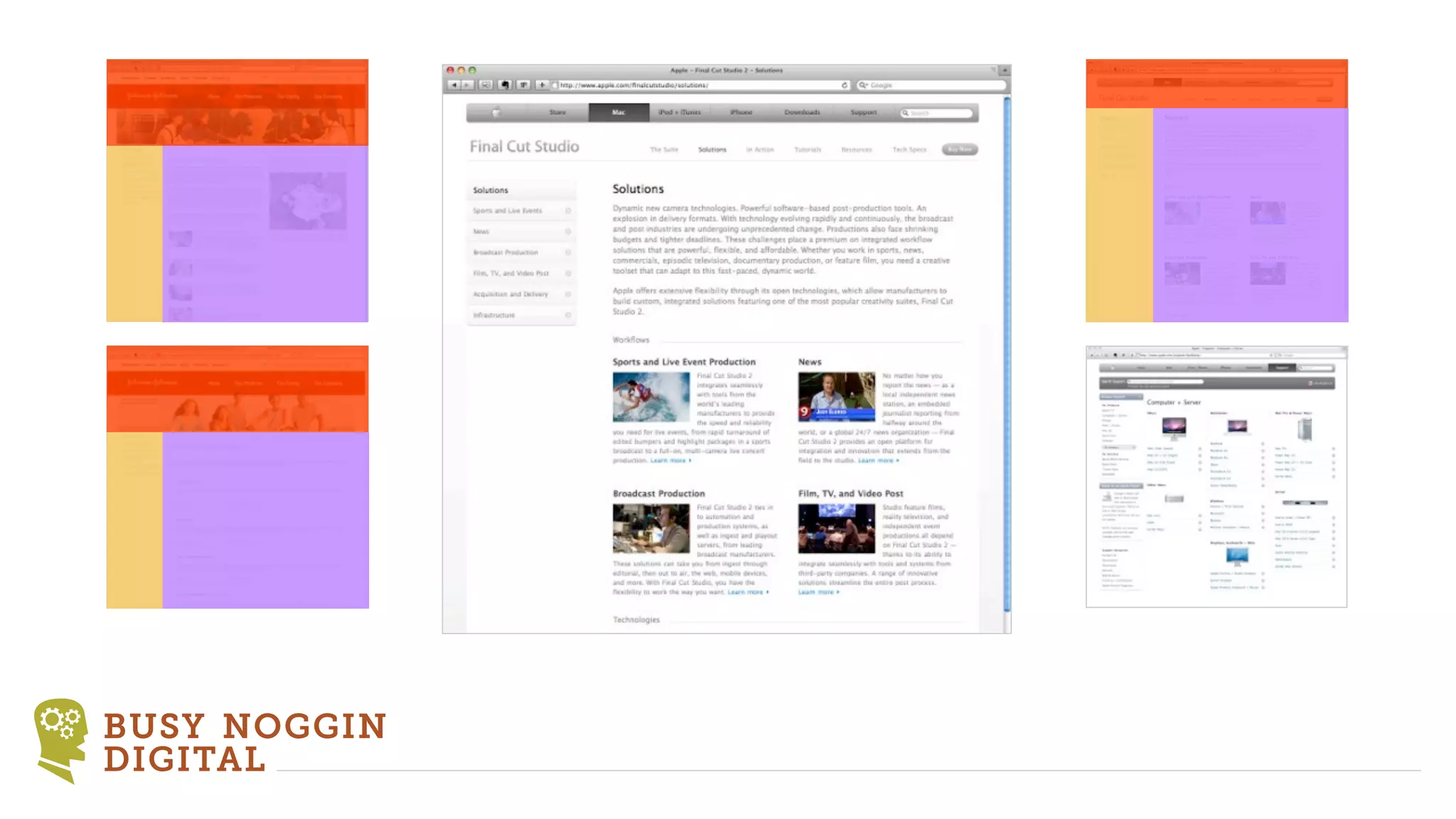
    HTML ‣ Categorizing Content Header Footer Main content Feature Additional content Generated content BUSY NOGGIN DIGITAL
  • 19.
    HTML F1 F2 F3 Series Series Series BUSY NOGGIN DIGITAL
  • 20.
  • 21.
  • 22.
  • 23.
  • 24.
  • 25.
  • 26.
  • 27.
  • 28.
  • 29.
  • 30.
  • 31.
  • 32.
  • 33.
  • 34.
  • 35.
  • 36.
  • 37.
  • 38.
  • 39.
  • 40.
  • 41.
  • 42.
  • 43.
  • 44.
  • 45.
  • 46.
    HTML ‣ Visualize in blocks according to function ‣ Recognize patterns ‣ Code pages and common snippets to fit the patterns ‣ Standardize your markup conventions BUSY NOGGIN DIGITAL
  • 47.
    CSS ‣ Use the CSS cascade and inheritance and “last man standing” ‣ Use common selectors but within the context of a parent selector. Class names like .title, description, .more-link, etc. But define as “.news .title” and “.power-mail .title” ‣ Look into the use of CSS frameworks but not at the expense of understanding CSS. ‣ Think about using Less or SASS. BUSY NOGGIN DIGITAL
  • 48.
    TYPO3 ‣ Understand the TYPO3 template approaches and differences between them. ‣ Pure TypoScript ‣ Auto Parser (Modern Template Building) ‣ TemplaVoila ‣ Fluid BUSY NOGGIN DIGITAL
  • 49.
    TYPO3 ‣ Your template strategy must include how you will handle: ‣ Page templates ‣ Special content elements ‣ Extension templates BUSY NOGGIN DIGITAL
  • 50.
    TYPO3 ‣ Choose a TYPO3 template approach that fits you. Combine them when it makes sense. BUSY NOGGIN DIGITAL
  • 51.
    Developing a TYPO3Template Strategy BUSY NOGGIN DIGITAL serious websites for those who mean business

Editor's Notes

  • #2 Who is this for? Those who build multiple TYPO3 sites every year.\n\nI will be here the rest of the conference. Feel free to visit with me about the concepts I will present.\n\n\n
  • #3 At most conferences everyone wants to see techniques, but using techniques without a strategy will result in chaotic code and a hard-to-maintain site.\n\nThis is about strategy and concepts not techniques\n\nGood strategy transcends techniques\n\n
  • #4 Demonstrate quicksites\n\ncolumn adjustments\nskin changes\n\n
  • #5 This is a very important concept that you will use in many contexts within a template strategy\n\n
  • #6 \n
  • #7 \n
  • #8 \n
  • #9 \n
  • #10 \n
  • #11 \n
  • #12 \n
  • #13 We use this in:\nCSS\nTypoScript\nPage TSconfig\nUser TSconfig\nServer / Environment config (localconf)\n\n
  • #14 \n
  • #15 \n
  • #16 \n
  • #17 \n
  • #18 Develop a front-end strategy first\n\nIt is portable to other systems including Phoenix\n\n
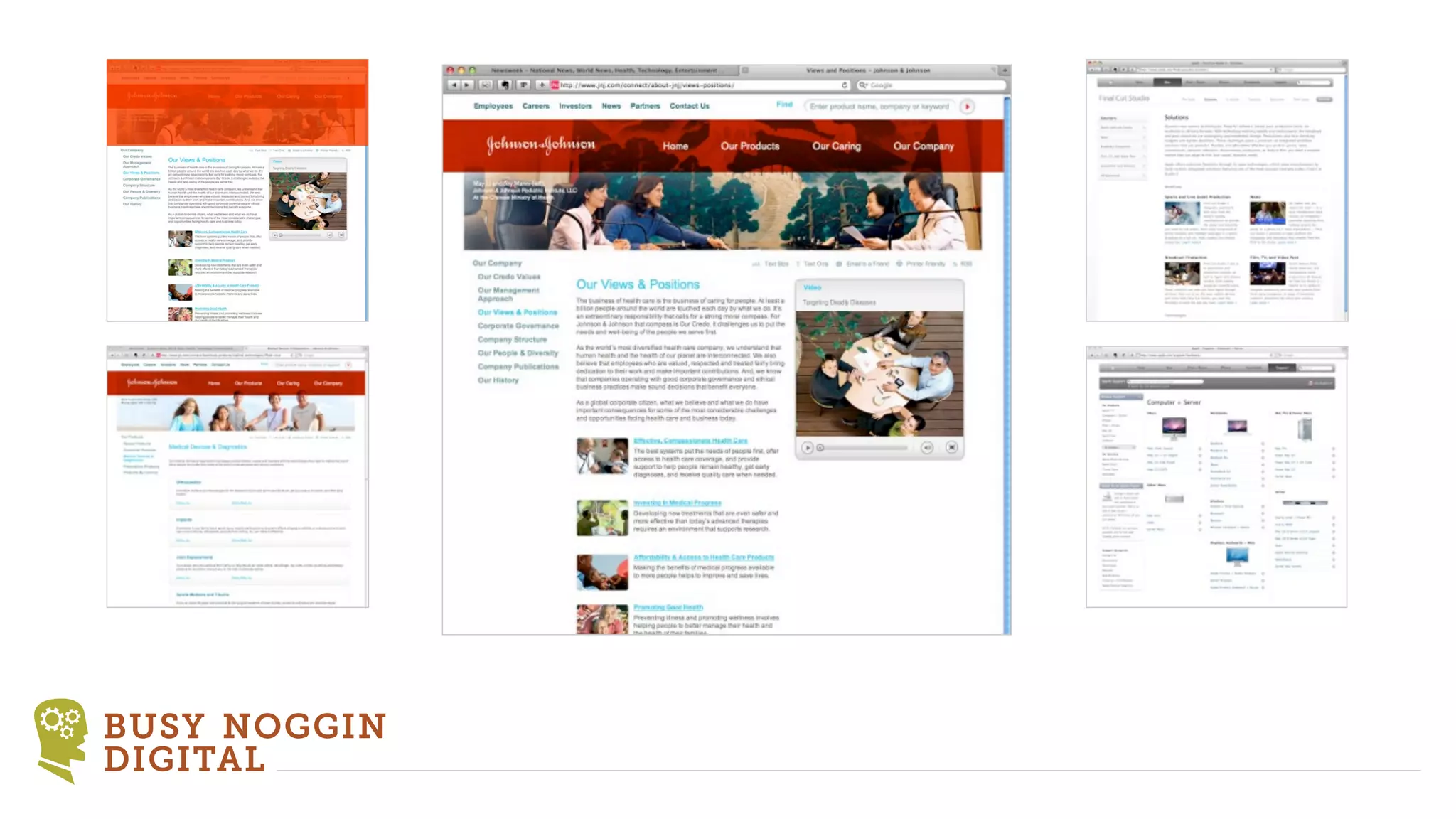
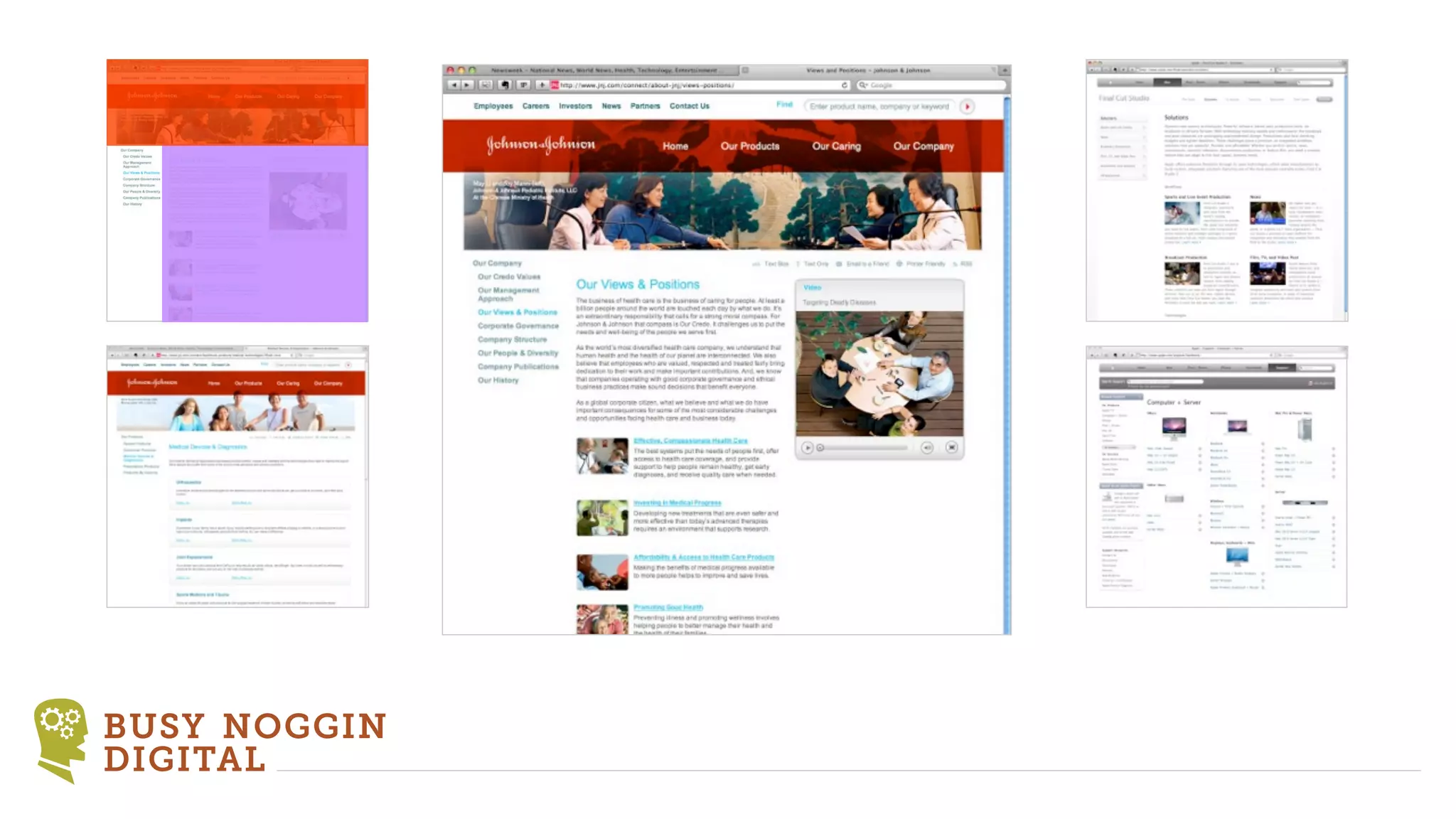
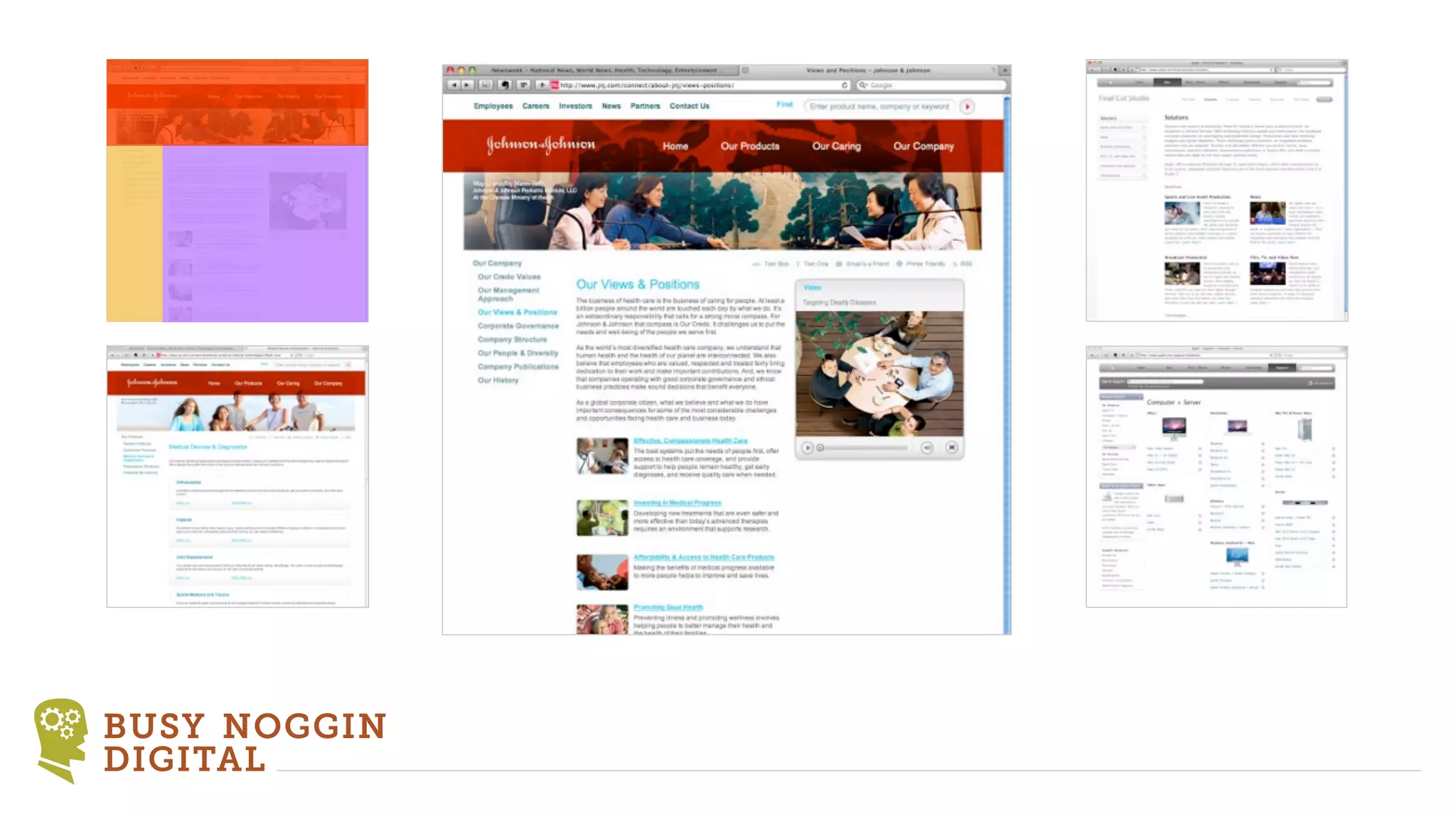
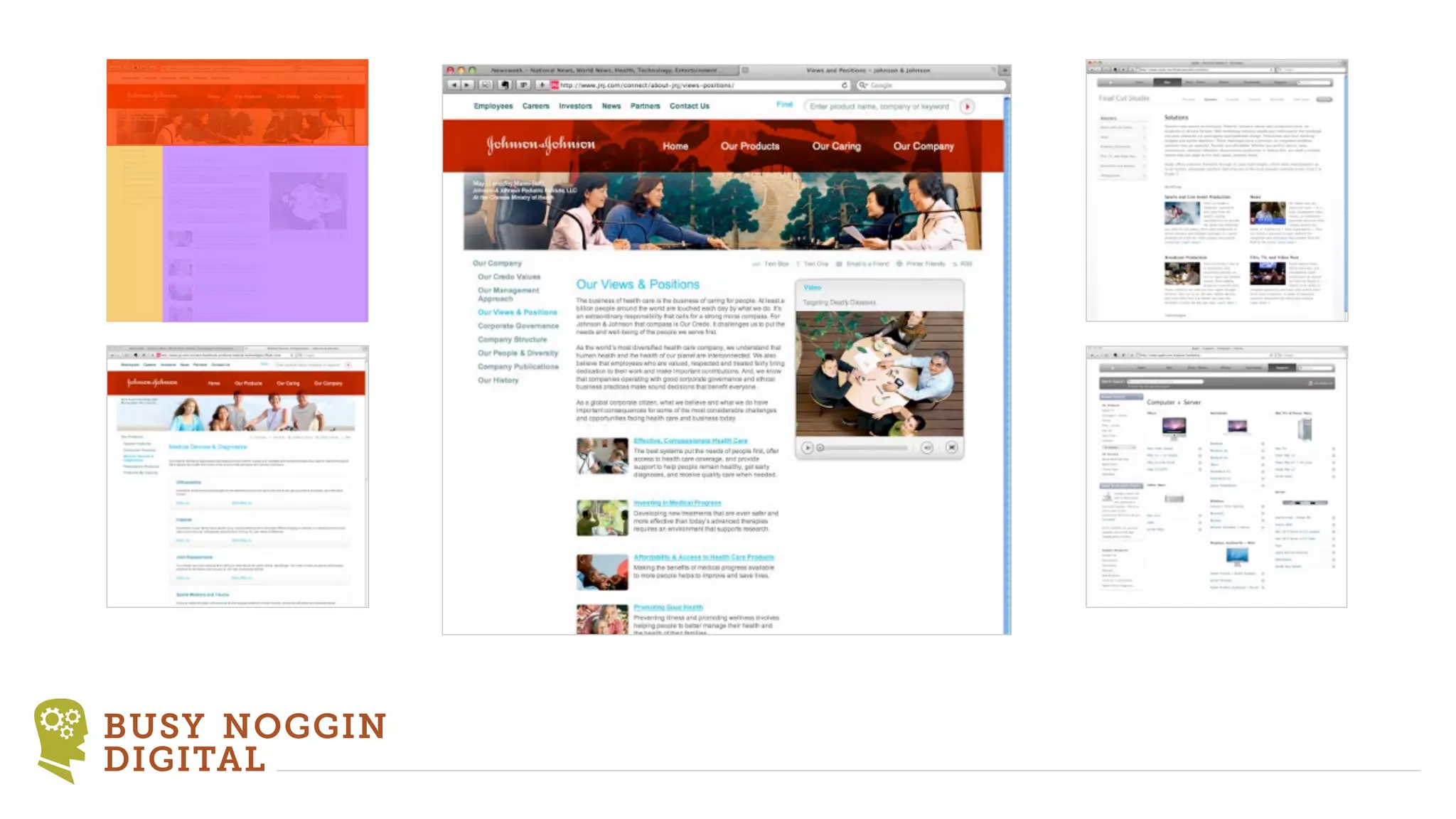
  • #19 The common structure of web pages\n\nThe six categories of content (explain each)\n\nHeader, footer and main content are on every page\n\nVisualizing HTML structure.\n\nThere are really only a handful of \npage structures on the web. Learn \nto recognize them.\n\n
  • #20 \n
  • #21 You see, 90% of all web pages have very similar structure.\n
  • #22 You see, 90% of all web pages have very similar structure.\n
  • #23 You see, 90% of all web pages have very similar structure.\n
  • #24 \n
  • #25 \n
  • #26 \n
  • #27 \n
  • #28 \n
  • #29 \n
  • #30 \n
  • #31 \n
  • #32 \n
  • #33 \n
  • #34 \n
  • #35 \n
  • #36 \n
  • #37 \n
  • #38 \n
  • #39 \n
  • #40 \n
  • #41 \n
  • #42 \n
  • #43 \n
  • #44 \n
  • #45 \n
  • #46 \n
  • #47 SASS\nTwitter Bootstrap, 960gs, Blueprint or roll your own\nStandarize your markup\n\nLook for patterns and common structures\n\nExample of columns and modules\n\ncommon classes using parent selectors to target\n.more-link\ndescription\n.title\n.item\n\nStandardization helps when you work in a multi-developer environment\n\nThe power of SASS. Again for developers building multiple sites per year.\n\nSASS\nBase Variables\nSite Variables\nBase CSS\nSite CSS\n\nInterleafing Bootstrap\n\n
  • #48 If you use TV look into static datastructures\n\nI now use a combination of TV and pure TS\n
  • #49 In extensions your approach will be dictated by the extension (marker-based or Fluid)\n
  • #50 Understand why you use you use the approach over the other approaches.\n
  • #51 Demo the QuickSite\n\n