© 2020; S M Zillur Rahman
Lesson 9
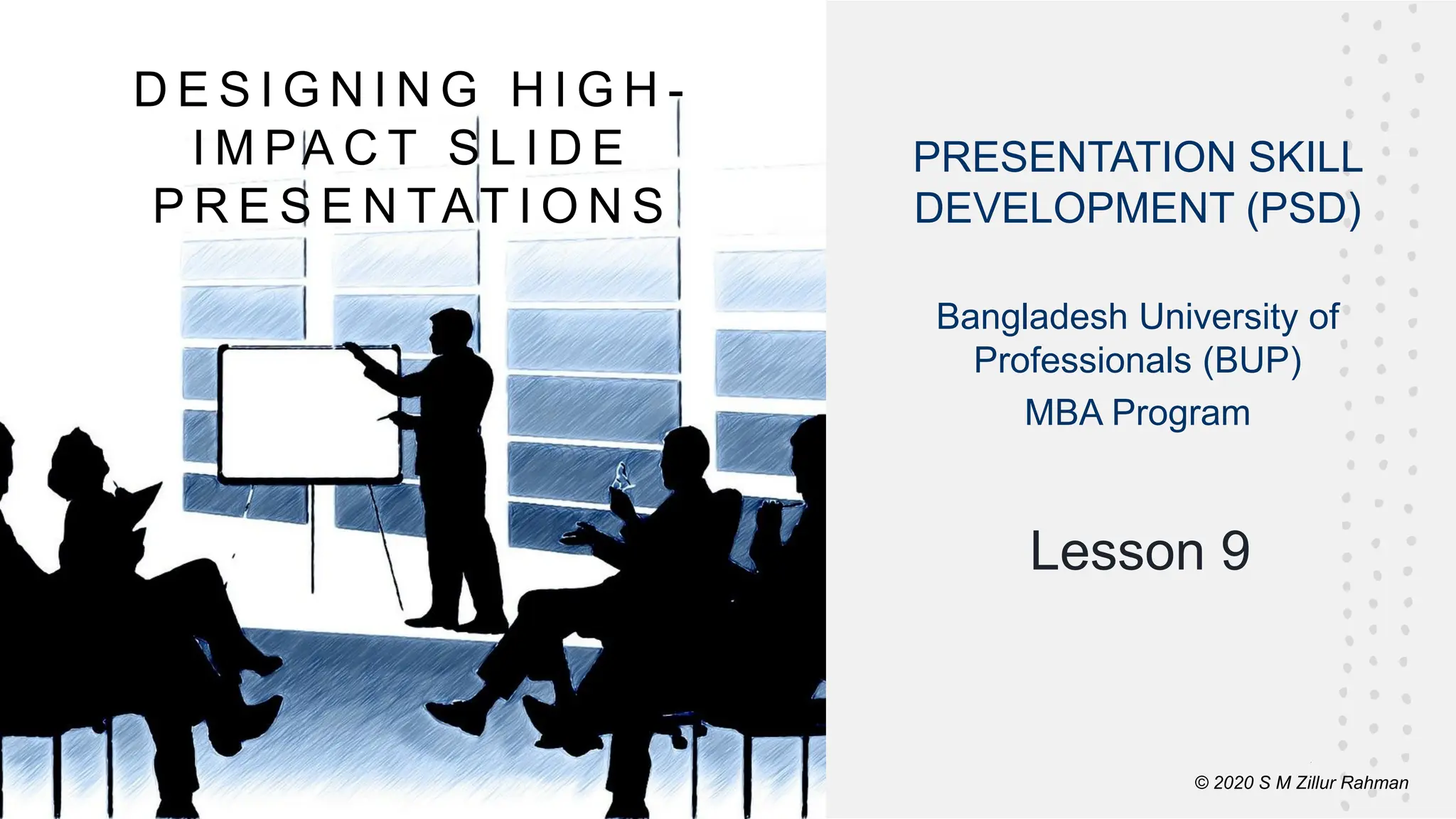
D E S I G N I N G H I G H -
I M PA C T S L I D E
P R E S E N TAT I O N S
© 2020 S M Zillur Rahman
PRESENTATION SKILL
DEVELOPMENT (PSD)
Bangladesh University of
Professionals (BUP)
MBA Program
©Cornerstone Systems Ltd.; 2021
Learning Objectives
This lesson will help you to:
▪ Understand the purpose of designing a
presentation: design for your audience, image,
and objective.
▪ Know how to make a high-impact presentation.
©Cornerstone Systems Ltd.; 2021
Introduction
▪ Is there more to design? Of course.
▪ If you ask yourself, “Why am I designing this
presentation?” That question breaks down
into three questions:
➢ Am I designing it for my audience?
➢ Am I designing it for my image?
➢ Am I designing it for the objective of the
presentation?
▪ By asking yourself these three questions,
you determine the next step toward
designing a high-impact presentation.
©Cornerstone Systems Ltd.; 2021
Design for Your Audience, Your Image,
and Your Objective
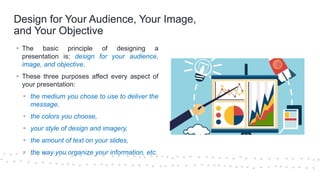
▪ The basic principle of designing a
presentation is: design for your audience,
image, and objective.
▪ These three purposes affect every aspect of
your presentation:
▪ the medium you chose to use to deliver the
message,
▪ the colors you choose,
▪ your style of design and imagery,
▪ the amount of text on your slides,
▪ the way you organize your information, etc.
©Cornerstone Systems Ltd.; 2021
Design for Your Audience, Your Image,
and Your Objective >>>
Designing for Your Audience
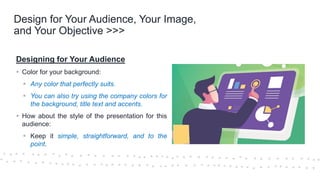
▪ Color for your background:
▪ Any color that perfectly suits.
▪ You can also try using the company colors for
the background, title text and accents.
▪ How about the style of the presentation for this
audience:
▪ Keep it simple, straightforward, and to the
point.
©Cornerstone Systems Ltd.; 2021
Design for Your Audience, Your Image,
and Your Objective >>>
Designing for Your Audience >>>
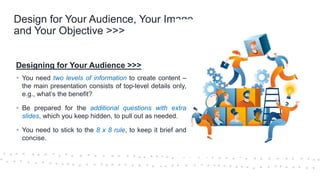
▪ You need two levels of information to create content –
the main presentation consists of top-level details only,
e.g., what’s the benefit?
▪ Be prepared for the additional questions with extra
slides, which you keep hidden, to pull out as needed.
▪ You need to stick to the 8 x 8 rule, to keep it brief and
concise.
©Cornerstone Systems Ltd.; 2021
Design for Your Audience, Your Image,
and Your Objective >>>
Designing for Your Audience >>>
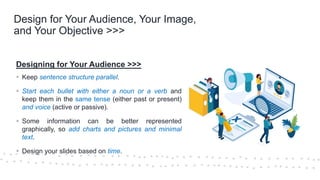
▪ Keep sentence structure parallel.
▪ Start each bullet with either a noun or a verb and
keep them in the same tense (either past or present)
and voice (active or passive).
▪ Some information can be better represented
graphically, so add charts and pictures and minimal
text.
▪ Design your slides based on time.
©Cornerstone Systems Ltd.; 2021
Design for Your Audience, Your Image,
and Your Objective >>>
Designing for Your Audience >>>
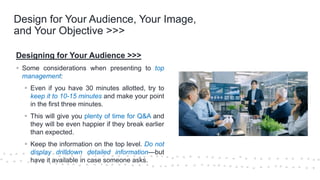
▪ Some considerations when presenting to top
management:
▪ Even if you have 30 minutes allotted, try to
keep it to 10-15 minutes and make your point
in the first three minutes.
▪ This will give you plenty of time for Q&A and
they will be even happier if they break earlier
than expected.
▪ Keep the information on the top level. Do not
display drilldown detailed information—but
have it available in case someone asks.
©Cornerstone Systems Ltd.; 2021
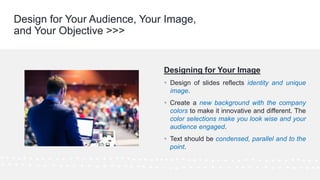
Designing for Your Image
▪ Design of slides reflects identity and unique
image.
▪ Create a new background with the company
colors to make it innovative and different. The
color selections make you look wise and your
audience engaged.
▪ Text should be condensed, parallel and to the
point.
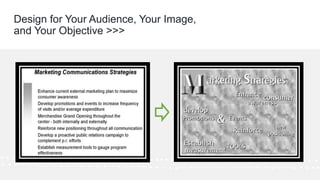
Design for Your Audience, Your Image,
and Your Objective >>>
©Cornerstone Systems Ltd.; 2021
Design for Your Audience, Your Image,
and Your Objective >>>
©Cornerstone Systems Ltd.; 2021
Design for Your Audience, Your Image,
and Your Objective >>>
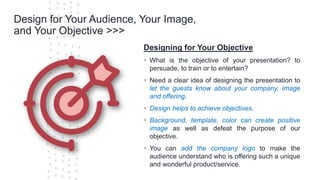
Designing for Your Objective
▪ What is the objective of your presentation? to
persuade, to train or to entertain?
▪ Need a clear idea of designing the presentation to
let the guests know about your company, image
and offering.
▪ Design helps to achieve objectives.
▪ Background, template, color can create positive
image as well as defeat the purpose of our
objective.
▪ You can add the company logo to make the
audience understand who is offering such a unique
and wonderful product/service.
©Cornerstone Systems Ltd.; 2021
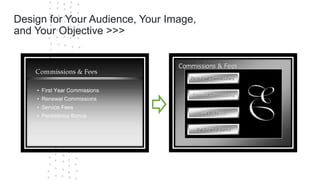
Design for Your Audience, Your Image,
and Your Objective >>>
©Cornerstone Systems Ltd.; 2021
Design for Your Audience, Your Image,
and Your Objective >>>
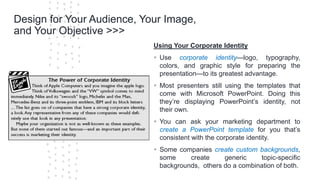
Using Your Corporate Identity
▪ Use corporate identity—logo, typography,
colors, and graphic style for preparing the
presentation—to its greatest advantage.
▪ Most presenters still using the templates that
come with Microsoft PowerPoint. Doing this
they’re displaying PowerPoint’s identity, not
their own.
▪ You can ask your marketing department to
create a PowerPoint template for you that’s
consistent with the corporate identity.
▪ Some companies create custom backgrounds,
some create generic topic-specific
backgrounds, others do a combination of both.
©Cornerstone Systems Ltd.; 2021
Design for Your Audience, Your Image,
and Your Objective >>>
Using Your Corporate Identity >>>
▪ You need to have a photo-editing software
package, corporate collateral*, corporate images,
corporate colors, and your corporate logo.
*Corporate collateral is any visual or media used to
promote your brand direct or indirectly to different
type of stakeholders of the company.
©Cornerstone Systems Ltd.; 2021
Guidelines
Quick checklist to make sure you followed
the guidelines:
▪ Are you designing for your audience, your image, or
your objective?
▪ Did you determine if your company already has a
corporate template?
▪ If there’s no corporate template, did you use the
corporate identity to create one or have one made?
▪ Did you use the rules for designing your own
background?
▪ Did you save your PowerPoint template in the correct
format?
© 2020; S M Zillur Rahman
▪ If you want to design a high-impact presentation,
you’ve got to start with the question, “Why am I
designing this presentation? For my audience?
For my image? For the objective of the
presentation?” The answer should affect every
aspect of your presentation.
▪ If you’re designing for your audience, think about
their experience, their expectations, the content
they want and need, and the style most likely to
work.
▪ If you’re designing for your image, think about
what participants expect of you and how you can
meet the positive expectations and counter the
negative expectations.
Checklist
© 2020; S M Zillur Rahman
▪ If you’re designing for your objective, think of
every aspect of your content and design in
terms of that objective, whether it’s to persuade,
to train, to entertain, and so on.
▪ Whether you’re designing for your audience,
for your image, for the objective of the
presentation, or (ideally) for all three purposes,
you want to use your corporate identity to its
greatest advantage in your presentation.
Checklist
© 2020 S M Zillur Rahman
Key Takeaways
We discussed in this lesson:
▪ Understand the purpose of designing
a presentation: design for your
audience, image, and objective.
▪ Know how to make a high-impact
presentation.
© 2021 S M Zillur Rahman
Questions
© 2021 S M Zillur Rahman

Designing High Impact Slide Presentation-.pdf

  • 1.
    © 2020; SM Zillur Rahman Lesson 9 D E S I G N I N G H I G H - I M PA C T S L I D E P R E S E N TAT I O N S © 2020 S M Zillur Rahman PRESENTATION SKILL DEVELOPMENT (PSD) Bangladesh University of Professionals (BUP) MBA Program
  • 2.
    ©Cornerstone Systems Ltd.;2021 Learning Objectives This lesson will help you to: ▪ Understand the purpose of designing a presentation: design for your audience, image, and objective. ▪ Know how to make a high-impact presentation.
  • 3.
    ©Cornerstone Systems Ltd.;2021 Introduction ▪ Is there more to design? Of course. ▪ If you ask yourself, “Why am I designing this presentation?” That question breaks down into three questions: ➢ Am I designing it for my audience? ➢ Am I designing it for my image? ➢ Am I designing it for the objective of the presentation? ▪ By asking yourself these three questions, you determine the next step toward designing a high-impact presentation.
  • 4.
    ©Cornerstone Systems Ltd.;2021 Design for Your Audience, Your Image, and Your Objective ▪ The basic principle of designing a presentation is: design for your audience, image, and objective. ▪ These three purposes affect every aspect of your presentation: ▪ the medium you chose to use to deliver the message, ▪ the colors you choose, ▪ your style of design and imagery, ▪ the amount of text on your slides, ▪ the way you organize your information, etc.
  • 5.
    ©Cornerstone Systems Ltd.;2021 Design for Your Audience, Your Image, and Your Objective >>> Designing for Your Audience ▪ Color for your background: ▪ Any color that perfectly suits. ▪ You can also try using the company colors for the background, title text and accents. ▪ How about the style of the presentation for this audience: ▪ Keep it simple, straightforward, and to the point.
  • 6.
    ©Cornerstone Systems Ltd.;2021 Design for Your Audience, Your Image, and Your Objective >>> Designing for Your Audience >>> ▪ You need two levels of information to create content – the main presentation consists of top-level details only, e.g., what’s the benefit? ▪ Be prepared for the additional questions with extra slides, which you keep hidden, to pull out as needed. ▪ You need to stick to the 8 x 8 rule, to keep it brief and concise.
  • 7.
    ©Cornerstone Systems Ltd.;2021 Design for Your Audience, Your Image, and Your Objective >>> Designing for Your Audience >>> ▪ Keep sentence structure parallel. ▪ Start each bullet with either a noun or a verb and keep them in the same tense (either past or present) and voice (active or passive). ▪ Some information can be better represented graphically, so add charts and pictures and minimal text. ▪ Design your slides based on time.
  • 8.
    ©Cornerstone Systems Ltd.;2021 Design for Your Audience, Your Image, and Your Objective >>> Designing for Your Audience >>> ▪ Some considerations when presenting to top management: ▪ Even if you have 30 minutes allotted, try to keep it to 10-15 minutes and make your point in the first three minutes. ▪ This will give you plenty of time for Q&A and they will be even happier if they break earlier than expected. ▪ Keep the information on the top level. Do not display drilldown detailed information—but have it available in case someone asks.
  • 9.
    ©Cornerstone Systems Ltd.;2021 Designing for Your Image ▪ Design of slides reflects identity and unique image. ▪ Create a new background with the company colors to make it innovative and different. The color selections make you look wise and your audience engaged. ▪ Text should be condensed, parallel and to the point. Design for Your Audience, Your Image, and Your Objective >>>
  • 10.
    ©Cornerstone Systems Ltd.;2021 Design for Your Audience, Your Image, and Your Objective >>>
  • 11.
    ©Cornerstone Systems Ltd.;2021 Design for Your Audience, Your Image, and Your Objective >>> Designing for Your Objective ▪ What is the objective of your presentation? to persuade, to train or to entertain? ▪ Need a clear idea of designing the presentation to let the guests know about your company, image and offering. ▪ Design helps to achieve objectives. ▪ Background, template, color can create positive image as well as defeat the purpose of our objective. ▪ You can add the company logo to make the audience understand who is offering such a unique and wonderful product/service.
  • 12.
    ©Cornerstone Systems Ltd.;2021 Design for Your Audience, Your Image, and Your Objective >>>
  • 13.
    ©Cornerstone Systems Ltd.;2021 Design for Your Audience, Your Image, and Your Objective >>> Using Your Corporate Identity ▪ Use corporate identity—logo, typography, colors, and graphic style for preparing the presentation—to its greatest advantage. ▪ Most presenters still using the templates that come with Microsoft PowerPoint. Doing this they’re displaying PowerPoint’s identity, not their own. ▪ You can ask your marketing department to create a PowerPoint template for you that’s consistent with the corporate identity. ▪ Some companies create custom backgrounds, some create generic topic-specific backgrounds, others do a combination of both.
  • 14.
    ©Cornerstone Systems Ltd.;2021 Design for Your Audience, Your Image, and Your Objective >>> Using Your Corporate Identity >>> ▪ You need to have a photo-editing software package, corporate collateral*, corporate images, corporate colors, and your corporate logo. *Corporate collateral is any visual or media used to promote your brand direct or indirectly to different type of stakeholders of the company.
  • 15.
    ©Cornerstone Systems Ltd.;2021 Guidelines Quick checklist to make sure you followed the guidelines: ▪ Are you designing for your audience, your image, or your objective? ▪ Did you determine if your company already has a corporate template? ▪ If there’s no corporate template, did you use the corporate identity to create one or have one made? ▪ Did you use the rules for designing your own background? ▪ Did you save your PowerPoint template in the correct format?
  • 16.
    © 2020; SM Zillur Rahman ▪ If you want to design a high-impact presentation, you’ve got to start with the question, “Why am I designing this presentation? For my audience? For my image? For the objective of the presentation?” The answer should affect every aspect of your presentation. ▪ If you’re designing for your audience, think about their experience, their expectations, the content they want and need, and the style most likely to work. ▪ If you’re designing for your image, think about what participants expect of you and how you can meet the positive expectations and counter the negative expectations. Checklist
  • 17.
    © 2020; SM Zillur Rahman ▪ If you’re designing for your objective, think of every aspect of your content and design in terms of that objective, whether it’s to persuade, to train, to entertain, and so on. ▪ Whether you’re designing for your audience, for your image, for the objective of the presentation, or (ideally) for all three purposes, you want to use your corporate identity to its greatest advantage in your presentation. Checklist
  • 18.
    © 2020 SM Zillur Rahman Key Takeaways We discussed in this lesson: ▪ Understand the purpose of designing a presentation: design for your audience, image, and objective. ▪ Know how to make a high-impact presentation.
  • 19.
    © 2021 SM Zillur Rahman Questions © 2021 S M Zillur Rahman