Download as PDF, PPTX

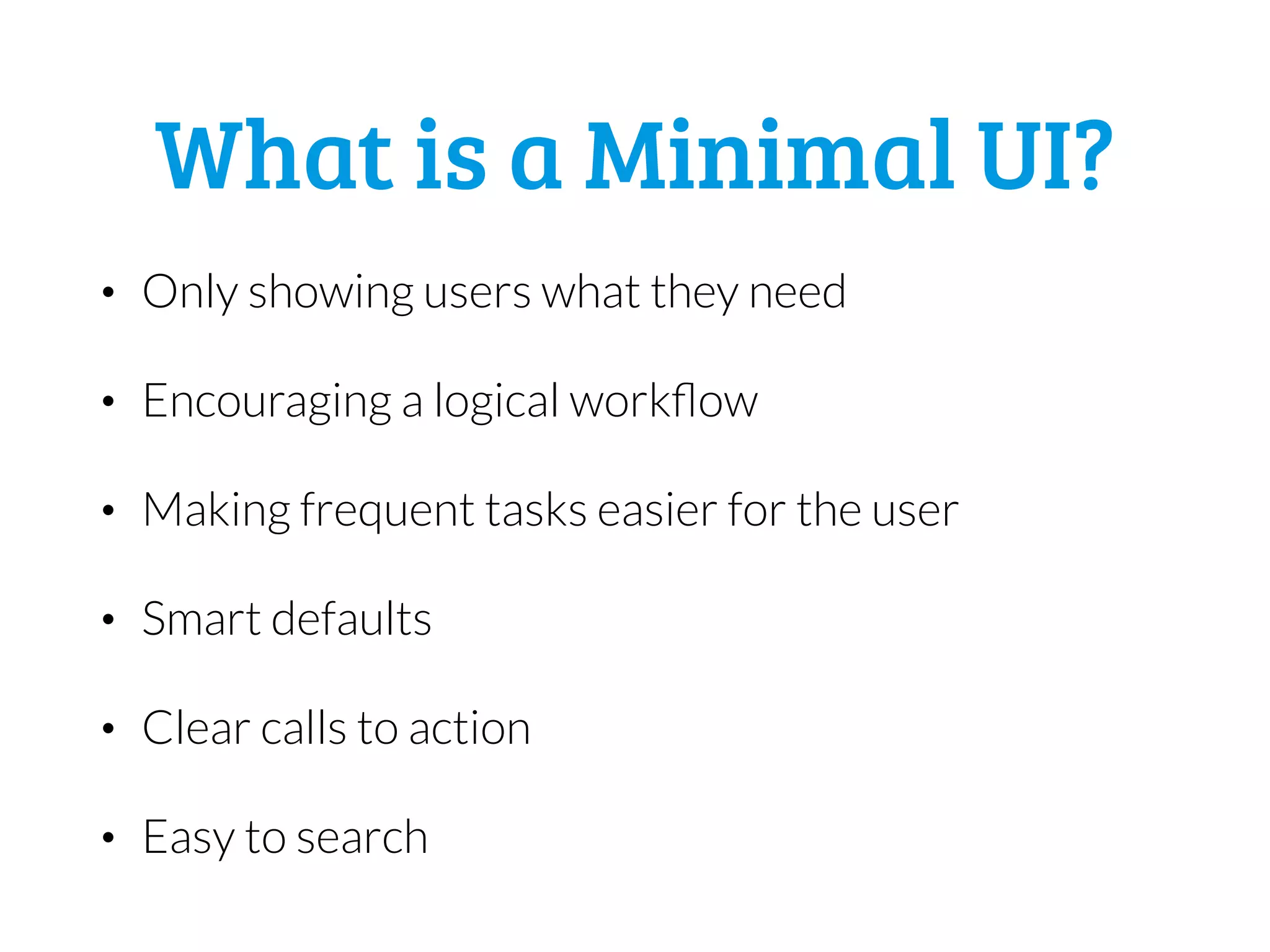
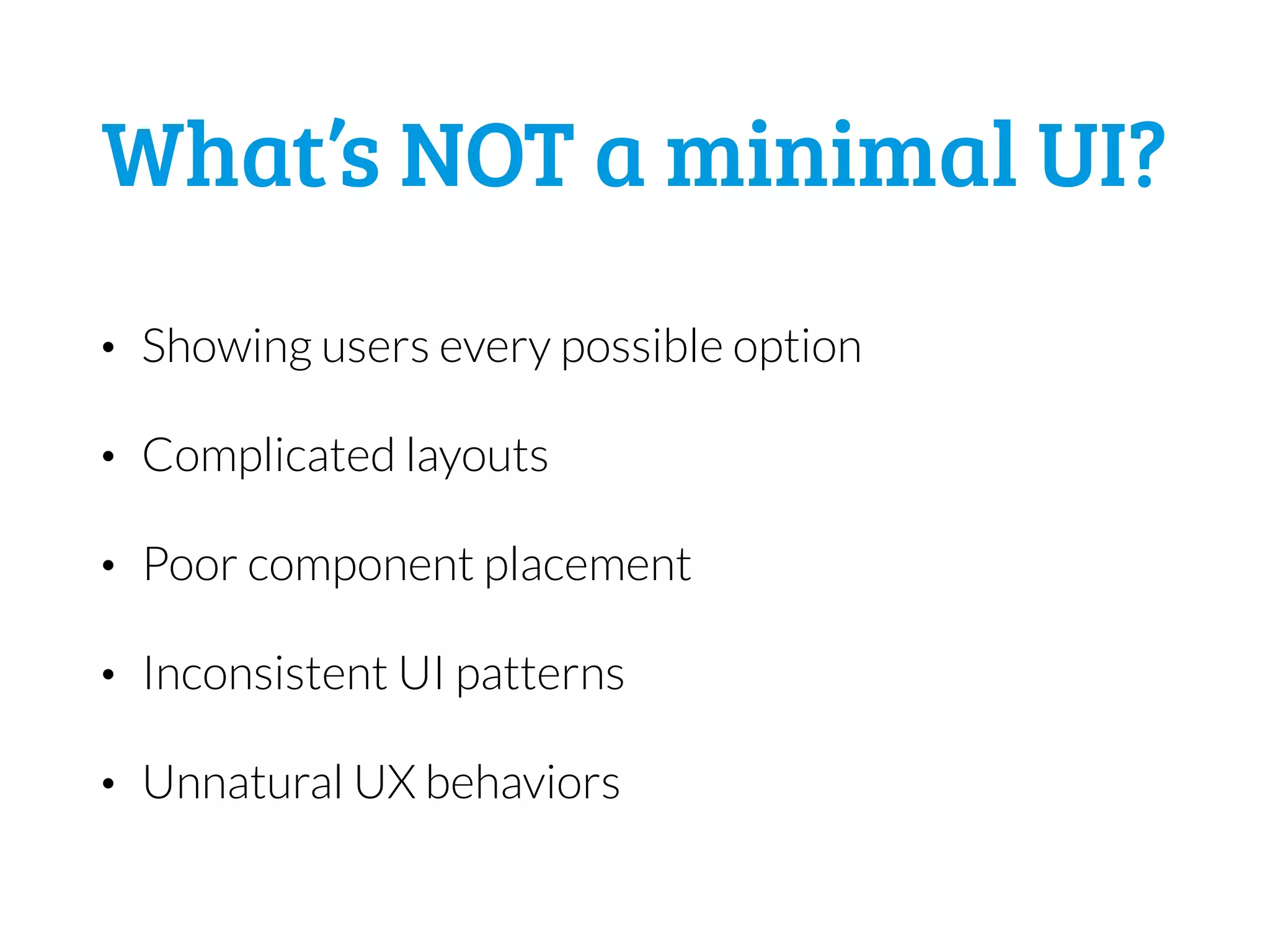

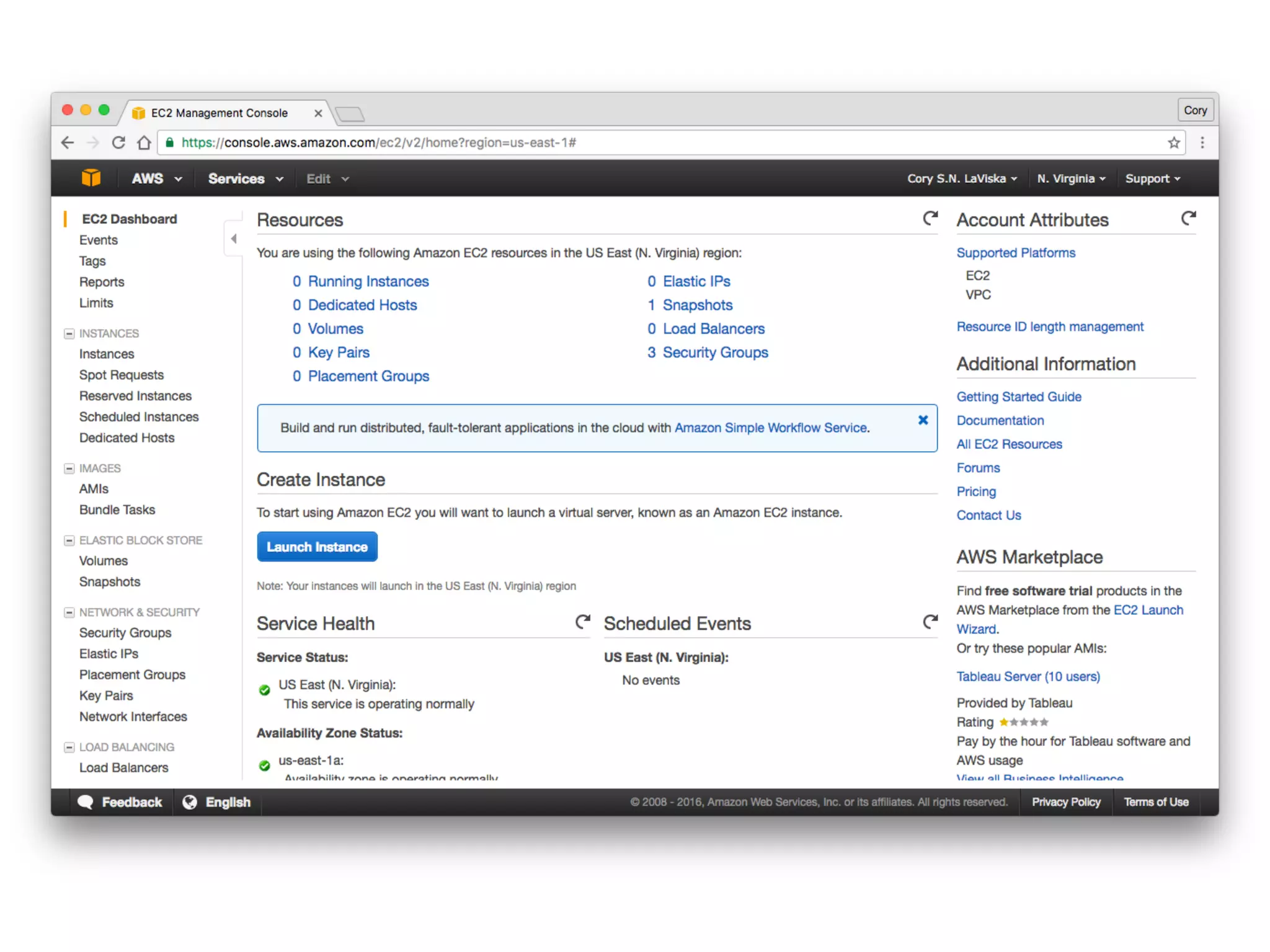

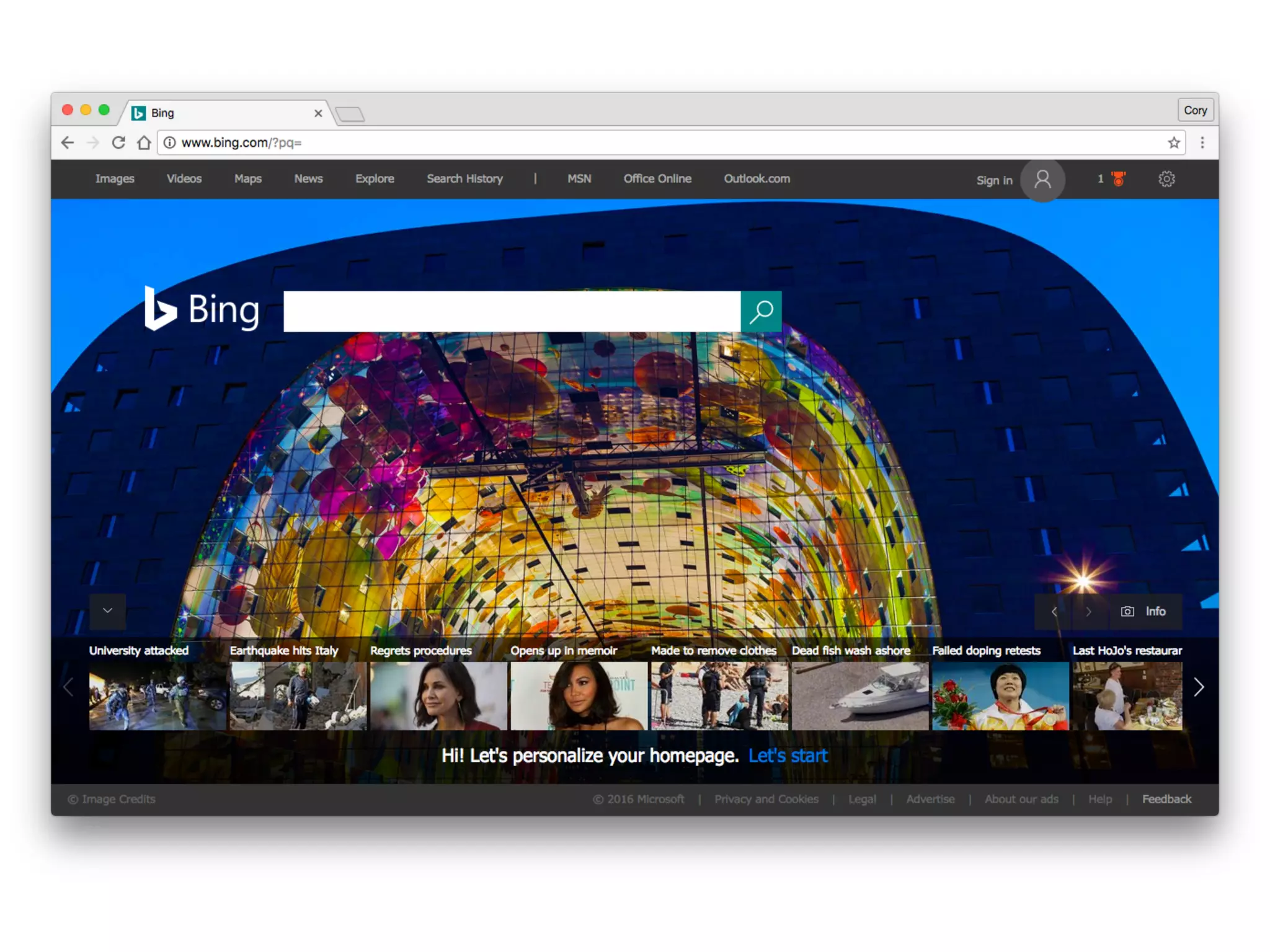
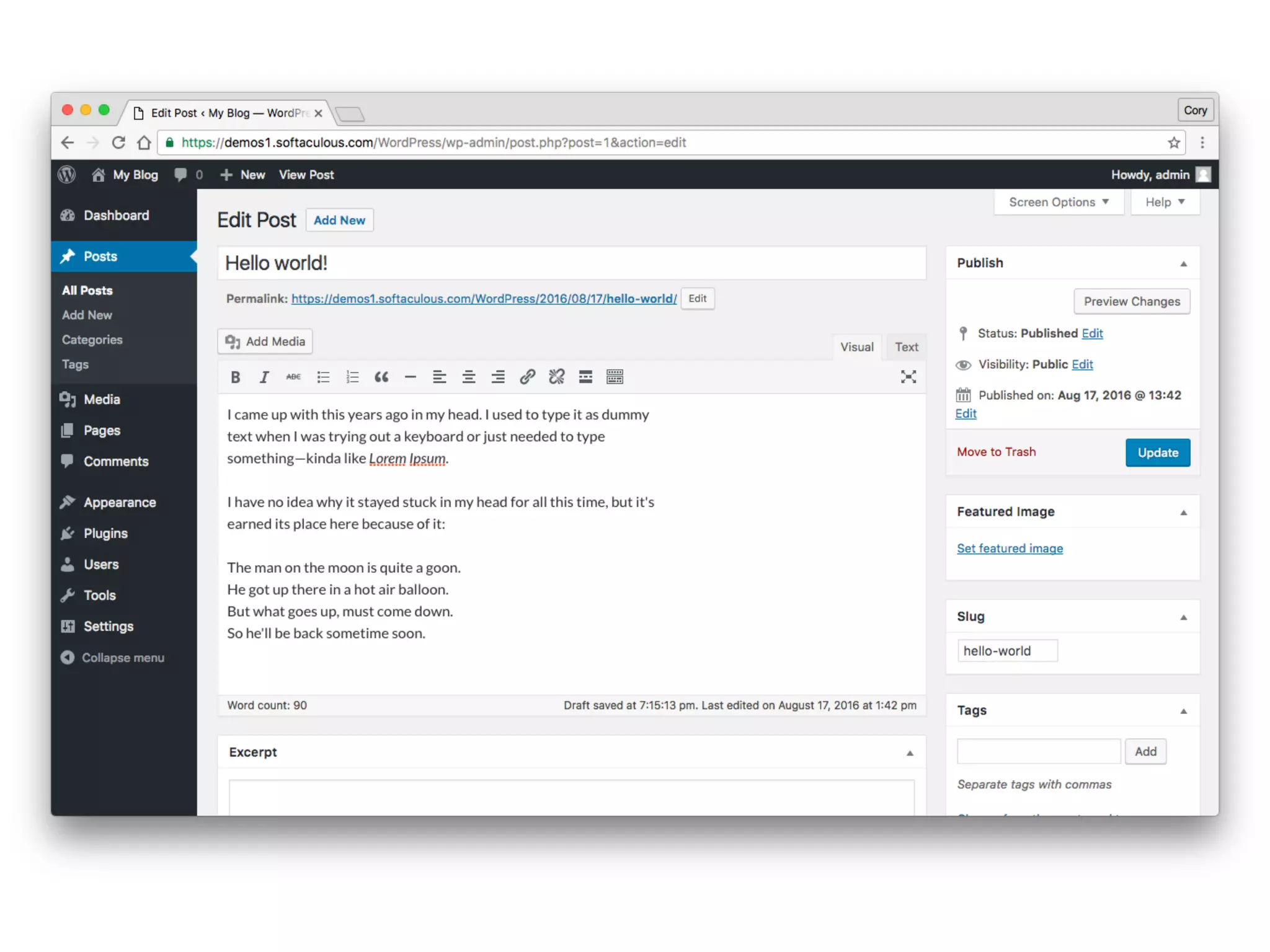

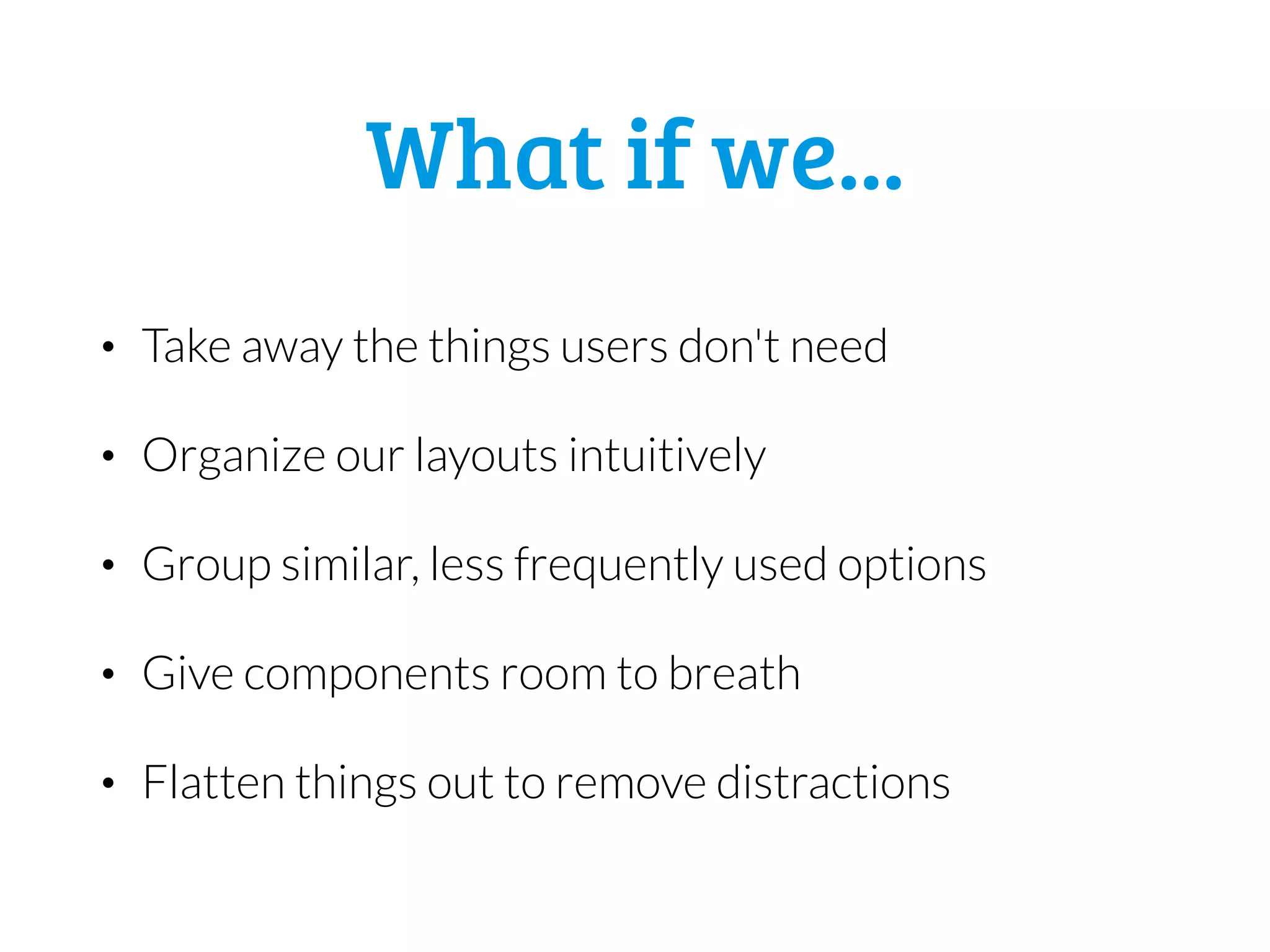
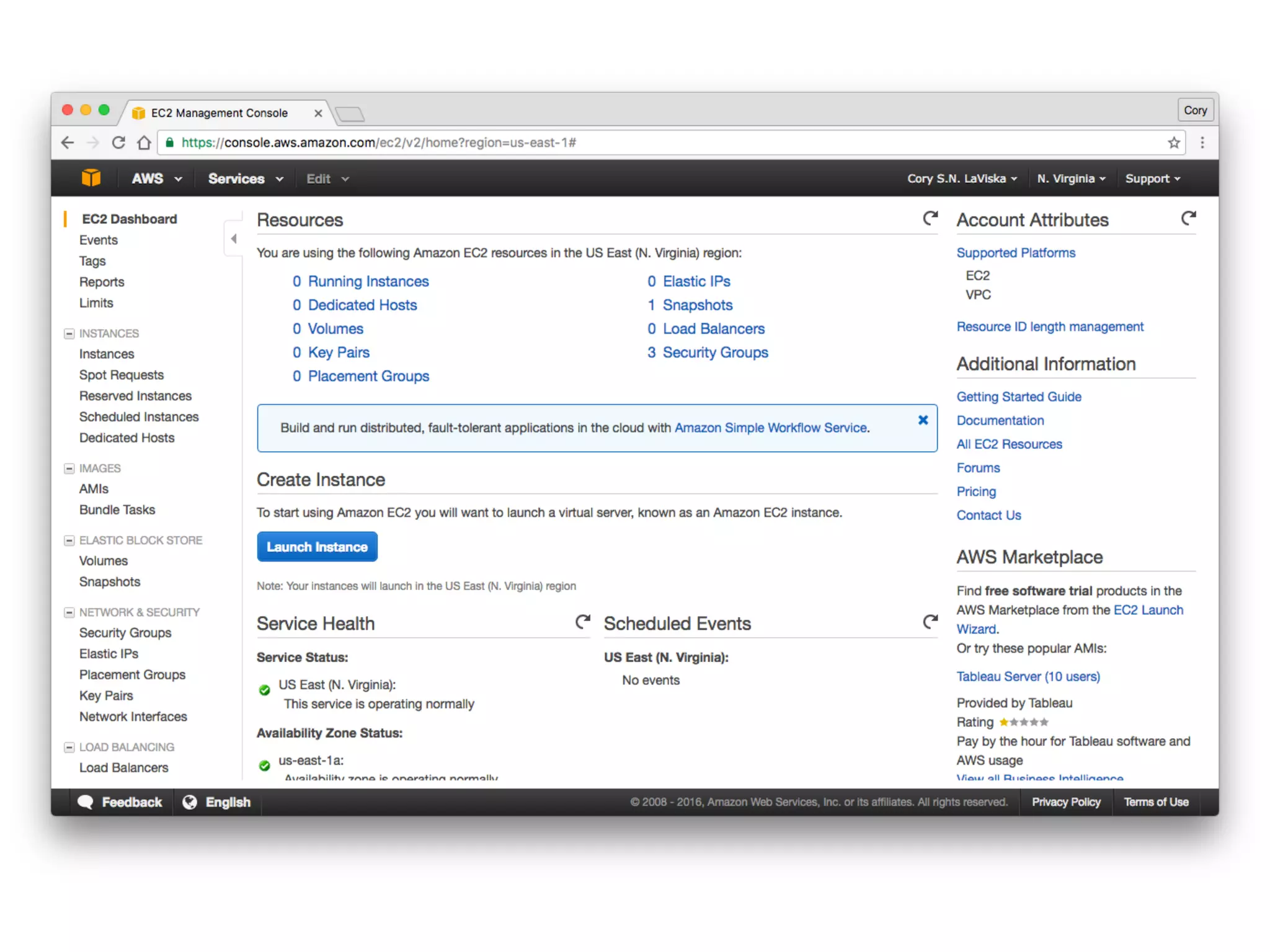
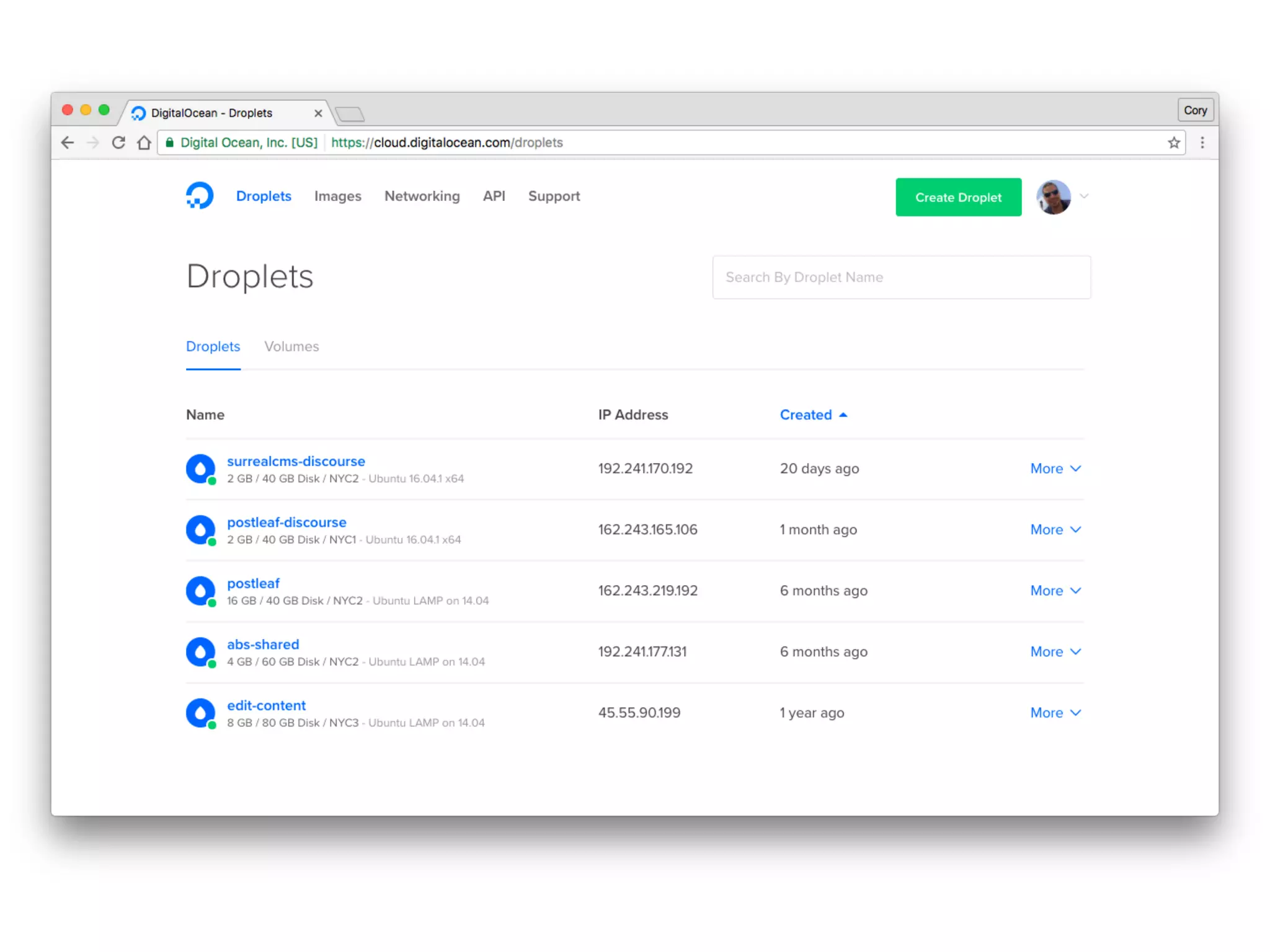

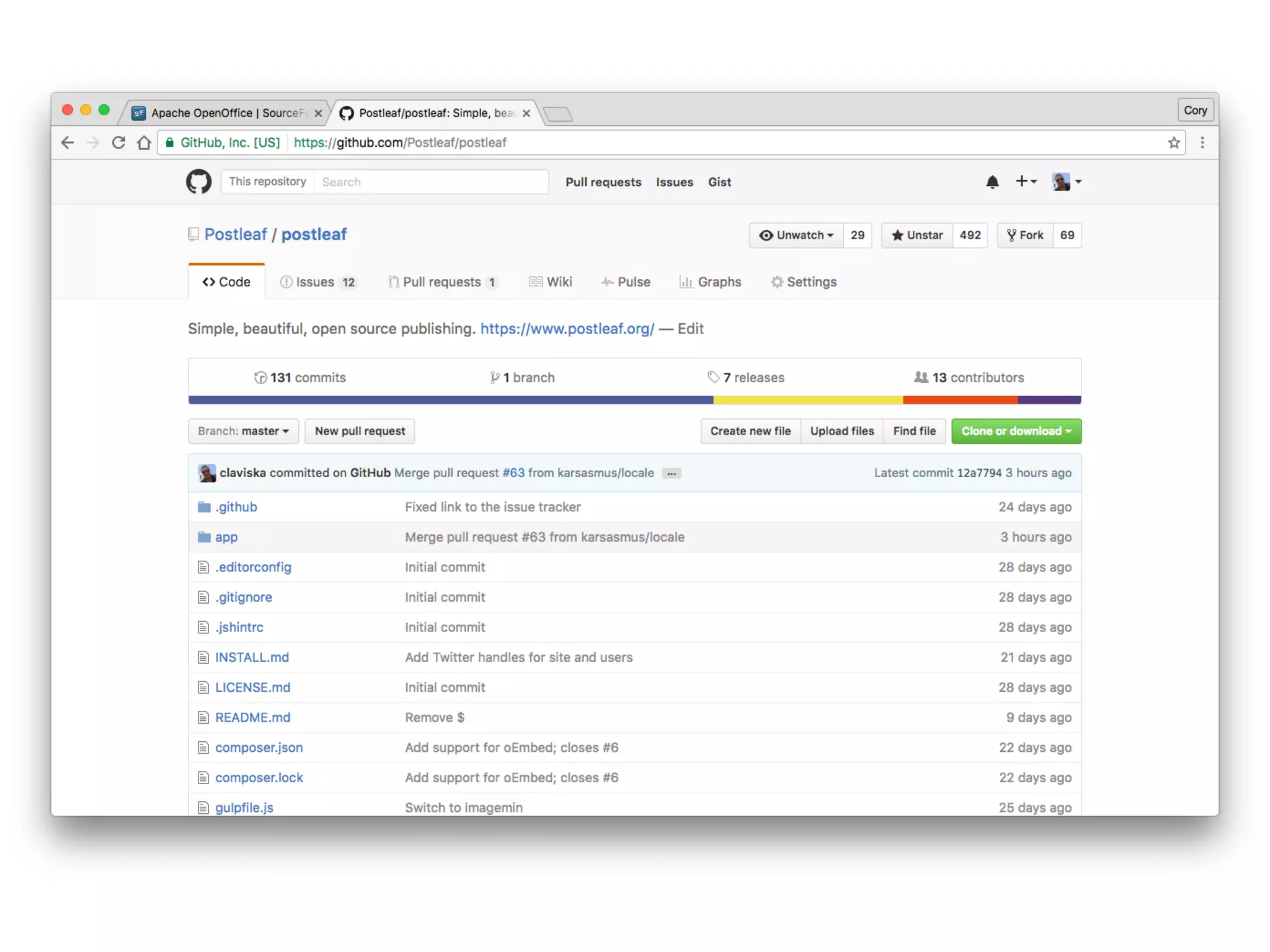
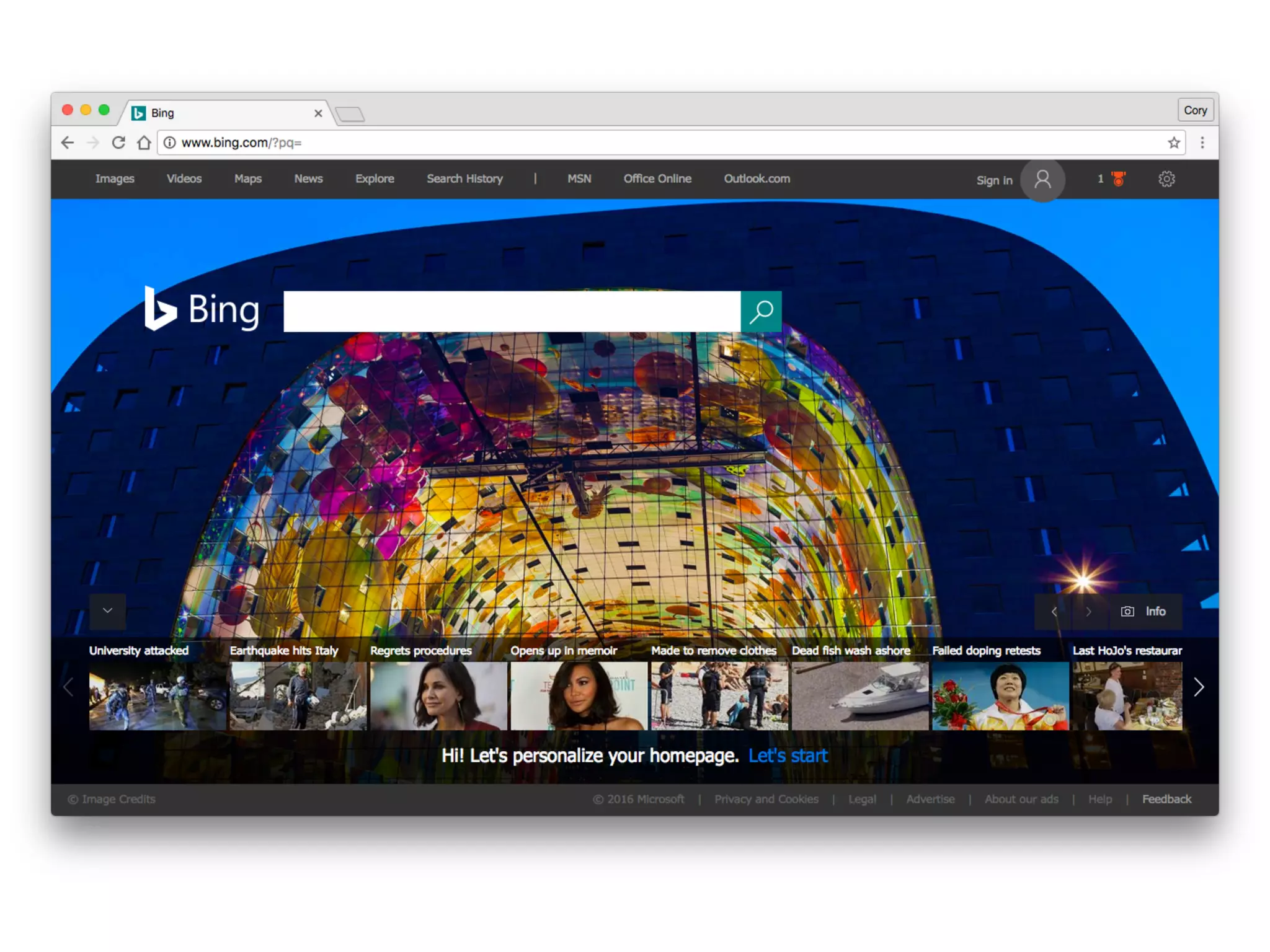
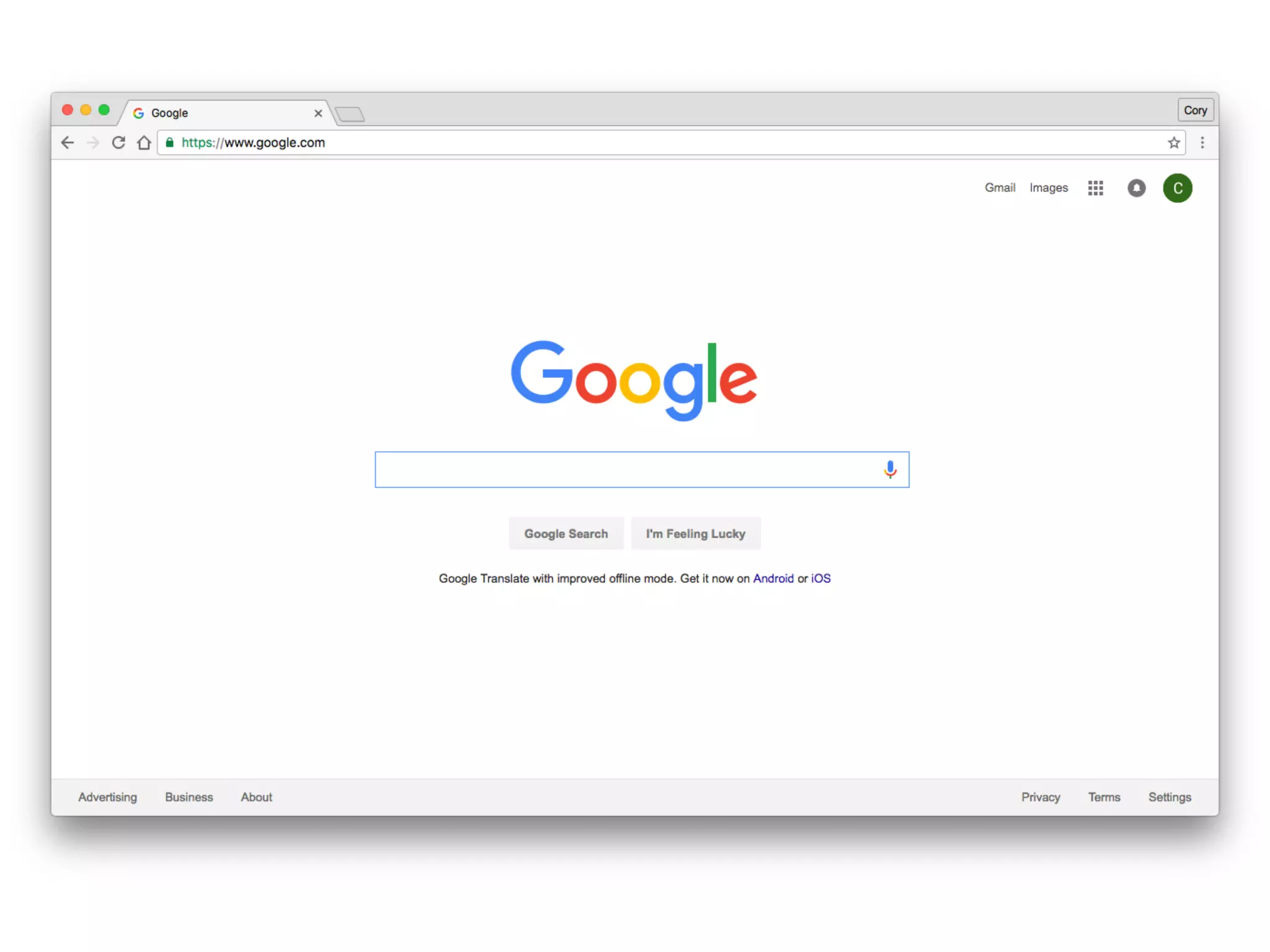
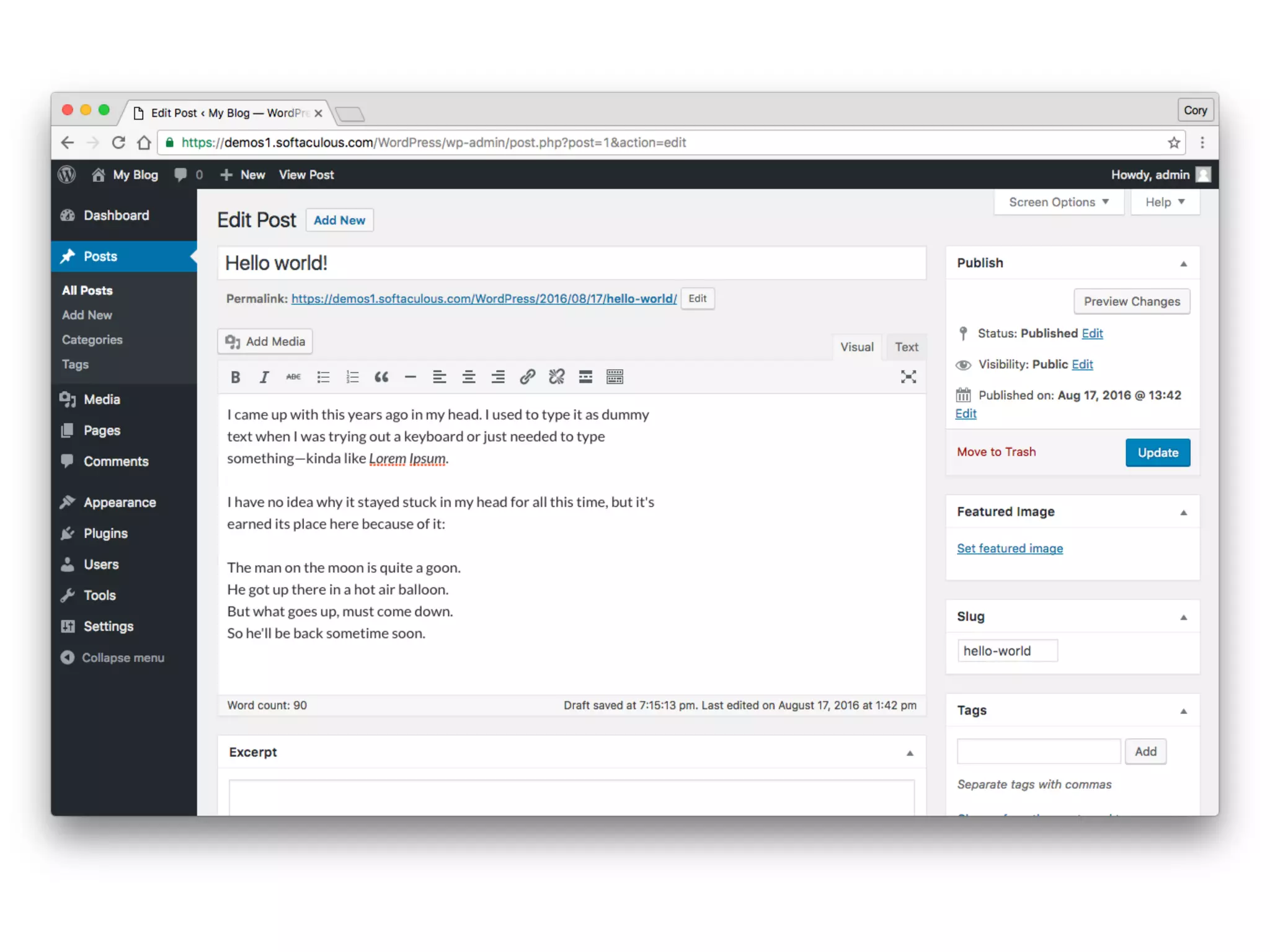
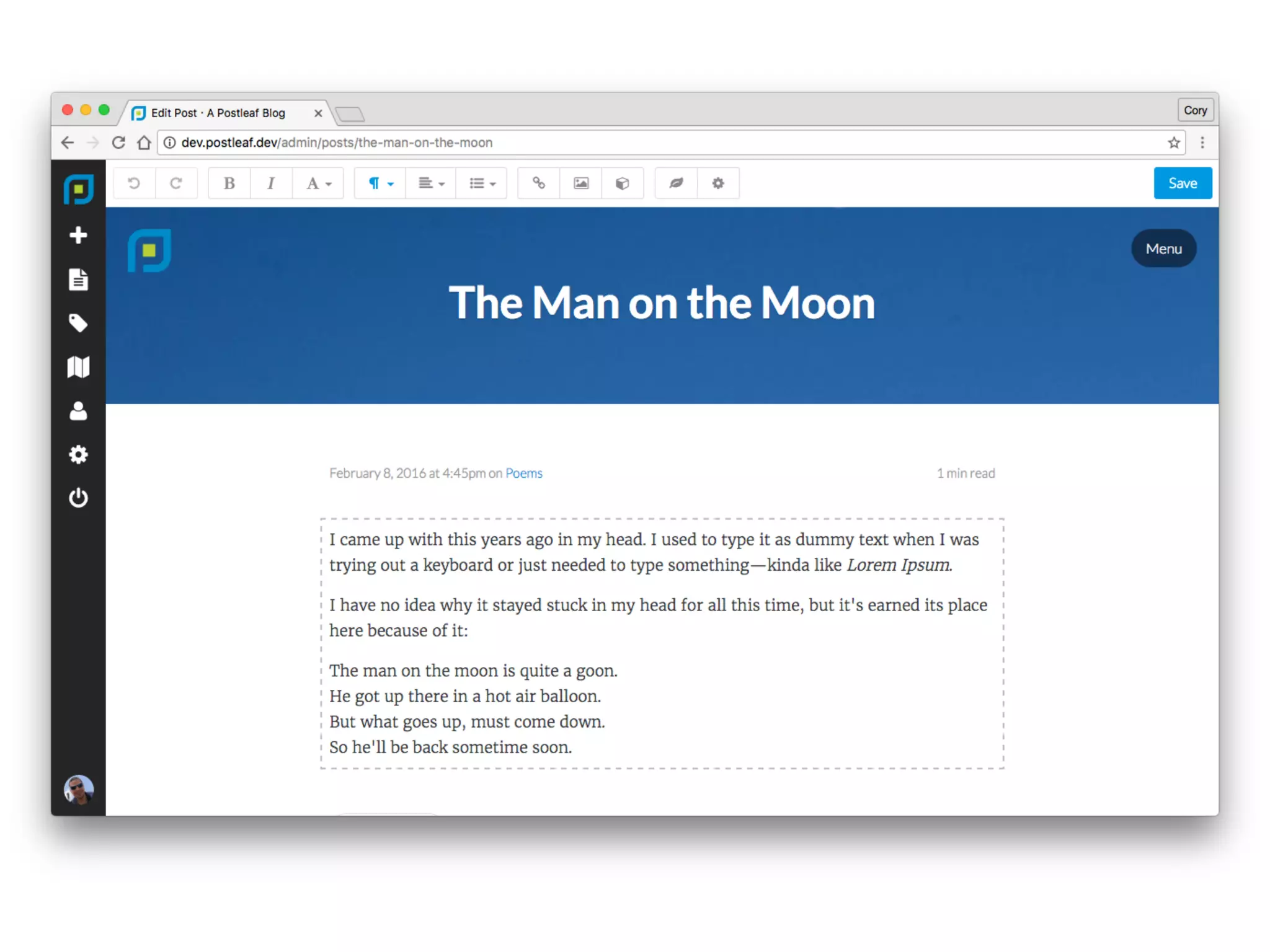
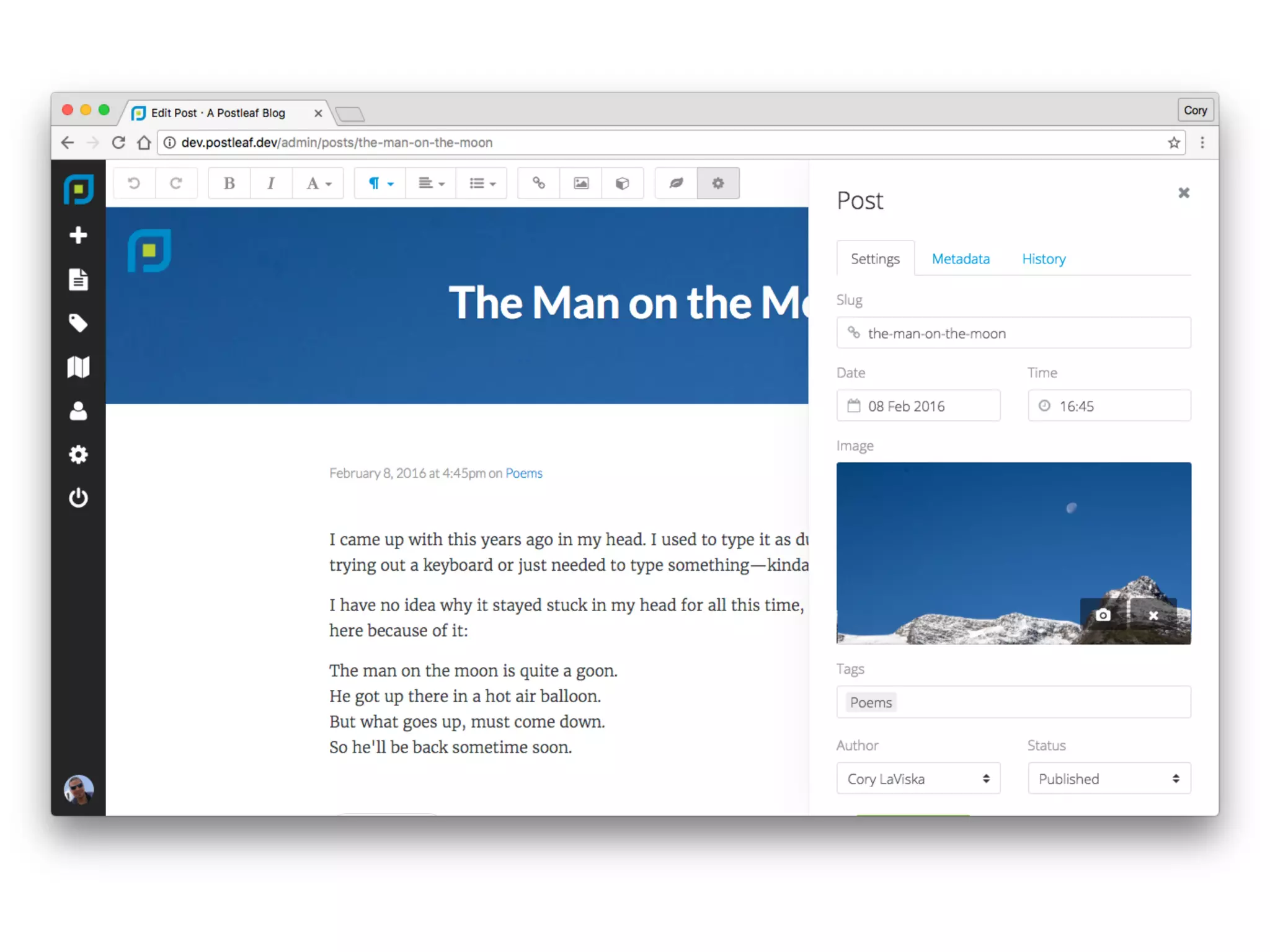
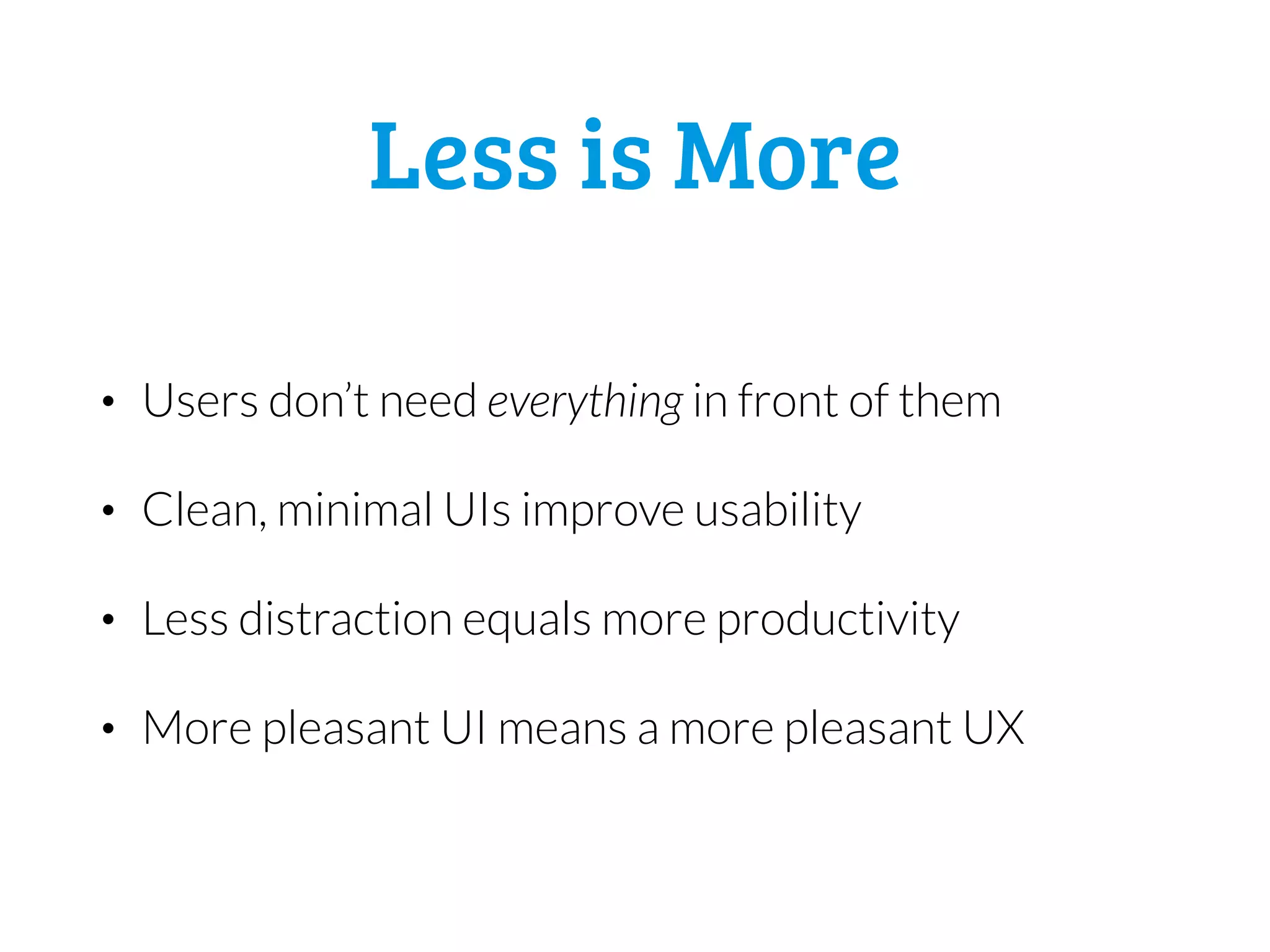


The document discusses designing a minimal user interface (UI). A minimal UI only shows users what they need through smart defaults, clear calls to action, and easy searchability. It encourages a logical workflow. Conversely, a UI is not minimal if it shows every option, has complicated layouts, poor component placement, inconsistent patterns, or unnatural behaviors. The document suggests taking away unnecessary elements, organizing layouts intuitively, grouping less frequent options, giving components space, and flattening the UI to improve usability and productivity with a cleaner, less distracting interface.


